

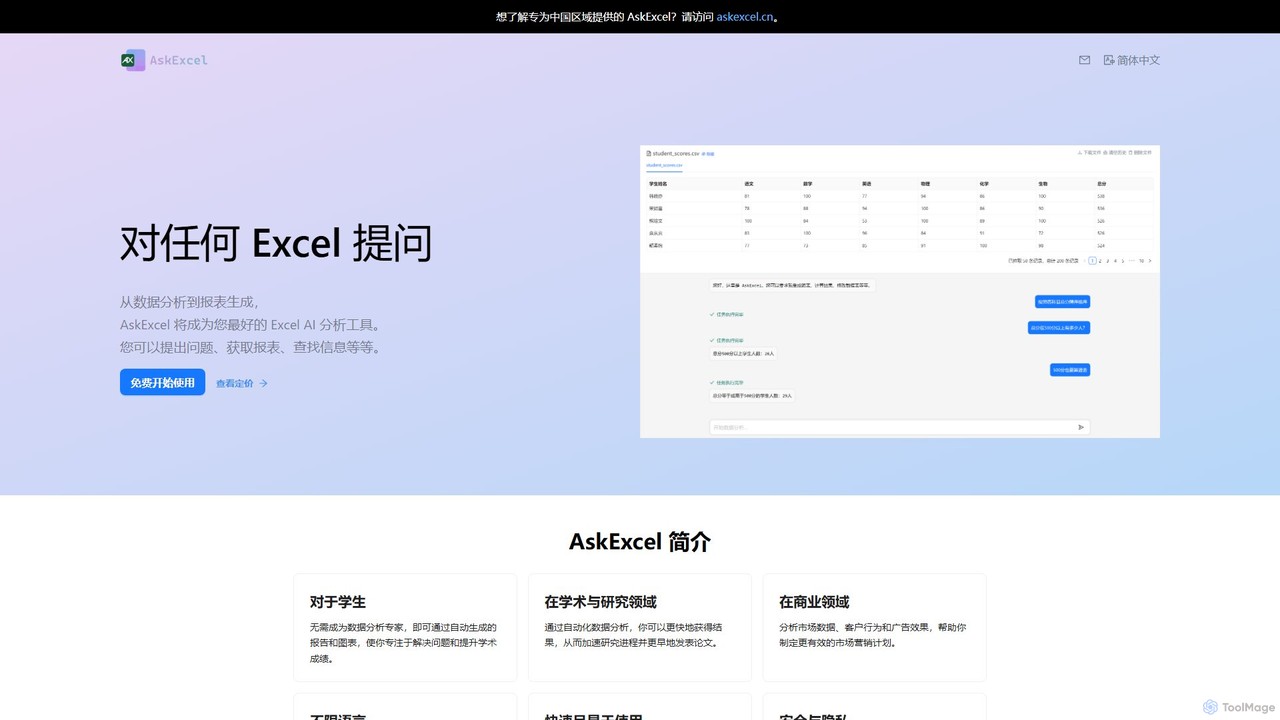
AskExcel Overview
AskExcel is a revolutionary AI data analysis tool designed to simplify and accelerate how you interact with your spreadsheet data. It eliminates the steep learning curve of complex Excel functions and data analysis techniques, allowing anyone to become a data expert. By leveraging advanced Natural Language Processing (NLP), AskExcel enables you to simply 'ask' questions about your data in plain language and receive immediate, accurate answers. Whether you need to generate a sales report, visualize marketing trends, or analyze research data, AskExcel acts as your personal data analyst, available 24/7.
The platform is built for a diverse range of users, from students needing help with academic projects to business professionals making data-driven decisions. It transforms static spreadsheets into dynamic, conversational knowledge bases, making data exploration intuitive and efficient. The core mission of AskExcel is to democratize data analysis, making powerful insights accessible to everyone, regardless of their technical background.
How to use AskExcel
Using AskExcel is a straightforward, three-step process designed for maximum efficiency:
- Upload Your Data: Simply drag and drop your Excel (.xlsx, .xls) or CSV file onto the secure AskExcel platform. The AI will instantly parse and understand the structure of your data, including columns, rows, and data types.
- Ask Your Questions: In the chat-like interface, type your questions in natural language. You can be as simple or as complex as you need. For example, ask "What were the total sales for Q3?", "Show me a bar chart of revenue by country," or "Which marketing channel had the highest conversion rate last month?"
- Get Instant Insights: AskExcel processes your request in seconds. It provides answers in various formats, including concise text summaries, calculated figures, automatically generated tables, and publication-ready charts and graphs. You can continue the conversation to drill down further into your data.
Core Features of AskExcel
- Natural Language Querying: Interact with your data using plain language. No need to learn specific syntax or programming languages.
- Automated Data Visualization: Instantly generate a wide variety of charts and graphs (bar, line, pie, scatter plots, etc.) simply by asking for them.
- AI-Powered Formula Generation: Stuck on a complex Excel formula? Ask AskExcel how to write it, and it will provide the correct formula for you to use in your own spreadsheets.
- Data Analysis & Summarization: Performs complex calculations, trend analysis, correlation, and aggregation on the fly, providing you with key takeaways and summaries.
- Data Cleaning Suggestions: The AI can identify potential issues in your data, such as duplicates, missing values, or inconsistencies, and suggest ways to clean it.
- Multi-Language Support: Communicate with the tool in your most familiar language, breaking down barriers to data analysis for global teams and users.
- Secure and Private: All data is encrypted and stored securely in the cloud. Your information is never shared or used for training models, ensuring complete confidentiality.
Use Cases for AskExcel
AskExcel is a versatile tool applicable across various domains:
- For Business Professionals: Analyze sales figures to identify top-performing products, track marketing campaign ROI, evaluate customer behavior for segmentation, and generate quick financial reports for stakeholder meetings.
- For Students and Academics: Accelerate research by quickly analyzing datasets from experiments or surveys. Generate charts and tables for theses, papers, and presentations without spending hours in Excel. It's an excellent tool for learning data analysis concepts in a practical way.
- For Marketers: Analyze advertising performance, understand customer journeys, and optimize marketing strategies by asking direct questions about campaign data.
- For Operations Managers: Track inventory levels, analyze supply chain efficiency, and monitor operational KPIs through a simple conversational interface.
Advantages of AskExcel
The primary advantage of AskExcel is its ability to make data analysis accessible and incredibly fast. It saves countless hours that would otherwise be spent on manual data manipulation and formula writing. By removing the technical barrier, it empowers team members across all departments to engage with data and derive their own insights. Its speed allows for real-time analysis during meetings, enabling more agile and informed decision-making. Furthermore, its commitment to security and privacy makes it a trustworthy tool for handling sensitive business and research data.
Pricing and Plans
AskExcel operates on a freemium model, ensuring accessibility for everyone.
- Free Plan: Ideal for students, individuals, and light users. This plan typically includes a limited number of file uploads and queries per month, allowing you to experience the core features at no cost.
- Pro Plan: Designed for professionals and power users who require higher limits. This plan offers more file uploads, a higher query volume, support for larger files, and priority customer support.
- Business/Enterprise Plan: Tailored for teams and organizations. This plan includes all Pro features plus team collaboration tools, API access for integration with other systems, and dedicated support.
For specific pricing details, please visit the official AskExcel website.
AskExcel Alternatives

ChatExcel
ChatExcel is an AI-powered data analysis tool that allows users to process spreadsheets and analyze data through a simple chat interface. It automates tasks like data cleaning, merging, and analysis, and generates over 100 types of charts and visualizations from natural language commands. No coding or complex formulas required, boosting productivity by up to 90%.
Business Intelligence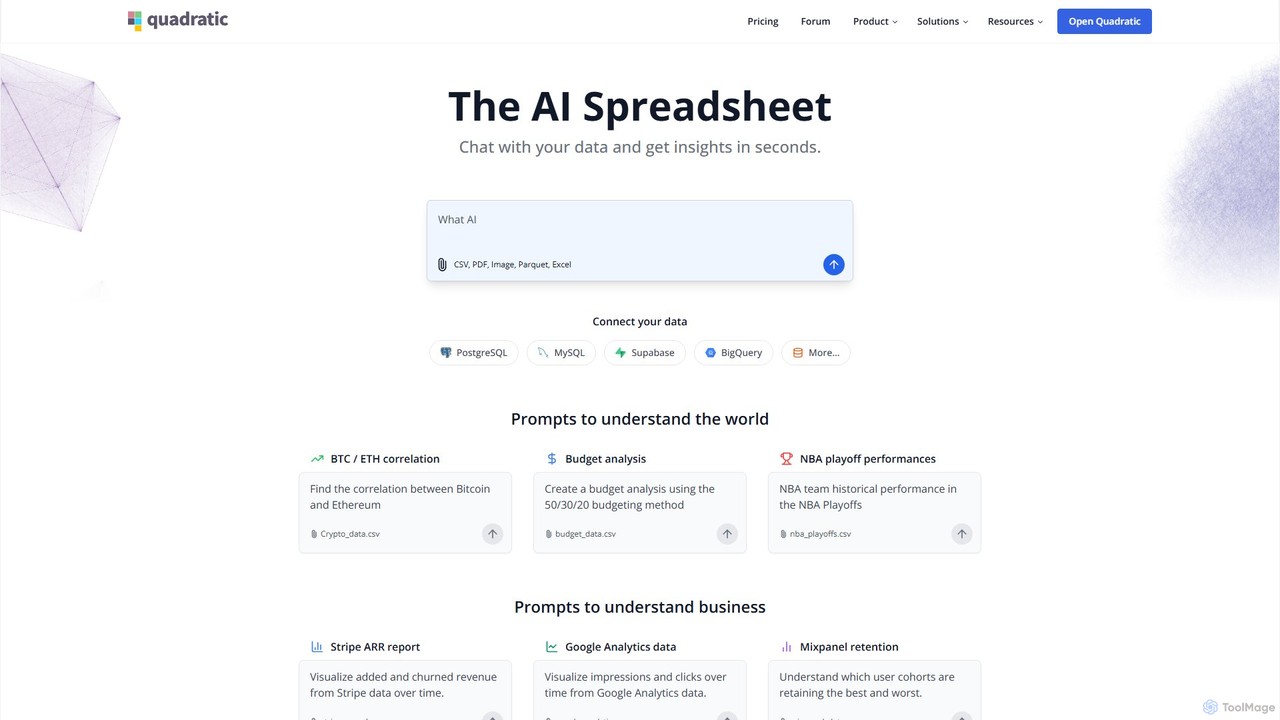
Quadratic
Quadratic is a powerful AI spreadsheet that integrates a familiar interface with Python, SQL, and natural language prompts. Connect directly to live databases, analyze data, extract information from PDFs, and create visualizations instantly. It's a secure, collaborative platform for data analysts, business professionals, and developers.
Business Intelligence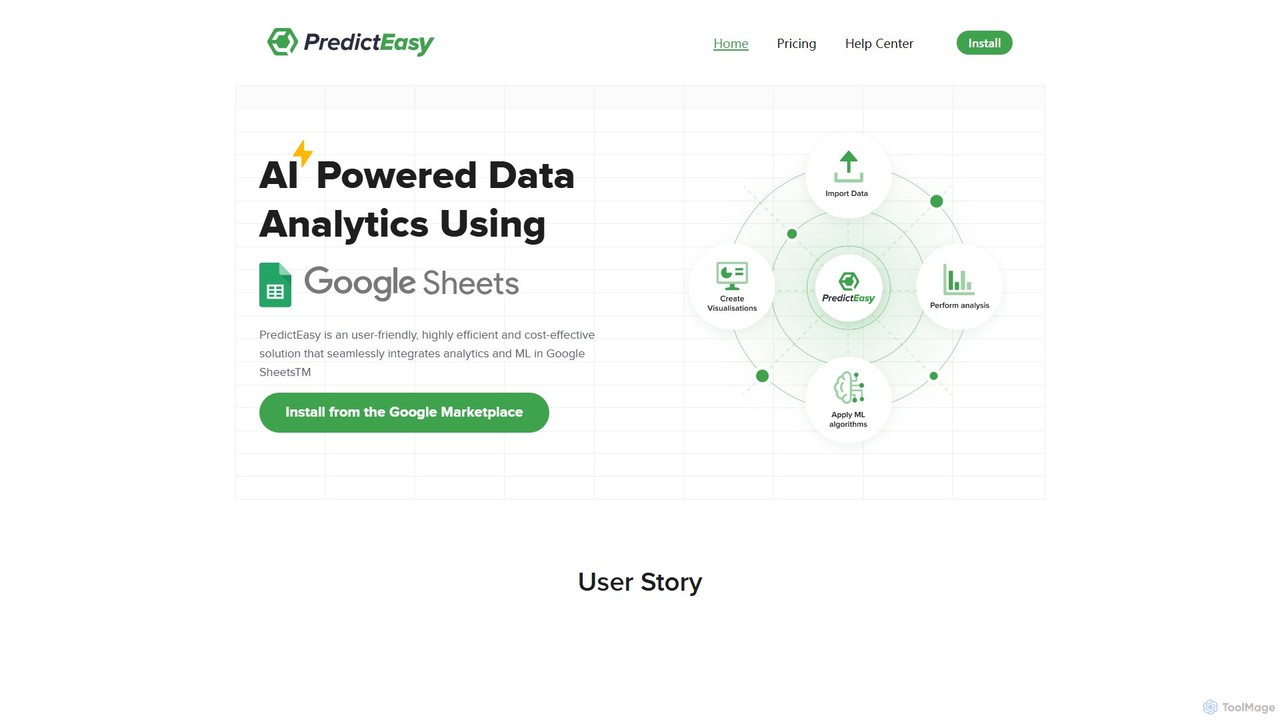
PredictEasy
PredictEasy is a powerful no-code AI add-on for Google Sheets that democratizes data analytics. It allows users to perform advanced tasks like predictive modeling, time-series forecasting, NLP, and statistical analysis with just a few clicks. Ideal for business professionals, researchers, and data analysts, it transforms your spreadsheet into a sophisticated data science tool, enabling data-driven decisions without writing any code.
Business Intelligence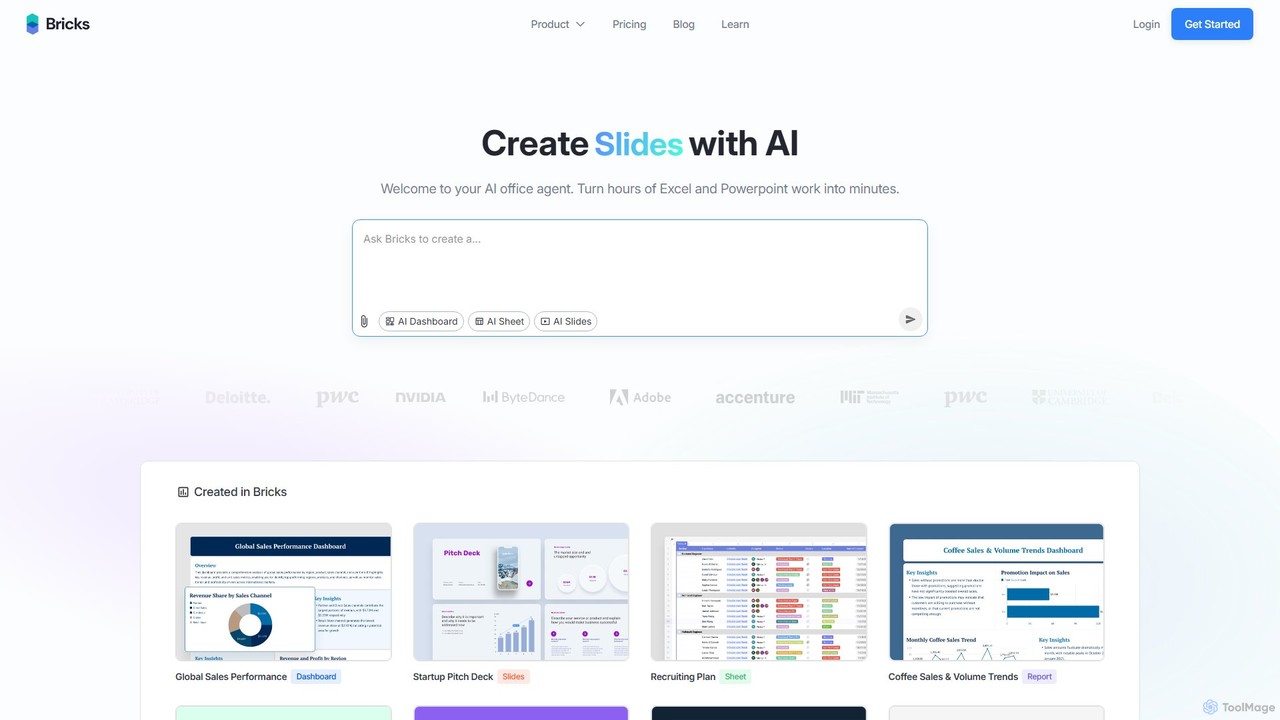
thebricks
thebricks is an AI-powered workspace that transforms data analysis and reporting. It allows users to create interactive dashboards, dynamic spreadsheets, and professional slides using simple natural language prompts. Turn hours of manual work in Excel and PowerPoint into minutes, streamlining your workflow and boosting productivity.
Business Intelligence
Ajelix
Ajelix is an AI-powered suite of tools designed to enhance productivity for Excel and Google Sheets users. It acts as an AI data analyst, automating tasks, generating formulas and VBA scripts, creating insightful reports, and providing advanced data analysis through a simple chat interface.
Business IntelligenceAskExcel Categories
AskExcel Embed Widget
Copy this embed code to place the badge on your blog, article, or product site and send readers directly to this ToolMage detail page.

Related AI tools
ChatExcel
ChatExcel is an AI-powered data analysis tool that allows users to process spreadsheets and analyze data through a simple chat interface. It automates tasks like data cleaning, merging, and analysis, and generates over 100 types of charts and visualizations from natural language commands. No coding or complex formulas required, boosting productivity by up to 90%.
Business Intelligencethebricks
thebricks is an AI-powered workspace that transforms data analysis and reporting. It allows users to create interactive dashboards, dynamic spreadsheets, and professional slides using simple natural language prompts. Turn hours of manual work in Excel and PowerPoint into minutes, streamlining your workflow and boosting productivity.
Business IntelligenceAjelix
Ajelix is an AI-powered suite of tools designed to enhance productivity for Excel and Google Sheets users. It acts as an AI data analyst, automating tasks, generating formulas and VBA scripts, creating insightful reports, and providing advanced data analysis through a simple chat interface.
Business Intelligence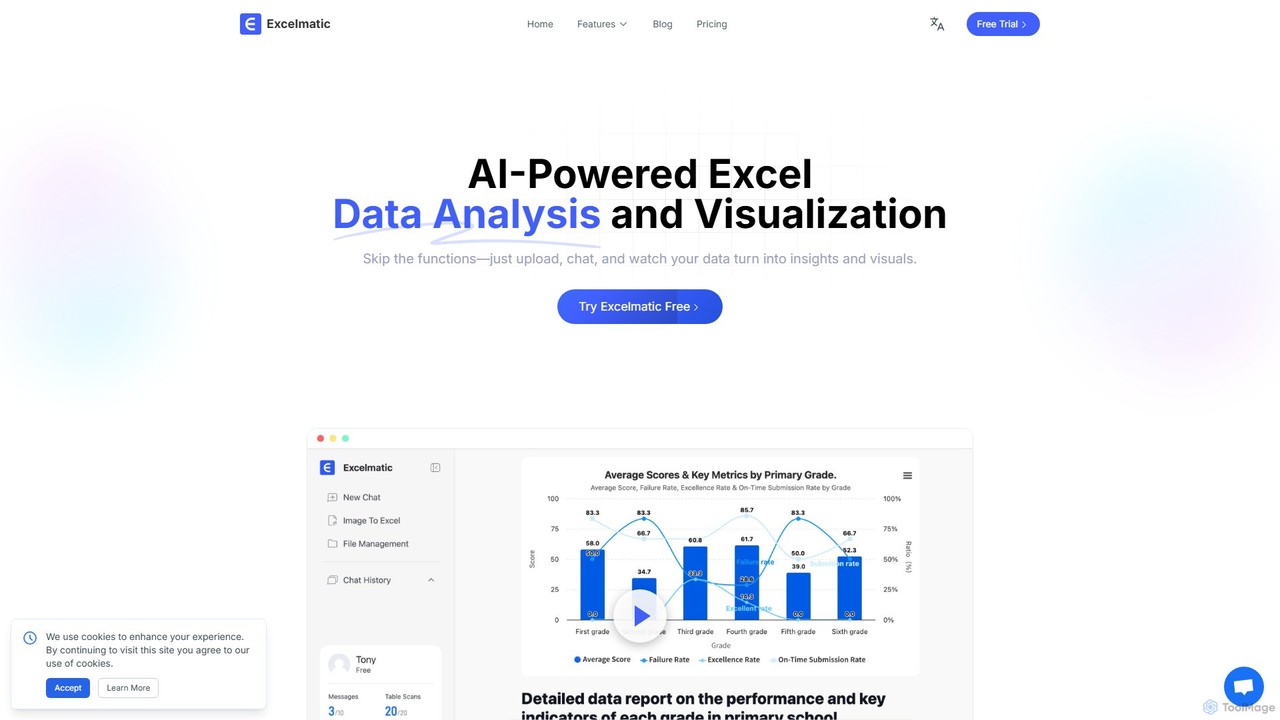
excelmatic
Excelmatic is an AI-powered assistant that transforms your Excel and spreadsheet tasks. Simply upload your data, ask questions in plain English, and instantly get data analysis, visualizations, and generated formulas. It's a no-code solution designed to automate data cleaning, chart creation, and insight discovery, making data accessible to everyone.
Business Intelligence
AIColumns
AIColumns is an AI-powered data assistant that supercharges your spreadsheets. It integrates seamlessly with platforms like Google Sheets and Excel, allowing you to use natural language to clean data, generate complex formulas, create visualizations, and uncover actionable insights instantly.
Intelligence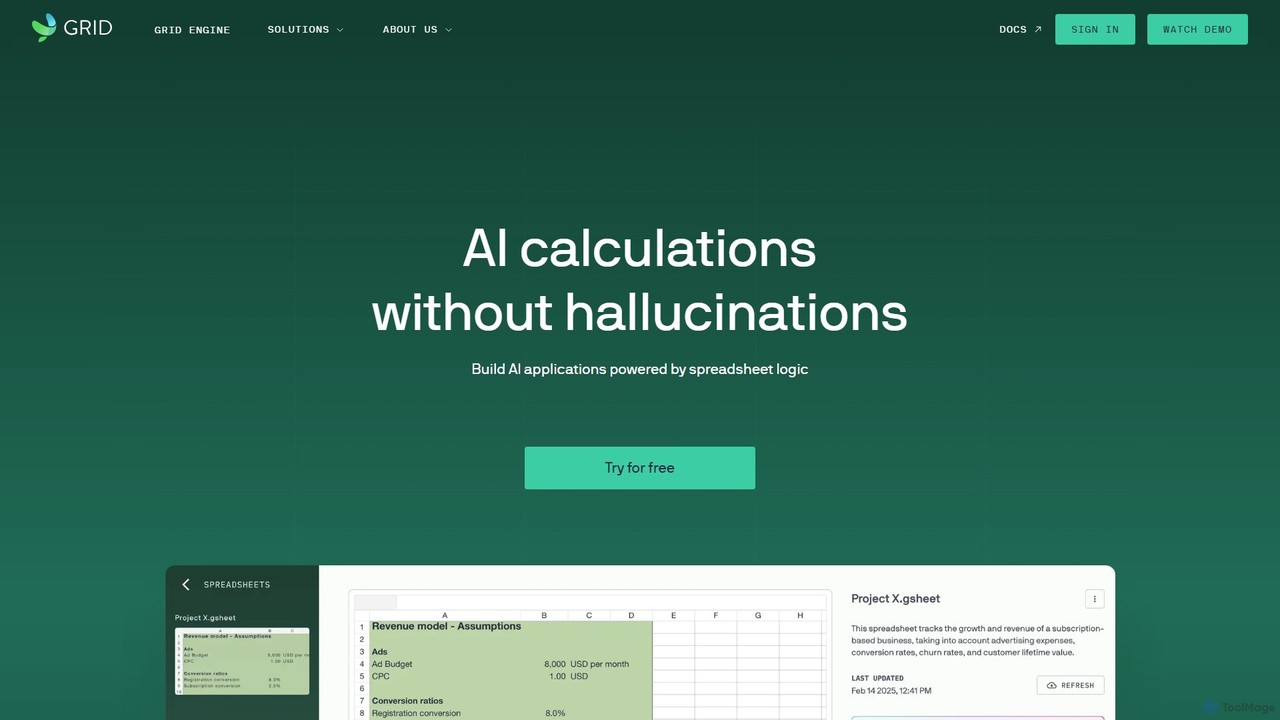
GRID
GRID is an AI-first platform that transforms your existing spreadsheets into powerful, interactive web applications and AI-driven tools. It leverages the logic and data within your Excel and Google Sheets files to build reliable calculators, dashboards, and models that can be queried using natural language, eliminating AI hallucinations.
Business Intelligence
table.studio
table.studio is an AI-powered data workspace that combines the simplicity of a spreadsheet with the power of a database and AI. Use natural language to query, analyze, and visualize your data, automating tedious tasks and uncovering insights instantly. It's designed for teams to collaborate on data projects in real-time.
Database Management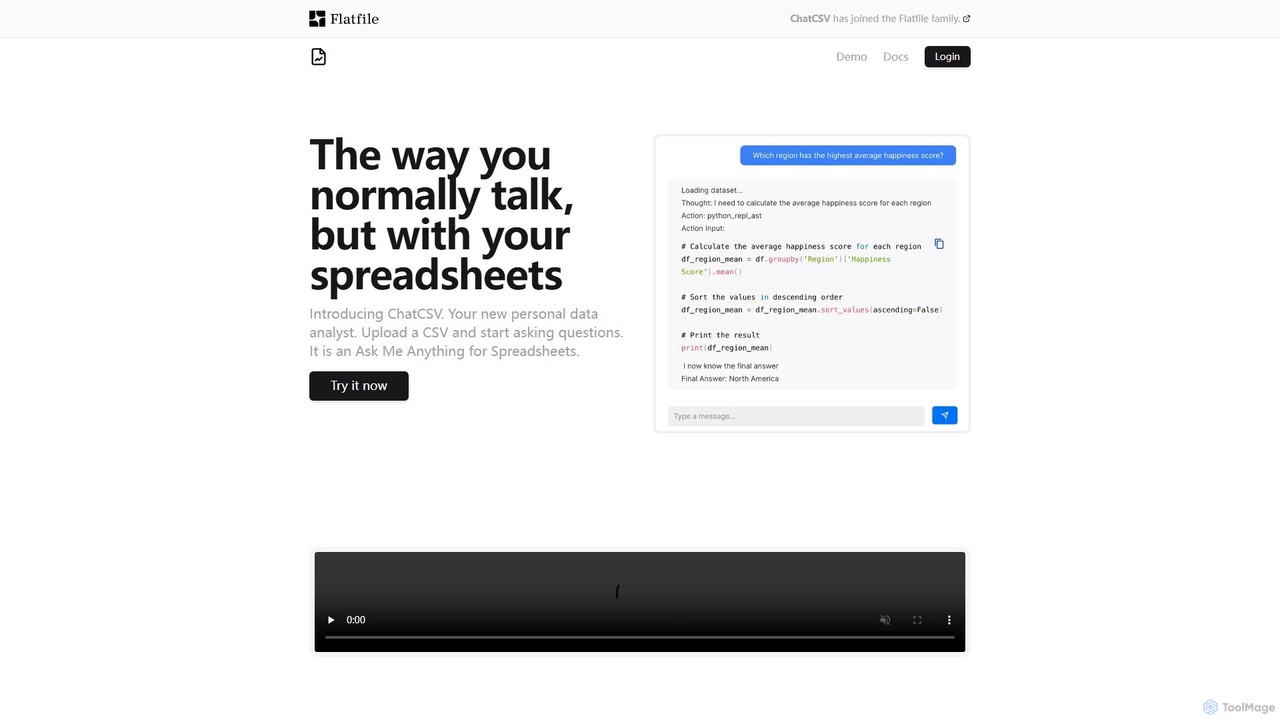
ChatCSV
ChatCSV is an AI-powered data analyst that allows you to interact with your CSV files using natural language. Upload your spreadsheet and ask questions to get instant insights, analysis, and data visualizations without writing any code or complex formulas.
Business Intelligence
Jyek
Jyek is an AI agent platform that understands objectives, creates execution plans, uses tools, and delivers verifiable results for complex, multi-step tasks.
Automation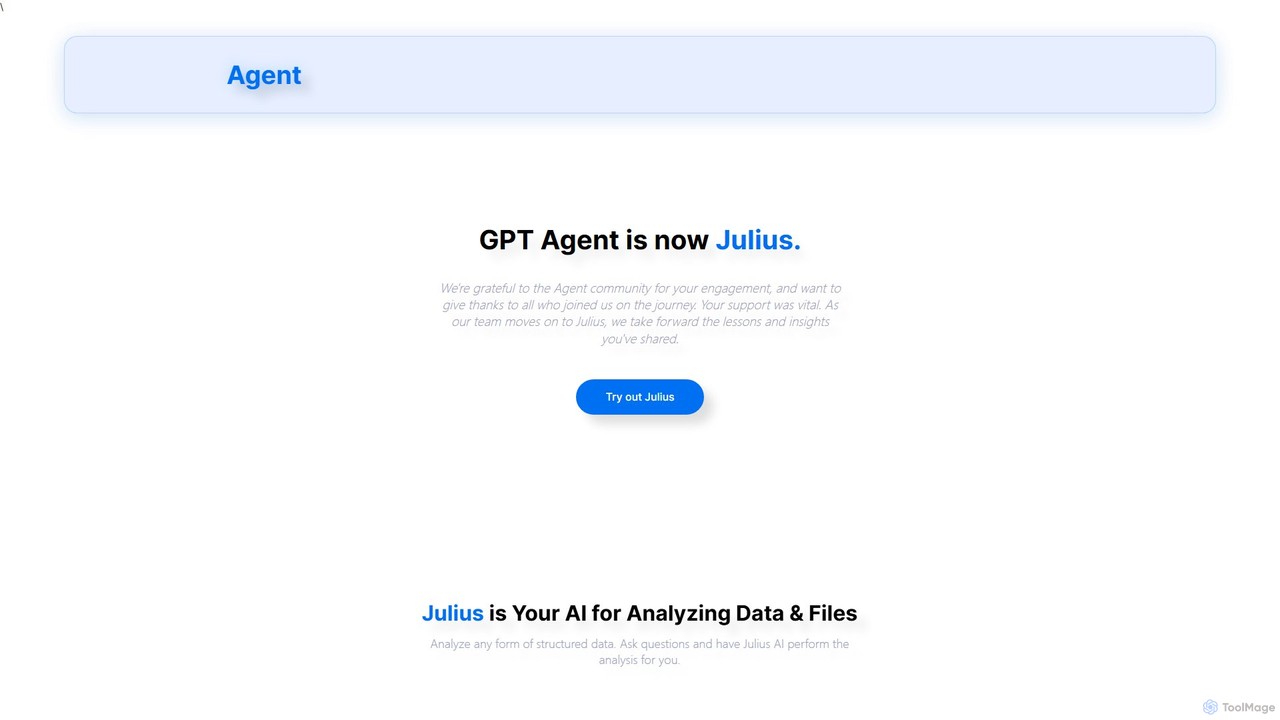
gptagent
gptagent has rebranded to Julius, an AI data analyst that allows you to analyze data and files using natural language. Upload structured data, ask questions, and instantly generate visualizations, perform statistical analysis, and build models without writing any code. It transforms complex data tasks into simple conversations.
Business Intelligence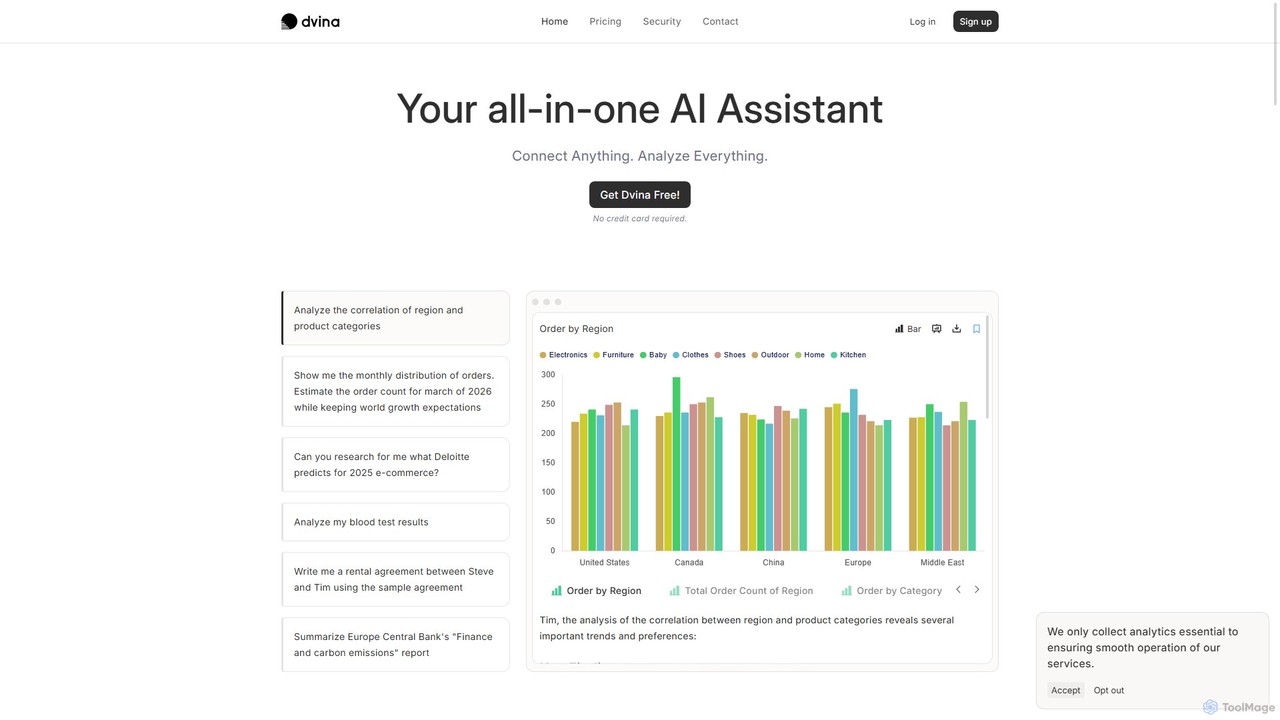
Dvina
Dvina is an all-in-one AI assistant that transforms how you interact with data. Connect to various sources like files, databases, and apps, and use natural language to perform complex data analysis, generate reports, get forecasts, and automate tasks without writing any code.
Business Intelligence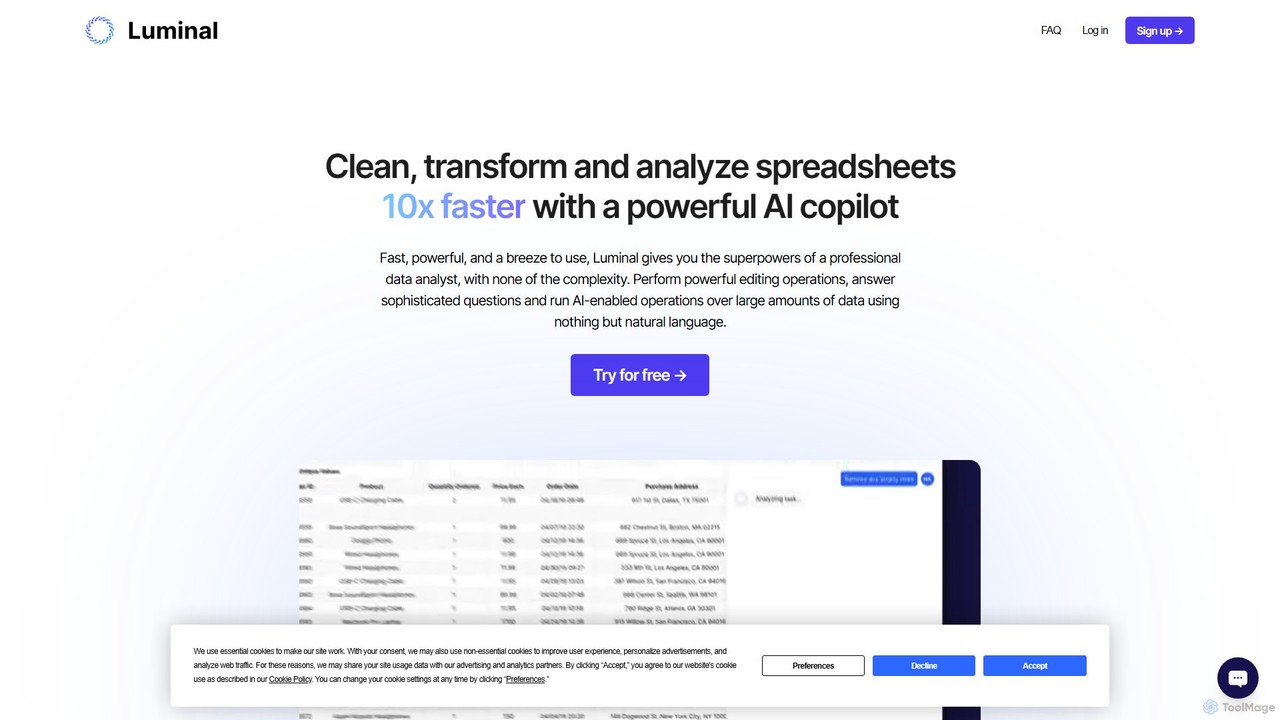
Luminal
Luminal is a powerful AI copilot that revolutionizes spreadsheet management. It allows users to clean, transform, analyze, and visualize data up to 10x faster using simple, natural language commands. Eliminate complex formulas and manual data processing, saving hours of work on large datasets.
Data Management
Metatable
Metatable is an AI-powered data assistant that revolutionizes how you interact with spreadsheets and tabular data. Simply use natural language prompts to clean, analyze, transform, and visualize your data instantly. It eliminates complex formulas and manual tasks, making data analysis accessible to everyone, from data analysts to business managers.
Analytics
Sheet Copilot
Sheet Copilot is an AI-powered assistant that automates tasks and answers questions directly within Google Sheets. By using natural language commands, you can clean data, generate formulas, create summaries, and analyze information without writing complex functions. It's currently free in beta and operates using your own OpenAI API key for enhanced privacy and security.
Automation
Arcwise
Arcwise is an AI copilot for Google Sheets that supercharges your spreadsheet workflows. It connects directly to your data warehouses and BI tools, allowing you to query, analyze, and visualize complex data using natural language, all within the familiar spreadsheet environment.
Business Intelligence
AskExcel Comments (0)
Sign in to comment.
Sign inNo comments yet.