

AIColumns Overview
AIColumns is a revolutionary AI-powered tool designed to transform the way you interact with spreadsheets and tabular data. It acts as an intelligent assistant, embedded directly within your data environment, eliminating the steep learning curve of complex functions and data analysis techniques. By leveraging advanced Natural Language Processing (NLP), AIColumns allows users of all skill levels—from beginners to seasoned analysts—to unlock the full potential of their data simply by asking questions in plain English.
Whether you're working with sales figures, marketing analytics, financial reports, or scientific data, AIColumns streamlines your workflow, automates tedious tasks, and provides deeper insights with unprecedented speed and ease. It's built for collaboration, enabling teams to work more efficiently and make data-driven decisions faster.
How to use AIColumns
Using AIColumns is designed to be intuitive and straightforward. First, you connect it to your data source, typically by installing an add-on for Google Sheets or an add-in for Microsoft Excel, or by uploading a CSV/XLSX file directly to the AIColumns web application. Once connected, a sidebar or interface appears. You can then simply type your requests into a chat-like prompt. For example, you could type 'Calculate the total revenue for Q3' or 'Create a bar chart showing sales by region' or 'Highlight all rows where the profit margin is below 10%'. The AI interprets your command and executes the action directly on your spreadsheet, whether it's inserting a formula, creating a chart, or formatting cells.
Core Features of AIColumns
- Natural Language Formula Generation: Describe the calculation you need, and AIColumns will generate the correct, complex formula for Excel or Google Sheets, including VLOOKUPs, INDEX-MATCH, and pivot table summaries.
- AI-Powered Data Cleaning: Automatically detect and fix inconsistencies, remove duplicates, handle missing values, and standardize formats across your dataset with simple commands.
- Instant Data Visualization: Generate a wide variety of charts and graphs (bar, line, pie, scatter plots) just by describing what you want to visualize. The charts are interactive and can be customized.
- Insightful Data Summarization: Ask AIColumns to 'summarize this data' or 'find the key trends,' and it will provide a concise, text-based summary of the most important patterns, outliers, and correlations in your dataset.
- Predictive Analysis: Utilize AI-driven forecasting to predict future trends based on your historical data. For example, 'Forecast sales for the next six months.'
- Seamless Integration: Works as an add-on for Google Sheets and an add-in for Microsoft Excel, allowing you to work within your familiar environment.
Use Cases for AIColumns
AIColumns is versatile and valuable across various roles and industries. Financial analysts can use it to automate report generation and perform variance analysis in seconds. Marketing teams can analyze campaign performance, segment customer lists, and visualize conversion funnels without needing a dedicated data scientist. Operations managers can track inventory, analyze supply chain efficiency, and identify bottlenecks. For small business owners, it's a powerful tool for managing finances, tracking sales, and making informed decisions without needing to be a spreadsheet guru. Researchers and students can also benefit by using it to clean and analyze experimental data quickly.
Advantages of AIColumns
The primary advantage of AIColumns is its ability to democratize data analysis. It significantly lowers the barrier to entry, empowering anyone to perform complex data tasks. This leads to massive productivity gains by automating repetitive and time-consuming processes. It also reduces the likelihood of human error in writing formulas or manipulating data. By providing instant insights and visualizations, AIColumns fosters a more data-centric culture within organizations, enabling faster and more accurate decision-making.
Pricing and Plans
AIColumns operates on a freemium model, offering a range of plans to suit different needs. The 'Free' plan is ideal for individuals and casual users, providing a limited number of AI queries per month. The 'Pro' plan, aimed at professionals, offers a higher query limit, access to advanced features like predictive analysis, and priority support. The 'Business' plan is designed for teams and organizations, featuring unlimited queries, collaborative workspaces, advanced security controls, and API access for custom integrations.
Traffic
Latest traffic
Status
Monthly traffic trend
- 2026-1: 6.4M
- 2026-2: 6.1M
- 2026-3: 6.6M
- 2026-4: 6.4M
- 2026-5: 6.0M
Geography
Top 5 countries / regions
- 🇺🇸United States67.3%
- 🇮🇳India13.9%
- 🇨🇳China8.6%
- 🇬🇧United Kingdom5.5%
- 🇨🇦Canada4.7%
Traffic sources
| Source type | Percentage |
|---|---|
Direct | 91.0% |
Referral | 8.1% |
Email | 0.9% |
Top keywords
| Keyword | Cost per click |
|---|---|
| filmyworld | $0.34 |
| huge domains | $6.81 |
| hugedomains | $7.72 |
| mkvmoviespoint | $1.02 |
| お色けドットこむ | $0.00 |
AIColumns Alternatives
SheetSavvy AI
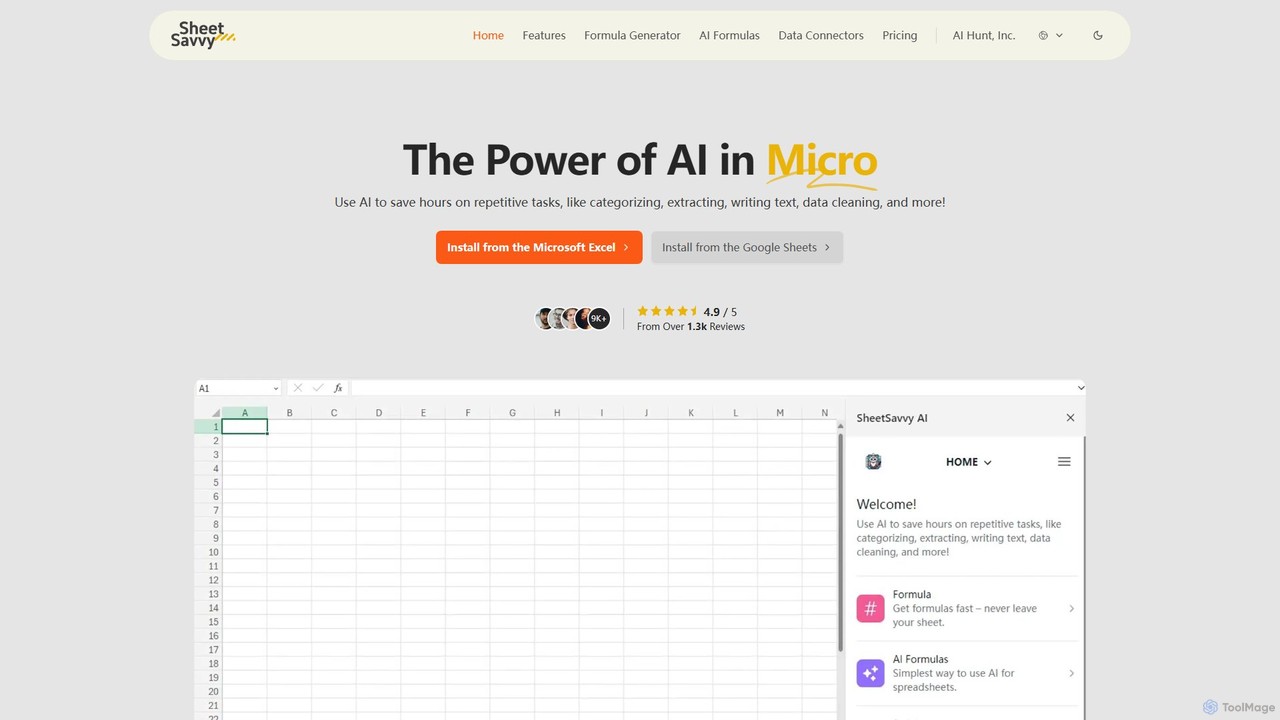
SheetSavvy AI is an AI-powered assistant for Google Sheets and Microsoft Excel, designed to automate repetitive tasks. It features a formula generator, AI-driven formulas for data cleaning and analysis, and seamless data connectors to import live data, significantly boosting spreadsheet productivity.
Finance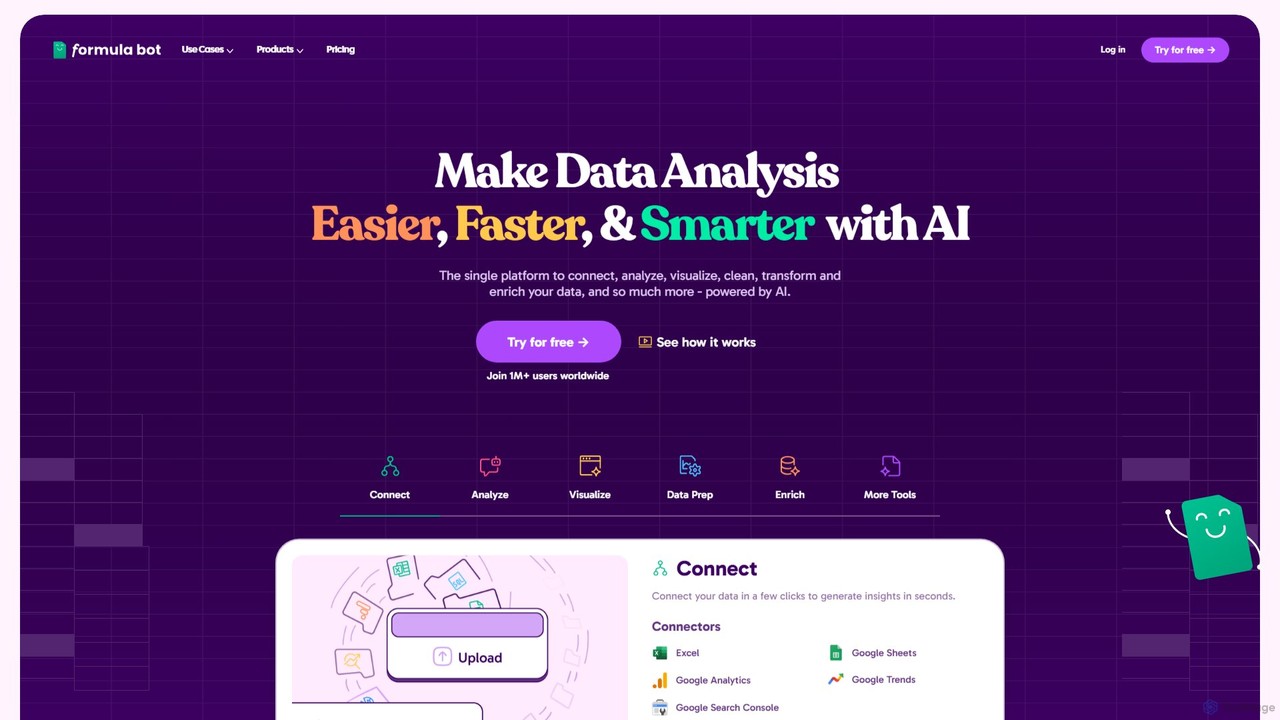
Formula Bot
Formula Bot is an AI-powered data analysis platform that simplifies working with spreadsheets and data. It allows users to generate Excel formulas, SQL queries, and VBA code from simple text instructions, analyze data through a conversational chat interface, and automate tasks like data cleaning and enrichment.
Data Visualization
Ajelix
Ajelix is an AI-powered suite of tools designed to enhance productivity for Excel and Google Sheets users. It acts as an AI data analyst, automating tasks, generating formulas and VBA scripts, creating insightful reports, and providing advanced data analysis through a simple chat interface.
Business Intelligence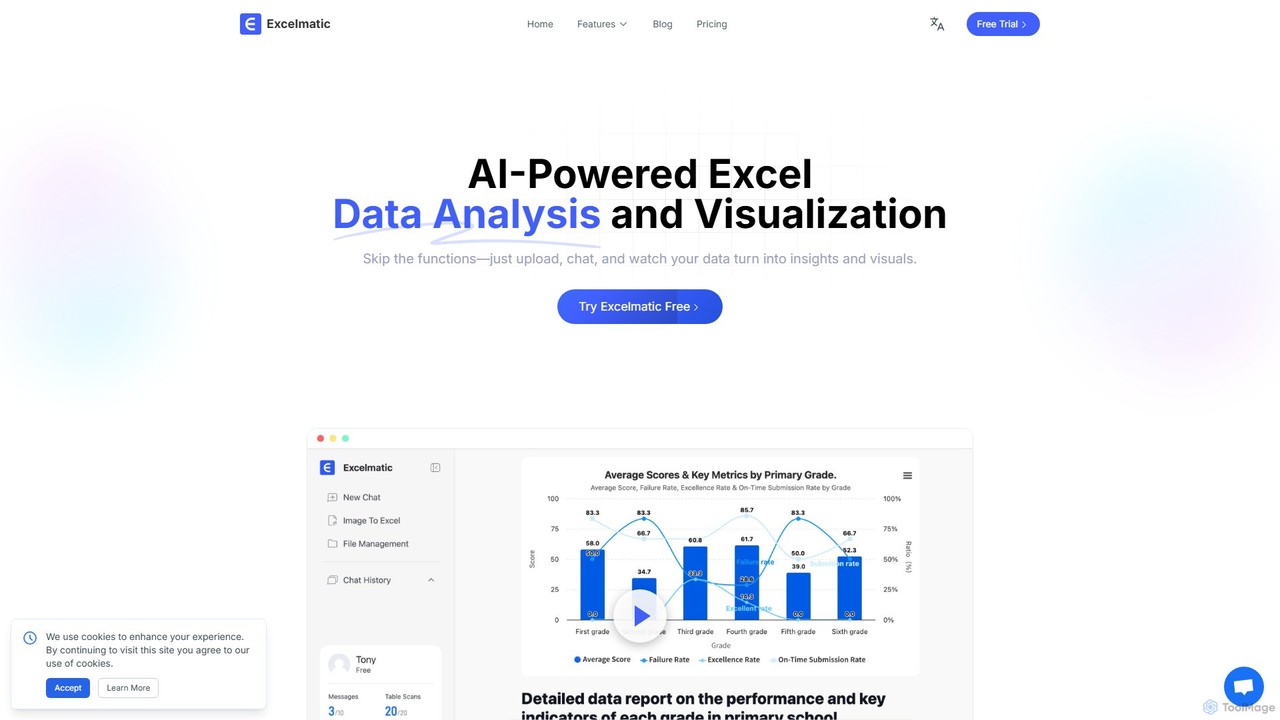
excelmatic
Excelmatic is an AI-powered assistant that transforms your Excel and spreadsheet tasks. Simply upload your data, ask questions in plain English, and instantly get data analysis, visualizations, and generated formulas. It's a no-code solution designed to automate data cleaning, chart creation, and insight discovery, making data accessible to everyone.
Business Intelligence
Sheetplus
Sheetplus is an AI-powered toolkit designed to supercharge your spreadsheet experience in Google Sheets and Excel. By leveraging natural language, it allows users to generate complex formulas, clean and analyze data, automate tasks, and extract insights without writing code. It acts as an intelligent assistant, making data management faster, more intuitive, and accessible to everyone, regardless of their technical expertise.
AutomationAIColumns Categories
AIColumns Embed Widget
Copy this embed code to place the badge on your blog, article, or product site and send readers directly to this ToolMage detail page.

Related AI tools
SheetSavvy AI
SheetSavvy AI is an AI-powered assistant for Google Sheets and Microsoft Excel, designed to automate repetitive tasks. It features a formula generator, AI-driven formulas for data cleaning and analysis, and seamless data connectors to import live data, significantly boosting spreadsheet productivity.
FinanceFormula Bot
Formula Bot is an AI-powered data analysis platform that simplifies working with spreadsheets and data. It allows users to generate Excel formulas, SQL queries, and VBA code from simple text instructions, analyze data through a conversational chat interface, and automate tasks like data cleaning and enrichment.
Data VisualizationAjelix
Ajelix is an AI-powered suite of tools designed to enhance productivity for Excel and Google Sheets users. It acts as an AI data analyst, automating tasks, generating formulas and VBA scripts, creating insightful reports, and providing advanced data analysis through a simple chat interface.
Business Intelligenceexcelmatic
Excelmatic is an AI-powered assistant that transforms your Excel and spreadsheet tasks. Simply upload your data, ask questions in plain English, and instantly get data analysis, visualizations, and generated formulas. It's a no-code solution designed to automate data cleaning, chart creation, and insight discovery, making data accessible to everyone.
Business IntelligenceSheetplus
Sheetplus is an AI-powered toolkit designed to supercharge your spreadsheet experience in Google Sheets and Excel. By leveraging natural language, it allows users to generate complex formulas, clean and analyze data, automate tasks, and extract insights without writing code. It acts as an intelligent assistant, making data management faster, more intuitive, and accessible to everyone, regardless of their technical expertise.
Automation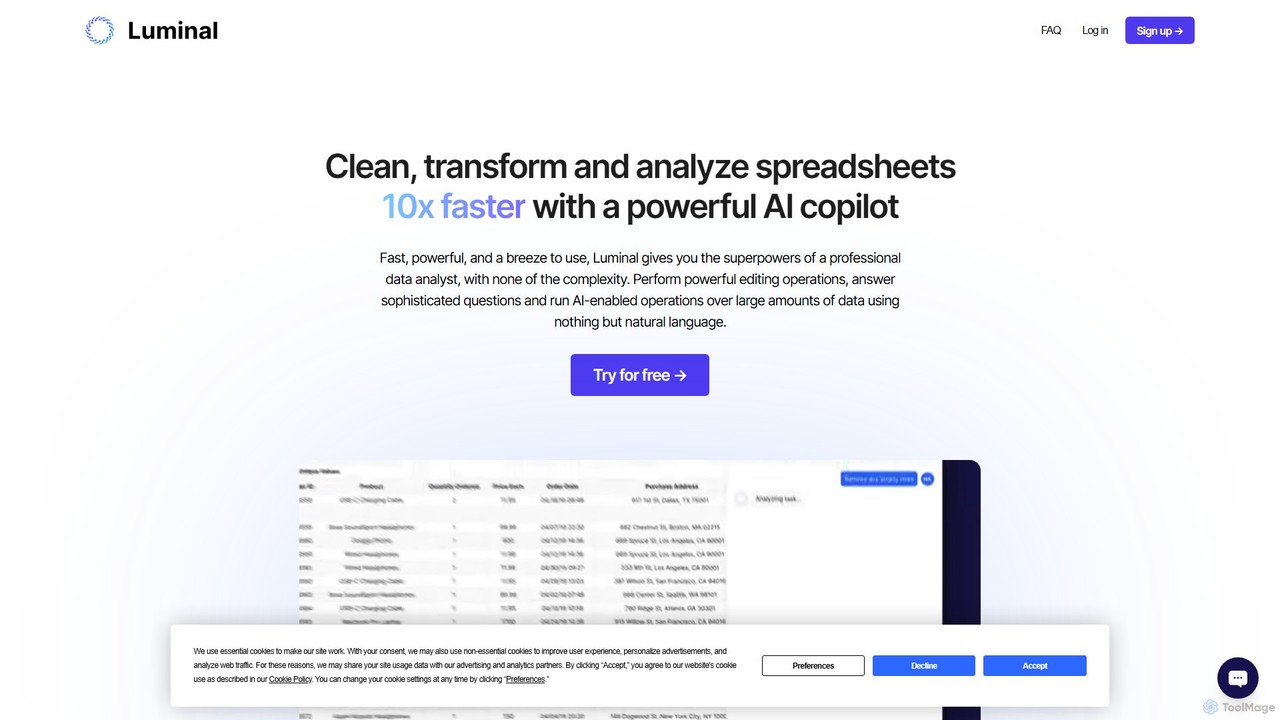
Luminal
Luminal is a powerful AI copilot that revolutionizes spreadsheet management. It allows users to clean, transform, analyze, and visualize data up to 10x faster using simple, natural language commands. Eliminate complex formulas and manual data processing, saving hours of work on large datasets.
Data Management
ChatExcel
ChatExcel is an AI-powered data analysis tool that allows users to process spreadsheets and analyze data through a simple chat interface. It automates tasks like data cleaning, merging, and analysis, and generates over 100 types of charts and visualizations from natural language commands. No coding or complex formulas required, boosting productivity by up to 90%.
Business Intelligence
Sheet Copilot
Sheet Copilot is an AI-powered assistant that automates tasks and answers questions directly within Google Sheets. By using natural language commands, you can clean data, generate formulas, create summaries, and analyze information without writing complex functions. It's currently free in beta and operates using your own OpenAI API key for enhanced privacy and security.
Automation
Array Assistant
Array Assistant is an AI-powered plugin for spreadsheets that supercharges your productivity. It helps you generate complex formulas, clean and organize data, summarize text, explain problems, and design automations, all within your existing workflow. Ideal for professionals, students, and anyone who uses spreadsheets.
Finance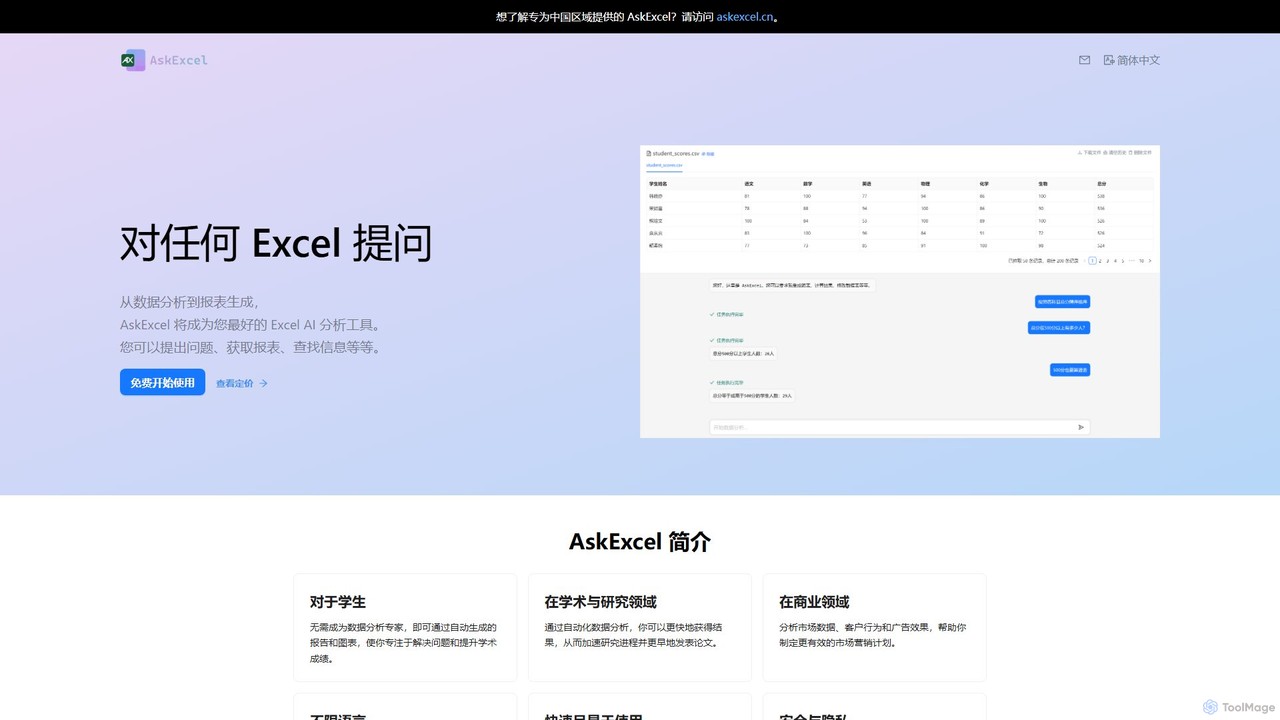
AskExcel
AskExcel is an AI-powered data analysis tool that transforms your Excel spreadsheets into interactive conversations. Simply upload your file, ask questions in natural language, and instantly receive data analysis, reports, and visualizations without writing any formulas or code.
Business Intelligence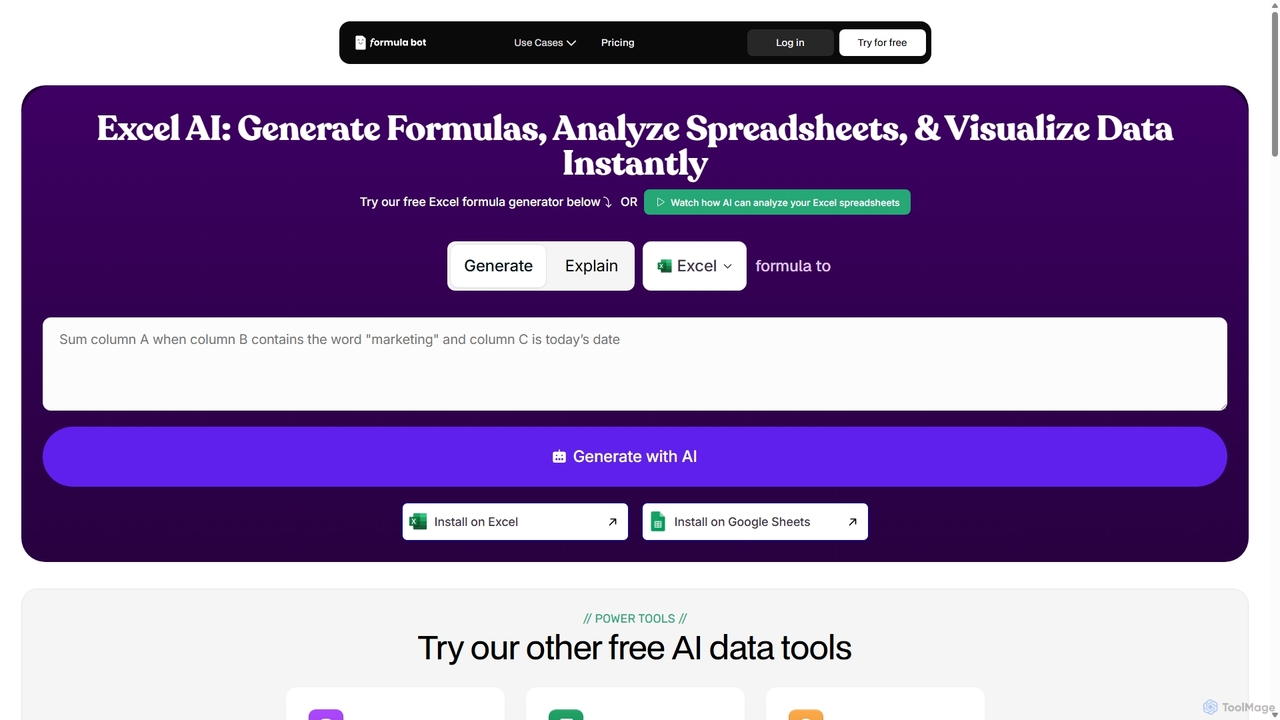
ExcelFormulaBot
ExcelFormulaBot is an AI-powered tool that generates complex Excel and Google Sheets formulas from text instructions in seconds. It also analyzes data, creates charts, generates VBA/SQL code, and explains formulas, making spreadsheet tasks faster and more accessible for everyone, from beginners to experts.
Data Analysis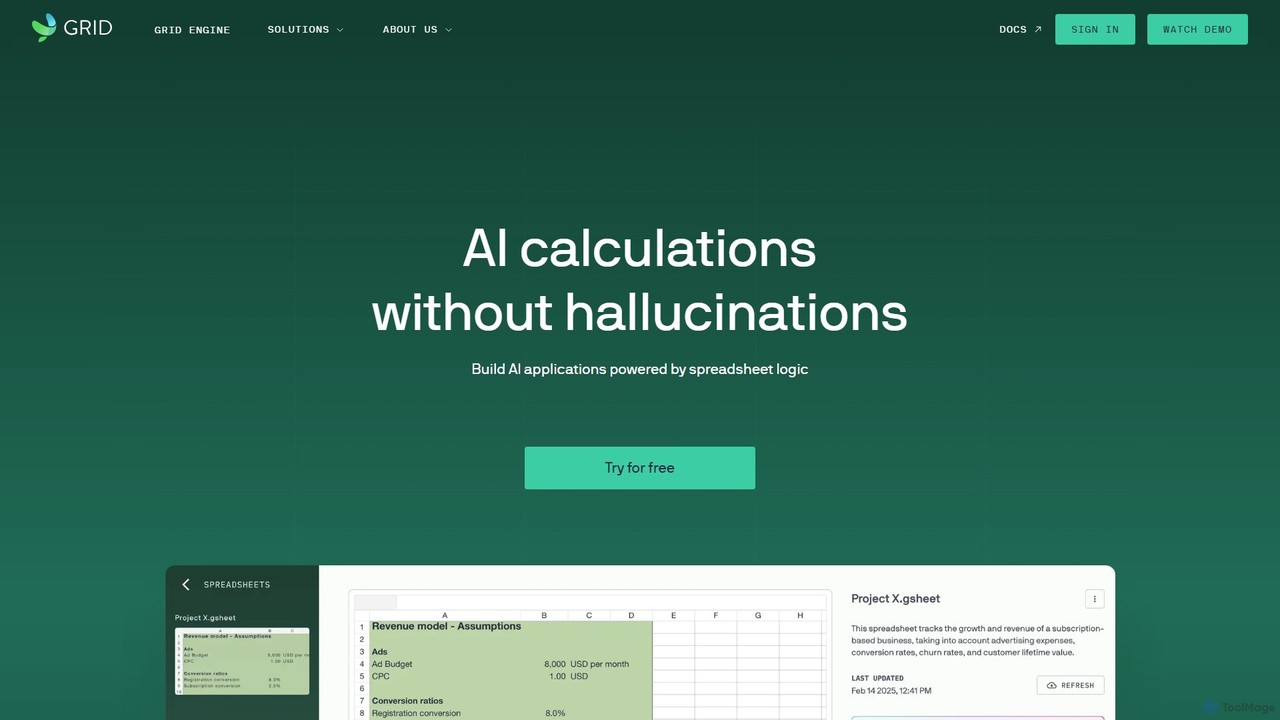
GRID
GRID is an AI-first platform that transforms your existing spreadsheets into powerful, interactive web applications and AI-driven tools. It leverages the logic and data within your Excel and Google Sheets files to build reliable calculators, dashboards, and models that can be queried using natural language, eliminating AI hallucinations.
Business Intelligence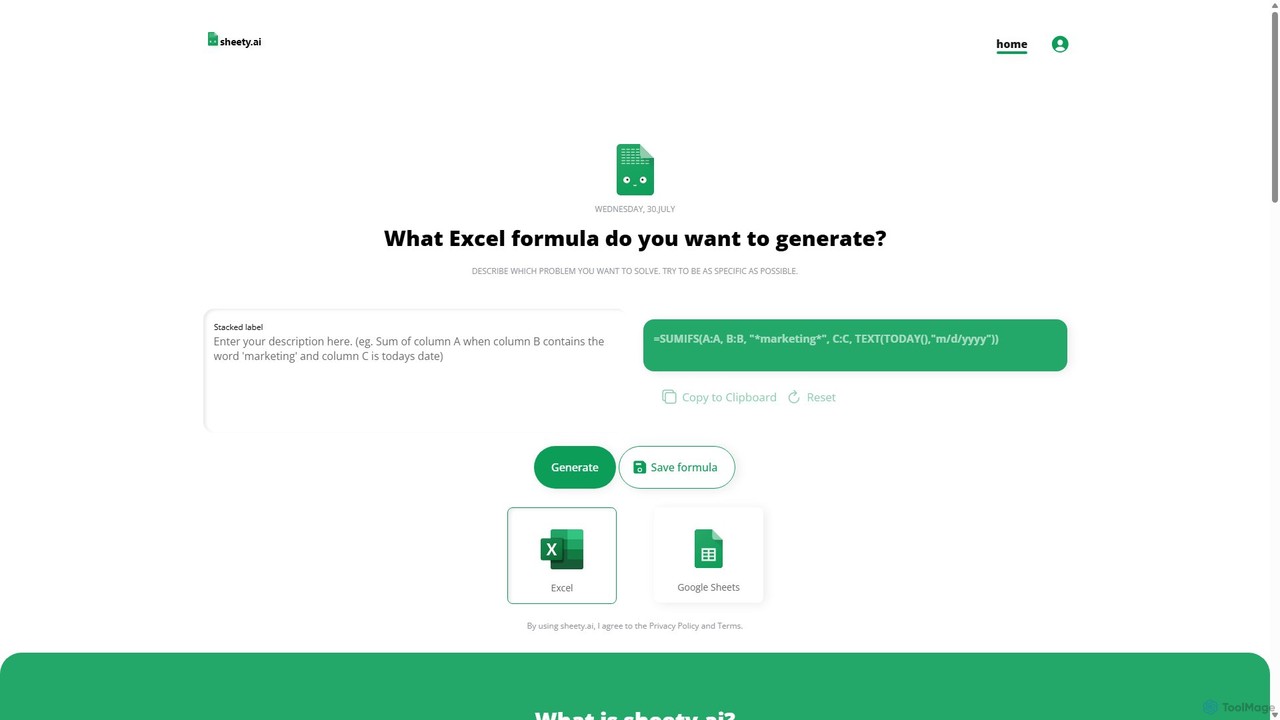
sheety.ai
sheety.ai is an AI-powered tool that instantly generates complex spreadsheet formulas for Excel and Google Sheets from natural language descriptions. Simply describe the problem you want to solve, and the AI will provide the correct formula, saving you time and eliminating the need to memorize syntax. It's designed for everyone from students to financial analysts, boosting productivity and data accuracy.
Data Processing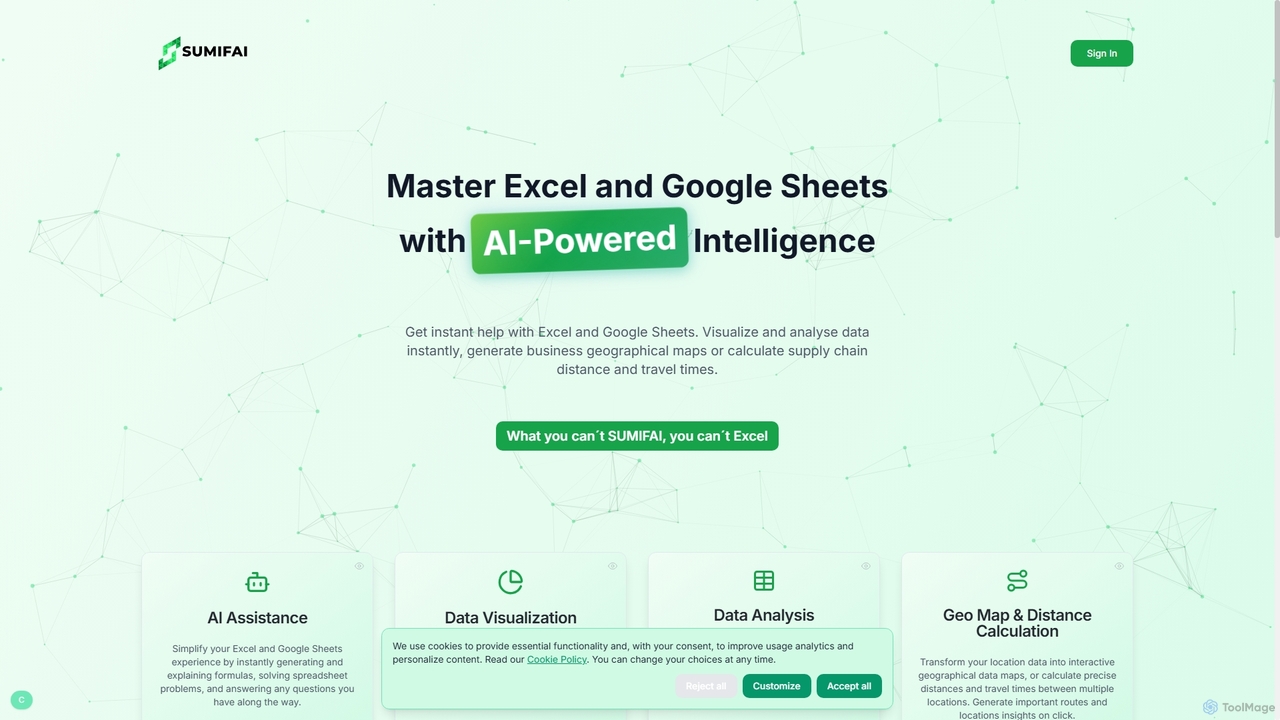
Sumifai
Sumifai is an AI-powered assistant for Excel and Google Sheets that simplifies spreadsheet tasks. It instantly generates and explains formulas, analyzes data, creates visualizations, and even builds interactive geographical maps from location data. Designed for all skill levels, it helps users uncover insights and streamline workflows without requiring technical expertise.
Business Intelligence
EasyAIBridge
EasyAIBridge transforms your spreadsheets into instant, actionable insights using advanced AI. Simply type your questions in natural language, and AI automatically generates charts, reports, and data extractions from Google Sheets, Excel, and CSV files, making complex data analysis effortless and secure.
Business Intelligence
AIColumns Comments (0)
Sign in to comment.
Sign inNo comments yet.