

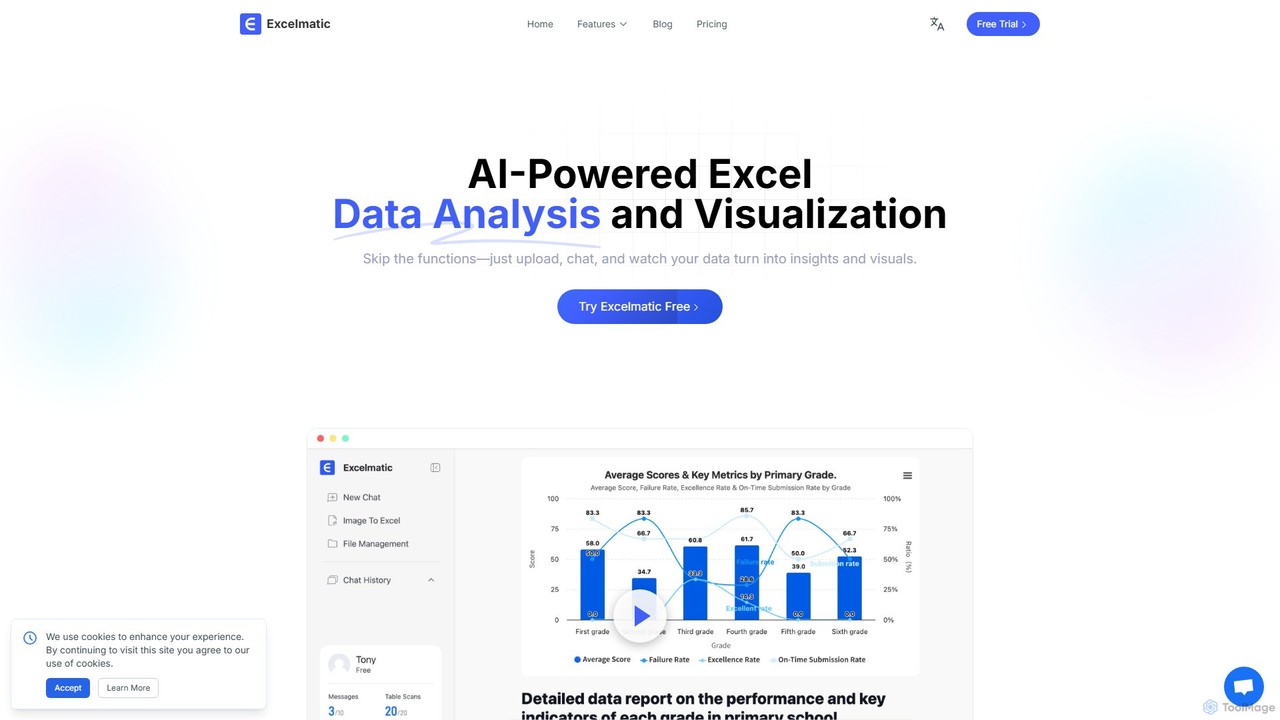
excelmatic Overview
Excelmatic is an intelligent AI-powered platform designed to revolutionize the way users interact with Excel and other spreadsheet data. It eliminates the steep learning curve of complex functions and formulas by providing a conversational, chat-based interface. Users can simply upload their data files (such as .xlsx or .csv) and use natural language commands to perform a wide range of tasks, from data cleaning and analysis to generating professional visualizations and reports. The platform is built to break down data barriers, turning every row of data into an intelligent engine for achieving business goals and making data-driven decisions accessible to users of all skill levels.
How to use excelmatic
Using Excelmatic is a straightforward three-step process designed for maximum efficiency and ease of use:
- Upload Your Data File: Begin by uploading your Excel (.xlsx) or CSV (.csv) file to the secure Excelmatic platform. The system supports various data types and structures, ensuring seamless integration with your existing work.
- Ask Questions Naturally: Interact with the AI assistant using simple, conversational English. You can ask it to perform tasks like "calculate the total sales for Q1," "create a pie chart showing sales by region," "delete all empty rows," or "generate a formula to find the profit margin." There's no need to know specific Excel functions or syntax.
- Get Instant Insights and Results: Excelmatic processes your request in seconds and delivers the results. This can be in the form of cleaned data, a generated formula, a professional chart, or a detailed data analysis report. You can then review the changes, ask follow-up questions, and download your polished spreadsheet or visualization instantly.
Core Features of excelmatic
- AI Spreadsheet Assistant: Interact with your data using plain English. Give commands to edit cells, rename sheets, highlight duplicates, and automate repetitive tasks without writing any code.
- Intelligent Formula Generation: Describe the calculation you need, and the AI will generate the correct Excel formula for you. It also features intelligent error correction to detect and suggest fixes for mistakes.
- Automated Data Cleaning: Clean complex and messy data with a single click. The tool can remove extra spaces, merge duplicates, convert text to dates, and apply customizable cleaning rules to fit your specific needs.
- Conversational Data Visualization: Generate professional charts (bar, pie, line, etc.) by simply describing what you want to visualize. The AI intelligently recommends the most suitable chart type based on your data and allows for extensive style customization.
- Instant Data Analysis & Insights: Automatically extract key performance indicators (KPIs), analyze data trends, detect anomalies, and perform multi-dimensional analysis to uncover deep insights hidden in your data.
- Image to Excel Conversion: Convert data from images into editable Excel spreadsheets, saving significant time on manual data entry.
Use Cases for excelmatic
Excelmatic is a versatile tool that caters to a wide range of professionals:
- Business Analysts: Quickly derive insights from complex datasets without writing intricate formulas or SQL queries.
- Marketers: Analyze campaign performance, track user engagement, and understand customer behavior by asking simple questions about their data.
- Managers: Make informed, data-driven decisions with instant access to key metrics, trends, and dynamically updated reports.
- Product Managers: Gain rapid insights into user behavior and product usage to inform feature development and strategy.
- Data Scientists: Leverage a powerful analytics tool with an intuitive interface for both quick analysis and presenting findings to non-technical stakeholders.
Advantages of excelmatic
Excelmatic offers a significant competitive edge by making data analysis faster, smarter, and more accessible. Its primary advantages include its no-code, conversational interface, which dramatically boosts productivity and reduces the time spent on manual tasks. It democratizes data analysis, empowering non-technical users to perform complex operations. The platform ensures data security with bank-level encryption and offers scalable solutions, including on-premises deployment for enterprises, making it a reliable and powerful assistant for any data-related challenge.
Pricing and Plans
Excelmatic offers a freemium model with plans designed to scale with your needs. A 17% discount is available for annual billing.
- Free Plan: $0/month. Includes 10 chat messages/month, 20 image-to-excel conversions/month, 2 uploaded files per chat, a 5MB file upload limit, and 30-day chat history retention. Ideal for basic use.
- Essential Plan: $9.9/month. Includes 150 chat messages/month, 150 image-to-excel conversions/month, 5 uploaded files per chat, a 50MB file upload limit, and 180-day chat history. Offers full chart capabilities and standard email support.
- Professional Plan: $29.9/month. Offers unlimited chat messages and image-to-excel conversions, 10 uploaded files per chat, a 100MB file upload limit, and 360-day chat history. Includes advanced model analysis, prediction, custom chart themes, and priority support.
Traffic
Latest traffic
Status
Monthly traffic trend
- 2025-9: 153.0K
- 2026-1: 368.6K
- 2026-2: 230.7K
- 2026-3: 210.0K
- 2026-4: 96.2K
- 2026-5: 62.9K
Geography
Top 5 countries / regions
- 🇰🇷South Korea28.2%
- 🇧🇷Brazil18.8%
- 🇬🇹Guatemala18.7%
- 🇺🇸United States17.3%
- 🇹🇼Taiwan17.1%
Top keywords
| Keyword | Cost per click |
|---|---|
| 엑셀 체크박스 | $0.00 |
| 엑셀 체크박스 만들기 | $0.00 |
| excelmatic | $3.11 |
| personnaliser unité excel | $0.00 |
| エクセル 特定のデータ 下に行を追加 | $0.00 |
excelmatic Alternatives
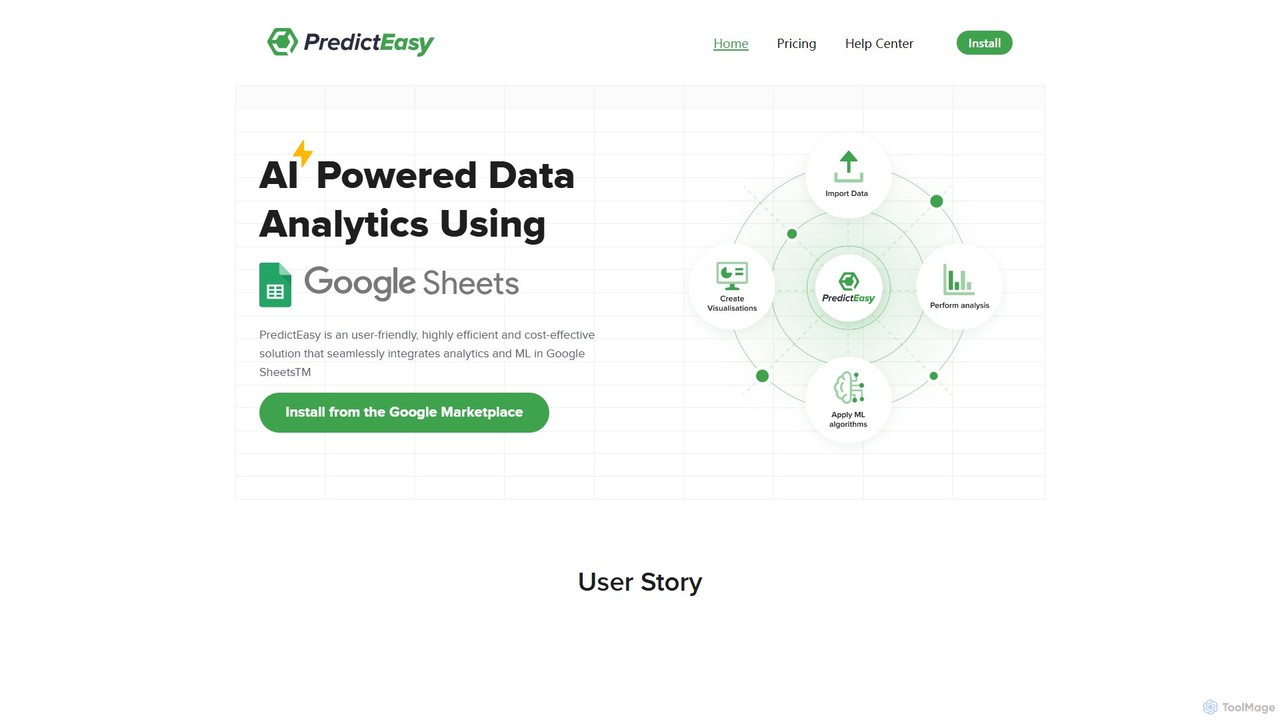
PredictEasy
PredictEasy is a powerful no-code AI add-on for Google Sheets that democratizes data analytics. It allows users to perform advanced tasks like predictive modeling, time-series forecasting, NLP, and statistical analysis with just a few clicks. Ideal for business professionals, researchers, and data analysts, it transforms your spreadsheet into a sophisticated data science tool, enabling data-driven decisions without writing any code.
Business Intelligence
ChatExcel
ChatExcel is an AI-powered data analysis tool that allows users to process spreadsheets and analyze data through a simple chat interface. It automates tasks like data cleaning, merging, and analysis, and generates over 100 types of charts and visualizations from natural language commands. No coding or complex formulas required, boosting productivity by up to 90%.
Business Intelligence
Ajelix
Ajelix is an AI-powered suite of tools designed to enhance productivity for Excel and Google Sheets users. It acts as an AI data analyst, automating tasks, generating formulas and VBA scripts, creating insightful reports, and providing advanced data analysis through a simple chat interface.
Business Intelligence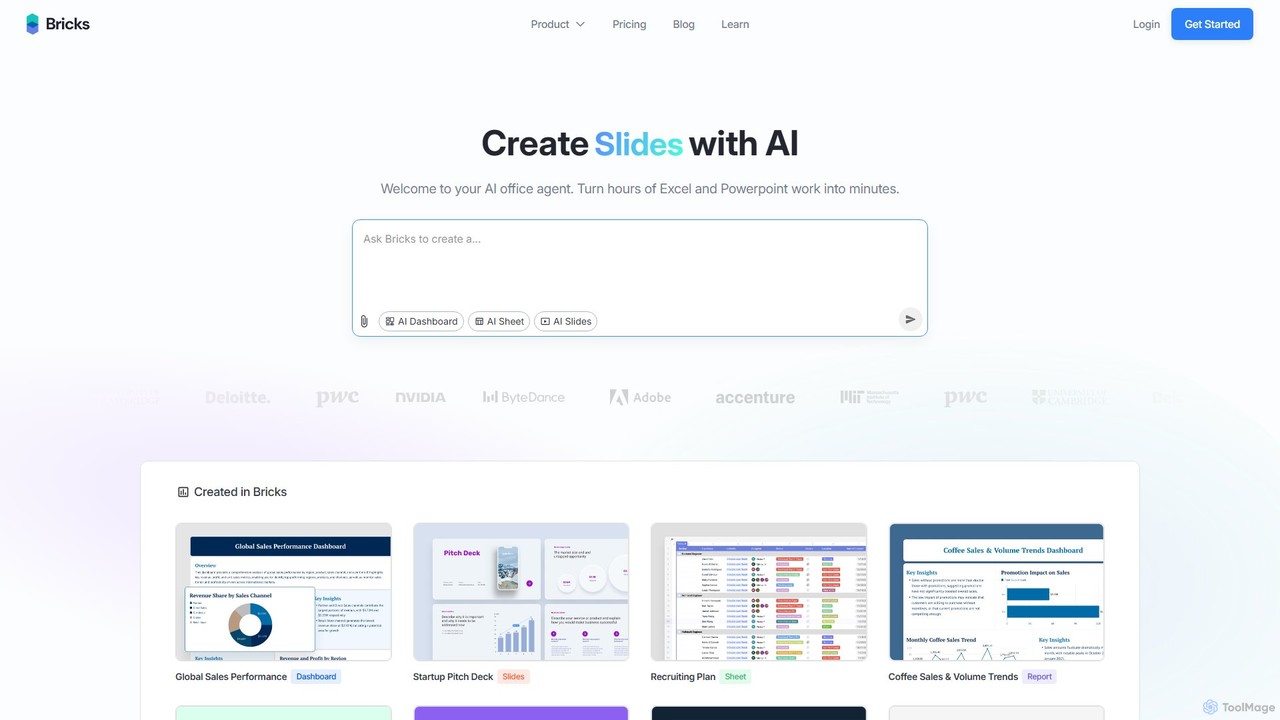
thebricks
thebricks is an AI-powered workspace that transforms data analysis and reporting. It allows users to create interactive dashboards, dynamic spreadsheets, and professional slides using simple natural language prompts. Turn hours of manual work in Excel and PowerPoint into minutes, streamlining your workflow and boosting productivity.
Business Intelligence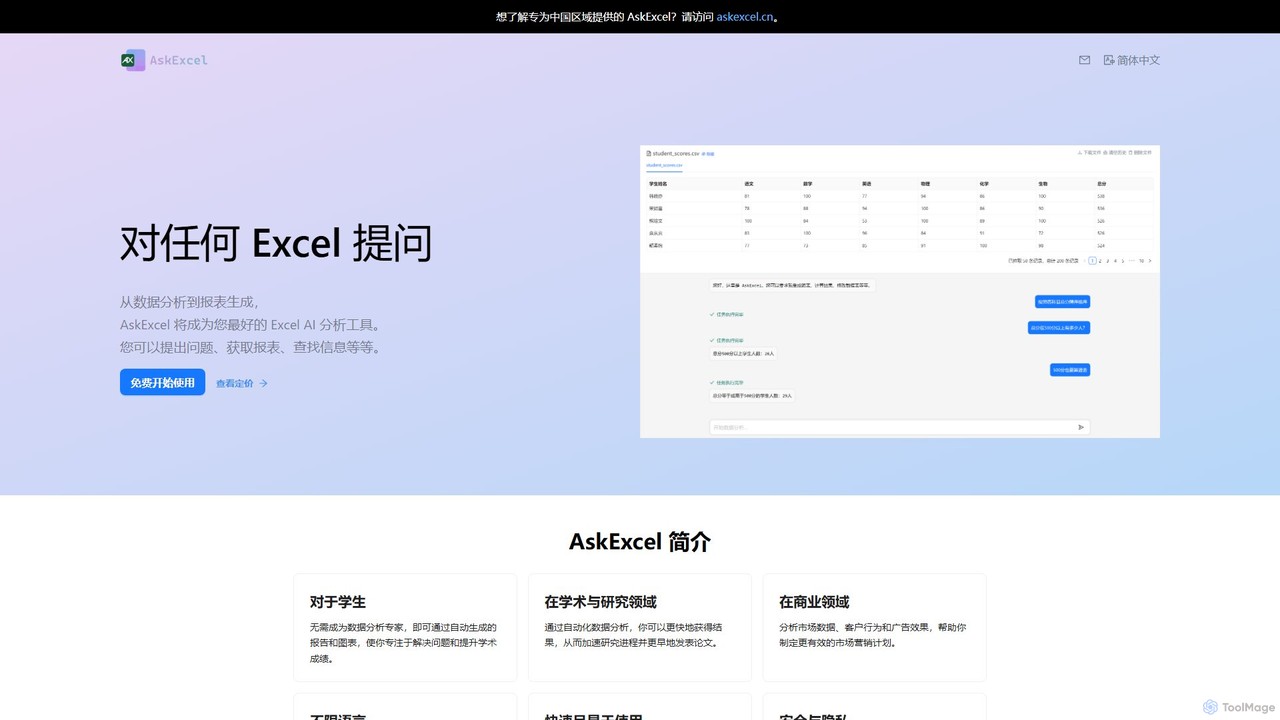
AskExcel
AskExcel is an AI-powered data analysis tool that transforms your Excel spreadsheets into interactive conversations. Simply upload your file, ask questions in natural language, and instantly receive data analysis, reports, and visualizations without writing any formulas or code.
Business Intelligenceexcelmatic Categories
excelmatic Embed Widget
Copy this embed code to place the badge on your blog, article, or product site and send readers directly to this ToolMage detail page.

Related AI tools
ChatExcel
ChatExcel is an AI-powered data analysis tool that allows users to process spreadsheets and analyze data through a simple chat interface. It automates tasks like data cleaning, merging, and analysis, and generates over 100 types of charts and visualizations from natural language commands. No coding or complex formulas required, boosting productivity by up to 90%.
Business IntelligenceAjelix
Ajelix is an AI-powered suite of tools designed to enhance productivity for Excel and Google Sheets users. It acts as an AI data analyst, automating tasks, generating formulas and VBA scripts, creating insightful reports, and providing advanced data analysis through a simple chat interface.
Business Intelligence
AIColumns
AIColumns is an AI-powered data assistant that supercharges your spreadsheets. It integrates seamlessly with platforms like Google Sheets and Excel, allowing you to use natural language to clean data, generate complex formulas, create visualizations, and uncover actionable insights instantly.
Intelligence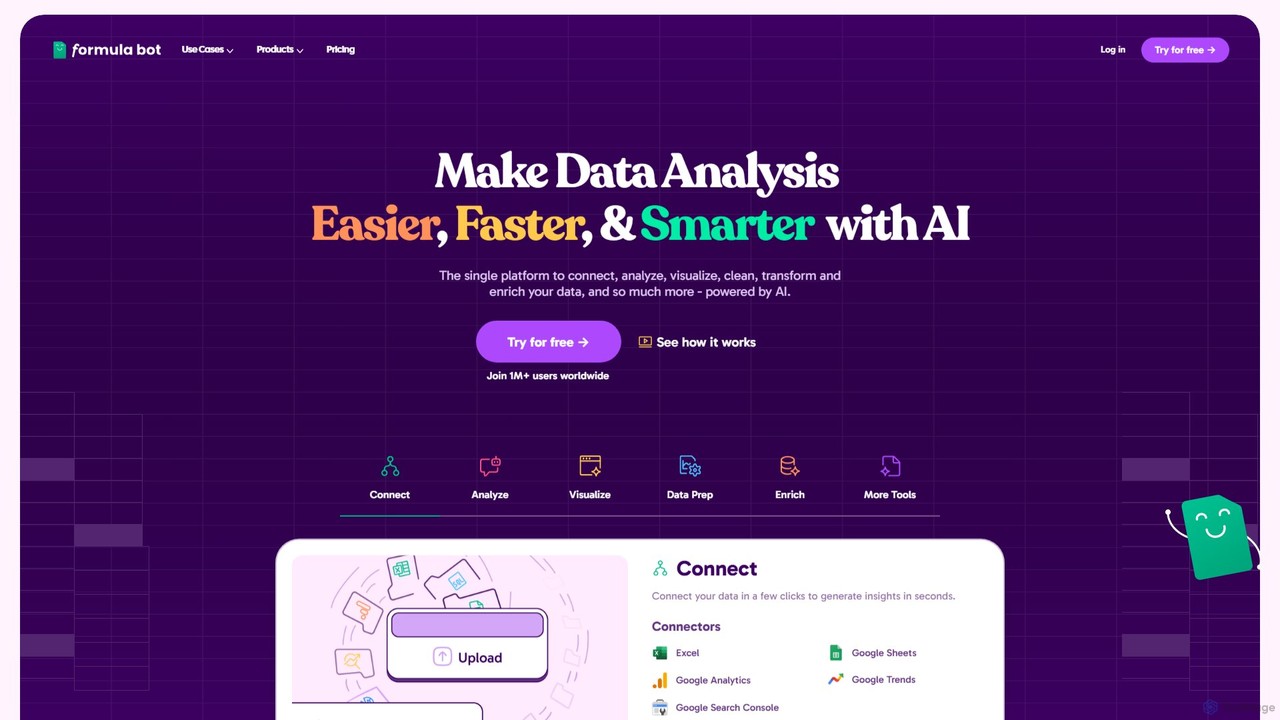
Formula Bot
Formula Bot is an AI-powered data analysis platform that simplifies working with spreadsheets and data. It allows users to generate Excel formulas, SQL queries, and VBA code from simple text instructions, analyze data through a conversational chat interface, and automate tasks like data cleaning and enrichment.
Data Visualization
Sourcetable
Sourcetable is an AI-powered spreadsheet that combines the functionality of traditional spreadsheets with an AI data analyst. It allows users to connect to live data sources, ask questions in plain English, generate formulas, create charts, and automate reports. By integrating AI, Python, and SQL capabilities directly into the spreadsheet interface, Sourcetable empowers users of all skill levels to perform complex data analysis, cleaning, and visualization tasks effortlessly, turning raw data into actionable insights in seconds.
No Code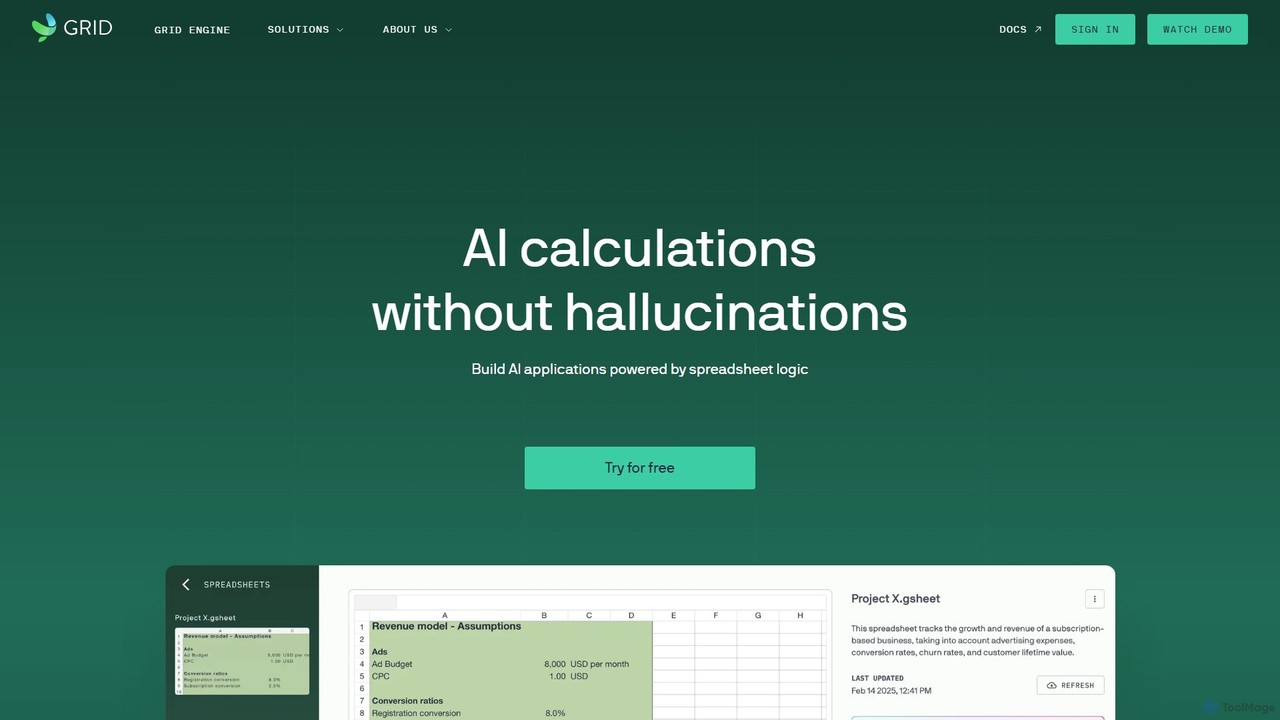
GRID
GRID is an AI-first platform that transforms your existing spreadsheets into powerful, interactive web applications and AI-driven tools. It leverages the logic and data within your Excel and Google Sheets files to build reliable calculators, dashboards, and models that can be queried using natural language, eliminating AI hallucinations.
Business Intelligence
Sheetplus
Sheetplus is an AI-powered toolkit designed to supercharge your spreadsheet experience in Google Sheets and Excel. By leveraging natural language, it allows users to generate complex formulas, clean and analyze data, automate tasks, and extract insights without writing code. It acts as an intelligent assistant, making data management faster, more intuitive, and accessible to everyone, regardless of their technical expertise.
Automation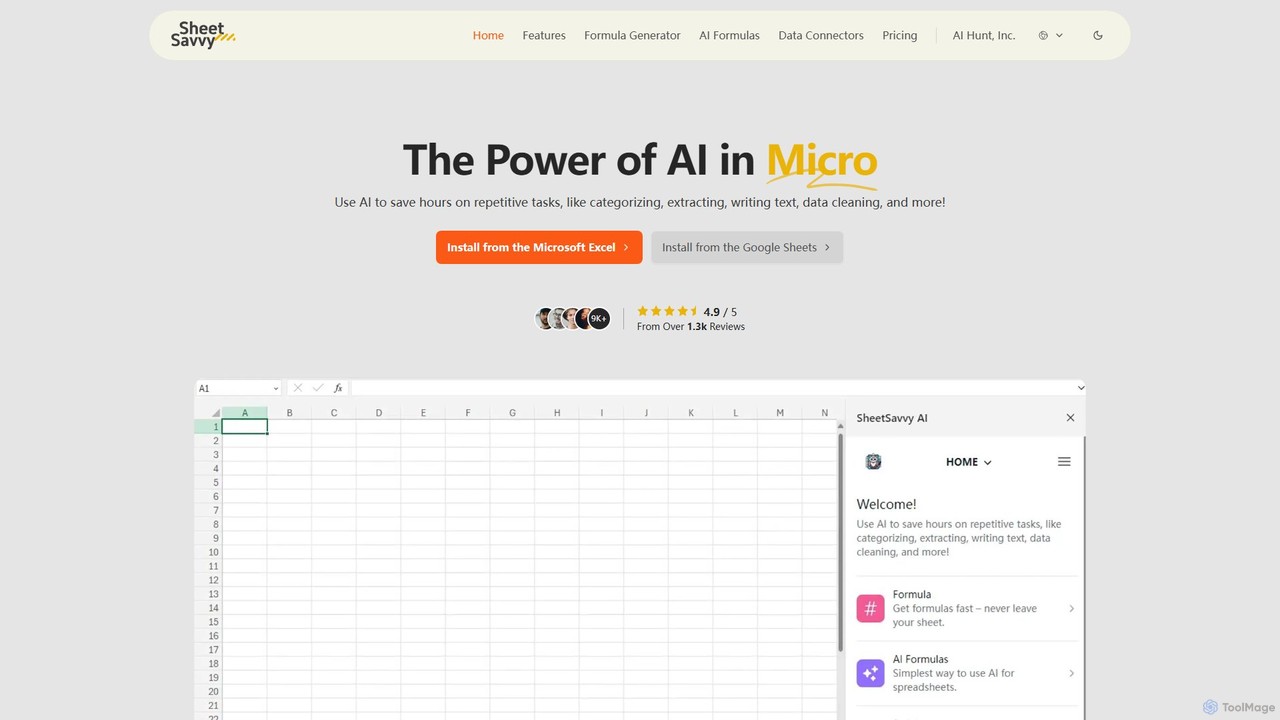
SheetSavvy AI
SheetSavvy AI is an AI-powered assistant for Google Sheets and Microsoft Excel, designed to automate repetitive tasks. It features a formula generator, AI-driven formulas for data cleaning and analysis, and seamless data connectors to import live data, significantly boosting spreadsheet productivity.
Finance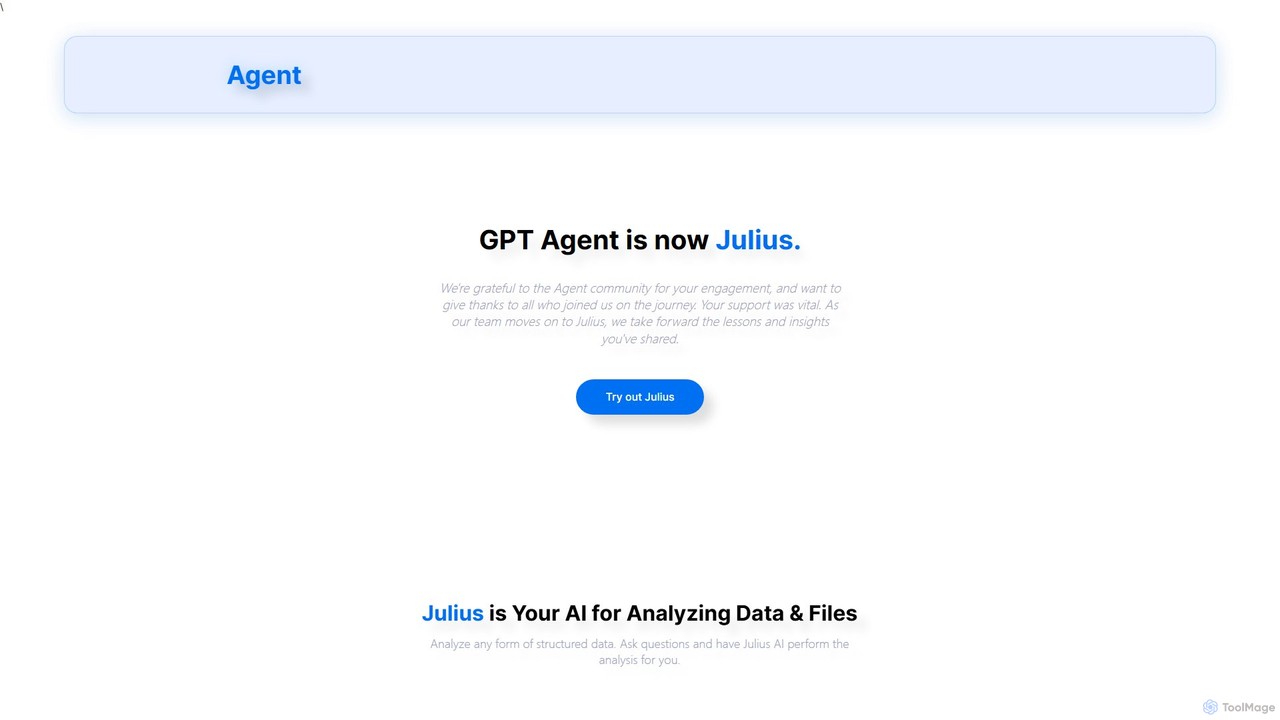
gptagent
gptagent has rebranded to Julius, an AI data analyst that allows you to analyze data and files using natural language. Upload structured data, ask questions, and instantly generate visualizations, perform statistical analysis, and build models without writing any code. It transforms complex data tasks into simple conversations.
Business Intelligence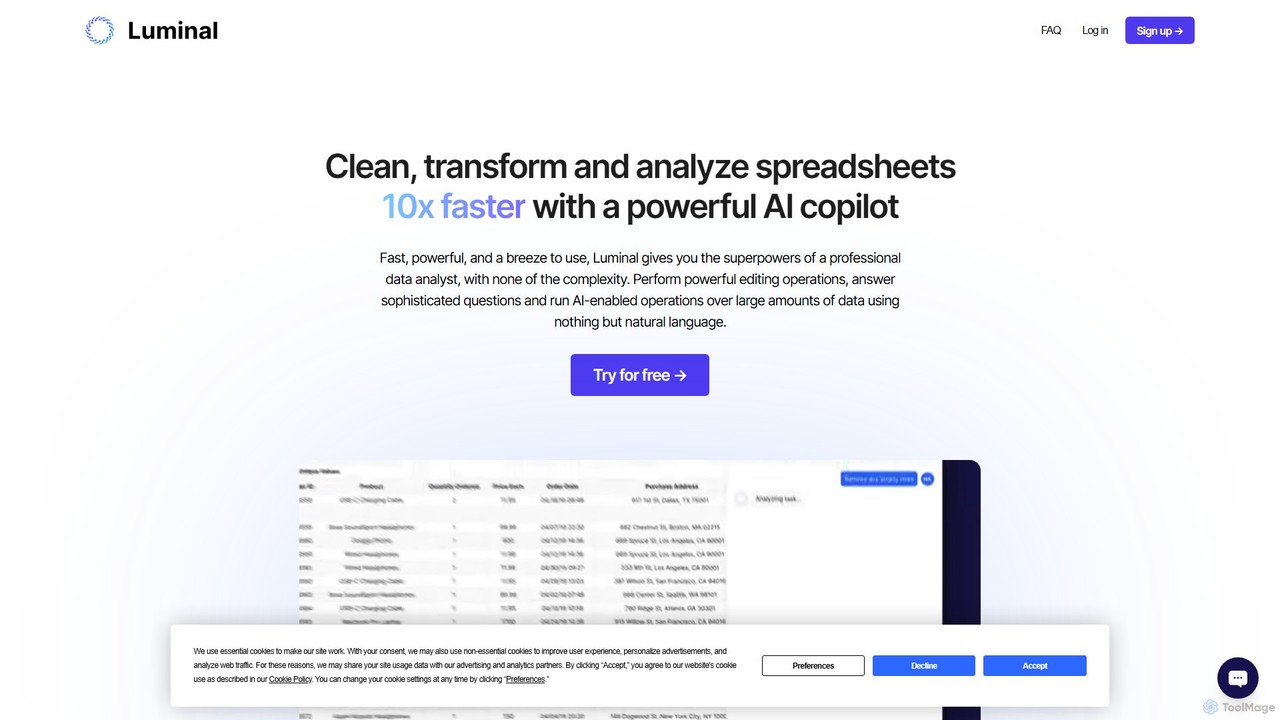
Luminal
Luminal is a powerful AI copilot that revolutionizes spreadsheet management. It allows users to clean, transform, analyze, and visualize data up to 10x faster using simple, natural language commands. Eliminate complex formulas and manual data processing, saving hours of work on large datasets.
Data Managementthebricks
thebricks is an AI-powered workspace that transforms data analysis and reporting. It allows users to create interactive dashboards, dynamic spreadsheets, and professional slides using simple natural language prompts. Turn hours of manual work in Excel and PowerPoint into minutes, streamlining your workflow and boosting productivity.
Business IntelligenceAskExcel
AskExcel is an AI-powered data analysis tool that transforms your Excel spreadsheets into interactive conversations. Simply upload your file, ask questions in natural language, and instantly receive data analysis, reports, and visualizations without writing any formulas or code.
Business Intelligence
table.studio
table.studio is an AI-powered data workspace that combines the simplicity of a spreadsheet with the power of a database and AI. Use natural language to query, analyze, and visualize your data, automating tedious tasks and uncovering insights instantly. It's designed for teams to collaborate on data projects in real-time.
Database Management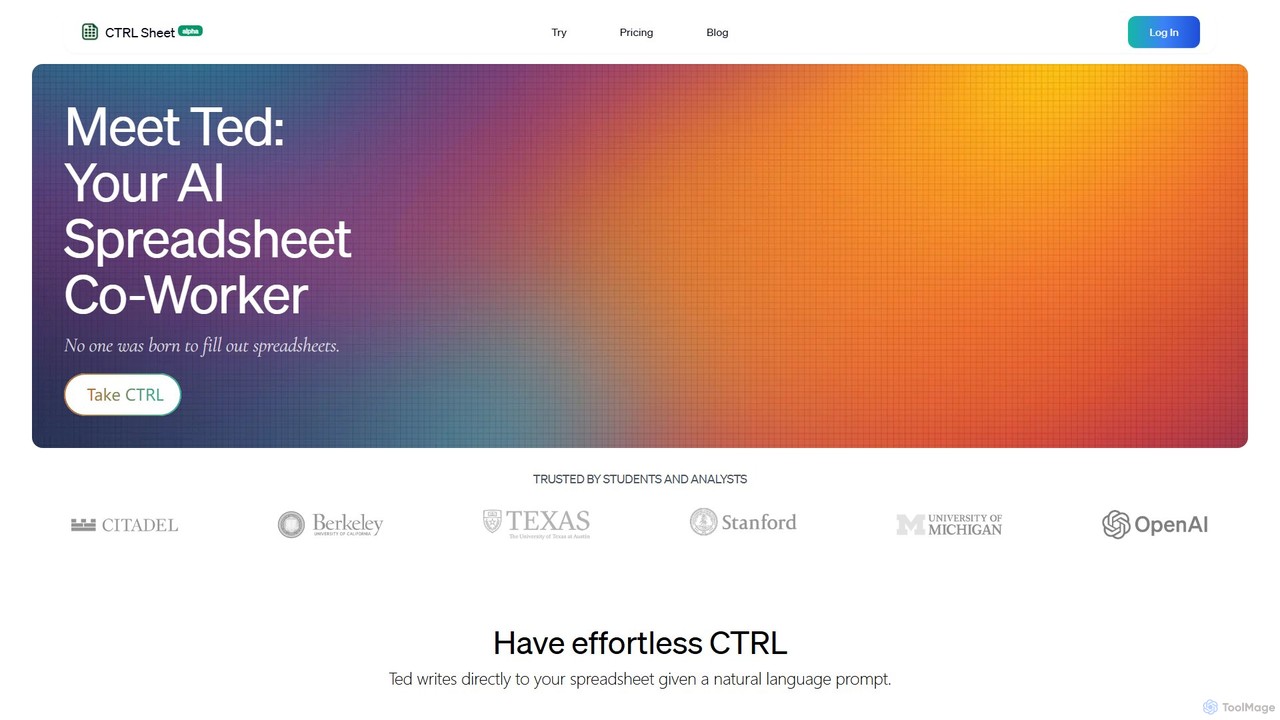
CTRL Sheet
CTRL Sheet is an AI-powered spreadsheet co-worker named Ted that automates data tasks. It allows users to interact with spreadsheets using natural language, extract data from various files like PDFs and images, and generate complex formulas effortlessly. It's designed to save time and reduce errors for students, analysts, and professionals.
Task Automation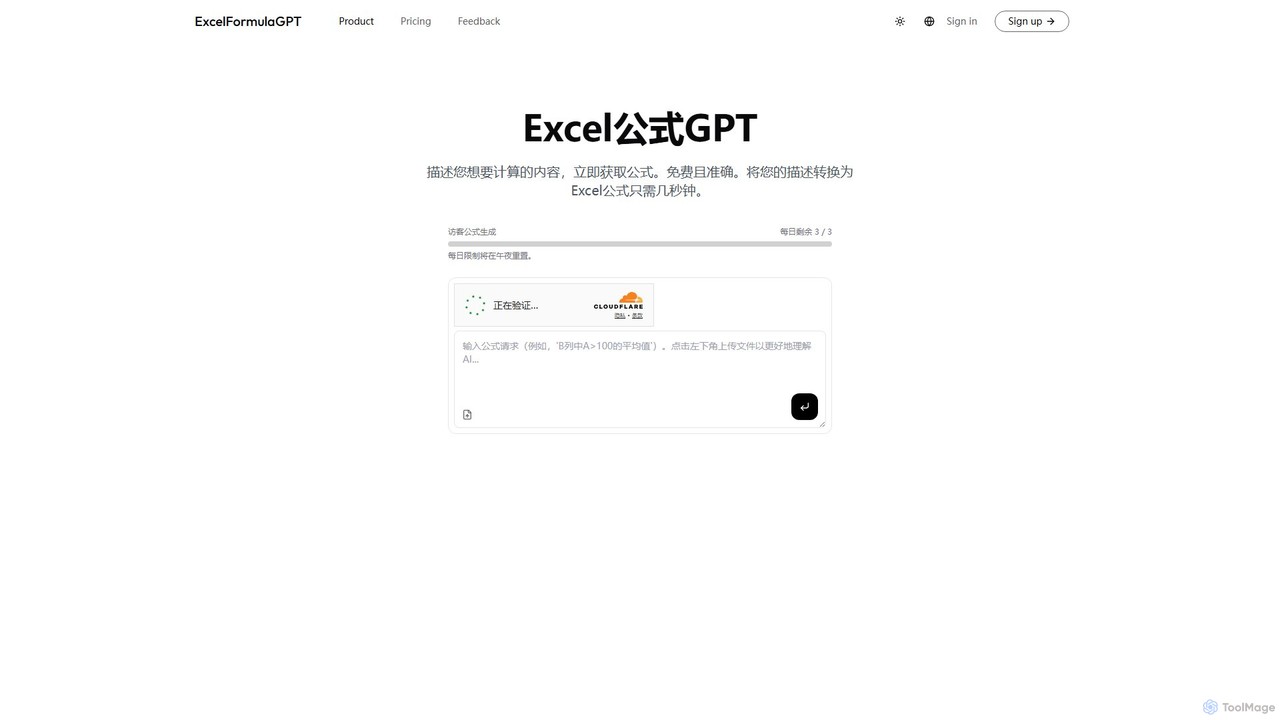
excelformulagpt
excelformulagpt is an AI-powered tool that instantly converts natural language descriptions into complex Excel and Google Sheets formulas. It helps users save time, reduce errors, and boost productivity without needing to memorize complex syntax. Features include formula generation, context-aware suggestions from uploaded files, and formula explanations.
Automation
excelmatic Comments (0)
Sign in to comment.
Sign inNo comments yet.