


Sourcetable Overview
Sourcetable presents itself as the next evolution of spreadsheets, designed for the modern data-driven workflow. It's a powerful, intelligent platform that merges the familiar interface of a spreadsheet with the advanced capabilities of an AI data analyst, Python scripting, and direct data integrations. This unique combination aims to be the last spreadsheet you'll ever need, centralizing data analysis, reporting, and workflow automation into a single, cohesive environment.
The core philosophy of Sourcetable is to make data accessible and analyzable for everyone, regardless of their technical expertise. It allows users to connect to various business data sources, such as databases (PostgreSQL, BigQuery) and SaaS applications (Google Analytics, Google Ads), eliminating the tedious and error-prone process of manually downloading and uploading CSV files. The data within Sourcetable is live and always up-to-date, providing a reliable single source of truth for teams.
How to use Sourcetable
Getting started with Sourcetable is designed to be intuitive. First, you connect your data sources, which can range from simple CSV files to complex databases or business applications. Once your data is in, the AI-powered features become your primary mode of interaction. You can use the 'Chat with Your Data' feature to ask questions in plain English, such as "What were our top 10 selling products last quarter?" and receive instant answers, summaries, or even visualizations. For more specific tasks, the AI Command Bar allows for quick data manipulation, cleaning, and transformation using natural language commands. If you need a complex formula, simply describe it to the AI Formula Generator. Similarly, you can generate charts, full templates, or even SQL queries just by describing what you need. For advanced users, Sourcetable provides a built-in Python environment to perform sophisticated statistical analysis and data modeling without ever leaving the spreadsheet.
Core Features of Sourcetable
- AI Spreadsheet Assistant: An in-workbook sidekick that helps with formulas, analysis, and data cleanup.
- Chat with Your Data: Have natural language conversations with your data to get instant insights and visualizations.
- AI Chart & Template Generator: Create beautiful charts and complete spreadsheet templates by describing them in plain English.
- AI Data Analysis & Summarization: Automatically uncovers deep insights, patterns, and relationships in your data and provides concise summaries.
- Formula & SQL Generator: Effortlessly create complex spreadsheet formulas or SQL queries from natural language descriptions.
- Automated Reporting: Build live reports and dashboards that automatically update whenever your source data changes.
- Bulk CSV Analysis: Analyze massive datasets that exceed the row limits of traditional spreadsheets like Excel.
- Python & Data Science Tools: A built-in environment for data scientists to clean, query, model, and visualize data using Python's full analytical power.
- Data Integrations: Connect directly to databases and SaaS applications for live, synchronized data analysis.
- Synthetic Data Generator: Instantly create realistic sample data for testing, development, or demonstration purposes.
Use Cases for Sourcetable
Sourcetable is a versatile tool applicable across various domains:
- Finance: Building dynamic financial models, analyzing market data, and generating real-time financial reports.
- Business Intelligence: Transforming raw business metrics from multiple sources into actionable insights and interactive dashboards for faster, data-driven decision-making.
- Data Science: Cleaning large datasets, running statistical analyses, and building predictive models within a single, integrated environment.
- Marketing: Analyzing campaign performance, tracking customer behavior across platforms, and optimizing marketing strategies with data-backed recommendations.
- Scientific Research: Processing experimental data, analyzing research results, and generating visualizations to uncover patterns.
- Education: Analyzing student performance data, managing academic progress, and creating teaching materials.
Advantages of Sourcetable
The primary advantage of Sourcetable is its consolidation of power and accessibility. It eliminates the need to switch between multiple tools like Excel, a BI platform, a SQL client, and a Python environment. Its natural language interface democratizes data analysis, empowering non-technical users to perform tasks that would traditionally require a data analyst. For experts, it streamlines workflows by keeping powerful tools like Python and SQL within the same interface as the data. The ability to handle large datasets and connect to live data sources ensures that insights are both comprehensive and timely, making it a truly modern tool for any data-intensive role.
Pricing and Plans
Sourcetable offers a freemium model with several tiers:
- Regular (Free): Includes the AI spreadsheet assistant (with message limits), AI analysis and summarizations, smart formulas, collaboration, and data cleaning tools.
- Pro ($20/user/month): Contains everything in the Regular plan, plus 500 AI messages per month, premium AI model access, AI chat with databases, SQL editor, Python tools, and access to integration add-ons.
- Max ($200/user/month): Offers everything in Pro, with unlimited AI messages, extended access to premium AI models, more computing power for complex queries, and early access to new features.
- Integration Add-ons (Optional $100/integration/month): An optional add-on to connect to databases and applications like Supabase, BigQuery, GA4, PostgreSQL, and more, enabling AI-powered queries on live data.
Traffic
Latest traffic
Status
Monthly traffic trend
- 2025-9: 189.3K
- 2026-1: 131.2K
- 2026-2: 79.0K
- 2026-3: 61.3K
- 2026-4: 57.1K
- 2026-5: 43.0K
Geography
Top 5 countries / regions
- 🇺🇸United States76.3%
- 🇳🇬Nigeria8.1%
- 🇮🇳India6.6%
- 🇻🇳Vietnam4.8%
- 🇧🇷Brazil4.2%
Traffic sources
| Source type | Percentage |
|---|---|
Direct | 92.4% |
Referral | 6.9% |
Email | 0.7% |
Top keywords
| Keyword | Cost per click |
|---|---|
| calendar excel template free | $0.00 |
| google search console | $3.08 |
| sourcetable | $1.00 |
| templee menu excel | $0.00 |
| travel bucket list excel template | $0.00 |
Sourcetable Alternatives
gptagent
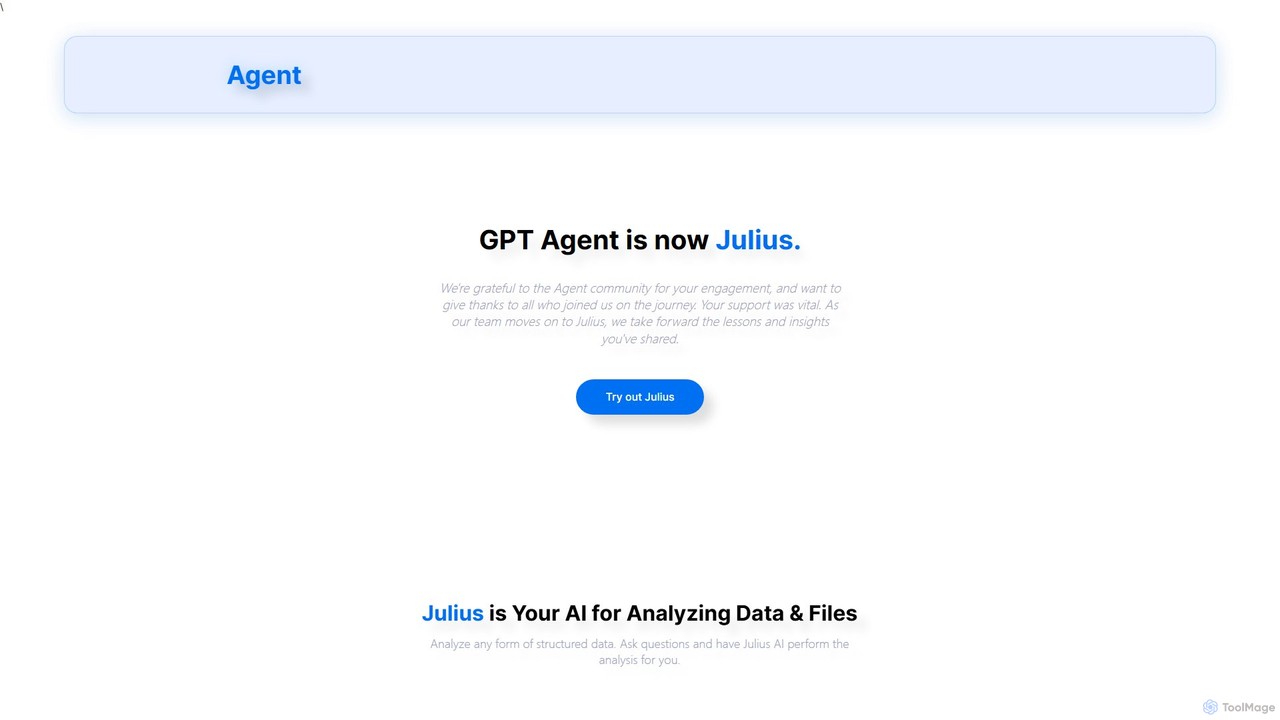
gptagent has rebranded to Julius, an AI data analyst that allows you to analyze data and files using natural language. Upload structured data, ask questions, and instantly generate visualizations, perform statistical analysis, and build models without writing any code. It transforms complex data tasks into simple conversations.
Business Intelligence
Sheetplus
Sheetplus is an AI-powered toolkit designed to supercharge your spreadsheet experience in Google Sheets and Excel. By leveraging natural language, it allows users to generate complex formulas, clean and analyze data, automate tasks, and extract insights without writing code. It acts as an intelligent assistant, making data management faster, more intuitive, and accessible to everyone, regardless of their technical expertise.
Automation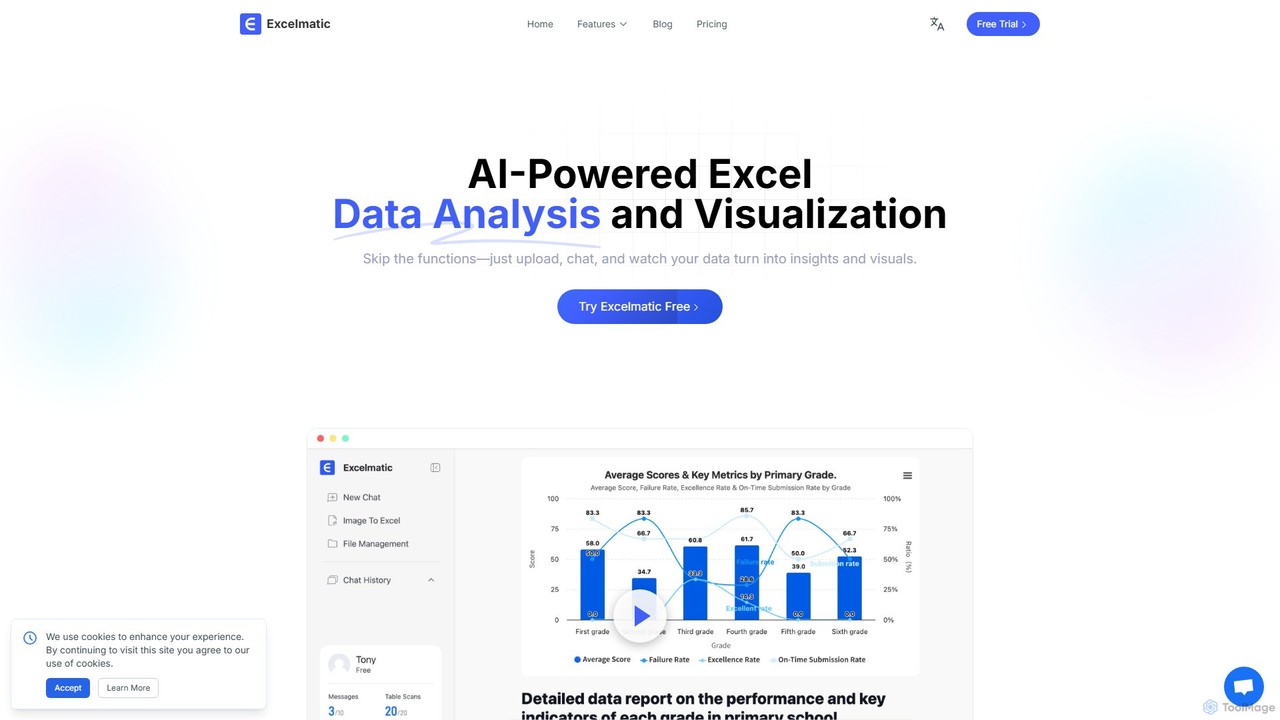
excelmatic
Excelmatic is an AI-powered assistant that transforms your Excel and spreadsheet tasks. Simply upload your data, ask questions in plain English, and instantly get data analysis, visualizations, and generated formulas. It's a no-code solution designed to automate data cleaning, chart creation, and insight discovery, making data accessible to everyone.
Business Intelligence
ChatExcel
ChatExcel is an AI-powered data analysis tool that allows users to process spreadsheets and analyze data through a simple chat interface. It automates tasks like data cleaning, merging, and analysis, and generates over 100 types of charts and visualizations from natural language commands. No coding or complex formulas required, boosting productivity by up to 90%.
Business Intelligence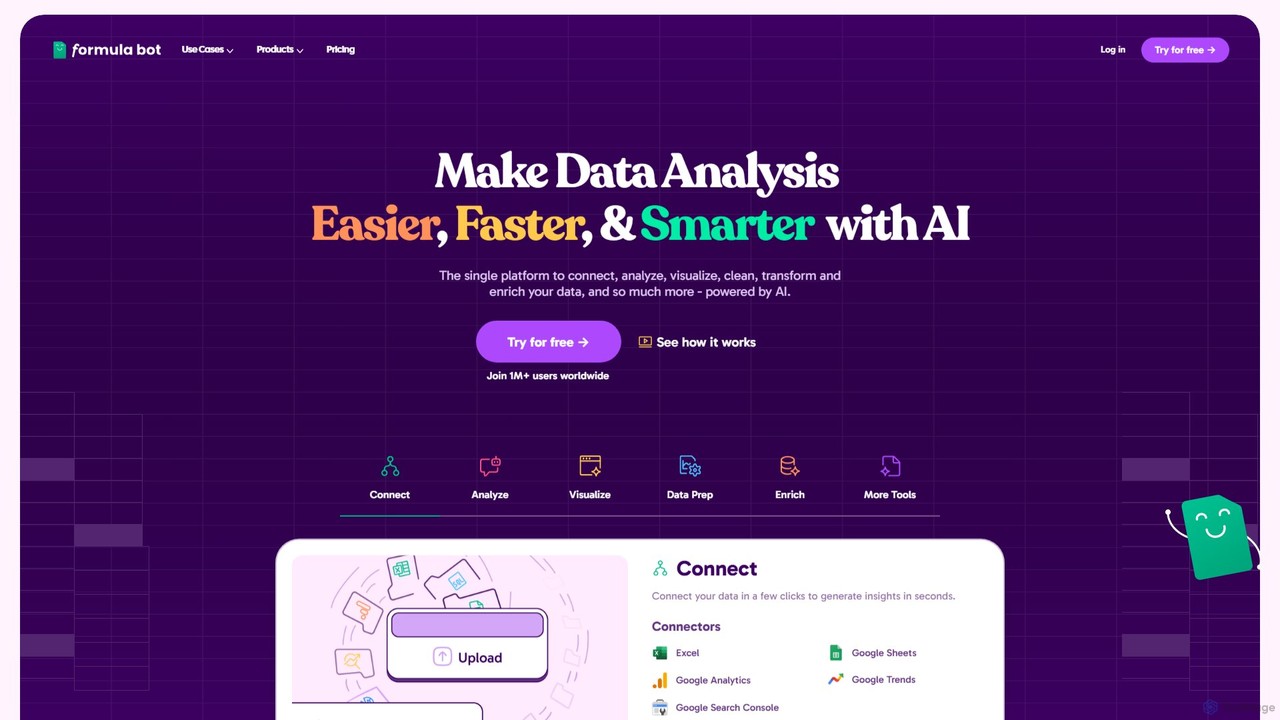
Formula Bot
Formula Bot is an AI-powered data analysis platform that simplifies working with spreadsheets and data. It allows users to generate Excel formulas, SQL queries, and VBA code from simple text instructions, analyze data through a conversational chat interface, and automate tasks like data cleaning and enrichment.
Data VisualizationSourcetable Categories
Sourcetable Embed Widget
Copy this embed code to place the badge on your blog, article, or product site and send readers directly to this ToolMage detail page.

Related AI tools
excelmatic
Excelmatic is an AI-powered assistant that transforms your Excel and spreadsheet tasks. Simply upload your data, ask questions in plain English, and instantly get data analysis, visualizations, and generated formulas. It's a no-code solution designed to automate data cleaning, chart creation, and insight discovery, making data accessible to everyone.
Business Intelligencegptagent
gptagent has rebranded to Julius, an AI data analyst that allows you to analyze data and files using natural language. Upload structured data, ask questions, and instantly generate visualizations, perform statistical analysis, and build models without writing any code. It transforms complex data tasks into simple conversations.
Business IntelligenceChatExcel
ChatExcel is an AI-powered data analysis tool that allows users to process spreadsheets and analyze data through a simple chat interface. It automates tasks like data cleaning, merging, and analysis, and generates over 100 types of charts and visualizations from natural language commands. No coding or complex formulas required, boosting productivity by up to 90%.
Business IntelligenceFormula Bot
Formula Bot is an AI-powered data analysis platform that simplifies working with spreadsheets and data. It allows users to generate Excel formulas, SQL queries, and VBA code from simple text instructions, analyze data through a conversational chat interface, and automate tasks like data cleaning and enrichment.
Data Visualization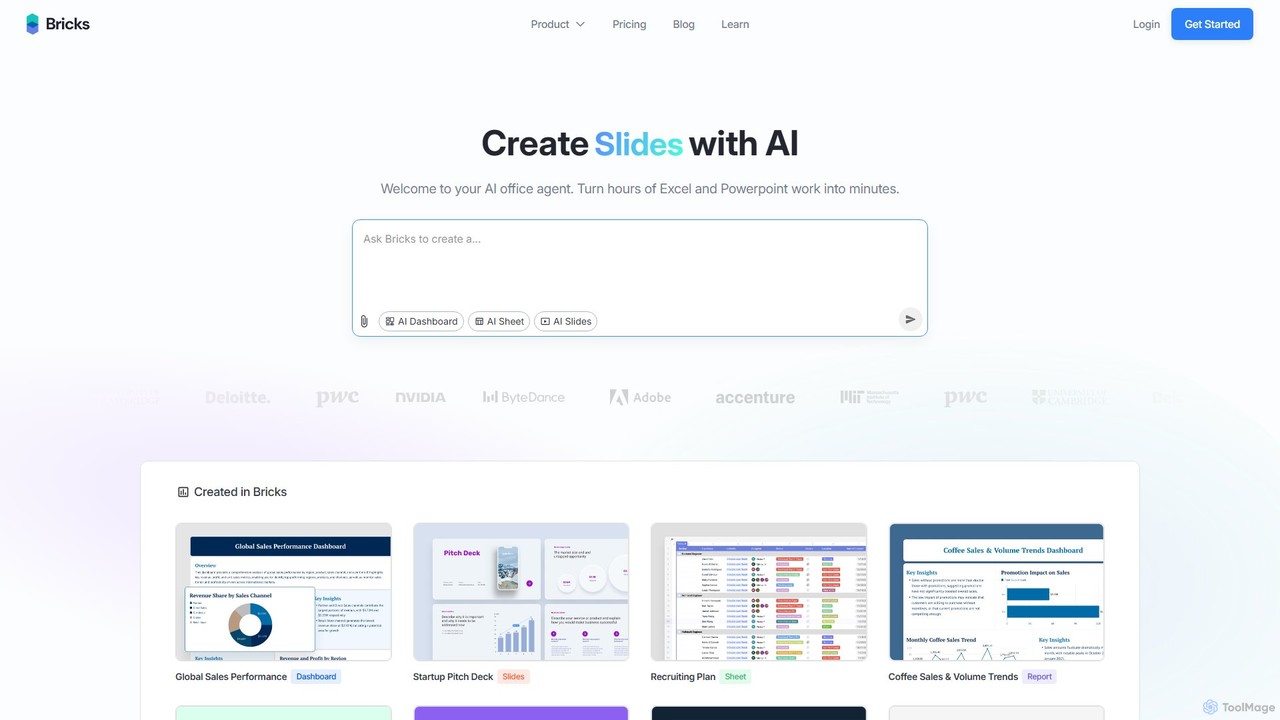
thebricks
thebricks is an AI-powered workspace that transforms data analysis and reporting. It allows users to create interactive dashboards, dynamic spreadsheets, and professional slides using simple natural language prompts. Turn hours of manual work in Excel and PowerPoint into minutes, streamlining your workflow and boosting productivity.
Business Intelligence
table.studio
table.studio is an AI-powered data workspace that combines the simplicity of a spreadsheet with the power of a database and AI. Use natural language to query, analyze, and visualize your data, automating tedious tasks and uncovering insights instantly. It's designed for teams to collaborate on data projects in real-time.
Database Management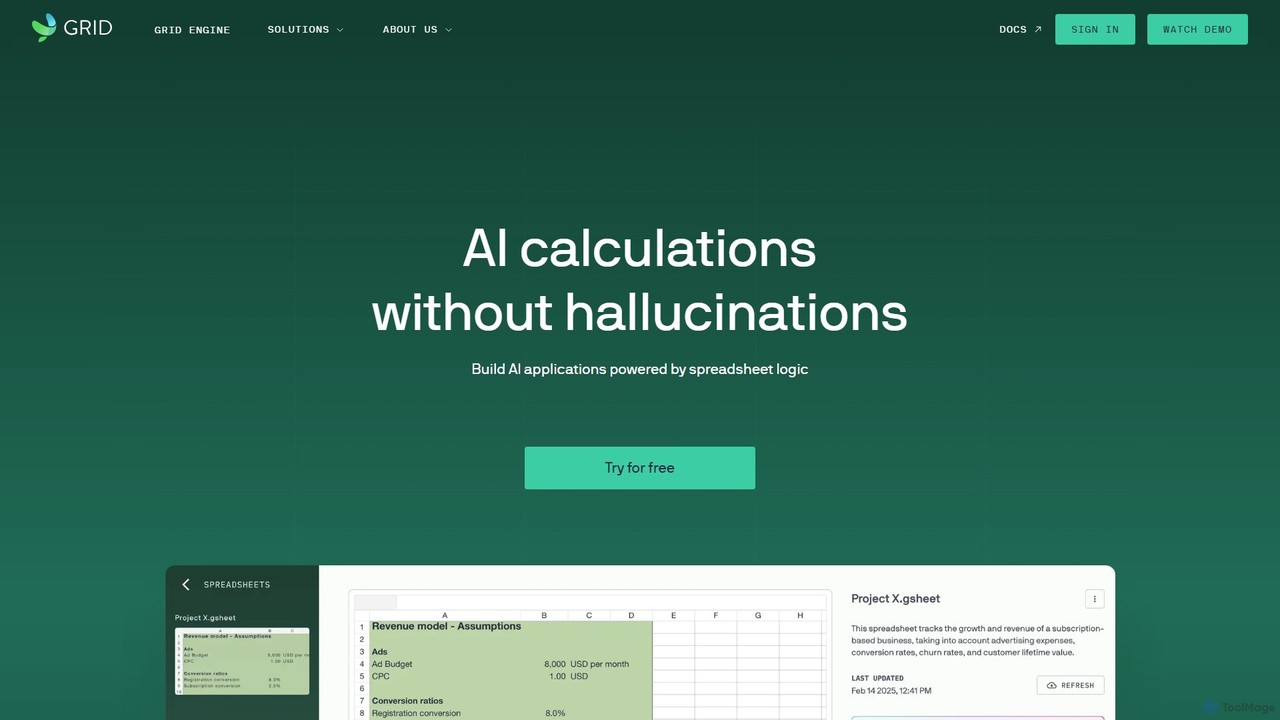
GRID
GRID is an AI-first platform that transforms your existing spreadsheets into powerful, interactive web applications and AI-driven tools. It leverages the logic and data within your Excel and Google Sheets files to build reliable calculators, dashboards, and models that can be queried using natural language, eliminating AI hallucinations.
Business Intelligence
Fabi.ai
Fabi.ai is an AI-powered business intelligence and data analysis platform designed for lean teams. It integrates SQL, Python, and AI to help users build dashboards, automate workflows, and explore data 10x faster. The platform offers an all-in-one collaborative environment, reducing context switching and enabling both technical and non-technical users to derive insights from their data sources like data warehouses, Google Sheets, and more.
Business Intelligence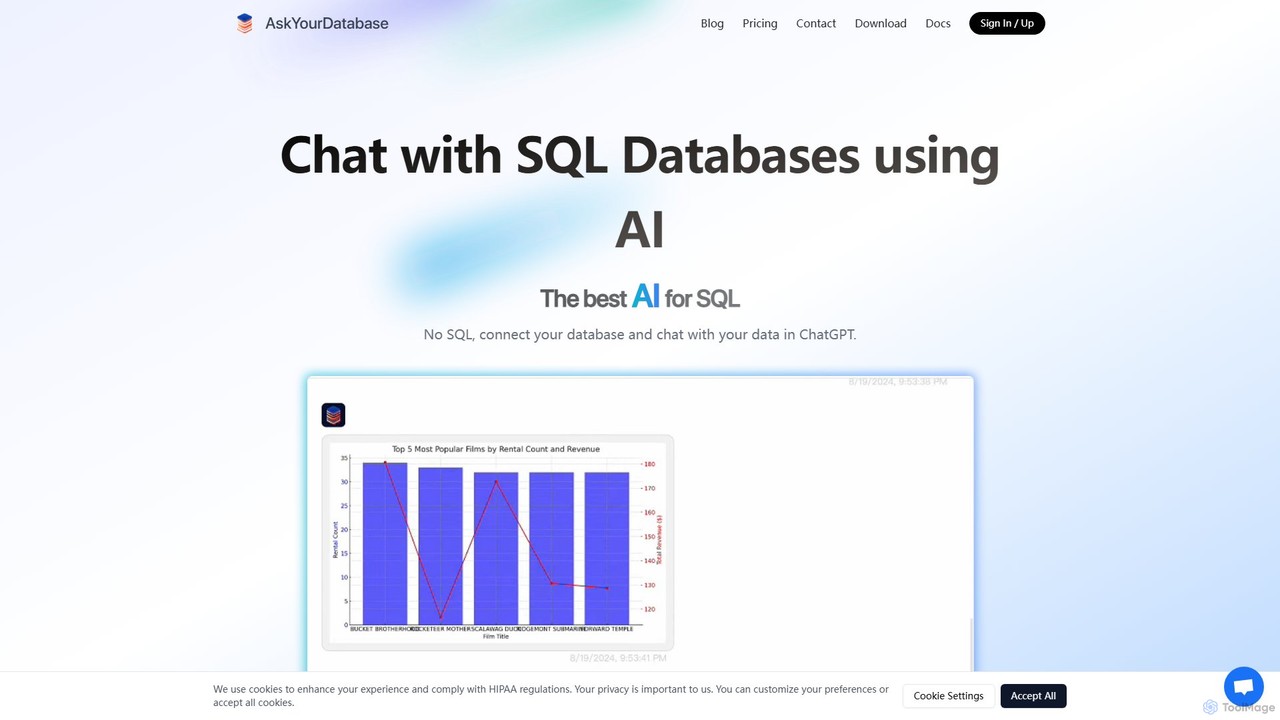
AskYourDatabase
AskYourDatabase is a powerful AI SQL assistant that allows you to interact with your databases using natural language. Query data, create visualizations, and build interactive dashboards without writing a single line of SQL. It supports various databases, offers both desktop and embeddable chatbot versions, and prioritizes data security with on-premise deployment options.
Data Analysis
Jyek
Jyek is an AI agent platform that understands objectives, creates execution plans, uses tools, and delivers verifiable results for complex, multi-step tasks.
Automation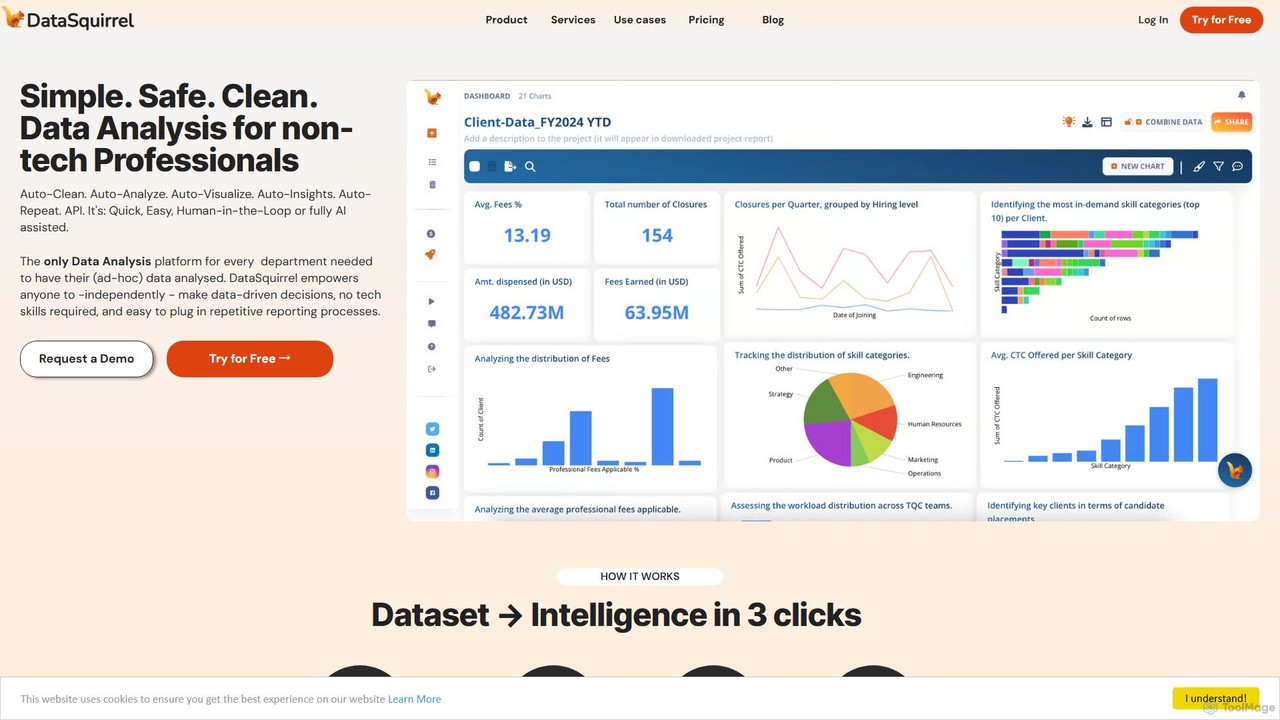
DataSquirrel.ai
DataSquirrel.ai is an AI-powered data analysis platform designed for non-technical business professionals. It automates the entire data workflow, from cleaning and analysis to visualization and reporting. Users can upload data via CSV, Excel, or Google Sheets and receive instant, actionable insights and interactive dashboards without writing any code or formulas, ensuring data security and compliance.
Business Intelligence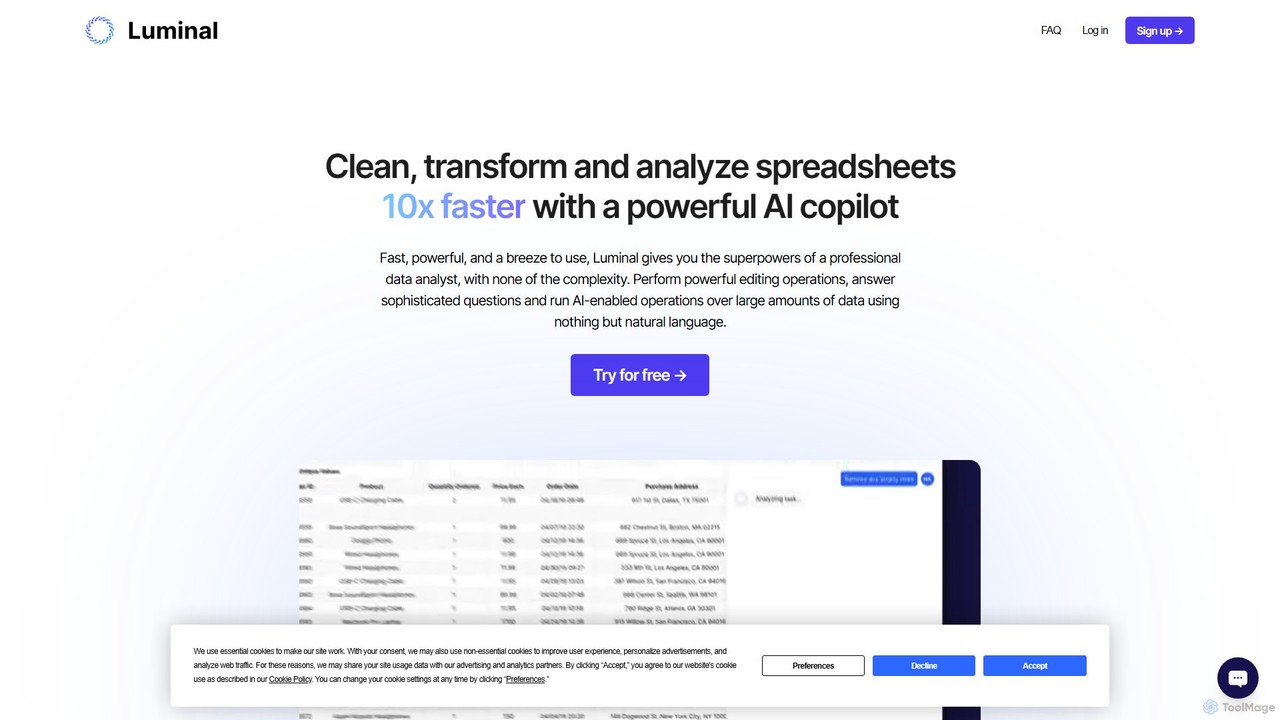
Luminal
Luminal is a powerful AI copilot that revolutionizes spreadsheet management. It allows users to clean, transform, analyze, and visualize data up to 10x faster using simple, natural language commands. Eliminate complex formulas and manual data processing, saving hours of work on large datasets.
Data Management
SheetBot
SheetBot is an AI-powered data analysis platform that enables users to analyze, visualize, and transform data without writing any code. Simply upload your dataset or connect a data source, ask questions in plain English, and receive instant insights, trends, and dynamic visualizations. Powered by advanced models like GPT-4o and Claude 3.5 Sonnet, it streamlines complex analyses, turning hours of work into minutes.
Business Intelligence
Metatable
Metatable is an AI-powered data assistant that revolutionizes how you interact with spreadsheets and tabular data. Simply use natural language prompts to clean, analyze, transform, and visualize your data instantly. It eliminates complex formulas and manual tasks, making data analysis accessible to everyone, from data analysts to business managers.
AnalyticsSheetplus
Sheetplus is an AI-powered toolkit designed to supercharge your spreadsheet experience in Google Sheets and Excel. By leveraging natural language, it allows users to generate complex formulas, clean and analyze data, automate tasks, and extract insights without writing code. It acts as an intelligent assistant, making data management faster, more intuitive, and accessible to everyone, regardless of their technical expertise.
Automation
Sourcetable Comments (0)
Sign in to comment.
Sign inNo comments yet.