

GRID Overview
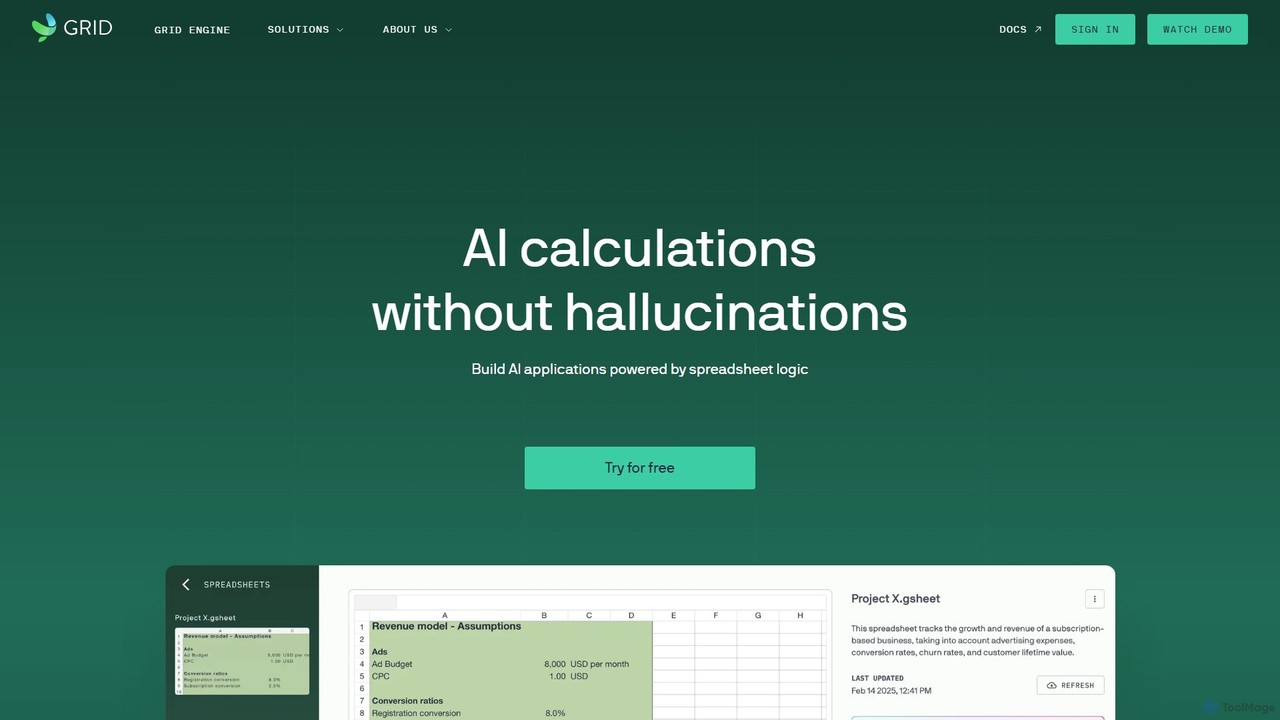
GRID is a revolutionary platform designed for the AI-first era, bridging the gap between the universal language of spreadsheets and the power of artificial intelligence. It recognizes that spreadsheets are the backbone of the business world, holding more critical business logic and data than most formal IT systems. GRID's mission is to unlock this potential by allowing users to build AI applications powered by trusted spreadsheet logic.
The core of the platform is a highly advanced spreadsheet engine, fully compatible with Microsoft Excel and Google Sheets. This engine can handle even the most complex models at scale, ensuring that the calculations are reliable, verifiable, and fast. By integrating a natural language layer, GRID enables both humans and AI agents to interact with spreadsheet data seamlessly. This means you can ask complex questions in plain English and receive accurate answers derived directly from your spreadsheet's calculations, effectively preventing the 'hallucinations' or fabricated data common in other AI systems.
How to use GRID
Using GRID is an intuitive process designed for business users, not just developers. The workflow typically follows these steps:
- Connect Your Spreadsheet: Start by securely connecting your existing Google Sheets or uploading an Excel file. GRID's engine will instantly process your model.
- Select Key Elements: In the GRID editor, you can select the cells, ranges, and charts from your spreadsheet that you want to make interactive. You can designate certain cells as inputs (e.g., for a user to enter a value) and others as outputs (e.g., a calculated result or a chart).
- Build Your Interface: Drag and drop interactive elements like sliders, dropdown menus, and input fields. Link these elements to the input cells in your spreadsheet. This allows users of your final application to change variables and see the results update in real-time.
- Enable AI Interaction: Activate the AI layer to allow users to query your data using natural language. GRID analyzes the labels and context in your spreadsheet to understand the structure and provide accurate, context-aware answers.
- Publish and Share: Once your application is ready, you can publish it with a single click. You will receive a shareable link or an embed code to place the interactive tool directly on your website, blog, or internal portal.
Core Features of GRID
- AI-Powered Calculations: Perform calculations and get insights from your spreadsheets using natural language queries, with results grounded in your data to ensure accuracy.
- Advanced Spreadsheet Engine: A powerful, scalable engine that is fully compatible with Excel and Google Sheets, capable of running complex financial and business models.
- No-Code App Builder: Transform spreadsheet models into interactive web applications, calculators, and dashboards without writing a single line of code.
- Interactive Data Visualization: Create dynamic charts and graphs that respond in real-time to user inputs, making data exploration intuitive and engaging.
- Seamless Sharing and Embedding: Easily share your GRID applications via a link or embed them into any website, making your models accessible to clients, colleagues, and the public.
- Agentic AI Framework: The platform is built to be 'agentic', meaning AI can act on your behalf to perform tasks and automate workflows based on your spreadsheet logic.
Use Cases for GRID
GRID is versatile and can be applied across various industries and functions:
- Finance: Build interactive mortgage calculators, investment portfolio simulators, and retirement planning tools for clients.
- Sales & Marketing: Create instant ROI calculators, pricing quote generators, and interactive marketing reports to engage potential customers.
- Consulting: Present complex business models and data analysis to clients in an interactive, easy-to-understand format.
- Startups: Develop and share financial models with investors, allowing them to test different assumptions and scenarios.
- Human Resources: Create salary and commission calculators or tools for modeling workforce planning scenarios.
Advantages of GRID
GRID offers a unique set of advantages by combining the familiarity of spreadsheets with the power of modern AI and web technologies. It empowers subject-matter experts to build their own tools, reducing reliance on IT departments and accelerating innovation. The platform ensures that AI-driven insights are trustworthy and verifiable, as they are always tied back to the concrete logic within the spreadsheet. This approach democratizes the creation of sophisticated digital tools, making data more accessible and actionable for everyone.
Pricing and Plans
GRID operates on a freemium model, making it accessible for individuals and teams of all sizes. While specific pricing details should be checked on the official website, the plans are typically structured as follows:
- Free Plan: Ideal for individuals and small projects, offering core features with certain limitations on the number of active projects or viewers.
- Pro Plan: Designed for professionals and small teams, offering more projects, advanced features, custom branding, and increased capacity.
- Business/Enterprise Plan: A comprehensive solution for larger organizations, providing unlimited usage, collaboration features, enhanced security, dedicated support, and potentially API access for custom integrations.
A 'Try for free' option is available, allowing users to explore the platform's capabilities before committing to a paid plan.
Traffic
Latest traffic
Status
Monthly traffic trend
- 2025-9: 28.8K
- 2026-1: 34.3K
- 2026-2: 28.3K
- 2026-3: 32.7K
- 2026-4: 24.4K
- 2026-5: 28.2K
Geography
Top 5 countries / regions
- 🇺🇸United States40.7%
- 🇻🇳Vietnam17.8%
- 🇳🇬Nigeria16.6%
- 🇮🇳India13.0%
- 🇧🇷Brazil11.9%
Top keywords
| Keyword | Cost per click |
|---|---|
| ai that doesn't hallucinate numbers | $0.00 |
| coding excel software from scratch | $0.00 |
| grid | $0.69 |
| grid documentos | $0.00 |
| in excel if i want to correct floating point to | $0.00 |
GRID Alternatives

Ajelix
Ajelix is an AI-powered suite of tools designed to enhance productivity for Excel and Google Sheets users. It acts as an AI data analyst, automating tasks, generating formulas and VBA scripts, creating insightful reports, and providing advanced data analysis through a simple chat interface.
Business Intelligence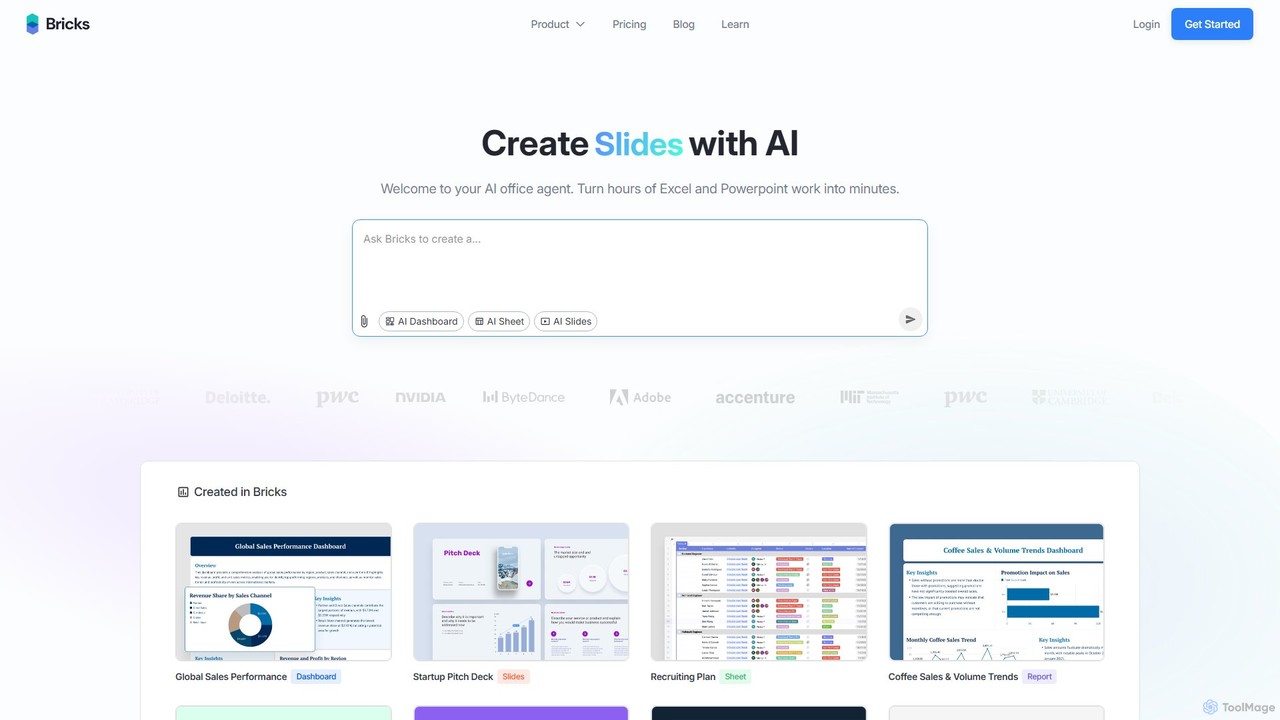
thebricks
thebricks is an AI-powered workspace that transforms data analysis and reporting. It allows users to create interactive dashboards, dynamic spreadsheets, and professional slides using simple natural language prompts. Turn hours of manual work in Excel and PowerPoint into minutes, streamlining your workflow and boosting productivity.
Business Intelligence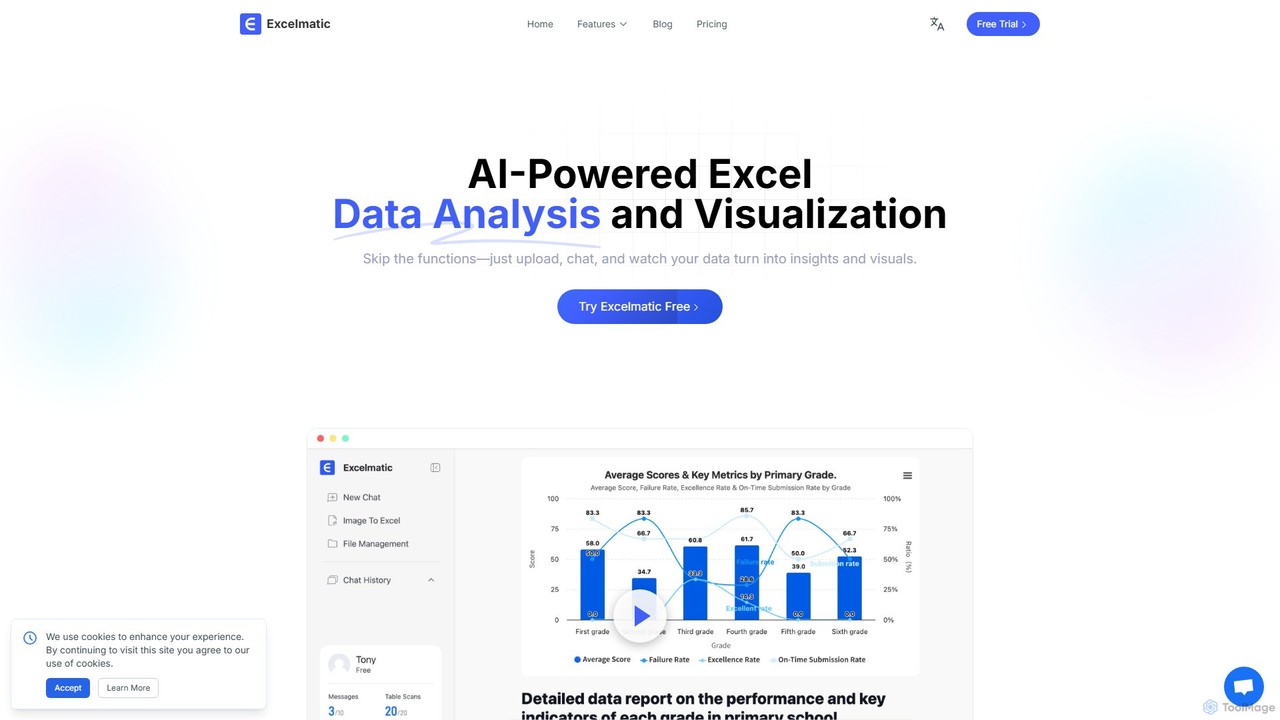
excelmatic
Excelmatic is an AI-powered assistant that transforms your Excel and spreadsheet tasks. Simply upload your data, ask questions in plain English, and instantly get data analysis, visualizations, and generated formulas. It's a no-code solution designed to automate data cleaning, chart creation, and insight discovery, making data accessible to everyone.
Business Intelligence
ChatExcel
ChatExcel is an AI-powered data analysis tool that allows users to process spreadsheets and analyze data through a simple chat interface. It automates tasks like data cleaning, merging, and analysis, and generates over 100 types of charts and visualizations from natural language commands. No coding or complex formulas required, boosting productivity by up to 90%.
Business Intelligence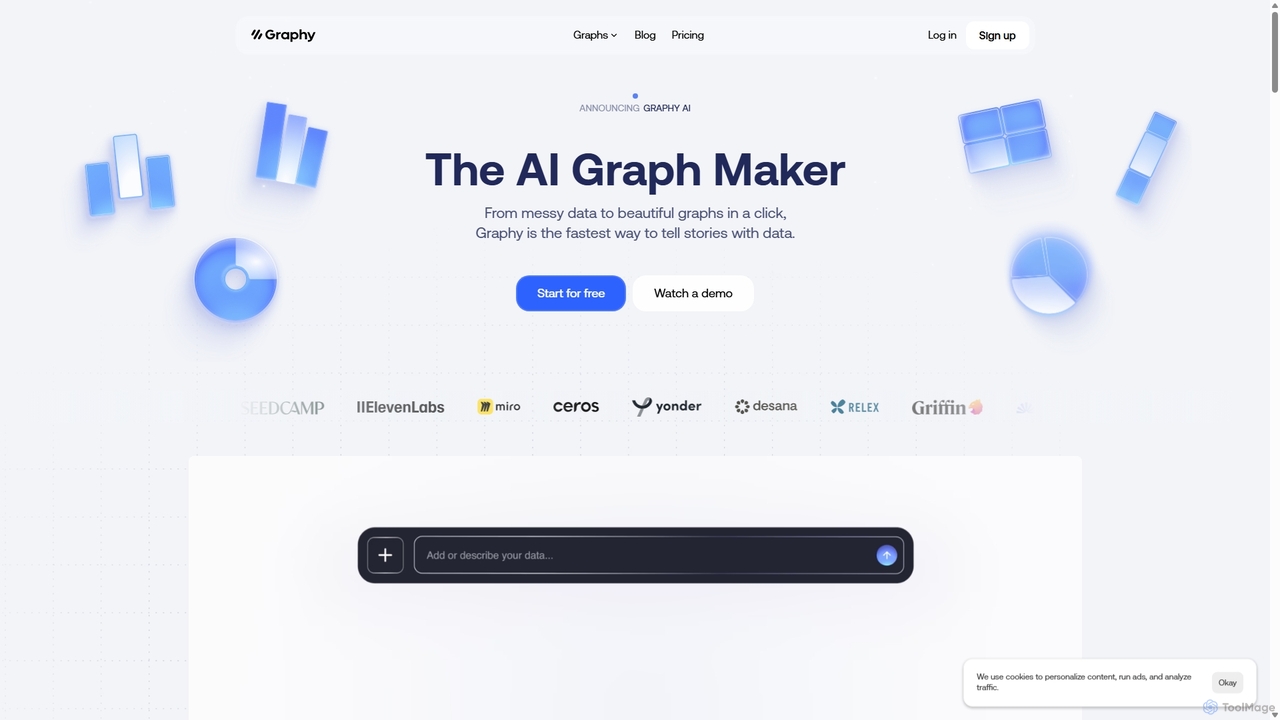
Graphy
Graphy is an AI-powered data visualization tool that transforms raw data into beautiful, interactive charts and graphs in seconds. It simplifies data storytelling by automatically identifying key insights, allowing users to chat with their data, and offering extensive customization. Ideal for marketers, analysts, and teams who need to create compelling visual reports and presentations without complex software.
3DGRID Categories
GRID Embed Widget
Copy this embed code to place the badge on your blog, article, or product site and send readers directly to this ToolMage detail page.

Related AI tools
Ajelix
Ajelix is an AI-powered suite of tools designed to enhance productivity for Excel and Google Sheets users. It acts as an AI data analyst, automating tasks, generating formulas and VBA scripts, creating insightful reports, and providing advanced data analysis through a simple chat interface.
Business Intelligence
Jyek
Jyek is an AI agent platform that understands objectives, creates execution plans, uses tools, and delivers verifiable results for complex, multi-step tasks.
Automationthebricks
thebricks is an AI-powered workspace that transforms data analysis and reporting. It allows users to create interactive dashboards, dynamic spreadsheets, and professional slides using simple natural language prompts. Turn hours of manual work in Excel and PowerPoint into minutes, streamlining your workflow and boosting productivity.
Business Intelligenceexcelmatic
Excelmatic is an AI-powered assistant that transforms your Excel and spreadsheet tasks. Simply upload your data, ask questions in plain English, and instantly get data analysis, visualizations, and generated formulas. It's a no-code solution designed to automate data cleaning, chart creation, and insight discovery, making data accessible to everyone.
Business Intelligence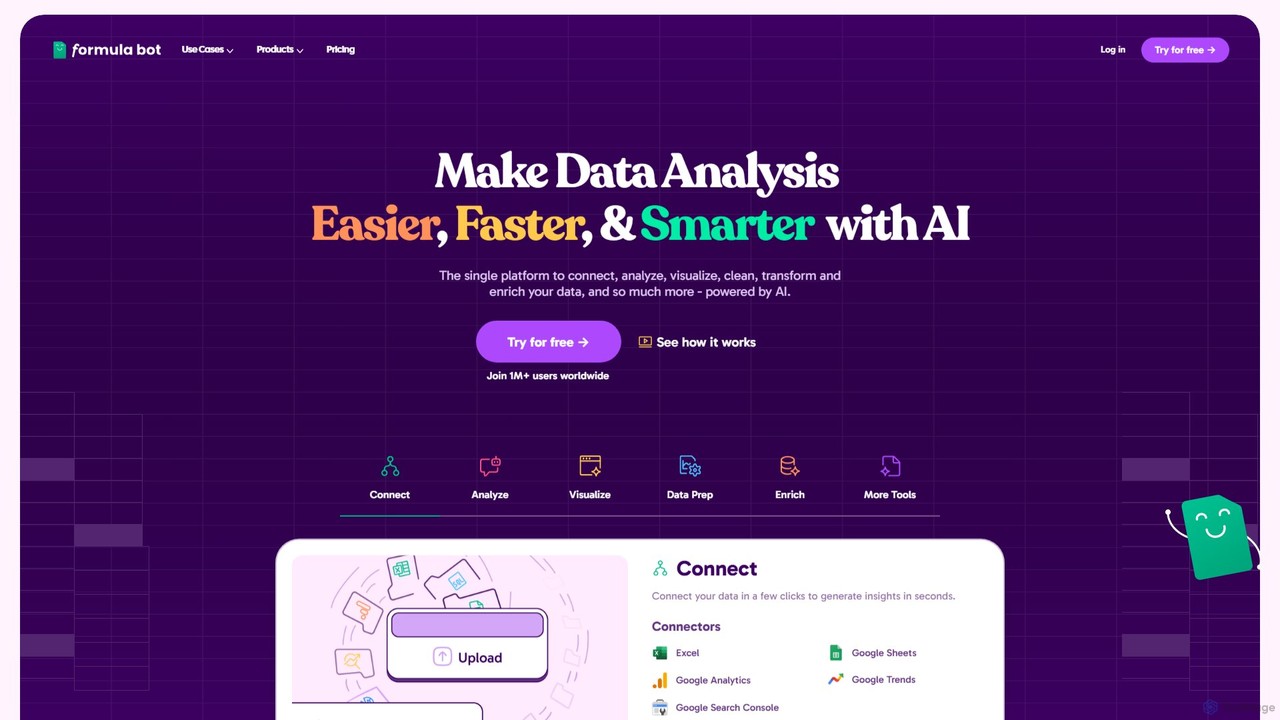
Formula Bot
Formula Bot is an AI-powered data analysis platform that simplifies working with spreadsheets and data. It allows users to generate Excel formulas, SQL queries, and VBA code from simple text instructions, analyze data through a conversational chat interface, and automate tasks like data cleaning and enrichment.
Data Visualization
gptagent
gptagent has rebranded to Julius, an AI data analyst that allows you to analyze data and files using natural language. Upload structured data, ask questions, and instantly generate visualizations, perform statistical analysis, and build models without writing any code. It transforms complex data tasks into simple conversations.
Business IntelligenceChatExcel
ChatExcel is an AI-powered data analysis tool that allows users to process spreadsheets and analyze data through a simple chat interface. It automates tasks like data cleaning, merging, and analysis, and generates over 100 types of charts and visualizations from natural language commands. No coding or complex formulas required, boosting productivity by up to 90%.
Business IntelligenceGraphy
Graphy is an AI-powered data visualization tool that transforms raw data into beautiful, interactive charts and graphs in seconds. It simplifies data storytelling by automatically identifying key insights, allowing users to chat with their data, and offering extensive customization. Ideal for marketers, analysts, and teams who need to create compelling visual reports and presentations without complex software.
3D
Fabi.ai
Fabi.ai is an AI-powered business intelligence and data analysis platform designed for lean teams. It integrates SQL, Python, and AI to help users build dashboards, automate workflows, and explore data 10x faster. The platform offers an all-in-one collaborative environment, reducing context switching and enabling both technical and non-technical users to derive insights from their data sources like data warehouses, Google Sheets, and more.
Business Intelligence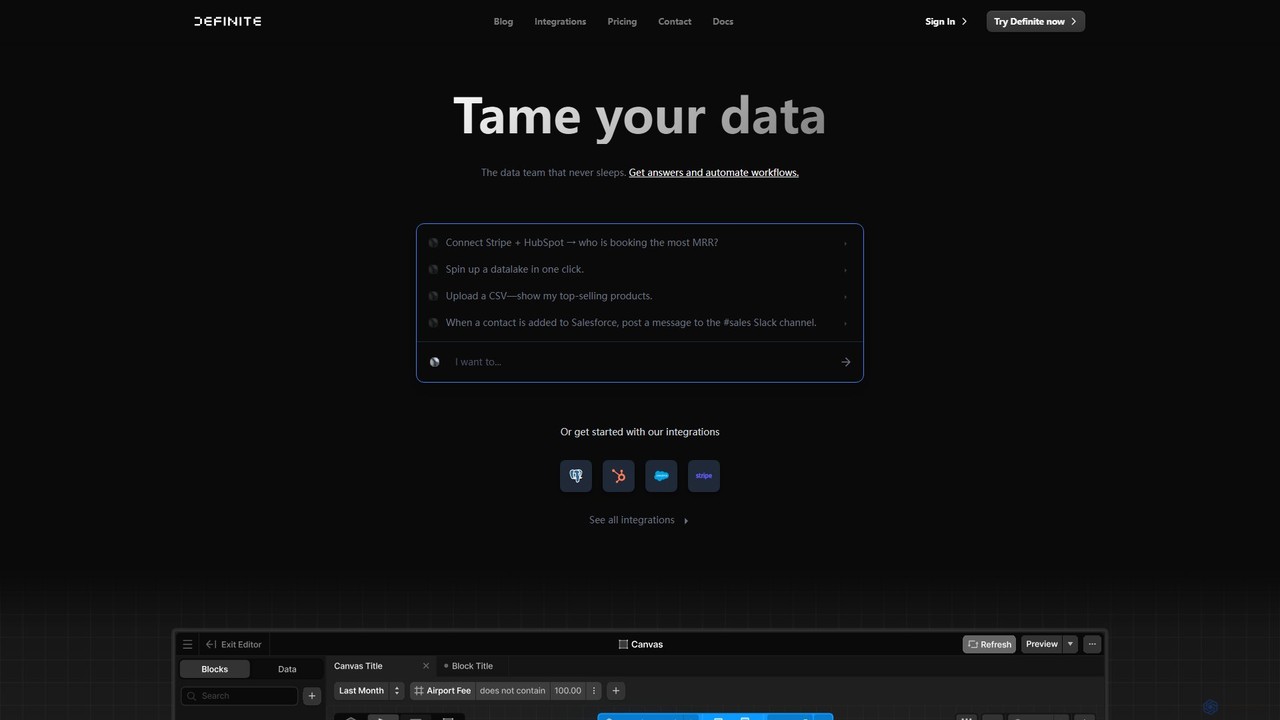
Definite
Definite is an AI-powered, all-in-one data analytics platform that combines data integration, warehousing, and business intelligence. It enables teams to connect hundreds of data sources, ask questions in plain English, and build dashboards without engineering support, turning scattered data into actionable insights in minutes.
Business Intelligence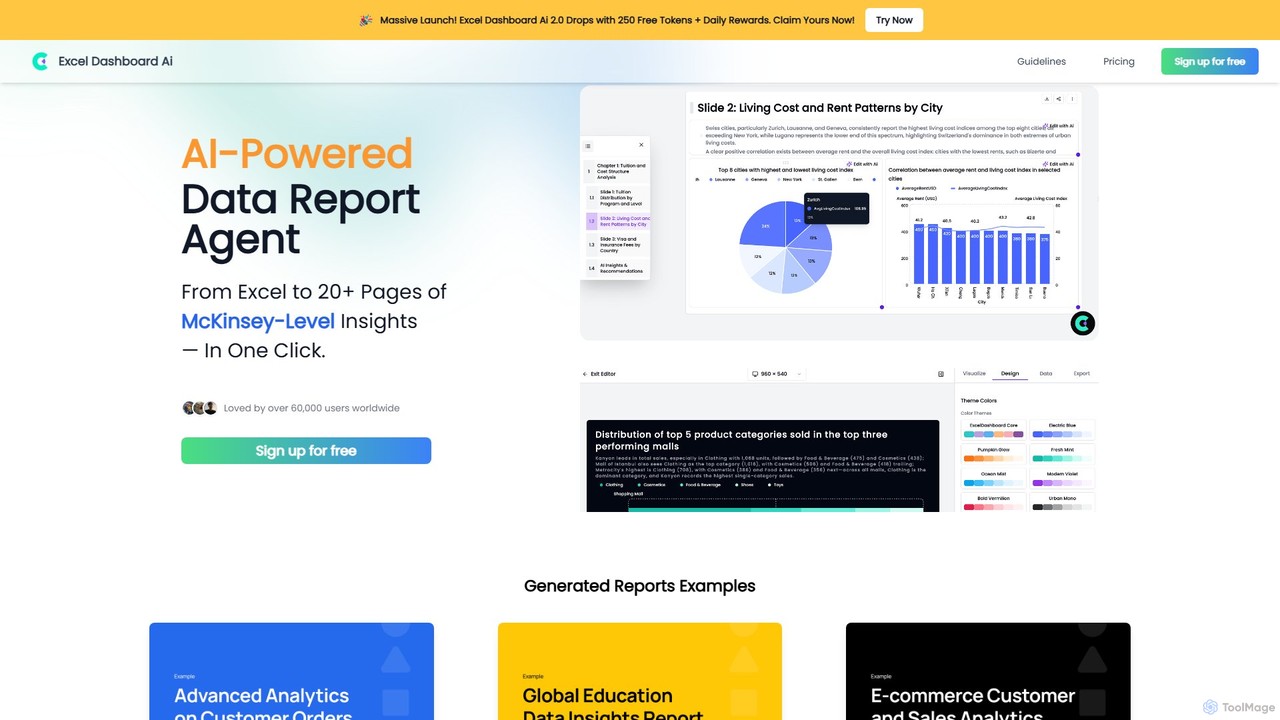
ExcelDashboard.ai
ExcelDashboard.ai is an AI-powered data analysis tool that instantly transforms raw Excel or CSV files into interactive dashboards and comprehensive, multi-page reports. With a single click, it generates deep, McKinsey-level insights, visualizes data, and allows users to explore information using natural language commands. It's designed for users of all skill levels to make data-driven decisions without needing programming expertise.
Business Intelligence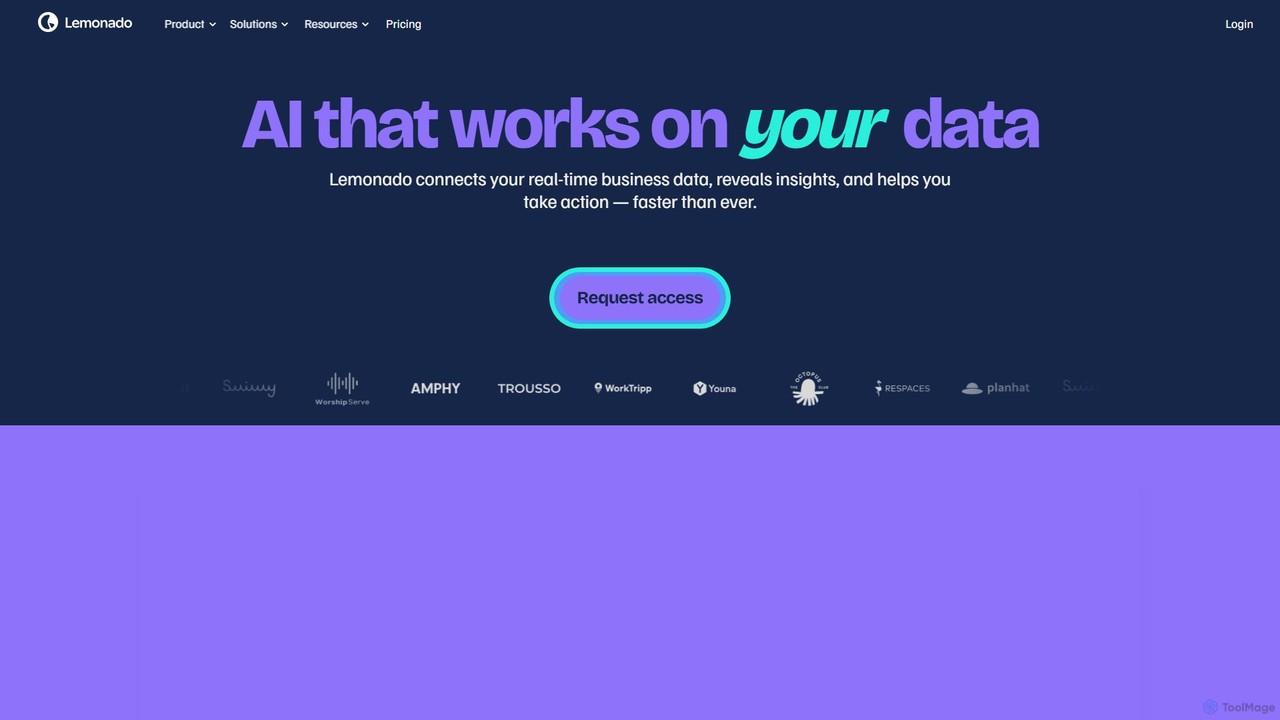
Lemonado
Lemonado is an AI-powered data platform that connects to your real-time business data sources. It allows you to build interactive dashboards, chat with your data using a natural language AI assistant, and automate insights without writing any code. It's designed to help sales, customer success, and operations teams make faster, data-driven decisions by unifying all their information in one accessible place.
Business Intelligence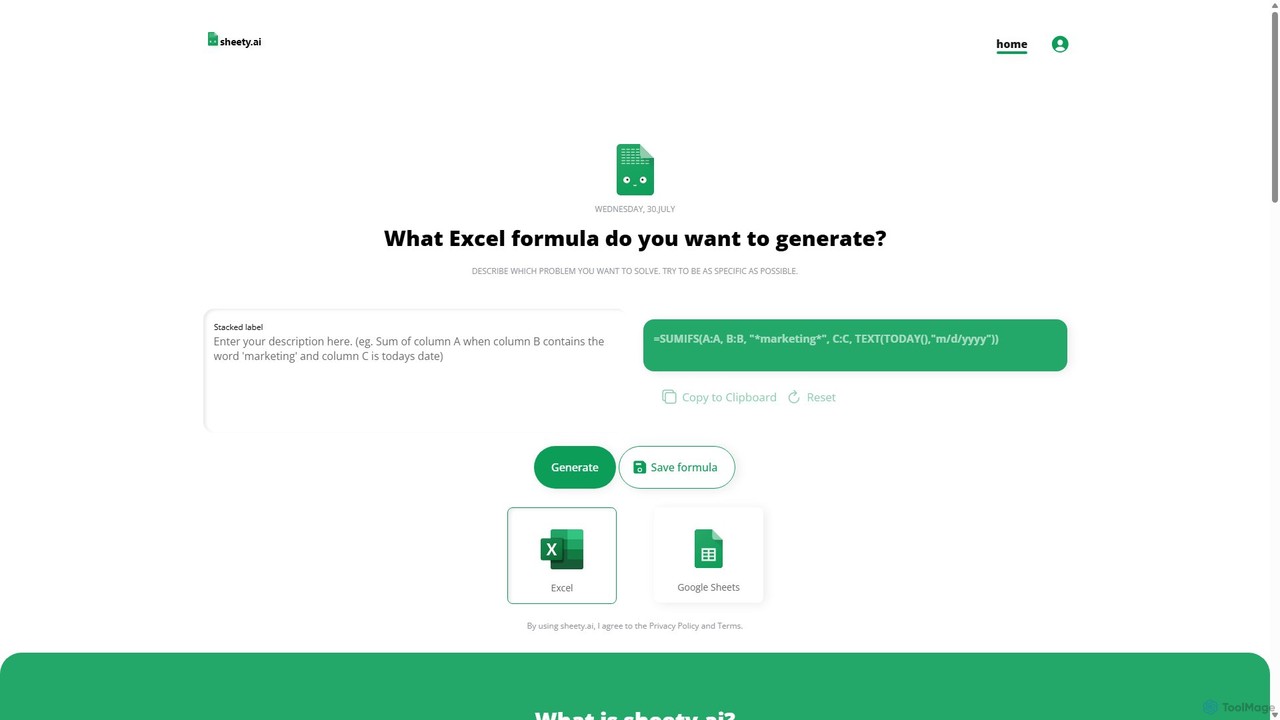
sheety.ai
sheety.ai is an AI-powered tool that instantly generates complex spreadsheet formulas for Excel and Google Sheets from natural language descriptions. Simply describe the problem you want to solve, and the AI will provide the correct formula, saving you time and eliminating the need to memorize syntax. It's designed for everyone from students to financial analysts, boosting productivity and data accuracy.
Data Processing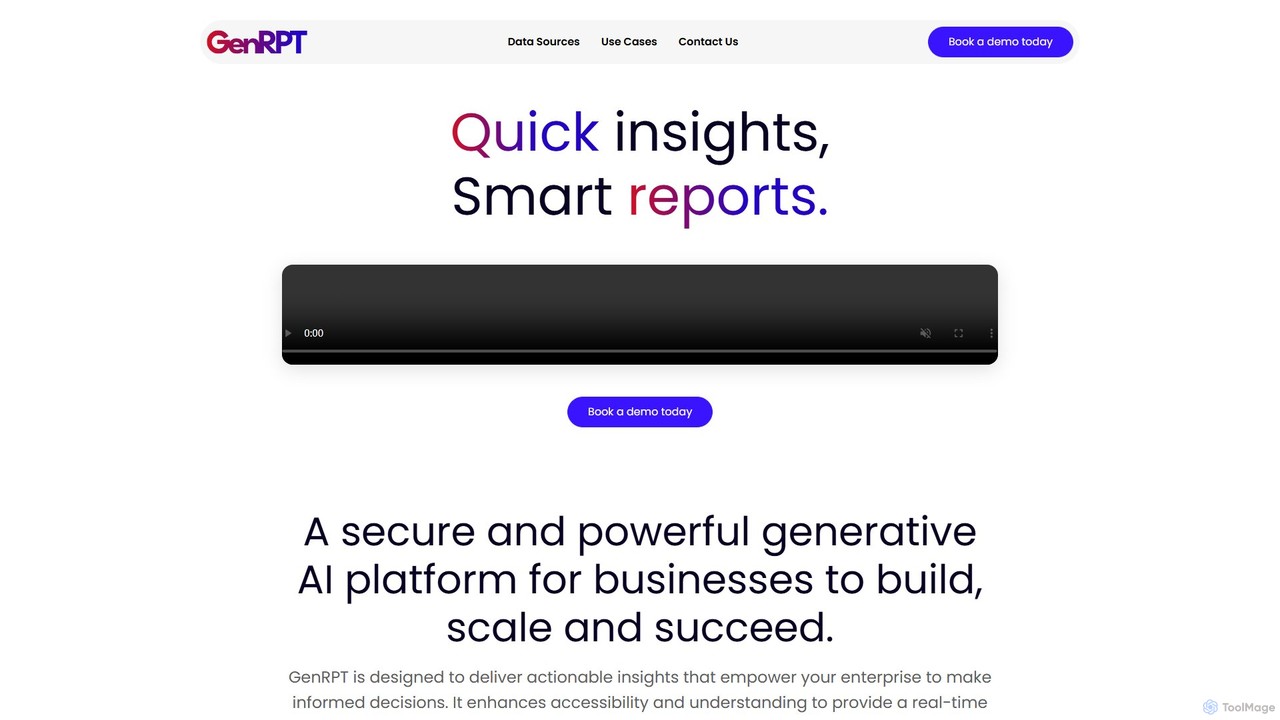
GenRPT
GenRPT is an AI-powered platform that transforms data from SQL, PDF, and Excel into actionable insights and reports. Connect your data sources, ask questions in natural language, and receive instant analysis, summaries, and visualizations to accelerate data-driven decision-making.
Business Intelligence
Airbook
Airbook is an AI-powered Go-to-Market (GTM) data platform that unifies data from CRM, marketing, finance, and product tools into a single collaborative workspace. It enables teams to analyze data using natural language, SQL, or a no-code builder, create dashboards, and activate insights to drive revenue growth.
Business Intelligence
GRID Comments (0)
Sign in to comment.
Sign inNo comments yet.