ToolMage
Sign in

Best 6 Spreadsheet Automation AI tools for Productivity

Popular Spreadsheet Automation AI tools in Productivity include GRID, sheety.ai, EasyAIBridge, Excelly, SayData, and DataNormalizer, helping you work more efficiently.

Excelly
Freemium

Excelly

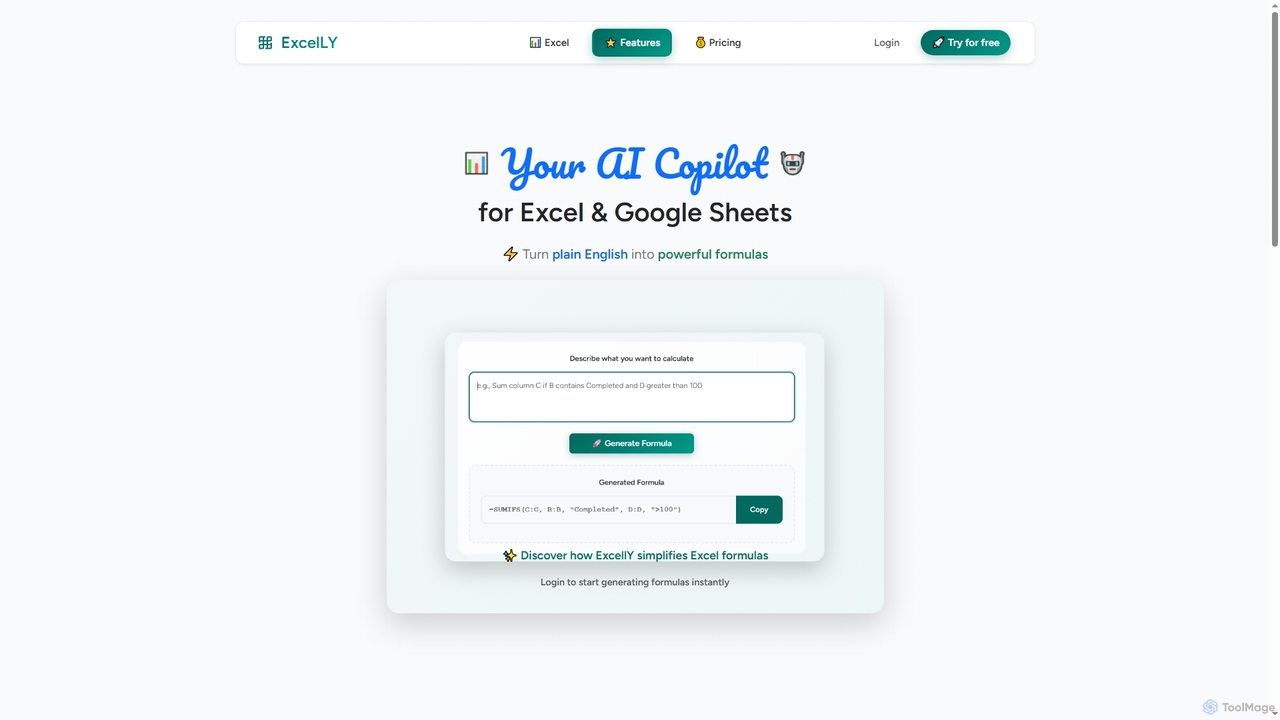
Excelly is an AI copilot for Excel and Google Sheets that transforms plain English descriptions into complex formulas instantly. It also provides step-by-step explanations, boosting productivity and simplifying spreadsheet tasks for users of all skill levels.

Formula Generation
Visits 5.2KFavorites 140Likes 143
EasyAIBridge
Freemium

EasyAIBridge

EasyAIBridge transforms your spreadsheets into instant, actionable insights using advanced AI. Simply type your questions in natural language, and AI automatically generates charts, reports, and data extractions from Google Sheets, Excel, and CSV files, making complex data analysis effortless and secure.

Business Intelligence
Visits 5.2KFavorites 128Likes 120
SayData
Freemium

SayData

SayData provides a ready-to-use AI workforce for your business. Deploy specialized AI employees like Emma for sales, Mark for marketing, and Cal for customer support to automate tasks, scale operations, and boost efficiency. These AI agents integrate seamlessly with human teams to handle everything from lead generation and marketing campaigns to customer issue resolution.

Ai Workforce
Visits 5.1KFavorites 118Likes 114
sheety.ai
Freemium

sheety.ai

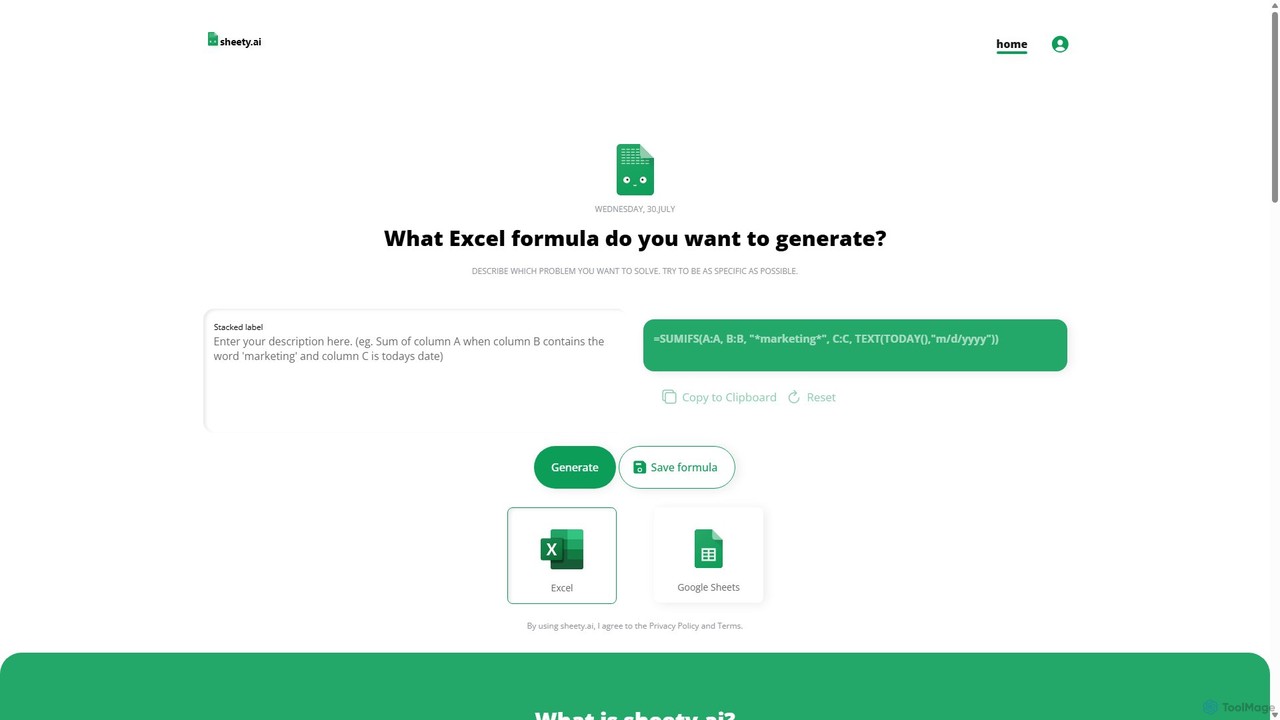
sheety.ai is an AI-powered tool that instantly generates complex spreadsheet formulas for Excel and Google Sheets from natural language descriptions. Simply describe the problem you want to solve, and the AI will provide the correct formula, saving you time and eliminating the need to memorize syntax. It's designed for everyone from students to financial analysts, boosting productivity and data accuracy.

Data Processing
Visits 8KFavorites 129Likes 147
GRID
Freemium

GRID

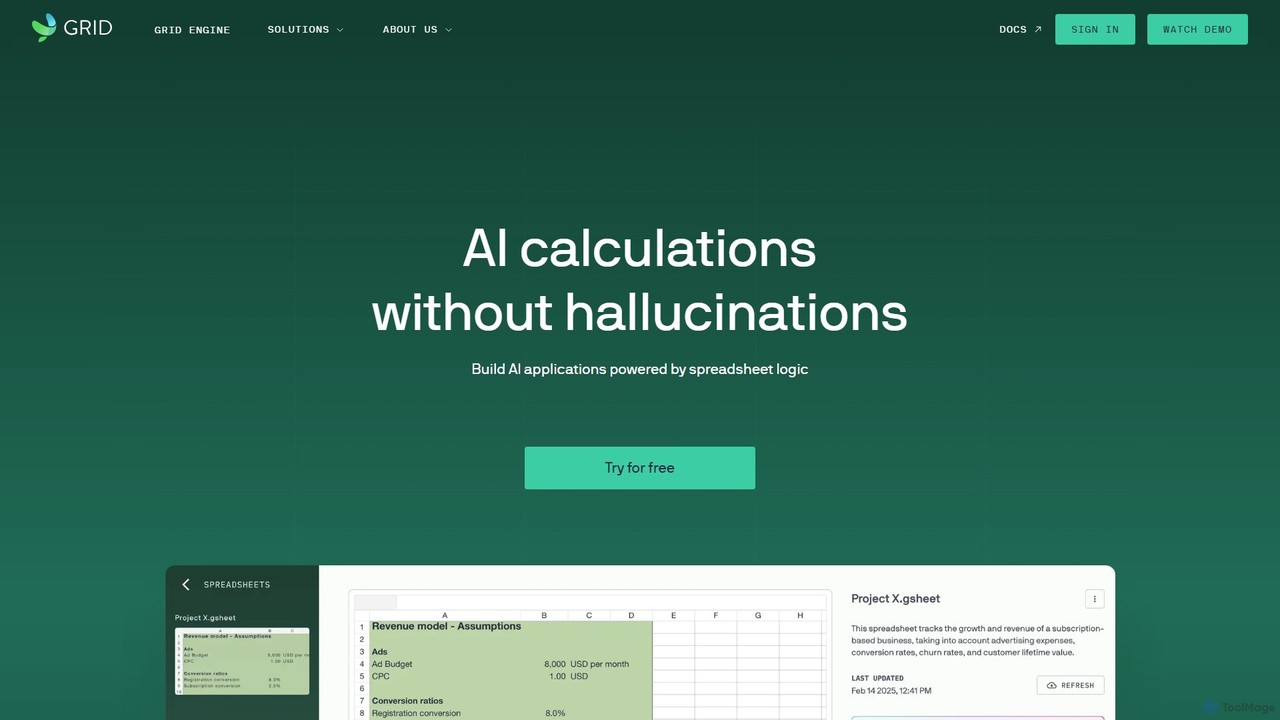
GRID is an AI-first platform that transforms your existing spreadsheets into powerful, interactive web applications and AI-driven tools. It leverages the logic and data within your Excel and Google Sheets files to build reliable calculators, dashboards, and models that can be queried using natural language, eliminating AI hallucinations.

Business Intelligence
Visits 33.4KFavorites 140Likes 122
DataNormalizer
Freemium

DataNormalizer

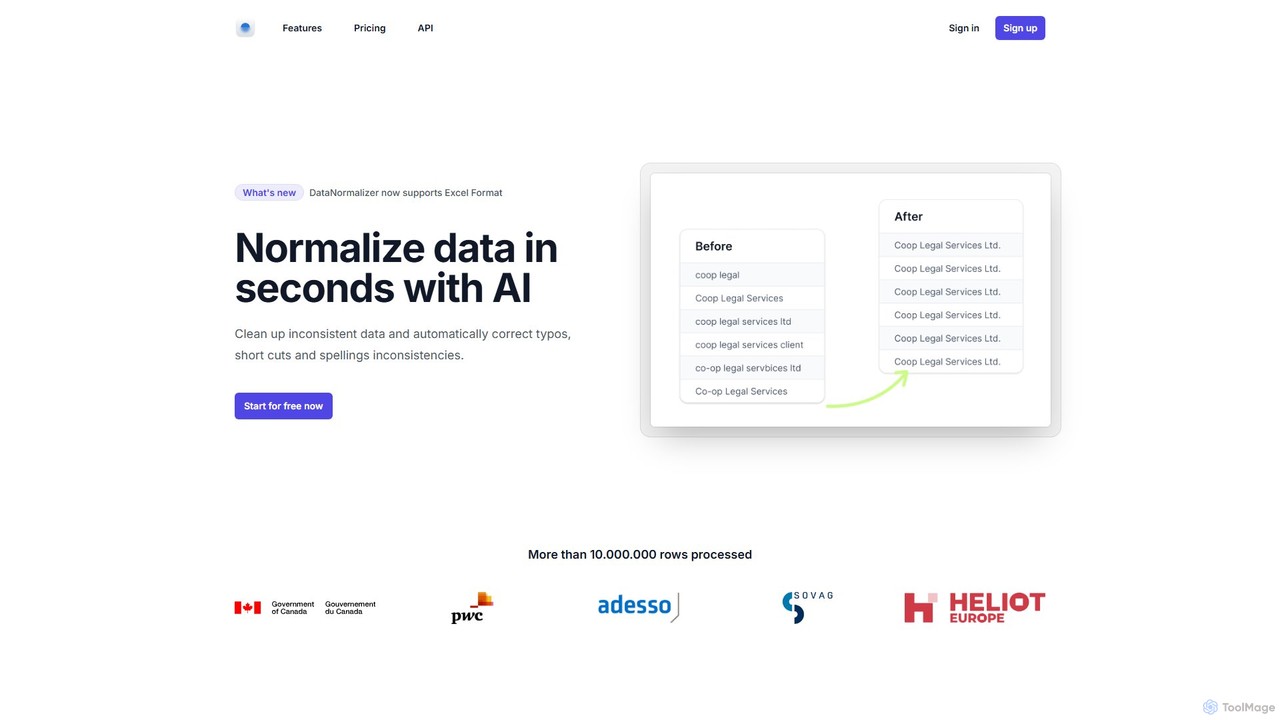
DataNormalizer is an AI-powered tool that cleans and normalizes data in seconds. It automatically corrects typos, standardizes inconsistent formatting, and resolves variations in your CSV and Excel files. Ideal for data analysts, marketers, and businesses, it transforms messy, manually entered data into an accurate, analysis-ready format, saving hours of tedious work.

Data Management
Visits 5KFavorites 143Likes 126

About Spreadsheet Automation

Spreadsheet Automation tools are AI-powered solutions designed to streamline and enhance data management, analysis, and reporting within spreadsheets like Excel and Google Sheets. These tools leverage artificial intelligence to automate repetitive tasks, extract insights, and generate content, significantly reducing manual effort and improving data accuracy. They empower users to transform raw data into actionable intelligence more efficiently, making complex data operations accessible to a wider audience.

Core Features

  • Data Extraction & Cleaning: Automatically pull data from various sources and clean it by removing duplicates, correcting errors, and standardizing formats.
  • Formula Generation & Debugging: Generate complex formulas based on natural language prompts and identify/suggest fixes for errors in existing formulas.
  • Data Analysis & Visualization: Perform advanced statistical analysis, identify trends, and create insightful charts or summaries from raw data.
  • Report Generation: Automate the creation of customized reports, dashboards, and presentations based on real-time spreadsheet data.
  • Workflow Automation: Integrate with other tools and platforms to trigger actions, send notifications, or update records based on spreadsheet changes.

Use Cases

These tools are invaluable for financial analysts managing large datasets, marketing professionals tracking campaign performance, and small business owners automating inventory updates. They are particularly useful in scenarios requiring repetitive data entry, complex calculations, or regular report generation.

How to Choose

When selecting a Spreadsheet Automation tool, consider its integration capabilities with your existing spreadsheet software (e.g., Excel, Google Sheets), the range of AI-powered features it offers (e.g., natural language processing for formulas, advanced analytics), its ease of use and learning curve, and the pricing model that aligns with your budget and usage frequency. Evaluate its ability to handle your specific data volume and complexity, and look for robust security features to protect sensitive information.

Spreadsheet Automation use cases

1

Automate Financial Report Generation

Financial analysts often spend hours manually compiling monthly or quarterly financial reports from various data sources. Spreadsheet Automation tools can automatically pull transaction data, categorize expenses, calculate key performance indicators (KPIs), and generate formatted reports or dashboards, saving significant time and reducing the risk of human error. This allows analysts to focus on strategic insights rather than data compilation.

2

Streamline E-commerce Inventory Management

E-commerce businesses with large product catalogs need efficient inventory tracking. AI-powered Spreadsheet Automation can connect to sales platforms, automatically update stock levels in a central spreadsheet, flag low-stock items, and even generate reorder lists based on sales velocity. This ensures accurate inventory counts, prevents overselling, and optimizes purchasing decisions.

3

Personalized Marketing Campaign Performance Tracking

Marketing teams manage multiple campaigns across different channels, each generating vast amounts of data. Spreadsheet Automation tools can consolidate data from ad platforms, social media, and email marketing services into a single sheet. They can then automatically calculate ROI, identify top-performing channels, and generate visual summaries, providing quick insights for campaign optimization without manual data aggregation.

4

Automate Customer Feedback Analysis

Businesses collect customer feedback through surveys, reviews, and support tickets. Spreadsheet Automation, often with integrated NLP capabilities, can process large volumes of text feedback in a spreadsheet, categorize sentiment (positive, negative, neutral), identify common themes or pain points, and summarize key insights. This helps product teams and customer service managers quickly understand customer needs and improve services.

5

Simplify Project Task Assignment & Tracking

Project managers can use Spreadsheet Automation to manage tasks and team assignments. By integrating with project management tools or email, the AI can automatically update task statuses, assign new tasks based on predefined rules, track deadlines, and send automated reminders to team members directly from a spreadsheet. This ensures projects stay on track and communication is streamlined.

6

Batch Data Cleaning and Standardization

Data entry errors and inconsistent formatting are common challenges. Spreadsheet Automation tools excel at batch processing, allowing users to upload messy datasets and automatically clean them. This includes removing duplicate entries, correcting spelling mistakes, standardizing date or currency formats, and filling in missing values, ensuring data quality for analysis and reporting across various departments.

Spreadsheet Automation FAQ

What are Spreadsheet Automation tools?

Spreadsheet Automation tools are AI-powered applications designed to automate repetitive and complex tasks within spreadsheet software like Excel and Google Sheets. They leverage artificial intelligence to perform data entry, cleaning, analysis, and report generation, significantly enhancing efficiency and accuracy. Their core purpose is to transform manual, time-consuming spreadsheet operations into streamlined, automated workflows.

How do Spreadsheet Automation tools differ from traditional spreadsheet functions?

Traditional spreadsheet functions require manual input of formulas and macros, demanding specific technical knowledge. Spreadsheet Automation tools, however, use AI to understand natural language commands, generate complex formulas, and perform advanced data processing autonomously. This means users can achieve sophisticated results with less manual coding, making advanced data tasks more accessible and less prone to human error compared to purely manual methods.

What are the key benefits of using AI for spreadsheet automation?

The key benefits include significant time savings by automating repetitive tasks, improved data accuracy through error reduction and consistent processing, and enhanced decision-making capabilities due to faster access to insights. AI also enables more sophisticated analysis and the generation of complex reports that would be difficult or impossible to create manually, allowing users to focus on higher-value strategic work.

Who can benefit most from Spreadsheet Automation tools?

Professionals who regularly work with large datasets and perform repetitive tasks in spreadsheets can benefit greatly. This includes financial analysts, marketing specialists, data scientists, project managers, and small business owners. Anyone looking to reduce manual data entry, automate report generation, or gain deeper insights from their data without extensive coding knowledge will find these tools invaluable.

What should I consider when choosing a Spreadsheet Automation tool?

When choosing a Spreadsheet Automation tool, evaluate its compatibility with your existing spreadsheet software (e.g., Excel, Google Sheets), the specific AI features it offers (e.g., NLP for formulas, advanced analytics, integration capabilities), and its pricing structure. Also, consider the level of technical expertise required, the security measures for your data, and the quality of customer support. A good tool should align with your specific workflow needs and data complexity.