

DataNormalizer Overview
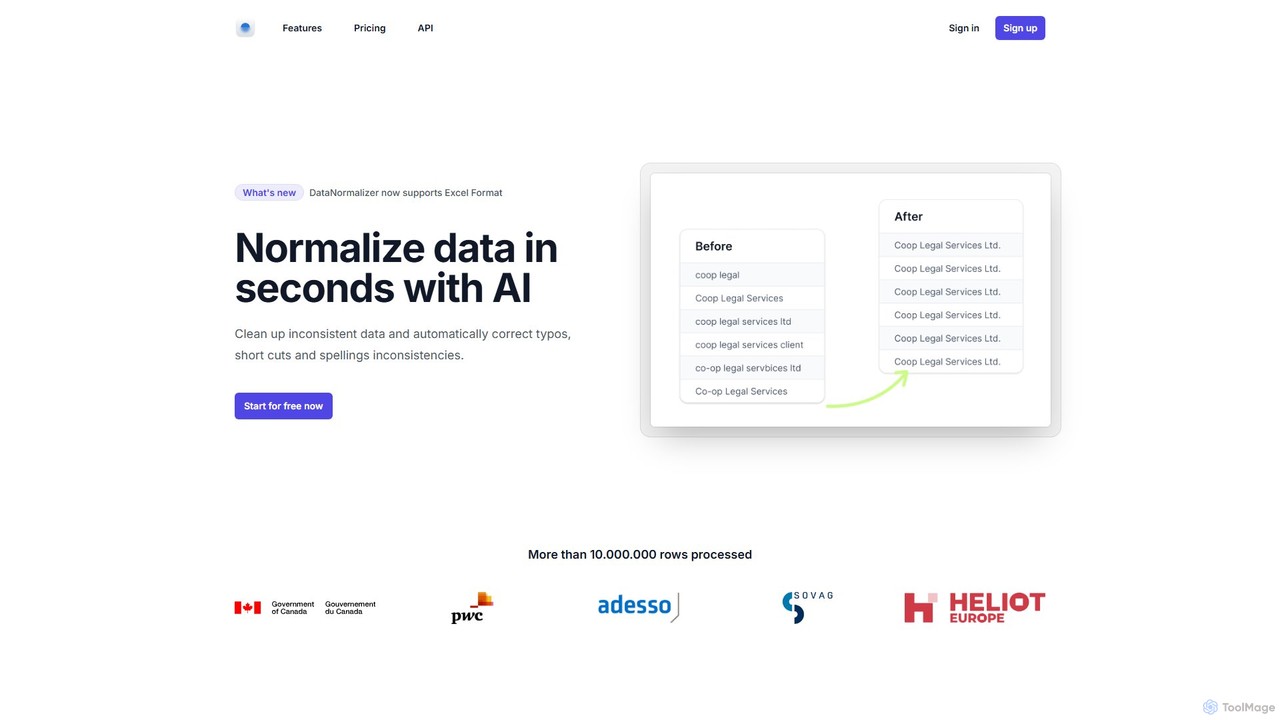
DataNormalizer is an intelligent, AI-driven platform designed to automate the often tedious and error-prone process of data cleaning and normalization. In today's data-centric world, businesses rely on accurate information for analysis, reporting, and decision-making. However, manual data entry frequently leads to inconsistencies such as typos, spelling variations, inconsistent formatting, and the use of shortcuts. These errors can compromise data integrity and lead to flawed insights. DataNormalizer tackles this problem head-on, offering a fast, efficient, and scalable solution to clean up datasets with just a few clicks.
The platform supports both popular CSV and Excel formats, making it accessible for a wide range of users, from individual researchers to large enterprises. By leveraging advanced AI algorithms, DataNormalizer can understand the context and semantics of your data to make intelligent corrections that go beyond simple find-and-replace actions. It has already processed over 10 million rows of data, proving its capability and reliability in handling diverse data cleaning challenges.
How to use DataNormalizer
Using DataNormalizer is designed to be a simple and intuitive process, requiring no technical expertise or coding skills. Here’s a step-by-step guide to get your data cleaned:
- Sign Up or Log In: Create a free account using your email, Google, or GitHub account. The free plan allows you to test the service immediately without a credit card.
- Upload Your File: Navigate to the processor and upload your data file. The platform accepts both CSV and Excel (.xlsx) files for paid users, while the free plan supports CSV.
- AI-Powered Processing: Once uploaded, the AI engine gets to work. It scans your data row by row, identifying and flagging various types of inconsistencies. The process is incredibly fast, delivering results in seconds.
- Review and Download: The tool automatically corrects the identified errors. You can then download the cleaned, standardized, and normalized dataset, ready for immediate use in your analytics tools, CRM systems, or reports.
Core Features of DataNormalizer
- Automatic Typo and Spelling Correction: Intelligently identifies and fixes spelling mistakes (e.g., 'serbices' to 'services').
- Formatting Standardization: Unifies inconsistent text formats, such as 'Coop' vs 'Co-op'.
- Shortcut Expansion: Expands common abbreviations to their full form for consistency (e.g., 'Ltd.' to 'Limited').
- Capitalization Consistency: Corrects random capitalization to a standard format (e.g., 'APPLE' to 'Apple').
- Synonym Unification: Recognizes and standardizes synonyms to a single preferred term (e.g., 'Attorney' to 'Lawyer').
- Number Format Normalization: Resolves discrepancies in number formatting (e.g., '1,000', '1000', and '1k' can be standardized).
- Broad File Support: Works seamlessly with both CSV and Excel files, catering to most business data needs.
- High-Speed Processing: Engineered for efficiency, capable of processing large files with millions of rows quickly.
Use Cases for DataNormalizer
DataNormalizer is a versatile tool applicable across various industries and roles:
- Data Analysts: Pre-processing and cleaning raw data to ensure accuracy before loading it into BI tools like Tableau or Power BI.
- Marketing & Sales Teams: Cleaning and de-duplicating lead lists and contact databases to improve CRM data quality and campaign effectiveness.
- E-commerce Managers: Standardizing product names, categories, and supplier information from multiple sources for consistent inventory management.
- Financial Institutions: Normalizing transaction descriptions, client names, and addresses for accurate reporting and compliance.
- Researchers and Academics: Cleaning survey responses and experimental data to ensure the integrity of statistical analysis.
Advantages of DataNormalizer
The primary advantage of DataNormalizer is its ability to drastically reduce the time and effort spent on manual data cleaning. It enhances data accuracy, which leads to more reliable analyses and better-informed business decisions. The platform is highly accessible to non-technical users thanks to its simple interface, and its scalable pricing model makes it suitable for everyone from students to large corporations. By automating this crucial step in the data workflow, organizations can unlock the true potential of their data assets.
Pricing and Plans
DataNormalizer offers a flexible, pay-as-you-go pricing model that is both transparent and scalable.
- Free Plan: $0. Perfect for testing, this plan includes processing for up to 25 rows per file (CSV format only) and low processing priority.
- Credit-Based Plans: For larger needs, users can purchase credits where 1 row processed equals 1 credit. All paid plans feature unlimited rows per file, the fastest processing speeds, support for both CSV and Excel formats, and free reprocessing on errors.
- 1,000 Credits: $12
- 5,000 Credits: $29
- 10,000 Credits: $49
- 25,000 Credits: $99
- 100,000 Credits: $249
- 1,000,000 Credits: $990
- Enterprise & Student Plans: Custom enterprise plans and student discounts are available upon request by contacting their support team.
DataNormalizer Alternatives

getclientell
getclientell is an AI-powered platform designed to automate and simplify Salesforce operations. It enables RevOps, sales, and admin teams to manage data, build workflows, and generate reports using simple English prompts. This turns your CRM into a powerful growth engine, eliminating manual tasks and data inaccuracies.
Data Management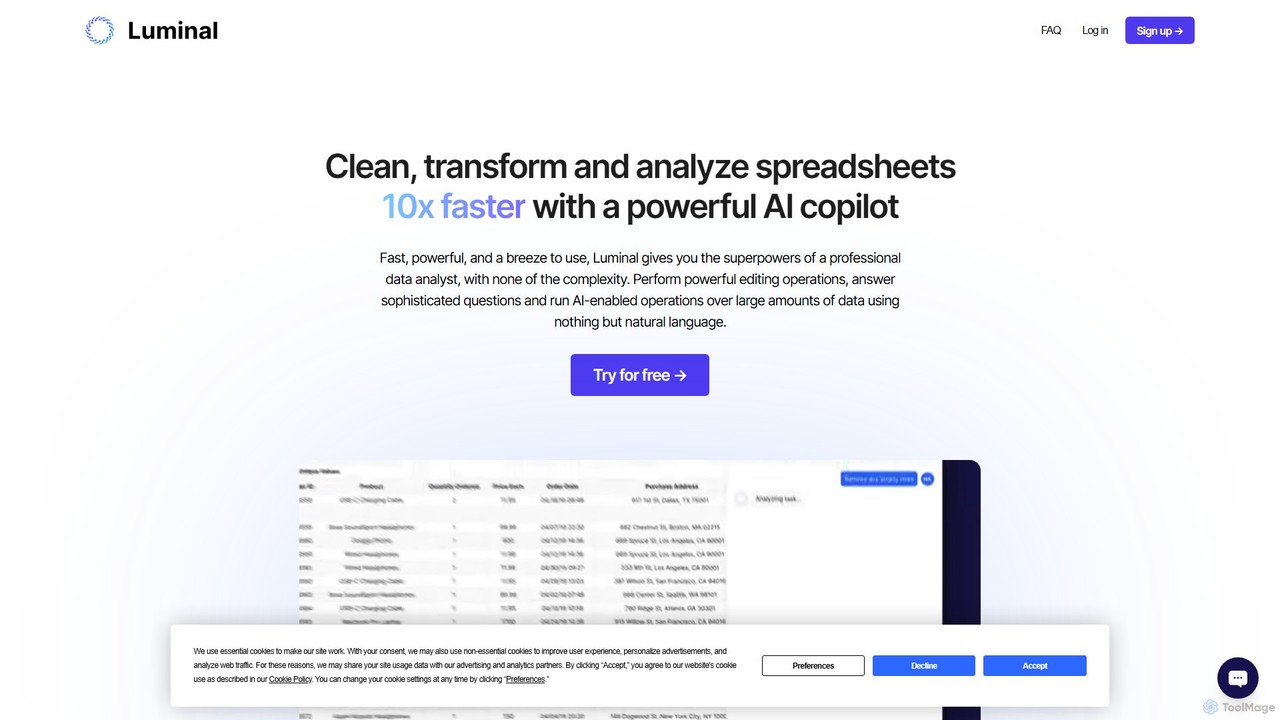
Luminal
Luminal is a powerful AI copilot that revolutionizes spreadsheet management. It allows users to clean, transform, analyze, and visualize data up to 10x faster using simple, natural language commands. Eliminate complex formulas and manual data processing, saving hours of work on large datasets.
Data Management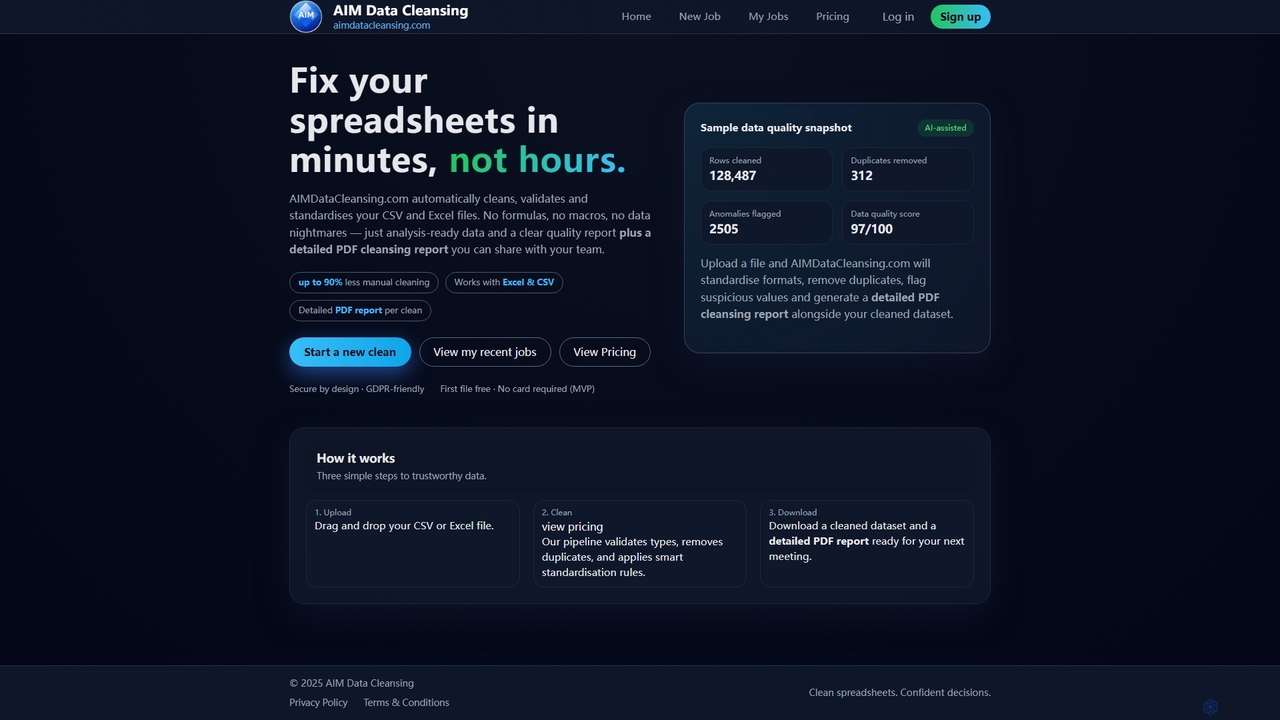
AIMDataCleansing
AIMDataCleansing is an AI-assisted online tool that automatically cleans, validates, and standardizes CSV and Excel files in minutes. It helps users transform messy spreadsheets into analysis-ready data by removing duplicates, flagging anomalies, and standardizing formats, all without manual formulas or macros.
Automation
Ketch
A comprehensive data privacy and AI governance platform. Ketch helps businesses automate compliance with regulations like GDPR and CCPA, manage user consent, and responsibly leverage data for growth. It offers tools for DSR automation, data mapping, and risk assessments.
Data Management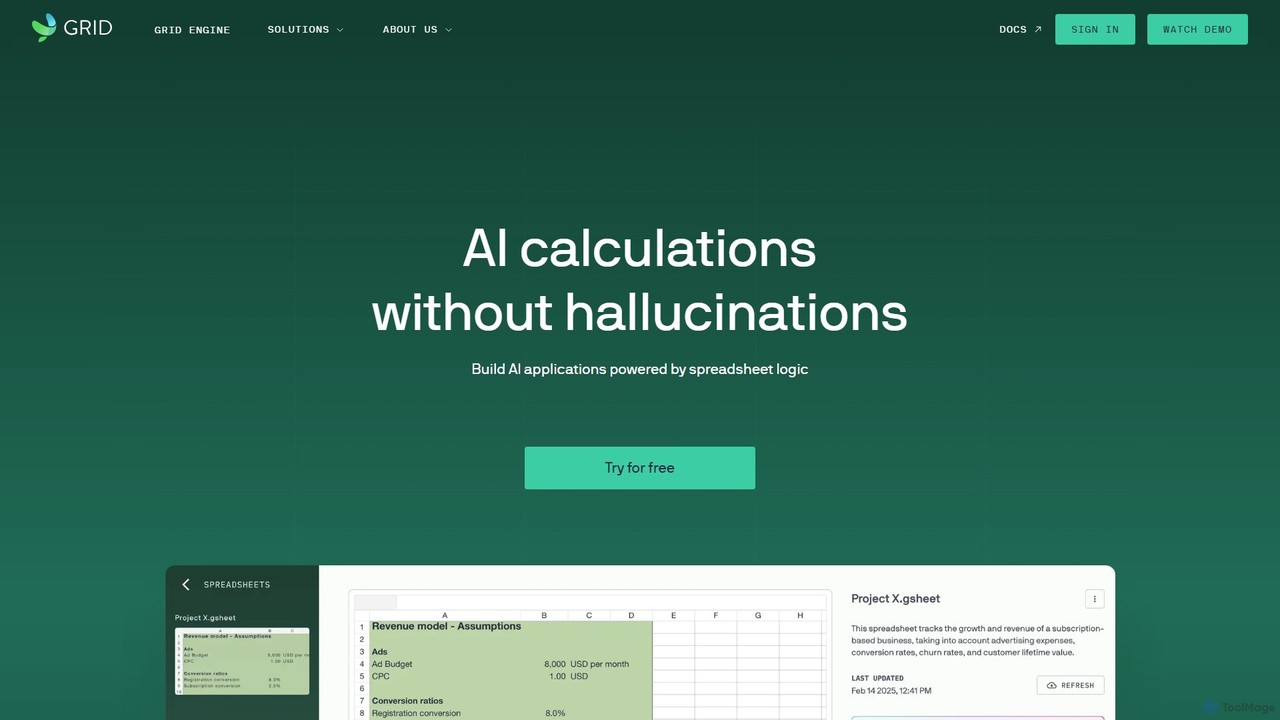
GRID
GRID is an AI-first platform that transforms your existing spreadsheets into powerful, interactive web applications and AI-driven tools. It leverages the logic and data within your Excel and Google Sheets files to build reliable calculators, dashboards, and models that can be queried using natural language, eliminating AI hallucinations.
Business IntelligenceDataNormalizer Categories
DataNormalizer Embed Widget
Copy this embed code to place the badge on your blog, article, or product site and send readers directly to this ToolMage detail page.

Related AI tools
AIMDataCleansing
AIMDataCleansing is an AI-assisted online tool that automatically cleans, validates, and standardizes CSV and Excel files in minutes. It helps users transform messy spreadsheets into analysis-ready data by removing duplicates, flagging anomalies, and standardizing formats, all without manual formulas or macros.
Automation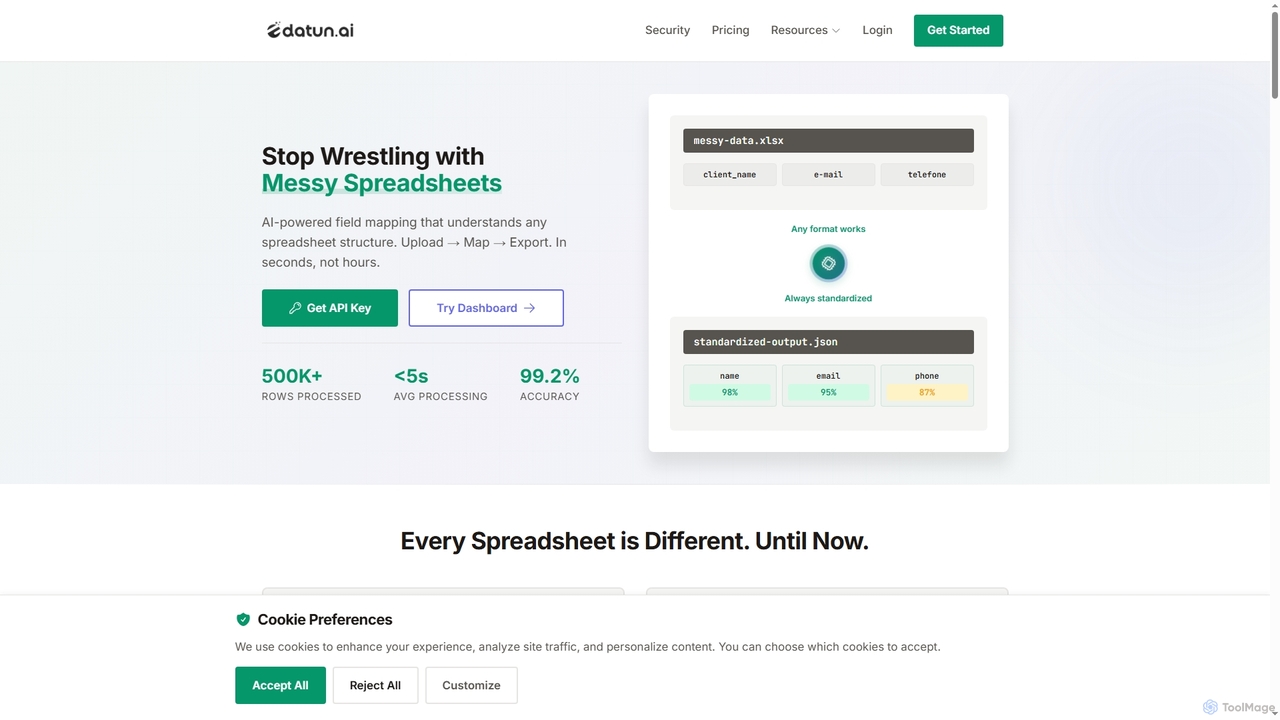
Datun
Datun is an AI-powered platform that automates the processing of messy spreadsheets. It intelligently maps fields from any spreadsheet structure, format, or language, standardizing data in seconds for developers and data teams.
Automation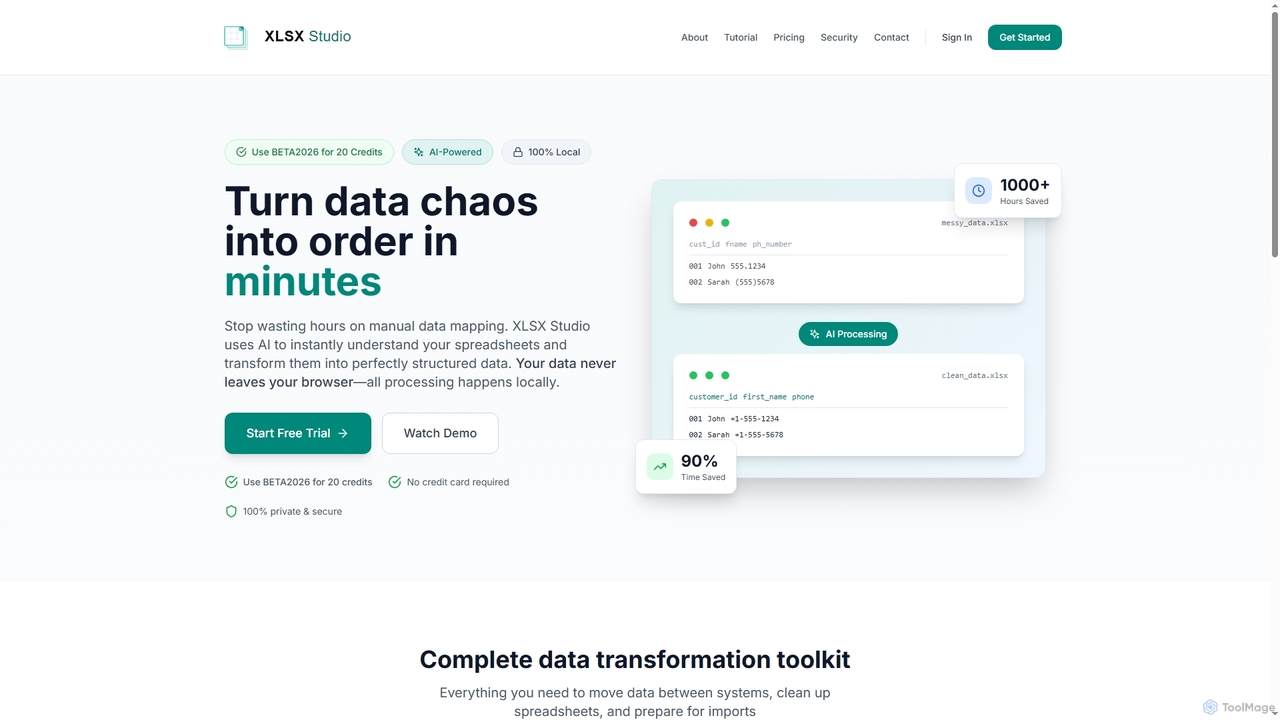
XLSX Studio
XLSX Studio is an AI-powered, 100% browser-based data transformation tool that securely converts messy spreadsheet data into perfectly structured formats. It eliminates manual mapping, standardizes data, and prepares files for imports, ensuring all processing happens locally without server uploads.
Data Cleaning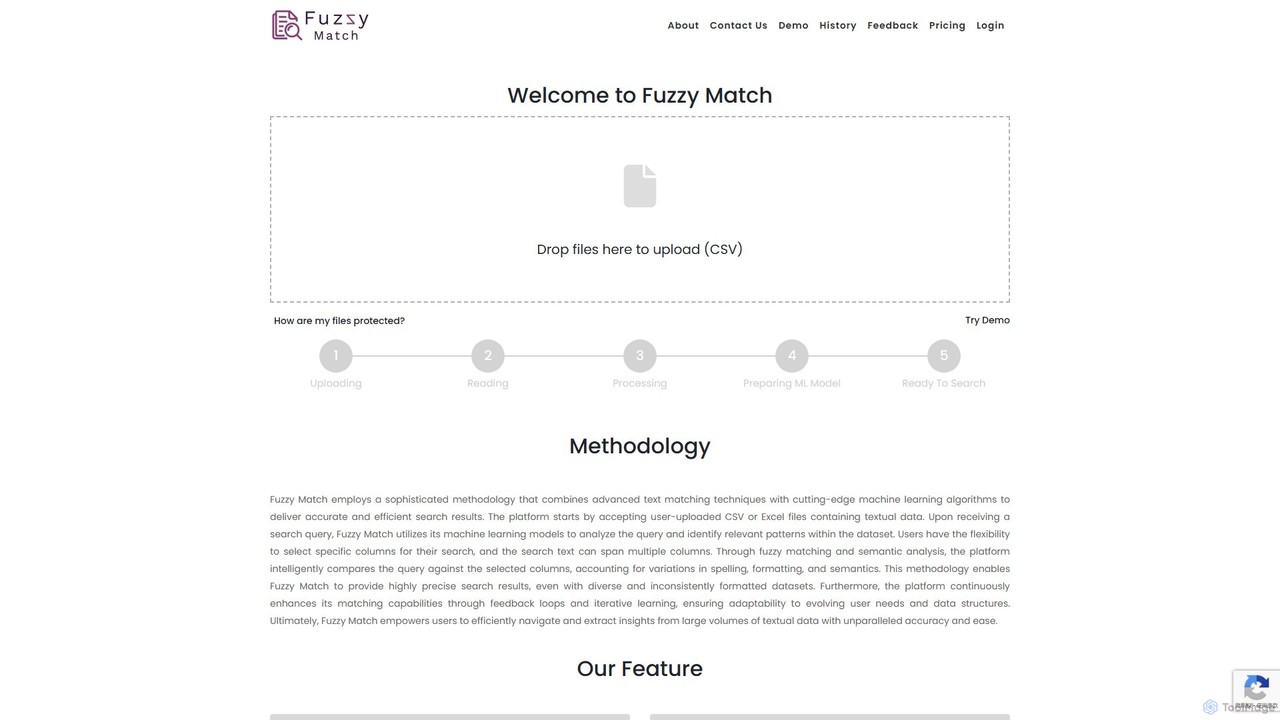
Fuzzy Match
Fuzzy Match is an AI-powered data matching tool designed to clean and standardize datasets. It uses advanced machine learning algorithms to identify and resolve inconsistencies, typos, and spelling variations across multiple columns. Ideal for data analysts, researchers, and businesses, it simplifies data manipulation, enhances data accuracy, and enables more reliable data-driven decisions through its user-friendly web interface.
3D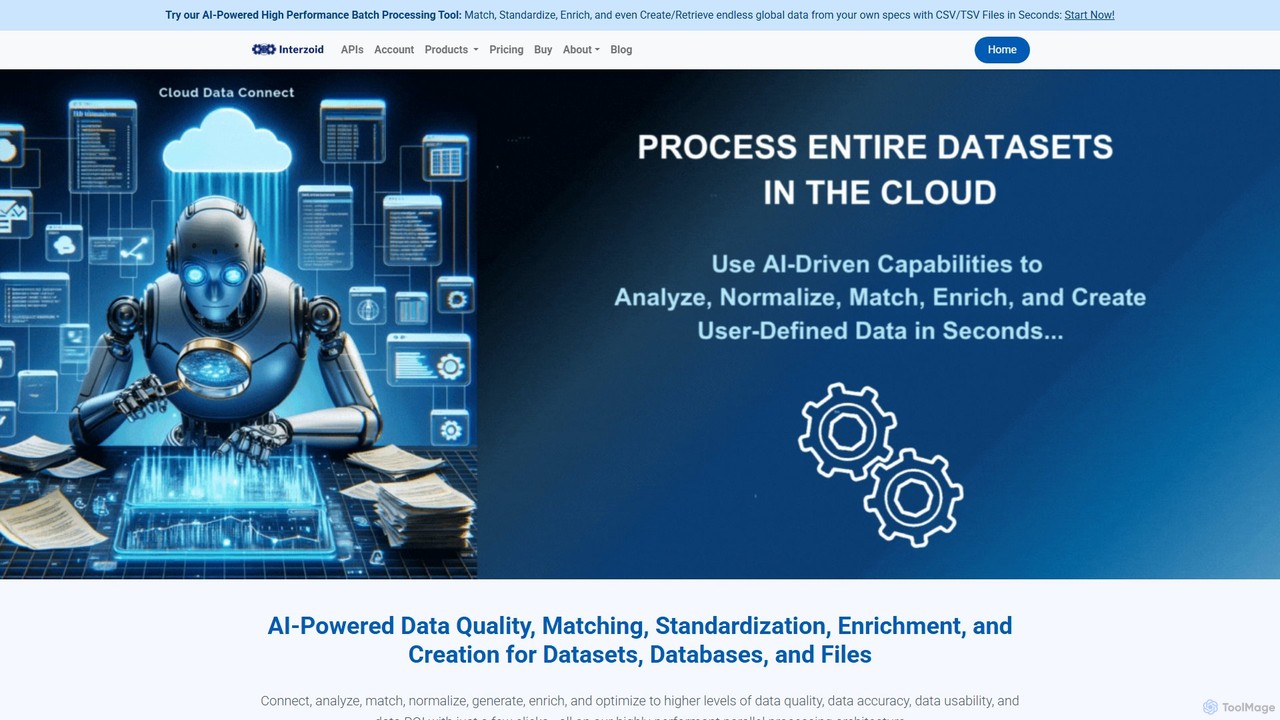
connect
connect by Interzoid is an AI-powered platform for data quality, matching, and enrichment. It helps businesses clean, standardize, and enhance their datasets, databases, and files. Using advanced algorithms and generative AI, it identifies duplicates, corrects inconsistencies, and appends custom real-world data on demand. Available via a no-code web app or a powerful REST API, connect streamlines data pipelines and improves data ROI for marketing, CRM, and analytics.
Data Cleaninggetclientell
getclientell is an AI-powered platform designed to automate and simplify Salesforce operations. It enables RevOps, sales, and admin teams to manage data, build workflows, and generate reports using simple English prompts. This turns your CRM into a powerful growth engine, eliminating manual tasks and data inaccuracies.
Data ManagementLuminal
Luminal is a powerful AI copilot that revolutionizes spreadsheet management. It allows users to clean, transform, analyze, and visualize data up to 10x faster using simple, natural language commands. Eliminate complex formulas and manual data processing, saving hours of work on large datasets.
Data Management
AIColumns
AIColumns is an AI-powered data assistant that supercharges your spreadsheets. It integrates seamlessly with platforms like Google Sheets and Excel, allowing you to use natural language to clean data, generate complex formulas, create visualizations, and uncover actionable insights instantly.
Intelligence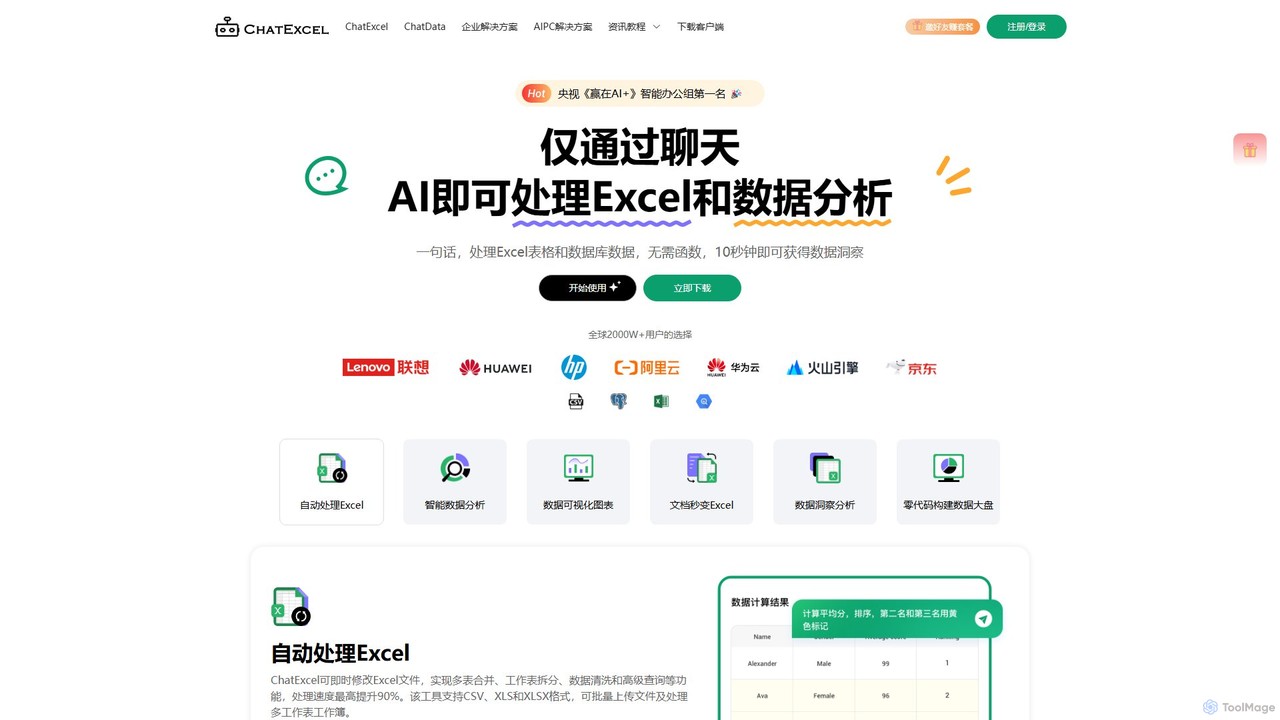
ChatExcel
ChatExcel is an AI-powered data analysis tool that allows users to process spreadsheets and analyze data through a simple chat interface. It automates tasks like data cleaning, merging, and analysis, and generates over 100 types of charts and visualizations from natural language commands. No coding or complex formulas required, boosting productivity by up to 90%.
Business Intelligence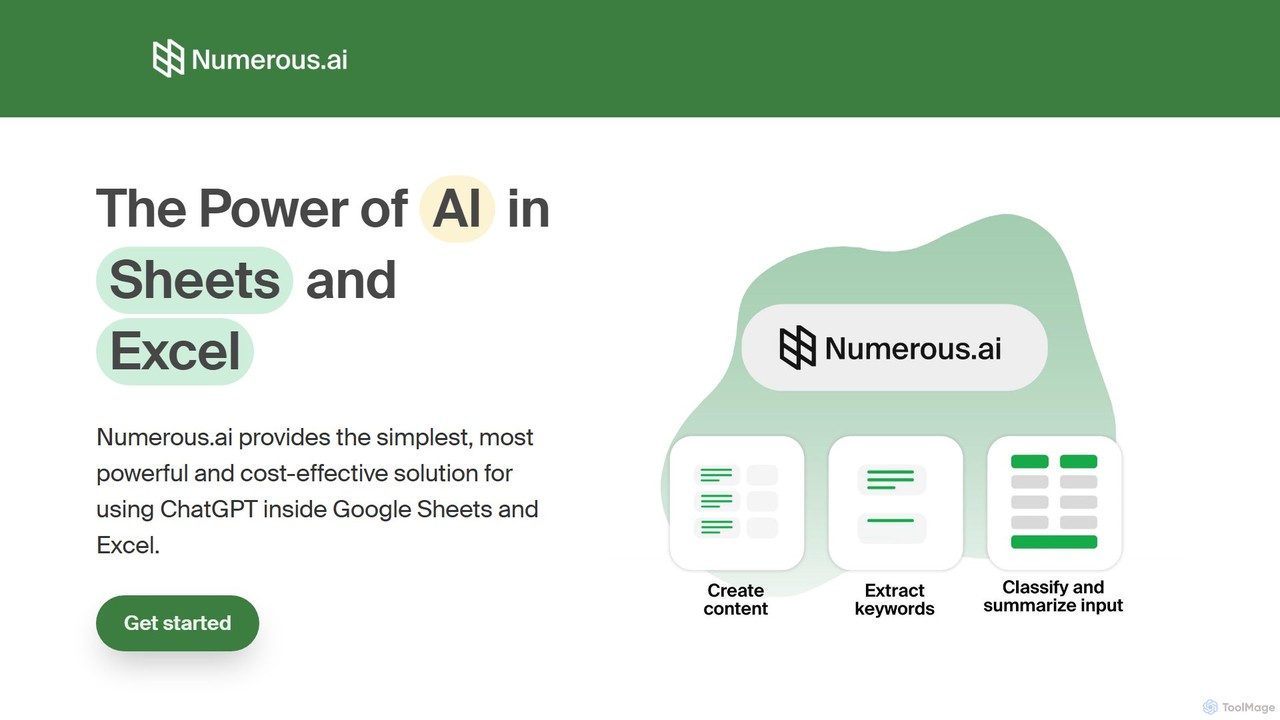
Numerous.ai
Numerous.ai is a powerful AI assistant that integrates directly into Google Sheets and Excel. It allows users to automate tasks, generate content, clean and classify data, and perform complex analysis using a simple '=AI()' function, without needing any API keys or coding skills.
Data Analysis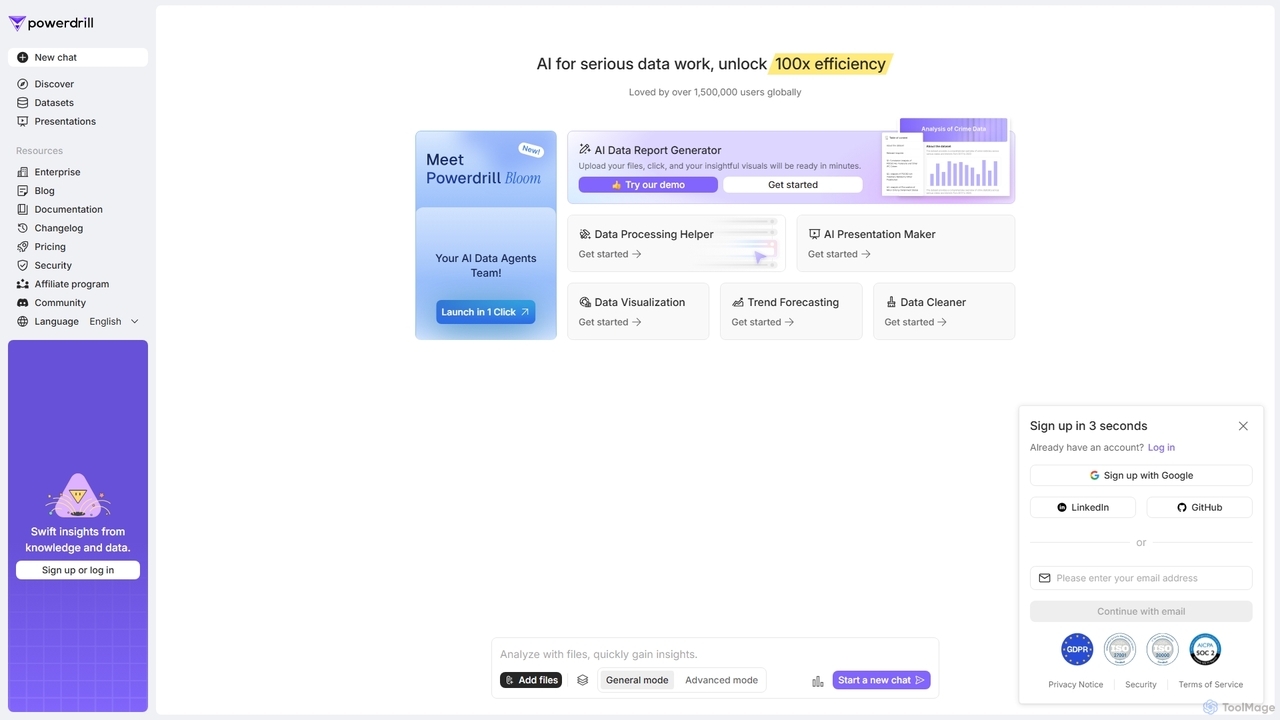
Powerdrill
Powerdrill is an AI-powered data analysis platform designed for serious data work, enabling users to unlock 100x efficiency. It automates the entire process from data processing and cleaning to visualization, report generation, and trend forecasting. Simply upload your files (Excel, CSV, PDF) or connect to a database, and let the AI generate actionable insights, interactive charts, and comprehensive presentations in minutes.
Business Intelligence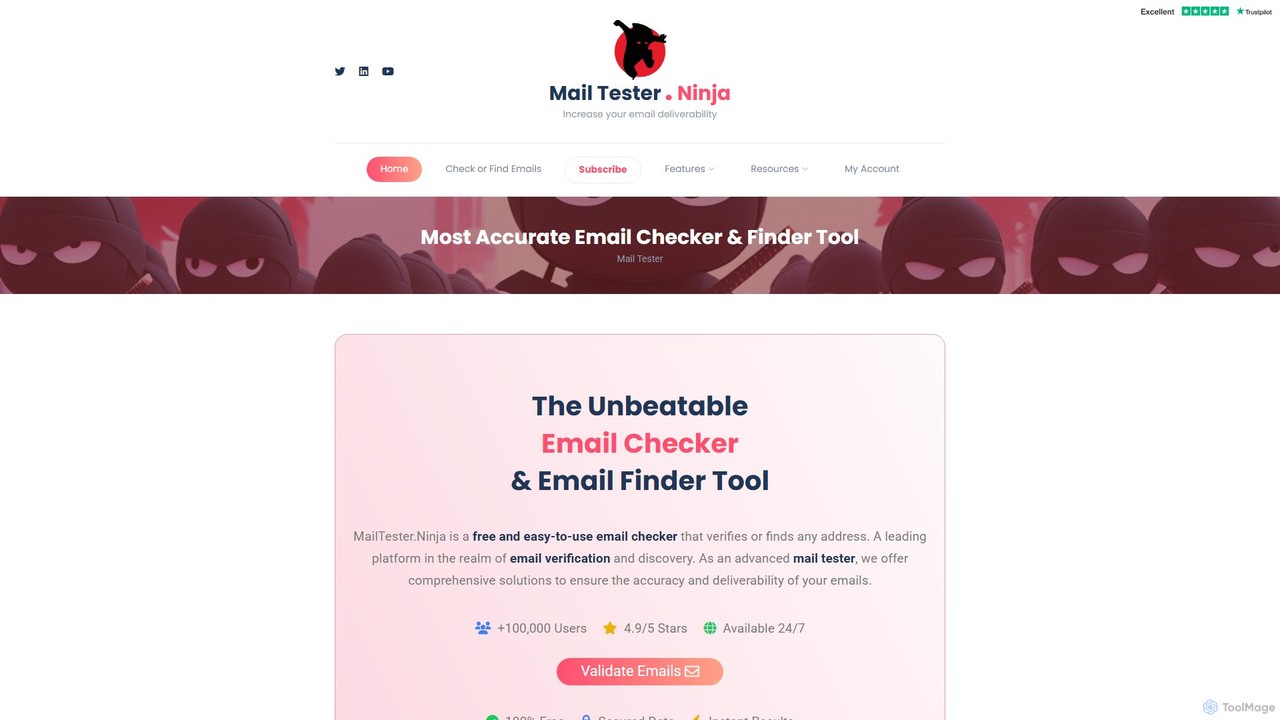
MailTester.ninja
MailTester.ninja is an advanced email verification and finder tool designed to improve email deliverability. It offers real-time, highly accurate checks to validate email addresses, reduce bounce rates, and clean mailing lists. The platform also includes a powerful email finder to discover new business contacts and leads, all accessible through a user-friendly interface and a robust API.
Api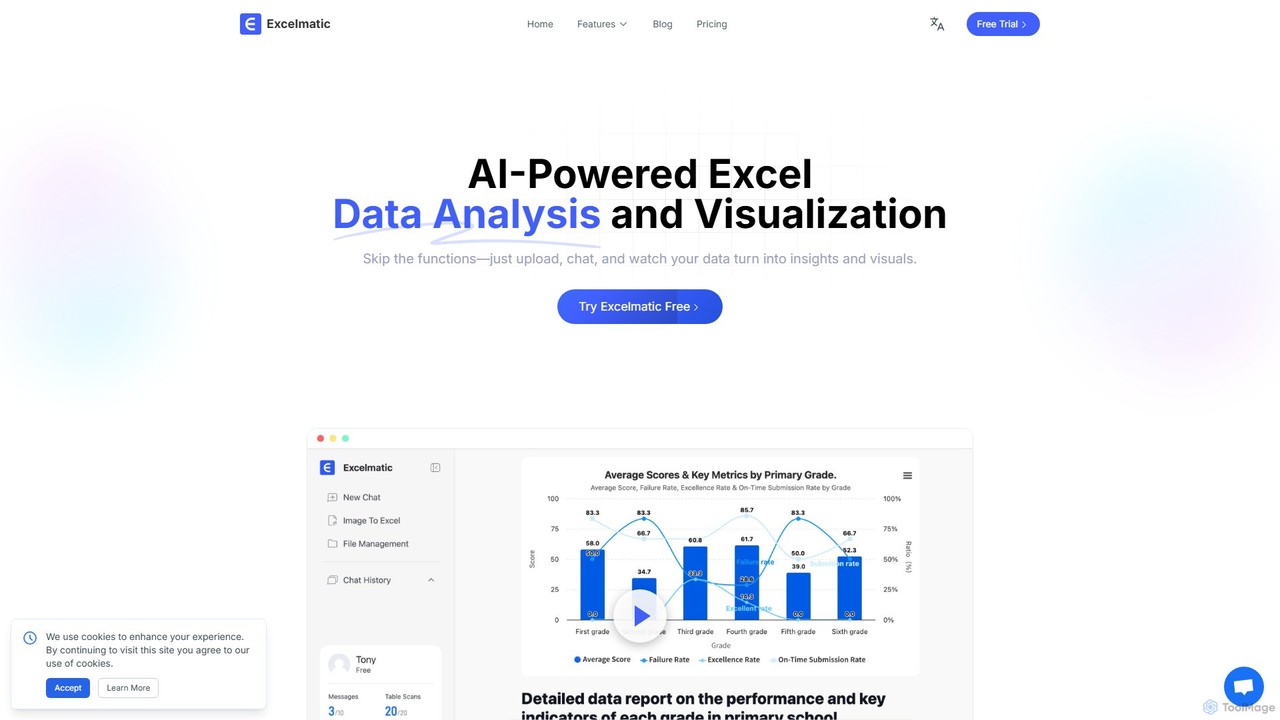
excelmatic
Excelmatic is an AI-powered assistant that transforms your Excel and spreadsheet tasks. Simply upload your data, ask questions in plain English, and instantly get data analysis, visualizations, and generated formulas. It's a no-code solution designed to automate data cleaning, chart creation, and insight discovery, making data accessible to everyone.
Business Intelligence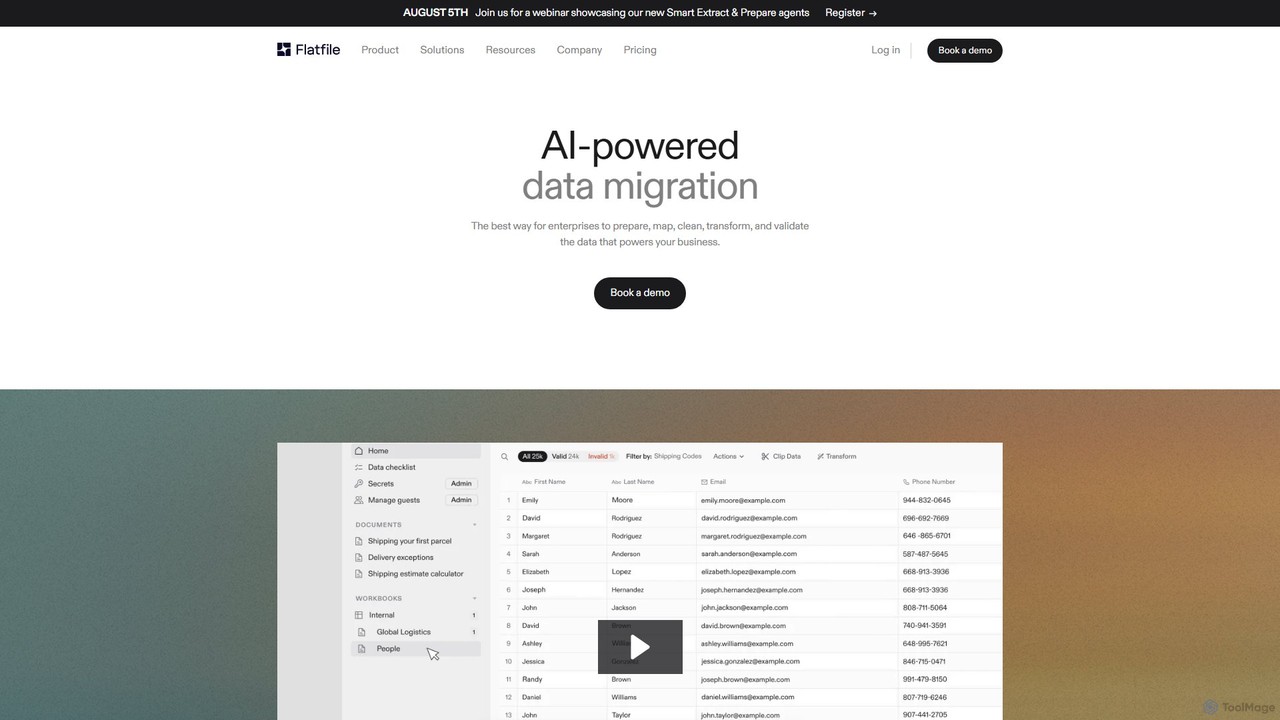
Flatfile
Flatfile is an AI-powered data migration platform designed for enterprises. It automates the entire data onboarding process, including preparation, mapping, cleaning, transformation, and validation. By leveraging AI agents, Flatfile significantly reduces project timelines and empowers non-technical teams to handle complex customer data imports, ensuring data is clean, structured, and production-ready.
Customer Support
Sourcetable
Sourcetable is an AI-powered spreadsheet that combines the functionality of traditional spreadsheets with an AI data analyst. It allows users to connect to live data sources, ask questions in plain English, generate formulas, create charts, and automate reports. By integrating AI, Python, and SQL capabilities directly into the spreadsheet interface, Sourcetable empowers users of all skill levels to perform complex data analysis, cleaning, and visualization tasks effortlessly, turning raw data into actionable insights in seconds.
No Code
DataNormalizer Comments (0)
Sign in to comment.
Sign inNo comments yet.