

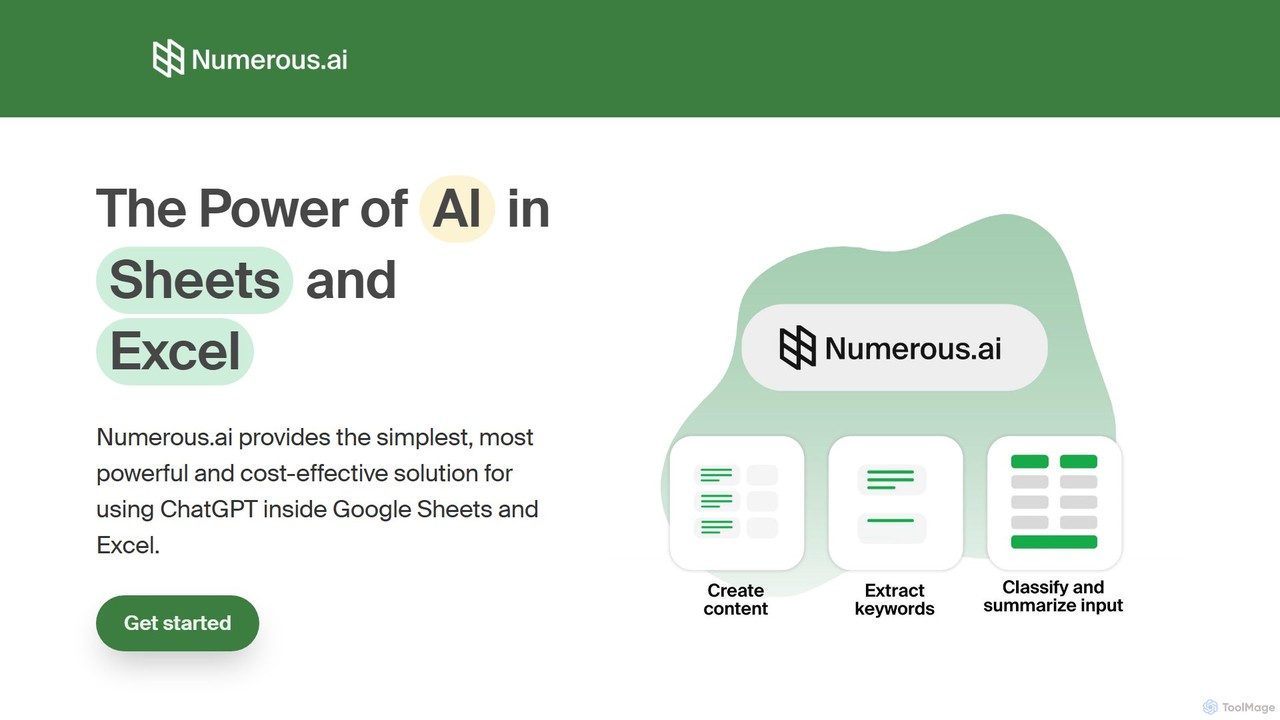
Numerous.ai Overview
Numerous.ai brings the power of artificial intelligence, including models like ChatGPT, directly into the familiar environment of Google Sheets and Excel. It is designed to be the simplest, most powerful, and cost-effective solution for leveraging AI within spreadsheets. This tool transforms your spreadsheets from simple data repositories into dynamic platforms for analysis, content creation, and task automation. By eliminating the need for users to manage complex API keys or write code, Numerous.ai makes advanced AI accessible to everyone, from digital marketers and content creators to researchers and product managers.
How to use Numerous.ai
Getting started with Numerous.ai is incredibly straightforward. First, you install the add-on for either Google Sheets or Microsoft Excel from their respective marketplaces. Once installed, the tool's full capabilities are unlocked through a single, intuitive function: =AI(). You can use this function in any cell, just like any other spreadsheet formula. For example, to summarize a long piece of text located in cell A2, you would simply type =AI("Summarize this text in 50 words", A2). To generate ideas for a blog post, you could use =AI("Generate 10 blog post titles about sustainable living"). The tool's power lies in its ability to apply these commands in bulk by simply dragging the formula down a column, applying the AI prompt to hundreds or thousands of rows instantly.
Core Features of Numerous.ai
- Seamless Spreadsheet Integration: The core of the tool is the
=AI()function, which feels native to the spreadsheet environment and is easy for anyone to learn. - No API Keys Required: Users can start immediately after installation without the hassle of signing up for developer accounts or managing API keys. Numerous.ai handles all the backend connections to AI providers.
- Bulk Data Processing: Effortlessly apply AI tasks like summarization, translation, or classification to entire columns of data at once, saving countless hours of manual work.
- Text Summarization, Classification & Cleansing: Ideal for handling large bodies of unstructured text like user surveys, reviews, or articles. It can summarize content, classify it into predefined categories, extract specific information, and clean up messy, inconsistent data.
- Content & Idea Generation: Use it as a creative partner to brainstorm topics, generate ad copy, write social media posts, create SEO keywords, and even draft entire articles directly within your spreadsheet.
- AI Prototyping: Perfect for teams wanting to experiment with different AI prompts. The structured nature of spreadsheets allows for easy comparison of inputs and outputs, facilitating collaboration on AI feature development.
- Team-Ready Collaboration: A single plan can be shared across an entire organization, allowing team members to collaborate on AI-driven projects within shared spreadsheets.
- Cost-Efficient Caching: The tool intelligently caches results to avoid running the same query multiple times, making it one of the most cost-effective ways to use AI models at scale.
Use Cases for Numerous.ai
Numerous.ai is a versatile tool applicable across various professional domains:
- Digital Marketers: Can generate extensive lists of AdWords keywords, create variations of ad copy for A/B testing, structure Facebook ad campaigns, and produce SEO-optimized content descriptions in bulk.
- Content Creators: Can brainstorm a content calendar, generate topic ideas, create social media schedules, and produce different versions of posts tailored to diverse audiences, all from a single prompt.
- Students & Researchers: Can efficiently clean, summarize, and categorize large datasets, such as open-ended survey responses or interview transcripts, preparing data for analysis in a fraction of the time.
- Product Engineers & Managers: Can use spreadsheets to prototype AI features, test various prompt structures, and collaborate with the team on refining GPT inputs and outputs before implementation.
- Business Analysts: Can extract key information from customer feedback, classify support tickets, normalize user-entered data, and identify trends from unstructured text sources.
Advantages of Numerous.ai
The primary advantage of Numerous.ai is its accessibility and efficiency. It democratizes the use of powerful AI by embedding it into a tool that millions of professionals already use daily. Its simple function-based approach has a minimal learning curve. The platform is built for both individuals and teams, offering fast performance and cost savings through smart caching. Being US-based with dedicated support options also provides reliability and trust for professional users and organizations.
Pricing and Plans
Numerous.ai operates on a freemium model, providing a plan for every level of need:
- Free Plan: Includes a generous number of monthly tokens and formula refreshes, allowing users to test the core functionalities and use it for smaller projects at no cost.
- Pro Plan: Aimed at individual professionals, this plan offers a significantly higher token limit, more formula refreshes, access to advanced AI models like GPT-4, and priority support. It is available as a monthly or discounted annual subscription.
- Team Plan: Designed for organizations, this plan provides a large token allocation per user, unlimited formula refreshes, advanced team management features, and the highest level of priority support. It is priced per user on a monthly or annual basis.
Traffic
Latest traffic
Status
Monthly traffic trend
- 2025-9: 242.2K
- 2026-1: 256.1K
- 2026-2: 229.9K
- 2026-3: 267.5K
- 2026-4: 276.7K
- 2026-5: 264.1K
Geography
Top 5 countries / regions
- 🇮🇳India52.3%
- 🇺🇸United States29.4%
- 🇬🇧United Kingdom8.0%
- 🇨🇦Canada5.3%
- 🇮🇩Indonesia5.0%
Traffic sources
| Source type | Percentage |
|---|---|
Direct | 74.8% |
Referral | 23.5% |
Email | 1.7% |
Top keywords
| Keyword | Cost per click |
|---|---|
| numerous | $2.13 |
| numerous ai | $1.60 |
| numerous.ai | $0.00 |
| numerous.ai / sheetai / sheetgod | $0.00 |
| spreadsheet ai | $11.96 |
Numerous.ai Alternatives

ChatExcel
ChatExcel is an AI-powered data analysis tool that allows users to process spreadsheets and analyze data through a simple chat interface. It automates tasks like data cleaning, merging, and analysis, and generates over 100 types of charts and visualizations from natural language commands. No coding or complex formulas required, boosting productivity by up to 90%.
Business Intelligence
sheeter
Sheeter is an AI-powered tool that generates complex formulas for Excel and Google Sheets from plain English descriptions. It also creates VBA scripts, Google Apps Scripts, and Regex, significantly boosting spreadsheet productivity and saving users time by eliminating the need to memorize or look up formulas.
Data Analysis
Array Assistant
Array Assistant is an AI-powered plugin for spreadsheets that supercharges your productivity. It helps you generate complex formulas, clean and organize data, summarize text, explain problems, and design automations, all within your existing workflow. Ideal for professionals, students, and anyone who uses spreadsheets.
Finance
ExcelMaster.ai
ExcelMaster.ai is an advanced AI assistant designed to master Microsoft Excel. It generates accurate formulas, VBA code, and Python scripts from simple natural language questions. It excels at understanding complex, multi-sheet structures and provides one-click automation, making it a powerful tool for both beginners and expert Excel users to enhance productivity and streamline data-heavy tasks.
Code AssistantNumerous.ai Categories
Numerous.ai Embed Widget
Copy this embed code to place the badge on your blog, article, or product site and send readers directly to this ToolMage detail page.

Related AI tools

Sheetplus
Sheetplus is an AI-powered toolkit designed to supercharge your spreadsheet experience in Google Sheets and Excel. By leveraging natural language, it allows users to generate complex formulas, clean and analyze data, automate tasks, and extract insights without writing code. It acts as an intelligent assistant, making data management faster, more intuitive, and accessible to everyone, regardless of their technical expertise.
AutomationChatExcel
ChatExcel is an AI-powered data analysis tool that allows users to process spreadsheets and analyze data through a simple chat interface. It automates tasks like data cleaning, merging, and analysis, and generates over 100 types of charts and visualizations from natural language commands. No coding or complex formulas required, boosting productivity by up to 90%.
Business Intelligencesheeter
Sheeter is an AI-powered tool that generates complex formulas for Excel and Google Sheets from plain English descriptions. It also creates VBA scripts, Google Apps Scripts, and Regex, significantly boosting spreadsheet productivity and saving users time by eliminating the need to memorize or look up formulas.
Data AnalysisArray Assistant
Array Assistant is an AI-powered plugin for spreadsheets that supercharges your productivity. It helps you generate complex formulas, clean and organize data, summarize text, explain problems, and design automations, all within your existing workflow. Ideal for professionals, students, and anyone who uses spreadsheets.
Finance
GPT for Work
A powerful AI add-on that integrates GPT capabilities directly into Google Sheets, Docs, Microsoft Excel, and Word. Automate tasks, generate text, analyze data, and create formulas using simple commands, boosting your productivity without leaving your documents.
Document Assistant
excelformulagpt
excelformulagpt is an AI-powered tool that instantly converts natural language descriptions into complex Excel and Google Sheets formulas. It helps users save time, reduce errors, and boost productivity without needing to memorize complex syntax. Features include formula generation, context-aware suggestions from uploaded files, and formula explanations.
Automation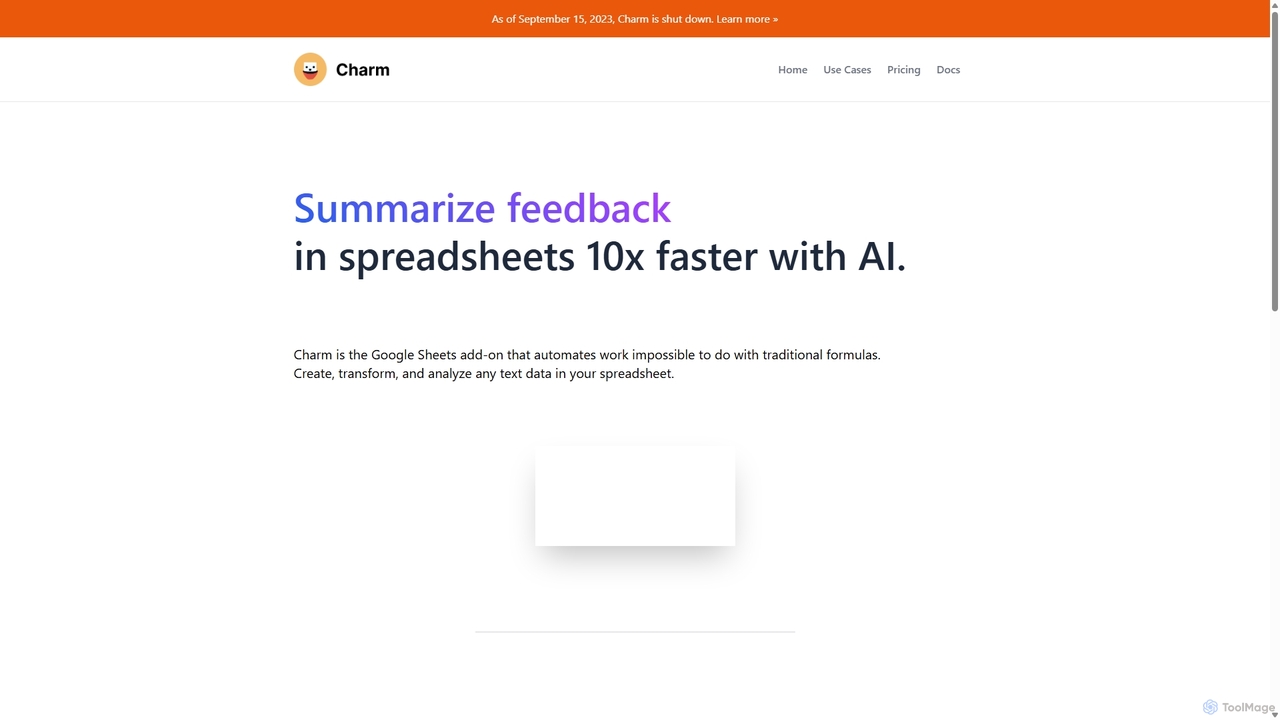
Charm
Charm was an AI-powered assistant integrated directly into Google Sheets as an add-on. It was designed to automate complex text-based tasks, such as cleaning messy data, generating content, summarizing text, and classifying information, without requiring traditional formulas or coding. Please note: Charm was officially shut down on September 15, 2023.
Automation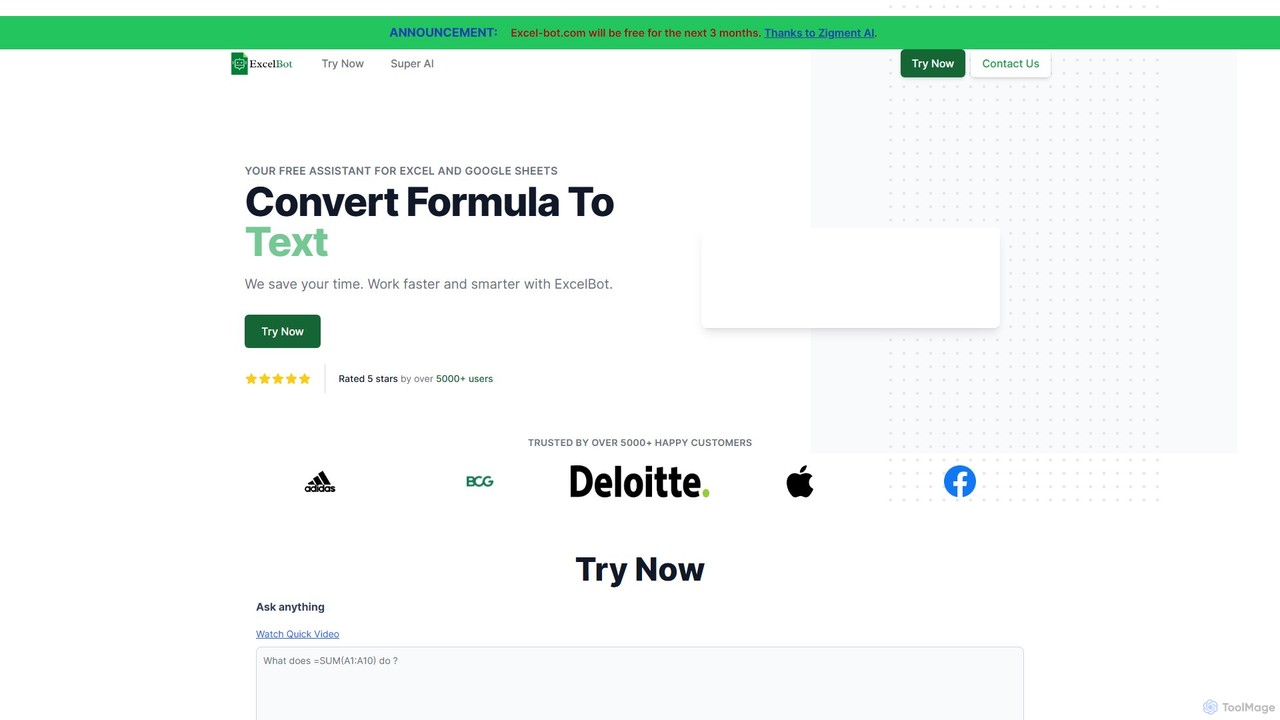
Excel Bot
Excel Bot is an AI-powered assistant for Microsoft Excel and Google Sheets. It converts your plain text instructions into complex formulas instantly, saving you time and reducing errors. Simply describe what you need, and the AI generates the correct formula for you.
Finance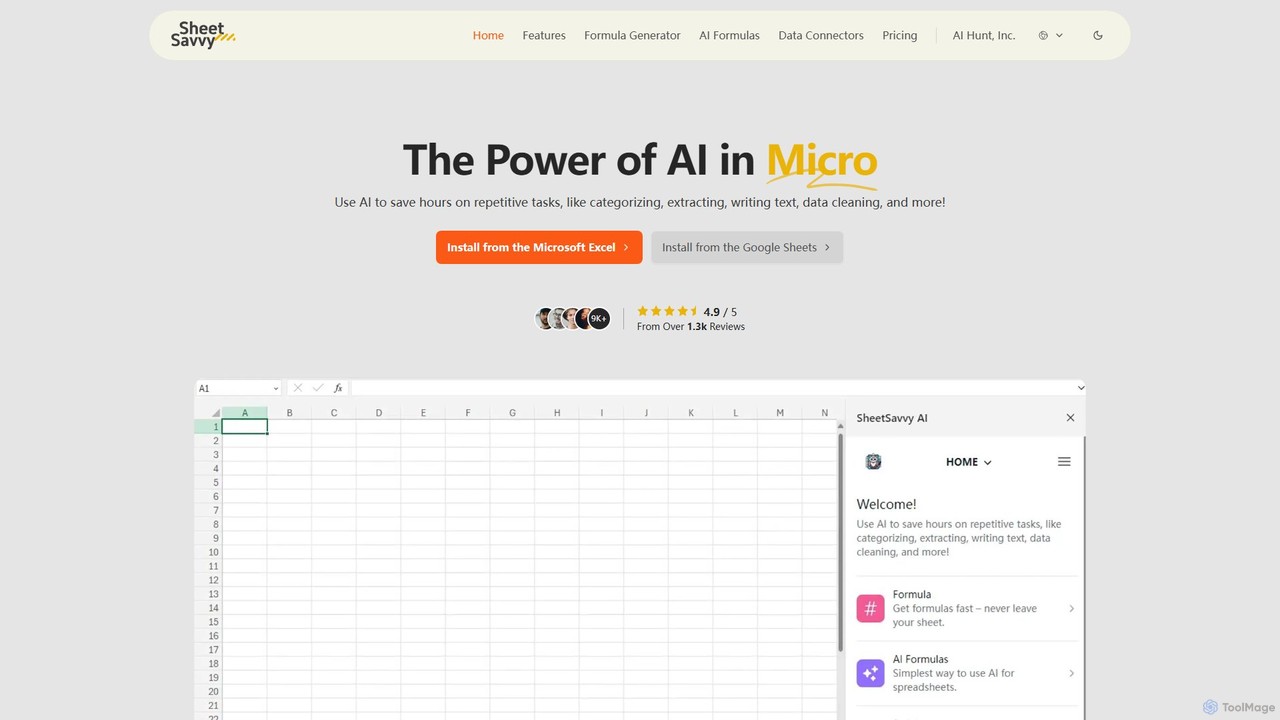
SheetSavvy AI
SheetSavvy AI is an AI-powered assistant for Google Sheets and Microsoft Excel, designed to automate repetitive tasks. It features a formula generator, AI-driven formulas for data cleaning and analysis, and seamless data connectors to import live data, significantly boosting spreadsheet productivity.
Finance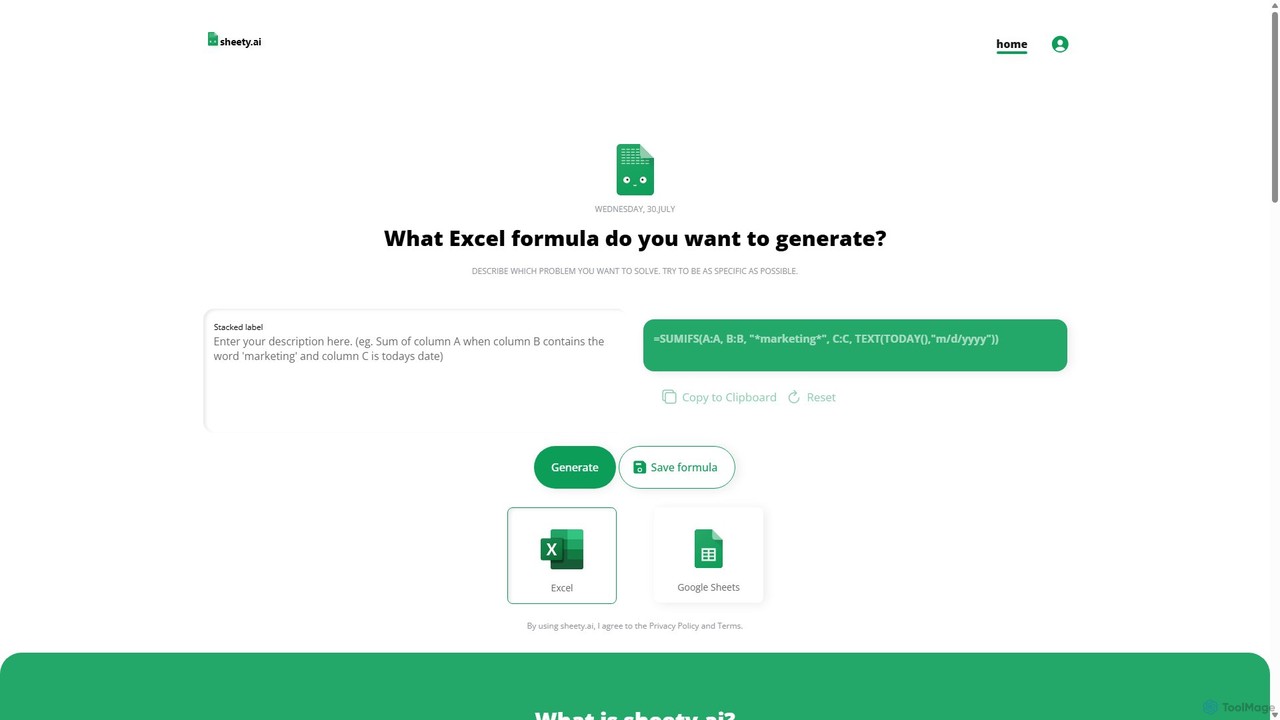
sheety.ai
sheety.ai is an AI-powered tool that instantly generates complex spreadsheet formulas for Excel and Google Sheets from natural language descriptions. Simply describe the problem you want to solve, and the AI will provide the correct formula, saving you time and eliminating the need to memorize syntax. It's designed for everyone from students to financial analysts, boosting productivity and data accuracy.
Data ProcessingExcelMaster.ai
ExcelMaster.ai is an advanced AI assistant designed to master Microsoft Excel. It generates accurate formulas, VBA code, and Python scripts from simple natural language questions. It excels at understanding complex, multi-sheet structures and provides one-click automation, making it a powerful tool for both beginners and expert Excel users to enhance productivity and streamline data-heavy tasks.
Code Assistant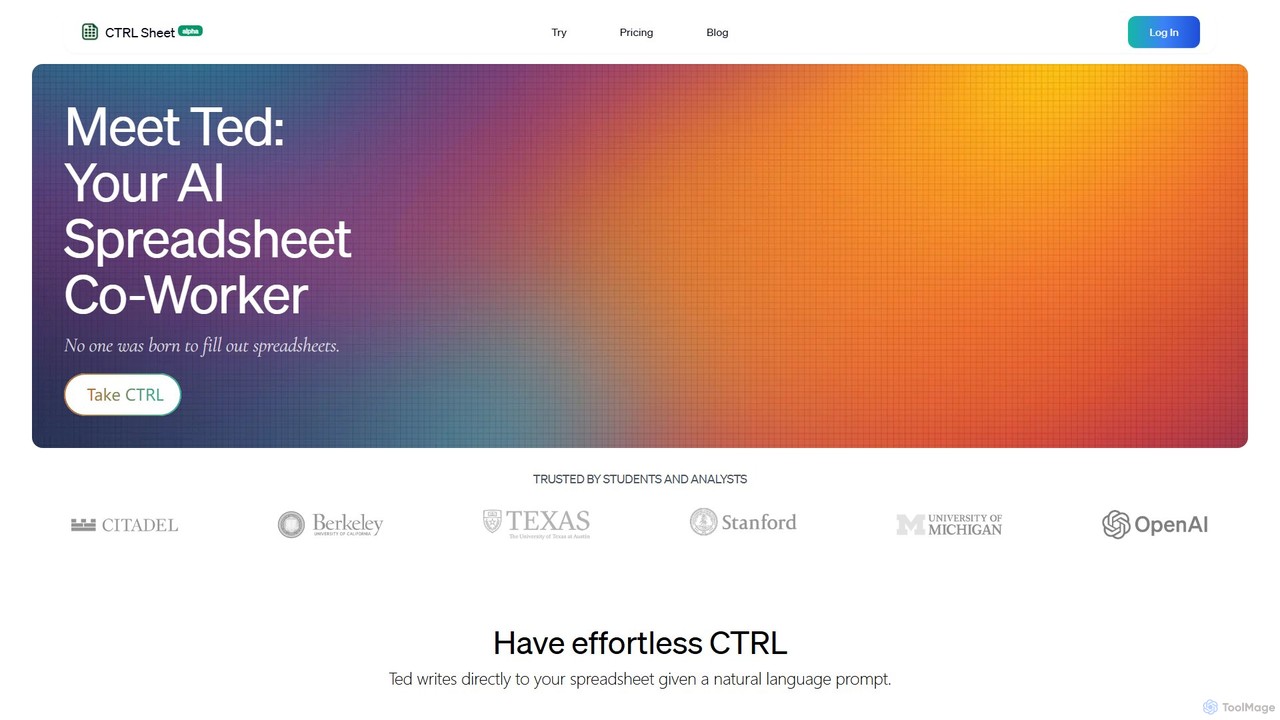
CTRL Sheet
CTRL Sheet is an AI-powered spreadsheet co-worker named Ted that automates data tasks. It allows users to interact with spreadsheets using natural language, extract data from various files like PDFs and images, and generate complex formulas effortlessly. It's designed to save time and reduce errors for students, analysts, and professionals.
Task Automation
Sheet Copilot
Sheet Copilot is an AI-powered assistant that automates tasks and answers questions directly within Google Sheets. By using natural language commands, you can clean data, generate formulas, create summaries, and analyze information without writing complex functions. It's currently free in beta and operates using your own OpenAI API key for enhanced privacy and security.
Automation
AIColumns
AIColumns is an AI-powered data assistant that supercharges your spreadsheets. It integrates seamlessly with platforms like Google Sheets and Excel, allowing you to use natural language to clean data, generate complex formulas, create visualizations, and uncover actionable insights instantly.
Intelligence
Numerous.ai Comments (0)
Sign in to comment.
Sign inNo comments yet.