

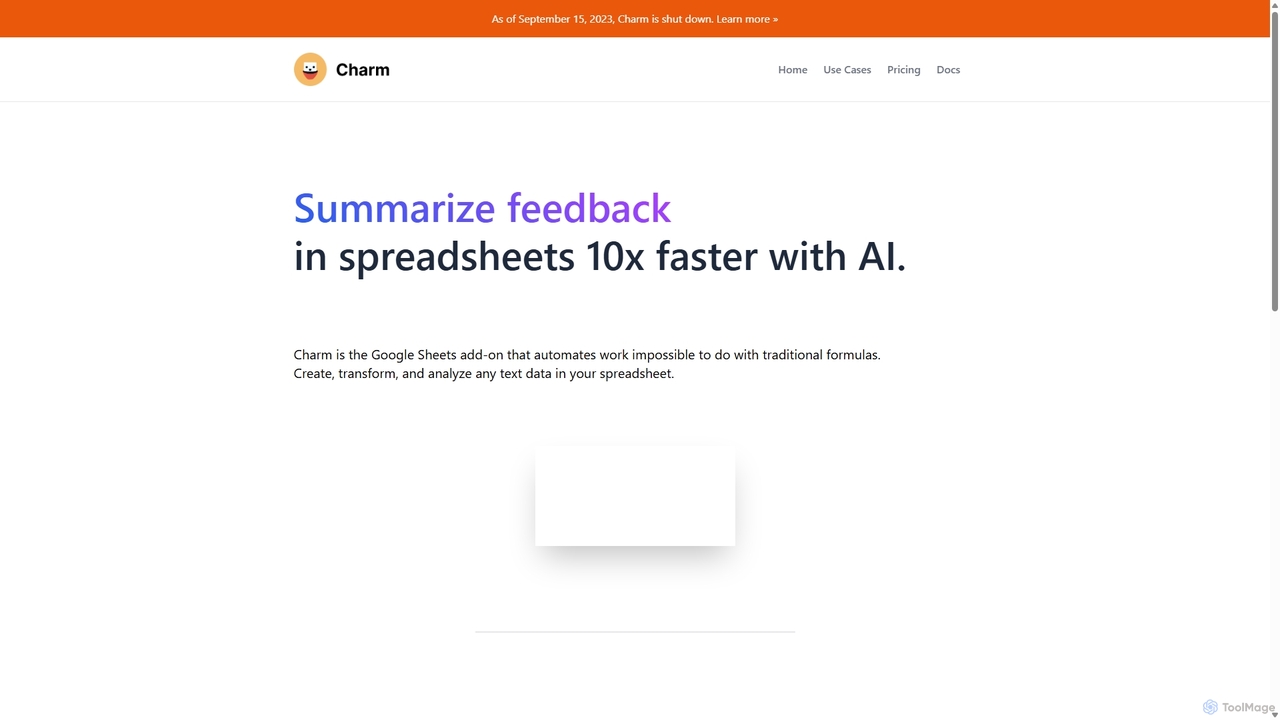
Charm Overview
Important Notice: As of September 15, 2023, Charm has been shut down. The following information describes the tool's features and capabilities as they existed prior to its discontinuation.
Charm was a powerful and intuitive AI assistant designed as a Google Sheets add-on. Its primary mission was to supercharge spreadsheets by enabling users to create, transform, and analyze text data with unprecedented speed and ease. It effectively bridged the gap between complex AI capabilities and the familiar spreadsheet environment, making advanced data manipulation accessible to users without technical expertise. By automating tasks that were previously manual, time-consuming, or impossible with standard formulas, Charm aimed to boost productivity for professionals across various fields.
How to use Charm
Using Charm was a straightforward process designed for maximum efficiency within Google Sheets:
- Installation: Users would first install the Charm add-on from the Google Workspace Marketplace.
- Data Selection: Once installed, a user would select the cells containing the text data they wished to process.
- Function Execution: From the Charm sidebar, the user could choose from a variety of pre-built templates for tasks like cleaning data, summarizing text, or generating content. They could also create their own custom functions using Charm's intuitive editor.
- Get Results: After running the chosen function, Charm's AI would process the input data and populate the results directly into the specified columns in the spreadsheet, often in a matter of seconds.
Core Features of Charm
- Data Cleaning: Automatically normalized inconsistent data formats, such as addresses and phone numbers. It could also separate combined columns (e.g., full name into first and last names) and extract specific entities like emails or company names from blocks of text.
- Content Generation: Capable of generating various forms of written content directly in the spreadsheet. This included rewriting SEO content, creating multiple variations of product descriptions, and even drafting entire blog posts based on prompts.
- Text Summarization: Could condense long pieces of text into concise, bullet-point summaries or rewrite existing content to be shorter and more direct, saving users significant reading time.
- Text Classification: Analyzed and categorized text data automatically. This was useful for sorting product feedback into categories (e.g., bug, feature request), prioritizing sales leads based on their descriptions, or identifying emerging trends from customer reviews.
- Synthetic Data Generation: Created realistic dummy data for testing or demonstration purposes, including lists of names, addresses, phone numbers, and more.
- Custom Template Editor: For unique tasks not covered by pre-built functions, users could create their own custom AI templates in minutes, tailoring the tool to their specific workflow.
Use Cases for Charm
Charm was versatile and catered to a wide range of professionals:
- Marketers: Used it to generate ad copy variations, brainstorm SEO keywords, rewrite blog titles, and classify customer feedback from surveys.
- Data Analysts: Leveraged it for cleaning and standardizing messy datasets before analysis, extracting key information from unstructured text, and categorizing qualitative data.
- Product Managers: Summarized large volumes of user feedback from app stores and support tickets to quickly identify pain points and feature requests.
- Sales Teams: Classified and prioritized inbound leads by analyzing the content of contact forms or initial email inquiries.
- E-commerce Managers: Generated unique product descriptions at scale and normalized supplier data.
Advantages of Charm
The primary advantage of Charm was its ability to bring powerful AI text manipulation directly into the familiar and widely-used Google Sheets interface. This eliminated the need for users to switch between applications or write complex scripts. It saved countless hours of manual work, reduced human error in data processing, and empowered non-technical users to perform advanced data analysis and content creation tasks that were previously out of reach.
Pricing and Plans
Charm operated on a subscription model with a free trial. All plans were discontinued as of September 15, 2023.
- Free Trial: A 5-day free trial was offered, allowing users to process up to 20,000 words.
- Starter Plan: Priced at $24/month, this plan included processing for up to 500,000 words per month and 24/7 email support.
- Pro Plan: Priced at $59/month, this plan offered a higher limit of 2,000,000 words per month, along with 24/7 email support.
Word count was calculated based on the total words in the input cells, any parameters provided, and the final output cell.
Traffic
Latest traffic
Status
Monthly traffic trend
- 2025-9: 1.0K
- 2026-1: 379
- 2026-2: 157
- 2026-3: 298
- 2026-4: 1.9K
- 2026-5: 2.2K
Geography
Top 5 countries / regions
- 🇮🇳India43.9%
- 🇳🇱Netherlands30.0%
- 🇺🇸United States26.1%
Top keywords
| Keyword | Cost per click |
|---|---|
| character ai charms | $0.00 |
| character ai charms.ai | $0.00 |
| character charms.ai | $0.00 |
| charm ai | $0.00 |
| charms ai | $0.00 |
Charm Alternatives
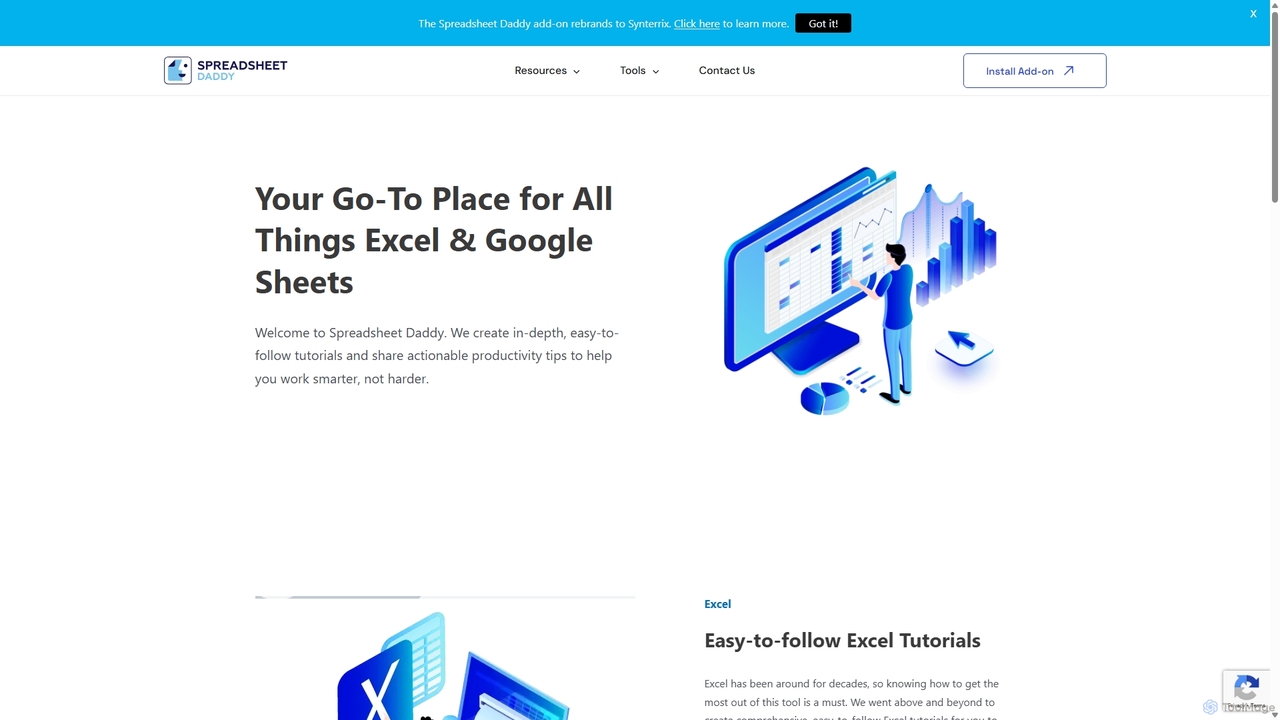
Spreadsheet Daddy
Spreadsheet Daddy is an advanced AI-driven add-on for Google Sheets that automates complex tasks. It allows users to generate formulas, Apps Script, and regular expressions from simple text prompts. The tool also excels at bulk content generation, data analysis, and even allows for the creation of custom AI models, transforming your spreadsheet into a powerful productivity hub.
Low Code No Code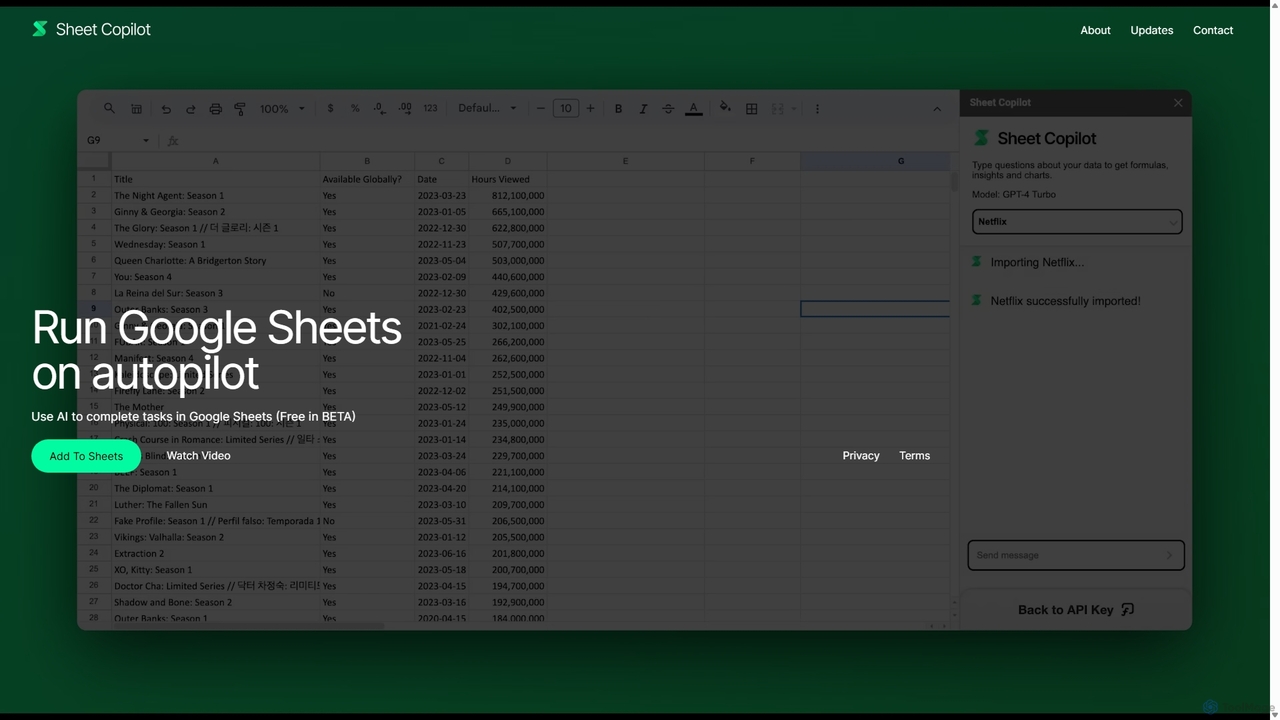
Sheet Copilot
Sheet Copilot is an AI-powered assistant that automates tasks and answers questions directly within Google Sheets. By using natural language commands, you can clean data, generate formulas, create summaries, and analyze information without writing complex functions. It's currently free in beta and operates using your own OpenAI API key for enhanced privacy and security.
Automation
Sheetplus
Sheetplus is an AI-powered toolkit designed to supercharge your spreadsheet experience in Google Sheets and Excel. By leveraging natural language, it allows users to generate complex formulas, clean and analyze data, automate tasks, and extract insights without writing code. It acts as an intelligent assistant, making data management faster, more intuitive, and accessible to everyone, regardless of their technical expertise.
Automation
MiniMax Agent
MiniMax Agent is a powerful AI agent platform designed to automate complex tasks, from building full-stack websites and generating presentations to conducting in-depth research. By leveraging natural language prompts, users can minimize effort and maximize intelligence, creating sophisticated digital products and content with unprecedented speed and efficiency. The platform features a collaborative gallery for sharing and remixing projects.
Low Code No Code
GPT Workspace
GPT Workspace integrates AI-powered features directly into Google Workspace applications like Docs, Sheets, Slides, and Gmail. It enhances productivity by automating content creation, data analysis, email drafting, and document editing, allowing users to leverage the power of models like GPT-4o seamlessly within their existing workflow.
Document ManagementCharm Categories
Charm Jobs
Charm Embed Widget
Copy this embed code to place the badge on your blog, article, or product site and send readers directly to this ToolMage detail page.

Related AI tools
Sheet Copilot
Sheet Copilot is an AI-powered assistant that automates tasks and answers questions directly within Google Sheets. By using natural language commands, you can clean data, generate formulas, create summaries, and analyze information without writing complex functions. It's currently free in beta and operates using your own OpenAI API key for enhanced privacy and security.
AutomationSheetplus
Sheetplus is an AI-powered toolkit designed to supercharge your spreadsheet experience in Google Sheets and Excel. By leveraging natural language, it allows users to generate complex formulas, clean and analyze data, automate tasks, and extract insights without writing code. It acts as an intelligent assistant, making data management faster, more intuitive, and accessible to everyone, regardless of their technical expertise.
AutomationSpreadsheet Daddy
Spreadsheet Daddy is an advanced AI-driven add-on for Google Sheets that automates complex tasks. It allows users to generate formulas, Apps Script, and regular expressions from simple text prompts. The tool also excels at bulk content generation, data analysis, and even allows for the creation of custom AI models, transforming your spreadsheet into a powerful productivity hub.
Low Code No Code
Metatable
Metatable is an AI-powered data assistant that revolutionizes how you interact with spreadsheets and tabular data. Simply use natural language prompts to clean, analyze, transform, and visualize your data instantly. It eliminates complex formulas and manual tasks, making data analysis accessible to everyone, from data analysts to business managers.
Analytics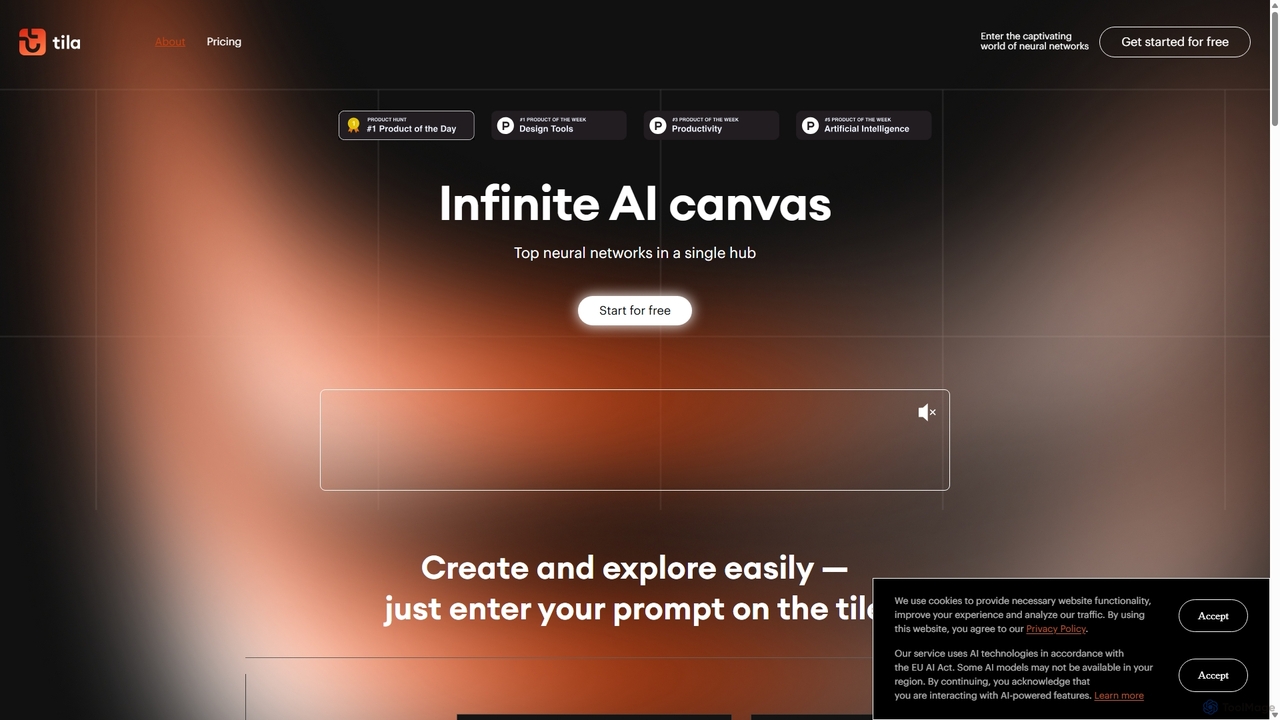
Tila
Tila is a multi-agent AI platform that combines workflow automation and content creation in a unified visual workspace. It offers an infinite canvas where users can connect various AI models like GPT-4o, Claude 3.5, and DALL-E 3 to generate text, images, videos, and audio. Its smart multi-agent technology automates complex tasks, from data analysis to app development, streamlining creative and productive workflows without needing multiple subscriptions.
Generative Ai
Prompting Sheets
Prompting Sheets is an AI-powered add-on for Google Sheets that transforms your spreadsheets into dynamic tools. It allows users to generate custom project plans, to-do lists, and automate data analysis and content creation using powerful AI formulas and an integrated chatbot, eliminating the need for generic templates.
Project Management
Jyek
Jyek is an AI agent platform that understands objectives, creates execution plans, uses tools, and delivers verifiable results for complex, multi-step tasks.
AutomationMiniMax Agent
MiniMax Agent is a powerful AI agent platform designed to automate complex tasks, from building full-stack websites and generating presentations to conducting in-depth research. By leveraging natural language prompts, users can minimize effort and maximize intelligence, creating sophisticated digital products and content with unprecedented speed and efficiency. The platform features a collaborative gallery for sharing and remixing projects.
Low Code No CodeGPT Workspace
GPT Workspace integrates AI-powered features directly into Google Workspace applications like Docs, Sheets, Slides, and Gmail. It enhances productivity by automating content creation, data analysis, email drafting, and document editing, allowing users to leverage the power of models like GPT-4o seamlessly within their existing workflow.
Document Management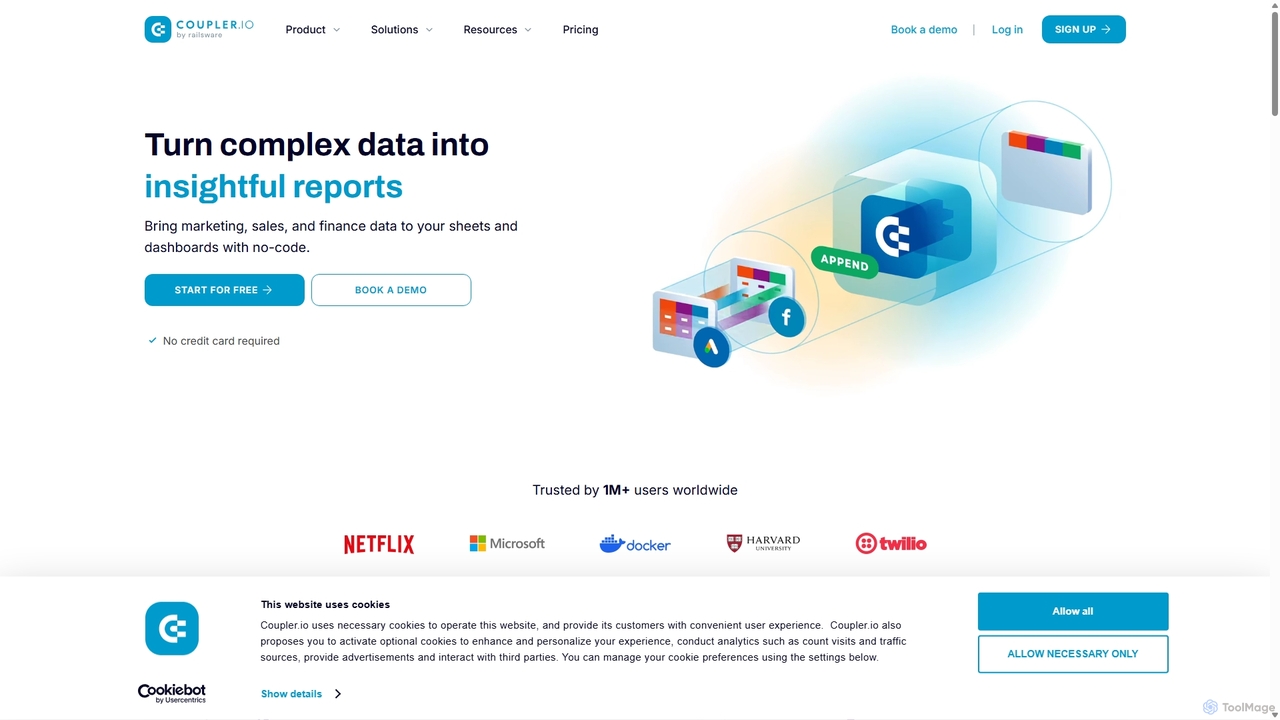
Coupler.io
Coupler.io is a no-code data analytics and automation platform that helps businesses connect disparate data sources from marketing, sales, and finance apps to spreadsheets, data warehouses, or BI tools. It automates data collection, transforms raw data into analysis-ready formats, and provides AI-powered insights and pre-built dashboard templates for faster, smarter decision-making.
Business Intelligence
Feishu Base
Feishu Base is an AI-powered no-code platform that combines the flexibility of a spreadsheet with the power of a database. It enables teams to build custom business systems, automate workflows, and analyze data through intuitive dashboards without writing any code. It's designed for seamless collaboration and data management.
Data Analysis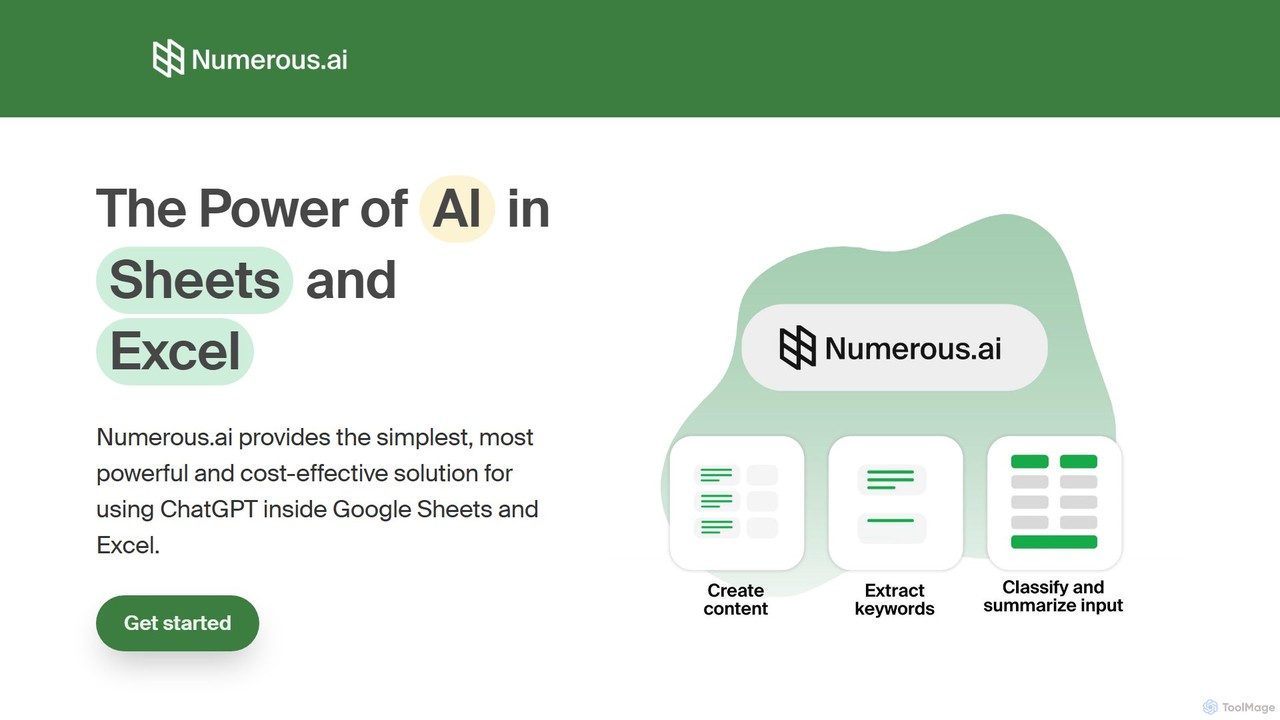
Numerous.ai
Numerous.ai is a powerful AI assistant that integrates directly into Google Sheets and Excel. It allows users to automate tasks, generate content, clean and classify data, and perform complex analysis using a simple '=AI()' function, without needing any API keys or coding skills.
Data Analysis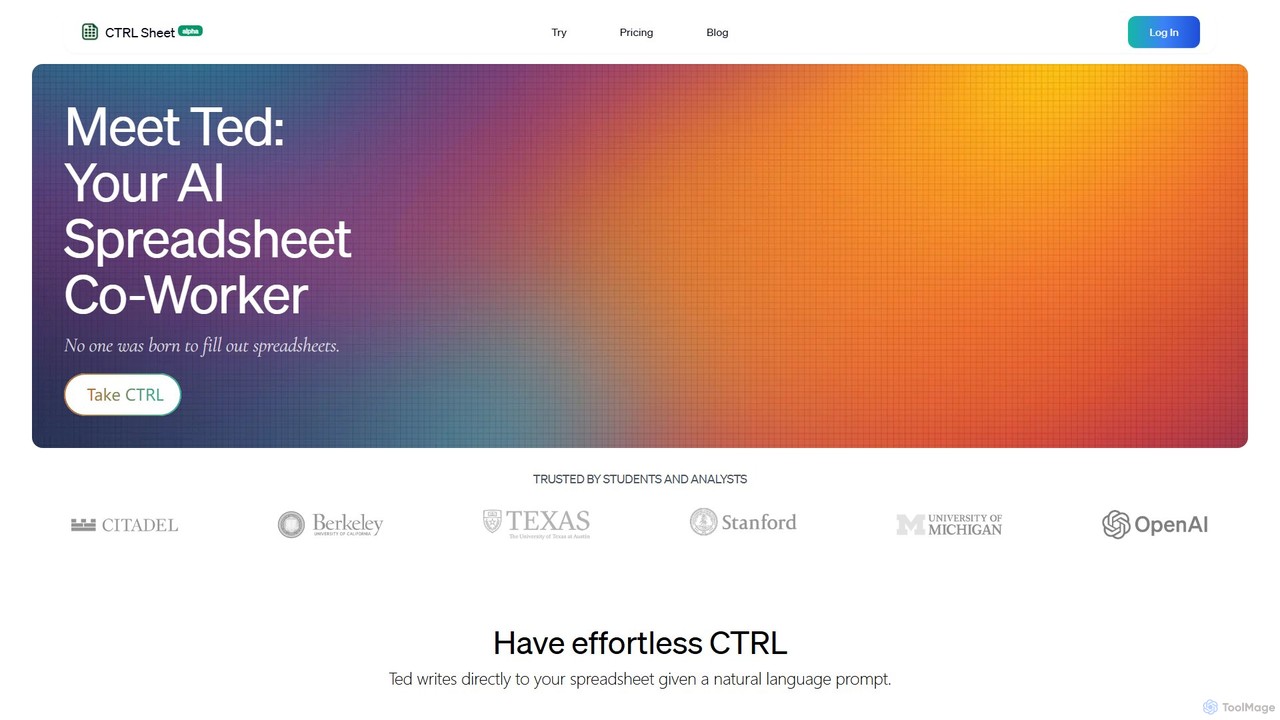
CTRL Sheet
CTRL Sheet is an AI-powered spreadsheet co-worker named Ted that automates data tasks. It allows users to interact with spreadsheets using natural language, extract data from various files like PDFs and images, and generate complex formulas effortlessly. It's designed to save time and reduce errors for students, analysts, and professionals.
Task Automation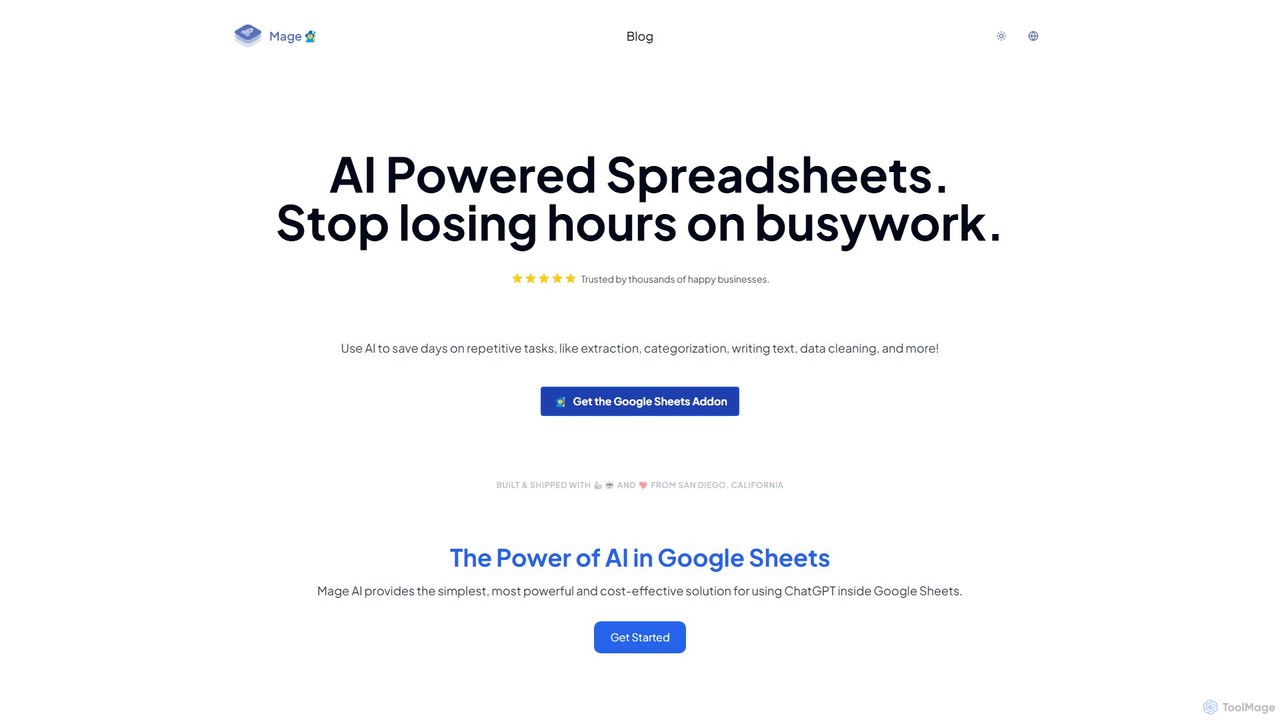
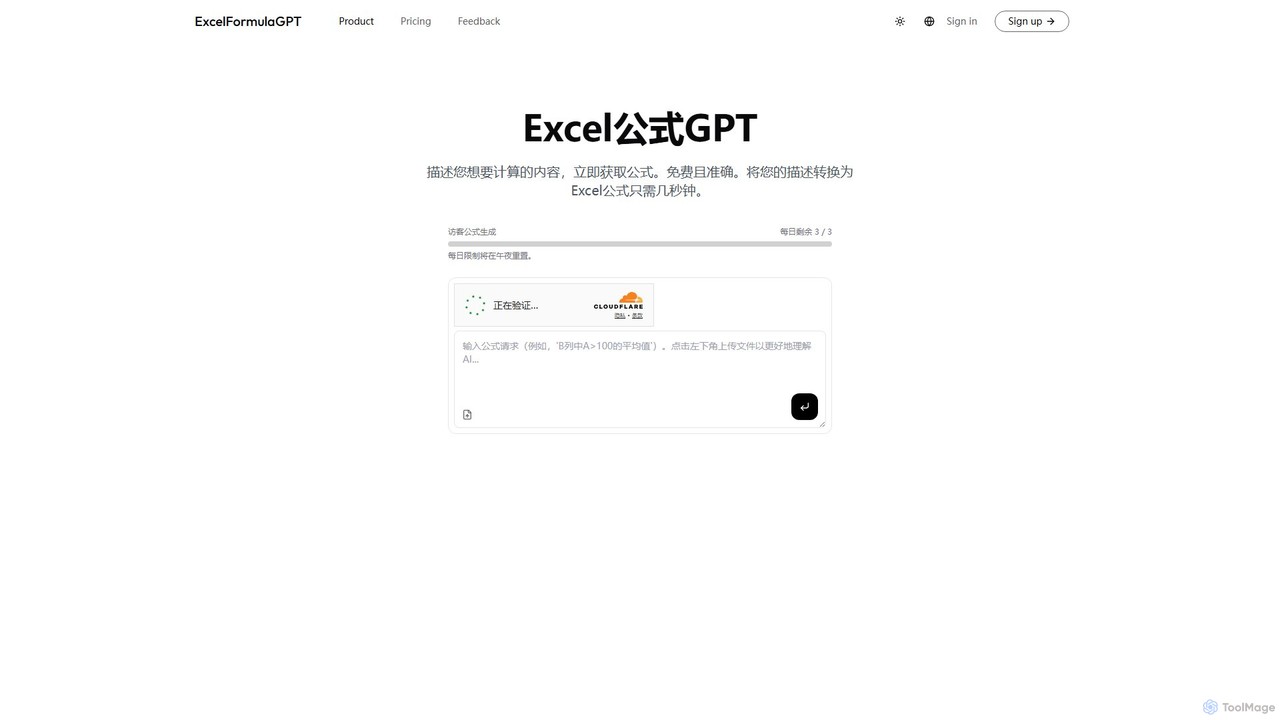
excelformulagpt
excelformulagpt is an AI-powered tool that instantly converts natural language descriptions into complex Excel and Google Sheets formulas. It helps users save time, reduce errors, and boost productivity without needing to memorize complex syntax. Features include formula generation, context-aware suggestions from uploaded files, and formula explanations.
Automation
Charm Comments (0)
Sign in to comment.
Sign inNo comments yet.