


Sheet Copilot Overview
Sheet Copilot transforms your Google Sheets experience by integrating a powerful AI assistant directly into your workflow. It effectively puts your spreadsheets on autopilot, allowing you to manage, analyze, and manipulate data using simple, natural language commands. This eliminates the steep learning curve associated with complex formulas and functions, making advanced data analysis accessible to everyone, from beginners to seasoned professionals. The tool operates as a Google Sheets add-on, providing a seamless and intuitive user experience without ever needing to leave your spreadsheet.
The core philosophy behind Sheet Copilot is to enhance productivity while prioritizing user privacy. It operates on a "Bring Your Own Key" (BYOK) model, where you connect your personal OpenAI API key. This key is stored securely within your Google account's properties and is never transmitted to or stored on Sheet Copilot's servers. Furthermore, the tool intelligently processes only small, contextually relevant samples of your data to execute tasks, ensuring your full spreadsheet is never uploaded or used for training purposes. This privacy-first approach gives users full control and confidence in their data security.
How to use Sheet Copilot
Getting started with Sheet Copilot is straightforward. First, you need to install the Sheet Copilot add-on from the Google Workspace Marketplace. Once installed, open a Google Sheet and launch the add-on from the 'Extensions' menu. You will be prompted to enter your OpenAI API key, which links the tool to the power of large language models. After this one-time setup, you can start using it immediately. Simply type your request in plain English into the Sheet Copilot interface—for example, "summarize the sales data in column B," "create a formula to calculate the average of column C for all rows where column A is 'Q3'," or "clean up the formatting in the selected range." Sheet Copilot will process your command and execute the task in real-time, directly on your sheet.
Core Features of Sheet Copilot
- Natural Language Processing: Interact with your data using plain English commands instead of complex formulas.
- Task Automation: Automate repetitive tasks such as data cleaning, sorting, formatting, and categorization.
- AI-Powered Data Analysis: Ask questions about your data and receive instant answers, summaries, and insights.
- Formula Generation: Describe the logic you need, and Sheet Copilot will generate the correct Google Sheets formula for you.
- Content Generation: Create text, translate content, or populate cells with AI-generated information based on context from other cells.
- Privacy-First Architecture: Uses your personal OpenAI API key, which is stored locally in your Google account. Your spreadsheet data is never stored on their servers or used for training.
- Seamless Integration: Works as a native add-on within the Google Sheets environment for a smooth workflow.
Use Cases for Sheet Copilot
Sheet Copilot is a versatile tool for various professionals. Marketing managers can use it to quickly analyze campaign performance data, segment customer lists, and generate concise report summaries. Data analysts can significantly speed up their data cleaning and preparation process, generate complex queries, and identify trends without manual effort. Sales teams can analyze sales figures, forecast future performance, and manage lead lists more efficiently. Small business owners can track inventory, manage budgets, and create financial statements with ease. For researchers and students, it's an invaluable assistant for organizing and interpreting large datasets.
Advantages of Sheet Copilot
The primary advantage of Sheet Copilot is its ability to democratize data analysis. It empowers users without advanced spreadsheet skills to perform complex operations, boosting productivity across teams. Its seamless integration into Google Sheets means there is no need to switch between applications, maintaining focus and workflow efficiency. The privacy-centric model is a significant benefit, as users retain full control over their data and API keys. Finally, being free during its beta phase makes it an accessible and risk-free tool for anyone looking to enhance their spreadsheet capabilities.
Pricing and Plans
Sheet Copilot is currently completely free to use while it is in its BETA phase. Users are only required to provide their own OpenAI API key. This means that while the tool itself is free, users will be responsible for the costs associated with their usage of the OpenAI API. This model provides transparency and allows users to control their expenses directly through their OpenAI account.
Traffic
Latest traffic
Status
Monthly traffic trend
- 2025-9: 3.4K
- 2026-1: 1.2K
- 2026-2: 6.6K
- 2026-3: 4.7K
- 2026-4: 6.3K
- 2026-5: 6.9K
Traffic sources
| Source type | Percentage |
|---|---|
Referral | 100.0% |
Sheet Copilot Alternatives

Sheetplus
Sheetplus is an AI-powered toolkit designed to supercharge your spreadsheet experience in Google Sheets and Excel. By leveraging natural language, it allows users to generate complex formulas, clean and analyze data, automate tasks, and extract insights without writing code. It acts as an intelligent assistant, making data management faster, more intuitive, and accessible to everyone, regardless of their technical expertise.
Automation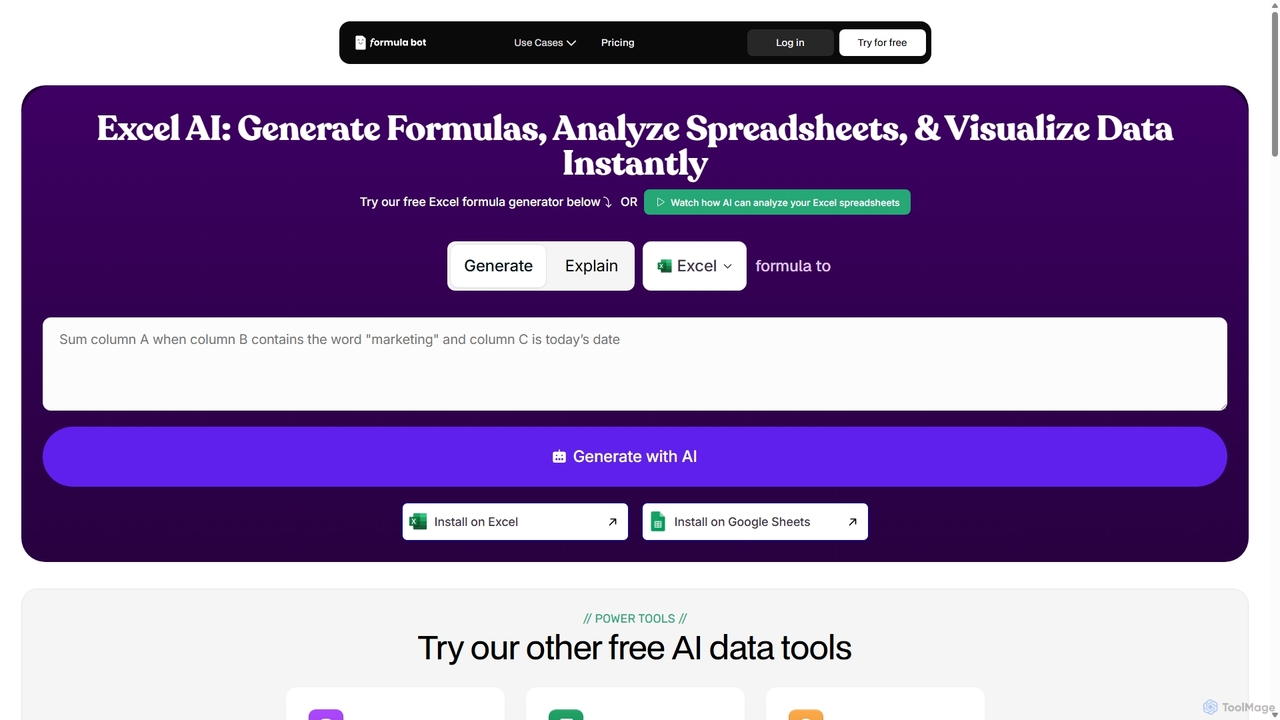
ExcelFormulaBot
ExcelFormulaBot is an AI-powered tool that generates complex Excel and Google Sheets formulas from text instructions in seconds. It also analyzes data, creates charts, generates VBA/SQL code, and explains formulas, making spreadsheet tasks faster and more accessible for everyone, from beginners to experts.
Data Analysis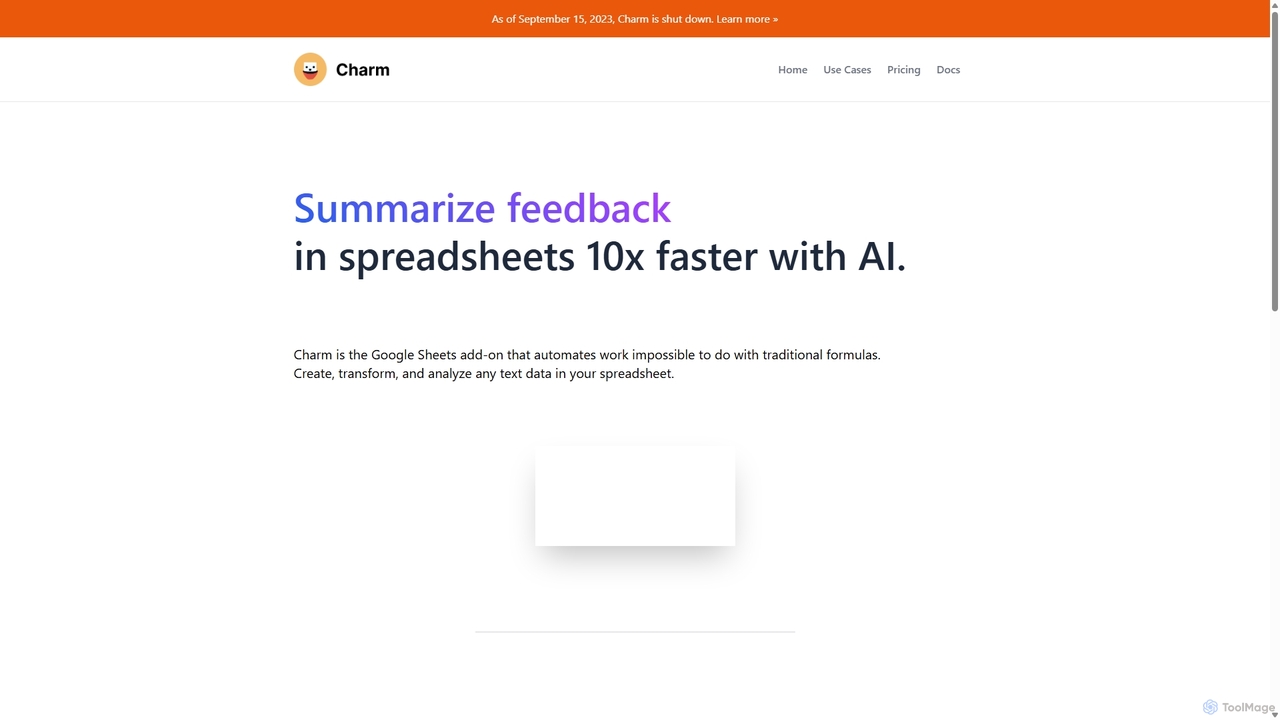
Charm
Charm was an AI-powered assistant integrated directly into Google Sheets as an add-on. It was designed to automate complex text-based tasks, such as cleaning messy data, generating content, summarizing text, and classifying information, without requiring traditional formulas or coding. Please note: Charm was officially shut down on September 15, 2023.
Automation
Spreadsheet Daddy
Spreadsheet Daddy is an advanced AI-driven add-on for Google Sheets that automates complex tasks. It allows users to generate formulas, Apps Script, and regular expressions from simple text prompts. The tool also excels at bulk content generation, data analysis, and even allows for the creation of custom AI models, transforming your spreadsheet into a powerful productivity hub.
Low Code No Code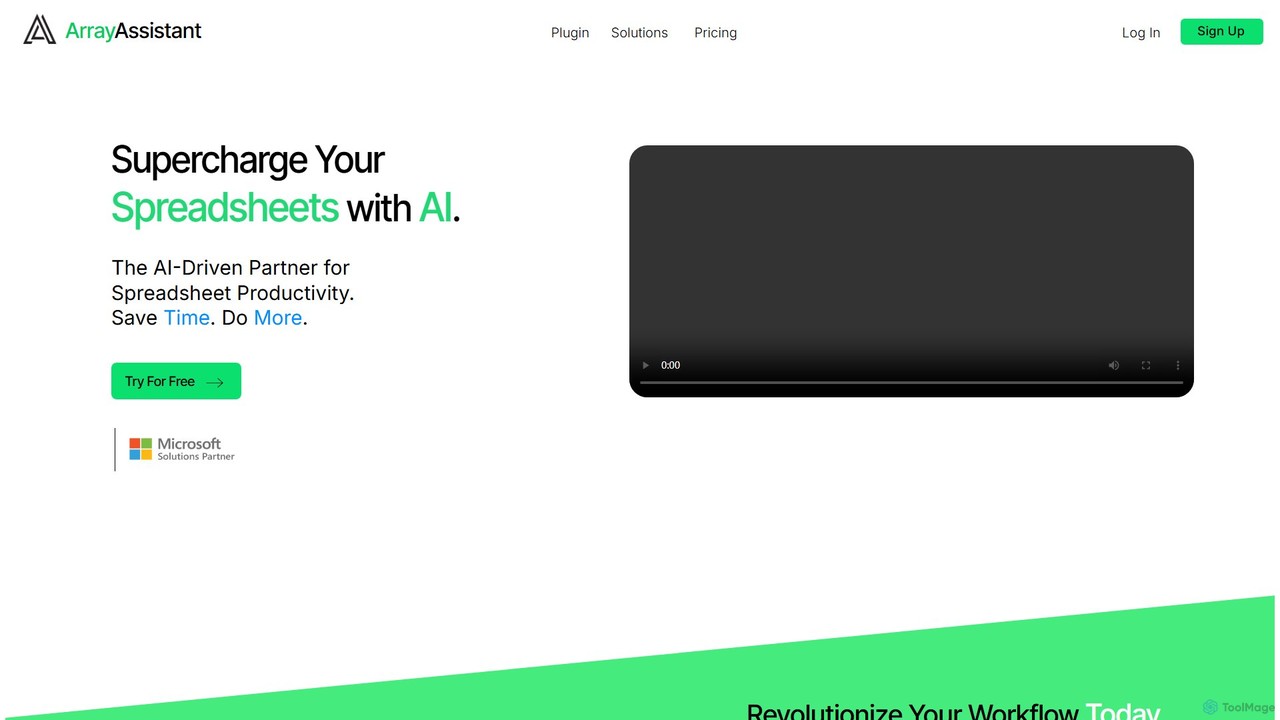
Array Assistant
Array Assistant is an AI-powered plugin for spreadsheets that supercharges your productivity. It helps you generate complex formulas, clean and organize data, summarize text, explain problems, and design automations, all within your existing workflow. Ideal for professionals, students, and anyone who uses spreadsheets.
FinanceSheet Copilot Categories
Sheet Copilot Jobs
Sheet Copilot Embed Widget
Copy this embed code to place the badge on your blog, article, or product site and send readers directly to this ToolMage detail page.

Related AI tools
Sheetplus
Sheetplus is an AI-powered toolkit designed to supercharge your spreadsheet experience in Google Sheets and Excel. By leveraging natural language, it allows users to generate complex formulas, clean and analyze data, automate tasks, and extract insights without writing code. It acts as an intelligent assistant, making data management faster, more intuitive, and accessible to everyone, regardless of their technical expertise.
AutomationExcelFormulaBot
ExcelFormulaBot is an AI-powered tool that generates complex Excel and Google Sheets formulas from text instructions in seconds. It also analyzes data, creates charts, generates VBA/SQL code, and explains formulas, making spreadsheet tasks faster and more accessible for everyone, from beginners to experts.
Data Analysis
Metatable
Metatable is an AI-powered data assistant that revolutionizes how you interact with spreadsheets and tabular data. Simply use natural language prompts to clean, analyze, transform, and visualize your data instantly. It eliminates complex formulas and manual tasks, making data analysis accessible to everyone, from data analysts to business managers.
AnalyticsSpreadsheet Daddy
Spreadsheet Daddy is an advanced AI-driven add-on for Google Sheets that automates complex tasks. It allows users to generate formulas, Apps Script, and regular expressions from simple text prompts. The tool also excels at bulk content generation, data analysis, and even allows for the creation of custom AI models, transforming your spreadsheet into a powerful productivity hub.
Low Code No CodeCharm
Charm was an AI-powered assistant integrated directly into Google Sheets as an add-on. It was designed to automate complex text-based tasks, such as cleaning messy data, generating content, summarizing text, and classifying information, without requiring traditional formulas or coding. Please note: Charm was officially shut down on September 15, 2023.
AutomationArray Assistant
Array Assistant is an AI-powered plugin for spreadsheets that supercharges your productivity. It helps you generate complex formulas, clean and organize data, summarize text, explain problems, and design automations, all within your existing workflow. Ideal for professionals, students, and anyone who uses spreadsheets.
Finance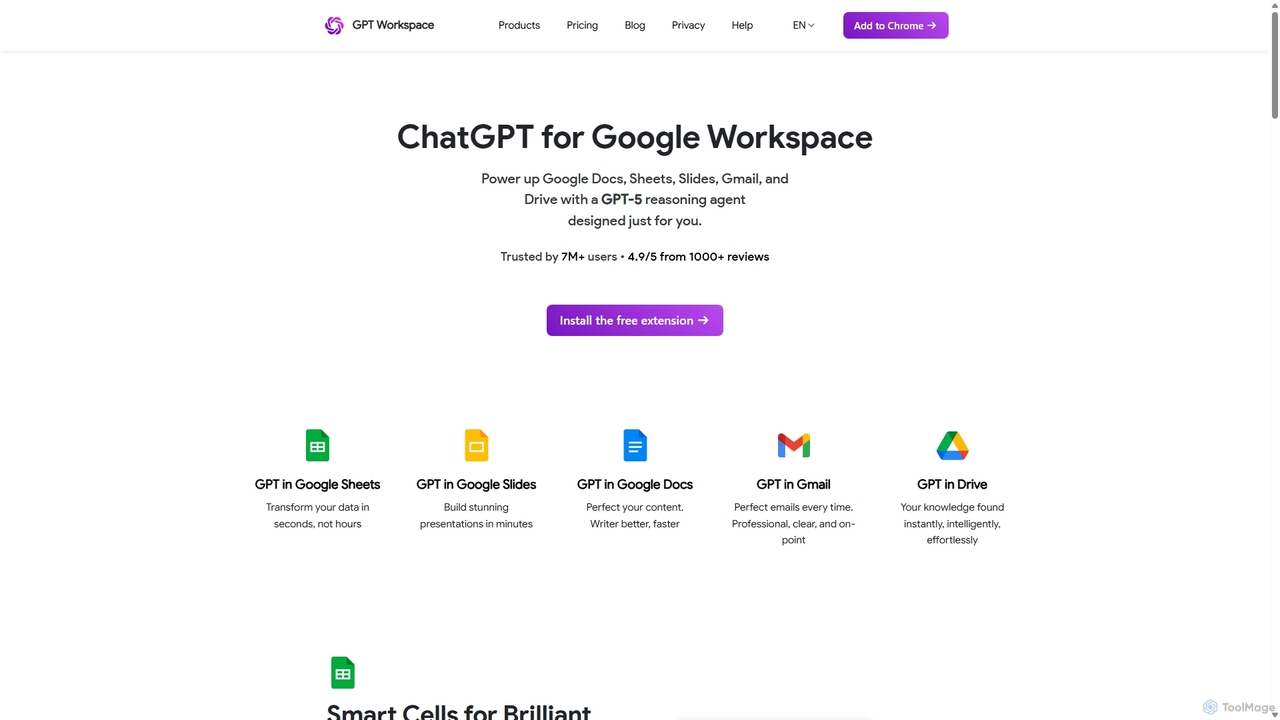
GPT Workspace
GPT Workspace integrates AI-powered features directly into Google Workspace applications like Docs, Sheets, Slides, and Gmail. It enhances productivity by automating content creation, data analysis, email drafting, and document editing, allowing users to leverage the power of models like GPT-4o seamlessly within their existing workflow.
Document Management
PDF AI Sheet
A Google Sheet add-on that allows you to chat with and extract information from multiple PDF documents in bulk directly within your spreadsheets. Automate data analysis and research by asking questions to your PDFs using a simple formula.
Extraction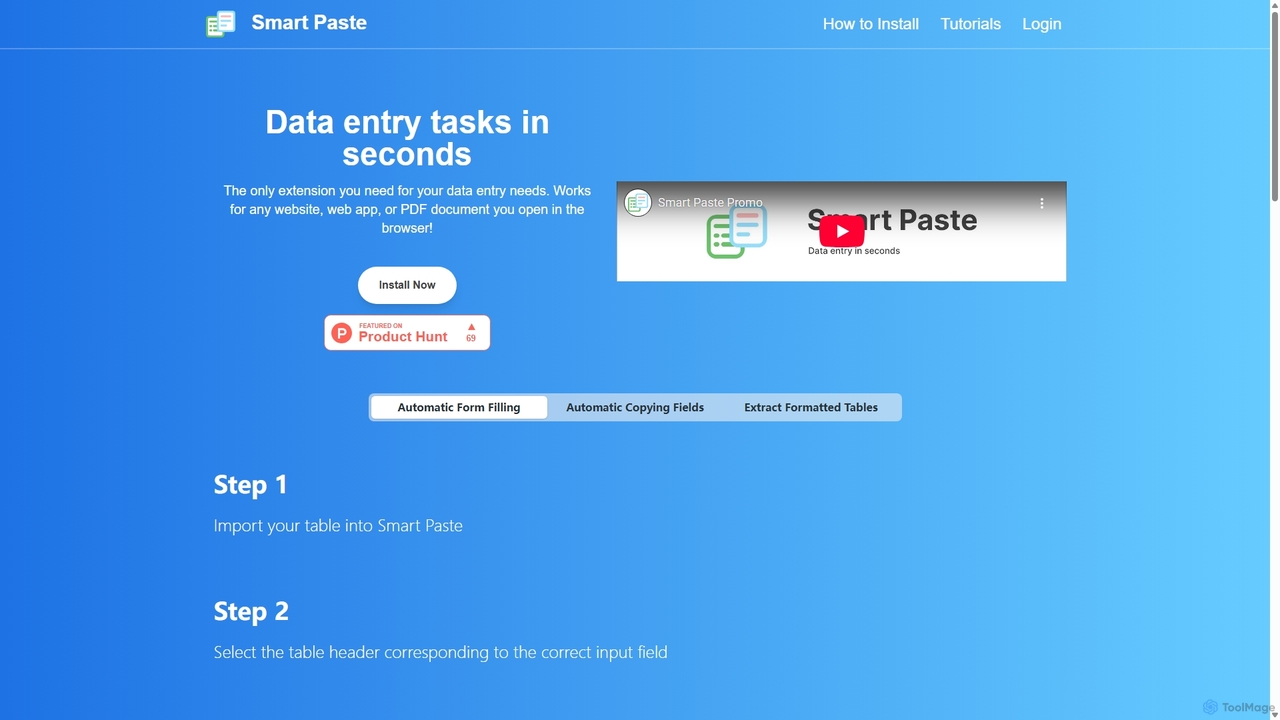
Smartpaste
smartpaste is a powerful browser extension designed to automate data entry tasks. It allows users to effortlessly extract tables and specific data fields from any website or PDF, and instantly paste them into spreadsheets. It also automates form filling from your data, saving hours of manual work and reducing errors, all while ensuring your data remains secure on your computer.
Chrome Extensions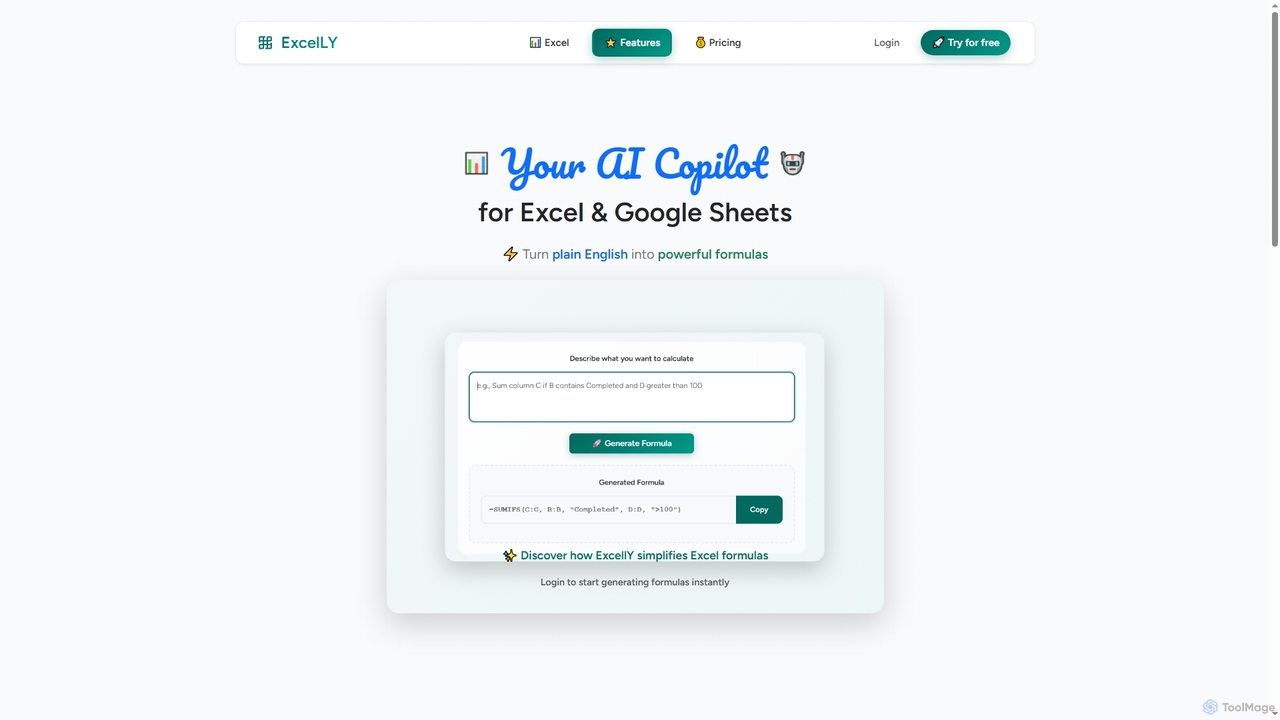
Excelly
Excelly is an AI copilot for Excel and Google Sheets that transforms plain English descriptions into complex formulas instantly. It also provides step-by-step explanations, boosting productivity and simplifying spreadsheet tasks for users of all skill levels.
Formula Generation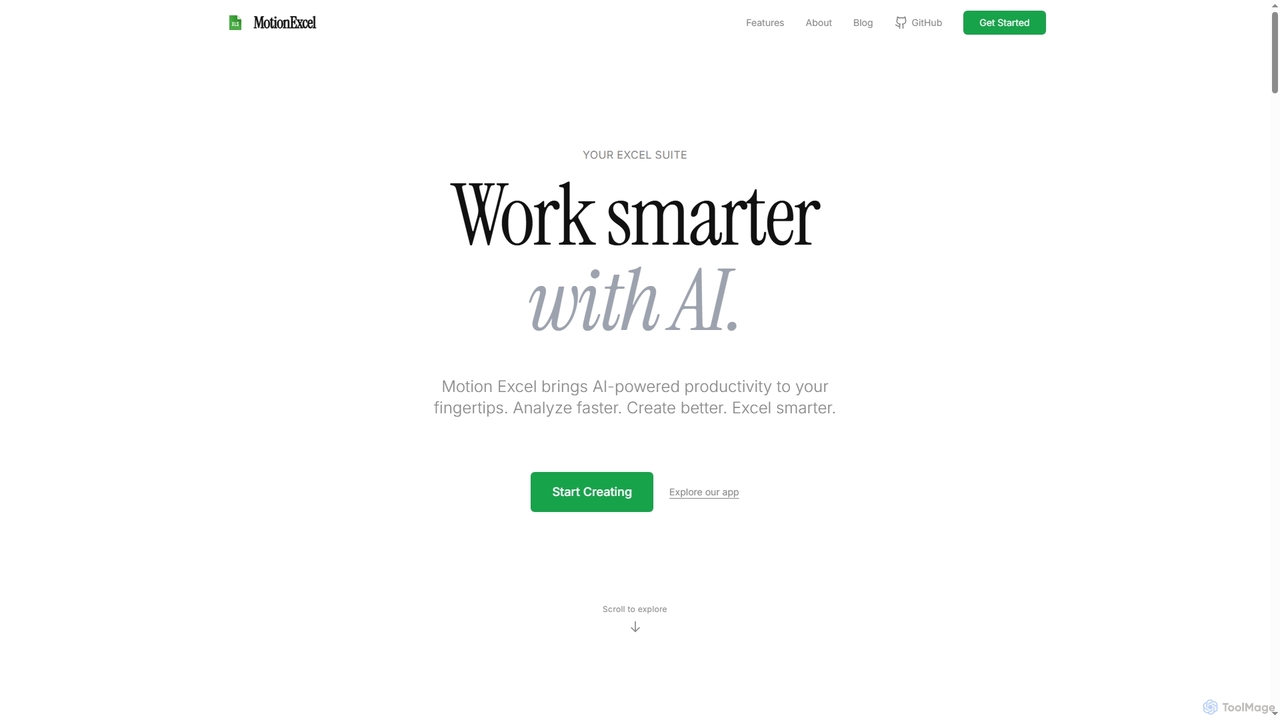
MotionExcel
MotionExcel is an AI-powered spreadsheet editor that integrates artificial intelligence, Python, and SQL to transform data analysis and automation. It helps users analyze data faster, create better insights, and work smarter with intelligent agents and advanced features.
Spreadsheet
Lazy Admin
Lazy Admin is an AI-powered data analysis and reporting solution designed primarily for Salesforce. It enables users to query data, generate charts, and create dashboards using natural language. The tool emphasizes security by keeping all data within your environment and can be personalized to understand your specific business terminology, making data insights accessible to everyone on your team.
Business Intelligence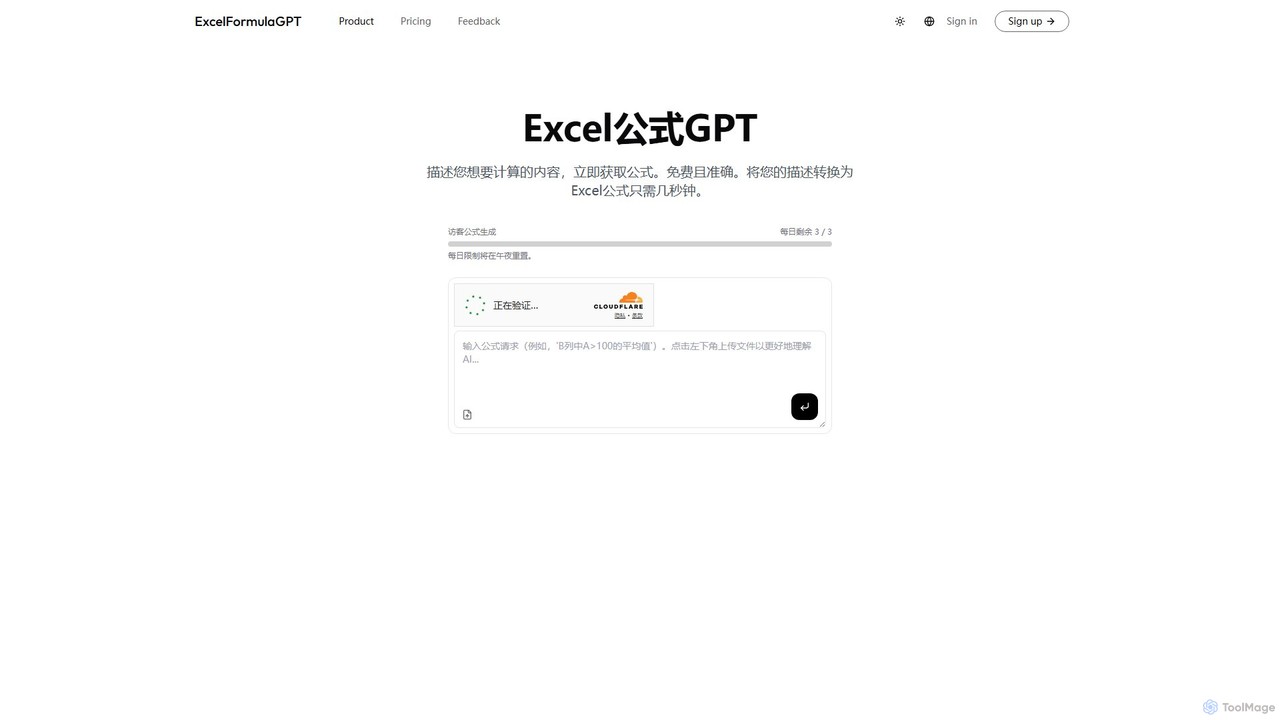
excelformulagpt
excelformulagpt is an AI-powered tool that instantly converts natural language descriptions into complex Excel and Google Sheets formulas. It helps users save time, reduce errors, and boost productivity without needing to memorize complex syntax. Features include formula generation, context-aware suggestions from uploaded files, and formula explanations.
Automation
Prompting Sheets
Prompting Sheets is an AI-powered add-on for Google Sheets that transforms your spreadsheets into dynamic tools. It allows users to generate custom project plans, to-do lists, and automate data analysis and content creation using powerful AI formulas and an integrated chatbot, eliminating the need for generic templates.
Project Management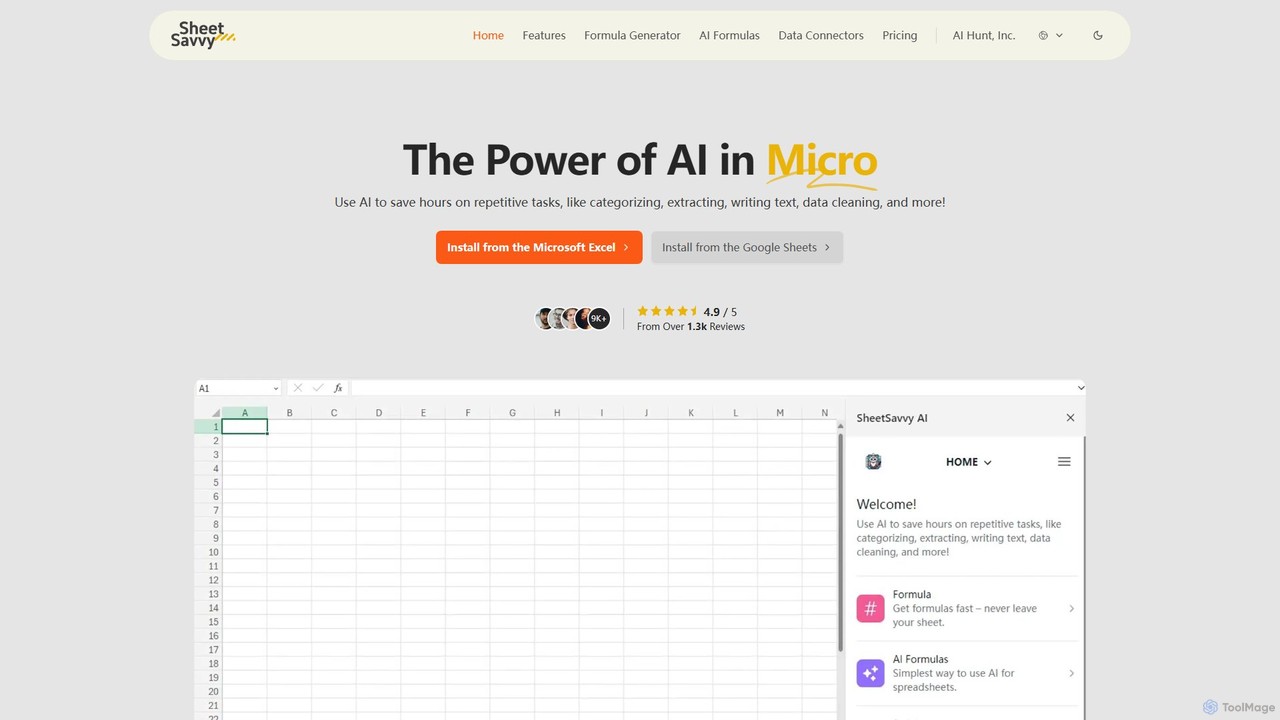
SheetSavvy AI
SheetSavvy AI is an AI-powered assistant for Google Sheets and Microsoft Excel, designed to automate repetitive tasks. It features a formula generator, AI-driven formulas for data cleaning and analysis, and seamless data connectors to import live data, significantly boosting spreadsheet productivity.
Finance
Sheet Copilot Comments (0)
Sign in to comment.
Sign inNo comments yet.