

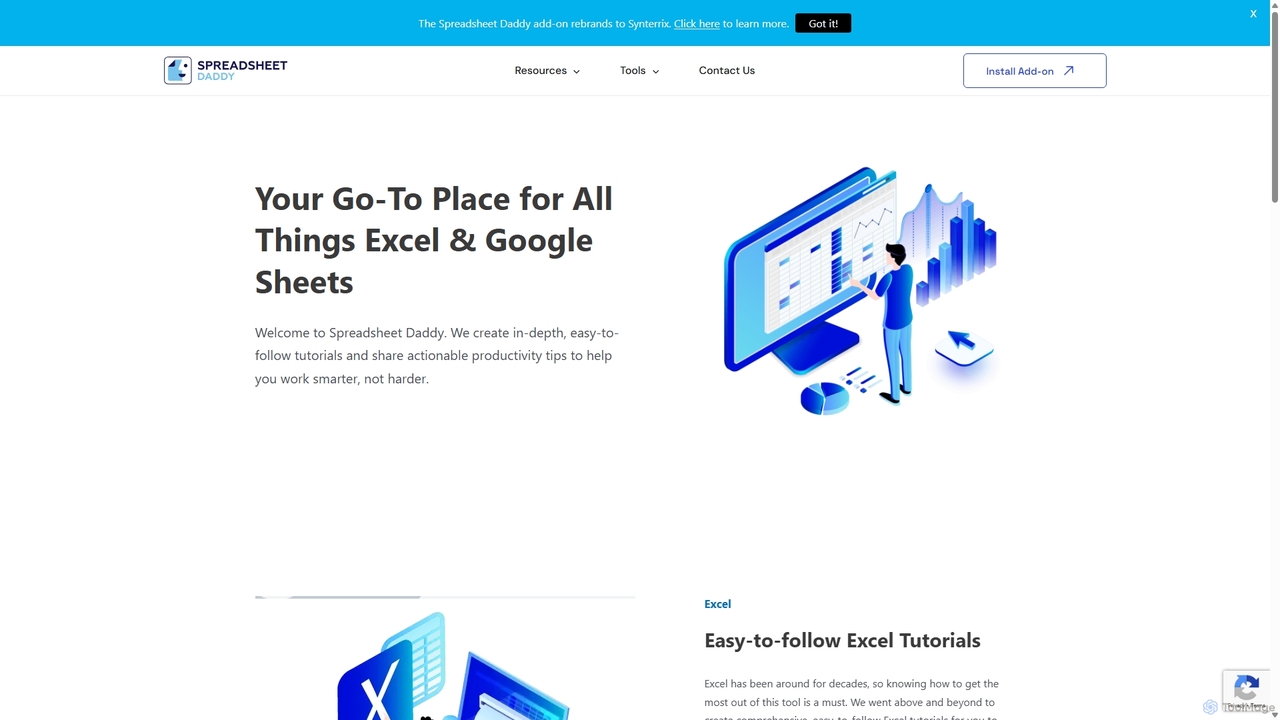
Spreadsheet Daddy Overview
Spreadsheet Daddy is a sophisticated AI-powered productivity and automation tool designed as an add-on for Google Sheets™. It seamlessly integrates the capabilities of advanced AI models like OpenAI directly into your spreadsheets, eliminating the need for complex coding or manual data handling. This tool is built to help users work smarter, not harder, by automating repetitive tasks, generating complex formulas on demand, and creating content at scale. Whether you're a marketer, data analyst, developer, or business owner, Spreadsheet Daddy transforms your Google Sheets into a dynamic and intelligent workspace.
How to use Spreadsheet Daddy
Using Spreadsheet Daddy is straightforward and designed for users of all skill levels. First, you need to install the add-on from the Google Workspace Marketplace. Once installed, you can access its features through a user-friendly sidebar within any Google Sheet. To perform a task, you simply select the desired function—such as the Formula Generator or AI Prompt—and provide a plain-text instruction. For instance, to generate a formula, you can type "Sum all values in column A that are greater than 100." The tool will instantly produce the correct formula. For bulk operations, you can use cell references in your prompts to apply an AI function across multiple rows or columns, making tasks like data cleaning or content generation incredibly efficient.
Core Features of Spreadsheet Daddy
- AI Prompt Execution: Run any custom AI prompt directly within Google Sheets. Use cell references to create dynamic prompts that can be executed for multiple cells, columns, or rows simultaneously.
- Formula Generator: Generate complex Google Sheets formulas and functions based on simple, natural language descriptions.
- Formula Explainer: Demystify complicated formulas by providing an AI-driven explanation of what a specific formula does and how it works.
- Apps Script Generator: Create Google Apps Script code from text prompts to automate workflows and build custom functions without needing to be a developer.
- Apps Script Explainer: Get detailed, step-by-step explanations of existing Google Apps Script code to understand and debug it easily.
- Regex Generator: Generate custom regular expressions from a text description, simplifying tasks like data validation and extraction.
- Custom AI Models: Train and create custom AI models using your own data. This feature drastically increases the accuracy and relevance of AI outputs for specialized tasks.
Use Cases for Spreadsheet Daddy
Spreadsheet Daddy is versatile and can be applied across various professional domains:
- Marketing & Sales: Bulk-generate SEO-optimized product descriptions, ad copy, personalized sales emails, and social media content.
- Data Analysis: Clean, classify, and categorize large datasets. Summarize customer feedback, extract key information from text, and perform sentiment analysis.
- Content Creation: Brainstorm blog post ideas, generate article outlines, and create tables of content directly within your planning spreadsheet.
- Business Operations: Automate financial reporting, generate summaries from raw data, and create custom scripts to streamline repetitive administrative tasks.
- Development & IT: Quickly generate and debug formulas, regular expressions, and Google Apps Script, significantly speeding up development and troubleshooting processes.
Advantages of Spreadsheet Daddy
The primary advantage of Spreadsheet Daddy is its ability to consolidate multiple powerful AI tools into a single, accessible interface within Google Sheets. It democratizes access to complex functionalities like formula and script generation, making them available to non-coders. The tool's efficiency in handling bulk tasks saves users countless hours of manual work. Furthermore, the unique feature of training custom AI models allows businesses to tailor the AI's output to their specific needs, ensuring higher quality and more relevant results than generic AI tools can provide.
Pricing and Plans
While specific pricing plans are not publicly listed on the website, AI tools of this nature typically operate on a freemium or subscription-based model. This often includes a free trial or a limited free tier to allow users to test the core functionalities. Paid plans are usually tiered based on usage limits (e.g., number of AI requests or characters) and access to advanced features like custom model training. For the most accurate and up-to-date pricing information, users are encouraged to install the add-on from the Google Workspace Marketplace or contact the Spreadsheet Daddy team directly through their website.
Traffic
Latest traffic
Status
Monthly traffic trend
- 2025-9: 30.2K
- 2026-1: 35.1K
- 2026-2: 27.9K
- 2026-3: 27.6K
- 2026-4: 22.3K
- 2026-5: 18.3K
Geography
Top 5 countries / regions
- 🇺🇸United States75.5%
- 🇮🇳India8.9%
- 🇵🇭Philippines8.3%
- 🇻🇳Vietnam4.9%
- 🇲🇽Mexico2.4%
Traffic sources
| Source type | Percentage |
|---|---|
Direct | 67.2% |
Referral | 32.8% |
Top keywords
Spreadsheet Daddy Alternatives
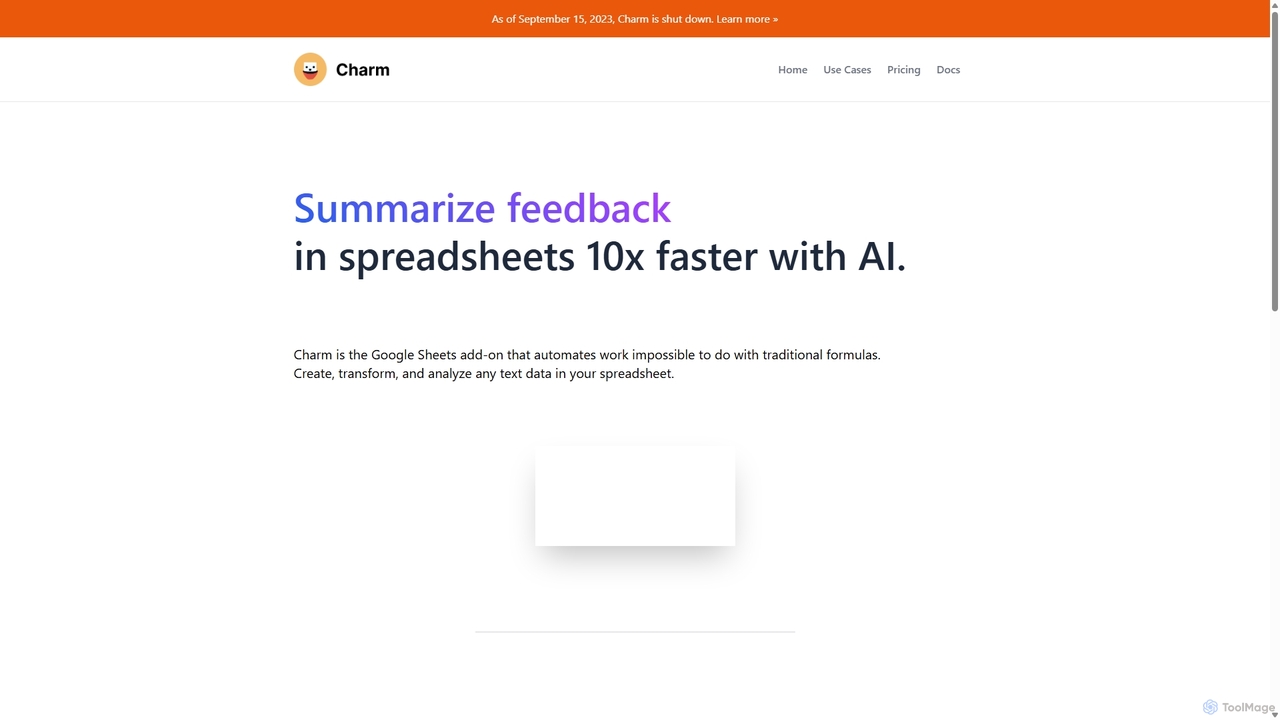
Charm
Charm was an AI-powered assistant integrated directly into Google Sheets as an add-on. It was designed to automate complex text-based tasks, such as cleaning messy data, generating content, summarizing text, and classifying information, without requiring traditional formulas or coding. Please note: Charm was officially shut down on September 15, 2023.
Automation
Sheet Copilot
Sheet Copilot is an AI-powered assistant that automates tasks and answers questions directly within Google Sheets. By using natural language commands, you can clean data, generate formulas, create summaries, and analyze information without writing complex functions. It's currently free in beta and operates using your own OpenAI API key for enhanced privacy and security.
Automation
Sheetplus
Sheetplus is an AI-powered toolkit designed to supercharge your spreadsheet experience in Google Sheets and Excel. By leveraging natural language, it allows users to generate complex formulas, clean and analyze data, automate tasks, and extract insights without writing code. It acts as an intelligent assistant, making data management faster, more intuitive, and accessible to everyone, regardless of their technical expertise.
Automation
Chatsheet
Chatsheet is an AI-powered spreadsheet platform that automates research, content creation, and data analysis. Using a familiar spreadsheet interface, users can build complex, no-code workflows to process documents, scrape websites, and generate personalized content at scale, effectively turning each cell into a smart AI agent.
Spreadsheets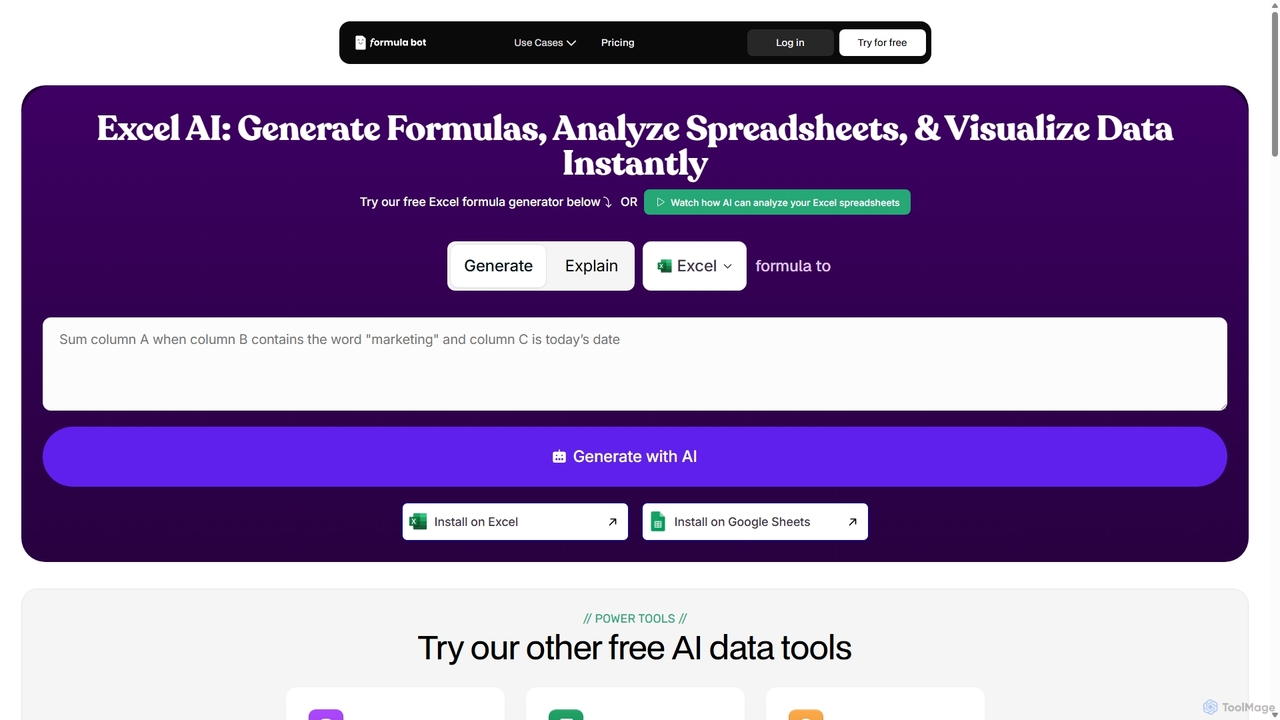
ExcelFormulaBot
ExcelFormulaBot is an AI-powered tool that generates complex Excel and Google Sheets formulas from text instructions in seconds. It also analyzes data, creates charts, generates VBA/SQL code, and explains formulas, making spreadsheet tasks faster and more accessible for everyone, from beginners to experts.
Data AnalysisSpreadsheet Daddy Categories
Spreadsheet Daddy Jobs
Spreadsheet Daddy Embed Widget
Copy this embed code to place the badge on your blog, article, or product site and send readers directly to this ToolMage detail page.

Related AI tools
Sheet Copilot
Sheet Copilot is an AI-powered assistant that automates tasks and answers questions directly within Google Sheets. By using natural language commands, you can clean data, generate formulas, create summaries, and analyze information without writing complex functions. It's currently free in beta and operates using your own OpenAI API key for enhanced privacy and security.
AutomationExcelFormulaBot
ExcelFormulaBot is an AI-powered tool that generates complex Excel and Google Sheets formulas from text instructions in seconds. It also analyzes data, creates charts, generates VBA/SQL code, and explains formulas, making spreadsheet tasks faster and more accessible for everyone, from beginners to experts.
Data AnalysisSheetplus
Sheetplus is an AI-powered toolkit designed to supercharge your spreadsheet experience in Google Sheets and Excel. By leveraging natural language, it allows users to generate complex formulas, clean and analyze data, automate tasks, and extract insights without writing code. It acts as an intelligent assistant, making data management faster, more intuitive, and accessible to everyone, regardless of their technical expertise.
AutomationChatsheet
Chatsheet is an AI-powered spreadsheet platform that automates research, content creation, and data analysis. Using a familiar spreadsheet interface, users can build complex, no-code workflows to process documents, scrape websites, and generate personalized content at scale, effectively turning each cell into a smart AI agent.
SpreadsheetsCharm
Charm was an AI-powered assistant integrated directly into Google Sheets as an add-on. It was designed to automate complex text-based tasks, such as cleaning messy data, generating content, summarizing text, and classifying information, without requiring traditional formulas or coding. Please note: Charm was officially shut down on September 15, 2023.
Automation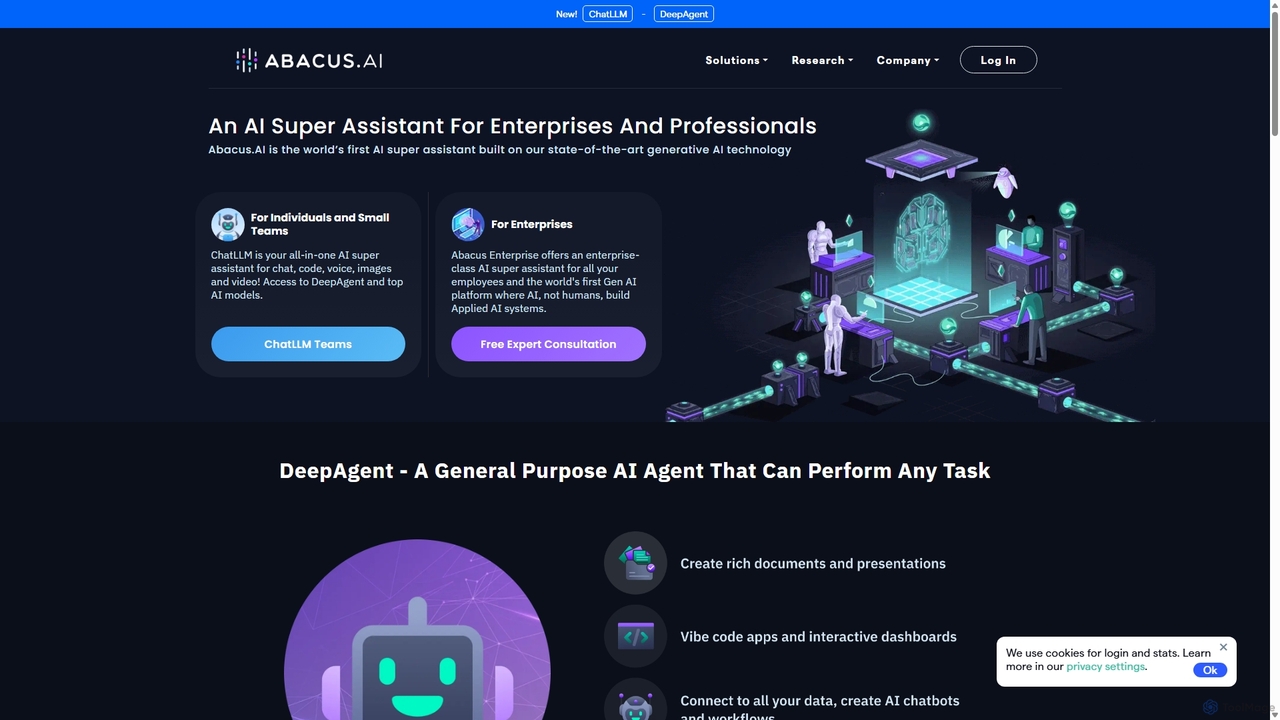
Abacus.AI
Abacus.AI is an advanced AI super assistant and generative AI platform designed for both enterprises and individuals. It enables the creation of AI agents, custom chatbots, and automated workflows to enhance productivity, analyze data, and build applied AI systems with minimal human intervention.
Chatbot
Lula
Lula is an AI-powered workflow automation platform designed to enhance team productivity. It integrates seamlessly with your existing tools to automate repetitive tasks, summarize meetings and communications, generate content, and provide actionable insights, acting as a central intelligence hub for your team.
Team Collaboration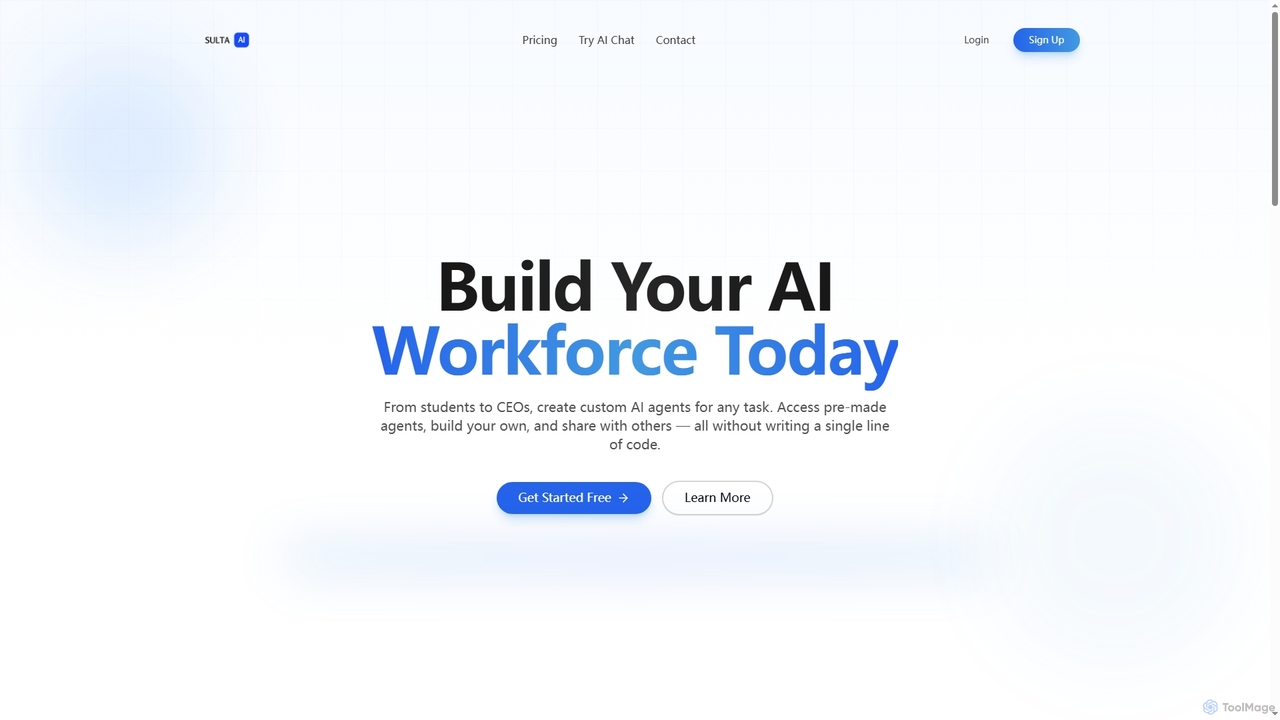
Sulta AI
Sulta AI is a no-code platform empowering users to build and deploy custom AI agents for any task, from student research to business operations. It offers a rich library of pre-built agents, community sharing, and data training capabilities to revolutionize individual and team workflows without writing a single line of code.
Content Generation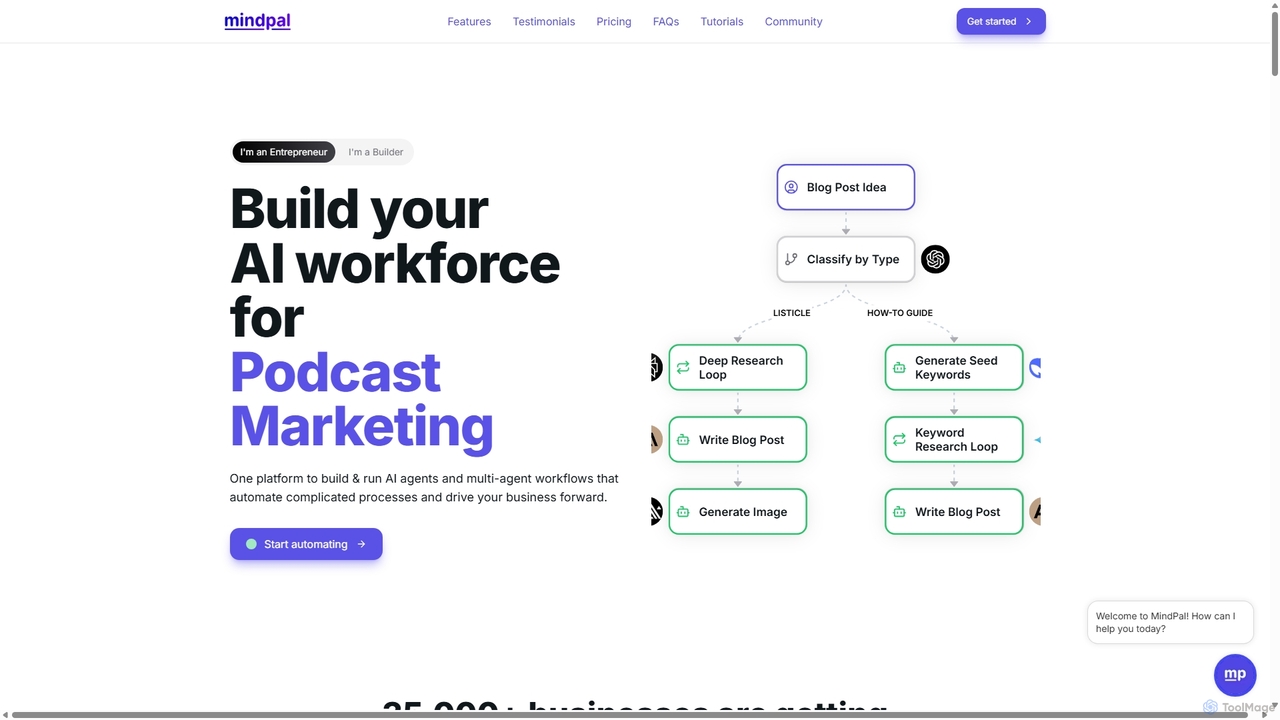
MindPal
MindPal is a no-code platform for building and deploying an AI workforce. It enables users to create specialized AI agents and connect them into multi-agent workflows to automate complex business processes, from marketing and sales to operations and research, boosting productivity by up to 25x.
Operations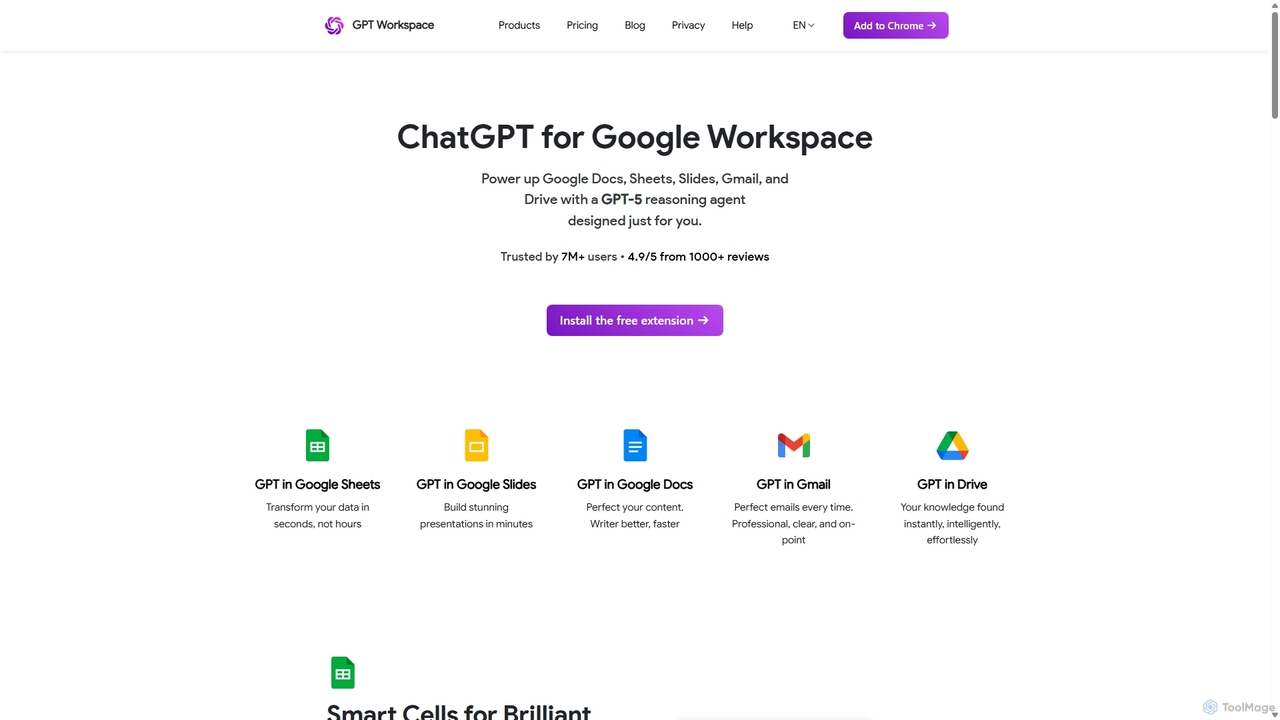
GPT Workspace
GPT Workspace integrates AI-powered features directly into Google Workspace applications like Docs, Sheets, Slides, and Gmail. It enhances productivity by automating content creation, data analysis, email drafting, and document editing, allowing users to leverage the power of models like GPT-4o seamlessly within their existing workflow.
Document Management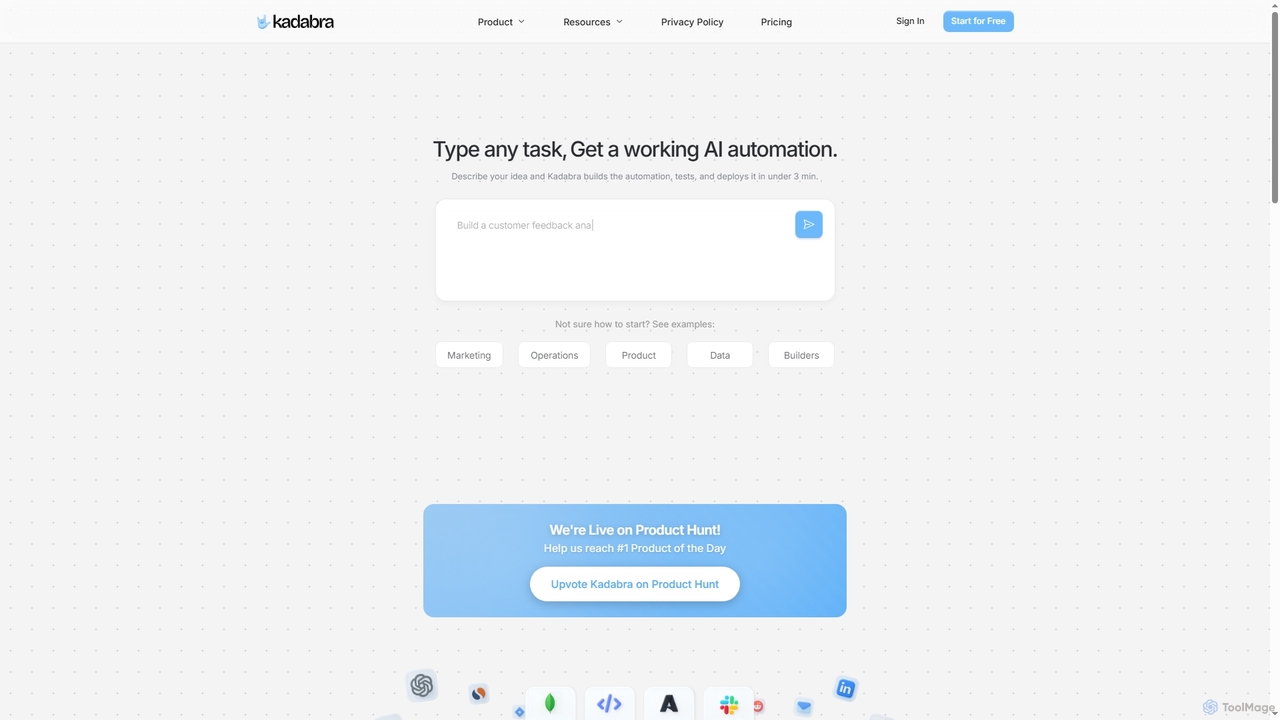
Kadabra
Kadabra is an AI-powered platform that transforms plain English descriptions into functional, deployable business and data automations. It allows users to build, test, and deploy complex workflows visually in minutes, integrating with a wide range of popular tools to streamline operations and enhance productivity.
Operations Management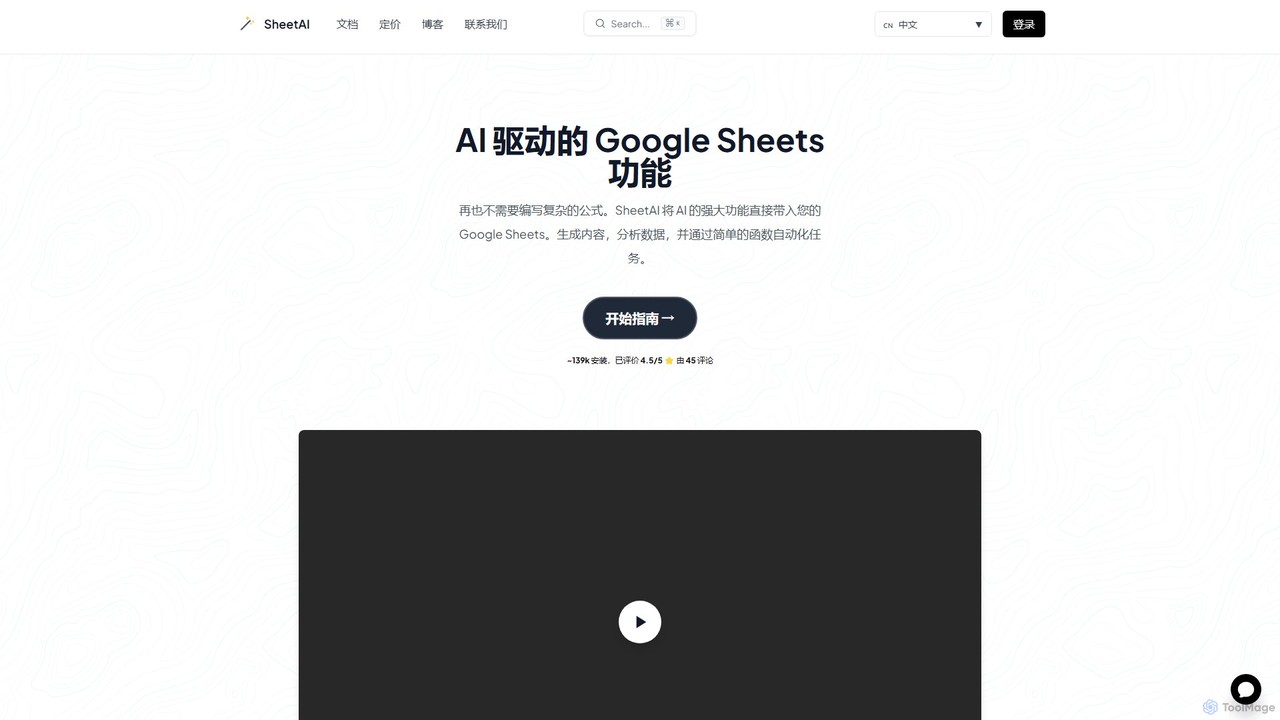
SheetAI
SheetAI integrates the power of AI directly into Google Sheets, allowing users to generate content, analyze data, and automate tasks using simple functions. It eliminates the need for complex formulas, making spreadsheet management more efficient and intuitive for everyone.
No Code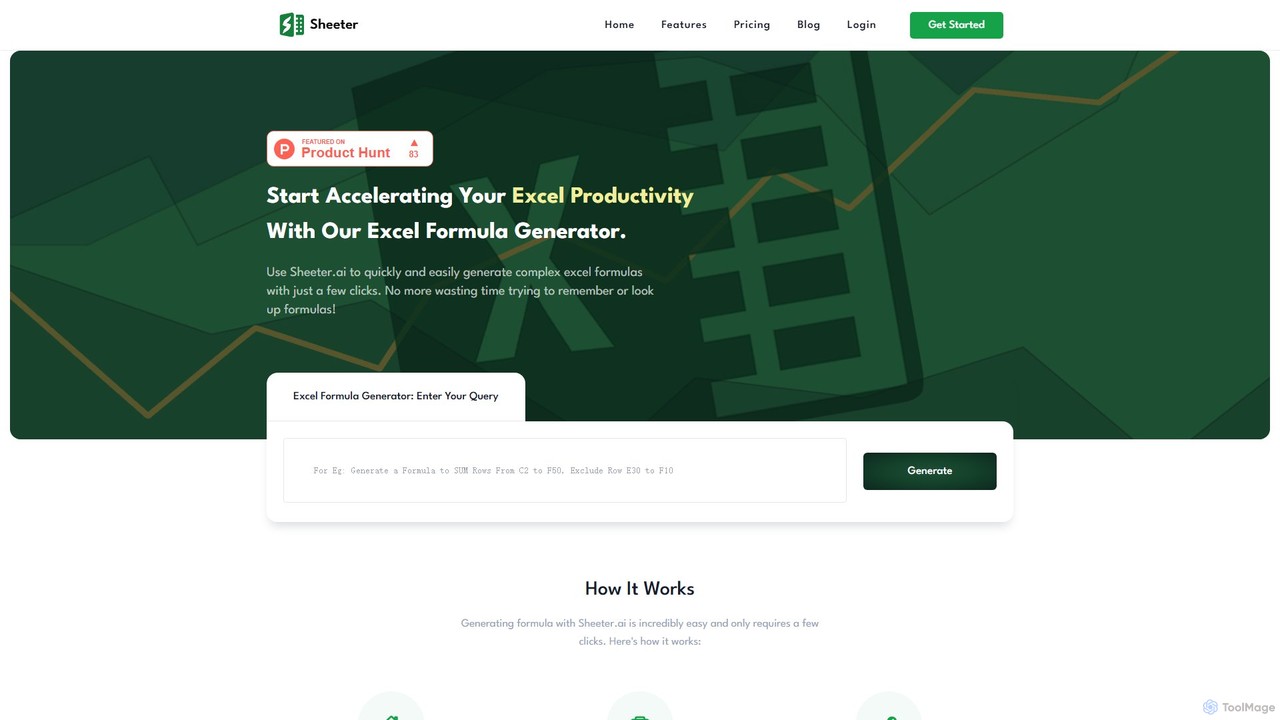
sheeter
Sheeter is an AI-powered tool that generates complex formulas for Excel and Google Sheets from plain English descriptions. It also creates VBA scripts, Google Apps Scripts, and Regex, significantly boosting spreadsheet productivity and saving users time by eliminating the need to memorize or look up formulas.
Data Analysis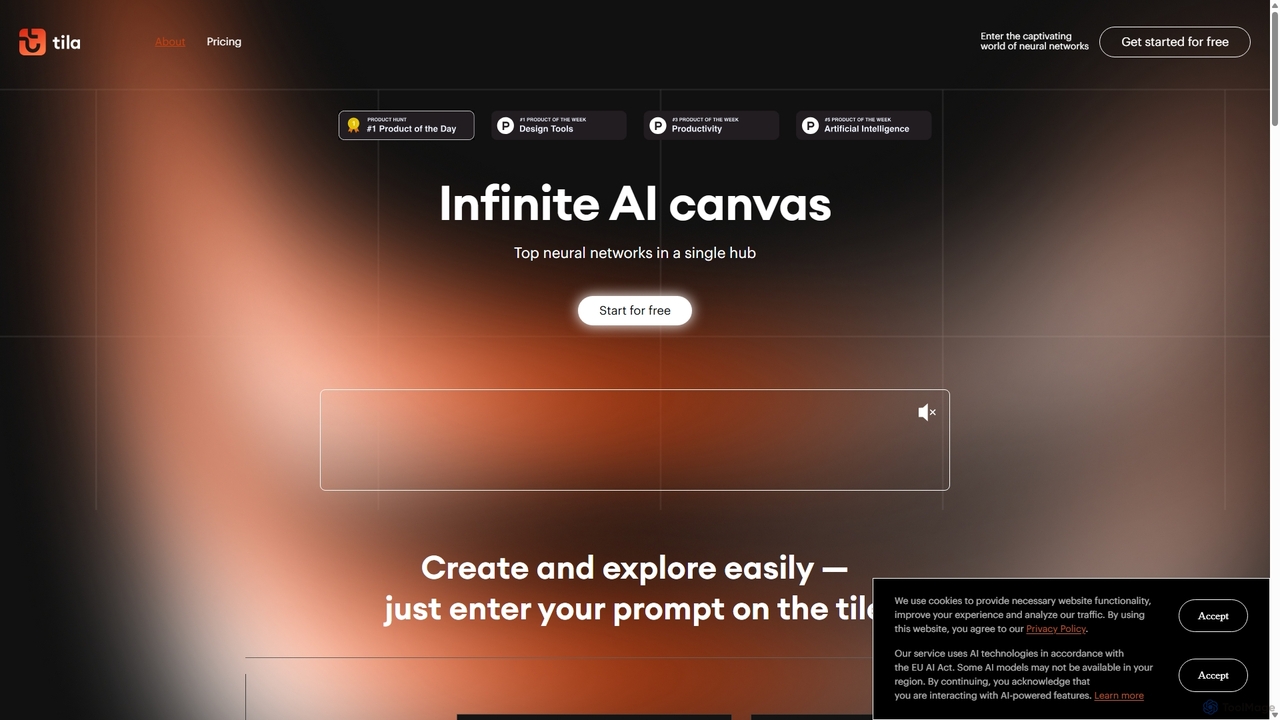
Tila
Tila is a multi-agent AI platform that combines workflow automation and content creation in a unified visual workspace. It offers an infinite canvas where users can connect various AI models like GPT-4o, Claude 3.5, and DALL-E 3 to generate text, images, videos, and audio. Its smart multi-agent technology automates complex tasks, from data analysis to app development, streamlining creative and productive workflows without needing multiple subscriptions.
Generative Ai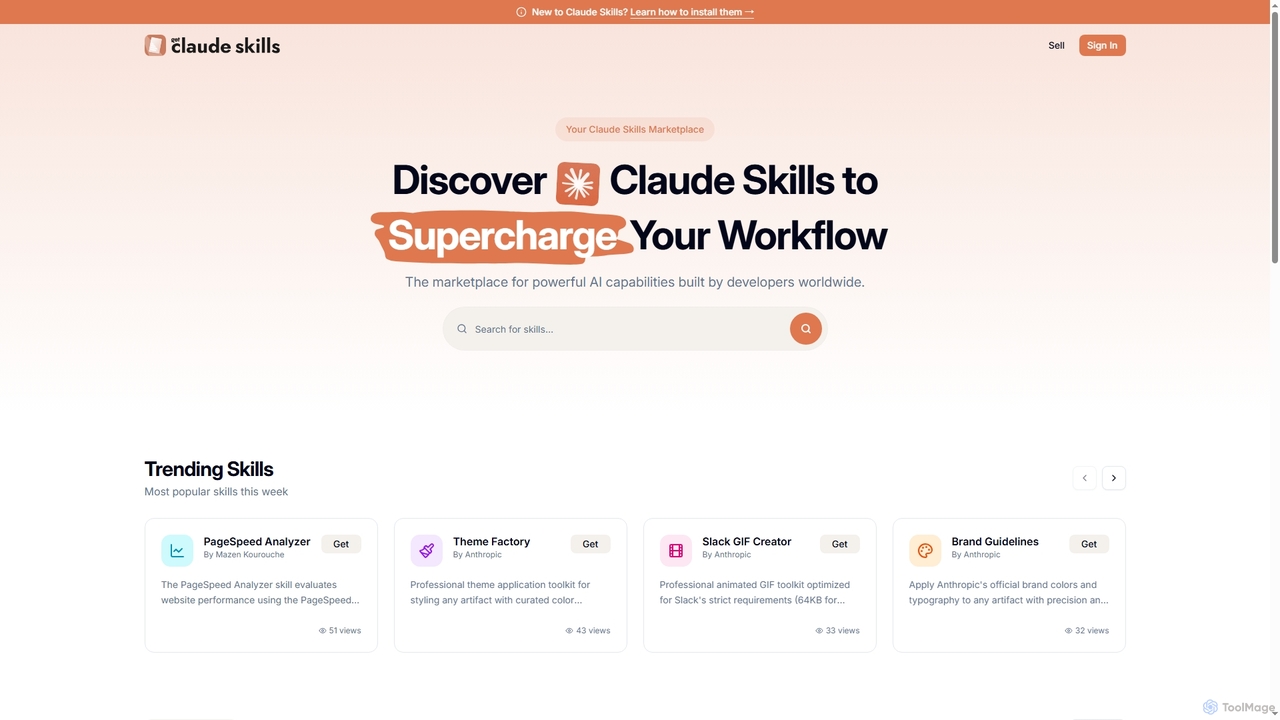
Get Claude Skills
Get Claude Skills is a dynamic marketplace for discovering and sharing powerful AI capabilities designed to enhance workflows with Claude AI. It offers a diverse range of specialized tools, from performance analysis and design systems to advanced content generation and productivity suites, all built by developers to extend Claude's functionality.
Strategy
Spreadsheet Daddy Comments (0)
Sign in to comment.
Sign inNo comments yet.