
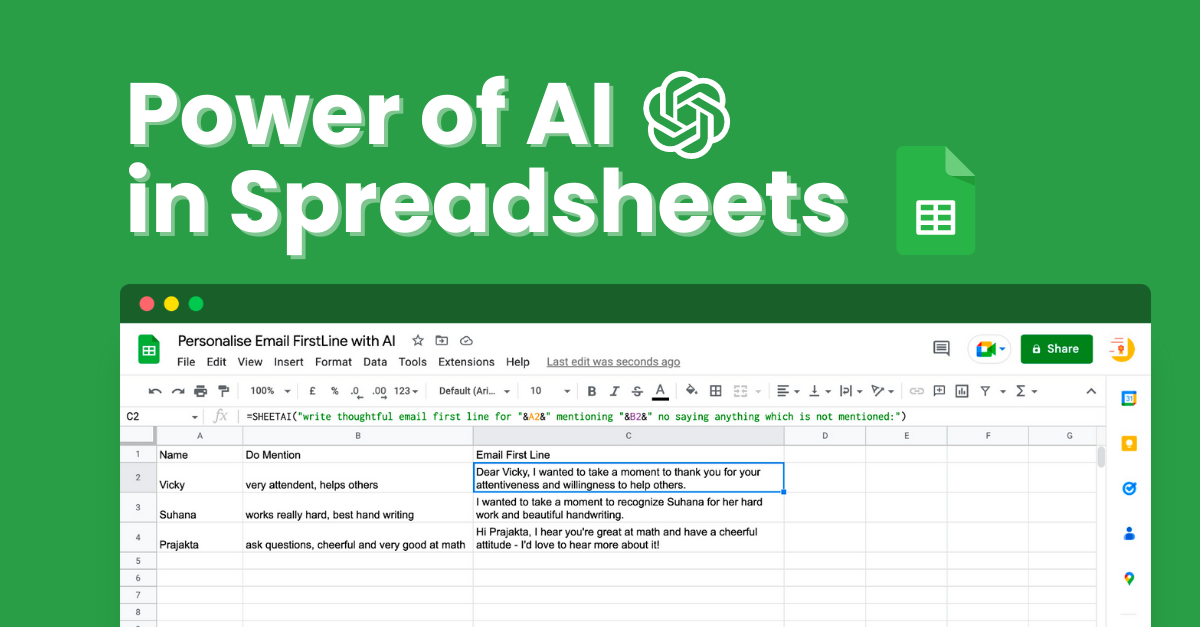
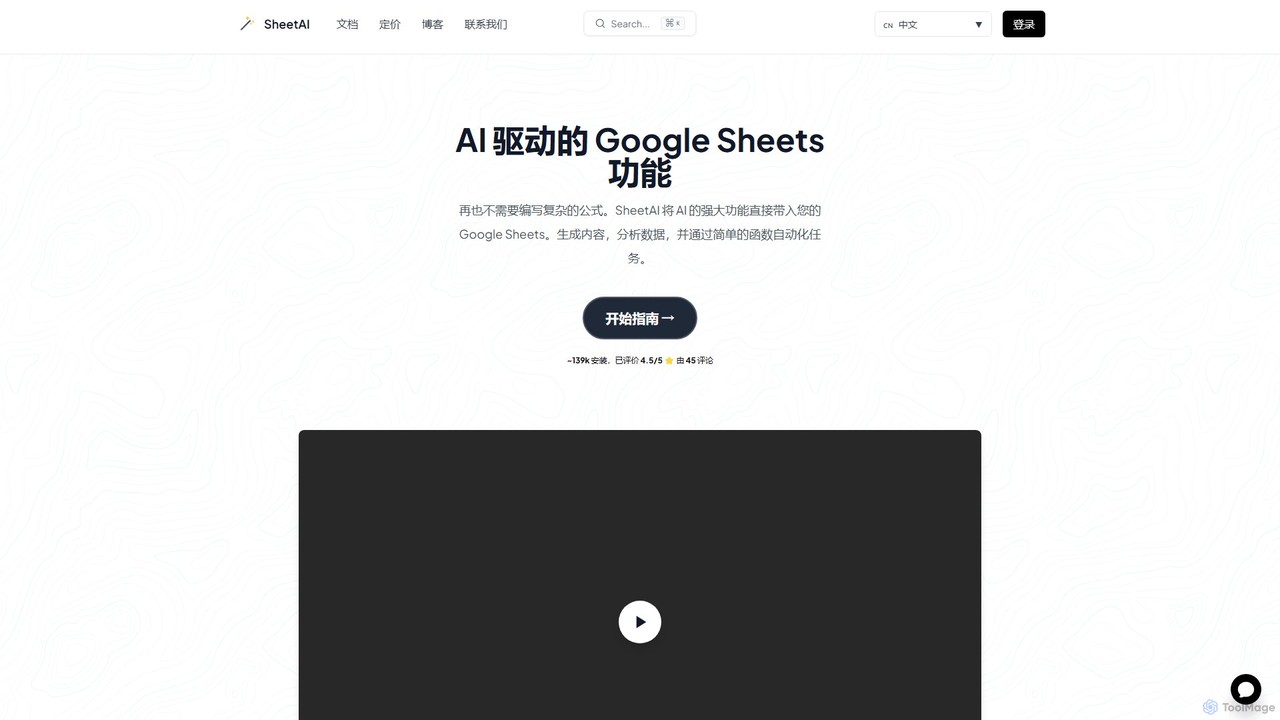
SheetAI Overview
SheetAI is a revolutionary add-on that brings the power of artificial intelligence directly into your Google Sheets workspace. Designed to streamline workflows and eliminate the need for complex, hard-to-remember formulas, SheetAI transforms your spreadsheets into dynamic, intelligent tools. By integrating with leading AI models like OpenAI's GPT and Google's Gemini, it allows users to perform a wide range of tasks—from content generation and data analysis to task automation—using simple, intuitive English commands. With over 139,000 installations, SheetAI is trusted by professionals, students, and top companies worldwide to unlock the full potential of their data without any coding experience.
How to use SheetAI
Getting started with SheetAI is a straightforward, three-step process designed to get you up and running in minutes:
- Install the Add-on: First, navigate to the Google Workspace Marketplace and install the SheetAI add-on. This seamlessly integrates the tool into your Google Sheets environment.
- Connect and Launch: Open a new or existing Google Sheet (you can use `sheet.new`). Go to the 'Extensions' menu, find 'SheetAI app', and click 'Launch'. You will be prompted to connect your OpenAI or Gemini API key to power the AI functions.
- Use AI Functions: Once launched, you can start using SheetAI's powerful functions directly in any cell, just like a regular spreadsheet formula. For example, you can type `=SheetAI("Write a tagline for a coffee shop")` to instantly generate creative ideas.
Core Features of SheetAI
- AI-Powered Functions (=SheetAI): Ask any question or give any command in plain English. This function can be used for generating text, translating languages, writing emails, summarizing content, and much more.
- Contextual AI Memory (=SHEETAI_BRAIN): This unique feature gives the AI a memory. You can store information (text, data, URLs) using a key, and then retrieve it later to provide context for your queries. This ensures more accurate and relevant responses based on your specific data.
- Structured Content Generation (=SHEETAI_LIST): Instantly generate organized lists and tables. Simply describe the structure you need, and the AI will populate it with relevant data, perfect for creating marketing plans, project outlines, or product feature lists.
- Smart Data Extraction & Autofill (=SHEETAI_EXTRACT): Automate the tedious process of data entry and cleaning. This function can extract specific information from a block of text (like emails or addresses) and intelligently fill columns, standardizing your data with ease.
- Image Generation: Generate images directly within your spreadsheet by describing what you want. This is perfect for creating visual content for presentations or reports without leaving Google Sheets.
Use Cases for SheetAI
SheetAI is a versatile tool applicable across various professional domains:
- Marketing & Sales: Generate ad copy, social media posts, product descriptions, and personalized email campaigns at scale. Analyze customer feedback for sentiment and key themes.
- Data Analysis: Clean and standardize messy datasets, classify text into categories, summarize large reports, and extract key insights without complex scripts.
- Finance: Automate parts of financial reporting, analyze market trends from news articles, and create summaries of financial documents.
- Product Management: Organize user feedback, generate user stories, and create structured feature comparison tables.
- Human Resources: Draft job descriptions, create interview question lists, and personalize communication with candidates.
Advantages of SheetAI
The primary advantage of SheetAI is its ability to democratize AI, making it accessible to anyone who uses spreadsheets. It saves countless hours of manual work, replacing tedious tasks with simple, powerful functions. The learning curve is minimal, as it relies on natural language instead of complex formula syntax. The SHEETAI_BRAIN feature provides a significant edge by enabling context-aware AI, leading to more personalized and accurate results. This transforms Google Sheets from a static data repository into an interactive and intelligent workspace.
Pricing and Plans
SheetAI operates on a freemium model, making it accessible for everyone to start. The pricing structure is designed to scale with your needs:
- Free Plan: Ideal for new users and light usage. It includes a limited number of free AI credits to test the core functionalities.
- Premium Plan: Designed for individual power users, this plan offers a generous amount of monthly credits, access to all advanced functions (including SHEETAI_BRAIN), and priority support.
- Business Plan: Tailored for teams and organizations, this plan provides a large pool of credits, team management features, and dedicated support to integrate AI into company-wide workflows.
Users can get started for free and upgrade as their usage and needs grow, ensuring a flexible and cost-effective solution.
Traffic
Latest traffic
Status
Monthly traffic trend
- 2026-1: 117.5K
- 2026-2: 78.0K
- 2026-3: 64.9K
- 2026-4: 66.1K
- 2026-5: 62.6K
Geography
Top 5 countries / regions
- 🇺🇸United States37.2%
- 🇮🇳India18.8%
- 🇳🇬Nigeria18.4%
- 🇺🇿Uzbekistan13.8%
- 🇵🇭Philippines11.7%
Top keywords
| Keyword | Cost per click |
|---|---|
| postal letter address template google docs | $0.00 |
| sheet ai | $0.30 |
| sheetai | $0.31 |
| sheetai logo | $0.00 |
| sheets ai | $7.47 |
SheetAI Alternatives

Spreadsheet Daddy
Spreadsheet Daddy is an advanced AI-driven add-on for Google Sheets that automates complex tasks. It allows users to generate formulas, Apps Script, and regular expressions from simple text prompts. The tool also excels at bulk content generation, data analysis, and even allows for the creation of custom AI models, transforming your spreadsheet into a powerful productivity hub.
Low Code No Code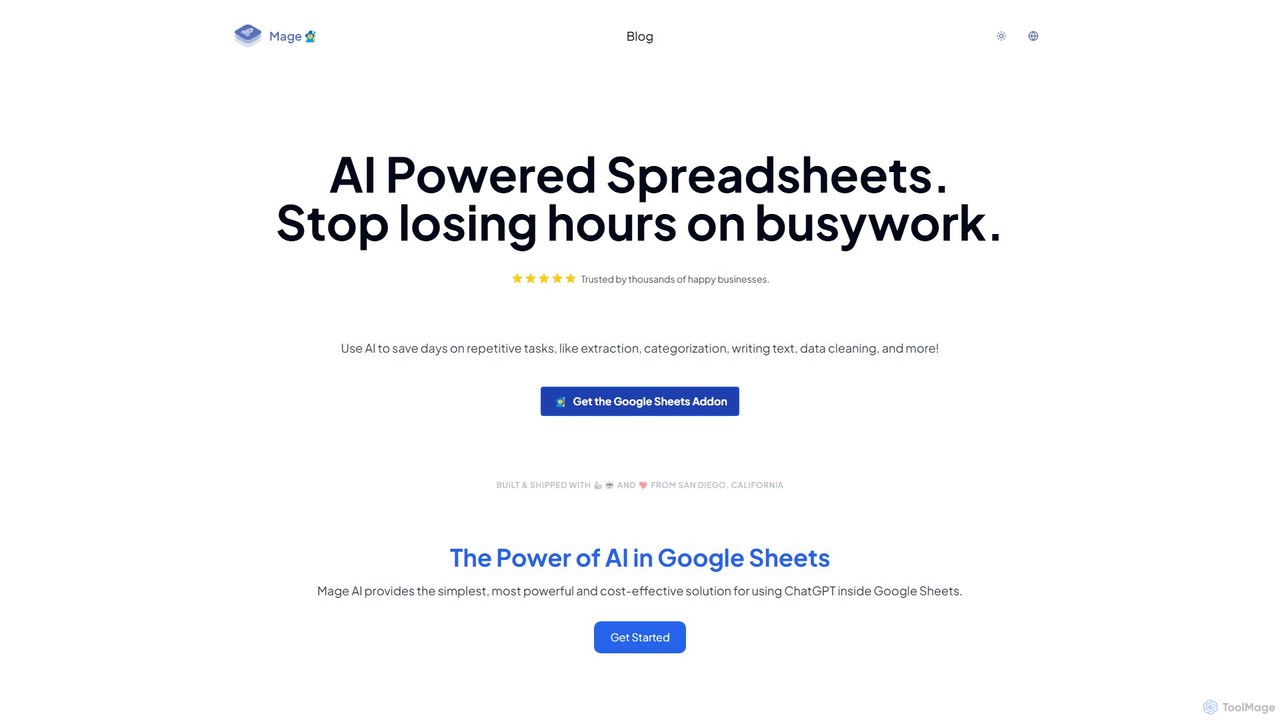
Charm
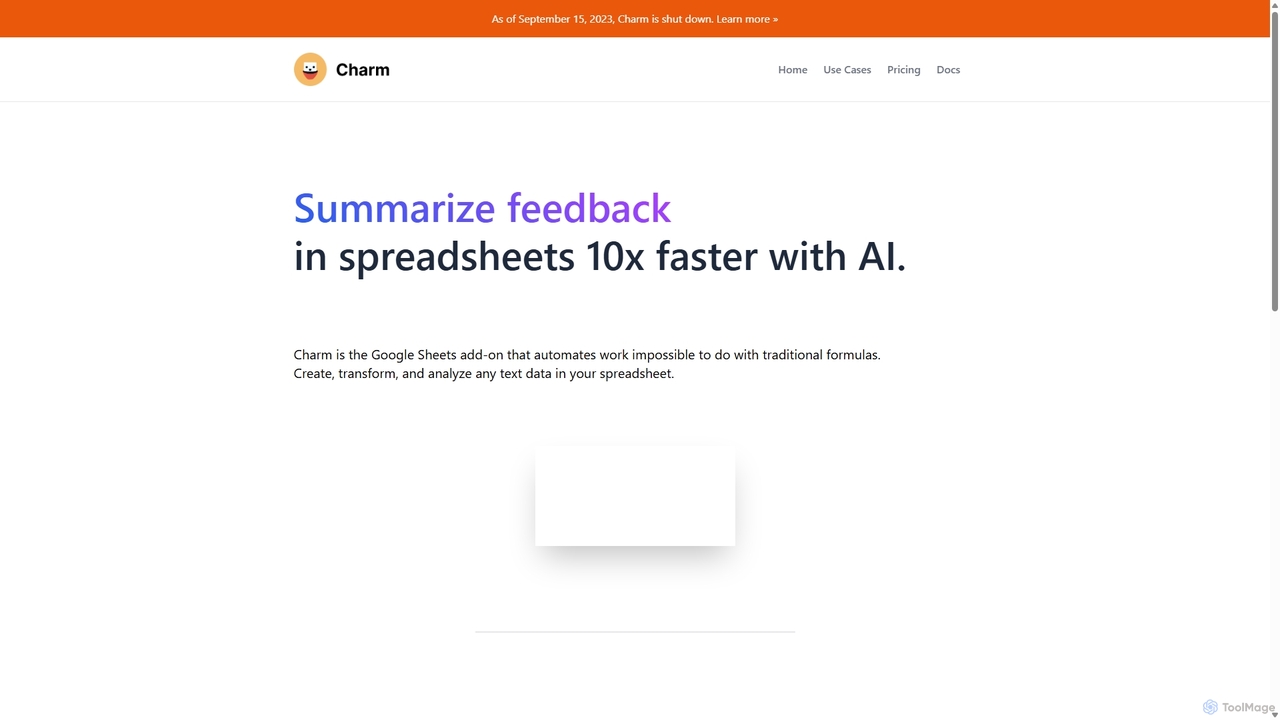
Charm was an AI-powered assistant integrated directly into Google Sheets as an add-on. It was designed to automate complex text-based tasks, such as cleaning messy data, generating content, summarizing text, and classifying information, without requiring traditional formulas or coding. Please note: Charm was officially shut down on September 15, 2023.
Automation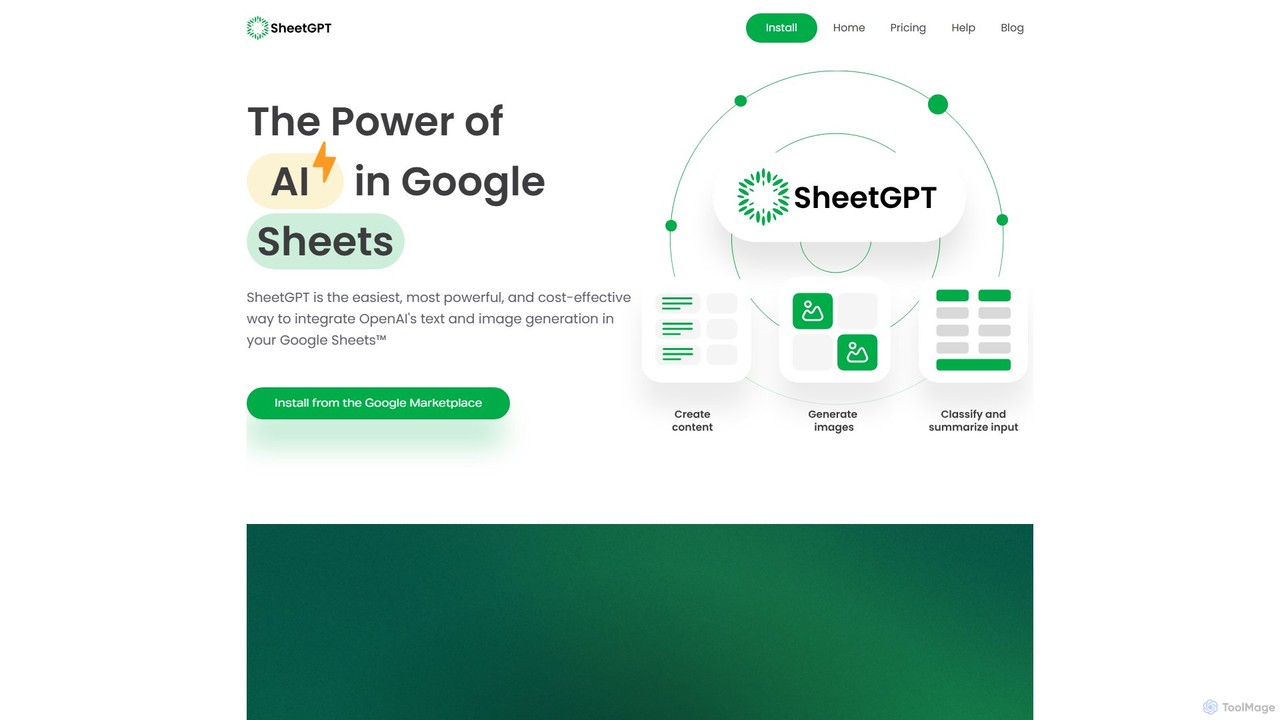
SheetGPT
SheetGPT is a powerful Google Sheets™ add-on that integrates OpenAI's GPT technology directly into your spreadsheets. It allows users to generate text and images, analyze data, create content, and automate workflows using simple functions, without needing API keys. It's designed for individuals and teams to enhance productivity in marketing, research, and content creation.
Seo
Prompting Sheets
Prompting Sheets is an AI-powered add-on for Google Sheets that transforms your spreadsheets into dynamic tools. It allows users to generate custom project plans, to-do lists, and automate data analysis and content creation using powerful AI formulas and an integrated chatbot, eliminating the need for generic templates.
Project ManagementSheetAI Categories
SheetAI Embed Widget
Copy this embed code to place the badge on your blog, article, or product site and send readers directly to this ToolMage detail page.

Related AI tools
SheetGPT
SheetGPT is a powerful Google Sheets™ add-on that integrates OpenAI's GPT technology directly into your spreadsheets. It allows users to generate text and images, analyze data, create content, and automate workflows using simple functions, without needing API keys. It's designed for individuals and teams to enhance productivity in marketing, research, and content creation.
SeoPrompting Sheets
Prompting Sheets is an AI-powered add-on for Google Sheets that transforms your spreadsheets into dynamic tools. It allows users to generate custom project plans, to-do lists, and automate data analysis and content creation using powerful AI formulas and an integrated chatbot, eliminating the need for generic templates.
Project ManagementSpreadsheet Daddy
Spreadsheet Daddy is an advanced AI-driven add-on for Google Sheets that automates complex tasks. It allows users to generate formulas, Apps Script, and regular expressions from simple text prompts. The tool also excels at bulk content generation, data analysis, and even allows for the creation of custom AI models, transforming your spreadsheet into a powerful productivity hub.
Low Code No Code
Sheet Copilot
Sheet Copilot is an AI-powered assistant that automates tasks and answers questions directly within Google Sheets. By using natural language commands, you can clean data, generate formulas, create summaries, and analyze information without writing complex functions. It's currently free in beta and operates using your own OpenAI API key for enhanced privacy and security.
Automation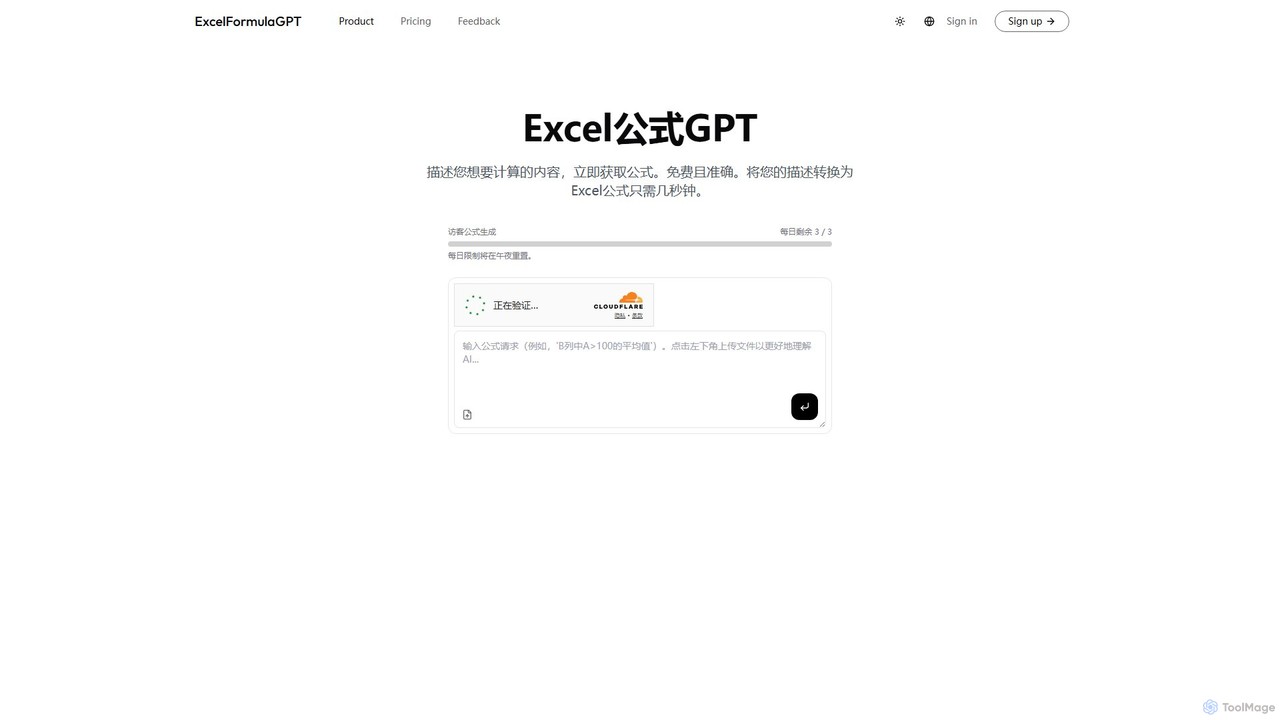
excelformulagpt
excelformulagpt is an AI-powered tool that instantly converts natural language descriptions into complex Excel and Google Sheets formulas. It helps users save time, reduce errors, and boost productivity without needing to memorize complex syntax. Features include formula generation, context-aware suggestions from uploaded files, and formula explanations.
Automation
Sheetplus
Sheetplus is an AI-powered toolkit designed to supercharge your spreadsheet experience in Google Sheets and Excel. By leveraging natural language, it allows users to generate complex formulas, clean and analyze data, automate tasks, and extract insights without writing code. It acts as an intelligent assistant, making data management faster, more intuitive, and accessible to everyone, regardless of their technical expertise.
Automation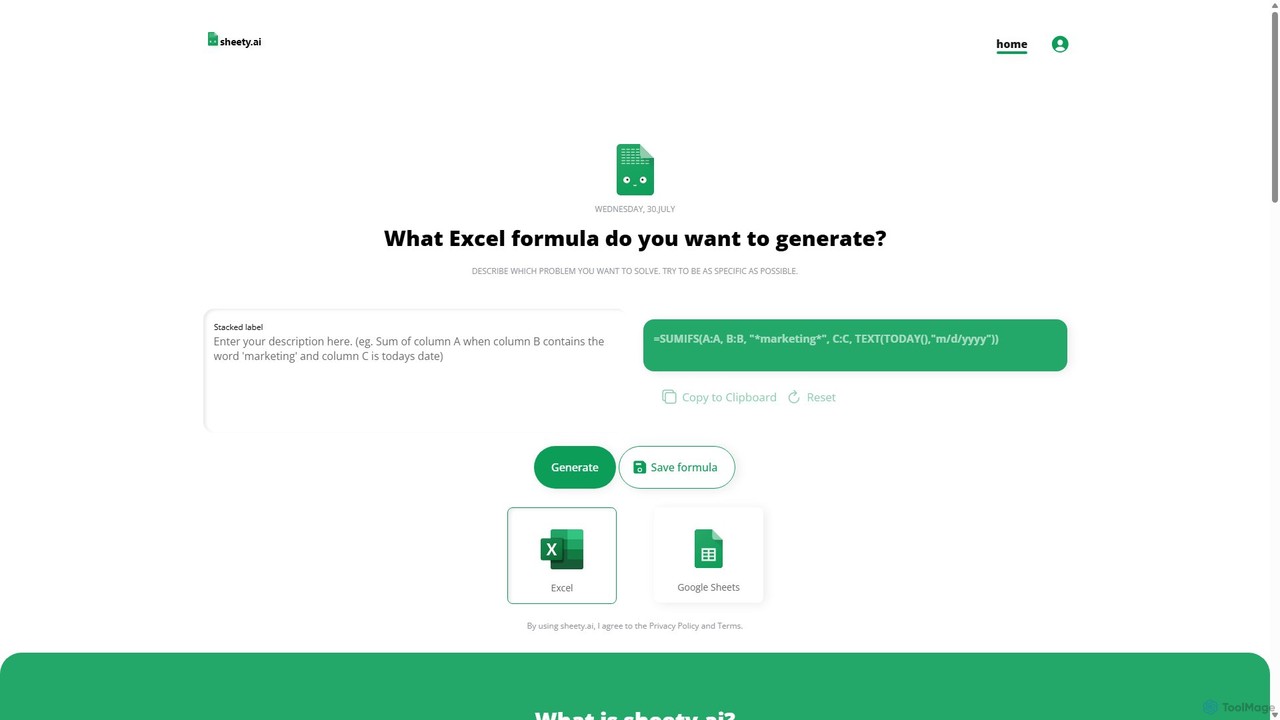
sheety.ai
sheety.ai is an AI-powered tool that instantly generates complex spreadsheet formulas for Excel and Google Sheets from natural language descriptions. Simply describe the problem you want to solve, and the AI will provide the correct formula, saving you time and eliminating the need to memorize syntax. It's designed for everyone from students to financial analysts, boosting productivity and data accuracy.
Data ProcessingCharm
Charm was an AI-powered assistant integrated directly into Google Sheets as an add-on. It was designed to automate complex text-based tasks, such as cleaning messy data, generating content, summarizing text, and classifying information, without requiring traditional formulas or coding. Please note: Charm was officially shut down on September 15, 2023.
Automation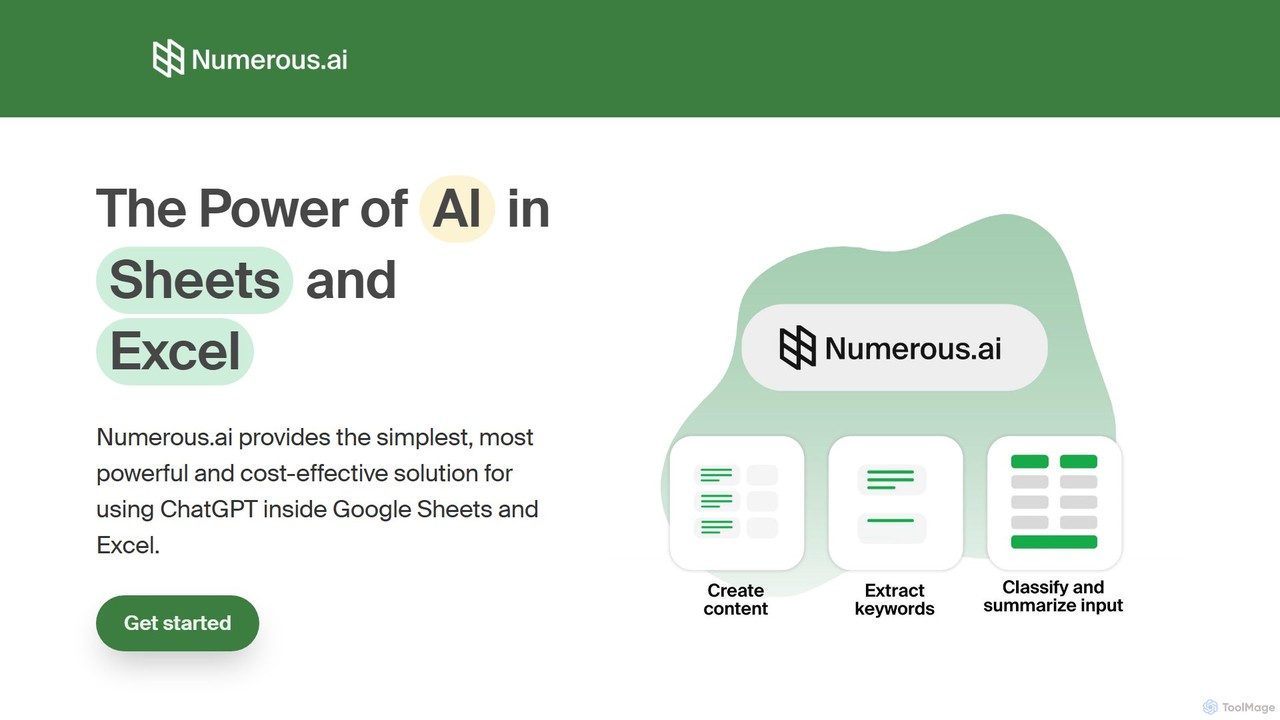
Numerous.ai
Numerous.ai is a powerful AI assistant that integrates directly into Google Sheets and Excel. It allows users to automate tasks, generate content, clean and classify data, and perform complex analysis using a simple '=AI()' function, without needing any API keys or coding skills.
Data Analysis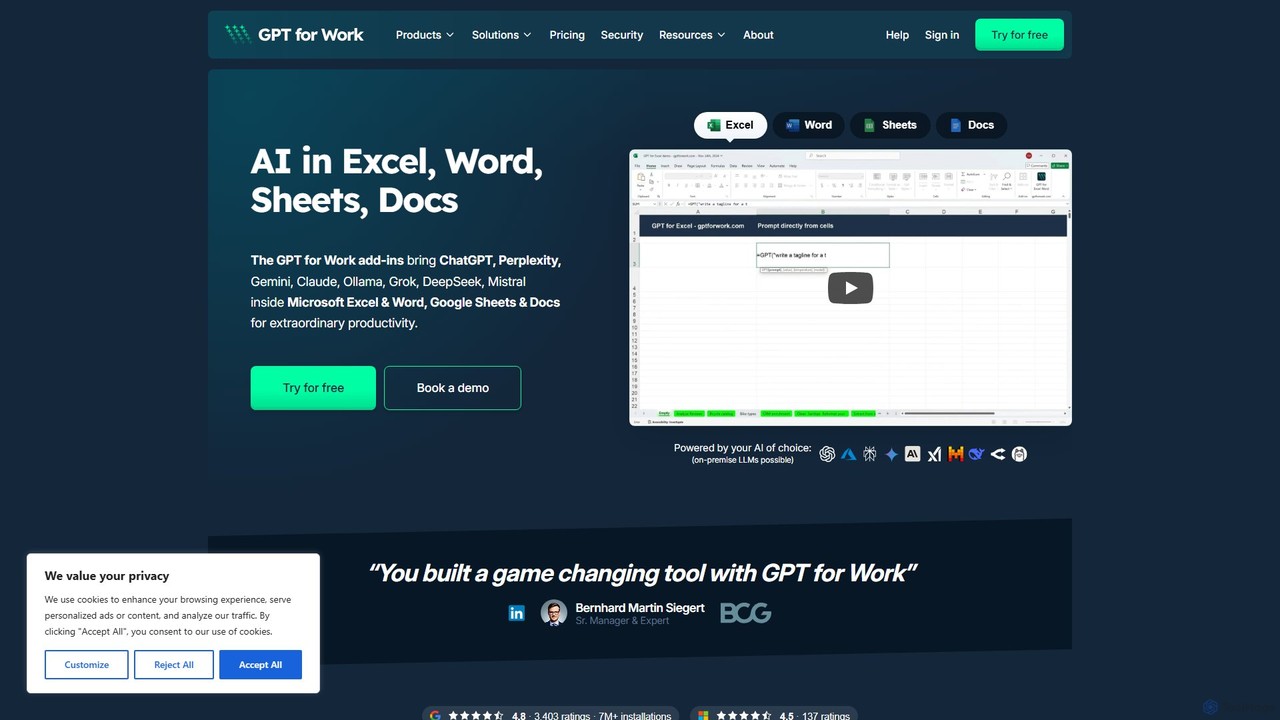
GPT for Work
A powerful AI add-on that integrates GPT capabilities directly into Google Sheets, Docs, Microsoft Excel, and Word. Automate tasks, generate text, analyze data, and create formulas using simple commands, boosting your productivity without leaving your documents.
Document Assistant
Ajelix
Ajelix is an AI-powered suite of tools designed to enhance productivity for Excel and Google Sheets users. It acts as an AI data analyst, automating tasks, generating formulas and VBA scripts, creating insightful reports, and providing advanced data analysis through a simple chat interface.
Business Intelligence
sheeter
Sheeter is an AI-powered tool that generates complex formulas for Excel and Google Sheets from plain English descriptions. It also creates VBA scripts, Google Apps Scripts, and Regex, significantly boosting spreadsheet productivity and saving users time by eliminating the need to memorize or look up formulas.
Data Analysis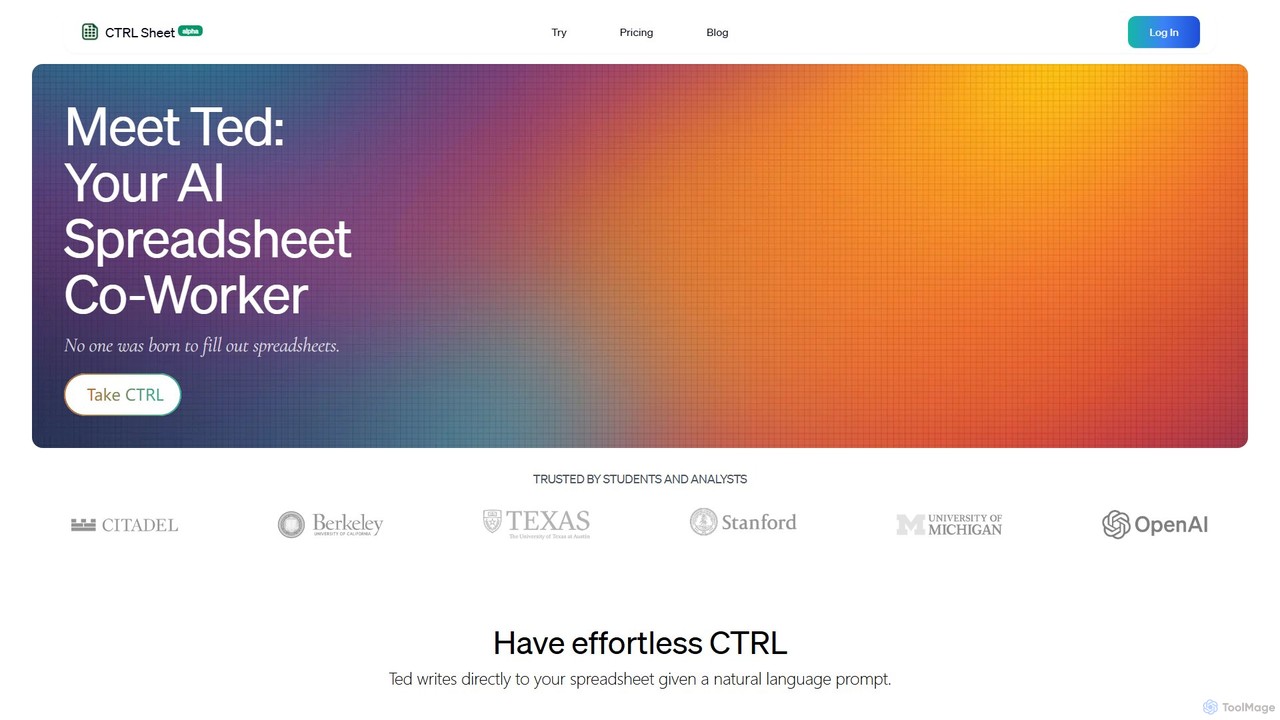
CTRL Sheet
CTRL Sheet is an AI-powered spreadsheet co-worker named Ted that automates data tasks. It allows users to interact with spreadsheets using natural language, extract data from various files like PDFs and images, and generate complex formulas effortlessly. It's designed to save time and reduce errors for students, analysts, and professionals.
Task Automation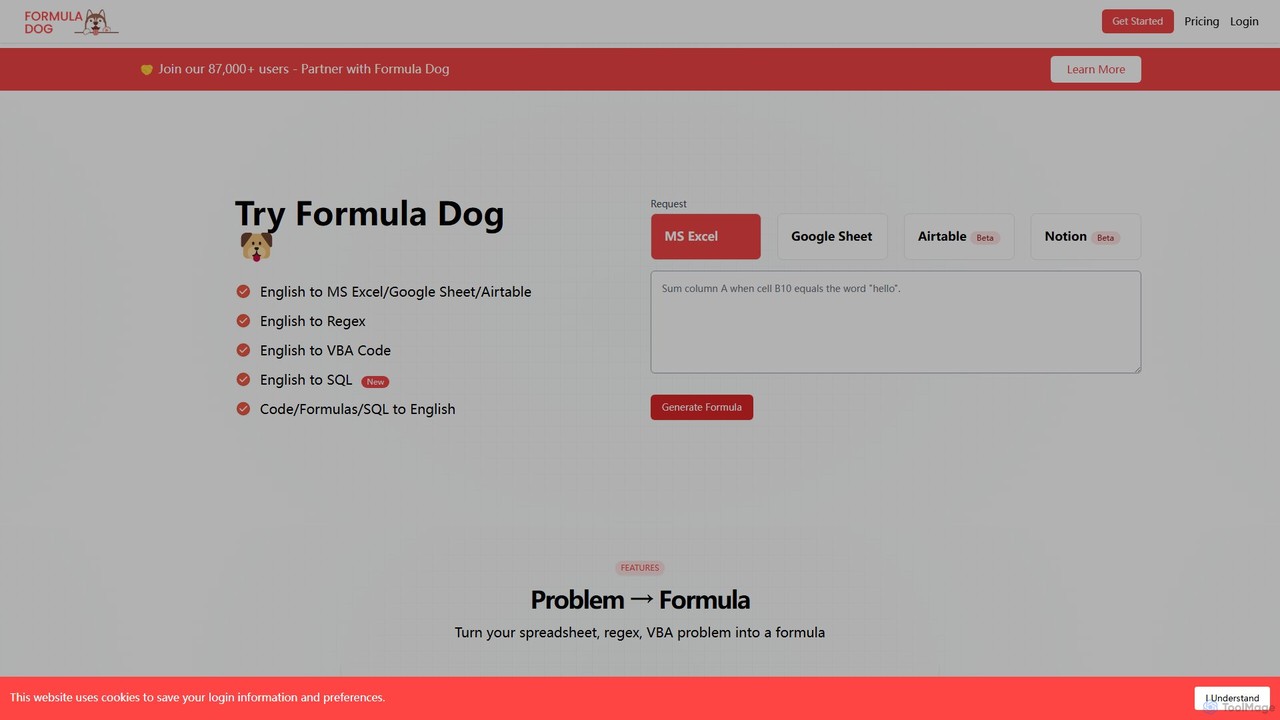
Formula Dog
Formula Dog is an AI-powered tool that generates Excel formulas, Google Sheets functions, Regex, VBA code, and SQL queries from plain English descriptions. It can also explain complex formulas and code in simple terms, boosting productivity for data professionals and spreadsheet users.
Analytics
SheetAI Comments (0)
Sign in to comment.
Sign inNo comments yet.