

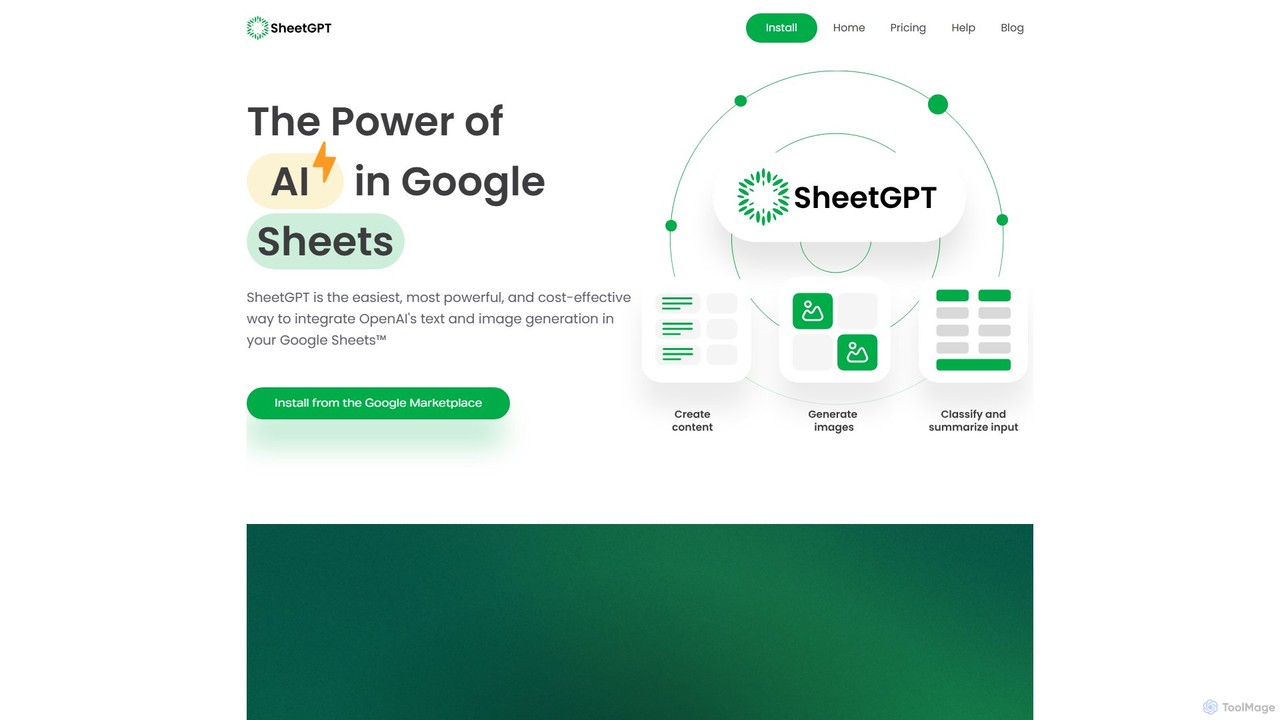
SheetGPT Overview
SheetGPT brings the power of artificial intelligence directly into Google Sheets™, offering the easiest and most cost-effective way to leverage OpenAI's advanced text and image generation capabilities. As a Google Sheets™ add-on, it seamlessly integrates into your existing workflows, allowing you to automate tasks, generate creative content, analyze data, and much more, all from within the familiar spreadsheet environment. There's no need for complex setups or managing API keys; simply install the add-on and start using simple functions to unlock AI's potential.
How to use SheetGPT
Getting started with SheetGPT is straightforward and designed for users of all technical levels. Follow these simple steps:
- Install SheetGPT: Find and install the SheetGPT add-on from the Google Workspace Marketplace.
- Enable in Your Sheet: Open any new or existing Google Sheet. Go to 'Extensions' > 'SheetGPT' > 'Enable SheetGPT'. A success message will confirm it's ready to use.
- Use the GPT Function: In any cell, you can start making requests. The basic function is
=GPT(). For example, typing=GPT("Write a tagline for a coffee shop")will generate a tagline in that cell. - Reference Other Cells: The true power of SheetGPT is unlocked when you combine it with the structured nature of spreadsheets. You can reference other cells to build dynamic prompts. For instance, if cell A2 contains a topic and B2 contains a target audience, you can use the formula
=GPT(A2 & " for " & B2)to generate tailored content. This method is perfect for bulk content creation and structured data tasks. - Explore Other Functions: SheetGPT also provides other functions like
=GPTIMAGE()for generating images and=CHATGPT()for conversational AI tasks, which can be explored via the 'Instructions' menu in the extension.
Core Features of SheetGPT
- Simple Function-Based AI: Use intuitive functions like
=GPT(),=GPTIMAGE(), and=CHATGPT()directly in cells. - No API Keys Needed: The add-on handles the API connection, so you can start immediately without any technical setup.
- Bulk Content Generation: Create lists of content ideas, social media posts, ad copy, and more by dragging formulas down a column.
- Data Analysis & Cleansing: Summarize large texts, classify user feedback, categorize data, and clean messy user-input text effortlessly.
- Image Generation: Generate images directly within your sheets using the
=GPTIMAGE()function. - Cost-Efficient Caching: SheetGPT automatically caches results to avoid re-querying the AI for the same prompt, significantly reducing costs and improving speed.
- Multi-User Support: Designed for organizations, a single plan can cover all users, fostering collaboration on AI-driven projects.
- AI Prototyping: The structured environment of Google Sheets is ideal for testing and refining prompts, making it a perfect tool for prototyping AI features.
Use Cases for SheetGPT
SheetGPT is a versatile tool used by various professionals:
- Content Creators: Brainstorm topic ideas, develop social media calendars, and generate multiple variations of posts for different channels from a single prompt.
- Digital Marketing Managers: Efficiently generate Google AdWords keywords, create ad copy, structure Facebook ad campaigns, and produce SEO-optimized content for clients.
- Researchers & Students: Clean, summarize, and categorize large datasets, survey responses, or research articles directly in Google Sheets.
- Product Managers & Engineers: Experiment with prompt engineering, prototype new AI features, and collaborate with team members on GPT inputs and outputs in a shared, structured environment.
Advantages of SheetGPT
SheetGPT stands out with several key advantages:
- Ease of Use: Its integration with Google Sheets and simple function calls make it accessible to everyone, regardless of technical skill.
- Cost-Effectiveness: Smart caching and optimized queries make it one of the most affordable ways to use generative AI at scale.
- Collaboration-Ready: A single plan for your entire organization allows teams to work together on AI initiatives seamlessly.
- High Performance: Leverages high-tier relationships with AI providers to deliver fast and reliable results.
- US-Based: The company, support, and development teams are all based in the US, ensuring quality service.
Pricing and Plans
SheetGPT operates on a freemium model, allowing everyone to test its capabilities before committing.
- Free Trial: All new users automatically receive a free trial that includes the equivalent of 100,000 words of GPT-3.5 input and output. Simply install the add-on from the Google Marketplace to get started.
- Paid Plans: For higher usage limits and advanced features, you can upgrade. The Starter plan is available for $9/month and includes the equivalent of 1 million words of GPT-3.5 usage. Paid plans unlock features like image generation, access to early-access models, multi-user support, long-term caching, and priority support.
- Custom Plans: For enterprise-level needs, SheetGPT offers custom-tiered plans. You can contact them directly to create a plan suited to your organization's specific requirements.
Traffic
Latest traffic
Status
Monthly traffic trend
- 2025-9: 24.0K
- 2026-1: 19.0K
- 2026-2: 16.2K
- 2026-3: 19.0K
- 2026-4: 15.6K
- 2026-5: 18.1K
Geography
Top 5 countries / regions
- 🇺🇸United States28.0%
- 🇮🇳India22.2%
- 🇧🇷Brazil19.2%
- 🇻🇳Vietnam17.8%
- 🇵🇭Philippines12.8%
Top keywords
| Keyword | Cost per click |
|---|---|
| gpt for sheet free | $0.00 |
| gpt for sheets | $3.47 |
| gpt for sheets™ and | $0.00 |
| sheet gpt | $0.00 |
| sheetgpt | $0.00 |
SheetGPT Alternatives
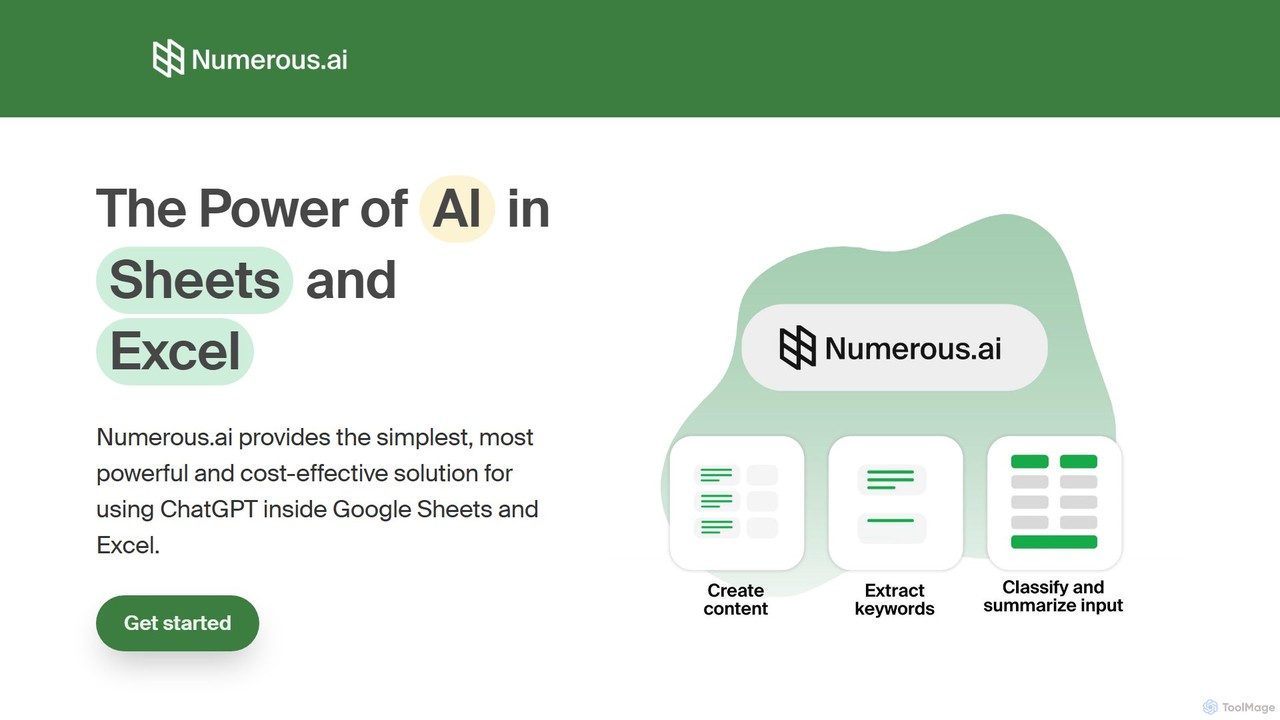
Numerous.ai
Numerous.ai is a powerful AI assistant that integrates directly into Google Sheets and Excel. It allows users to automate tasks, generate content, clean and classify data, and perform complex analysis using a simple '=AI()' function, without needing any API keys or coding skills.
Data Analysis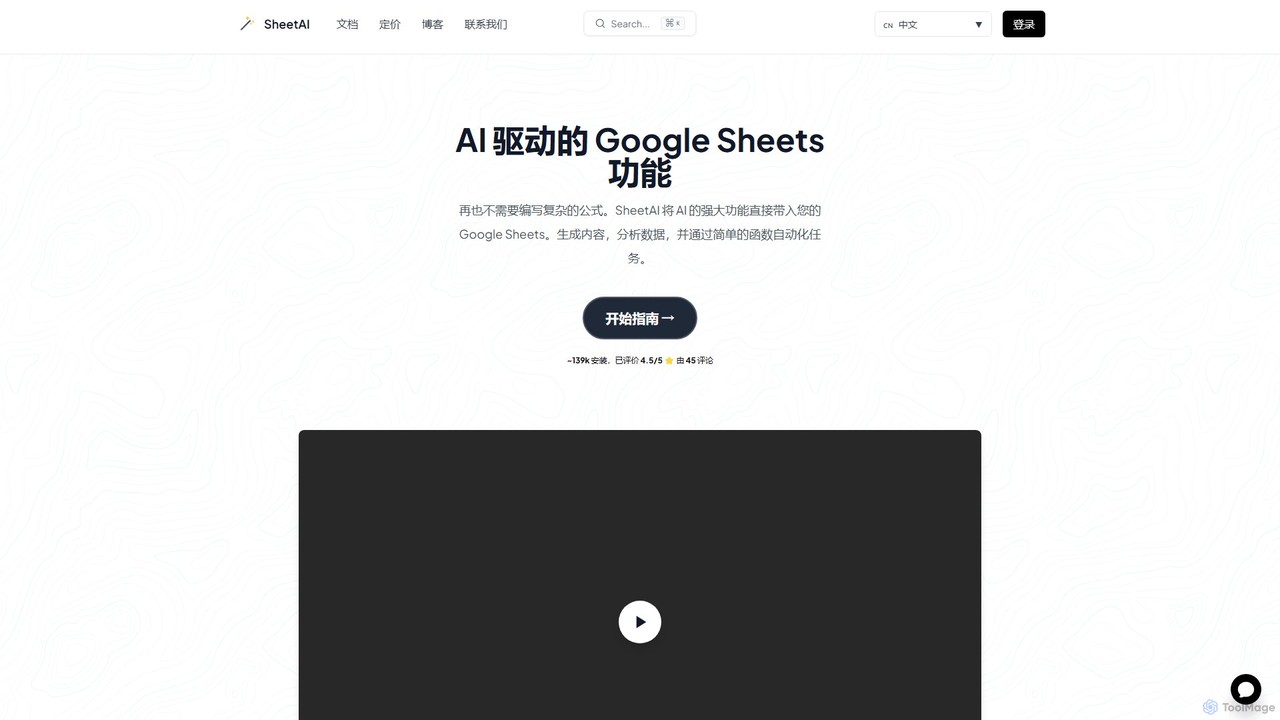
SheetAI
SheetAI integrates the power of AI directly into Google Sheets, allowing users to generate content, analyze data, and automate tasks using simple functions. It eliminates the need for complex formulas, making spreadsheet management more efficient and intuitive for everyone.
No Code
Prompting Sheets
Prompting Sheets is an AI-powered add-on for Google Sheets that transforms your spreadsheets into dynamic tools. It allows users to generate custom project plans, to-do lists, and automate data analysis and content creation using powerful AI formulas and an integrated chatbot, eliminating the need for generic templates.
Project Management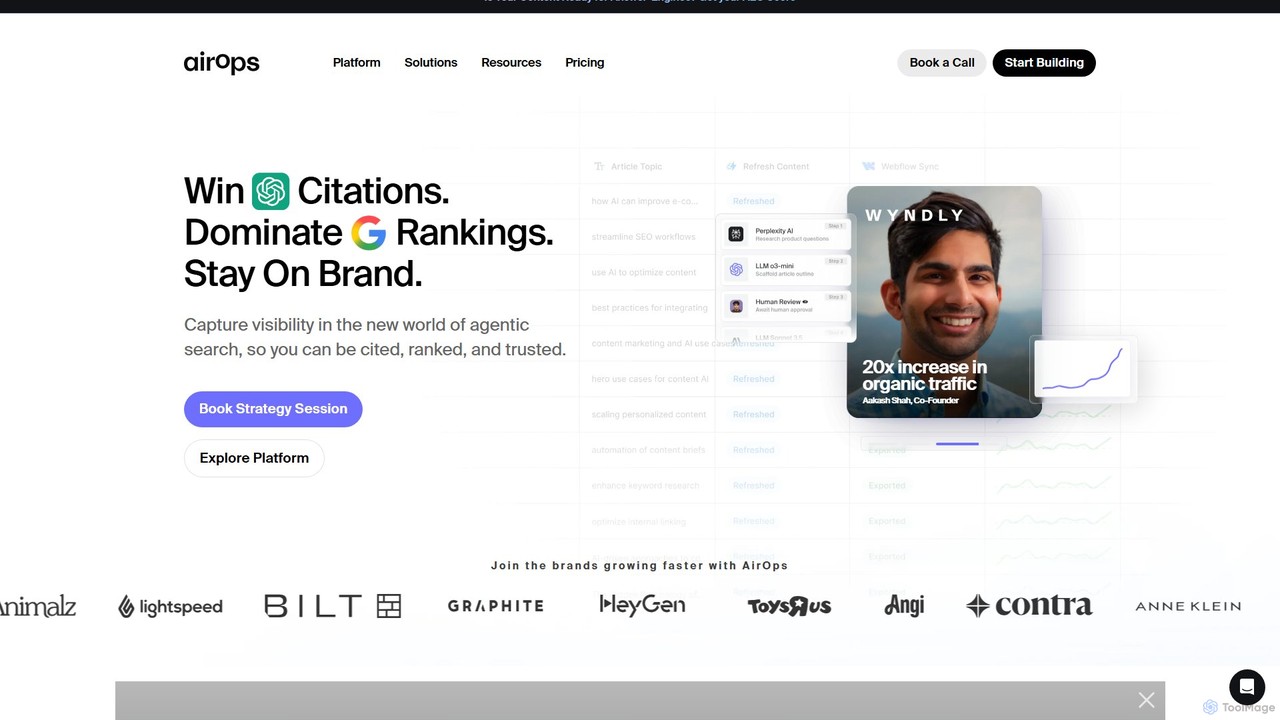
AirOps
AirOps is an AI-powered platform for building and scaling content workflows. It helps SEO teams, marketing agencies, and e-commerce businesses create high-quality, on-brand content that ranks in search engines and new AI-powered answer engines through Answer Engine Optimization (AEO).
Seo
Ajelix
Ajelix is an AI-powered suite of tools designed to enhance productivity for Excel and Google Sheets users. It acts as an AI data analyst, automating tasks, generating formulas and VBA scripts, creating insightful reports, and providing advanced data analysis through a simple chat interface.
Business IntelligenceSheetGPT Categories
SheetGPT Embed Widget
Copy this embed code to place the badge on your blog, article, or product site and send readers directly to this ToolMage detail page.

Related AI tools
SheetAI
SheetAI integrates the power of AI directly into Google Sheets, allowing users to generate content, analyze data, and automate tasks using simple functions. It eliminates the need for complex formulas, making spreadsheet management more efficient and intuitive for everyone.
No CodePrompting Sheets
Prompting Sheets is an AI-powered add-on for Google Sheets that transforms your spreadsheets into dynamic tools. It allows users to generate custom project plans, to-do lists, and automate data analysis and content creation using powerful AI formulas and an integrated chatbot, eliminating the need for generic templates.
Project ManagementAjelix
Ajelix is an AI-powered suite of tools designed to enhance productivity for Excel and Google Sheets users. It acts as an AI data analyst, automating tasks, generating formulas and VBA scripts, creating insightful reports, and providing advanced data analysis through a simple chat interface.
Business Intelligence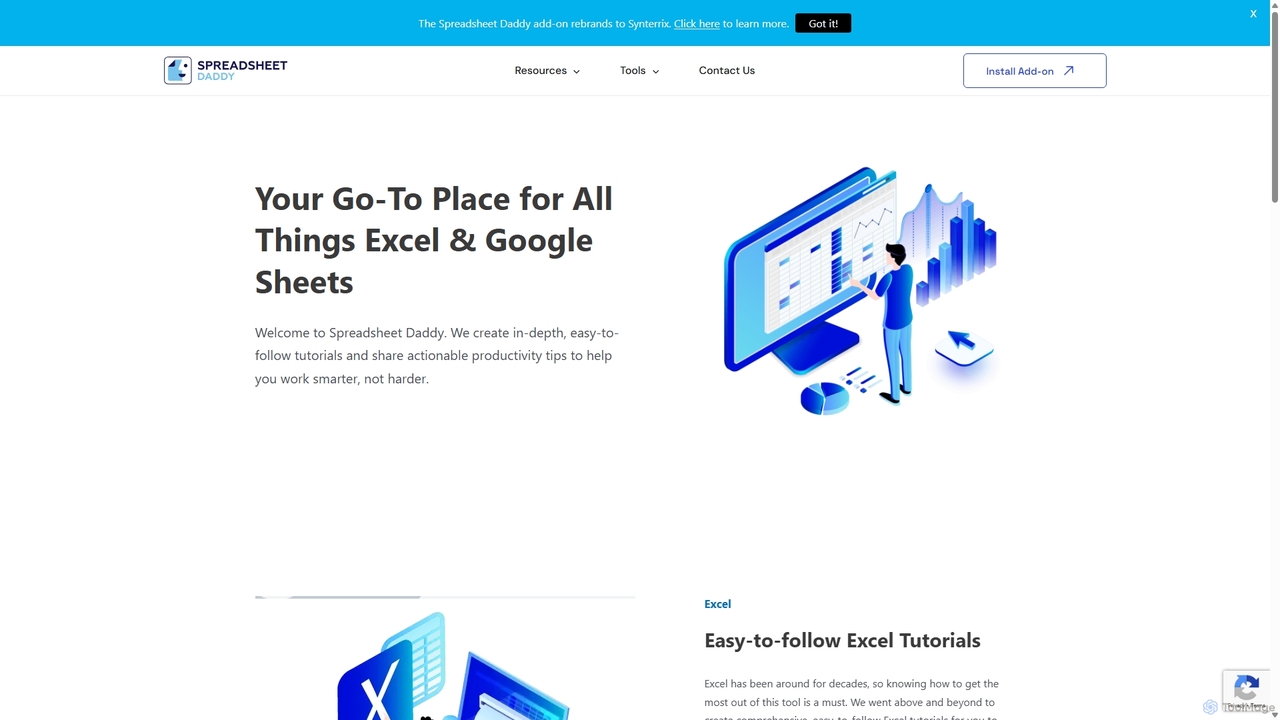
Spreadsheet Daddy
Spreadsheet Daddy is an advanced AI-driven add-on for Google Sheets that automates complex tasks. It allows users to generate formulas, Apps Script, and regular expressions from simple text prompts. The tool also excels at bulk content generation, data analysis, and even allows for the creation of custom AI models, transforming your spreadsheet into a powerful productivity hub.
Low Code No Code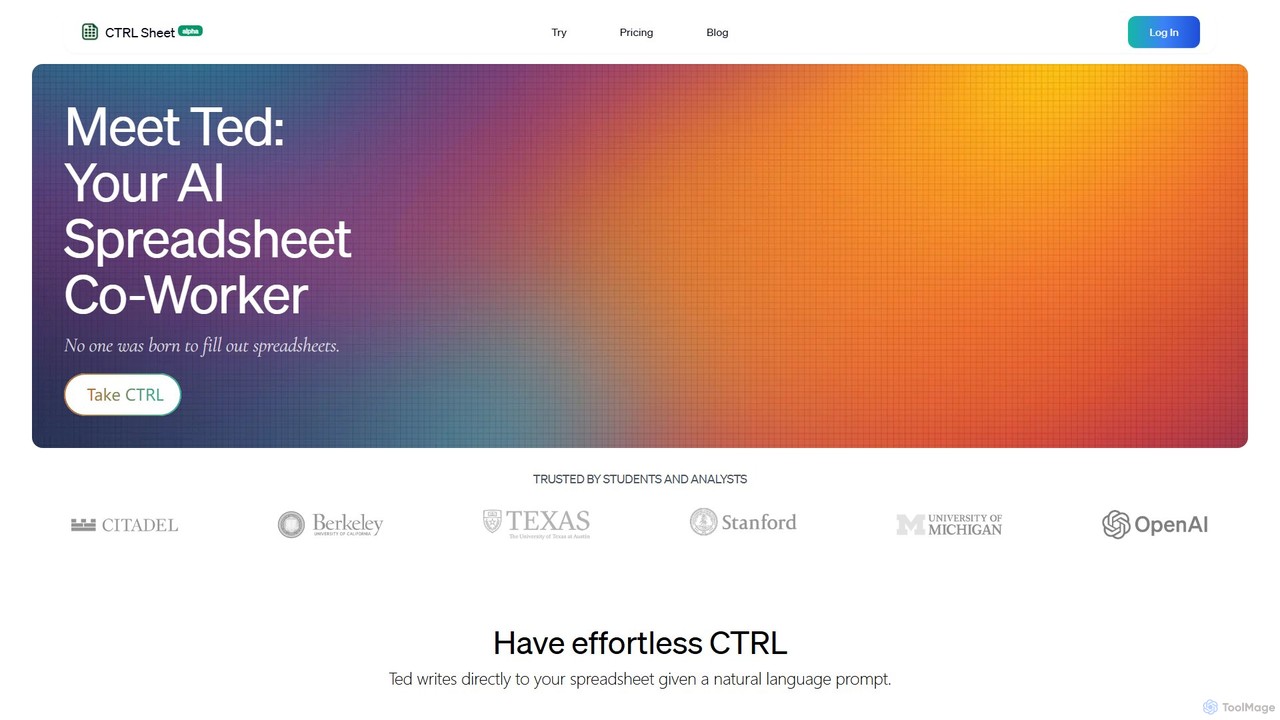
CTRL Sheet
CTRL Sheet is an AI-powered spreadsheet co-worker named Ted that automates data tasks. It allows users to interact with spreadsheets using natural language, extract data from various files like PDFs and images, and generate complex formulas effortlessly. It's designed to save time and reduce errors for students, analysts, and professionals.
Task Automation
Sheet Copilot
Sheet Copilot is an AI-powered assistant that automates tasks and answers questions directly within Google Sheets. By using natural language commands, you can clean data, generate formulas, create summaries, and analyze information without writing complex functions. It's currently free in beta and operates using your own OpenAI API key for enhanced privacy and security.
Automation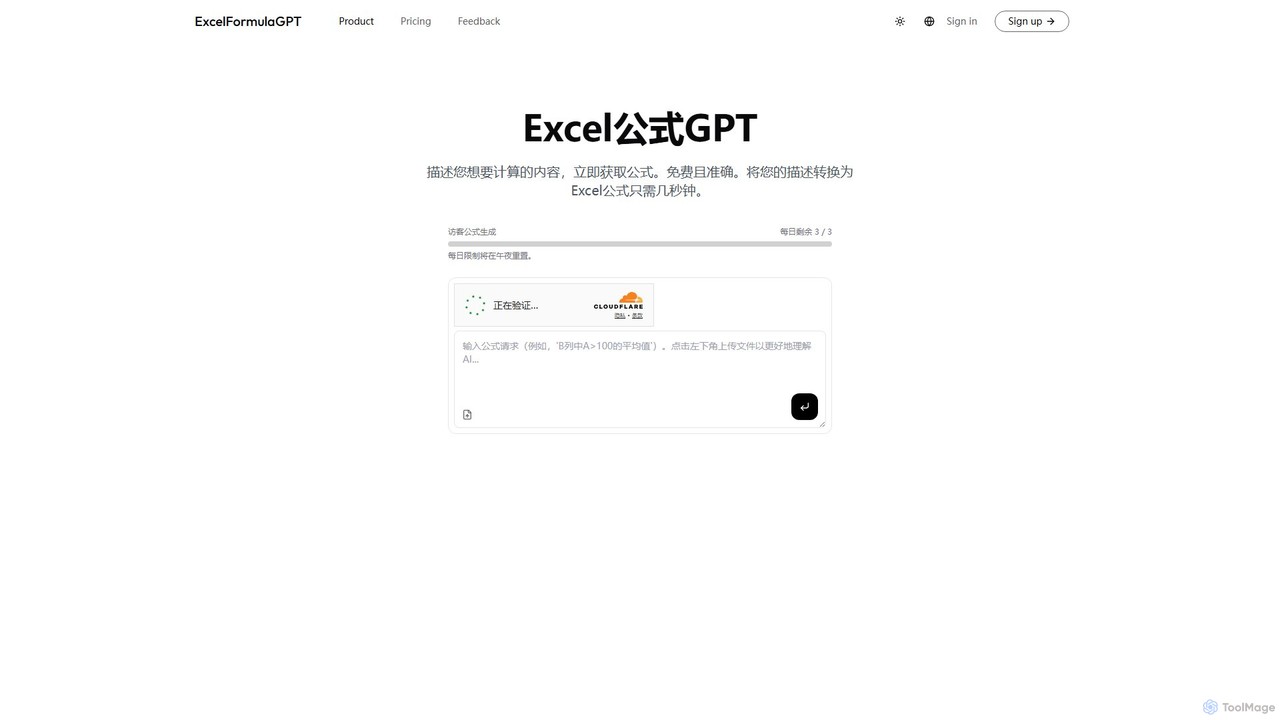
excelformulagpt
excelformulagpt is an AI-powered tool that instantly converts natural language descriptions into complex Excel and Google Sheets formulas. It helps users save time, reduce errors, and boost productivity without needing to memorize complex syntax. Features include formula generation, context-aware suggestions from uploaded files, and formula explanations.
Automation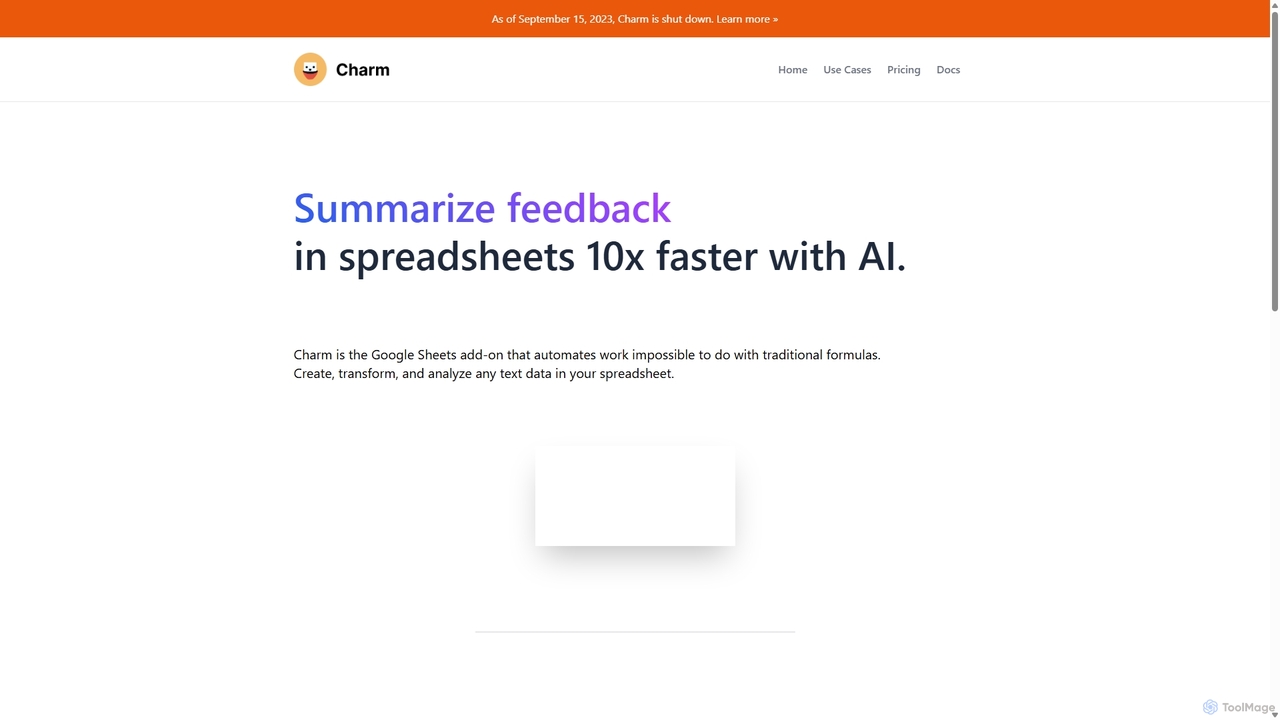
Charm
Charm was an AI-powered assistant integrated directly into Google Sheets as an add-on. It was designed to automate complex text-based tasks, such as cleaning messy data, generating content, summarizing text, and classifying information, without requiring traditional formulas or coding. Please note: Charm was officially shut down on September 15, 2023.
Automation
Sheetplus
Sheetplus is an AI-powered toolkit designed to supercharge your spreadsheet experience in Google Sheets and Excel. By leveraging natural language, it allows users to generate complex formulas, clean and analyze data, automate tasks, and extract insights without writing code. It acts as an intelligent assistant, making data management faster, more intuitive, and accessible to everyone, regardless of their technical expertise.
Automation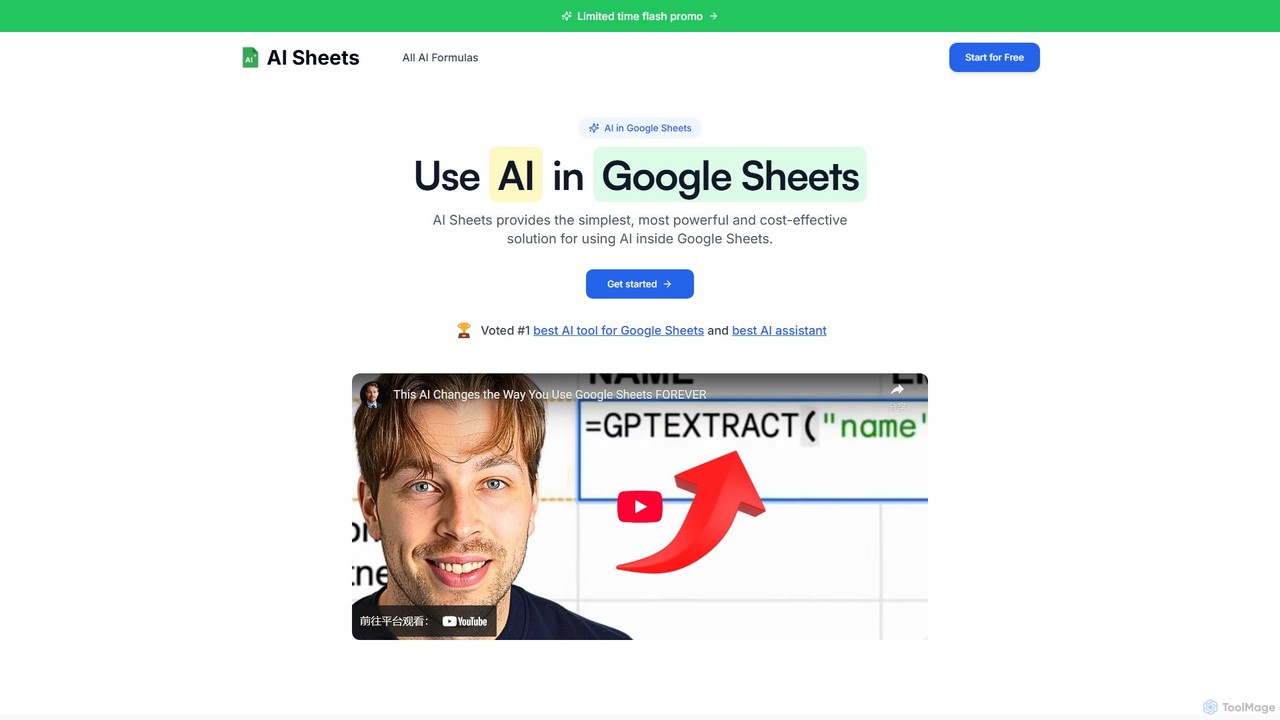
AI Sheets
AI Sheets is a powerful Google Sheets add-on that integrates top AI models like ChatGPT, Claude, and Perplexity directly into your spreadsheets. Use simple formulas to generate content, analyze data, search the web, and automate tasks without needing any API keys or complex setup. It's designed for marketers, creators, researchers, and anyone looking to boost their productivity in Google Sheets.
Content Creation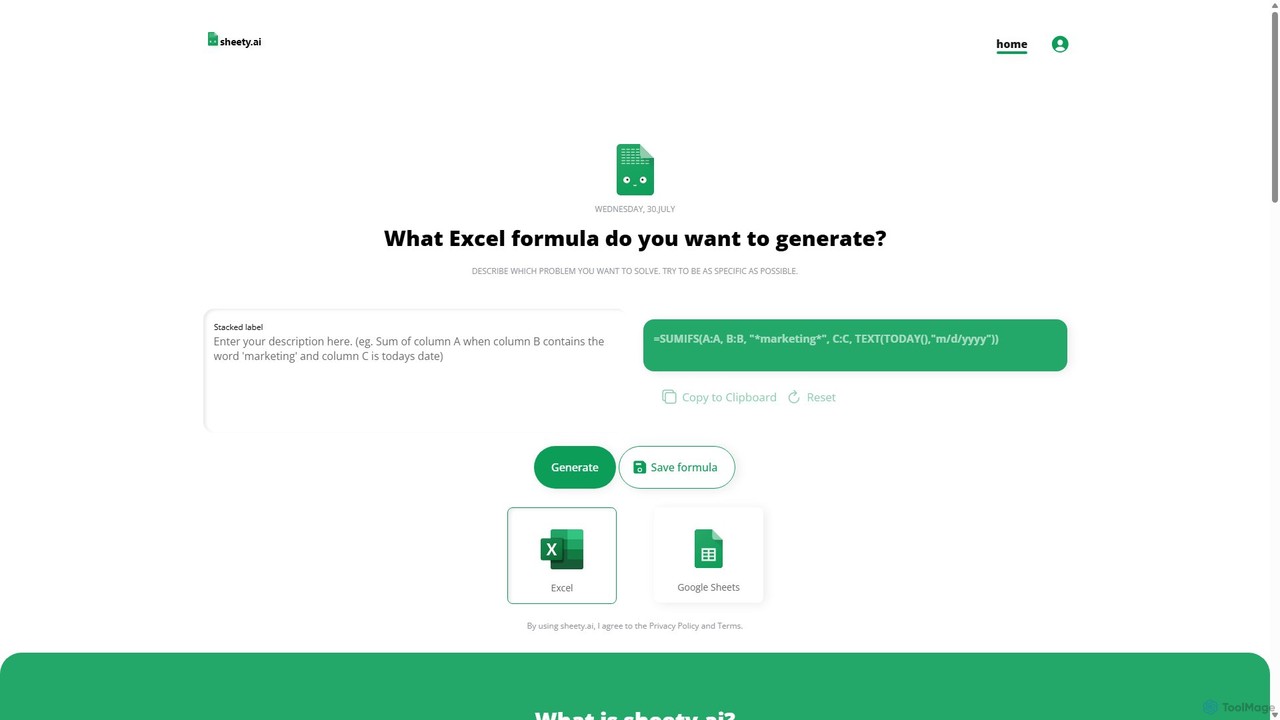
sheety.ai
sheety.ai is an AI-powered tool that instantly generates complex spreadsheet formulas for Excel and Google Sheets from natural language descriptions. Simply describe the problem you want to solve, and the AI will provide the correct formula, saving you time and eliminating the need to memorize syntax. It's designed for everyone from students to financial analysts, boosting productivity and data accuracy.
Data ProcessingNumerous.ai
Numerous.ai is a powerful AI assistant that integrates directly into Google Sheets and Excel. It allows users to automate tasks, generate content, clean and classify data, and perform complex analysis using a simple '=AI()' function, without needing any API keys or coding skills.
Data Analysis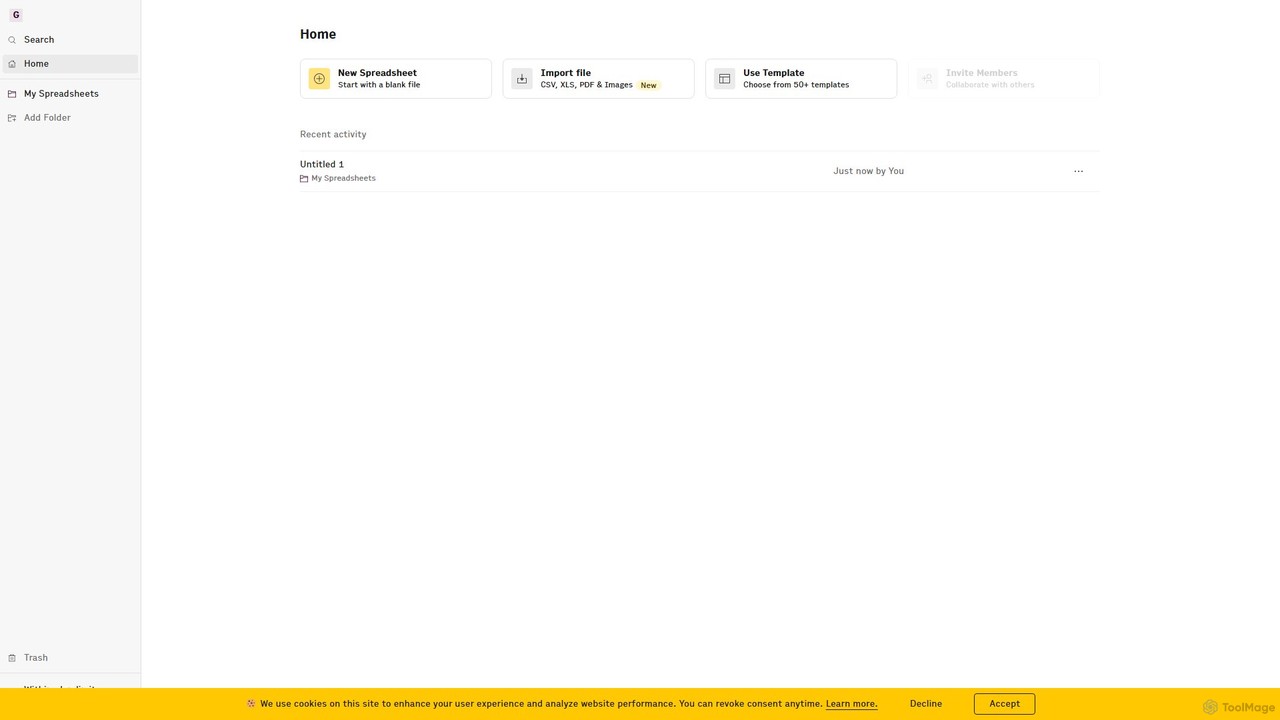
Rows
Rows is a next-generation spreadsheet that combines a familiar interface with powerful AI capabilities and seamless data integration. Connect to over 50 sources like Google Analytics, social media, and databases to automate data analysis, create live dashboards, and generate insights with an AI Analyst copilot.
Reporting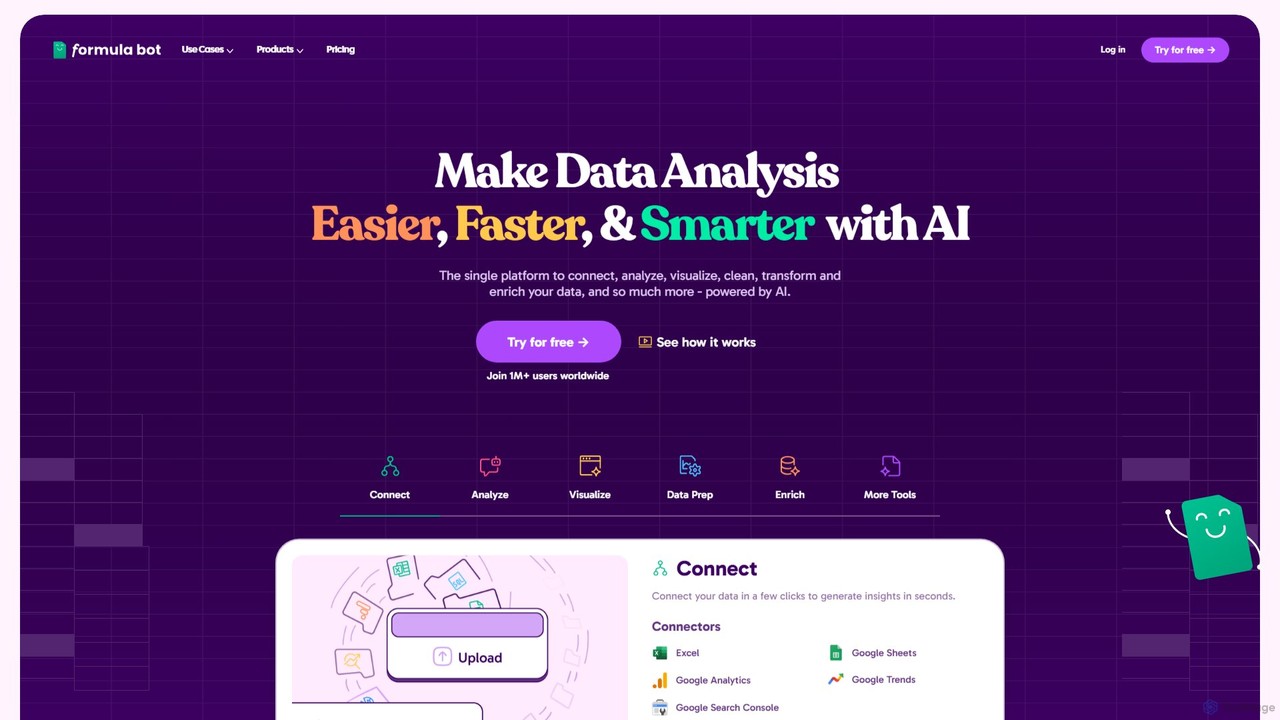
Formula Bot
Formula Bot is an AI-powered data analysis platform that simplifies working with spreadsheets and data. It allows users to generate Excel formulas, SQL queries, and VBA code from simple text instructions, analyze data through a conversational chat interface, and automate tasks like data cleaning and enrichment.
Data Visualization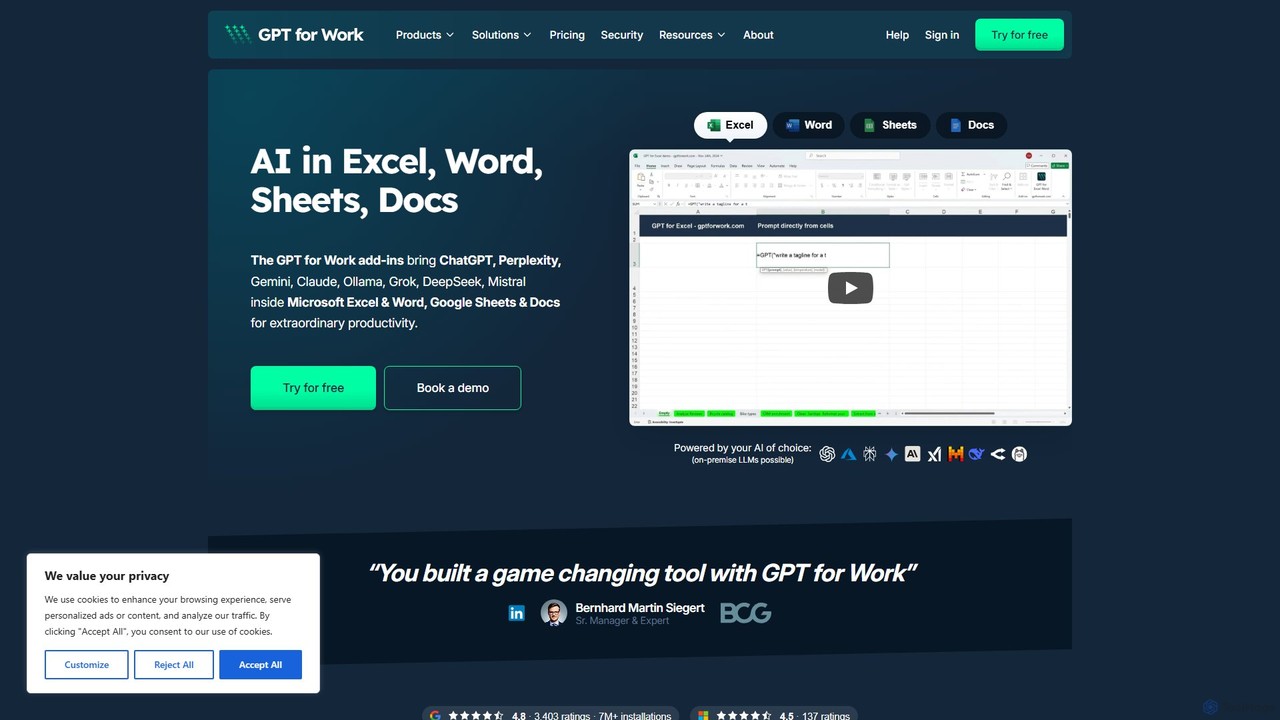
GPT for Work
A powerful AI add-on that integrates GPT capabilities directly into Google Sheets, Docs, Microsoft Excel, and Word. Automate tasks, generate text, analyze data, and create formulas using simple commands, boosting your productivity without leaving your documents.
Document Assistant
SheetGPT Comments (0)
Sign in to comment.
Sign inNo comments yet.