

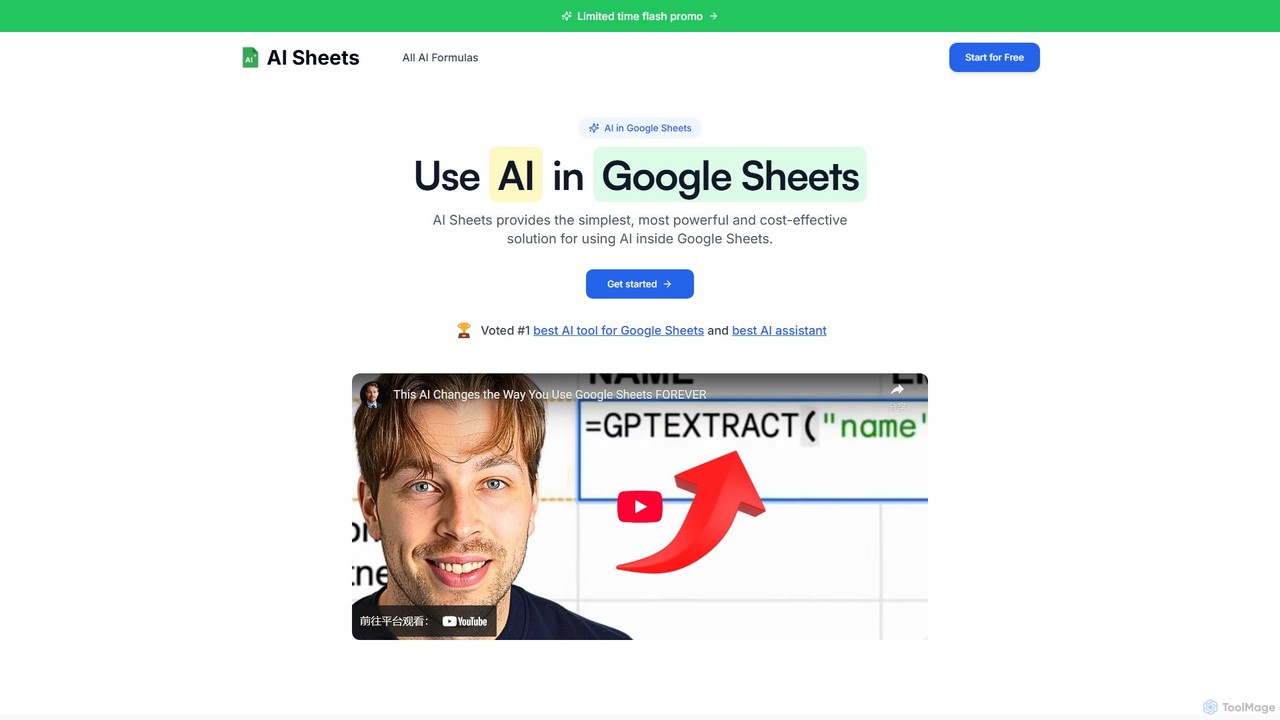
AI Sheets Overview
AI Sheets revolutionizes the way you work with spreadsheets by embedding the power of artificial intelligence directly into Google Sheets. This add-on acts as a bridge to leading AI models, including OpenAI's ChatGPT, Anthropic's Claude, and Perplexity AI, allowing users to perform complex tasks with simple, intuitive formulas. It eliminates the technical barriers typically associated with using AI, such as managing API keys and writing code. With a one-click installation from the Google Marketplace, you can instantly transform your static spreadsheets into dynamic, intelligent workspaces.
The tool is designed to cater to a wide range of needs, from content creation and digital marketing to data analysis and research. Whether you need to generate ad copy at scale, summarize customer feedback, extract specific information from large blocks of text, or even search the web for real-time data like stock prices and news, AI Sheets provides a dedicated formula to get the job done efficiently.
How to use AI Sheets
Getting started with AI Sheets is incredibly straightforward, requiring no technical expertise:
- Install the Add-on: Find AI Sheets in the Google Workspace Marketplace and install it with a single click.
- Open Google Sheets: Create a new sheet or open an existing one. The AI Sheets functions will be available just like standard spreadsheet formulas.
- Use AI Formulas: Start typing formulas directly into cells. For example:
- To generate text, use
=WRITE("a blog post intro about sustainable energy"). - To search the web, use
=PERPLEXITY("What is the current market cap of Apple?"). - To categorize data, use
=CATEGORIZE(A1, "Positive, Negative, Neutral")on a cell containing text. - To generate an image, use
=IMAGE(GPTIMAGE("a minimalist logo for a coffee shop")).
- To generate text, use
- Leverage Templates: Explore the AI Sheets template library to find pre-built solutions for tasks like creating a content calendar or an automated CRM.
Core Features of AI Sheets
- Multi-Model Integration: Access ChatGPT, Claude, and Perplexity AI directly within your sheets to choose the best model for your task.
- Live Web Search: Use the
=PERPLEXITY()or=SEARCHONLINE()formulas to pull real-time information, news, and data from the internet. - Advanced Content Generation: Create any type of written content with
=WRITE(), generate lists with=GPTLIST(), and even produce AI images with=GPTIMAGE(). - Data Analysis & Cleansing: Effortlessly summarize, classify, categorize, and extract specific data points (like emails or names) from unstructured text.
- Specialized Influencer Marketing Formulas: A suite of functions (
=AUDIENCE(),=NICHES(),=FOLLOWERS(),=EMAIL()) to streamline influencer research and outreach. - Structured Data Generation: Create organized tables and comparisons on the fly using the
=GPTTABLE()formula. - Zero-Hassle Setup: No need to manage or pay for separate API keys. The integration is seamless.
- High-Speed Performance: Optimized for speed through partnerships with top AI providers.
Use Cases for AI Sheets
AI Sheets is a versatile tool for various professionals:
- Digital Marketers: Generate ad copy variations, create SEO content strategies, analyze keywords, and track competitor updates.
- Content Creators: Brainstorm topic ideas, write social media posts, generate viral hooks, and create accompanying images for blogs and posts.
- Students & Researchers: Clean and categorize survey responses, summarize academic papers, and extract key data from large datasets.
- Business & Sales Teams: Build automated CRMs, personalize outreach emails at scale, and find contact information for leads.
- Engineers & Developers: Prototype AI features, experiment with different prompt structures, and collaborate on AI inputs and outputs in a shared environment.
Advantages of AI Sheets
The primary advantage of AI Sheets is its simplicity and power. It democratizes access to advanced AI by placing it within the familiar and accessible interface of Google Sheets. This saves users countless hours of manual work, reduces operational costs, and eliminates the need for complex software or coding skills. The inclusion of multiple AI models provides flexibility, and the dedicated human support ensures users can get help when they need it, setting it apart from chatbot-only support systems.
Pricing and Plans
AI Sheets offers a 7-day free trial and several plans to suit different needs. All plans include access to all AI formulas and require no API keys.
- Starter Plan: Ideal for individuals. Priced at $12/month or $8/month when billed annually. Includes up to 1,500 AI queries per month and standard support.
- Pro Plan: Best for power users. Priced at $27/month or $17/month when billed annually. Includes up to 5,000 AI queries per month and priority support.
- Teams Plan: Designed for teams of all sizes. Priced at $99/month (billed annually). Includes everything in Pro plus a dedicated account manager, team onboarding, and priority customer support.
Users can cancel their subscription at any time.
AI Sheets Alternatives
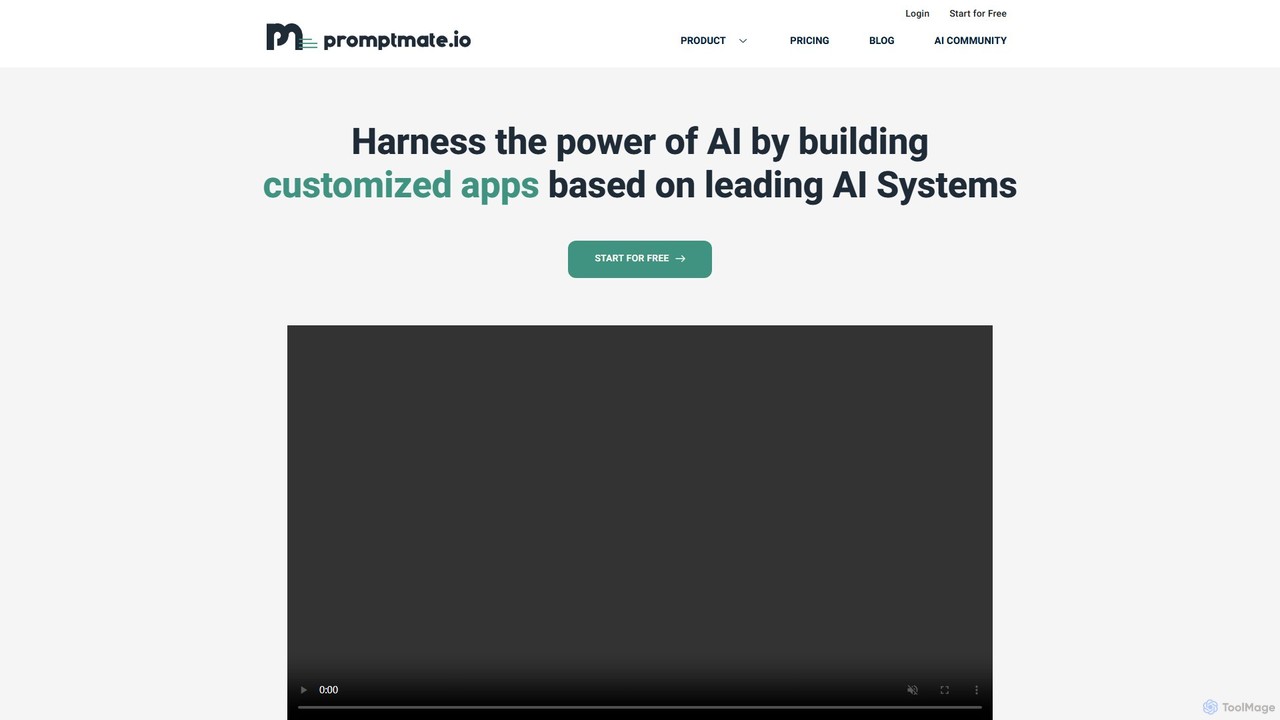
promptmate.io
promptmate.io is a no-code platform for building custom AI-powered applications and automating workflows. It integrates leading AI models like GPT, Gemini, and Claude, allowing users to create sophisticated tools for marketing, SEO, and data analysis without writing any code.
No Code
aismartcube
aismartcube is a low-code AI application development platform that allows users to build and automate complex workflows using a visual, drag-and-drop interface. It integrates with major large language models like ChatGPT, Claude, and Gemini, and offers a wide range of plugins for data scraping, SEO, social media, and more. Users can create custom "AI Employees" and leverage pre-built templates to streamline tasks in marketing, content creation, and research, all with a flexible pay-as-you-go pricing model.
Low Code No Code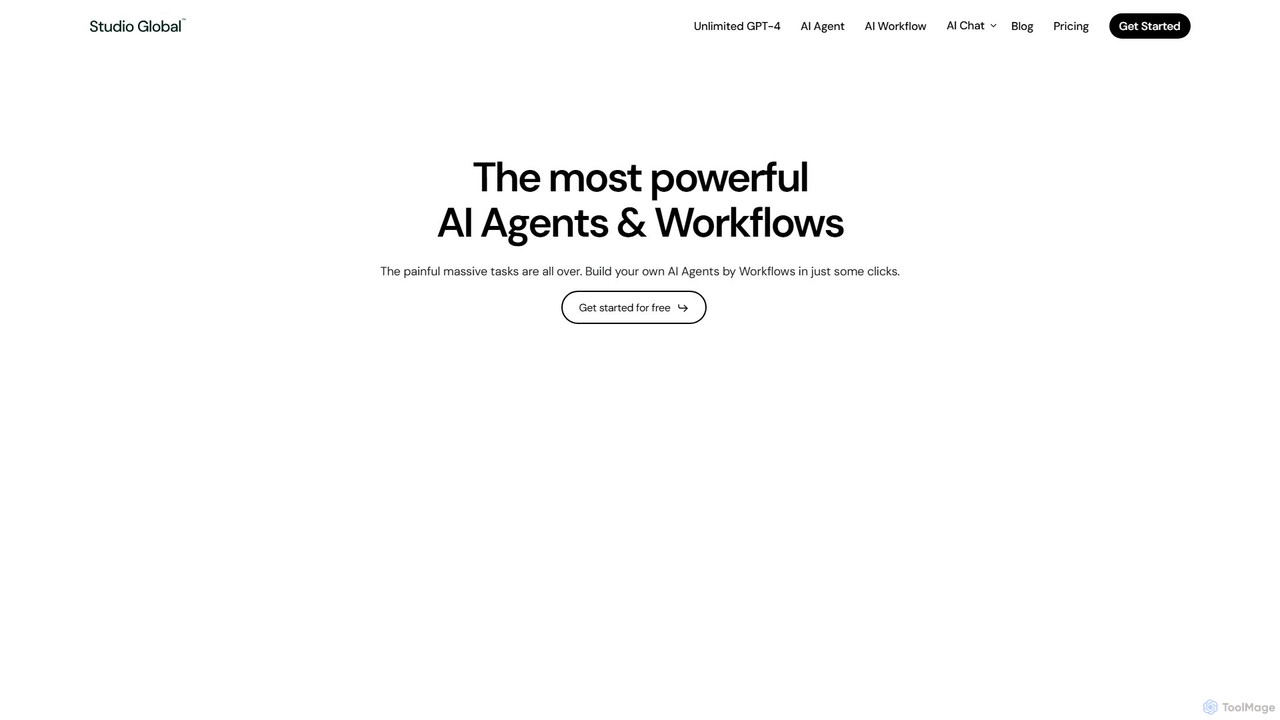
Studio Global
Studio Global is an all-in-one AI productivity platform that empowers users to build no-code AI agents and workflows. It automates complex tasks like content creation, deep research, and customer outreach, integrating advanced AI chat, a powerful editor, and brand voice features to streamline your work.
Research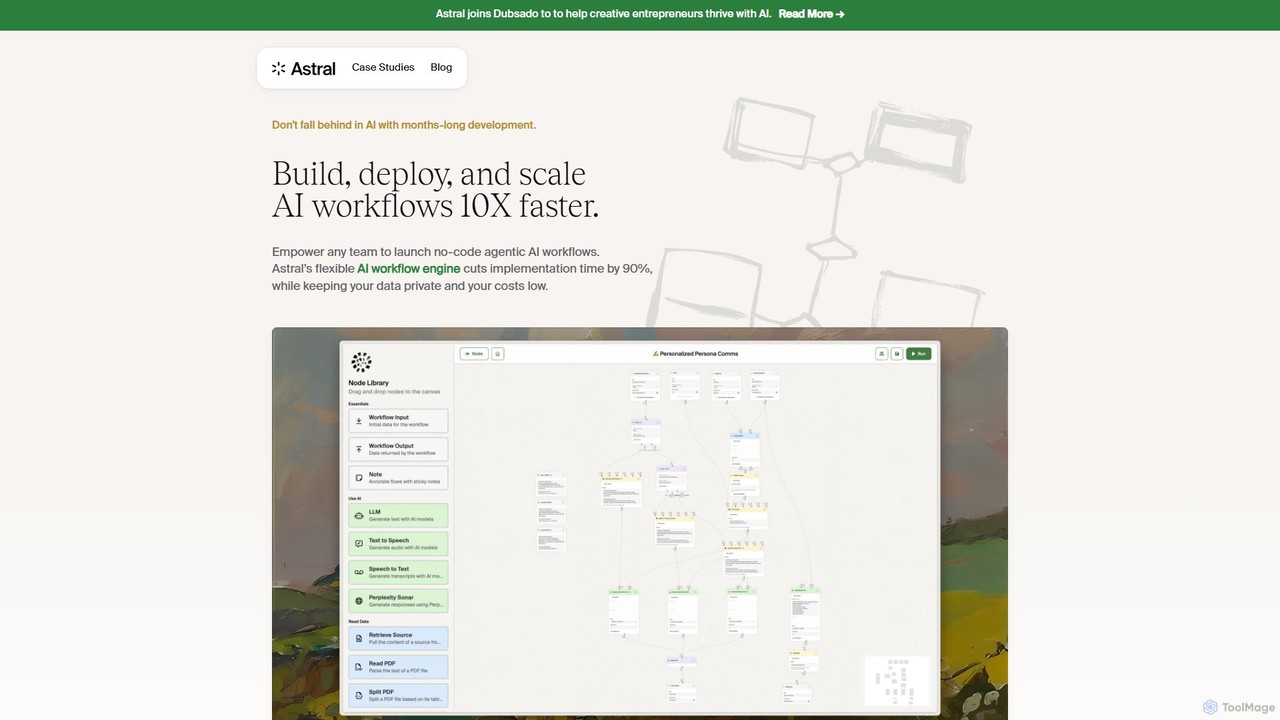
Astral
Astral is an enterprise-grade AI workflow engine that empowers teams to build, deploy, and scale secure, no-code agentic AI workflows 10x faster. It integrates seamlessly with leading AI models and your existing tech stack, enabling rapid automation, content creation, and hyper-personalization while ensuring complete data privacy.
Enterprise Solutions
Prompting Sheets
Prompting Sheets is an AI-powered add-on for Google Sheets that transforms your spreadsheets into dynamic tools. It allows users to generate custom project plans, to-do lists, and automate data analysis and content creation using powerful AI formulas and an integrated chatbot, eliminating the need for generic templates.
Project ManagementAI Sheets Categories
AI Sheets Embed Widget
Copy this embed code to place the badge on your blog, article, or product site and send readers directly to this ToolMage detail page.

Related AI tools
promptmate.io
promptmate.io is a no-code platform for building custom AI-powered applications and automating workflows. It integrates leading AI models like GPT, Gemini, and Claude, allowing users to create sophisticated tools for marketing, SEO, and data analysis without writing any code.
No Codeaismartcube
aismartcube is a low-code AI application development platform that allows users to build and automate complex workflows using a visual, drag-and-drop interface. It integrates with major large language models like ChatGPT, Claude, and Gemini, and offers a wide range of plugins for data scraping, SEO, social media, and more. Users can create custom "AI Employees" and leverage pre-built templates to streamline tasks in marketing, content creation, and research, all with a flexible pay-as-you-go pricing model.
Low Code No Code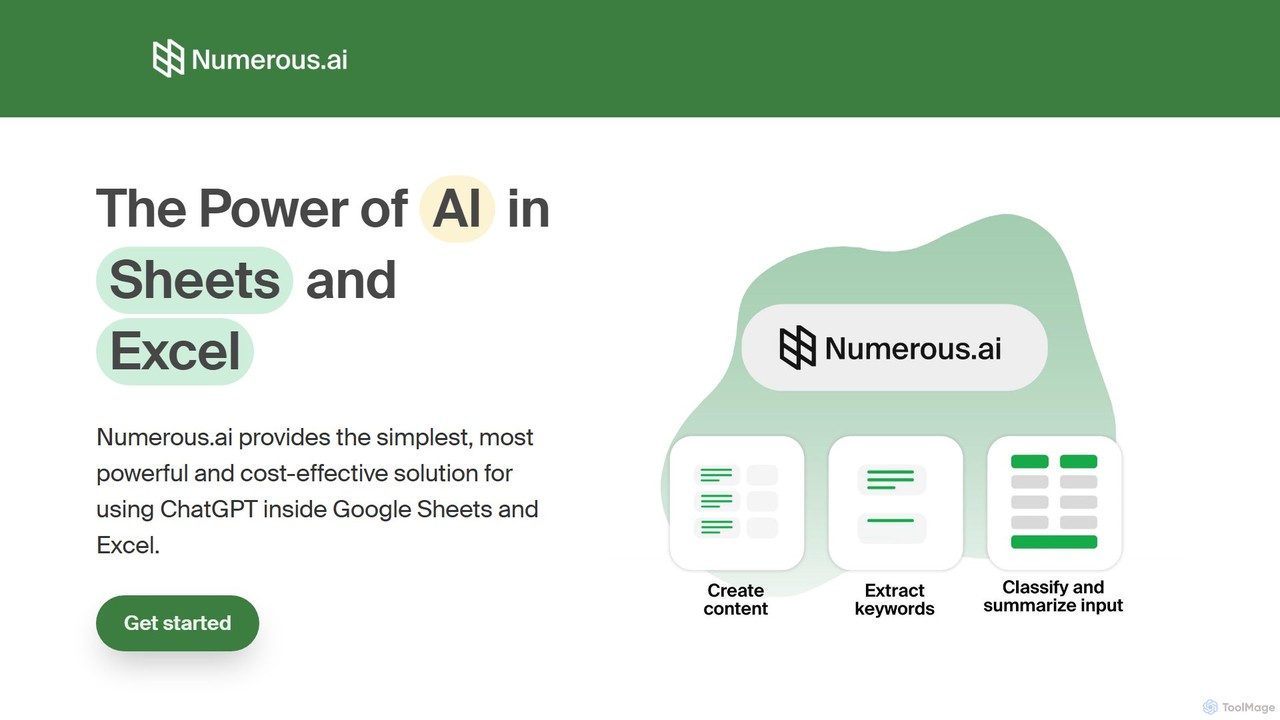
Numerous.ai
Numerous.ai is a powerful AI assistant that integrates directly into Google Sheets and Excel. It allows users to automate tasks, generate content, clean and classify data, and perform complex analysis using a simple '=AI()' function, without needing any API keys or coding skills.
Data Analysis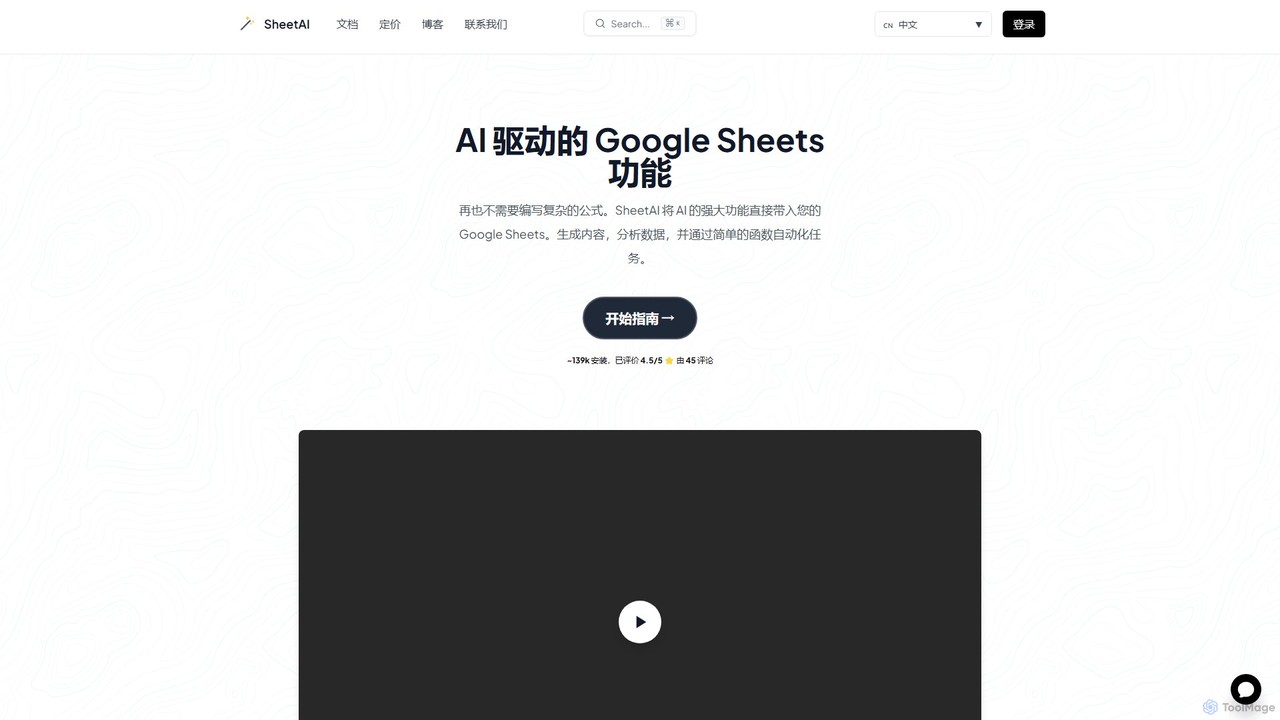
SheetAI
SheetAI integrates the power of AI directly into Google Sheets, allowing users to generate content, analyze data, and automate tasks using simple functions. It eliminates the need for complex formulas, making spreadsheet management more efficient and intuitive for everyone.
No Code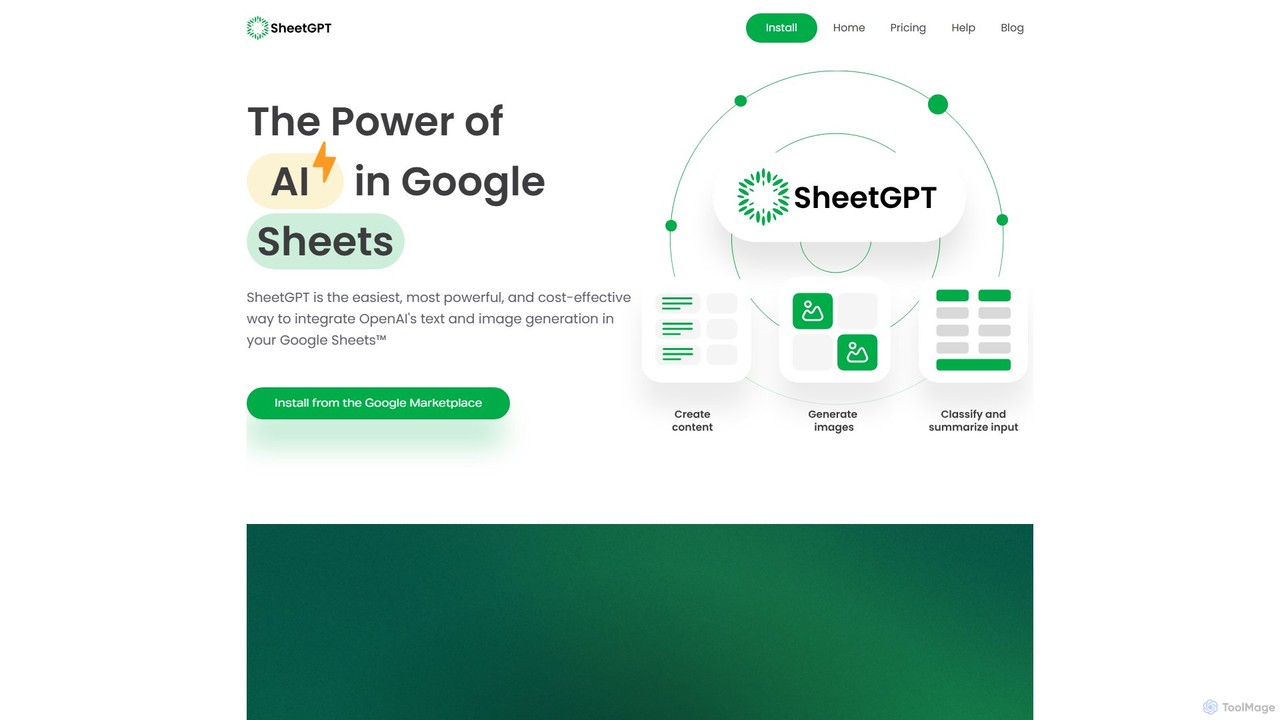
SheetGPT
SheetGPT is a powerful Google Sheets™ add-on that integrates OpenAI's GPT technology directly into your spreadsheets. It allows users to generate text and images, analyze data, create content, and automate workflows using simple functions, without needing API keys. It's designed for individuals and teams to enhance productivity in marketing, research, and content creation.
Seo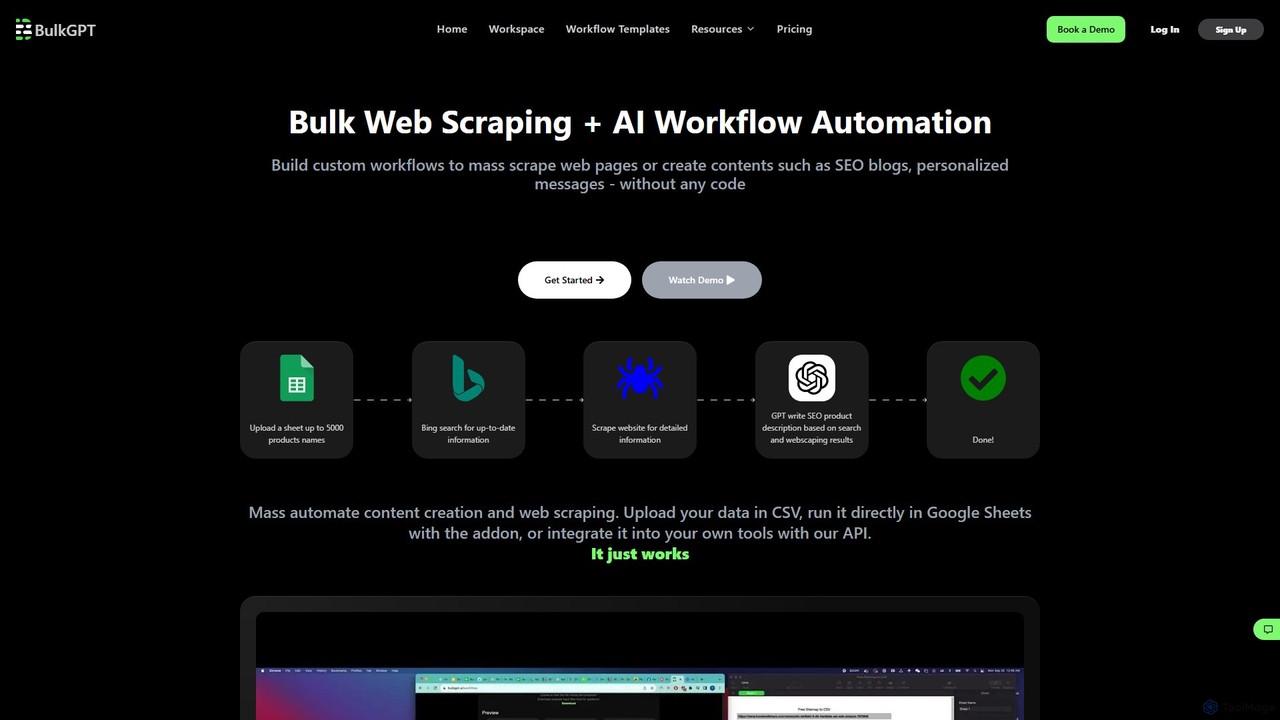
BulkGPT
BulkGPT is a no-code platform for AI workflow automation, enabling users to perform bulk web scraping, mass content creation, and batch processing of AI tasks. It integrates with CSV, Google Sheets, and an API to streamline repetitive tasks for marketing, e-commerce, and data analysis without any coding knowledge.
Web ScrapingStudio Global
Studio Global is an all-in-one AI productivity platform that empowers users to build no-code AI agents and workflows. It automates complex tasks like content creation, deep research, and customer outreach, integrating advanced AI chat, a powerful editor, and brand voice features to streamline your work.
ResearchAstral
Astral is an enterprise-grade AI workflow engine that empowers teams to build, deploy, and scale secure, no-code agentic AI workflows 10x faster. It integrates seamlessly with leading AI models and your existing tech stack, enabling rapid automation, content creation, and hyper-personalization while ensuring complete data privacy.
Enterprise SolutionsPrompting Sheets
Prompting Sheets is an AI-powered add-on for Google Sheets that transforms your spreadsheets into dynamic tools. It allows users to generate custom project plans, to-do lists, and automate data analysis and content creation using powerful AI formulas and an integrated chatbot, eliminating the need for generic templates.
Project Management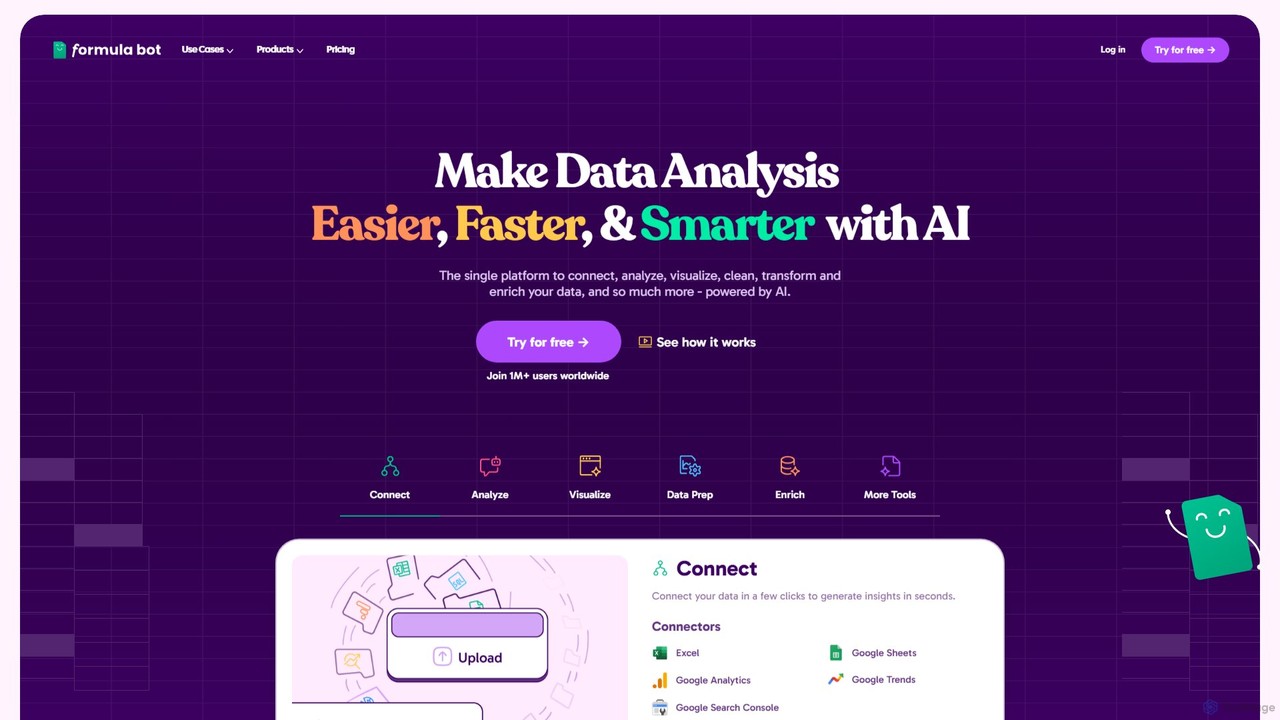
Formula Bot
Formula Bot is an AI-powered data analysis platform that simplifies working with spreadsheets and data. It allows users to generate Excel formulas, SQL queries, and VBA code from simple text instructions, analyze data through a conversational chat interface, and automate tasks like data cleaning and enrichment.
Data Visualization
Ajelix
Ajelix is an AI-powered suite of tools designed to enhance productivity for Excel and Google Sheets users. It acts as an AI data analyst, automating tasks, generating formulas and VBA scripts, creating insightful reports, and providing advanced data analysis through a simple chat interface.
Business Intelligence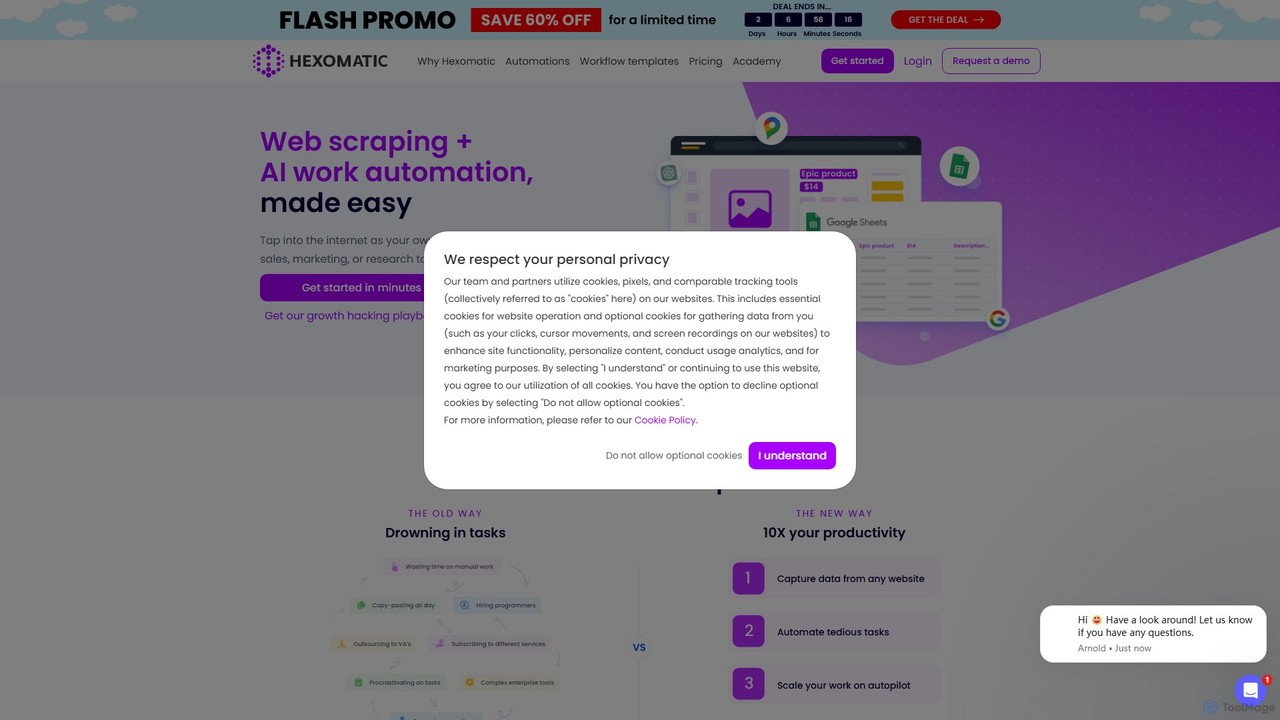
Hexomatic
Hexomatic is a no-code, cloud-based web scraping and workflow automation platform. It empowers users to extract data from any website using a simple point-and-click interface and automate over 100 tasks for sales, marketing, and research. With integrated AI like ChatGPT and Google Gemini, you can scale your operations, from lead generation to content creation, without writing a single line of code.
Web Scraping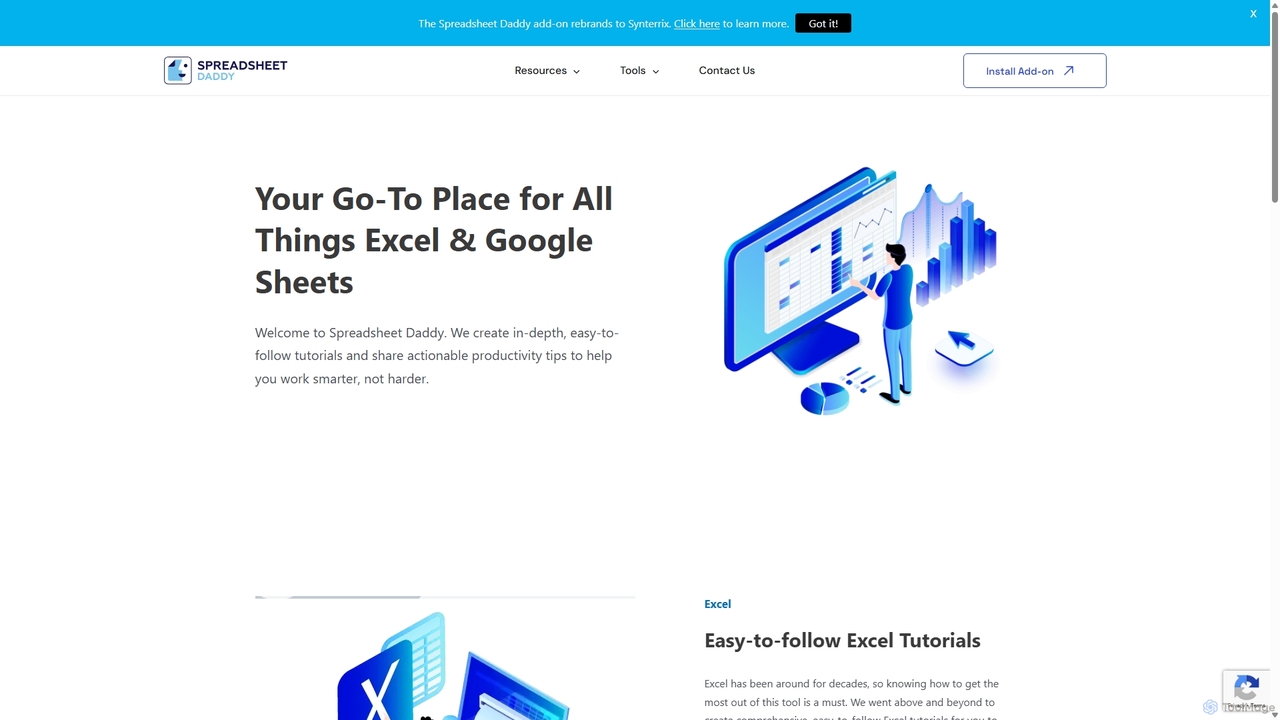
Spreadsheet Daddy
Spreadsheet Daddy is an advanced AI-driven add-on for Google Sheets that automates complex tasks. It allows users to generate formulas, Apps Script, and regular expressions from simple text prompts. The tool also excels at bulk content generation, data analysis, and even allows for the creation of custom AI models, transforming your spreadsheet into a powerful productivity hub.
Low Code No Code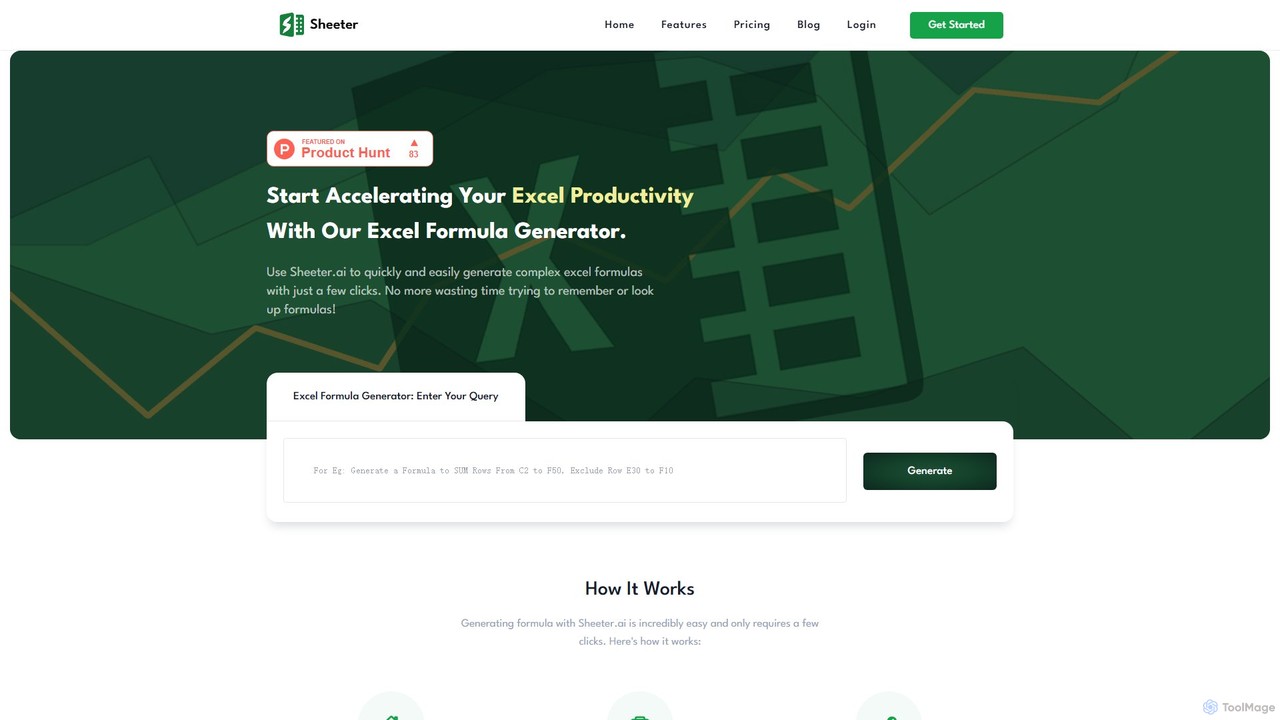
sheeter
Sheeter is an AI-powered tool that generates complex formulas for Excel and Google Sheets from plain English descriptions. It also creates VBA scripts, Google Apps Scripts, and Regex, significantly boosting spreadsheet productivity and saving users time by eliminating the need to memorize or look up formulas.
Data Analysis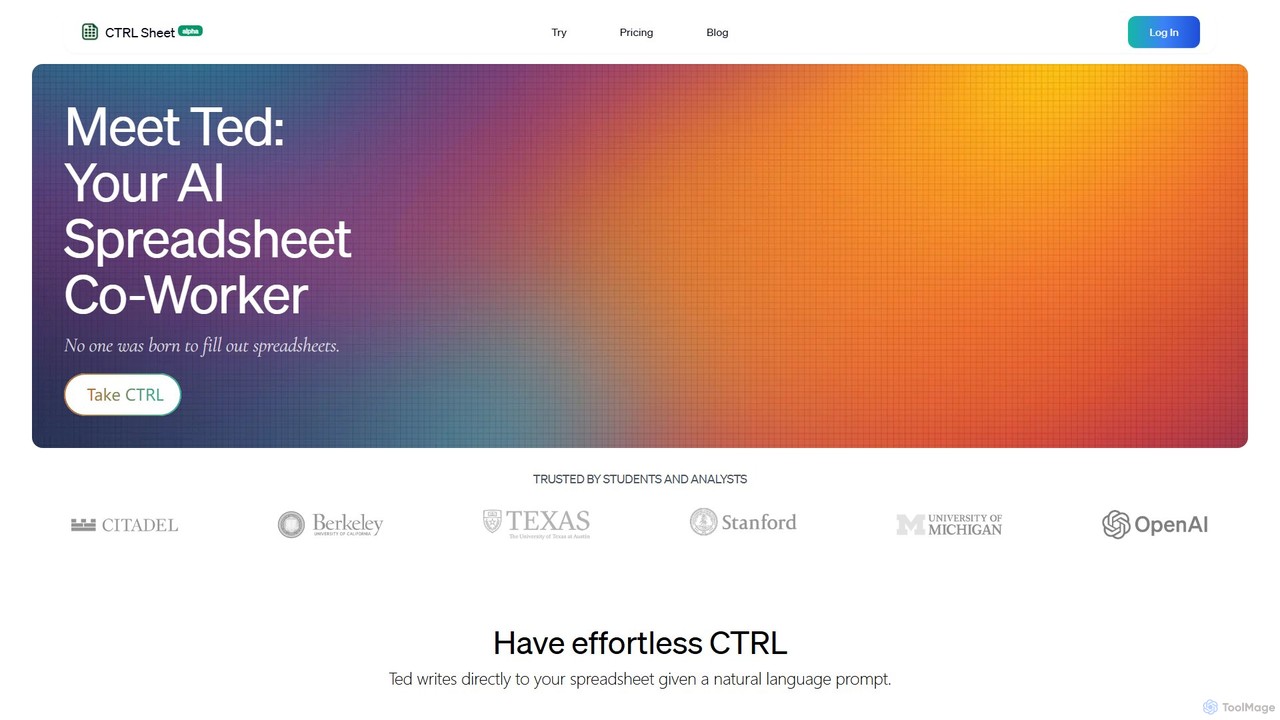
CTRL Sheet
CTRL Sheet is an AI-powered spreadsheet co-worker named Ted that automates data tasks. It allows users to interact with spreadsheets using natural language, extract data from various files like PDFs and images, and generate complex formulas effortlessly. It's designed to save time and reduce errors for students, analysts, and professionals.
Task Automation
AI Sheets Comments (0)
Sign in to comment.
Sign inNo comments yet.