


Prompting Sheets Overview
Prompting Sheets is a revolutionary AI-powered add-on designed to supercharge Google Sheets. It moves beyond the limitations of static, one-size-fits-all templates by enabling users to create highly customized and dynamic spreadsheets tailored to their specific needs. Whether you are a marketer, project manager, business professional, or educator, Prompting Sheets streamlines your workflow, boosts productivity, and unlocks sophisticated data analysis capabilities directly within your familiar spreadsheet environment. By integrating the power of OpenAI's models, it allows you to automate repetitive tasks, generate insightful content, and manage projects with unprecedented efficiency.
The core of Prompting Sheets lies in its ability to understand natural language prompts to generate structured data. You can create detailed project plans, comprehensive to-do lists, marketing strategies, or financial reports simply by describing what you need. The tool also features an integrated AI chatbot that can answer questions about your data, optimize your prompts for better results, and assist with various tasks without ever leaving Google Sheets. This seamless integration ensures a fluid and intuitive user experience, transforming your spreadsheet from a simple data repository into an intelligent assistant.
How to use Prompting Sheets
Getting started with Prompting Sheets is a straightforward process designed for maximum ease of use:
- Installation: First, download and install the Prompting Sheets add-on from the Google Workspace Marketplace for Google Sheets.
- API Key Setup: To power the AI features, you will need an OpenAI API key. The add-on provides a simple onboarding process to guide you through obtaining and setting up your key.
- Accessing Features: Once installed, you can access all features from the custom menu: `[P] Prompting Sheets`. From here, you can open the AI Chatbot, browse the Sheet Library for templates, or start creating a new prompting sheet.
- Using AI Formulas: The true power of the tool is unlocked through its custom functions. In any cell, you can type formulas like `=PROMPT("your request")`, `=PROMPTLIST("create a list of...")`, or `=PROMPTTABLE("generate a table comparing...")` to have the AI populate the cells with the requested information.
- Providing Context: To make the AI's responses more accurate and relevant, you can specify which sheets to use as context by adding `[P]` to the sheet name (e.g., `Project Data [P]`). Conversely, you can exclude sensitive rows by starting a cell in that row with `[-P]`.
- Advanced Prompts: For more dynamic workflows, you can use placeholders and logical conditions within your prompts, allowing you to create highly adaptable and reusable templates.
Core Features of Prompting Sheets
- AI-Powered Formulas: A suite of custom functions (`=PROMPT`, `=PROMPTLIST`, `=PROMPTTABLE`, `=PROMPTIMAGE`, `=PROMPTAUDIT`, `=PROMPTFILL`) that generate text, lists, tables, images, and perform data analysis based on your prompts.
- Integrated AI Chatbot: A sidebar chatbot that allows you to interact with the AI, ask questions about your data, and get assistance with tasks directly within Google Sheets.
- Contextual Awareness: Fine-grained control over the data context for your prompts. Include specific sheets or exclude certain rows to ensure the AI has the right information.
- Dynamic Prompts with Logic: Create sophisticated and reusable prompts using placeholders and logical conditions (e.g., IF/ELSE) to adapt the output based on your data.
- Website Content Scraping: Fetch and analyze content directly from any URL using the PROMPT formulas, perfect for SEO audits, content summaries, or market research.
- Sheet Library: Access a collection of pre-designed sheets with built-in AI functionality to kickstart your projects.
- Prompt Optimization: A feature to help you refine your prompts to get more accurate and higher-quality responses from the AI.
- AI Audit Reports: Generate comprehensive audits of website content, SEO performance, and more with the `=PROMPTAUDIT` function.
Use Cases for Prompting Sheets
Prompting Sheets is a versatile tool for a wide range of professionals:
- Project Managers: Instantly generate custom project plans, timelines, task lists, and risk assessment tables. Manage team tasks and keep stakeholders informed with automated reports.
- Marketers: Create detailed marketing plans, generate ad copy, write blog post outlines, perform SEO analysis on competitor websites, and track campaign performance.
- Business Professionals: Automate financial reports, analyze sales data, generate business plans, and create meeting summaries from notes.
- Educators: Develop lesson plans, create quiz questions, generate educational content, and organize student data.
- Designers: Outline project requirements, generate creative briefs, and manage client feedback within a structured spreadsheet.
Advantages of Prompting Sheets
Choosing Prompting Sheets provides a significant competitive edge:
- Enhanced Efficiency: Automate time-consuming and repetitive tasks, freeing you up to focus on strategic work.
- Deep Customization: Break free from rigid templates and create solutions that perfectly match your unique workflow and project requirements.
- Powerful AI Capabilities: Leverage sophisticated AI for advanced data analysis, content creation, and problem-solving without needing to be a data scientist.
- Seamless Integration: Works within the familiar Google Sheets environment, ensuring a minimal learning curve and easy adoption for your team.
- Scalability: The tool grows with your needs, from simple to-do lists for individual users to complex project management systems for entire organizations.
- Improved Accuracy: Reduce human error in data entry and analysis, leading to more reliable insights and better decision-making.
Pricing and Plans
Prompting Sheets operates on a freemium model, making it accessible to everyone.
- Free Plan: This plan offers limited access to AI sheet generation, allowing users to try out the core functionalities and see the tool's power for themselves.
- Unlimited Plan (Subscription): A premium subscription plan (marked as 'Coming Soon' on the website) that will provide unlimited access to all features, including unlimited AI sheet and data context, unlimited formula usage, AI prompt optimization, AI audit reports, and the AI chatbot.
Note: Users are required to provide their own OpenAI API key. The costs associated with the OpenAI API usage are separate and depend on your usage of the AI models.
Traffic
Latest traffic
Status
Monthly traffic trend
- 2025-9: 432
- 2026-1: 1.4K
- 2026-2: 510
- 2026-3: 206
- 2026-4: 353
- 2026-5: 288
Geography
Top 5 countries / regions
- 🇪🇬Egypt84.5%
- 🇩🇪Germany15.5%
Top keywords
| Keyword | Cost per click |
|---|---|
| templating within one size difference | $0.00 |
| universal prompt matrix.xlsx - google sheets | $0.00 |
Prompting Sheets Alternatives
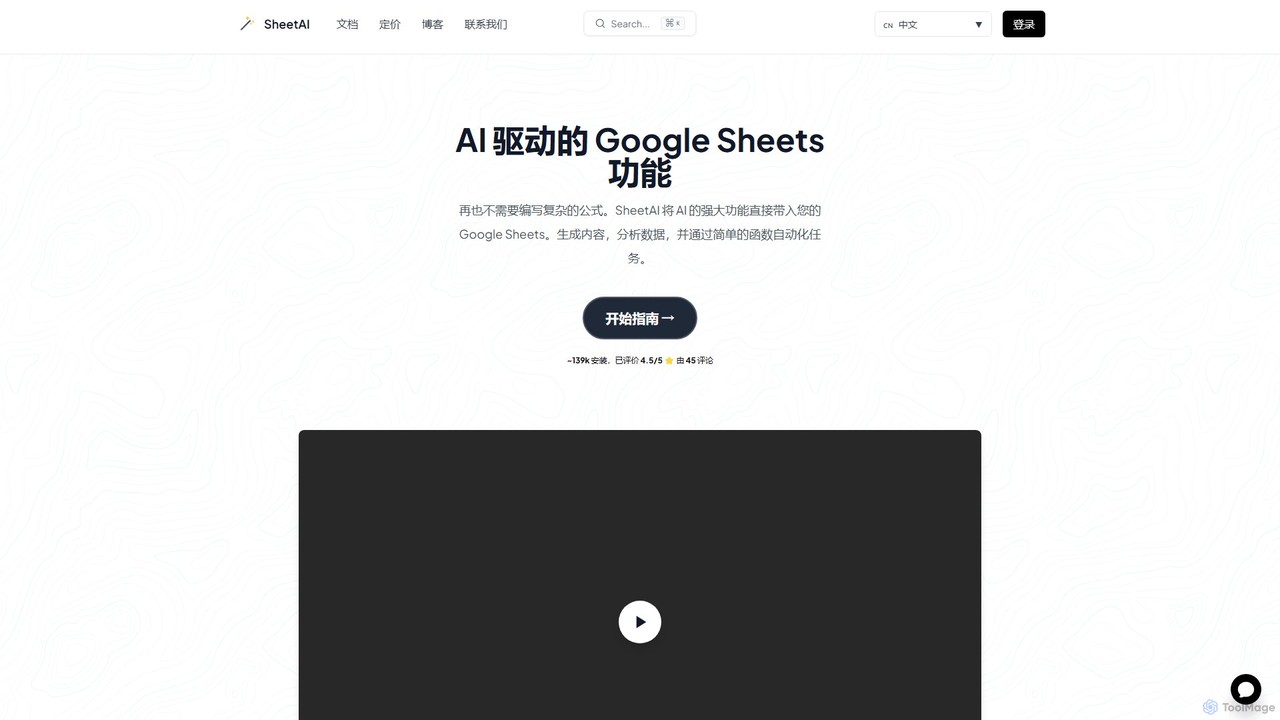
SheetAI
SheetAI integrates the power of AI directly into Google Sheets, allowing users to generate content, analyze data, and automate tasks using simple functions. It eliminates the need for complex formulas, making spreadsheet management more efficient and intuitive for everyone.
No Code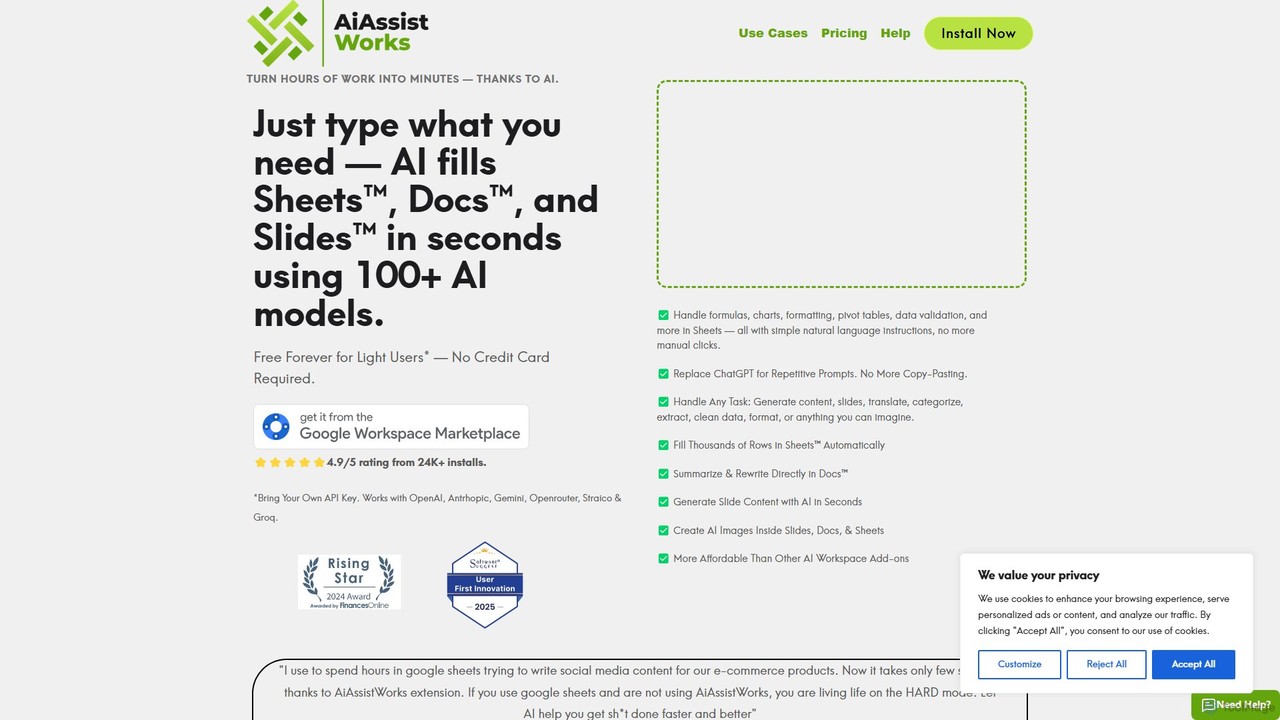
AiAssistWorks
AiAssistWorks is a powerful AI assistant that integrates directly into Google Sheets™, Slides™, and Docs™. It automates tasks, generates content, and analyzes data, helping you work smarter and faster within your existing Google Workspace environment. From writing drafts to creating complex formulas, AiAssistWorks boosts your productivity.
Content Creation
Sheet Copilot
Sheet Copilot is an AI-powered assistant that automates tasks and answers questions directly within Google Sheets. By using natural language commands, you can clean data, generate formulas, create summaries, and analyze information without writing complex functions. It's currently free in beta and operates using your own OpenAI API key for enhanced privacy and security.
Automation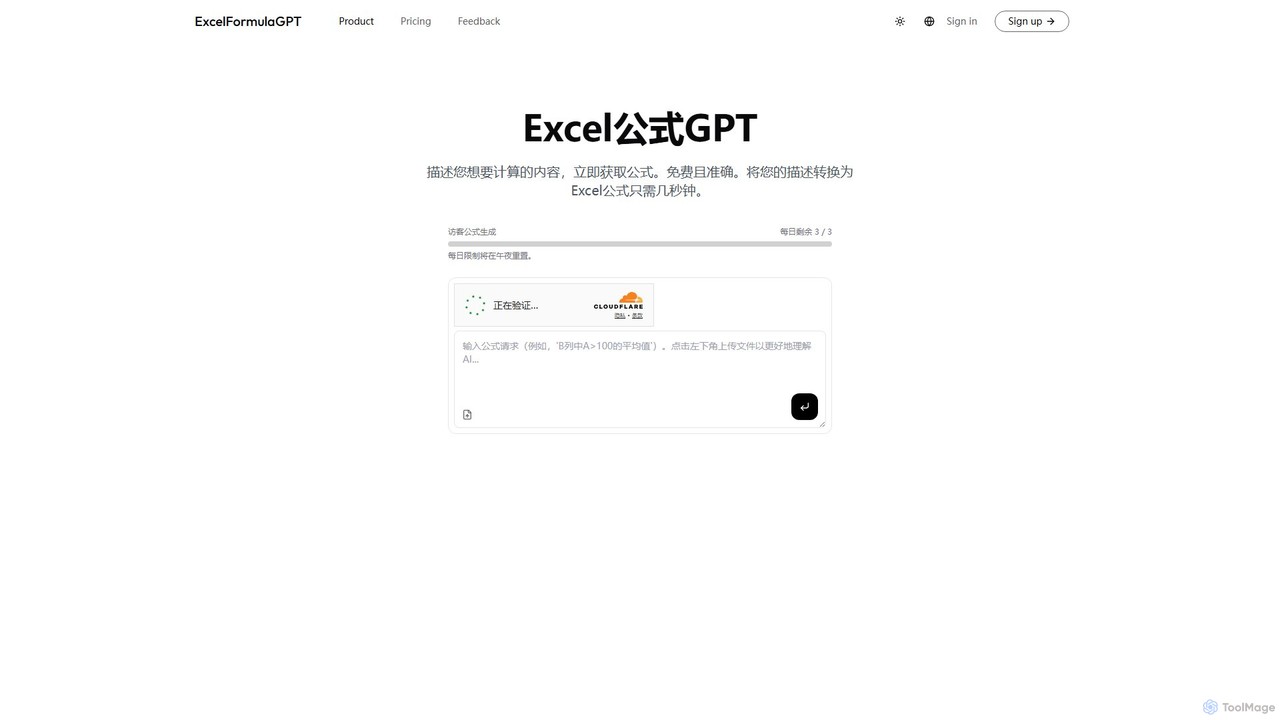
excelformulagpt
excelformulagpt is an AI-powered tool that instantly converts natural language descriptions into complex Excel and Google Sheets formulas. It helps users save time, reduce errors, and boost productivity without needing to memorize complex syntax. Features include formula generation, context-aware suggestions from uploaded files, and formula explanations.
Automation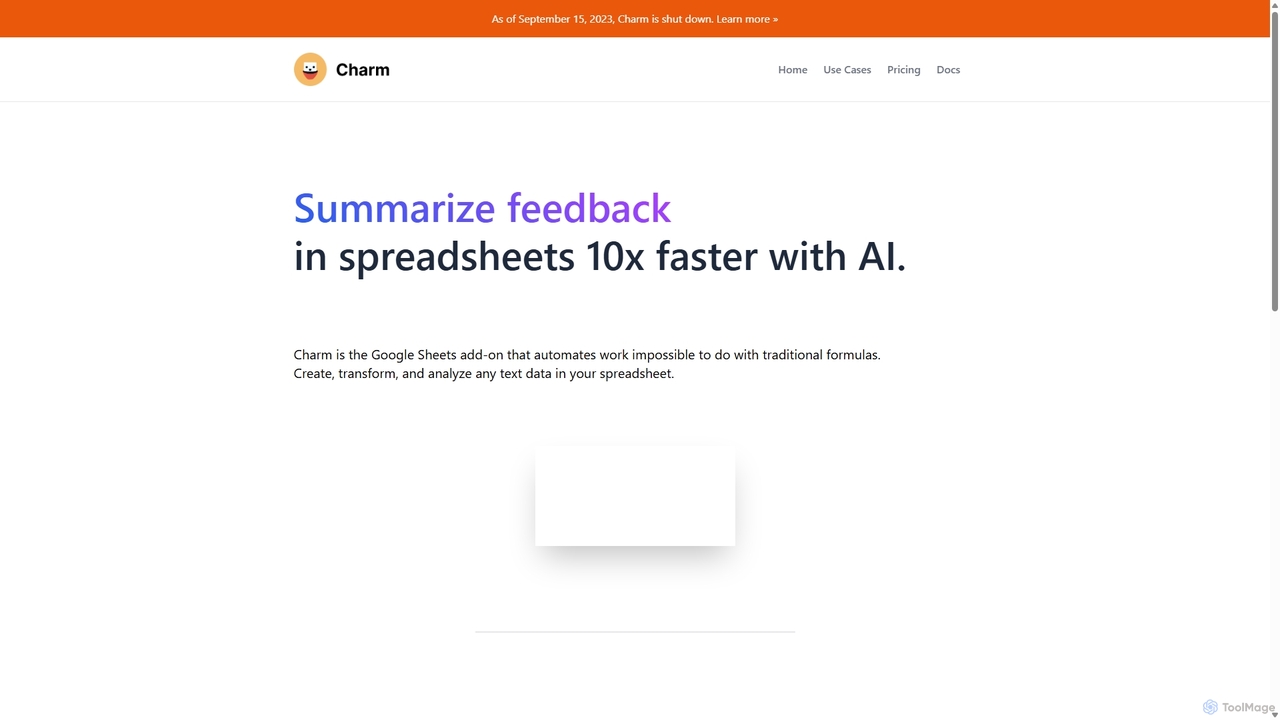
Charm
Charm was an AI-powered assistant integrated directly into Google Sheets as an add-on. It was designed to automate complex text-based tasks, such as cleaning messy data, generating content, summarizing text, and classifying information, without requiring traditional formulas or coding. Please note: Charm was officially shut down on September 15, 2023.
AutomationPrompting Sheets Categories
Prompting Sheets Embed Widget
Copy this embed code to place the badge on your blog, article, or product site and send readers directly to this ToolMage detail page.

Related AI tools
SheetAI
SheetAI integrates the power of AI directly into Google Sheets, allowing users to generate content, analyze data, and automate tasks using simple functions. It eliminates the need for complex formulas, making spreadsheet management more efficient and intuitive for everyone.
No CodeSheet Copilot
Sheet Copilot is an AI-powered assistant that automates tasks and answers questions directly within Google Sheets. By using natural language commands, you can clean data, generate formulas, create summaries, and analyze information without writing complex functions. It's currently free in beta and operates using your own OpenAI API key for enhanced privacy and security.
Automationexcelformulagpt
excelformulagpt is an AI-powered tool that instantly converts natural language descriptions into complex Excel and Google Sheets formulas. It helps users save time, reduce errors, and boost productivity without needing to memorize complex syntax. Features include formula generation, context-aware suggestions from uploaded files, and formula explanations.
AutomationCharm
Charm was an AI-powered assistant integrated directly into Google Sheets as an add-on. It was designed to automate complex text-based tasks, such as cleaning messy data, generating content, summarizing text, and classifying information, without requiring traditional formulas or coding. Please note: Charm was officially shut down on September 15, 2023.
Automation
Spreadsheet Daddy
Spreadsheet Daddy is an advanced AI-driven add-on for Google Sheets that automates complex tasks. It allows users to generate formulas, Apps Script, and regular expressions from simple text prompts. The tool also excels at bulk content generation, data analysis, and even allows for the creation of custom AI models, transforming your spreadsheet into a powerful productivity hub.
Low Code No Code
SheetGPT
SheetGPT is a powerful Google Sheets™ add-on that integrates OpenAI's GPT technology directly into your spreadsheets. It allows users to generate text and images, analyze data, create content, and automate workflows using simple functions, without needing API keys. It's designed for individuals and teams to enhance productivity in marketing, research, and content creation.
Seo
CTRL Sheet
CTRL Sheet is an AI-powered spreadsheet co-worker named Ted that automates data tasks. It allows users to interact with spreadsheets using natural language, extract data from various files like PDFs and images, and generate complex formulas effortlessly. It's designed to save time and reduce errors for students, analysts, and professionals.
Task Automation
Sheetplus
Sheetplus is an AI-powered toolkit designed to supercharge your spreadsheet experience in Google Sheets and Excel. By leveraging natural language, it allows users to generate complex formulas, clean and analyze data, automate tasks, and extract insights without writing code. It acts as an intelligent assistant, making data management faster, more intuitive, and accessible to everyone, regardless of their technical expertise.
Automation
Array Assistant
Array Assistant is an AI-powered plugin for spreadsheets that supercharges your productivity. It helps you generate complex formulas, clean and organize data, summarize text, explain problems, and design automations, all within your existing workflow. Ideal for professionals, students, and anyone who uses spreadsheets.
Finance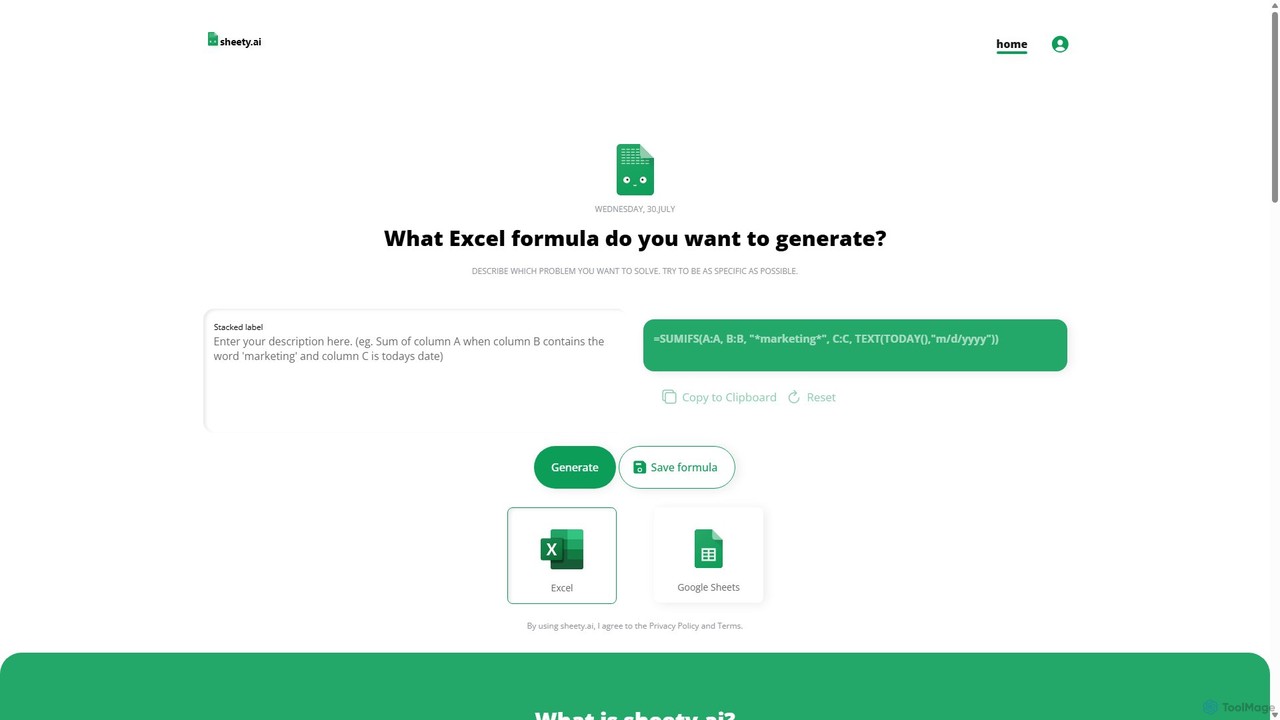
sheety.ai
sheety.ai is an AI-powered tool that instantly generates complex spreadsheet formulas for Excel and Google Sheets from natural language descriptions. Simply describe the problem you want to solve, and the AI will provide the correct formula, saving you time and eliminating the need to memorize syntax. It's designed for everyone from students to financial analysts, boosting productivity and data accuracy.
Data Processing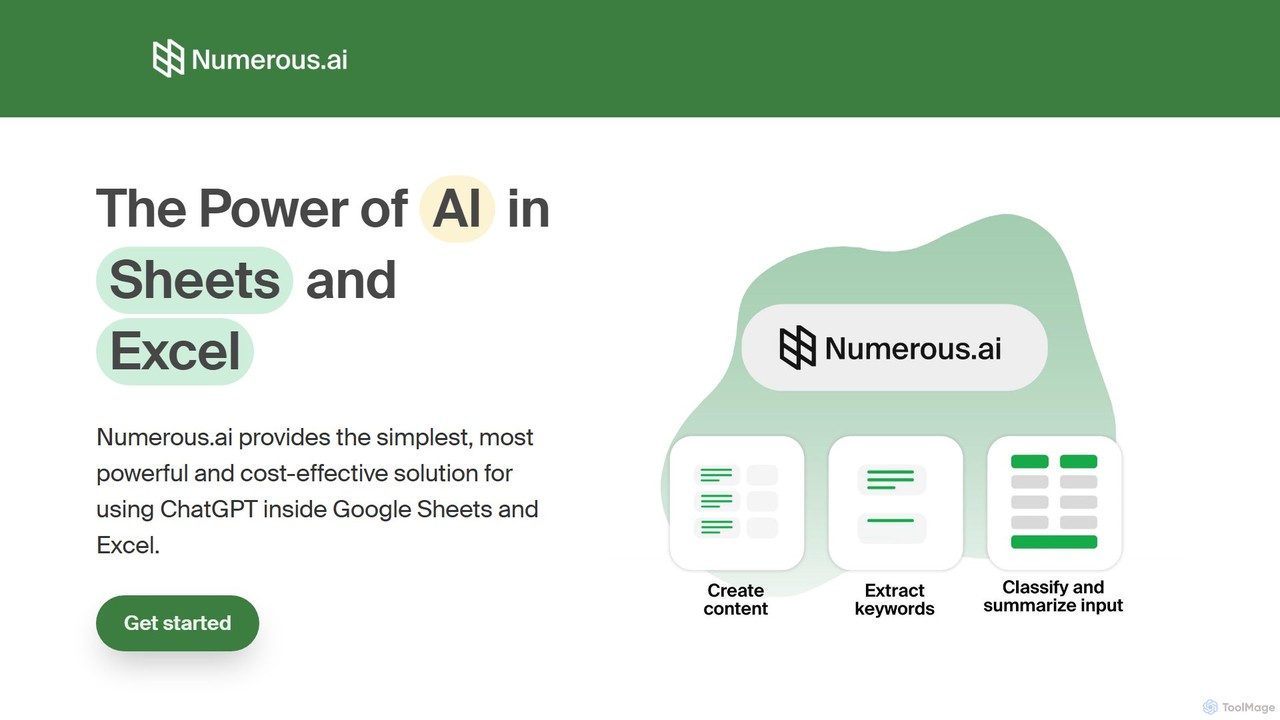
Numerous.ai
Numerous.ai is a powerful AI assistant that integrates directly into Google Sheets and Excel. It allows users to automate tasks, generate content, clean and classify data, and perform complex analysis using a simple '=AI()' function, without needing any API keys or coding skills.
Data Analysis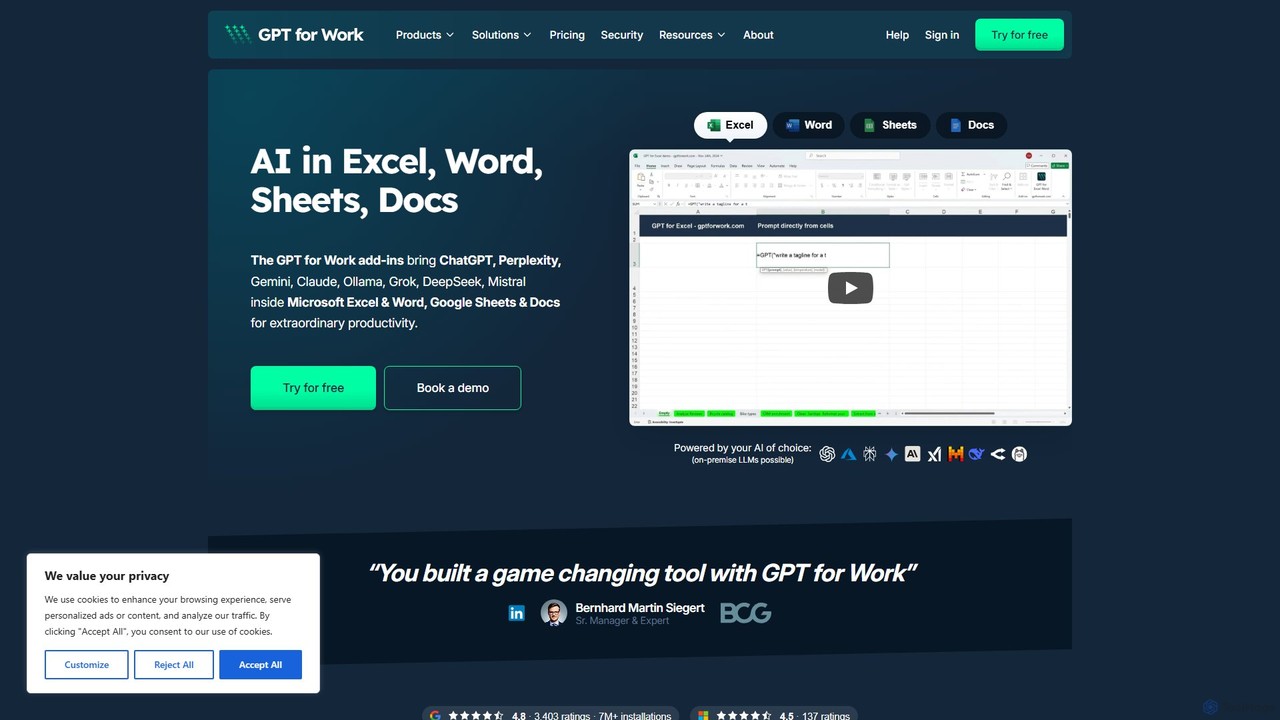
GPT for Work
A powerful AI add-on that integrates GPT capabilities directly into Google Sheets, Docs, Microsoft Excel, and Word. Automate tasks, generate text, analyze data, and create formulas using simple commands, boosting your productivity without leaving your documents.
Document Assistant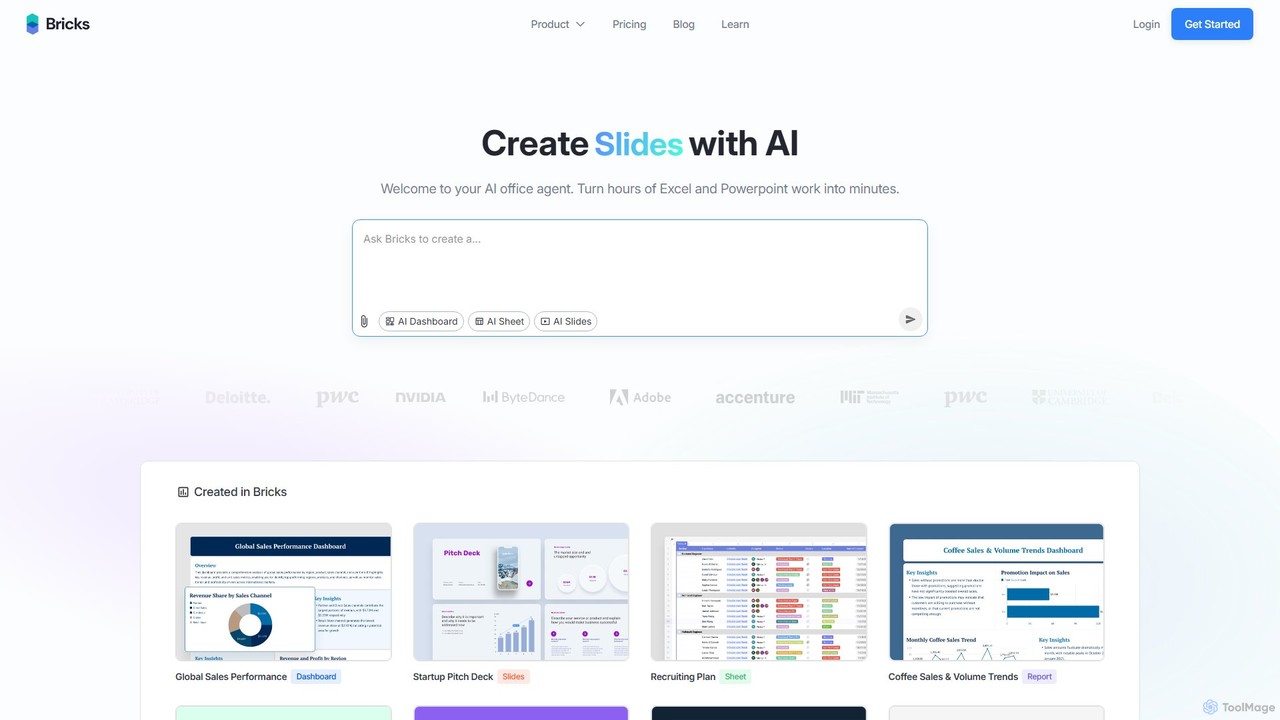
thebricks
thebricks is an AI-powered workspace that transforms data analysis and reporting. It allows users to create interactive dashboards, dynamic spreadsheets, and professional slides using simple natural language prompts. Turn hours of manual work in Excel and PowerPoint into minutes, streamlining your workflow and boosting productivity.
Business Intelligence
Ajelix
Ajelix is an AI-powered suite of tools designed to enhance productivity for Excel and Google Sheets users. It acts as an AI data analyst, automating tasks, generating formulas and VBA scripts, creating insightful reports, and providing advanced data analysis through a simple chat interface.
Business Intelligence
table.studio
table.studio is an AI-powered data workspace that combines the simplicity of a spreadsheet with the power of a database and AI. Use natural language to query, analyze, and visualize your data, automating tedious tasks and uncovering insights instantly. It's designed for teams to collaborate on data projects in real-time.
Database Management
Prompting Sheets Comments (0)
Sign in to comment.
Sign inNo comments yet.