

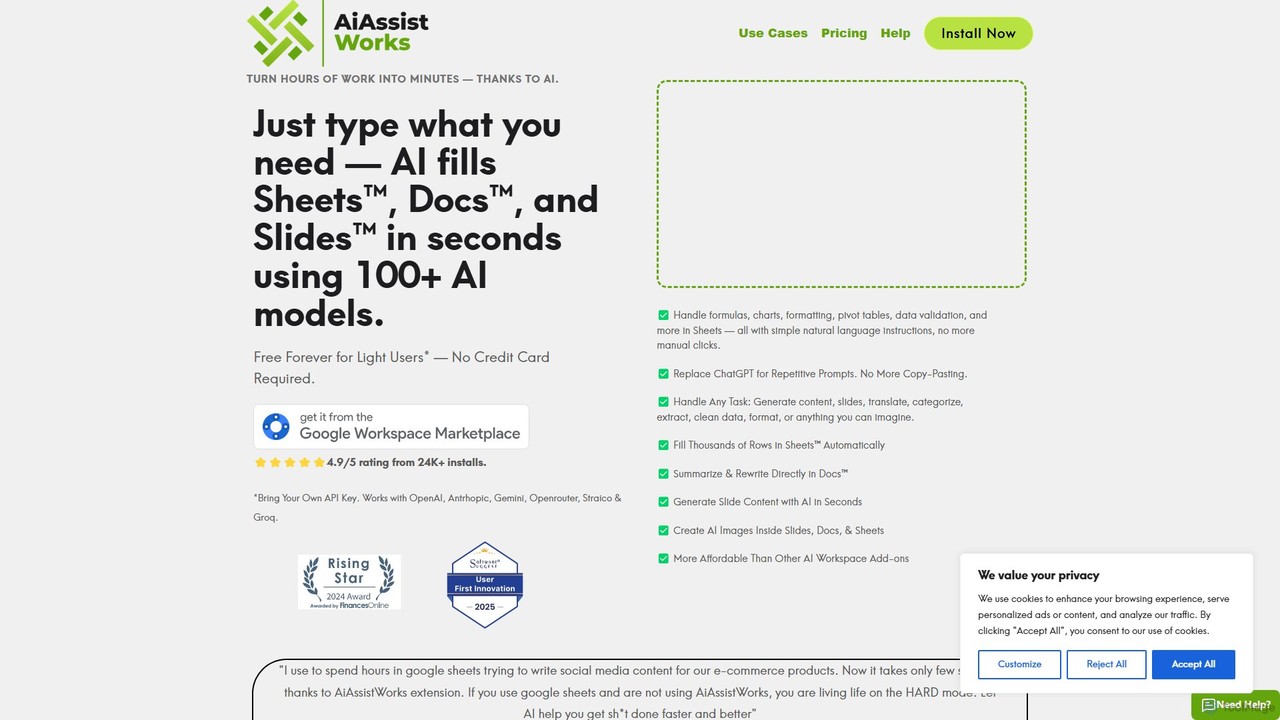
AiAssistWorks Overview
AiAssistWorks is a revolutionary AI-powered add-on designed to supercharge your productivity within the Google Workspace ecosystem. By seamlessly integrating with Google Sheets™, Google Docs™, and Google Slides™, it brings the power of artificial intelligence directly into your daily workflow. This eliminates the need to switch between different applications, allowing you to generate content, analyze data, and automate repetitive tasks with simple commands. Whether you're a marketer, data analyst, student, or business professional, AiAssistWorks acts as your personal assistant, helping you accomplish more in less time.
How to use AiAssistWorks
Getting started with AiAssistWorks is simple and intuitive. Follow these steps to integrate AI into your Google Workspace:
- Installation: Find and install the AiAssistWorks add-on from the Google Workspace Marketplace. The installation process is quick and requires standard permissions.
- Activation: Once installed, open any Google Doc, Sheet, or Slide. Navigate to the 'Extensions' menu, find AiAssistWorks, and click 'Start' to open its sidebar interface.
- Usage in Google Docs: Highlight text to summarize, rephrase, or translate. Alternatively, use the sidebar to generate entire articles, blog posts, emails, or job descriptions from a simple prompt.
- Usage in Google Sheets: Use the sidebar to generate complex formulas, clean and format data, classify text, or perform sentiment analysis. You can also use custom functions like
=AI()directly in cells to populate data or get insights. - Usage in Google Slides: Provide a topic or outline, and AiAssistWorks will generate a full presentation for you, including titles, bullet points, and speaker notes for each slide.
Core Features of AiAssistWorks
- AI for Google Docs: Includes an AI writer for generating drafts, a content editor for improving grammar and style, a summarizer for long documents, and a translator for multilingual support.
- AI for Google Sheets: Features a formula generator, data cleaning and categorization tools, sentiment analysis for customer feedback, and the ability to enrich data by pulling information from the web.
- AI for Google Slides: Automatically generates presentation outlines and content from a single prompt, creates concise bullet points from long text, and helps craft compelling speaker notes.
- Context-Aware Assistance: The AI understands the context of your document, spreadsheet, or presentation to provide highly relevant and accurate suggestions.
- Template Library: Access a wide range of pre-built prompts and templates for common tasks like writing marketing copy, creating project plans, or analyzing financial data.
Use Cases for AiAssistWorks
AiAssistWorks is versatile and can be applied across various professional and academic fields:
- Marketing & Sales: Generate engaging blog posts, social media updates, and ad copy in Docs. Analyze customer feedback in Sheets. Create persuasive sales presentations in Slides.
- Data Analysis: Clean and normalize large datasets, classify text entries, and generate summary reports in Sheets without writing complex formulas.
- Human Resources: Draft job descriptions, create employee onboarding materials in Docs, and analyze employee survey results in Sheets.
- Students & Academics: Summarize research papers, draft essays in Docs, organize research data in Sheets, and create lecture presentations in Slides.
- Operations & Management: Generate business reports, draft internal communications, and create project timelines and plans across the Google suite.
Advantages of AiAssistWorks
Integrating AiAssistWorks into your workflow offers significant benefits:
- Massive Productivity Boost: Automate manual and time-consuming tasks, freeing up hours each week.
- Seamless Integration: Works within the familiar Google Workspace interface, requiring no new software to learn.
- Enhanced Creativity: Overcome writer's block and generate new ideas for any project.
- Improved Accuracy: Reduce human error in data entry, formula writing, and document proofreading.
- Cost-Effective: Provides the power of multiple standalone AI tools in one affordable subscription.
Pricing and Plans
AiAssistWorks offers a flexible pricing structure to suit individual and team needs:
- Free Plan: Perfect for trying out the tool, offering a limited number of AI credits per month to use across all supported applications.
- Pro Plan: Designed for individual professionals, this plan offers a generous amount of monthly credits, access to all core features, and priority customer support.
- Business Plan: Tailored for teams and organizations, this plan includes unlimited credits, advanced collaboration features, centralized billing, dedicated support, and potential API access.
Traffic
Latest traffic
Status
Monthly traffic trend
- 2025-9: 5.4K
- 2026-1: 9.6K
- 2026-2: 19.0K
- 2026-3: 16.4K
- 2026-4: 11.8K
- 2026-5: 12.5K
Geography
Top 5 countries / regions
- 🇳🇬Nigeria32.6%
- 🇺🇸United States21.8%
- 🇻🇳Vietnam21.3%
- 🇳🇱Netherlands12.6%
- 🇮🇳India11.6%
Top keywords
| Keyword | Cost per click |
|---|---|
| aiassistworks | $0.00 |
| groq api key free | $0.88 |
| groq free api | $3.39 |
| groq login | $0.00 |
| use openrouter with google sheets | $0.00 |
AiAssistWorks Alternatives

GPT Workspace
GPT Workspace integrates AI-powered features directly into Google Workspace applications like Docs, Sheets, Slides, and Gmail. It enhances productivity by automating content creation, data analysis, email drafting, and document editing, allowing users to leverage the power of models like GPT-4o seamlessly within their existing workflow.
Document Management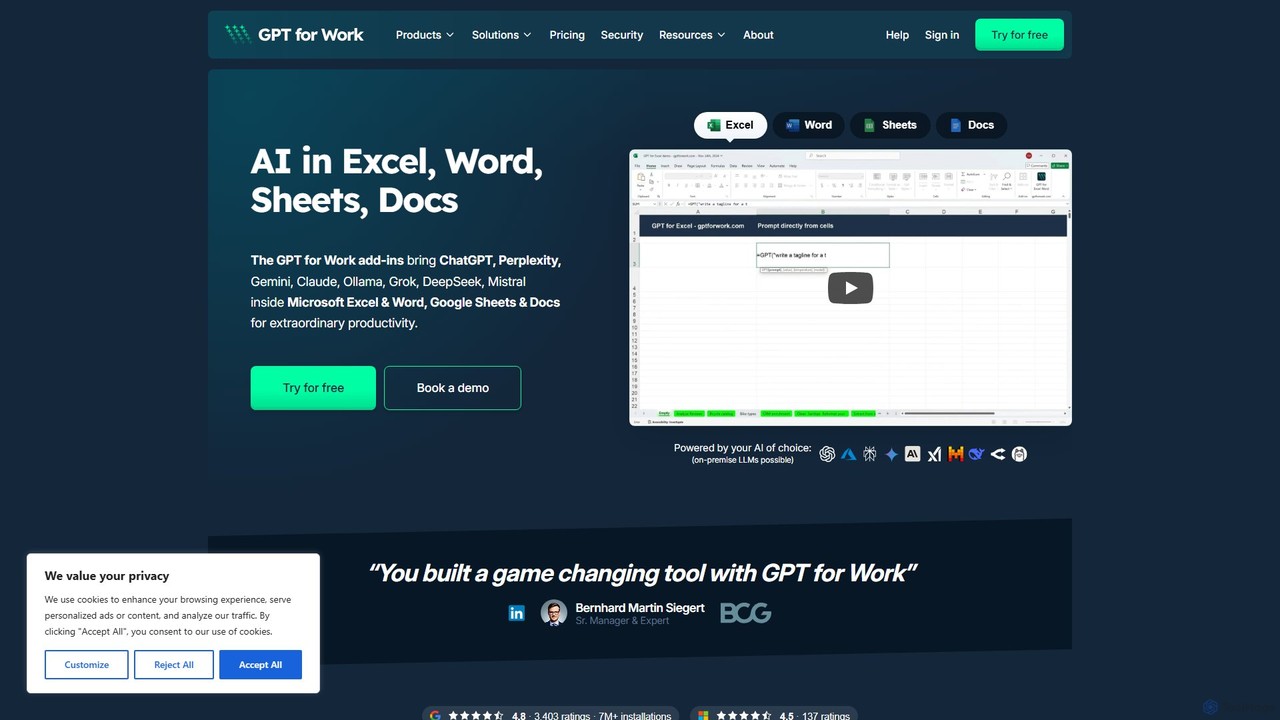
GPT for Work
A powerful AI add-on that integrates GPT capabilities directly into Google Sheets, Docs, Microsoft Excel, and Word. Automate tasks, generate text, analyze data, and create formulas using simple commands, boosting your productivity without leaving your documents.
Document Assistant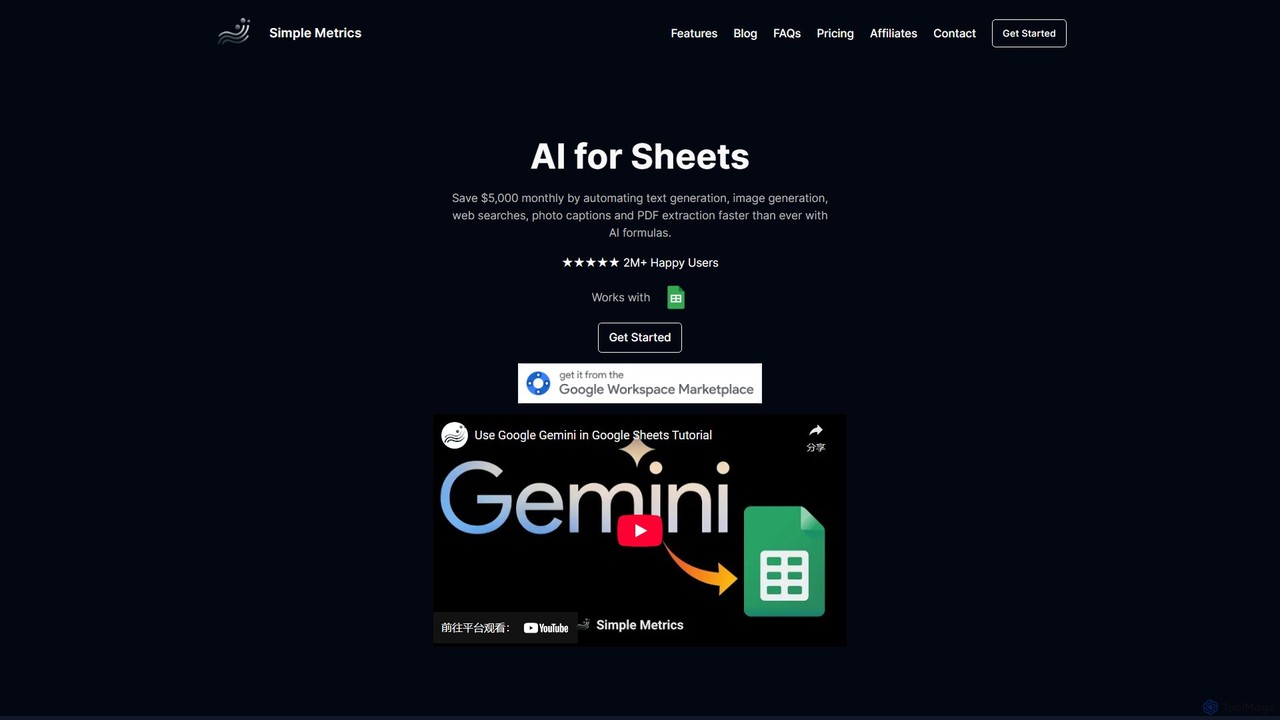
simplemetrics
An AI-powered add-on for Google Sheets and Google Docs that automates tasks like text generation, data analysis, web research, image generation, and PDF extraction. Boost your productivity by using simple AI formulas and a research assistant directly within your documents.
Data Analysis
Prompting Sheets
Prompting Sheets is an AI-powered add-on for Google Sheets that transforms your spreadsheets into dynamic tools. It allows users to generate custom project plans, to-do lists, and automate data analysis and content creation using powerful AI formulas and an integrated chatbot, eliminating the need for generic templates.
Project Management
TextCortex
TextCortex is an enterprise-grade AI platform that transforms your company's internal knowledge into actionable insights. It enables teams to build custom AI agents, automate workflows, and enhance productivity with a highly personalized AI copilot that integrates across 30,000+ applications.
Knowledge ManagementAiAssistWorks Categories
AiAssistWorks Embed Widget
Copy this embed code to place the badge on your blog, article, or product site and send readers directly to this ToolMage detail page.

Related AI tools
GPT Workspace
GPT Workspace integrates AI-powered features directly into Google Workspace applications like Docs, Sheets, Slides, and Gmail. It enhances productivity by automating content creation, data analysis, email drafting, and document editing, allowing users to leverage the power of models like GPT-4o seamlessly within their existing workflow.
Document ManagementGPT for Work
A powerful AI add-on that integrates GPT capabilities directly into Google Sheets, Docs, Microsoft Excel, and Word. Automate tasks, generate text, analyze data, and create formulas using simple commands, boosting your productivity without leaving your documents.
Document Assistantsimplemetrics
An AI-powered add-on for Google Sheets and Google Docs that automates tasks like text generation, data analysis, web research, image generation, and PDF extraction. Boost your productivity by using simple AI formulas and a research assistant directly within your documents.
Data AnalysisPrompting Sheets
Prompting Sheets is an AI-powered add-on for Google Sheets that transforms your spreadsheets into dynamic tools. It allows users to generate custom project plans, to-do lists, and automate data analysis and content creation using powerful AI formulas and an integrated chatbot, eliminating the need for generic templates.
Project Management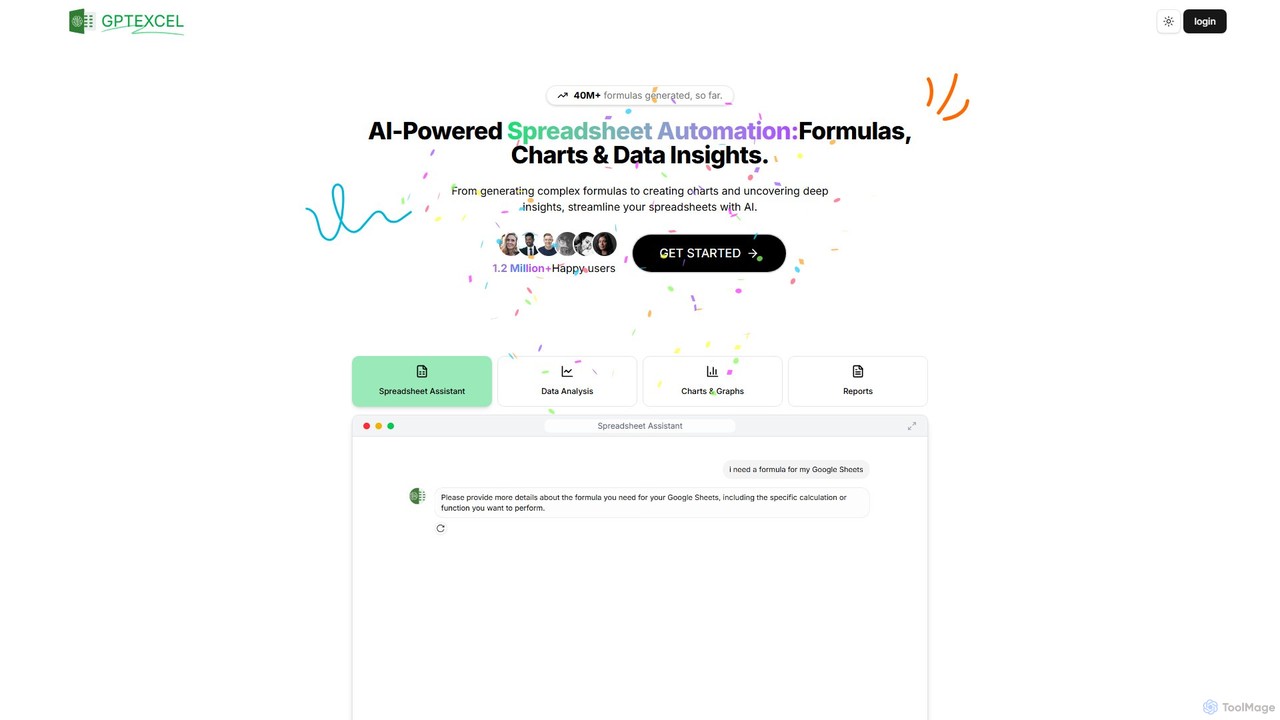
GPTExcel
GPTExcel is an AI-powered assistant that revolutionizes spreadsheet workflows. It generates complex formulas, automation scripts (VBA, Apps Script), SQL queries, and Regex from natural language. It also enables users to chat with their data, convert images to tables, create charts, and perform in-depth data analysis, supporting platforms like Excel, Google Sheets, and Airtable.
Sql
Ajelix
Ajelix is an AI-powered suite of tools designed to enhance productivity for Excel and Google Sheets users. It acts as an AI data analyst, automating tasks, generating formulas and VBA scripts, creating insightful reports, and providing advanced data analysis through a simple chat interface.
Business Intelligence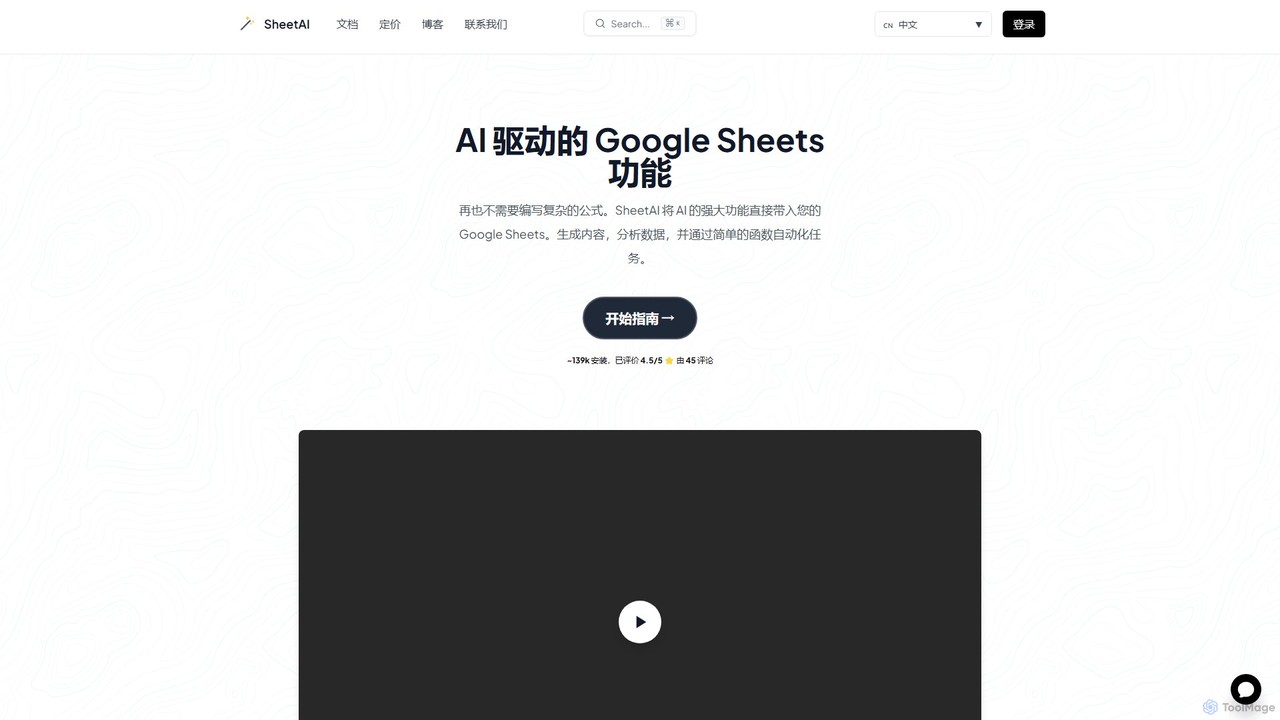
SheetAI
SheetAI integrates the power of AI directly into Google Sheets, allowing users to generate content, analyze data, and automate tasks using simple functions. It eliminates the need for complex formulas, making spreadsheet management more efficient and intuitive for everyone.
No Code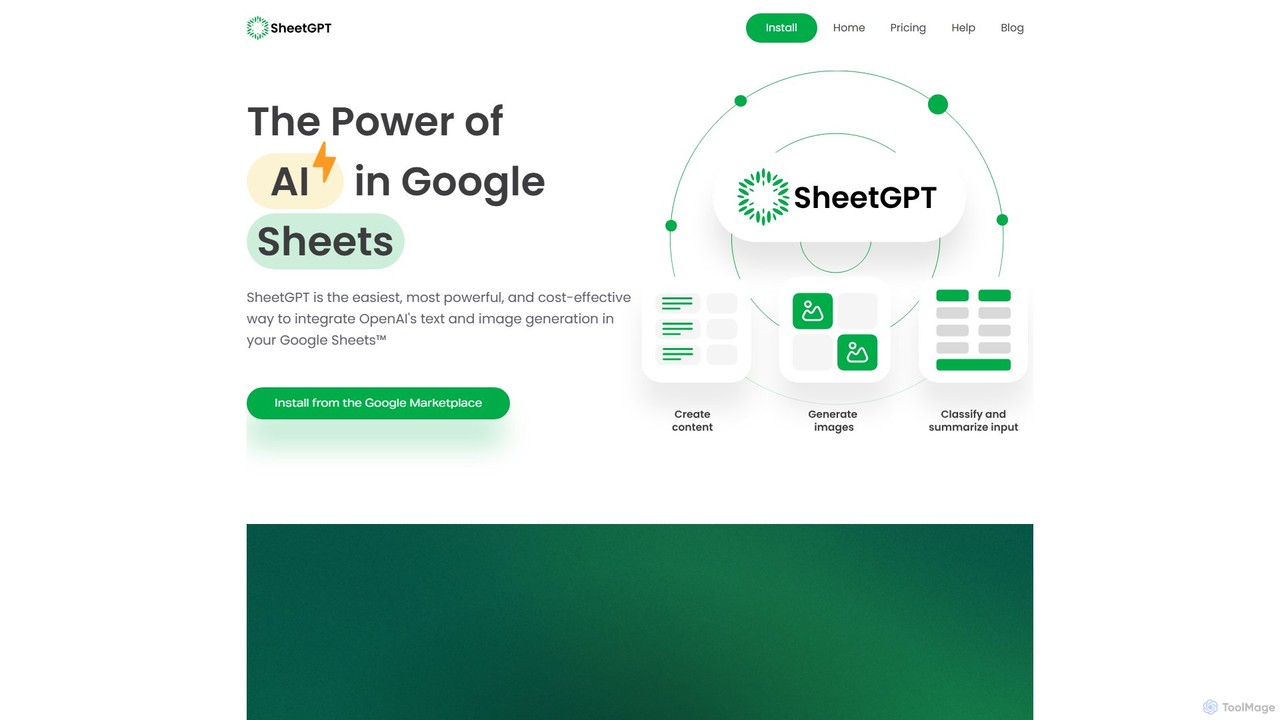
SheetGPT
SheetGPT is a powerful Google Sheets™ add-on that integrates OpenAI's GPT technology directly into your spreadsheets. It allows users to generate text and images, analyze data, create content, and automate workflows using simple functions, without needing API keys. It's designed for individuals and teams to enhance productivity in marketing, research, and content creation.
Seo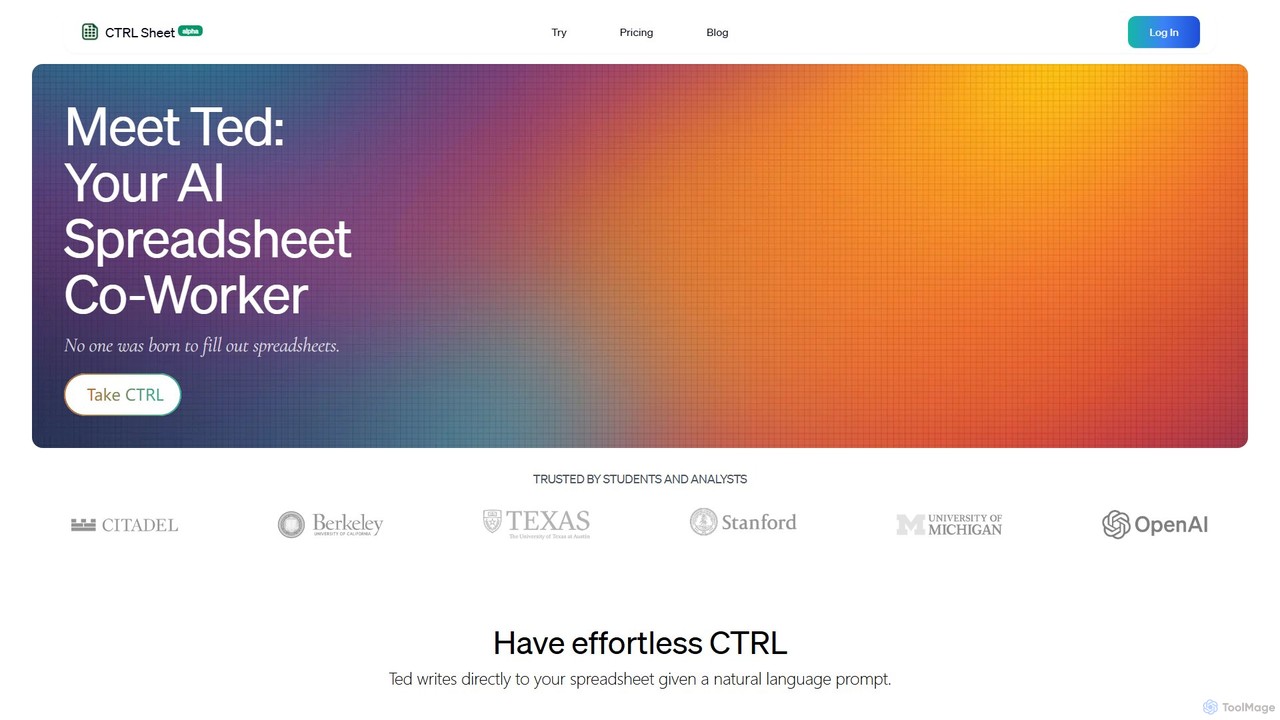
CTRL Sheet
CTRL Sheet is an AI-powered spreadsheet co-worker named Ted that automates data tasks. It allows users to interact with spreadsheets using natural language, extract data from various files like PDFs and images, and generate complex formulas effortlessly. It's designed to save time and reduce errors for students, analysts, and professionals.
Task Automation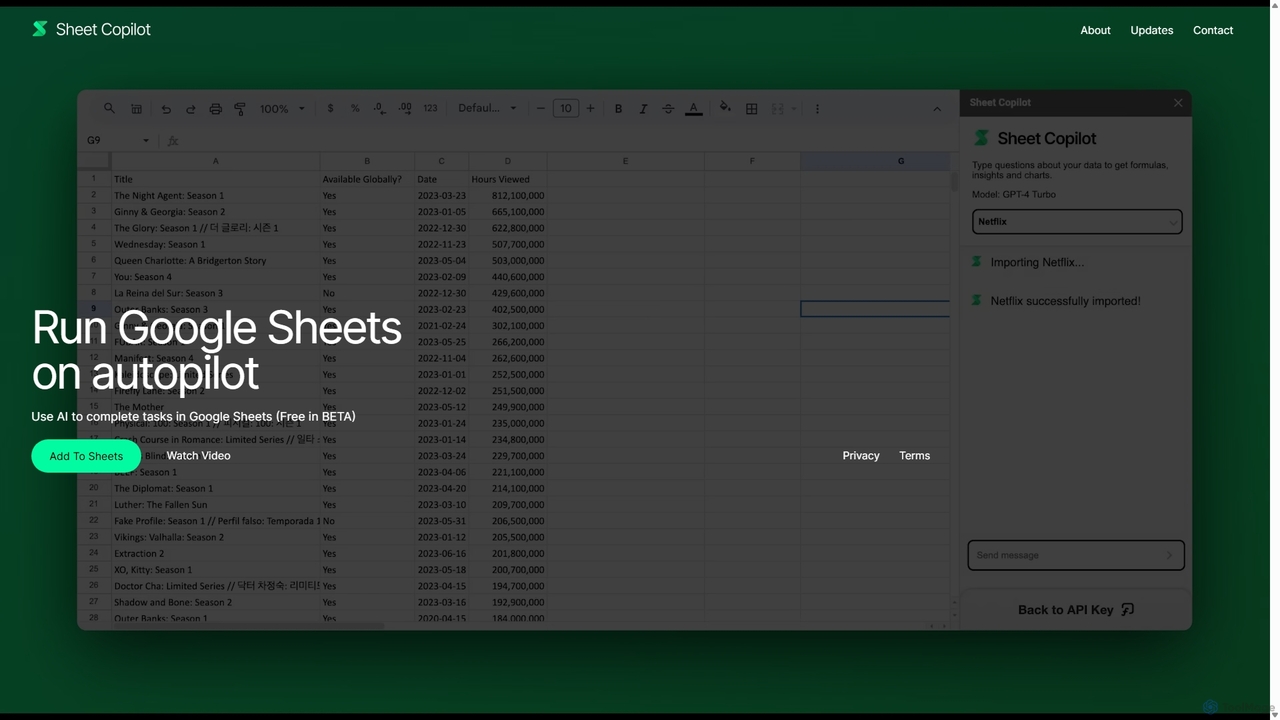
Sheet Copilot
Sheet Copilot is an AI-powered assistant that automates tasks and answers questions directly within Google Sheets. By using natural language commands, you can clean data, generate formulas, create summaries, and analyze information without writing complex functions. It's currently free in beta and operates using your own OpenAI API key for enhanced privacy and security.
Automation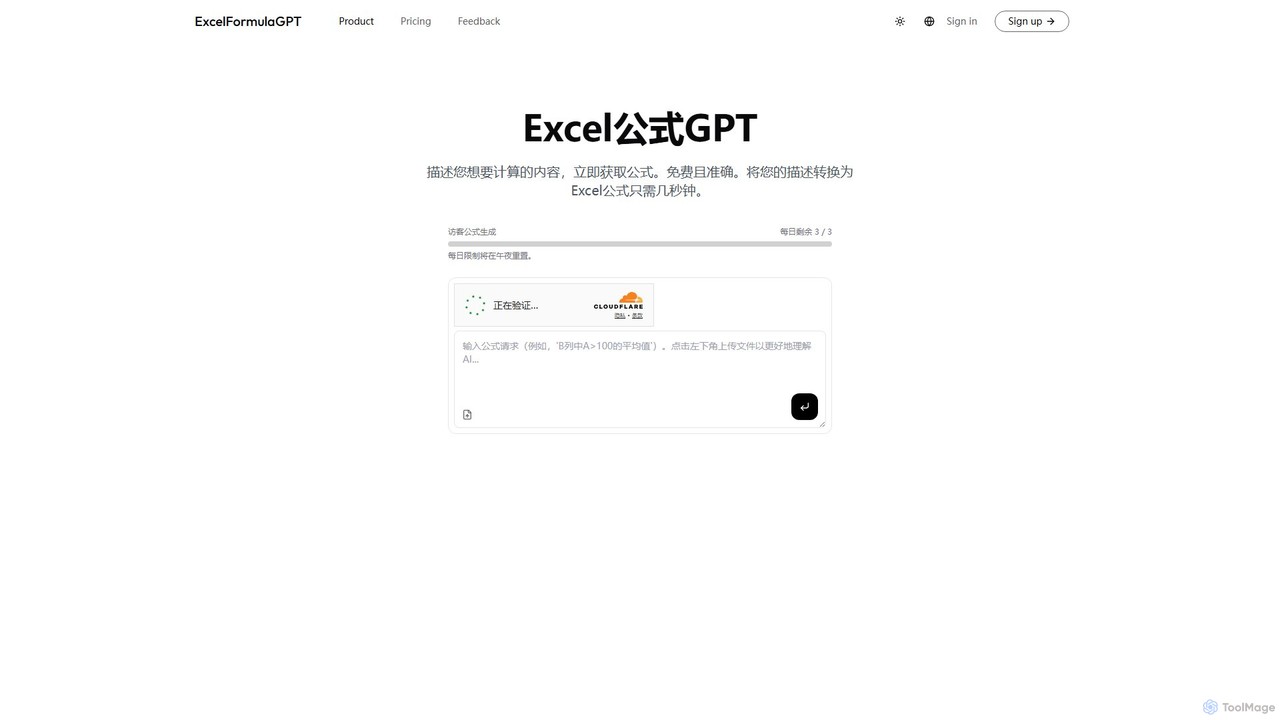
excelformulagpt
excelformulagpt is an AI-powered tool that instantly converts natural language descriptions into complex Excel and Google Sheets formulas. It helps users save time, reduce errors, and boost productivity without needing to memorize complex syntax. Features include formula generation, context-aware suggestions from uploaded files, and formula explanations.
Automation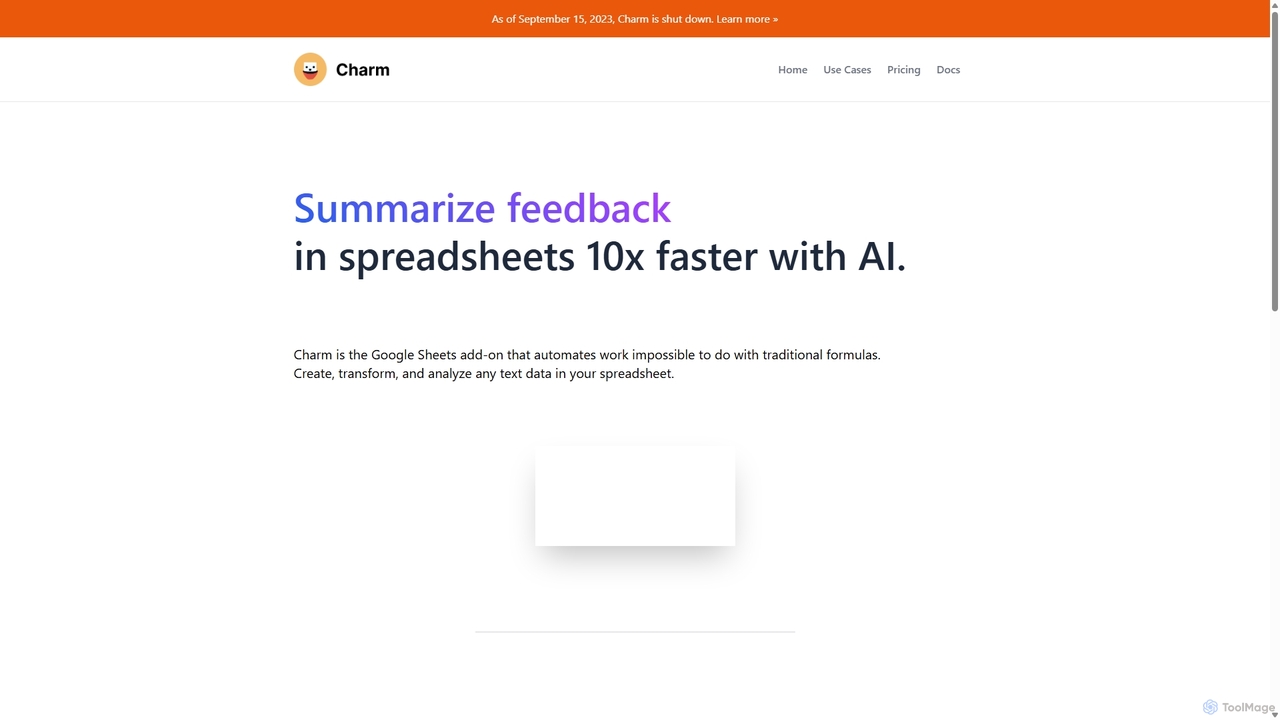
Charm
Charm was an AI-powered assistant integrated directly into Google Sheets as an add-on. It was designed to automate complex text-based tasks, such as cleaning messy data, generating content, summarizing text, and classifying information, without requiring traditional formulas or coding. Please note: Charm was officially shut down on September 15, 2023.
Automation
Sheetplus
Sheetplus is an AI-powered toolkit designed to supercharge your spreadsheet experience in Google Sheets and Excel. By leveraging natural language, it allows users to generate complex formulas, clean and analyze data, automate tasks, and extract insights without writing code. It acts as an intelligent assistant, making data management faster, more intuitive, and accessible to everyone, regardless of their technical expertise.
Automation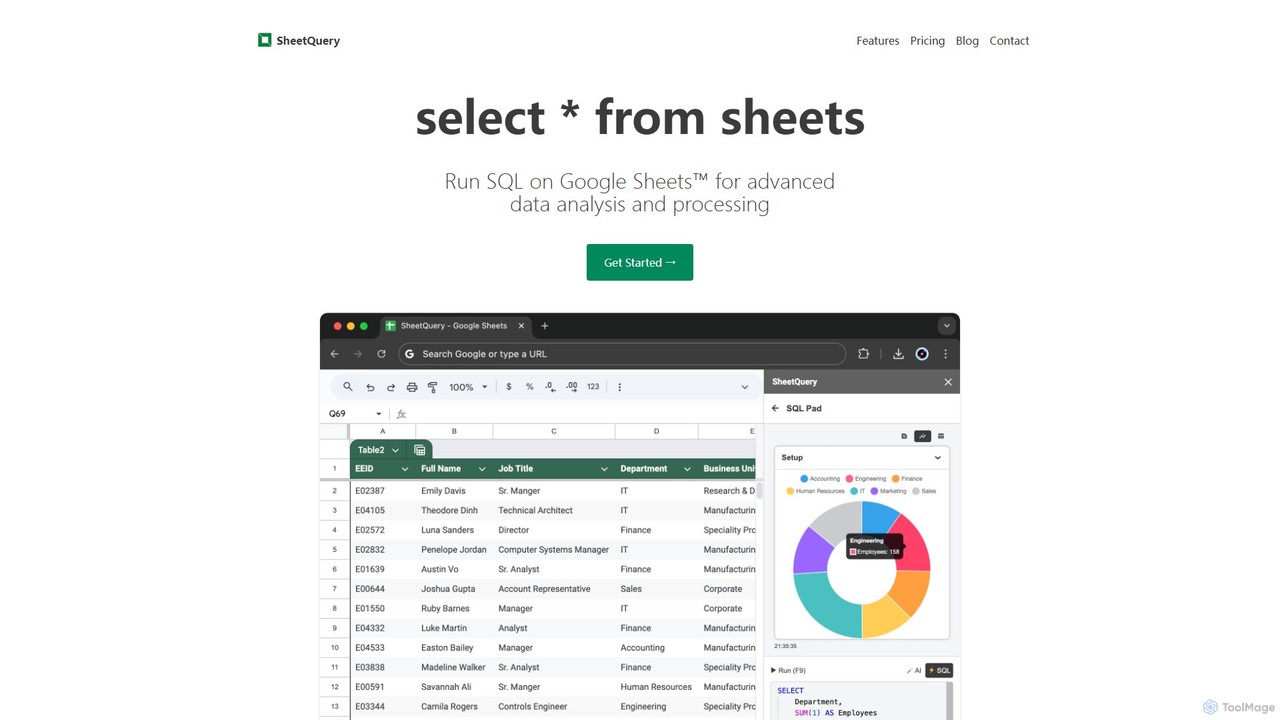
SheetQuery
A powerful tool that enables you to run advanced SQL queries directly on Google Sheets for sophisticated data analysis, bulk updates, deletes, and inserts. Transform your spreadsheets into a queryable database.
Databases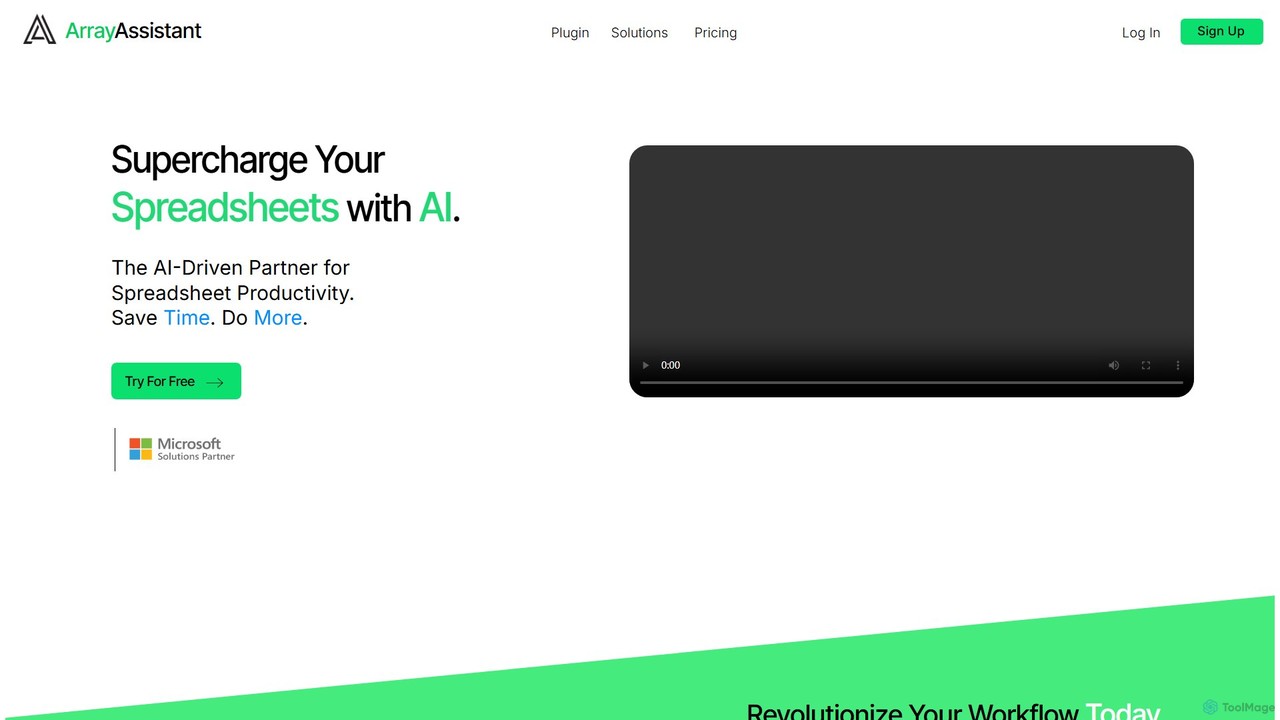
Array Assistant
Array Assistant is an AI-powered plugin for spreadsheets that supercharges your productivity. It helps you generate complex formulas, clean and organize data, summarize text, explain problems, and design automations, all within your existing workflow. Ideal for professionals, students, and anyone who uses spreadsheets.
Finance
AiAssistWorks Comments (0)
Sign in to comment.
Sign inNo comments yet.