

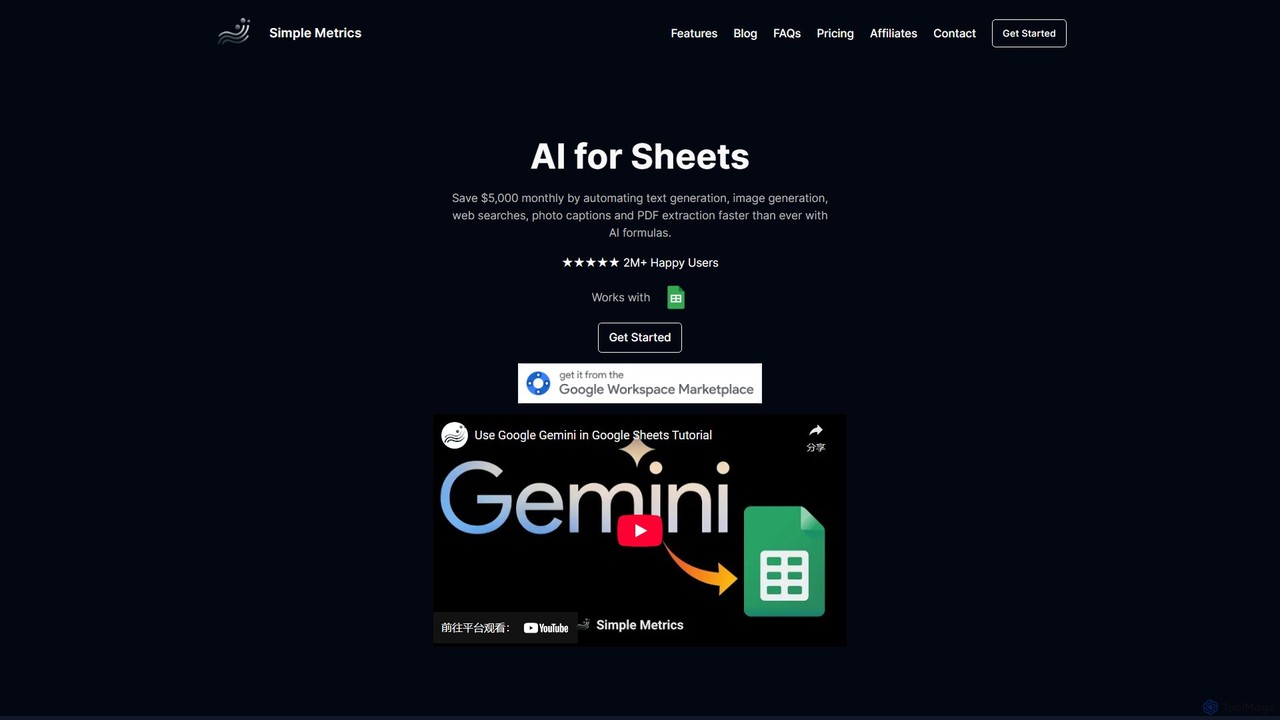
simplemetrics Overview
simplemetrics is a powerful suite of AI tools designed to seamlessly integrate with Google Workspace, transforming how you work within Google Sheets and Google Docs. It eliminates tedious, manual tasks by bringing the power of advanced AI models like Gemini directly into your familiar spreadsheet and document environments. Whether you need to generate content at scale, analyze data, conduct real-time research, or extract information from images and PDFs, simplemetrics provides an intuitive and efficient solution.
The core of simplemetrics is its add-on for Google Sheets, which allows users to leverage a variety of AI functions to automate complex processes. For professionals who spend hours copying and pasting data or generating repetitive reports, this tool is a game-changer. Additionally, its 'Deep Research AI' for Google Docs acts as a personal research assistant, helping users create well-cited, high-quality content without ever leaving their document.
How to use simplemetrics
Getting started with simplemetrics is straightforward. First, install the add-on from the Google Workspace Marketplace for either Google Sheets or Google Docs.
In Google Sheets:
The tool works through a set of simple, powerful formulas. You can list your topics, questions, or data in a column, and then apply an AI formula in an adjacent cell to process them in bulk. For example:
1. To perform a web search: Use the formula =AISEARCH("your query") to get up-to-date answers from the web.
2. To generate text: Use =GEMINI("your prompt") to write articles, descriptions, or any other text.
3. To analyze an image: Use =VISION("image URL") to get a description or extract text from an image.
4. To generate an image: Use =IMAGEN("a description of the image") to create AI-generated visuals.
5. To extract data from a PDF: Use =PDF("PDF URL") to pull text and data directly into your sheet.
In Google Docs (Deep Research AI):
1. Open the simplemetrics add-on from the sidebar.
2. A chat interface will appear. Type your research question or content request into the chat.
3. The AI will generate a comprehensive, well-researched answer, complete with properly formatted citations from credible sources.
4. You can then insert this content directly into your document with a single click, and it will be automatically formatted.
Core Features of simplemetrics
- Powerful AI Formulas for Sheets: A comprehensive set of 13+ formulas including GEMINI(), VISION(), IMAGEN(), AISEARCH(), PDF(), and TRANSLATE() to handle various tasks.
- Real-time Web Search: The AISEARCH() function allows you to conduct live Google searches to gather the latest information and back your work with facts.
- Multimodal AI Capabilities: Analyze images to generate captions or tags (VISION()), create unique images from text prompts (IMAGEN()), and extract text and data from PDF files (PDF()).
- Deep Research Assistant for Docs: A conversational AI in the Google Docs sidebar that generates in-depth, cited content, transforming your research and writing process.
- Bulk Automation: Designed to handle tasks at scale. Generate content, classify text, or analyze data for thousands of rows at once, saving countless hours.
- Personalized AI Assistant: Customize the AI's response style using Custom Instructions, adjust the creativity level, and choose between faster or smarter AI models to fit your specific needs.
Use Cases for simplemetrics
For Marketers and Content Creators:
Automate the creation of blog posts, social media captions, product descriptions, and ad copy. Conduct keyword research and generate topic ideas in bulk.
For Data Analysts:
Perform bulk text classification, sentiment analysis, and data cleaning. Ask natural language questions about your dataset to quickly uncover insights.
For Business Operations:
Automatically extract data from PDF invoices, receipts, and reports directly into Google Sheets, streamlining accounting and data entry processes.
For Students and Academics:
Use the Deep Research AI in Google Docs to find credible sources, generate literature summaries, and draft papers with automatic citations, ensuring academic integrity.
Advantages of simplemetrics
Seamless Workflow Integration: By operating directly within Google Sheets and Docs, it eliminates the need to switch between different applications, keeping you focused and productive.
Significant Time and Cost Savings: Automates repetitive tasks, freeing up valuable time and potentially saving thousands of dollars in manual labor costs.
Scalability and Efficiency: Built for high-volume tasks, allowing you to scale your operations without a proportional increase in effort.
User-Friendly: The formula-based system in Sheets and the chat interface in Docs are intuitive and easy to learn for users of all skill levels.
Versatility: A single tool provides a wide array of capabilities, from text and image generation to data extraction and real-time research.
Pricing and Plans
simplemetrics offers a flexible freemium model with plans to suit different needs. Payments are handled securely via Stripe, and you can cancel anytime.
- Free: $0/month for 50 usages.
- Pro: $15/month for 10,000 usages.
- Plus: $55/month for 50,000 usages.
- Ultra: $95/month for 100,000 usages.
- Team: Custom pricing for custom usage and multi-account needs.
All paid plans include features like Custom Instruction, Full Sheet Analysis, a 100x Input/Output Limit, the option to use a Smarter Model, Real-time Web Search, Image Generation, and customer support within 24 hours.
Traffic
Latest traffic
Status
Monthly traffic trend
- 2025-9: 3.1K
- 2026-1: 0
- 2026-2: 1.3K
- 2026-3: 225
- 2026-4: 570
- 2026-5: 686
Top keywords
| Keyword | Cost per click |
|---|---|
| codex go vs plus | $0.00 |
| gemini 503 | $0.00 |
| simplemetrics | $0.00 |
| simple metrics.xyz | $0.00 |
| this model is overloaded right now. please try again shortly or pick a different model. | $0.00 |
simplemetrics Alternatives
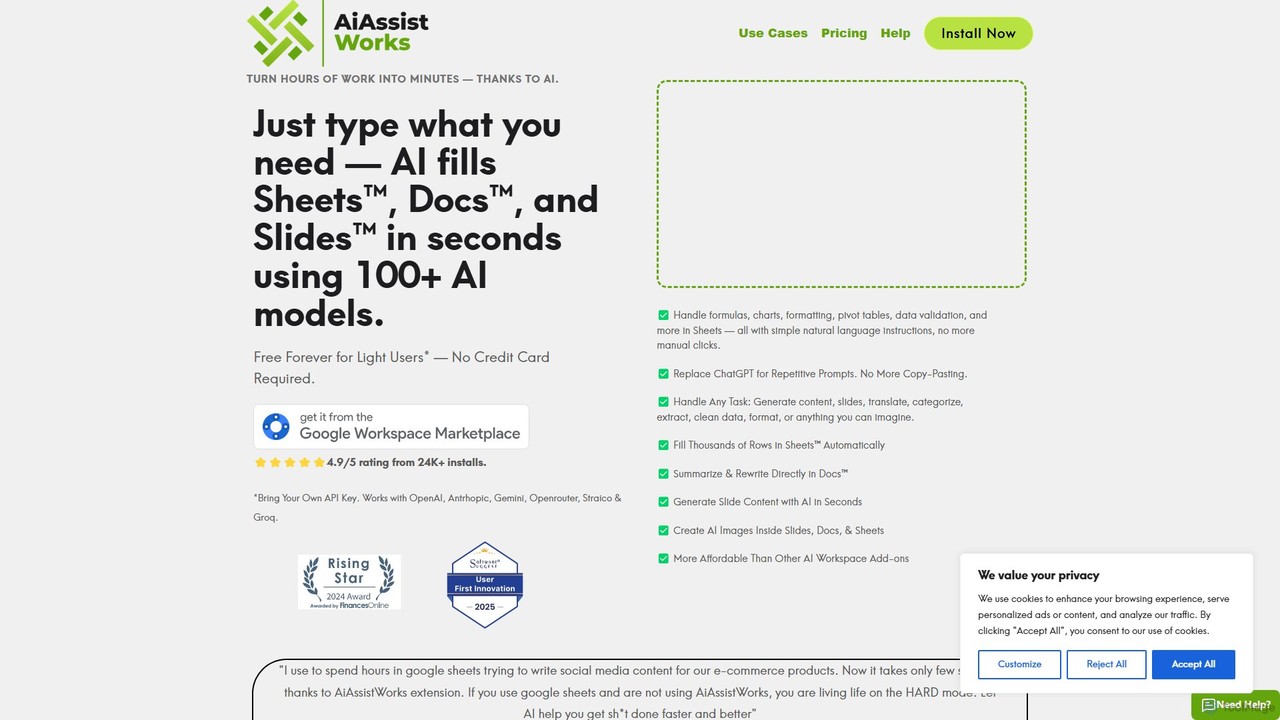
AiAssistWorks
AiAssistWorks is a powerful AI assistant that integrates directly into Google Sheets™, Slides™, and Docs™. It automates tasks, generates content, and analyzes data, helping you work smarter and faster within your existing Google Workspace environment. From writing drafts to creating complex formulas, AiAssistWorks boosts your productivity.
Content Creation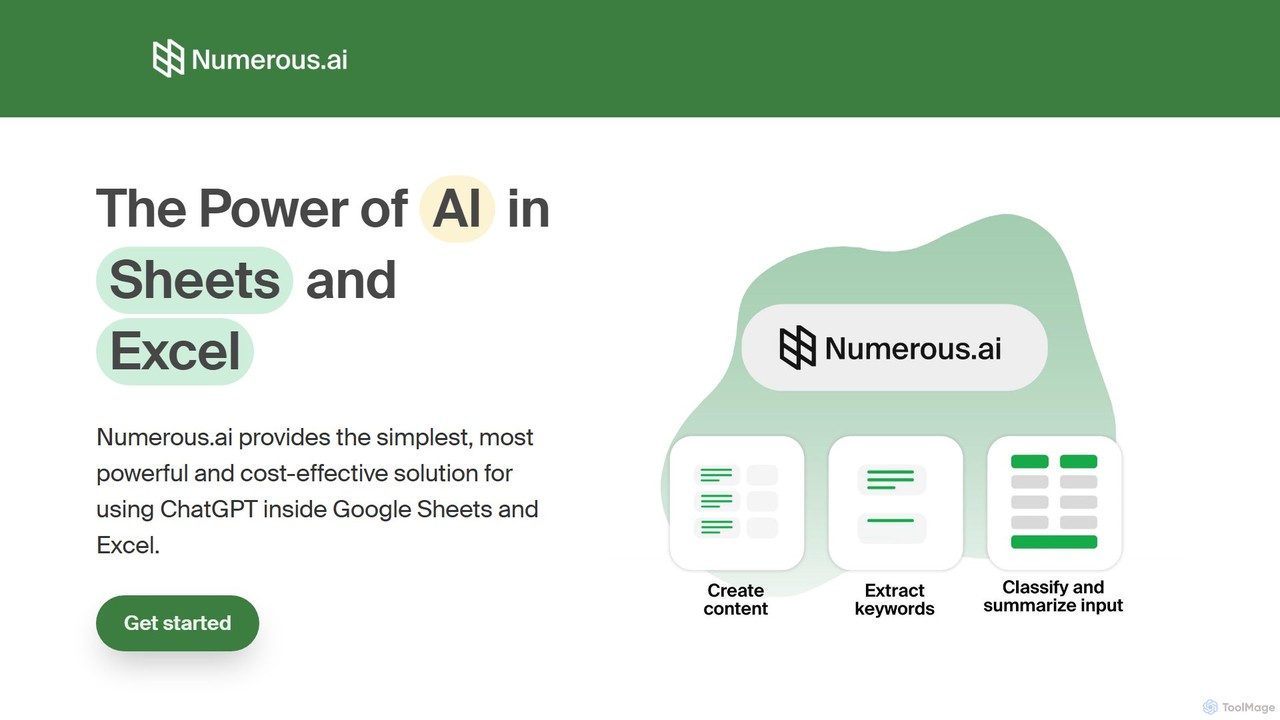
Numerous.ai
Numerous.ai is a powerful AI assistant that integrates directly into Google Sheets and Excel. It allows users to automate tasks, generate content, clean and classify data, and perform complex analysis using a simple '=AI()' function, without needing any API keys or coding skills.
Data Analysis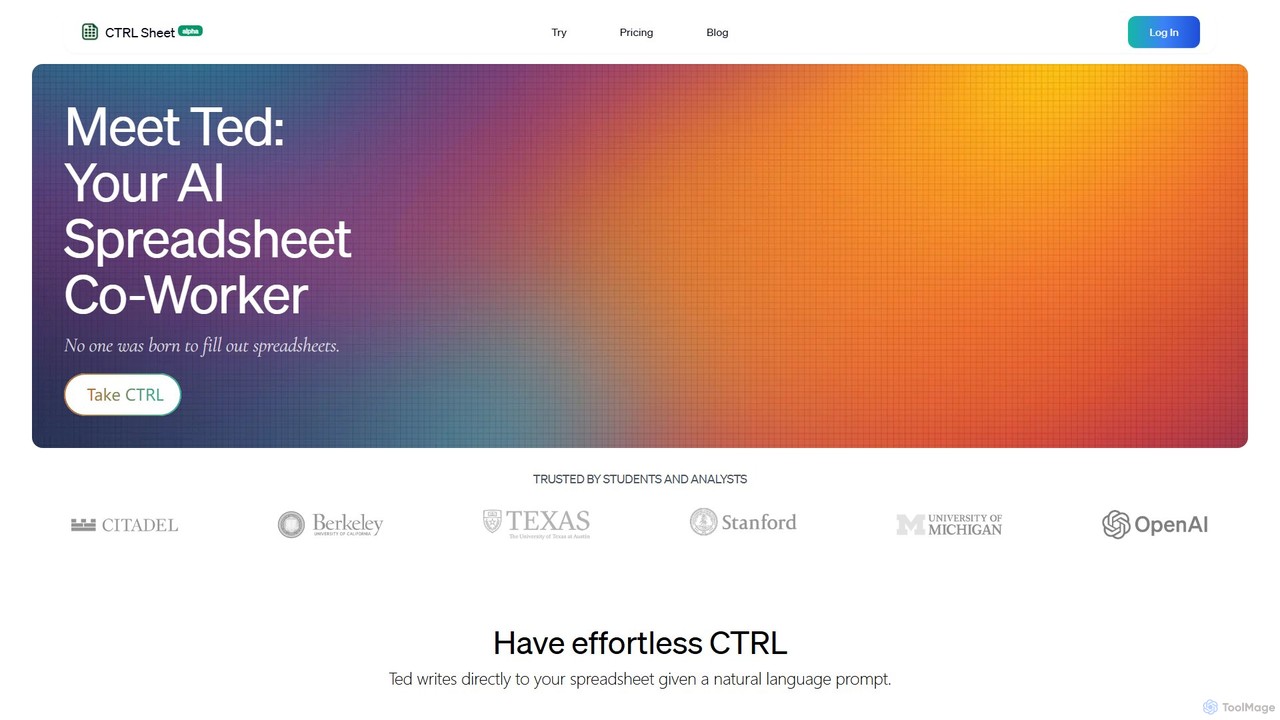
CTRL Sheet
CTRL Sheet is an AI-powered spreadsheet co-worker named Ted that automates data tasks. It allows users to interact with spreadsheets using natural language, extract data from various files like PDFs and images, and generate complex formulas effortlessly. It's designed to save time and reduce errors for students, analysts, and professionals.
Task Automation
Sheet Copilot
Sheet Copilot is an AI-powered assistant that automates tasks and answers questions directly within Google Sheets. By using natural language commands, you can clean data, generate formulas, create summaries, and analyze information without writing complex functions. It's currently free in beta and operates using your own OpenAI API key for enhanced privacy and security.
Automation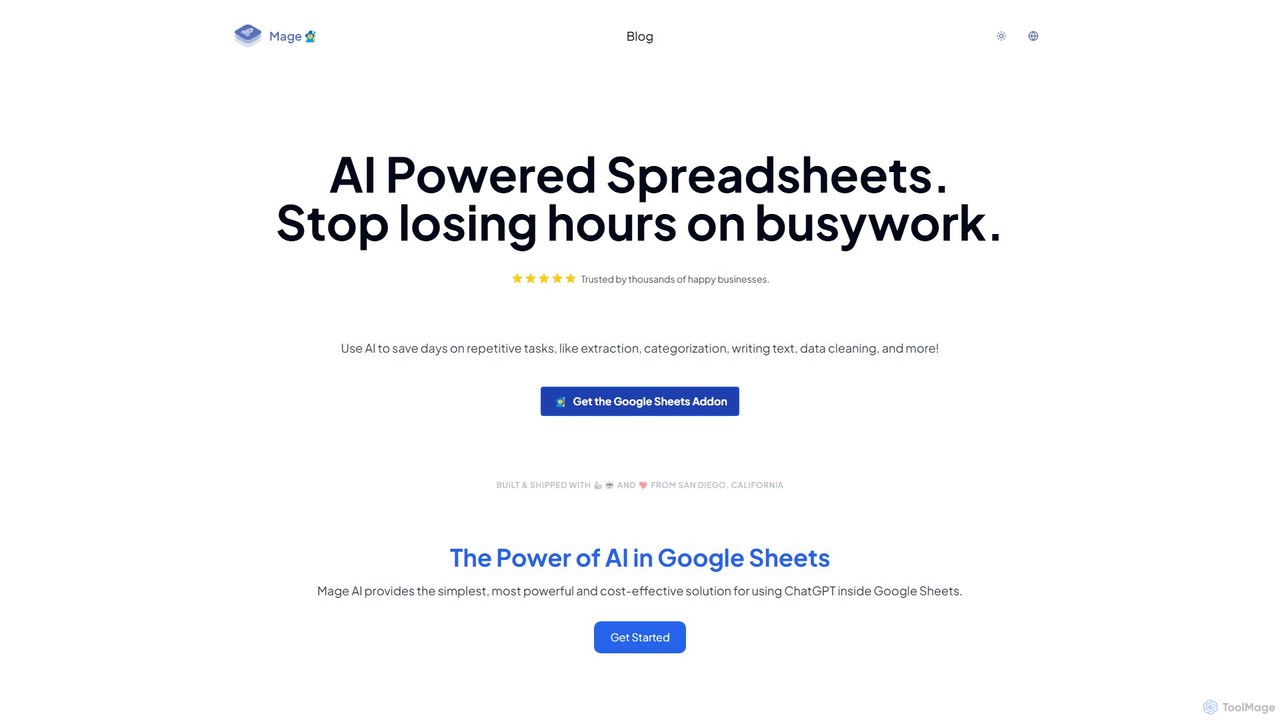
simplemetrics Categories
simplemetrics Embed Widget
Copy this embed code to place the badge on your blog, article, or product site and send readers directly to this ToolMage detail page.

Related AI tools
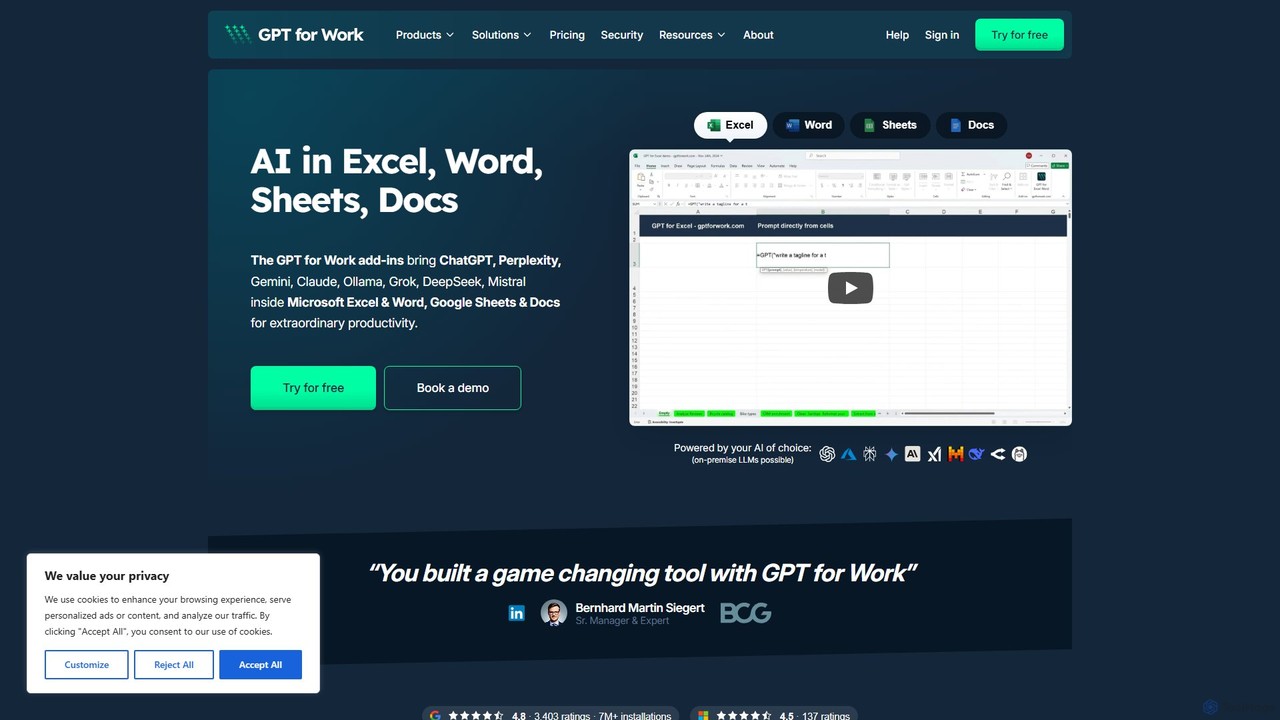
GPT for Work
A powerful AI add-on that integrates GPT capabilities directly into Google Sheets, Docs, Microsoft Excel, and Word. Automate tasks, generate text, analyze data, and create formulas using simple commands, boosting your productivity without leaving your documents.
Document AssistantAiAssistWorks
AiAssistWorks is a powerful AI assistant that integrates directly into Google Sheets™, Slides™, and Docs™. It automates tasks, generates content, and analyzes data, helping you work smarter and faster within your existing Google Workspace environment. From writing drafts to creating complex formulas, AiAssistWorks boosts your productivity.
Content Creation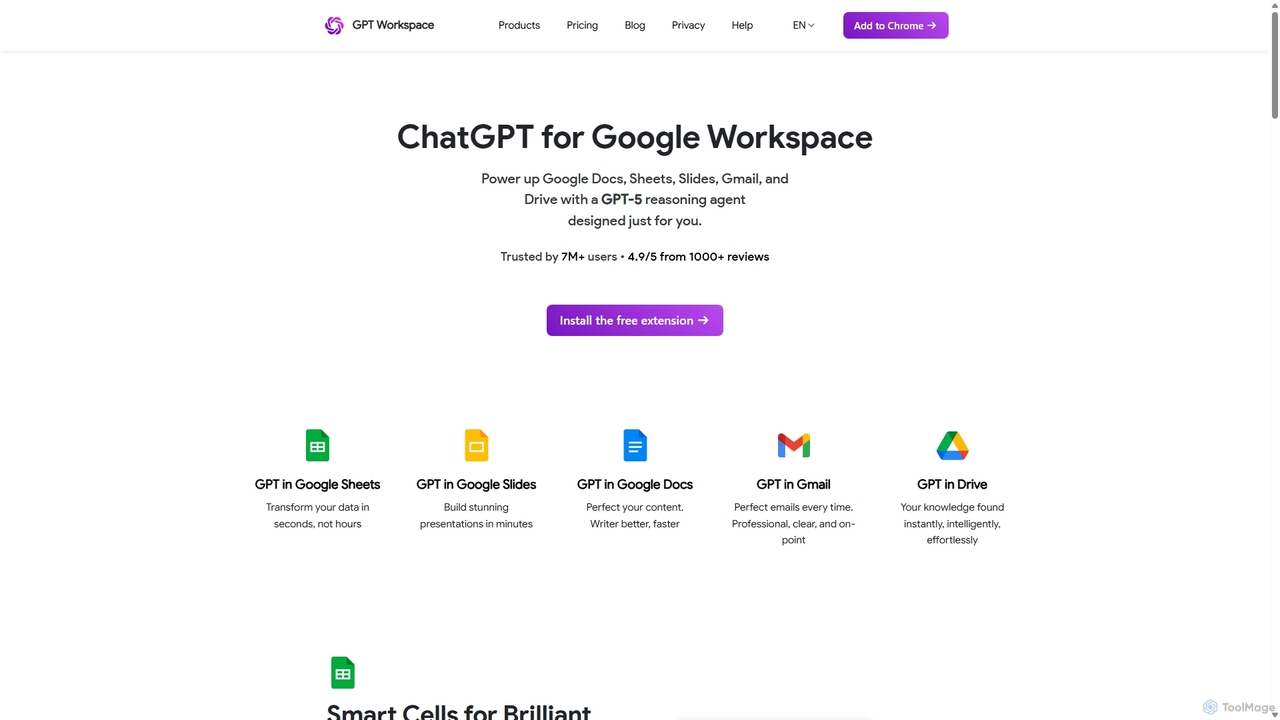
GPT Workspace
GPT Workspace integrates AI-powered features directly into Google Workspace applications like Docs, Sheets, Slides, and Gmail. It enhances productivity by automating content creation, data analysis, email drafting, and document editing, allowing users to leverage the power of models like GPT-4o seamlessly within their existing workflow.
Document Management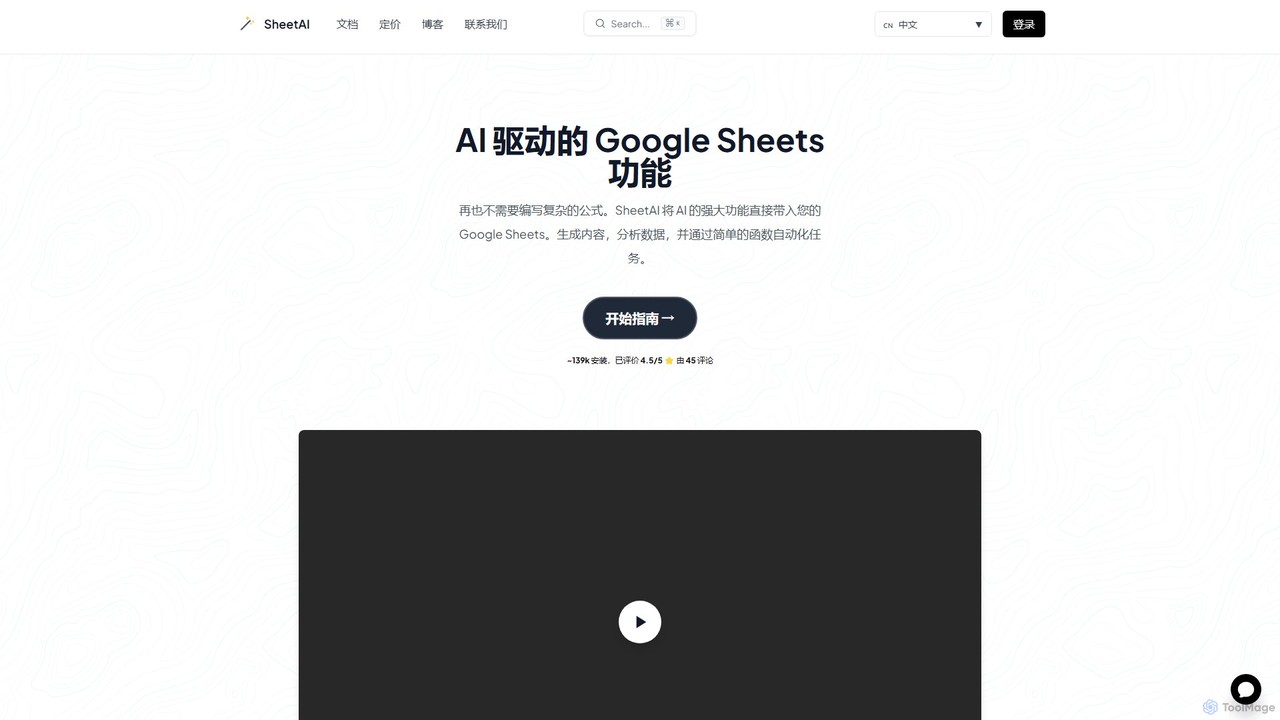
SheetAI
SheetAI integrates the power of AI directly into Google Sheets, allowing users to generate content, analyze data, and automate tasks using simple functions. It eliminates the need for complex formulas, making spreadsheet management more efficient and intuitive for everyone.
No Code
SheetGPT
SheetGPT is a powerful Google Sheets™ add-on that integrates OpenAI's GPT technology directly into your spreadsheets. It allows users to generate text and images, analyze data, create content, and automate workflows using simple functions, without needing API keys. It's designed for individuals and teams to enhance productivity in marketing, research, and content creation.
Seo
Charm
Charm was an AI-powered assistant integrated directly into Google Sheets as an add-on. It was designed to automate complex text-based tasks, such as cleaning messy data, generating content, summarizing text, and classifying information, without requiring traditional formulas or coding. Please note: Charm was officially shut down on September 15, 2023.
Automation
Komo
Komo is an AI-powered research companion that revolutionizes information discovery. It integrates advanced web search, knowledge browsing, and AI assistance, providing access to top models like DeepSeek, GPT, Claude, and Gemini. Features include AI-driven search, chat, mind mapping, and fact-checking to help users efficiently research topics, explain concepts, and gain deeper insights.
SearchNumerous.ai
Numerous.ai is a powerful AI assistant that integrates directly into Google Sheets and Excel. It allows users to automate tasks, generate content, clean and classify data, and perform complex analysis using a simple '=AI()' function, without needing any API keys or coding skills.
Data AnalysisCTRL Sheet
CTRL Sheet is an AI-powered spreadsheet co-worker named Ted that automates data tasks. It allows users to interact with spreadsheets using natural language, extract data from various files like PDFs and images, and generate complex formulas effortlessly. It's designed to save time and reduce errors for students, analysts, and professionals.
Task AutomationSheet Copilot
Sheet Copilot is an AI-powered assistant that automates tasks and answers questions directly within Google Sheets. By using natural language commands, you can clean data, generate formulas, create summaries, and analyze information without writing complex functions. It's currently free in beta and operates using your own OpenAI API key for enhanced privacy and security.
Automation
AI Sheets
AI Sheets is a powerful Google Sheets add-on that integrates top AI models like ChatGPT, Claude, and Perplexity directly into your spreadsheets. Use simple formulas to generate content, analyze data, search the web, and automate tasks without needing any API keys or complex setup. It's designed for marketers, creators, researchers, and anyone looking to boost their productivity in Google Sheets.
Content Creation
Prompting Sheets
Prompting Sheets is an AI-powered add-on for Google Sheets that transforms your spreadsheets into dynamic tools. It allows users to generate custom project plans, to-do lists, and automate data analysis and content creation using powerful AI formulas and an integrated chatbot, eliminating the need for generic templates.
Project Management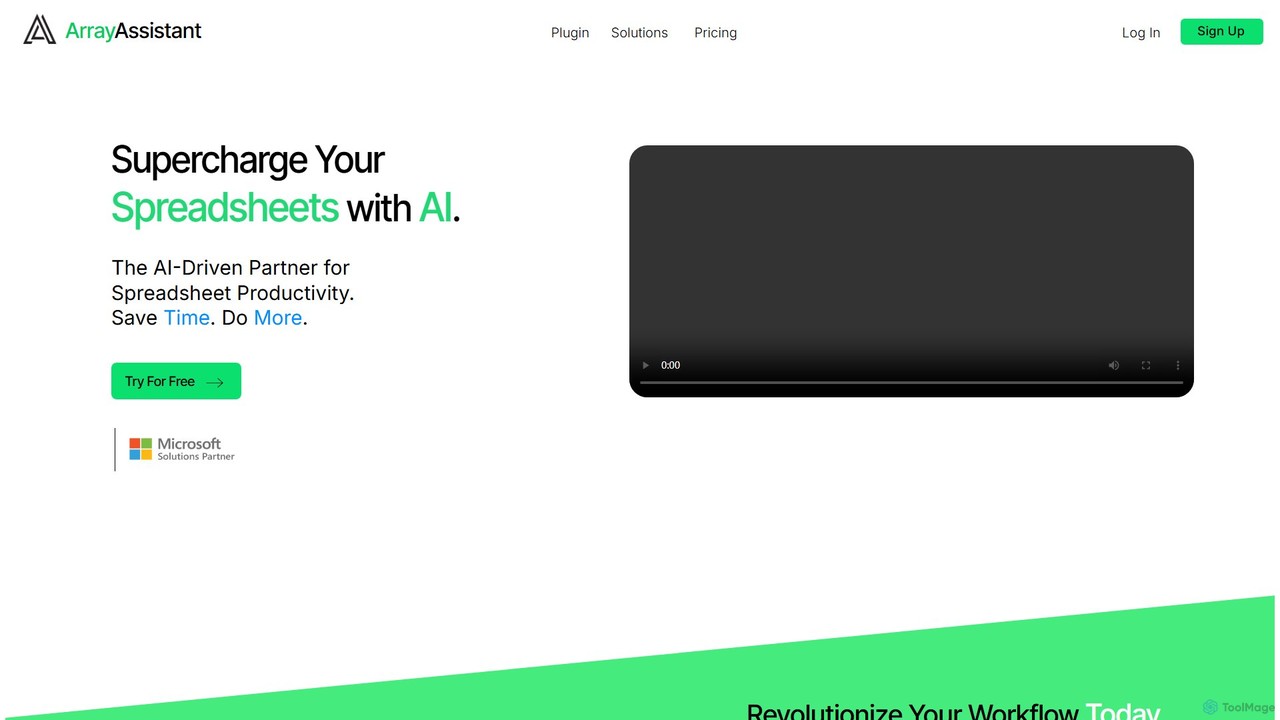
Array Assistant
Array Assistant is an AI-powered plugin for spreadsheets that supercharges your productivity. It helps you generate complex formulas, clean and organize data, summarize text, explain problems, and design automations, all within your existing workflow. Ideal for professionals, students, and anyone who uses spreadsheets.
Finance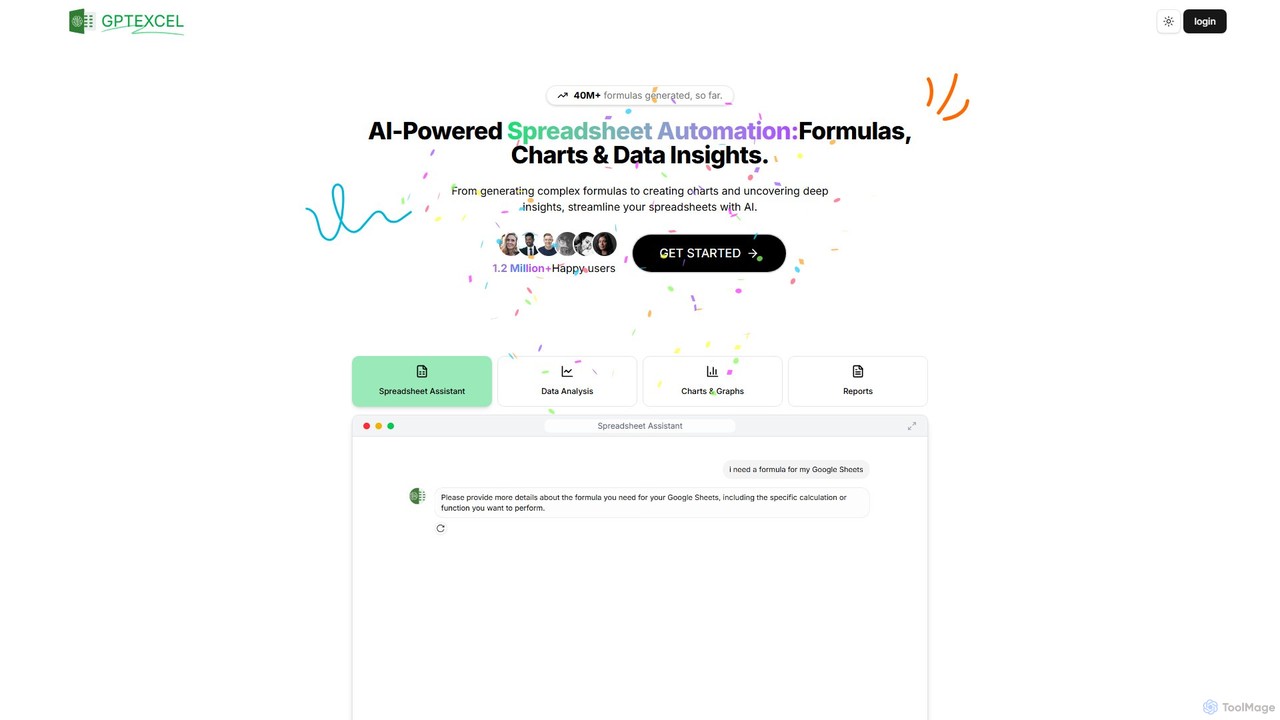
GPTExcel
GPTExcel is an AI-powered assistant that revolutionizes spreadsheet workflows. It generates complex formulas, automation scripts (VBA, Apps Script), SQL queries, and Regex from natural language. It also enables users to chat with their data, convert images to tables, create charts, and perform in-depth data analysis, supporting platforms like Excel, Google Sheets, and Airtable.
Sql
simplemetrics Comments (0)
Sign in to comment.
Sign inNo comments yet.