
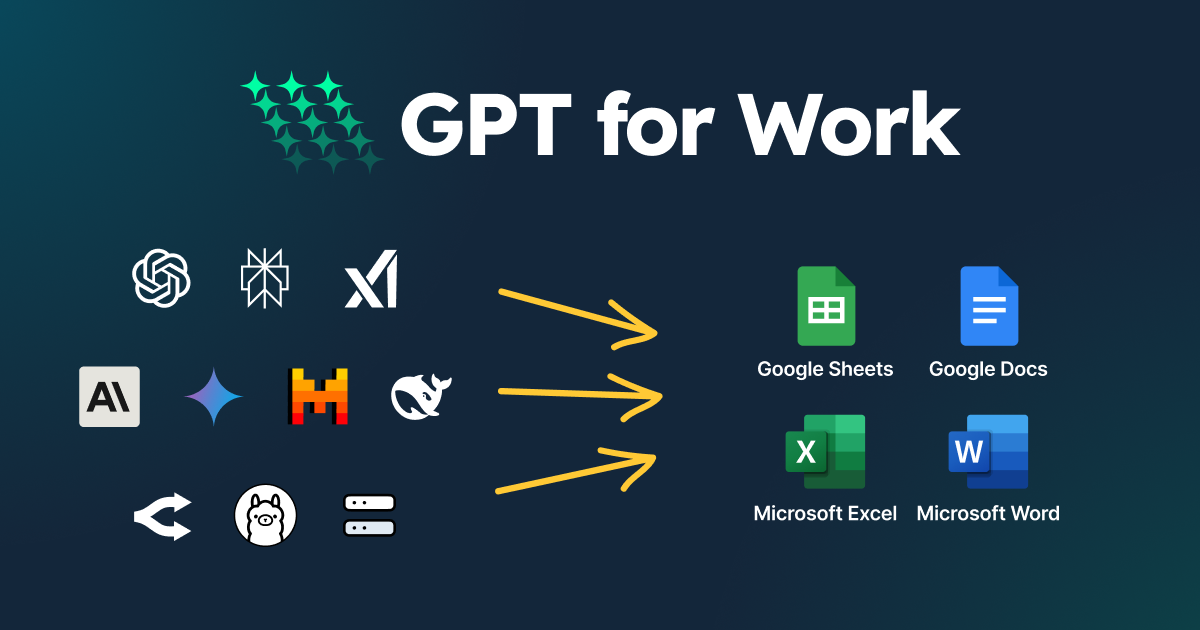
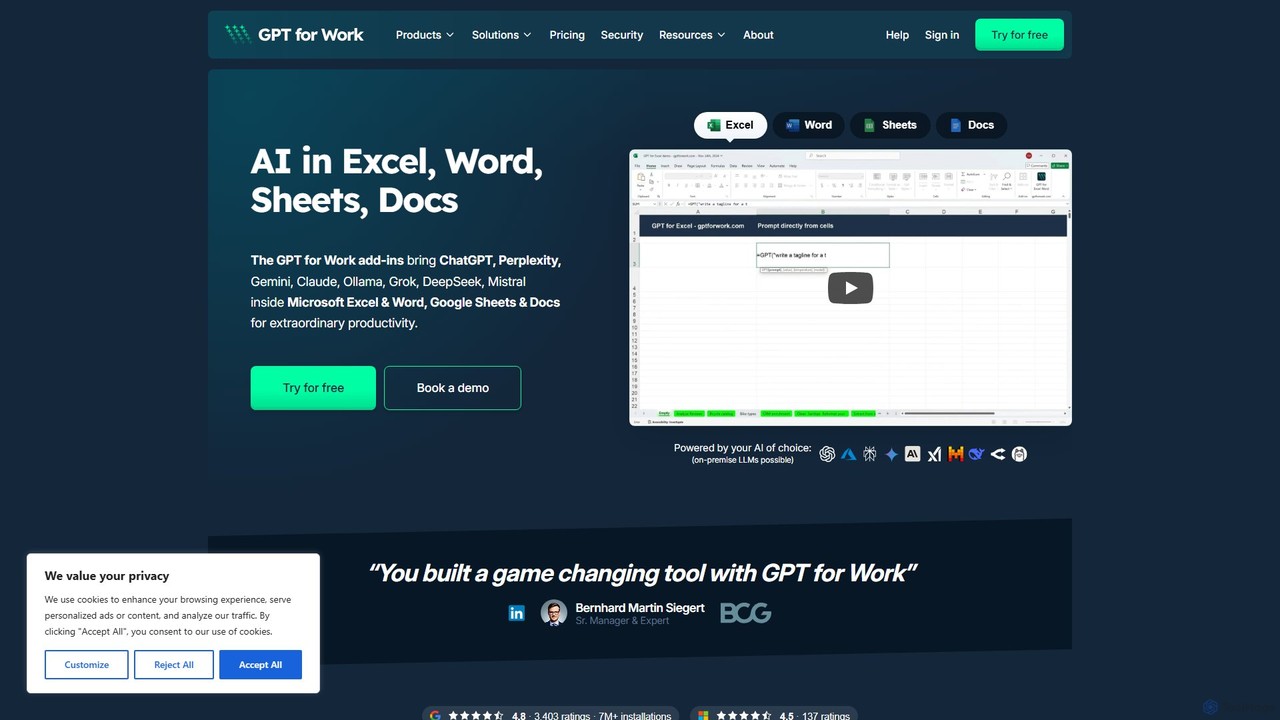
GPT for Work Overview
GPT for Work is a suite of AI-powered add-ons designed to seamlessly integrate the capabilities of advanced language models like GPT directly into your daily productivity tools: Microsoft Excel, Word, Google Sheets, and Google Docs. It acts as an intelligent assistant within your spreadsheets and documents, helping you automate tedious tasks, generate high-quality content, analyze data, and enhance your overall efficiency. By bringing AI into your familiar work environment, GPT for Work eliminates the need to switch between applications, allowing you to focus on what truly matters.
How to use GPT for Work
Getting started with GPT for Work is straightforward. The process involves installing the add-on for your specific application and then using its intuitive functions and interface.
- Installation: Visit the official marketplace for your application (Google Workspace Marketplace for Sheets/Docs or Microsoft AppSource for Excel/Word) and search for "GPT for Work". Follow the prompts to install and authorize the add-on.
- For Spreadsheets (Excel & Google Sheets): Once installed, you can use a set of simple functions directly in cells, such as
=GPT(),=GPT_LIST(), or=GPT_CLASSIFY(). For example, to generate ad copy ideas for a list of products, you could use a formula like=GPT("Write a short, catchy ad slogan for " & A2)and drag it down the column. - For Documents (Word & Google Docs): The add-on typically opens in a sidebar. From there, you can select text and apply commands like "Summarize," "Translate," "Rephrase," or "Improve Writing." You can also use it to generate new content from scratch by simply writing a prompt in the sidebar.
- API Key: You will need to sign up on the GPT for Work website to get an API key, which you then enter into the add-on's settings to activate its functionality.
Core Features of GPT for Work
- Seamless Integration: Works directly within Microsoft Excel, Word, Google Sheets, and Google Docs as a native add-on.
- AI-Powered Functions for Spreadsheets: A library of custom functions like
=GPT()to perform tasks such as text generation, cleaning, extraction, classification, and translation on a cell-by-cell or bulk basis. - Formula Generation: Describe what you want to do in plain English, and the AI will generate the correct complex formula for Excel or Google Sheets.
- Content Generation & Writing Assistance: Draft emails, write articles, create marketing copy, generate reports, and brainstorm ideas directly in your document or spreadsheet.
- Text Summarization & Rephrasing: Condense long documents or articles into key points or rephrase sentences to improve clarity and tone.
- Data Cleaning & Standardization: Automatically format names, addresses, dates, and other data types to ensure consistency across your datasets.
- Bulk Processing: Apply any AI task to thousands of rows in your spreadsheet with a single command, saving hours of manual work.
Use Cases for GPT for Work
GPT for Work is versatile and can be applied across various professional domains:
- Marketing: Generate ad copy, social media posts, product descriptions, and personalized email campaigns at scale.
- Sales: Draft follow-up emails, personalize outreach messages, and summarize call transcripts.
- Human Resources: Write job descriptions, screen resumes by extracting key information, and summarize candidate feedback.
- Operations & Data Analysis: Clean and categorize large datasets, perform sentiment analysis on customer reviews, and extract specific information from unstructured text.
- Content Creation: Brainstorm blog post ideas, draft articles, and overcome writer's block by generating initial paragraphs or outlines.
Advantages of GPT for Work
The primary advantage of GPT for Work is the massive productivity gain it offers. By embedding AI into the tools professionals use every day, it streamlines workflows and automates repetitive tasks. Its seamless integration means there is no learning curve associated with a new platform. The tool is highly scalable, capable of handling tasks from a single cell to an entire dataset. It democratizes access to powerful AI, allowing users without technical expertise to perform complex data analysis and content generation tasks effortlessly.
Pricing and Plans
GPT for Work operates on a freemium model, offering both free and paid plans to suit different needs. The pricing is typically usage-based, revolving around a credit system where different tasks consume a certain number of credits.
- Free Plan: Ideal for individuals and light users, offering a limited number of free credits per month to test the core features.
- Pro Plan: A monthly subscription designed for professionals and power users, providing a larger credit allowance, access to premium features, and faster support.
- Business/Enterprise Plan: Custom plans for teams and organizations that require a significant volume of credits, team management features, dedicated support, and enhanced security.
Users can purchase additional credits on a pay-as-you-go basis if they exceed their plan's monthly allowance. A cost estimator is available on their website to help predict expenses based on expected usage.
Traffic
Latest traffic
Status
Monthly traffic trend
- 2025-9: 287.2K
- 2026-1: 258.4K
- 2026-2: 290.2K
- 2026-3: 304.9K
- 2026-4: 295.0K
- 2026-5: 258.8K
Geography
Top 5 countries / regions
- 🇺🇸United States40.8%
- 🇮🇳India21.5%
- 🇧🇷Brazil16.3%
- 🇷🇺Russia13.3%
- 🇸🇳Senegal8.1%
Traffic sources
| Source type | Percentage |
|---|---|
Direct | 54.2% |
Referral | 45.0% |
Email | 0.8% |
Top keywords
| Keyword | Cost per click |
|---|---|
| chatgpt translate | $0.26 |
| gpt for work | $0.31 |
| openai api pricing | $3.84 |
| token counter | $5.18 |
| tokenizer | $2.38 |
GPT for Work Alternatives
GPT Workspace
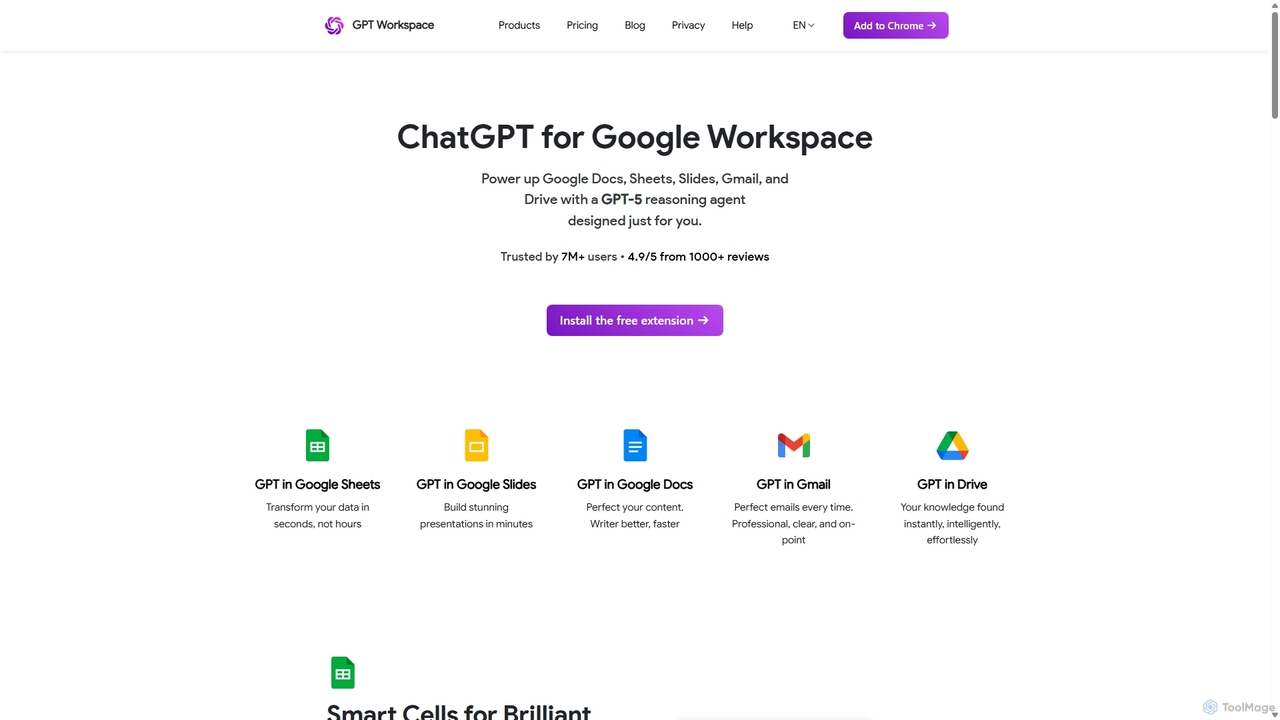
GPT Workspace integrates AI-powered features directly into Google Workspace applications like Docs, Sheets, Slides, and Gmail. It enhances productivity by automating content creation, data analysis, email drafting, and document editing, allowing users to leverage the power of models like GPT-4o seamlessly within their existing workflow.
Document Management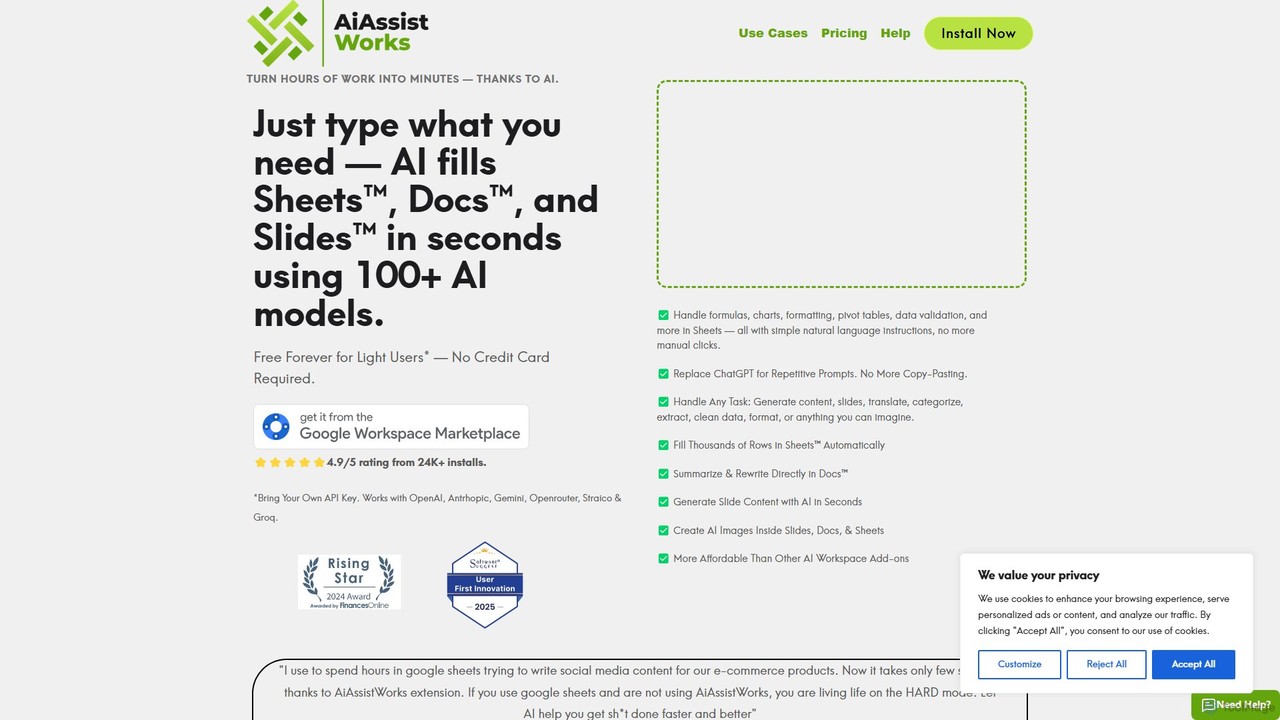
AiAssistWorks
AiAssistWorks is a powerful AI assistant that integrates directly into Google Sheets™, Slides™, and Docs™. It automates tasks, generates content, and analyzes data, helping you work smarter and faster within your existing Google Workspace environment. From writing drafts to creating complex formulas, AiAssistWorks boosts your productivity.
Content Creation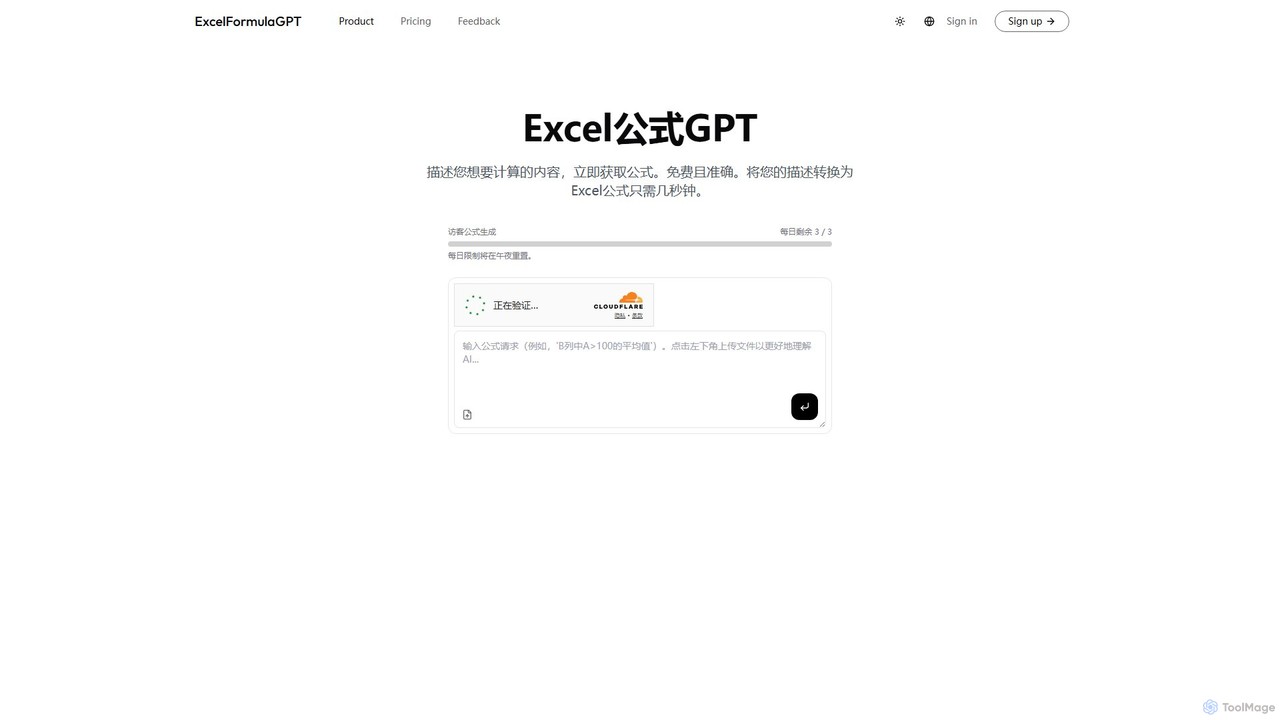
excelformulagpt
excelformulagpt is an AI-powered tool that instantly converts natural language descriptions into complex Excel and Google Sheets formulas. It helps users save time, reduce errors, and boost productivity without needing to memorize complex syntax. Features include formula generation, context-aware suggestions from uploaded files, and formula explanations.
Automation
Sheetplus
Sheetplus is an AI-powered toolkit designed to supercharge your spreadsheet experience in Google Sheets and Excel. By leveraging natural language, it allows users to generate complex formulas, clean and analyze data, automate tasks, and extract insights without writing code. It acts as an intelligent assistant, making data management faster, more intuitive, and accessible to everyone, regardless of their technical expertise.
Automation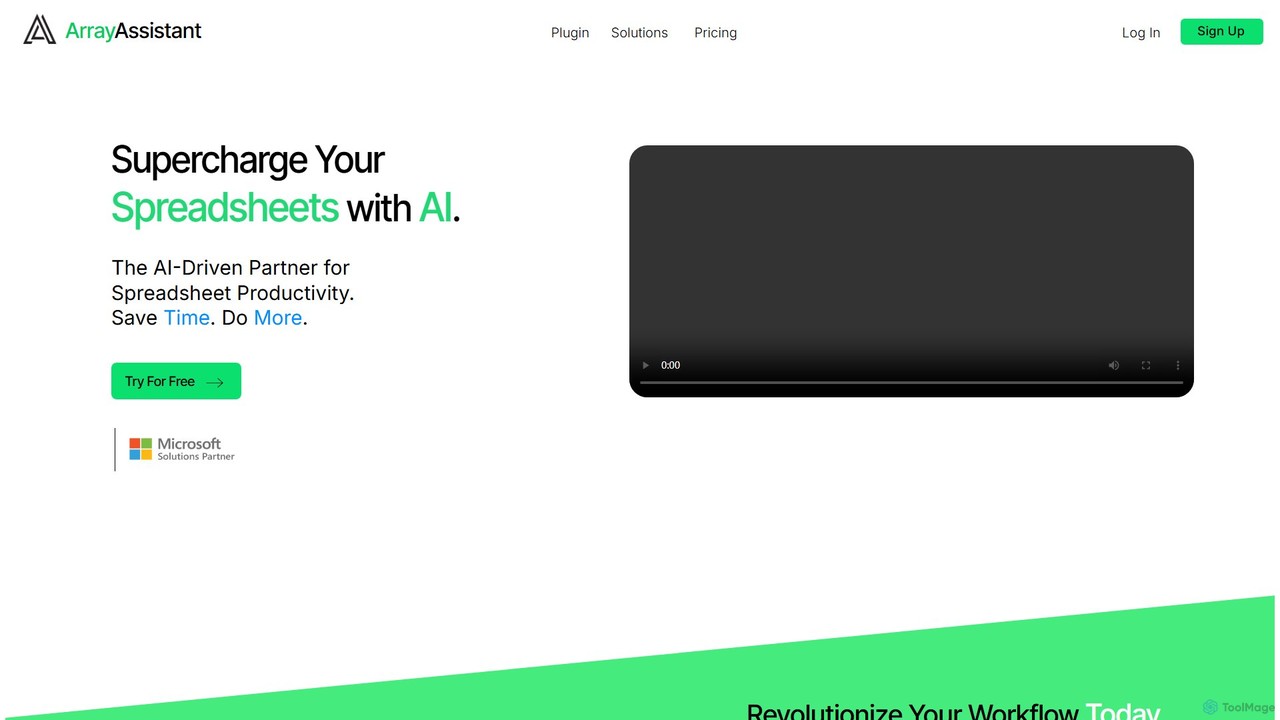
Array Assistant
Array Assistant is an AI-powered plugin for spreadsheets that supercharges your productivity. It helps you generate complex formulas, clean and organize data, summarize text, explain problems, and design automations, all within your existing workflow. Ideal for professionals, students, and anyone who uses spreadsheets.
FinanceGPT for Work Categories
GPT for Work Embed Widget
Copy this embed code to place the badge on your blog, article, or product site and send readers directly to this ToolMage detail page.

Related AI tools
excelformulagpt
excelformulagpt is an AI-powered tool that instantly converts natural language descriptions into complex Excel and Google Sheets formulas. It helps users save time, reduce errors, and boost productivity without needing to memorize complex syntax. Features include formula generation, context-aware suggestions from uploaded files, and formula explanations.
AutomationSheetplus
Sheetplus is an AI-powered toolkit designed to supercharge your spreadsheet experience in Google Sheets and Excel. By leveraging natural language, it allows users to generate complex formulas, clean and analyze data, automate tasks, and extract insights without writing code. It acts as an intelligent assistant, making data management faster, more intuitive, and accessible to everyone, regardless of their technical expertise.
AutomationArray Assistant
Array Assistant is an AI-powered plugin for spreadsheets that supercharges your productivity. It helps you generate complex formulas, clean and organize data, summarize text, explain problems, and design automations, all within your existing workflow. Ideal for professionals, students, and anyone who uses spreadsheets.
Finance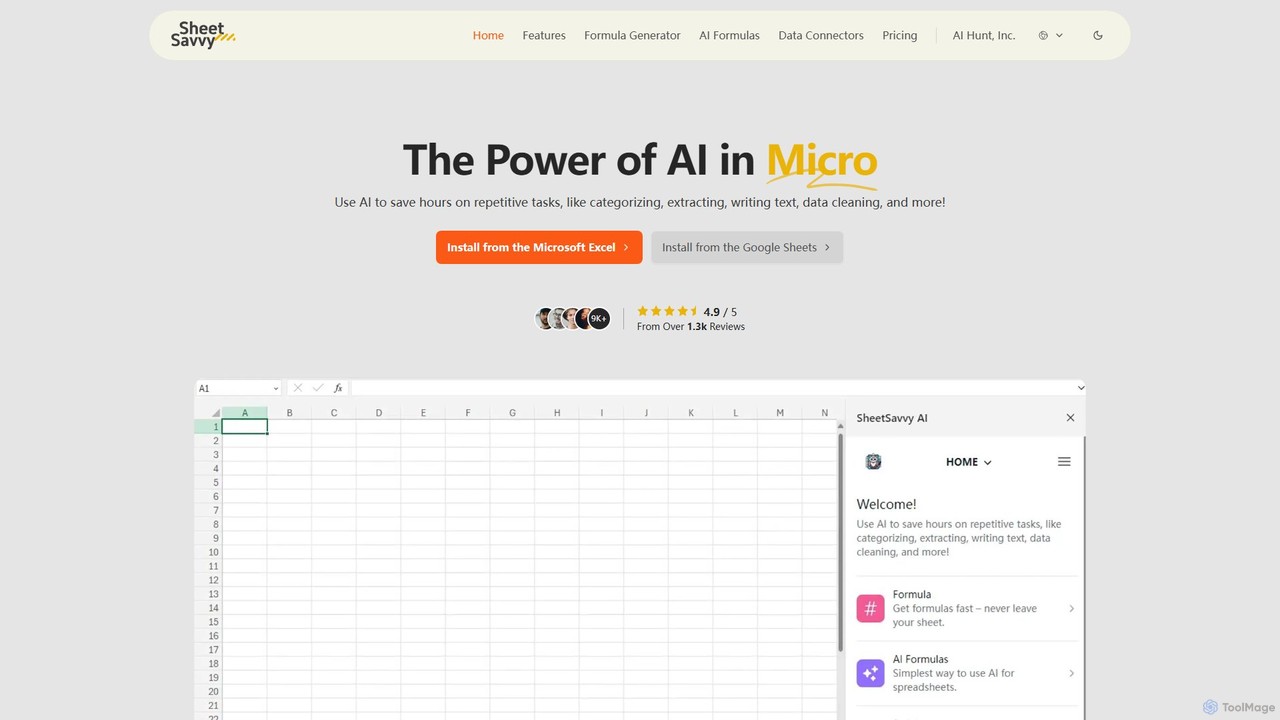
SheetSavvy AI
SheetSavvy AI is an AI-powered assistant for Google Sheets and Microsoft Excel, designed to automate repetitive tasks. It features a formula generator, AI-driven formulas for data cleaning and analysis, and seamless data connectors to import live data, significantly boosting spreadsheet productivity.
Finance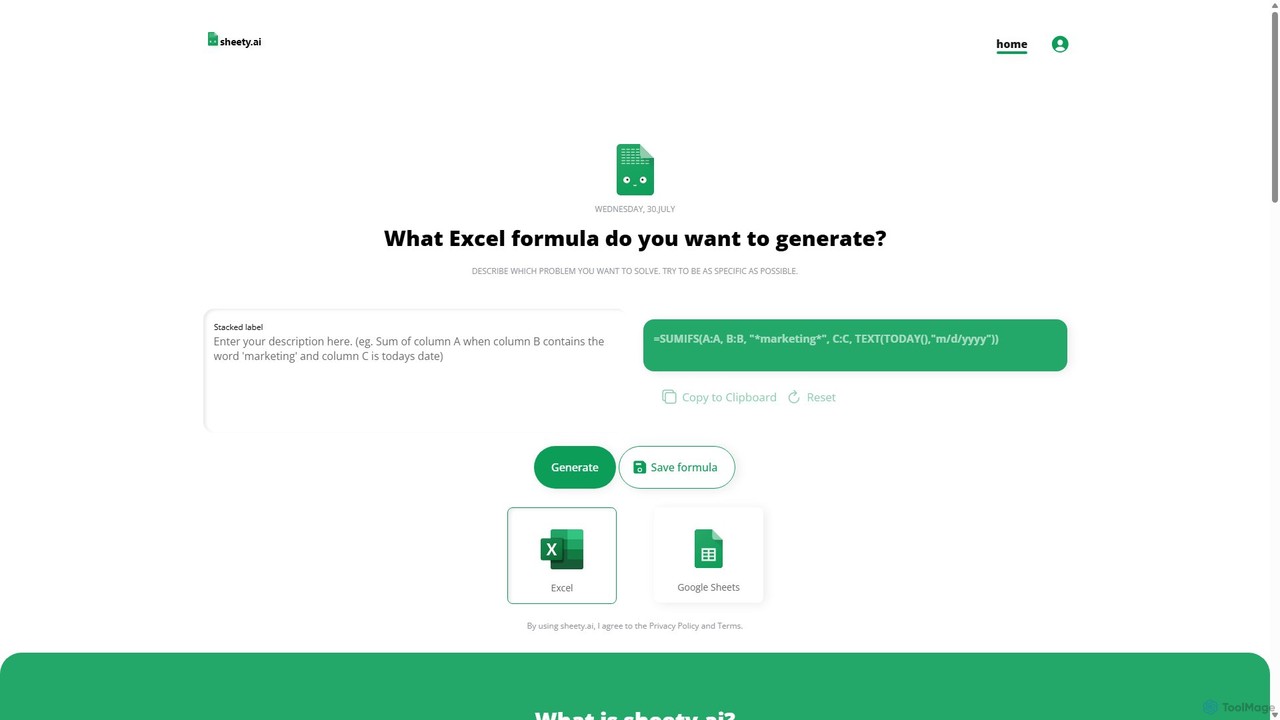
sheety.ai
sheety.ai is an AI-powered tool that instantly generates complex spreadsheet formulas for Excel and Google Sheets from natural language descriptions. Simply describe the problem you want to solve, and the AI will provide the correct formula, saving you time and eliminating the need to memorize syntax. It's designed for everyone from students to financial analysts, boosting productivity and data accuracy.
Data Processing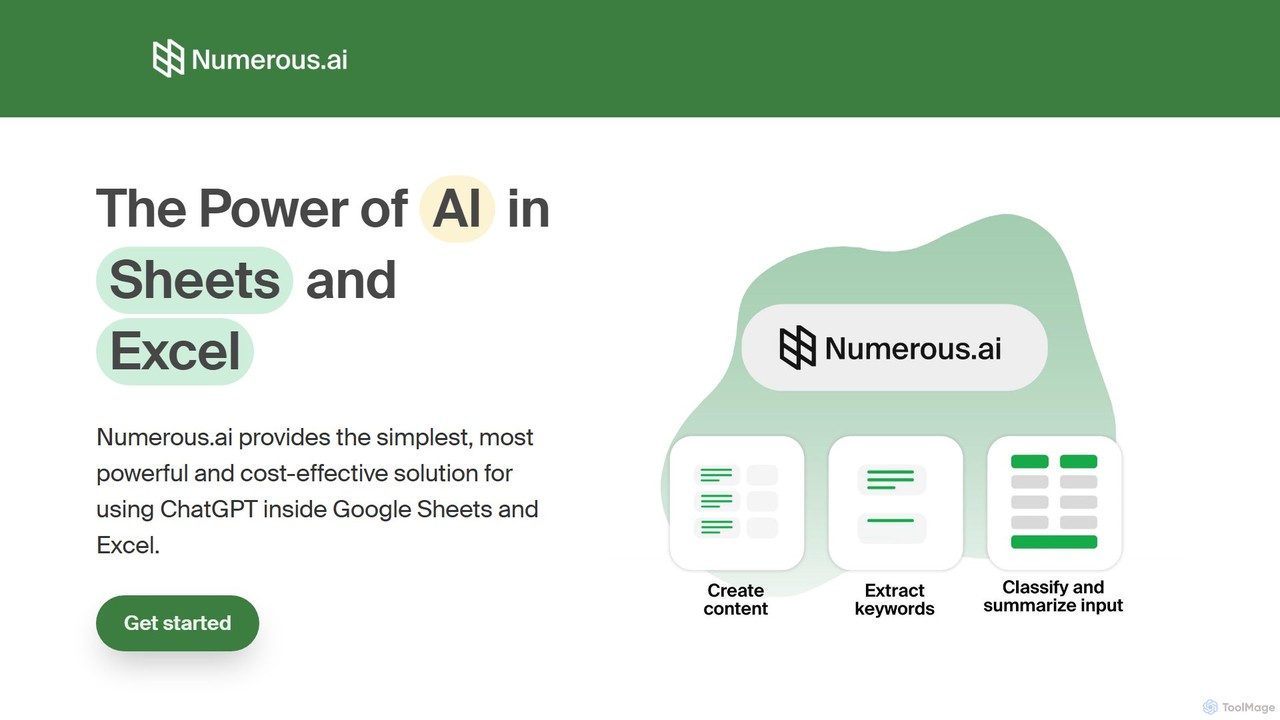
Numerous.ai
Numerous.ai is a powerful AI assistant that integrates directly into Google Sheets and Excel. It allows users to automate tasks, generate content, clean and classify data, and perform complex analysis using a simple '=AI()' function, without needing any API keys or coding skills.
Data Analysis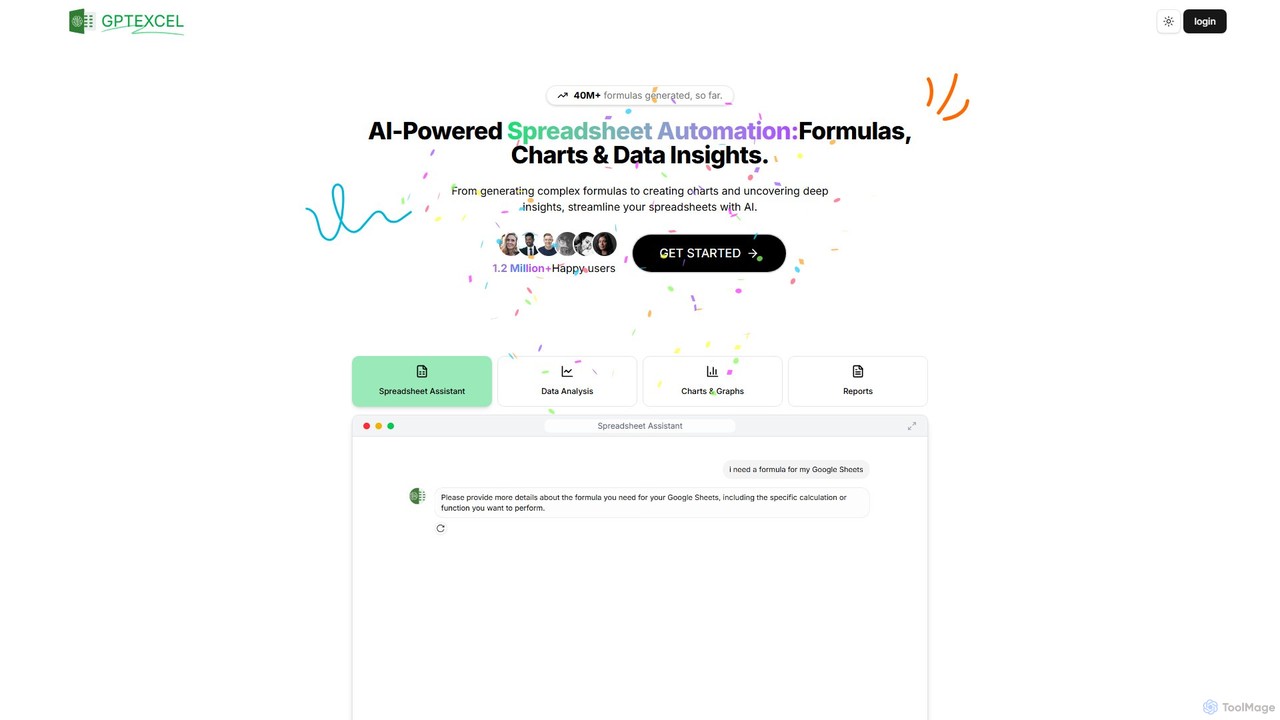
GPTExcel
GPTExcel is an AI-powered assistant that revolutionizes spreadsheet workflows. It generates complex formulas, automation scripts (VBA, Apps Script), SQL queries, and Regex from natural language. It also enables users to chat with their data, convert images to tables, create charts, and perform in-depth data analysis, supporting platforms like Excel, Google Sheets, and Airtable.
Sql
Ajelix
Ajelix is an AI-powered suite of tools designed to enhance productivity for Excel and Google Sheets users. It acts as an AI data analyst, automating tasks, generating formulas and VBA scripts, creating insightful reports, and providing advanced data analysis through a simple chat interface.
Business Intelligence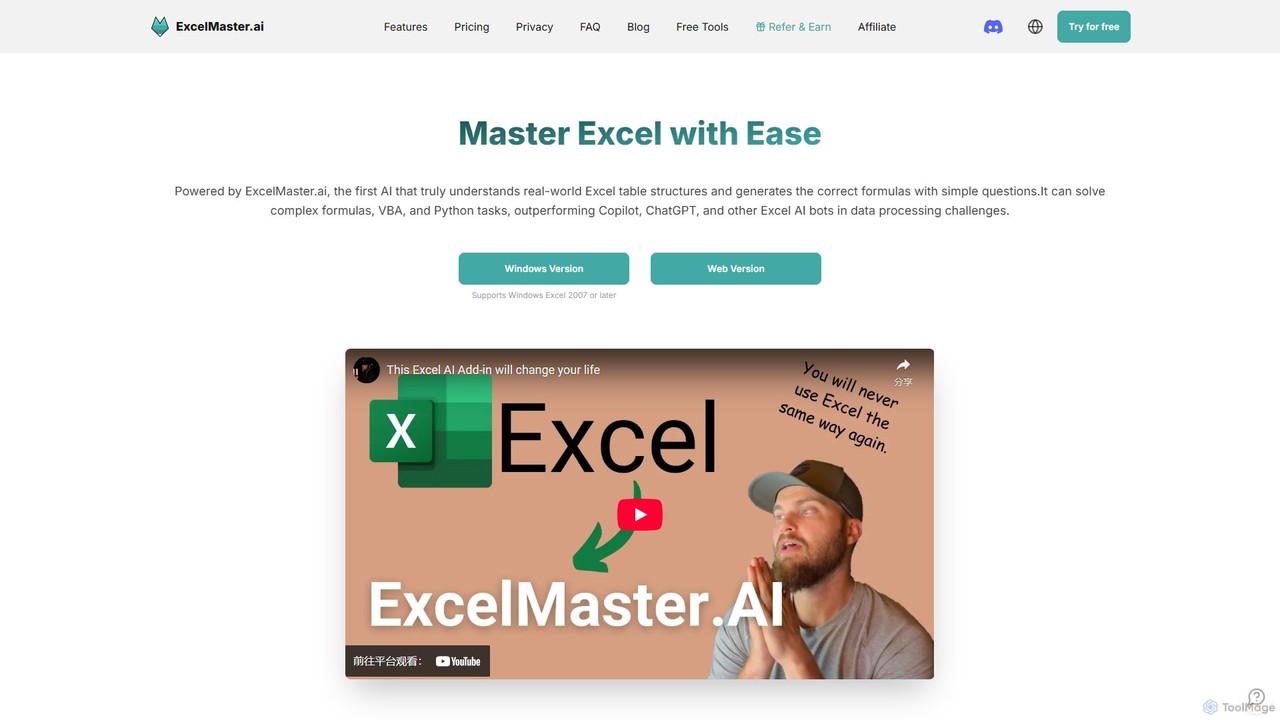
ExcelMaster.ai
ExcelMaster.ai is an advanced AI assistant designed to master Microsoft Excel. It generates accurate formulas, VBA code, and Python scripts from simple natural language questions. It excels at understanding complex, multi-sheet structures and provides one-click automation, making it a powerful tool for both beginners and expert Excel users to enhance productivity and streamline data-heavy tasks.
Code Assistant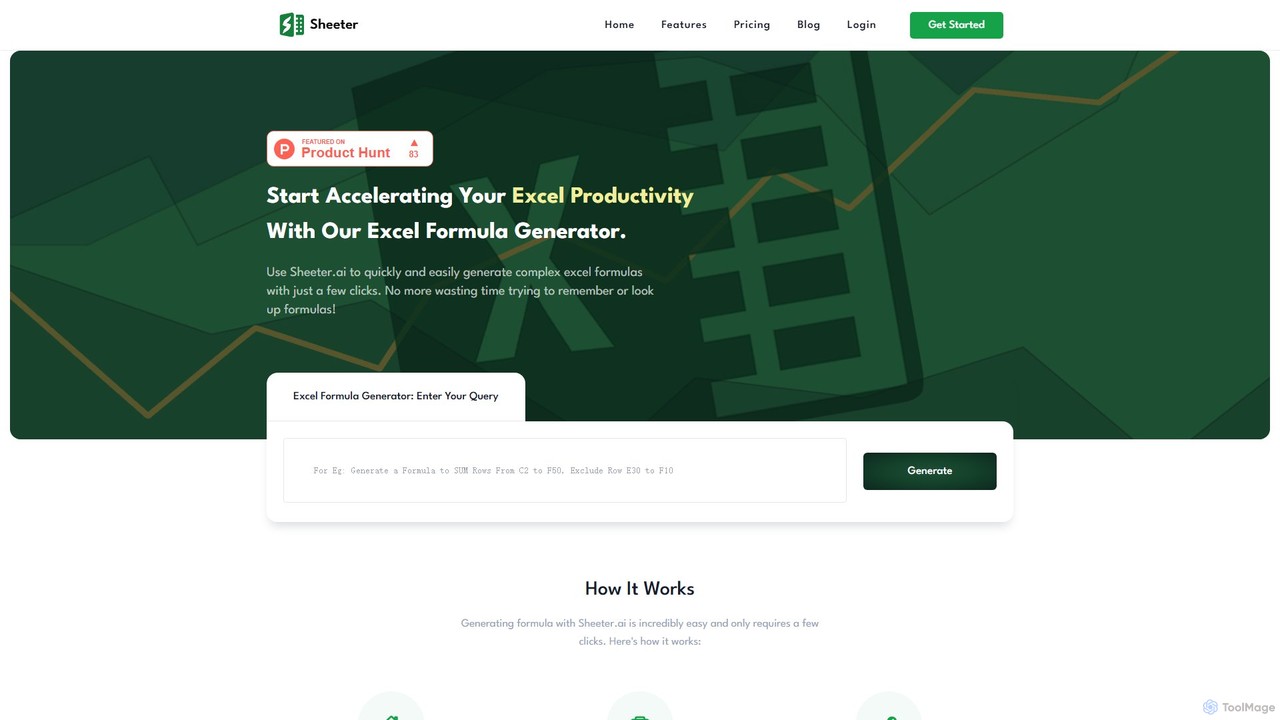
sheeter
Sheeter is an AI-powered tool that generates complex formulas for Excel and Google Sheets from plain English descriptions. It also creates VBA scripts, Google Apps Scripts, and Regex, significantly boosting spreadsheet productivity and saving users time by eliminating the need to memorize or look up formulas.
Data Analysis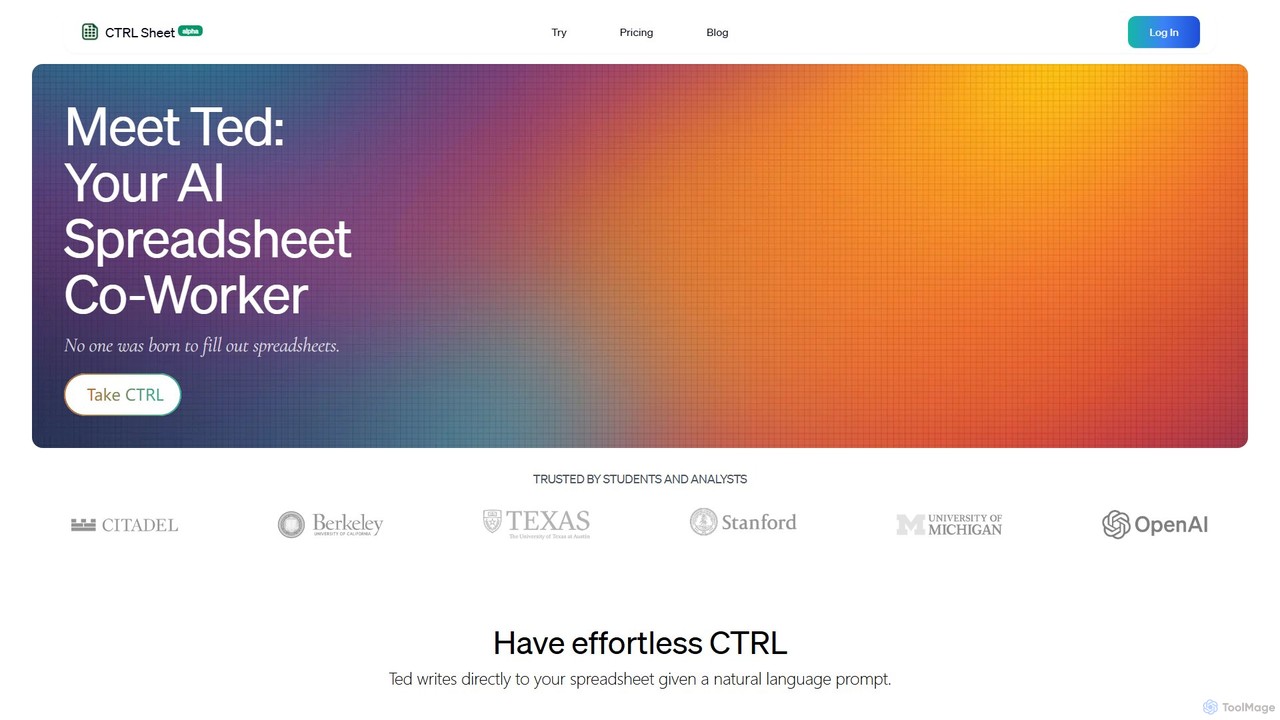
CTRL Sheet
CTRL Sheet is an AI-powered spreadsheet co-worker named Ted that automates data tasks. It allows users to interact with spreadsheets using natural language, extract data from various files like PDFs and images, and generate complex formulas effortlessly. It's designed to save time and reduce errors for students, analysts, and professionals.
Task Automation
Sheet Copilot
Sheet Copilot is an AI-powered assistant that automates tasks and answers questions directly within Google Sheets. By using natural language commands, you can clean data, generate formulas, create summaries, and analyze information without writing complex functions. It's currently free in beta and operates using your own OpenAI API key for enhanced privacy and security.
Automation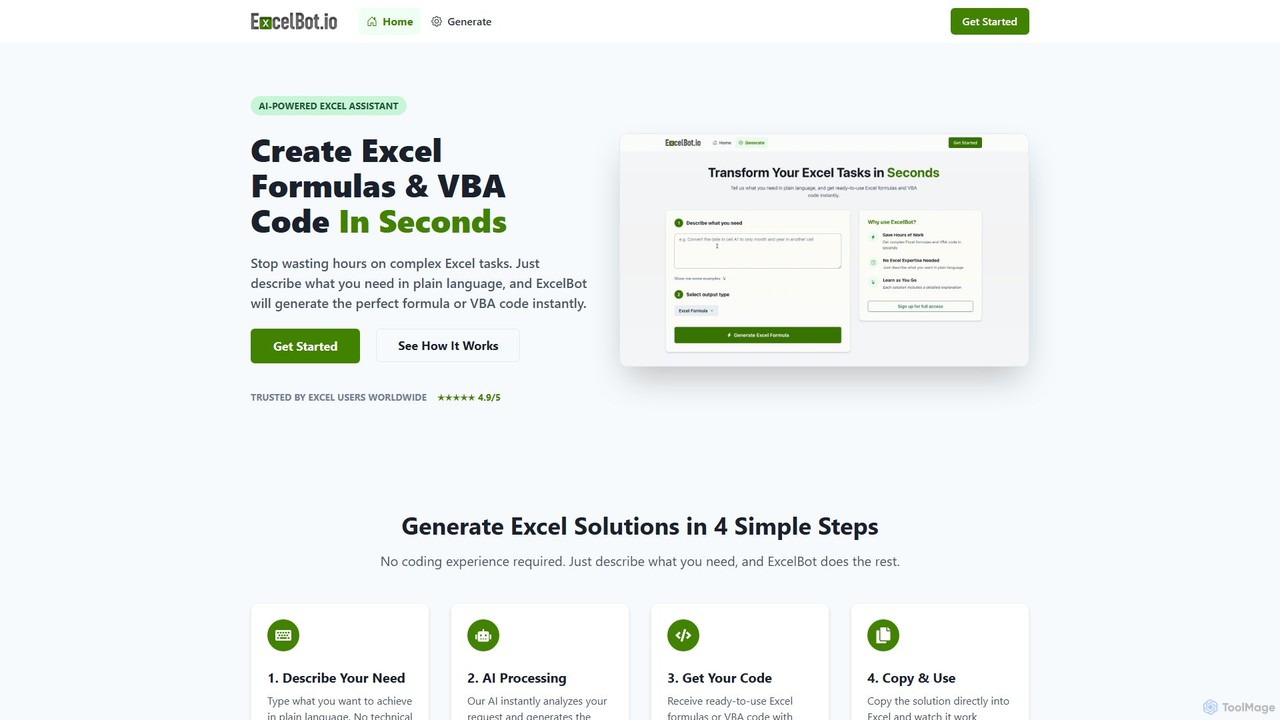
ExcelBot
ExcelBot is an AI-powered assistant that instantly generates complex Excel formulas and VBA code from plain English descriptions. Designed for users of all skill levels, from beginners to data analysts, it saves hours of manual work, boosts productivity, and helps users learn by providing detailed explanations for every solution. Simply describe your task, and ExcelBot delivers the ready-to-use code in seconds.
Data Automation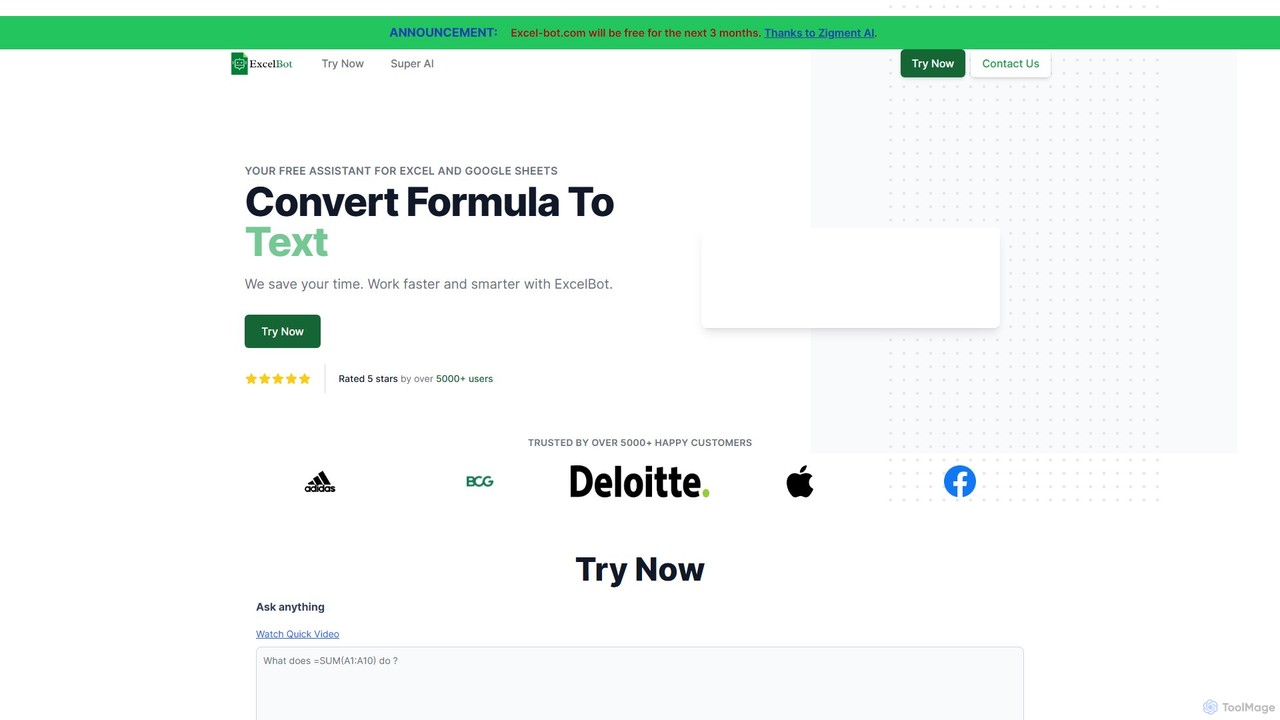
Excel Bot
Excel Bot is an AI-powered assistant for Microsoft Excel and Google Sheets. It converts your plain text instructions into complex formulas instantly, saving you time and reducing errors. Simply describe what you need, and the AI generates the correct formula for you.
Finance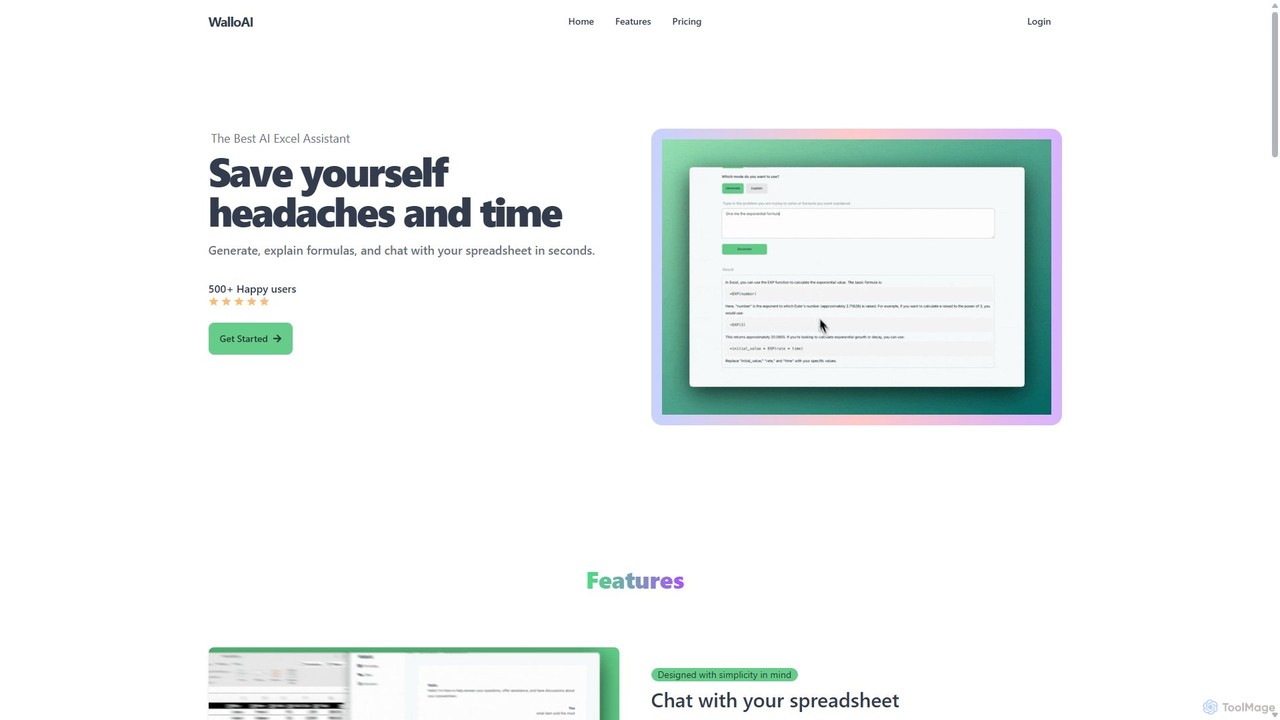
Wallo
Wallo is an AI-powered assistant for Excel and Google Sheets designed to streamline your spreadsheet tasks. It allows you to generate complex formulas, explain existing ones, and even create VBA scripts simply by describing your needs in plain English. You can also chat directly with your spreadsheets, asking questions about your data to get instant answers. Wallo aims to save you time and eliminate the frustration of working with complex data, making spreadsheet management more intuitive and efficient for users of all skill levels.
Automation
GPT for Work Comments (0)
Sign in to comment.
Sign inNo comments yet.