ExcelBot
ExcelBot is an AI-powered assistant that instantly generates complex Excel formulas and VBA code from plain English descriptions. …
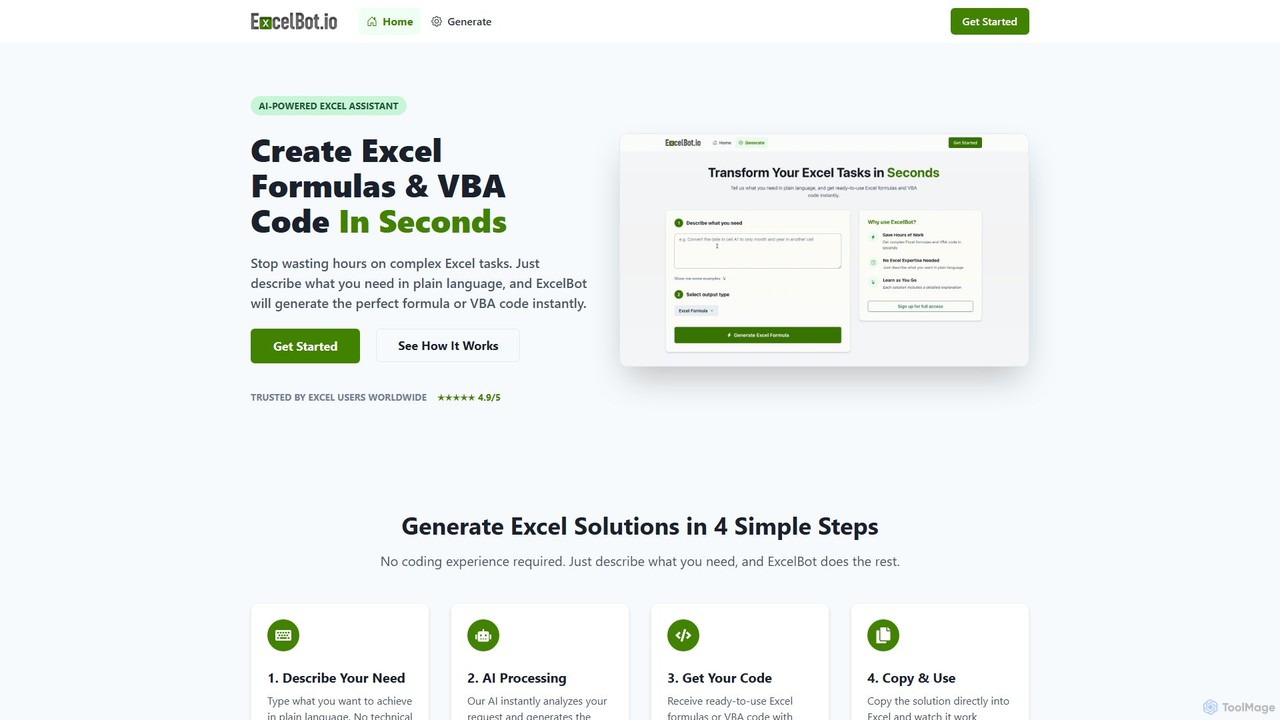
ExcelBot is an AI-powered assistant that instantly generates complex Excel formulas and VBA code from plain English descriptions. Designed for users of all skill levels, from beginners to data analysts, it saves hours of manual work, boosts productivity, and helps users learn by providing detailed explanations for every solution. Simply describe your task, and ExcelBot delivers the ready-to-use code in seconds.
About Data Automation
Data Automation tools are a class of AI-powered software designed to automate the collection, transformation, and transfer of data between different applications and systems. These tools utilize APIs, webhooks, and intelligent workflow builders to create autonomous data pipelines, eliminating the need for manual data entry and complex coding. Their primary value lies in increasing operational efficiency, ensuring data consistency, and enabling real-time information flow across an organization's entire tech stack. They act as the connective tissue that allows disparate software to communicate and share data seamlessly.
Core Features
- Workflow Automation: Visually design multi-step, conditional workflows that trigger automatically based on specific events or schedules.
- Data Extraction & Scraping: Automatically pull structured and unstructured data from websites, documents, APIs, and databases.
- Data Transformation & Mapping: Cleanse, format, and restructure data on the fly to match the requirements of the destination system.
- Extensive Connector Library: Offer a wide range of pre-built integrations for popular SaaS applications, databases, and cloud services.
- Real-time Synchronization: Ensure data is consistently updated and mirrored across multiple platforms without delay.
Use Cases
Data Automation is crucial for roles in marketing operations, sales, finance, and IT. For instance, a marketing team can automate the process of capturing leads from social media, enriching their data, and pushing them into a CRM. E-commerce businesses use these tools to sync inventory levels between their online store and warehouse management system, preventing stockouts.
How to Choose
When selecting a Data Automation tool, first evaluate its library of connectors to ensure it supports your key applications. Consider the complexity of workflows you need to build and whether the tool's logic capabilities (e.g., branching, looping) meet your requirements. Also, assess the pricing model—whether it's based on the number of tasks, data volume, or users—and its scalability to handle future growth.

Data AutomationUse Cases
Automate Marketing Lead Funnel
A marketing operations manager needs to ensure leads from various channels are processed quickly. They use a data automation tool to create a workflow: 1. When a new lead is submitted via a Facebook Lead Ad, the workflow triggers. 2. The tool automatically sends the lead's email to an enrichment service like Clearbit to get company details. 3. With the enriched data, it creates a new contact in HubSpot CRM and assigns it to a sales representative based on territory. 4. Finally, it sends a notification to the relevant sales channel in Slack. This automates a 15-minute manual process, ensuring leads are contacted within minutes instead of hours.
Sync E-commerce Inventory Across Platforms
An e-commerce store owner sells products on Shopify and Amazon. To prevent overselling, they need to keep inventory levels synchronized. They set up a data automation workflow: 1. The workflow runs every 5 minutes. 2. It checks the current stock level for each product in their central warehouse database. 3. It then updates the inventory count for the corresponding product listings on both Shopify and Amazon via their APIs. If a product's stock reaches zero in the database, the workflow automatically sets the product as 'out of stock' on both platforms. This eliminates manual updates and prevents customer dissatisfaction from ordering unavailable items.
Generate Automated Financial Reports
A financial analyst for a startup needs to create a daily performance dashboard. Instead of manually exporting CSVs from multiple sources, they automate the process. A daily workflow is scheduled to: 1. Pull yesterday's sales data from Stripe. 2. Fetch advertising spend from Google Ads and Facebook Ads APIs. 3. Extract operational expenses from a QuickBooks account. 4. The tool then consolidates all this data, calculates key metrics like daily profit and cost per acquisition, and appends a new row to a master Google Sheet. This sheet powers a real-time dashboard in Google Data Studio, saving the analyst an hour of repetitive work each morning.
Route Customer Support Tickets Intelligently
A customer support manager wants to improve ticket resolution time. They use a data automation tool connected to their Zendesk account. When a new ticket is created, a workflow is triggered. The tool uses a built-in AI model to analyze the ticket's subject and description to identify keywords (e.g., 'billing', 'bug', 'feature request'). Based on the category, the workflow automatically assigns the ticket to the correct team (Finance, Engineering, or Product) and sets its priority. This replaces the manual triage process, ensuring tickets reach the right experts immediately and reducing the average first-response time significantly.
Aggregate Social Media Mentions for Brand Monitoring
A social media manager needs to track brand mentions across multiple platforms. They set up an automation that monitors Twitter, Reddit, and specific RSS feeds for their brand name and key product names. Whenever a new mention is found, the tool captures the content, author, and a link to the source. It then adds this information as a new record in an Airtable base. This creates a centralized, real-time feed of all brand conversations, allowing the manager to quickly identify trends, engage with users, and spot potential PR issues without having to manually check each platform throughout the day.
Build a No-Code ETL Pipeline for BI
A data analyst at a small company without a dedicated data engineering team needs to analyze user behavior. They use a data automation tool to build an ETL (Extract, Transform, Load) pipeline. The workflow is scheduled to run nightly: 1. Extract: It connects to the production PostgreSQL database and pulls new user event data. 2. Transform: It cleans the data by removing duplicates, standardizing date formats, and joining it with user subscription data from Stripe. 3. Load: The transformed, analysis-ready data is then loaded into a Google BigQuery data warehouse. This automated pipeline ensures that the BI tool (like Tableau or Looker) connected to BigQuery always has fresh, clean data for daily reporting and analysis.