Data Analysis Best in category 3 results Automation AI Tool

Popular AI tools in the Automation field of Data Analysis include Wallo、excelformulagpt、SheetSavvy AI, etc., helping you quickly improve efficiency.

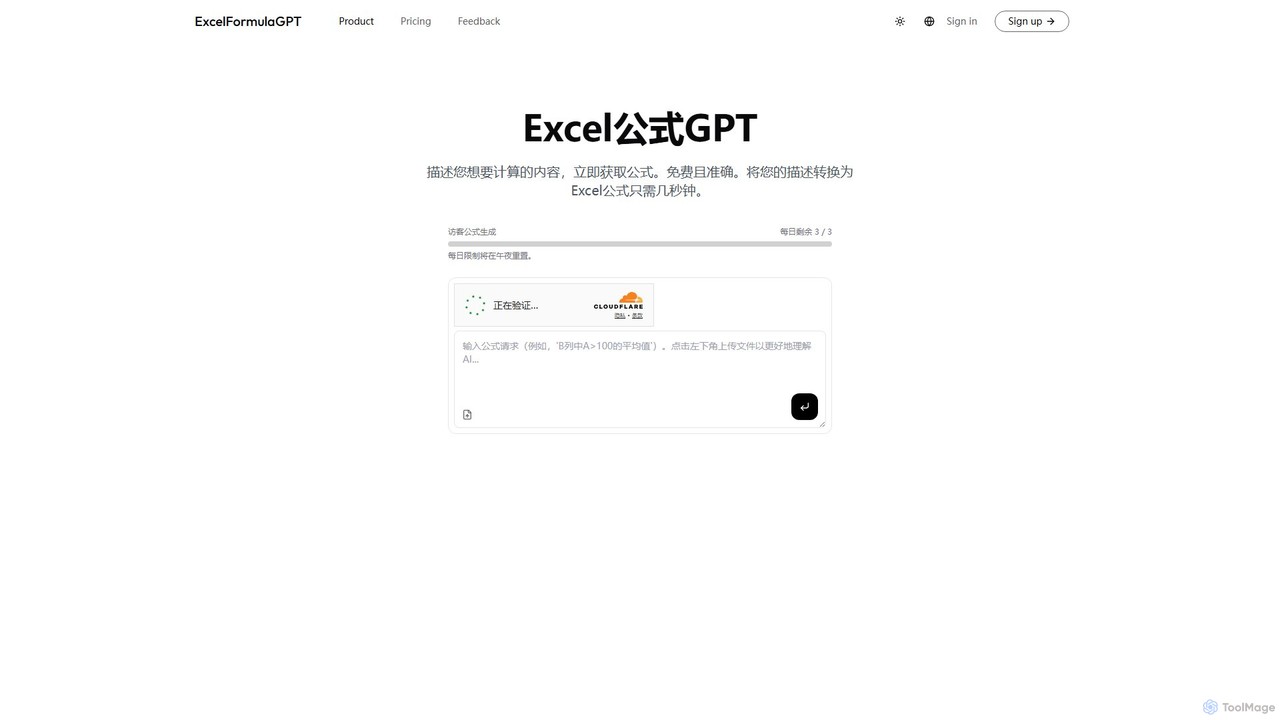
excelformulagpt

excelformulagpt

excelformulagpt is an AI-powered tool that instantly converts natural language descriptions into complex Excel and Google Sheets formulas. …

2.6K
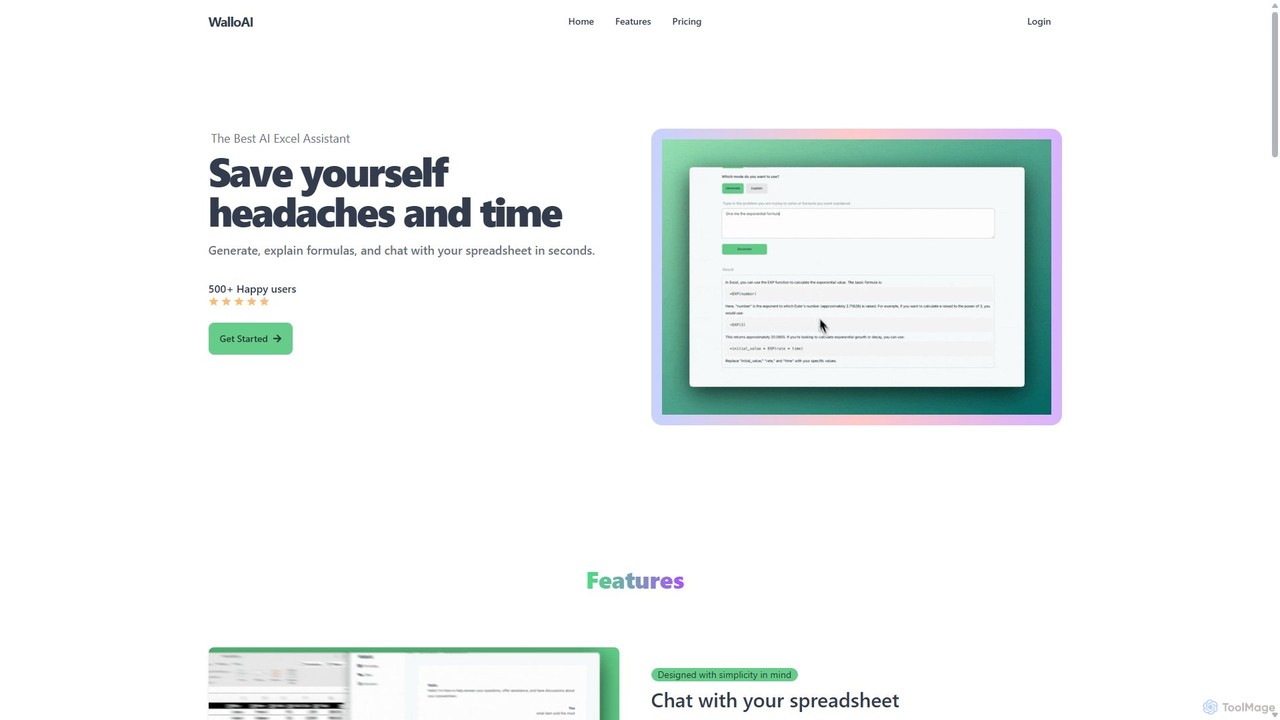
Wallo

Wallo

Wallo is an AI-powered assistant for Excel and Google Sheets designed to streamline your spreadsheet tasks. It allows …

2.9K
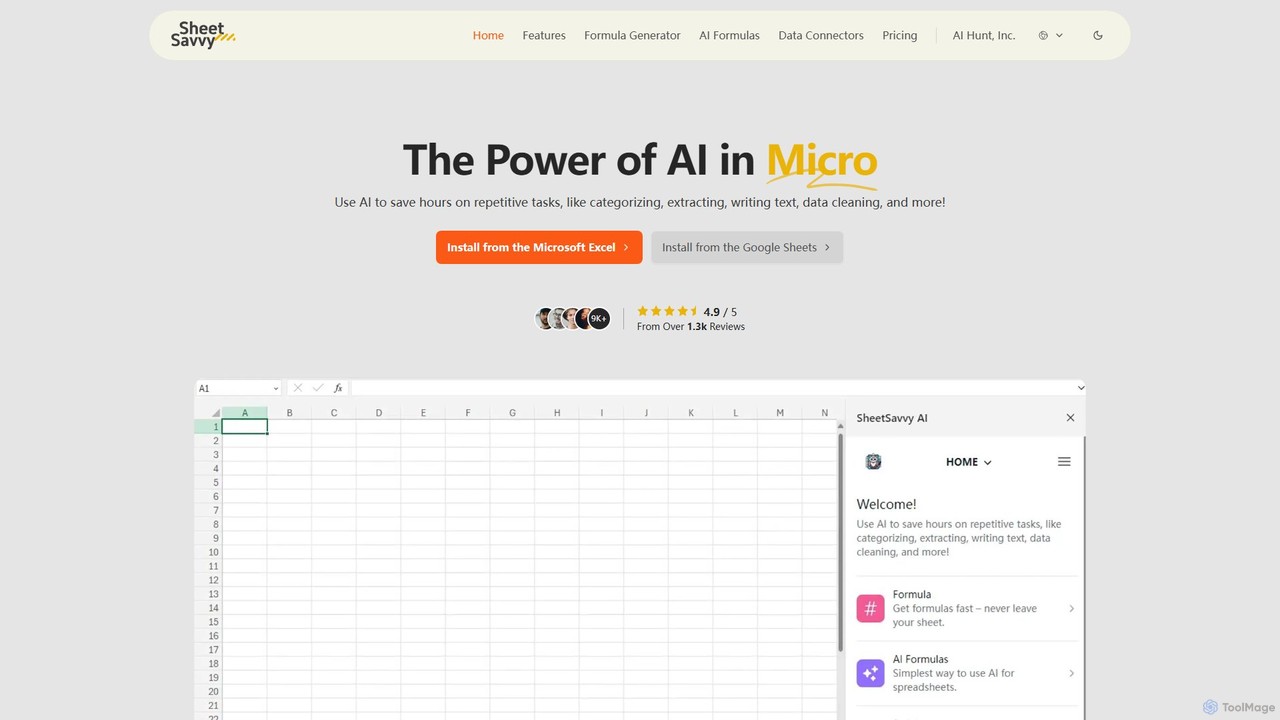
SheetSavvy AI

SheetSavvy AI

SheetSavvy AI is an AI-powered assistant for Google Sheets and Microsoft Excel, designed to automate repetitive tasks. It …

2.2K

About Automation

Automation tools in data analysis are a class of AI-powered software designed to execute repetitive data processing, analysis, and reporting tasks without manual intervention. These tools leverage workflow orchestration and machine learning to build, schedule, and manage data pipelines from ingestion to visualization. Their primary value lies in increasing efficiency, ensuring data consistency, and enabling real-time decision-making by freeing analysts from routine operations. They are essential for managing complex data environments and scaling analytics capabilities within an organization.

Core Features

  • Workflow Orchestration: Visually design, schedule, and monitor multi-step data workflows (ETL/ELT pipelines).
  • Automated Reporting: Automatically generate and distribute reports and dashboards on a predefined schedule or based on triggers.
  • Data Connectors: Offer a wide range of pre-built integrations for databases, APIs, cloud storage, and business applications.
  • Alerting & Monitoring: Proactively notify users of workflow failures, data anomalies, or completion of tasks.
  • ML Model Automation (MLOps): Automate the training, deployment, and monitoring of machine learning models.

Use Cases

These tools are widely used by data engineers, business intelligence (BI) analysts, and data scientists. Common applications include automating daily sales report generation for management, scheduling ETL jobs to update a data warehouse overnight, or setting up real-time alerts for fraud detection in financial transactions. They are crucial in environments requiring consistent and timely data processing.

How to Choose

When selecting a data automation tool, consider its integration capabilities with your existing data stack (databases, BI tools). Evaluate the user interface—whether it's no-code, low-code, or code-centric—to match your team's technical skills. Also, assess its scalability to handle growing data volumes and the robustness of its scheduling and error-handling features.

AutomationUse Cases

1

Automated Daily Sales Reporting

A retail operations manager needs a consistent summary of the previous day's sales performance delivered to their inbox every morning. Using a data automation tool, they build a workflow that connects to the company's sales database at 6 AM daily. The workflow automatically queries new sales data, aggregates it by region and product category, generates a PDF report with key charts, and emails it to the management team. This eliminates several hours of manual data pulling and report formatting each week, ensuring timely and error-free insights for decision-making.

2

Scheduled ETL Pipeline for Data Warehousing

A data engineering team is responsible for maintaining a central data warehouse for business intelligence. They use an automation platform to build an ETL (Extract, Transform, Load) pipeline. This pipeline runs every night at 2 AM. It extracts raw data from various sources like a CRM, a marketing platform, and production databases. It then transforms the data by cleaning it, standardizing formats, and joining tables. Finally, it loads the processed data into the data warehouse. Automating this process ensures that BI analysts have fresh, reliable data available every morning for their dashboards and analyses.

3

Real-time Anomaly Detection Alerts

A financial services company needs to monitor credit card transactions for fraudulent activity in real time. A data scientist sets up an automation workflow that connects to a live stream of transaction data. Each new transaction is passed through a pre-trained anomaly detection model. If the model flags a transaction as highly suspicious (e.g., unusual location, abnormally large amount), the workflow automatically triggers an alert. This alert is sent to the fraud investigation team via Slack and also creates a case in their incident management system. This automated process enables immediate response, significantly reducing potential financial losses.

4

Automated Customer Segmentation Updates

A marketing analyst for an e-commerce company needs to keep customer segments updated for targeted campaigns. They create an automated workflow that runs every Monday. The workflow pulls the latest customer data, including purchase history and website activity, from the data warehouse. It then runs a clustering algorithm (like K-Means) to re-segment the customer base into groups such as 'High-Value Customers', 'At-Risk Churners', and 'New Users'. The updated segment labels are then automatically pushed back to the company's CRM and email marketing platform, ensuring that weekly campaigns always target the most relevant audience.

5

Automating ML Model Retraining and Deployment

A data science team has a predictive model in production that forecasts customer churn. To maintain its accuracy, the model needs to be retrained regularly with new data. They use an MLOps automation tool to create a pipeline. This pipeline is triggered monthly. It automatically pulls the latest customer interaction data, retrains the churn model, evaluates its performance against the current model, and if the new model is better, it automatically deploys it to the production environment. This ensures the prediction model remains accurate and relevant without requiring manual intervention for each update cycle.

6

Automated Data Quality Monitoring

A data governance team needs to ensure the quality and integrity of data across the organization's key databases. They set up an automated data quality workflow that runs daily. The workflow executes a series of checks on critical tables, such as verifying for null values in required fields, checking for data format consistency (e.g., all dates are in YYYY-MM-DD format), and identifying duplicate records. If any checks fail, the system automatically generates a data quality report detailing the issues and assigns a ticket to the relevant data owner for resolution. This proactive, automated monitoring helps maintain high-quality data and builds trust in analytics results.

AutomationFrequently Asked Questions