

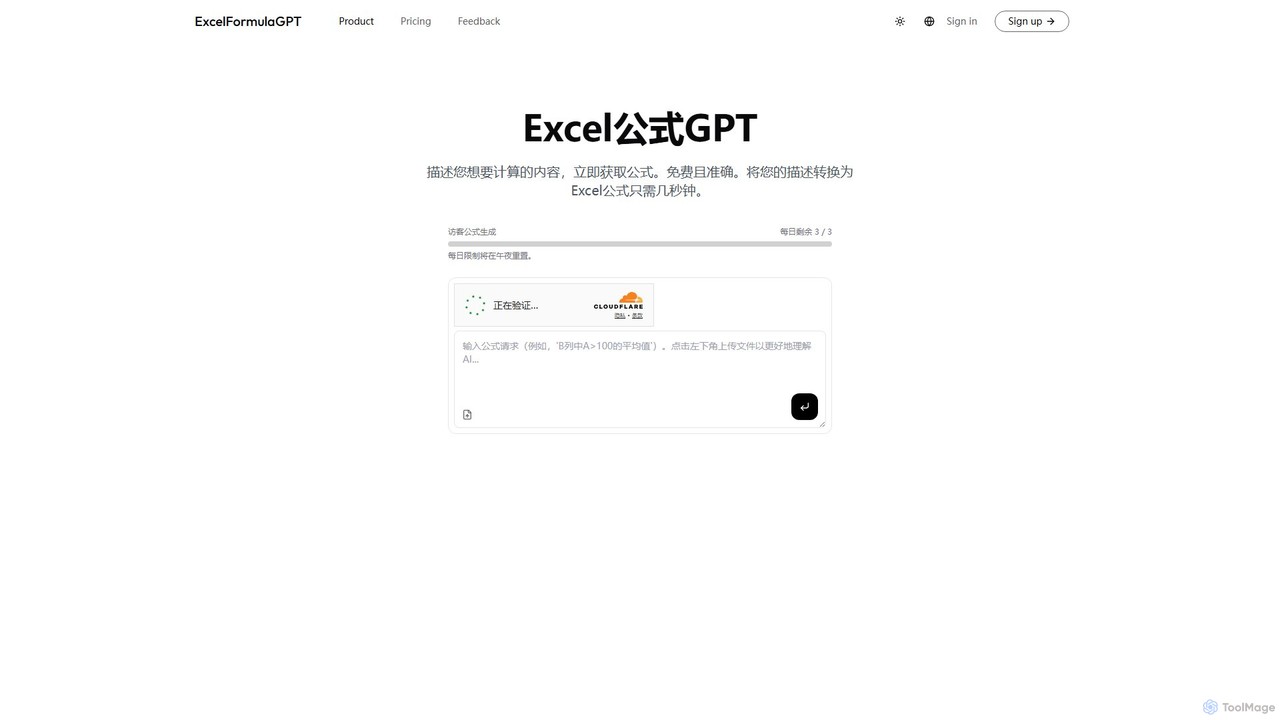
excelformulagpt Overview
excelformulagpt is an innovative AI-powered assistant designed to revolutionize the way you work with spreadsheets. It serves as a bridge between your ideas and the complex syntax of spreadsheet formulas, supporting both Microsoft Excel and Google Sheets. By simply describing a task in plain English, users can instantly receive the correct, ready-to-use formula. This tool is built for everyone, from students and small business owners to data analysts and corporate professionals, aiming to democratize data analysis and make spreadsheet management more intuitive, efficient, and error-free.
The platform not only generates formulas but also helps users understand them, acting as a powerful learning tool. With advanced features like context-awareness through file uploads, excelformulagpt can provide highly accurate and relevant formulas tailored to your specific data structure. It streamlines workflows, eliminates the frustration of debugging, and unlocks the full potential of your spreadsheets.
How to use excelformulagpt
Using excelformulagpt is a straightforward process designed for maximum efficiency:
- Describe Your Goal: Navigate to the excelformulagpt website. In the provided input box, type a clear, simple description of what you want to achieve. For example, "Sum the total sales in column C for the 'North' region in column A."
- Select Your Platform: Choose whether you need a formula for Microsoft Excel or Google Sheets.
- Generate the Formula: The AI will process your request in seconds and present the corresponding formula.
- Copy and Paste: Simply click to copy the generated formula and paste it directly into your spreadsheet cell.
- Advanced Usage (Paid Plans): For more complex tasks, subscribers can upload their Excel file. This gives the AI context about your sheet's layout, headers, and data, resulting in more precise and tailored formula suggestions.
Core Features of excelformulagpt
- AI Formula Generation: Instantly translates natural language prompts into accurate formulas for both Excel and Google Sheets.
- Context-Aware Analysis: Allows users on paid plans to upload their spreadsheets, enabling the AI to understand the data context and provide more relevant formulas.
- Formula Explanation: Breaks down complex formulas and explains what each part does, making it an excellent tool for learning and verification.
- Broad Function Support: Capable of generating a wide range of formulas, including lookups (VLOOKUP, XLOOKUP), conditional logic (IF, IFS, SUMIF), date and time calculations, text manipulation, and more.
- History Saving: Paid users can access a history of their generated formulas, making it easy to reuse them.
- No-Signup Free Access: Offers a free plan for generating a limited number of formulas daily without requiring an account, perfect for quick tasks and trials.
Use Cases for excelformulagpt
excelformulagpt is versatile and can be applied across various fields:
- Business & Finance: Financial analysts can quickly build models, calculate loan amortizations, and perform conditional summaries on large datasets.
- Sales & Marketing: Marketing teams can analyze campaign performance, calculate conversion rates, and segment customer data without deep technical knowledge.
- Academics & Research: Students and researchers can use it to process experimental data, perform statistical analysis, and learn complex spreadsheet functions for their projects.
- Operations & Logistics: Managers can track inventory, create schedules, and analyze operational efficiency with custom formulas.
- Personal Use: Individuals can manage personal budgets, track investments, or organize projects more effectively.
Advantages of excelformulagpt
The primary benefits of using excelformulagpt include:
- Productivity Boost: Drastically reduces the time spent on searching for the right syntax or debugging incorrect formulas.
- Error Reduction: AI-powered generation minimizes the risk of human error, leading to more accurate and reliable data.
- Enhanced Accessibility: Makes advanced spreadsheet capabilities accessible to users of all skill levels, not just Excel experts.
- Skill Development: Acts as an interactive learning aid, helping users understand the logic behind formulas and improve their spreadsheet skills.
- Cost-Effective Solution: Provides a free tier for casual use and affordable premium plans for professionals and businesses who need more power.
Pricing and Plans
excelformulagpt offers a flexible freemium model to suit different user needs:
- Free Plan: $0/month. Perfect for trying out the service and personal use. Includes 5 formula generations per month.
- Pro Plan: $3.59/month (A 20% discount is available for yearly billing). Great for regular users. Includes 1,000 generations per month, Excel file upload for context, and history saving.
- Max Plan: $6.38/month (A 20% discount is available for yearly billing). Best for businesses and power users. Includes 10,000 generations per month, all Pro features, and early access to new functionalities.
excelformulagpt Alternatives
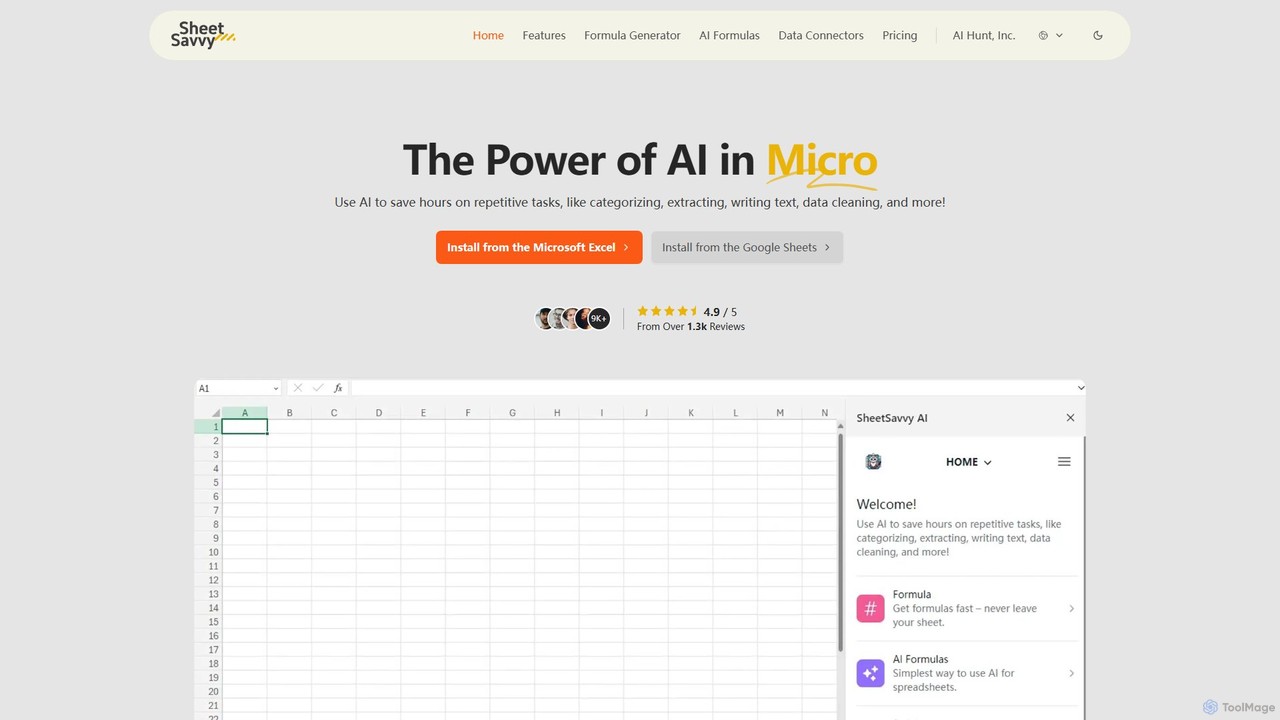
SheetSavvy AI
SheetSavvy AI is an AI-powered assistant for Google Sheets and Microsoft Excel, designed to automate repetitive tasks. It features a formula generator, AI-driven formulas for data cleaning and analysis, and seamless data connectors to import live data, significantly boosting spreadsheet productivity.
Finance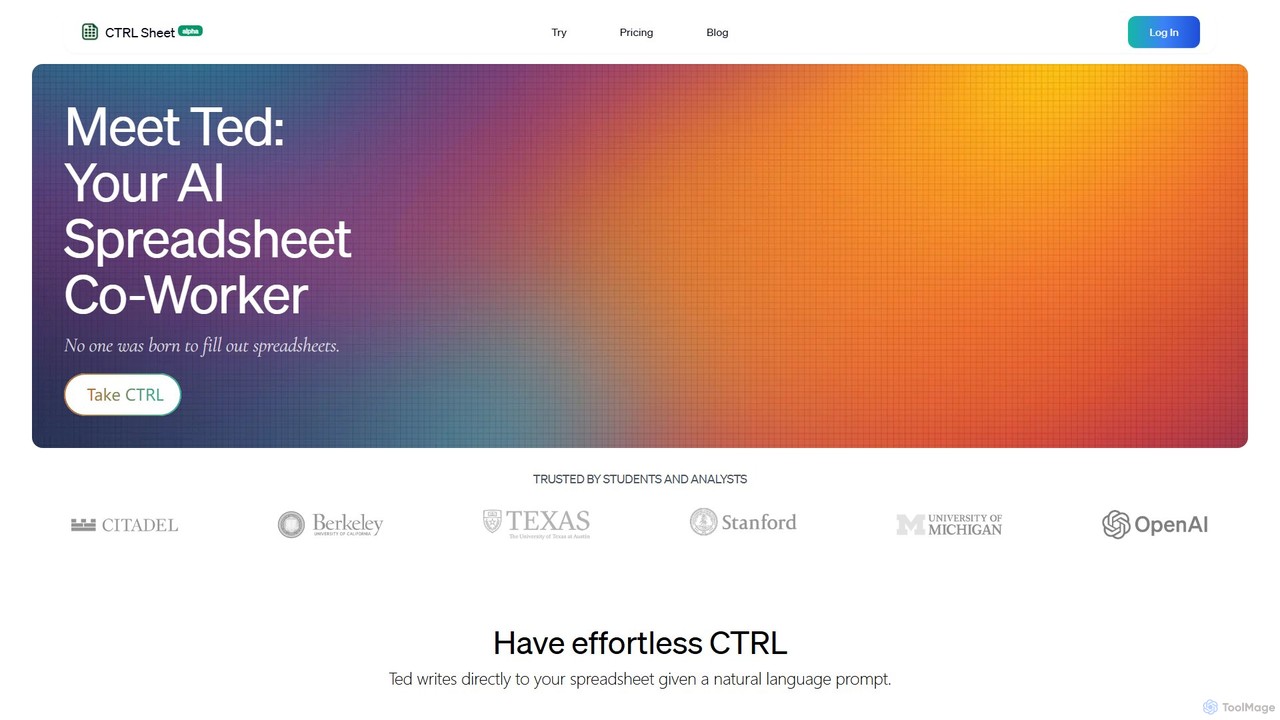
CTRL Sheet
CTRL Sheet is an AI-powered spreadsheet co-worker named Ted that automates data tasks. It allows users to interact with spreadsheets using natural language, extract data from various files like PDFs and images, and generate complex formulas effortlessly. It's designed to save time and reduce errors for students, analysts, and professionals.
Task Automation
Sheetplus
Sheetplus is an AI-powered toolkit designed to supercharge your spreadsheet experience in Google Sheets and Excel. By leveraging natural language, it allows users to generate complex formulas, clean and analyze data, automate tasks, and extract insights without writing code. It acts as an intelligent assistant, making data management faster, more intuitive, and accessible to everyone, regardless of their technical expertise.
Automation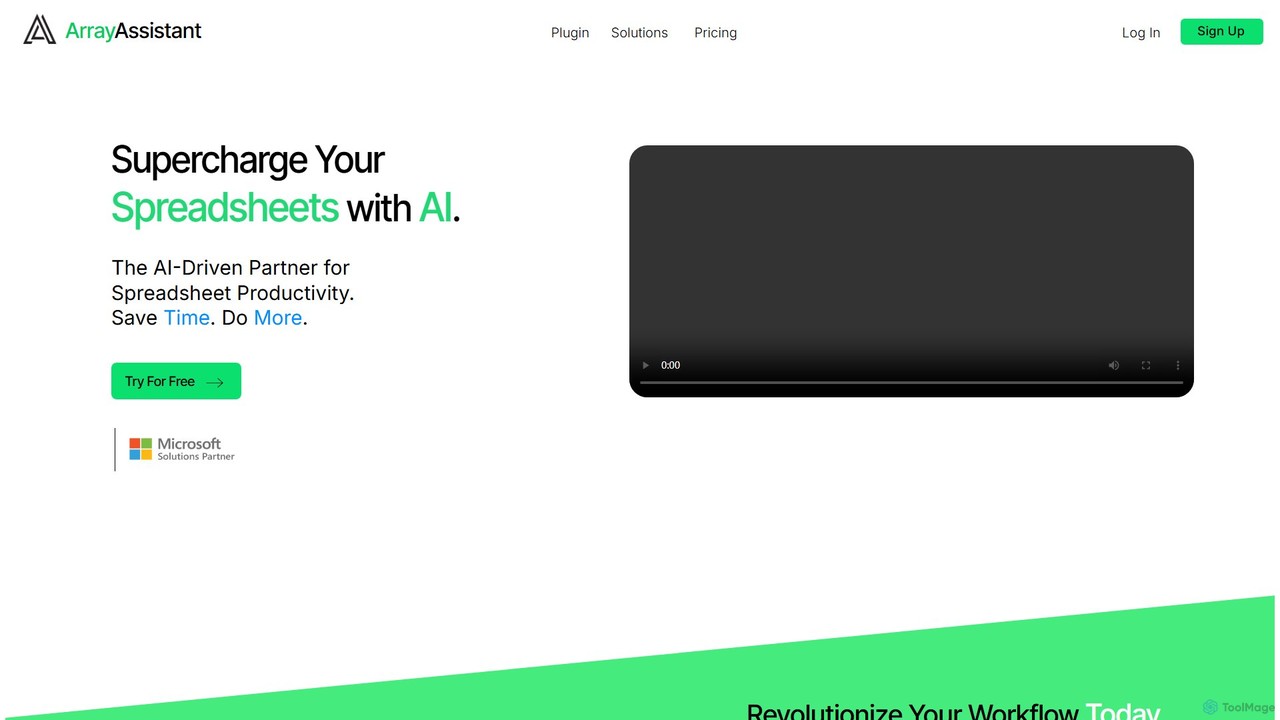
Array Assistant
Array Assistant is an AI-powered plugin for spreadsheets that supercharges your productivity. It helps you generate complex formulas, clean and organize data, summarize text, explain problems, and design automations, all within your existing workflow. Ideal for professionals, students, and anyone who uses spreadsheets.
Finance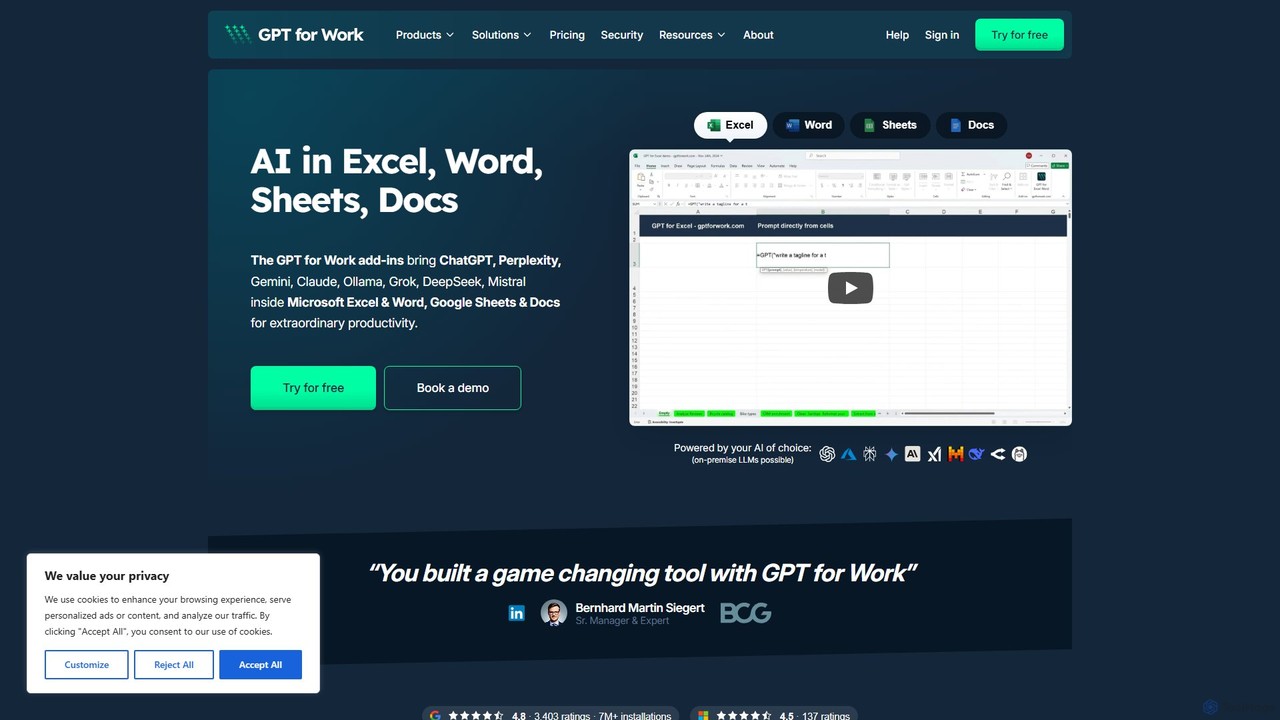
GPT for Work
A powerful AI add-on that integrates GPT capabilities directly into Google Sheets, Docs, Microsoft Excel, and Word. Automate tasks, generate text, analyze data, and create formulas using simple commands, boosting your productivity without leaving your documents.
Document Assistantexcelformulagpt Categories
excelformulagpt Embed Widget
Copy this embed code to place the badge on your blog, article, or product site and send readers directly to this ToolMage detail page.

Related AI tools
CTRL Sheet
CTRL Sheet is an AI-powered spreadsheet co-worker named Ted that automates data tasks. It allows users to interact with spreadsheets using natural language, extract data from various files like PDFs and images, and generate complex formulas effortlessly. It's designed to save time and reduce errors for students, analysts, and professionals.
Task AutomationSheetplus
Sheetplus is an AI-powered toolkit designed to supercharge your spreadsheet experience in Google Sheets and Excel. By leveraging natural language, it allows users to generate complex formulas, clean and analyze data, automate tasks, and extract insights without writing code. It acts as an intelligent assistant, making data management faster, more intuitive, and accessible to everyone, regardless of their technical expertise.
AutomationArray Assistant
Array Assistant is an AI-powered plugin for spreadsheets that supercharges your productivity. It helps you generate complex formulas, clean and organize data, summarize text, explain problems, and design automations, all within your existing workflow. Ideal for professionals, students, and anyone who uses spreadsheets.
Finance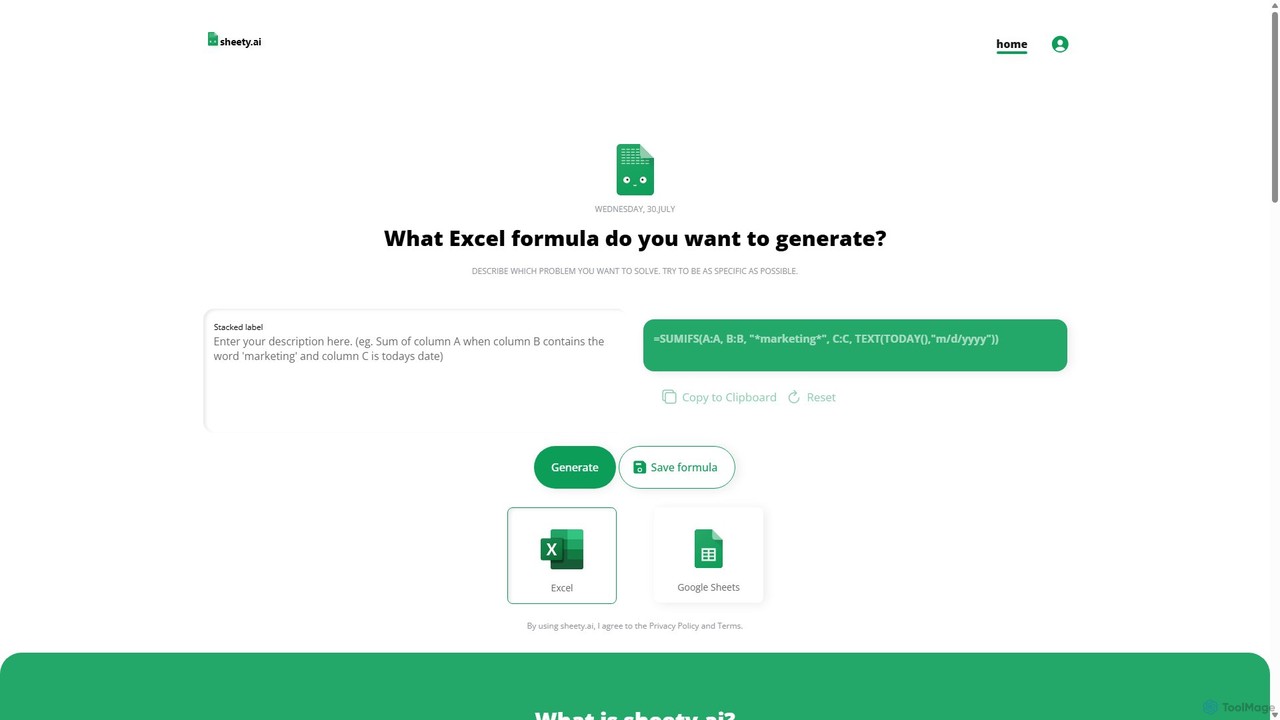
sheety.ai
sheety.ai is an AI-powered tool that instantly generates complex spreadsheet formulas for Excel and Google Sheets from natural language descriptions. Simply describe the problem you want to solve, and the AI will provide the correct formula, saving you time and eliminating the need to memorize syntax. It's designed for everyone from students to financial analysts, boosting productivity and data accuracy.
Data ProcessingSheetSavvy AI
SheetSavvy AI is an AI-powered assistant for Google Sheets and Microsoft Excel, designed to automate repetitive tasks. It features a formula generator, AI-driven formulas for data cleaning and analysis, and seamless data connectors to import live data, significantly boosting spreadsheet productivity.
FinanceGPT for Work
A powerful AI add-on that integrates GPT capabilities directly into Google Sheets, Docs, Microsoft Excel, and Word. Automate tasks, generate text, analyze data, and create formulas using simple commands, boosting your productivity without leaving your documents.
Document Assistant
Ajelix
Ajelix is an AI-powered suite of tools designed to enhance productivity for Excel and Google Sheets users. It acts as an AI data analyst, automating tasks, generating formulas and VBA scripts, creating insightful reports, and providing advanced data analysis through a simple chat interface.
Business Intelligence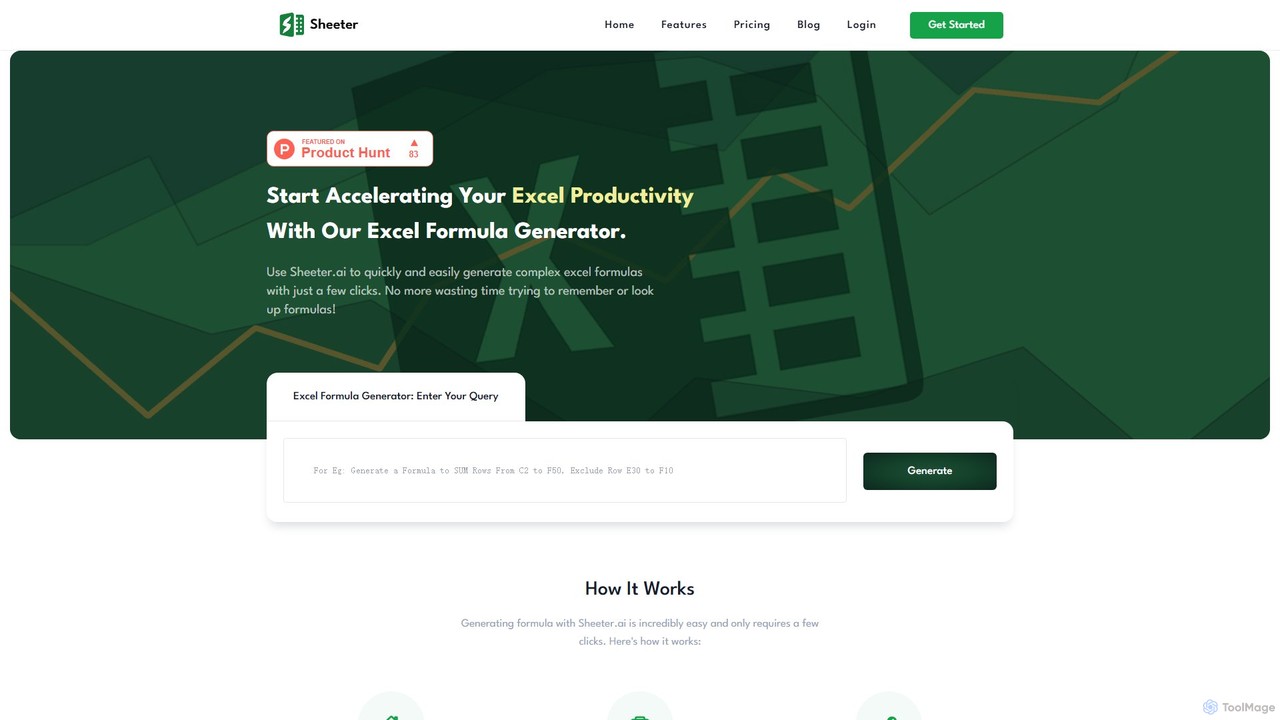
sheeter
Sheeter is an AI-powered tool that generates complex formulas for Excel and Google Sheets from plain English descriptions. It also creates VBA scripts, Google Apps Scripts, and Regex, significantly boosting spreadsheet productivity and saving users time by eliminating the need to memorize or look up formulas.
Data Analysis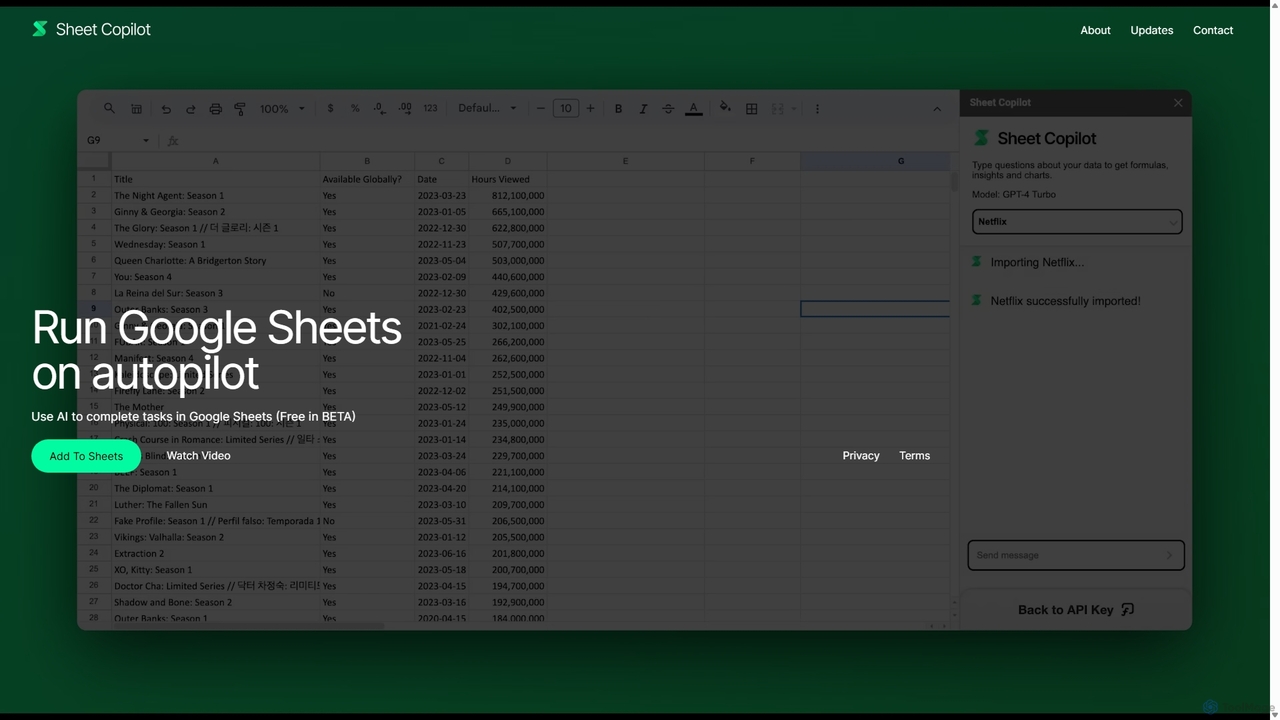
Sheet Copilot
Sheet Copilot is an AI-powered assistant that automates tasks and answers questions directly within Google Sheets. By using natural language commands, you can clean data, generate formulas, create summaries, and analyze information without writing complex functions. It's currently free in beta and operates using your own OpenAI API key for enhanced privacy and security.
Automation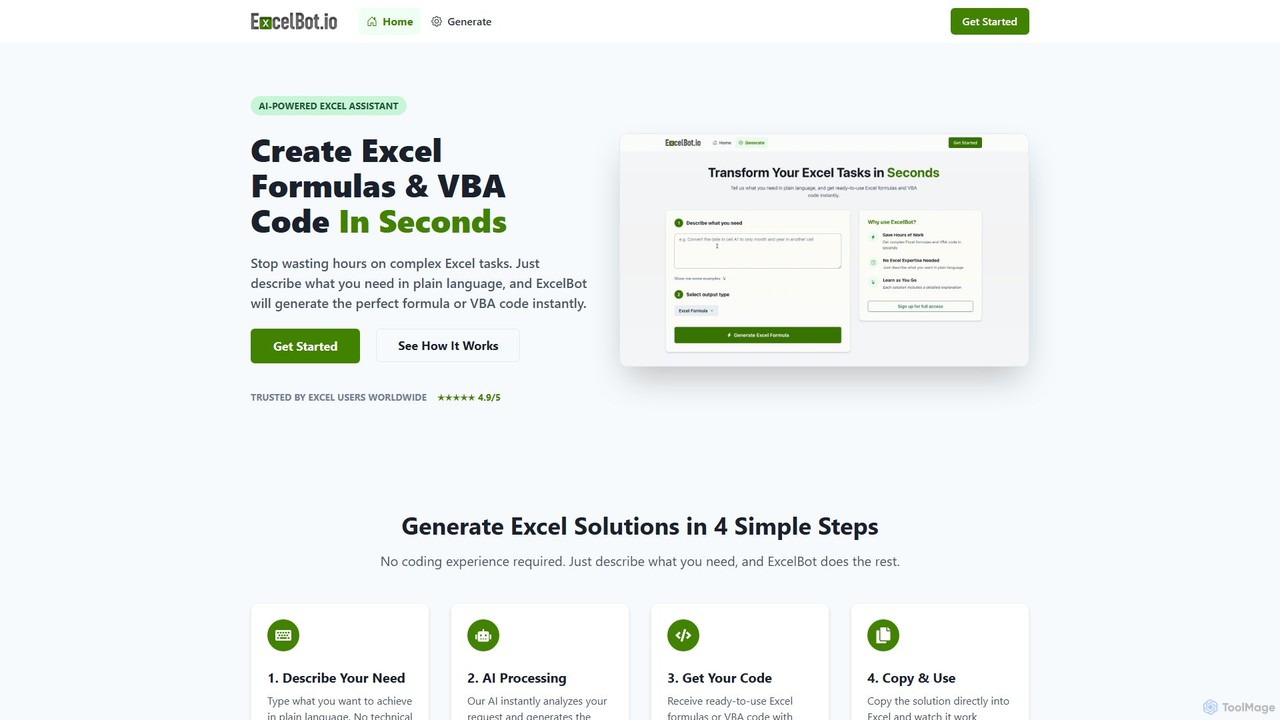
ExcelBot
ExcelBot is an AI-powered assistant that instantly generates complex Excel formulas and VBA code from plain English descriptions. Designed for users of all skill levels, from beginners to data analysts, it saves hours of manual work, boosts productivity, and helps users learn by providing detailed explanations for every solution. Simply describe your task, and ExcelBot delivers the ready-to-use code in seconds.
Data Automation
Prompting Sheets
Prompting Sheets is an AI-powered add-on for Google Sheets that transforms your spreadsheets into dynamic tools. It allows users to generate custom project plans, to-do lists, and automate data analysis and content creation using powerful AI formulas and an integrated chatbot, eliminating the need for generic templates.
Project Management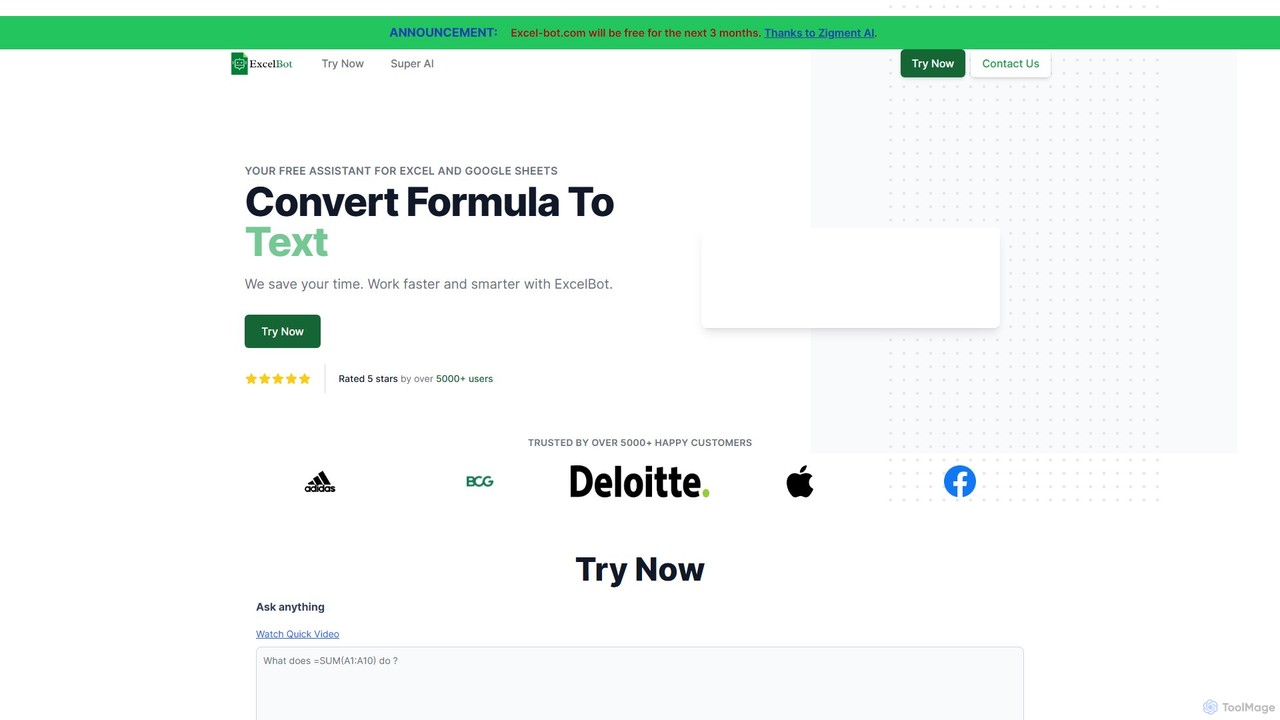
Excel Bot
Excel Bot is an AI-powered assistant for Microsoft Excel and Google Sheets. It converts your plain text instructions into complex formulas instantly, saving you time and reducing errors. Simply describe what you need, and the AI generates the correct formula for you.
Finance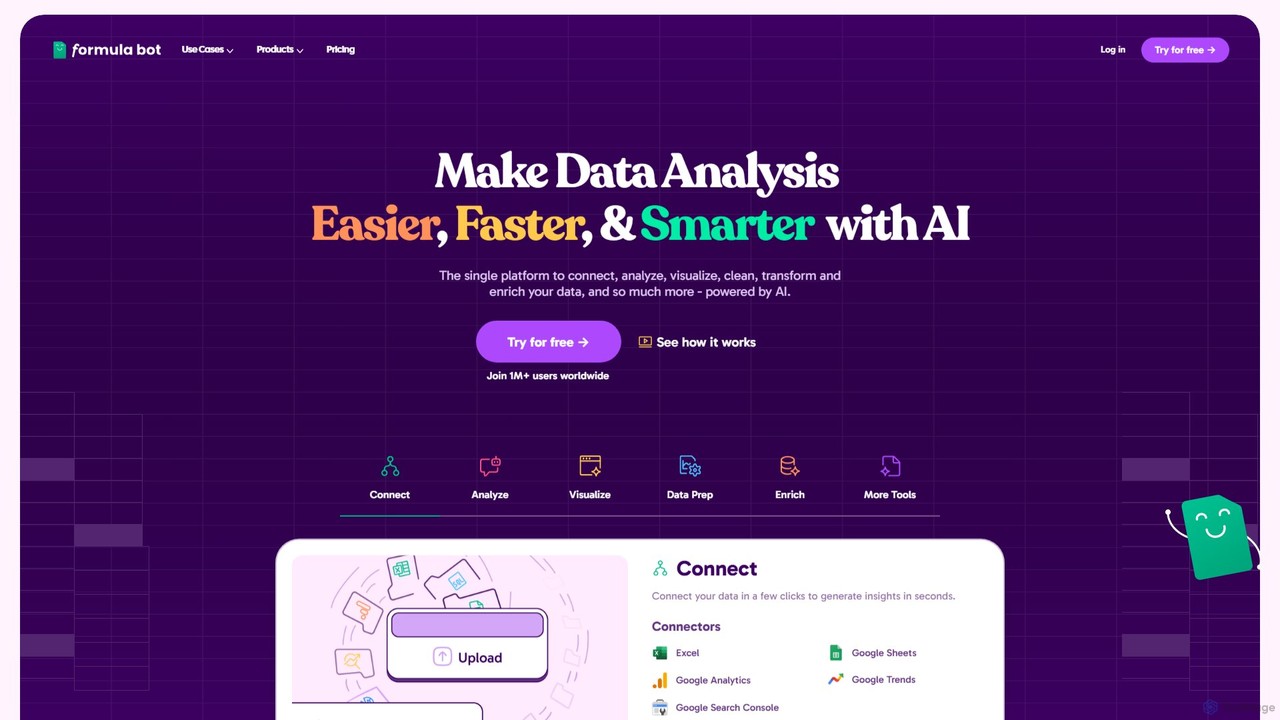
Formula Bot
Formula Bot is an AI-powered data analysis platform that simplifies working with spreadsheets and data. It allows users to generate Excel formulas, SQL queries, and VBA code from simple text instructions, analyze data through a conversational chat interface, and automate tasks like data cleaning and enrichment.
Data Visualization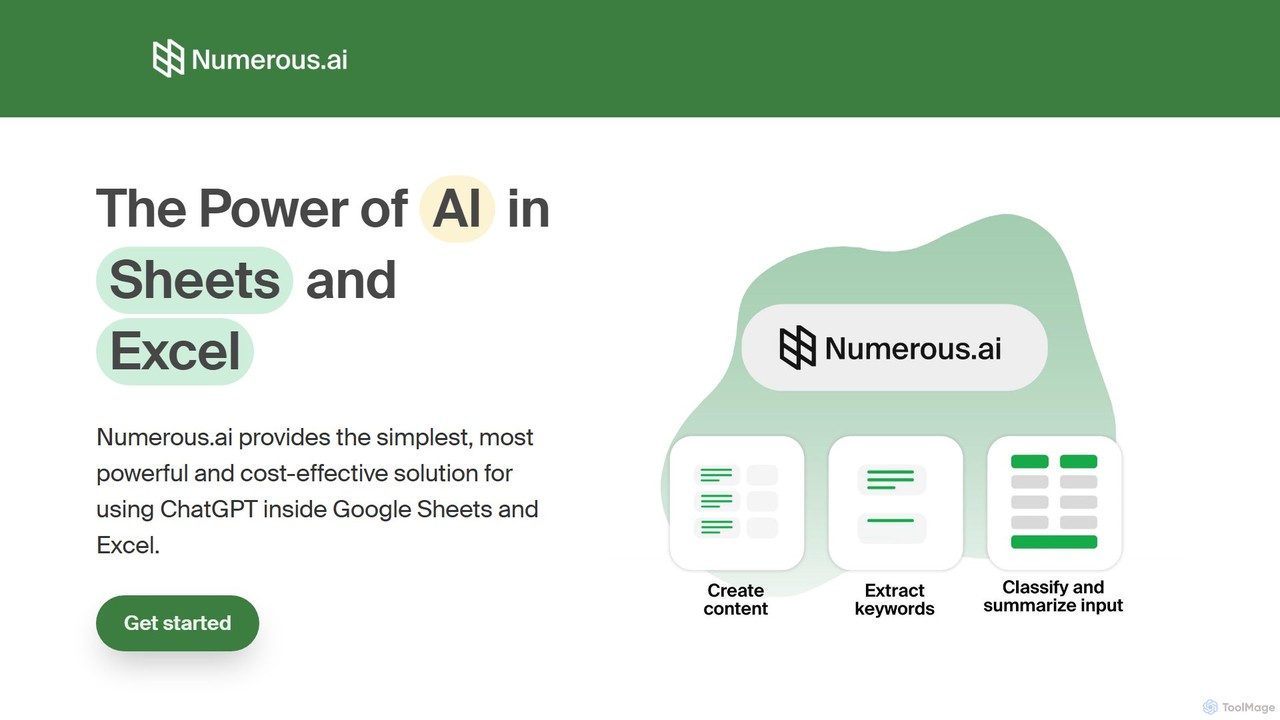
Numerous.ai
Numerous.ai is a powerful AI assistant that integrates directly into Google Sheets and Excel. It allows users to automate tasks, generate content, clean and classify data, and perform complex analysis using a simple '=AI()' function, without needing any API keys or coding skills.
Data Analysis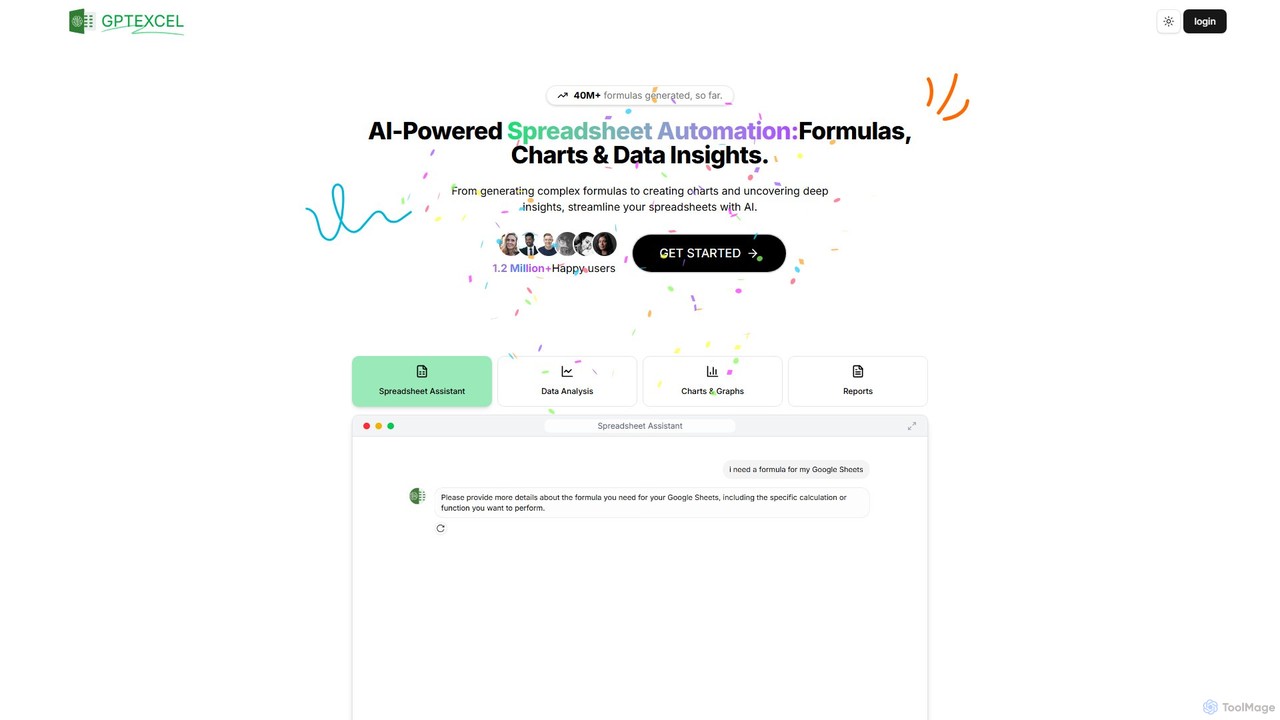
GPTExcel
GPTExcel is an AI-powered assistant that revolutionizes spreadsheet workflows. It generates complex formulas, automation scripts (VBA, Apps Script), SQL queries, and Regex from natural language. It also enables users to chat with their data, convert images to tables, create charts, and perform in-depth data analysis, supporting platforms like Excel, Google Sheets, and Airtable.
Sql
excelformulagpt Comments (0)
Sign in to comment.
Sign inNo comments yet.