


Wallo Overview
Wallo is an intelligent AI assistant specifically designed to revolutionize the way you interact with spreadsheets like Microsoft Excel and Google Sheets. It acts as your personal data expert, eliminating the steep learning curve and time-consuming processes typically associated with complex spreadsheet functions. By leveraging advanced AI, Wallo allows you to communicate with your data in natural language, transforming tedious tasks into simple conversations. Whether you're a financial analyst, a marketing professional, a student, or anyone who regularly works with data, Wallo is built to enhance your productivity and help you focus on insights rather than syntax.
How to use Wallo
Using Wallo is designed to be incredibly simple and intuitive, requiring just a few steps to get started:
- Upload Your Spreadsheet: Begin by securely uploading your Excel (.xlsx) or Google Sheets file to the Wallo platform. Your data's privacy and security are a top priority.
- Start Interacting: Once uploaded, you can choose from several powerful features:
- Chat with Your Data: Open the chat interface and ask questions about your spreadsheet in plain English. For example, you can ask, "What were the total sales in Q2?" or "Show me all entries from the 'Marketing' department." Wallo will analyze the data and provide you with immediate answers.
- Generate Formulas: Go to the formula generation tool. Describe the calculation you need, such as "Sum the values in column B if column A says 'Completed'." Wallo will instantly generate the correct formula for you to copy and paste.
- Explain Formulas: If you encounter a complex or unfamiliar formula, simply paste it into the formula explainer. Wallo will break it down into an easy-to-understand explanation.
- Generate VBA Scripts: For automating tasks in Excel, describe the process you want to automate (e.g., "Create a script that copies data from Sheet1 to Sheet2 and then formats the header row"). Wallo will generate the necessary VBA code.
Core Features of Wallo
- AI Formula Generator: Effortlessly create complex formulas for Excel and Google Sheets by describing your objective in natural language.
- Formula Explainer: Demystify any spreadsheet formula. Paste a formula to receive a clear, step-by-step explanation of what it does and how it works.
- Chat with Spreadsheets: Interact with your data through a conversational interface. Ask questions, request summaries, and find information without manual filtering or searching.
- VBA Script Generation: Automate repetitive tasks in Excel by generating custom VBA scripts from simple text descriptions. This is perfect for creating macros to streamline your workflow.
- Cross-Platform Compatibility: Wallo is fully compatible with both Microsoft Excel and Google Sheets, ensuring a seamless experience regardless of your preferred software.
Use Cases for Wallo
Wallo is versatile and can be applied across various roles and industries:
- Financial Analysts: Can quickly generate formulas for financial modeling, calculate metrics like ROI and CAGR, or chat with datasets to identify financial trends.
- Marketing Professionals: Can analyze campaign performance by asking questions like, "What was the click-through rate for the summer campaign?" or generating formulas to segment customer data.
- Operations Managers: Can automate reporting by generating VBA scripts to consolidate data from multiple sheets, format reports, and prepare them for distribution.
- Students and Educators: Can learn spreadsheet functions faster by using the formula explainer to understand complex concepts and use the generator to complete assignments efficiently.
- Small Business Owners: Can manage inventory, track sales, and analyze business performance without needing to be an Excel expert.
Advantages of Wallo
Wallo offers significant advantages that enhance productivity and efficiency:
- Time-Saving: Drastically reduces the time spent on remembering formula syntax, debugging, and manually searching for data.
- Increased Productivity: By handling the technical aspects of spreadsheets, Wallo allows you to focus on strategic analysis and decision-making.
- Accessibility: Empowers users with limited spreadsheet knowledge to perform advanced data analysis and automation tasks.
- Reduced Errors: AI-generated formulas and scripts are less prone to human error, leading to more accurate and reliable results.
- Intuitive Workflow: The chat-based interaction provides a more natural and user-friendly way to work with data compared to traditional methods.
Pricing and Plans
Wallo offers a flexible pricing structure to suit different user needs:
- Free Plan: $0/month. This plan is ideal for trying out Wallo's capabilities. It includes limited access with 5 requests per month (covering formula generation/explanation, VBA, and chat questions) and allows for 1 file upload.
- Basic Plan: $5/month. Perfect for users getting started with AI in their spreadsheets. It offers full access to formula and VBA script generation/explanation, allows for 2 spreadsheet uploads per account, and includes up to 30 total chat questions per month.
- Pro Plan: $19/month. The best value for regular and power users. This plan provides unlimited access to all features, including unlimited spreadsheet uploads, unlimited chat questions, unlimited formula and VBA script generation/explanation, and priority support.
Traffic
Latest traffic
Status
Monthly traffic trend
- 2025-8: 1.5K
- 2025-9: 1.8K
- 2026-2: 2.0K
- 2026-3: 0
- 2026-4: 696
- 2026-5: 4.0K
Geography
Top 5 countries / regions
- 🇵🇰Pakistan44.2%
- 🇩🇪Germany31.9%
- 🇪🇸Spain9.6%
- 🇺🇸United States9.5%
- 🇬🇧United Kingdom4.8%
Top keywords
| Keyword | Cost per click |
|---|---|
| free app to see who shared your tiktok | $0.00 |
| tiktok analyzer free | $0.00 |
| tiktok搜索词 | $0.00 |
| toik | $3.60 |
| walloai | $0.00 |
Wallo Alternatives
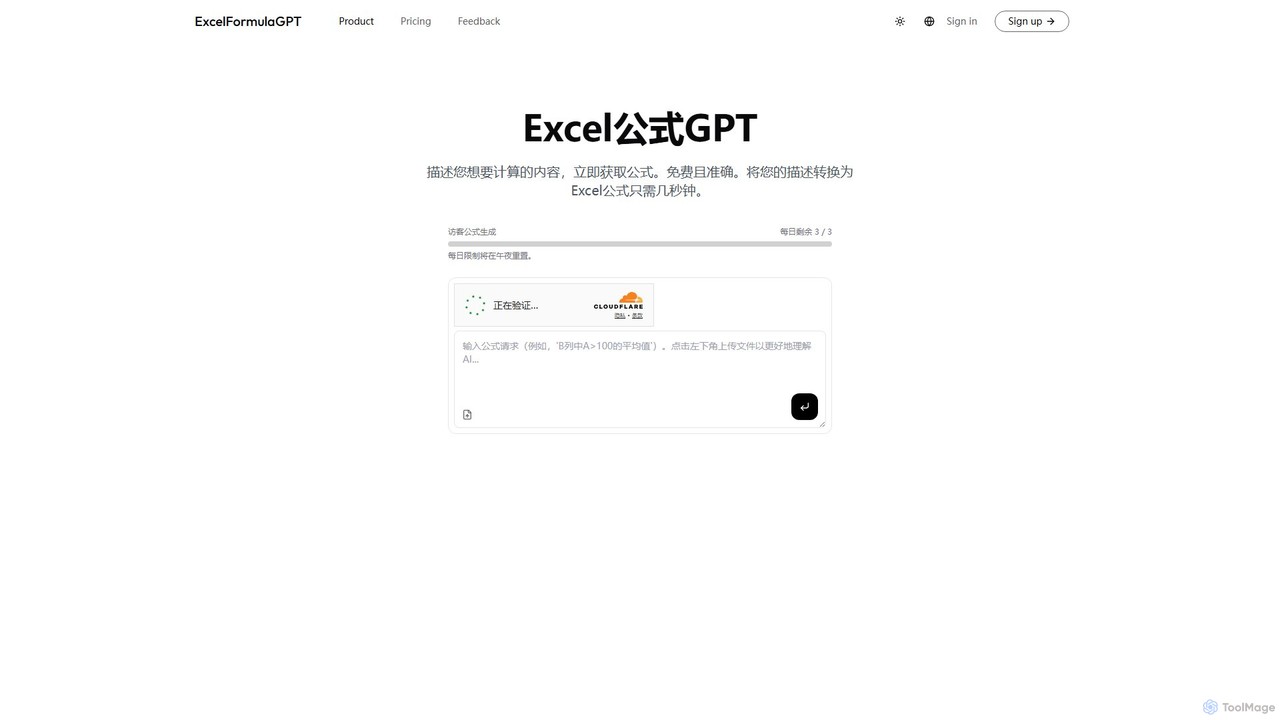
excelformulagpt
excelformulagpt is an AI-powered tool that instantly converts natural language descriptions into complex Excel and Google Sheets formulas. It helps users save time, reduce errors, and boost productivity without needing to memorize complex syntax. Features include formula generation, context-aware suggestions from uploaded files, and formula explanations.
Automation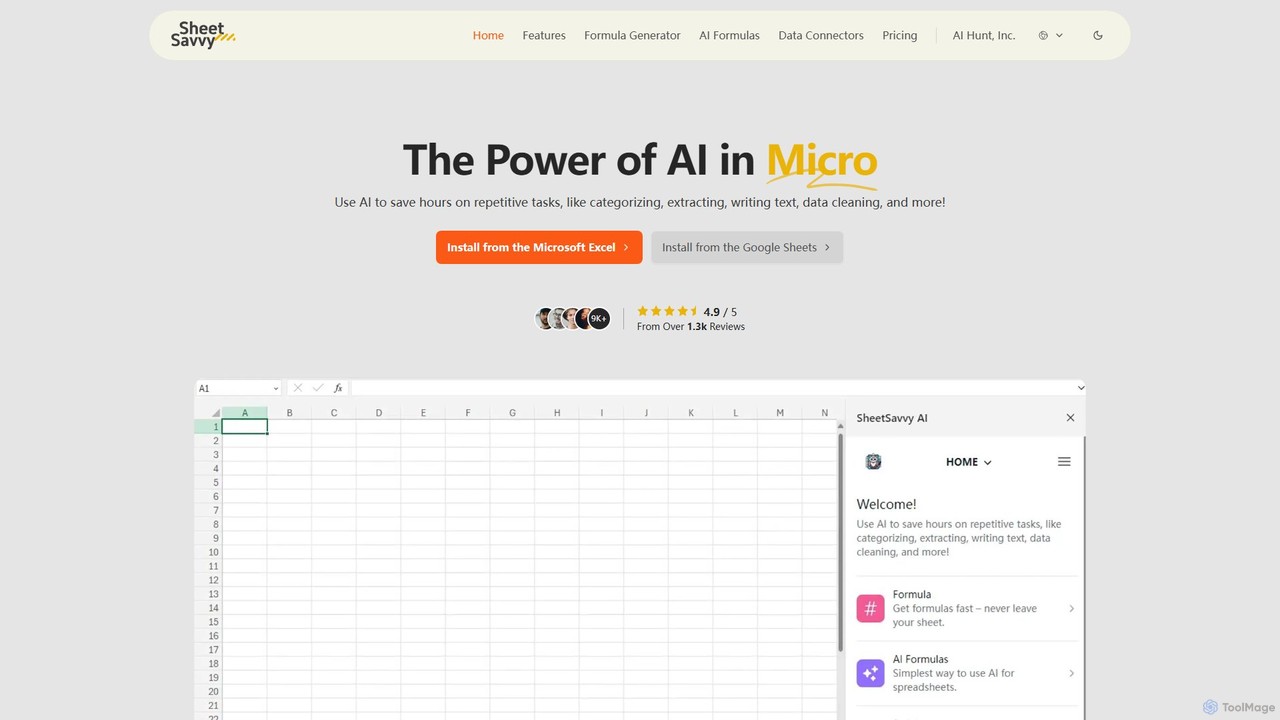
SheetSavvy AI
SheetSavvy AI is an AI-powered assistant for Google Sheets and Microsoft Excel, designed to automate repetitive tasks. It features a formula generator, AI-driven formulas for data cleaning and analysis, and seamless data connectors to import live data, significantly boosting spreadsheet productivity.
Finance
Ajelix
Ajelix is an AI-powered suite of tools designed to enhance productivity for Excel and Google Sheets users. It acts as an AI data analyst, automating tasks, generating formulas and VBA scripts, creating insightful reports, and providing advanced data analysis through a simple chat interface.
Business Intelligence
sheeter
Sheeter is an AI-powered tool that generates complex formulas for Excel and Google Sheets from plain English descriptions. It also creates VBA scripts, Google Apps Scripts, and Regex, significantly boosting spreadsheet productivity and saving users time by eliminating the need to memorize or look up formulas.
Data Analysis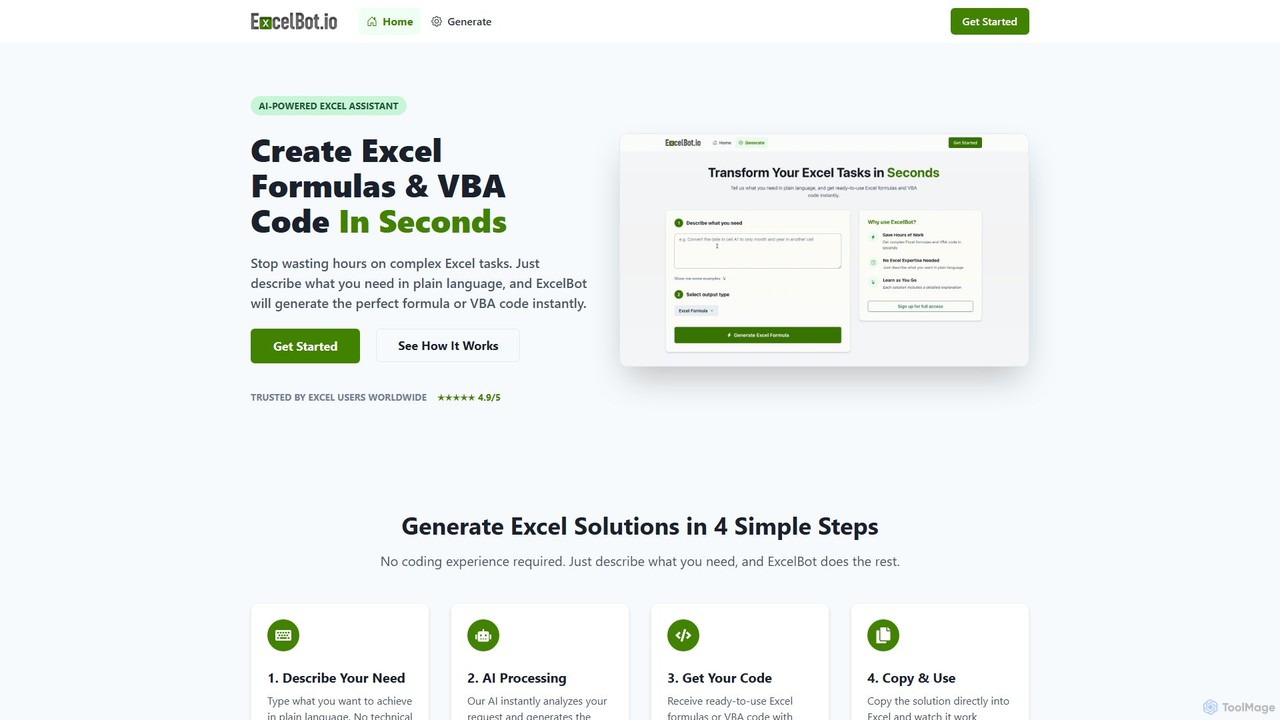
ExcelBot
ExcelBot is an AI-powered assistant that instantly generates complex Excel formulas and VBA code from plain English descriptions. Designed for users of all skill levels, from beginners to data analysts, it saves hours of manual work, boosts productivity, and helps users learn by providing detailed explanations for every solution. Simply describe your task, and ExcelBot delivers the ready-to-use code in seconds.
Data AutomationWallo Categories
Wallo Embed Widget
Copy this embed code to place the badge on your blog, article, or product site and send readers directly to this ToolMage detail page.

Related AI tools
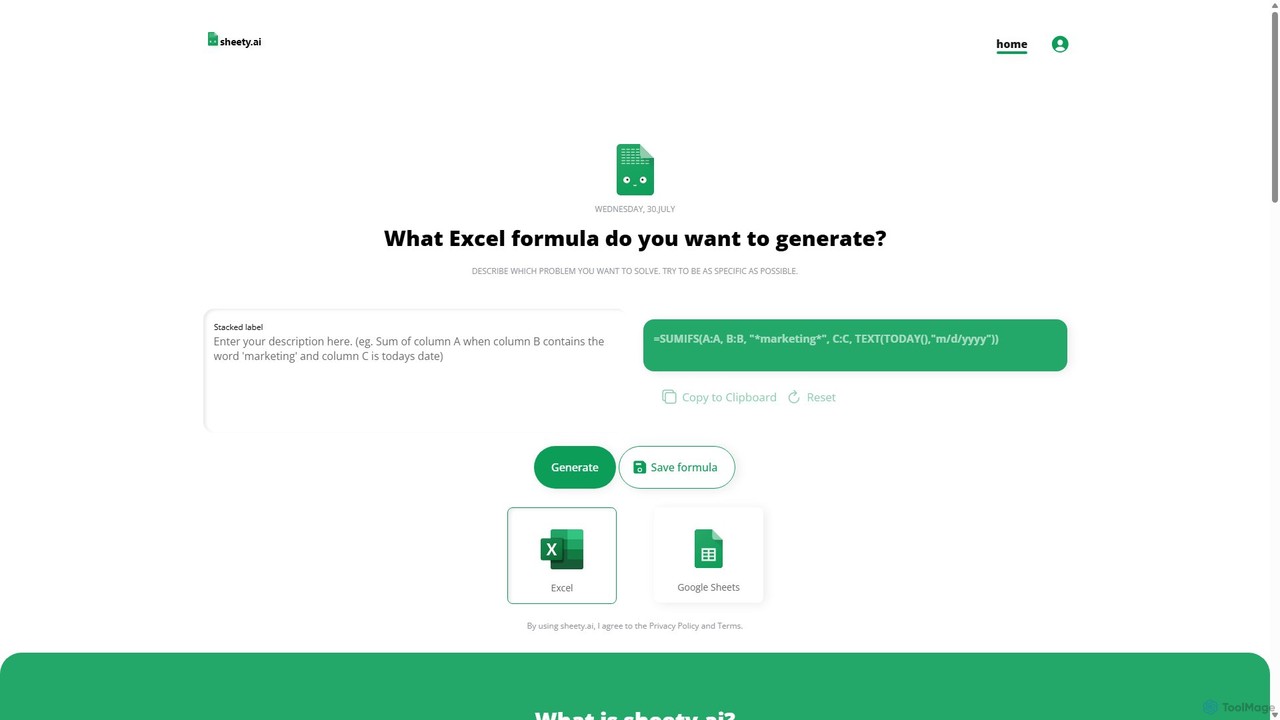
sheety.ai
sheety.ai is an AI-powered tool that instantly generates complex spreadsheet formulas for Excel and Google Sheets from natural language descriptions. Simply describe the problem you want to solve, and the AI will provide the correct formula, saving you time and eliminating the need to memorize syntax. It's designed for everyone from students to financial analysts, boosting productivity and data accuracy.
Data Processingexcelformulagpt
excelformulagpt is an AI-powered tool that instantly converts natural language descriptions into complex Excel and Google Sheets formulas. It helps users save time, reduce errors, and boost productivity without needing to memorize complex syntax. Features include formula generation, context-aware suggestions from uploaded files, and formula explanations.
AutomationSheetSavvy AI
SheetSavvy AI is an AI-powered assistant for Google Sheets and Microsoft Excel, designed to automate repetitive tasks. It features a formula generator, AI-driven formulas for data cleaning and analysis, and seamless data connectors to import live data, significantly boosting spreadsheet productivity.
Finance
GPT for Work
A powerful AI add-on that integrates GPT capabilities directly into Google Sheets, Docs, Microsoft Excel, and Word. Automate tasks, generate text, analyze data, and create formulas using simple commands, boosting your productivity without leaving your documents.
Document Assistant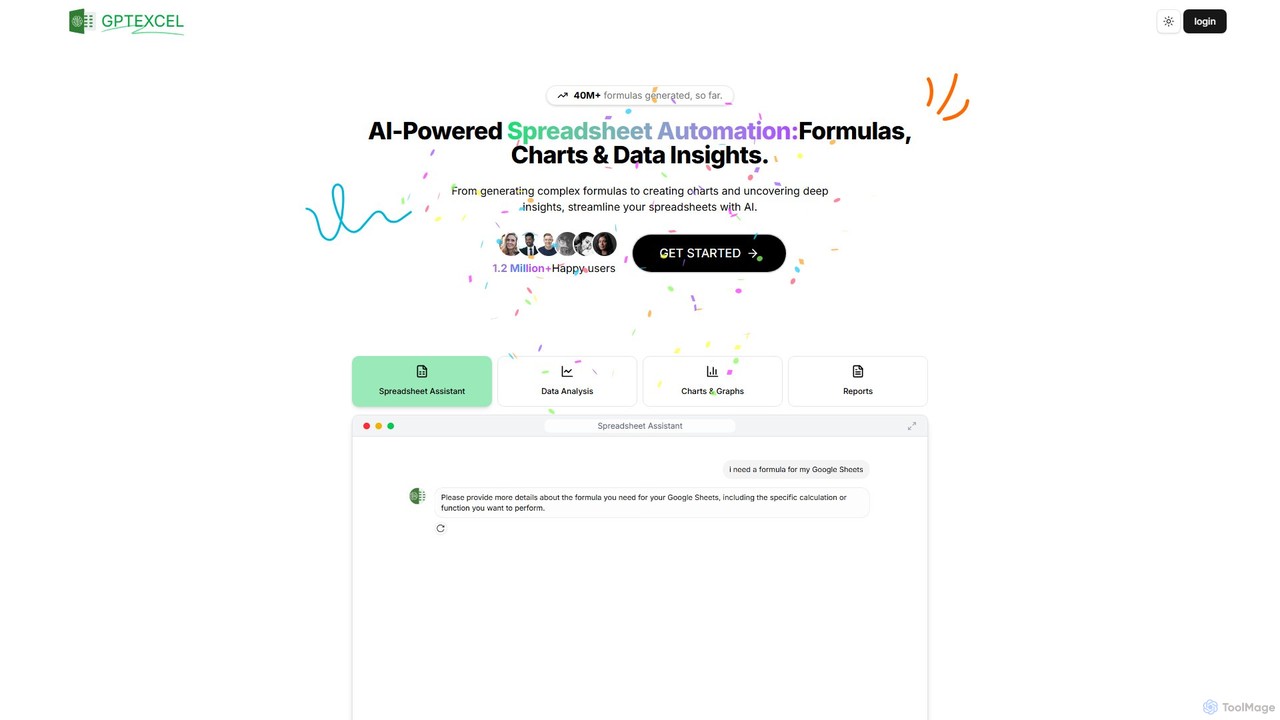
GPTExcel
GPTExcel is an AI-powered assistant that revolutionizes spreadsheet workflows. It generates complex formulas, automation scripts (VBA, Apps Script), SQL queries, and Regex from natural language. It also enables users to chat with their data, convert images to tables, create charts, and perform in-depth data analysis, supporting platforms like Excel, Google Sheets, and Airtable.
Sql
Sheet Copilot
Sheet Copilot is an AI-powered assistant that automates tasks and answers questions directly within Google Sheets. By using natural language commands, you can clean data, generate formulas, create summaries, and analyze information without writing complex functions. It's currently free in beta and operates using your own OpenAI API key for enhanced privacy and security.
Automation
Sheetplus
Sheetplus is an AI-powered toolkit designed to supercharge your spreadsheet experience in Google Sheets and Excel. By leveraging natural language, it allows users to generate complex formulas, clean and analyze data, automate tasks, and extract insights without writing code. It acts as an intelligent assistant, making data management faster, more intuitive, and accessible to everyone, regardless of their technical expertise.
Automation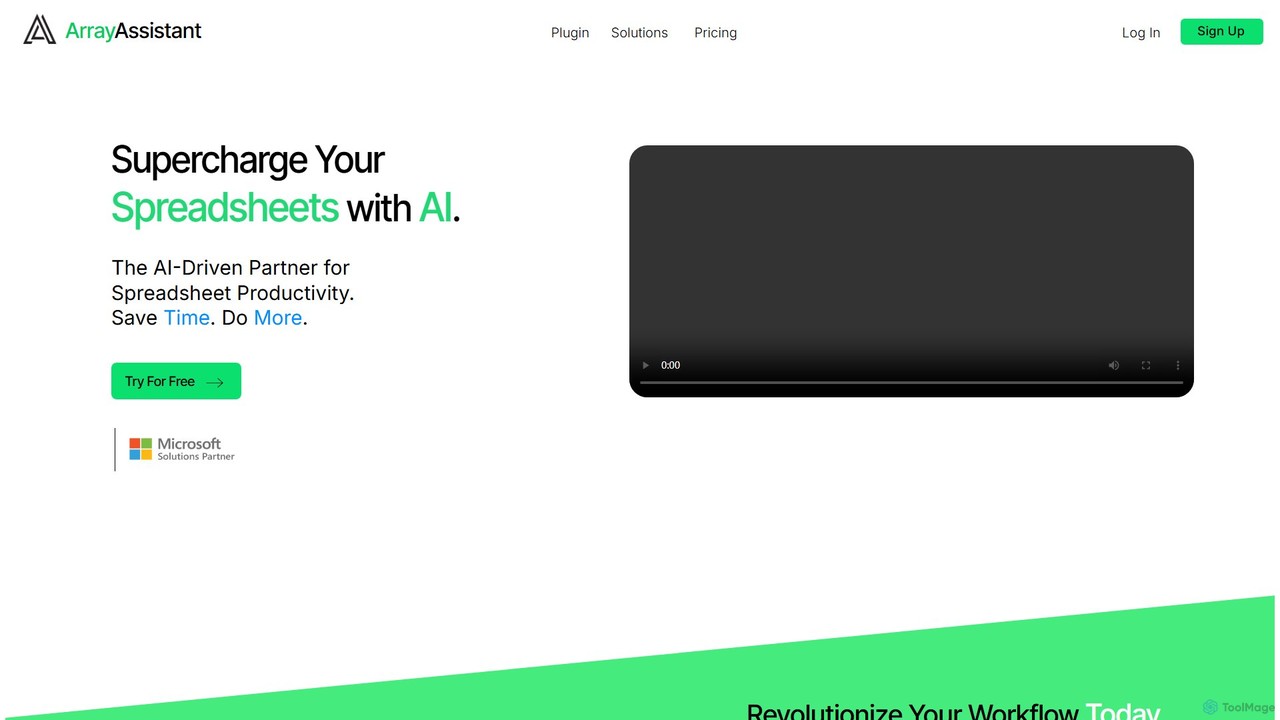
Array Assistant
Array Assistant is an AI-powered plugin for spreadsheets that supercharges your productivity. It helps you generate complex formulas, clean and organize data, summarize text, explain problems, and design automations, all within your existing workflow. Ideal for professionals, students, and anyone who uses spreadsheets.
Finance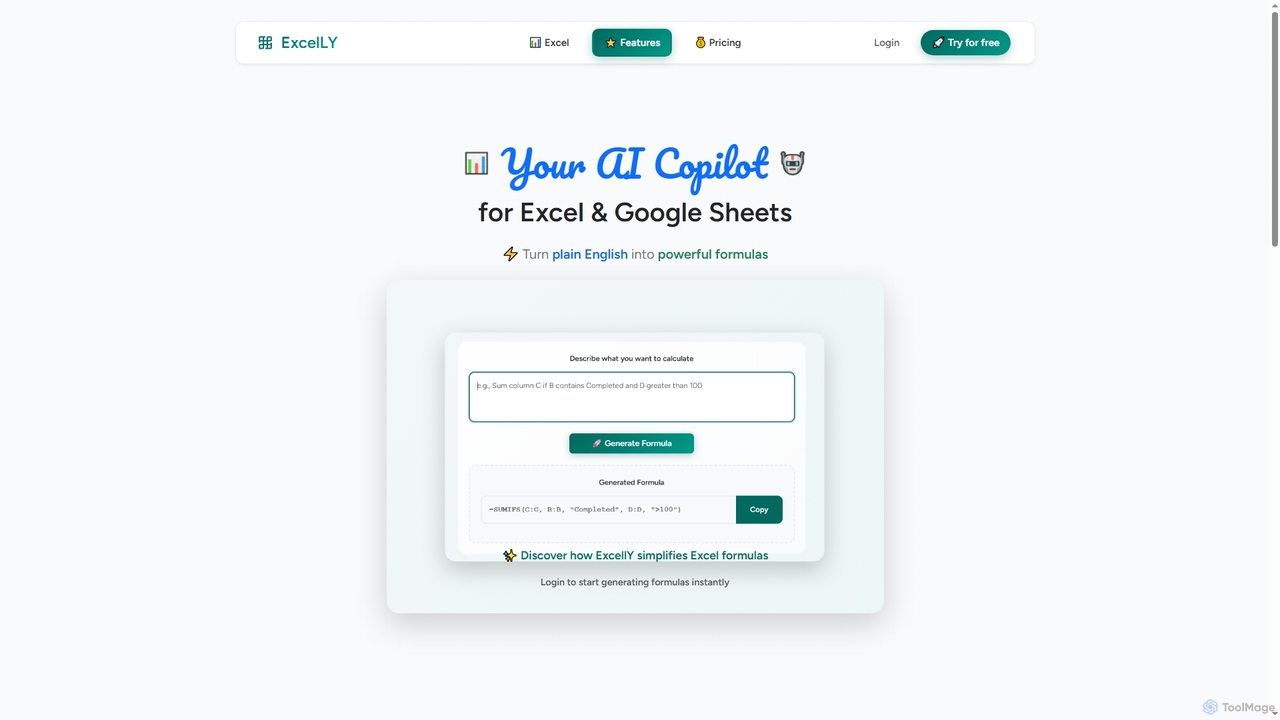
Excelly
Excelly is an AI copilot for Excel and Google Sheets that transforms plain English descriptions into complex formulas instantly. It also provides step-by-step explanations, boosting productivity and simplifying spreadsheet tasks for users of all skill levels.
Formula Generation
Jyek
Jyek is an AI agent platform that understands objectives, creates execution plans, uses tools, and delivers verifiable results for complex, multi-step tasks.
AutomationAjelix
Ajelix is an AI-powered suite of tools designed to enhance productivity for Excel and Google Sheets users. It acts as an AI data analyst, automating tasks, generating formulas and VBA scripts, creating insightful reports, and providing advanced data analysis through a simple chat interface.
Business Intelligencesheeter
Sheeter is an AI-powered tool that generates complex formulas for Excel and Google Sheets from plain English descriptions. It also creates VBA scripts, Google Apps Scripts, and Regex, significantly boosting spreadsheet productivity and saving users time by eliminating the need to memorize or look up formulas.
Data AnalysisExcelBot
ExcelBot is an AI-powered assistant that instantly generates complex Excel formulas and VBA code from plain English descriptions. Designed for users of all skill levels, from beginners to data analysts, it saves hours of manual work, boosts productivity, and helps users learn by providing detailed explanations for every solution. Simply describe your task, and ExcelBot delivers the ready-to-use code in seconds.
Data Automation
SheetAI
SheetAI integrates the power of AI directly into Google Sheets, allowing users to generate content, analyze data, and automate tasks using simple functions. It eliminates the need for complex formulas, making spreadsheet management more efficient and intuitive for everyone.
No Code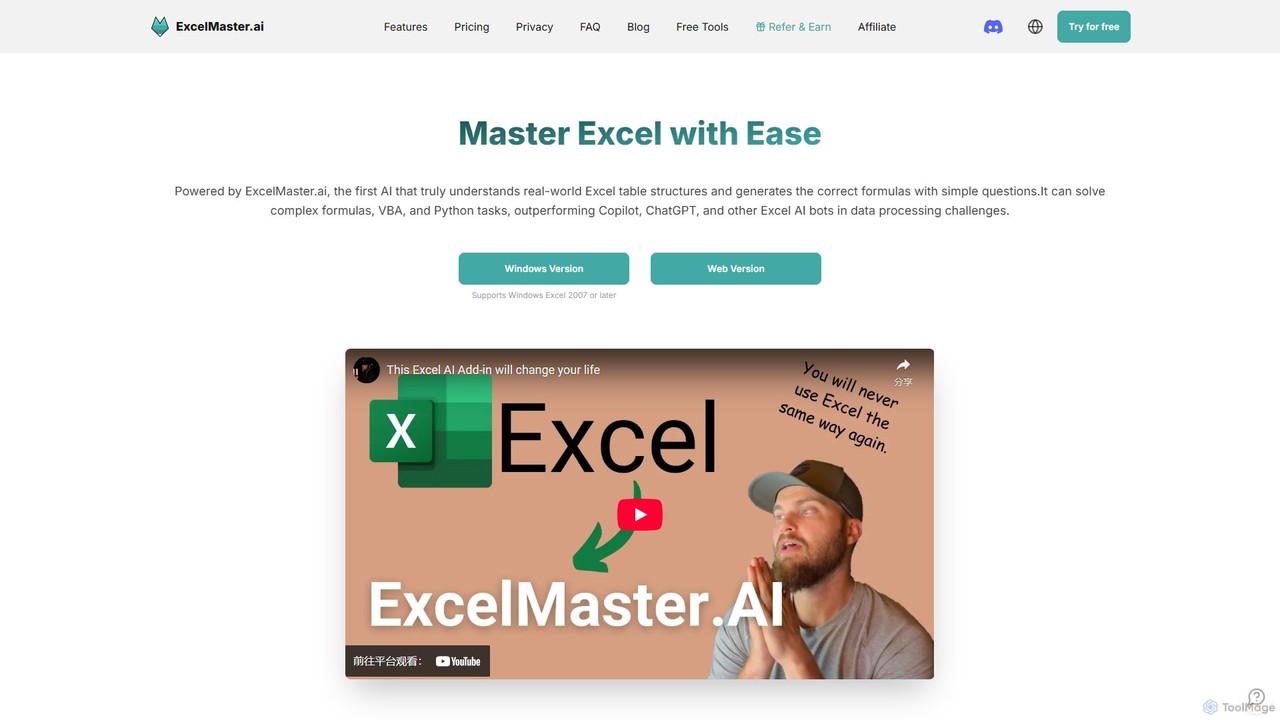
ExcelMaster.ai
ExcelMaster.ai is an advanced AI assistant designed to master Microsoft Excel. It generates accurate formulas, VBA code, and Python scripts from simple natural language questions. It excels at understanding complex, multi-sheet structures and provides one-click automation, making it a powerful tool for both beginners and expert Excel users to enhance productivity and streamline data-heavy tasks.
Code Assistant
Wallo Comments (0)
Sign in to comment.
Sign inNo comments yet.