Productivity Best in category 7 results Spreadsheet AI Tool

Popular AI tools in the Spreadsheet field of Productivity include InsightJini、SpreadSimple、Sumifai、Formula Bot、Luminal、Wallo、Pane, etc., helping you quickly improve efficiency.

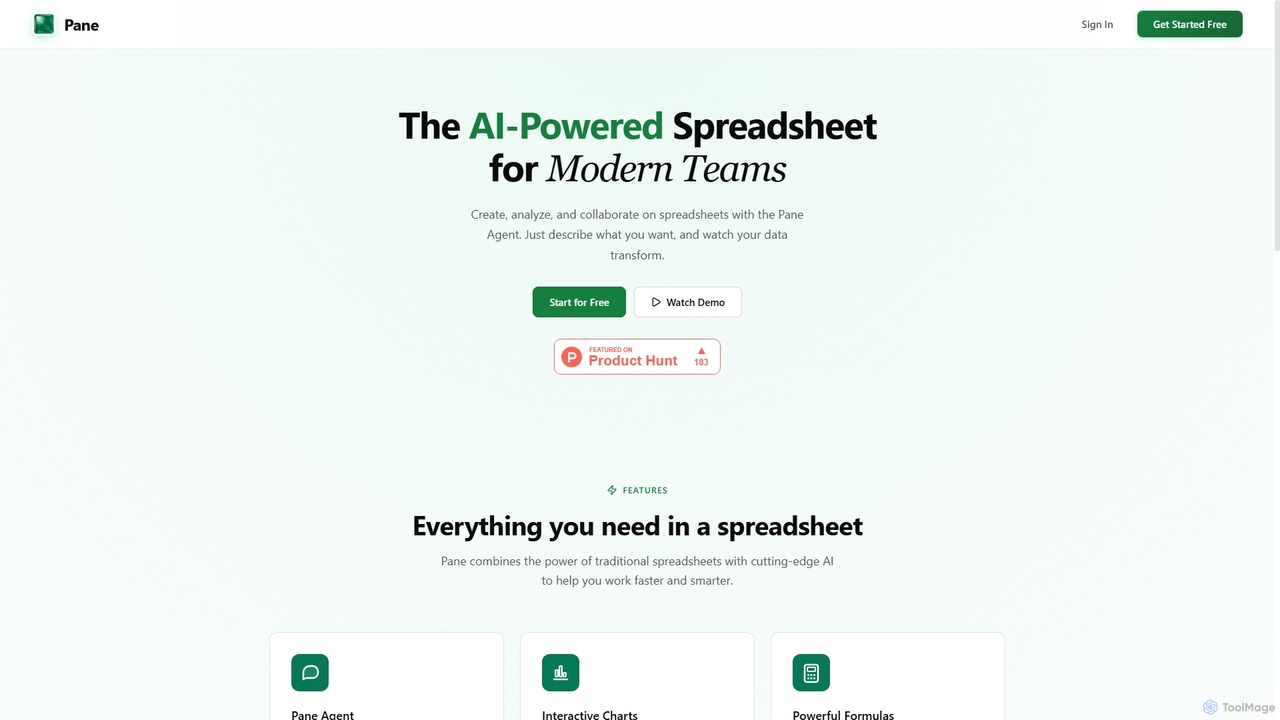
Pane

Pane

Pane is an AI-native spreadsheet designed for modern teams, integrating artificial intelligence to streamline data creation, analysis, and …

2.8K
Formula Bot

Formula Bot

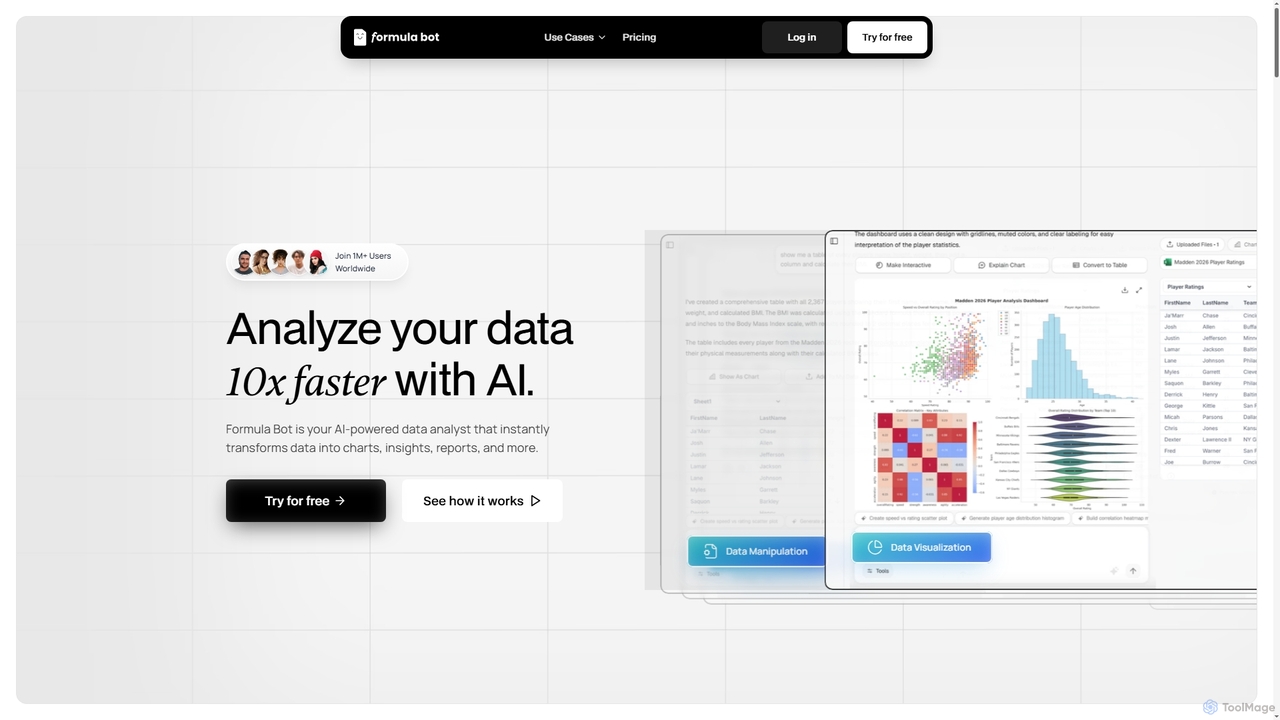
Formula Bot is an AI-powered data analyst that instantly transforms raw data into actionable insights, stunning charts, and …

4.8K
Sumifai

Sumifai

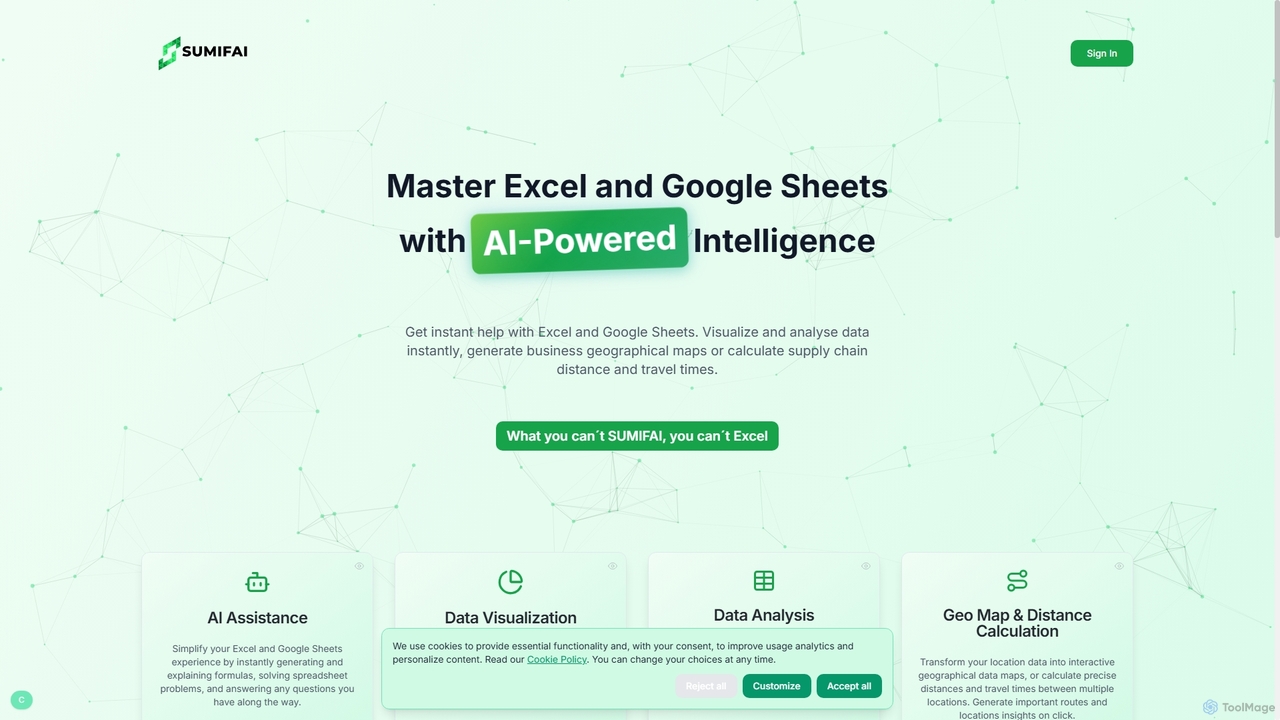
Sumifai is an AI-powered assistant for Excel and Google Sheets that simplifies spreadsheet tasks. It instantly generates and …

4.9K
Luminal

Luminal

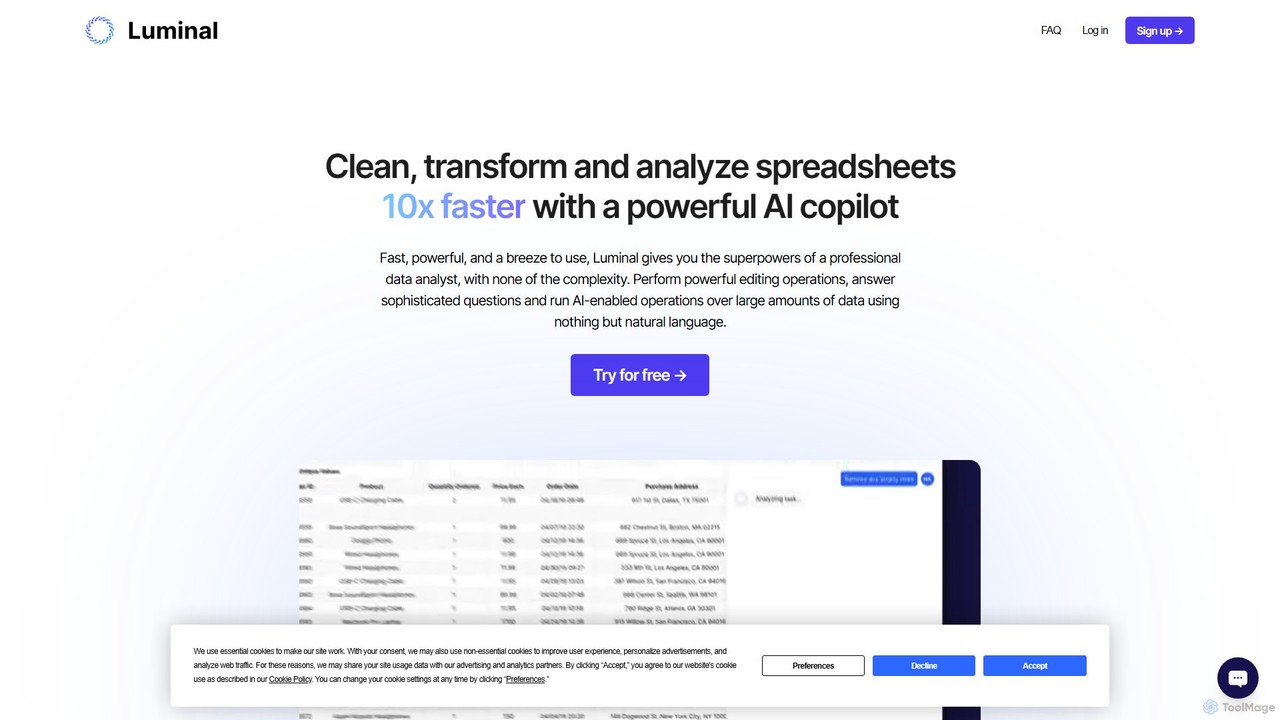
Luminal is a powerful AI copilot that revolutionizes spreadsheet management. It allows users to clean, transform, analyze, and …

3.7K
Wallo

Wallo

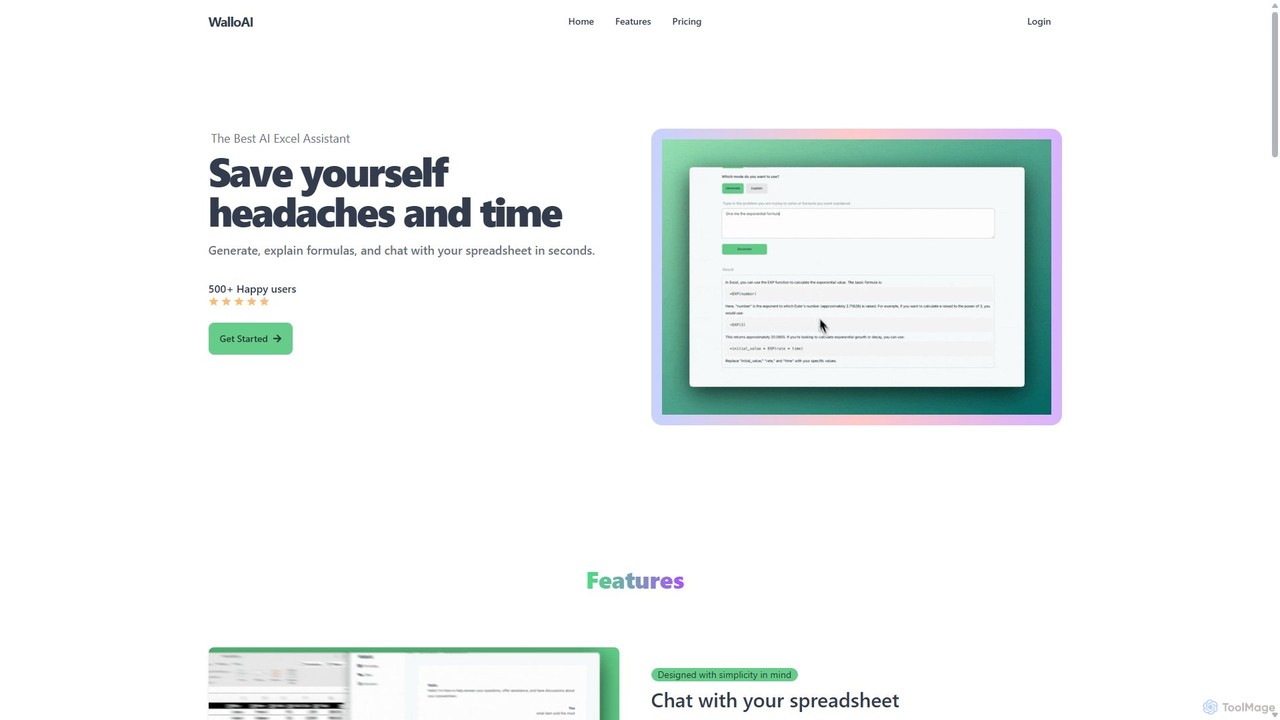
Wallo is an AI-powered assistant for Excel and Google Sheets designed to streamline your spreadsheet tasks. It allows …

3.4K
SpreadSimple

SpreadSimple

SpreadSimple is a powerful no-code website builder that transforms Google Sheets into modern, feature-rich websites. With its AI …

23.7K
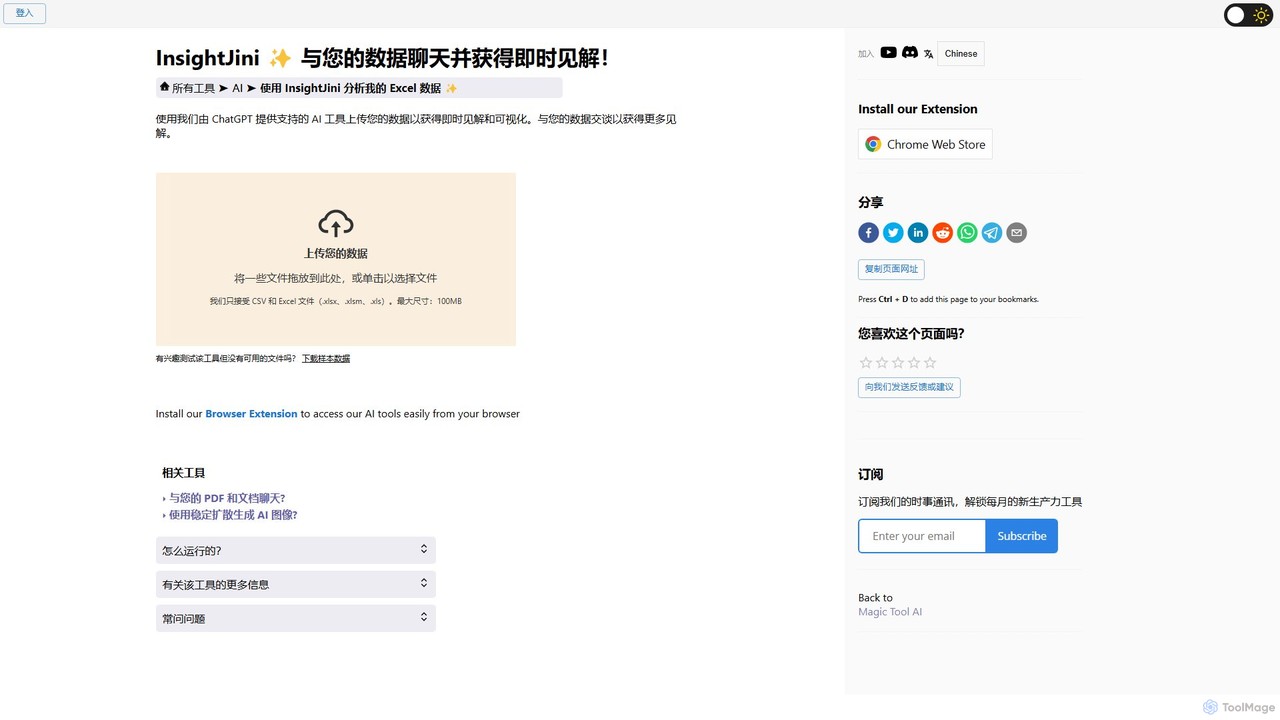
InsightJini

InsightJini

InsightJini is a ChatGPT-powered AI tool that transforms data analysis. Simply upload your Excel or CSV files and …

128.0K

About Spreadsheet

AI Spreadsheet tools are applications that integrate artificial intelligence into traditional spreadsheet functionalities to automate and enhance data analysis. They leverage machine learning and natural language processing (NLP) to interpret text commands, clean data, and generate predictive insights. This allows users to perform complex data operations, create forecasts, and uncover trends without writing intricate formulas. As a powerful evolution in productivity software, these tools transform static data tables into dynamic, intelligent analytical platforms accessible to all skill levels.

Core Features

  • Natural Language Formulas: Generate complex formulas and data models by typing instructions in plain English.
  • Automated Data Cleaning: Automatically identify and correct errors, duplicates, and formatting inconsistencies in datasets.
  • Predictive Analysis & Forecasting: Utilize historical data to build models that forecast future trends, sales, or inventory needs.
  • Automated Insights: Instantly generate charts, pivot tables, and written summaries that highlight key patterns in your data.
  • Smart Data Extraction: Pull and structure information from unstructured text or documents directly into spreadsheet cells.

Use Cases

AI Spreadsheets are widely used by financial analysts for automated modeling, marketing teams for campaign performance analysis, and operations managers for inventory forecasting. Business professionals can use them to quickly clean CRM data, analyze customer feedback, or generate weekly reports simply by asking questions in natural language, significantly reducing manual data work.

How to Choose

When selecting an AI Spreadsheet tool, consider its integration capabilities with your existing data sources (e.g., databases, APIs, other SaaS tools). Evaluate the depth and accuracy of its AI features, such as its NLP understanding and forecasting models. Assess the user interface for ease of use and the learning curve for non-technical users. Finally, review the platform's data security protocols and pricing model to ensure it aligns with your business needs.

SpreadsheetUse Cases

1

Automate Quarterly Financial Forecasting

A financial analyst needs to create a sales forecast for the upcoming quarter. Instead of manually building complex models in a traditional spreadsheet, they use an AI-powered tool. They connect it to their company's sales database and simply type the command: 'Forecast next quarter's sales based on the last 2 years of data, considering seasonality.' The AI automatically cleans the data, identifies trends, applies a suitable forecasting model (like ARIMA or Exponential Smoothing), and generates a detailed forecast with confidence intervals and visualizations. This process reduces the time spent on model building from days to minutes, allowing the analyst to focus on interpreting the results and strategic planning.

2

Analyze Marketing Campaign Performance

A marketing manager imports raw data from multiple advertising platforms (Google Ads, Facebook Ads, LinkedIn) into an AI spreadsheet. The data is messy with inconsistent column names and formats. The tool's AI automatically standardizes the data into a single, clean table. The manager then asks, 'Which campaign had the best Return on Ad Spend (ROAS) last month?' and 'Show me a breakdown of conversions by channel.' The AI processes these natural language queries, performs the calculations, and instantly generates pivot tables and charts visualizing the results. This enables the manager to quickly identify high-performing campaigns and reallocate budget effectively without needing a data analyst.

3

Clean and Standardize CRM Data

A sales operations specialist exports a list of 5,000 leads from a trade show event. The data contains numerous issues: duplicate entries, inconsistent state abbreviations ('CA', 'Calif.', 'California'), and missing phone number area codes. Instead of spending hours manually cleaning the list, they upload it to an AI spreadsheet. The tool's AI features automatically detect and merge duplicates, standardize all state names to the two-letter abbreviation, and even suggest correct area codes based on city and state information. The entire process is completed in under 10 minutes, providing a clean, import-ready list for the company's CRM system.

4

Predict Inventory Needs for E-commerce

An e-commerce store manager wants to avoid stockouts of their top-selling products during the upcoming holiday season. They import the last three years of sales data into an AI spreadsheet. Using a natural language prompt like 'Forecast demand for SKU-123 and SKU-456 for the next 3 months, highlighting weekly peaks,' the AI builds a time-series forecast. It identifies seasonal patterns and predicts a significant sales spike. Based on this forecast, the tool automatically calculates recommended reorder points and quantities, ensuring optimal stock levels. This data-driven approach helps the manager make informed purchasing decisions, maximizing sales and minimizing holding costs.

5

Analyze Customer Feedback with NLP

A product manager has collected hundreds of user reviews from app stores and surveys. To quickly understand sentiment, they paste the raw text into an AI spreadsheet. They use a built-in AI function to perform sentiment analysis, which automatically adds a new column classifying each review as 'Positive', 'Negative', or 'Neutral'. Next, they ask the AI to 'Extract key topics from all negative reviews.' The tool uses topic modeling to identify recurring themes like 'slow performance', 'UI confusion', and 'login issues', presenting them as a categorized list. This allows the product manager to prioritize bug fixes and feature improvements based on quantitative feedback data.

6

Generate Business Reports with Natural Language

A department head needs a quick summary of their team's performance for a weekly meeting. Their data, including sales figures, project completion rates, and customer satisfaction scores, is spread across a large dataset. Instead of manually creating pivot tables and charts, they open an AI spreadsheet and type: 'Summarize last week's performance. Show total sales, average project completion time, and the change in CSAT score. Create a bar chart for sales by representative.' The AI instantly processes the request, locates the relevant data, performs the calculations, and generates a concise summary with the requested chart, ready to be copied into a presentation. This empowers leaders to get ad-hoc insights without technical assistance.

SpreadsheetFrequently Asked Questions