

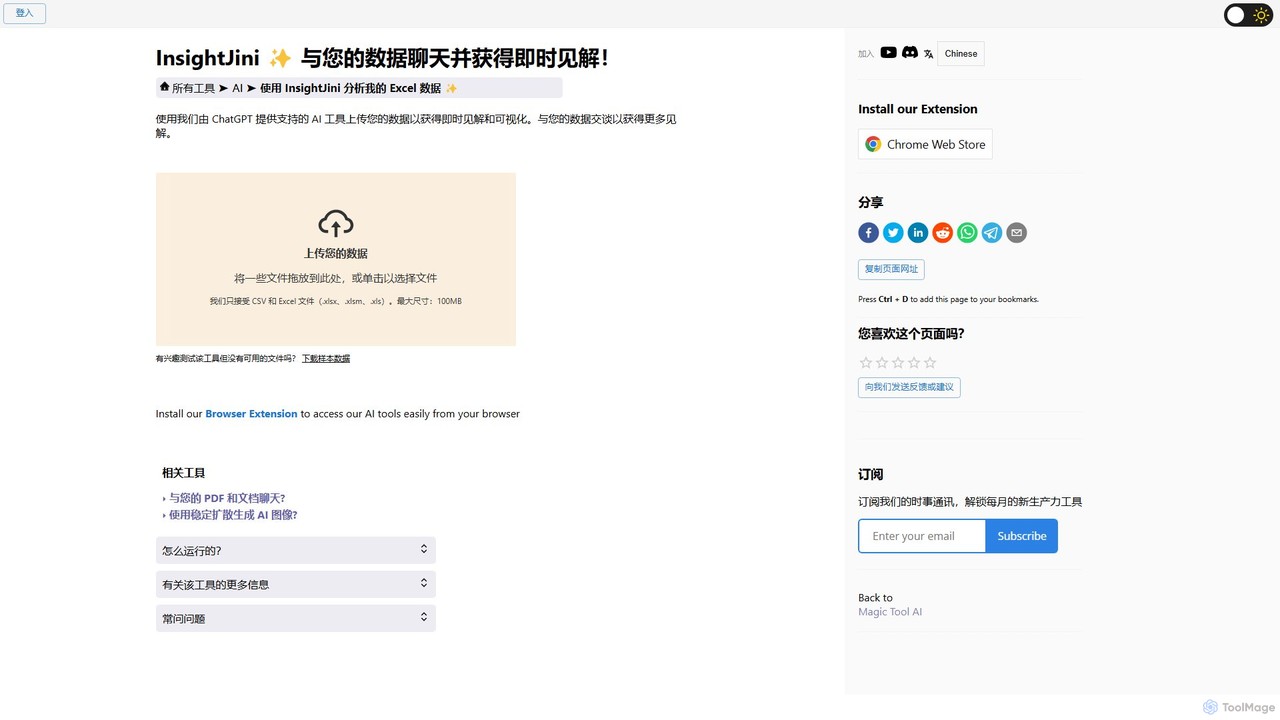
InsightJini Overview
InsightJini is a revolutionary AI-powered tool designed to democratize data analysis. It empowers users to interact with their data in the most natural way possible: through conversation. By bridging the gap between complex datasets and actionable insights, InsightJini eliminates the traditional barriers of data analysis, such as the need for advanced Excel skills or programming knowledge. Built on the powerful capabilities of ChatGPT, this tool allows you to simply upload your Excel or CSV files and start asking questions to uncover trends, patterns, and key metrics instantly.
The traditional approach to data analysis is often a time-consuming and challenging process. For many, it involves wrestling with cumbersome Excel formulas, pivot tables, or learning programming languages like Python or R. InsightJini streamlines this entire workflow. Its intuitive interface and automated data processing handle the technical complexities behind the scenes, allowing you to focus purely on what the data has to say. This conversational approach makes data exploration not only faster but also more engaging and interactive, encouraging deeper investigation and discovery.
How to use InsightJini
Getting started with InsightJini is incredibly simple and designed for users of all skill levels. The process can be broken down into four easy steps:
- Upload Your Data: Begin by dragging and dropping your Excel (.xlsx, .xlsm, .xls) or CSV file onto the platform, or click to select a file from your computer. The tool supports files up to 100MB.
- Initial Data Review: Once uploaded, InsightJini automatically processes your file and presents an initial overview of your data, often including key statistics and a preview of the dataset.
- Explore Automated Insights: The tool proactively generates relevant charts, graphs, and initial insights based on an analysis of your data's structure and content. This gives you an immediate starting point for your exploration.
- Chat with Your Data: This is where the magic happens. Use the chat interface to ask specific questions in plain English. For example, you can ask "What were the total sales last month?", "Show me a bar chart of sales by region," or "Which product category has the highest profit margin?". The AI will provide instant answers, generate new visualizations, and help you delve deeper into your analysis.
Core Features of InsightJini
- Conversational Data Analysis: Interact with your data using natural language questions, powered by the ChatGPT 3.5 API.
- Automated Visualization: Instantly generates a variety of charts and graphs (e.g., bar charts, line graphs, pie charts) to help you visualize your data effectively.
- No-Code Platform: Completely eliminates the need for programming or complex formulas. It's a user-friendly alternative for everyone.
- Broad File Support: Accepts the most common data file formats, including Excel (.xlsx, .xlsm, .xls) and CSV.
- Secure and Private: Your data is treated with confidentiality. Files are stored on the servers for only 24 hours before being permanently deleted.
- Instant Insight Generation: The AI quickly identifies patterns, trends, and outliers, providing you with immediate, actionable insights.
Use Cases for InsightJini
InsightJini is a versatile tool suitable for a wide range of professionals and use cases:
- Business Analysts & Managers: Quickly analyze sales figures, operational data, or customer feedback without waiting for a dedicated data team.
- Marketers: Evaluate marketing campaign performance, analyze customer segmentation from a CSV export, and track key performance indicators (KPIs).
- Small Business Owners: Gain a clear understanding of financial health, inventory levels, and sales trends to make informed business decisions.
- Students & Researchers: Explore datasets for academic projects and papers without the steep learning curve of statistical software.
- Financial Professionals: Analyze financial statements, track investment performance, and identify anomalies in transactional data.
Advantages of InsightJini
The primary advantage of InsightJini is its remarkable accessibility and speed. It transforms a task that could take hours or days into a process of minutes. By removing technical barriers, it empowers more people within an organization to become data-literate and make data-driven decisions. The intuitive chat interface encourages curiosity and allows for a more dynamic and flexible exploration of data compared to the rigid structures of traditional BI tools or spreadsheets. It's a cost-effective solution for obtaining quick, powerful data insights.
Pricing and Plans
InsightJini operates on a credit-based model, offering flexibility for different usage levels. The pricing structure is designed to be straightforward:
- Task Credits: Each file upload consumes one Task Credit.
- AI Words Credits: The interactive chat functionality, where you ask questions and receive AI-generated answers, consumes AI Words credits.
This pay-as-you-go approach allows users to start with a small number of credits, potentially through a free trial or introductory plan, and purchase more as their analysis needs grow. This makes it an affordable option for individuals and teams without committing to a high-priced monthly subscription.
Traffic
Latest traffic
Status
Monthly traffic trend
- 2026-1: 179.4K
- 2026-2: 99.7K
- 2026-3: 119.9K
- 2026-4: 125.3K
- 2026-5: 112.9K
Geography
Top 5 countries / regions
- 🇲🇽Mexico31.5%
- 🇰🇷South Korea18.8%
- 🇪🇸Spain17.6%
- 🇵🇪Peru16.1%
- 🇨🇳China15.9%
Traffic sources
| Source type | Percentage |
|---|---|
Direct | 81.6% |
Referral | 16.6% |
Email | 1.8% |
Top keywords
| Keyword | Cost per click |
|---|---|
| hex string to binary | $0.00 |
| portapapeles online | $0.00 |
| буфер обмена онлайн | $0.00 |
| перевод кода в текст | $0.00 |
| 有什么插件可以网页当作记事本保存ai提示词 | $0.00 |
InsightJini Alternatives
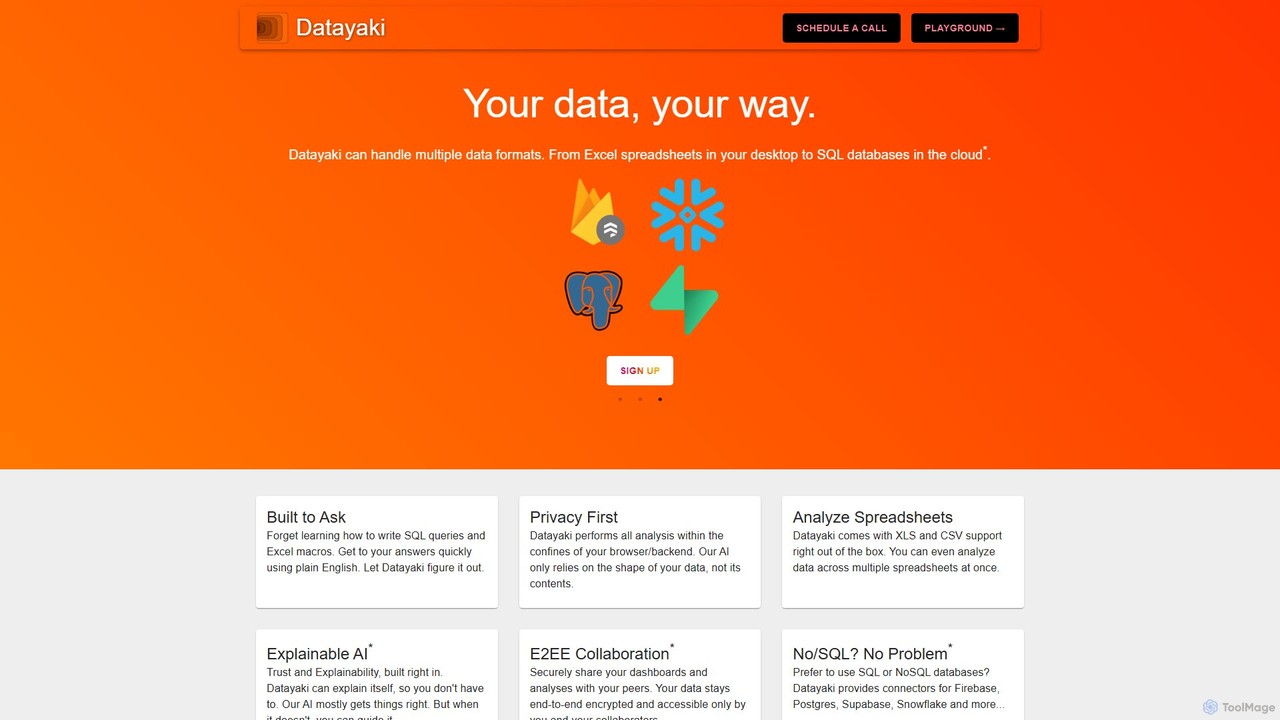
Datayaki
Datayaki is an AI-powered data analyst that lets you find insights from your data by asking questions in plain English. It supports formats like Excel and CSV, eliminating the need for SQL or complex formulas. With a strong focus on privacy, all analysis is performed locally in your browser, ensuring your data remains secure and confidential. It's designed for professionals and teams who need fast, accessible, and secure data analysis.
Data Visualization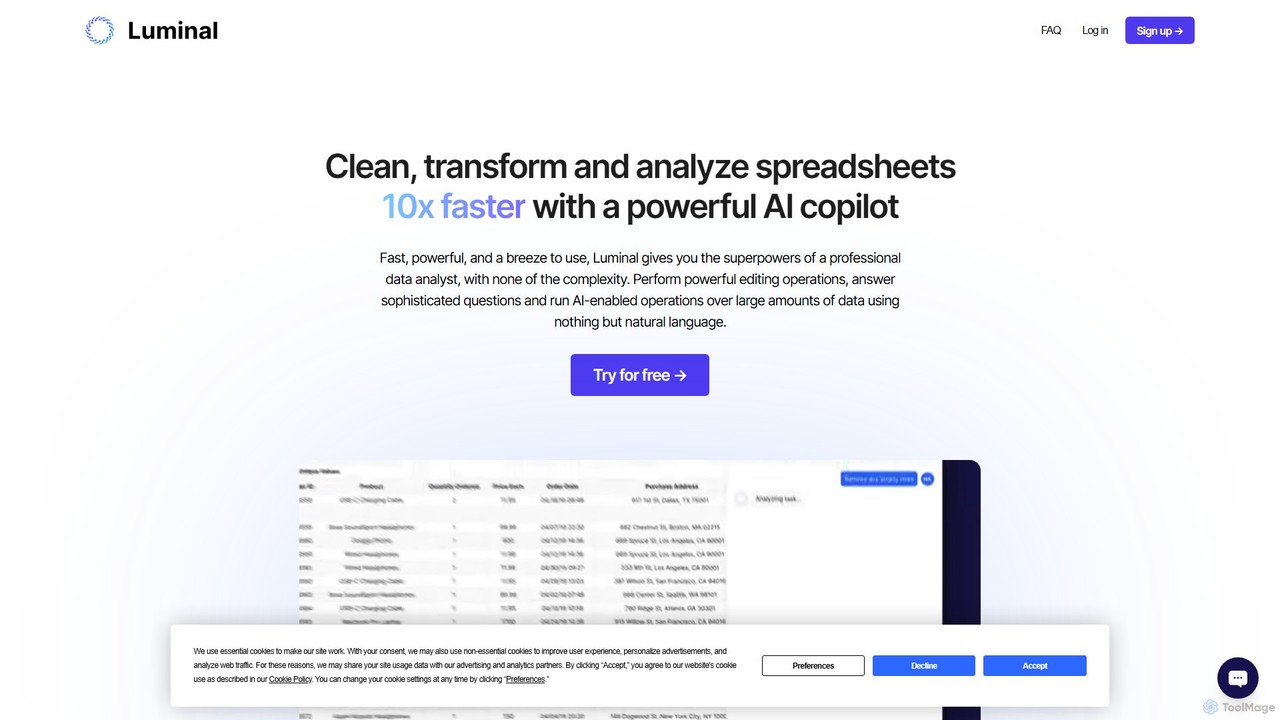
Luminal
Luminal is a powerful AI copilot that revolutionizes spreadsheet management. It allows users to clean, transform, analyze, and visualize data up to 10x faster using simple, natural language commands. Eliminate complex formulas and manual data processing, saving hours of work on large datasets.
Data Management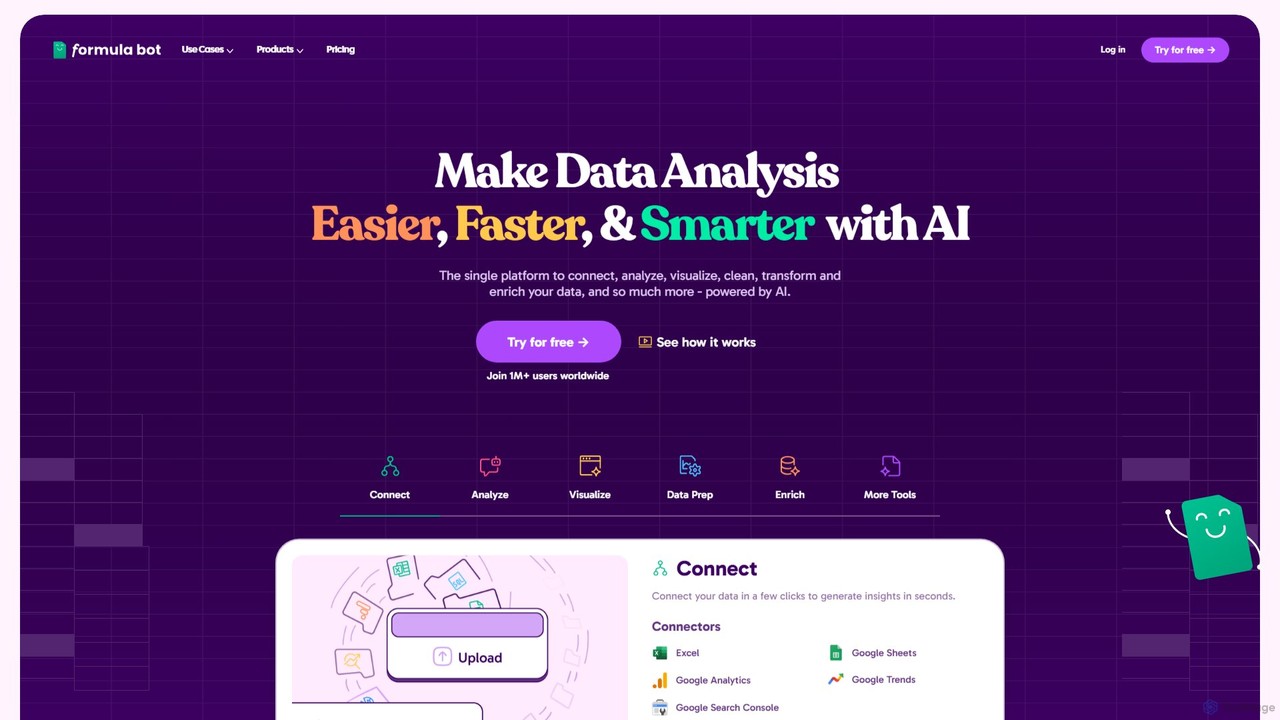
Formula Bot
Formula Bot is an AI-powered data analysis platform that simplifies working with spreadsheets and data. It allows users to generate Excel formulas, SQL queries, and VBA code from simple text instructions, analyze data through a conversational chat interface, and automate tasks like data cleaning and enrichment.
Data Visualization
EasyAIBridge
EasyAIBridge transforms your spreadsheets into instant, actionable insights using advanced AI. Simply type your questions in natural language, and AI automatically generates charts, reports, and data extractions from Google Sheets, Excel, and CSV files, making complex data analysis effortless and secure.
Business Intelligence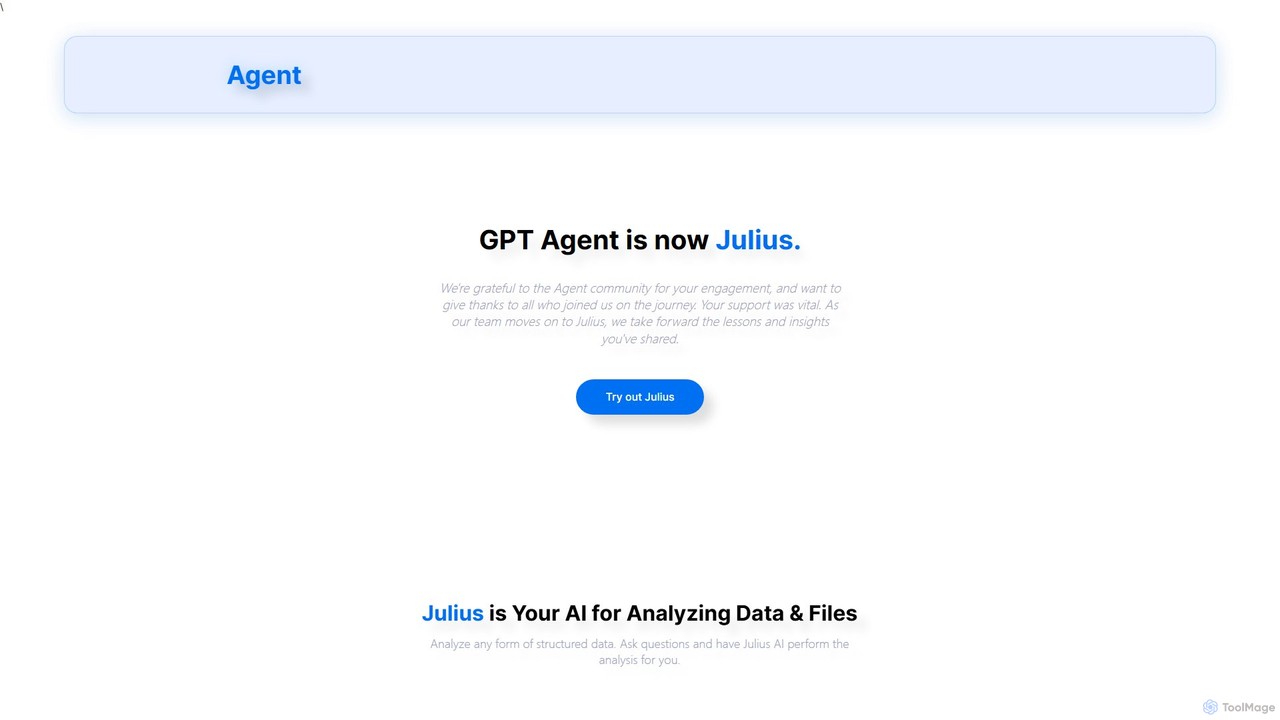
gptagent
gptagent has rebranded to Julius, an AI data analyst that allows you to analyze data and files using natural language. Upload structured data, ask questions, and instantly generate visualizations, perform statistical analysis, and build models without writing any code. It transforms complex data tasks into simple conversations.
Business IntelligenceInsightJini Categories
InsightJini Embed Widget
Copy this embed code to place the badge on your blog, article, or product site and send readers directly to this ToolMage detail page.

Related AI tools
deepsheet
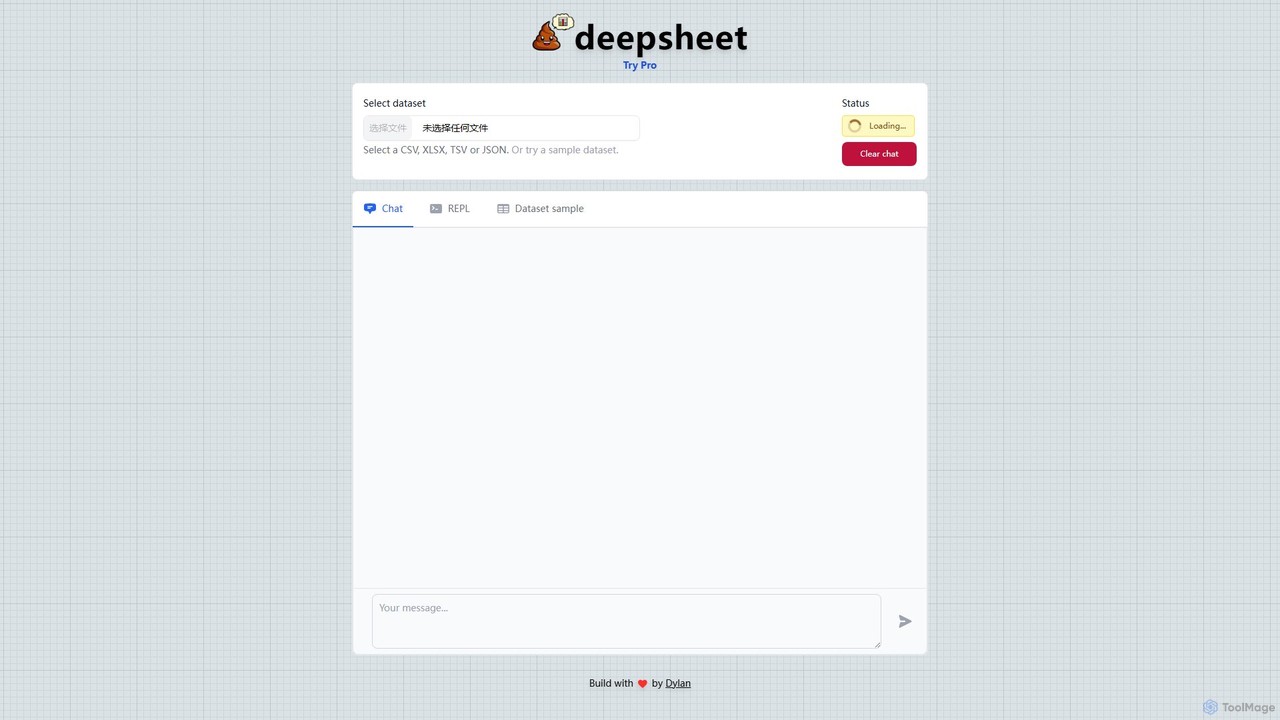
deepsheet is an AI-powered data analysis tool that allows users to interact with spreadsheets and datasets using natural language. Upload CSV, XLSX, or JSON files and ask questions in a chat interface to get insights, generate visualizations, and perform data transformations without writing code.
3D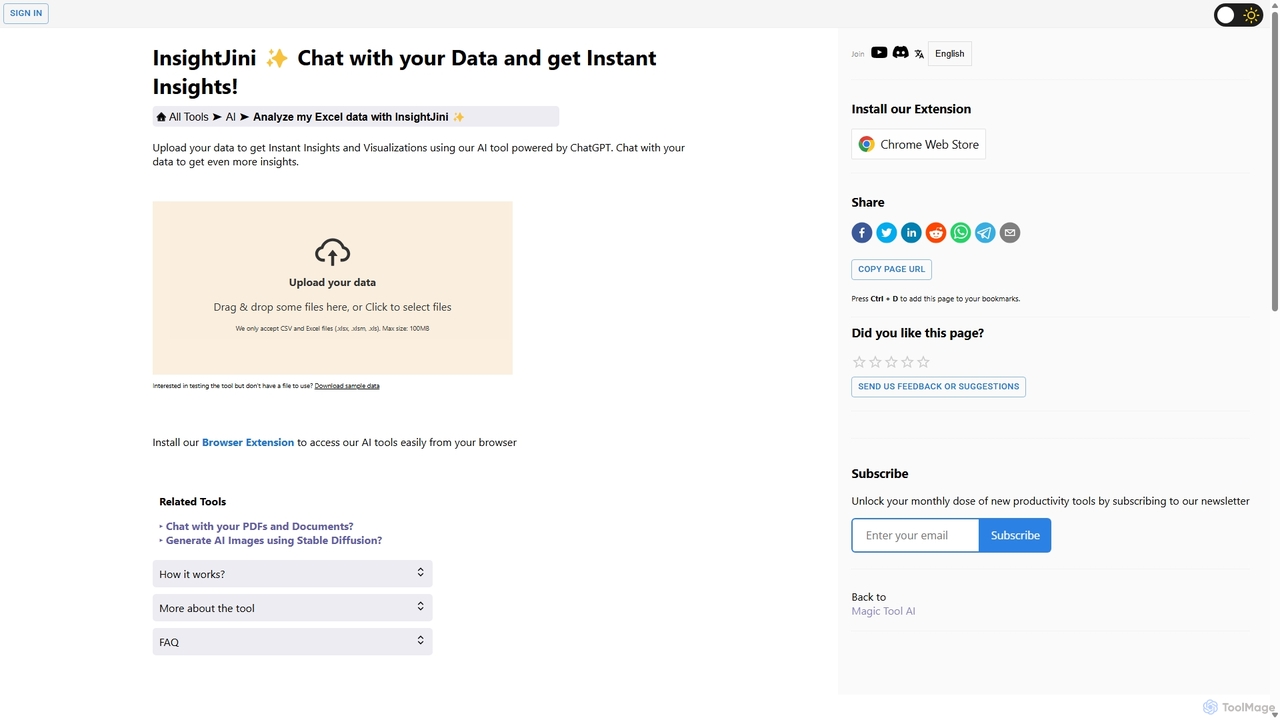
InsightJini
InsightJini is an AI-powered data analysis tool that lets you chat with your Excel and CSV files. Upload your data to instantly generate visualizations and insights without any coding. Its conversational interface, powered by ChatGPT, makes data exploration intuitive and accessible for everyone.
Business IntelligenceDatayaki
Datayaki is an AI-powered data analyst that lets you find insights from your data by asking questions in plain English. It supports formats like Excel and CSV, eliminating the need for SQL or complex formulas. With a strong focus on privacy, all analysis is performed locally in your browser, ensuring your data remains secure and confidential. It's designed for professionals and teams who need fast, accessible, and secure data analysis.
Data VisualizationLuminal
Luminal is a powerful AI copilot that revolutionizes spreadsheet management. It allows users to clean, transform, analyze, and visualize data up to 10x faster using simple, natural language commands. Eliminate complex formulas and manual data processing, saving hours of work on large datasets.
Data Management
Jyek
Jyek is an AI agent platform that understands objectives, creates execution plans, uses tools, and delivers verifiable results for complex, multi-step tasks.
Automation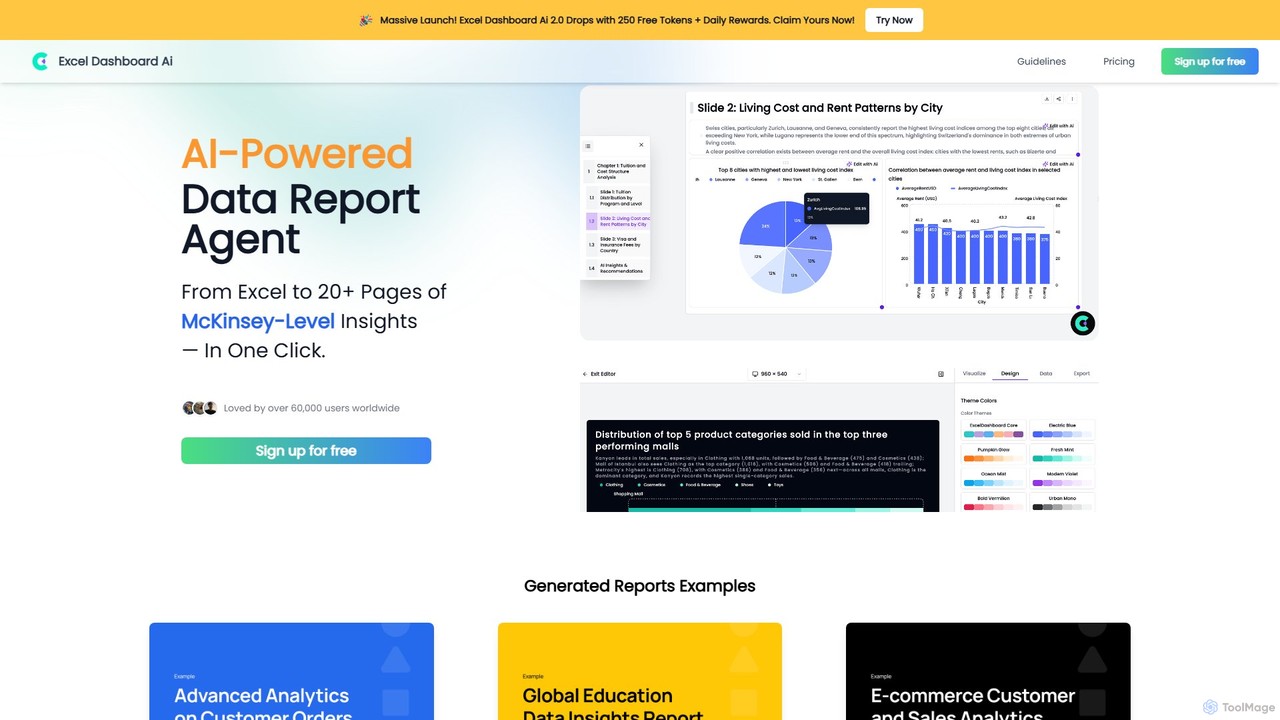
ExcelDashboard.ai
ExcelDashboard.ai is an AI-powered data analysis tool that instantly transforms raw Excel or CSV files into interactive dashboards and comprehensive, multi-page reports. With a single click, it generates deep, McKinsey-level insights, visualizes data, and allows users to explore information using natural language commands. It's designed for users of all skill levels to make data-driven decisions without needing programming expertise.
Business IntelligenceFormula Bot
Formula Bot is an AI-powered data analysis platform that simplifies working with spreadsheets and data. It allows users to generate Excel formulas, SQL queries, and VBA code from simple text instructions, analyze data through a conversational chat interface, and automate tasks like data cleaning and enrichment.
Data VisualizationEasyAIBridge
EasyAIBridge transforms your spreadsheets into instant, actionable insights using advanced AI. Simply type your questions in natural language, and AI automatically generates charts, reports, and data extractions from Google Sheets, Excel, and CSV files, making complex data analysis effortless and secure.
Business Intelligencegptagent
gptagent has rebranded to Julius, an AI data analyst that allows you to analyze data and files using natural language. Upload structured data, ask questions, and instantly generate visualizations, perform statistical analysis, and build models without writing any code. It transforms complex data tasks into simple conversations.
Business Intelligence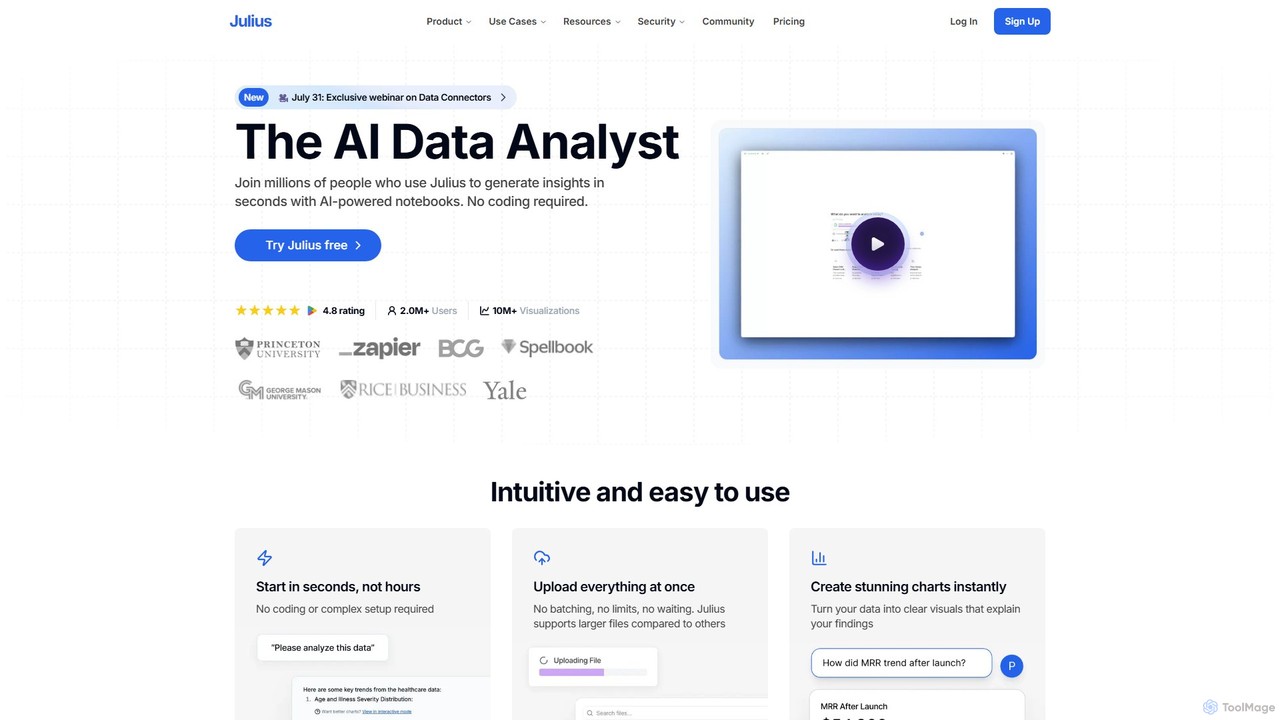
Julius AI
Julius AI is your AI Data Analyst, designed to interpret, analyze, and visualize complex data effortlessly. Connect your data from spreadsheets, databases, or PDFs, ask questions in natural language, and receive instant insights, charts, and reports. No coding is required, but it also supports Python, R, and SQL for advanced users, making data analysis accessible to everyone.
Developer Tools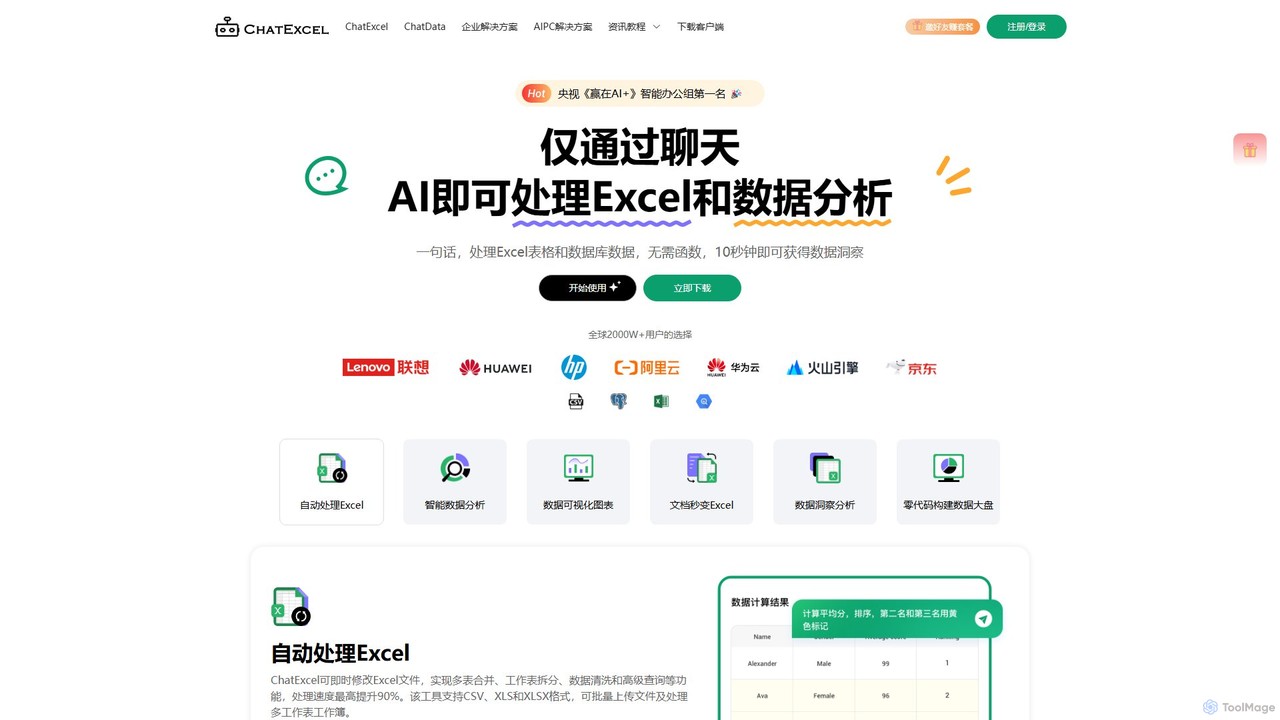
ChatExcel
ChatExcel is an AI-powered data analysis tool that allows users to process spreadsheets and analyze data through a simple chat interface. It automates tasks like data cleaning, merging, and analysis, and generates over 100 types of charts and visualizations from natural language commands. No coding or complex formulas required, boosting productivity by up to 90%.
Business Intelligence
Ajelix
Ajelix is an AI-powered suite of tools designed to enhance productivity for Excel and Google Sheets users. It acts as an AI data analyst, automating tasks, generating formulas and VBA scripts, creating insightful reports, and providing advanced data analysis through a simple chat interface.
Business Intelligence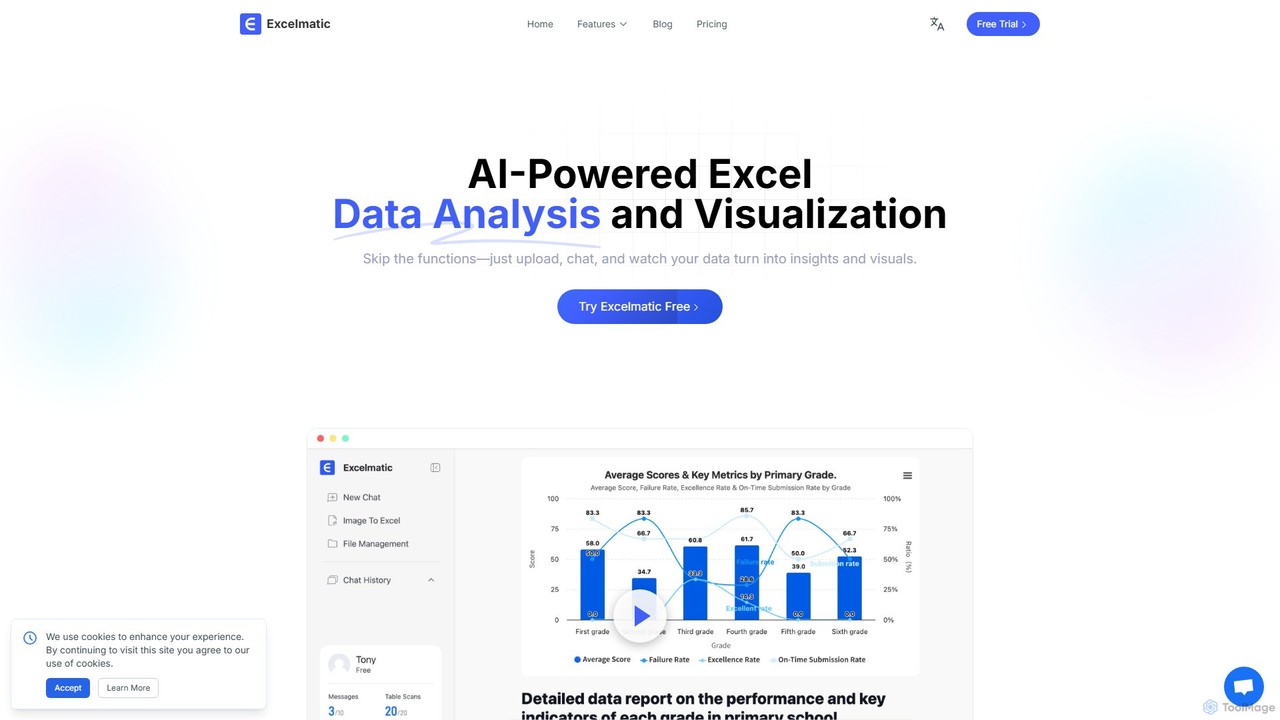
excelmatic
Excelmatic is an AI-powered assistant that transforms your Excel and spreadsheet tasks. Simply upload your data, ask questions in plain English, and instantly get data analysis, visualizations, and generated formulas. It's a no-code solution designed to automate data cleaning, chart creation, and insight discovery, making data accessible to everyone.
Business Intelligence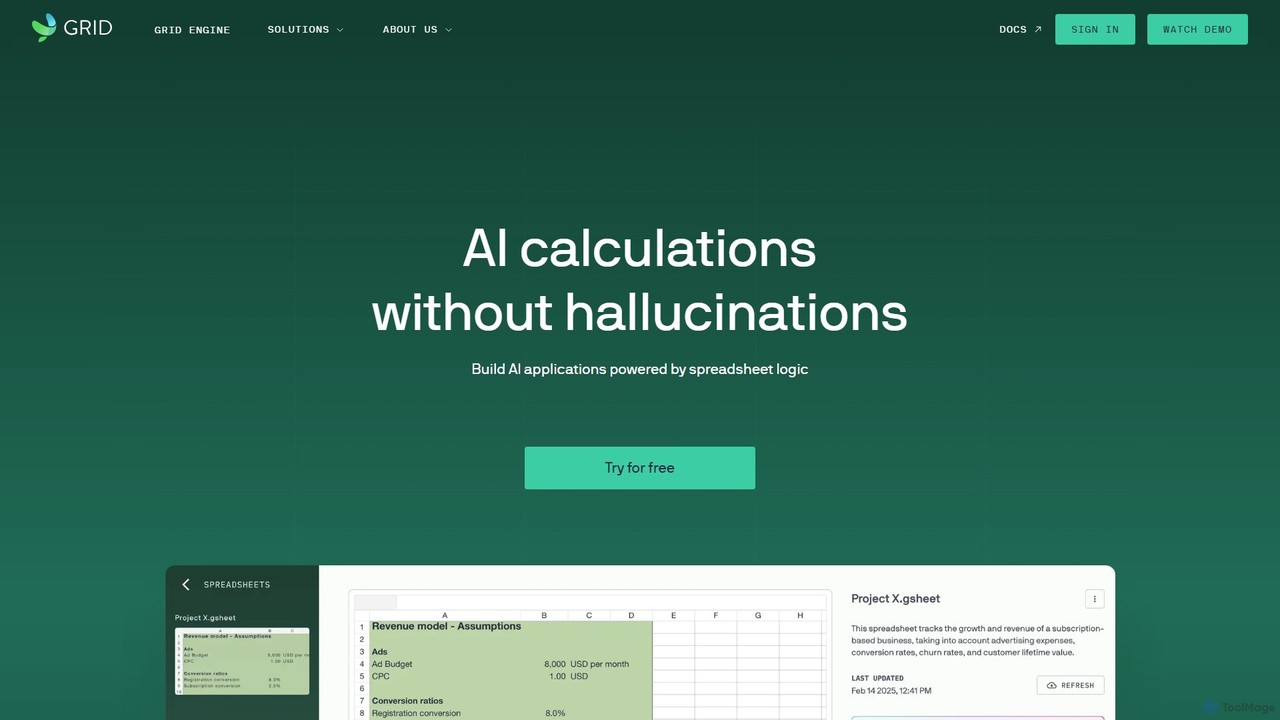
GRID
GRID is an AI-first platform that transforms your existing spreadsheets into powerful, interactive web applications and AI-driven tools. It leverages the logic and data within your Excel and Google Sheets files to build reliable calculators, dashboards, and models that can be queried using natural language, eliminating AI hallucinations.
Business Intelligence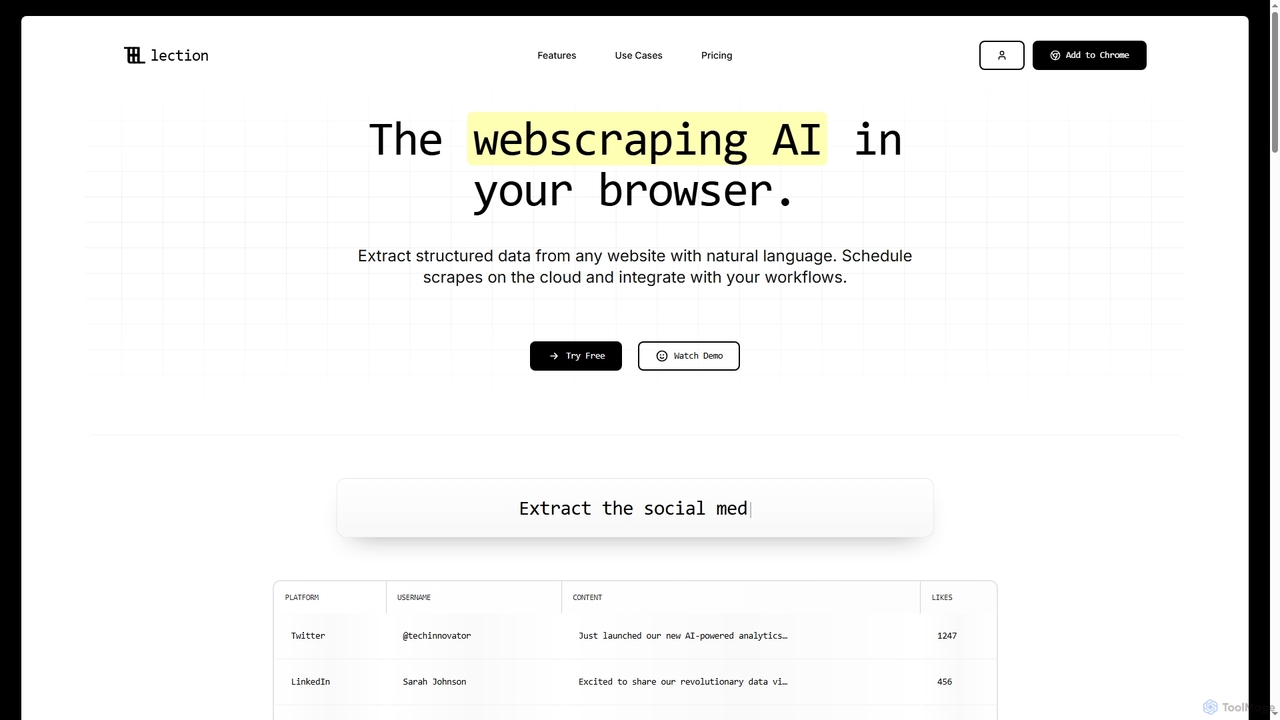
Lection
Lection is an AI-powered web scraping agent that allows users to extract structured data from any website using natural language. It automates data collection, integrates with popular workflows, and provides clean, validated data without requiring any coding expertise.
3D
InsightJini Comments (0)
Sign in to comment.
Sign inNo comments yet.