

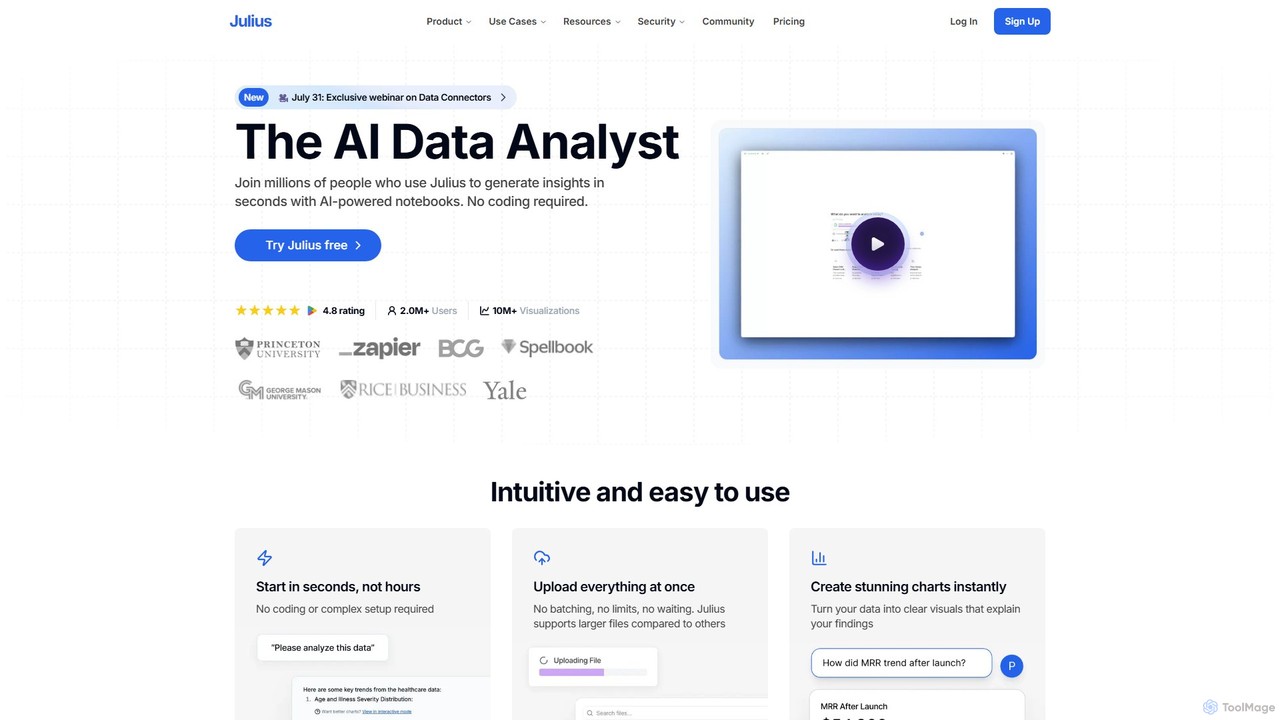
Julius AI Overview
Julius AI positions itself as a premier AI Data Analyst, transforming the way individuals and teams interact with data. It serves as an intelligent partner that makes complex data analysis accessible, intuitive, and incredibly fast. By leveraging a powerful combination of advanced Large Language Models, including OpenAI's GPT-4o and Anthropic's Claude 3.7, Julius AI can interpret natural language queries to perform sophisticated analytical tasks. This eliminates the steep learning curve often associated with data science, empowering users from various fields—such as finance, marketing, research, and operations—to unlock valuable insights from their data without writing a single line of code.
The platform is built around an AI-powered notebook environment that is both flexible and collaborative. It supports a wide array of data sources and file types, from simple CSV and Excel files to complex databases like Snowflake, BigQuery, and Postgres. This versatility ensures that users can seamlessly integrate their existing data workflows. Julius AI not only automates the analysis process but also excels at creating stunning, presentation-ready visualizations and comprehensive reports in seconds, turning raw numbers into clear, actionable narratives.
How to use Julius AI
Getting started with Julius AI is a straightforward, three-step process designed for maximum efficiency:
- Connect Your Data: Begin by uploading your data files directly (e.g., .csv, .xlsx, .pdf) or by connecting to live data sources. The platform supports large files and multiple uploads at once, removing common data handling bottlenecks.
- Ask for Analysis: Interact with Julius AI as you would with a human data analyst. Simply type your questions in plain English. For example, you can ask it to "predict customer churn from purchase history," "analyze acquisition channel efficiency," or "create a correlation matrix on this genetic dataset."
- Get Instant Results: Julius AI processes your request immediately, handling all the underlying coding and computation. It presents the findings in the most suitable format, whether it's an interactive chart, a detailed table, or a full analytical report. You can then refine the analysis, edit steps, or export the results.
Core Features of Julius AI
- Advanced AI Models: Access to a suite of top-tier LLMs, including GPT-4o, GPT-4.1, and Claude 3.7 Sonnet, ensuring high-quality, nuanced analysis.
- No-Code & Code-Friendly: An intuitive interface for non-technical users, with the option to switch to Python, R, or SQL for advanced, custom analysis.
- Versatile Data Connectivity: Upload files like CSV, XLSX, and PDF, or connect directly to databases such as Google Drive, Snowflake, BigQuery, and Postgres.
- Instant Data Visualization: Automatically generate a wide range of clear, insightful charts and graphs to explain data findings effectively.
- Collaborative Workspace: Julius Teams allows for real-time collaboration, shared workspaces, user role management, and centralized billing, making it ideal for team projects.
- Context-Aware Sessions: The AI remembers the context of your conversation and preferences, allowing for faster, iterative work without repetitive explanations.
- Reproducible & Editable Analysis: Save your analysis workflows and re-run them automatically. Every step of the analysis is editable, providing full control and transparency.
- Enterprise-Grade Security: Compliant with industry standards like SOC 2 Type II and TX-RAMP, with GDPR compliance in progress, ensuring your data is always protected.
Use Cases for Julius AI
Julius AI's versatility makes it applicable across numerous domains:
- Finance: Automate financial reporting, create balance sheets, perform cash flow forecasting, and analyze investment data.
- Marketing: Analyze marketing campaign performance, determine acquisition channel efficiency, and segment customer data for targeted strategies.
- Operations: Optimize inventory levels, forecast demand, and streamline supply chain logistics.
- Scientific Research: Analyze complex datasets from fields like bioinformatics and ecology, perform statistical tests (e.g., ANOVA, T-Tests), and create correlation matrices.
- Data Science: Accelerate data cleaning, preparation, and exploratory data analysis (EDA) tasks.
- Business Owners: Gain quick insights into business health, analyze survey responses, and interpret spreadsheets for strategic decision-making.
Advantages of Julius AI
Julius AI stands out by offering a unique combination of power and simplicity. Its primary advantage is speed—delivering complex analysis in seconds, not hours. The no-code interface democratizes data science, while the optional coding environment satisfies power users. It handles larger files than many competitors and supports a broader range of data sources. The platform's collaborative features foster teamwork and accelerate outcomes, while its commitment to security and reproducibility builds trust and ensures reliability.
Pricing and Plans
Julius AI offers a freemium model with plans tailored to different needs:
- Free: Ideal for individuals and small projects. Includes 15 messages/month and 2 GB of RAM.
- Plus ($20/month): For professionals needing faster, data-driven decisions. Offers 250 messages/month, 16 GB of RAM, saved prompts, and advanced reasoning.
- Pro ($45/month): Designed for companies and teams. Provides unlimited messages, access to Julius Teams for live collaboration, 32 GB of RAM, and permanent file storage for teams.
- Enterprise (Custom Pricing): For large organizations requiring custom solutions. Includes everything in Pro plus dedicated deployments, custom data integrations, SSO, priority support, and 64 GB of RAM.
Annual subscriptions offer a 15% discount.
Traffic
Latest traffic
Status
Monthly traffic trend
- 2025-9: 1.2M
- 2026-1: 713.1K
- 2026-2: 755.3K
- 2026-3: 795.1K
- 2026-4: 869.7K
- 2026-5: 872.4K
Geography
Top 5 countries / regions
- 🇮🇳India45.1%
- 🇺🇸United States32.8%
- 🇨🇴Colombia8.1%
- 🇧🇷Brazil7.6%
- 🇬🇧United Kingdom6.5%
Traffic sources
| Source type | Percentage |
|---|---|
Direct | 74.0% |
Referral | 18.4% |
Email | 7.7% |
Top keywords
| Keyword | Cost per click |
|---|---|
| ai analysis | $6.76 |
| julias ai | $0.27 |
| julius | $0.84 |
| julius ai | $0.75 |
| julius ia | $0.81 |
Julius AI Videos on YouTube

Indibuzzer Solutions• 2M views• 12 hours ago ...

WiseUp Communications

Dr Rizwana Mustafa


Simplilearn

Code with Josh
![Julius AI Tutorial: Analyze & Visualize Data with Simple Prompts [2025 Guide]](https://i.ytimg.com/vi/YXVElN6Rxik/maxresdefault.jpg)
Julius AI Alternatives
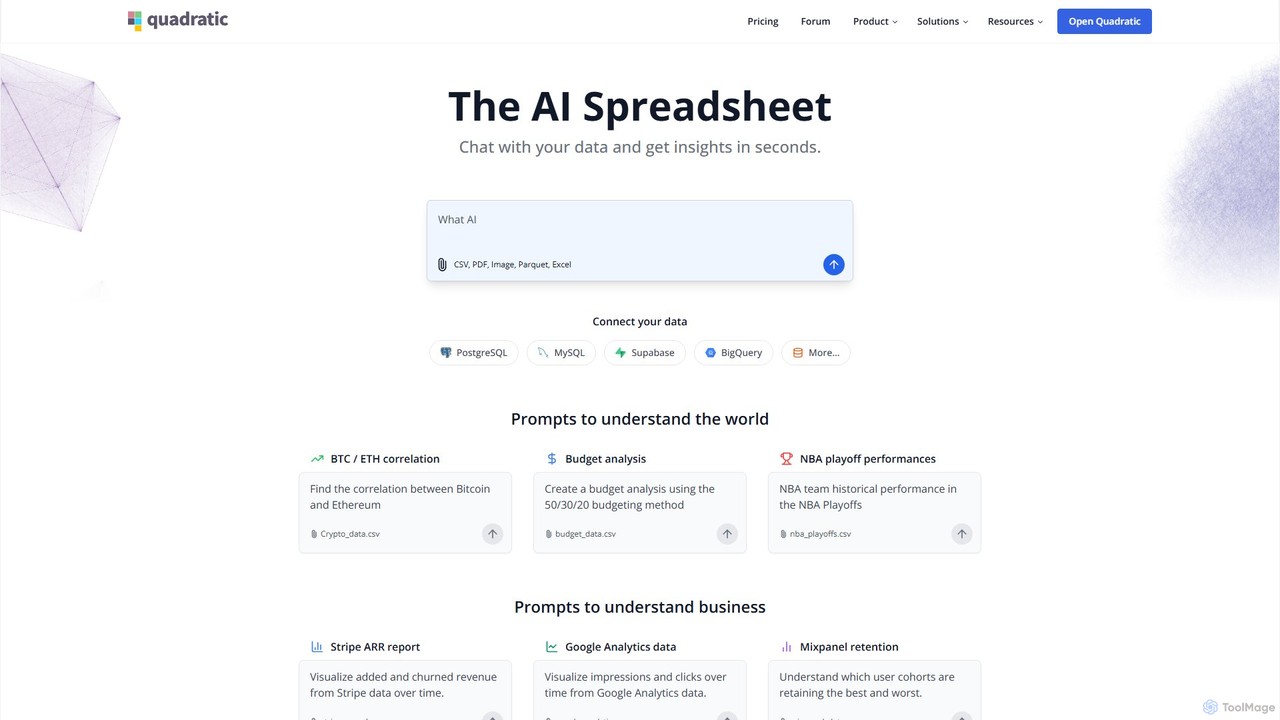
Quadratic
Quadratic is a powerful AI spreadsheet that integrates a familiar interface with Python, SQL, and natural language prompts. Connect directly to live databases, analyze data, extract information from PDFs, and create visualizations instantly. It's a secure, collaborative platform for data analysts, business professionals, and developers.
Business Intelligence
Sourcetable
Sourcetable is an AI-powered spreadsheet that combines the functionality of traditional spreadsheets with an AI data analyst. It allows users to connect to live data sources, ask questions in plain English, generate formulas, create charts, and automate reports. By integrating AI, Python, and SQL capabilities directly into the spreadsheet interface, Sourcetable empowers users of all skill levels to perform complex data analysis, cleaning, and visualization tasks effortlessly, turning raw data into actionable insights in seconds.
No Code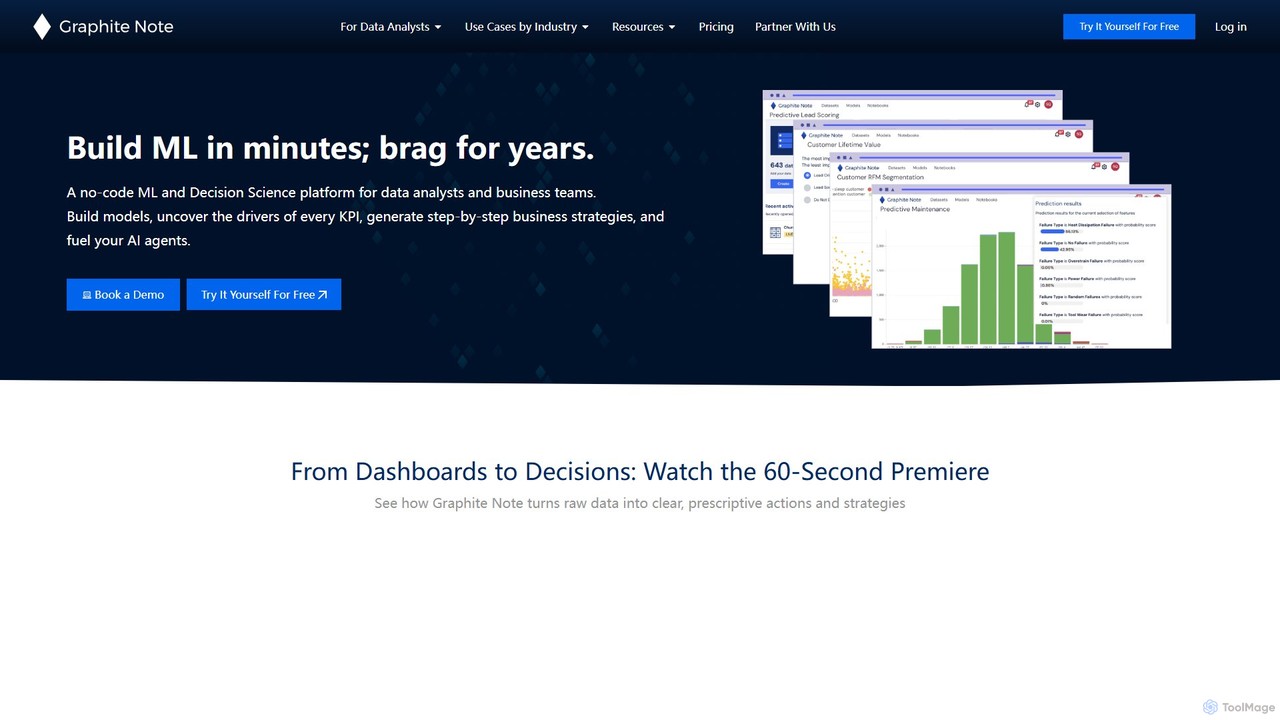
Graphite Note
Graphite Note is a no-code AI platform designed for data analysts and business users to build, deploy, and manage predictive analytics models. It simplifies machine learning, enabling users to gain actionable insights from their data, optimize marketing campaigns, and make data-driven decisions without any coding expertise. The platform supports various data sources and automates model selection to deliver fast and accurate results.
Business Intelligence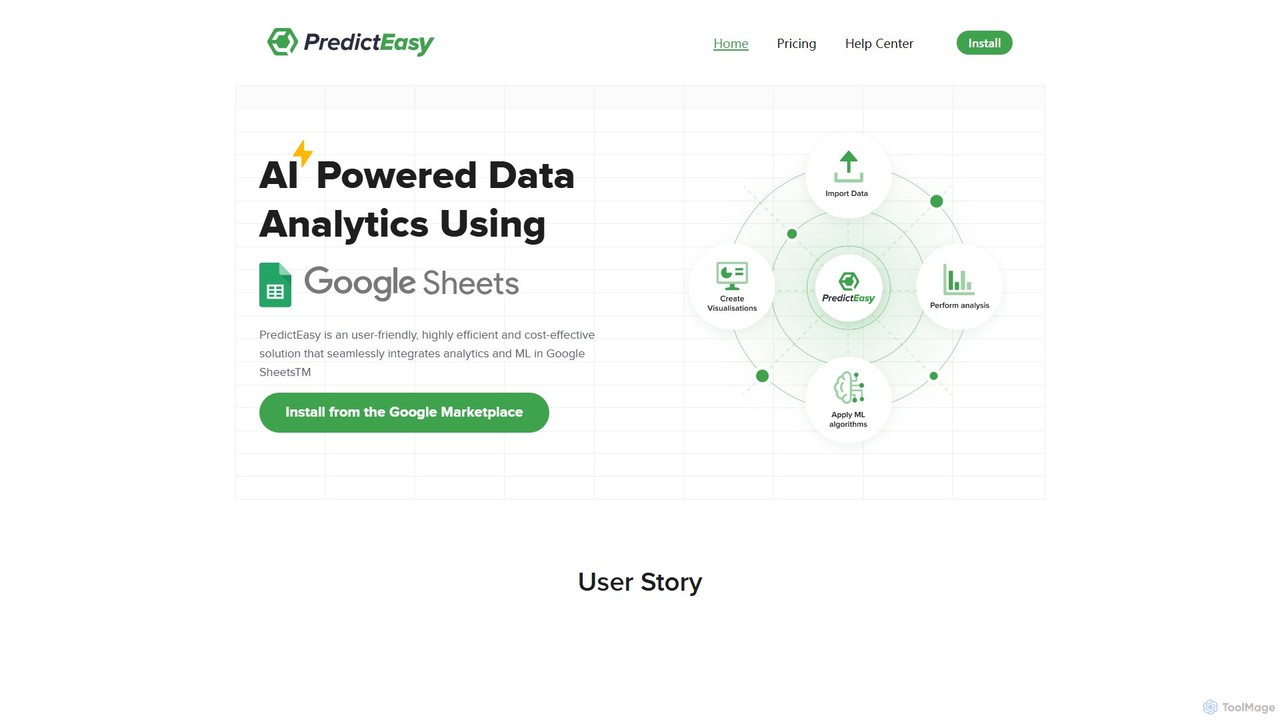
PredictEasy
PredictEasy is a powerful no-code AI add-on for Google Sheets that democratizes data analytics. It allows users to perform advanced tasks like predictive modeling, time-series forecasting, NLP, and statistical analysis with just a few clicks. Ideal for business professionals, researchers, and data analysts, it transforms your spreadsheet into a sophisticated data science tool, enabling data-driven decisions without writing any code.
Business Intelligence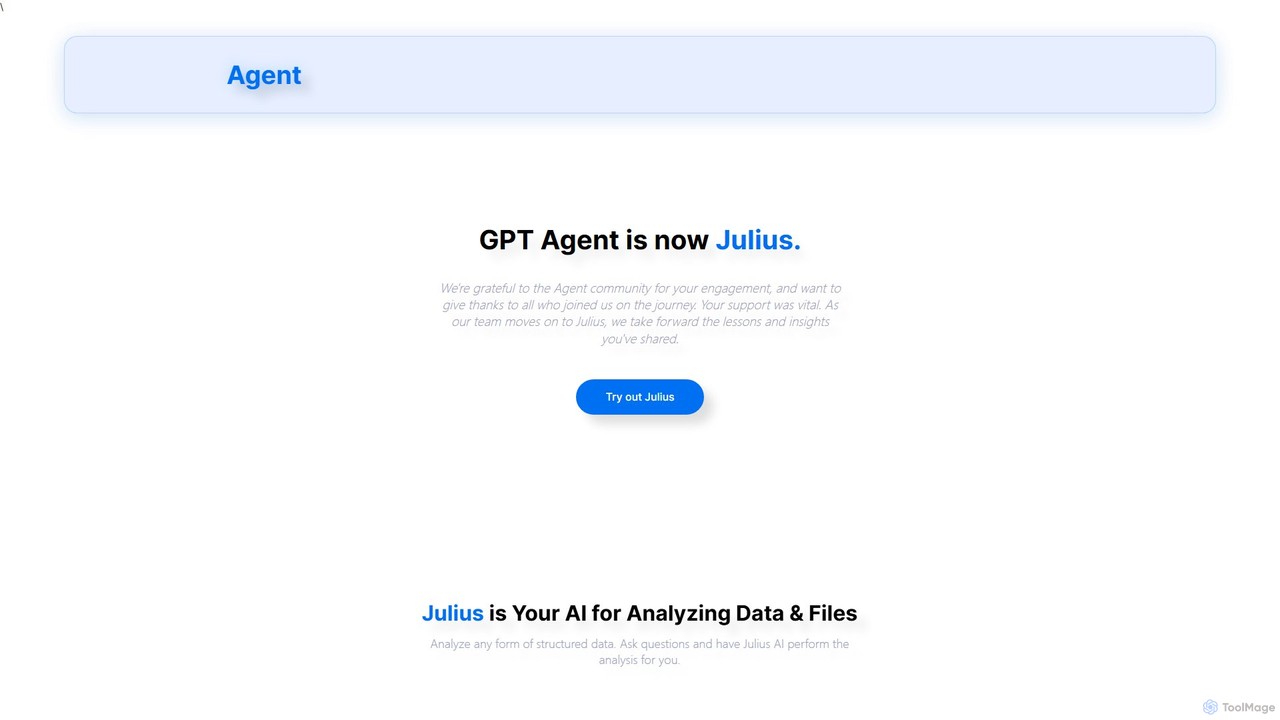
gptagent
gptagent has rebranded to Julius, an AI data analyst that allows you to analyze data and files using natural language. Upload structured data, ask questions, and instantly generate visualizations, perform statistical analysis, and build models without writing any code. It transforms complex data tasks into simple conversations.
Business IntelligenceJulius AI Categories
Julius AI Embed Widget
Copy this embed code to place the badge on your blog, article, or product site and send readers directly to this ToolMage detail page.

Related AI tools
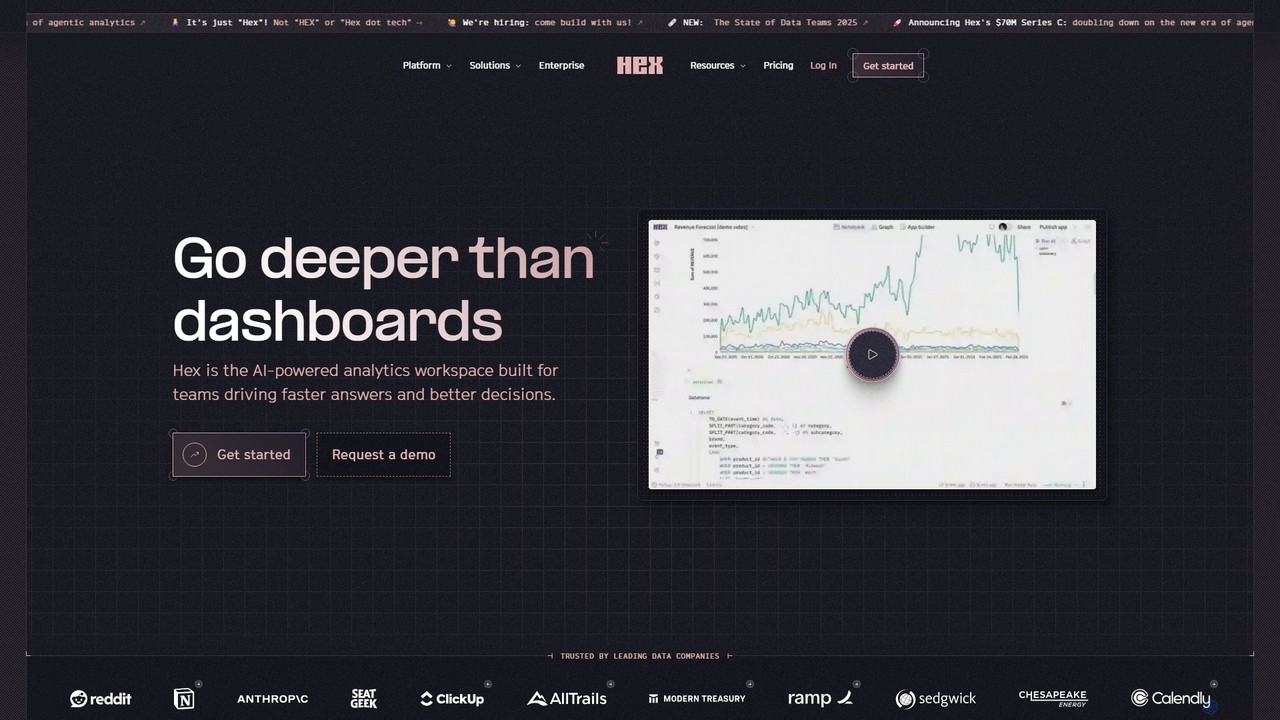
Hex
Hex is an AI-powered analytics workspace designed for teams. It integrates notebooks for Python and SQL, interactive data apps, and self-serve exploration into a single collaborative platform, enabling faster, data-driven decision-making.
Data Science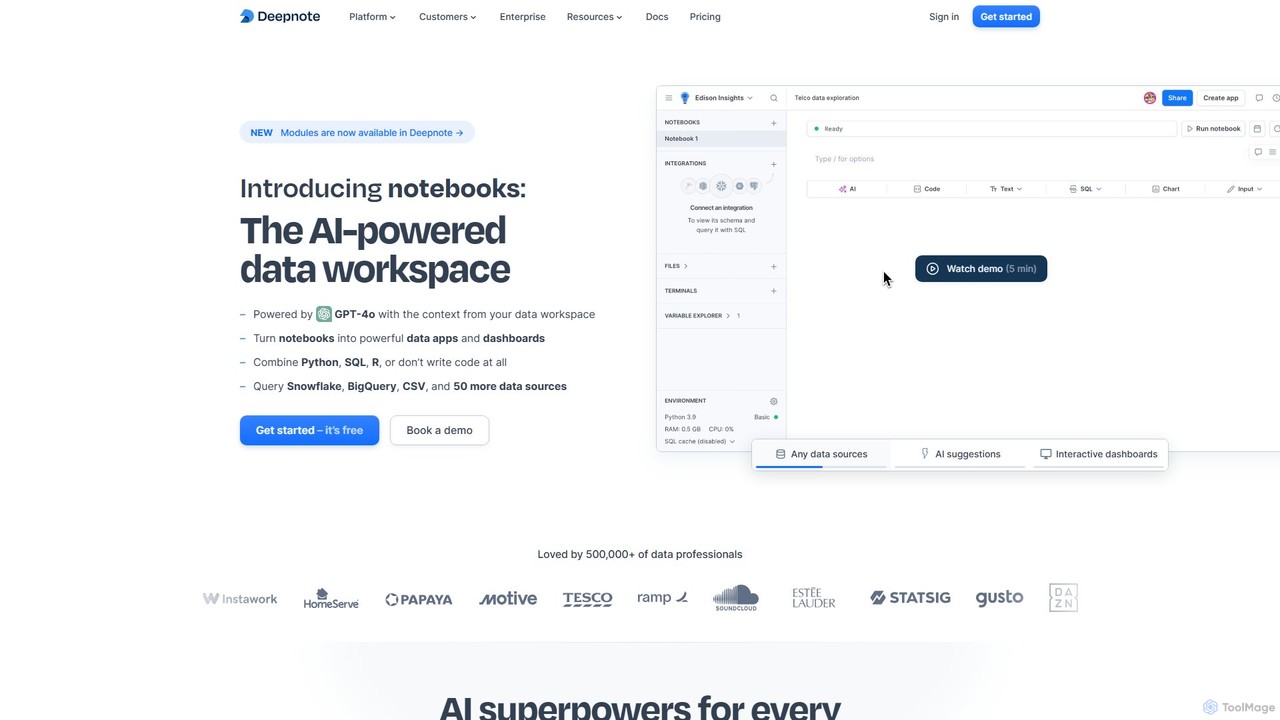
Deepnote
Deepnote is an AI-powered, collaborative data science notebook for teams. It unifies Python, SQL, and R in a single cloud-based workspace, enabling users to explore data, build machine learning models, and create interactive dashboards and apps with ease. Powered by GPT-4o, it automates analysis and code generation, making data science accessible to all skill levels.
Business Intelligence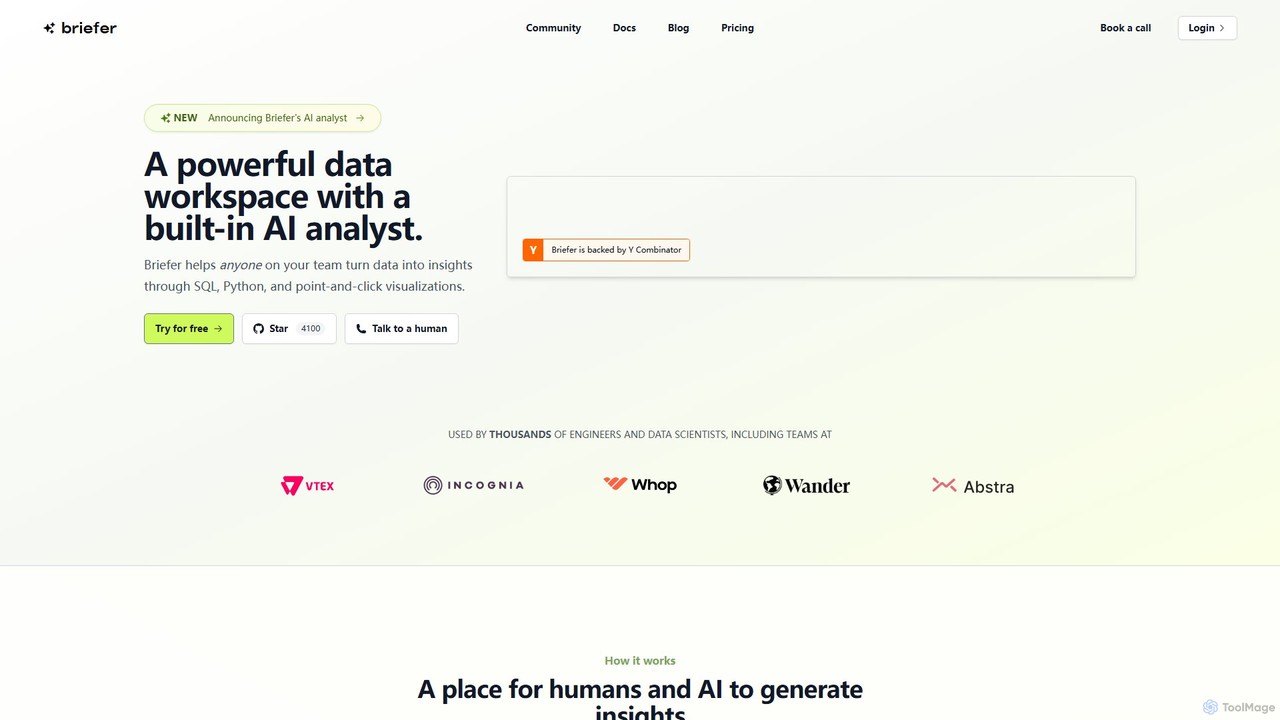
Briefer
Briefer is a collaborative data platform featuring a built-in AI analyst. It empowers teams to transform data into actionable insights using SQL, Python, and interactive visualizations within a unified workspace. Designed for both technical and non-technical users, it streamlines data analysis, reporting, and real-time collaboration, accelerating data-driven decision-making. It is backed by Y Combinator and offers both cloud-hosted and self-hosted open-source versions.
DatabaseQuadratic
Quadratic is a powerful AI spreadsheet that integrates a familiar interface with Python, SQL, and natural language prompts. Connect directly to live databases, analyze data, extract information from PDFs, and create visualizations instantly. It's a secure, collaborative platform for data analysts, business professionals, and developers.
Business Intelligence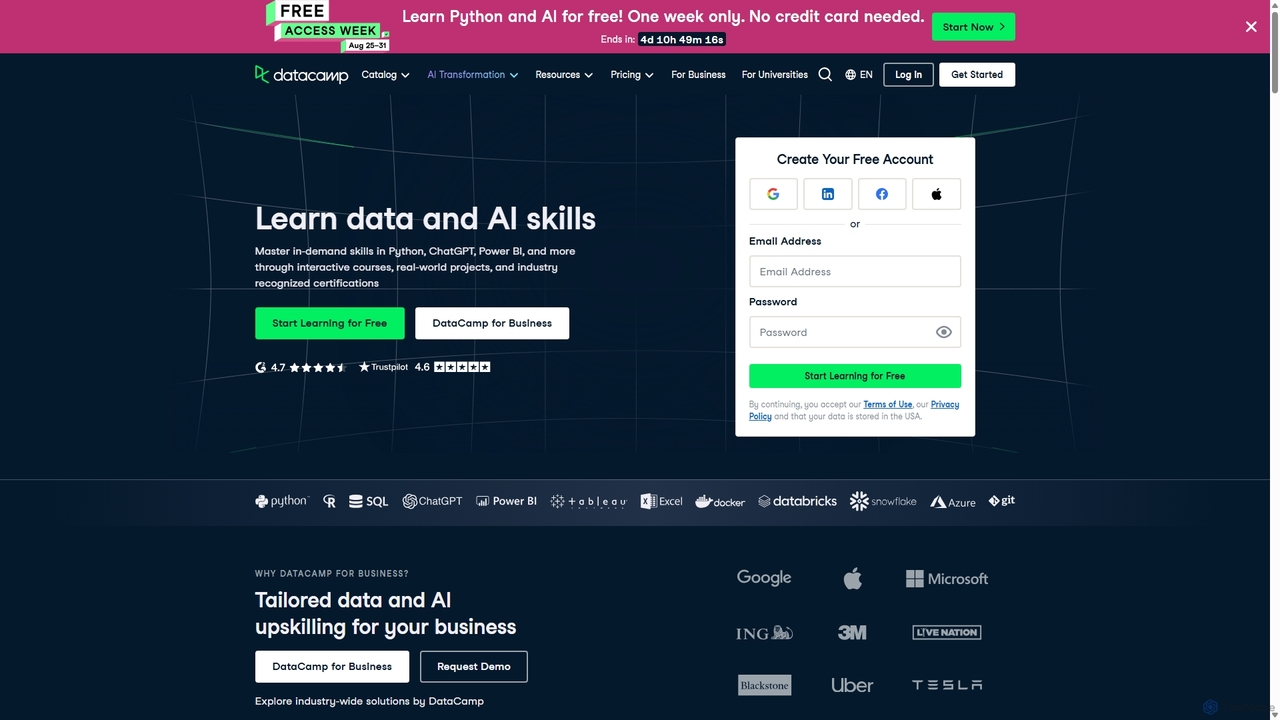
DataCamp
DataCamp is an interactive online learning platform for data science and AI. It offers hands-on courses in Python, R, SQL, Power BI, and more. Through a 'learn-by-doing' approach with in-browser coding, real-world projects, and career tracks, it empowers individuals and businesses to build job-ready data skills, from beginner to expert level.
Data Science
Fabi.ai
Fabi.ai is an AI-powered business intelligence and data analysis platform designed for lean teams. It integrates SQL, Python, and AI to help users build dashboards, automate workflows, and explore data 10x faster. The platform offers an all-in-one collaborative environment, reducing context switching and enabling both technical and non-technical users to derive insights from their data sources like data warehouses, Google Sheets, and more.
Business Intelligence
OpenDoc AI
OpenDoc AI is a next-generation, no-code AI platform that empowers users to automate data workflows, generate business insights, and build custom AI models using simple natural language prompts. It connects to various data sources, making data science accessible to everyone, regardless of technical expertise.
No Code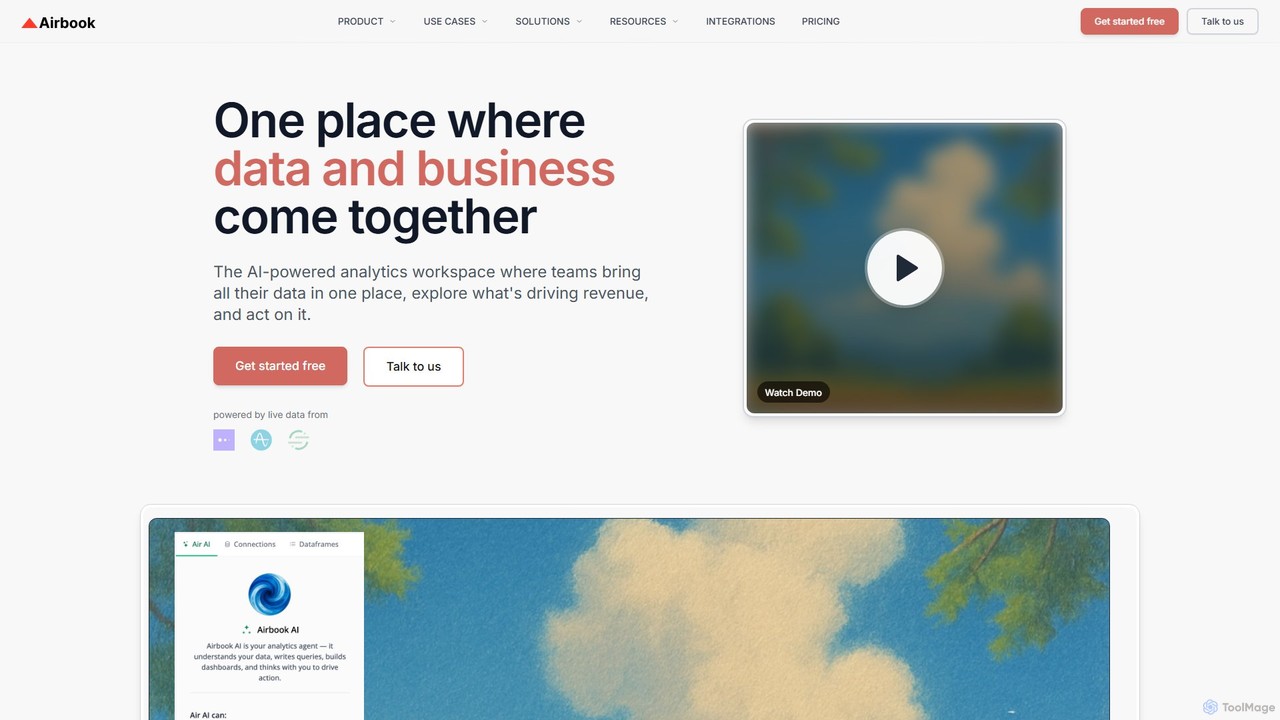
Airbook
Airbook is an AI-powered Go-to-Market (GTM) data platform that unifies data from CRM, marketing, finance, and product tools into a single collaborative workspace. It enables teams to analyze data using natural language, SQL, or a no-code builder, create dashboards, and activate insights to drive revenue growth.
Business Intelligence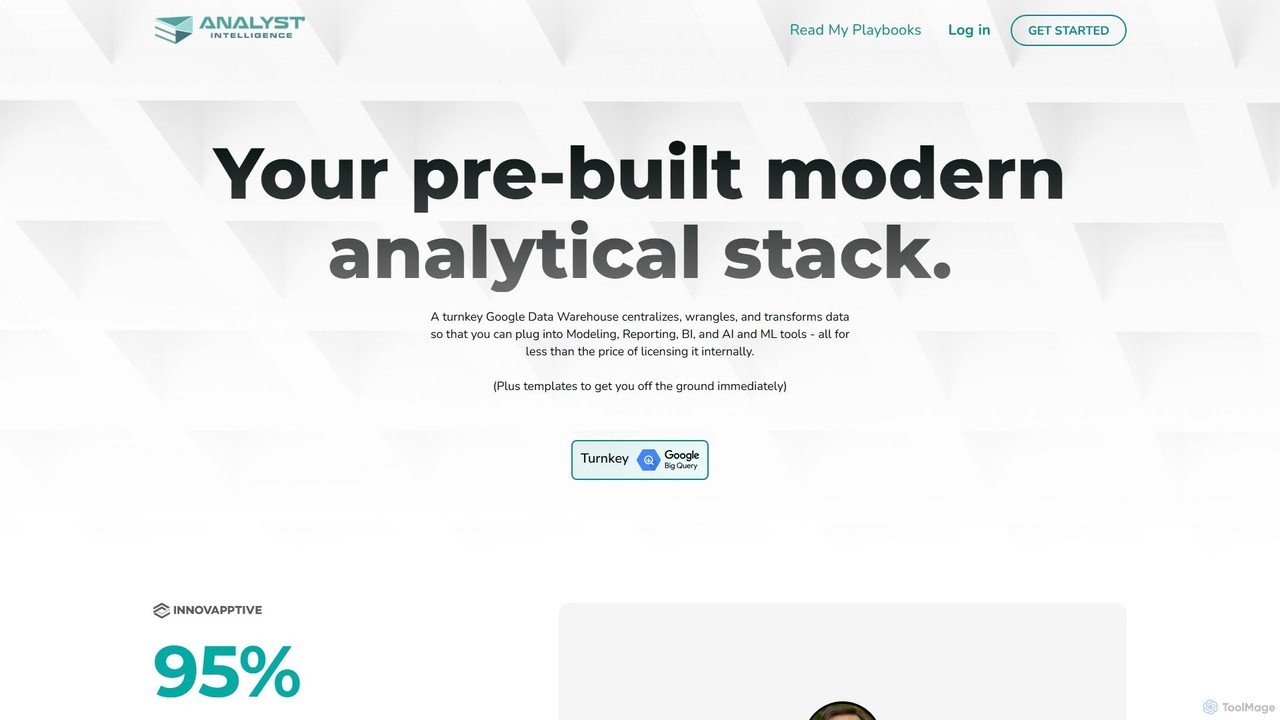
Analyst Intelligence
Analyst Intelligence is an AI-powered data analytics platform built on Google Cloud, designed for FP&A, Rev Ops, and BI teams. It simplifies data consolidation, cleaning, and analysis through a no-code interface and AI-assisted SQL. The platform centralizes data in a secure Google BigQuery warehouse, enabling advanced forecasting, automated reporting, and seamless integration with tools like Google Sheets, without requiring engineering resources.
Business Intelligence
Jyek
Jyek is an AI agent platform that understands objectives, creates execution plans, uses tools, and delivers verifiable results for complex, multi-step tasks.
Automation
pandalyst
Pandalyst is an AI-powered data analysis platform that transforms how you interact with data. Ask questions in natural language and receive instant visualizations, insights, and reports. It automates complex data tasks, making business intelligence accessible to everyone, from analysts to business leaders, without writing a single line of code.
Low Code No Code
datagran
DG-i by Datagran is an advanced AI data agent that allows you to connect to any data source, analyze information using natural language, and automate complex data workflows. It prioritizes security with military-grade encryption and a zero-knowledge architecture, ensuring your data remains secure.
Data ScienceSourcetable
Sourcetable is an AI-powered spreadsheet that combines the functionality of traditional spreadsheets with an AI data analyst. It allows users to connect to live data sources, ask questions in plain English, generate formulas, create charts, and automate reports. By integrating AI, Python, and SQL capabilities directly into the spreadsheet interface, Sourcetable empowers users of all skill levels to perform complex data analysis, cleaning, and visualization tasks effortlessly, turning raw data into actionable insights in seconds.
No CodeGraphite Note
Graphite Note is a no-code AI platform designed for data analysts and business users to build, deploy, and manage predictive analytics models. It simplifies machine learning, enabling users to gain actionable insights from their data, optimize marketing campaigns, and make data-driven decisions without any coding expertise. The platform supports various data sources and automates model selection to deliver fast and accurate results.
Business IntelligencePredictEasy
PredictEasy is a powerful no-code AI add-on for Google Sheets that democratizes data analytics. It allows users to perform advanced tasks like predictive modeling, time-series forecasting, NLP, and statistical analysis with just a few clicks. Ideal for business professionals, researchers, and data analysts, it transforms your spreadsheet into a sophisticated data science tool, enabling data-driven decisions without writing any code.
Business Intelligence
Julius AI Comments (0)
Sign in to comment.
Sign inNo comments yet.