
Deepnote Overview
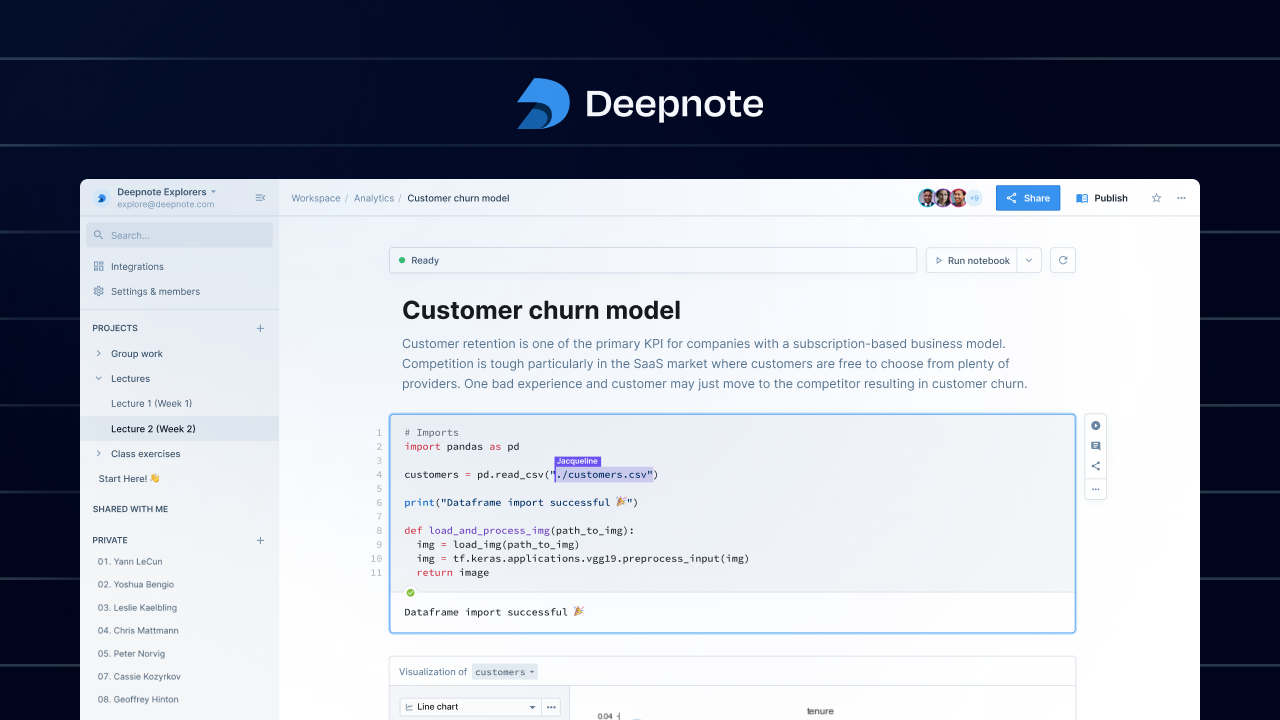
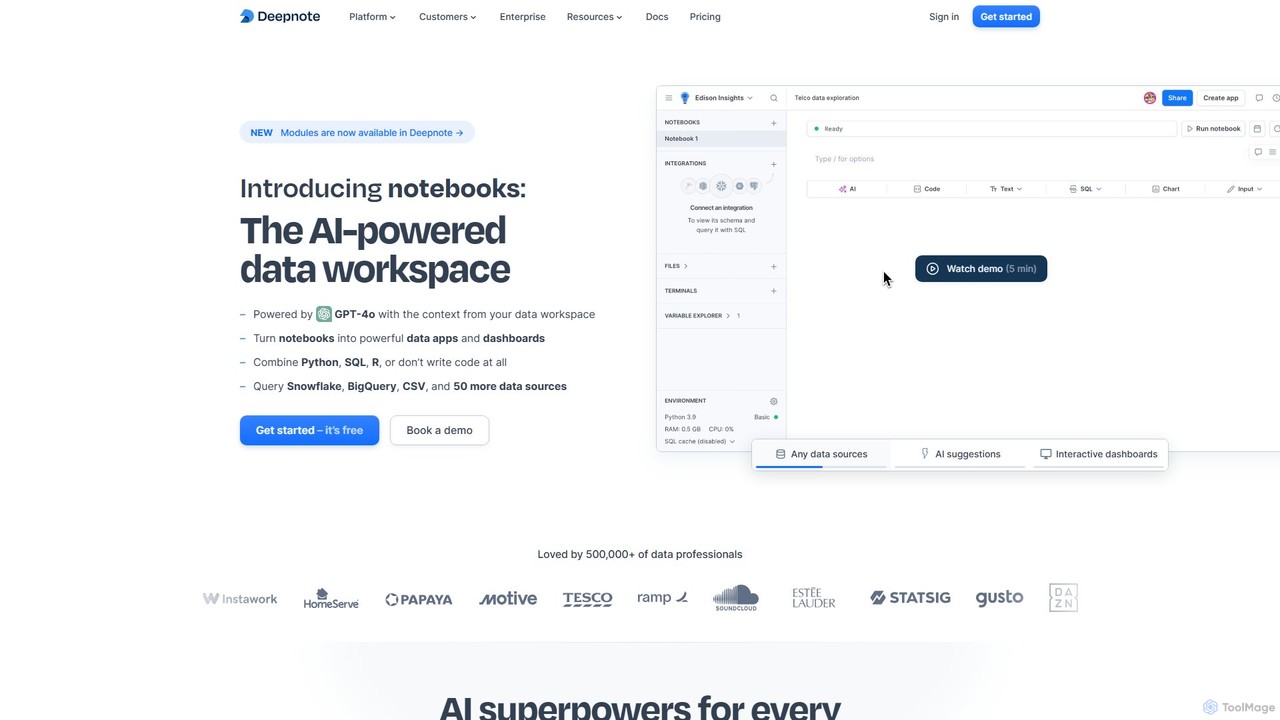
Deepnote is a next-generation data workspace designed for analytics and data science teams. It revolutionizes the traditional notebook experience by integrating powerful AI capabilities, real-time collaboration, and a seamless multi-language environment. Unlike legacy tools like Jupyter, Deepnote is a cloud-native platform that eliminates setup hassles and fosters teamwork. It allows users to connect to over 50 data sources, write and execute Python, SQL, and R code in the same notebook, and instantly visualize results. With its AI copilot, powered by GPT-4o, users can generate, debug, and explain code, or even perform entire analyses by simply describing their goals in natural language. This makes complex data tasks faster for experts and more accessible for beginners. Deepnote transforms static analyses into dynamic, shareable data apps and dashboards, complete with interactive inputs and scheduled updates, making it an end-to-end solution for moving from raw data to actionable insights.
How to use Deepnote
Getting started with Deepnote is straightforward and requires no local installation. 1. **Sign Up:** Create a free account on the Deepnote website. Since it's browser-based, you can start immediately. 2. **Create a Workspace:** Organize your work by creating a workspace for your team or project. You can create folders to manage different analyses. 3. **Connect Your Data:** Integrate with your data sources in seconds. Deepnote supports over 50 connectors, including Snowflake, BigQuery, PostgreSQL, Amazon S3, and you can also upload CSV files directly. 4. **Start a Notebook:** Create a new notebook. You can use a combination of code blocks (Python, SQL, R), text blocks (Markdown), and no-code chart blocks. 5. **Leverage AI:** Use the AI assistant to accelerate your workflow. Type a prompt to generate SQL queries, write Python code for analysis, create visualizations, or debug errors. The AI is context-aware of your data schema and existing code. 6. **Collaborate in Real-Time:** Invite teammates to your notebook by sharing a link. Work together simultaneously, leave comments on specific cells, and review changes with version history, just like in Google Docs. 7. **Build and Share:** Turn your notebook into an interactive data app or dashboard. Arrange your cells, hide code blocks, and add input widgets like sliders and dropdowns. Share your live, interactive report with stakeholders with a single click.
Core Features of Deepnote
- AI-Powered Workspace: Powered by GPT-4o, it offers AI code generation, completion, debugging, and automated analysis from natural language prompts.
- Collaborative Notebooks: Real-time, Google Docs-style collaboration with commenting, version history, and granular permissions.
- Multi-Language Support: Seamlessly combine Python, SQL, and R in a single notebook environment.
- Interactive Apps & Dashboards: Turn notebooks into polished, interactive data applications and dashboards with no-code UI elements.
- Extensive Integrations: Natively connect to over 50 data warehouses, databases, and file storages like Snowflake, BigQuery, Redshift, and S3.
- Scheduled Runs & APIs: Automate your workflows by scheduling notebooks to run hourly, daily, or weekly, and deploy notebooks as production-ready APIs.
- Scalable Cloud Hardware: Access powerful cloud machines, including high-memory CPUs and GPUs, on-demand without any setup.
- Enterprise-Grade Security: SOC 2 Type II, HIPAA, and GDPR compliant, with features like SSO, RBAC, and options for private deployments.
Use Cases for Deepnote
Deepnote is versatile and supports a wide range of data-related tasks: Business Intelligence: Building interactive sales reports, customer 360 dashboards, and analyzing NPS data. Data Science & Machine Learning: Developing churn prediction models, implementing lead scoring algorithms, fine-tuning LLMs like LLaMA 7B, and performing protein visualizations. Data Analytics: Conducting A/B test evaluations, analyzing AWS costs, and performing quick data explorations. ETL & Automation: Creating pipelines to sync data between services (e.g., Salesforce to Notion) and scheduling regular data processing jobs. Education & Research: Providing a zero-setup, collaborative environment for teaching data science courses and conducting research projects.
Advantages of Deepnote
Deepnote offers significant advantages over traditional tools. Its **AI-first approach** dramatically increases productivity for all users, from analysts to scientists. The **cloud-native, collaborative environment** removes friction in teamwork, eliminating environment setup and version control issues. By **unifying the entire data workflow**—from data connection and exploration to building and sharing interactive apps—it creates a single source of truth and accelerates the path to insight. Its **security and scalability** make it suitable for both small startups and large enterprises, ensuring data is protected and compute resources are always available. Finally, its **freemium model and free Education plan** make powerful data tools accessible to everyone.
Pricing and Plans
Deepnote offers a tiered pricing structure to suit different needs:
- Free Plan: Designed for individuals and small teams, it includes up to 3 editors, 5 projects, unlimited basic machines, and limited AI features.
- Pro Plan ($9/editor/month): Aimed at individual professionals, this plan offers unlimited projects, full Deepnote AI capabilities, background execution, scheduled notebooks, and more powerful machines with monthly compute credits.
- Team Plan ($39/editor/month): Built for data teams, it includes everything in Pro plus unlimited viewers, premium integrations, a 30-day revision history, and significantly more compute credits.
- Enterprise Plan (Custom Pricing): For large organizations with advanced security and support needs. It offers custom contracts, priority support, SSO, audit logs, single-tenancy deployment options, and volume discounts.
- Education Plan: 100% free for students, teachers, and researchers, providing most of the features of the Team plan.
Traffic
Latest traffic
Status
Monthly traffic trend
- 2025-9: 259.0K
- 2026-1: 240.1K
- 2026-2: 223.9K
- 2026-3: 223.0K
- 2026-4: 214.7K
- 2026-5: 192.9K
Geography
Top 5 countries / regions
- 🇺🇸United States33.2%
- 🇧🇷Brazil24.8%
- 🇨🇴Colombia14.2%
- 🇮🇳India13.9%
- 🇮🇹Italy13.9%
Traffic sources
| Source type | Percentage |
|---|---|
Direct | 81.0% |
Referral | 13.4% |
Email | 5.6% |
Top keywords
| Keyword | Cost per click |
|---|---|
| deepnote | $2.88 |
| deepnote chat with collaborator | $0.00 |
| deepnote cost | $0.00 |
| deepnote login | $0.00 |
| deepnote manual python | $0.00 |
Deepnote Videos on YouTube



Danilo Fiumi
AI User Group
Deepnote Alternatives
Hex
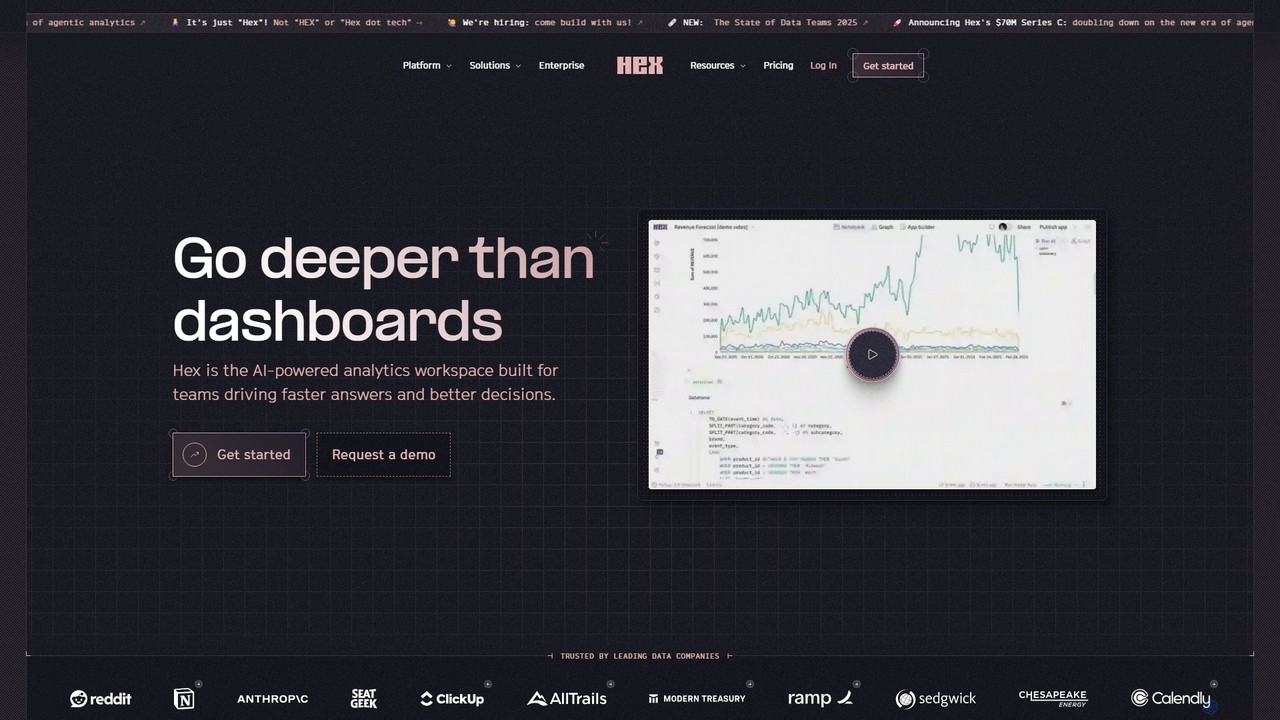
Hex is an AI-powered analytics workspace designed for teams. It integrates notebooks for Python and SQL, interactive data apps, and self-serve exploration into a single collaborative platform, enabling faster, data-driven decision-making.
Data Science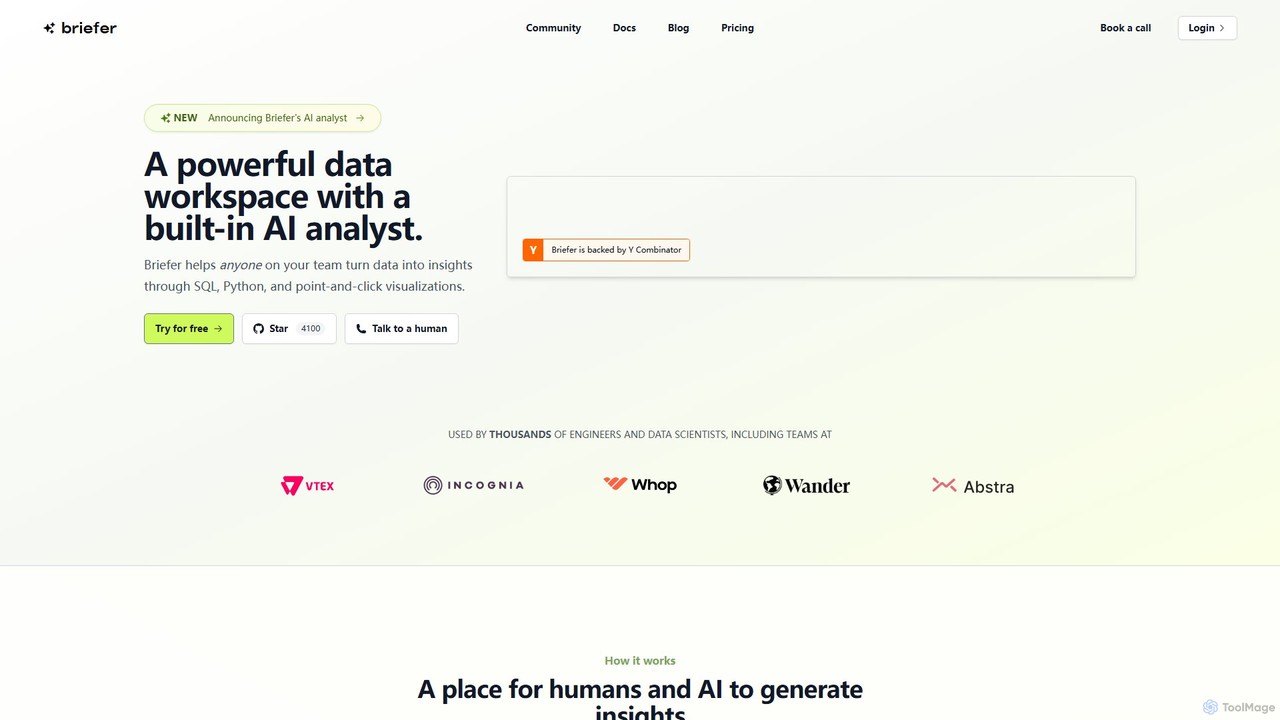
Briefer
Briefer is a collaborative data platform featuring a built-in AI analyst. It empowers teams to transform data into actionable insights using SQL, Python, and interactive visualizations within a unified workspace. Designed for both technical and non-technical users, it streamlines data analysis, reporting, and real-time collaboration, accelerating data-driven decision-making. It is backed by Y Combinator and offers both cloud-hosted and self-hosted open-source versions.
Database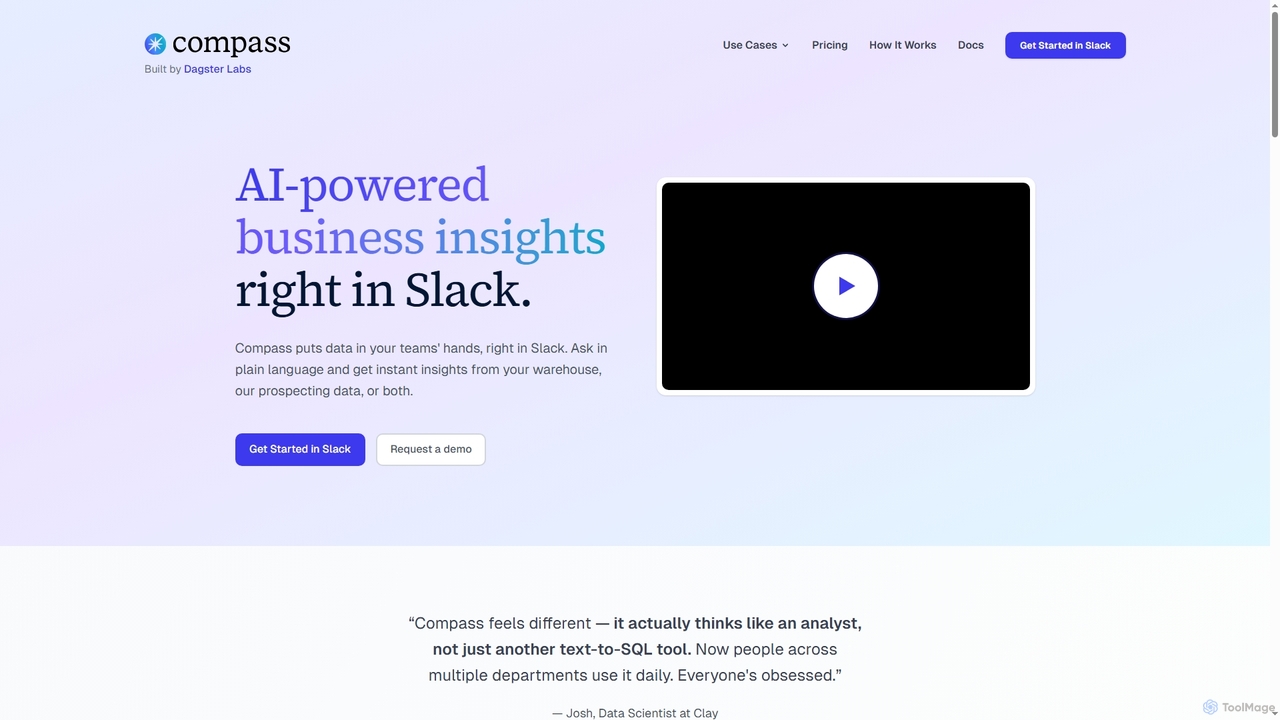
Compass
Compass is an AI-powered data assistant that operates directly within Slack. It enables teams to get fast, trusted business insights by asking questions in plain language, connecting to your data warehouse or using its built-in prospecting data.
Business Intelligence
Ajelix
Ajelix is an AI-powered suite of tools designed to enhance productivity for Excel and Google Sheets users. It acts as an AI data analyst, automating tasks, generating formulas and VBA scripts, creating insightful reports, and providing advanced data analysis through a simple chat interface.
Business Intelligence
datalimeai
datalimeai is an AI-powered data research assistant that simplifies complex data analysis. It allows users to ask questions in natural language, automates data collection and visualization, and generates insightful reports to accelerate business intelligence and decision-making.
Business IntelligenceDeepnote Categories
Deepnote Embed Widget
Copy this embed code to place the badge on your blog, article, or product site and send readers directly to this ToolMage detail page.

Related AI tools
Hex
Hex is an AI-powered analytics workspace designed for teams. It integrates notebooks for Python and SQL, interactive data apps, and self-serve exploration into a single collaborative platform, enabling faster, data-driven decision-making.
Data ScienceBriefer
Briefer is a collaborative data platform featuring a built-in AI analyst. It empowers teams to transform data into actionable insights using SQL, Python, and interactive visualizations within a unified workspace. Designed for both technical and non-technical users, it streamlines data analysis, reporting, and real-time collaboration, accelerating data-driven decision-making. It is backed by Y Combinator and offers both cloud-hosted and self-hosted open-source versions.
Database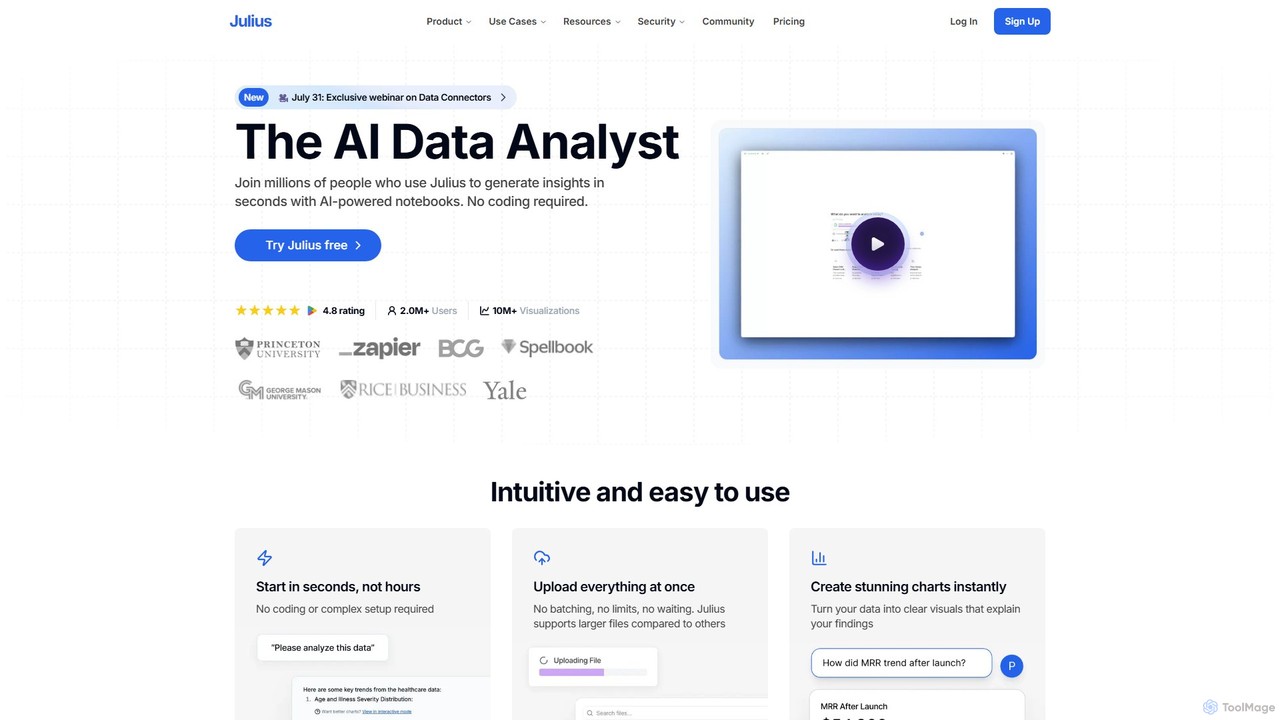
Julius AI
Julius AI is your AI Data Analyst, designed to interpret, analyze, and visualize complex data effortlessly. Connect your data from spreadsheets, databases, or PDFs, ask questions in natural language, and receive instant insights, charts, and reports. No coding is required, but it also supports Python, R, and SQL for advanced users, making data analysis accessible to everyone.
Developer Tools
Fabi.ai
Fabi.ai is an AI-powered business intelligence and data analysis platform designed for lean teams. It integrates SQL, Python, and AI to help users build dashboards, automate workflows, and explore data 10x faster. The platform offers an all-in-one collaborative environment, reducing context switching and enabling both technical and non-technical users to derive insights from their data sources like data warehouses, Google Sheets, and more.
Business Intelligence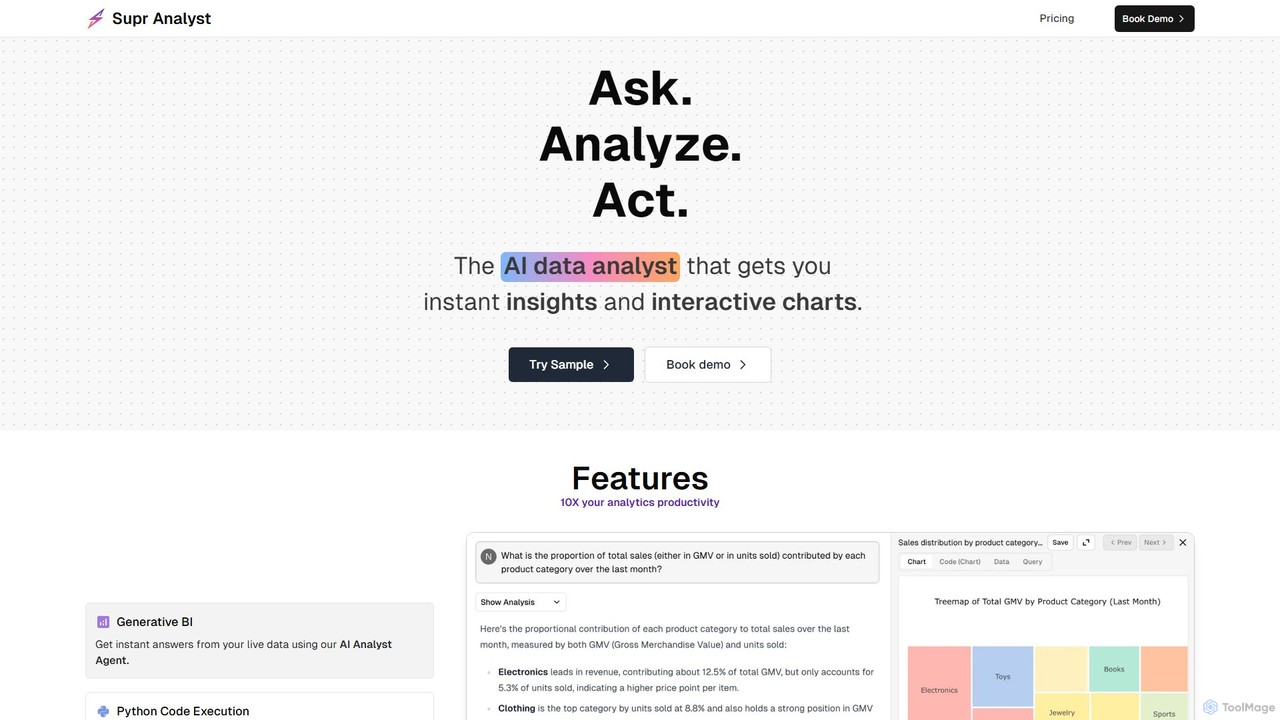
Supranalyst
Supranalyst is an AI-powered data analyst that lets you chat with your data directly in Slack. Connect to various data sources like PostgreSQL, Snowflake, and Google Sheets, ask questions in plain English, and receive instant insights and interactive charts. It streamlines data analysis for both technical and non-technical teams, boosting productivity by 10x.
Business Intelligence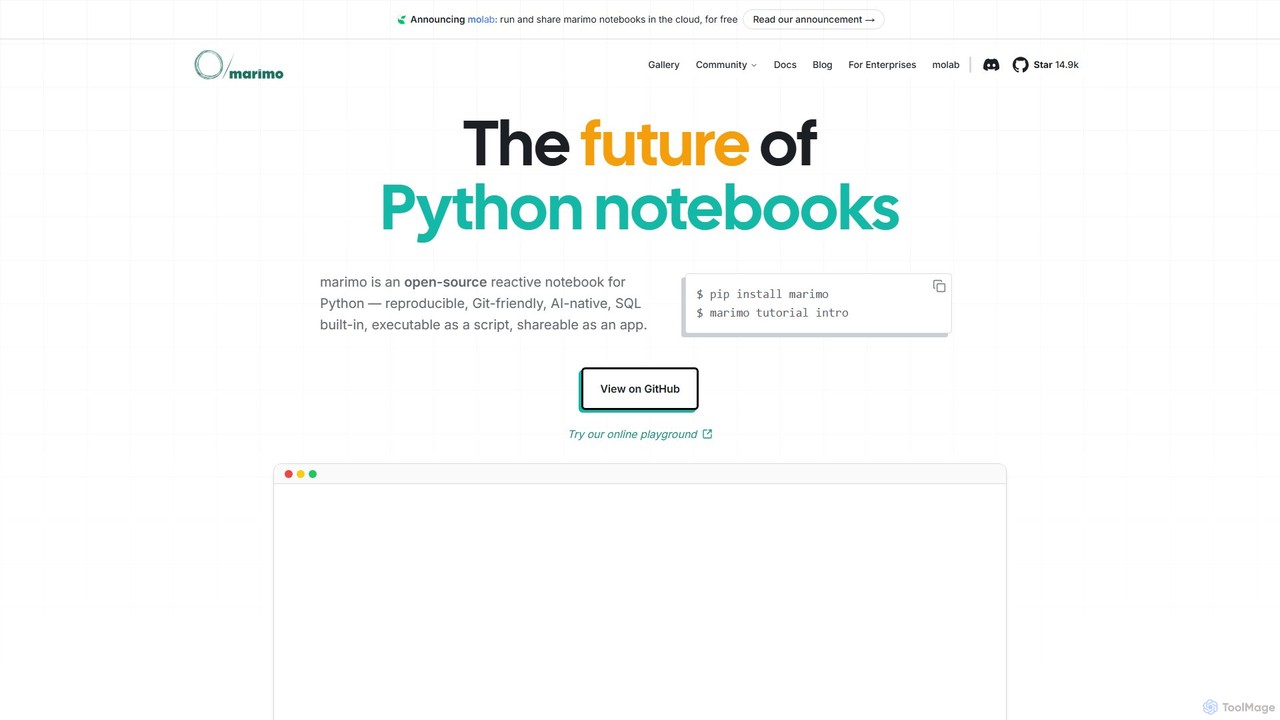
marimo
marimo is an open-source reactive Python notebook for modern data science and AI. It offers a reproducible, Git-friendly, and interactive environment where notebooks are pure Python scripts. Features include built-in AI assistance, SQL cells, and the ability to share notebooks as web apps, streamlining the workflow from experiment to production.
Data Visualization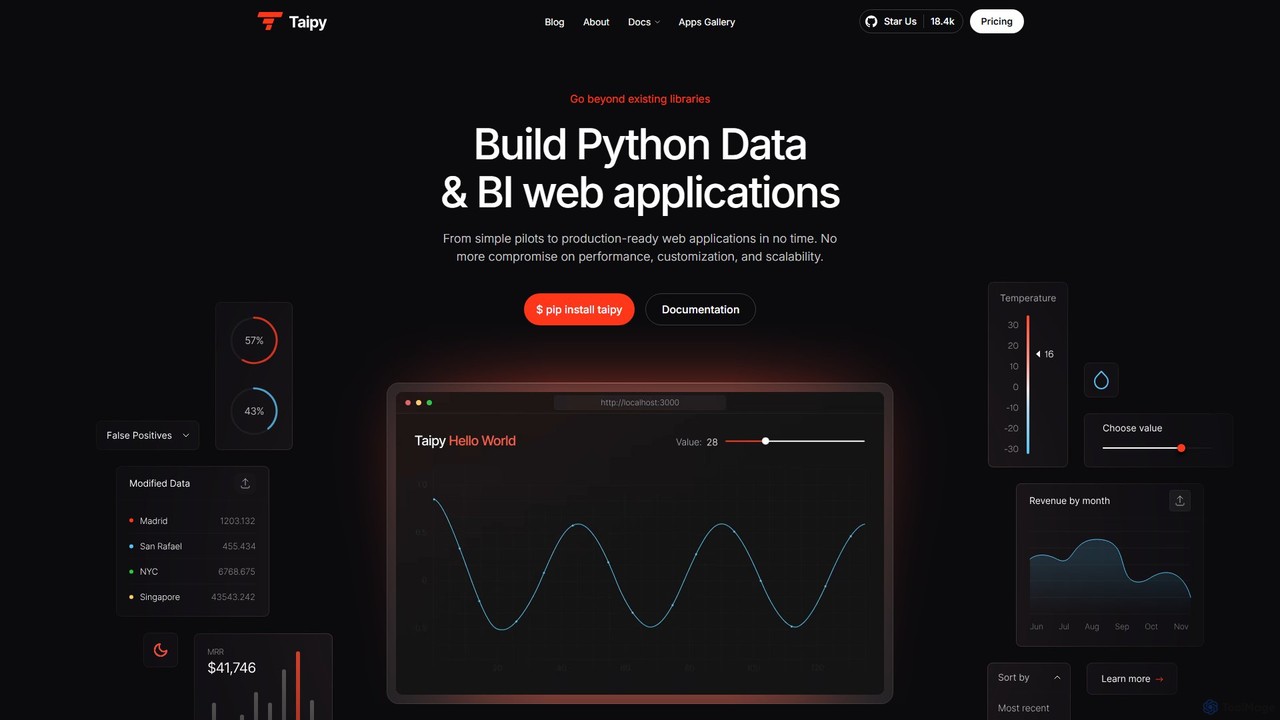
Taipy
Taipy is an open-source Python library for rapidly building powerful data and business intelligence web applications. It enables developers and data scientists to create everything from simple dashboards to complex, production-ready, multi-user applications with features like scenario management and performance optimization, all within Python.
Data Visualization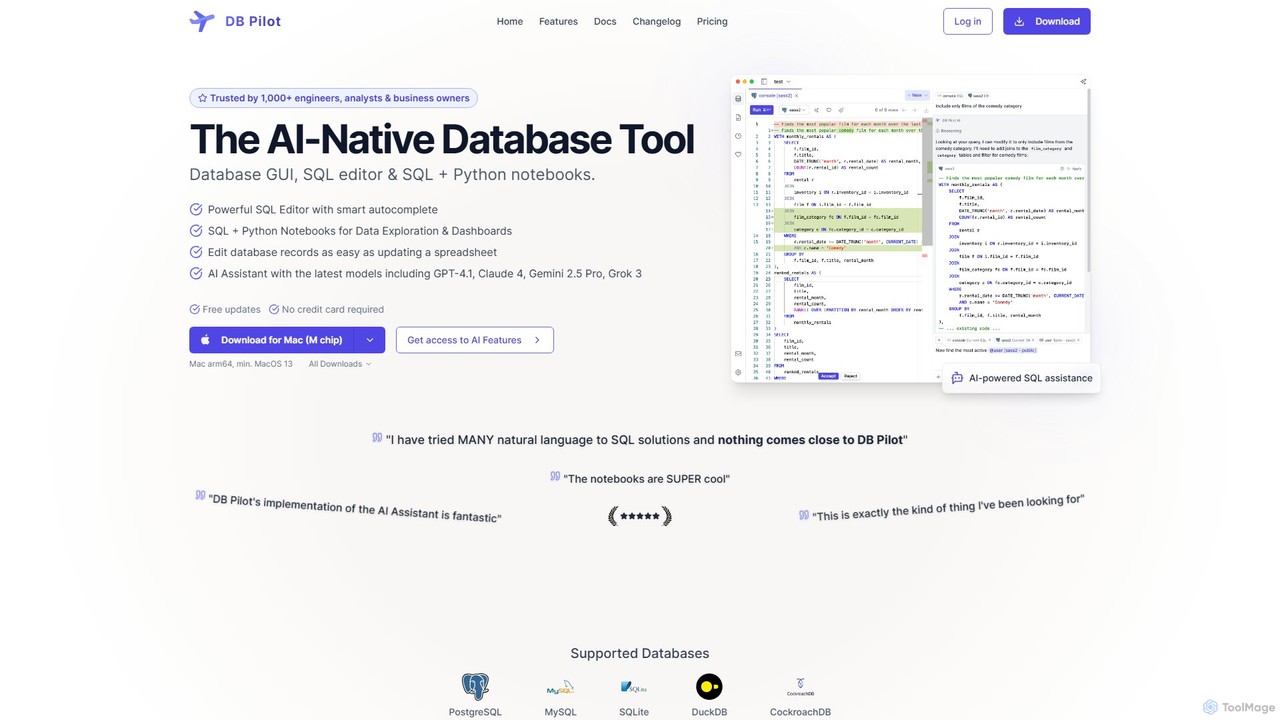
dbpilot
dbpilot is an AI-native database tool for engineers and analysts, featuring a powerful GUI, an intelligent SQL editor, and integrated SQL + Python notebooks. It leverages top AI models like GPT-4 and Claude to generate, debug, and explain queries, streamlining data exploration and dashboard creation in a secure, local-first environment.
Sql
pandalyst
Pandalyst is an AI-powered data analysis platform that transforms how you interact with data. Ask questions in natural language and receive instant visualizations, insights, and reports. It automates complex data tasks, making business intelligence accessible to everyone, from analysts to business leaders, without writing a single line of code.
Low Code No Code
astronuts
astronuts is an AI-powered data intelligence platform that transforms complex data into clear, actionable insights. Connect your data sources, ask questions in natural language, and automatically generate interactive dashboards and reports. It's designed for teams to explore data, uncover hidden patterns, and make smarter decisions, faster.
3D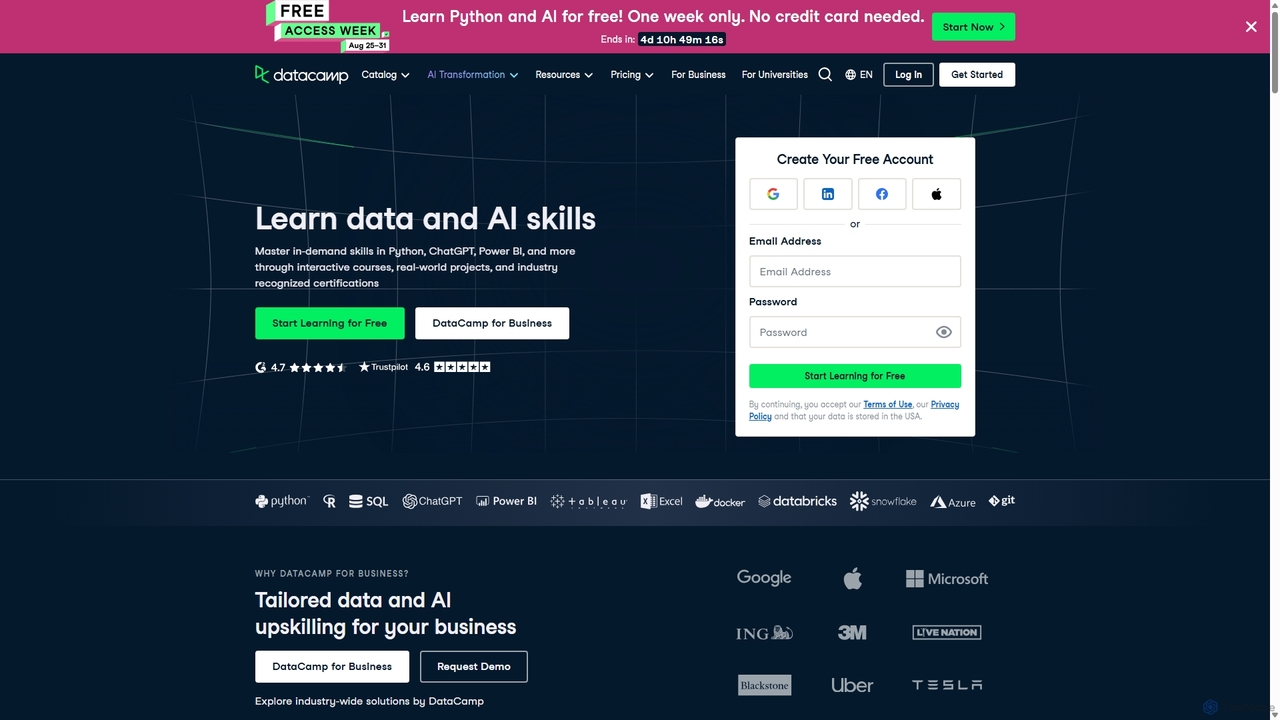
DataCamp
DataCamp is an interactive online learning platform for data science and AI. It offers hands-on courses in Python, R, SQL, Power BI, and more. Through a 'learn-by-doing' approach with in-browser coding, real-world projects, and career tracks, it empowers individuals and businesses to build job-ready data skills, from beginner to expert level.
Data Science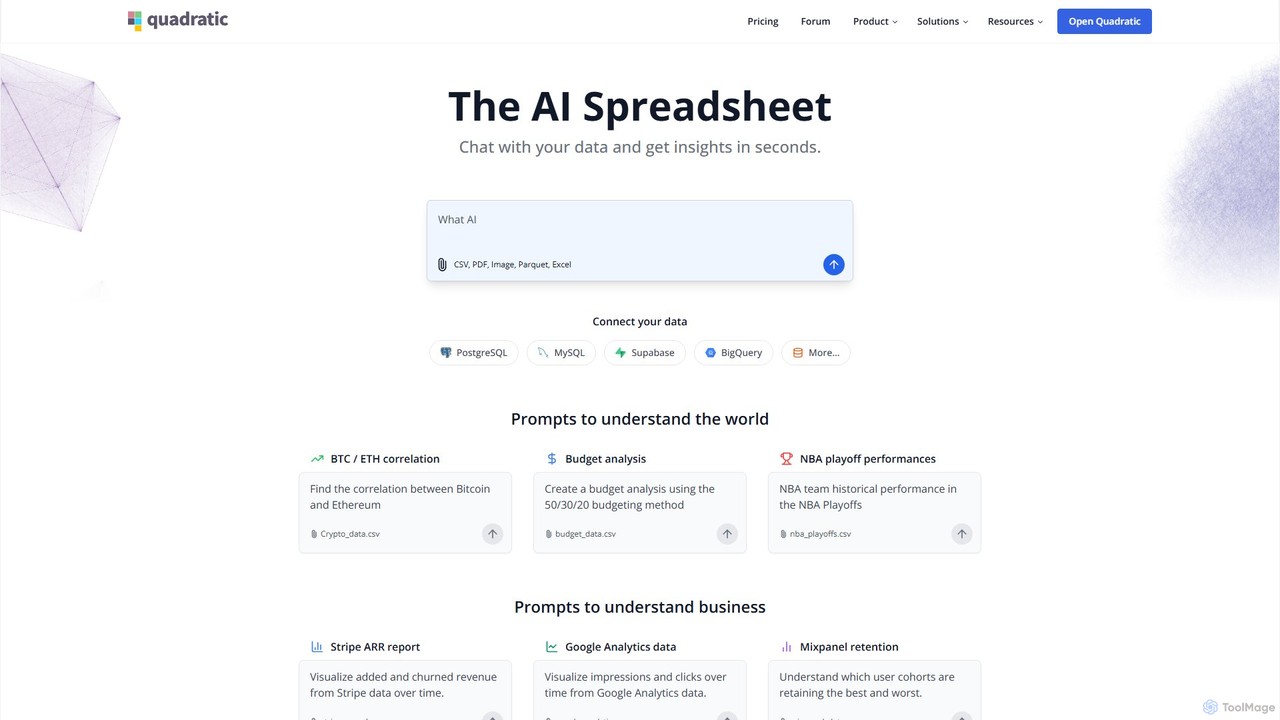
Quadratic
Quadratic is a powerful AI spreadsheet that integrates a familiar interface with Python, SQL, and natural language prompts. Connect directly to live databases, analyze data, extract information from PDFs, and create visualizations instantly. It's a secure, collaborative platform for data analysts, business professionals, and developers.
Business Intelligence
Vanna.AI
Vanna.AI is an open-source, personalized AI SQL agent that transforms natural language questions into accurate SQL queries. It uses a Retrieval-Augmented Generation (RAG) model trained on your specific database schema, documentation, and past queries to achieve high accuracy on complex datasets. It's designed for security, flexibility, and easy integration into any application, empowering both technical and non-technical users to gain insights from their data effortlessly.
Business Intelligence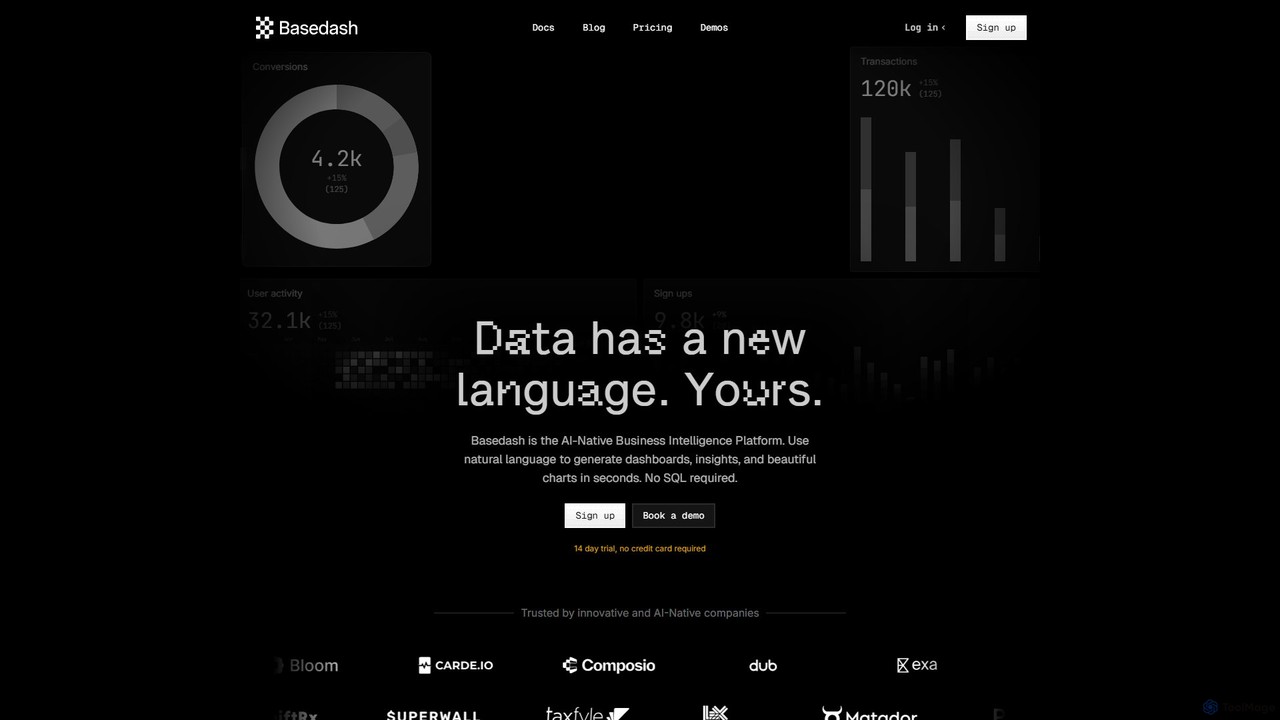
Basedash
Basedash is an AI-native business intelligence platform that allows teams to interact with their data using natural language. Generate beautiful dashboards, charts, and insights in seconds without writing any SQL code. Connect your data sources and simply ask questions to get answers.
Business Intelligence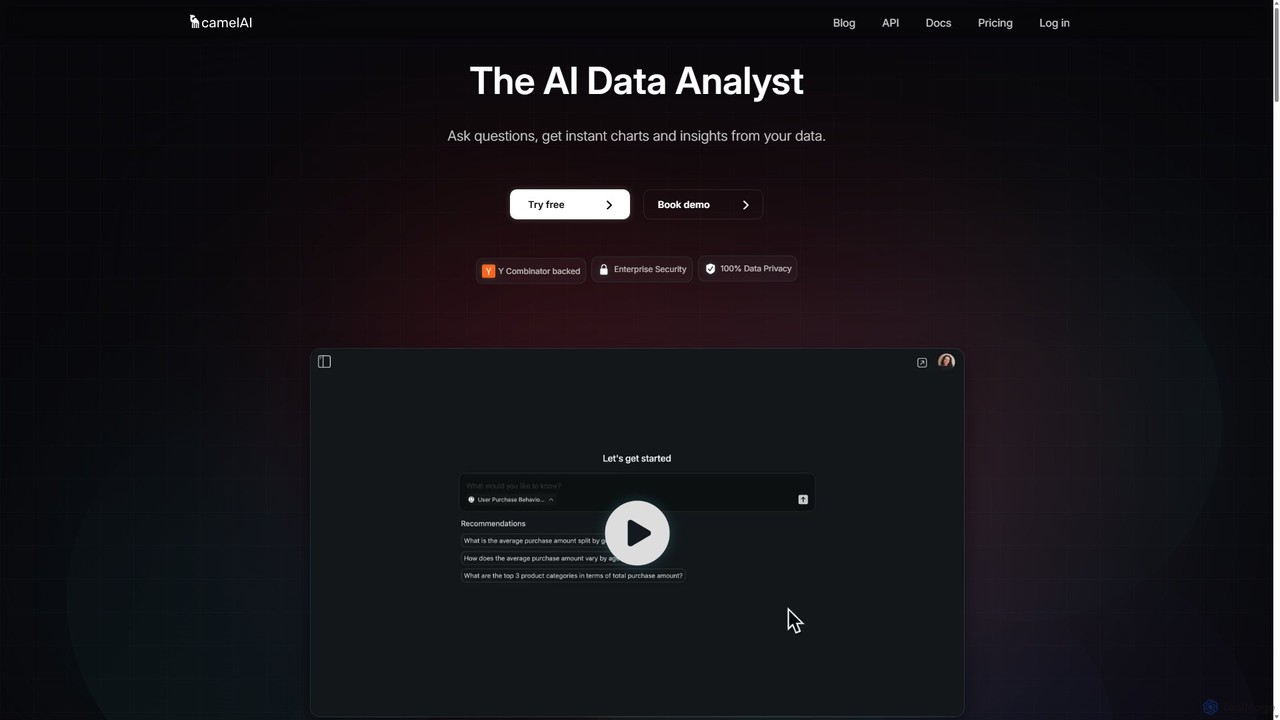
camelAI
camelAI is an AI-powered data analysis platform that enables users to query their databases using natural language. It eliminates the need for SQL, providing instant answers with interactive charts and tables, making data-driven decision-making accessible to everyone in an organization.
Business Intelligence
Deepnote Comments (0)
Sign in to comment.
Sign inNo comments yet.