
dbpilot Overview
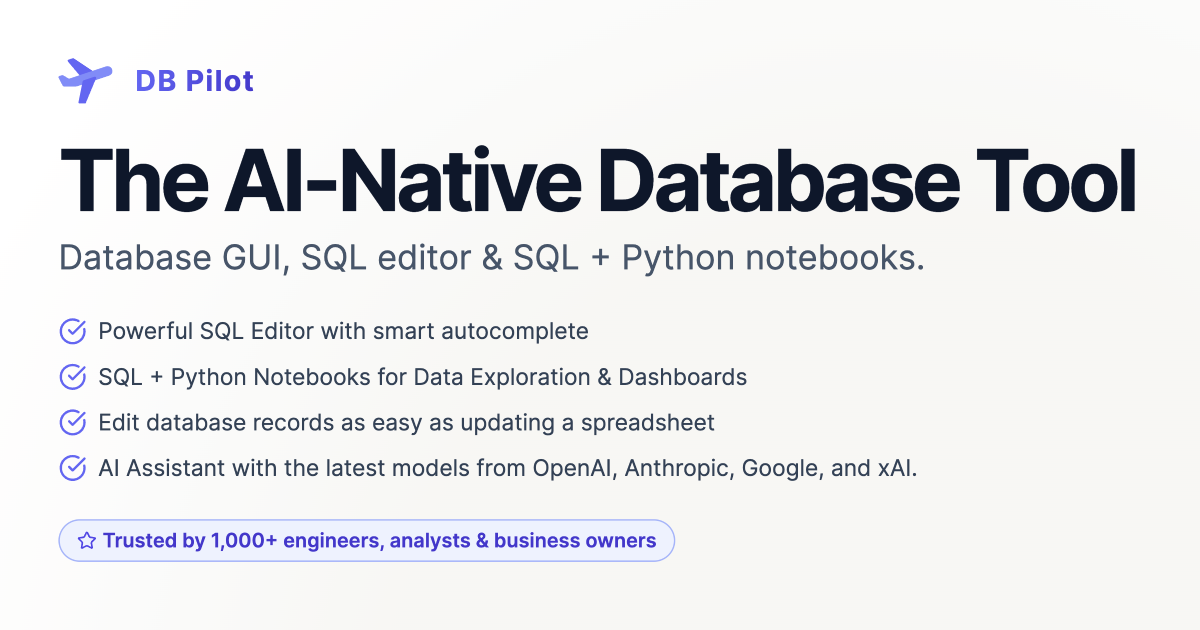
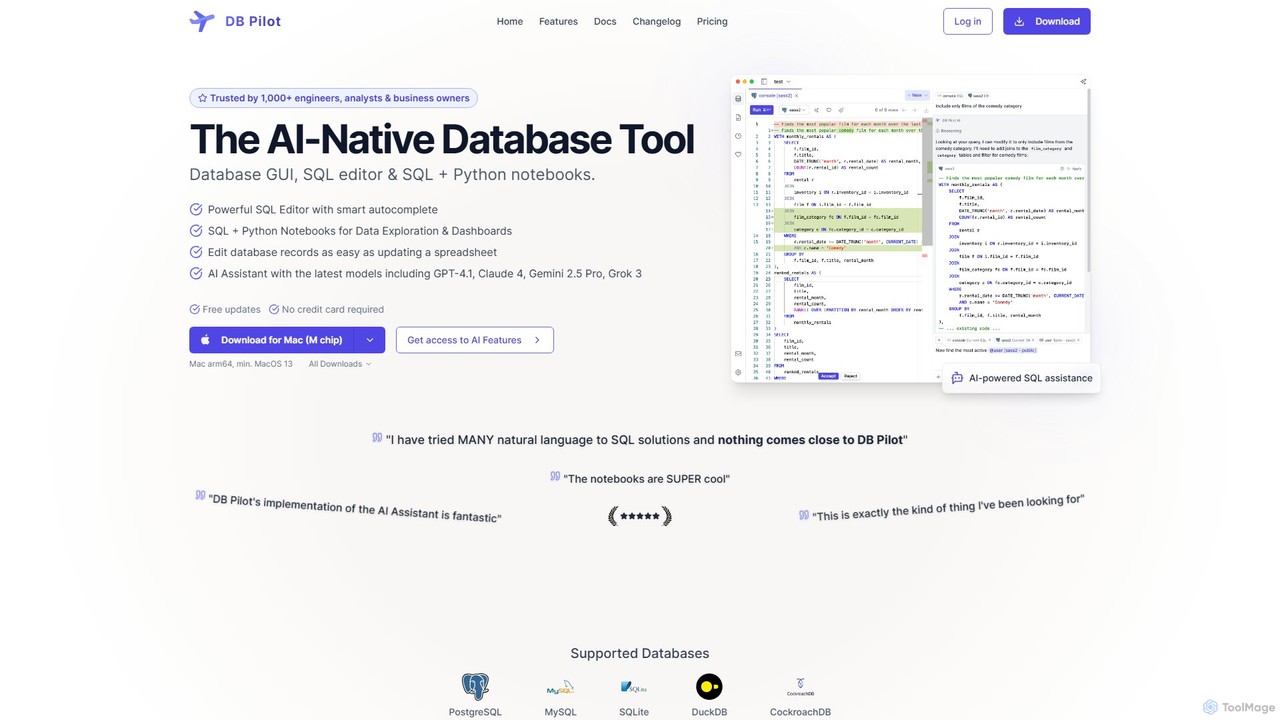
dbpilot is a modern, AI-native database tool designed to streamline the workflow of engineers, data analysts, and business owners. It serves as a comprehensive solution combining a powerful database GUI, an intelligent SQL editor, and versatile SQL + Python notebooks. By integrating the latest AI models like GPT-4, Claude, and Gemini, dbpilot transforms how users interact with their data, making complex database tasks faster, easier, and more intuitive. The application runs locally on your machine, ensuring that your data and credentials remain secure and private. It supports a wide range of popular databases, including PostgreSQL, MySQL, SQLite, and more, with a focus on providing a seamless and efficient data exploration and management experience.
How to use dbpilot
Getting started with dbpilot is straightforward. First, download and install the application for your Mac (M chip or Intel). Once installed, you can securely connect to your databases (PostgreSQL, MySQL, etc.) by providing your credentials, which are stored safely in your device's keychain. From there, you can immediately start exploring your data. Use the AI Chat to ask questions in natural language, and dbpilot will generate the corresponding SQL queries. You can refine these queries in the smart SQL editor, which offers context-aware autocompletion. For more in-depth analysis, leverage the Notebooks feature to combine SQL queries, Python code, interactive tables, and charts in a single, organized workspace. You can also directly edit database records in a user-friendly, spreadsheet-like interface.
Core Features of dbpilot
- AI Assistant: Get instant help with query generation, code explanation, and error fixing. It supports the latest models from OpenAI, Anthropic, Google, and xAI.
- SQL + Python Notebooks: A Jupyter-like interface where you can mix SQL queries, Python code, markdown, and interactive visualizations to create reproducible analyses and dashboards.
- Powerful SQL Editor: Features smart, context-aware autocompletion for tables, columns, keywords, and functions, plus an automatic SQL formatter to keep code clean.
- Interactive Table Viewer & Editor: View, insert, update, and delete database records as easily as using a spreadsheet.
- Interactive Dashboards: Build dynamic dashboards using input fields, date filters, charts, and tables directly within the notebooks.
- Broad Database Support: Natively connects to PostgreSQL, MySQL, SQLite, DuckDB, CockroachDB, with more databases being added continuously.
- Local-First Security: All data, connection credentials, and queries are stored locally on your computer, ensuring maximum privacy and security. The AI assistant only accesses your database schema, not your data.
- Data Export: Easily export query results to CSV, JSON, NDJSON, or Markdown formats.
Use Cases for dbpilot
dbpilot is versatile and can be applied in various scenarios. Data analysts can use the notebooks for iterative data exploration, combining data from multiple sources, and building interactive reports for stakeholders. Software engineers can significantly speed up their development process by quickly generating complex SQL queries, debugging errors with AI assistance, and managing database schemas. Business owners and product managers can directly query databases using natural language to gain insights without needing to write code. It's also an excellent tool for learning SQL, as the AI can explain complex queries and concepts in simple terms.
Advantages of dbpilot
The primary advantage of dbpilot is its AI-native design, which is deeply integrated into every feature, not just an add-on. This results in a massive productivity boost. The combination of SQL and Python in a single notebook environment eliminates the need to switch between different tools, creating a unified and efficient workflow. Its commitment to local-first data handling provides a high level of security and privacy, a critical concern when dealing with sensitive database information. Furthermore, the flexible pricing model, offering both a subscription and a one-time purchase, makes it accessible to a wide range of users, from individual freelancers to teams within large organizations.
Pricing and Plans
dbpilot offers flexible plans to suit different needs:
- Free Plan: Download and use the core features of the app for free. AI features can be tested for up to 20 messages, after which you need to provide your own API keys from providers like OpenAI or Anthropic.
- Subscription: For $20 per month, you get access to all premium features, and the cost of using the AI assistant is included. This plan ensures you always have the latest version of the app and receive priority support. You can cancel anytime.
- One-time Purchase: For a single payment of $79, you get a lifetime license for the current version and all updates released within one year of purchase. To use the AI features with this plan, you must bring your own API keys. This plan also includes priority support.
Traffic
Latest traffic
Status
Monthly traffic trend
- 2025-9: 3.3K
- 2026-1: 3.3K
- 2026-2: 1.6K
- 2026-3: 533
- 2026-4: 706
- 2026-5: 1.3K
Geography
Top 5 countries / regions
- 🇮🇳India100.0%
Top keywords
| Keyword | Cost per click |
|---|---|
| composite primary key | $0.00 |
| db pilot | $0.00 |
| postgres create unique primary key with two fields | $0.00 |
| postgres rename column | $0.00 |
| sqlite add column | $0.00 |
dbpilot Alternatives
Vanna.AI
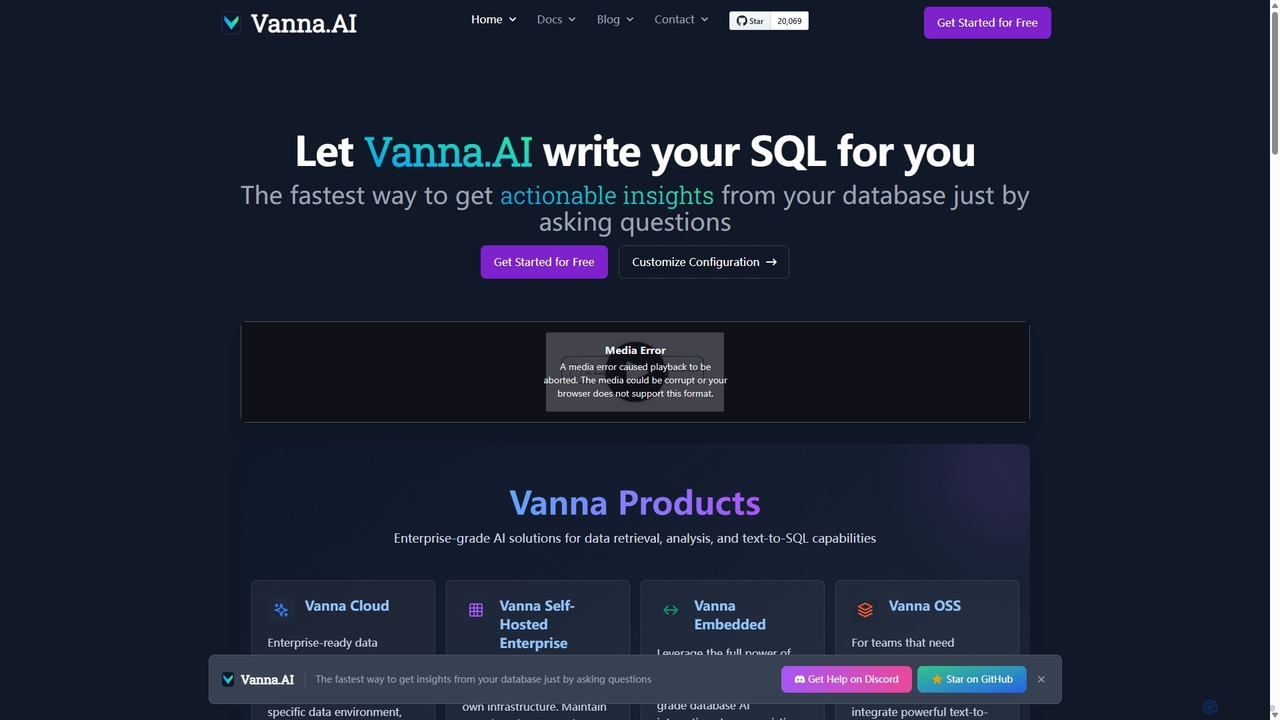
Vanna.AI is an open-source, personalized AI SQL agent that transforms natural language questions into accurate SQL queries. It uses a Retrieval-Augmented Generation (RAG) model trained on your specific database schema, documentation, and past queries to achieve high accuracy on complex datasets. It's designed for security, flexibility, and easy integration into any application, empowering both technical and non-technical users to gain insights from their data effortlessly.
Business Intelligence
Fabi.ai
Fabi.ai is an AI-powered business intelligence and data analysis platform designed for lean teams. It integrates SQL, Python, and AI to help users build dashboards, automate workflows, and explore data 10x faster. The platform offers an all-in-one collaborative environment, reducing context switching and enabling both technical and non-technical users to derive insights from their data sources like data warehouses, Google Sheets, and more.
Business Intelligence
sqltroughai
sqltroughai is an AI-powered assistant that translates natural language into SQL queries, optimizes existing code, and explains complex queries in plain English. It empowers developers, analysts, and business users to interact with databases effortlessly and efficiently.
Code Assistant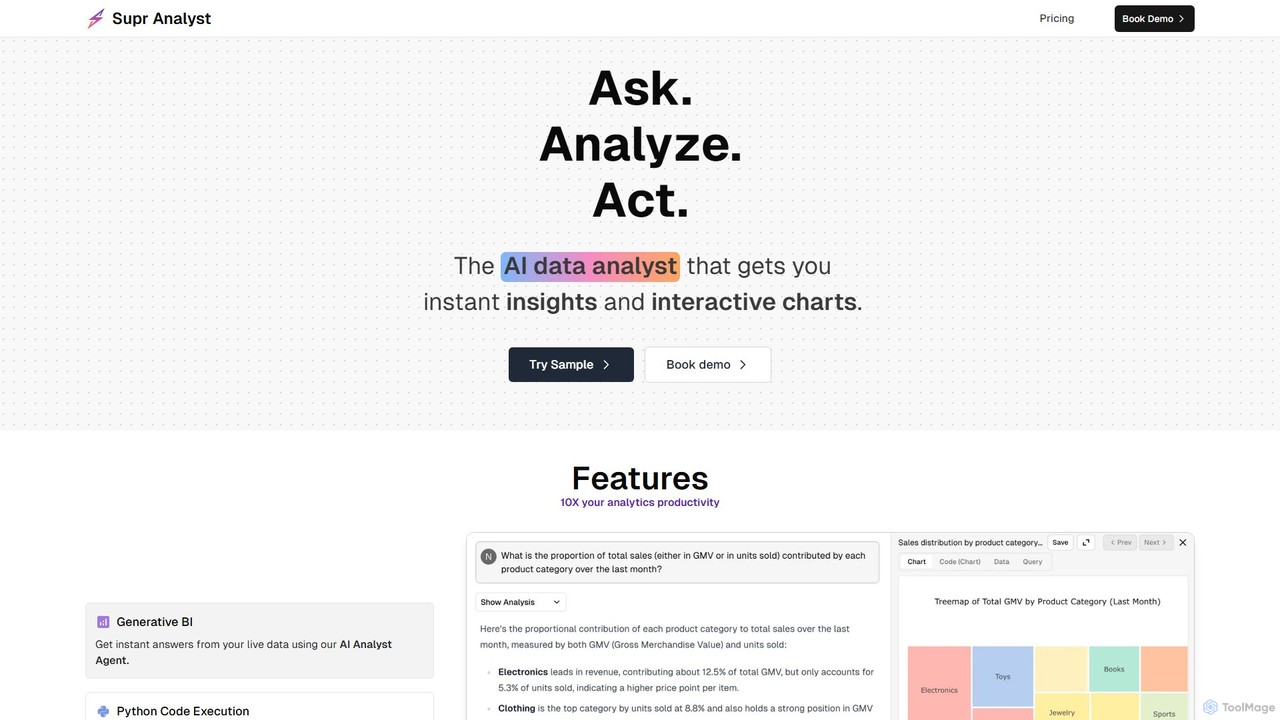
Supranalyst
Supranalyst is an AI-powered data analyst that lets you chat with your data directly in Slack. Connect to various data sources like PostgreSQL, Snowflake, and Google Sheets, ask questions in plain English, and receive instant insights and interactive charts. It streamlines data analysis for both technical and non-technical teams, boosting productivity by 10x.
Business Intelligence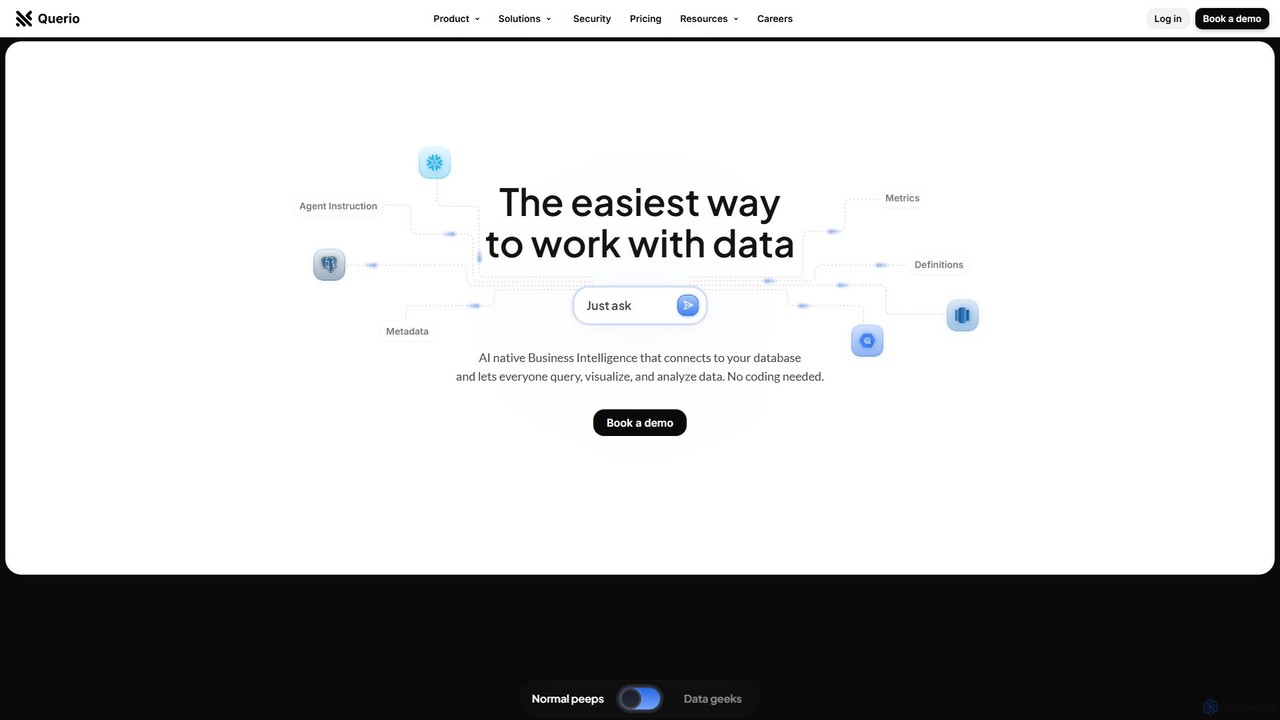
Querio
Querio is an AI-native Business Intelligence (BI) platform that allows teams to analyze their data using natural language. Connect directly to your database and ask questions to generate queries, visualizations, and reports without writing any code. It's designed for both technical and non-technical users to make data-driven decisions quickly.
Business Intelligencedbpilot Categories
dbpilot Embed Widget
Copy this embed code to place the badge on your blog, article, or product site and send readers directly to this ToolMage detail page.

Related AI tools
AskYourDatabase
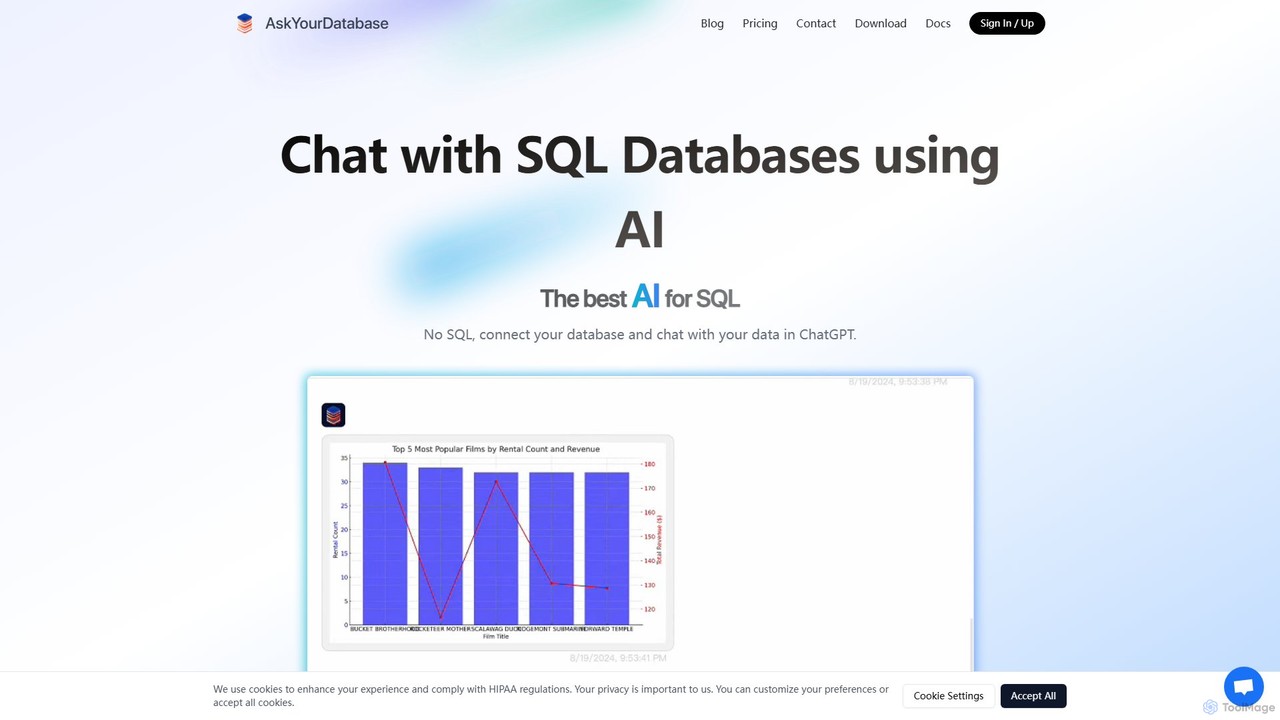
AskYourDatabase is a powerful AI SQL assistant that allows you to interact with your databases using natural language. Query data, create visualizations, and build interactive dashboards without writing a single line of SQL. It supports various databases, offers both desktop and embeddable chatbot versions, and prioritizes data security with on-premise deployment options.
Data Analysis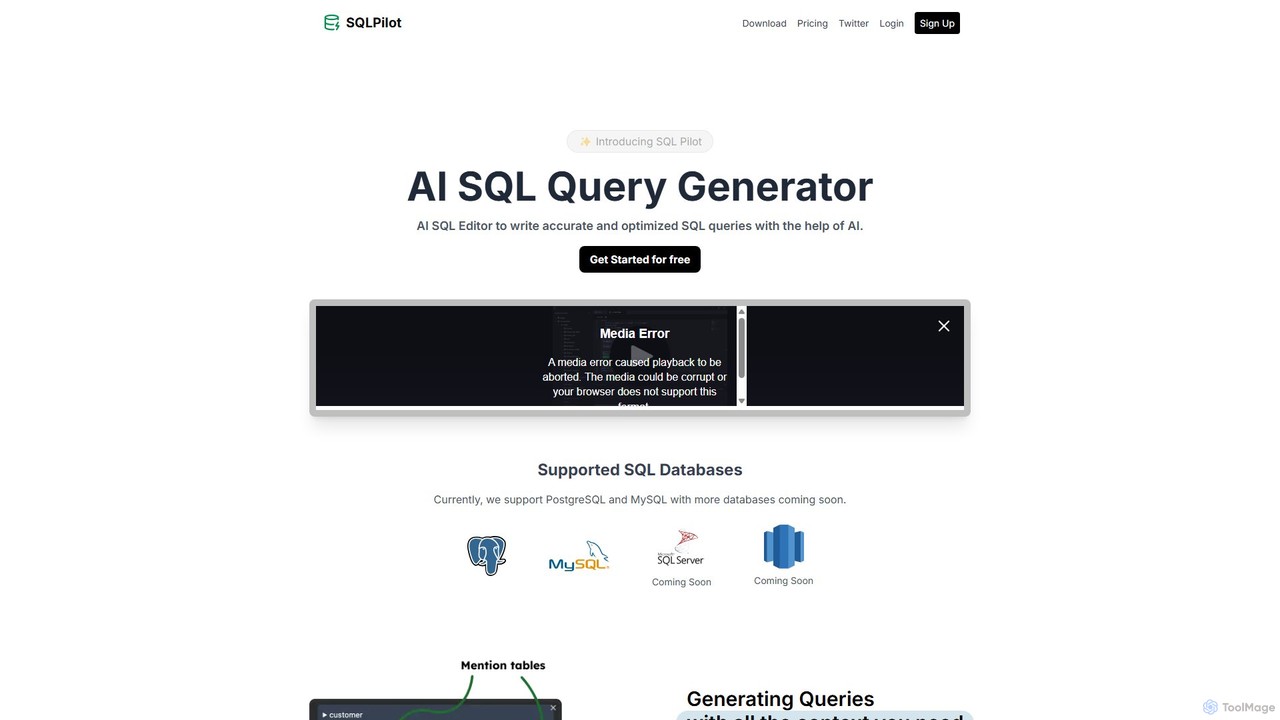
SQLPilot
SQLPilot is an AI-powered SQL query generator and editor that transforms natural language prompts into accurate, optimized SQL queries. It supports multiple databases like PostgreSQL and MySQL, various GPT models, and ensures data privacy by not storing your credentials or schemas.
Code Assistant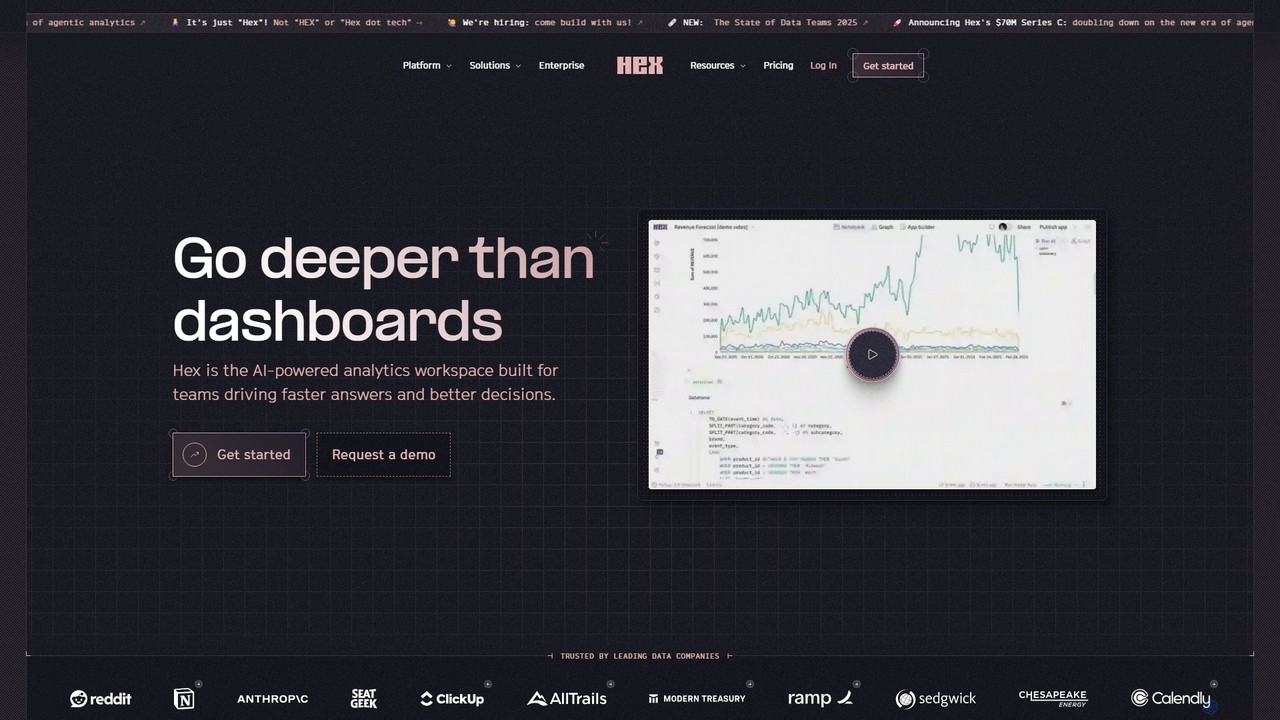
Hex
Hex is an AI-powered analytics workspace designed for teams. It integrates notebooks for Python and SQL, interactive data apps, and self-serve exploration into a single collaborative platform, enabling faster, data-driven decision-making.
Data ScienceVanna.AI
Vanna.AI is an open-source, personalized AI SQL agent that transforms natural language questions into accurate SQL queries. It uses a Retrieval-Augmented Generation (RAG) model trained on your specific database schema, documentation, and past queries to achieve high accuracy on complex datasets. It's designed for security, flexibility, and easy integration into any application, empowering both technical and non-technical users to gain insights from their data effortlessly.
Business IntelligenceFabi.ai
Fabi.ai is an AI-powered business intelligence and data analysis platform designed for lean teams. It integrates SQL, Python, and AI to help users build dashboards, automate workflows, and explore data 10x faster. The platform offers an all-in-one collaborative environment, reducing context switching and enabling both technical and non-technical users to derive insights from their data sources like data warehouses, Google Sheets, and more.
Business Intelligencesqltroughai
sqltroughai is an AI-powered assistant that translates natural language into SQL queries, optimizes existing code, and explains complex queries in plain English. It empowers developers, analysts, and business users to interact with databases effortlessly and efficiently.
Code Assistant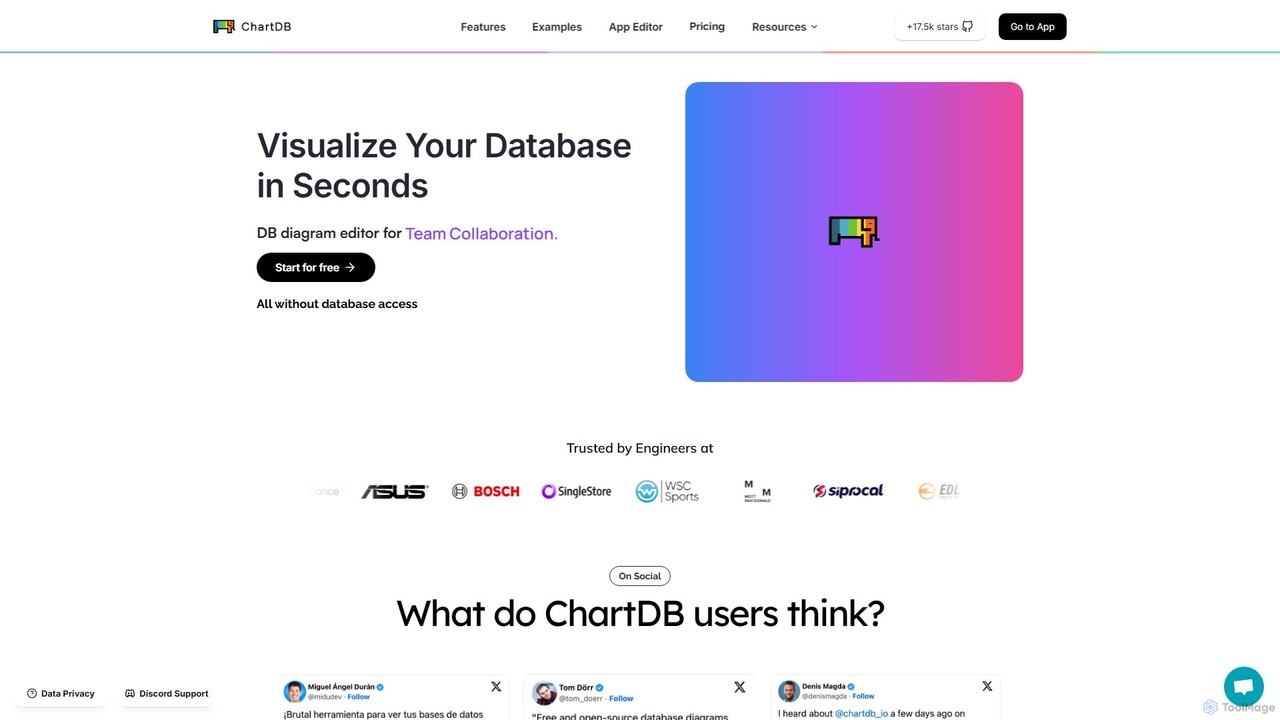
ChartDB
ChartDB is an AI-powered database schema visualizer that instantly generates interactive ER diagrams from a single query. It's designed for developers and teams to design, document, and collaborate on database structures. It features real-time collaboration, database synchronization, and an AI assistant to optimize schema design. Both cloud and self-hosted open-source versions are available.
Visualization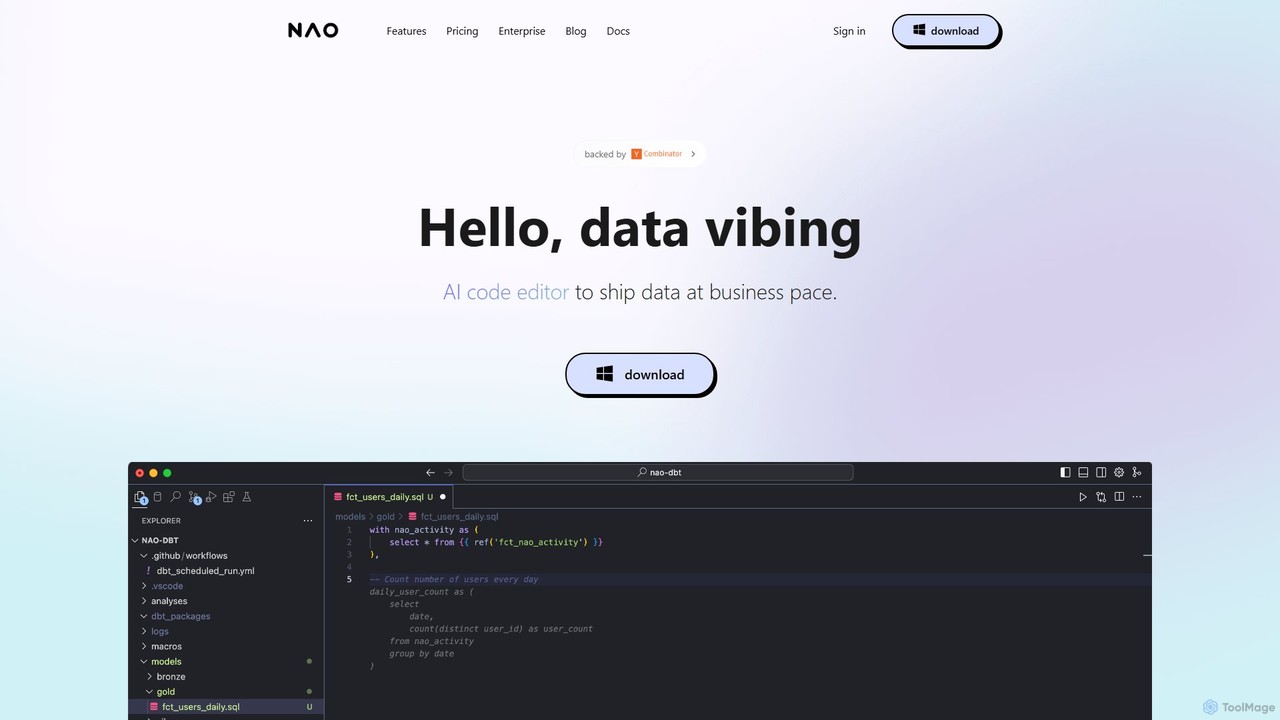
nao
nao is an AI-powered code editor designed for data teams. It streamlines SQL and Python data pipeline creation, dbt workflows, and analytics by natively connecting to your data warehouse. Its intelligent agent provides data-aware code suggestions, quality checks, and instant diff previews to help you ship data faster and more safely.
Analytics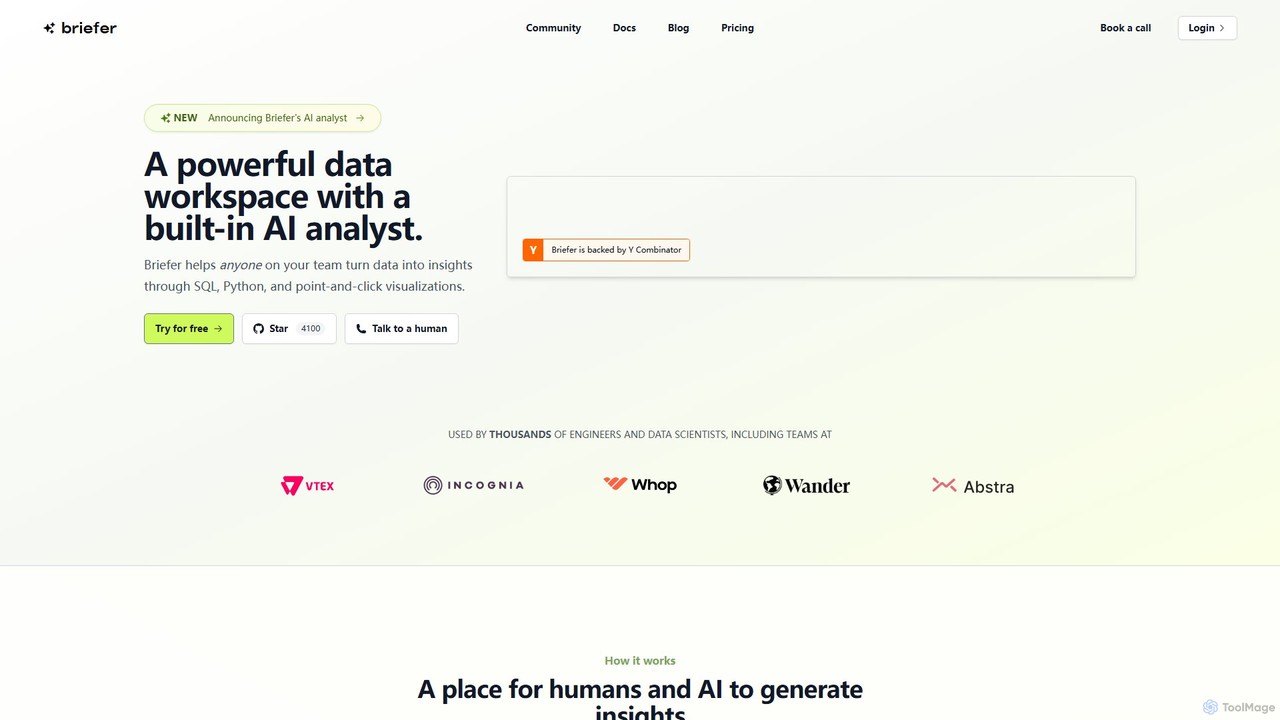
Briefer
Briefer is a collaborative data platform featuring a built-in AI analyst. It empowers teams to transform data into actionable insights using SQL, Python, and interactive visualizations within a unified workspace. Designed for both technical and non-technical users, it streamlines data analysis, reporting, and real-time collaboration, accelerating data-driven decision-making. It is backed by Y Combinator and offers both cloud-hosted and self-hosted open-source versions.
Database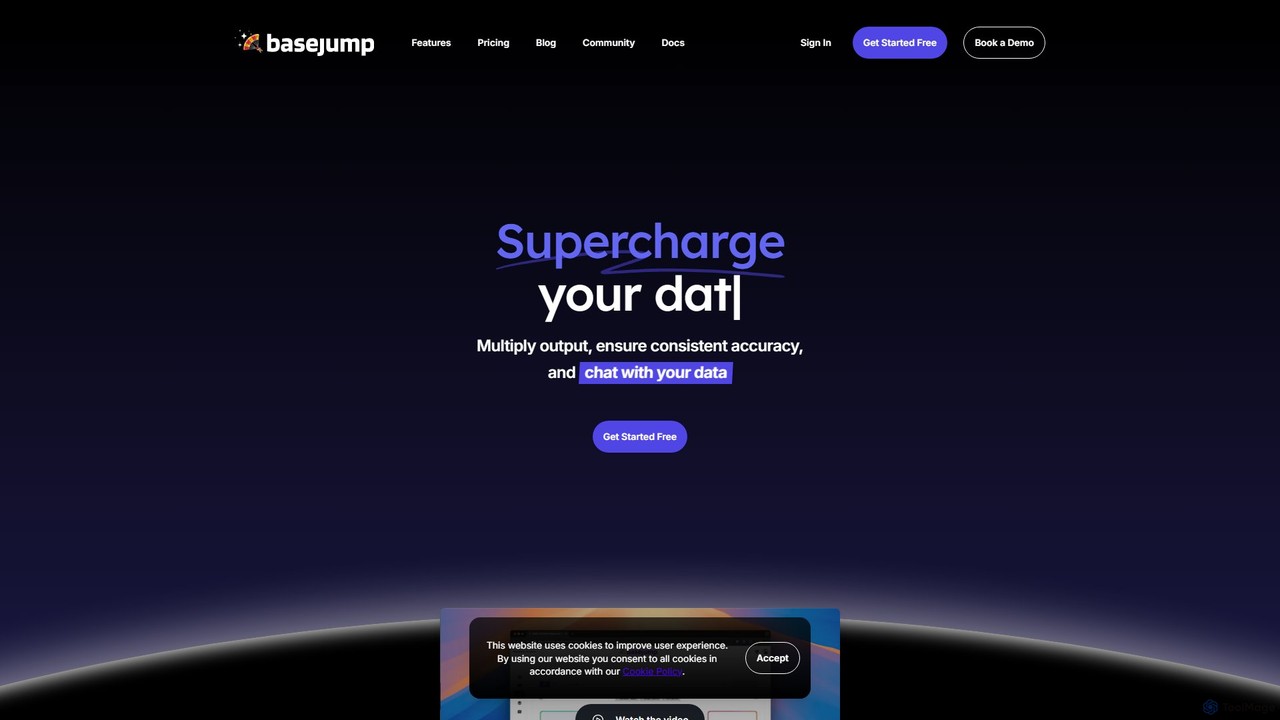
Basejump AI
Basejump AI is a conversational AI data analytics platform that enables teams to query databases and gain insights using natural language. It translates everyday questions into SQL queries, providing fast, accurate, and auditable data without the need for complex dashboards or coding skills.
Business Intelligence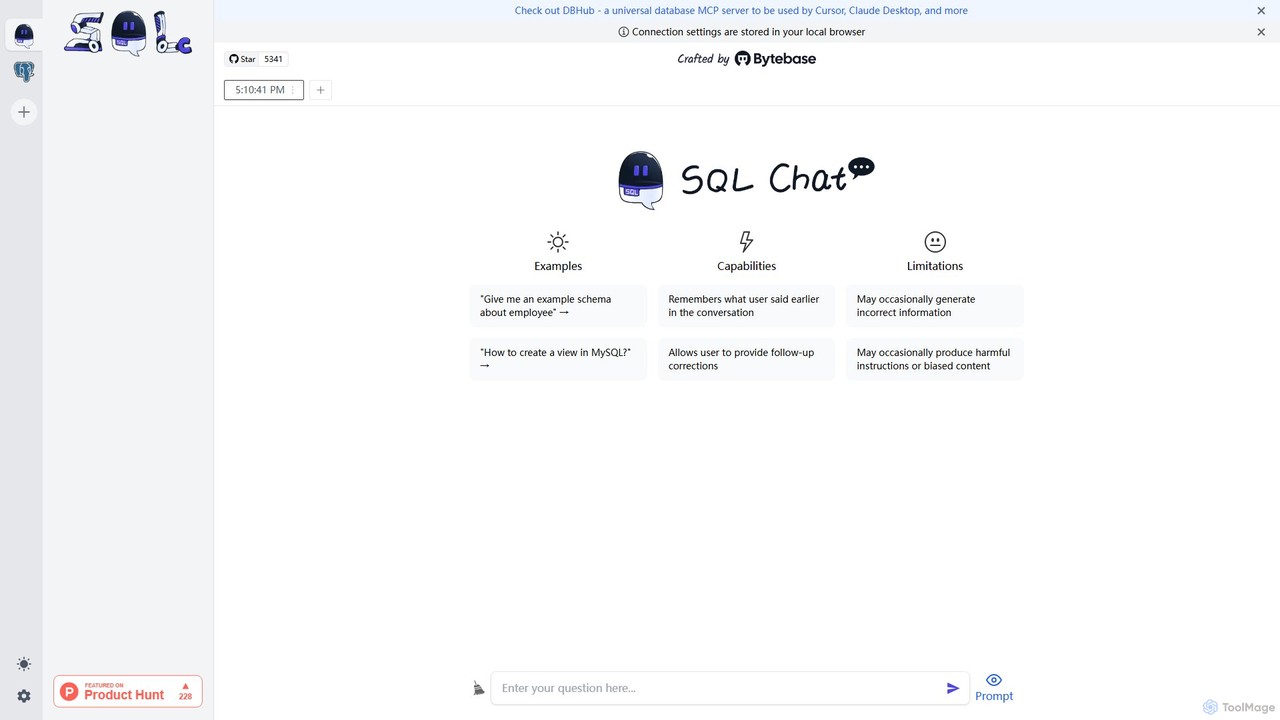
SQL Chat
SQL Chat is an open-source, chat-based SQL client and editor that uses AI to translate natural language questions into SQL queries. Connect to your database, ask questions in plain English, and get results instantly, democratizing data access for both technical and non-technical users.
Code Assistant
QueryGenie
QueryGenie is an AI-powered assistant that translates natural language into SQL queries. It helps developers, data analysts, and business users to generate, optimize, and understand complex SQL code effortlessly, significantly boosting productivity and democratizing data access.
Code Assistant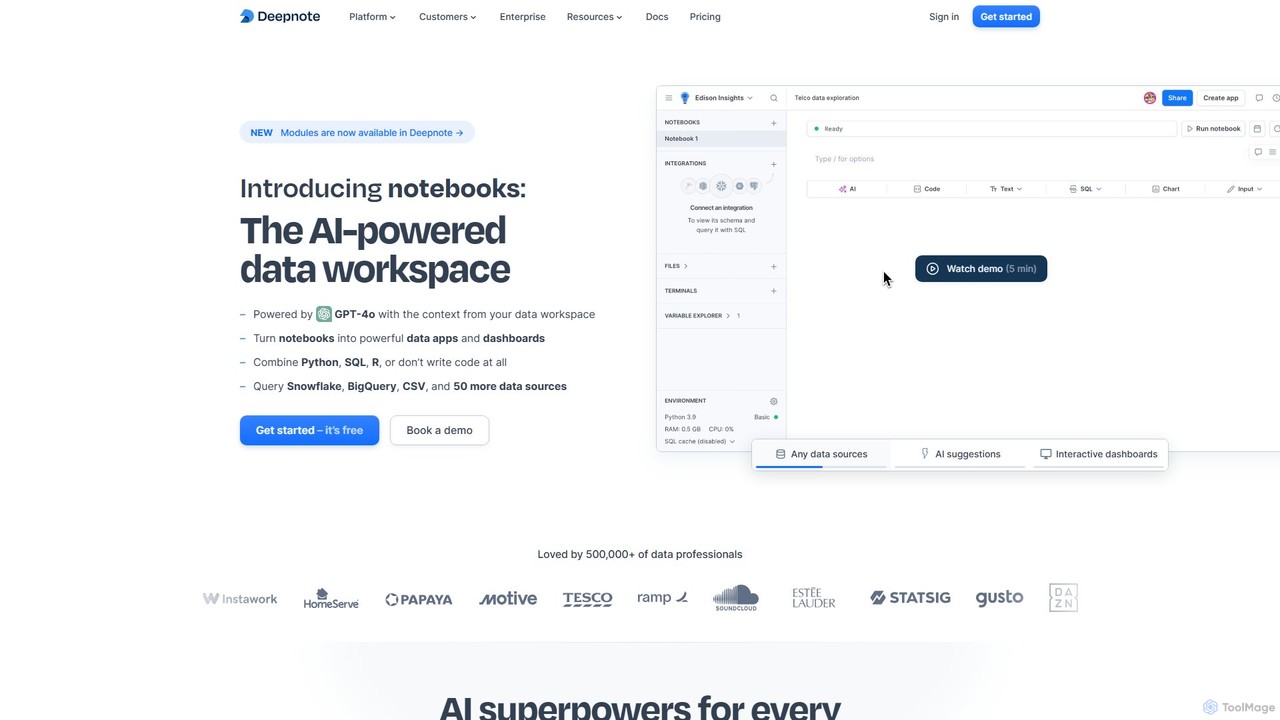
Deepnote
Deepnote is an AI-powered, collaborative data science notebook for teams. It unifies Python, SQL, and R in a single cloud-based workspace, enabling users to explore data, build machine learning models, and create interactive dashboards and apps with ease. Powered by GPT-4o, it automates analysis and code generation, making data science accessible to all skill levels.
Business IntelligenceSupranalyst
Supranalyst is an AI-powered data analyst that lets you chat with your data directly in Slack. Connect to various data sources like PostgreSQL, Snowflake, and Google Sheets, ask questions in plain English, and receive instant insights and interactive charts. It streamlines data analysis for both technical and non-technical teams, boosting productivity by 10x.
Business Intelligence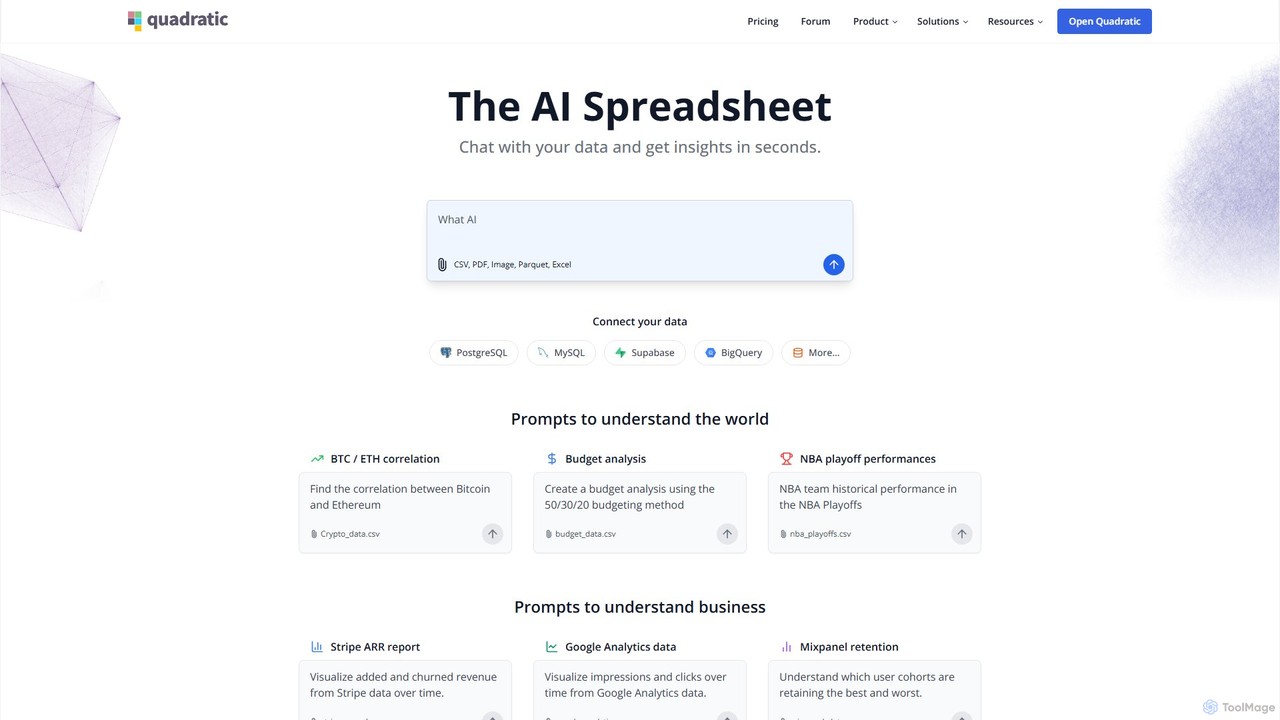
Quadratic
Quadratic is a powerful AI spreadsheet that integrates a familiar interface with Python, SQL, and natural language prompts. Connect directly to live databases, analyze data, extract information from PDFs, and create visualizations instantly. It's a secure, collaborative platform for data analysts, business professionals, and developers.
Business Intelligence
dbpilot Comments (0)
Sign in to comment.
Sign inNo comments yet.