

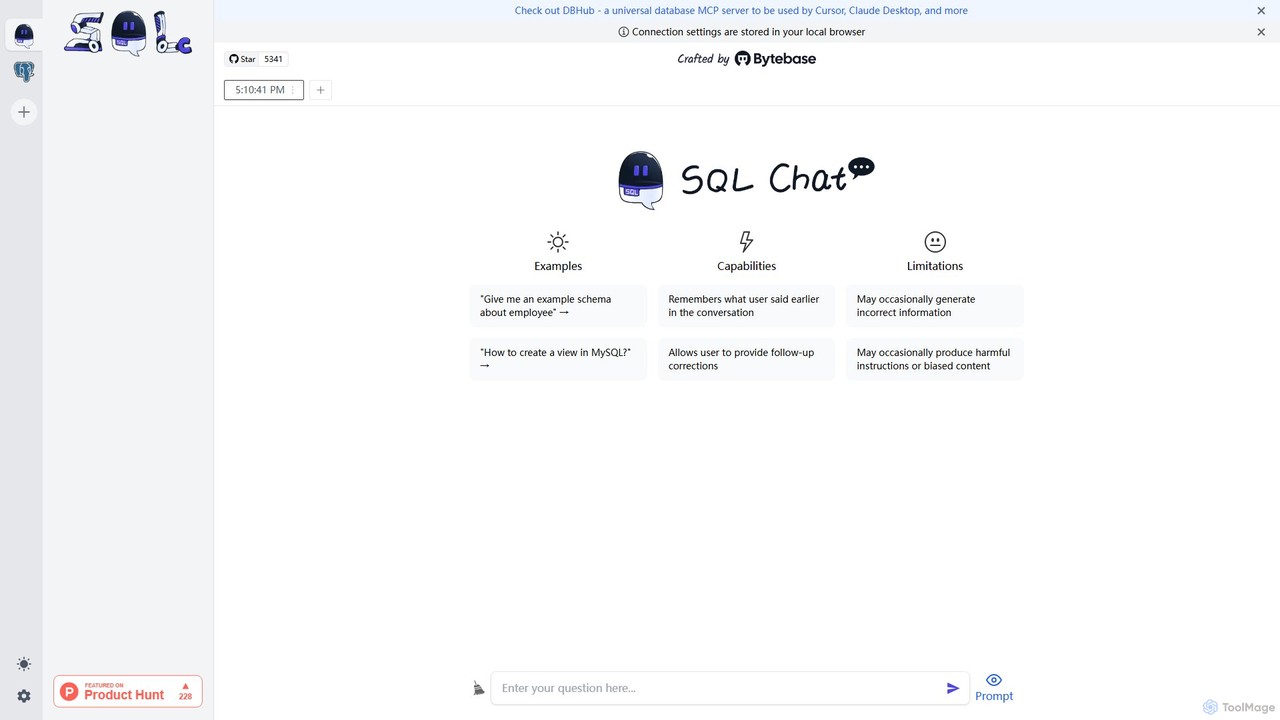
SQL Chat Overview
SQL Chat is a revolutionary, open-source AI tool designed to function as a chat-based SQL client and editor for the modern era. It fundamentally changes how users interact with databases by allowing them to use natural language to query data. Instead of writing complex SQL code, you can simply ask questions in plain English, and SQL Chat's advanced AI will translate them into accurate SQL queries, execute them, and return the results. This makes data exploration and analysis accessible to a much broader audience, including product managers, marketers, and business analysts, while also serving as a powerful productivity tool for experienced developers and data scientists.
Built with security and flexibility in mind, SQL Chat is self-hostable, meaning you can deploy it within your own infrastructure. This ensures that your sensitive database credentials and data never leave your control, addressing a critical concern for many organizations. It supports a wide range of popular databases, making it a versatile solution for various data stacks.
How to use SQL Chat
Using SQL Chat is designed to be an intuitive and straightforward process, centered around a conversational interface.
- Connect to Your Database: The first step is to establish a secure connection to your database. SQL Chat supports various SQL databases like MySQL, PostgreSQL, and more. You provide the connection details (host, port, username, password), and the tool securely connects to your data source. Since it can be self-hosted, these credentials remain within your private network.
- Ask Questions in Natural Language: Once connected, you can start interacting with the chat interface. Type your data request as a simple question, just as you would ask a colleague. For example, you could ask, "Show me the total revenue from last month" or "Which 10 customers have the highest lifetime value?".
- AI-Powered Query Generation: SQL Chat's AI analyzes your question, understands the intent, and automatically generates the corresponding SQL query. The tool is aware of your database schema (tables and columns), which allows it to construct precise and valid queries.
- Review, Edit, and Execute: The generated SQL query is displayed for your review. This is a great feature for both learning and validation. Technical users can fine-tune the query if needed, while new users can learn SQL syntax by observing the translations. Once you're satisfied, you can execute the query with a single click.
- Explore and Visualize Results: The query results are presented in a clean, tabular format. You can then ask follow-up questions to drill down further into the data, such as "Group these results by country" or "What's the weekly trend for this data?", making data exploration a seamless, continuous conversation.
Core Features of SQL Chat
- Natural Language to SQL: The core engine that translates plain English questions into executable SQL code.
- Broad Database Support: Natively supports connections to popular databases including MySQL, PostgreSQL, and more.
- Self-Hosting for Maximum Security: As an open-source tool, it can be deployed on your own servers, ensuring data privacy and security.
- Interactive SQL Editor: Provides an interface to view, edit, and refine the AI-generated SQL queries before execution.
- Context-Aware Conversational Interface: Remembers the context of your conversation, allowing for intuitive follow-up questions and iterative data exploration.
- Schema Awareness: Automatically analyzes your database schema to generate accurate and relevant queries.
- Open-Source: Free to use, modify, and contribute to, with a transparent development process driven by the community.
Use Cases for SQL Chat
SQL Chat is a versatile tool that caters to various roles within an organization:
- Business Teams (Sales, Marketing, Operations): Empower non-technical team members to self-serve their data needs. They can track KPIs, generate reports, and analyze campaign performance without relying on the engineering team.
- Data Analysts and Scientists: Accelerate the data exploration and query prototyping process. Quickly generate baseline queries for ad-hoc requests and spend more time on complex analysis rather than boilerplate SQL writing.
- Product Managers: Gain quick insights into user behavior, feature adoption, and product metrics directly from the database to make data-informed decisions.
- Developers and Engineers: Use it for quick data lookups, debugging, and database checks without the need to switch to a heavy, traditional SQL client.
- SQL Learners: An excellent educational tool for understanding how to structure SQL queries by seeing direct translations from natural language questions.
Advantages of SQL Chat
The primary advantage of SQL Chat is its ability to democratize data access. It breaks down the technical barriers associated with SQL, empowering anyone to interact with data. This leads to increased productivity across the board, as it significantly reduces the time from question to insight. The self-hosted, open-source model provides unparalleled security, control, and flexibility, which is a critical differentiator from many cloud-only AI services. Its intuitive, chat-based UX requires virtually no training, making adoption seamless for any team.
Pricing and Plans
SQL Chat is an open-source project and is available for free. You can download the source code from its GitHub repository and host it on your own infrastructure without any licensing fees. While the core product is free, commercial support or managed cloud hosting options may be offered by the maintainers or third-party services. For the most up-to-date information, it is recommended to check the official SQL Chat website or its GitHub page.
Traffic
Latest traffic
Status
Monthly traffic trend
- 2025-9: 6.4K
- 2026-1: 1.4K
- 2026-2: 1.2K
- 2026-3: 1.2K
- 2026-4: 198
- 2026-5: 133
Geography
Top 5 countries / regions
- 🇮🇳India100.0%
Top keywords
| Keyword | Cost per click |
|---|---|
| sql ai bot | $0.00 |
| sql chat | $0.00 |
SQL Chat Alternatives
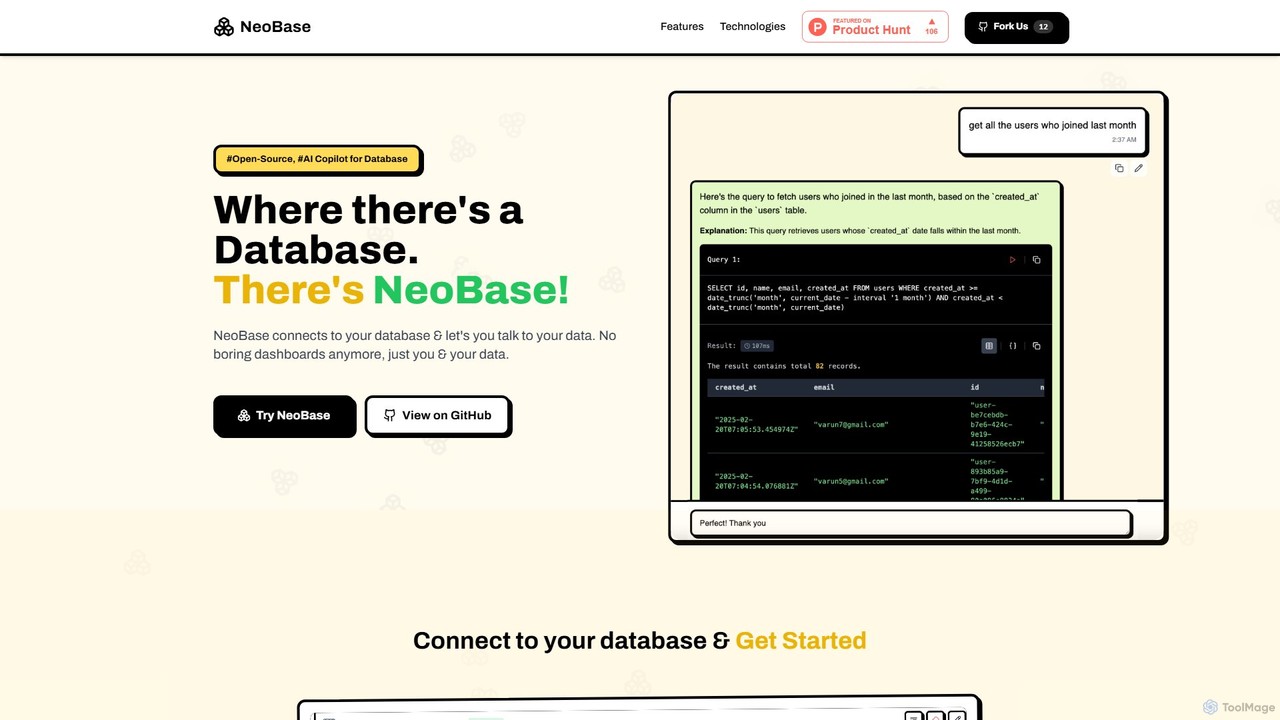
NeoBase
NeoBase is an open-source AI copilot for databases, enabling users to interact with their data using natural language. It connects to various SQL and NoSQL databases, translates plain English queries into optimized code, and visualizes the results. Designed for both technical and non-technical users, it streamlines data analysis, debugging, and reporting, eliminating the need for complex query writing and providing full data control through self-hosting.
Data Analysis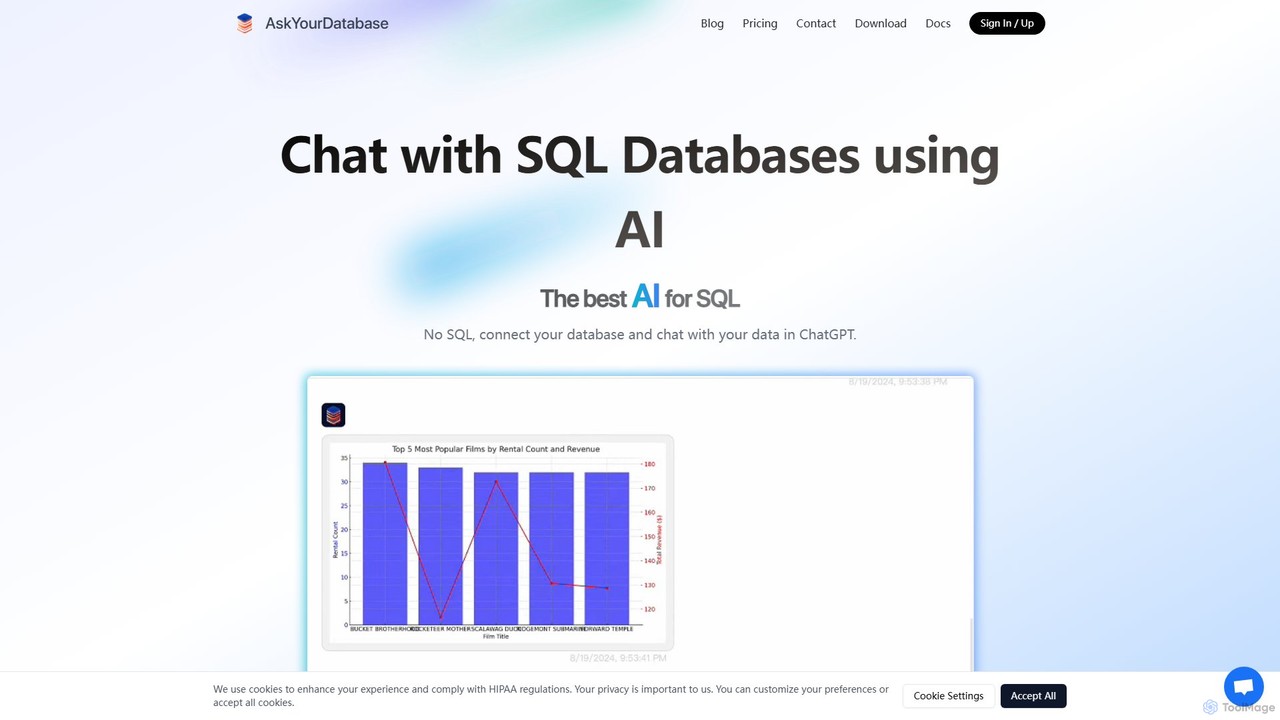
AskYourDatabase
AskYourDatabase is a powerful AI SQL assistant that allows you to interact with your databases using natural language. Query data, create visualizations, and build interactive dashboards without writing a single line of SQL. It supports various databases, offers both desktop and embeddable chatbot versions, and prioritizes data security with on-premise deployment options.
Data Analysis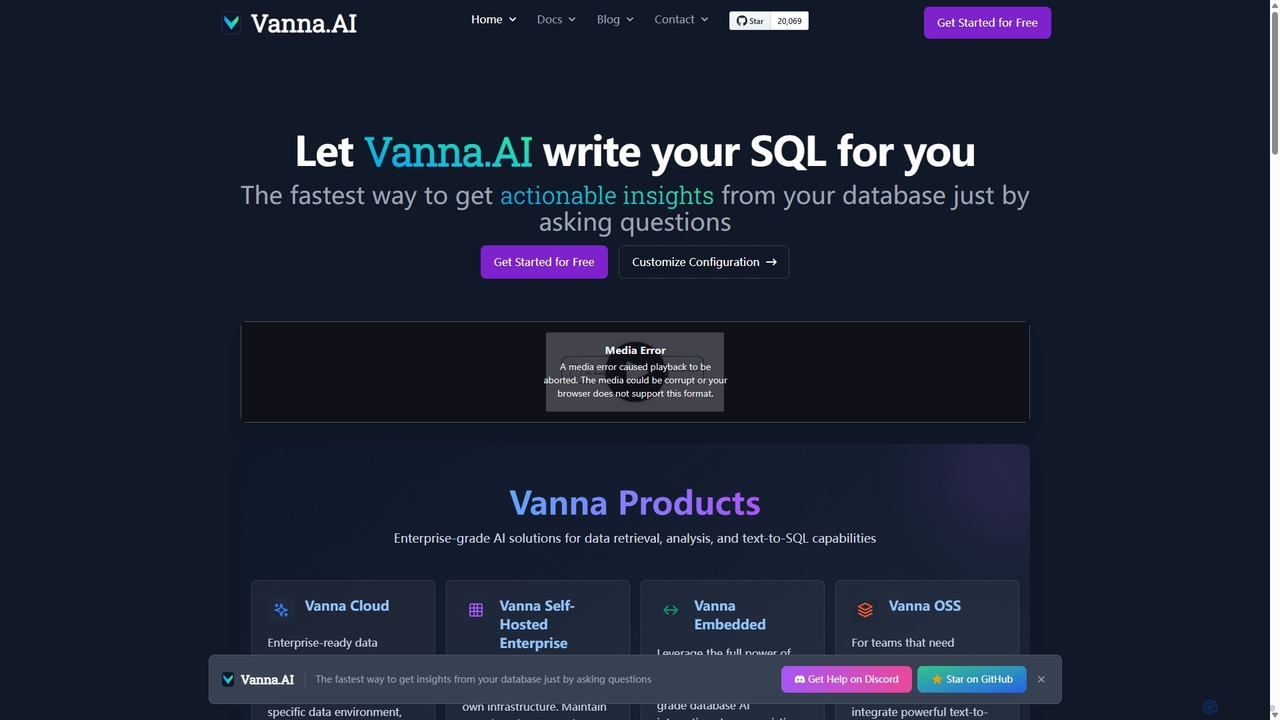
Vanna.AI
Vanna.AI is an open-source, personalized AI SQL agent that transforms natural language questions into accurate SQL queries. It uses a Retrieval-Augmented Generation (RAG) model trained on your specific database schema, documentation, and past queries to achieve high accuracy on complex datasets. It's designed for security, flexibility, and easy integration into any application, empowering both technical and non-technical users to gain insights from their data effortlessly.
Business Intelligence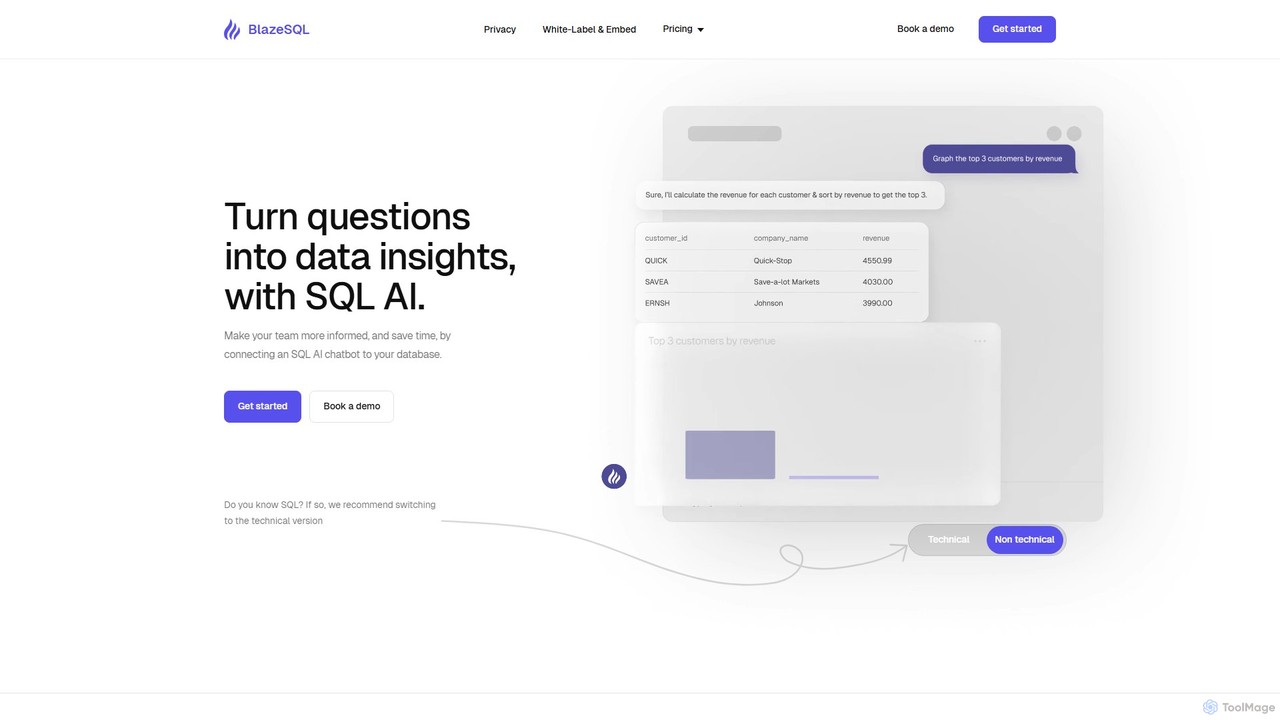
BlazeSQL
BlazeSQL is an AI-powered data analyst that connects to your database, allowing anyone on your team to ask questions in natural language and receive SQL queries, data insights, and visualizations in seconds. It streamlines data access, automates reporting, and empowers both technical and non-technical users to make data-driven decisions without needing to write code.
Analytics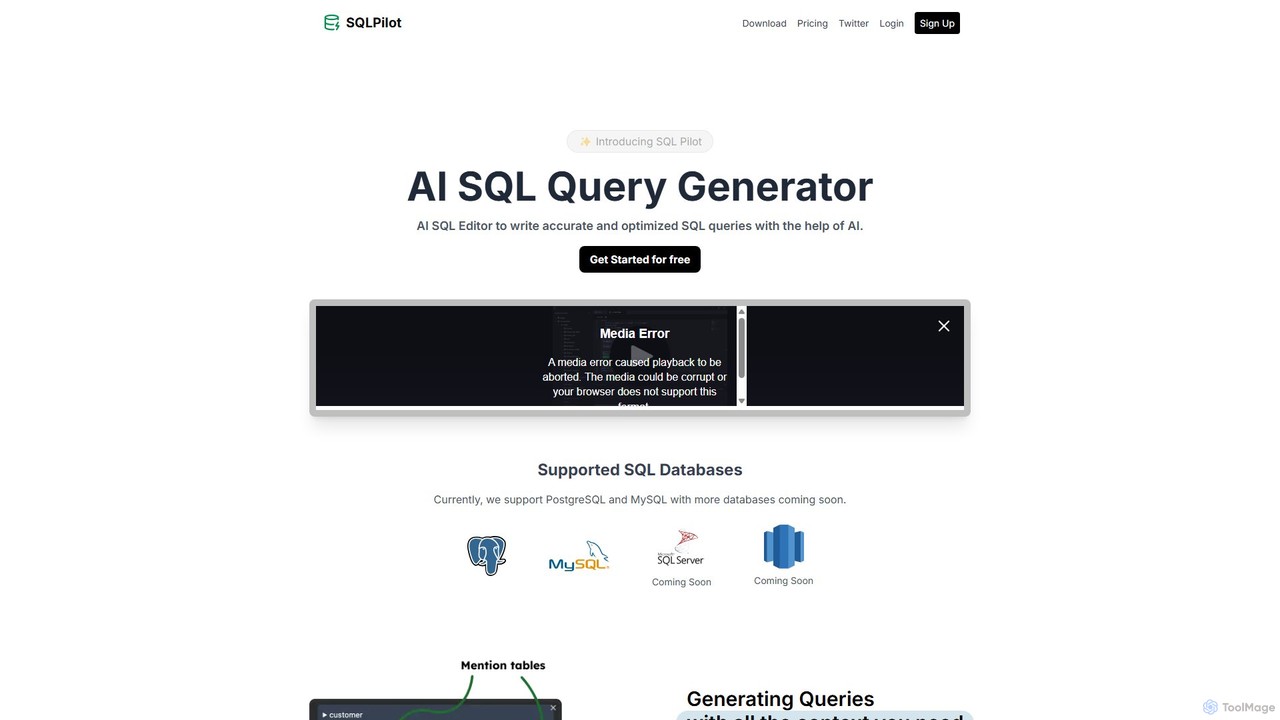
SQLPilot
SQLPilot is an AI-powered SQL query generator and editor that transforms natural language prompts into accurate, optimized SQL queries. It supports multiple databases like PostgreSQL and MySQL, various GPT models, and ensures data privacy by not storing your credentials or schemas.
Code AssistantSQL Chat Categories
SQL Chat Embed Widget
Copy this embed code to place the badge on your blog, article, or product site and send readers directly to this ToolMage detail page.

Related AI tools
NeoBase
NeoBase is an open-source AI copilot for databases, enabling users to interact with their data using natural language. It connects to various SQL and NoSQL databases, translates plain English queries into optimized code, and visualizes the results. Designed for both technical and non-technical users, it streamlines data analysis, debugging, and reporting, eliminating the need for complex query writing and providing full data control through self-hosting.
Data AnalysisVanna.AI
Vanna.AI is an open-source, personalized AI SQL agent that transforms natural language questions into accurate SQL queries. It uses a Retrieval-Augmented Generation (RAG) model trained on your specific database schema, documentation, and past queries to achieve high accuracy on complex datasets. It's designed for security, flexibility, and easy integration into any application, empowering both technical and non-technical users to gain insights from their data effortlessly.
Business IntelligenceSQLPilot
SQLPilot is an AI-powered SQL query generator and editor that transforms natural language prompts into accurate, optimized SQL queries. It supports multiple databases like PostgreSQL and MySQL, various GPT models, and ensures data privacy by not storing your credentials or schemas.
Code Assistant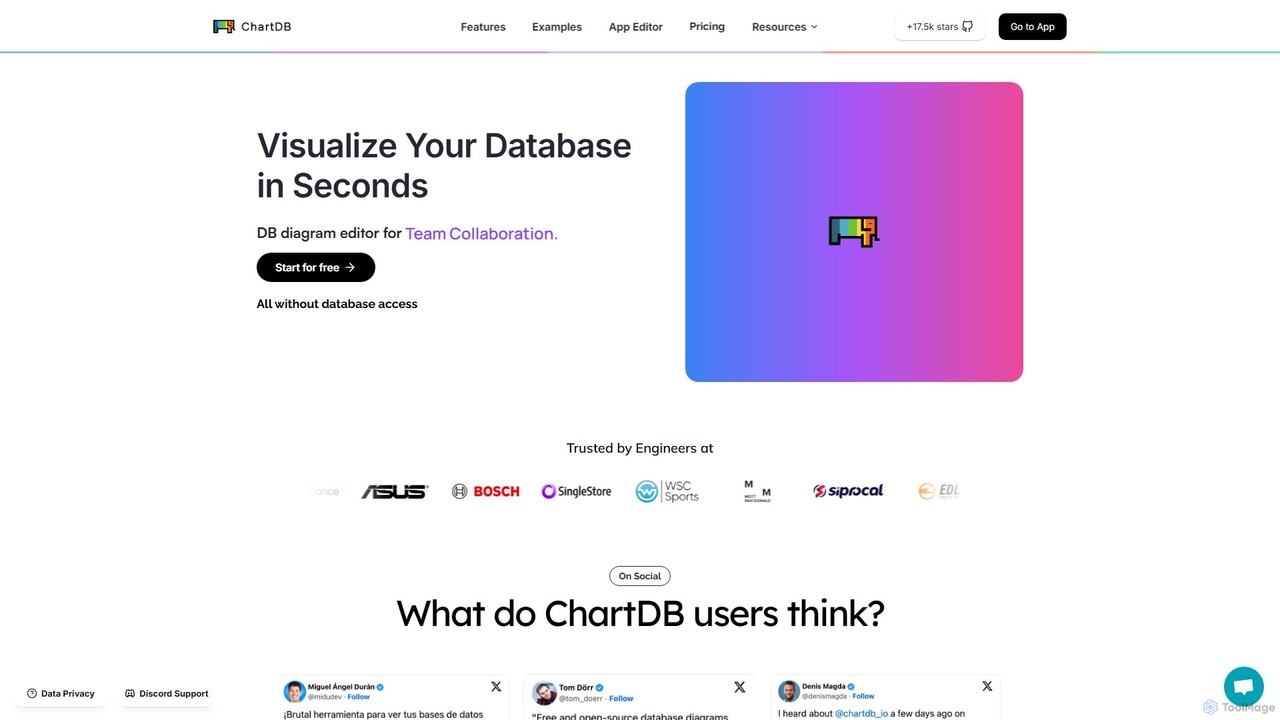
ChartDB
ChartDB is an AI-powered database schema visualizer that instantly generates interactive ER diagrams from a single query. It's designed for developers and teams to design, document, and collaborate on database structures. It features real-time collaboration, database synchronization, and an AI assistant to optimize schema design. Both cloud and self-hosted open-source versions are available.
Visualization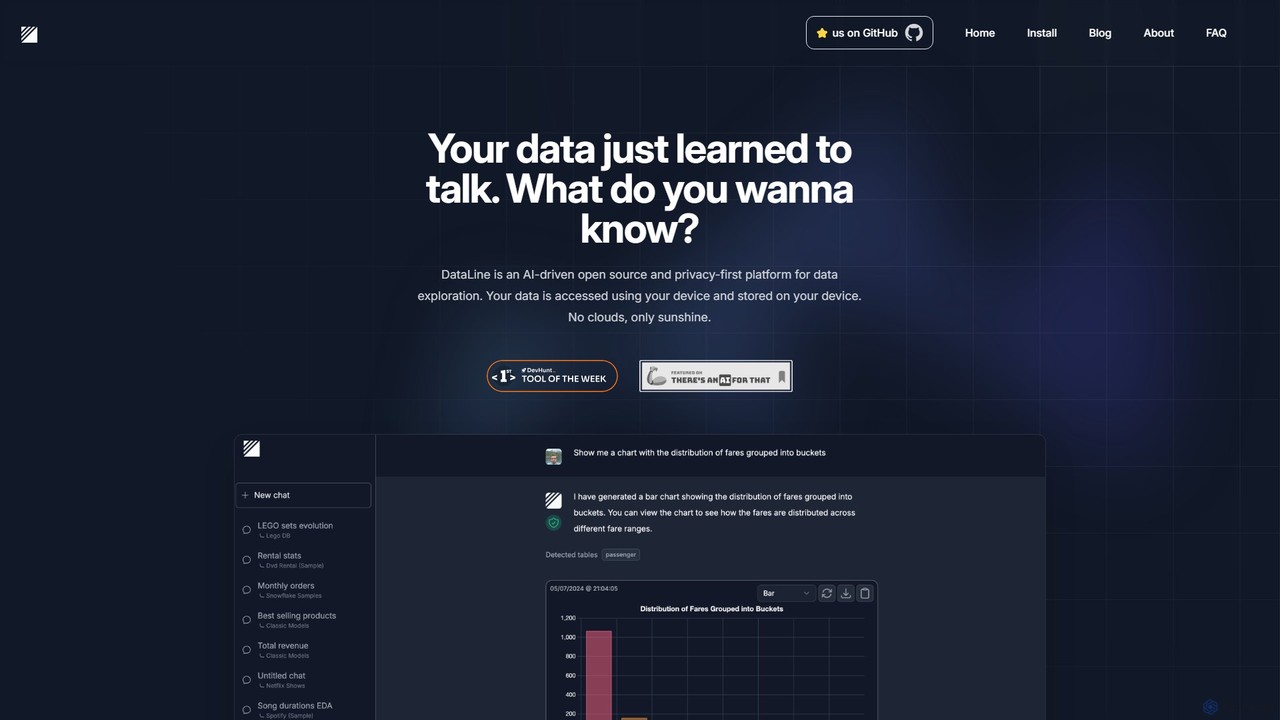
DataLine
DataLine is an open-source, privacy-first AI platform that allows you to explore your data through natural language. Securely connect to your databases and files, ask questions, and get instant insights and visualizations without your data ever leaving your machine.
Analytics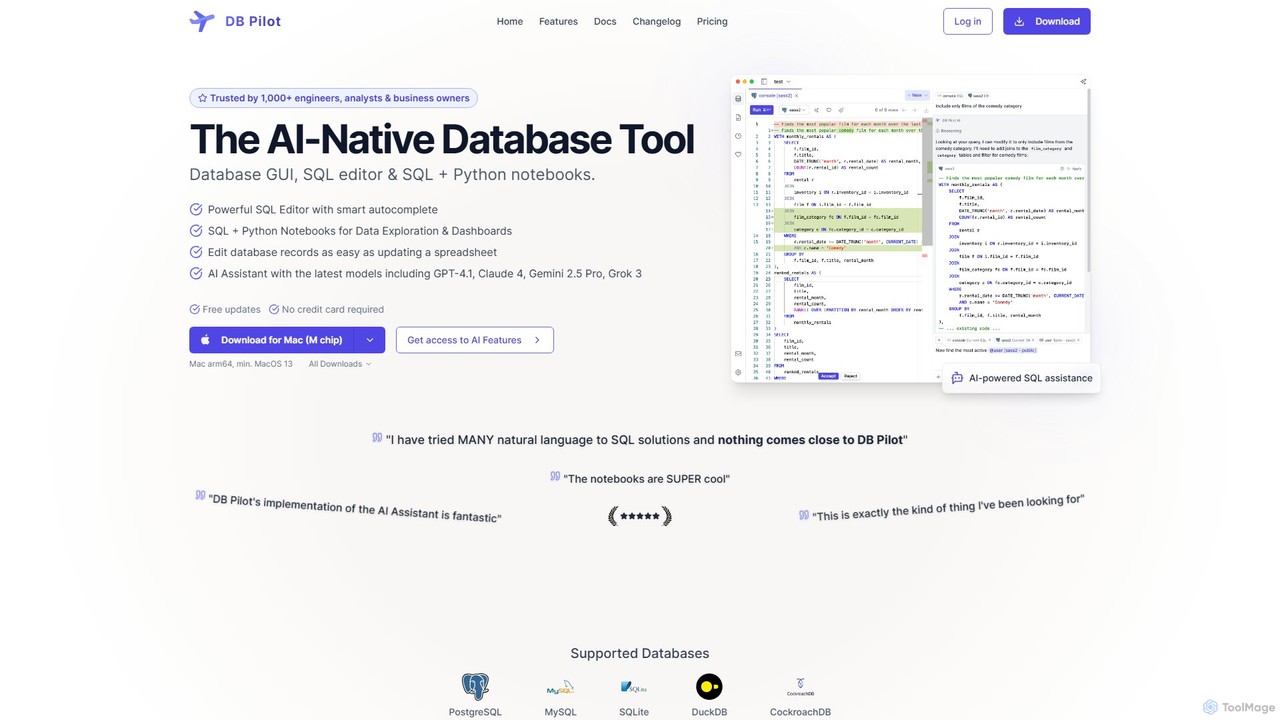
dbpilot
dbpilot is an AI-native database tool for engineers and analysts, featuring a powerful GUI, an intelligent SQL editor, and integrated SQL + Python notebooks. It leverages top AI models like GPT-4 and Claude to generate, debug, and explain queries, streamlining data exploration and dashboard creation in a secure, local-first environment.
Sql
sqltroughai
sqltroughai is an AI-powered assistant that translates natural language into SQL queries, optimizes existing code, and explains complex queries in plain English. It empowers developers, analysts, and business users to interact with databases effortlessly and efficiently.
Code Assistant
QueryGenie
QueryGenie is an AI-powered assistant that translates natural language into SQL queries. It helps developers, data analysts, and business users to generate, optimize, and understand complex SQL code effortlessly, significantly boosting productivity and democratizing data access.
Code Assistant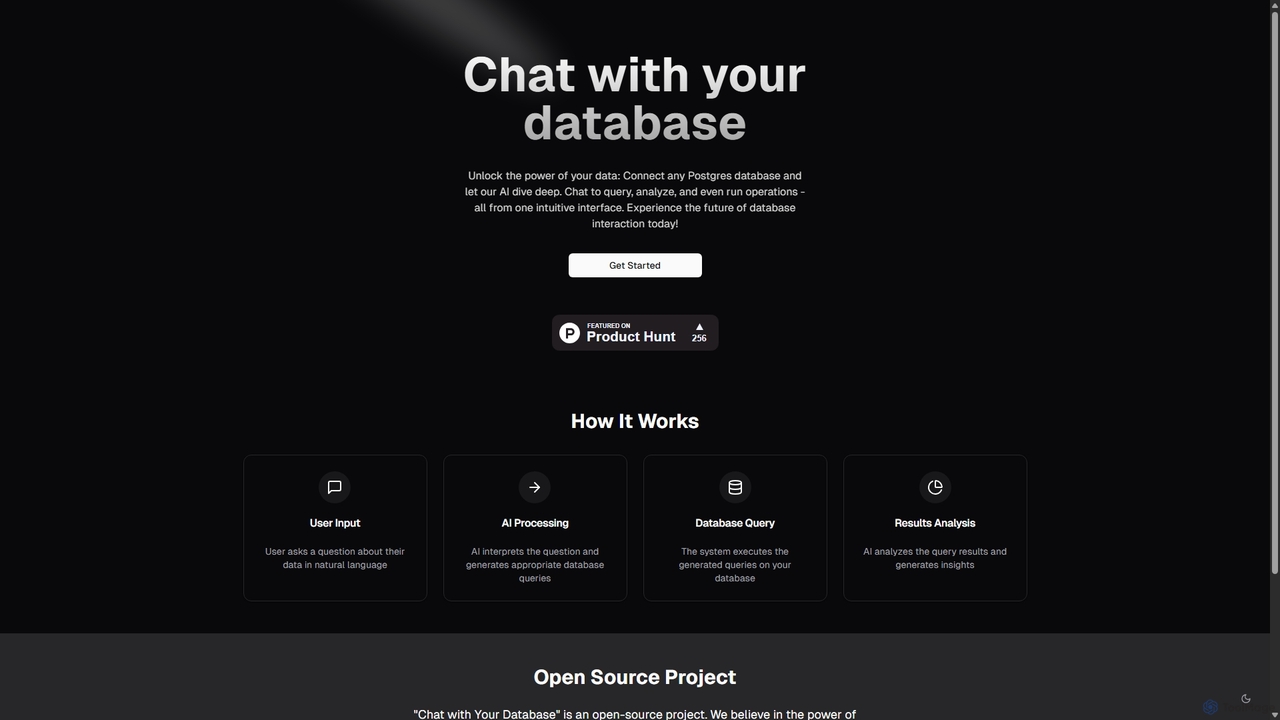
Chat With Your Database
An open-source AI tool that allows you to interact with your PostgreSQL database using natural language. Ask questions, get insights, and perform operations through a simple chat interface, eliminating the need for complex SQL queries.
Business IntelligenceAskYourDatabase
AskYourDatabase is a powerful AI SQL assistant that allows you to interact with your databases using natural language. Query data, create visualizations, and build interactive dashboards without writing a single line of SQL. It supports various databases, offers both desktop and embeddable chatbot versions, and prioritizes data security with on-premise deployment options.
Data Analysis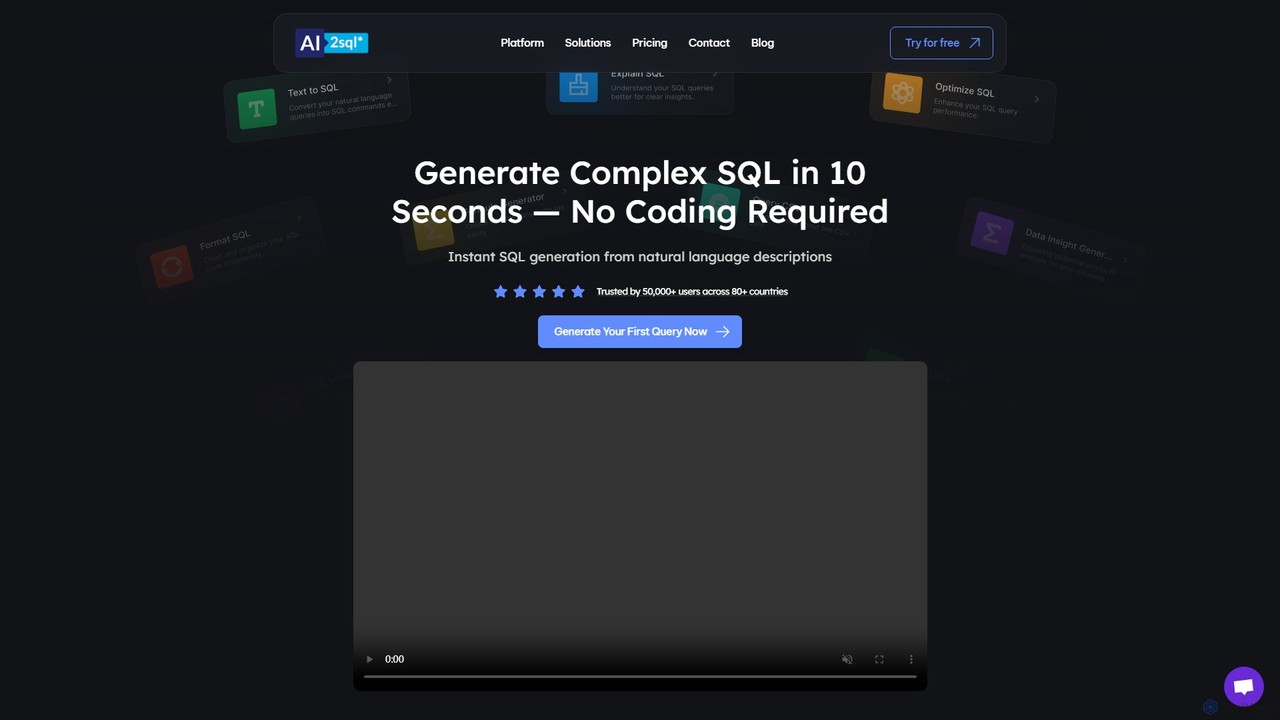
ai2sql
ai2sql is an AI-powered assistant that generates, explains, and optimizes complex SQL and NoSQL queries from natural language. It supports a wide range of databases like MySQL, PostgreSQL, and MongoDB, helping developers, data analysts, and beginners to work with data more efficiently and without extensive coding knowledge.
Analytics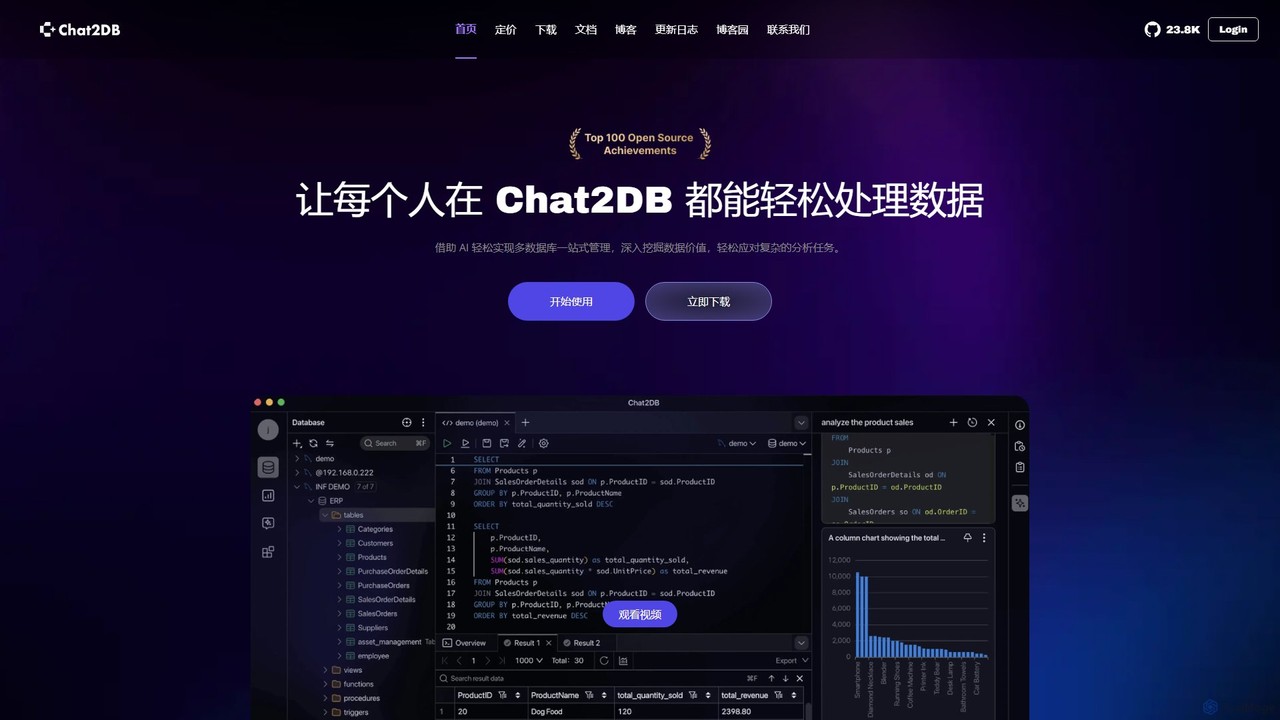
Chat2DB
Chat2DB is an intelligent, all-in-one database management tool powered by AI. It supports over 30 databases, including MySQL, PostgreSQL, and MongoDB, allowing users to manage, query, and analyze data using natural language. Features include AI SQL generation, data visualization, no-code dashboard creation, and robust security protocols, making it ideal for developers, analysts, and business users.
Business Intelligence
SQLAI.ai
SQLAI.ai is an advanced AI-powered assistant that generates, optimizes, explains, and debugs SQL & NoSQL queries from natural language. Ideal for developers, analysts, and beginners, it supports over 30 databases, handles large schemas, and turns plain English into accurate code in seconds, boosting productivity and simplifying database management.
Database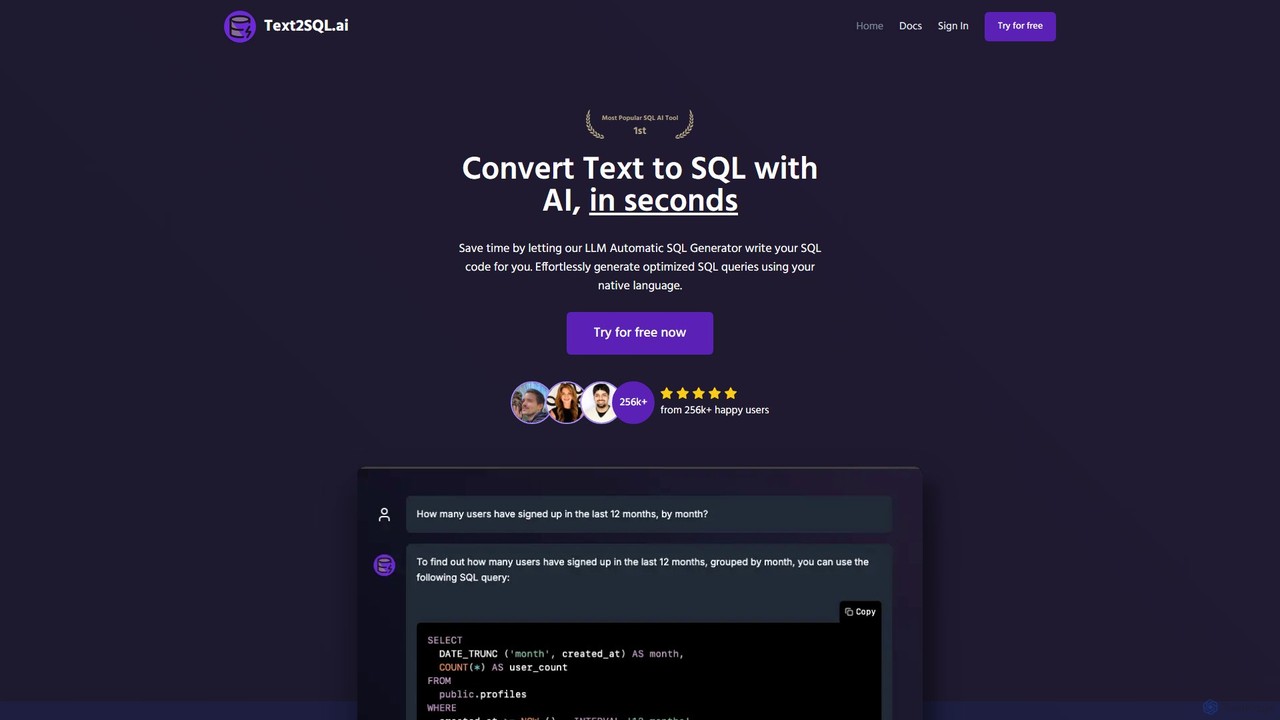
Text2SQL.ai
Text2SQL.ai is an AI-powered tool that instantly converts natural language text into complex SQL queries and Regex patterns. It supports over 12 SQL and NoSQL databases, allows schema integration for higher accuracy, and functions as a comprehensive AI assistant for explaining, fixing, and optimizing code. Designed for developers, data analysts, and beginners, it saves time, reduces errors, and makes database interaction more accessible. It also offers a public API for custom integrations.
Querying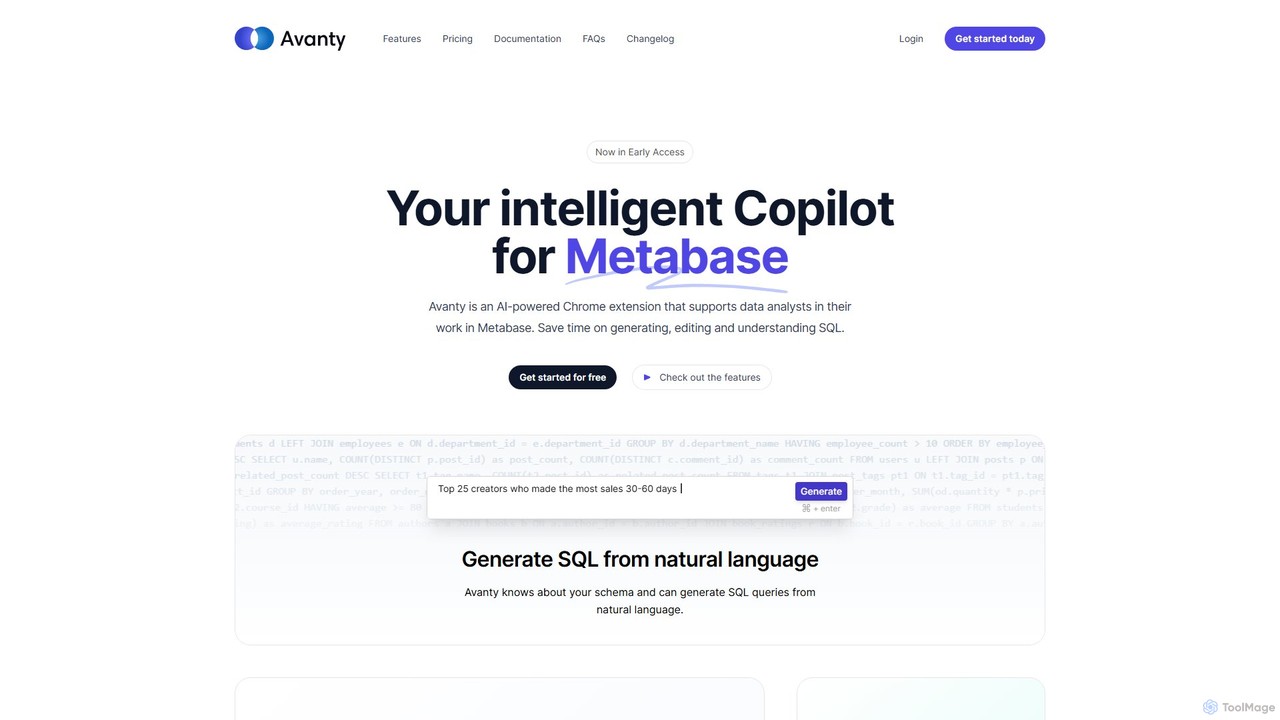
Avanty
Avanty is an AI-powered Chrome extension designed as an intelligent copilot for data analysts using Metabase. It streamlines workflows by enabling users to generate, edit, explain, and format SQL queries using natural language. This tool significantly saves time, enhances productivity, and helps in understanding complex data queries, making data analysis faster and more intuitive.
Business Intelligence
SQL Chat Comments (0)
Sign in to comment.
Sign inNo comments yet.