Data Analysis Best in category 2 results Querying AI Tool

Popular AI tools in the Querying field of Data Analysis include Text2SQL.ai、AI Query, etc., helping you quickly improve efficiency.

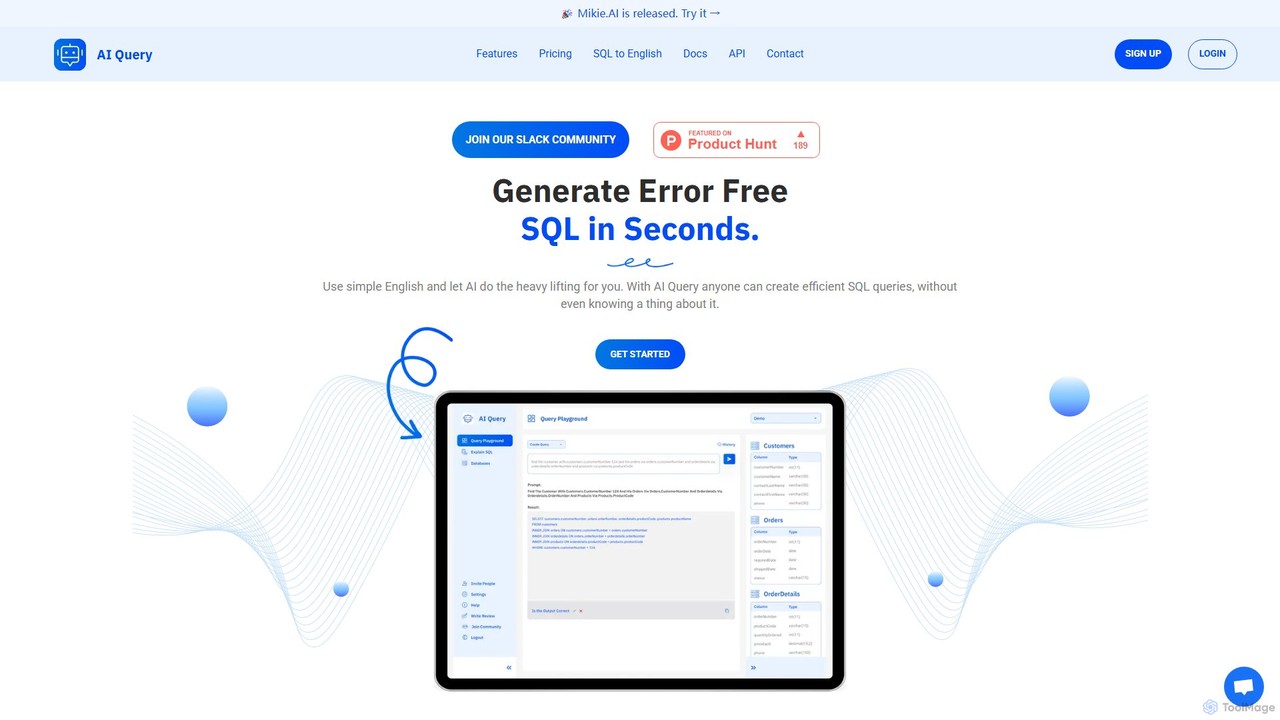
AI Query

AI Query

AI Query is an AI-powered tool that translates plain English into complex, error-free SQL queries in seconds. It's …

3.7K
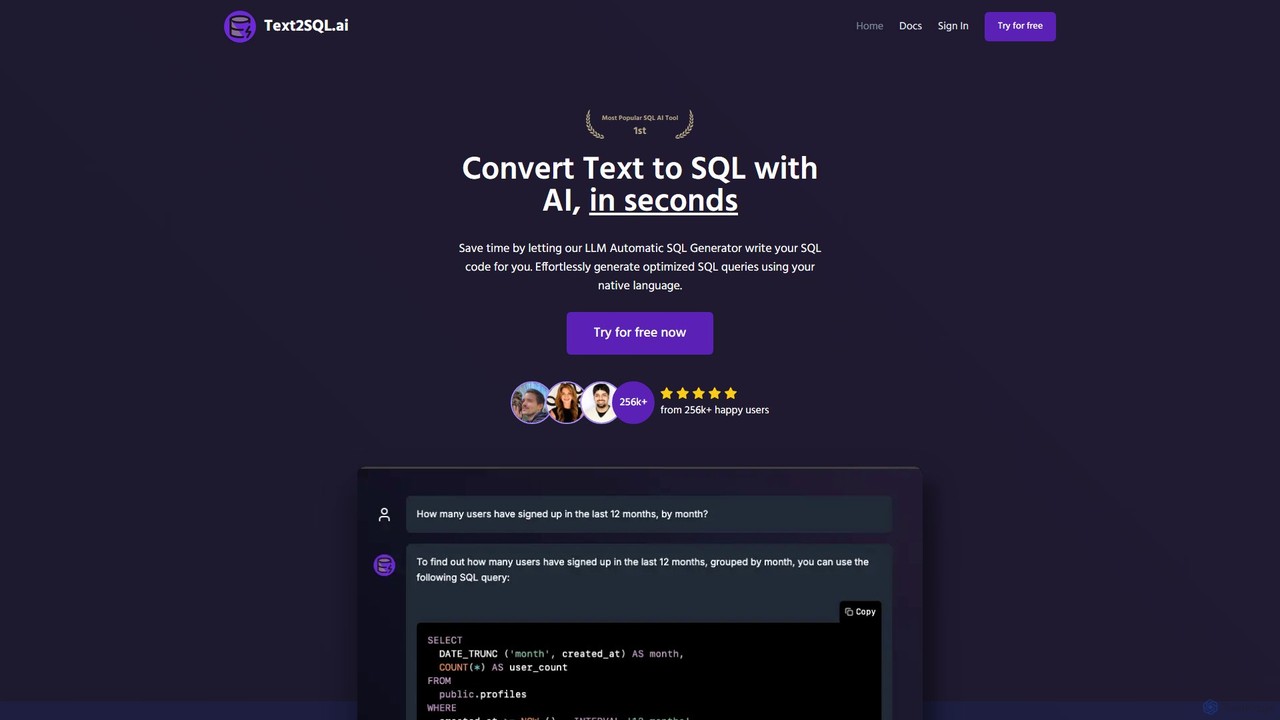
Text2SQL.ai

Text2SQL.ai

Text2SQL.ai is an AI-powered tool that instantly converts natural language text into complex SQL queries and Regex patterns. …

23.7K

About Querying

AI Querying tools are a class of software that translates natural language questions into structured database queries. They leverage advanced Natural Language Processing (NLP) to understand user intent and automatically generate code like SQL, enabling non-technical users to interact with complex datasets conversationally. This democratizes data access, allowing anyone to perform ad-hoc analysis and gain insights without needing to write code. These tools bridge the gap between business questions and data-driven answers, significantly speeding up the decision-making process.

Core Features

  • Natural Language to Query: Translates plain English questions into executable queries for databases like SQL or NoSQL.
  • Data Source Integration: Connects to a wide range of databases, data warehouses, and business applications.
  • Conversational Interface: Allows users to ask follow-up questions and refine their analysis in a chat-like environment.
  • Automated Visualization: Suggests or automatically generates appropriate charts and graphs to represent the query results.
  • Data Governance & Security: Maintains existing data permissions and security protocols to ensure safe access.

Use Cases

These tools are ideal for business teams such as marketing, sales, and operations who need quick answers from data but lack technical query skills. For instance, a marketing manager can ask, "What were our top 5 performing ad campaigns last quarter by conversion rate?" and receive an immediate report. They are also valuable for executives who require on-the-fly performance metrics without relying on a data analyst.

How to Choose

When selecting an AI Querying tool, consider its integration capabilities with your existing data sources. Evaluate the accuracy and sophistication of its NLP engine—can it handle complex, multi-part questions? Also, assess its ease of use, collaboration features, and the level of control it provides over data governance and security. Finally, consider the pricing model and whether it scales with your team's usage.

QueryingUse Cases

1

Empowering Marketing Teams with Ad-Hoc Analytics

A marketing manager needs to quickly understand the performance of a recent campaign without waiting for the data team. Using an AI Querying tool connected to their analytics database, they can simply ask, 'Compare the user acquisition cost and conversion rate for the Summer Sale campaign across Facebook and Google Ads.' The tool instantly translates this into a SQL query, runs it, and returns a comparative table and a bar chart, allowing for immediate strategic adjustments.

2

Streamlining Sales Operations Reporting

A sales operations lead needs to track team performance daily. Instead of relying on static, pre-built dashboards, they use an AI Querying tool to ask specific questions like, 'Show me the top 5 sales reps by closed deals this month in the EMEA region' or 'What is the average deal size for new vs. existing customers in Q2?' This provides granular, real-time insights that help in coaching reps and optimizing the sales pipeline without any coding knowledge.

3

Executive-Level Business Performance Monitoring

A CEO needs a quick overview of the company's health before a board meeting. They can use an AI Querying tool on their mobile device to ask, 'What was our total revenue and profit margin last month, and how does it compare to the same month last year?' The system provides a concise summary with key metrics and trend charts, offering instant, high-level intelligence without needing to navigate complex BI dashboards or request a report from an analyst.

4

Exploring User Behavior for Product Managers

A product manager wants to understand how a new feature is being used. They can ask the AI Querying tool, 'Show me the daily active users for the new 'Project Templates' feature since launch, segmented by user subscription plan.' They can then ask a follow-up question like, 'Of those users, what percentage also used the 'Task Dependencies' feature?' This conversational approach allows for deep, iterative exploration of user data to inform product decisions.

5

Gaining Insights from Customer Support Tickets

A customer support manager wants to identify recurring issues. By connecting an AI Querying tool to their ticketing system (e.g., Zendesk or Salesforce), they can ask, 'What are the top 10 most common tags on support tickets created last month?' or 'Show the average resolution time for tickets related to 'billing issues'.' This helps proactively identify product bugs, improve documentation, and optimize support team workload without manual data compilation.

6

Analyzing HR Data for Workforce Planning

An HR business partner needs to analyze workforce trends. They use an AI Querying tool connected to their HRIS (Human Resource Information System) to ask questions like, 'What is the average employee tenure by department?' or 'Show the voluntary attrition rate for the last 12 months, broken down by job level.' This self-service analytics capability allows HR professionals to quickly access data for strategic planning, diversity and inclusion initiatives, and talent management without deep technical expertise.

QueryingFrequently Asked Questions