
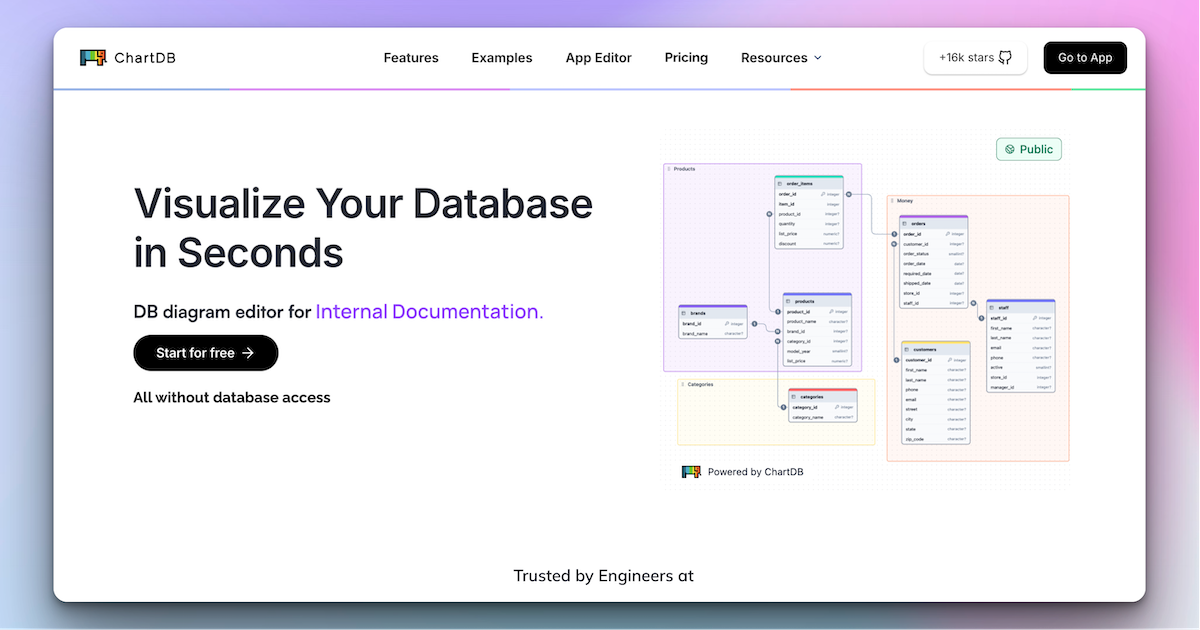
ChartDB Overview
ChartDB is a powerful and intuitive tool designed to transform complex database schemas into clear, interactive, and shareable Entity-Relationship (ER) diagrams in seconds. Built by developers for developers, it addresses the common pain point of understanding and documenting database structures. With both a user-friendly cloud platform and a popular open-source, self-hosted option, ChartDB caters to individual developers, growing teams, and enterprises focused on security and customization.
The core of ChartDB is its simplicity and speed. Users can import their entire database schema with a single, pre-written query, eliminating the need for direct database access credentials. This process generates a beautiful, editable diagram almost instantly. The platform's AI Diagram Assistant elevates the experience by intelligently analyzing the schema to suggest improvements, find missing relationships, recommend foreign keys, and identify potential optimizations like missing indexes, helping teams build more robust and efficient databases.
How to use ChartDB
Using ChartDB is a straightforward, three-step process: Import, Edit, and Export.
- Import Instantly: Select your database type (e.g., PostgreSQL, MySQL, SQL Server). ChartDB provides a single, safe query to run against your database. This query fetches only the schema information (table names, columns, types, relationships) without accessing any sensitive data. Paste the query result into ChartDB to instantly generate your diagram.
- Edit & Collaborate: Once the diagram is generated, you can visually edit it. Create, manage, or delete tables and relationships using the advanced editor. Invite teammates to view and edit the diagram in real-time, ensuring everyone is on the same page. Use the AI Assistant by clicking “Ask AI” to get actionable suggestions for improving your schema.
- Sync & Export: Keep your diagram up-to-date with the Auto-Sync feature, which automatically reflects changes from your live database. When you're ready, export your diagram as a high-resolution image for documentation or presentations, or generate clean DDL SQL scripts to apply the changes back to your database. You can also share a public link to your diagram.
Core Features of ChartDB
- AI Diagram Assistant: Intelligently analyzes your schema to find missing relationships, suggest foreign keys, and recommend performance optimizations.
- Instant Import: Generate a full ER diagram in seconds using a single, data-safe schema query.
- Real-time Collaboration: Work with your team on the same diagram simultaneously, with all changes reflected instantly for everyone.
- Database Sync: Automatically keep your diagrams in sync with your live database to ensure documentation is never outdated.
- Broad Database Support: Full support for popular relational DBMS including MySQL, PostgreSQL, Microsoft SQL Server, SQLite, MariaDB, ClickHouse, CockroachDB, and Oracle.
- SQL & Image Export: Download diagrams as DDL SQL scripts to execute against your database or as high-quality images for embedding in documentation.
- Version History: Track every schema change over time, view diffs, and monitor updates to understand the evolution of your database.
- Cloud & Self-Hosted: Choose between a convenient, fully-featured cloud version or a free, open-source self-hosted version for complete data control.
- DBML Editor: Use the Database Markup Language (DBML) editor for a code-first approach to schema design.
Use Cases for ChartDB
- Developer Onboarding: New team members can quickly visualize and understand the entire database structure, reducing ramp-up time.
- Database Design & Prototyping: Visually create, iterate, and refine database schemas before writing any code.
- Architectural Reviews: Use clear, interactive diagrams as a focal point for technical discussions and architectural decisions.
- Automated Documentation: Generate and embed live, always-up-to-date diagrams in internal wikis (like Confluence or Notion) or technical documentation.
- Database Refactoring & Migration: Safely plan and execute complex database changes by visualizing dependencies and tracking modifications.
- Team Collaboration: Enable product managers, analysts, and developers to collaborate on a shared understanding of the data model.
Advantages of ChartDB
- Speed and Efficiency: Drastically reduces the time and effort required to map out and understand database schemas.
- Enhanced Collaboration: Real-time features break down silos and ensure the entire team is aligned.
- Improved Schema Quality: The AI Assistant proactively identifies potential issues and improvements, leading to better database design.
- Security-Focused: Imports schema without requiring direct database credentials, enhancing security.
- Flexibility: The choice between a hassle-free cloud service and a customizable, open-source self-hosted option fits any team's needs.
- Developer-Friendly: Built with a beautiful UI, programmatic update capabilities, and a strong open-source community.
Pricing and Plans
ChartDB offers a flexible pricing structure to suit different needs:
- Free Plan: $0/year for one person. Includes core features, cloud or self-hosted deployment, 2 private diagrams, 10 tables per diagram, and community support.
- Pro Plan: $12.5/month per person. Includes everything in Free, plus unlimited private diagrams, 50 tables per diagram (unlimited available as an add-on), unlimited Auto-Save calls, DBML editor, and email support.
- Teams Plan: Starts at $39/month for 5 users. Includes everything in Pro, plus real-time team collaboration, multi-device support, the AI Assistant, public diagrams, unlimited tables, and auto-sync for one database. Additional database syncs are available as an add-on.
Yearly subscriptions offer a discount equivalent to 4 months free.
Traffic
Latest traffic
Status
Monthly traffic trend
- 2025-9: 111.6K
- 2026-1: 171.5K
- 2026-2: 138.7K
- 2026-3: 166.7K
- 2026-4: 152.2K
- 2026-5: 130.0K
Geography
Top 5 countries / regions
- 🇺🇸United States25.5%
- 🇮🇳India21.9%
- 🇪🇸Spain21.7%
- 🇷🇺Russia15.8%
- 🇮🇩Indonesia15.2%
Traffic sources
| Source type | Percentage |
|---|---|
Direct | 73.4% |
Referral | 26.4% |
Email | 0.2% |
Top keywords
| Keyword | Cost per click |
|---|---|
| chartdb | $0.00 |
| chartdb l连接 clickhouse | $0.00 |
| dbdiagram | $1.38 |
| diagram node sql website | $0.00 |
| drawdb | $1.36 |
ChartDB Videos on YouTube


Starter Story
ChartDB Alternatives
Azimutt
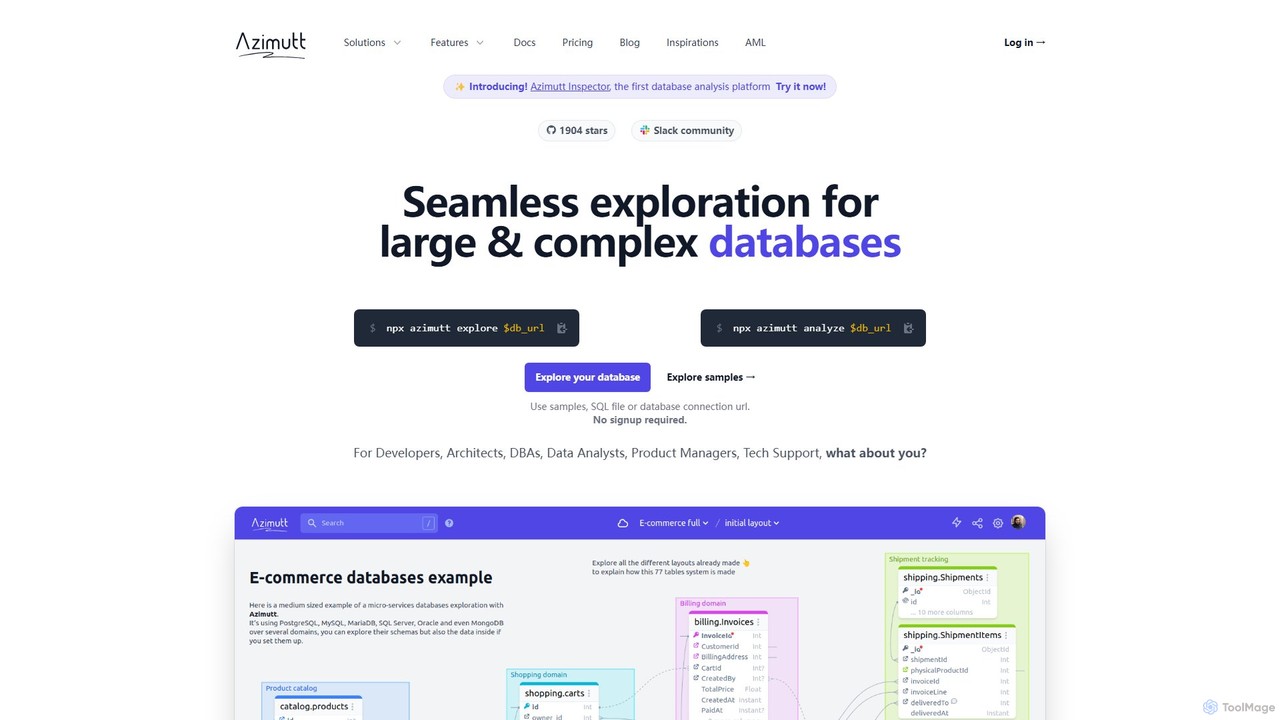
Azimutt is an advanced database explorer and analyzer designed for large, complex databases. It helps developers, DBAs, and data analysts visualize, document, and optimize their database schemas. With features like incremental layout building, AI-powered SQL generation, and collaborative documentation, Azimutt simplifies database exploration, improves team efficiency, and ensures database health.
Visualization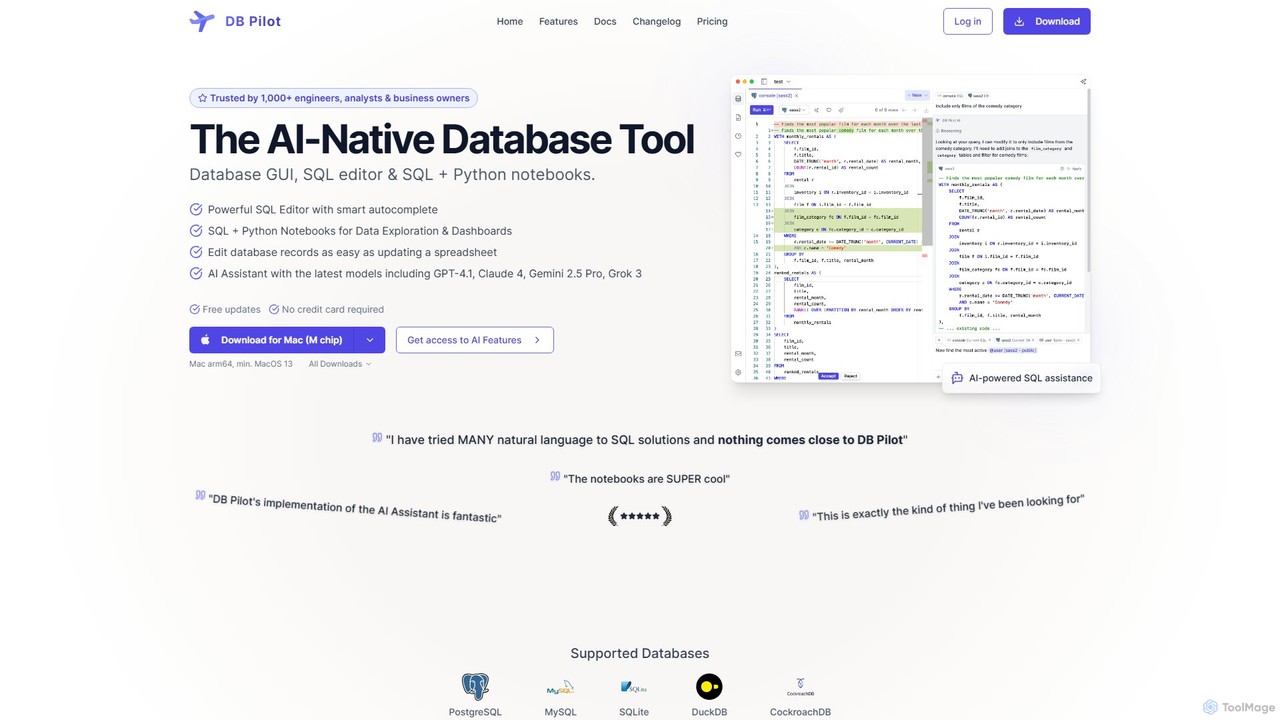
dbpilot
dbpilot is an AI-native database tool for engineers and analysts, featuring a powerful GUI, an intelligent SQL editor, and integrated SQL + Python notebooks. It leverages top AI models like GPT-4 and Claude to generate, debug, and explain queries, streamlining data exploration and dashboard creation in a secure, local-first environment.
Sql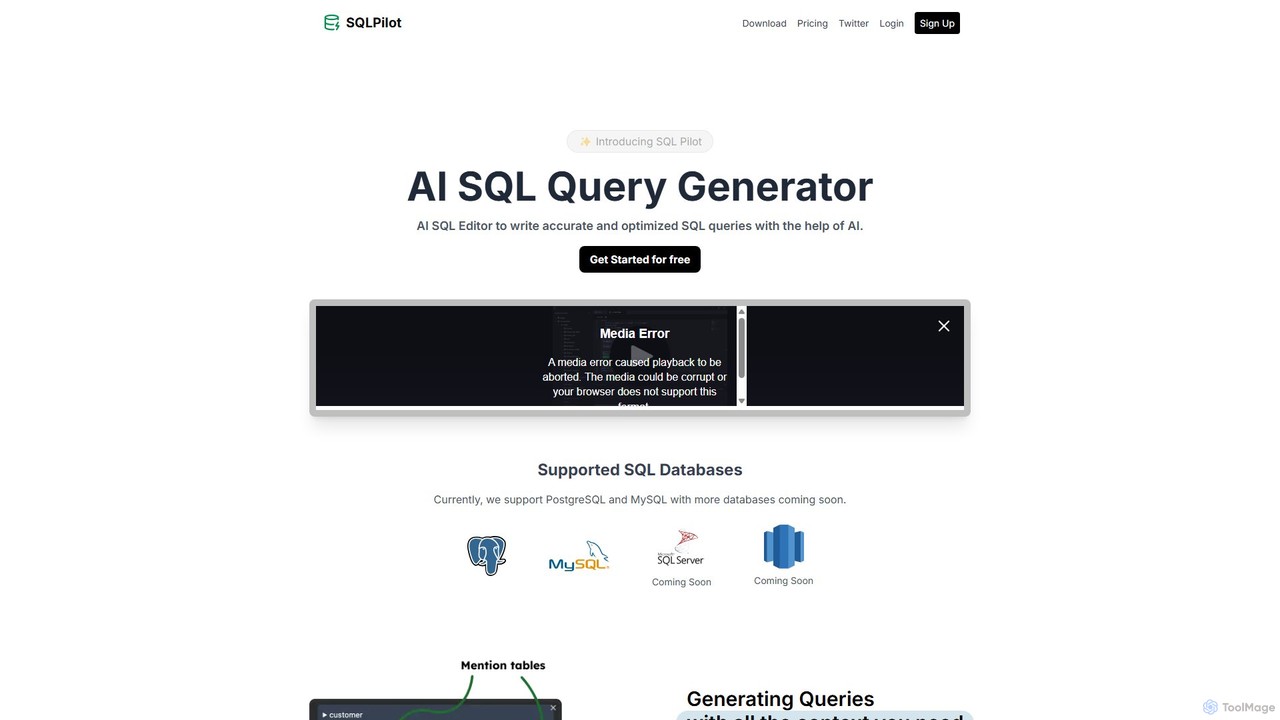
SQLPilot
SQLPilot is an AI-powered SQL query generator and editor that transforms natural language prompts into accurate, optimized SQL queries. It supports multiple databases like PostgreSQL and MySQL, various GPT models, and ensures data privacy by not storing your credentials or schemas.
Code Assistant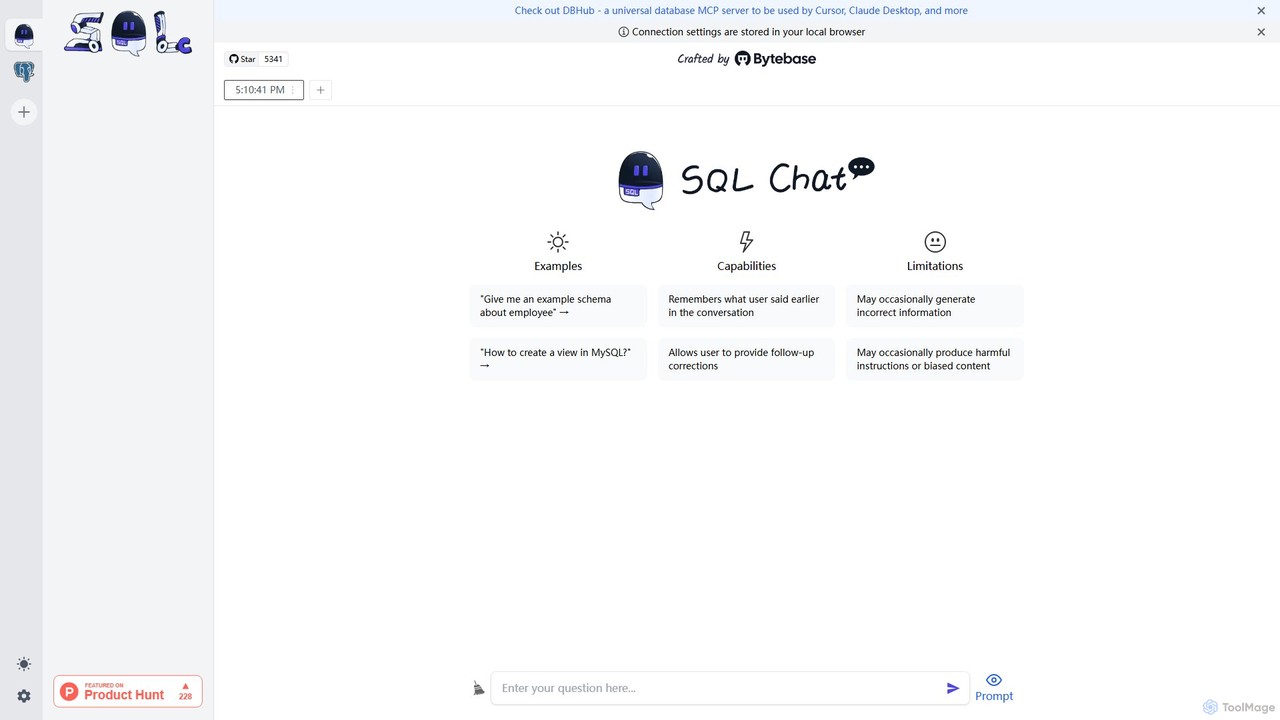
SQL Chat
SQL Chat is an open-source, chat-based SQL client and editor that uses AI to translate natural language questions into SQL queries. Connect to your database, ask questions in plain English, and get results instantly, democratizing data access for both technical and non-technical users.
Code Assistant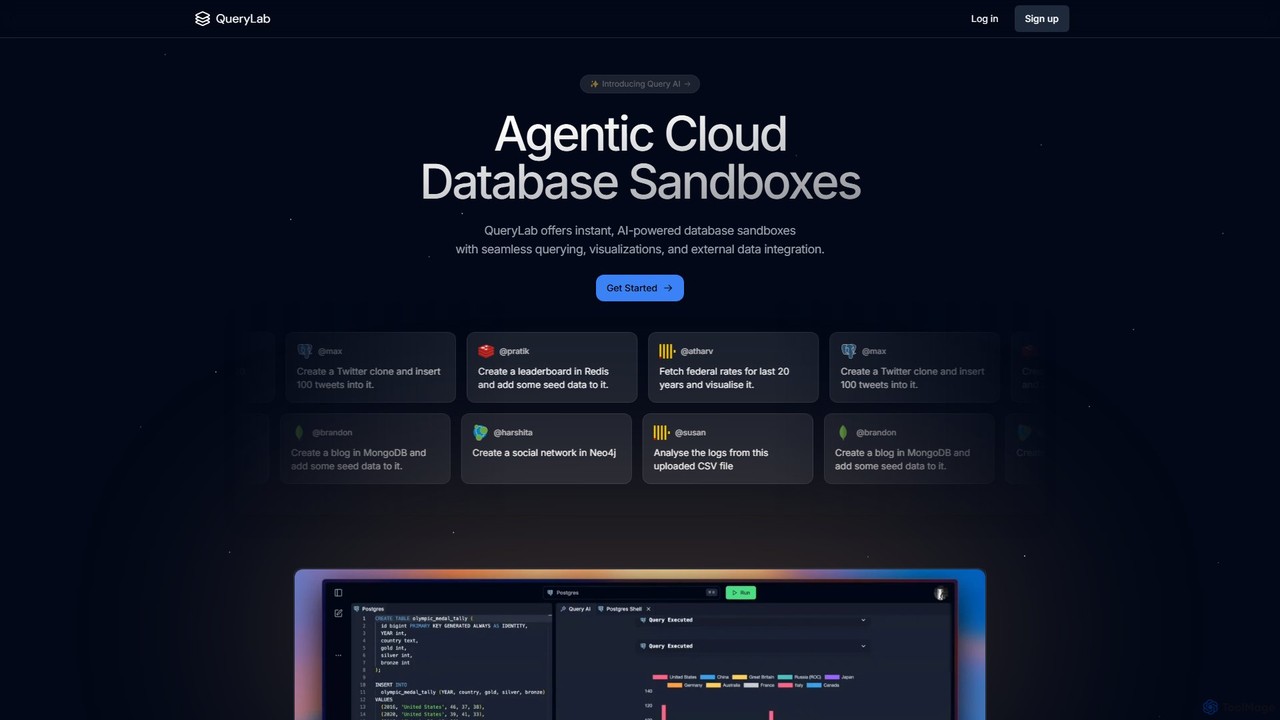
QueryLab
QueryLab is an AI-powered platform that provides instant database sandboxes. It allows users to interact with databases like PostgreSQL, MongoDB, and Redis using natural language, seamlessly integrate external data, and automatically generate visualizations from query results.
VisualizationChartDB Categories
ChartDB Embed Widget
Copy this embed code to place the badge on your blog, article, or product site and send readers directly to this ToolMage detail page.

Related AI tools
dbpilot
dbpilot is an AI-native database tool for engineers and analysts, featuring a powerful GUI, an intelligent SQL editor, and integrated SQL + Python notebooks. It leverages top AI models like GPT-4 and Claude to generate, debug, and explain queries, streamlining data exploration and dashboard creation in a secure, local-first environment.
SqlSQLPilot
SQLPilot is an AI-powered SQL query generator and editor that transforms natural language prompts into accurate, optimized SQL queries. It supports multiple databases like PostgreSQL and MySQL, various GPT models, and ensures data privacy by not storing your credentials or schemas.
Code AssistantSQL Chat
SQL Chat is an open-source, chat-based SQL client and editor that uses AI to translate natural language questions into SQL queries. Connect to your database, ask questions in plain English, and get results instantly, democratizing data access for both technical and non-technical users.
Code Assistant
Postgres Sandbox
An intuitive, web-based visual tool for designing, prototyping, and experimenting with PostgreSQL database schemas. Create tables, define relationships, and generate SQL code in a risk-free sandbox environment. Ideal for developers, DBAs, and students.
Database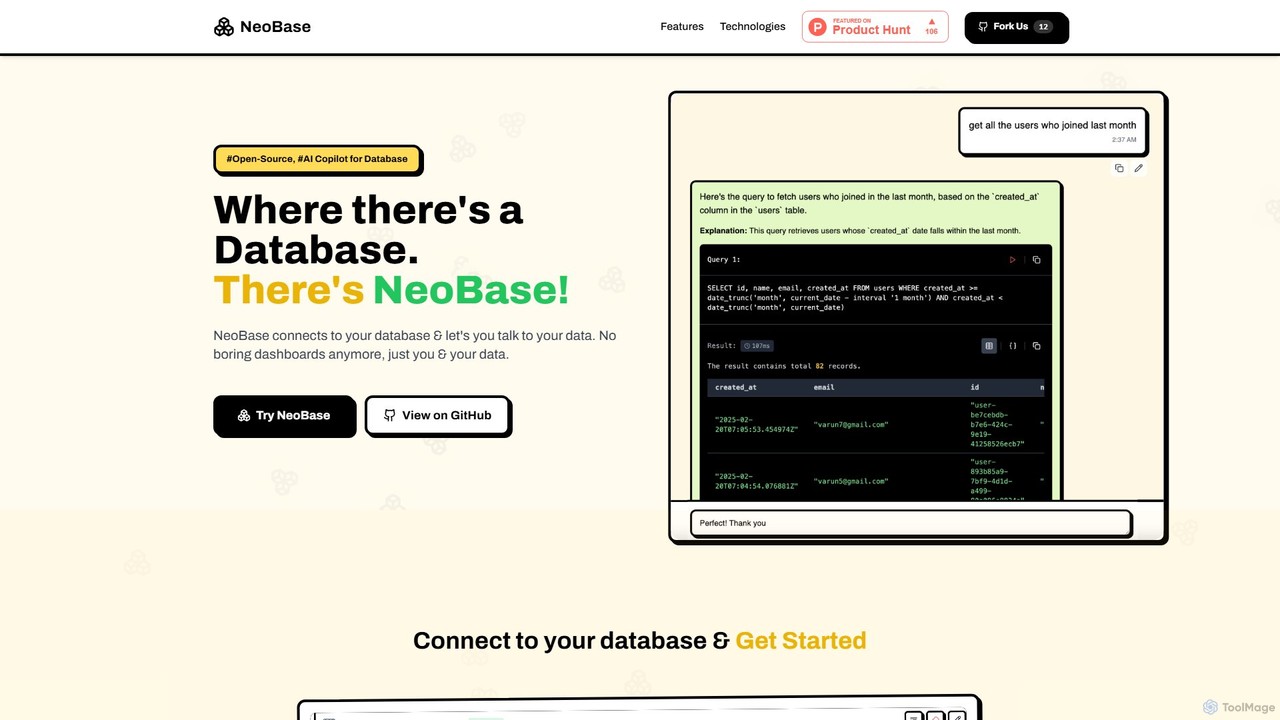
NeoBase
NeoBase is an open-source AI copilot for databases, enabling users to interact with their data using natural language. It connects to various SQL and NoSQL databases, translates plain English queries into optimized code, and visualizes the results. Designed for both technical and non-technical users, it streamlines data analysis, debugging, and reporting, eliminating the need for complex query writing and providing full data control through self-hosting.
Data Analysis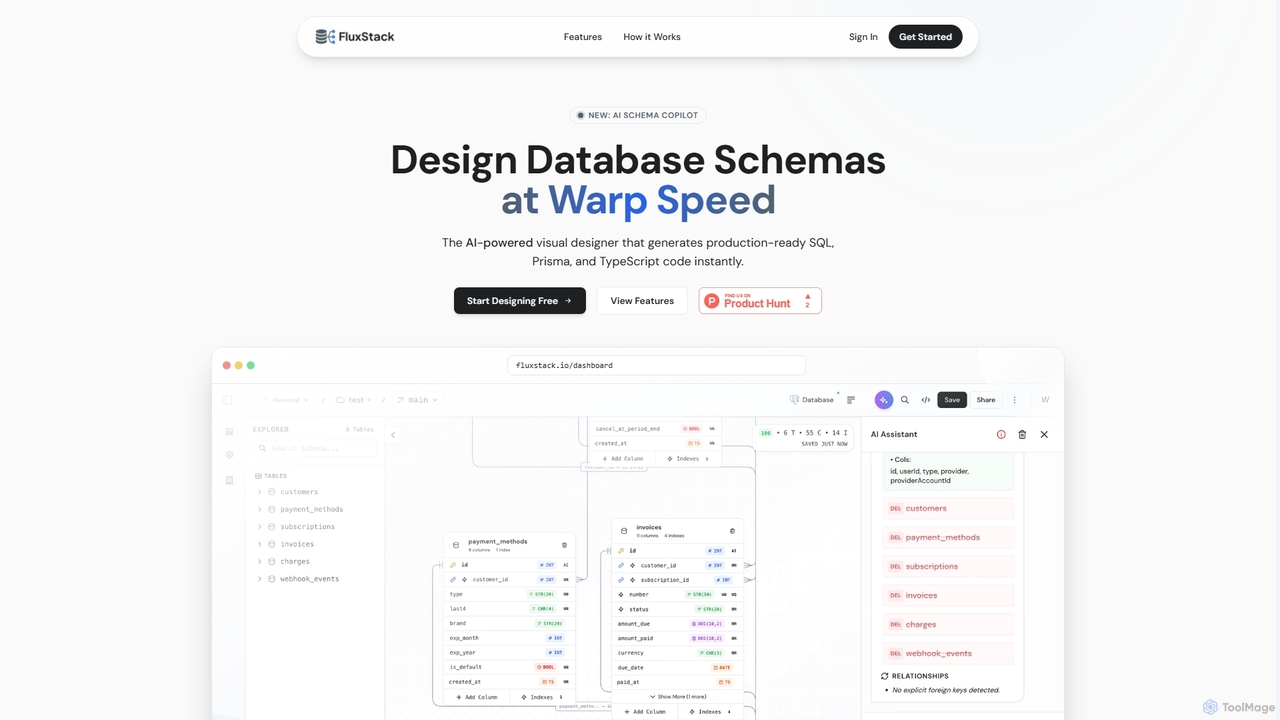
Fluxstack
Fluxstack is an AI-powered visual database schema builder that helps developers design, manage, and deploy production-ready database schemas at warp speed. It generates SQL, Prisma, and TypeScript code instantly, supporting popular stacks like PostgreSQL, MySQL, and Supabase.
Developer Tools
sqltroughai
sqltroughai is an AI-powered assistant that translates natural language into SQL queries, optimizes existing code, and explains complex queries in plain English. It empowers developers, analysts, and business users to interact with databases effortlessly and efficiently.
Code Assistant
QueryGenie
QueryGenie is an AI-powered assistant that translates natural language into SQL queries. It helps developers, data analysts, and business users to generate, optimize, and understand complex SQL code effortlessly, significantly boosting productivity and democratizing data access.
Code AssistantAzimutt
Azimutt is an advanced database explorer and analyzer designed for large, complex databases. It helps developers, DBAs, and data analysts visualize, document, and optimize their database schemas. With features like incremental layout building, AI-powered SQL generation, and collaborative documentation, Azimutt simplifies database exploration, improves team efficiency, and ensures database health.
Visualization
InfluxData
InfluxData offers InfluxDB, the leading time series database platform built for real-time data and AI applications. It empowers developers to ingest, store, and analyze massive volumes of high-velocity data from IoT, applications, and infrastructure. Featuring high-performance querying, superior data compression, and seamless integration with data lakes and AI/ML pipelines, InfluxData is the engine for anomaly detection, predictive maintenance, and autonomous systems.
Data Management
Navicat
Navicat is a comprehensive database management and development tool with integrated AI features. It provides a user-friendly GUI for managing a wide range of databases like MySQL, PostgreSQL, MongoDB, and Snowflake. It boosts productivity with an AI Assistant for query generation, advanced data modeling, BI visualization, and seamless cloud collaboration, making it a top choice for developers, DBAs, and data analysts.
Business Intelligence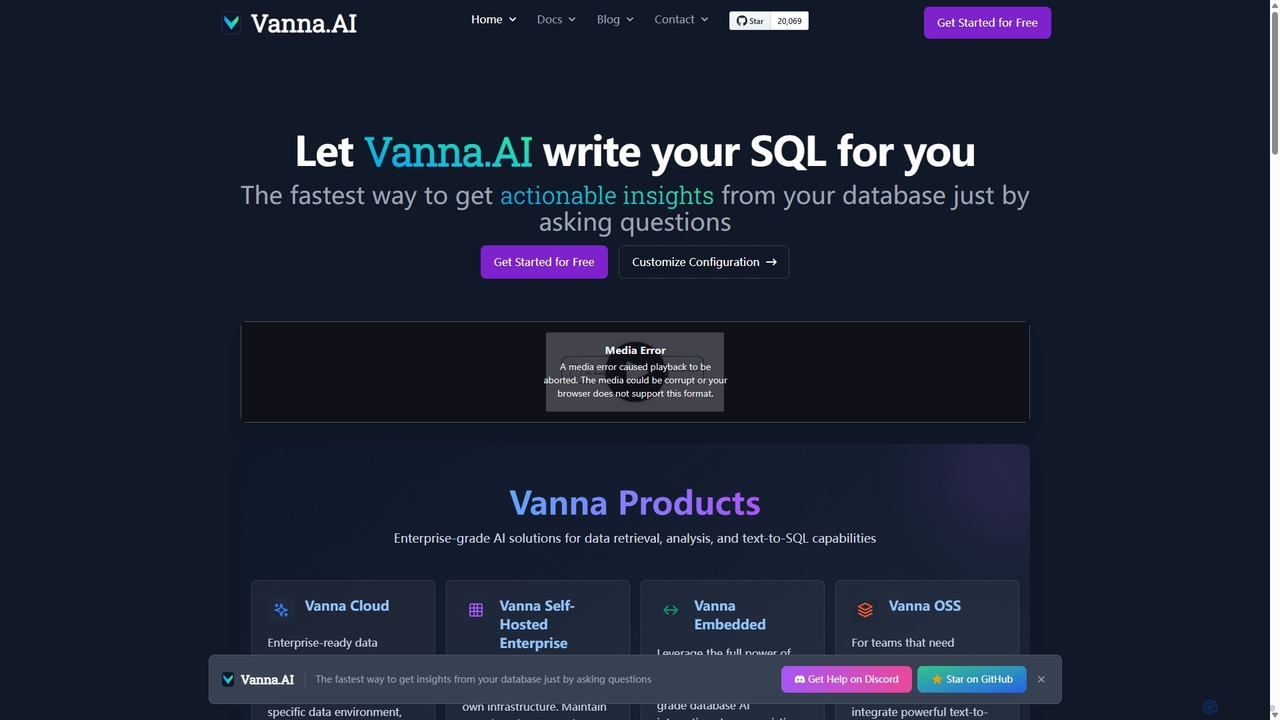
Vanna.AI
Vanna.AI is an open-source, personalized AI SQL agent that transforms natural language questions into accurate SQL queries. It uses a Retrieval-Augmented Generation (RAG) model trained on your specific database schema, documentation, and past queries to achieve high accuracy on complex datasets. It's designed for security, flexibility, and easy integration into any application, empowering both technical and non-technical users to gain insights from their data effortlessly.
Business Intelligence
ParadeDB
ParadeDB is a modern Elasticsearch alternative built directly on Postgres. It enhances Postgres with powerful, real-time search and analytics capabilities, including full-text search, fuzzy matching, and faceting, eliminating the need for complex ETL processes and separate search engines.
Search
SQLAI.ai
SQLAI.ai is an advanced AI-powered assistant that generates, optimizes, explains, and debugs SQL & NoSQL queries from natural language. Ideal for developers, analysts, and beginners, it supports over 30 databases, handles large schemas, and turns plain English into accurate code in seconds, boosting productivity and simplifying database management.
Database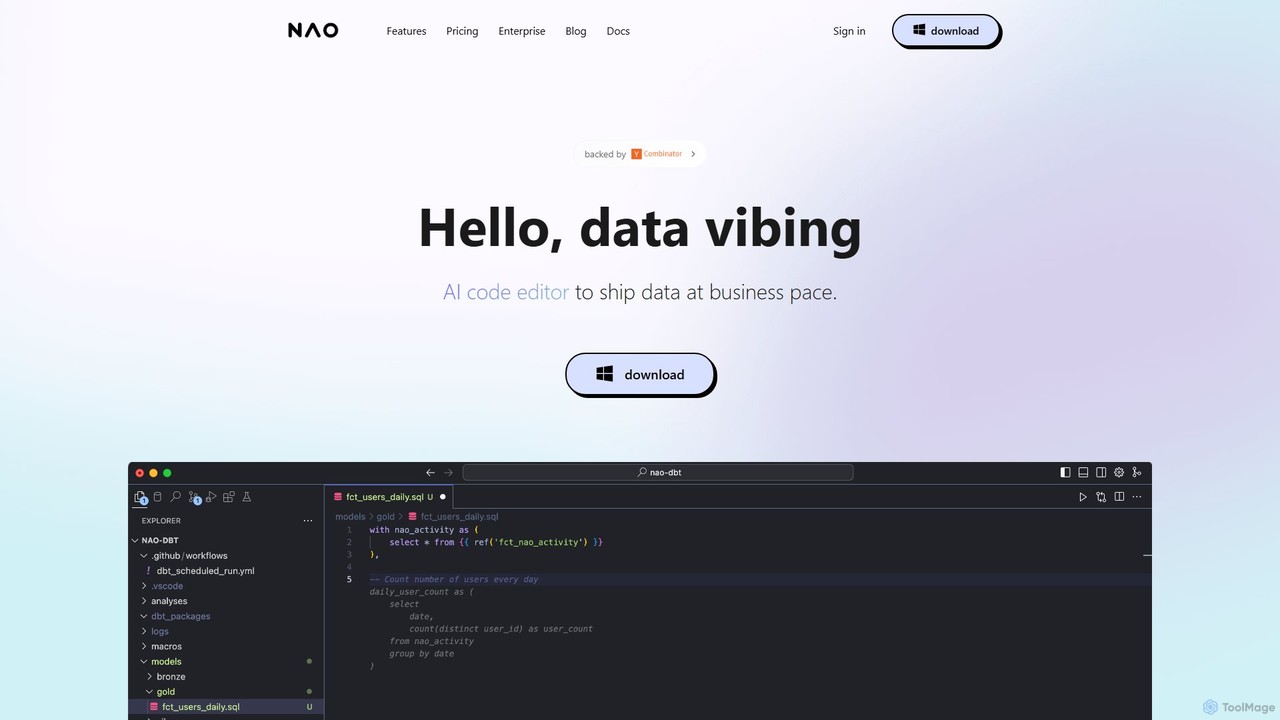
nao
nao is an AI-powered code editor designed for data teams. It streamlines SQL and Python data pipeline creation, dbt workflows, and analytics by natively connecting to your data warehouse. Its intelligent agent provides data-aware code suggestions, quality checks, and instant diff previews to help you ship data faster and more safely.
Analytics
ChartDB Comments (0)
Sign in to comment.
Sign inNo comments yet.