

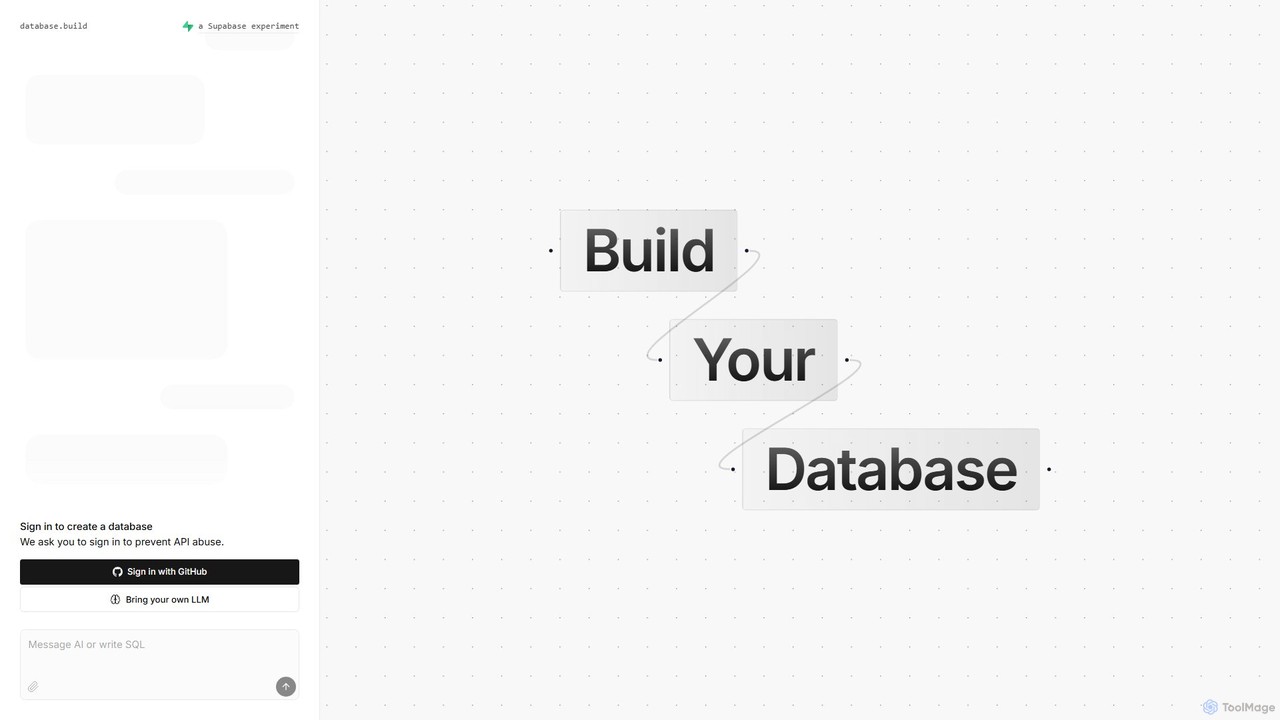
Postgres Sandbox Overview
Postgres Sandbox is a powerful and user-friendly web-based platform designed to simplify the process of PostgreSQL database schema design and prototyping. It provides an interactive, visual canvas where users can build, modify, and experiment with database structures without writing a single line of SQL manually at the outset. This tool is perfect for developers needing to quickly prototype a database for a new application, database administrators (DBAs) planning schema migrations, and students learning the fundamentals of relational database design.
The core of Postgres Sandbox is its visual editor, which represents database tables as 'nodes' and relationships (foreign keys) as 'edges'. This graphical representation makes it incredibly easy to understand complex data models and the connections between different entities. Users can focus on the logical structure of their data, and the tool handles the generation of the corresponding, syntactically correct SQL code in real-time.
How to use Postgres Sandbox
Using Postgres Sandbox is a straightforward and intuitive process, designed to accelerate your workflow:
- Access the Tool: Simply navigate to the Postgres Sandbox website. There is no installation or complex setup required.
- Create Tables (Nodes): Start by adding tables to your canvas. You can select a node by clicking on it or using the keyboard shortcuts. Give your table a name and begin adding columns.
- Define Columns: For each table, define its columns, specifying data types (e.g., VARCHAR, INT, TIMESTAMP), constraints (e.g., PRIMARY KEY, NOT NULL), and other attributes. The interface provides smart suggestions to streamline this process.
- Establish Relationships (Edges): To create a relationship between two tables, you can visually draw a connection (an edge) from a foreign key in one table to the primary key in another. The tool automatically configures the foreign key constraint.
- Modify and Iterate: The visual editor makes it easy to modify your design. Drag and drop tables, edit columns, or delete relationships with simple keyboard commands. All changes are reflected instantly.
- Generate and Export SQL: Once you are satisfied with your schema design, Postgres Sandbox allows you to view and export the complete SQL script. This script can be used to create the actual database in your own PostgreSQL environment.
Core Features of Postgres Sandbox
- Visual Schema Designer: An interactive, graph-based interface for creating and managing database schemas with nodes and edges.
- Real-time SQL Generation: Automatically generates clean, standard-compliant PostgreSQL DDL (Data Definition Language) scripts as you design.
- Interactive Sandbox Environment: A risk-free space to experiment with different schema designs without impacting any live databases.
- AI-Assisted Suggestions: Provides intelligent recommendations for data types, indexing strategies, and normalization to optimize database performance and structure.
- No-Code/Low-Code Interface: Empowers users of all skill levels to design complex databases without deep SQL knowledge.
- Keyboard-First Navigation: Optimized for power users with a full suite of keyboard shortcuts for fast creation and modification of schemas.
- Easy Export: Allows users to easily copy or download the generated SQL for use in their development or production environments.
Use Cases for Postgres Sandbox
Postgres Sandbox is versatile and can be applied in various scenarios:
- Application Prototyping: Software developers can quickly mock up and iterate on the database backend for new web or mobile applications.
- Educational Purposes: Students and beginners can use it as a hands-on tool to learn about relational database theory, schema design, and SQL concepts in a visual, interactive way.
- Database Refactoring: DBAs and engineers can import an existing schema's structure (or recreate it) to visualize and plan complex migrations or refactoring efforts safely.
- Technical Interviews: A perfect tool for system design interviews, allowing candidates to quickly sketch out and explain their proposed database architecture.
- Team Collaboration: Teams can use the visual layout to discuss and agree upon a database schema before implementation, ensuring everyone is on the same page.
Advantages of Postgres Sandbox
The primary advantage of Postgres Sandbox is its ability to make database design accessible, fast, and intuitive. It lowers the barrier to entry, allowing front-end developers or project managers to contribute to the data modeling process. It accelerates the development cycle by automating the tedious task of writing boilerplate SQL. The risk-free sandbox environment encourages experimentation and learning, leading to better-designed and more robust databases. By visualizing the schema, it helps prevent design flaws and makes it easier to communicate complex ideas to stakeholders.
Pricing and Plans
Postgres Sandbox is currently available for free. As a sandbox and prototyping tool, it provides full access to its core design and SQL generation features without any cost, making it an accessible choice for individual developers, students, and small teams.
Traffic
Latest traffic
Status
Monthly traffic trend
- 2025-9: 39.1K
- 2026-1: 29.0K
- 2026-2: 32.6K
- 2026-3: 34.0K
- 2026-4: 28.2K
- 2026-5: 24.4K
Geography
Top 5 countries / regions
- 🇲🇽Mexico32.3%
- 🇻🇪Venezuela24.6%
- 🇺🇸United States18.3%
- 🇧🇷Brazil15.7%
- 🇻🇳Vietnam9.1%
Traffic sources
| Source type | Percentage |
|---|---|
Direct | 89.2% |
Referral | 8.7% |
Email | 2.1% |
Top keywords
| Keyword | Cost per click |
|---|---|
| build a database with ai | $0.00 |
| database.build | $0.00 |
| database.built | $0.00 |
| postgres new | $1.18 |
| postgres.new | $0.00 |
Postgres Sandbox Alternatives
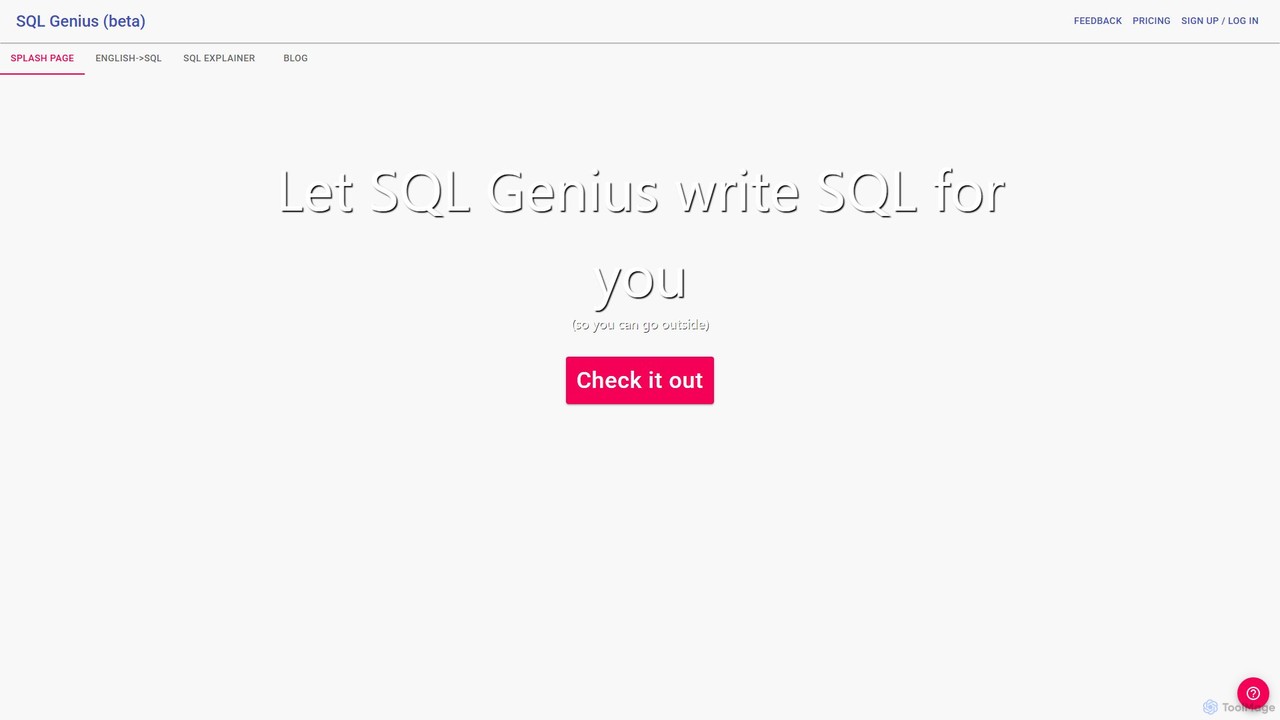
SQL Genius
SQL Genius is an AI-powered tool that simplifies database interaction by converting plain English into SQL queries and explaining complex SQL code in simple terms. It's designed for developers, data analysts, and students to boost productivity and reduce the learning curve for SQL.
Analytics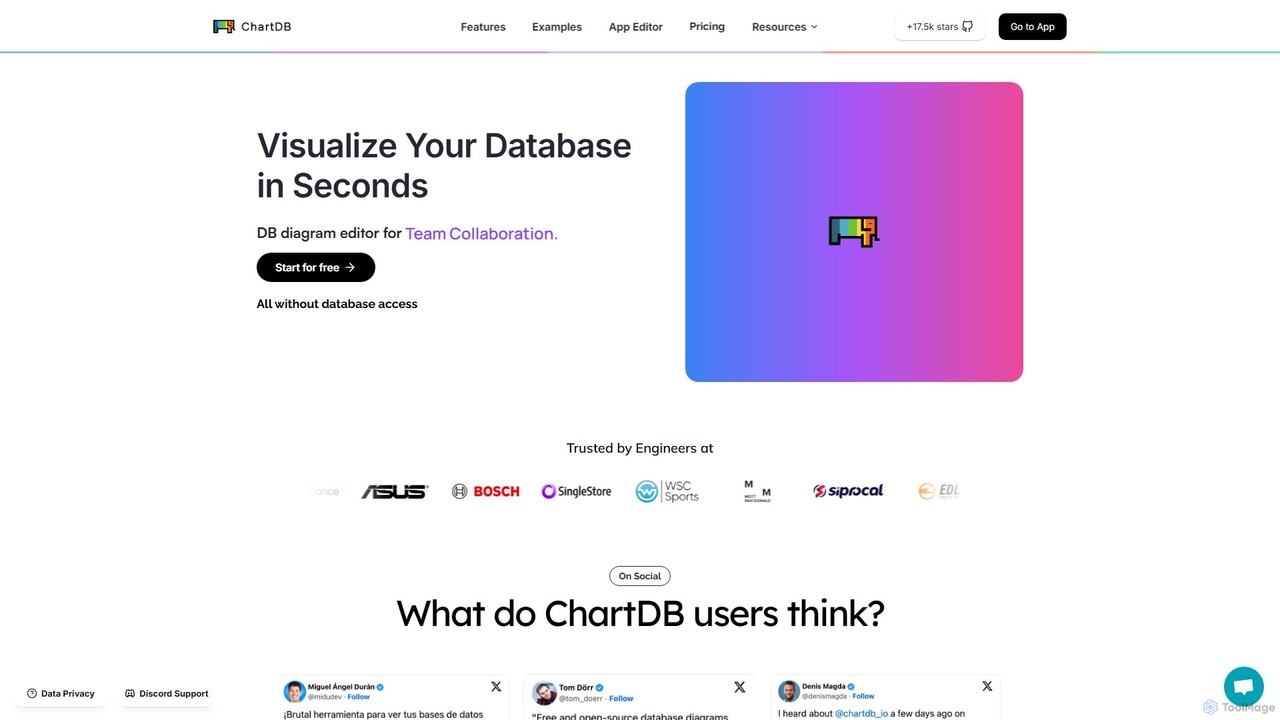
ChartDB
ChartDB is an AI-powered database schema visualizer that instantly generates interactive ER diagrams from a single query. It's designed for developers and teams to design, document, and collaborate on database structures. It features real-time collaboration, database synchronization, and an AI assistant to optimize schema design. Both cloud and self-hosted open-source versions are available.
Visualization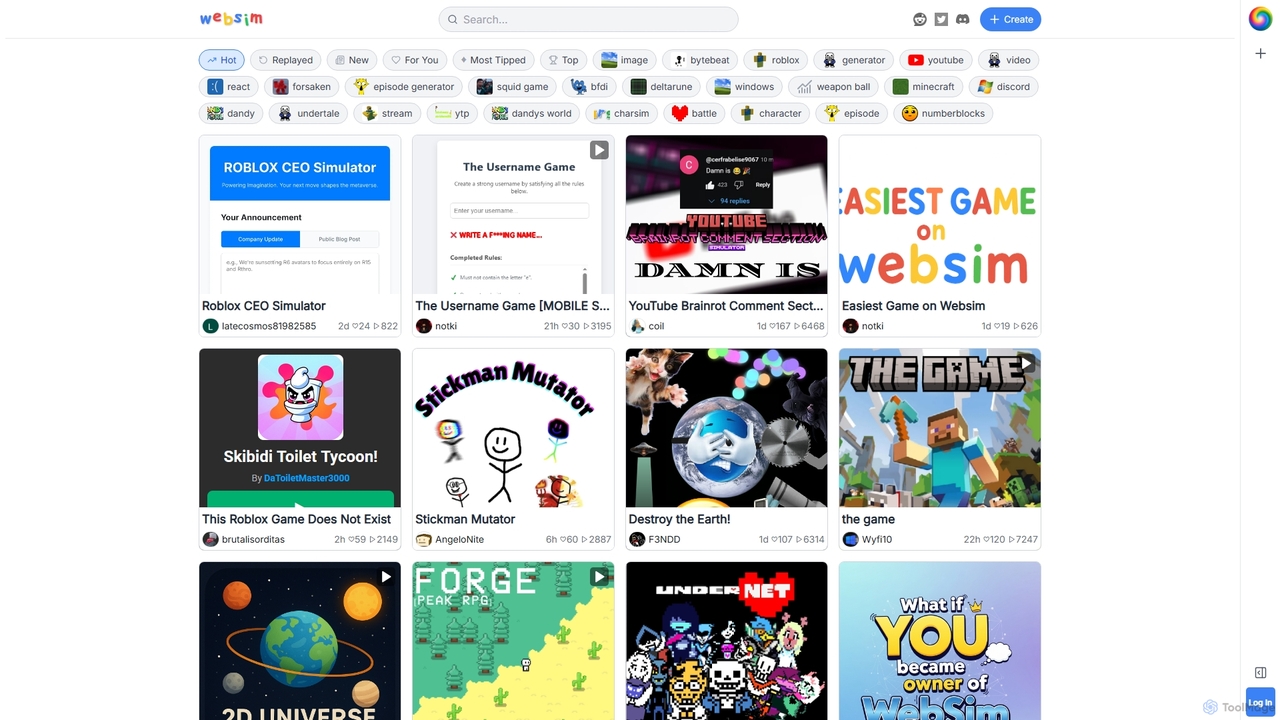
Websim
Websim is a creative online sandbox platform for building and playing interactive simulations and games. Users can create everything from simple text-based adventures to complex generative systems, share them with a vibrant community, and explore thousands of unique user-generated experiences.
Learning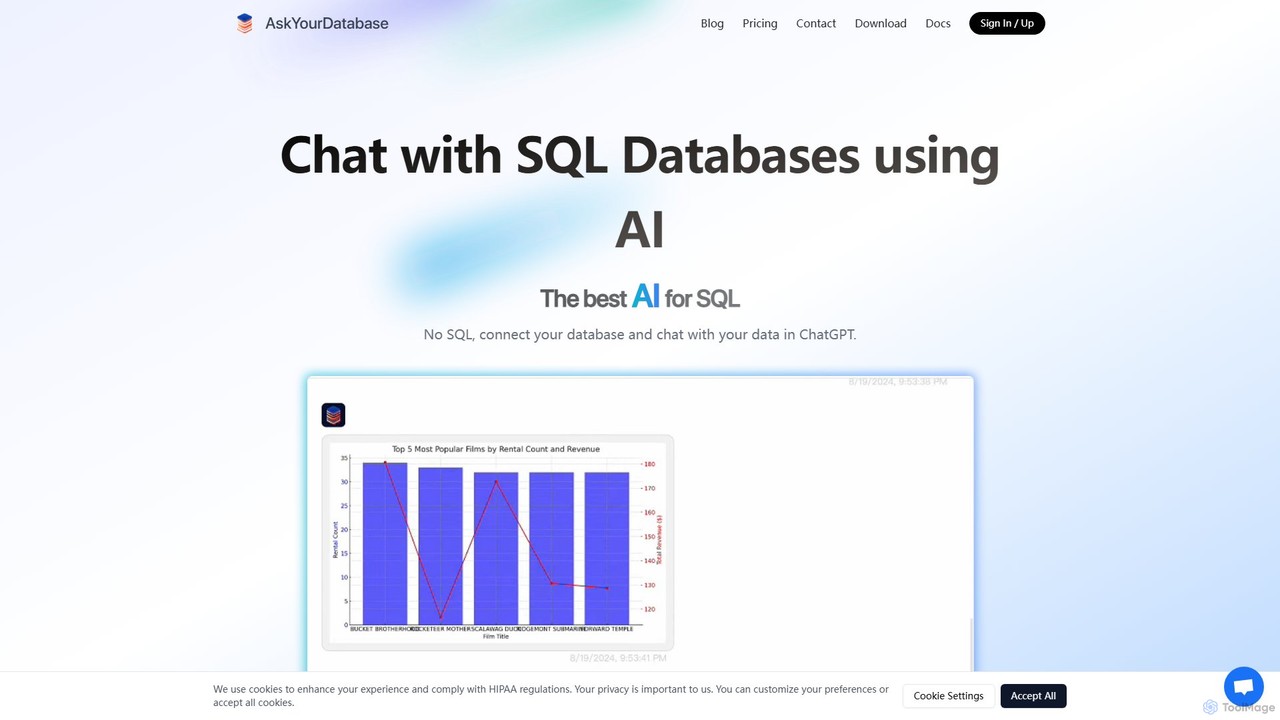
AskYourDatabase
AskYourDatabase is a powerful AI SQL assistant that allows you to interact with your databases using natural language. Query data, create visualizations, and build interactive dashboards without writing a single line of SQL. It supports various databases, offers both desktop and embeddable chatbot versions, and prioritizes data security with on-premise deployment options.
Data Analysis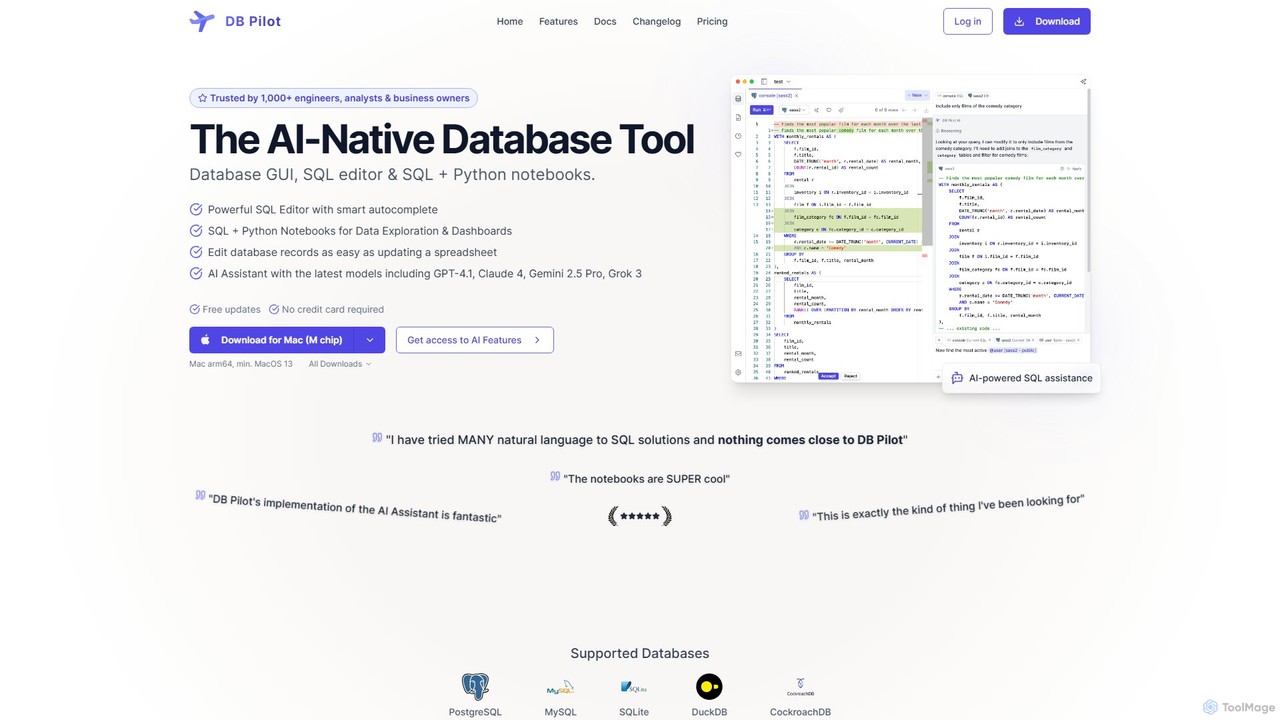
dbpilot
dbpilot is an AI-native database tool for engineers and analysts, featuring a powerful GUI, an intelligent SQL editor, and integrated SQL + Python notebooks. It leverages top AI models like GPT-4 and Claude to generate, debug, and explain queries, streamlining data exploration and dashboard creation in a secure, local-first environment.
SqlPostgres Sandbox Categories
Postgres Sandbox Embed Widget
Copy this embed code to place the badge on your blog, article, or product site and send readers directly to this ToolMage detail page.

Related AI tools
ChartDB
ChartDB is an AI-powered database schema visualizer that instantly generates interactive ER diagrams from a single query. It's designed for developers and teams to design, document, and collaborate on database structures. It features real-time collaboration, database synchronization, and an AI assistant to optimize schema design. Both cloud and self-hosted open-source versions are available.
VisualizationSQL Genius
SQL Genius is an AI-powered tool that simplifies database interaction by converting plain English into SQL queries and explaining complex SQL code in simple terms. It's designed for developers, data analysts, and students to boost productivity and reduce the learning curve for SQL.
AnalyticsAskYourDatabase
AskYourDatabase is a powerful AI SQL assistant that allows you to interact with your databases using natural language. Query data, create visualizations, and build interactive dashboards without writing a single line of SQL. It supports various databases, offers both desktop and embeddable chatbot versions, and prioritizes data security with on-premise deployment options.
Data Analysisdbpilot
dbpilot is an AI-native database tool for engineers and analysts, featuring a powerful GUI, an intelligent SQL editor, and integrated SQL + Python notebooks. It leverages top AI models like GPT-4 and Claude to generate, debug, and explain queries, streamlining data exploration and dashboard creation in a secure, local-first environment.
Sql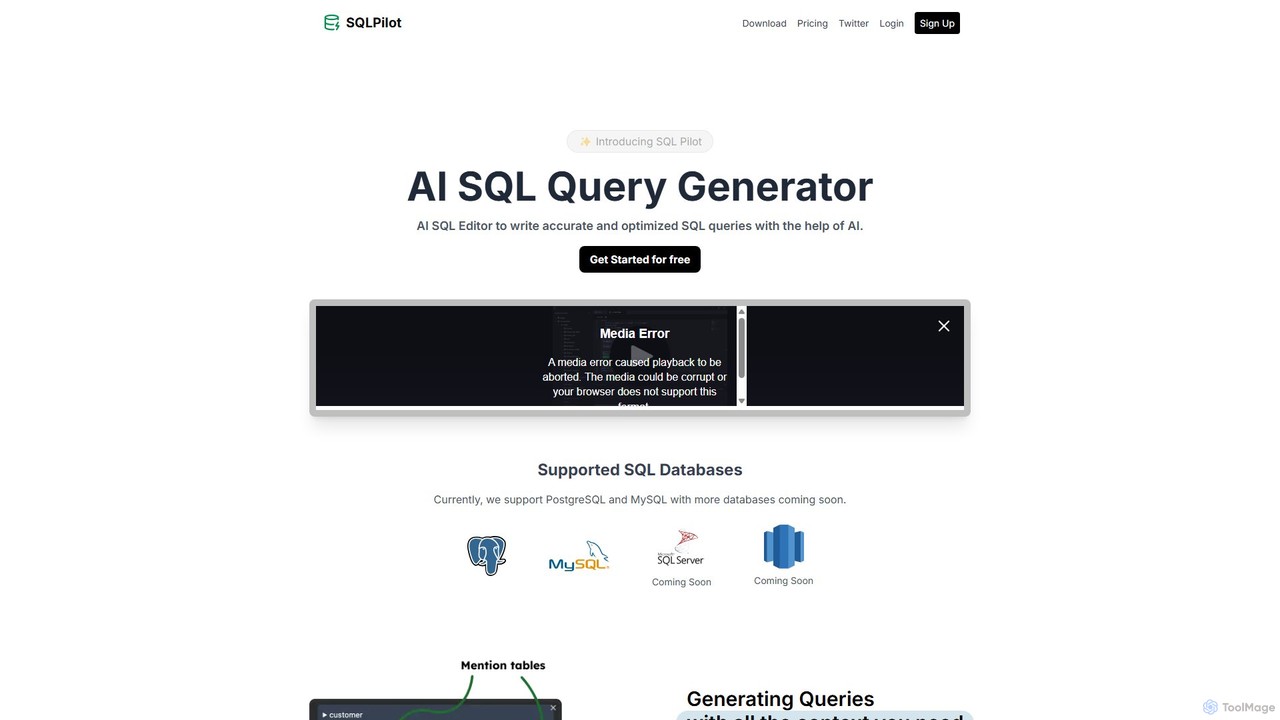
SQLPilot
SQLPilot is an AI-powered SQL query generator and editor that transforms natural language prompts into accurate, optimized SQL queries. It supports multiple databases like PostgreSQL and MySQL, various GPT models, and ensures data privacy by not storing your credentials or schemas.
Code Assistant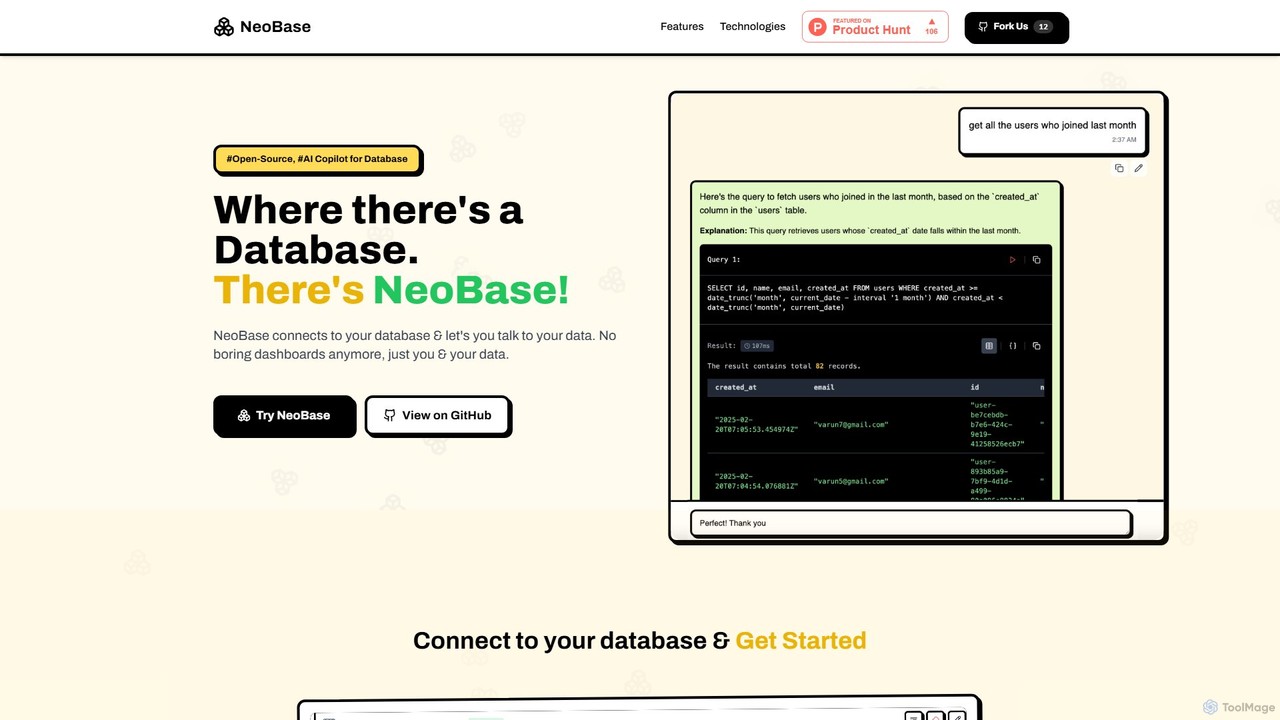
NeoBase
NeoBase is an open-source AI copilot for databases, enabling users to interact with their data using natural language. It connects to various SQL and NoSQL databases, translates plain English queries into optimized code, and visualizes the results. Designed for both technical and non-technical users, it streamlines data analysis, debugging, and reporting, eliminating the need for complex query writing and providing full data control through self-hosting.
Data Analysis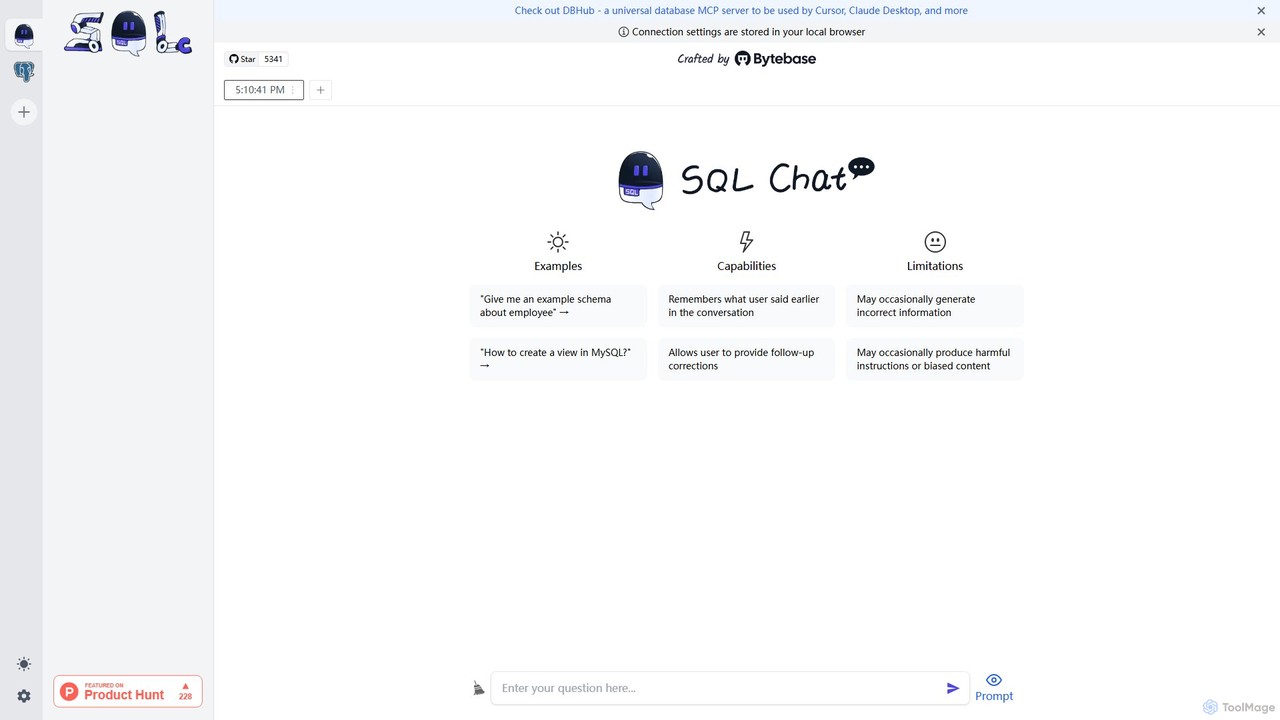
SQL Chat
SQL Chat is an open-source, chat-based SQL client and editor that uses AI to translate natural language questions into SQL queries. Connect to your database, ask questions in plain English, and get results instantly, democratizing data access for both technical and non-technical users.
Code Assistant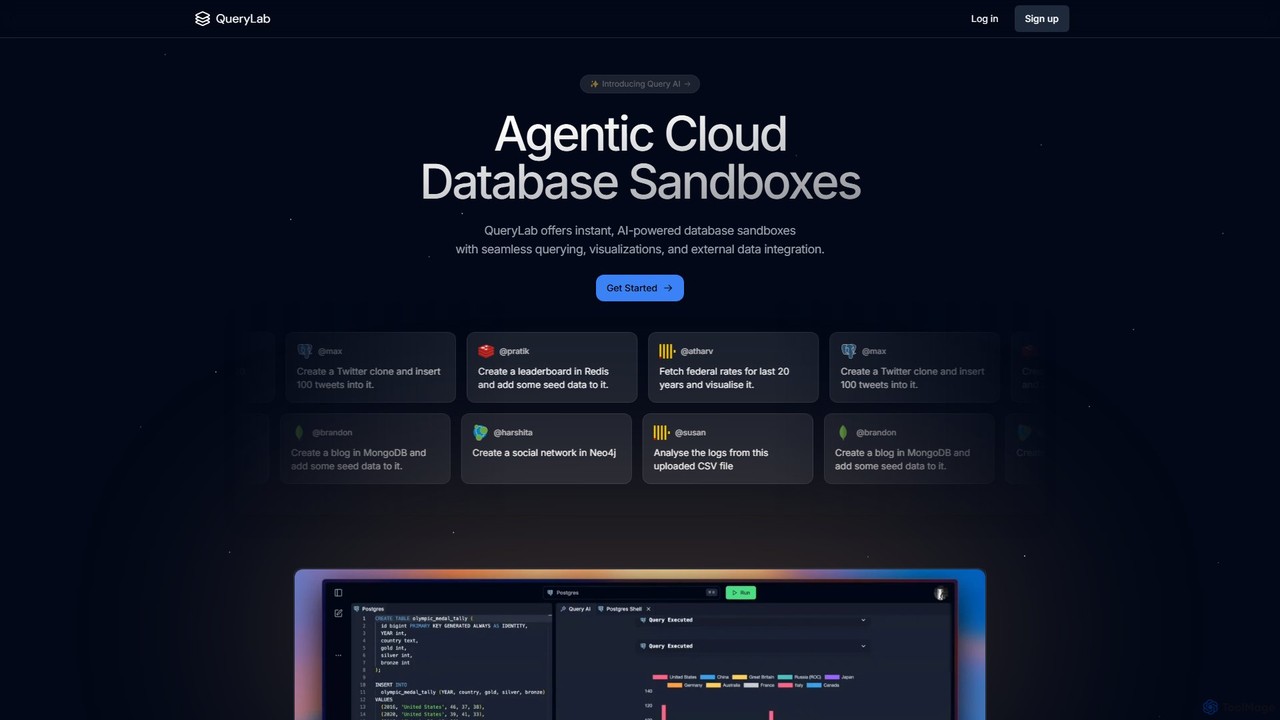
QueryLab
QueryLab is an AI-powered platform that provides instant database sandboxes. It allows users to interact with databases like PostgreSQL, MongoDB, and Redis using natural language, seamlessly integrate external data, and automatically generate visualizations from query results.
Visualization
sqltroughai
sqltroughai is an AI-powered assistant that translates natural language into SQL queries, optimizes existing code, and explains complex queries in plain English. It empowers developers, analysts, and business users to interact with databases effortlessly and efficiently.
Code Assistant
QueryGenie
QueryGenie is an AI-powered assistant that translates natural language into SQL queries. It helps developers, data analysts, and business users to generate, optimize, and understand complex SQL code effortlessly, significantly boosting productivity and democratizing data access.
Code Assistant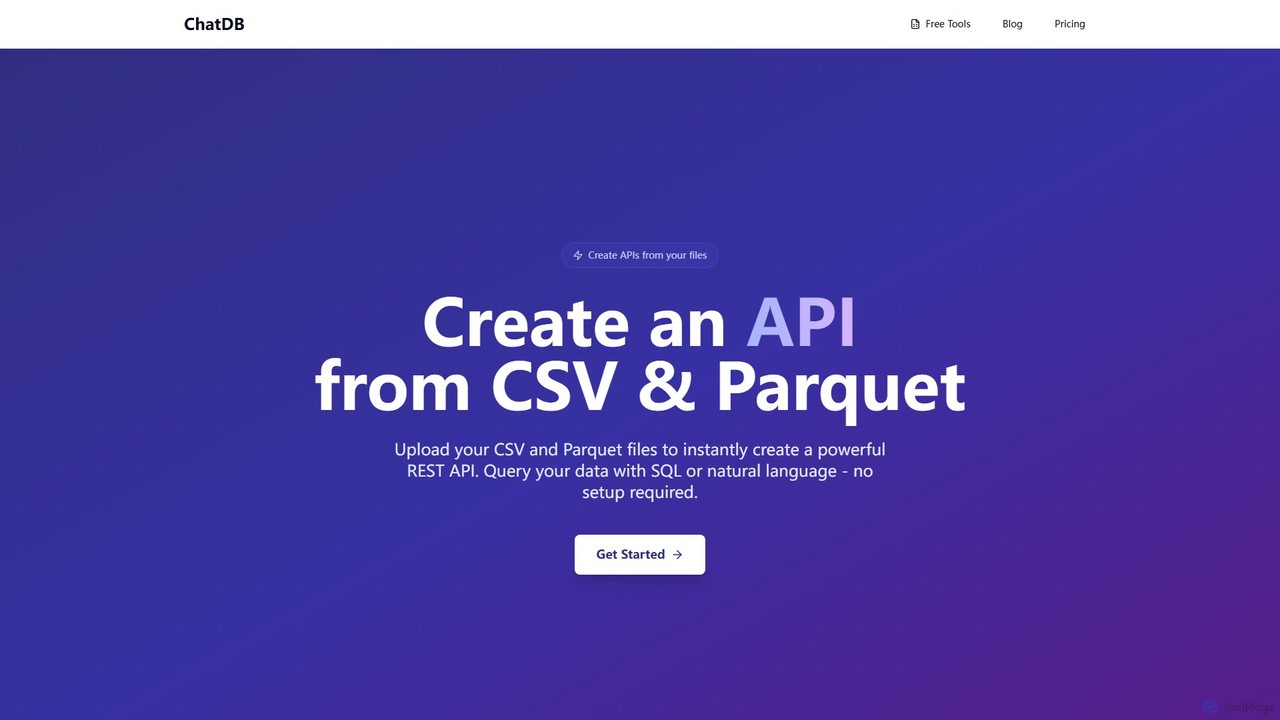
ChatDB
ChatDB is a powerful platform that instantly converts CSV and Parquet files into a fully functional REST API. Users can query their data using both standard SQL and AI-powered natural language, with no setup or infrastructure management required. It offers lightning-fast response times and a suite of free in-browser tools for data conversion, editing, and analysis, making it ideal for developers, data scientists, and rapid prototyping.
Api & Backend
InfluxData
InfluxData offers InfluxDB, the leading time series database platform built for real-time data and AI applications. It empowers developers to ingest, store, and analyze massive volumes of high-velocity data from IoT, applications, and infrastructure. Featuring high-performance querying, superior data compression, and seamless integration with data lakes and AI/ML pipelines, InfluxData is the engine for anomaly detection, predictive maintenance, and autonomous systems.
Data Management
Vanna.AI
Vanna.AI is an open-source, personalized AI SQL agent that transforms natural language questions into accurate SQL queries. It uses a Retrieval-Augmented Generation (RAG) model trained on your specific database schema, documentation, and past queries to achieve high accuracy on complex datasets. It's designed for security, flexibility, and easy integration into any application, empowering both technical and non-technical users to gain insights from their data effortlessly.
Business Intelligence
Xata
Xata is a "Postgres at scale" platform designed to enhance developer velocity and optimize database performance. It offers unique features like instant Copy-on-Write branches with PII anonymization, zero-downtime schema migrations, and an AI-powered agent for automated performance tuning. Deploy on Xata's infrastructure or within your own cloud for maximum flexibility and compliance.
Database Optimization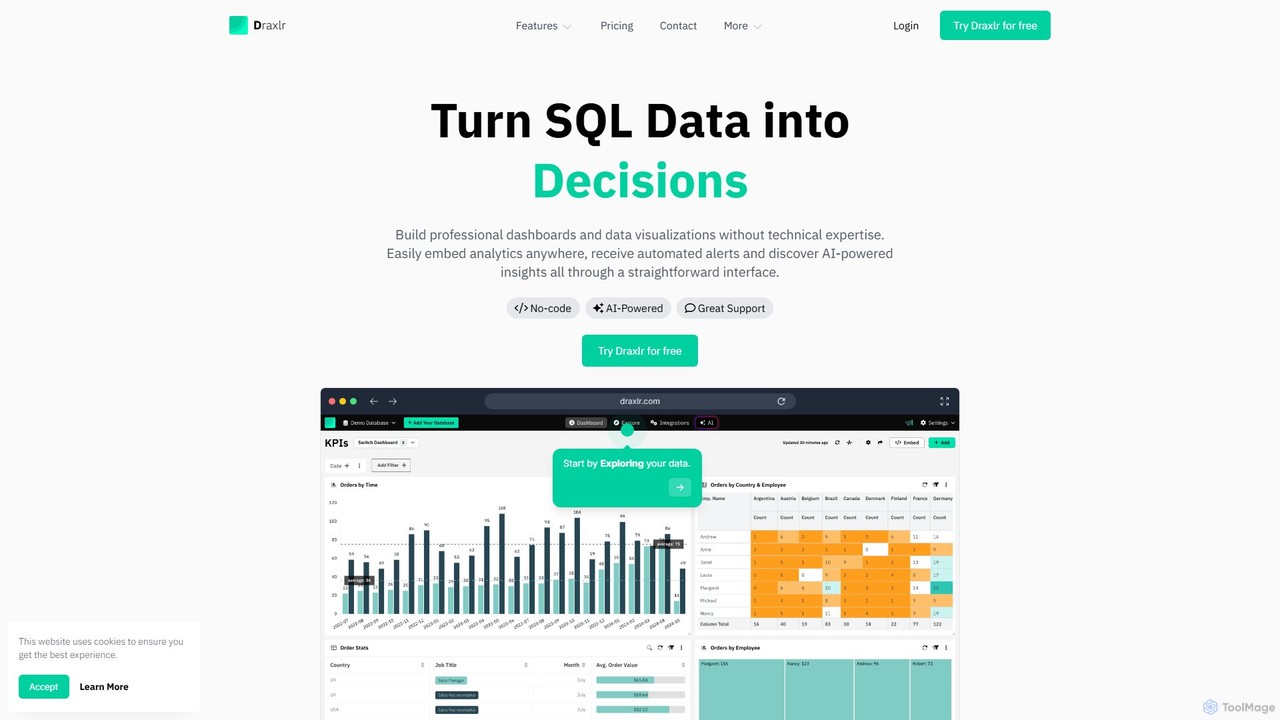
draxlr
Draxlr is an AI-powered business intelligence platform that enables users to build professional dashboards and data visualizations from SQL databases without technical expertise. It offers a no-code query builder, embeddable analytics, and automated alerts to transform raw data into actionable decisions.
Business Intelligence
Postgres Sandbox Comments (0)
Sign in to comment.
Sign inNo comments yet.