
Best 98 Prototyping AI tools for Productivity
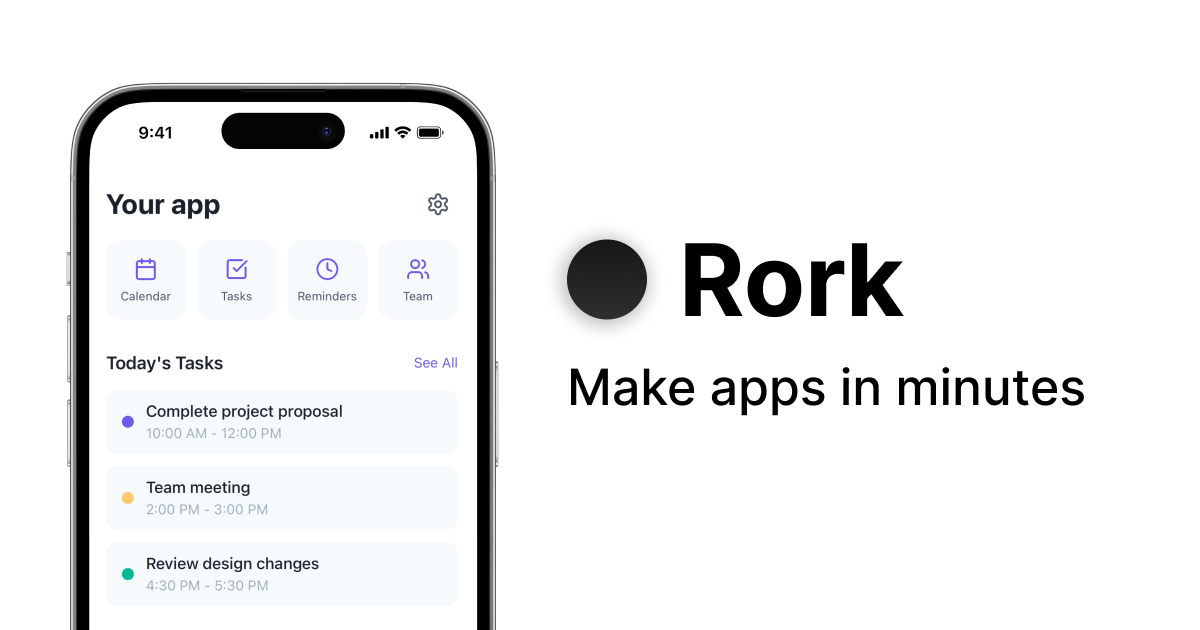
Popular Prototyping AI tools in Productivity include Lovable, Stitch, Rork, Teachable Machine, UX Pilot, Flux, lablab.ai, Uizard, Pixso, and Banani, helping you work more efficiently.
Freemium
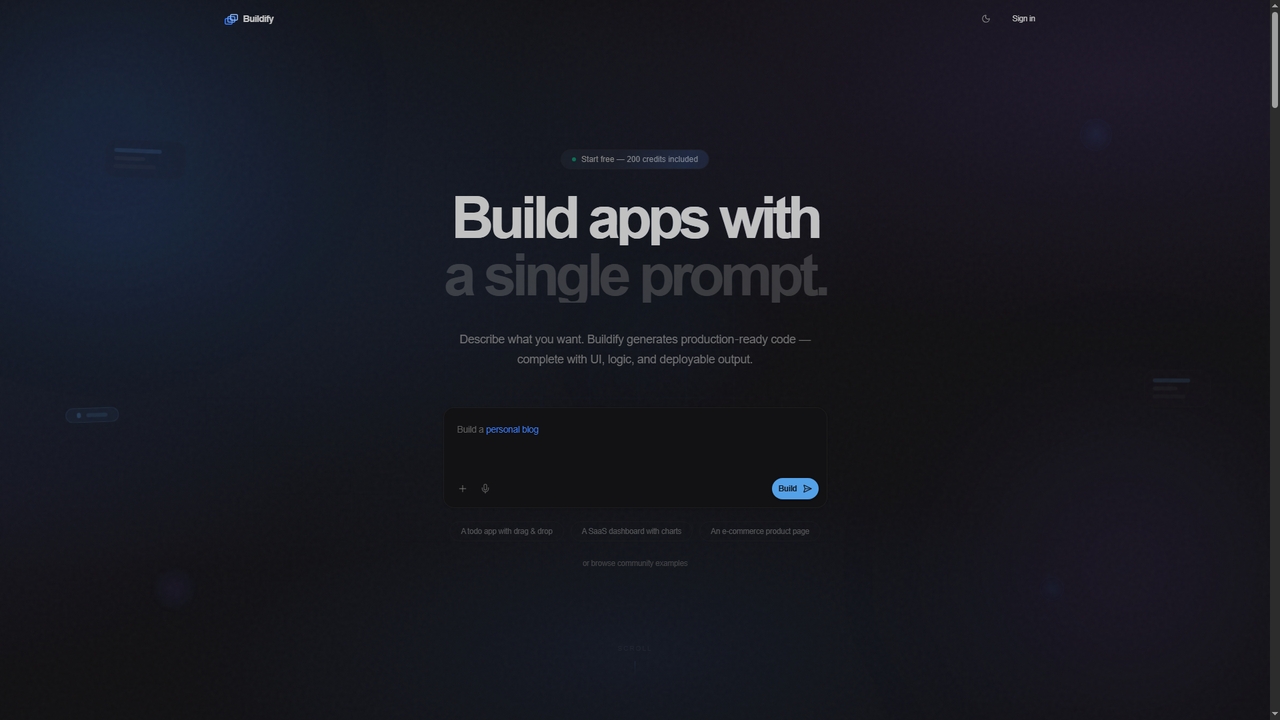
Buildify
Buildify is an AI-powered app builder that translates natural language prompts into production-ready, full-stack code. It enables developers and creators to quickly generate complete applications with UI, logic, and database components, then iterate through conversation.
Ui DesignVisits 8.9KFavorites 54Likes 42
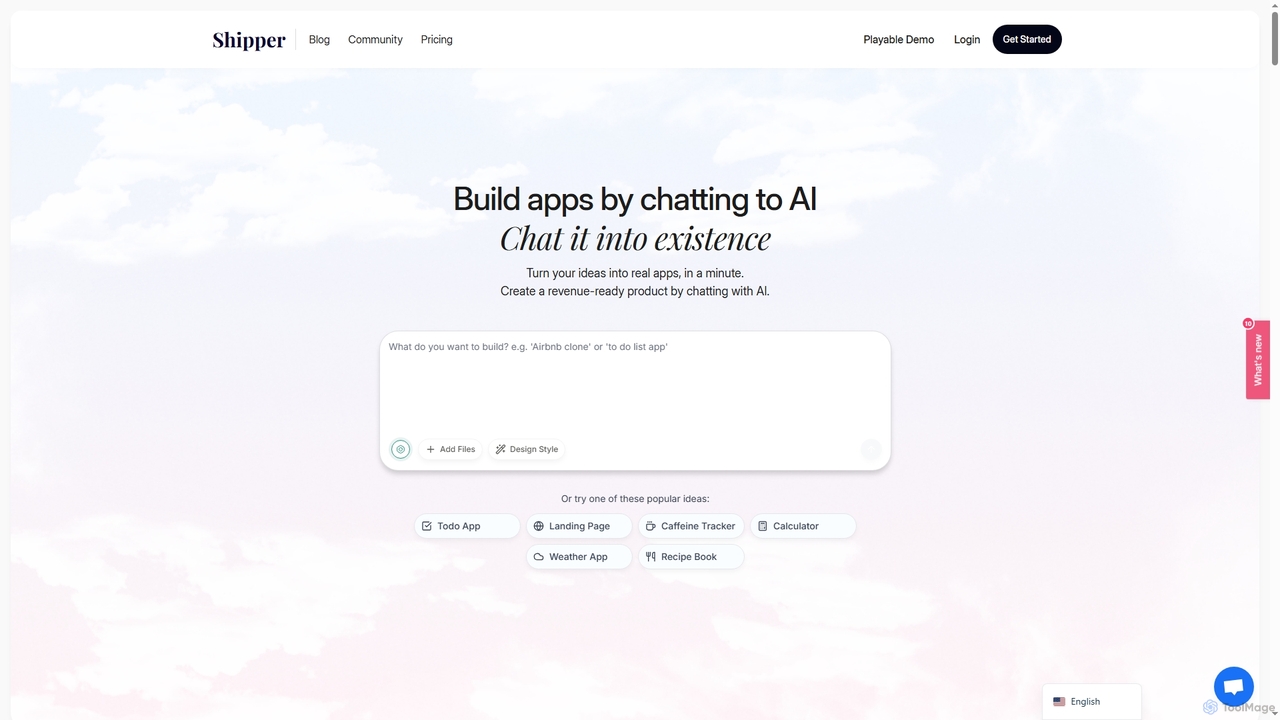
Shipper
Shipper is an AI-powered app builder that transforms your ideas into functional software through a simple chat interface. Designed for both non-technical creators and experienced developers, it allows you to build complete applications just by describing your concept in natural language.
No Code & Low CodeVisits 7.2KFavorites 134Likes 146
Paid
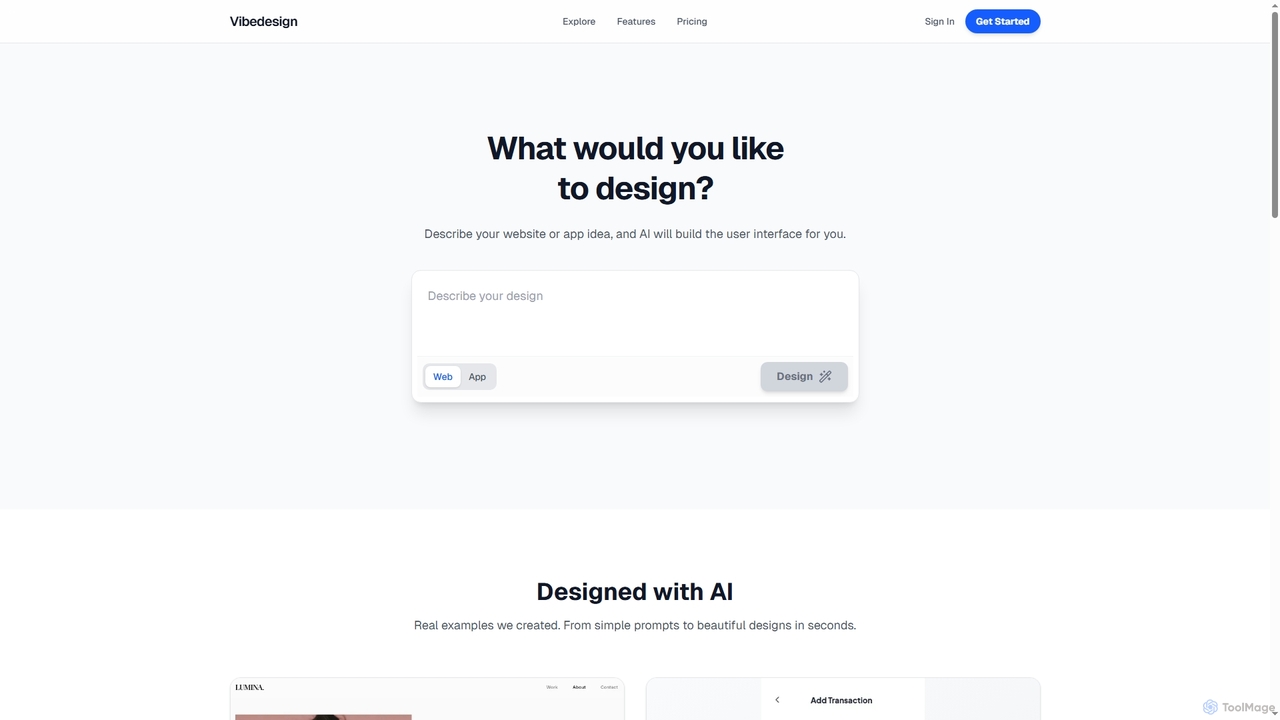
Vibedesign
Vibedesign is an AI-powered tool that generates user interfaces for websites and mobile apps from simple text descriptions. Users can instantly create, refine, and preview designs for different screen sizes, then export them to code with full ownership.
Ui DesignVisits 8.4KFavorites 122Likes 140
Freemium
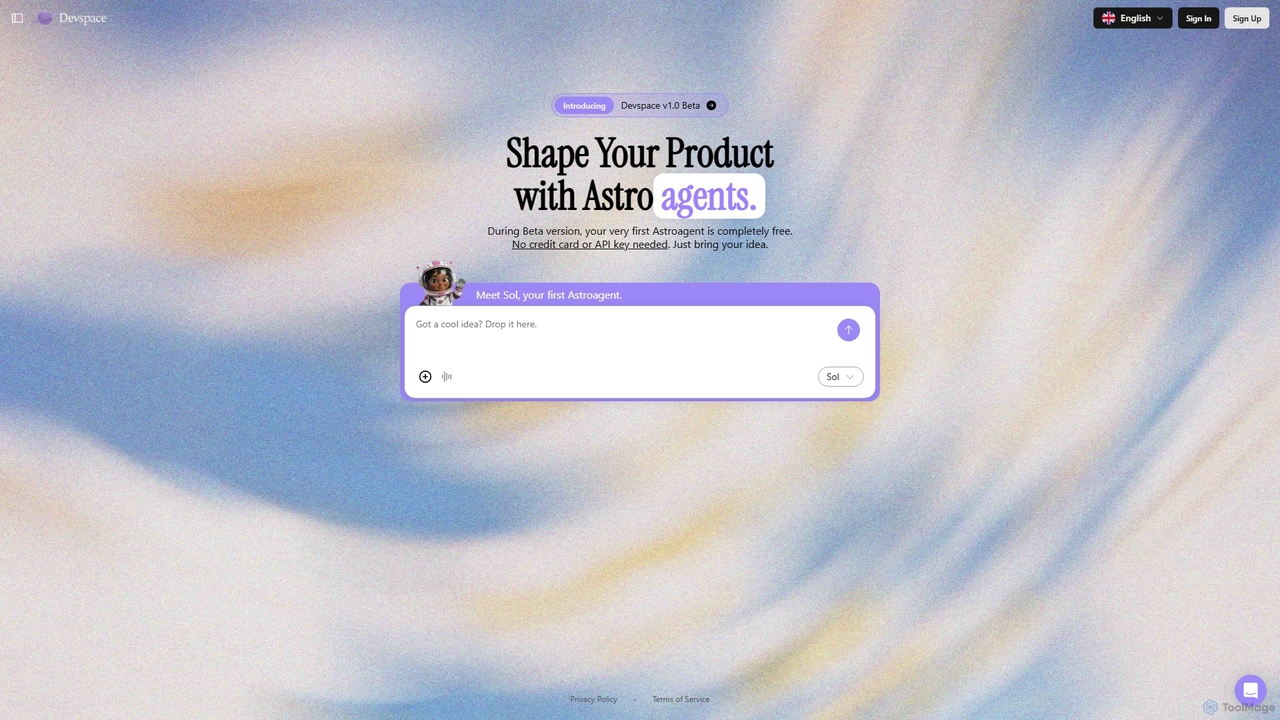
Devspace
Devspace is an AI-powered development platform that allows users to build and shape products using conversational agents called "Astroagents." Currently in its v1.0 Beta, it enables you to turn your ideas into reality simply by describing them. The first Astroagent is free, requiring no credit card or API key to get started.
Code GenerationVisits 7.3KFavorites 133Likes 147
Paid
Freemium
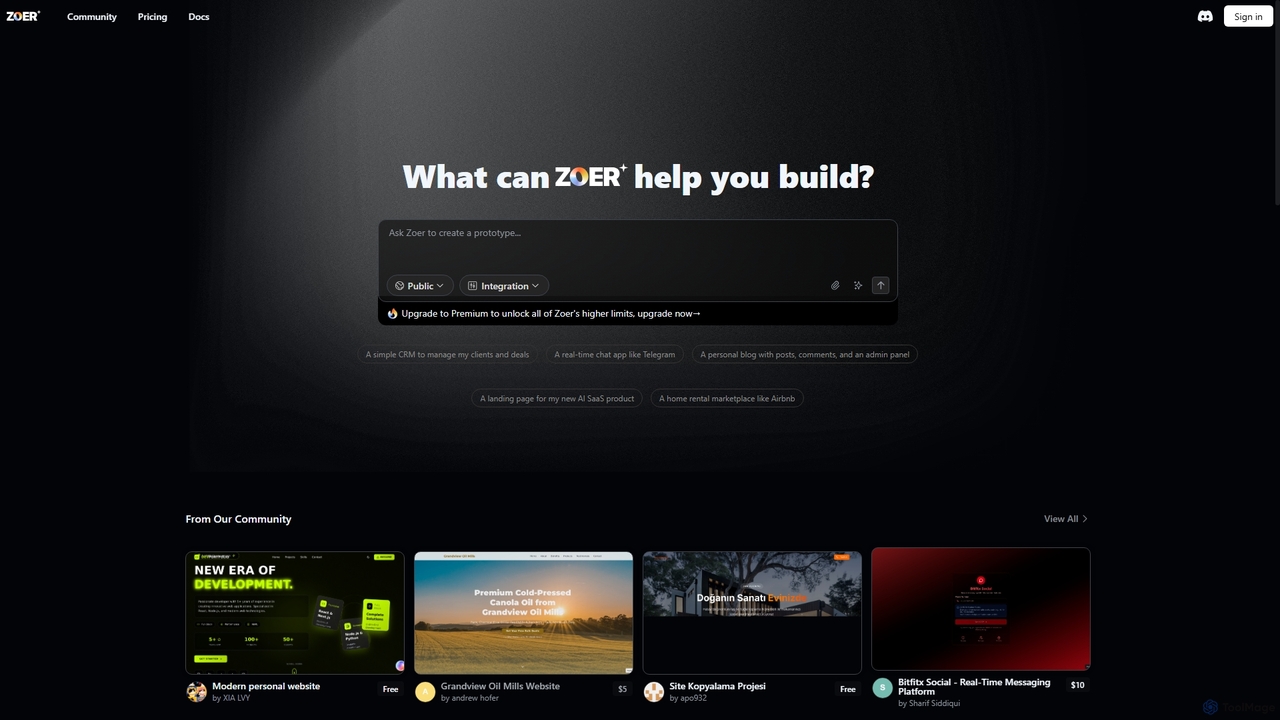
Zoer
Zoer is an innovative AI App Builder designed to transform your ideas into fully functional applications. It empowers users to quickly create prototypes and complete web applications, ranging from CRMs and chat apps to personal blogs and e-commerce platforms, all through an intuitive, AI-driven process.
Saas DevelopmentVisits 108KFavorites 172Likes 179

Paid
Jeweality
Jeweality is an AI-powered platform designed for the jewelry industry, enabling designers and manufacturers to transform ideas, sketches, and text into professional, high-quality jewelry designs and renders in minutes.
Image GeneratorVisits 7.1KFavorites 190Likes 190
Freemium
1ui
1ui is an AI-powered platform that generates pixel-perfect, production-ready UI designs from natural language prompts. It streamlines the design process by creating responsive layouts, contextual images, and clean HTML/CSS code in seconds. Features include a prompt enhancer, team collaboration, and direct export to Figma as editable layers.
Code GenerationVisits 7.7KFavorites 114Likes 119
Freemium
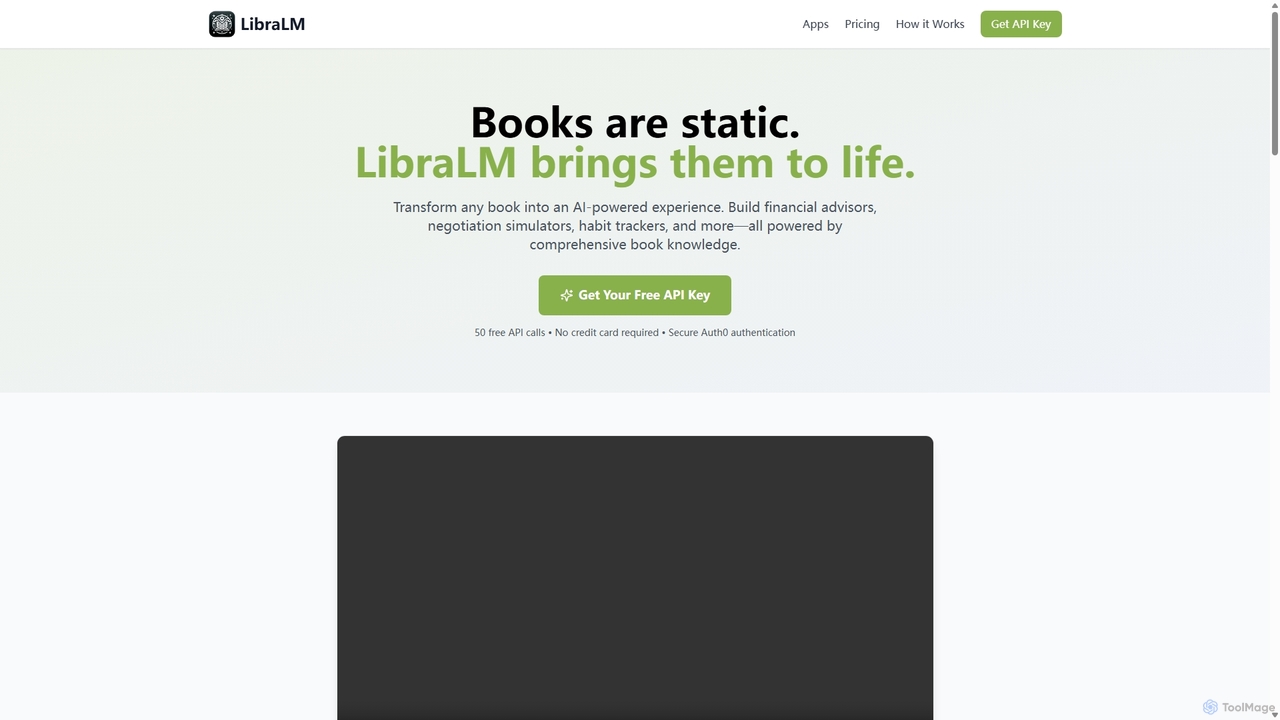
Libralm
Libralm is a no-code platform that transforms bestselling book summaries into interactive AI-powered applications. In minutes, users can create games, simulators, and advisors based on the core concepts of over 50 popular books, integrating directly with tools like Claude Desktop.
No Code PlatformVisits 7.9KFavorites 184Likes 190
Freemium
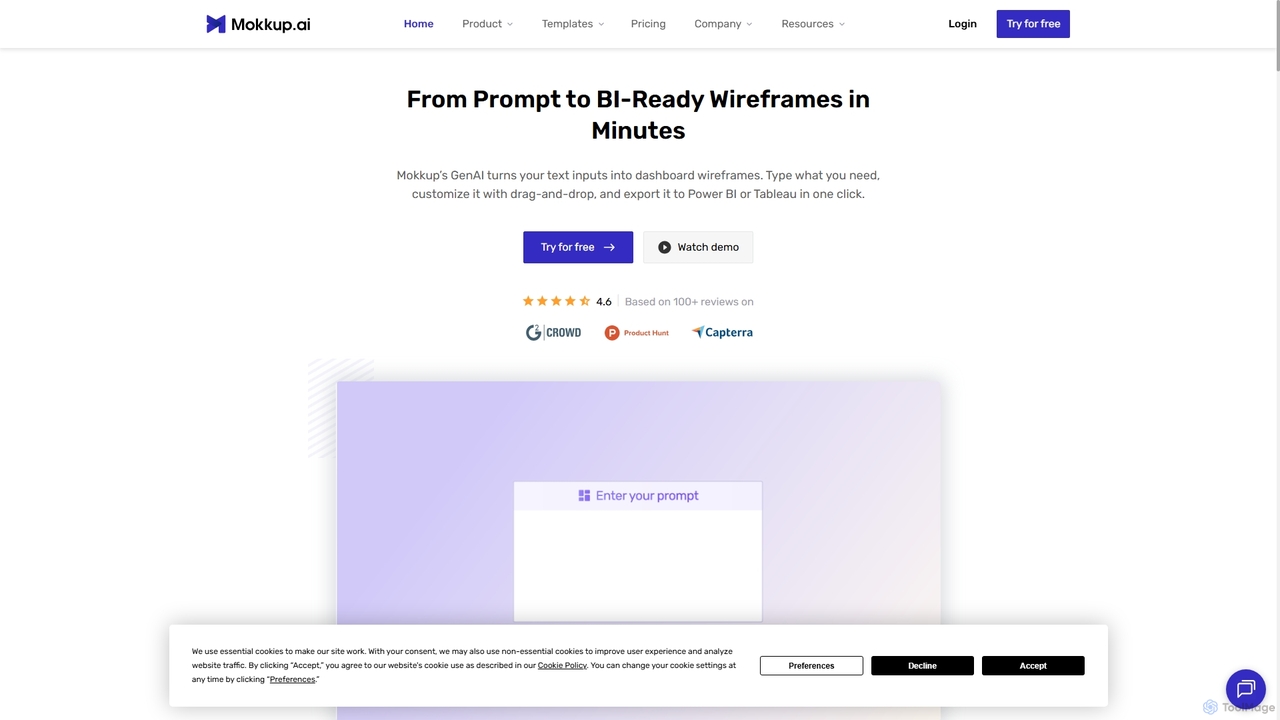
Mokkup
Mokkup is an AI-powered dashboard wireframing tool that transforms text prompts into high-fidelity, BI-ready mockups in minutes. Designed for data analysts and BI developers, it simplifies the design process with a drag-and-drop editor, real-time collaboration, and one-click export to Power BI and Tableau, accelerating the entire business intelligence workflow.
VisualizationVisits 95KFavorites 137Likes 123
Freemium
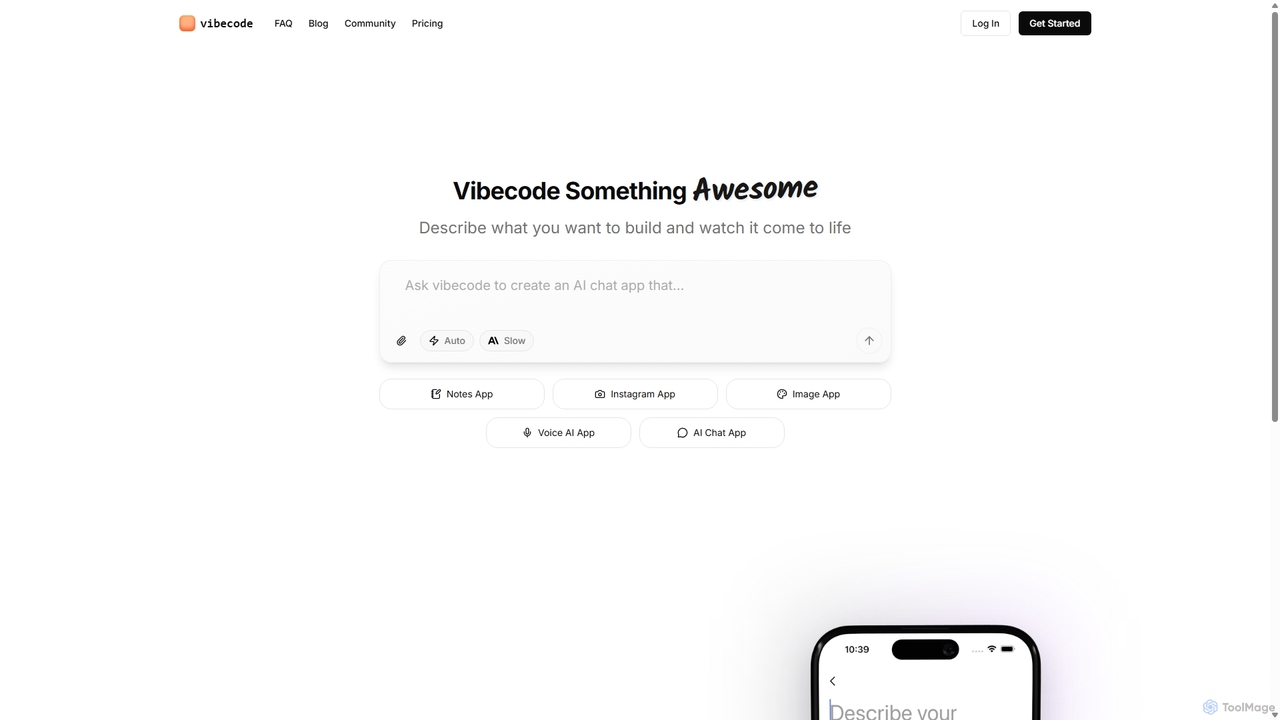
Vibecode
Vibecode is an AI-powered mobile app builder that transforms text descriptions into functional, native React Native applications. It enables users, from non-technical creators to professional developers, to rapidly prototype, test via App Clips, and deploy mobile apps without writing code from scratch.
Mobile App BuildingVisits 374.4KFavorites 143Likes 133
Freemium
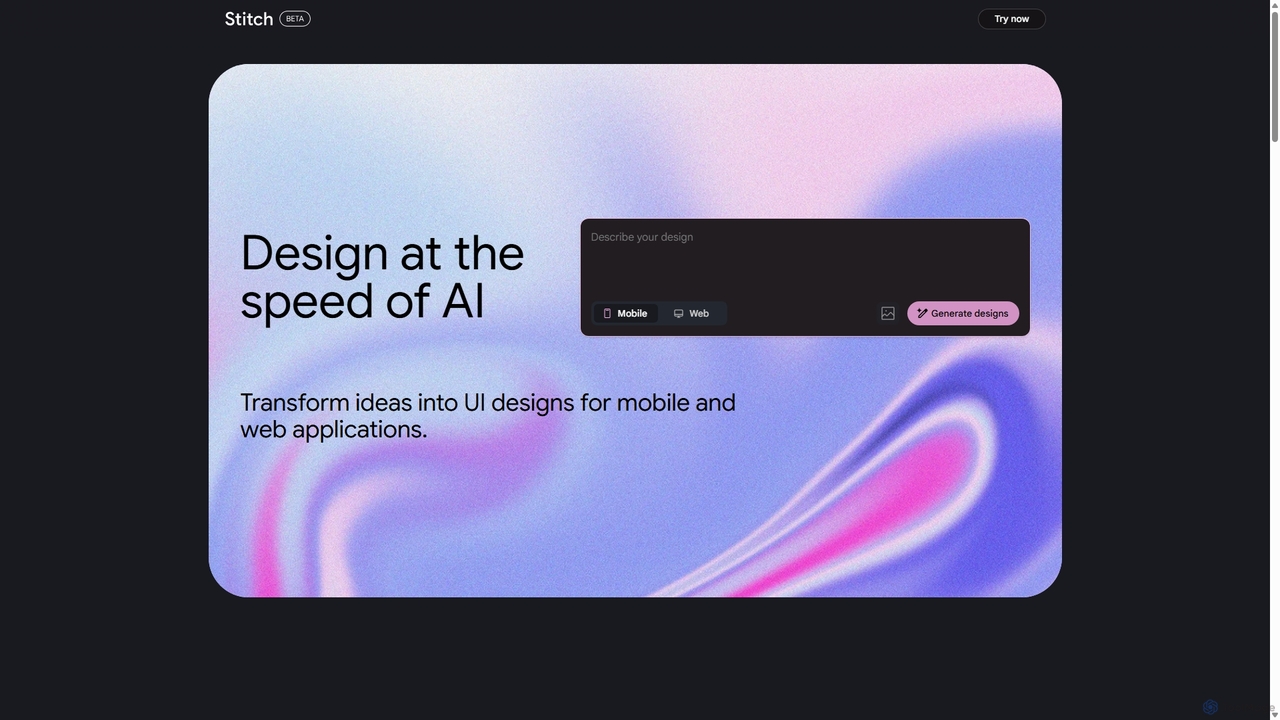
Stitch
Stitch is a revolutionary AI-powered design platform by Google that transforms text prompts and rough sketches into high-fidelity mockups and prototypes. It streamlines the design workflow, enabling creators to rapidly ideate, iterate, and generate stunning visuals, UI/UX designs, and complete design systems with unprecedented speed and efficiency.
Generative DesignVisits 9.3MFavorites 146Likes 153
Freemium
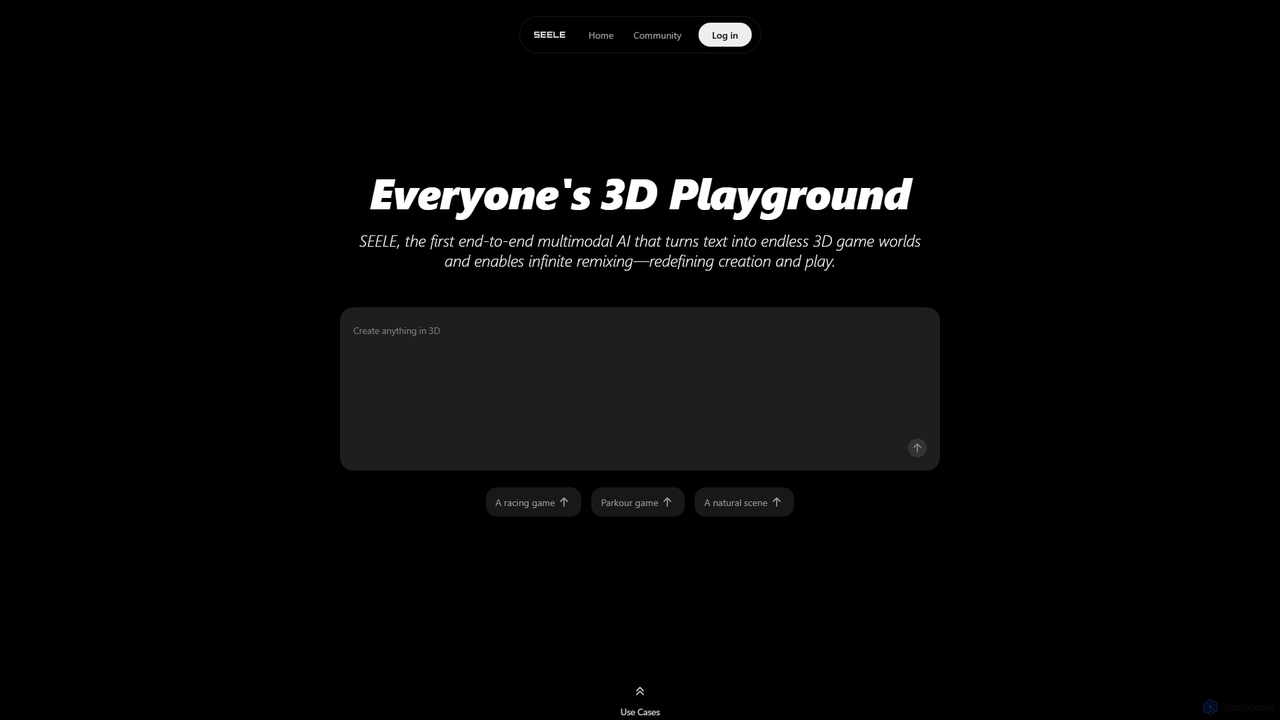
Seeles
Seeles is a pioneering end-to-end multimodal AI platform that transforms simple text prompts into fully playable 3D game worlds. It empowers creators of all levels to generate and infinitely remix interactive environments, characters, and game mechanics without coding. From racing games to mystery adventures, Seeles redefines creation and play by making game development accessible to everyone.
3D ModelingVisits 214.2KFavorites 155Likes 154
Freemium
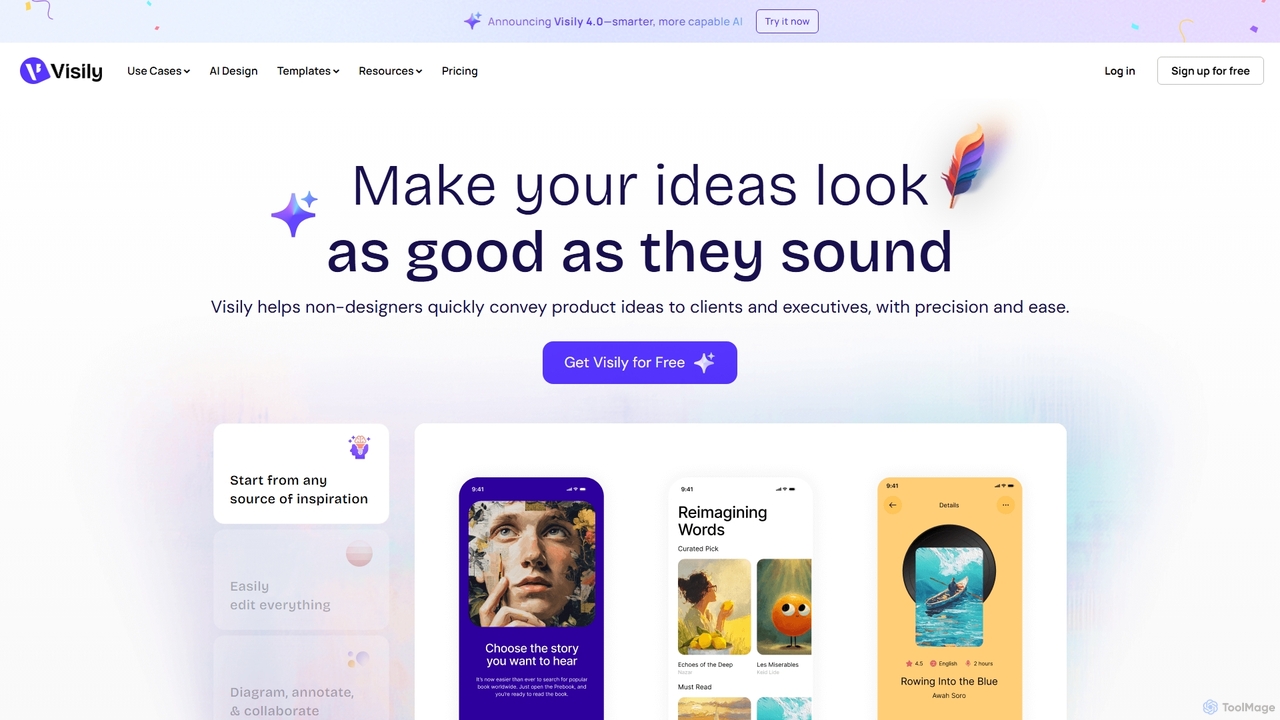
Visily
Visily is an AI-powered UI design and prototyping tool specifically created for non-designers. It enables teams to quickly transform ideas, screenshots, or text prompts into high-fidelity wireframes and mockups. With its intuitive interface and powerful collaboration features, Visily streamlines the process of visualizing product concepts and gathering feedback, bridging the gap between ideas and execution without a steep learning curve.
Ui UxVisits 333.2KFavorites 135Likes 142
Freemium
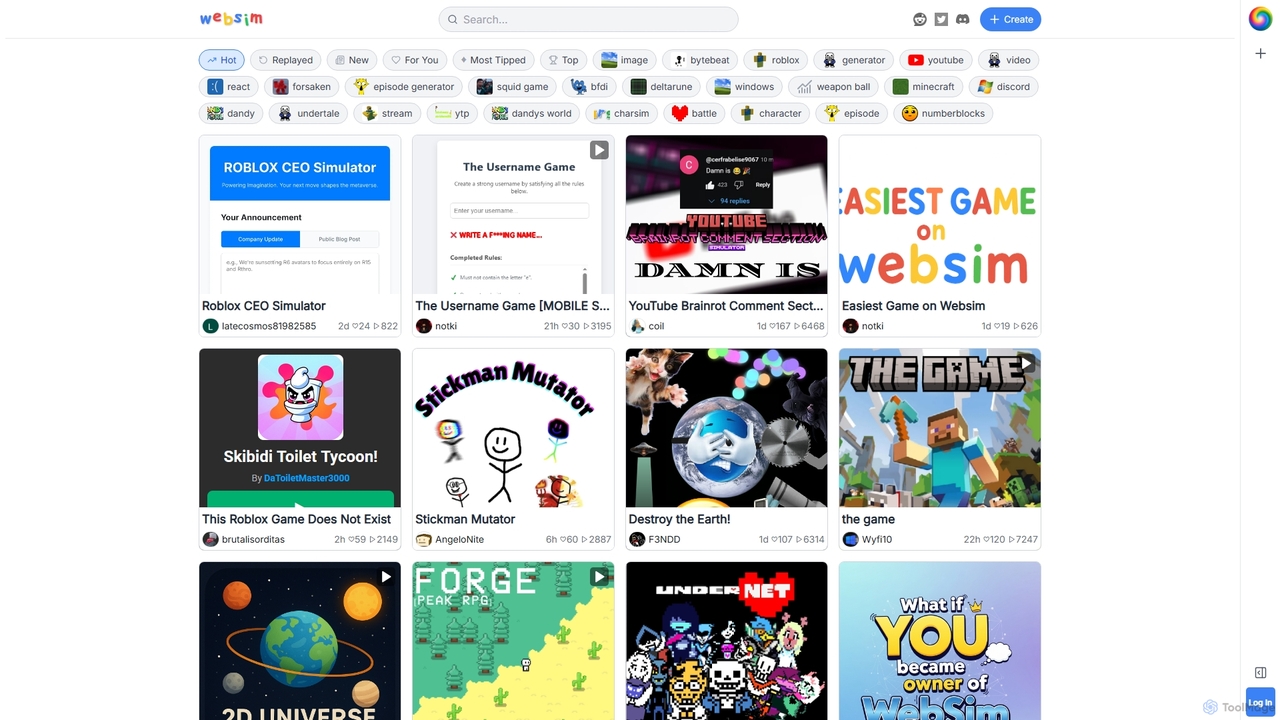
Websim
Websim is a creative online sandbox platform for building and playing interactive simulations and games. Users can create everything from simple text-based adventures to complex generative systems, share them with a vibrant community, and explore thousands of unique user-generated experiences.
LearningVisits 13.5KFavorites 128Likes 127
Paid
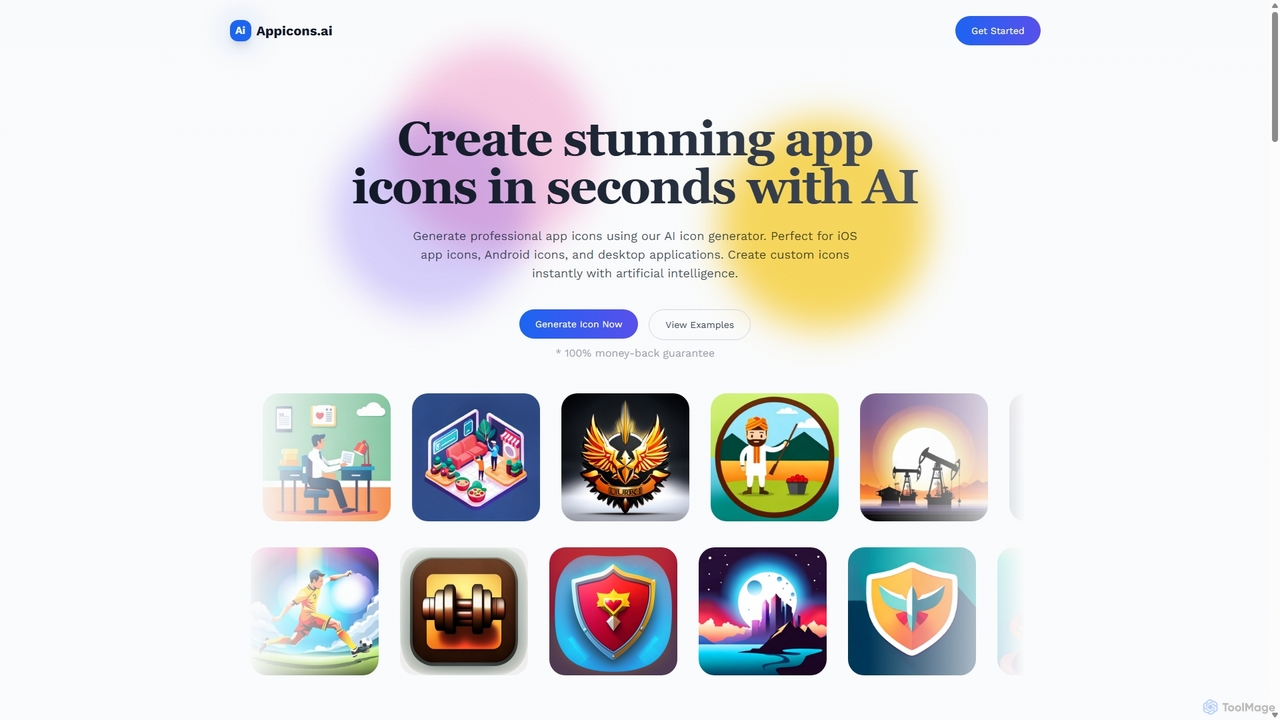
Appicons.ai
Appicons.ai is an AI-powered platform designed for developers and designers to instantly generate professional and unique app icons. It supports iOS, Android, and desktop applications, streamlining the design process from hours to seconds with features like GPT-enhanced prompts and integrated editing tools.
Icon GenerationVisits 54.8KFavorites 142Likes 133
Paid
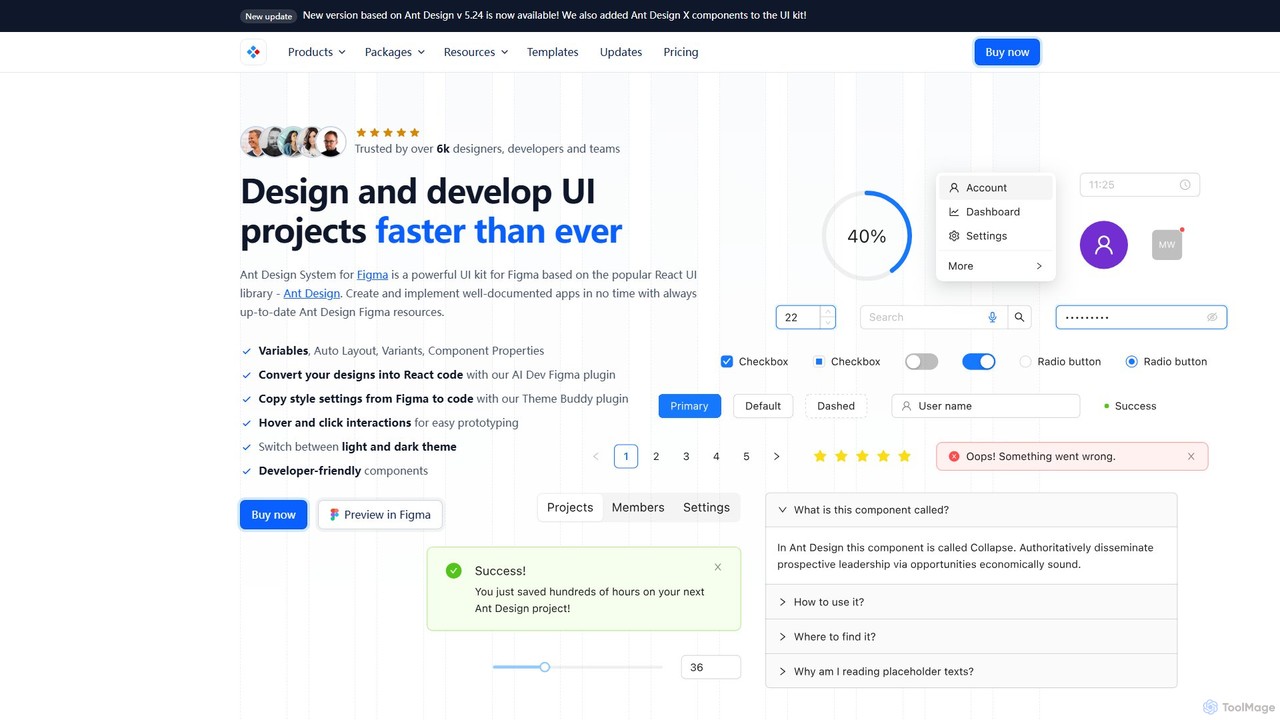
Ant for Figma
A comprehensive Ant Design system and UI kit for Figma, created to accelerate the design and development workflow. It provides a massive library of customizable components, templates, and plugins, ensuring perfect consistency between Figma designs and Ant Design React code.
Ui KitVisits 36.4KFavorites 134Likes 133
Free
Gradio
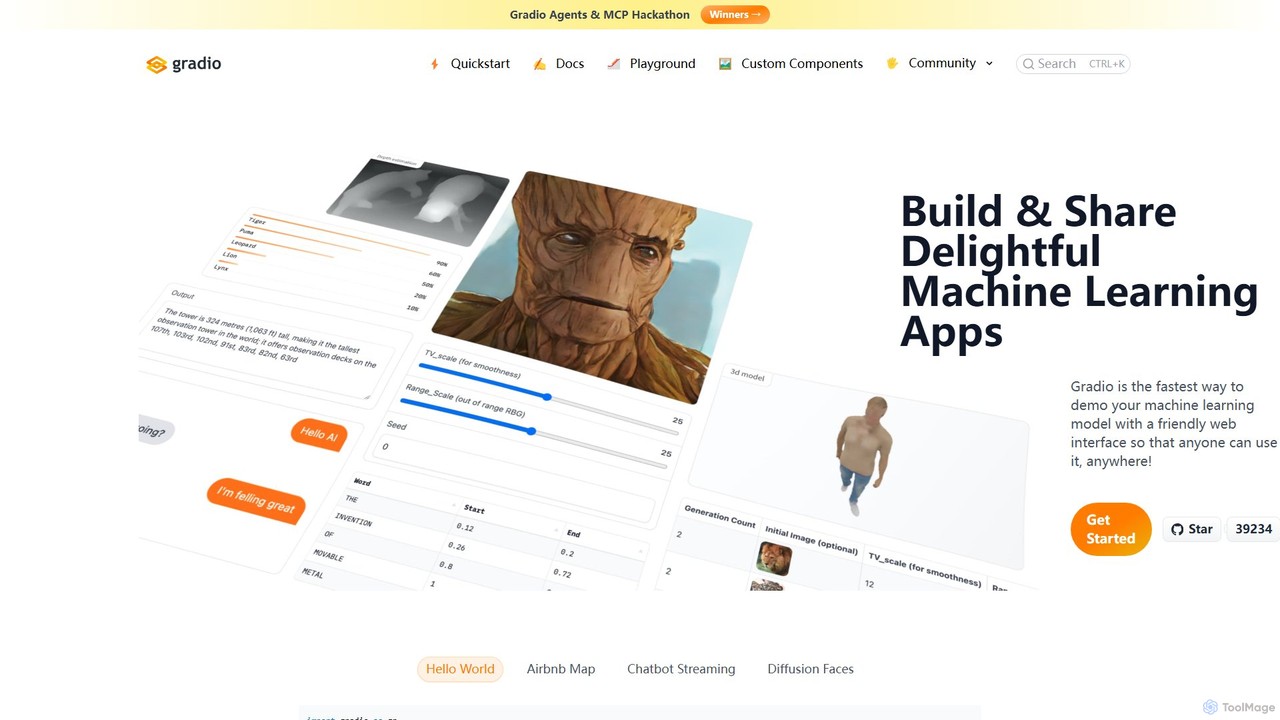
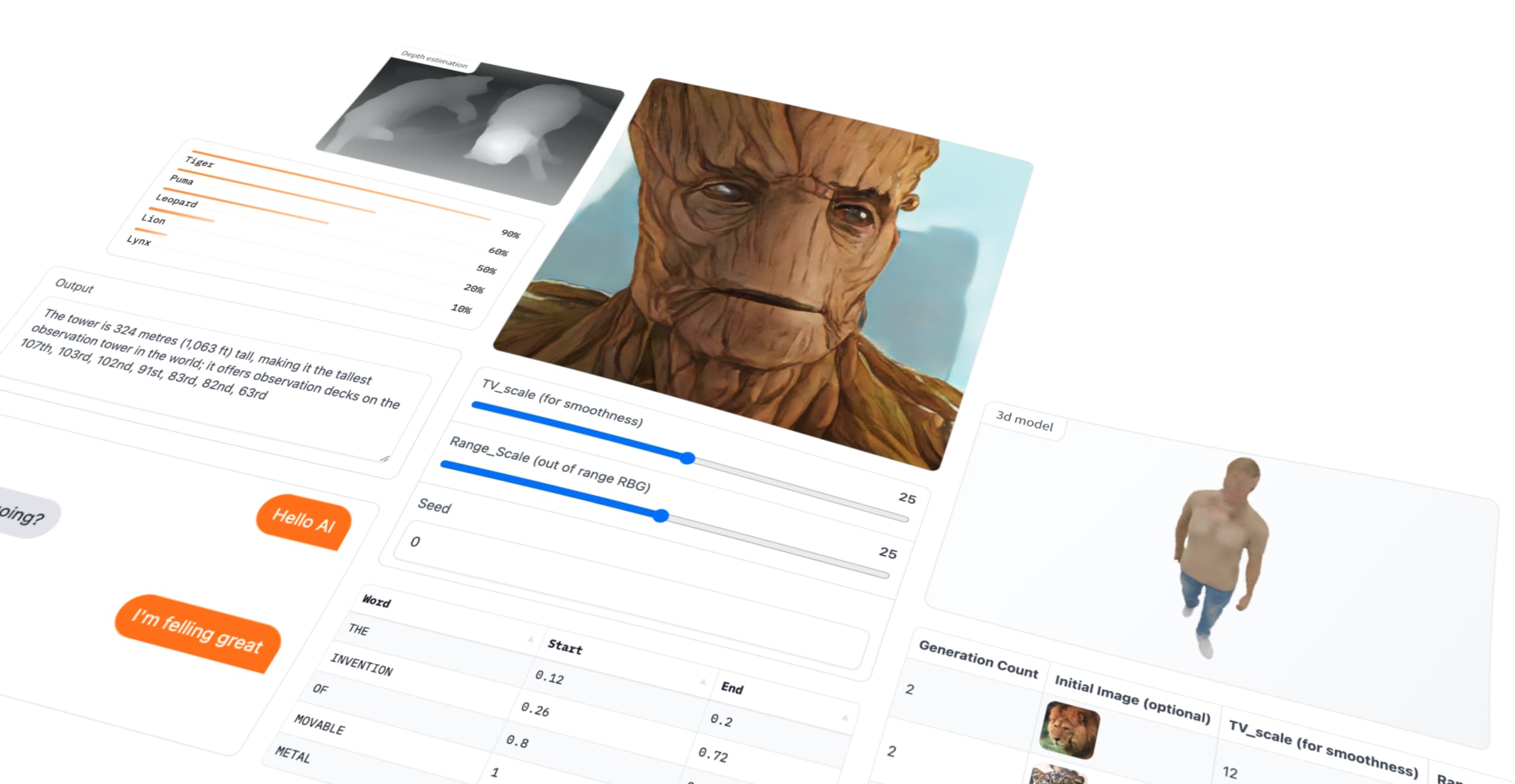
Gradio is an open-source Python library that allows you to quickly build and share user-friendly web interfaces for your machine learning models, APIs, or any Python function. No web development experience is required.
Data VisualizationVisits 226.7KFavorites 144Likes 152
Versy.ai
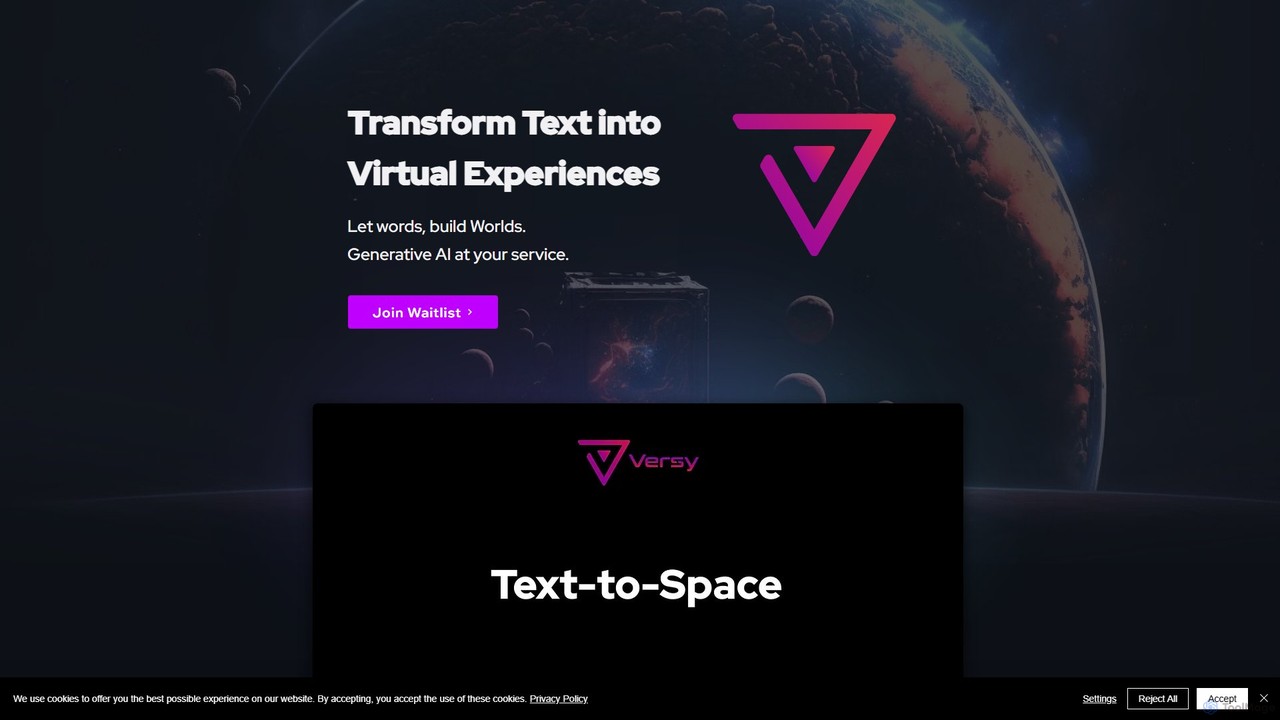
Versy.ai is a generative AI platform that transforms text prompts into immersive, interactive virtual experiences. It enables users to create, customize, and scale 3D worlds, product configurators, virtual events, and games without manual 3D modeling. By connecting to data sources like CRM and IoT, Versy.ai delivers personalized, dynamic, and branded virtual spaces cost-effectively.
World GenerationVisits 7.1KFavorites 133Likes 127
Freemium
Vizcom
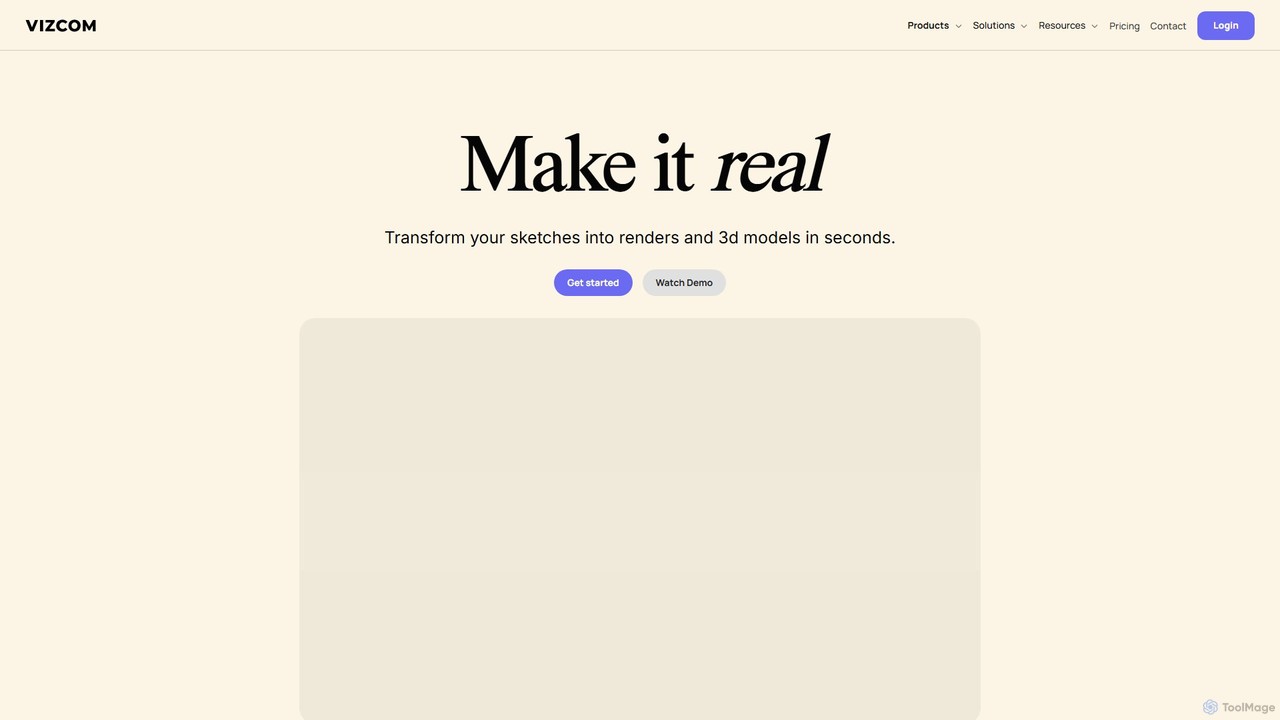
Vizcom is an AI-powered design platform that transforms your sketches into photorealistic renders and 3D models in seconds. It's built for designers, artists, and creative teams to accelerate the ideation and visualization process, enabling rapid exploration of countless design variations with intuitive tools and collaborative features.
Concept ArtVisits 22.5KFavorites 171Likes 153
Freemium
AI-Sora.online
AI-Sora.online is a pioneering text-to-video generation platform that transforms your written descriptions into high-fidelity, cinematic videos. Leveraging state-of-the-art AI, it enables creators, marketers, and filmmakers to produce complex scenes with multiple characters, specific motions, and consistent visual styles, all from a simple text prompt. It makes professional-grade video production accessible and instantaneous.
Generative ArtVisits 7.1KFavorites 158Likes 148
Free
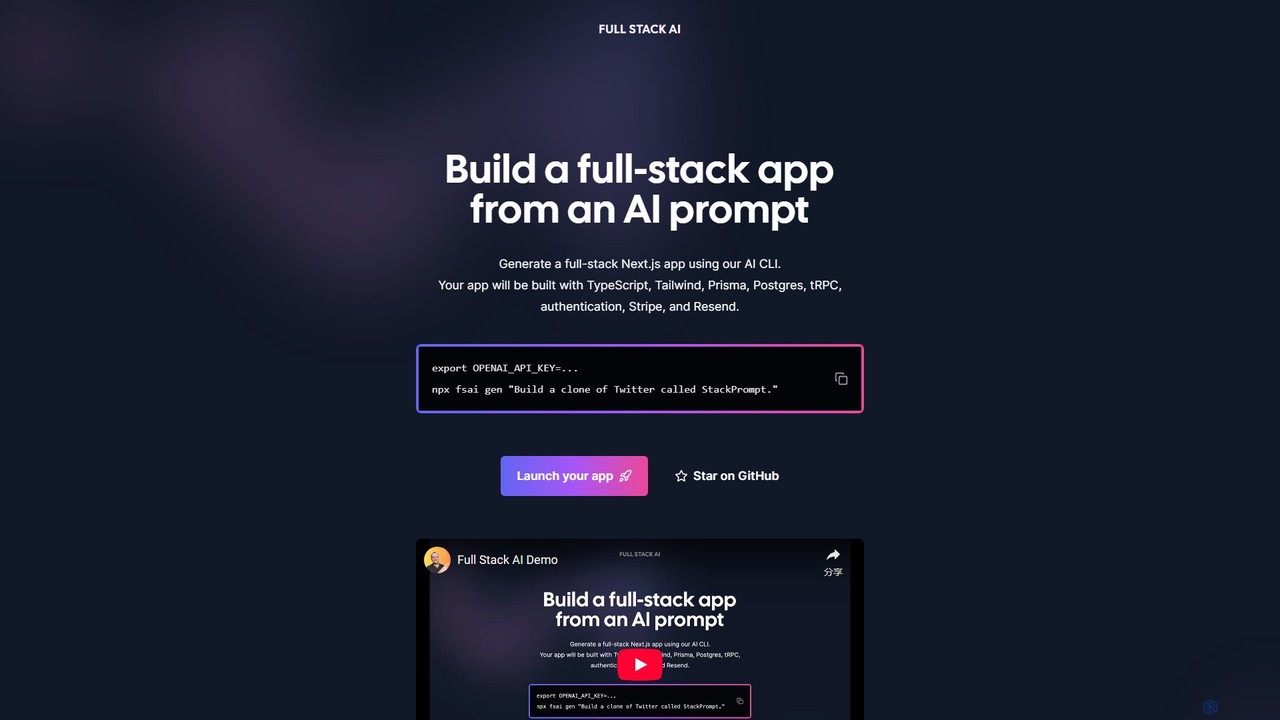
Full Stack AI
Full Stack AI is a powerful CLI tool that generates complete, production-ready Next.js applications from a single text prompt. It leverages AI to build a full-stack app with TypeScript, Tailwind, Prisma, Postgres, tRPC, authentication, Stripe, and Resend, dramatically accelerating the development process.
Code GenerationVisits 7.1KFavorites 130Likes 136
Paid
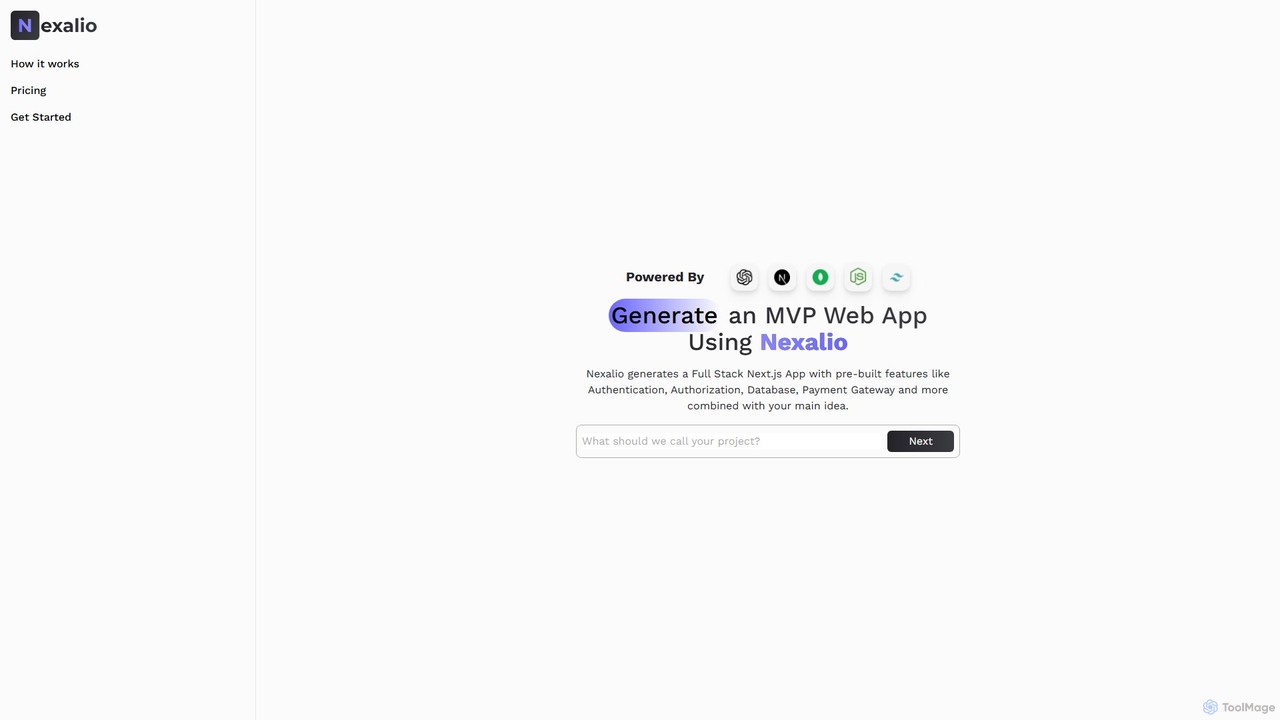
Nexalio
Nexalio is an AI-powered platform that accelerates web development by generating full-stack Next.js applications. Simply describe your project, and Nexalio delivers a complete MVP with pre-built features like authentication, database integration, payment gateways, and more, saving you weeks of development time.
Code GenerationVisits 7.2KFavorites 145Likes 123
About Prototyping
AI Prototyping tools are applications that use artificial intelligence to rapidly generate interactive mockups, wireframes, and user interfaces for websites and applications. They leverage generative models to transform text prompts, sketches, or data into visual designs and functional user flows. This allows designers, developers, and product managers to visualize, test, and iterate on ideas at a fraction of the time required by traditional methods. By automating repetitive design tasks, these tools significantly accelerate the product development lifecycle, bridging the gap between concept and a tangible prototype.
Core Features
- Text-to-UI Generation: Converts natural language descriptions or requirements directly into interactive interface layouts and components.
- Automated User Flow Creation: Generates logical screen sequences and navigation paths based on specified user goals or scenarios.
- AI-Powered Design Systems: Intelligently suggests components, maintains visual consistency, and applies design rules automatically across the prototype.
- Generative Content Population: Fills designs with realistic placeholder text, images, and data, making prototypes feel more authentic for testing.
- Code Export: Translates visual designs into foundational front-end code (e.g., HTML/CSS, React, Swift) to streamline the developer handoff process.
Use Cases
These tools are primarily used by UI/UX designers, product managers, and startup founders in the tech and software industries. They are invaluable for rapid concept validation, creating multiple design variations for A/B testing, and presenting interactive demos to stakeholders or investors. Developers also use them to quickly scaffold the front-end of a new feature based on a design concept.
How to Choose
When selecting an AI Prototyping tool, consider the input methods it supports (text, sketch, data). Evaluate the quality and customizability of the generated UI and the accuracy of its code export. Also, assess its integration capabilities with other design tools like Figma or Sketch, and its collaboration features for team-based projects. Finally, consider the learning curve and whether its feature set aligns with your specific workflow needs.
Featured tool rankings
Most popular



Most favorited


Most liked

Popular free tools
Prototyping use cases
1
Rapid App Concept Validation for Startups
A startup founder has a new app idea but lacks design resources. They use an AI prototyping tool by inputting a simple text prompt like, 'Create a mobile app for tracking personal reading habits with a library, progress tracker, and social sharing feature.' The AI generates a multi-screen interactive prototype in minutes. The founder can then immediately use this functional mockup to pitch to investors, gather early user feedback, and validate the core concept without writing a single line of code or hiring a designer, saving weeks of time and significant capital.
2
Accelerating UI/UX Design Iterations
A UX designer is tasked with redesigning a complex dashboard. Instead of manually creating multiple layout variations in a traditional tool, they use an AI prototyper. They provide the core data components and ask the AI to 'generate three different dashboard layouts focusing on data visualization.' The tool produces distinct options: one with a sidebar, one with top-level tabs, and another using a card-based system. This allows the designer to quickly compare high-fidelity approaches and present them to the team for feedback, compressing a process that could take days into a single afternoon.
3
Streamlining Developer Handoff with Code Export
A design team finalizes an interactive prototype for a new user onboarding flow. Using the AI tool's code export feature, they generate foundational code for React components. This exported code includes the structure, styling (CSS), and basic component states. While not production-ready, it provides the development team with a solid, functional starting point. Developers can directly use this boilerplate, saving significant time on translating static design files into code and ensuring a higher degree of accuracy between the intended design and the final implementation.
4
Generating Realistic Prototypes for User Testing
A product manager needs to conduct usability testing on a new e-commerce feature before launch. They use an AI prototyping tool with generative content filling. The tool automatically populates the product pages with realistic product names, descriptions, prices, and high-quality images relevant to their store's category. This creates a high-fidelity, life-like prototype that provides a much more authentic testing experience for users compared to mockups with 'Lorem Ipsum' text and generic grey boxes for images, leading to more reliable and actionable feedback.
5
Converting Hand-Drawn Wireframes into Digital Prototypes
During a brainstorming session, a design team sketches several user flow ideas on a whiteboard. Instead of manually recreating these in a digital tool, a designer takes a photo of the whiteboard. They upload this image to an AI prototyping tool that specializes in sketch-to-UI conversion. The AI recognizes the hand-drawn elements—boxes, text, arrows—and transforms them into a clean, interactive digital wireframe. This instantly digitizes the team's collaborative work, allowing them to immediately start refining the interactions and sharing the prototype digitally.
6
Automating User Flow Generation for Complex Processes
A business analyst is mapping out a new, multi-step insurance claim process. They use an AI prototyping tool and provide a high-level description: 'A user submits a claim, uploads documents, an admin reviews it, and the user is notified of the decision.' The AI automatically generates a complete user flow diagram with all the necessary screens: login, claim form, file upload, submission confirmation, admin review dashboard, and notification screens. This saves the analyst hours of manually creating and linking individual screens, ensuring a logical and complete flow from the start.
Related categories
Prototyping FAQ
What are AI Prototyping tools?
AI Prototyping tools are advanced software applications that use artificial intelligence to automate and accelerate the creation of user interfaces (UI) and user experiences (UX). Unlike traditional tools, they can interpret inputs like text descriptions, hand-drawn sketches, or data to generate interactive wireframes, mockups, and even basic code. Their primary purpose is to drastically reduce the time and effort required to turn an idea into a testable, visual prototype, enabling faster iteration and validation in the product development process.
How do AI Prototyping tools differ from traditional tools like Figma or Sketch?
Traditional tools like Figma and Sketch are powerful digital canvases that require designers to manually create every element, component, and connection. They provide precision and control. AI Prototyping tools act as an accelerator on top of this process. Their key differences are:
- Generation vs. Creation: AI tools generate designs from prompts, whereas traditional tools require manual creation.
- Automation: AI tools automate repetitive tasks like creating user flows, populating content, or building component variations.
- Speed for Early Stages: AI tools are exceptionally fast for initial ideation and creating low-to-mid fidelity concepts, while traditional tools excel at high-fidelity refinement and detailed design system management.
Many modern workflows involve using an AI tool to generate initial ideas quickly, then importing them into a tool like Figma for detailed polishing and collaboration.
How should I choose the right AI Prototyping tool?
Choosing the right tool depends on your specific needs. Consider these factors:
- Input Method: Do you prefer generating designs from text prompts, converting hand-drawn sketches, or using existing data? Choose a tool that matches your creative process.
- Output Fidelity: Do you need quick, low-fidelity wireframes for brainstorming, or high-fidelity, interactive mockups for user testing and presentations?
- Code Export Quality: If developer handoff is a priority, examine the quality and usability of the exported code (e.g., HTML/CSS, React, Swift).
- Integrations: Check if the tool integrates with your existing design stack, such as Figma, Sketch, or Adobe XD, for a seamless workflow.
- Collaboration Features: If you work in a team, look for features like real-time editing, commenting, and version control.
Who can benefit from using AI Prototyping tools?
A wide range of professionals can benefit from these tools. Key users include:
- UI/UX Designers: To rapidly explore multiple design directions and automate the creation of wireframes and user flows.
- Product Managers: To quickly visualize new features, create interactive demos for stakeholders, and facilitate communication between design and development.
- Startup Founders & Entrepreneurs: To create compelling, functional prototypes for investor pitches and market validation without needing a large design team.
- Developers: To get a head start on front-end development with AI-generated boilerplate code and to quickly build interfaces for internal tools.
- Marketers: To create mockups for landing pages and ad campaigns for A/B testing and concept approval.
Can AI Prototyping tools generate production-ready code?
Generally, the code generated by AI Prototyping tools is not considered production-ready. It serves as an excellent starting point or a 'scaffold' for developers. The exported code typically handles the visual structure and styling (HTML/CSS) well, but it often lacks the complex logic, state management, accessibility standards, and performance optimizations required for a production application. Developers will need to take this generated code, integrate it into their existing codebase, refactor it for best practices, and add the necessary business logic and functionality.