
Gradio Overview
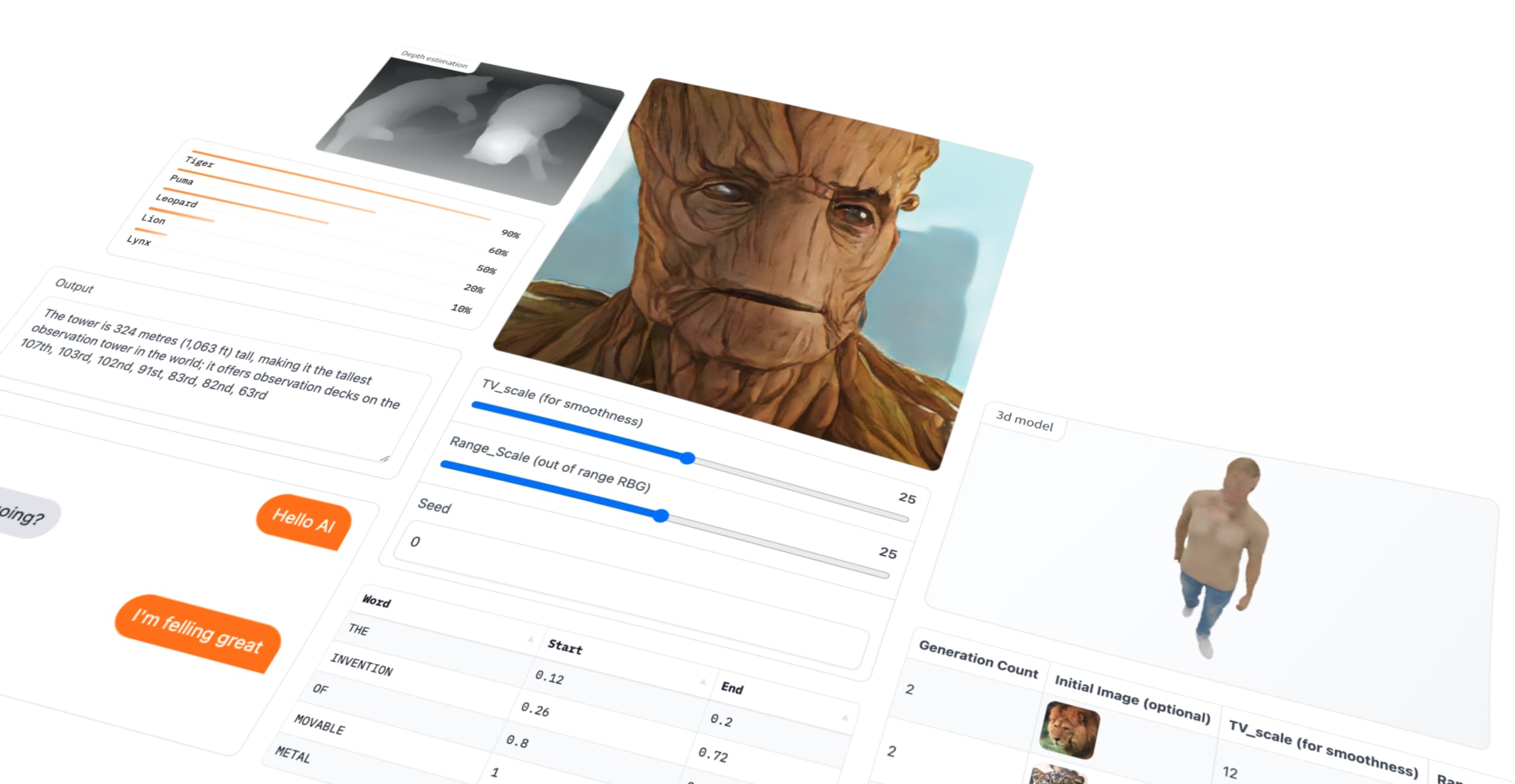
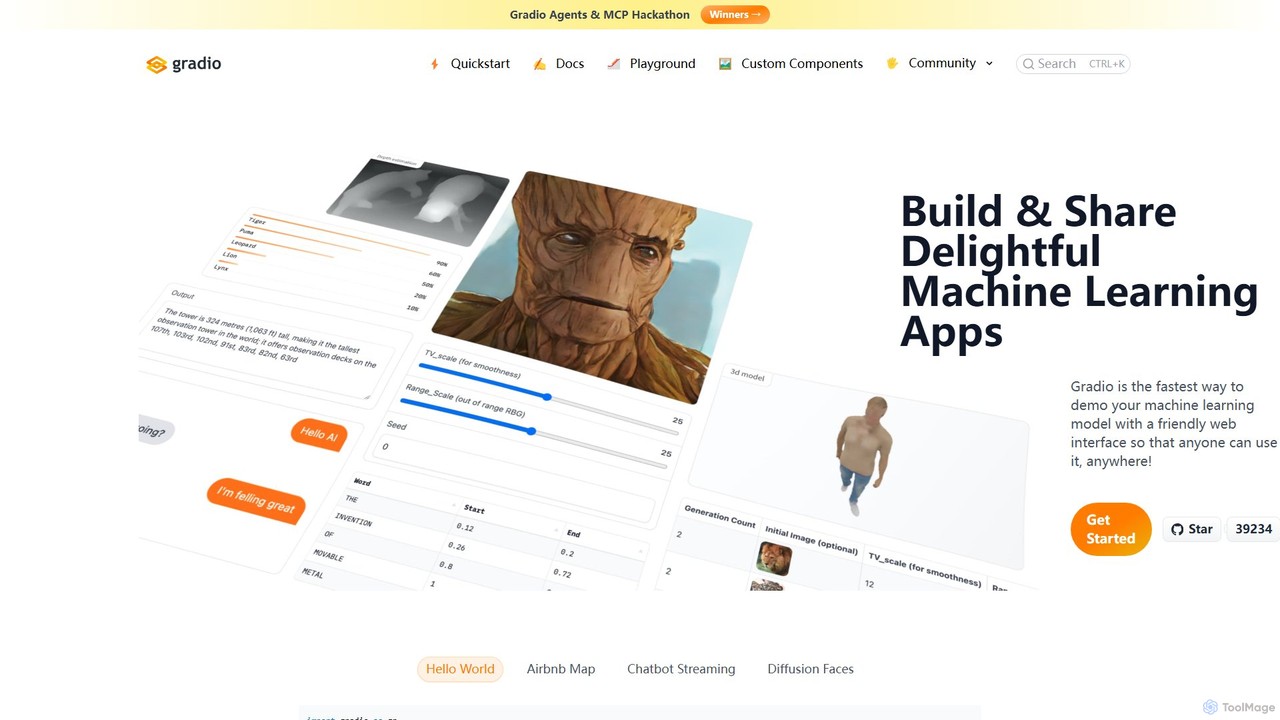
Gradio is a powerful, open-source Python framework designed to bridge the gap between machine learning models and interactive web applications. It provides the fastest way for developers, researchers, and data scientists to create and share intuitive demos for their work. With just a few lines of Python code, you can generate a user-friendly web interface that allows anyone to interact with your model, API, or arbitrary function from anywhere, without needing any knowledge of JavaScript, CSS, or web hosting.
The core philosophy of Gradio is simplicity and speed. It abstracts away the complexities of web development, allowing you to focus on your Python code. Whether you're building a complex deep learning model, a data analysis dashboard, or a simple utility function, Gradio can wrap it in a clean, interactive UI. The library is widely adopted in the machine learning community and is heavily integrated with platforms like Hugging Face Spaces, which offers free hosting for Gradio applications.
How to use Gradio
Getting started with Gradio is incredibly straightforward. The process typically involves three simple steps:
- Installation: First, install the Gradio package using pip. It's recommended to do this within a Python virtual environment (version 3.10 or higher is required).
pip install --upgrade gradio - Code Implementation: Import the library (commonly as `gr`) and define the Python function you want to create an interface for. This function can be anything from a simple text manipulation function to a complex model's prediction method. Then, instantiate one of Gradio's main classes, such as `gr.Interface`, `gr.Blocks`, or `gr.ChatInterface`, passing your function and defining the input and output components.
- Launch the App: Call the `launch()` method on your instance. This will start a local web server and open the UI in your browser. To share your application with others, simply set `share=True` in the `launch()` method. This will generate a temporary public URL that you can send to colleagues or collaborators, allowing them to use your app running on your local machine. For permanent deployment, you can easily host your app on Hugging Face Spaces for free.
Core Features of Gradio
- Rapid UI Development: Go from a Python script to an interactive web app in minutes with minimal code.
- Rich Component Library: Offers over 30 pre-built input/output components, including textboxes, sliders, image uploaders, video players, audio recorders, dataframes, and plots.
- Customizable Layouts with Blocks: The `gr.Blocks` class provides a low-level API for creating complex, multi-step applications with custom layouts and event-driven logic.
- Dedicated Chatbot Interface: The `gr.ChatInterface` class is specifically designed to create sophisticated chatbot UIs with features like streaming responses and retry/undo buttons.
- Effortless Sharing and Hosting: Generate public share links with a single parameter (`share=True`) and deploy permanently on Hugging Face Spaces for free.
- Streaming Capabilities: Supports real-time input and output streaming, essential for applications like live speech recognition, video processing, and generative AI audio.
- Extensive Ecosystem: Includes Python (`gradio_client`) and JavaScript (`@gradio/client`) clients for programmatic interaction, and `Gradio-Lite` for running apps entirely in the browser using WebAssembly.
- Seamless Integrations: Works well with the entire Python data science and ML ecosystem, including PyTorch, TensorFlow, Scikit-learn, Hugging Face Transformers, ONNX, and experiment tracking tools like W&B and Comet.
- Internationalization (i18n): Built-in support for creating multilingual applications.
Use Cases for Gradio
Gradio's versatility makes it suitable for a wide range of applications:
- ML Model Demos: The primary use case is creating interactive demos for models in computer vision (image classification, object detection), NLP (text generation, translation, NER), and audio (speech-to-text, music generation).
- Data Science Dashboards: Build interactive dashboards to visualize and filter data from sources like BigQuery, Supabase, or even Google Sheets.
- Rapid Prototyping: Quickly test ideas and iterate on ML models by creating a simple UI to experiment with different inputs.
- AI-Powered Chatbots and Agents: Develop and deploy conversational AI, customer support bots, and complex multi-agent systems.
- Internal Tools: Create internal applications for tasks like data annotation, model evaluation, and A/B testing.
- Educational Content: Build interactive tutorials that help explain complex machine learning concepts.
Advantages of Gradio
The main advantage of Gradio is its unparalleled simplicity and speed, which significantly accelerates the development cycle from model to demo. It democratizes the creation of AI applications by removing the barrier of web development. Its open-source nature fosters a vibrant community that contributes to a rich ecosystem of extensions and integrations. Furthermore, its ability to generate shareable links and integrate with free hosting platforms like Hugging Face Spaces makes it incredibly easy to showcase work and collaborate with others globally.
Pricing and Plans
Gradio is a completely free and open-source library, distributed under the Apache 2.0 license. You can use it for any personal, academic, or commercial project without any cost. Additionally, hosting public Gradio applications on Hugging Face Spaces is also offered for free, making it a highly accessible solution for the entire community.
Traffic
Latest traffic
Status
Monthly traffic trend
- 2025-9: 292.9K
- 2026-1: 283.3K
- 2026-2: 245.2K
- 2026-3: 250.4K
- 2026-4: 236.6K
- 2026-5: 219.5K
Geography
Top 5 countries / regions
- 🇺🇸United States36.9%
- 🇨🇳China29.4%
- 🇮🇳India12.7%
- 🇪🇸Spain10.7%
- 🇻🇳Vietnam10.3%
Traffic sources
| Source type | Percentage |
|---|---|
Direct | 76.8% |
Referral | 22.1% |
Email | 1.1% |
Top keywords
| Keyword | Cost per click |
|---|---|
| gradio | $2.23 |
| gradio python | $0.64 |
| gradio status | $0.00 |
| gradio themes | $0.00 |
| gradio ui | $0.00 |
Gradio Videos on YouTube

Programming with Kumaresan


WAiBOT - Automatización Inteligencia Artificial


Motasem Hamdan

Programming with Kumaresan

Shaileshkumar Singh

Gradio Alternatives
TensorFlow
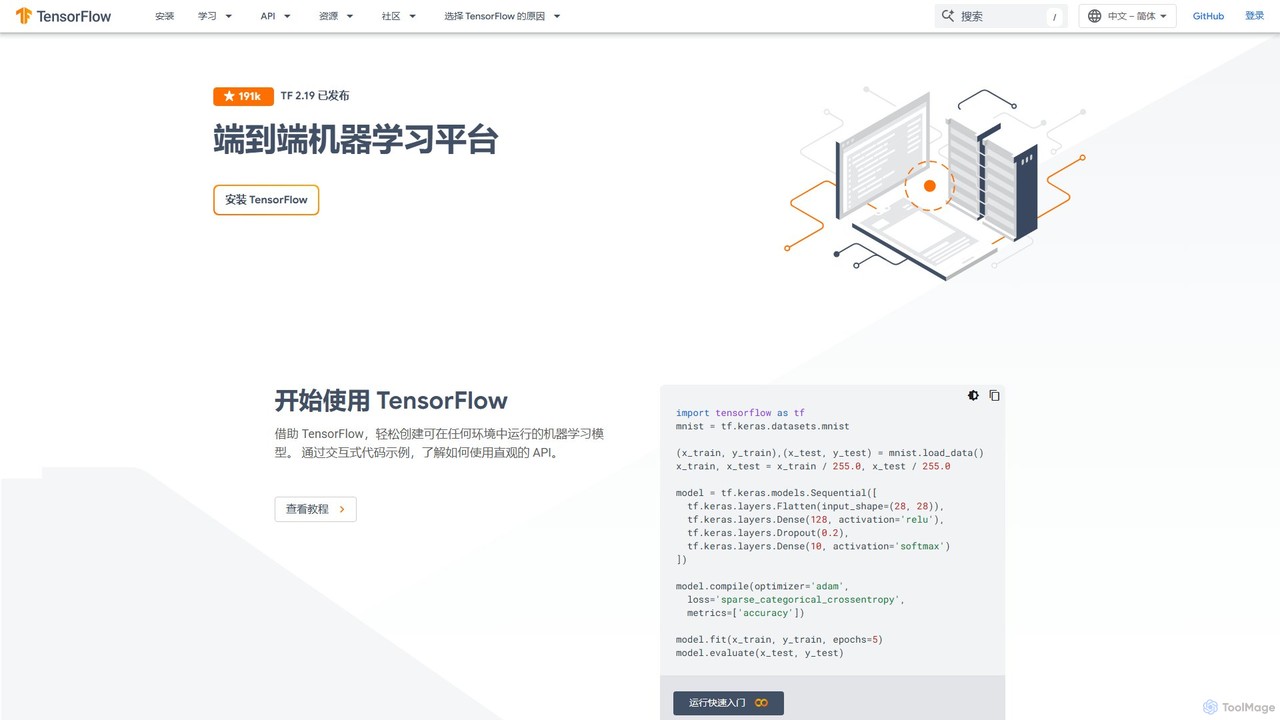
TensorFlow is an end-to-end open-source platform for machine learning developed by Google. It provides a comprehensive, flexible ecosystem of tools, libraries, and community resources that lets researchers and developers build and deploy ML-powered applications. From beginners to experts, TensorFlow offers intuitive high-level APIs for easy model building and powerful low-level APIs for advanced research, enabling deployment across servers, edge devices, and browsers.
Frameworks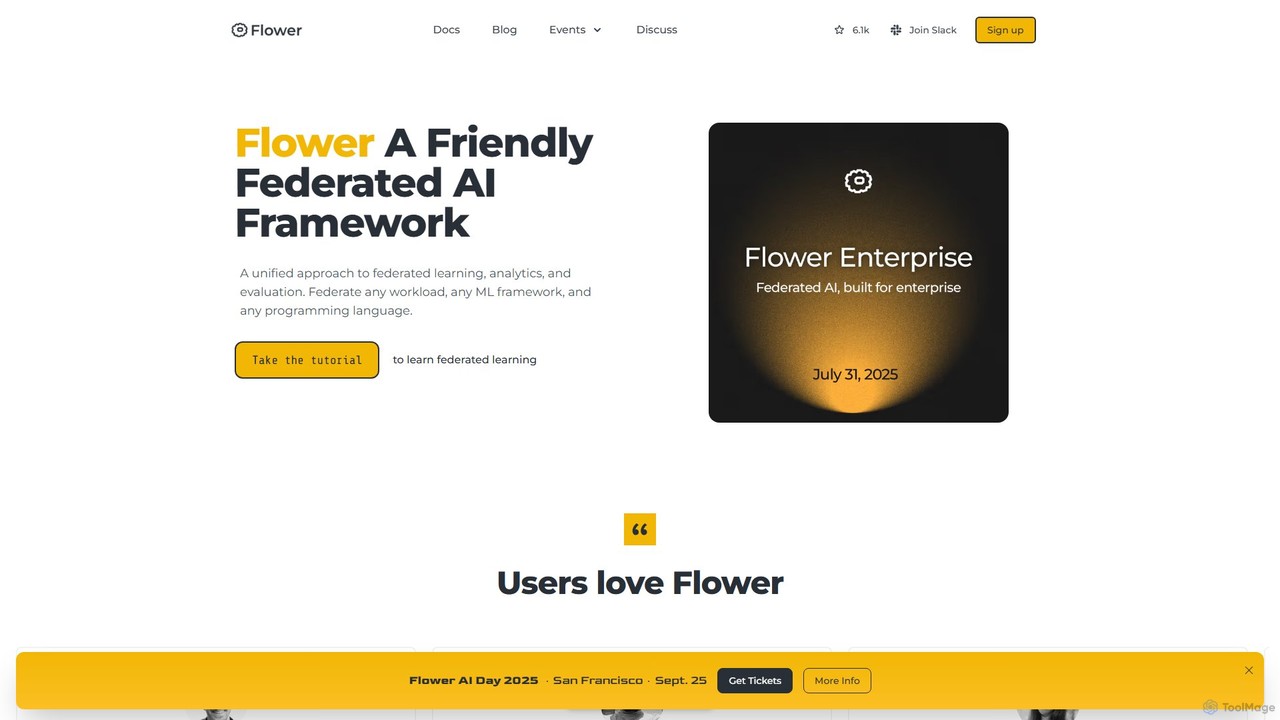
Flower
Flower is a friendly, open-source framework for federated learning, analytics, and evaluation. It enables training AI models on decentralized data across various devices and platforms without compromising privacy, supporting numerous ML frameworks like PyTorch, TensorFlow, and Hugging Face.
Frameworks
PyBrain
PyBrain is a modular and flexible open-source Machine Learning Library for Python. It provides powerful, easy-to-use algorithms for machine learning tasks, with a particular focus on neural networks, reinforcement learning, and unsupervised learning. It is designed to be accessible for beginners while remaining powerful enough for research purposes.
Libraries & Frameworks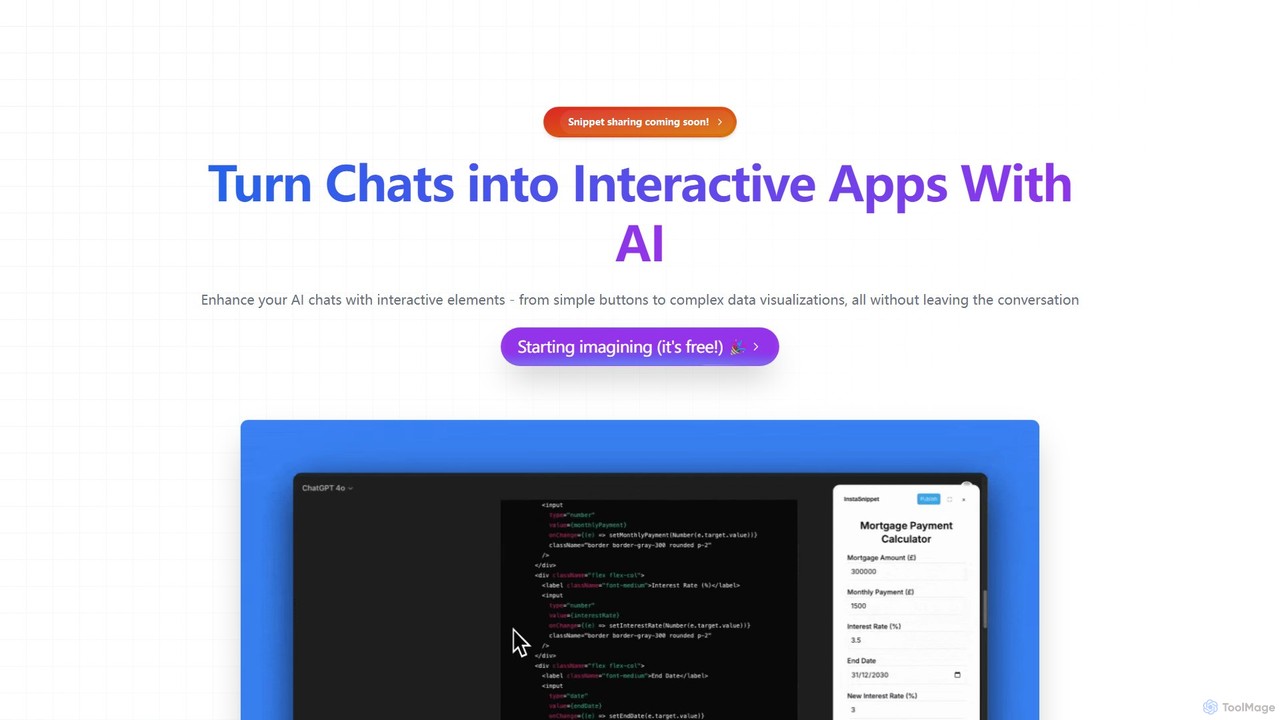
InstaSnippet
InstaSnippet is an AI-powered platform that transforms your text-based conversations with AI models like ChatGPT and Claude into fully interactive applications. Generate UI components, from simple buttons to complex data visualizations, directly within your chat interface, streamlining the process of prototyping and development.
Data Visualization
PyTorch
PyTorch is an open-source machine learning framework based on the Torch library, used for applications such as computer vision and natural language processing. It offers a flexible, Python-first environment that accelerates the path from research prototyping to production deployment.
Deep LearningGradio Categories
Gradio Embed Widget
Copy this embed code to place the badge on your blog, article, or product site and send readers directly to this ToolMage detail page.

Related AI tools
Streamlit
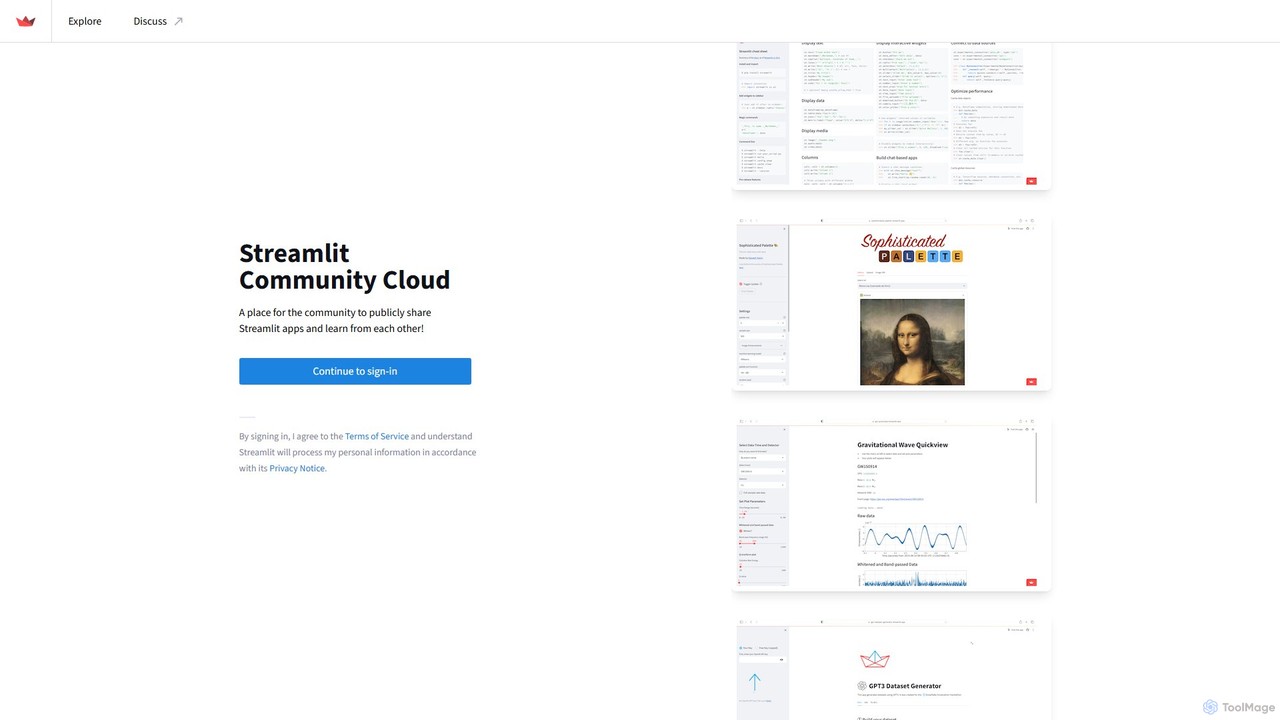
Streamlit is an open-source Python framework that enables developers and data scientists to build and share beautiful, custom web apps for machine learning and data science in minutes. The Streamlit Community Cloud provides a free platform to deploy, manage, and share these public applications with the world, fostering a collaborative environment for innovation.
Data VisualizationTensorFlow
TensorFlow is an end-to-end open-source platform for machine learning developed by Google. It provides a comprehensive, flexible ecosystem of tools, libraries, and community resources that lets researchers and developers build and deploy ML-powered applications. From beginners to experts, TensorFlow offers intuitive high-level APIs for easy model building and powerful low-level APIs for advanced research, enabling deployment across servers, edge devices, and browsers.
FrameworksFlower
Flower is a friendly, open-source framework for federated learning, analytics, and evaluation. It enables training AI models on decentralized data across various devices and platforms without compromising privacy, supporting numerous ML frameworks like PyTorch, TensorFlow, and Hugging Face.
FrameworksPyBrain
PyBrain is a modular and flexible open-source Machine Learning Library for Python. It provides powerful, easy-to-use algorithms for machine learning tasks, with a particular focus on neural networks, reinforcement learning, and unsupervised learning. It is designed to be accessible for beginners while remaining powerful enough for research purposes.
Libraries & Frameworks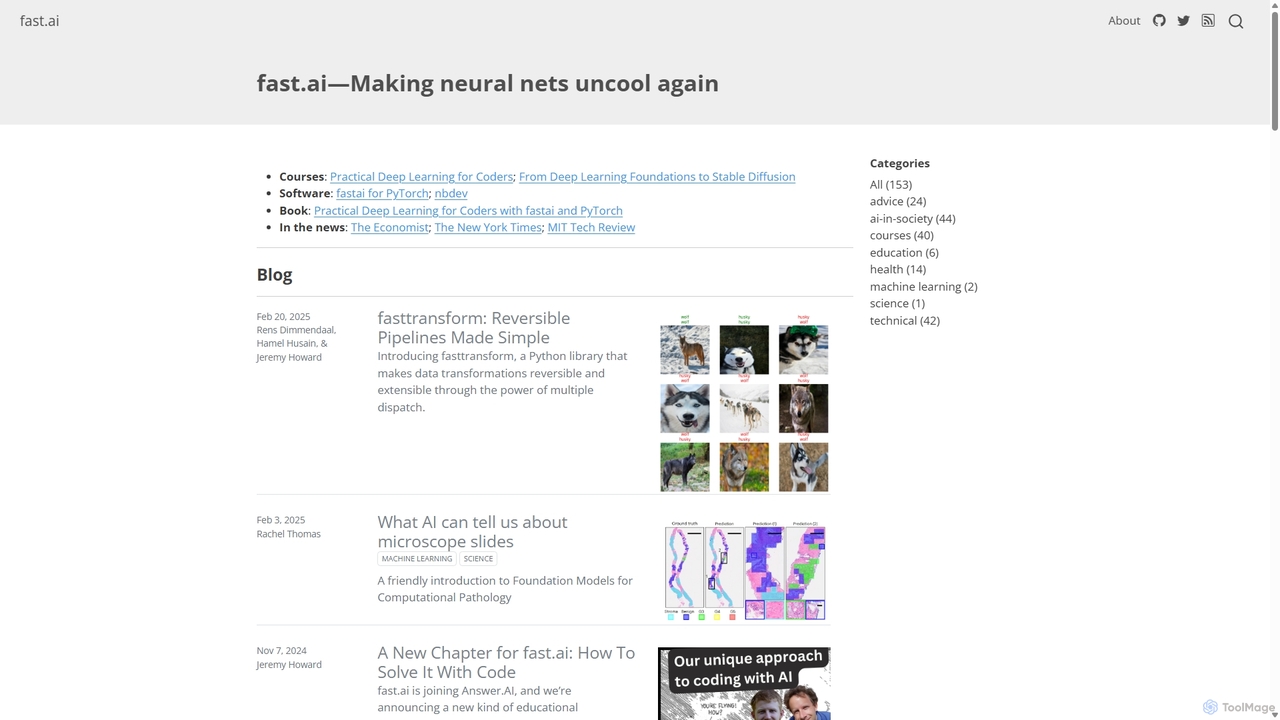
Fast.ai
Fast.ai is a research institute dedicated to making deep learning accessible to everyone. It offers free courses, an open-source software library (fastai), cutting-edge research, and a vibrant community, empowering coders of all backgrounds to become deep learning practitioners.
Machine Learning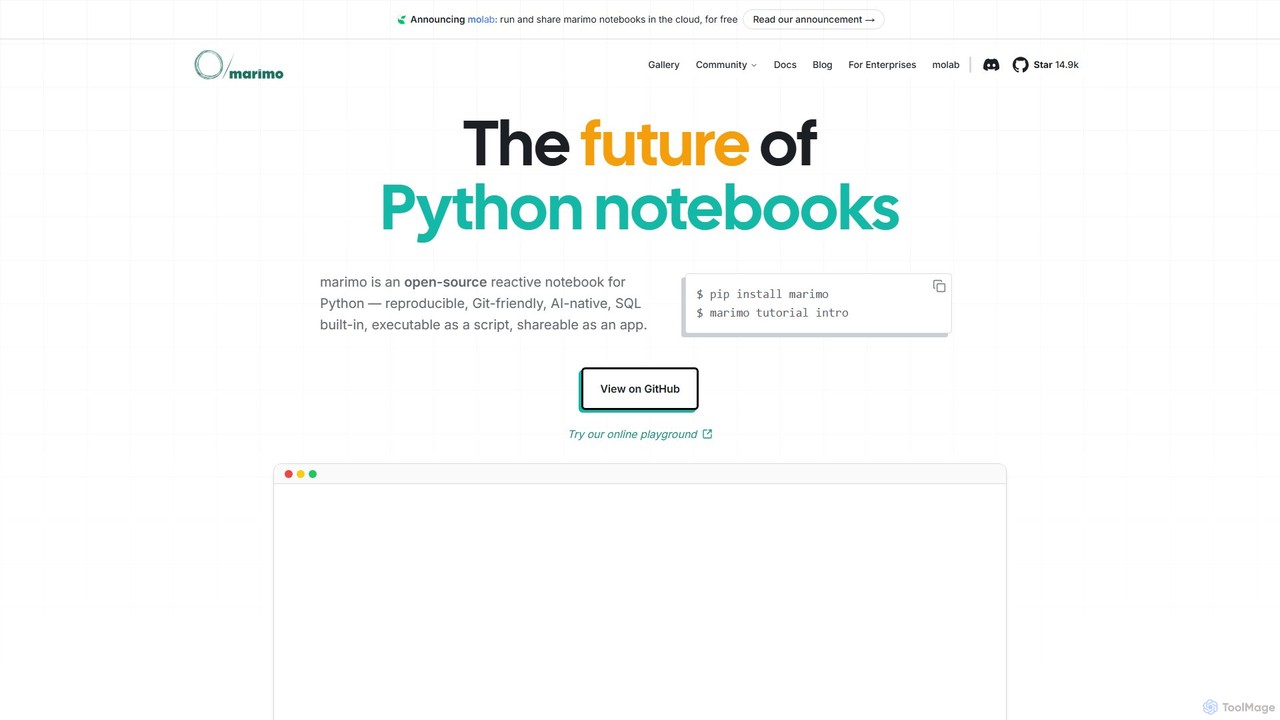
marimo
marimo is an open-source reactive Python notebook for modern data science and AI. It offers a reproducible, Git-friendly, and interactive environment where notebooks are pure Python scripts. Features include built-in AI assistance, SQL cells, and the ability to share notebooks as web apps, streamlining the workflow from experiment to production.
Data Visualization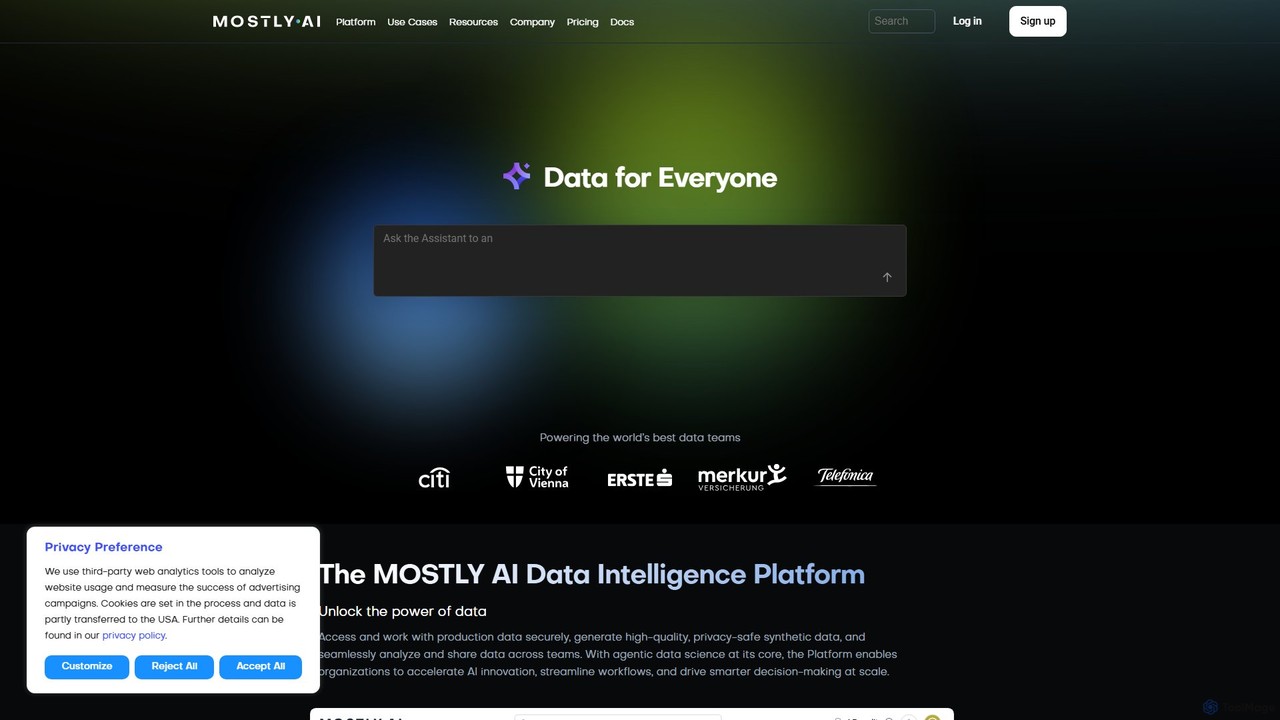
MOSTLY AI
MOSTLY AI is a Data Intelligence Platform that specializes in generating high-quality, privacy-safe synthetic data. It enables organizations to securely access, analyze, and share data, accelerating AI innovation and streamlining workflows while ensuring full compliance with privacy regulations.
Machine Learning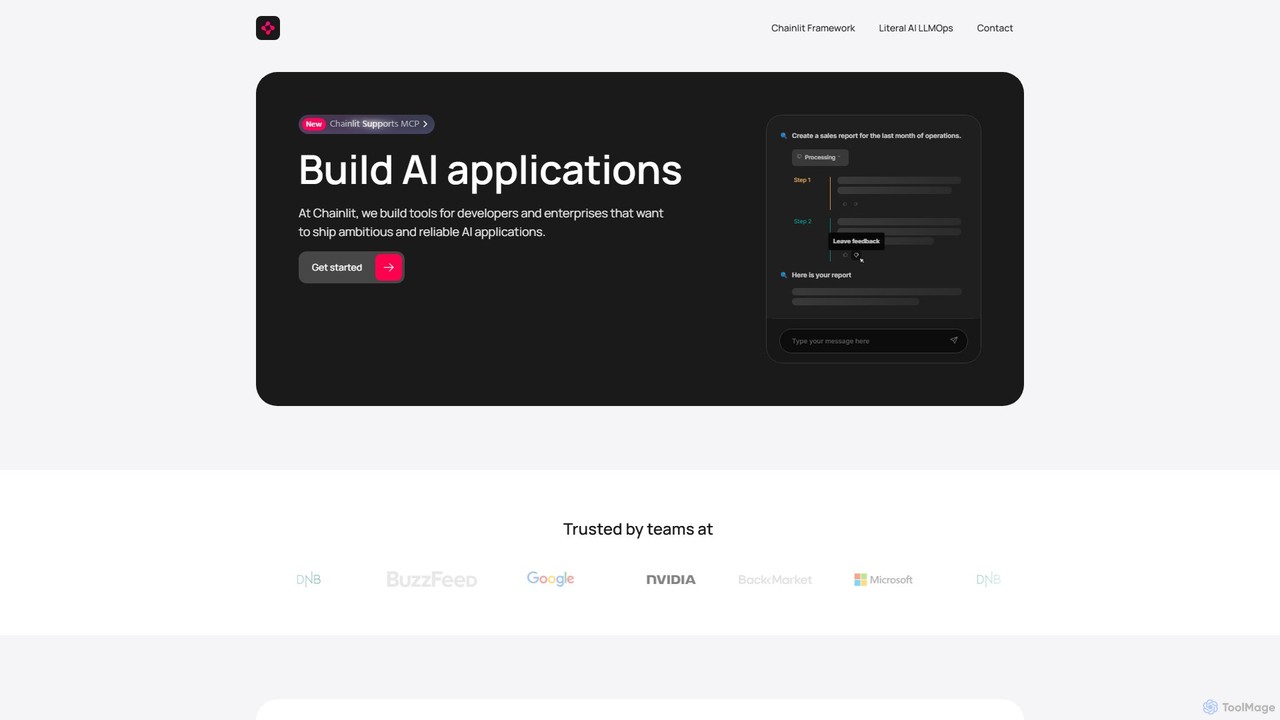
Chainlit
Chainlit is an open-source Python framework for developers to rapidly build and deploy production-ready conversational AI applications. It provides an instant, customizable chat interface, allowing you to focus on your backend logic and LLM interactions. With deep integrations for LangChain, LlamaIndex, and major LLM providers, Chainlit simplifies the creation of everything from simple chatbots to complex, data-driven copilots.
Framework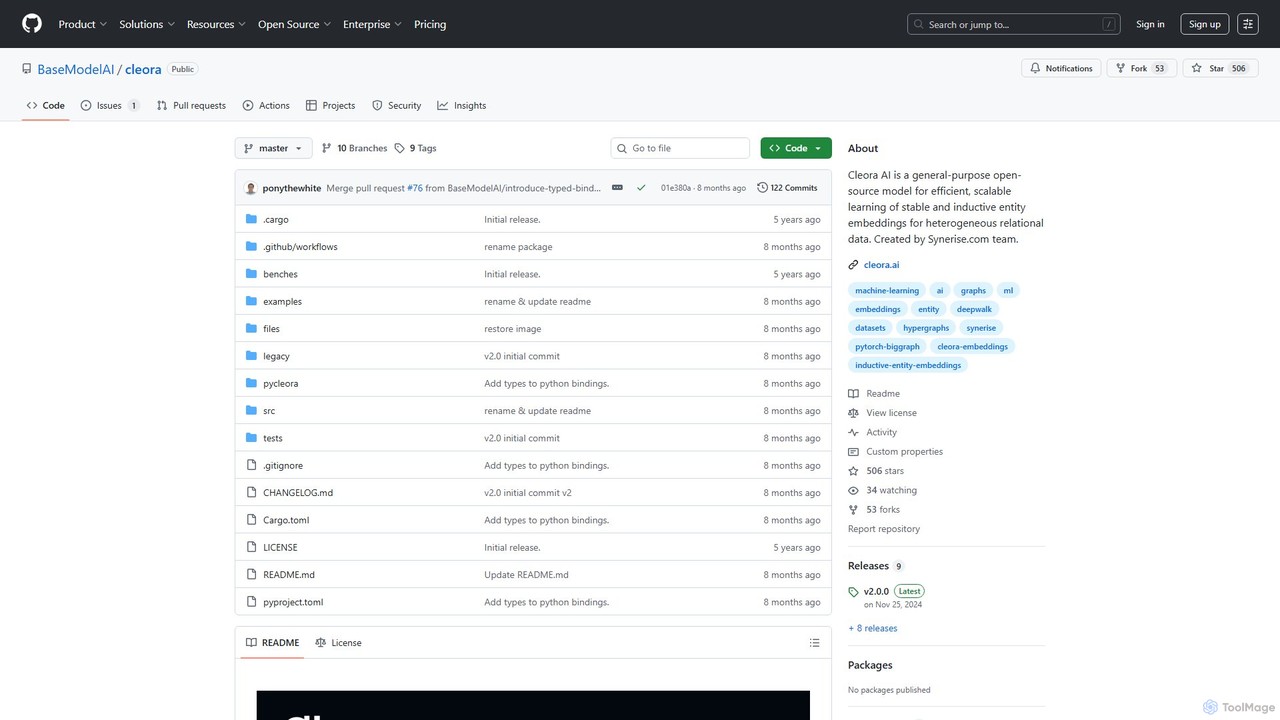
Cleora
Cleora is an open-source, high-performance model for creating stable and inductive entity embeddings from large-scale, heterogeneous relational data and hypergraphs. Written in Rust with a Python API, it offers unparalleled speed and scalability for tasks like recommendation systems and graph analytics.
Embedding Models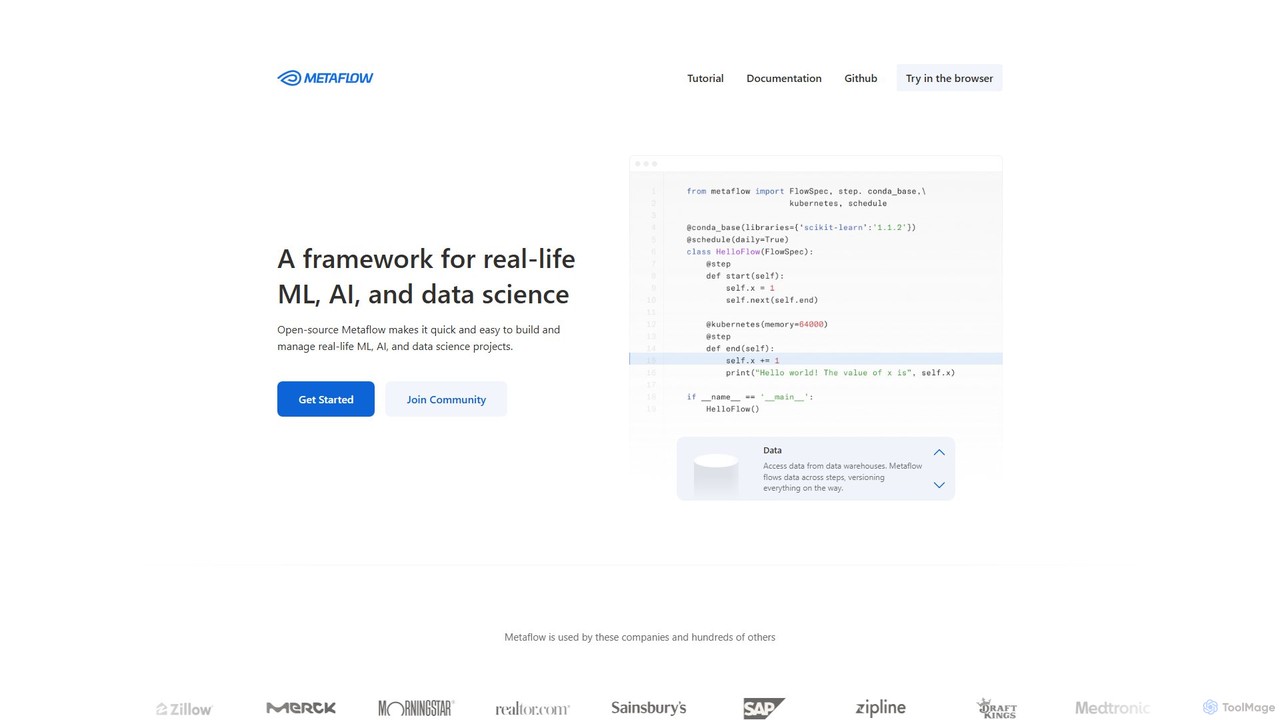
Metaflow
A human-centric Python framework, originally from Netflix, for building and managing real-life data science, ML, and AI projects. It simplifies workflow orchestration, data management, and model deployment, enabling rapid prototyping and scalable production pipelines.
Mlops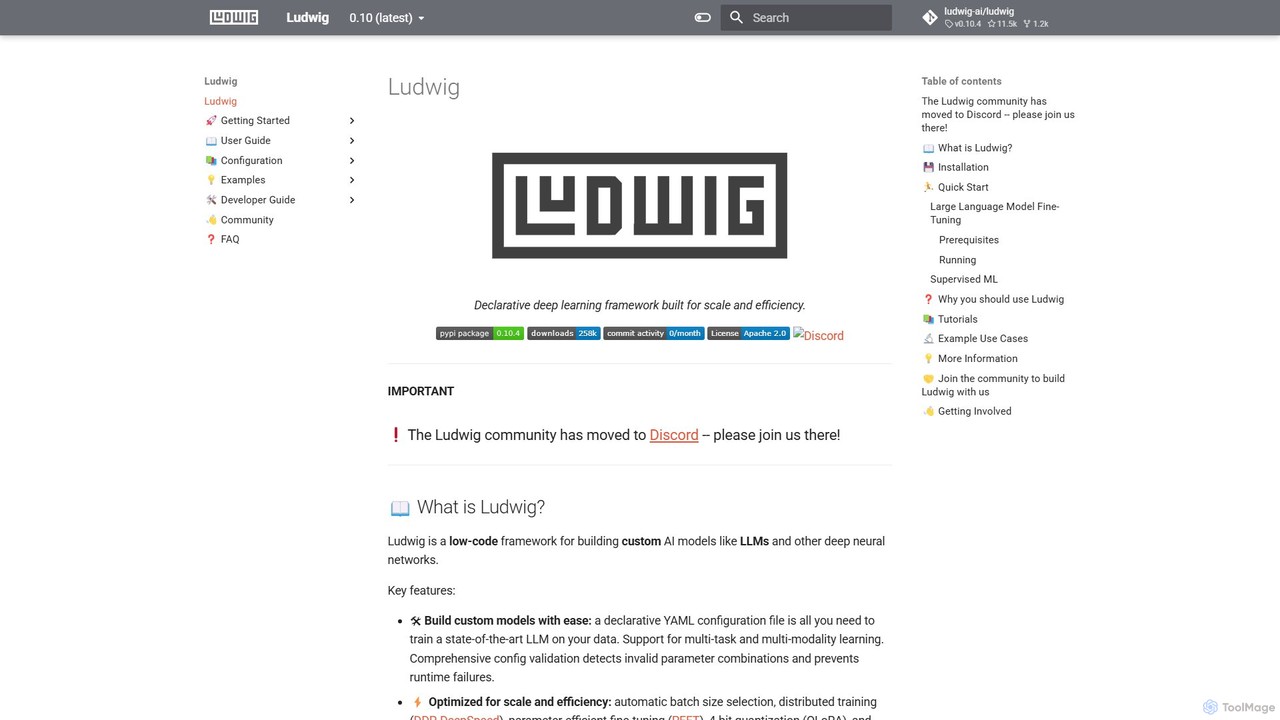
Ludwig
Ludwig is a low-code, open-source deep learning framework that simplifies building and training custom AI models. Using declarative YAML configurations, users can easily create complex models, including LLMs, for multi-modal and multi-task learning without extensive boilerplate code. It's designed for scalability, production-readiness, and integrates with popular tools like HuggingFace and MLFlow.
Model Training
MindMeld
A powerful, open-source conversational AI platform from Cisco, designed for developers. It provides a comprehensive Python-based framework for building deep-domain voice interfaces and chatbots with advanced Natural Language Processing (NLP) capabilities, offering full control and on-premise deployment.
Chatbot Builder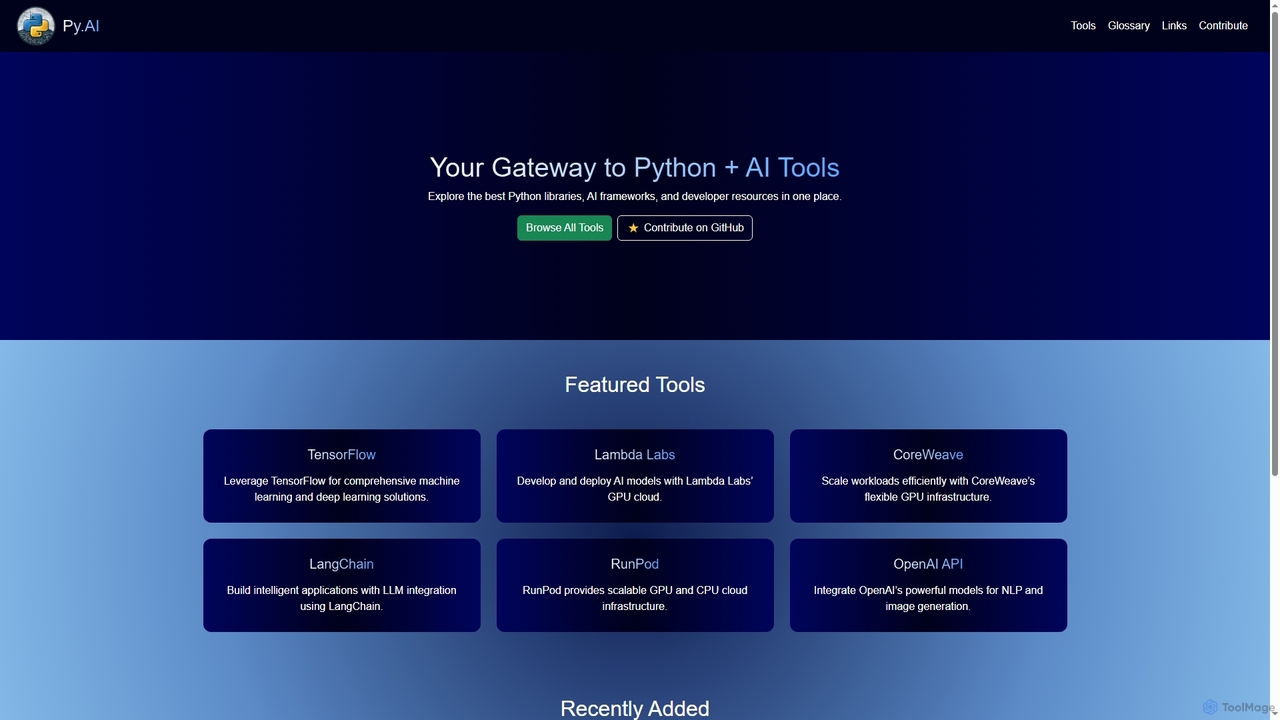
Py
Py is a curated online directory serving as a comprehensive gateway to the best Python libraries, AI frameworks, and developer resources. It helps users explore, discover, and find tools to enhance their machine learning and AI projects.
Tool DiscoveryPyTorch
PyTorch is an open-source machine learning framework based on the Torch library, used for applications such as computer vision and natural language processing. It offers a flexible, Python-first environment that accelerates the path from research prototyping to production deployment.
Deep Learning
MLflow
MLflow is an open-source platform for managing the end-to-end machine learning lifecycle. It enables developers and data scientists to track experiments, package code into reproducible runs, version and share models, and deploy them to production, supporting both traditional ML and modern GenAI applications.
Data Science
Gradio Comments (0)
Sign in to comment.
Sign inNo comments yet.