

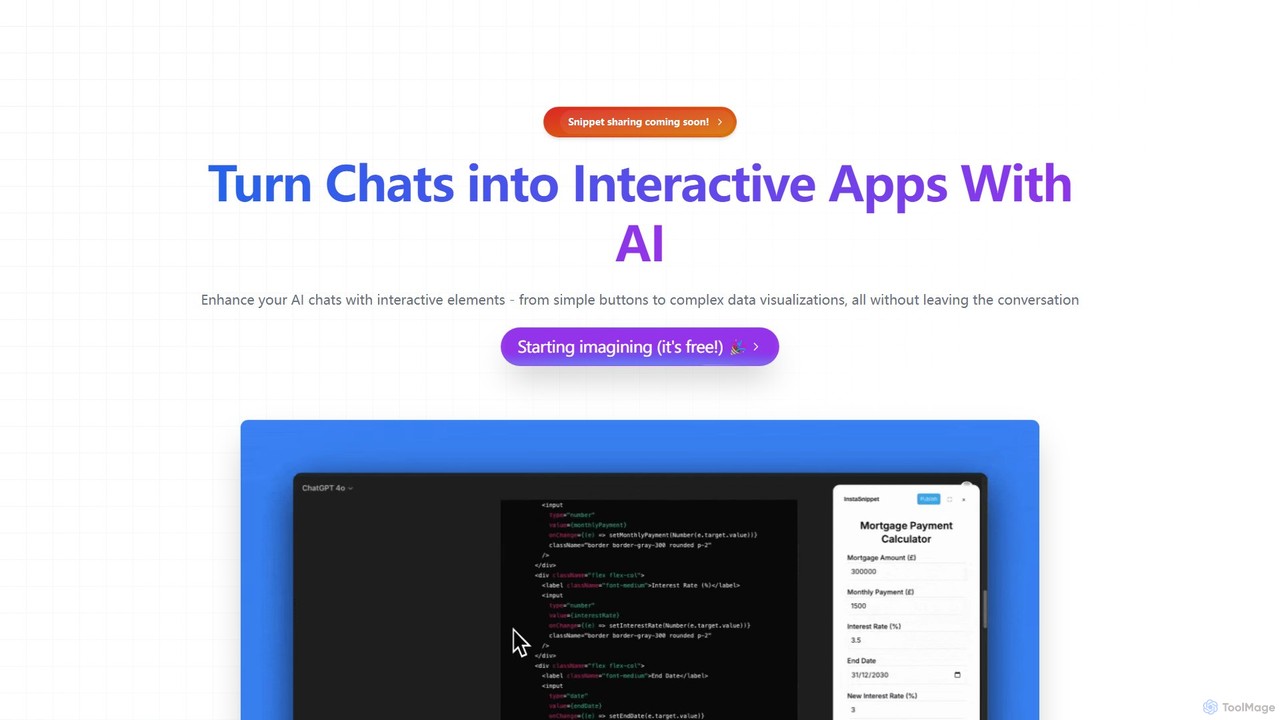
InstaSnippet Overview
InstaSnippet is a revolutionary tool designed to bridge the gap between conversational AI and interactive application development. It empowers users to turn their standard text-based chats with leading AI platforms, such as ChatGPT and Claude, into dynamic, functional web components and mini-apps. Instead of just receiving text responses, you can now generate interactive elements like buttons, forms, sliders, and sophisticated data visualizations on the fly. This fundamentally changes the workflow for developers, designers, and product managers, allowing for unprecedented speed in prototyping, testing, and building user interfaces.
The core principle of InstaSnippet is to make development more intuitive and accessible. By leveraging natural language commands, users can describe the UI element they envision, and InstaSnippet's AI will generate the necessary code and render it as a live, interactive component directly within the chat. This seamless integration eliminates the need to switch between different tools, translating ideas into tangible results in seconds.
How to use InstaSnippet
Using InstaSnippet is designed to be an intuitive extension of your existing AI chat workflow. Here’s a typical step-by-step process:
- Sign Up and Connect: Create a free account on the InstaSnippet website. You may need to connect it to your AI accounts or install a browser extension for seamless integration with platforms like ChatGPT or Claude.
- Start a Conversation: Open your preferred AI chat interface and start a conversation as you normally would.
- Describe Your Component: When you need an interactive element, simply describe it in plain English. For example, you could type: "Create a user registration form with fields for name, email, and password, and a 'Submit' button." or "Visualize the following sales data as a bar chart with monthly breakdowns."
- Generate and Interact: InstaSnippet will process your request and replace your text prompt with a fully functional, interactive component. You can click the buttons, enter data into the form, or hover over the chart to see details, all within the chat window.
- Refine and Customize: If the component isn't perfect, you can ask the AI for modifications. For example: "Change the button color to blue" or "Add a title to the chart."
- Save and Share (Upcoming Feature): With the upcoming snippet-sharing feature, you'll be able to save your favorite generated components to a personal library for reuse in other projects or share them with your team.
Core Features of InstaSnippet
- AI-Powered Component Generation: Instantly create a wide range of UI elements using natural language prompts.
- Multi-AI Platform Support: Seamlessly integrates with major AI models, including ChatGPT, Claude, and others, ensuring flexibility in your workflow.
- Rich Interactive Elements: Go beyond static text with support for buttons, input forms, sliders, interactive tables, and complex data visualizations like charts and maps.
- In-Chat Rendering: See and interact with your generated components immediately within the conversation, providing instant feedback.
- No-Code/Low-Code Experience: Empowers both non-technical users to build interfaces and technical users to accelerate their development process.
- Snippet Sharing and Library (Upcoming): A planned feature to allow users to save, manage, and share their generated interactive snippets for enhanced collaboration and efficiency.
Use Cases for InstaSnippet
InstaSnippet is a versatile tool with applications across various roles and industries:
- For Developers: Rapidly scaffold UI components and front-end code, test logic, and build internal tools without writing boilerplate code from scratch.
- For UI/UX Designers: Create high-fidelity, interactive prototypes directly from concepts and user flows discussed with an AI, enabling faster iteration and user testing.
- For Product Managers: Build and share interactive demos of new features for stakeholder feedback, making presentations more engaging and clear.
- For Data Analysts: Instantly turn raw data or analysis results from an AI into interactive charts and dashboards for easier exploration and reporting.
- For Educators and Trainers: Develop interactive quizzes, learning modules, and educational tools to create more engaging course content.
Advantages of InstaSnippet
The primary advantage of InstaSnippet is its ability to dramatically accelerate the development lifecycle. By integrating UI generation directly into the AI chat environment, it removes friction and context-switching. This leads to higher productivity, fosters creativity by allowing for rapid experimentation, and democratizes development by making it accessible to individuals without deep coding knowledge. Its support for multiple AI platforms ensures it fits into users' preferred toolchains, making it a powerful and flexible addition to any modern workflow.
Pricing and Plans
InstaSnippet operates on a freemium model, making it accessible to everyone.
- Free Plan: Perfect for individuals and hobbyists, the free plan allows users to start generating interactive components right away. It likely includes a generous monthly quota of generations and access to standard components.
- Pro Plan (Anticipated): Aimed at professionals and power users, a future Pro plan would likely offer unlimited component generations, access to advanced components (e.g., complex data visualizations, API-connected elements), and priority support.
- Team/Enterprise Plan (Anticipated): For businesses and teams, this plan would include all Pro features plus collaborative workspaces, shared snippet libraries, and enhanced security and administration controls.
Currently, users can get started for free to explore the core functionalities of the platform.
InstaSnippet Alternatives
GeniusUI
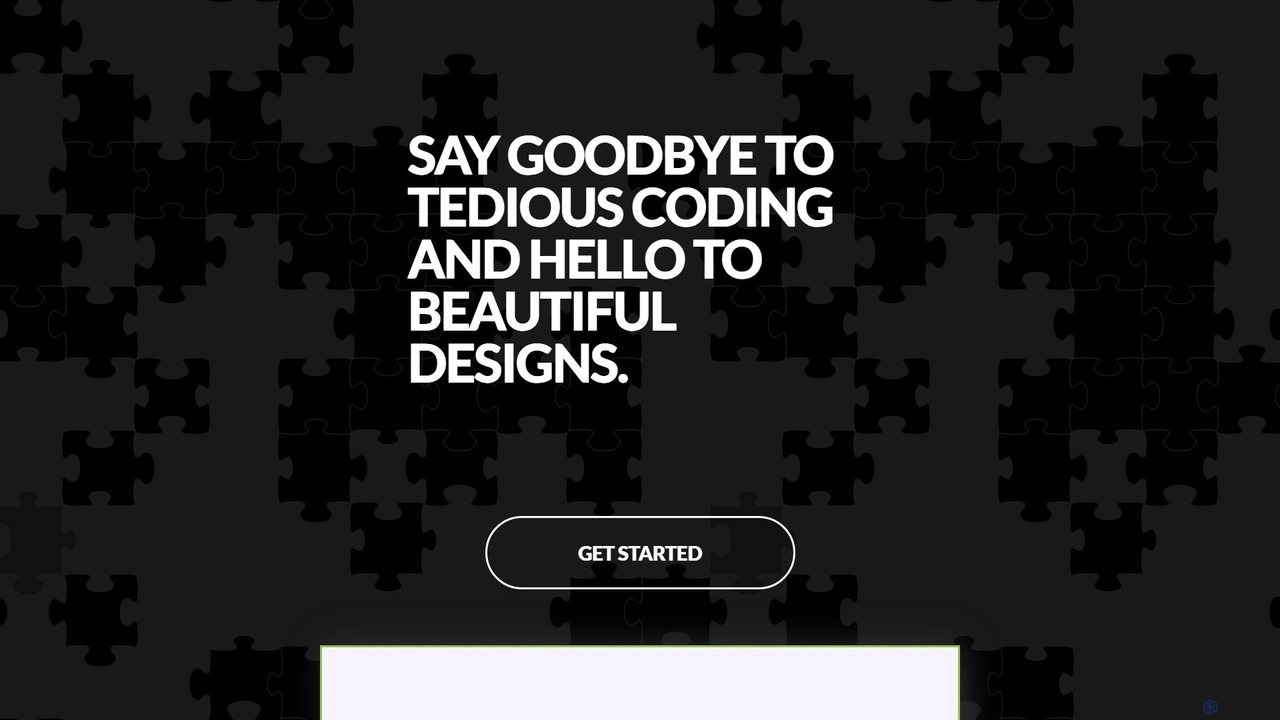
GeniusUI is an AI-powered design tool that transforms text prompts into stunning, high-fidelity UI/UX designs and components. It automates the design and front-end coding process, allowing creators to build beautiful interfaces in minutes, not days, without writing a single line of code.
Ui Ux Design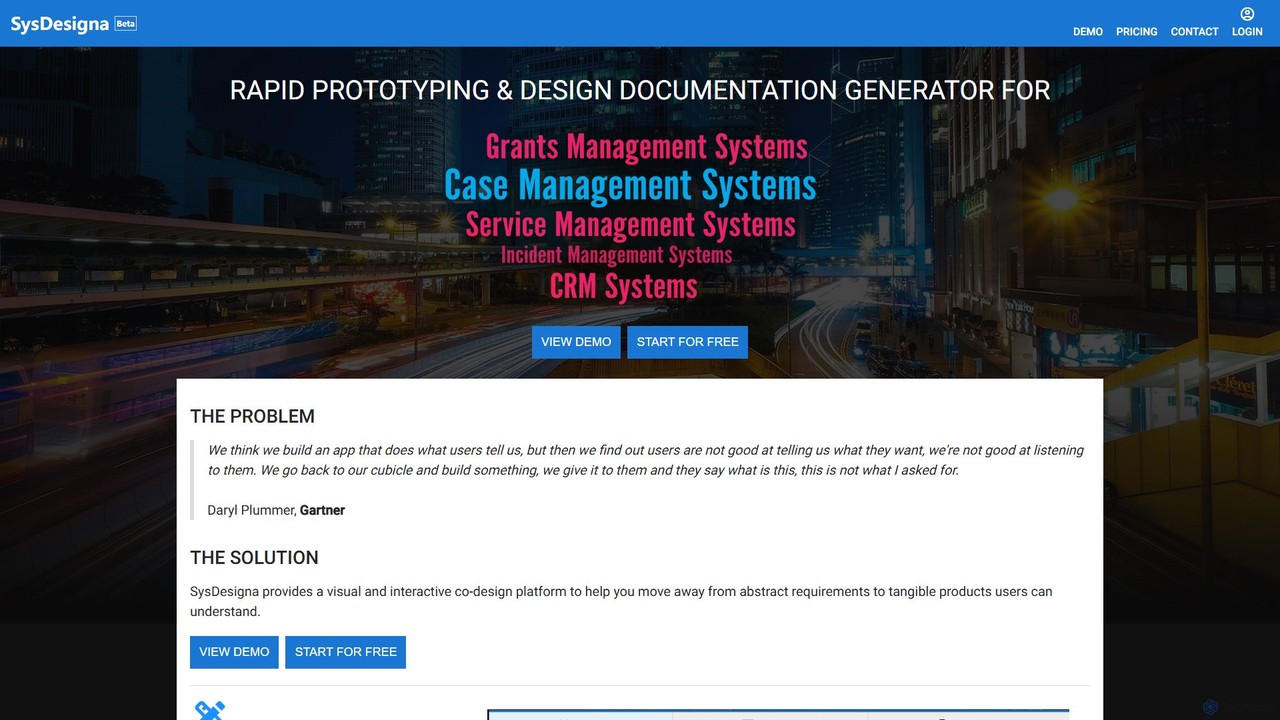
SysDesigna
SysDesigna is a no-code platform for rapid prototyping and automated design documentation generation for business applications. It enables users to visually design, simulate, and refine app prototypes, and then automatically generates detailed system specifications and test cases, bridging the gap between business requirements and development.
Low Code No Code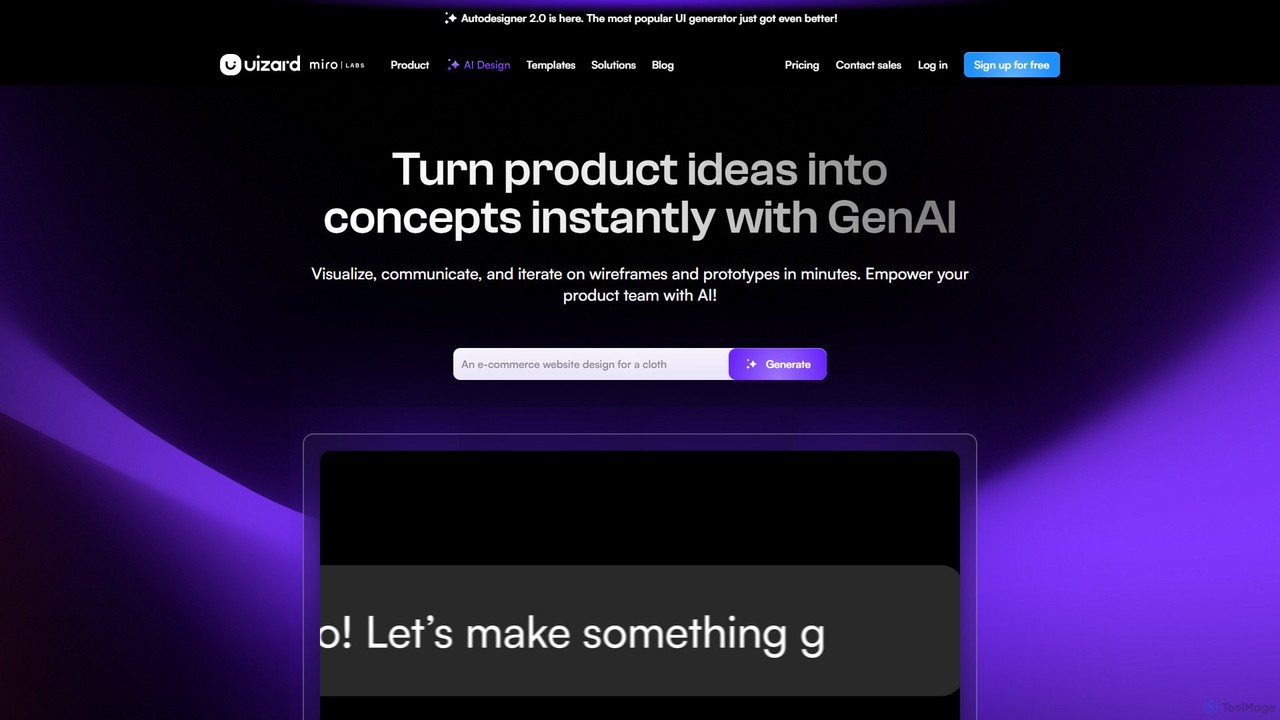
Uizard
Uizard is an AI-powered UI design tool that empowers both designers and non-designers to create stunning websites, web apps, and mobile app mockups in minutes. Transform text prompts, hand-drawn sketches, or screenshots into editable, interactive prototypes. It's designed for rapid ideation, real-time collaboration, and streamlining the entire product design workflow from concept to handoff.
Ui Ux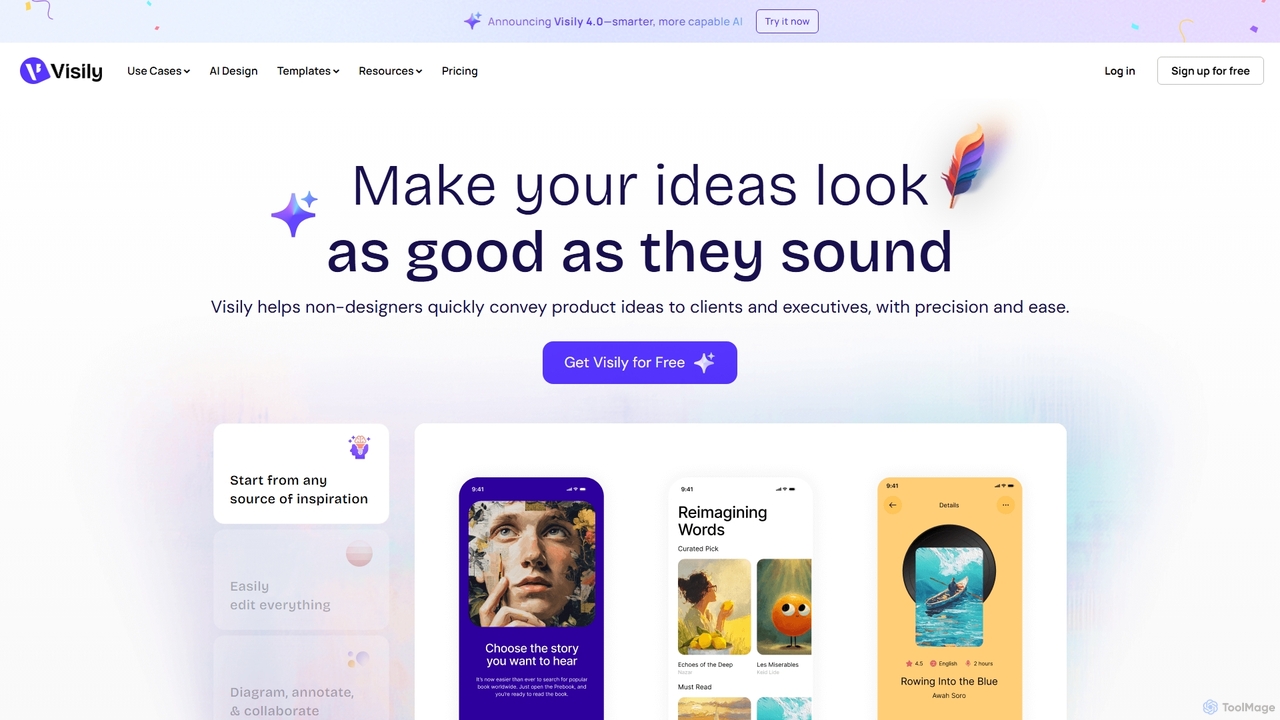
Visily
Visily is an AI-powered UI design and prototyping tool specifically created for non-designers. It enables teams to quickly transform ideas, screenshots, or text prompts into high-fidelity wireframes and mockups. With its intuitive interface and powerful collaboration features, Visily streamlines the process of visualizing product concepts and gathering feedback, bridging the gap between ideas and execution without a steep learning curve.
Ui Ux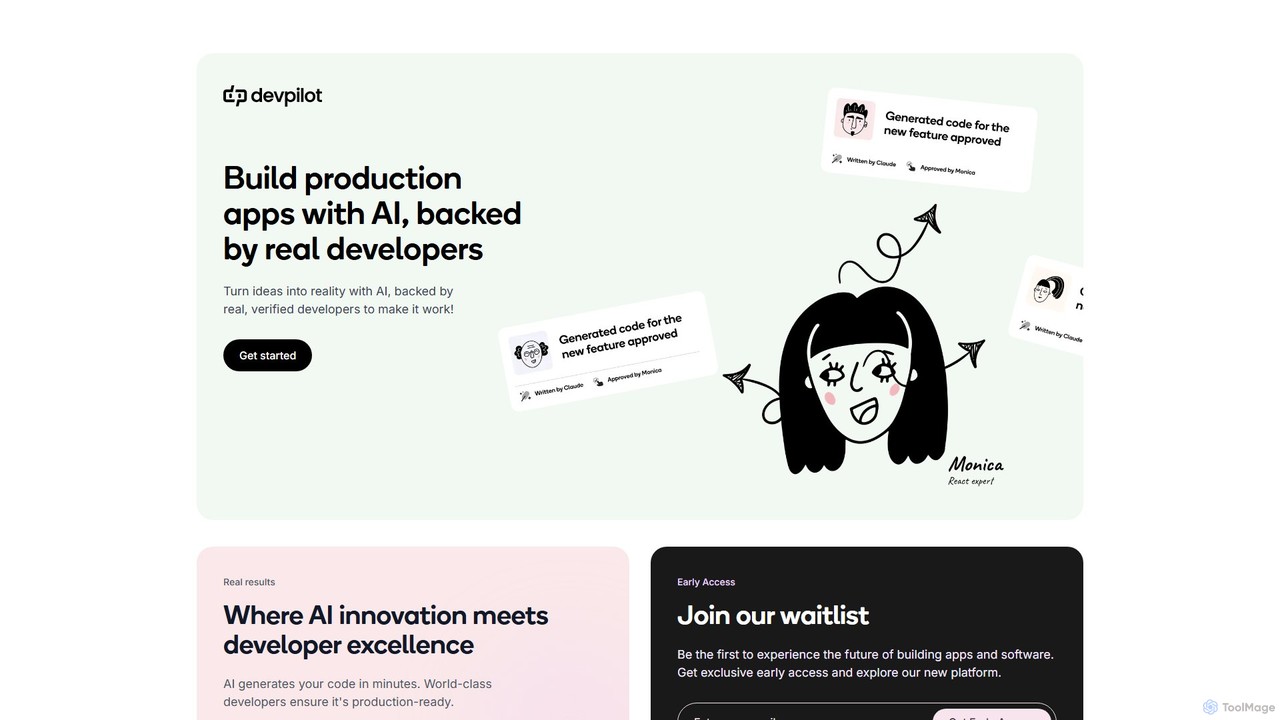
Devpilot
Devpilot is a unique platform that combines AI-powered code generation with expert human developers to build production-ready applications. It transforms your ideas into reality by having AI generate the initial code, which is then meticulously reviewed, refined, and perfected by world-class developers, ensuring unparalleled speed, quality, and reliability in software development.
Code GenerationInstaSnippet Categories
InstaSnippet Embed Widget
Copy this embed code to place the badge on your blog, article, or product site and send readers directly to this ToolMage detail page.

Related AI tools
Anima
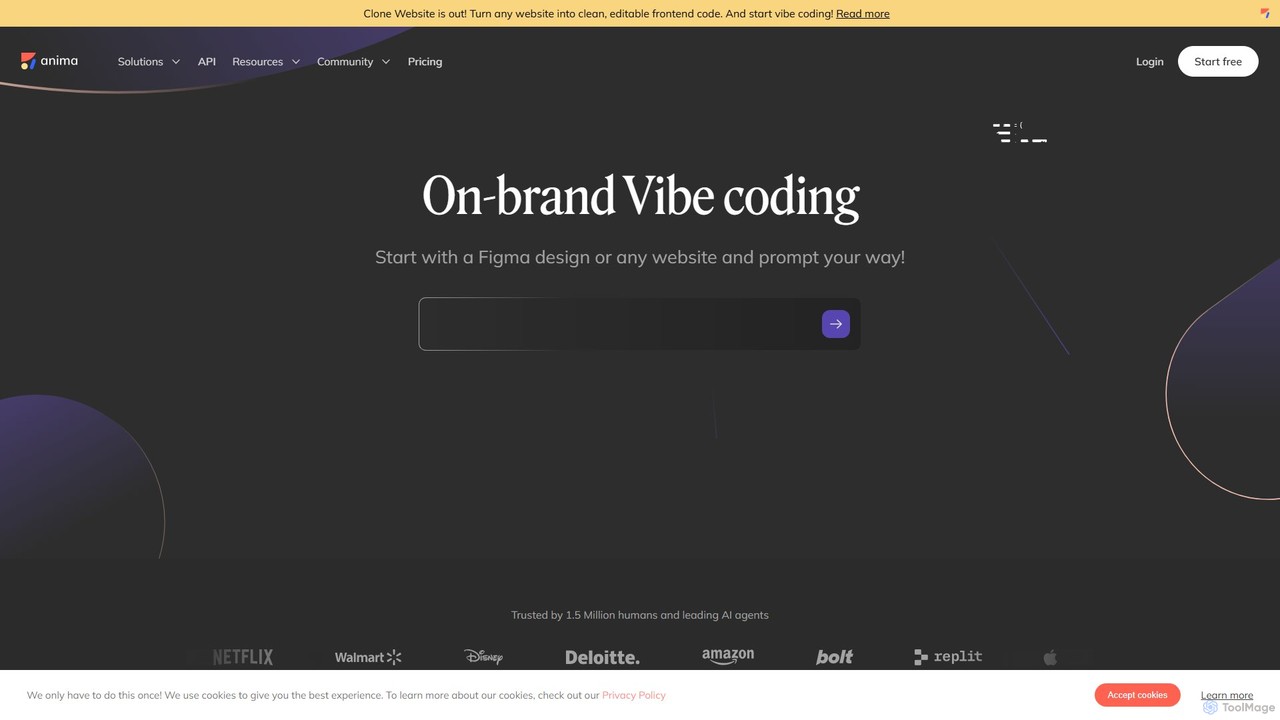
Anima is an AI-powered design-to-code platform that automates frontend development. It transforms designs from Figma, Adobe XD, and Sketch into clean, production-ready React, Vue, and HTML code. Featuring AI-driven iteration and website cloning, it empowers designers, developers, and founders to build and launch web applications and prototypes up to 10x faster.
Design To Code
Noodl
Noodl is an AI-powered low-code platform designed for creating sophisticated web and mobile applications. It combines a visual, node-based editor with an AI assistant that generates code, making it ideal for both non-coders and experienced developers. Build everything from simple prototypes to full-stack applications with unprecedented speed and flexibility.
Code Generation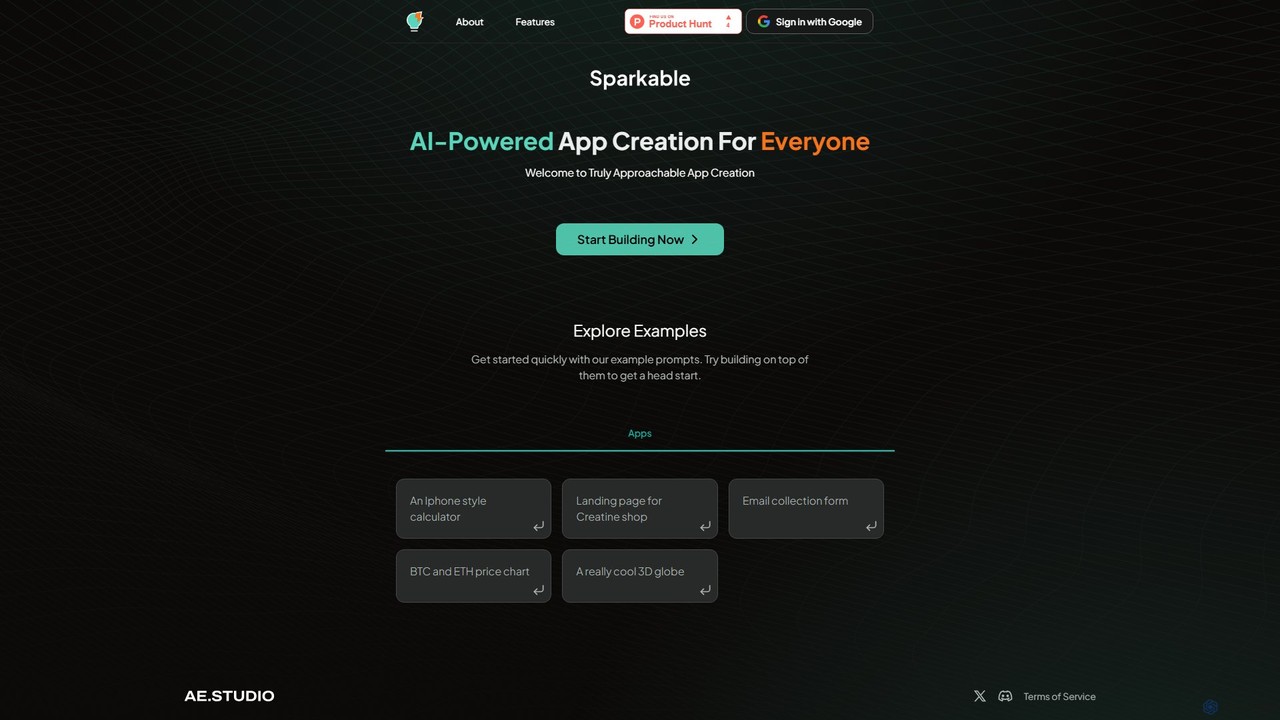
Sparkable
An AI-powered platform that enables anyone to create web applications and components using simple text prompts. It translates natural language descriptions into functional code, making app development accessible, fast, and intuitive for both beginners and developers.
Low Code No Code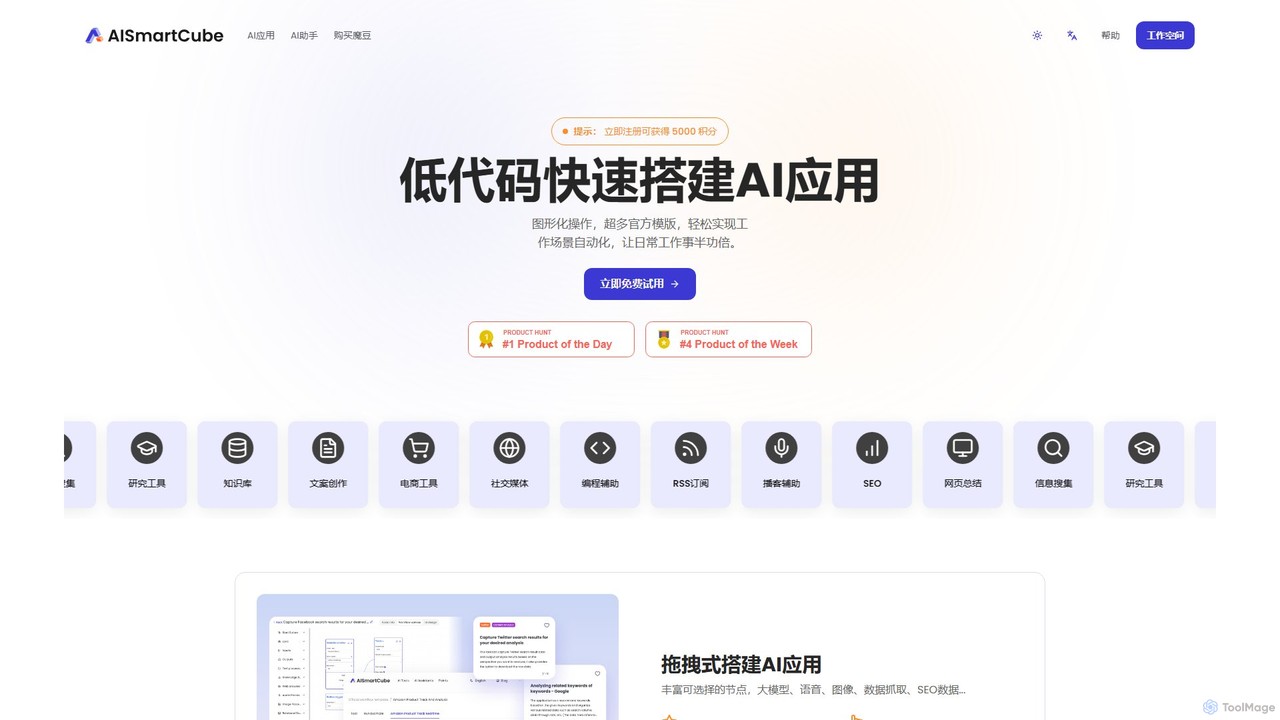
aismartcube
aismartcube is a low-code AI application development platform that allows users to build and automate complex workflows using a visual, drag-and-drop interface. It integrates with major large language models like ChatGPT, Claude, and Gemini, and offers a wide range of plugins for data scraping, SEO, social media, and more. Users can create custom "AI Employees" and leverage pre-built templates to streamline tasks in marketing, content creation, and research, all with a flexible pay-as-you-go pricing model.
Low Code No Code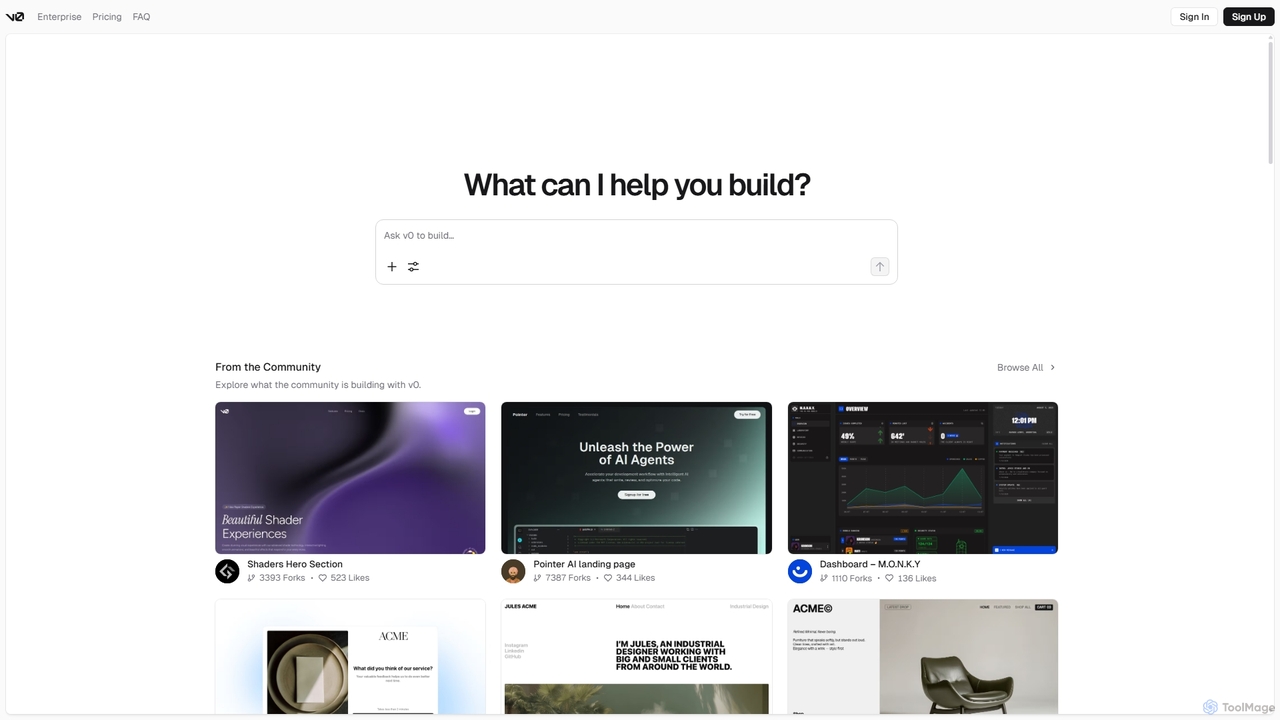
V0
V0 by Vercel is a generative AI platform that transforms text prompts, screenshots, and Figma designs into production-ready frontend code. It acts as an AI pair-programmer, enabling users to rapidly build and iterate on UI components and full-stack applications using React, Svelte, and Vue. With its chat-based interface, it accelerates the development workflow for engineers, designers, and product managers, allowing for seamless deployment to the Vercel platform.
Ui Ux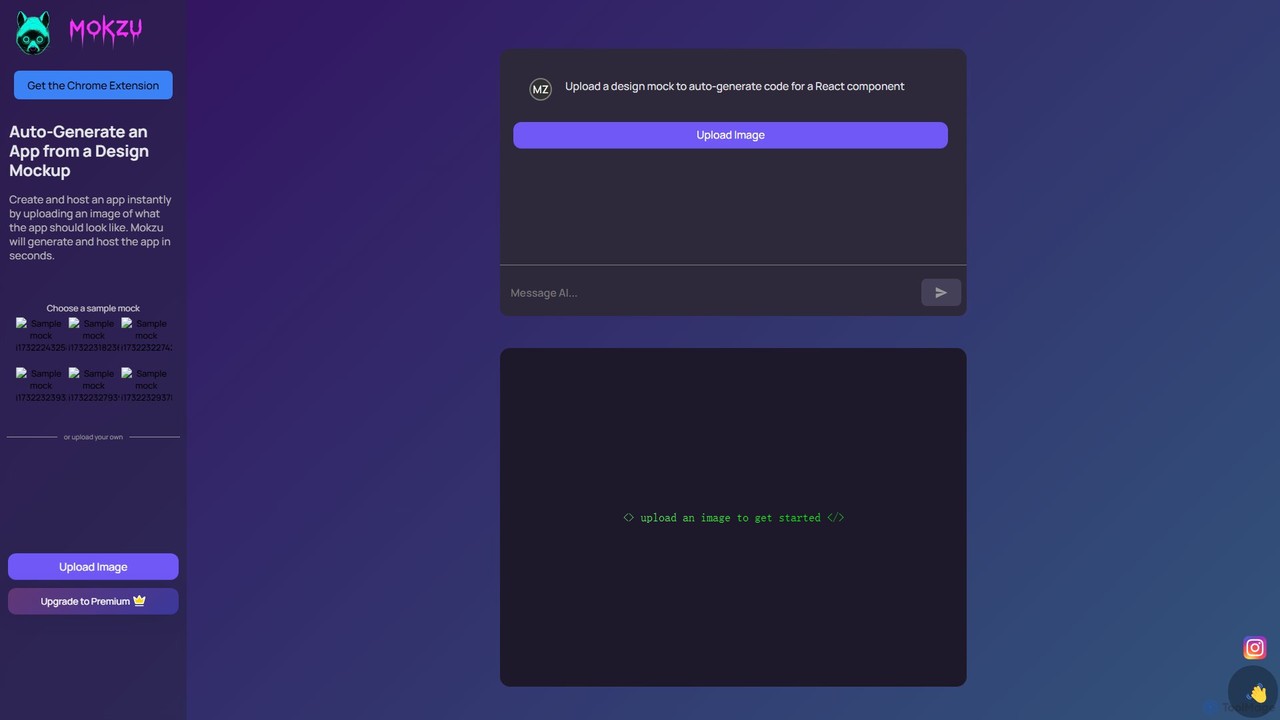
Mokzu
Mokzu is an AI-powered tool that instantly transforms design mockups into functional, production-ready web applications. By simply uploading an image of your UI design, Mokzu generates clean React component code and hosts the app in seconds. It's designed to accelerate the development workflow, bridge the gap between design and code, and enable rapid prototyping for developers, designers, and product teams.
Design To Code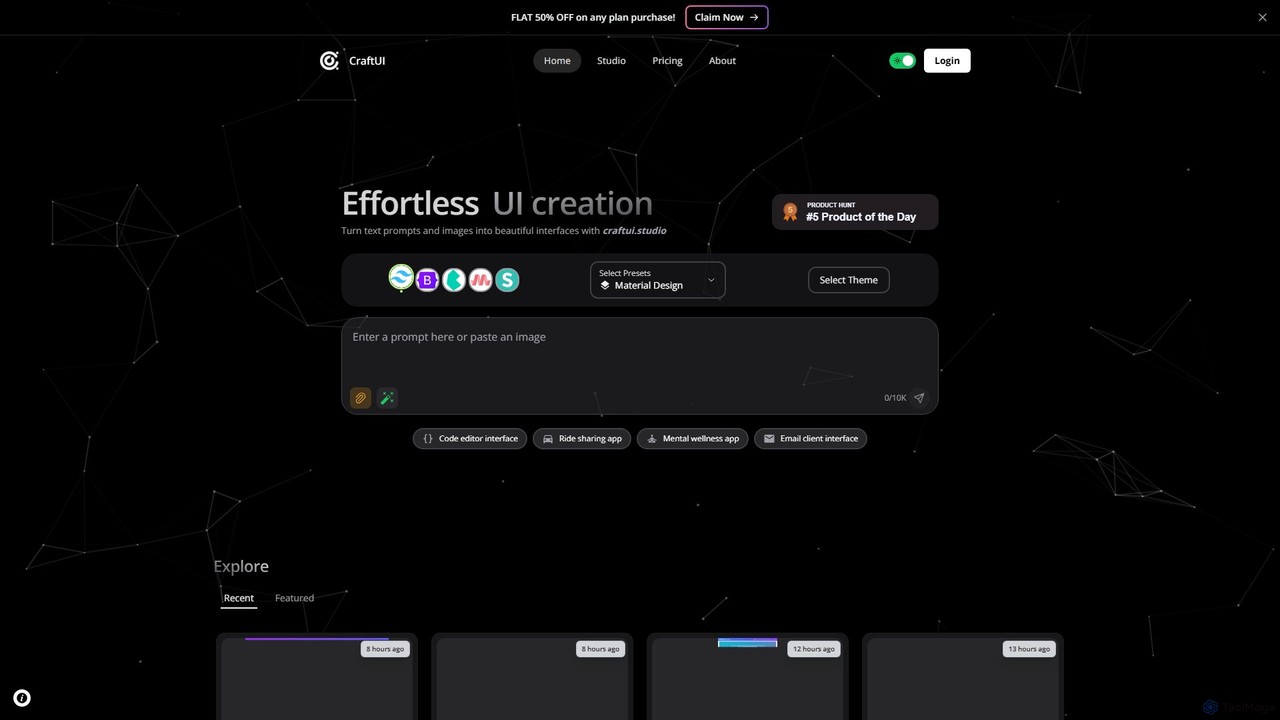
CraftUI
CraftUI is an AI-powered tool that generates beautiful, production-ready UI components from simple text prompts and images. It accelerates the design and development process by creating code for frameworks like Tailwind and Bootstrap, making UI creation effortless.
Ui Design
Jyek
Jyek is an AI agent platform that understands objectives, creates execution plans, uses tools, and delivers verifiable results for complex, multi-step tasks.
AutomationGeniusUI
GeniusUI is an AI-powered design tool that transforms text prompts into stunning, high-fidelity UI/UX designs and components. It automates the design and front-end coding process, allowing creators to build beautiful interfaces in minutes, not days, without writing a single line of code.
Ui Ux DesignSysDesigna
SysDesigna is a no-code platform for rapid prototyping and automated design documentation generation for business applications. It enables users to visually design, simulate, and refine app prototypes, and then automatically generates detailed system specifications and test cases, bridging the gap between business requirements and development.
Low Code No Code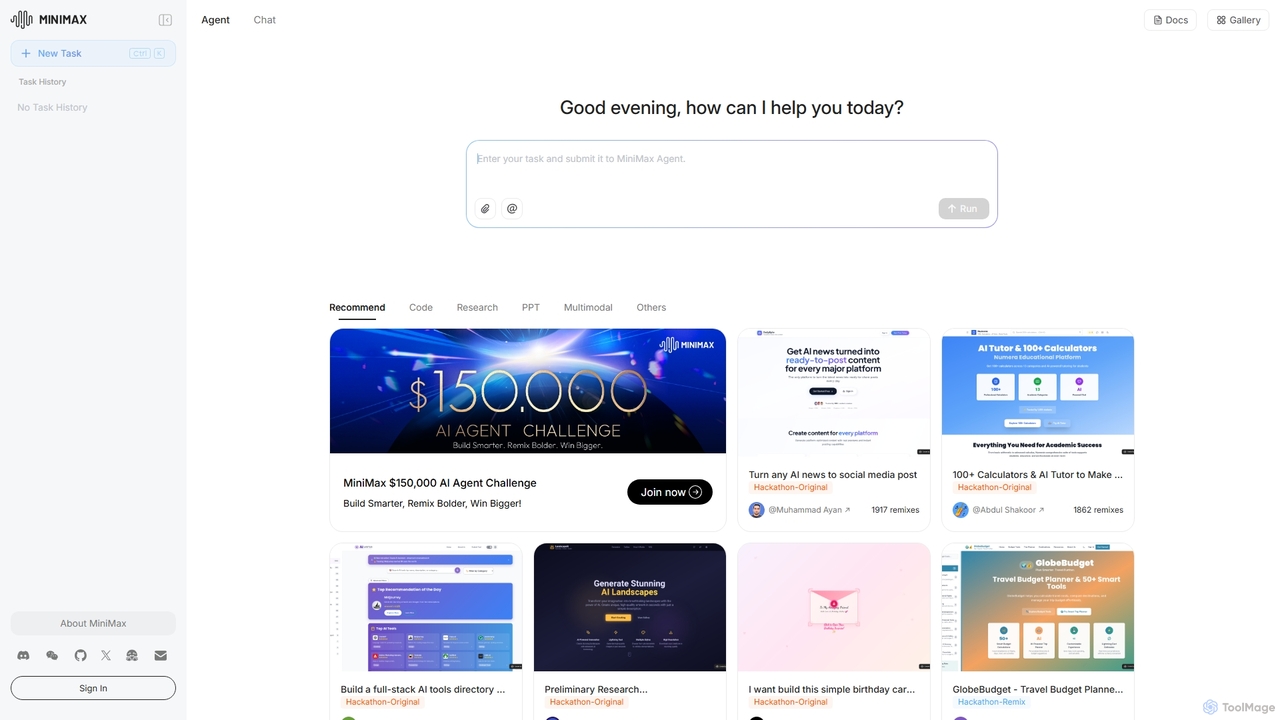
MiniMax Agent
MiniMax Agent is a powerful AI agent platform designed to automate complex tasks, from building full-stack websites and generating presentations to conducting in-depth research. By leveraging natural language prompts, users can minimize effort and maximize intelligence, creating sophisticated digital products and content with unprecedented speed and efficiency. The platform features a collaborative gallery for sharing and remixing projects.
Low Code No Code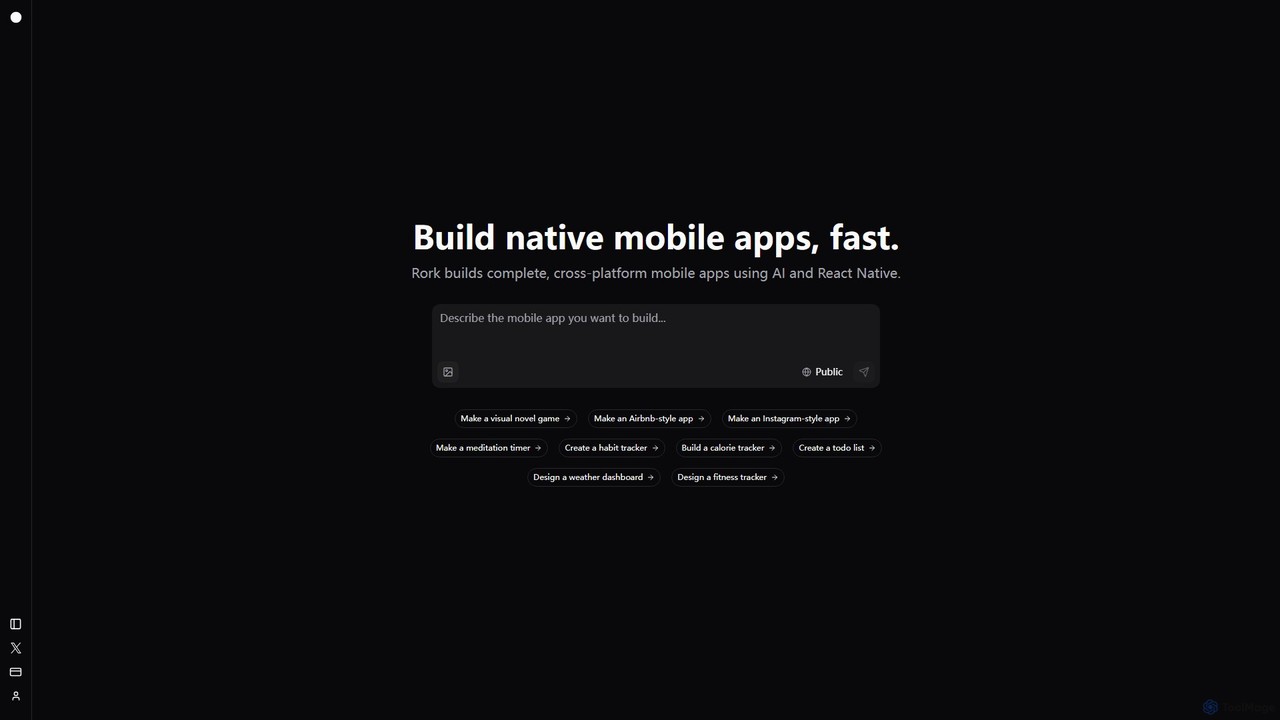
Rork
Rork is an AI-powered development platform that transforms simple text prompts into complete, native, cross-platform mobile apps in minutes. Using React Native, it allows users to "vibe code" their ideas, generating functional applications for iOS and Android without writing a single line of code. Ideal for rapid prototyping, MVPs, and accelerating development, Rork makes app creation accessible to everyone, from entrepreneurs to seasoned developers.
Mobile App Building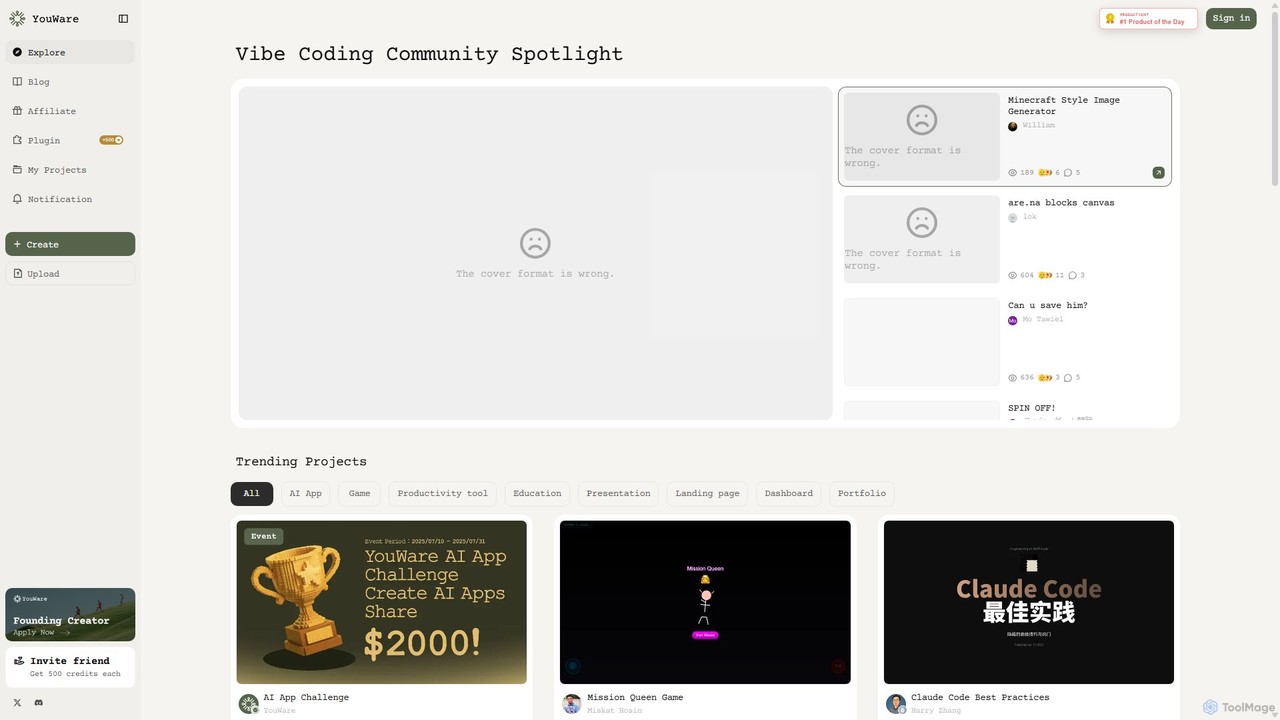
YouWare
YouWare is a pioneering AI coding community and no-code/low-code platform where creators build, share, and discover unique AI-powered applications, games, and tools. It empowers users of all skill levels to bring their ideas to life without extensive programming knowledge.
Image Generation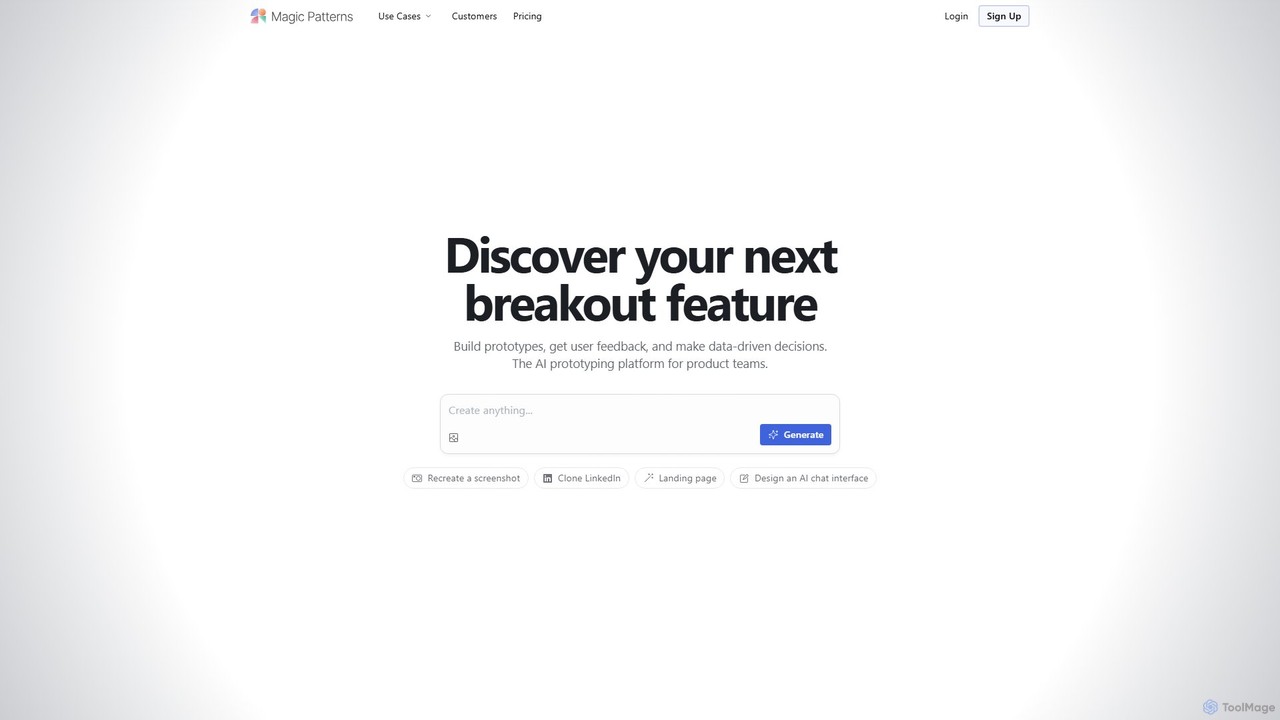
Magic Patterns
Magic Patterns is an AI-powered prototyping platform for product teams, designers, and developers. It accelerates UI creation by generating interactive prototypes and production-ready code (React, Tailwind CSS) from text prompts, screenshots, or existing websites. It helps teams iterate faster, gather user feedback, and make data-driven decisions.
Prototyping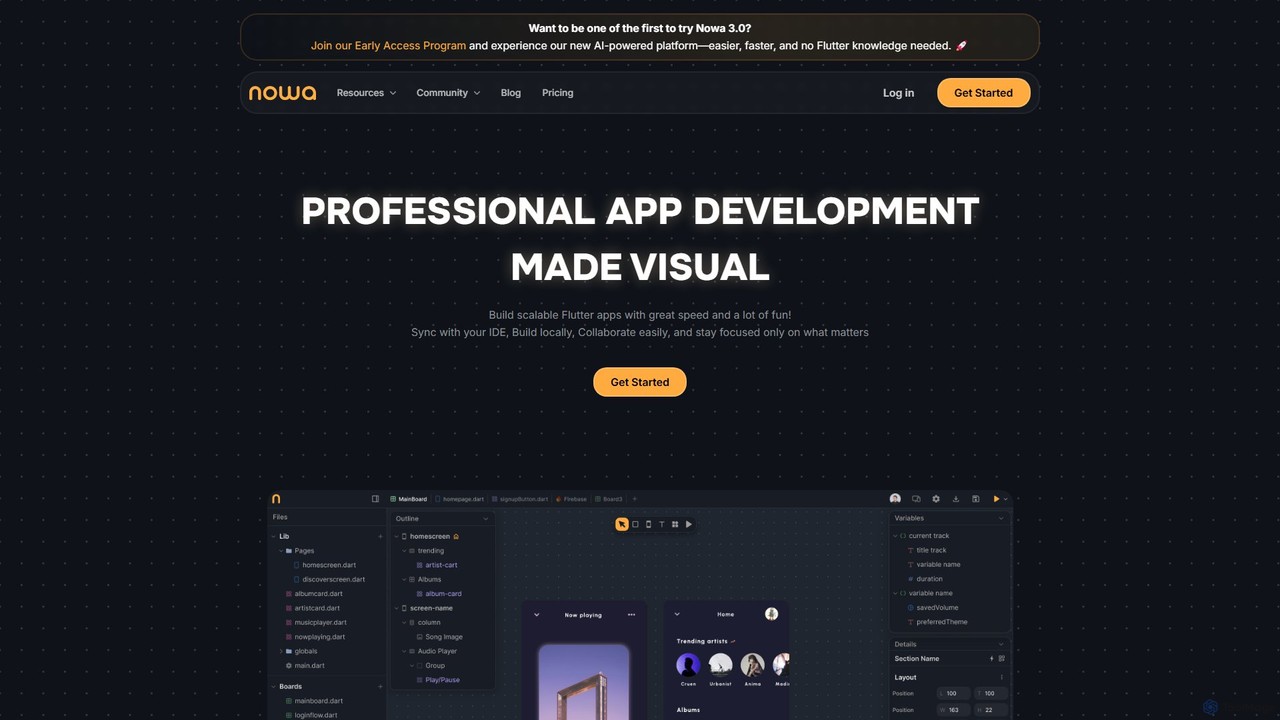
nowa
nowa is a visual, AI-powered Flutter app builder for professional development. It enables developers and designers to build scalable, high-quality applications with incredible speed, combining visual design, logic building, and seamless IDE integration without vendor lock-in.
Low Code No Code
InstaSnippet Comments (0)
Sign in to comment.
Sign inNo comments yet.