
GeniusUI Overview
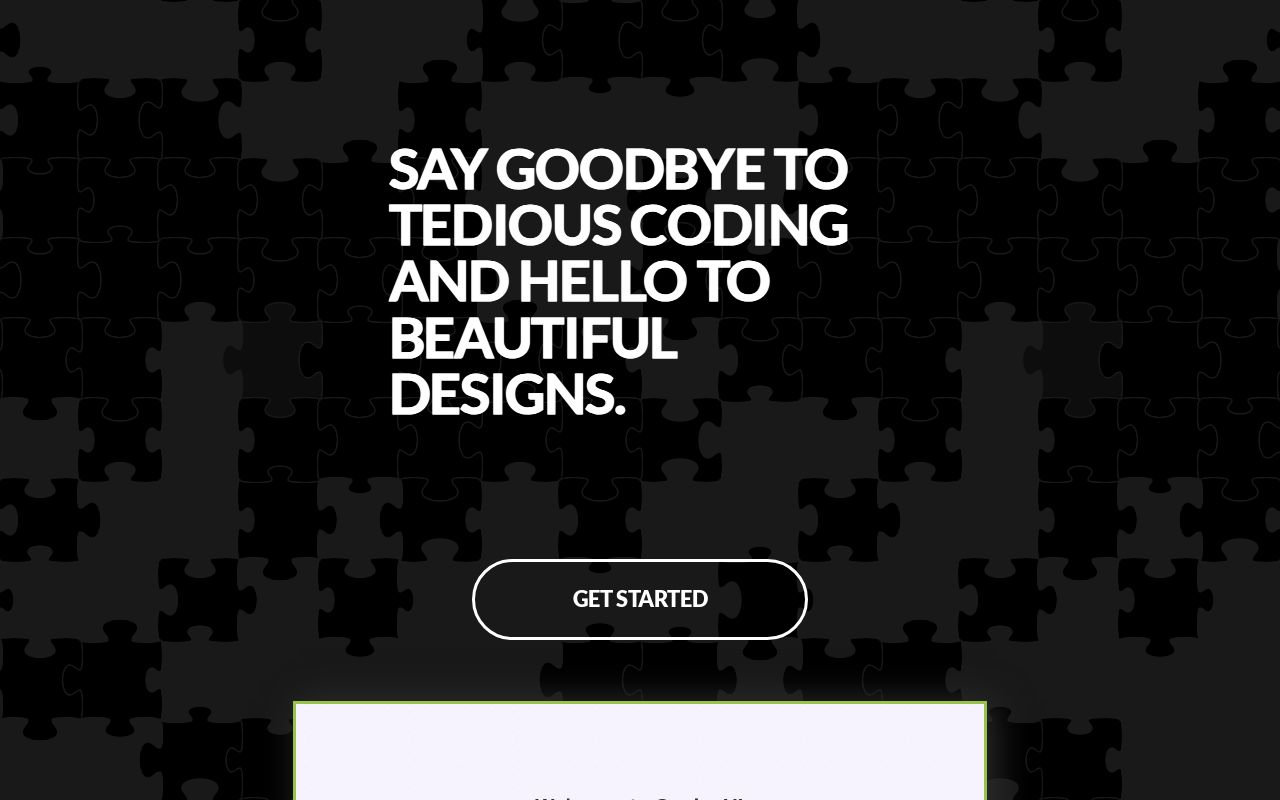
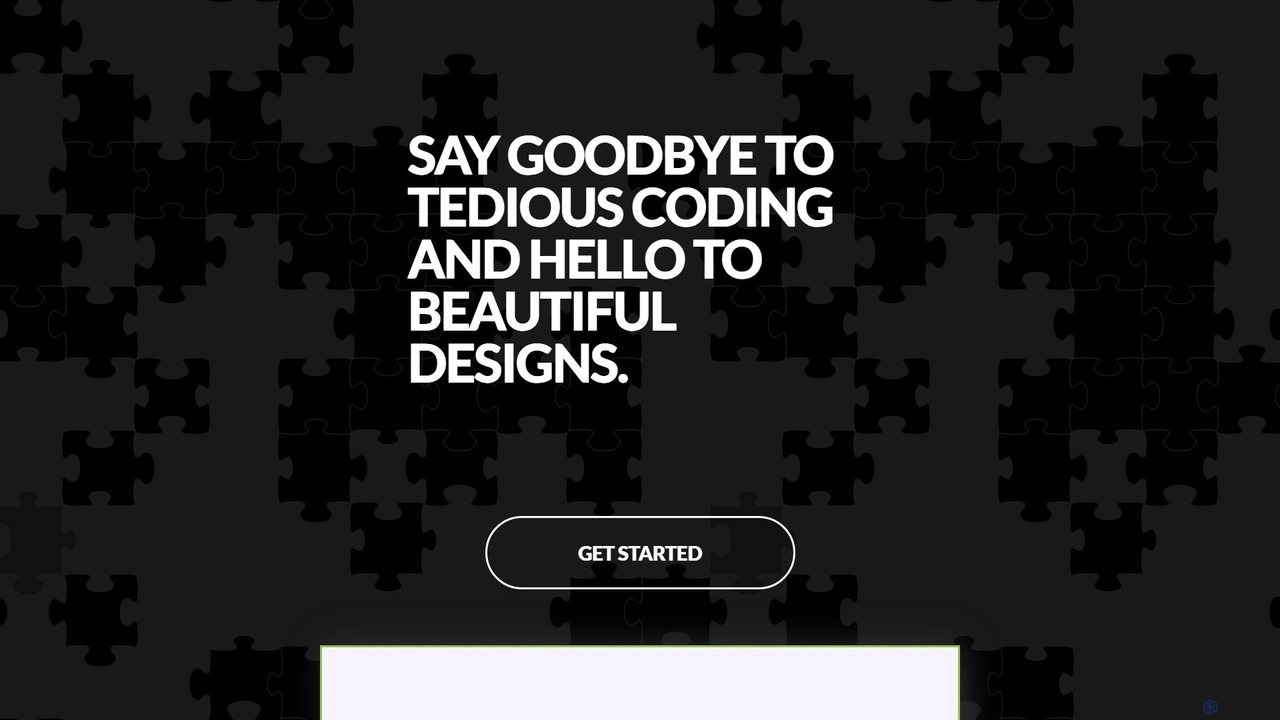
GeniusUI is a revolutionary AI-driven platform designed to fundamentally change how we create user interfaces. In a world where speed and quality are paramount, GeniusUI empowers designers, developers, and product teams to move from idea to interactive mockup at unprecedented speed. By simply describing your vision in natural language, you can generate beautiful, functional, and production-ready designs, effectively saying goodbye to tedious manual coding and time-consuming design iterations.
The platform is built on a sophisticated AI model trained on millions of high-quality design patterns and user flows. This allows it to understand context, aesthetics, and usability principles, ensuring that the generated designs are not only visually appealing but also highly effective and user-friendly. Whether you're building a new mobile app, a complex web dashboard, or a simple landing page, GeniusUI acts as your intelligent design partner, accelerating your workflow and unlocking new levels of creativity.
How to use GeniusUI
The workflow in GeniusUI is designed to be intuitive and straightforward, making UI design accessible to everyone, regardless of their technical background.
- Describe Your Vision: Start by typing a simple text prompt describing the UI element or screen you need. For example, 'Create a login screen for a modern music streaming app with a dark theme and social media login options.'
- AI-Powered Generation: GeniusUI's AI instantly processes your request and generates several unique design variations. You can browse through different layouts, color schemes, and component styles to find the one that best fits your vision.
- Refine and Customize: Select your preferred design and enter the visual editor. Here, you can easily tweak every aspect of the UI. Change colors, adjust typography, swap icons, or modify the layout using a simple drag-and-drop interface or by providing further text-based commands like 'make the primary button green'.
- Export and Launch: Once you are satisfied with your design, you can export it in various formats. Download high-resolution images for presentations, export to Figma for further collaboration with your design team, or generate production-ready code in HTML/CSS, React, or Vue to hand off directly to your development team.
Core Features of GeniusUI
- Text-to-UI Generation: The core engine that converts natural language prompts into complete UI screens and components.
- AI-Powered Design System: Generate a cohesive set of components (buttons, forms, cards, navigation bars) that form a consistent design system for your project.
- Multi-Framework Code Export: Export your designs into clean, readable, and production-ready code for popular front-end frameworks like React, Vue, Svelte, and standard HTML/CSS.
- Interactive Prototyping: Automatically link screens together to create simple, clickable prototypes for user testing and stakeholder presentations.
- Figma & Sketch Integration: Seamlessly import your generated designs into your favorite design tools for advanced editing and collaboration.
- Real-time Iteration: Instantly see changes and variations, allowing for rapid exploration of different design directions without manual effort.
- Theme and Style Adaptation: Easily apply different themes (e.g., dark mode, light mode) or adapt the design to match your existing brand guidelines.
Use Cases for GeniusUI
GeniusUI is a versatile tool that caters to a wide range of professionals:
- Startups & Entrepreneurs: Quickly create high-fidelity mockups and functional prototypes for investor pitches and minimum viable products (MVPs) without hiring a large team.
- UI/UX Designers: Accelerate the ideation and wireframing process. Generate dozens of concepts in minutes to overcome creative blocks and focus on high-level user experience strategy.
- Developers: Eliminate the need to write boilerplate UI code. Generate front-end components and layouts instantly, allowing you to focus on backend logic and application functionality.
- Product Managers & Marketers: Independently create realistic mockups for new feature proposals, A/B testing, and marketing landing pages without relying on design and engineering resources.
Advantages of GeniusUI
Using GeniusUI provides a significant competitive edge. The primary advantage is the massive increase in speed, reducing the design-to-development cycle from weeks to hours. It democratizes design, making it possible for non-designers to create professional-looking interfaces. This leads to significant cost savings on both design and development resources. Furthermore, the AI-driven approach ensures design consistency and helps teams explore more creative possibilities than they could manually.
Pricing and Plans
GeniusUI offers a flexible pricing structure to suit different needs, from individual creators to large enterprises. While specific pricing may vary, it typically follows a freemium model:
- Free Plan: Ideal for individuals and hobbyists. Offers a limited number of AI generations per month, basic features, and watermarked exports.
- Pro Plan: Designed for professionals and freelancers. Includes a high volume of AI generations, access to all core features, code export, Figma integration, and no watermarks.
- Team/Enterprise Plan: Tailored for agencies and large organizations. Provides unlimited generations, advanced collaboration features, custom design system integration, priority support, and enhanced security.
GeniusUI Alternatives
Uizard
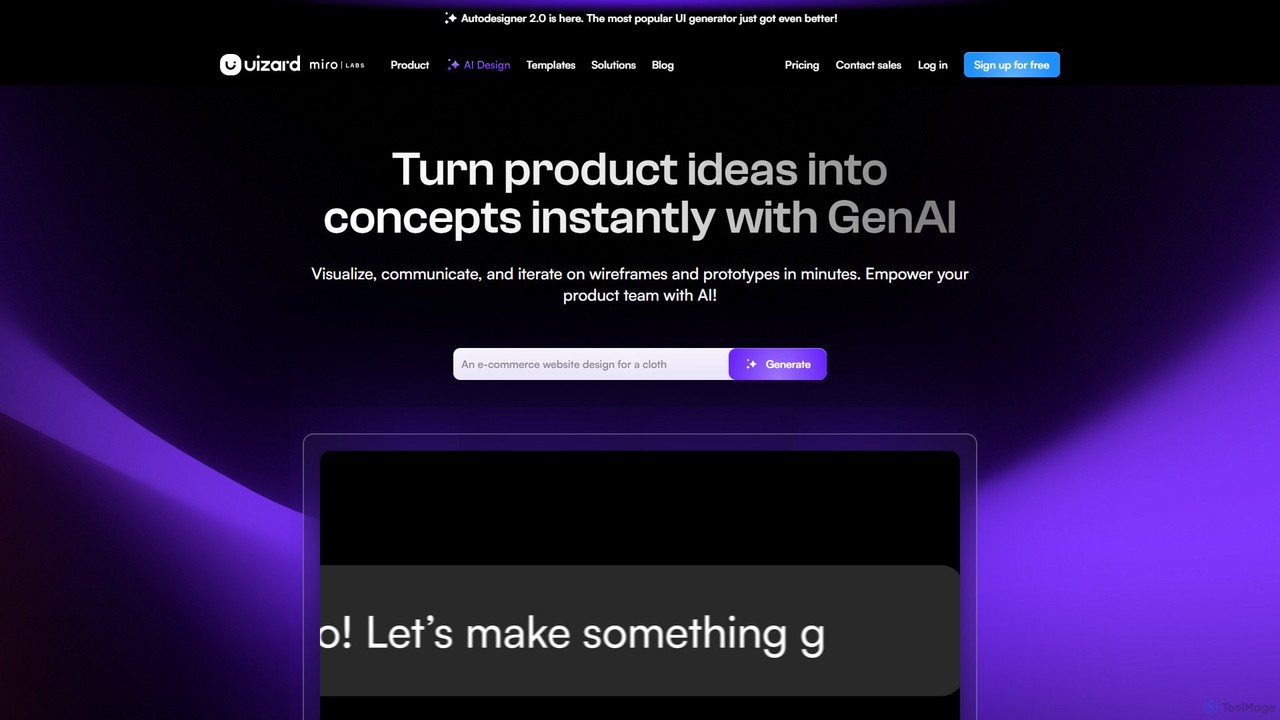
Uizard is an AI-powered UI design tool that empowers both designers and non-designers to create stunning websites, web apps, and mobile app mockups in minutes. Transform text prompts, hand-drawn sketches, or screenshots into editable, interactive prototypes. It's designed for rapid ideation, real-time collaboration, and streamlining the entire product design workflow from concept to handoff.
Ui Ux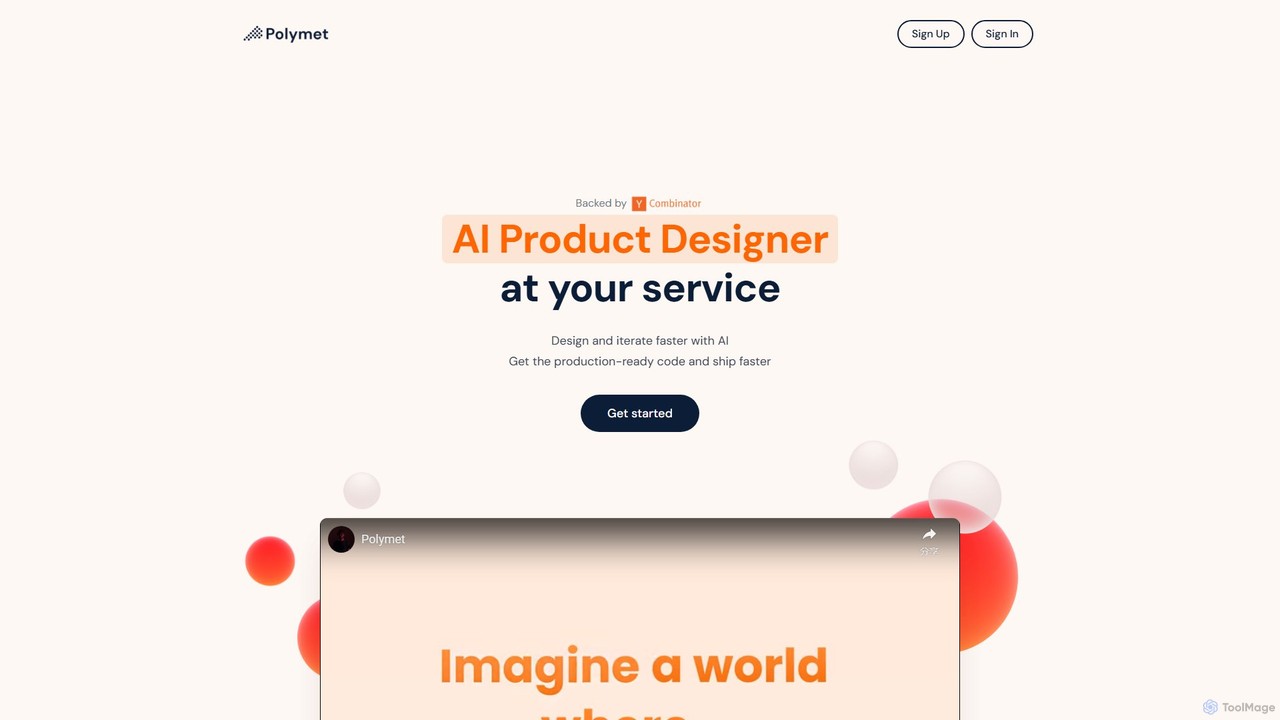
Polymet
Polymet is an AI-powered product designer that transforms ideas, text descriptions, or images into interactive prototypes with production-ready code in seconds. It streamlines the design and development workflow, integrating seamlessly with Figma and existing codebases.
Ui Ux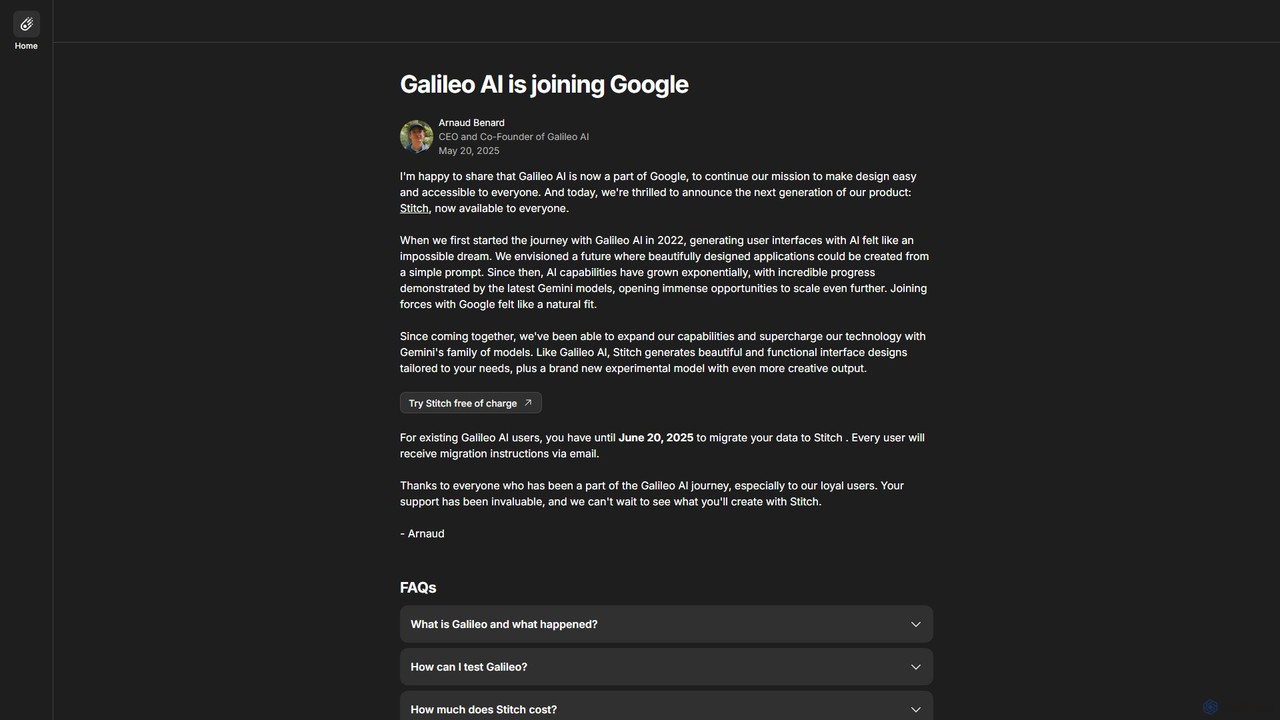
Galileo AI
Galileo AI is a pioneering AI-powered UI design generator that transforms simple text prompts into beautiful, functional interface designs. Acquired by Google, it has now evolved into 'Stitch', a more powerful tool integrated with Google's Gemini models, making advanced design accessible to everyone for free.
Ui Ux Design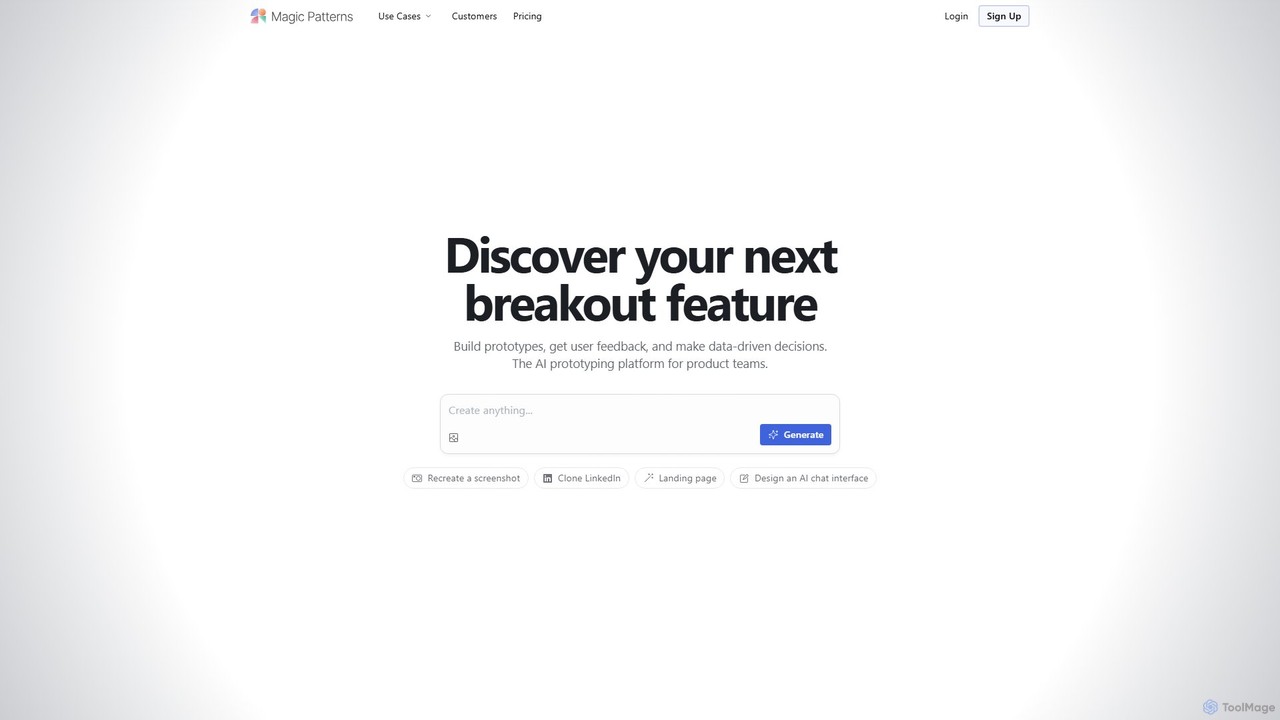
Magic Patterns
Magic Patterns is an AI-powered prototyping platform for product teams, designers, and developers. It accelerates UI creation by generating interactive prototypes and production-ready code (React, Tailwind CSS) from text prompts, screenshots, or existing websites. It helps teams iterate faster, gather user feedback, and make data-driven decisions.
Prototyping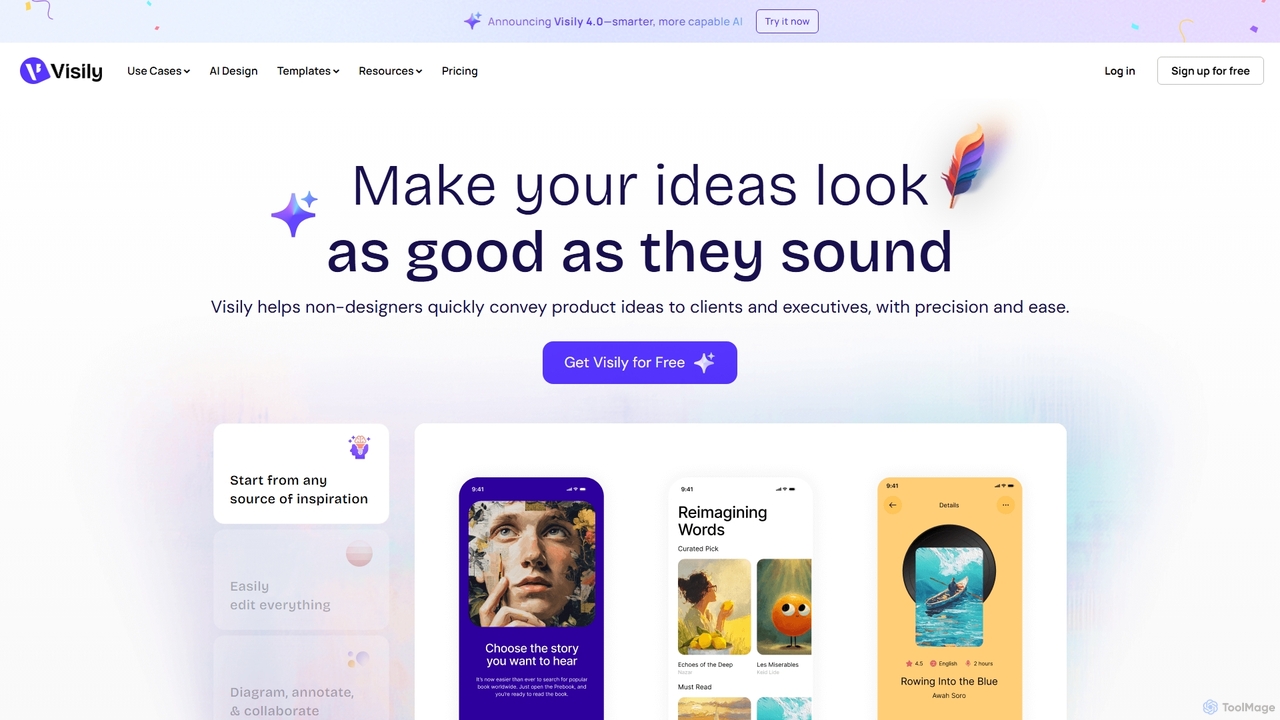
Visily
Visily is an AI-powered UI design and prototyping tool specifically created for non-designers. It enables teams to quickly transform ideas, screenshots, or text prompts into high-fidelity wireframes and mockups. With its intuitive interface and powerful collaboration features, Visily streamlines the process of visualizing product concepts and gathering feedback, bridging the gap between ideas and execution without a steep learning curve.
Ui UxGeniusUI Categories
GeniusUI Embed Widget
Copy this embed code to place the badge on your blog, article, or product site and send readers directly to this ToolMage detail page.

Related AI tools
Polymet
Polymet is an AI-powered product designer that transforms ideas, text descriptions, or images into interactive prototypes with production-ready code in seconds. It streamlines the design and development workflow, integrating seamlessly with Figma and existing codebases.
Ui UxMagic Patterns
Magic Patterns is an AI-powered prototyping platform for product teams, designers, and developers. It accelerates UI creation by generating interactive prototypes and production-ready code (React, Tailwind CSS) from text prompts, screenshots, or existing websites. It helps teams iterate faster, gather user feedback, and make data-driven decisions.
PrototypingUizard
Uizard is an AI-powered UI design tool that empowers both designers and non-designers to create stunning websites, web apps, and mobile app mockups in minutes. Transform text prompts, hand-drawn sketches, or screenshots into editable, interactive prototypes. It's designed for rapid ideation, real-time collaboration, and streamlining the entire product design workflow from concept to handoff.
Ui UxGalileo AI
Galileo AI is a pioneering AI-powered UI design generator that transforms simple text prompts into beautiful, functional interface designs. Acquired by Google, it has now evolved into 'Stitch', a more powerful tool integrated with Google's Gemini models, making advanced design accessible to everyone for free.
Ui Ux Design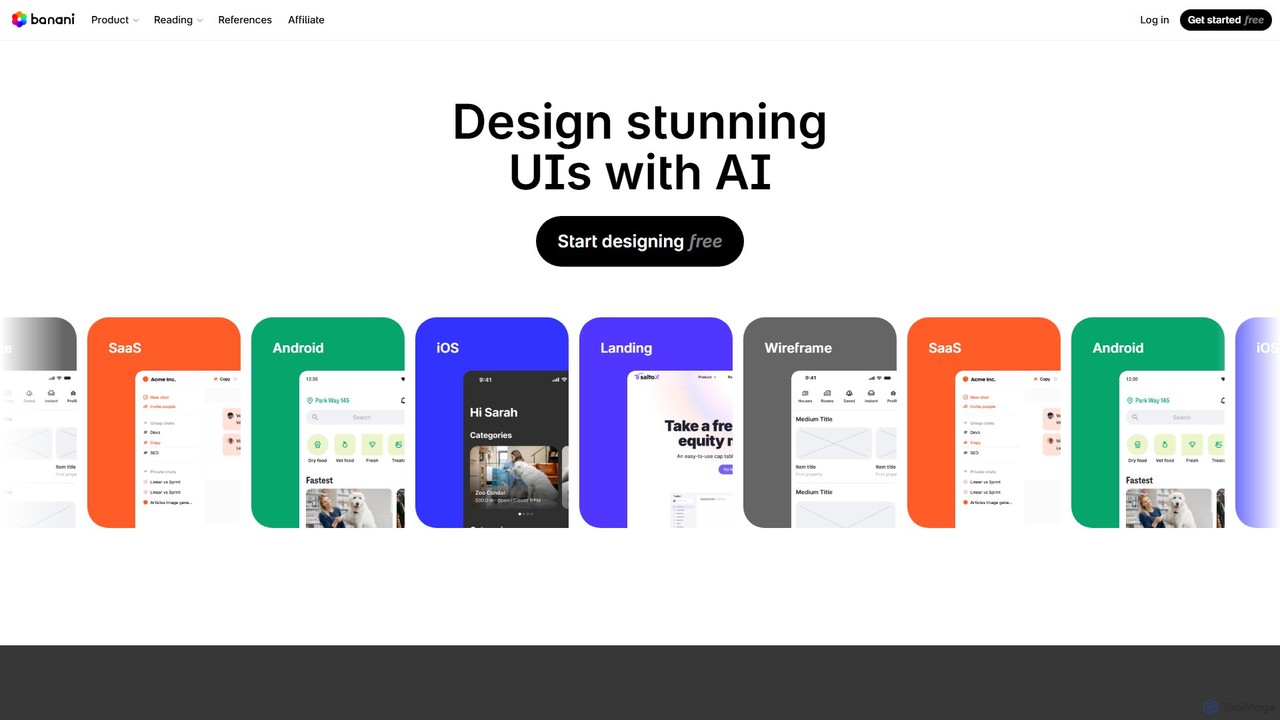
Banani
Banani is an AI-powered UI design copilot that transforms text prompts into stunning, interactive user interfaces and prototypes. It's designed for rapid ideation and visualization, enabling product managers, founders, and designers to create beautiful, user-friendly designs in seconds, even without prior design skills.
Ui Design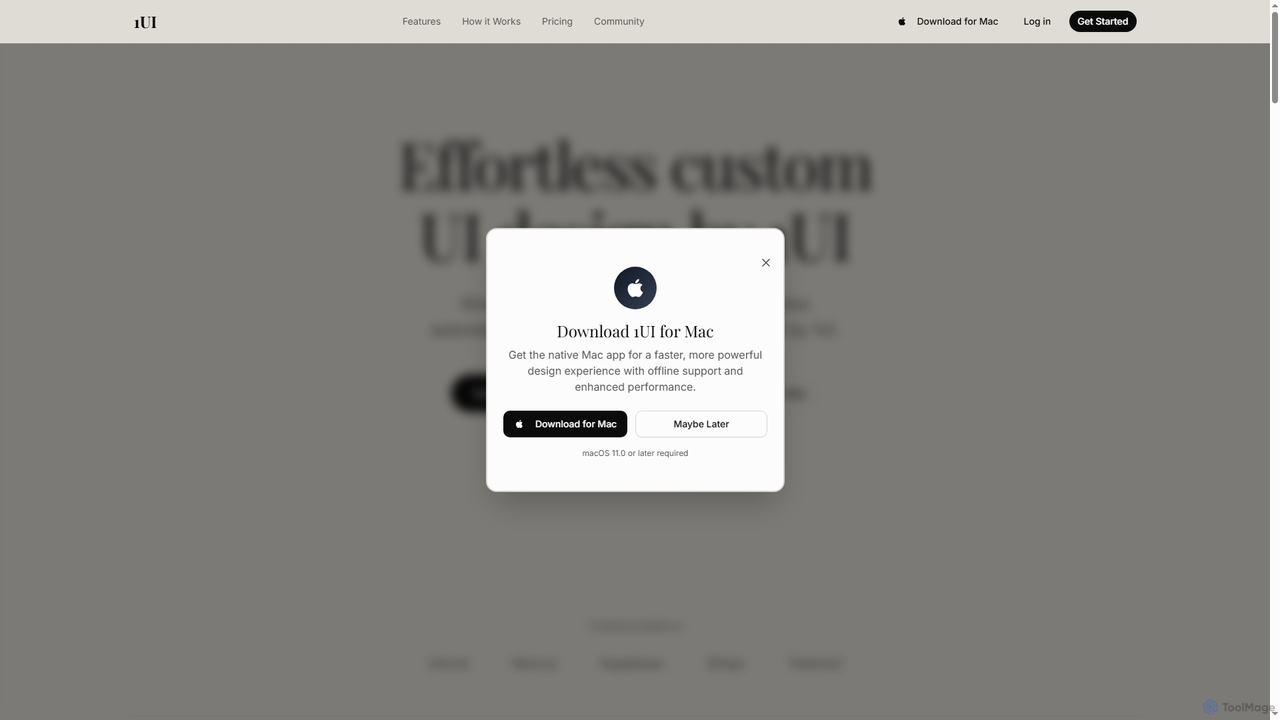
1ui
1ui is an AI-powered platform that generates pixel-perfect, production-ready UI designs from natural language prompts. It streamlines the design process by creating responsive layouts, contextual images, and clean HTML/CSS code in seconds. Features include a prompt enhancer, team collaboration, and direct export to Figma as editable layers.
Code Generation
Jyek
Jyek is an AI agent platform that understands objectives, creates execution plans, uses tools, and delivers verifiable results for complex, multi-step tasks.
Automation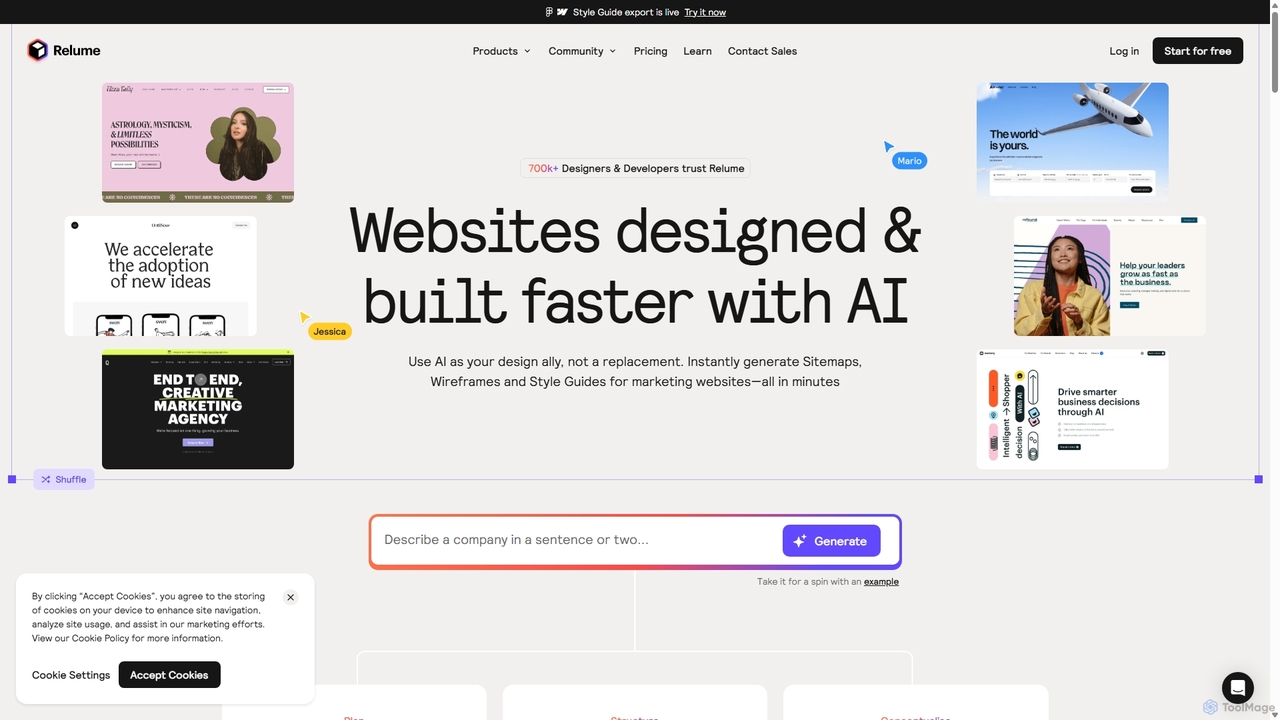
Relume
Relume is an AI-powered website builder designed to accelerate the web design and development process. It enables users to generate sitemaps and wireframes from simple text prompts, create comprehensive style guides, and utilize a vast library of over 1,000 components for Figma, Webflow, and React. Relume streamlines the entire workflow from initial concept to final export, empowering designers, developers, and agencies to build high-quality websites faster.
Web Design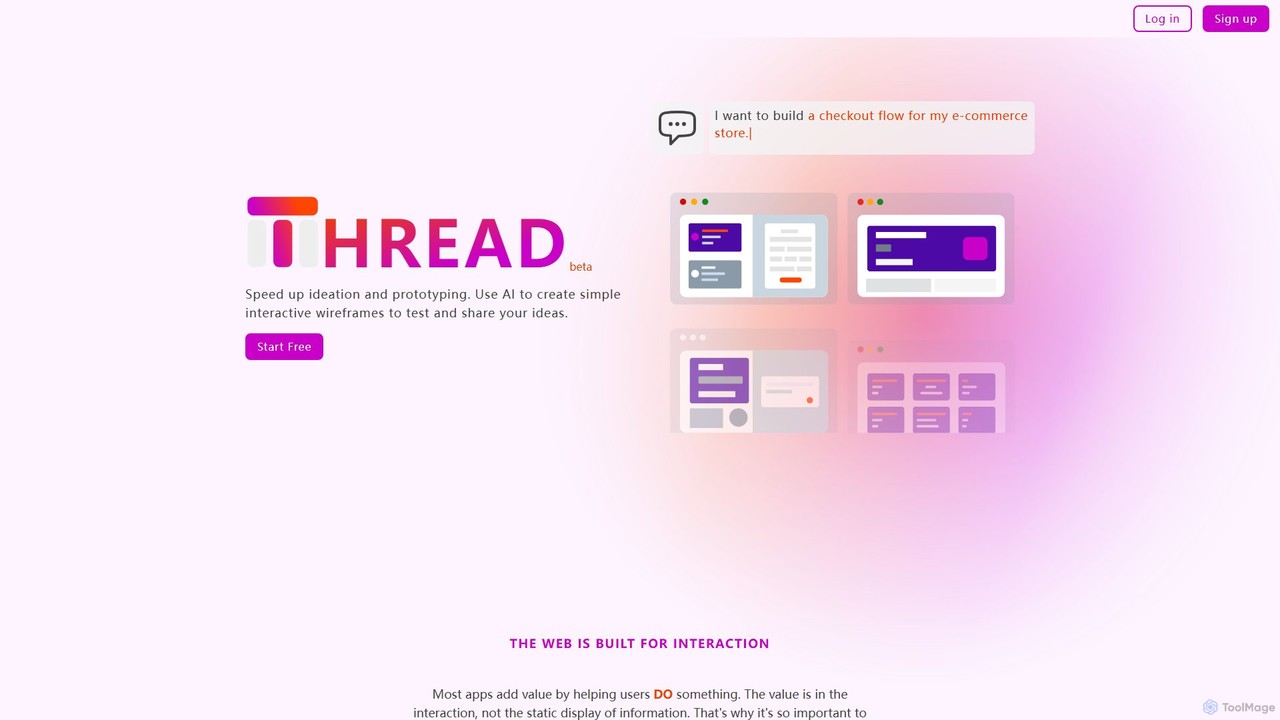
Thread App
Thread App is an AI-powered tool that instantly creates simple, interactive wireframes from text descriptions. It's designed to accelerate ideation and prototyping for designers, developers, and product managers, allowing them to test and share app ideas quickly without complex design software.
Prototyping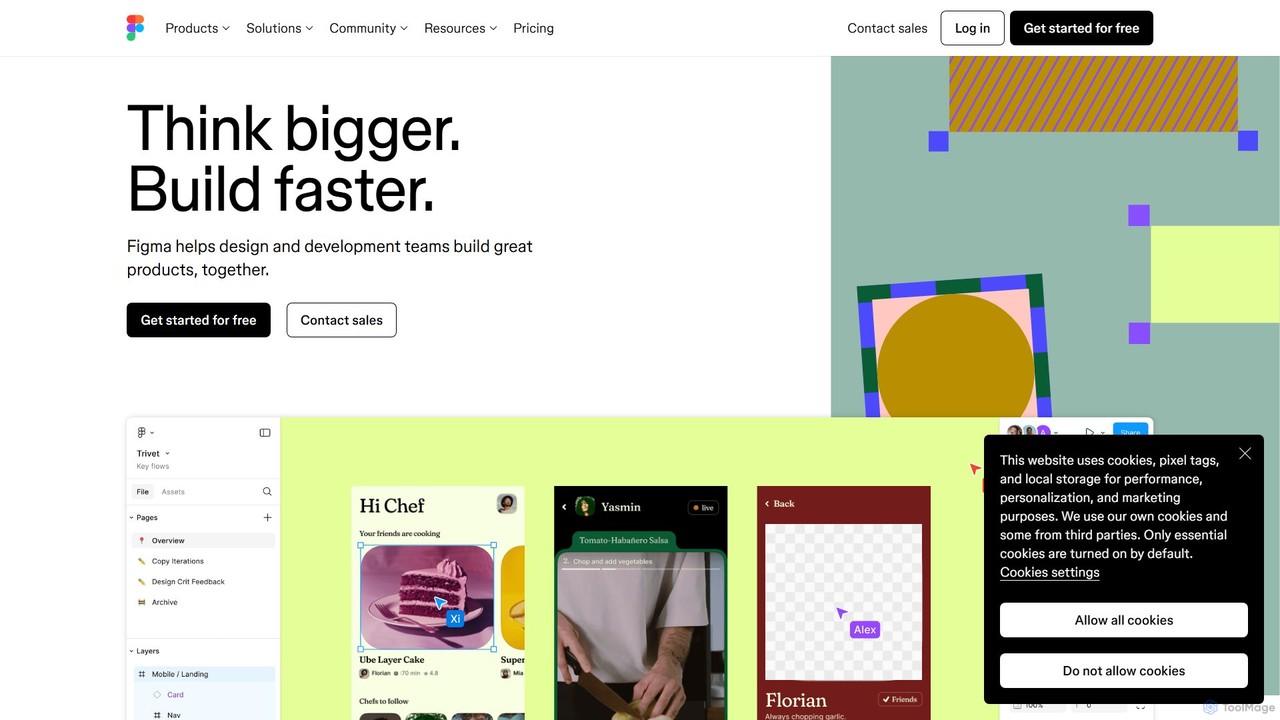
Figma
Figma is a leading collaborative interface design platform that allows teams to design, prototype, and gather feedback in one place. Powered by AI, it accelerates workflows from brainstorming in FigJam to creating high-fidelity designs and handing off to developers with Dev Mode, unifying the entire product development process.
Ui Ux Design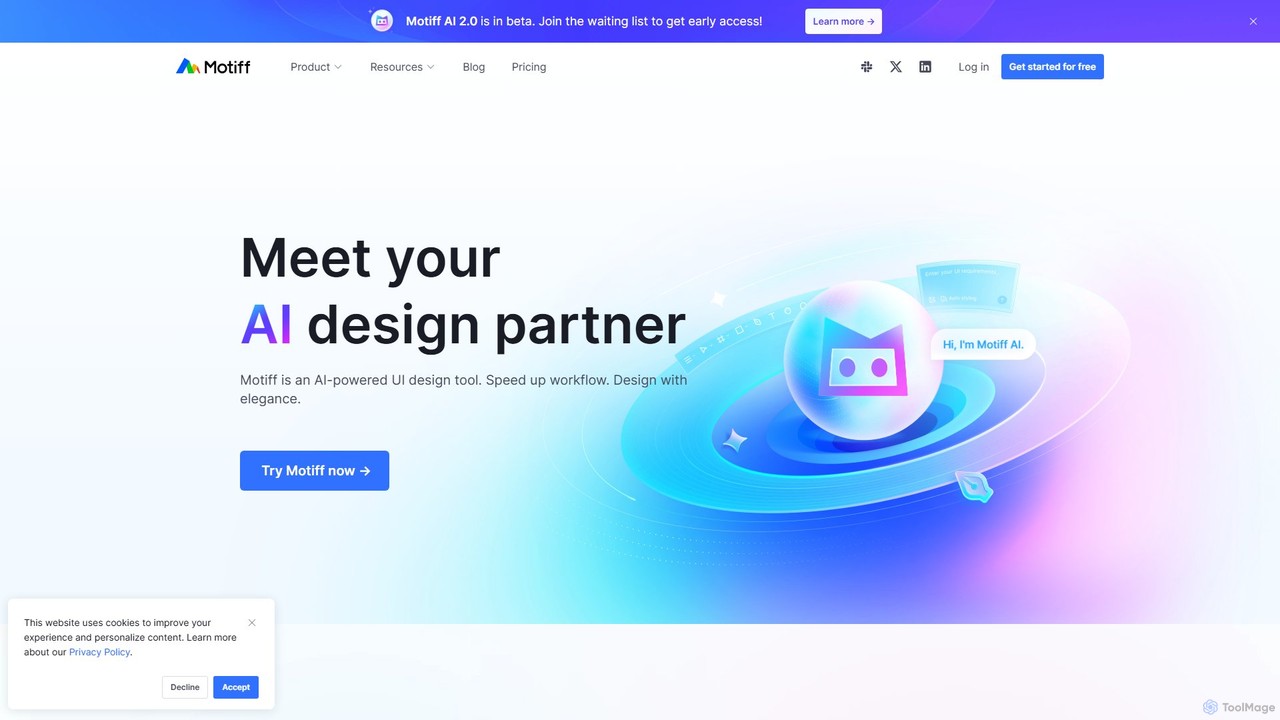
Motiff
Motiff is an AI-powered professional interface design tool that accelerates the entire workflow. It enables users to generate UIs from text and images, iterate on designs with AI assistance, and collaborate in real-time. Combining robust design tools, prototyping, and a developer-friendly handoff mode, Motiff serves as a comprehensive, high-performance platform for modern product teams.
Ui Ux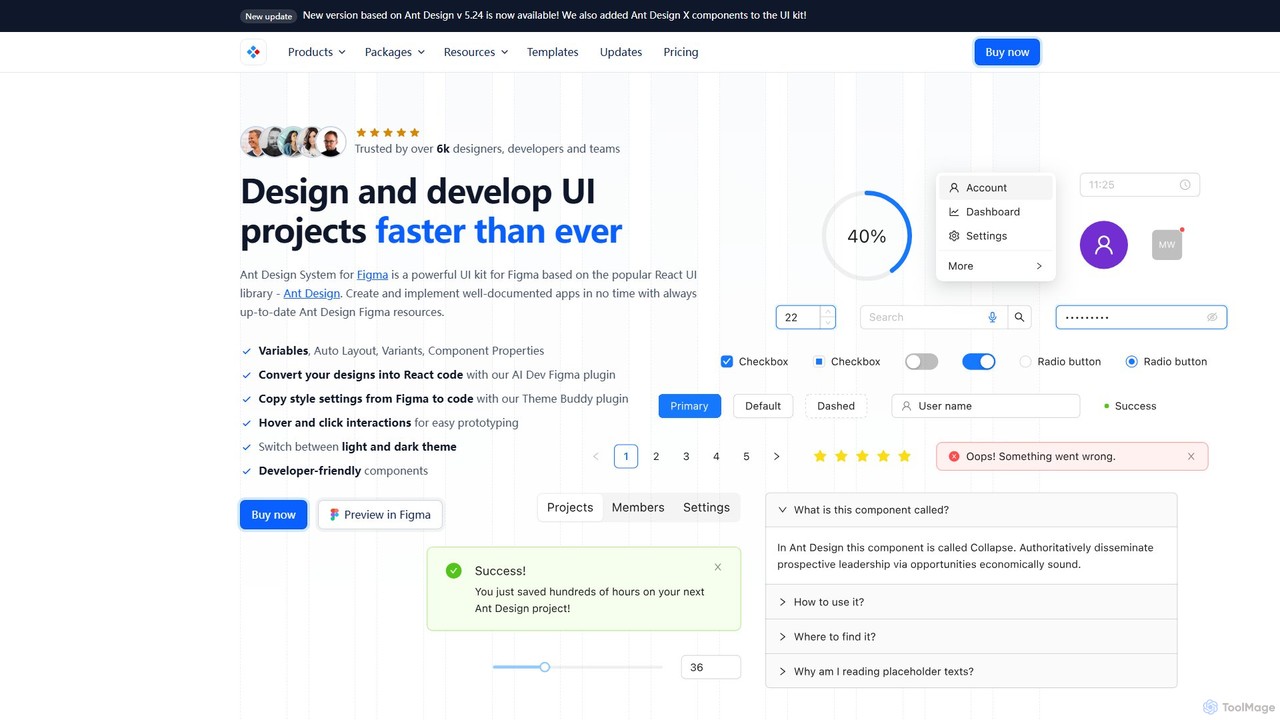
Ant for Figma
A comprehensive Ant Design system and UI kit for Figma, created to accelerate the design and development workflow. It provides a massive library of customizable components, templates, and plugins, ensuring perfect consistency between Figma designs and Ant Design React code.
Ui Kit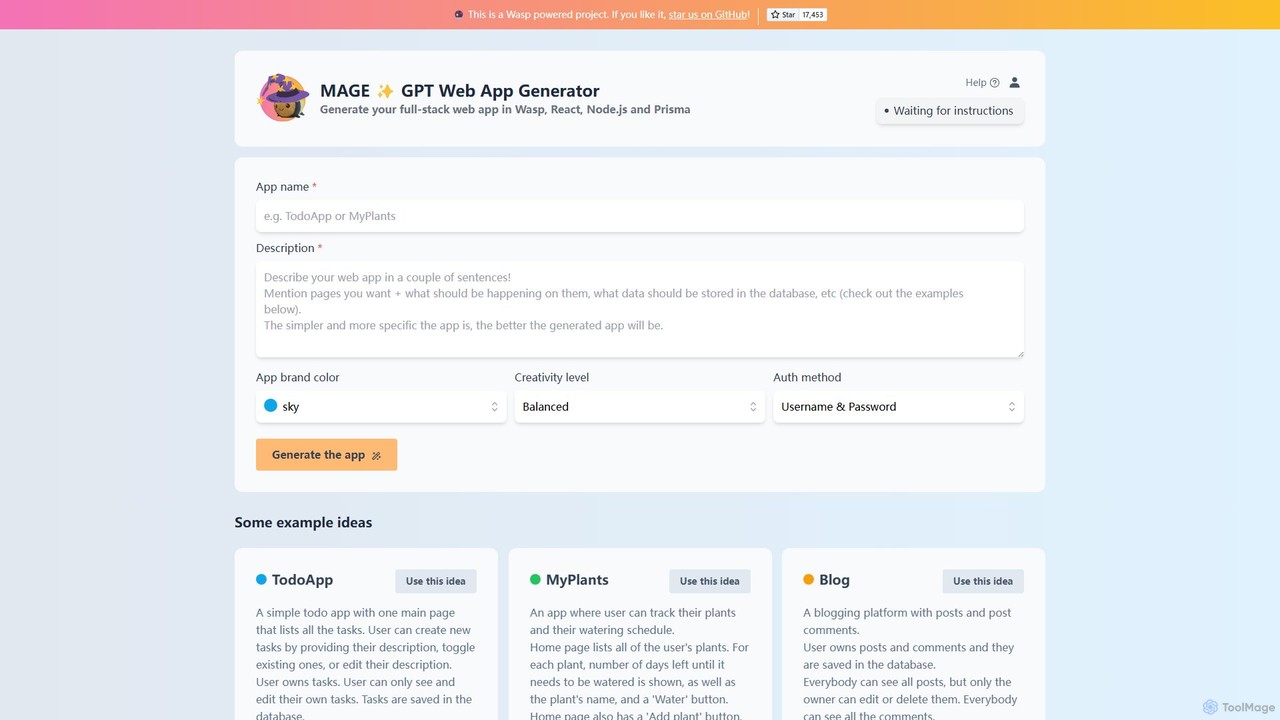
MAGE
MAGE is a free AI-powered generator that creates full-stack web applications from simple text descriptions. Built on the Wasp framework, it uses GPT to generate code for React, Node.js, and Prisma, allowing you to build and deploy apps like to-do lists, blogs, or plant trackers in minutes.
Code Generation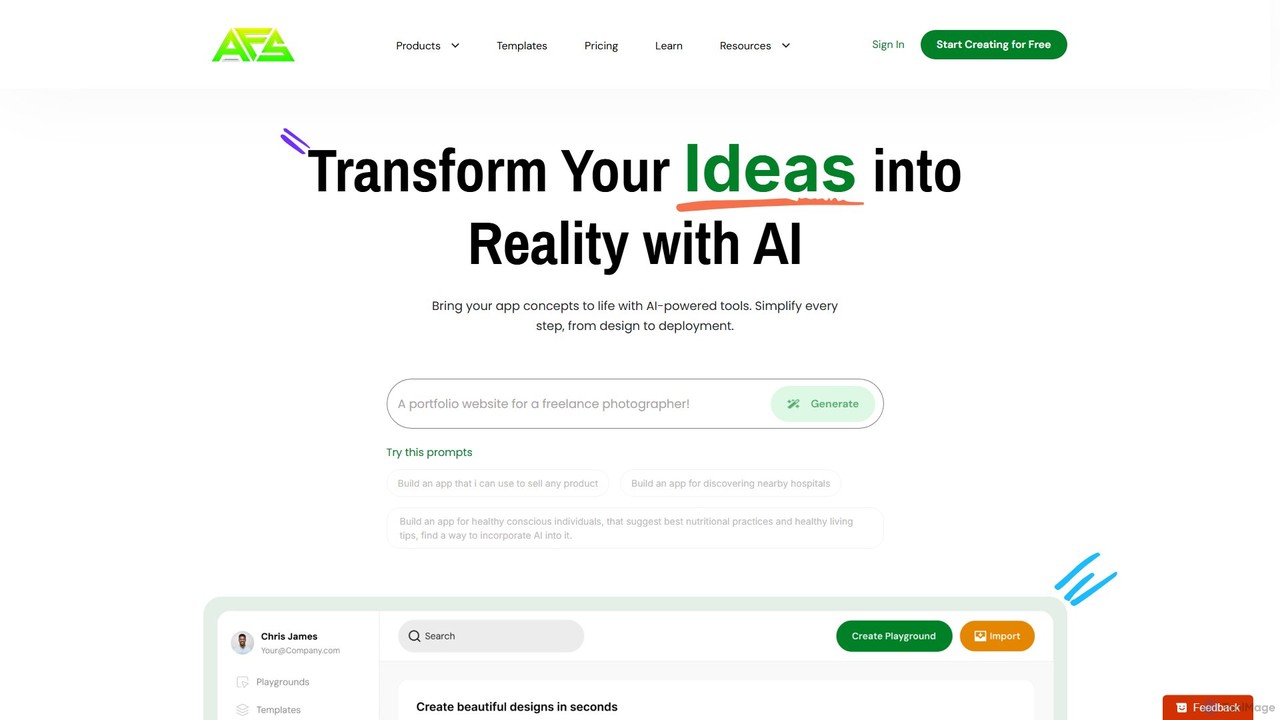
AppForceStudio
AppForceStudio is a next-generation, AI-powered platform that transforms your app ideas into reality. It simplifies the entire app creation process, from design and storyboarding to code generation and deployment. Ideal for solo founders, small businesses, and development teams, it enables users to build professional, market-ready iOS and Android apps with or without coding experience.
Ui Ux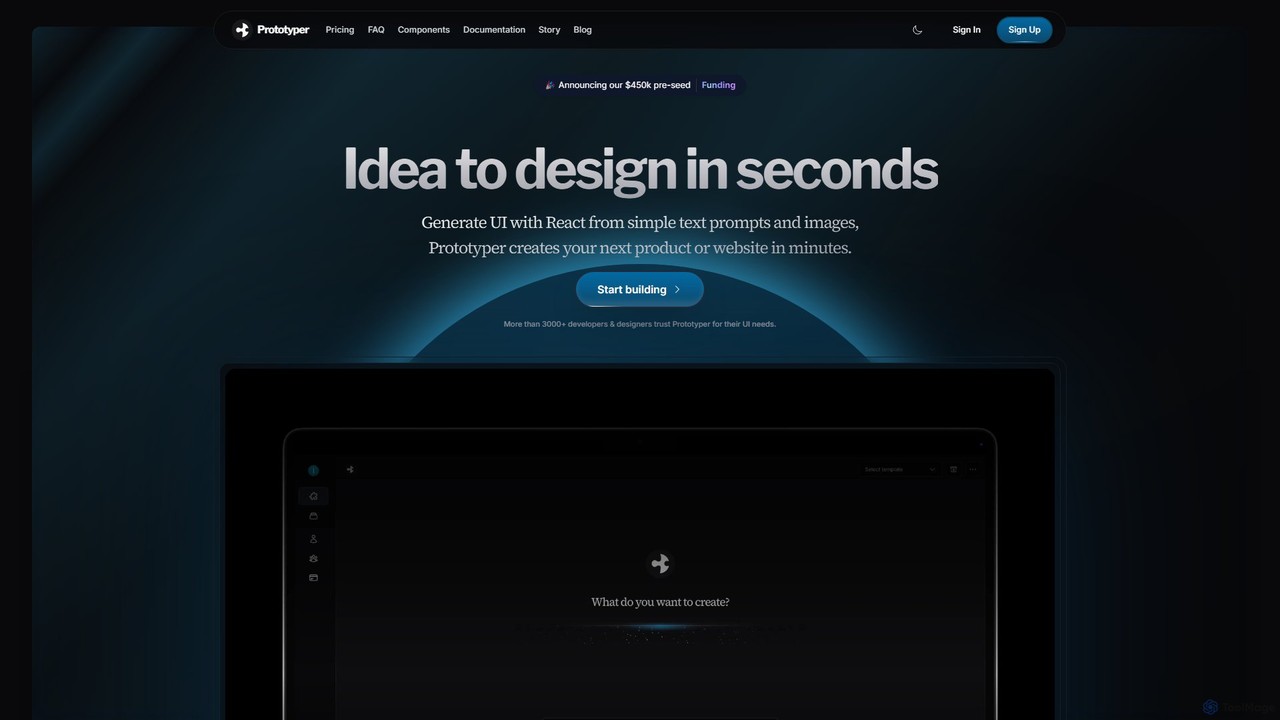
getaprototype
getaprototype is an AI-powered UI design and prototyping tool that transforms text prompts and images into production-ready React and Tailwind CSS code. It enables developers and designers to rapidly generate, test, and iterate on user interfaces, significantly accelerating the development workflow from idea to deployment.
Ui
GeniusUI Comments (0)
Sign in to comment.
Sign inNo comments yet.