
getaprototype
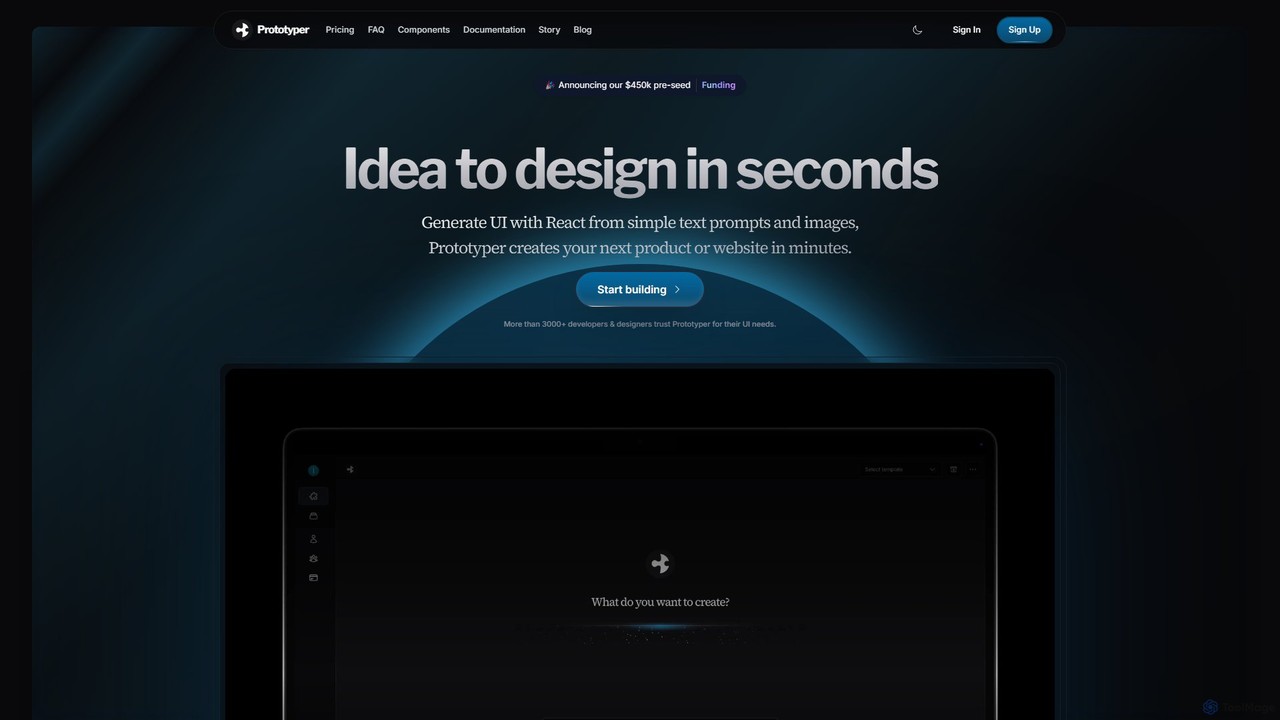
getaprototype is an AI-powered UI design and prototyping tool that transforms text prompts and images into production-ready React …
getaprototype is an AI-powered UI design and prototyping tool that transforms text prompts and images into production-ready React and Tailwind CSS code. It enables developers and designers to rapidly generate, test, and iterate on user interfaces, significantly accelerating the development workflow from idea to deployment.
About Ui
AI UI (User Interface) tools are a specialized category of design software that leverages artificial intelligence to automatically generate user interface designs from text prompts, wireframes, or raw data. These tools utilize generative models to interpret user requirements and produce visual mockups, components, and even code snippets. Their primary value lies in drastically accelerating the design process, enabling rapid prototyping and exploration of multiple design variations with minimal manual effort. This allows teams to move from idea to interactive prototype much faster than with traditional methods.
Core Features
- Text-to-UI Generation: Creates UI mockups and components directly from natural language descriptions.
- Wireframe/Sketch-to-Design Conversion: Transforms low-fidelity sketches or wireframes into polished, high-fidelity UI designs.
- Design System Automation: Generates consistent UI components (buttons, forms, cards) based on established style guides.
- Layout & Theme Variation: Produces multiple layout options and color themes for a single concept to facilitate A/B testing and creative exploration.
- Code Generation: Exports generated designs into front-end code frameworks like HTML/CSS, React, or Swift.
Use Cases
These tools are particularly valuable for startups and product teams needing to quickly validate ideas through rapid prototyping. UI/UX designers use them to accelerate the initial ideation and wireframing phases, while developers can use them to quickly scaffold front-end components. Marketing teams also leverage them to create variations of landing pages for conversion rate optimization.
How to Choose
When selecting an AI UI tool, consider the quality and customizability of the generated designs. Evaluate its integration capabilities with existing design software like Figma or Sketch. Assess the quality and framework support of its code generation feature. Finally, consider the learning curve and whether its workflow aligns with your team's existing design and development processes.
UiUse Cases
Rapid Prototyping for a New Mobile App
A product manager at a startup needs to create an interactive prototype for investor demos. Instead of waiting for the design team, they use an AI UI tool. They input text prompts like 'Create a user profile screen for a social fitness app' and 'Generate a dashboard showing daily steps and calories burned.' The tool instantly generates multiple high-fidelity screen designs. They select the best options, link them together into a clickable prototype, and have a compelling demo ready in hours instead of weeks, significantly accelerating the feedback and funding cycle.
Converting Whiteboard Sketches to HTML/CSS
During a brainstorming session, a development team sketches out a new feature on a whiteboard. A front-end developer takes a photo of the sketch and uploads it to an AI UI tool. The tool analyzes the drawing, identifies elements like buttons, input fields, and image placeholders, and converts the entire layout into clean, structured HTML and CSS code. This saves the developer several hours of manually coding the basic structure, allowing them to focus immediately on implementing functionality and refining the styles, bridging the gap between a rough idea and a working component.
Generating A/B Test Variations for a Landing Page
A marketing team wants to optimize the conversion rate of a product landing page. They use an AI UI tool to generate multiple variations of the hero section. By providing the existing design and a prompt like 'Create five alternative layouts with a stronger call-to-action and different imagery,' the tool produces a range of options in minutes. The team can then easily export these variations and set up an A/B test. This process allows for much broader and faster experimentation than manual redesigns, leading to quicker data-driven improvements in page performance.
Automating Design System Component Creation
A large enterprise is scaling its design system. A UI designer is tasked with creating a new set of data visualization components. They define the base styles (colors, typography, spacing) in an AI UI tool and provide prompts like 'Generate a bar chart component with a tooltip' and 'Create a line graph component with selectable date ranges.' The AI generates a full suite of consistent, on-brand components in various states (default, hover, disabled). This automates a tedious and repetitive task, ensuring consistency across the system and freeing up the designer to focus on more complex interaction design challenges.
Ideating UI Concepts for a Client Pitch
A design agency is preparing a pitch for a new client in the e-commerce space. To showcase their creative capabilities, they use an AI UI tool to quickly generate a wide array of conceptual directions. They input prompts describing different styles, such as 'a luxury fashion e-commerce homepage with a minimalist aesthetic' and 'a vibrant, playful UI for a children's toy store.' Within an hour, they have dozens of high-quality mockups. This allows them to present the client with a rich portfolio of ideas, demonstrating their understanding of the brand and market far more effectively than a few manually created wireframes could.
Localizing an App's User Interface
A software company is launching its application in Japan. The existing UI, designed for English, has layout issues with Japanese characters and cultural conventions. A UX designer uses an AI UI tool to streamline localization. They upload the current screens and prompt the AI to 'adapt this layout for Japanese, ensuring text doesn't overflow and iconography is culturally appropriate.' The tool automatically adjusts component sizes, font weights, and spacing, and suggests alternative icons. This provides a strong, localized baseline design, saving significant time compared to manually redesigning each screen from scratch for the new market.