Draftly
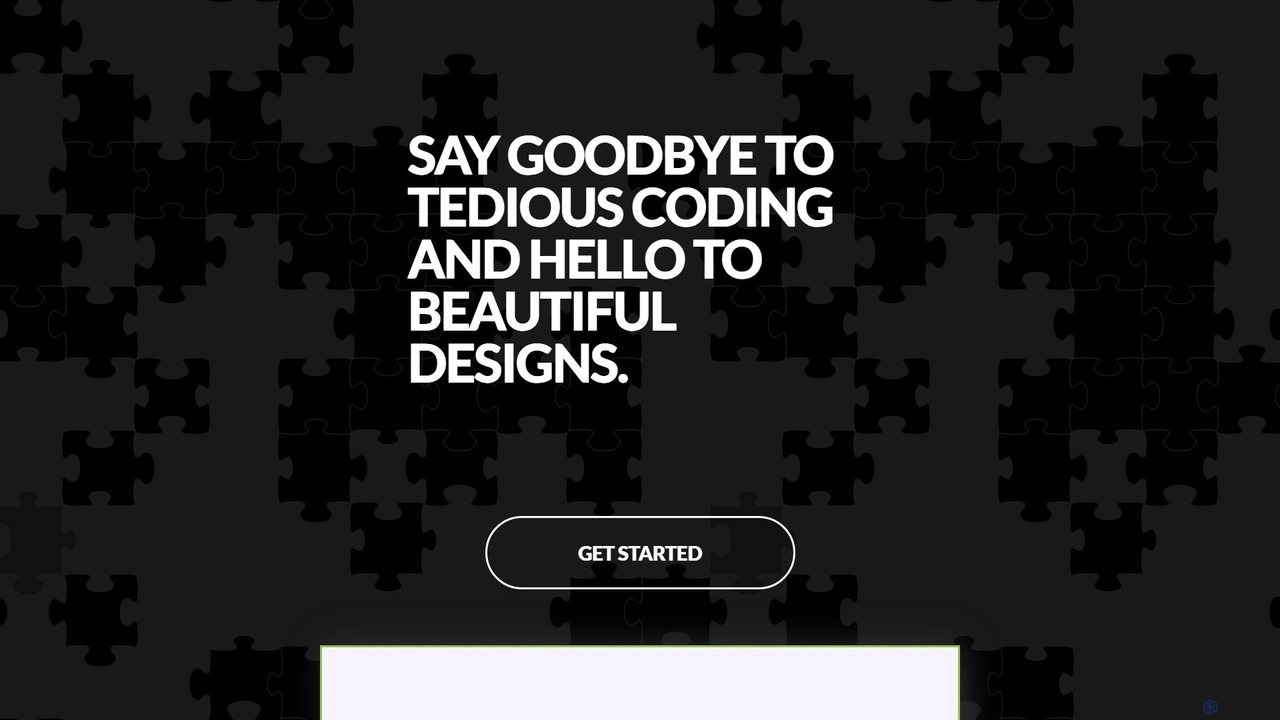
Draftly is an AI-powered UI design generator that enables users to quickly create complete application screens. It streamlines …
Draftly is an AI-powered UI design generator that enables users to quickly create complete application screens. It streamlines the design process, offering enhanced stability and a community showcase for inspiration. Free accounts now benefit from full app generation capabilities.
Precious
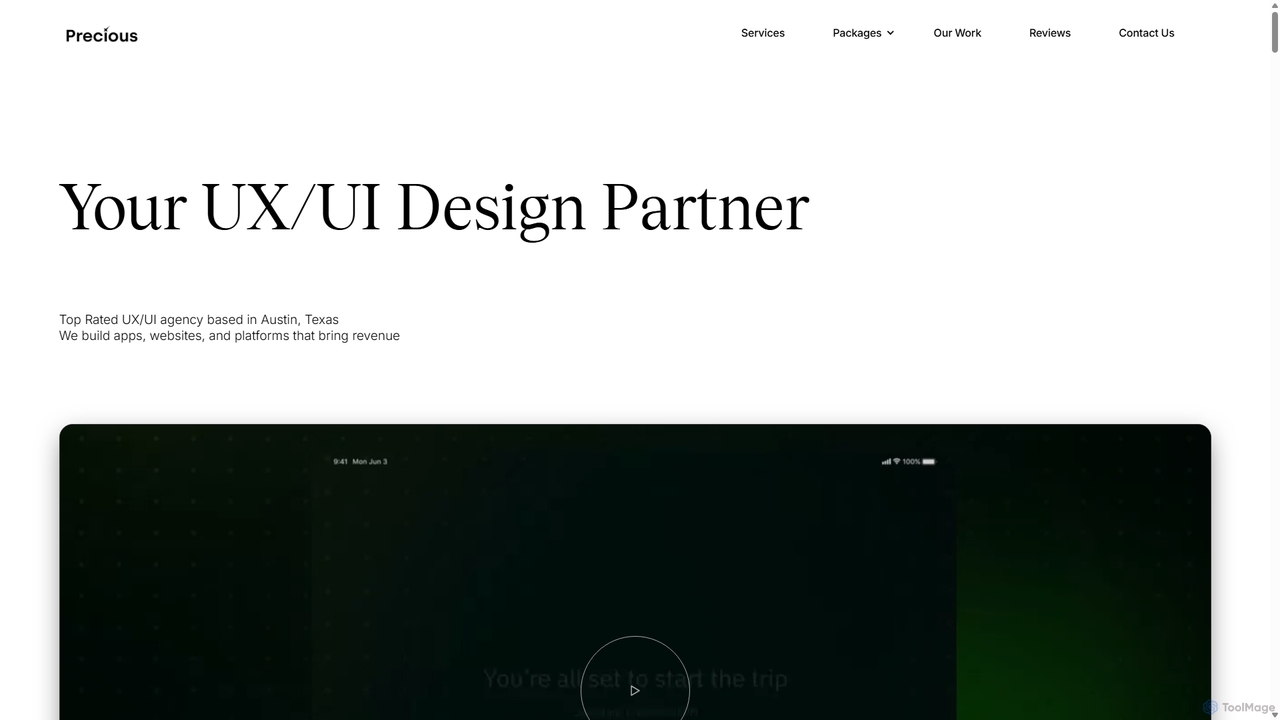
Precious is a top-rated UX/UI design and development agency based in Austin, TX. They specialize in creating user-centric …
Precious is a top-rated UX/UI design and development agency based in Austin, TX. They specialize in creating user-centric apps, websites, and platforms for startups and enterprises. With a dedicated focus on "UX for AI," they help businesses design intuitive and engaging experiences for AI agents, chatbots, and AI-powered applications, turning complex technology into seamless user journeys.
downrightdesign
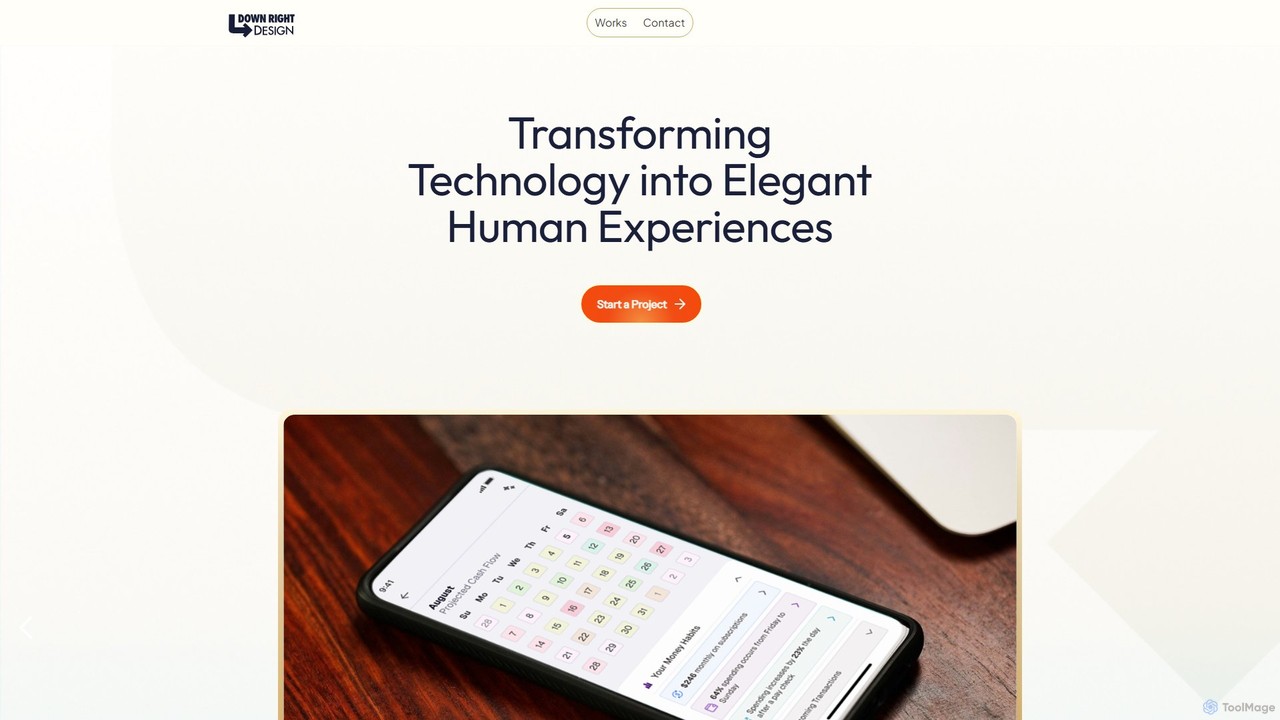
A specialized design agency that creates intuitive, human-centric digital experiences for mobile apps, web applications, and AI interfaces. …
A specialized design agency that creates intuitive, human-centric digital experiences for mobile apps, web applications, and AI interfaces. They transform complex functionality into natural and enjoyable user interactions.
Galileo AI
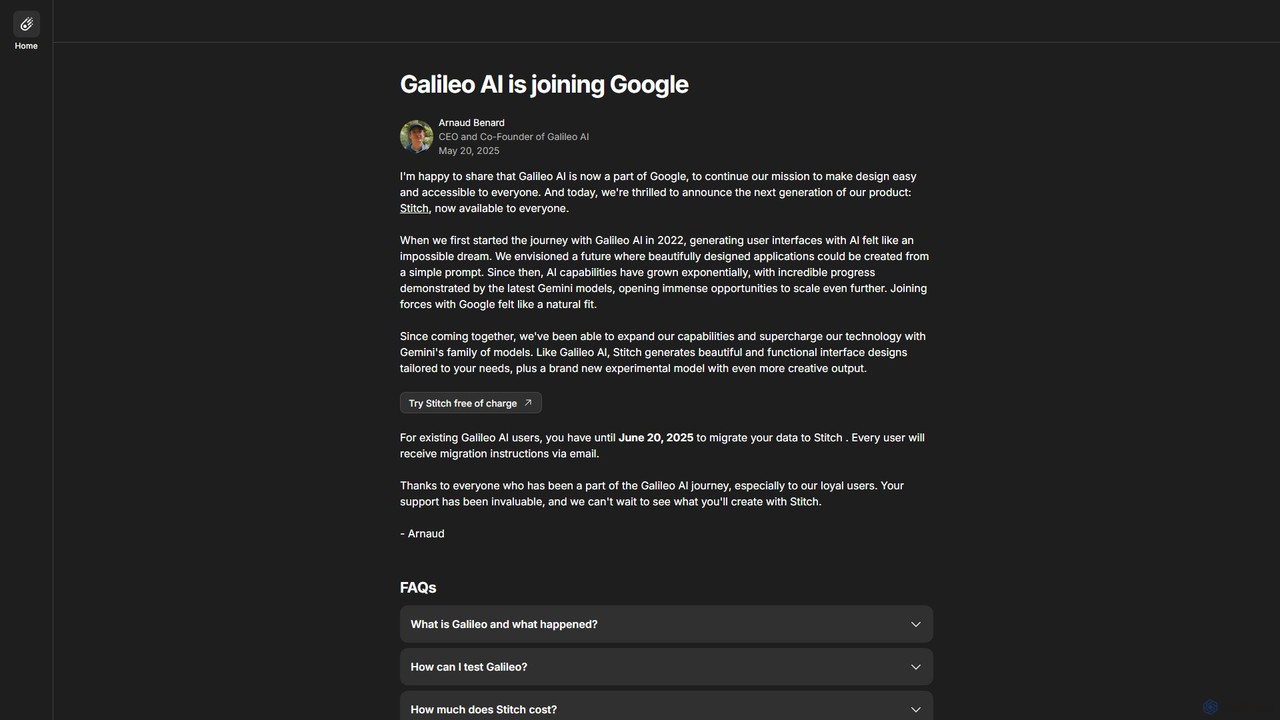
Galileo AI is a pioneering AI-powered UI design generator that transforms simple text prompts into beautiful, functional interface …
Galileo AI is a pioneering AI-powered UI design generator that transforms simple text prompts into beautiful, functional interface designs. Acquired by Google, it has now evolved into 'Stitch', a more powerful tool integrated with Google's Gemini models, making advanced design accessible to everyone for free.
Figma
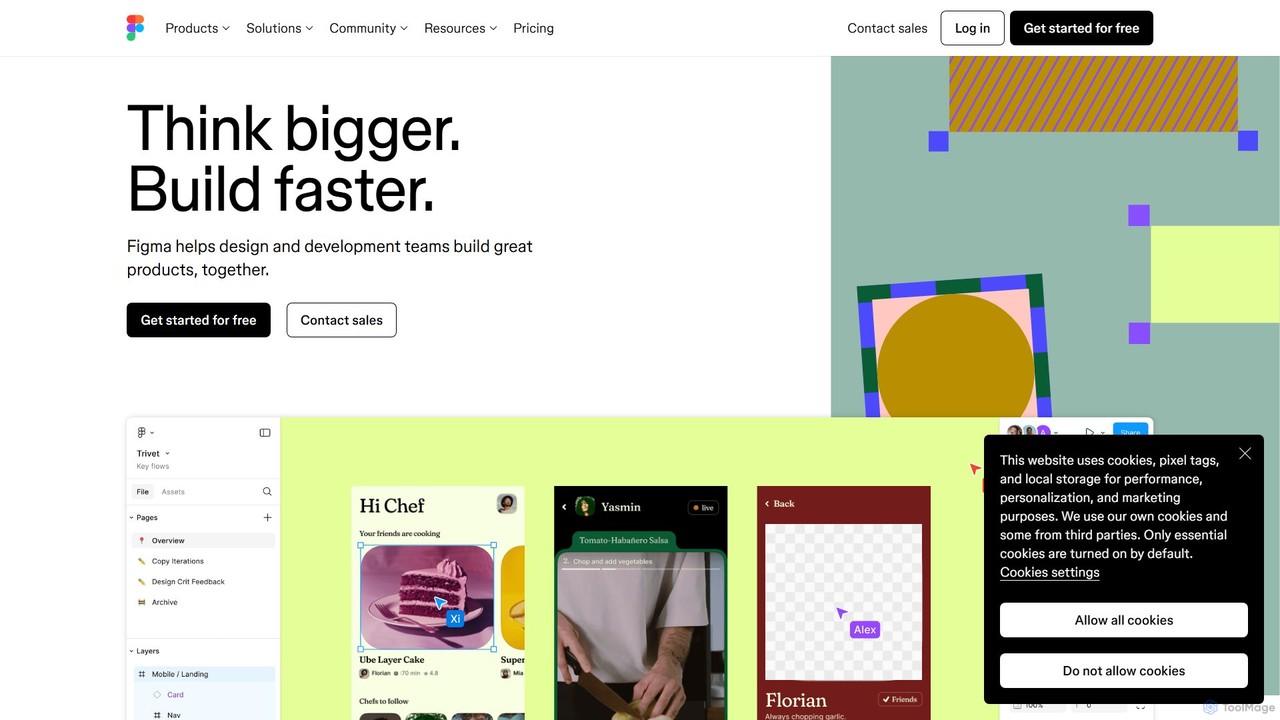
Figma is a leading collaborative interface design platform that allows teams to design, prototype, and gather feedback in …
Figma is a leading collaborative interface design platform that allows teams to design, prototype, and gather feedback in one place. Powered by AI, it accelerates workflows from brainstorming in FigJam to creating high-fidelity designs and handing off to developers with Dev Mode, unifying the entire product development process.
GeniusUI
GeniusUI is an AI-powered design tool that transforms text prompts into stunning, high-fidelity UI/UX designs and components. It …
GeniusUI is an AI-powered design tool that transforms text prompts into stunning, high-fidelity UI/UX designs and components. It automates the design and front-end coding process, allowing creators to build beautiful interfaces in minutes, not days, without writing a single line of code.
About Ui Ux Design
AI UI/UX Design tools are a class of software that leverages artificial intelligence to automate and accelerate the creation of user interfaces and the optimization of user experiences. These tools utilize machine learning models to generate wireframes, mockups, and even functional prototypes from simple text prompts or sketches. They empower designers and developers to rapidly iterate on ideas, make data-driven decisions through predictive analysis, and maintain design consistency at scale. This approach significantly reduces manual effort in the early stages of product design and exploration.
Core Features
- Generative UI Creation: Automatically creates design mockups, wireframes, and components from text descriptions, sketches, or data inputs.
- Predictive Usability Analysis: Analyzes design layouts to predict user attention hotspots, identify potential confusion points, and assess accessibility compliance.
- Design System Automation: Helps generate, manage, and ensure consistency of components within a design system based on established style guides.
- Automated User Flow Generation: Creates logical user journey maps and screen flows based on specified goals and user actions.
- Intelligent Content Population: Fills designs with realistic placeholder text (UX copy), images, and data to create more convincing prototypes.
Applicable Scenarios
These tools are widely used in software development, e-commerce, and digital marketing. Product teams use them for rapid prototyping of new app features. E-commerce companies leverage them to quickly generate and test different landing page layouts. Developers without extensive design experience can use them to create polished user interfaces for their applications.
Selection Criteria
When choosing an AI UI/UX Design tool, consider its integration capabilities with your existing workflow (e.g., Figma, Sketch, Adobe XD). Evaluate the quality and customizability of the AI-generated outputs. Also, assess whether the tool specializes in a specific area like wireframing, high-fidelity design, or usability testing, and align it with your primary needs. Finally, consider the learning curve and collaboration features for your team.
Ui Ux DesignUse Cases
Rapid Prototyping from a Text Brief
A startup founder needs to create a compelling pitch deck for investors but lacks a dedicated design team. They use an AI UI/UX tool to translate their app concept, written as a detailed text brief, into multiple high-fidelity mockups. By simply describing user flows, key screens, and desired aesthetics, the tool generates a complete set of visuals for a mobile banking app, including login, dashboard, and transaction history screens. This process takes hours instead of weeks, allowing the founder to present a professional and tangible vision of their product quickly.
Converting Wireframes to High-Fidelity Designs
A UX designer has completed a set of low-fidelity wireframes for a new e-commerce website. To accelerate the transition to visual design, they upload the wireframe images or sketches into an AI UI/UX tool. The tool intelligently interprets the layout structures (like headers, product grids, and footers) and applies the company's established design system. It automatically replaces placeholder boxes with styled components, applies correct typography and color schemes, and generates a polished, high-fidelity UI that is ready for developer handoff, saving dozens of hours of manual design work.
AI-Assisted Usability Heuristic Evaluation
Before launching a new feature, a product manager wants to identify potential usability issues without the time and cost of a full user study. They submit their design mockups to an AI UI/UX analysis tool. The AI performs a heuristic evaluation, scanning the designs for common usability problems like inconsistent navigation, poor contrast, confusing labels, and lack of feedback. It generates a report with heatmaps predicting where users will look, highlights areas of high cognitive load, and provides actionable recommendations for improvement, allowing the team to fix critical issues proactively.
Generating Design Variations for A/B Testing
A marketing team wants to optimize the conversion rate of a landing page. Instead of manually creating multiple design versions, they use an AI UI/UX tool. They provide the existing page design and specify the elements to vary, such as the headline, call-to-action (CTA) button color, and hero image. The AI generates a dozen distinct variations, exploring different layouts, color palettes, and typographic combinations that are all consistent with the brand's style guide. This allows the team to quickly deploy a wide range of options for A/B testing and identify the most effective design with minimal effort.
Automating Design System Component Creation
A large organization's design team is tasked with building a comprehensive design system to ensure brand consistency across dozens of digital products. To speed up this massive undertaking, they use an AI UI/UX tool. By defining core style properties like primary colors, typography scales, and border-radius values, the AI generates a complete library of UI components. This includes buttons, input fields, cards, and modals, all with proper states (default, hover, disabled) and in multiple variants. This automation frees up designers to focus on more complex patterns and strategic design decisions.
Generating Realistic UX Copy and Data
A designer is creating a prototype for a complex data analytics dashboard. To make the prototype feel authentic for user testing, they need realistic content, not just 'Lorem Ipsum' text and generic charts. They use an AI UI/UX tool's content generation feature. The AI populates the dashboard with contextually relevant microcopy, such as button labels, tooltips, and error messages. It also generates plausible data sets to fill charts and tables, creating a high-fidelity prototype that accurately simulates the final product's experience and allows for more meaningful user feedback.