

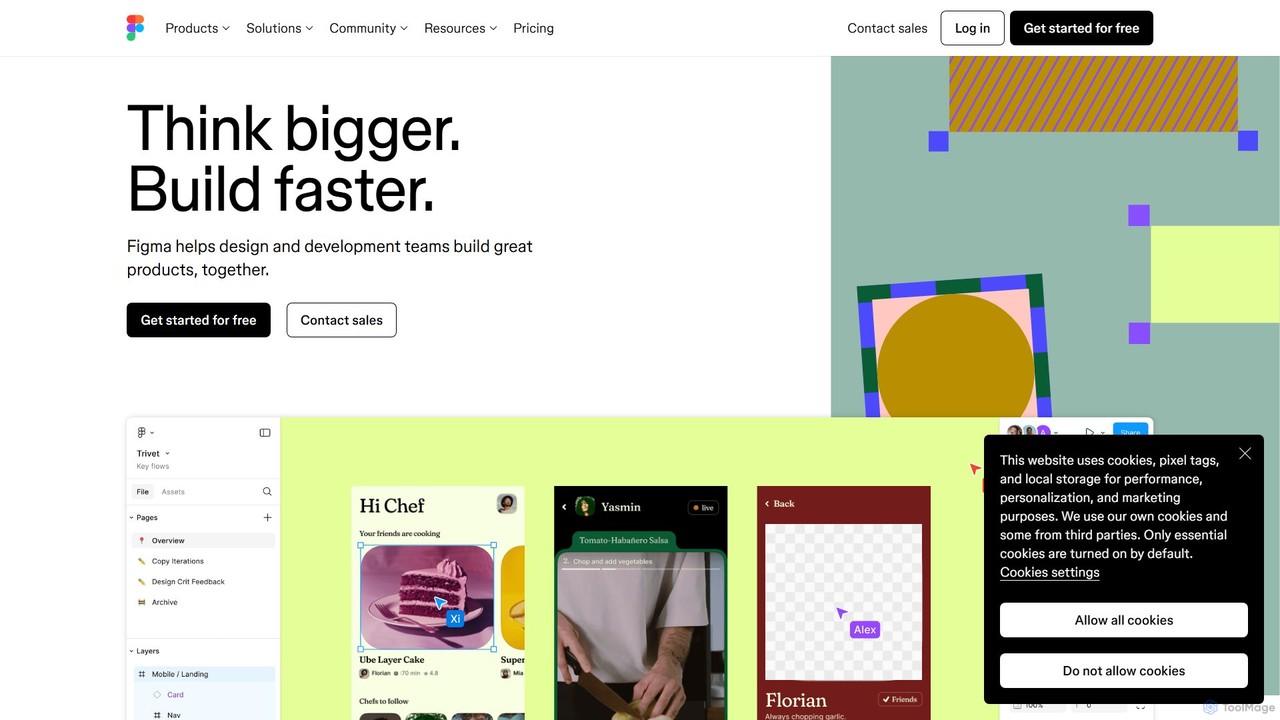
Figma Overview
Figma is a revolutionary, cloud-based design platform that has become an industry standard for UI/UX design and product development. It enables entire teams—including designers, developers, product managers, and marketers—to collaborate in real-time on a single, shared file. This eliminates version control issues and creates a single source of truth for any project. Figma's ecosystem is designed to support the entire product development lifecycle, from initial brainstorming to final implementation.
Recently, Figma has integrated powerful AI capabilities to further streamline the design process. These features can instantly generate UI mockups from simple text prompts, allowing designers to explore a wider range of ideas at unprecedented speed. This AI-driven approach helps teams move from concept to creation faster than ever before, automating repetitive tasks and fostering greater creativity.
How to use Figma
The workflow in Figma is intuitive and designed for seamless collaboration:
- Brainstorm & Ideate: Start your project in FigJam, Figma's online whiteboard. Use it for brainstorming sessions, user flow mapping, and creating diagrams with your team in real-time.
- Design & Wireframe: Move to Figma Design to create wireframes and high-fidelity mockups. Utilize powerful features like Auto Layout for responsive designs, create reusable components for consistency, and leverage AI to generate initial design elements.
- Prototype & Test: Build interactive, clickable prototypes directly within Figma. Connect different frames to simulate user flows, add animations, and create realistic interactions to test with users without writing a single line of code. AI can also assist in creating prototype connections more quickly.
- Collaborate & Iterate: Invite stakeholders to the file to leave comments, provide feedback directly on the designs, or communicate via built-in audio chat. Everyone works from the same file, ensuring all feedback is centralized and up-to-date.
- Developer Handoff: Switch to Dev Mode, a dedicated space for developers. Here, they can inspect designs, get accurate measurements, download assets, and copy production-ready code snippets in CSS, iOS (Swift), and Android (XML). Design status tracking keeps developers informed about what's ready for implementation.
Core Features of Figma
- Real-time Collaboration: Work simultaneously with your team in the same file, with multiplayer cursors, comments, and audio chat.
- AI-Powered Design: Instantly generate UI components and mockups from text prompts to accelerate the ideation and design phase.
- Advanced Vector Tools: A modern pen tool and vector networks allow for the creation of complex icons, illustrations, and layouts.
- Auto Layout: Build dynamic, responsive designs that grow or shrink as content changes, saving countless hours on manual adjustments.
- Interactive Prototyping: Create high-fidelity prototypes with smart animations, transitions, and interactive elements to simulate the final product experience.
- Dev Mode: A purpose-built interface for developers that bridges the gap between design and code, providing all necessary specs, assets, and code snippets.
- Design Systems: Establish a centralized library of reusable components, styles, and variables to ensure brand consistency and scale design efforts across the organization.
- FigJam Whiteboard: An integrated online whiteboard for team brainstorming, workshops, and diagramming.
- Extensive Plugin Ecosystem: Enhance Figma's functionality with thousands of plugins created by the community for automation, asset management, and more.
Use Cases for Figma
Figma is versatile and used by various professionals:
- UI/UX Designers: For creating wireframes, mockups, and interactive prototypes for web and mobile applications.
- Product Teams: To collaborate on product roadmaps, user flows, and feature specifications in a visual, shared environment.
- Developers: To inspect designs, export assets, and translate design into code efficiently using Dev Mode.
- Marketing Teams: For designing social media graphics, presentations, email templates, and other marketing collateral.
- Agencies and Freelancers: To work transparently with clients, gather feedback in one place, and manage multiple projects seamlessly.
Advantages of Figma
Figma's primary advantage is its collaborative, all-in-one nature. It acts as a single source of truth, breaking down silos between departments. Being browser-based, it's accessible on any operating system (Windows, macOS, Linux), promoting inclusivity. The introduction of AI, coupled with robust features like Dev Mode and Design Systems, significantly accelerates the entire product development workflow, from initial idea to final launch, making teams more efficient and aligned.
Pricing and Plans
Figma operates on a freemium model, offering several tiers to suit different needs:
- Free: Ideal for individuals and small teams starting out. It includes a limited number of Figma and FigJam files, unlimited collaborators, and access to plugins and templates.
- Professional: A paid plan designed for professionals and teams needing unlimited files, shared libraries, and advanced prototyping features. This is a per-editor, per-month subscription.
- Organization: Tailored for large businesses, this plan includes everything in Professional plus organization-wide design systems, centralized file management, advanced security features, and dedicated admin controls.
- Enterprise: A custom-priced plan for the largest organizations, offering enhanced security, controls, and dedicated support.
Traffic
Latest traffic
Status
Monthly traffic trend
- 2025-9: 89.7M
- 2026-1: 84.7M
- 2026-2: 83.3M
- 2026-3: 94.9M
- 2026-4: 91.2M
- 2026-5: 83.6M
Geography
Top 5 countries / regions
- 🇺🇸United States36.0%
- 🇮🇳India26.6%
- 🇷🇺Russia19.8%
- 🇨🇳China9.9%
- 🇯🇵Japan7.7%
Traffic sources
| Source type | Percentage |
|---|---|
Direct | 88.2% |
Referral | 8.9% |
Email | 2.9% |
Top keywords
| Keyword | Cost per click |
|---|---|
| figma | $0.78 |
| figma ai | $1.76 |
| figma make | $1.17 |
| weavy ai | $1.14 |
| фигма | $0.64 |
Figma Videos on YouTube

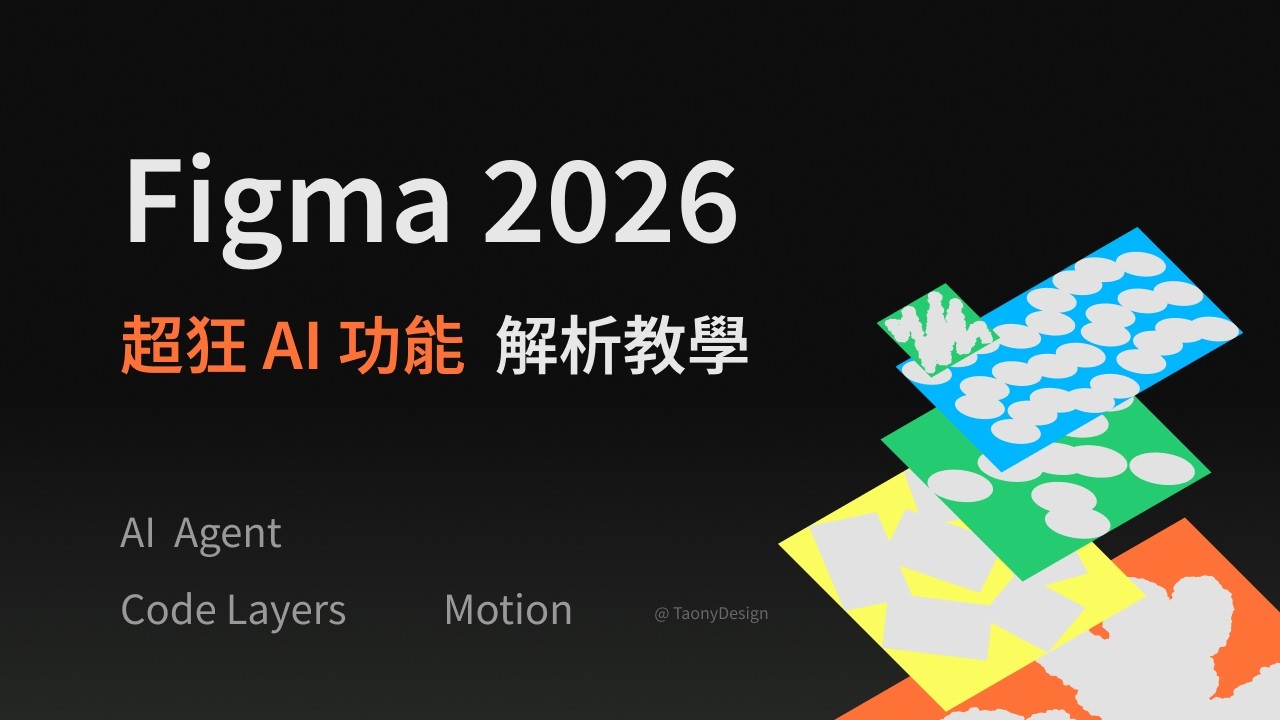
Taony Design


Punit Chawla


Simplilearn

Figma Alternatives
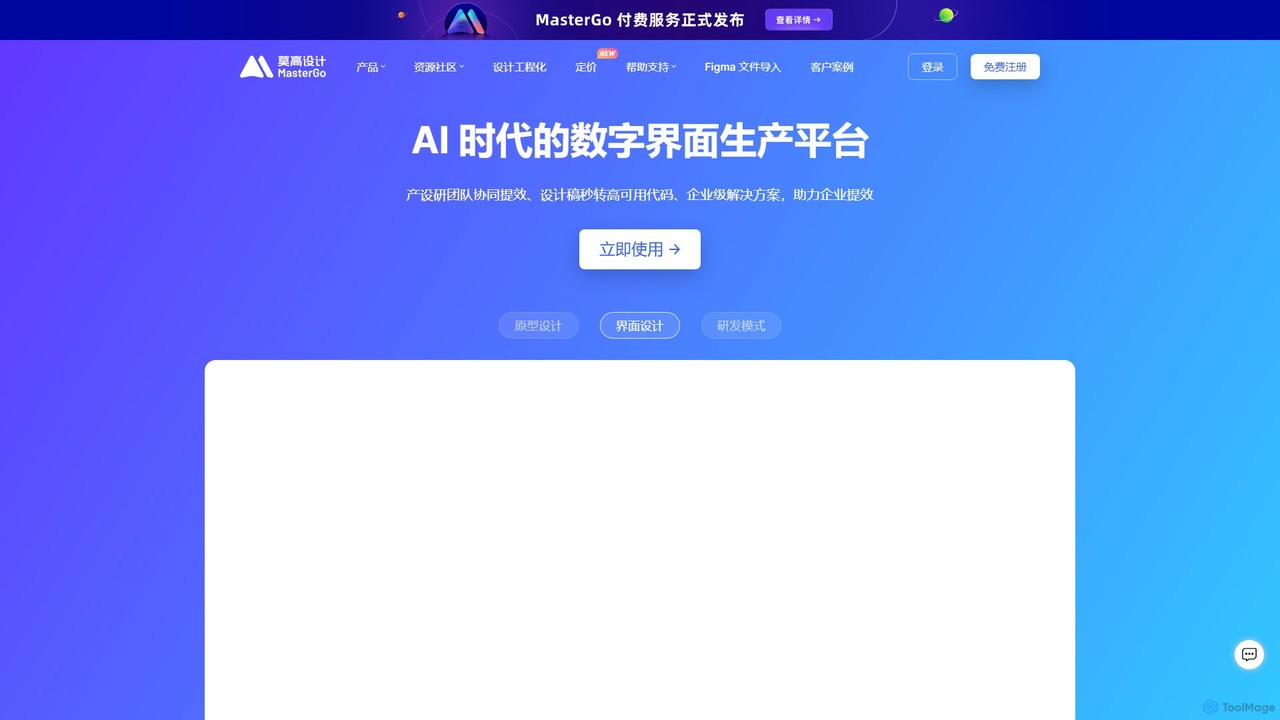
MasterGo
MasterGo is an AI-powered, all-in-one collaborative UI/UX design platform. It streamlines the entire workflow from prototyping and interface design to developer handoff. Built for real-time collaboration, it helps teams create, iterate, and manage digital products efficiently with features like design systems, AI-assisted generation, and enterprise-level security.
Ui Ux
Creatie
Creatie is an intuitive, AI-powered product design and collaboration platform. It enables teams to move from wireframes to high-fidelity mockups, interactive prototypes, and developer handoff seamlessly. Featuring AI tools like a mockup wizard, icon generator, and image enhancer, it's designed to accelerate the UI/UX workflow for designers, product managers, and developers.
Icon Generation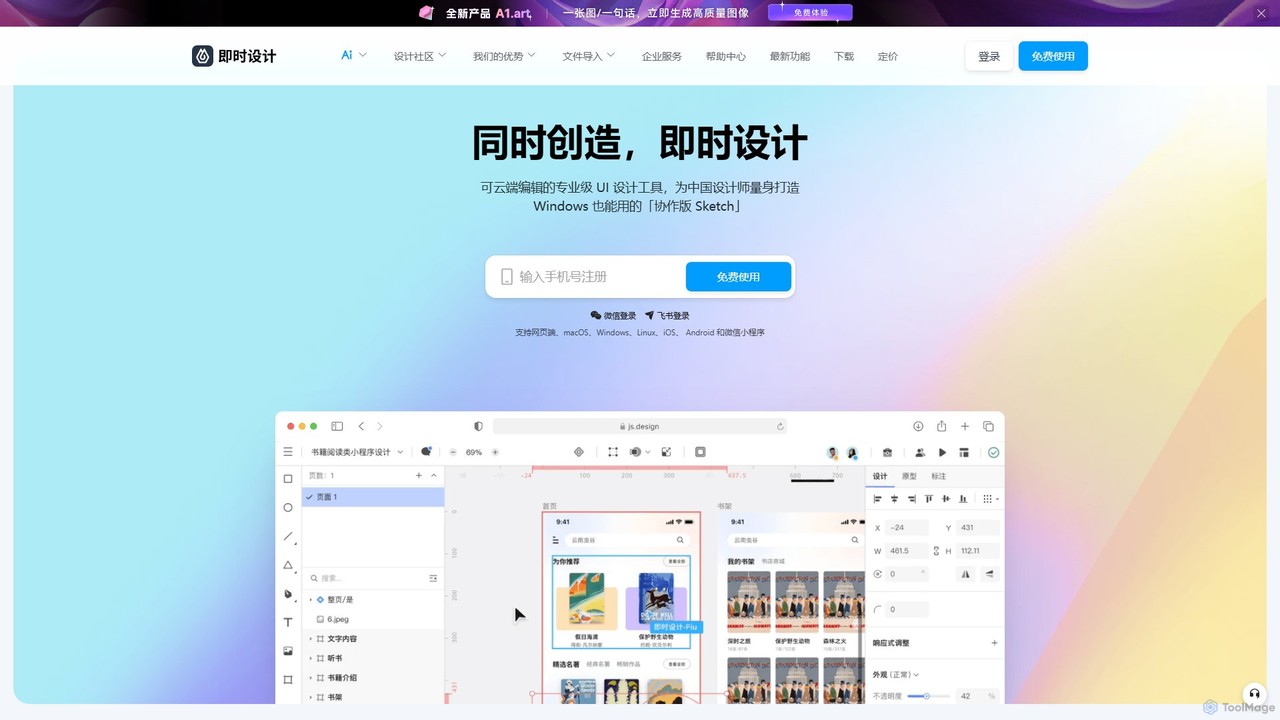
JsDesign
JsDesign is a professional, cloud-based UI/UX design tool that enables real-time collaboration. It offers a cross-platform experience with powerful AI features to accelerate the design workflow, from ideation and prototyping to developer handoff. It's positioned as a strong alternative to Figma and Sketch.
Ai Design Assistant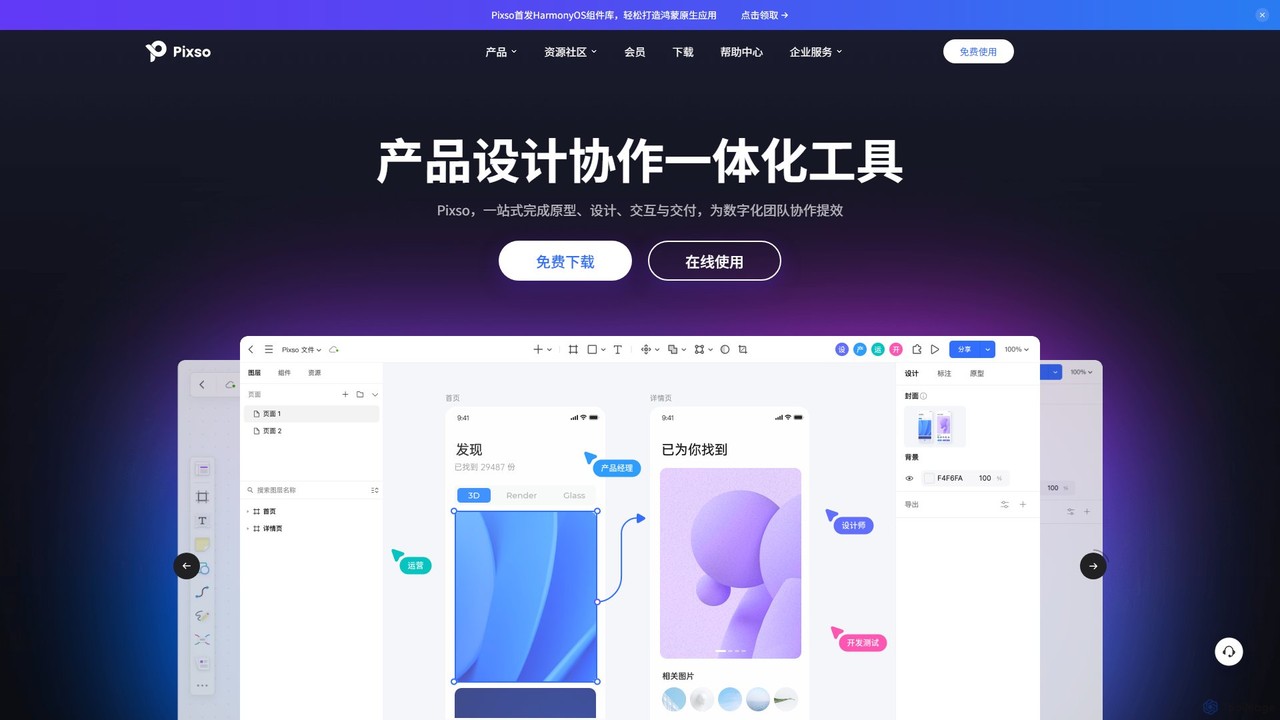
Pixso
Pixso is an all-in-one, cloud-based collaborative product design platform for UI/UX design, prototyping, and developer handoff. It integrates design tools, interactive prototyping, and an online whiteboard, positioning itself as a powerful, real-time alternative to Figma and Sketch, built to enhance team efficiency.
Ui Ux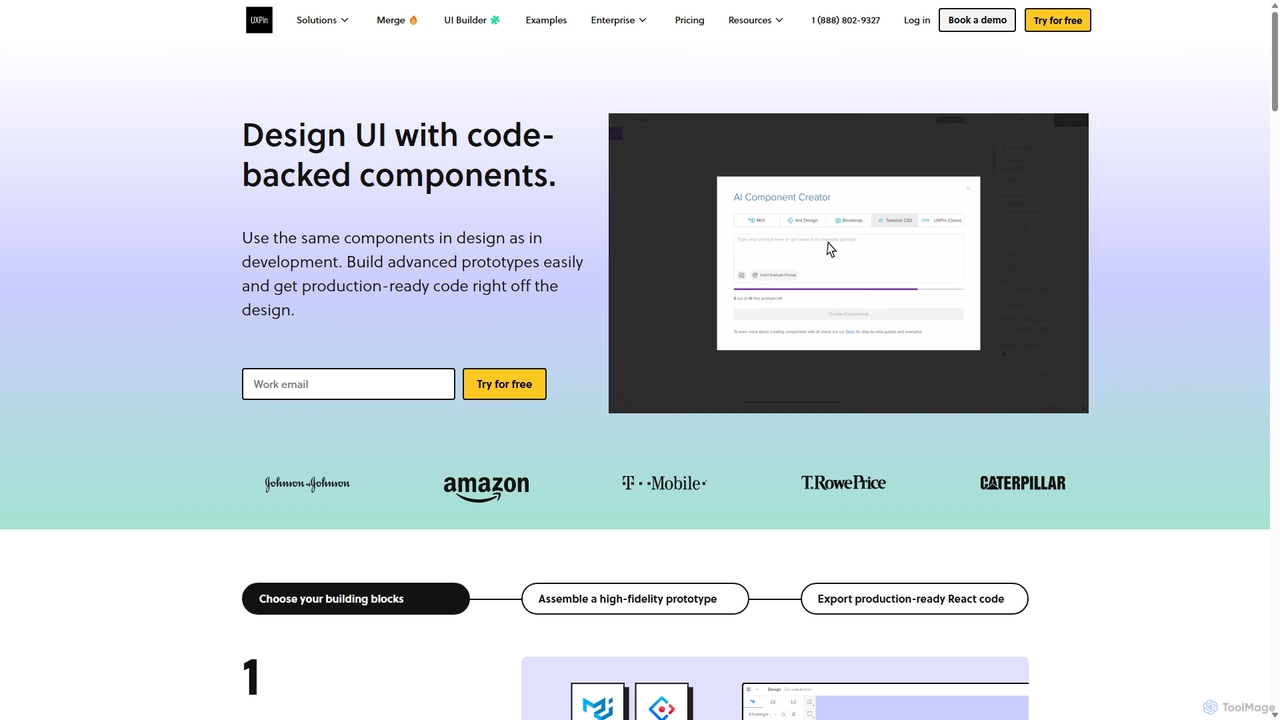
UXPin
UXPin is a code-based design and prototyping tool that bridges the gap between design and engineering. It enables teams to create high-fidelity, interactive prototypes using real code components, ensuring consistency and dramatically speeding up the product development lifecycle from concept to launch.
PrototypingFigma Categories
Figma Embed Widget
Copy this embed code to place the badge on your blog, article, or product site and send readers directly to this ToolMage detail page.

Related AI tools
MasterGo
MasterGo is an AI-powered, all-in-one collaborative UI/UX design platform. It streamlines the entire workflow from prototyping and interface design to developer handoff. Built for real-time collaboration, it helps teams create, iterate, and manage digital products efficiently with features like design systems, AI-assisted generation, and enterprise-level security.
Ui Ux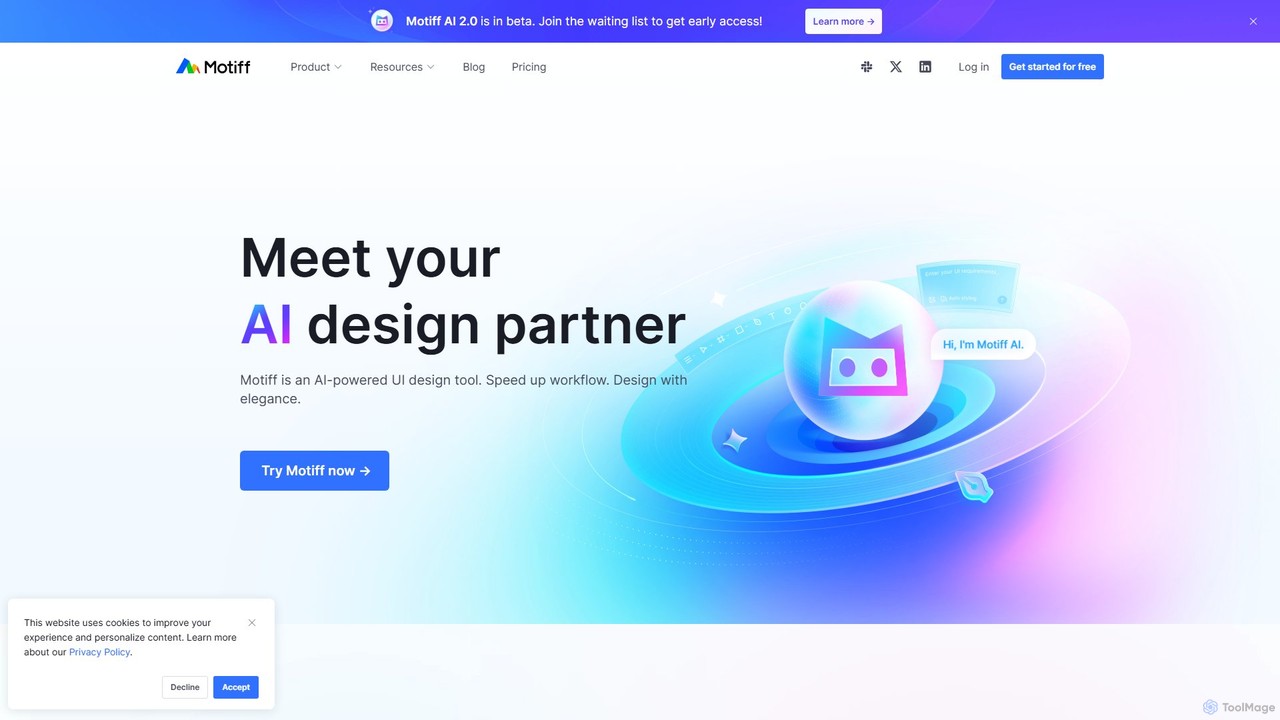
Motiff
Motiff is an AI-powered professional interface design tool that accelerates the entire workflow. It enables users to generate UIs from text and images, iterate on designs with AI assistance, and collaborate in real-time. Combining robust design tools, prototyping, and a developer-friendly handoff mode, Motiff serves as a comprehensive, high-performance platform for modern product teams.
Ui UxCreatie
Creatie is an intuitive, AI-powered product design and collaboration platform. It enables teams to move from wireframes to high-fidelity mockups, interactive prototypes, and developer handoff seamlessly. Featuring AI tools like a mockup wizard, icon generator, and image enhancer, it's designed to accelerate the UI/UX workflow for designers, product managers, and developers.
Icon GenerationJsDesign
JsDesign is a professional, cloud-based UI/UX design tool that enables real-time collaboration. It offers a cross-platform experience with powerful AI features to accelerate the design workflow, from ideation and prototyping to developer handoff. It's positioned as a strong alternative to Figma and Sketch.
Ai Design AssistantPixso
Pixso is an all-in-one, cloud-based collaborative product design platform for UI/UX design, prototyping, and developer handoff. It integrates design tools, interactive prototyping, and an online whiteboard, positioning itself as a powerful, real-time alternative to Figma and Sketch, built to enhance team efficiency.
Ui UxUXPin
UXPin is a code-based design and prototyping tool that bridges the gap between design and engineering. It enables teams to create high-fidelity, interactive prototypes using real code components, ensuring consistency and dramatically speeding up the product development lifecycle from concept to launch.
Prototyping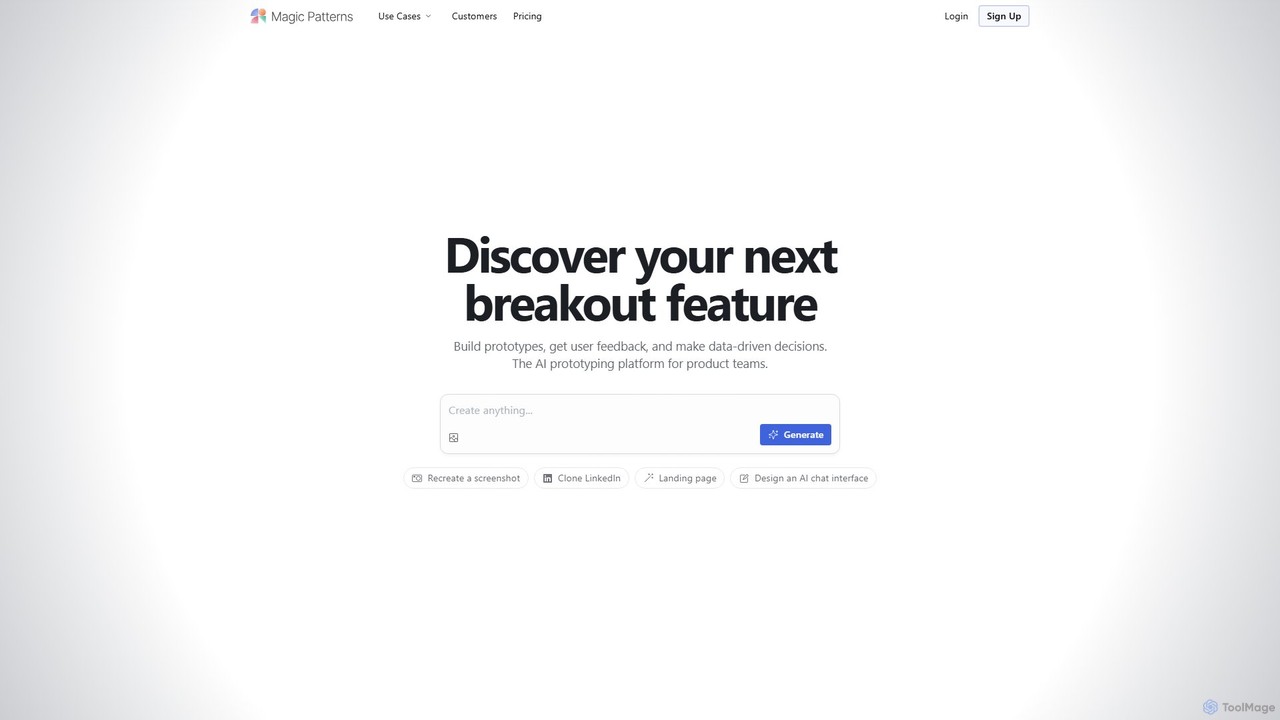
Magic Patterns
Magic Patterns is an AI-powered prototyping platform for product teams, designers, and developers. It accelerates UI creation by generating interactive prototypes and production-ready code (React, Tailwind CSS) from text prompts, screenshots, or existing websites. It helps teams iterate faster, gather user feedback, and make data-driven decisions.
Prototyping
Galileo AI
Galileo AI is a pioneering AI-powered UI design generator that transforms simple text prompts into beautiful, functional interface designs. Acquired by Google, it has now evolved into 'Stitch', a more powerful tool integrated with Google's Gemini models, making advanced design accessible to everyone for free.
Ui Ux Design
GeniusUI
GeniusUI is an AI-powered design tool that transforms text prompts into stunning, high-fidelity UI/UX designs and components. It automates the design and front-end coding process, allowing creators to build beautiful interfaces in minutes, not days, without writing a single line of code.
Ui Ux Design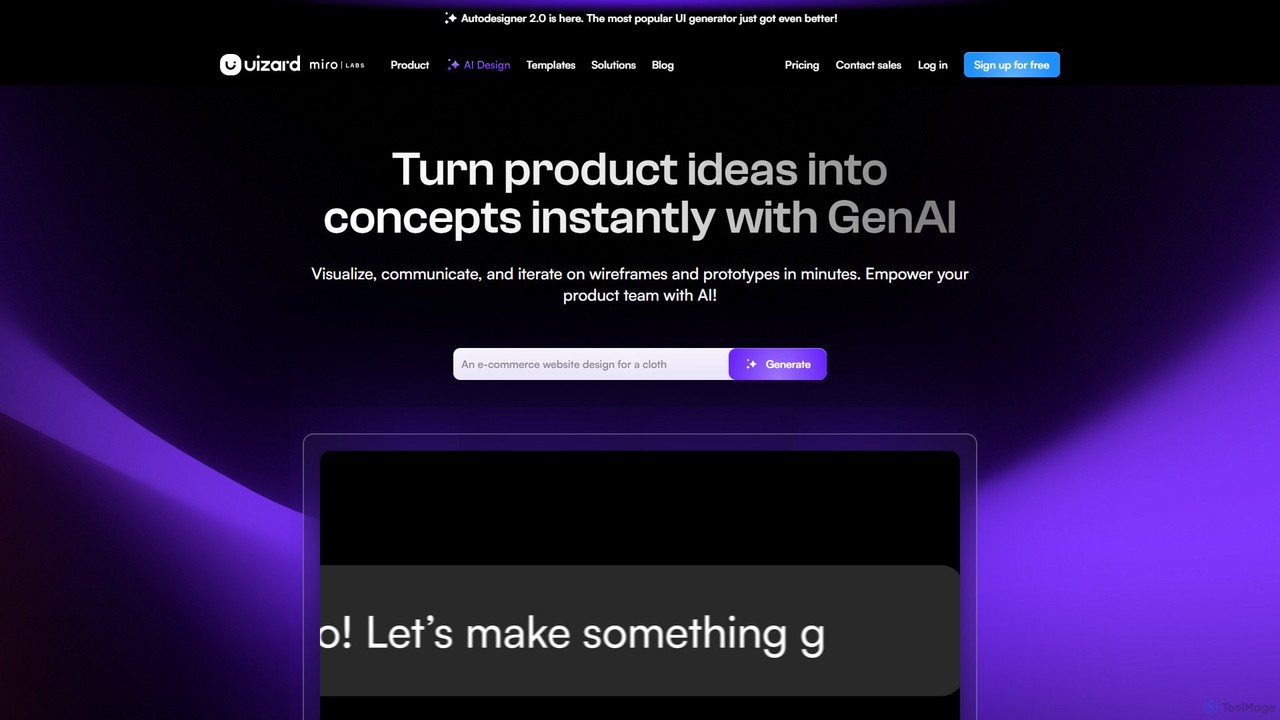
Uizard
Uizard is an AI-powered UI design tool that empowers both designers and non-designers to create stunning websites, web apps, and mobile app mockups in minutes. Transform text prompts, hand-drawn sketches, or screenshots into editable, interactive prototypes. It's designed for rapid ideation, real-time collaboration, and streamlining the entire product design workflow from concept to handoff.
Ui Ux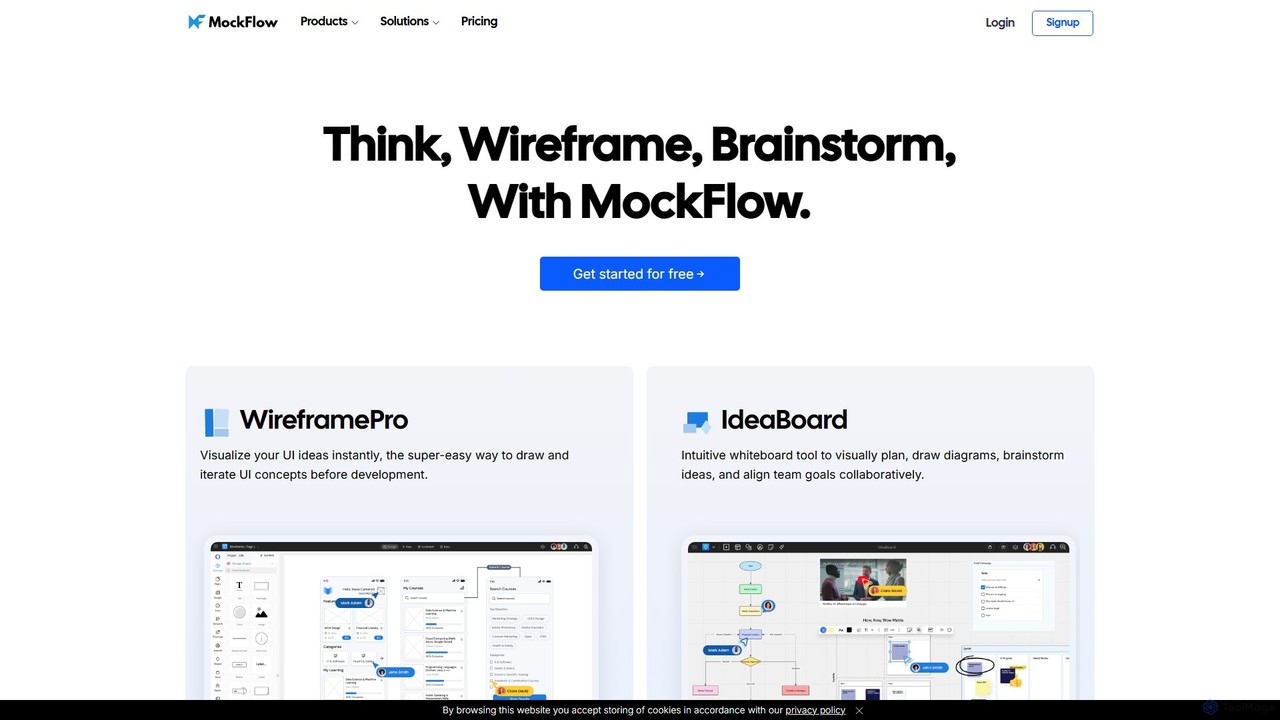
MockFlow
MockFlow is an all-in-one suite for product design, offering tools for wireframing, prototyping, and brainstorming. It leverages AI to accelerate the design process, allowing users to convert text or screenshots into editable wireframes, generate diagrams, and create content automatically. With extensive collaboration features and integrations, it streamlines the entire workflow from initial idea to developer handoff.
Ui Ux
Jyek
Jyek is an AI agent platform that understands objectives, creates execution plans, uses tools, and delivers verifiable results for complex, multi-step tasks.
Automation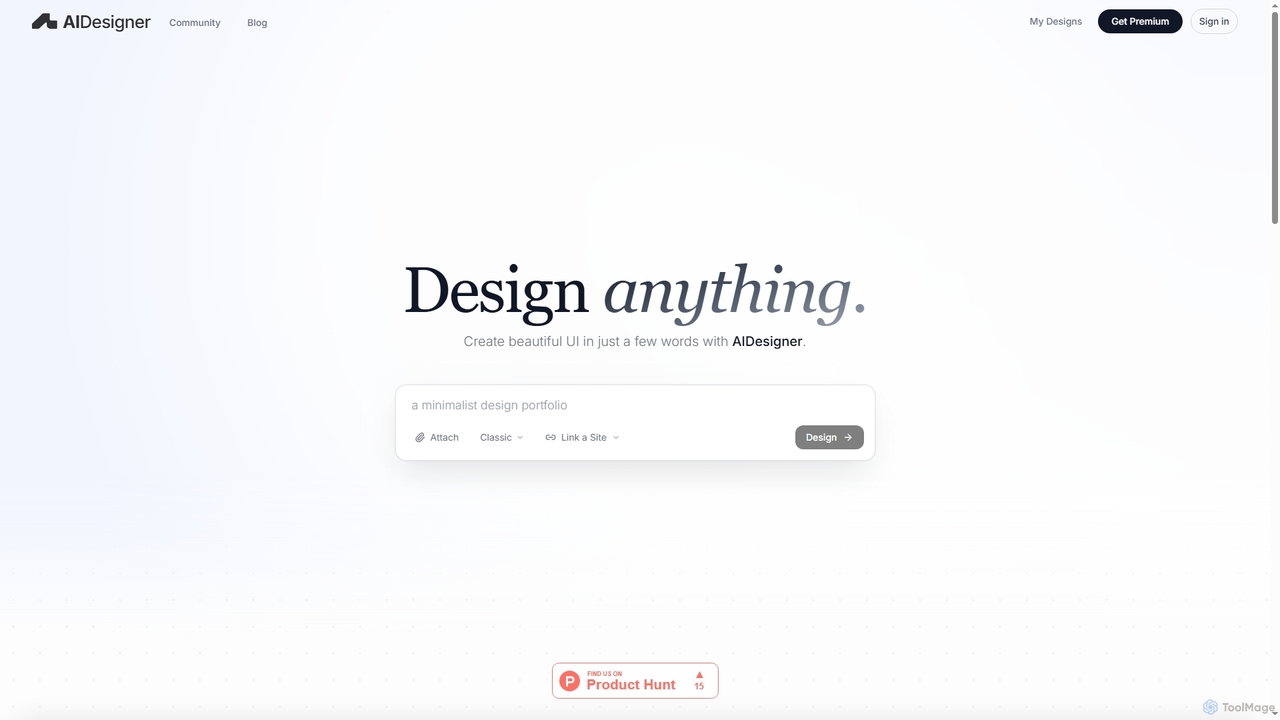
AIDesigner
AIDesigner is an advanced AI-powered platform that transforms textual descriptions into stunning UX/UI designs. It offers a unique approach to design generation, enabling users to create beautiful websites, mobile apps, and portfolios without the generic 'AI look.' With a rich library of production-ready templates and powerful customization options, AIDesigner empowers creators to rapidly prototype and launch visually distinctive digital experiences.
User Experience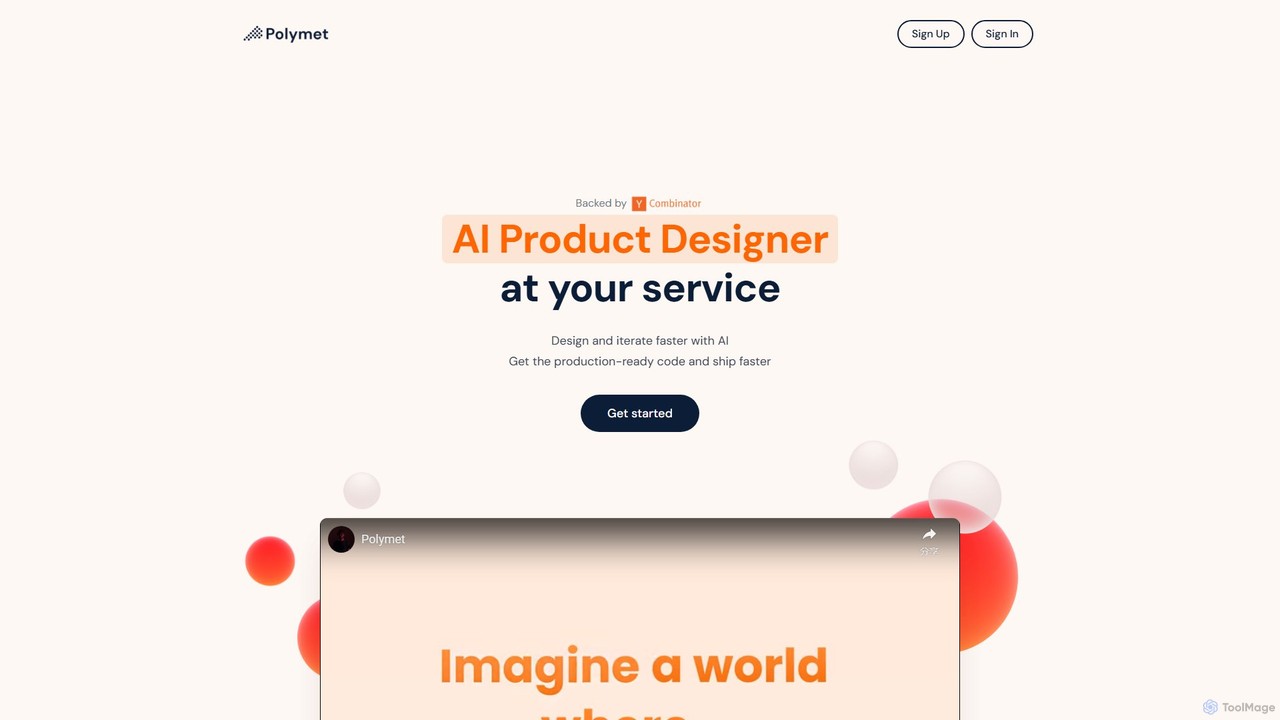
Polymet
Polymet is an AI-powered product designer that transforms ideas, text descriptions, or images into interactive prototypes with production-ready code in seconds. It streamlines the design and development workflow, integrating seamlessly with Figma and existing codebases.
Ui Ux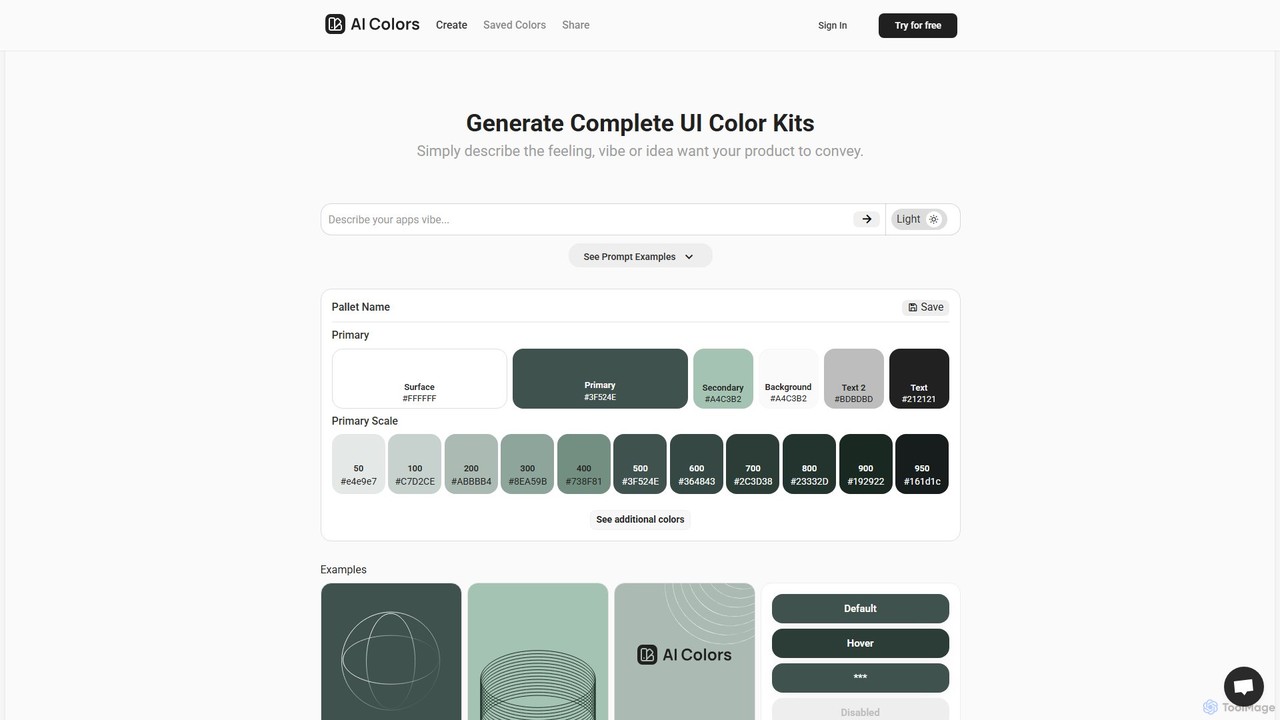
aicolors
aicolors is an AI-powered color palette generator that creates complete, ready-to-use UI color kits from simple text prompts. Describe a feeling, vibe, or idea, and instantly get a harmonious and functional color scheme for your web or app design projects.
Color Palette
Figma Comments (0)
Sign in to comment.
Sign inNo comments yet.