
UXPin Overview
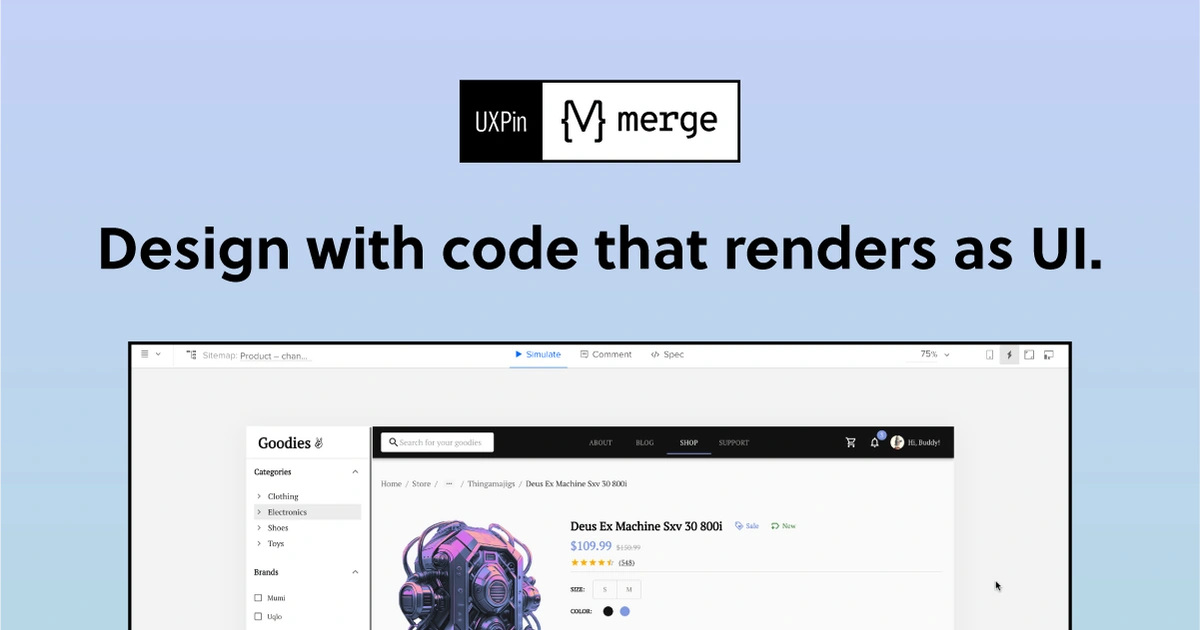
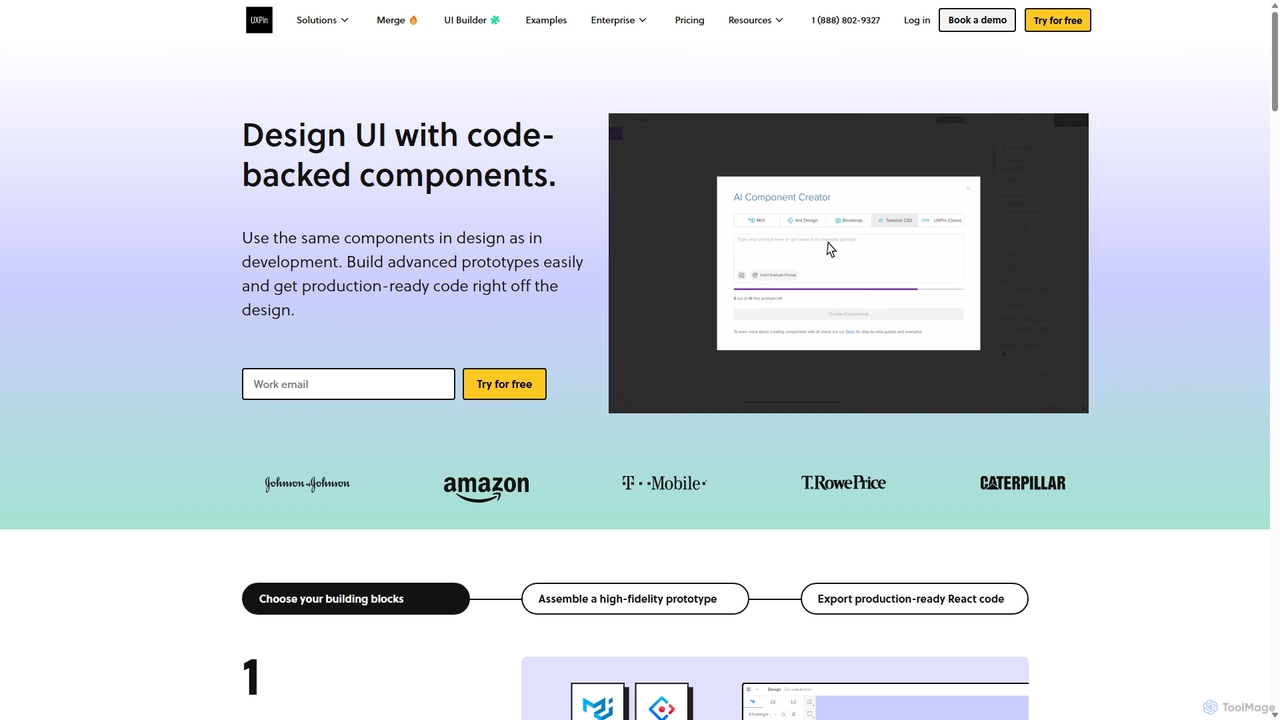
UXPin is a revolutionary design platform built on the principle of merging design and engineering into a single, cohesive workflow. Unlike traditional image-based design tools, UXPin operates with a code-based foundation, allowing designers to build prototypes that are not just visually accurate but also functionally robust and highly interactive. This approach eliminates the common disconnect between design mockups and the final coded product, creating a single source of truth for the entire product team.
The platform's mission is to empower teams to create the best possible user experiences by facilitating seamless collaboration. Designers, developers, product managers, and stakeholders can all work within the same environment, providing feedback, iterating on designs, and ensuring everyone is aligned. This collaborative nature, combined with its powerful features, helps teams save months on project timelines and significantly reduce engineering costs.
How to use UXPin
Getting started with UXPin is a straightforward process designed for both individuals and teams. First, sign up for a free trial or a suitable plan on their website. You can use UXPin directly in your browser or download the native desktop applications for macOS and Windows for a more integrated experience. Once inside, you can start a new project from scratch, import existing designs from tools like Sketch or Figma, or use one of the many pre-built templates. The core of the UXPin experience involves using its powerful editor to create interactive elements. You can define states, variables, and conditional logic to build prototypes that respond to user input just like a real application. For teams with established design systems, the true power lies in the UXPin Merge feature, which allows you to sync your coded React components directly from a Git repository or Storybook, enabling designers to build with the exact same components developers will use in production.
Core Features of UXPin
- UXPin Merge: A groundbreaking technology that allows you to sync code components from Git repositories or Storybook directly into the UXPin design editor. This ensures perfect consistency between design and development.
- AI Component Creator: An AI-powered feature that helps UI developers create interactive, reusable UI patterns and components with ease, accelerating the design system creation process.
- Advanced Interactivity: Go beyond static screens with features like states, variables, conditional logic, and expressions to create dynamic, data-driven prototypes that feel like the final product.
- Code-Based Design: Every element in UXPin is backed by code, providing developers with clean specs, properties, and CSS, which simplifies the handoff process.
- Real-time Collaboration: Work together with your team in real-time. Leave comments, assign tasks, and get stakeholder approvals directly on the designs.
- Built-in Libraries: Access popular open-source libraries like Material UI, Bootstrap, and Ant Design directly within the editor to kickstart your projects.
- Accessibility Features: Design with accessibility in mind by checking color contrast and adding ARIA attributes to ensure your products are usable by everyone.
Use Cases for UXPin
UXPin is versatile and caters to a wide range of product development needs. It is ideal for enterprise-level organizations looking to scale their design and development processes by creating a single source of truth with a code-based design system. Small to medium-sized companies use it to build complex, interactive prototypes for user testing, gathering realistic feedback before writing a single line of production code. UI developers leverage the Merge AI plan to quickly generate and manage UI patterns. Product teams use it as a central hub for collaboration, streamlining communication and reducing the back-and-forth between designers and engineers. From creating interactive dashboards and e-commerce stores to complex SaaS applications, UXPin provides the tools to design and validate any digital experience.
Advantages of UXPin
The primary advantage of UXPin is its ability to significantly reduce development time and costs. By using coded components, it eliminates inconsistencies and misunderstandings during developer handoff, with some clients reporting a 50% reduction in engineering time. The high-fidelity nature of its prototypes allows for more meaningful user testing and stakeholder feedback, leading to better products. It fosters a more collaborative and efficient environment, breaking down silos between departments. Furthermore, its focus on design systems and reusable components promotes quality, consistency, and scalability across all of an organization's digital products.
Pricing and Plans
UXPin offers a flexible pricing structure to suit different needs, from individuals to large enterprises, with discounts for annual billing.
- Free: For individuals starting out, includes 2 prototypes and basic features.
- Essentials: Starts at $8/editor/month ($6/mo annually). Includes 20 prototypes, interactions, and stakeholder approval features.
- Advanced: Starts at $39/editor/month ($29/mo annually). Offers unlimited prototypes, custom fonts, and advanced interactivity like conditional logic and variables.
- Merge AI: Starts at $49/editor/month ($39/mo annually). Includes all Advanced features plus the AI Component Creator and integrations with themeable React libraries and Tailwind CSS.
- Company: Starts at $149/editor/month ($119/mo annually). The recommended plan for companies, adding Storybook integration, Patterns, and a Component Manager for full design system management.
- Enterprise: Custom pricing for large organizations requiring enhanced security (SSO, 2FA), dedicated support, and unlimited version history.
Traffic
Latest traffic
Status
Monthly traffic trend
- 2025-9: 295.1K
- 2026-1: 319.7K
- 2026-2: 250.5K
- 2026-3: 235.7K
- 2026-4: 201.0K
- 2026-5: 225.3K
Geography
Top 5 countries / regions
- 🇺🇸United States32.3%
- 🇮🇳India23.9%
- 🇧🇷Brazil18.3%
- 🇯🇵Japan14.1%
- 🇩🇪Germany11.4%
Traffic sources
| Source type | Percentage |
|---|---|
Direct | 72.6% |
Referral | 25.1% |
Email | 2.2% |
Top keywords
| Keyword | Cost per click |
|---|---|
| double diamond | $4.71 |
| ui elements | $3.31 |
| uxpin | $3.54 |
| uxpin merge | $0.53 |
| デザイン言語 | $0.00 |
UXPin Videos on YouTube

Codex Community

DesignOps Aligned Podcast
UXPin Alternatives
Knapsack
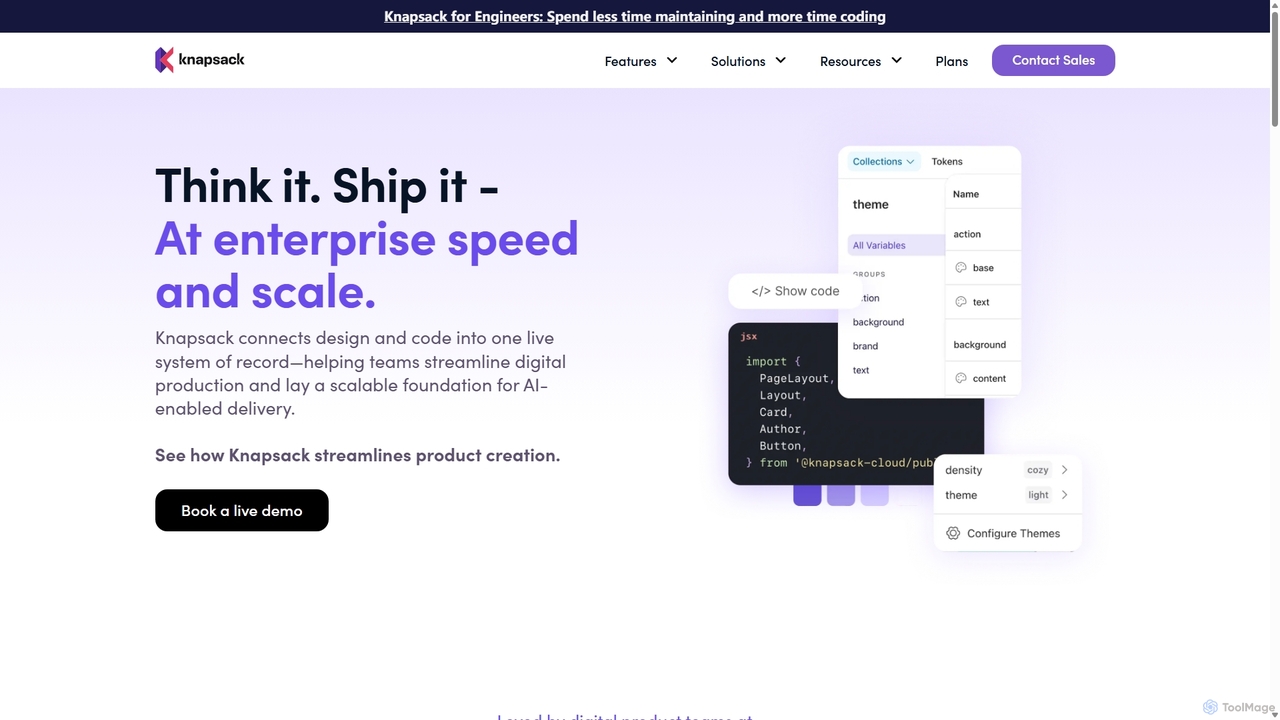
Knapsack is an enterprise-grade digital production platform that connects design, code, and documentation into a unified, AI-ready system of record. It streamlines workflows, accelerates product delivery, and ensures brand consistency at scale by creating a single source of truth for reusable components and design tokens.
Prototyping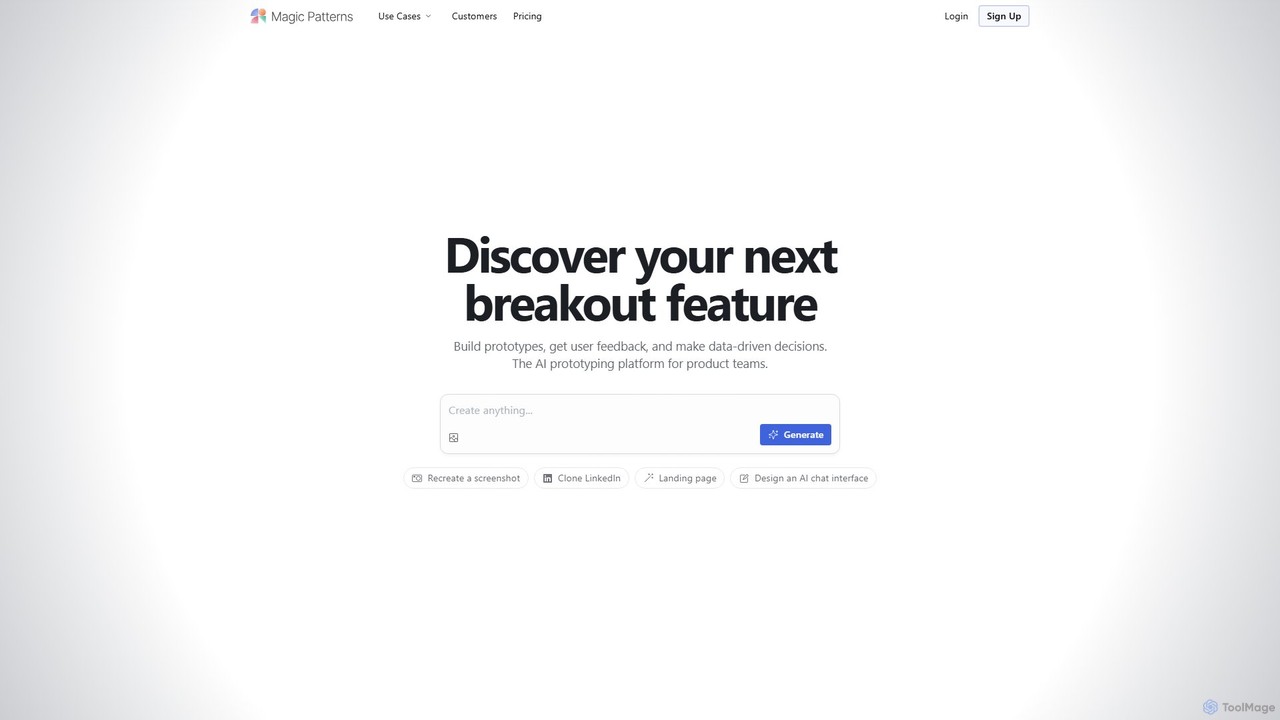
Magic Patterns
Magic Patterns is an AI-powered prototyping platform for product teams, designers, and developers. It accelerates UI creation by generating interactive prototypes and production-ready code (React, Tailwind CSS) from text prompts, screenshots, or existing websites. It helps teams iterate faster, gather user feedback, and make data-driven decisions.
Prototyping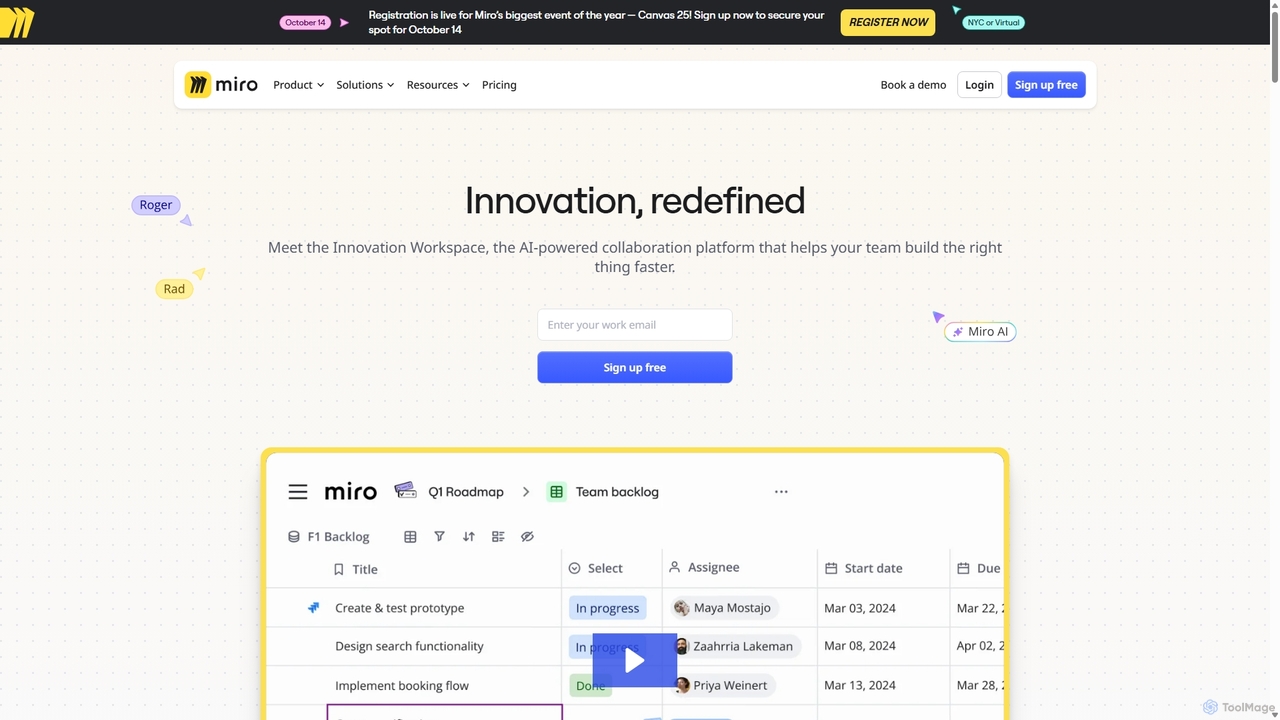
Miro
Miro is an AI-powered online collaborative whiteboard platform designed for modern teams. It provides an infinite canvas for brainstorming, planning, designing, and managing projects in real-time. With a vast template library, powerful integrations, and AI-driven features, Miro helps teams centralize communication and accelerate innovation from idea to execution.
Brainstorming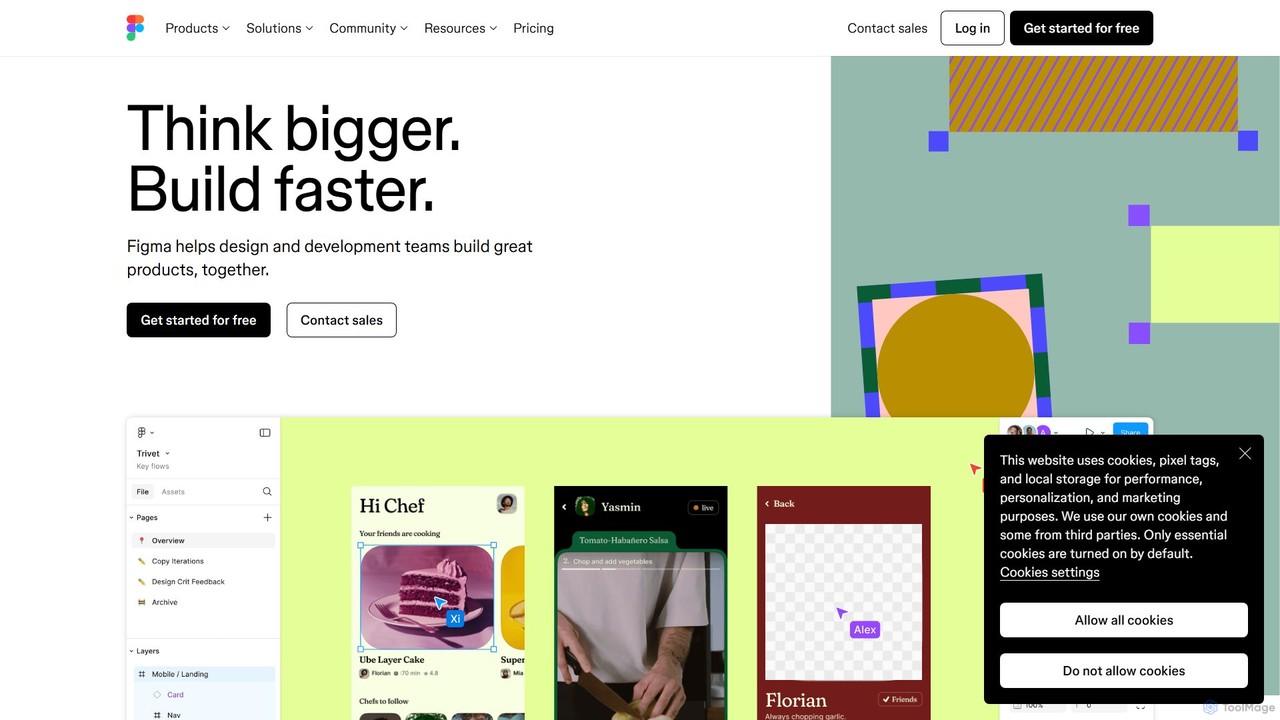
Figma
Figma is a leading collaborative interface design platform that allows teams to design, prototype, and gather feedback in one place. Powered by AI, it accelerates workflows from brainstorming in FigJam to creating high-fidelity designs and handing off to developers with Dev Mode, unifying the entire product development process.
Ui Ux Design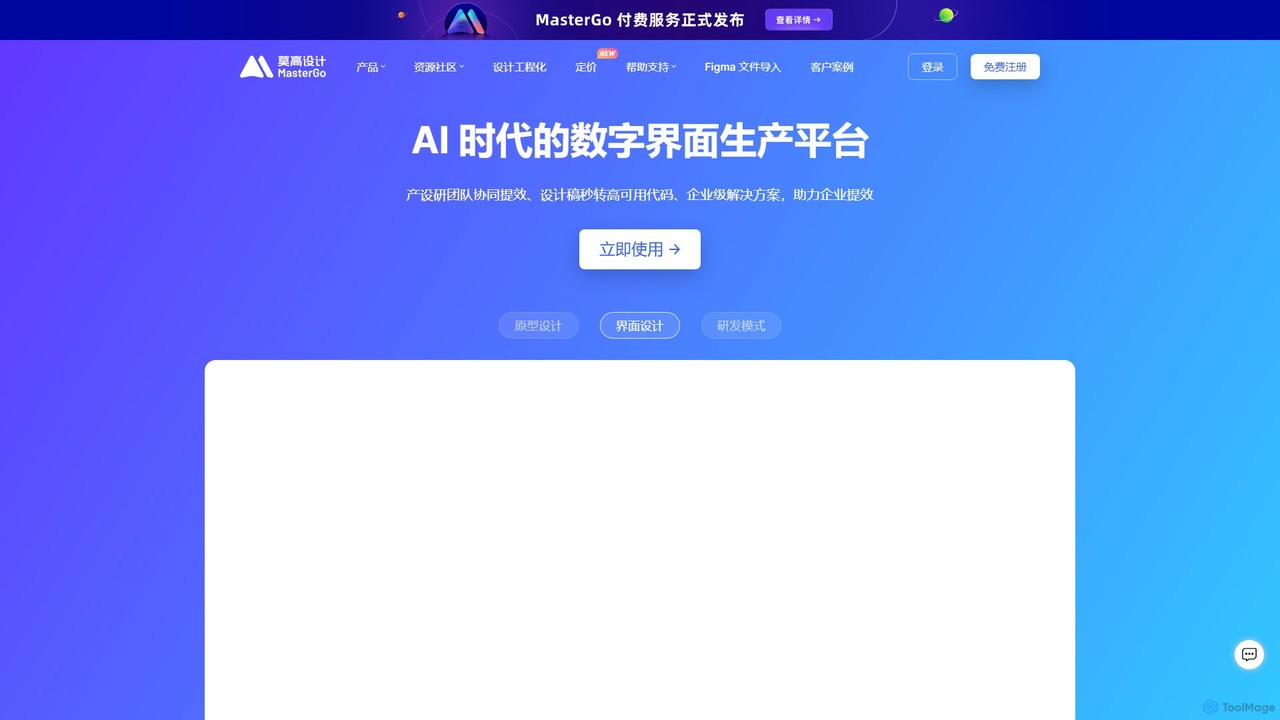
MasterGo
MasterGo is an AI-powered, all-in-one collaborative UI/UX design platform. It streamlines the entire workflow from prototyping and interface design to developer handoff. Built for real-time collaboration, it helps teams create, iterate, and manage digital products efficiently with features like design systems, AI-assisted generation, and enterprise-level security.
Ui UxUXPin Categories
UXPin Jobs
UXPin Embed Widget
Copy this embed code to place the badge on your blog, article, or product site and send readers directly to this ToolMage detail page.

Related AI tools
Magic Patterns
Magic Patterns is an AI-powered prototyping platform for product teams, designers, and developers. It accelerates UI creation by generating interactive prototypes and production-ready code (React, Tailwind CSS) from text prompts, screenshots, or existing websites. It helps teams iterate faster, gather user feedback, and make data-driven decisions.
PrototypingKnapsack
Knapsack is an enterprise-grade digital production platform that connects design, code, and documentation into a unified, AI-ready system of record. It streamlines workflows, accelerates product delivery, and ensures brand consistency at scale by creating a single source of truth for reusable components and design tokens.
PrototypingFigma
Figma is a leading collaborative interface design platform that allows teams to design, prototype, and gather feedback in one place. Powered by AI, it accelerates workflows from brainstorming in FigJam to creating high-fidelity designs and handing off to developers with Dev Mode, unifying the entire product development process.
Ui Ux DesignMasterGo
MasterGo is an AI-powered, all-in-one collaborative UI/UX design platform. It streamlines the entire workflow from prototyping and interface design to developer handoff. Built for real-time collaboration, it helps teams create, iterate, and manage digital products efficiently with features like design systems, AI-assisted generation, and enterprise-level security.
Ui Ux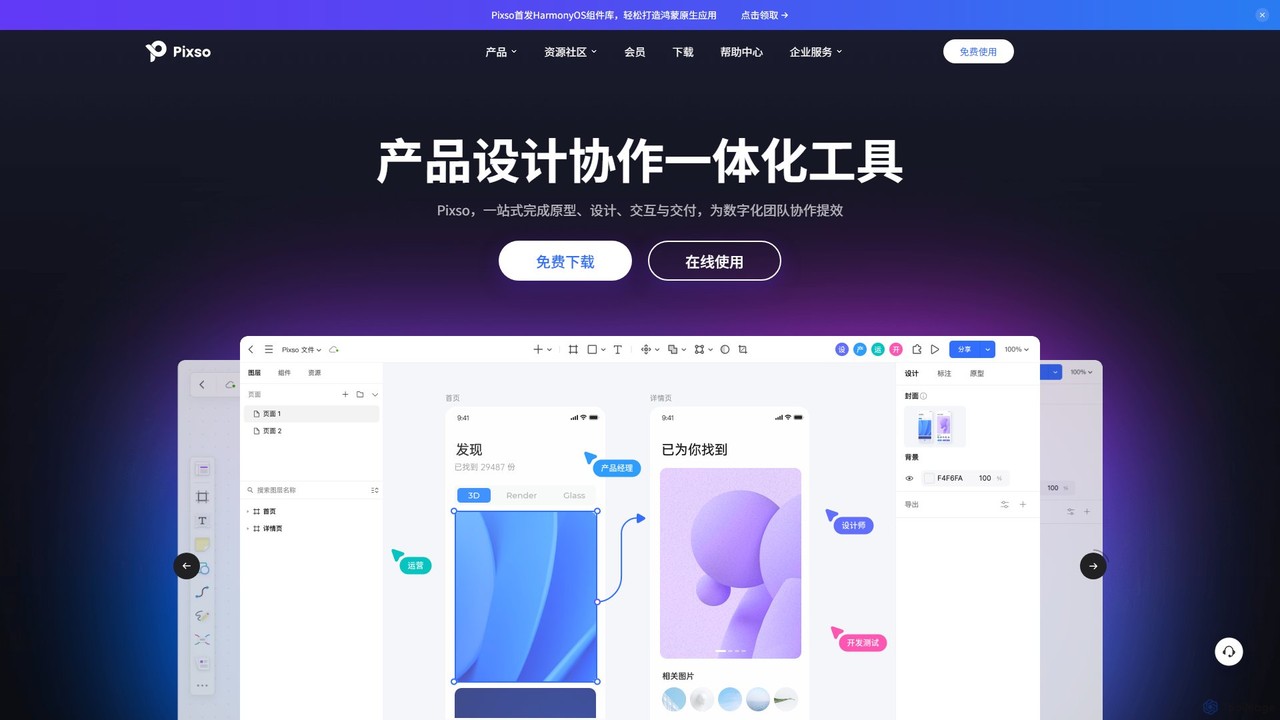
Pixso
Pixso is an all-in-one, cloud-based collaborative product design platform for UI/UX design, prototyping, and developer handoff. It integrates design tools, interactive prototyping, and an online whiteboard, positioning itself as a powerful, real-time alternative to Figma and Sketch, built to enhance team efficiency.
Ui Ux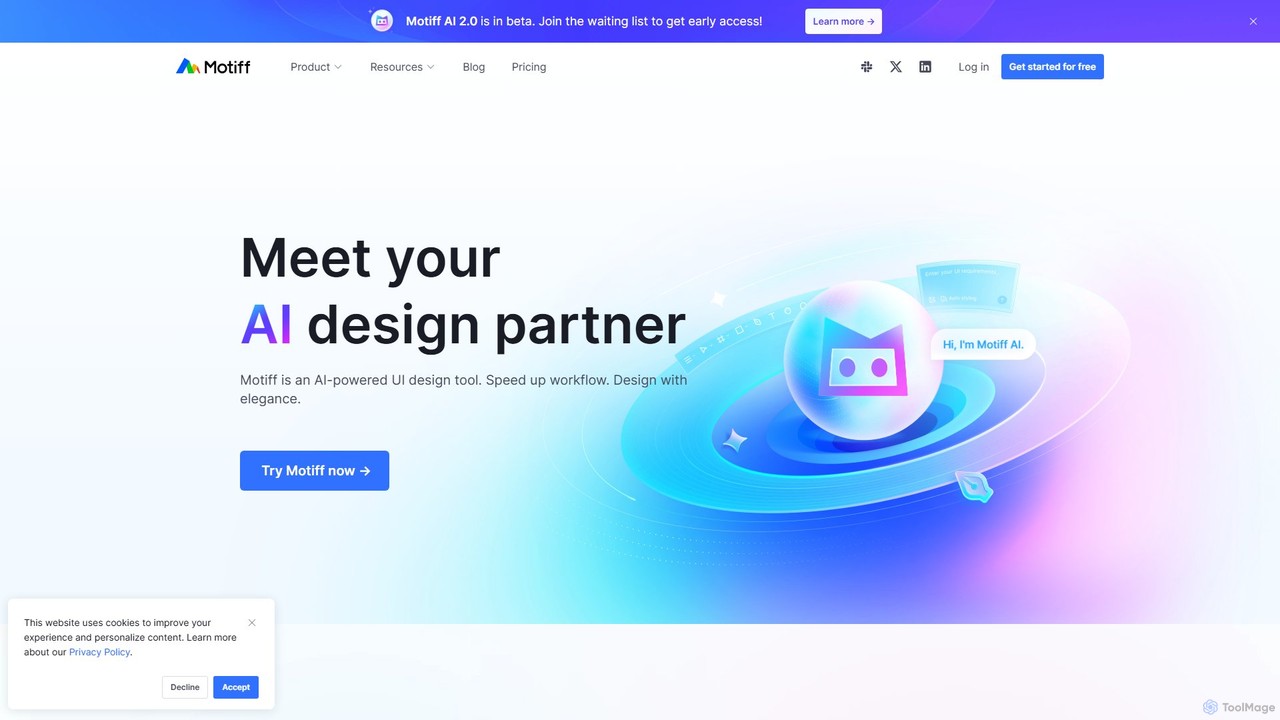
Motiff
Motiff is an AI-powered professional interface design tool that accelerates the entire workflow. It enables users to generate UIs from text and images, iterate on designs with AI assistance, and collaborate in real-time. Combining robust design tools, prototyping, and a developer-friendly handoff mode, Motiff serves as a comprehensive, high-performance platform for modern product teams.
Ui Ux
Creatie
Creatie is an intuitive, AI-powered product design and collaboration platform. It enables teams to move from wireframes to high-fidelity mockups, interactive prototypes, and developer handoff seamlessly. Featuring AI tools like a mockup wizard, icon generator, and image enhancer, it's designed to accelerate the UI/UX workflow for designers, product managers, and developers.
Icon Generation
Arkhet
Arkhet is an AI-first prototyping platform designed for product teams, enabling visual thinkers to generate interactive UI prototypes and user flows rapidly. It transforms wireframes and contextual annotations into high-fidelity designs, integrating design systems and real-time collaboration.
Generative DesignMiro
Miro is an AI-powered online collaborative whiteboard platform designed for modern teams. It provides an infinite canvas for brainstorming, planning, designing, and managing projects in real-time. With a vast template library, powerful integrations, and AI-driven features, Miro helps teams centralize communication and accelerate innovation from idea to execution.
Brainstorming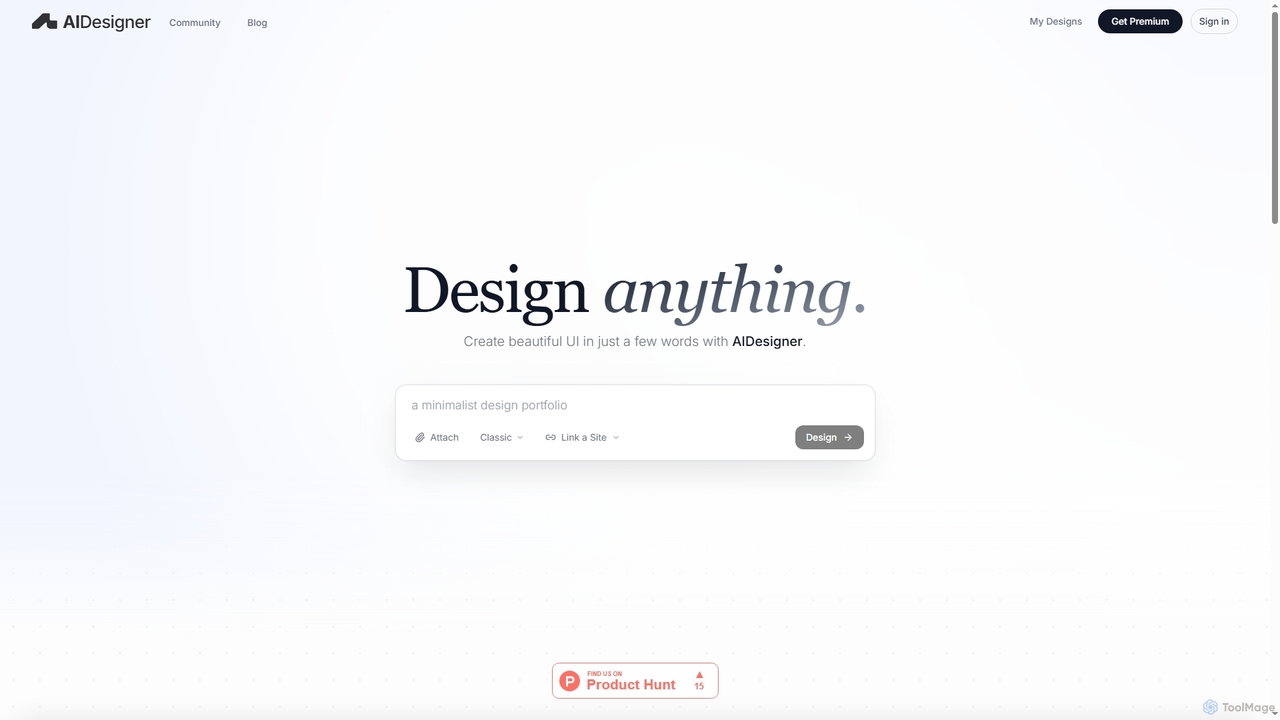
AIDesigner
AIDesigner is an advanced AI-powered platform that transforms textual descriptions into stunning UX/UI designs. It offers a unique approach to design generation, enabling users to create beautiful websites, mobile apps, and portfolios without the generic 'AI look.' With a rich library of production-ready templates and powerful customization options, AIDesigner empowers creators to rapidly prototype and launch visually distinctive digital experiences.
User Experience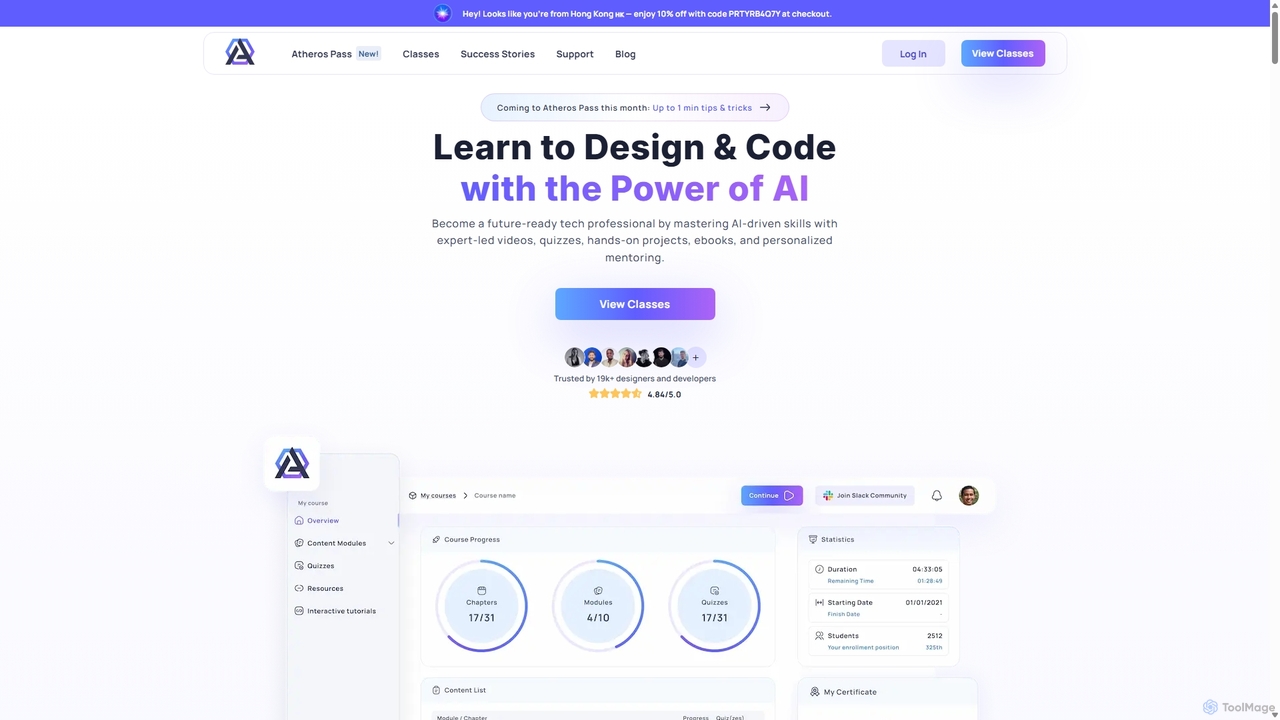
Atheros
Atheros is an online educational platform designed to equip tech professionals with future-ready, AI-driven skills in design and development. Through its 'Atheros Pass' subscription, it provides unlimited access to expert-led video courses, ebooks, and hands-on projects. The curriculum focuses on practical skills like UX/UI design, frontend development (HTML, CSS, GraphQL), and no-code web design, preparing students for the AI era with community and mentor support.
Ux & Ui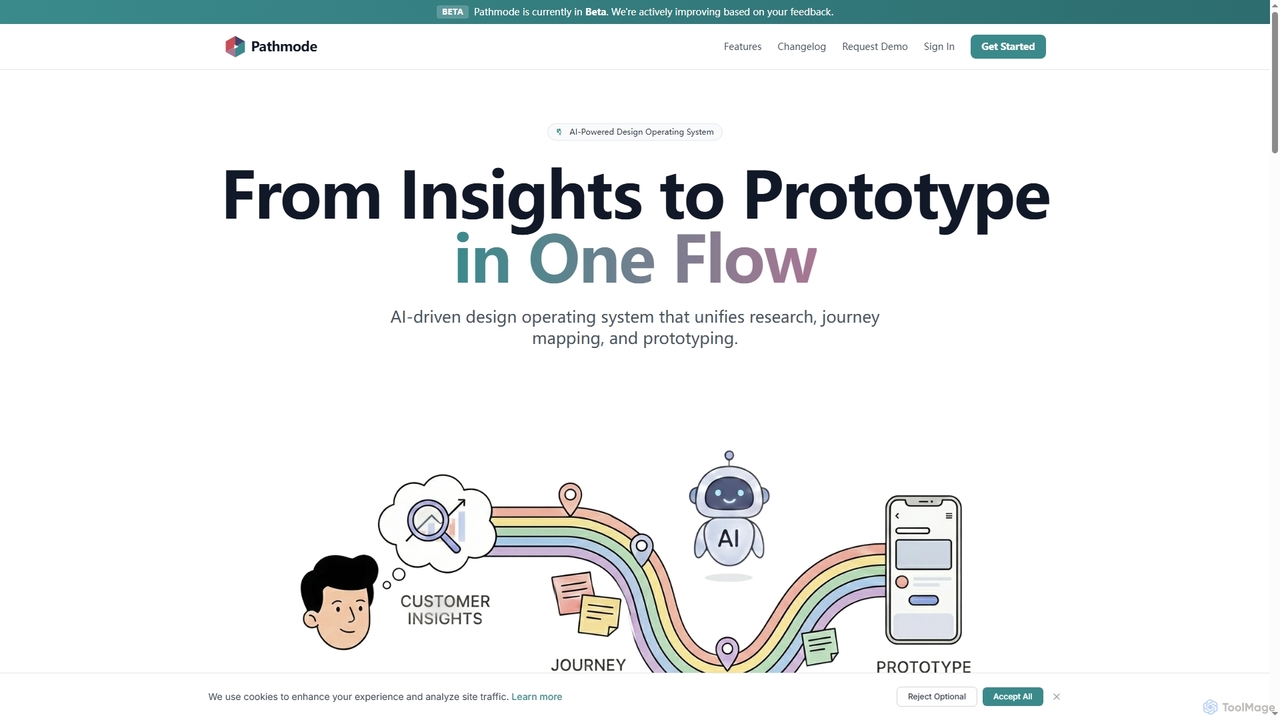
Pathmode
Pathmode is an AI-powered design operating system that unifies user research, automated journey mapping, and prototype specification into a single, seamless workflow. It transforms raw insights into actionable UI design specifications, eliminating manual handoffs and driving efficient product execution.
Design Assistant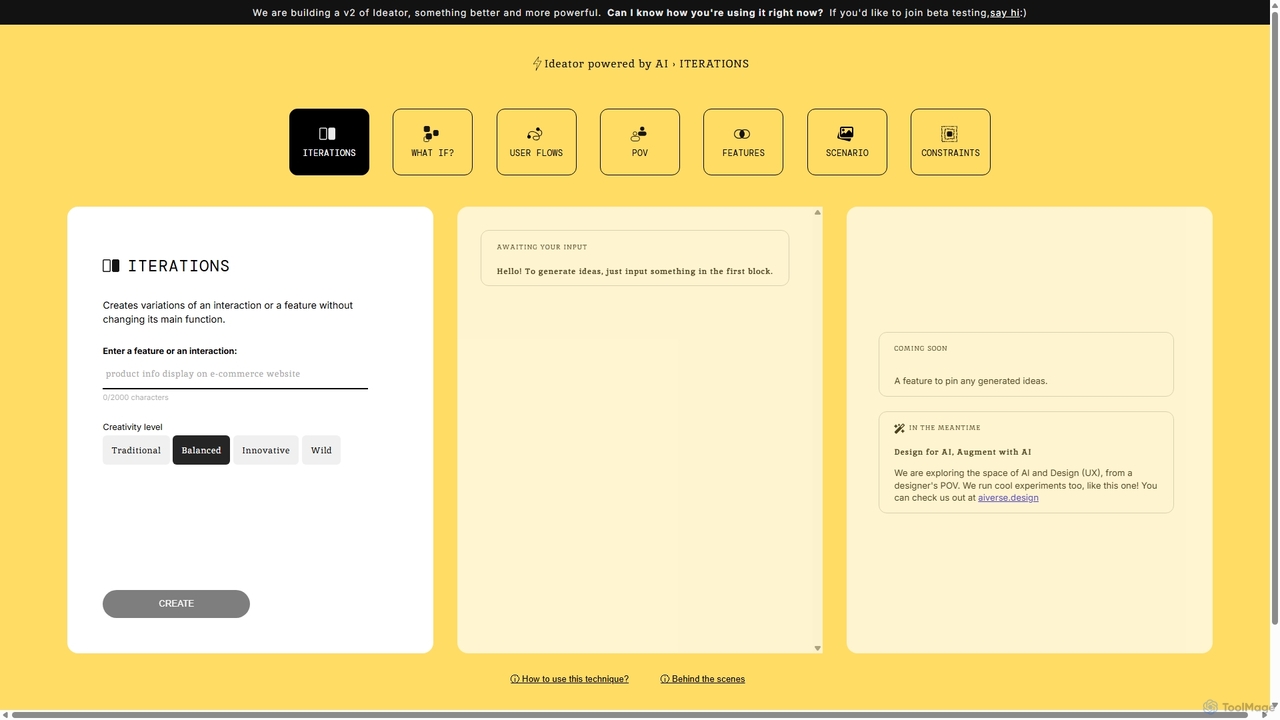
Ideator
Ideator is an AI-powered brainstorming tool designed for UX/UI designers and innovators. It generates creative variations of a user-inputted feature or interaction, helping to overcome creative blocks and accelerate the ideation process. Users can adjust the creativity level from traditional to wild to explore a wide spectrum of design possibilities.
Idea Generation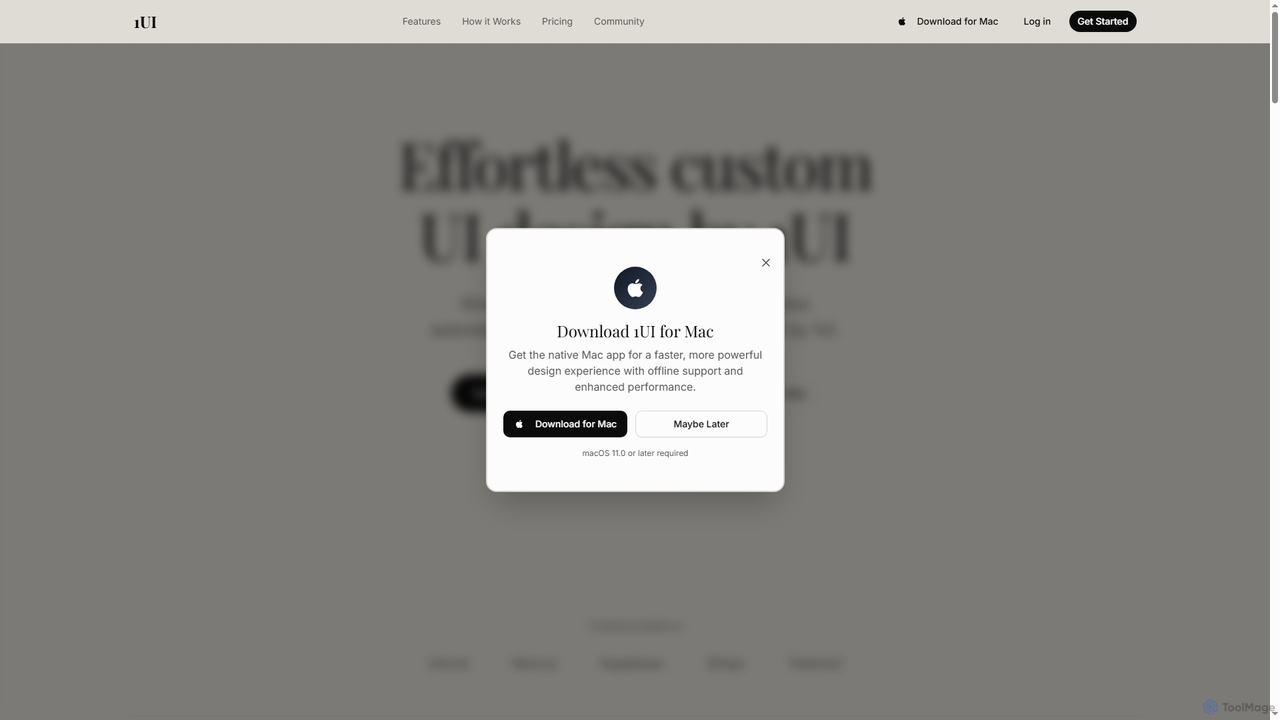
1ui
1ui is an AI-powered platform that generates pixel-perfect, production-ready UI designs from natural language prompts. It streamlines the design process by creating responsive layouts, contextual images, and clean HTML/CSS code in seconds. Features include a prompt enhancer, team collaboration, and direct export to Figma as editable layers.
Code Generation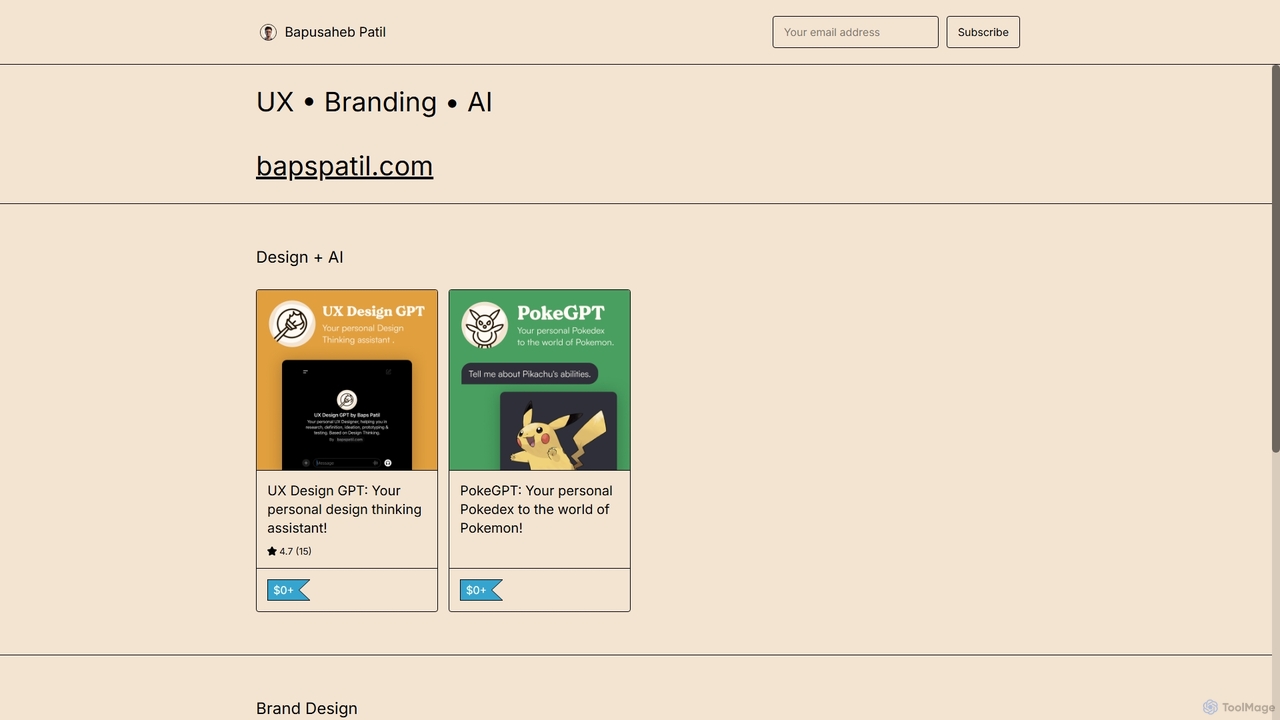
UX Design GPT
UX Design GPT is a personal AI assistant for designers, built on the Design Thinking framework. Powered by OpenAI and enriched with over 6 years of the creator's real-world expertise, it guides users through research, ideation, prototyping, and testing to streamline the entire UX design workflow.
Chatbot
UXPin Comments (0)
Sign in to comment.
Sign inNo comments yet.