

MasterGo Overview
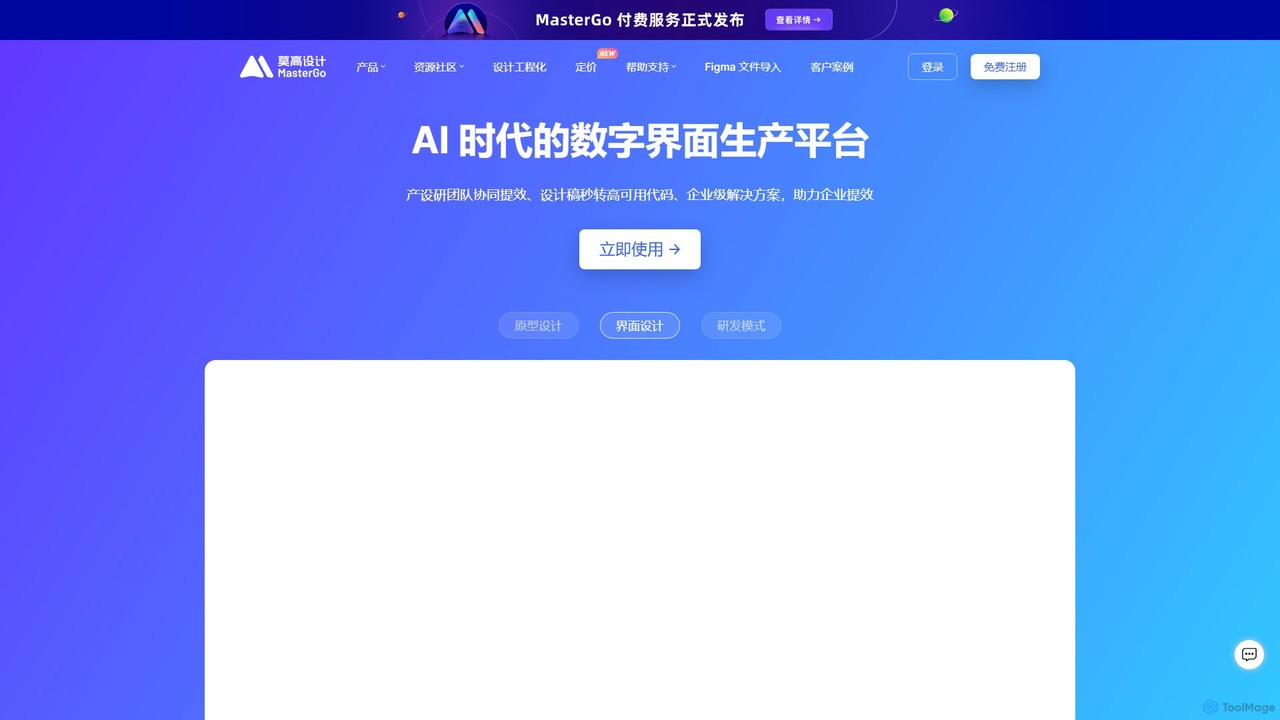
MasterGo is a comprehensive, cloud-based digital interface production platform designed for the AI era. It serves as an all-in-one solution for product managers, UI/UX designers, and developers, seamlessly integrating the entire product development lifecycle. From initial wireframing and interactive prototyping to high-fidelity UI design and developer handoff, MasterGo facilitates real-time collaboration, breaking down silos between teams and ensuring consistency and efficiency. The platform is built with the philosophy of "tool as a process," eliminating the need to switch between different applications and preventing information fragmentation.
With its powerful AI capabilities, MasterGo accelerates the design process by allowing users to generate prototypes and interfaces from simple text or image inputs. Its enterprise-grade features provide robust digital asset management, with cloud-based storage, multi-level permission controls, and detailed activity logs, ensuring that all design assets are secure, organized, and easily accessible.
How to use MasterGo
Getting started with MasterGo is straightforward. Users can begin a new project from scratch, utilize a vast library of pre-built templates and resources, or import existing files from other popular design tools like Figma, Sketch, Adobe XD, and Axure. The workflow typically involves:
- Prototyping: Product managers and designers can quickly build everything from low-fidelity wireframes to highly interactive, high-fidelity prototypes using a dedicated "Prototype File" mode. The AI assistant can help generate initial concepts rapidly.
- UI Design: Designers can leverage professional-grade tools like vector networks, auto layout, and responsive constraints to create pixel-perfect interfaces. Creating and maintaining a design system with reusable components and styles is simple and ensures consistency across all projects.
- Collaboration: Team members can co-edit designs in real-time. A single link is all that's needed to share work, gather feedback through in-context comments, and present prototypes.
- Developer Handoff: The dedicated "Developer Mode" provides engineers with a streamlined experience. They can inspect design properties, measure distances, download assets in various formats, and automatically generate code snippets for CSS, Swift, and Android, bridging the gap between design and development.
Core Features of MasterGo
- AI-Powered Design: Automatically generate prototypes and UI elements from text and image prompts, significantly speeding up the initial design phase.
- Collaborative Prototyping: Create dynamic and interactive prototypes with smart animations, transitions, and real-time previews on mobile devices.
- Professional UI Design Suite: Features include advanced vector editing, powerful auto layout for responsive design, and the ability to create complex design systems with component variants and properties.
- Integrated Design-to-Dev Workflow: A dedicated Developer Mode and VSCode plugin that provides developers with all necessary specs, assets, and code, eliminating ambiguity and reducing handoff time.
- Real-Time Collaboration: Supports simultaneous editing, follower mode, and a robust commenting system for seamless teamwork.
- Enterprise Asset Management: Centralized cloud storage for all design files, team libraries for shared components, and granular permission settings for enhanced security and control.
- Seamless Import/Export: Effortlessly import projects from Figma, Sketch, Adobe XD, and Axure, and export assets or even entire files to Sketch format if needed.
- Rich Resource Community: Access to a vast library of plugins, templates, and UI kits contributed by the community and industry leaders.
- Enterprise Security & Deployment: Offers SSO, private deployment options (on-premise or private cloud), and comprehensive data dashboards for monitoring team efficiency.
Use Cases for MasterGo
MasterGo is trusted by numerous leading companies across various sectors, including tech, e-commerce, automotive, and finance. Common use cases include:
- Large-scale Design Systems: Enterprises like iFlytek and 360 use MasterGo to build, manage, and scale their design systems, ensuring brand consistency across hundreds of products.
- Agile Product Development: Teams at companies like NetEase Cloud Music and XPeng Motors leverage MasterGo for rapid prototyping and iterative design, accelerating their product development cycles.
- Cross-Functional Collaboration: Organizations like SF Express and Kingsoft Docs use the platform to foster seamless collaboration between product, design, and engineering teams, regardless of their physical location.
- Improving Design Efficiency: Companies have reported saving thousands of work hours and reducing design time by up to 80% by centralizing their workflow on MasterGo.
Advantages of MasterGo
MasterGo offers several key advantages. Its all-in-one nature eliminates subscription costs for multiple tools and streamlines workflows. The powerful real-time collaboration features enhance team productivity and reduce communication overhead. For enterprises, the platform provides unparalleled security, control, and scalability with options for private deployment. Its AI capabilities put it at the forefront of modern design tools, offering a significant efficiency boost. Finally, as a tool with strong local roots and support, it offers a compelling, high-performance alternative to other international platforms.
Pricing and Plans
MasterGo operates on a freemium model, providing plans suitable for individuals, teams, and large enterprises.
- Free Plan: Ideal for individuals and small teams getting started. It offers core design and prototyping features with certain limitations on the number of files or projects.
- Team Plan: A paid subscription designed for professional teams. It includes unlimited files, version history, shared team libraries, and advanced collaboration features.
- Enterprise Plan: A custom-priced plan for large organizations. It provides everything in the Team plan plus advanced security features like SSO, private deployment options, dedicated support, API access, and an administrative backend for user and asset management.
For detailed pricing, users are encouraged to visit the official MasterGo website or contact their sales team for an enterprise quote.
Traffic
Latest traffic
Status
Monthly traffic trend
- 2025-9: 2.2M
- 2026-1: 1.7M
- 2026-2: 818.6K
- 2026-3: 1.4M
- 2026-4: 1.2M
- 2026-5: 1.2M
Geography
Top 5 countries / regions
- 🇨🇳China88.8%
- 🇺🇸United States7.6%
- 🇭🇰Hong Kong SAR China1.8%
- 🇸🇬Singapore1.3%
- 🇹🇼Taiwan0.6%
Traffic sources
| Source type | Percentage |
|---|---|
Direct | 96.2% |
Referral | 3.8% |
Email | 0.0% |
Top keywords
| Keyword | Cost per click |
|---|---|
| master go | $3.65 |
| mastergo | $2.57 |
| mastergo mcp | $0.00 |
| semidesign案例 | $0.00 |
| 莫高设计 | $0.00 |
MasterGo Alternatives
Creatie
Creatie is an intuitive, AI-powered product design and collaboration platform. It enables teams to move from wireframes to high-fidelity mockups, interactive prototypes, and developer handoff seamlessly. Featuring AI tools like a mockup wizard, icon generator, and image enhancer, it's designed to accelerate the UI/UX workflow for designers, product managers, and developers.
Icon Generation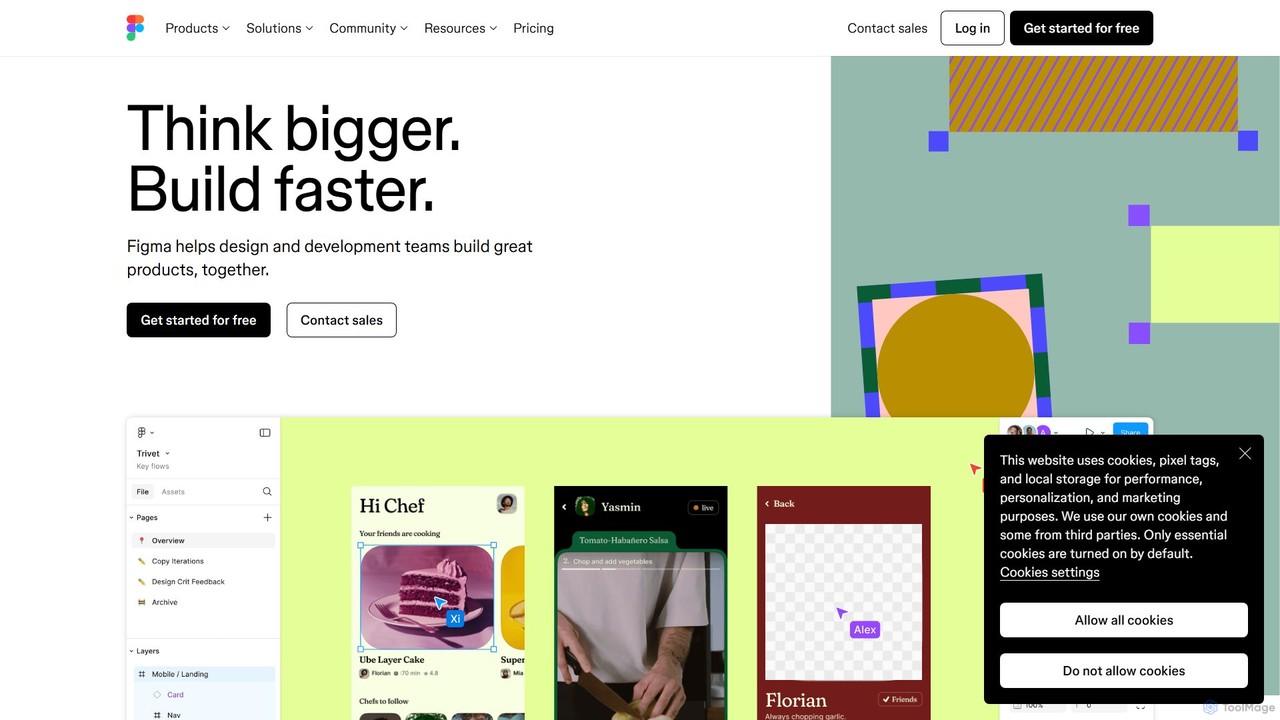
Figma
Figma is a leading collaborative interface design platform that allows teams to design, prototype, and gather feedback in one place. Powered by AI, it accelerates workflows from brainstorming in FigJam to creating high-fidelity designs and handing off to developers with Dev Mode, unifying the entire product development process.
Ui Ux Design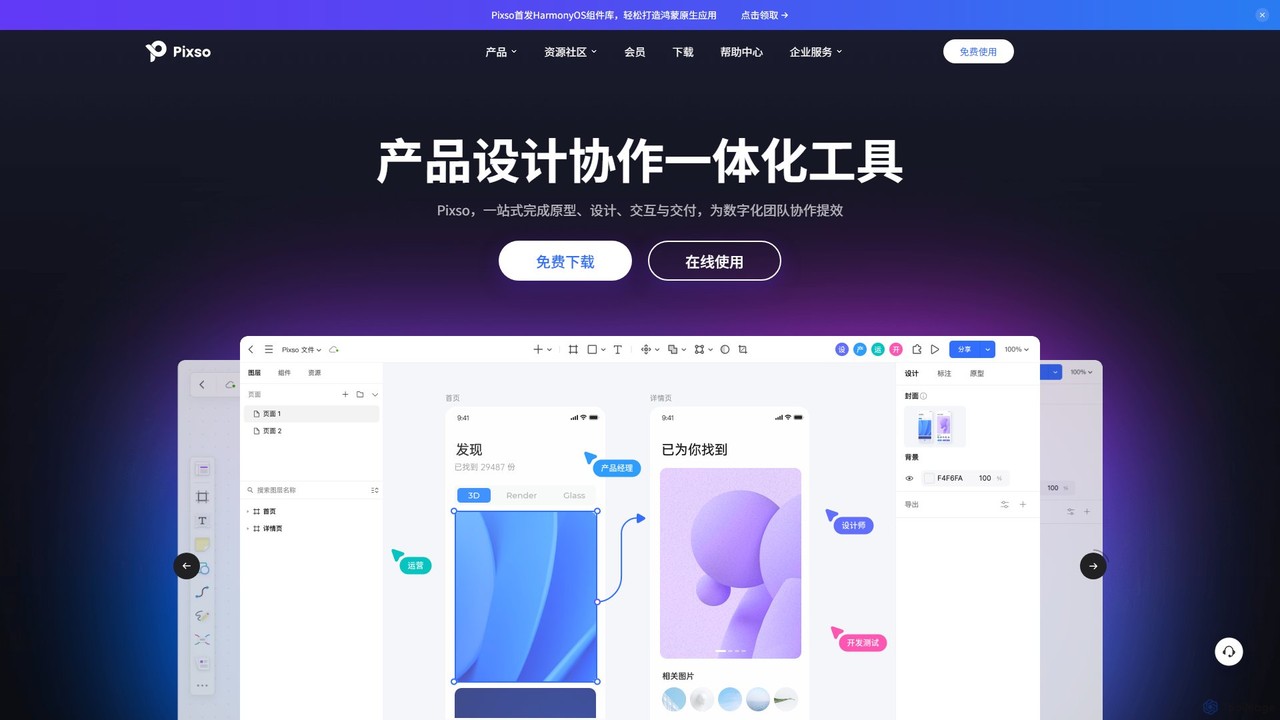
Pixso
Pixso is an all-in-one, cloud-based collaborative product design platform for UI/UX design, prototyping, and developer handoff. It integrates design tools, interactive prototyping, and an online whiteboard, positioning itself as a powerful, real-time alternative to Figma and Sketch, built to enhance team efficiency.
Ui Ux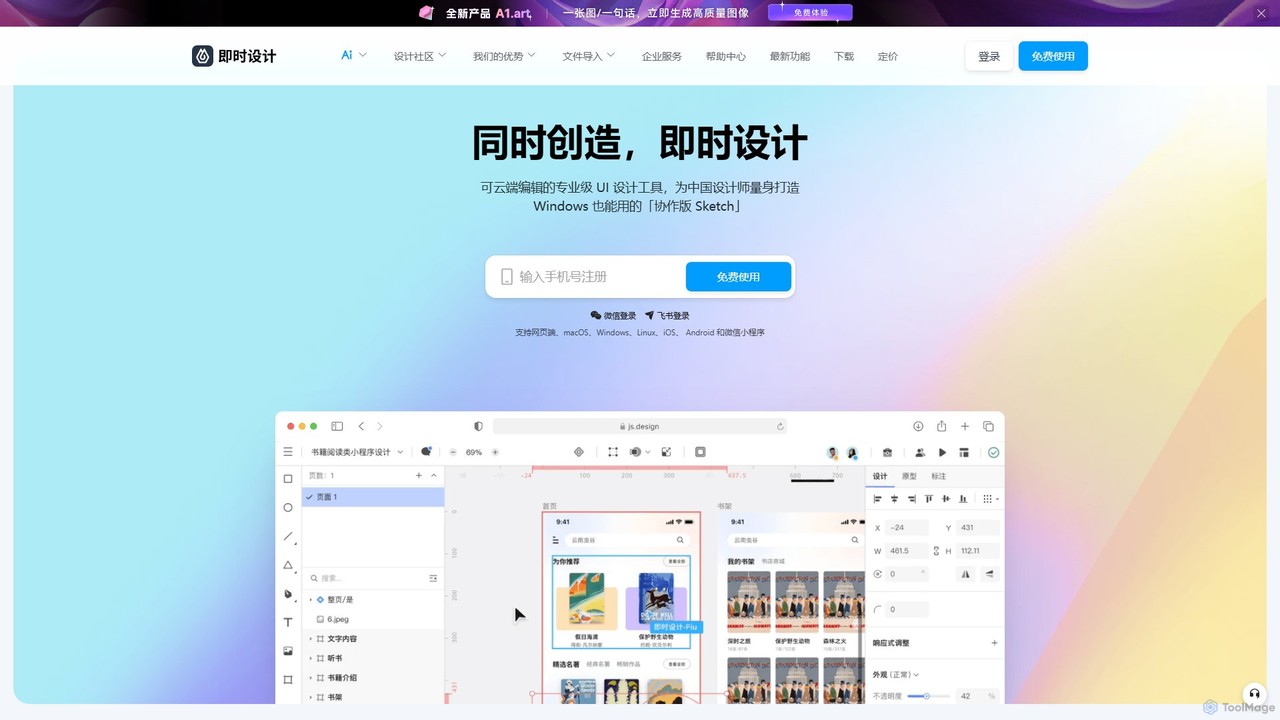
JsDesign
JsDesign is a professional, cloud-based UI/UX design tool that enables real-time collaboration. It offers a cross-platform experience with powerful AI features to accelerate the design workflow, from ideation and prototyping to developer handoff. It's positioned as a strong alternative to Figma and Sketch.
Ai Design Assistant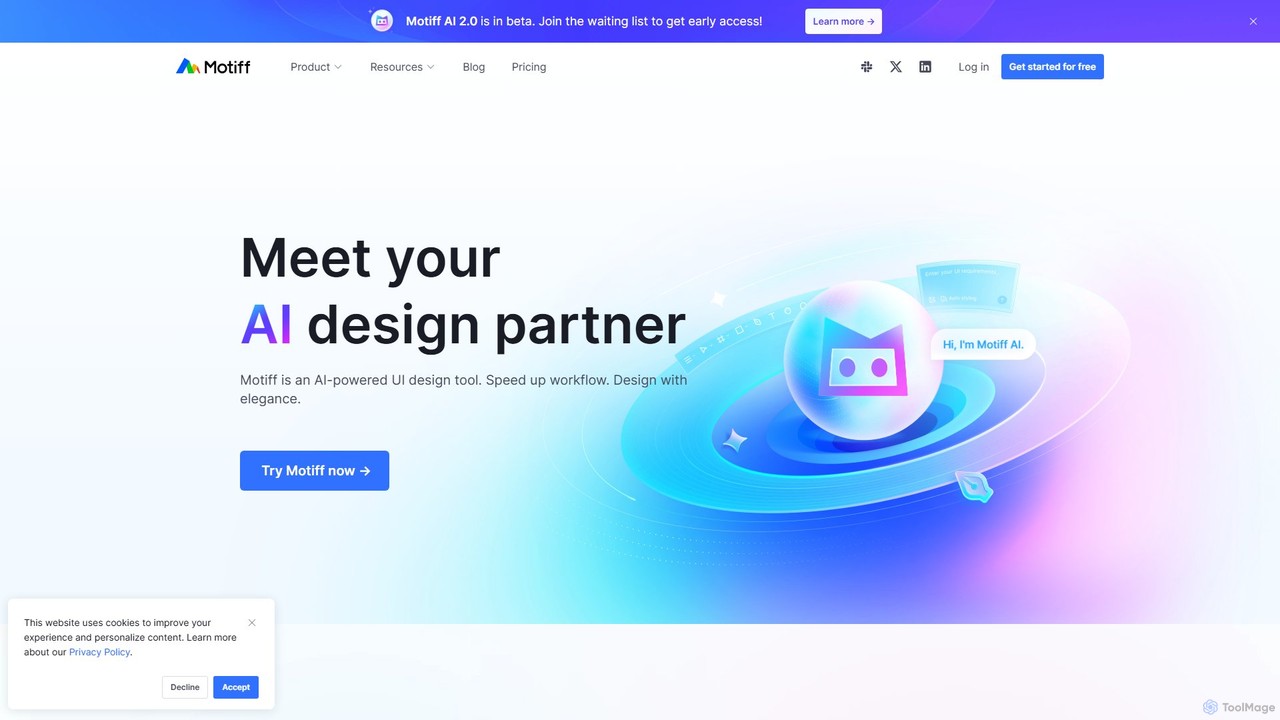
Motiff
Motiff is an AI-powered professional interface design tool that accelerates the entire workflow. It enables users to generate UIs from text and images, iterate on designs with AI assistance, and collaborate in real-time. Combining robust design tools, prototyping, and a developer-friendly handoff mode, Motiff serves as a comprehensive, high-performance platform for modern product teams.
Ui UxMasterGo Categories
MasterGo Embed Widget
Copy this embed code to place the badge on your blog, article, or product site and send readers directly to this ToolMage detail page.

Related AI tools
Creatie
Creatie is an intuitive, AI-powered product design and collaboration platform. It enables teams to move from wireframes to high-fidelity mockups, interactive prototypes, and developer handoff seamlessly. Featuring AI tools like a mockup wizard, icon generator, and image enhancer, it's designed to accelerate the UI/UX workflow for designers, product managers, and developers.
Icon GenerationFigma
Figma is a leading collaborative interface design platform that allows teams to design, prototype, and gather feedback in one place. Powered by AI, it accelerates workflows from brainstorming in FigJam to creating high-fidelity designs and handing off to developers with Dev Mode, unifying the entire product development process.
Ui Ux DesignPixso
Pixso is an all-in-one, cloud-based collaborative product design platform for UI/UX design, prototyping, and developer handoff. It integrates design tools, interactive prototyping, and an online whiteboard, positioning itself as a powerful, real-time alternative to Figma and Sketch, built to enhance team efficiency.
Ui UxMotiff
Motiff is an AI-powered professional interface design tool that accelerates the entire workflow. It enables users to generate UIs from text and images, iterate on designs with AI assistance, and collaborate in real-time. Combining robust design tools, prototyping, and a developer-friendly handoff mode, Motiff serves as a comprehensive, high-performance platform for modern product teams.
Ui UxJsDesign
JsDesign is a professional, cloud-based UI/UX design tool that enables real-time collaboration. It offers a cross-platform experience with powerful AI features to accelerate the design workflow, from ideation and prototyping to developer handoff. It's positioned as a strong alternative to Figma and Sketch.
Ai Design Assistant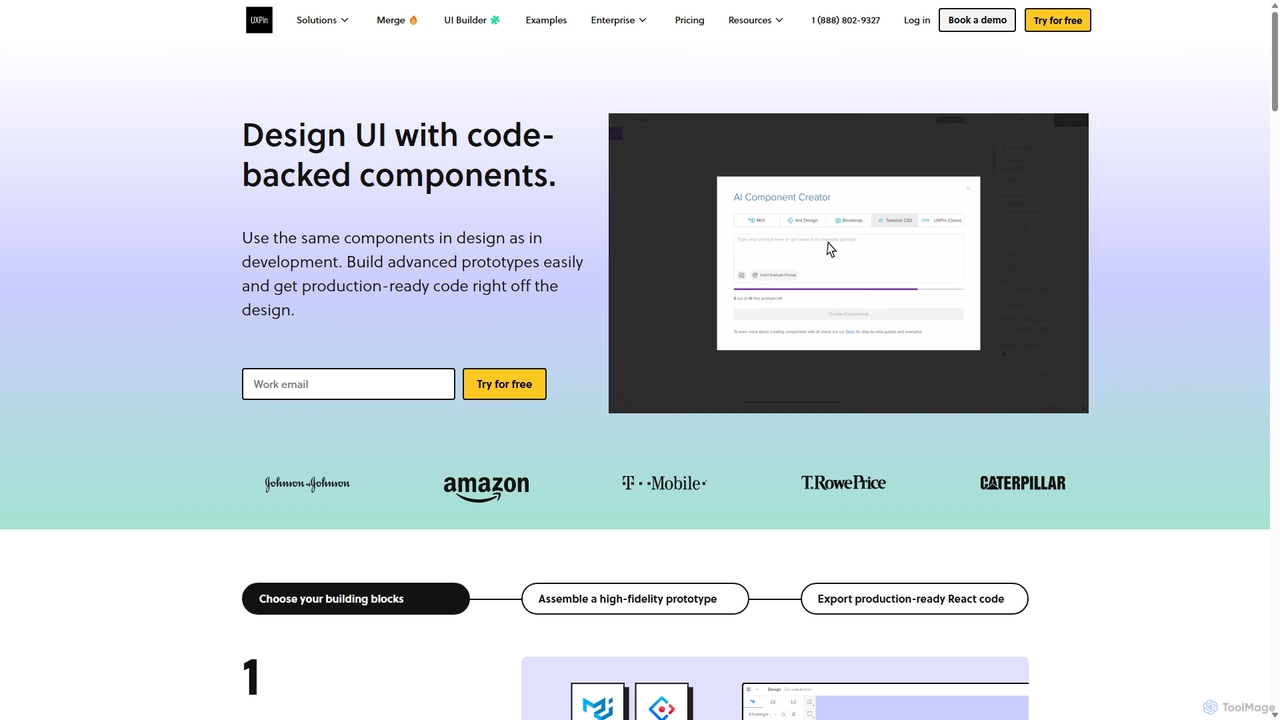
UXPin
UXPin is a code-based design and prototyping tool that bridges the gap between design and engineering. It enables teams to create high-fidelity, interactive prototypes using real code components, ensuring consistency and dramatically speeding up the product development lifecycle from concept to launch.
Prototyping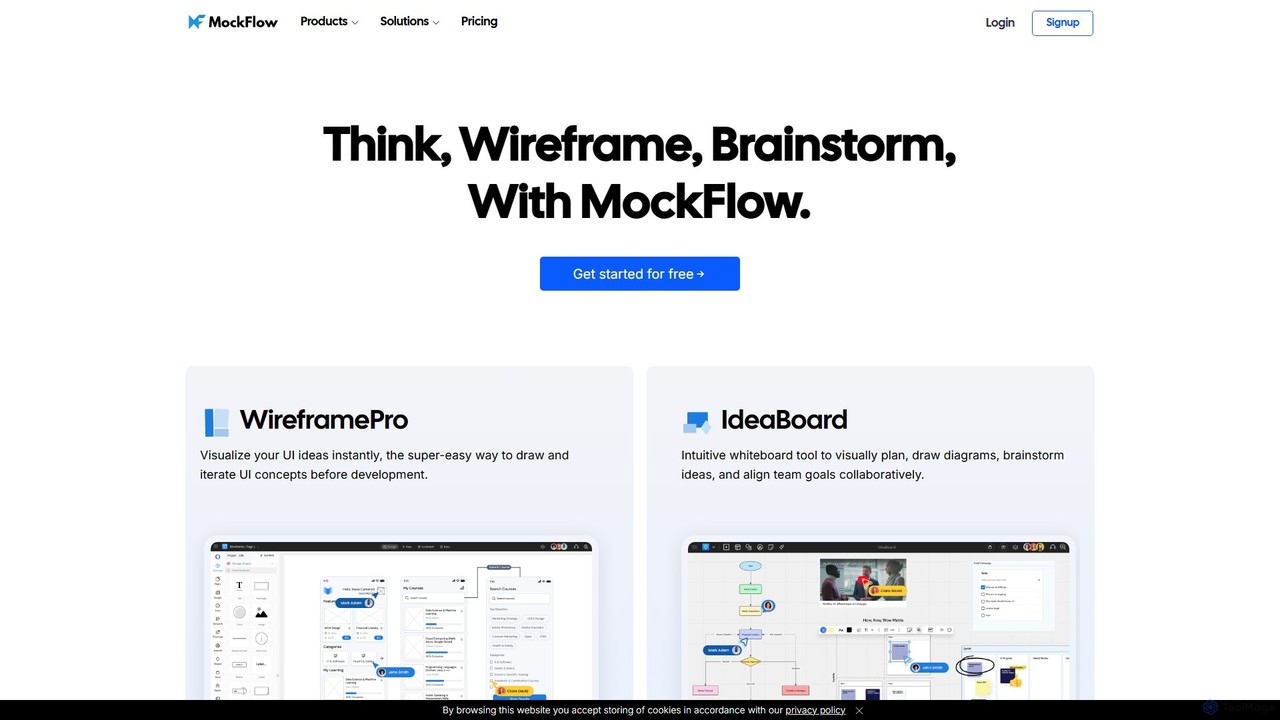
MockFlow
MockFlow is an all-in-one suite for product design, offering tools for wireframing, prototyping, and brainstorming. It leverages AI to accelerate the design process, allowing users to convert text or screenshots into editable wireframes, generate diagrams, and create content automatically. With extensive collaboration features and integrations, it streamlines the entire workflow from initial idea to developer handoff.
Ui Ux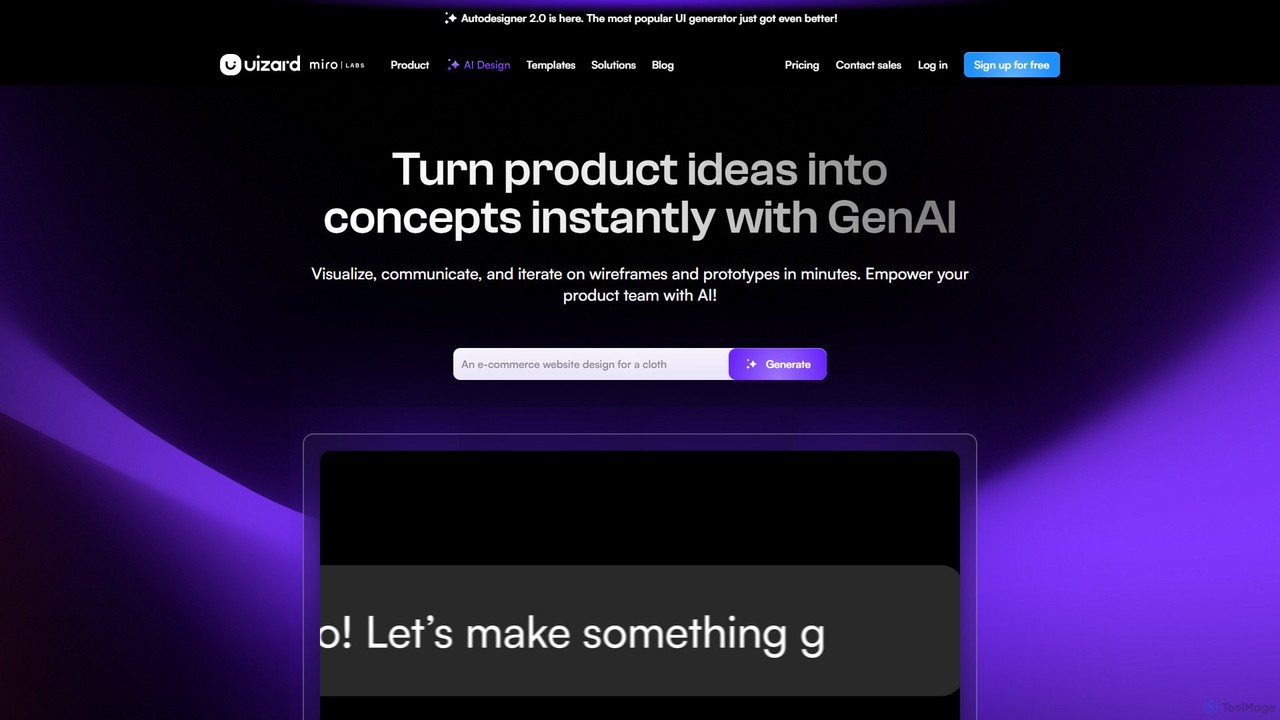
Uizard
Uizard is an AI-powered UI design tool that empowers both designers and non-designers to create stunning websites, web apps, and mobile app mockups in minutes. Transform text prompts, hand-drawn sketches, or screenshots into editable, interactive prototypes. It's designed for rapid ideation, real-time collaboration, and streamlining the entire product design workflow from concept to handoff.
Ui Ux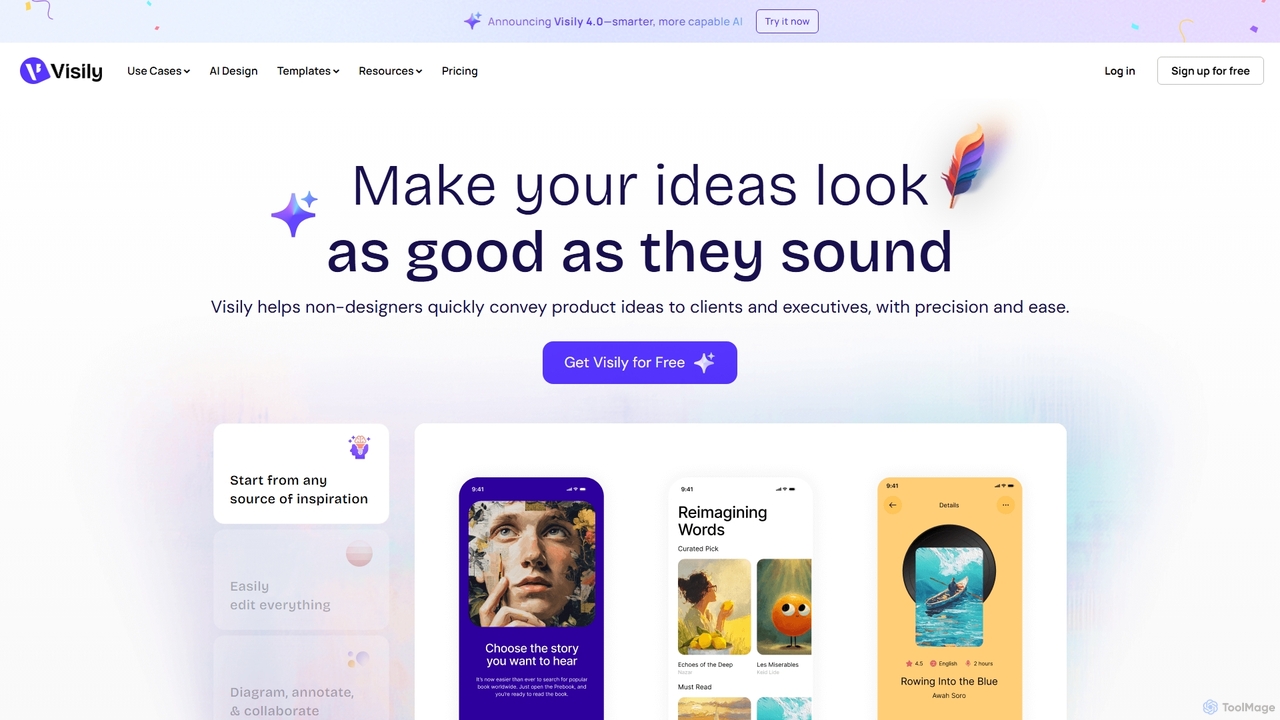
Visily
Visily is an AI-powered UI design and prototyping tool specifically created for non-designers. It enables teams to quickly transform ideas, screenshots, or text prompts into high-fidelity wireframes and mockups. With its intuitive interface and powerful collaboration features, Visily streamlines the process of visualizing product concepts and gathering feedback, bridging the gap between ideas and execution without a steep learning curve.
Ui Ux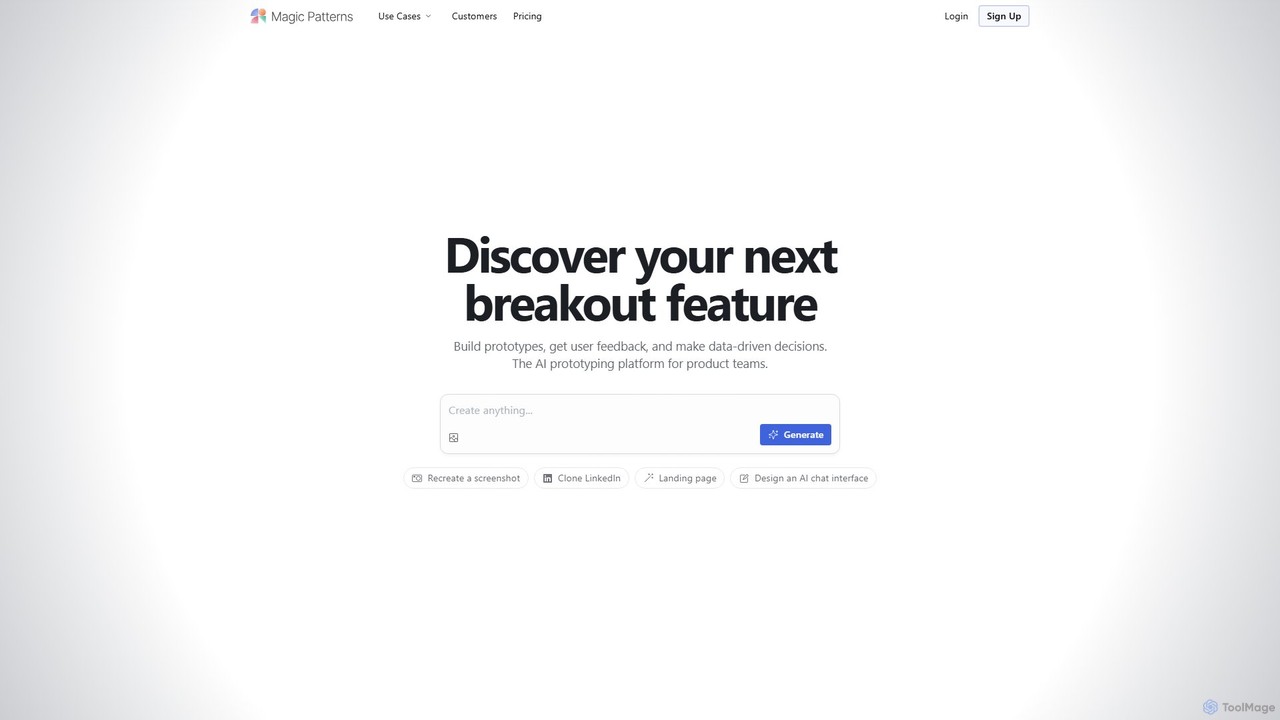
Magic Patterns
Magic Patterns is an AI-powered prototyping platform for product teams, designers, and developers. It accelerates UI creation by generating interactive prototypes and production-ready code (React, Tailwind CSS) from text prompts, screenshots, or existing websites. It helps teams iterate faster, gather user feedback, and make data-driven decisions.
Prototyping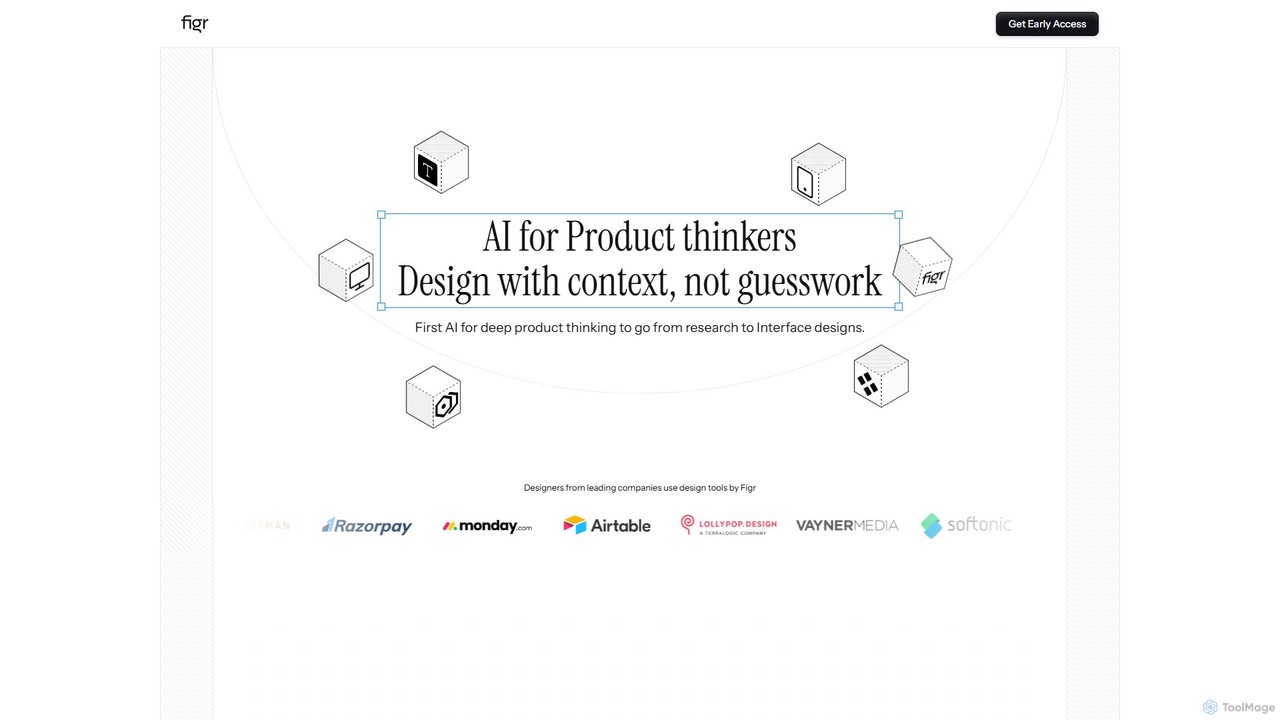
Figr
Figr is an AI-powered design suite that accelerates the product design workflow. It specializes in creating production-grade design systems directly within Figma, automating the generation of design tokens, components, and documentation. It's built for product thinkers, designers, and teams to transform research and context into clear, consistent, and scalable user interfaces with remarkable speed.
Ui Ux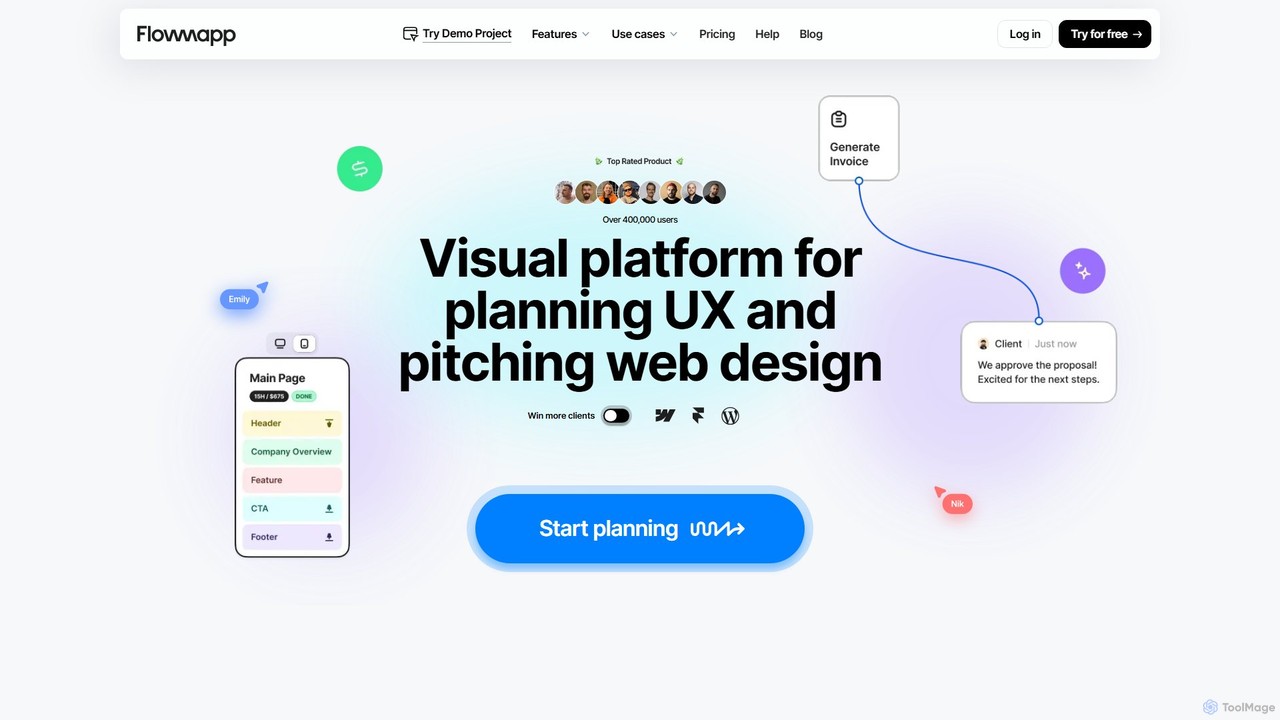
Flowmapp
Flowmapp is an all-in-one UX planning tool designed for freelancers, agencies, and product teams. It streamlines website and app development by integrating AI-powered sitemap and wireframe generation, user flow diagrams, content planning, and collaborative project management into a single platform. Create high-converting project proposals and accelerate your design workflow.
Ux Design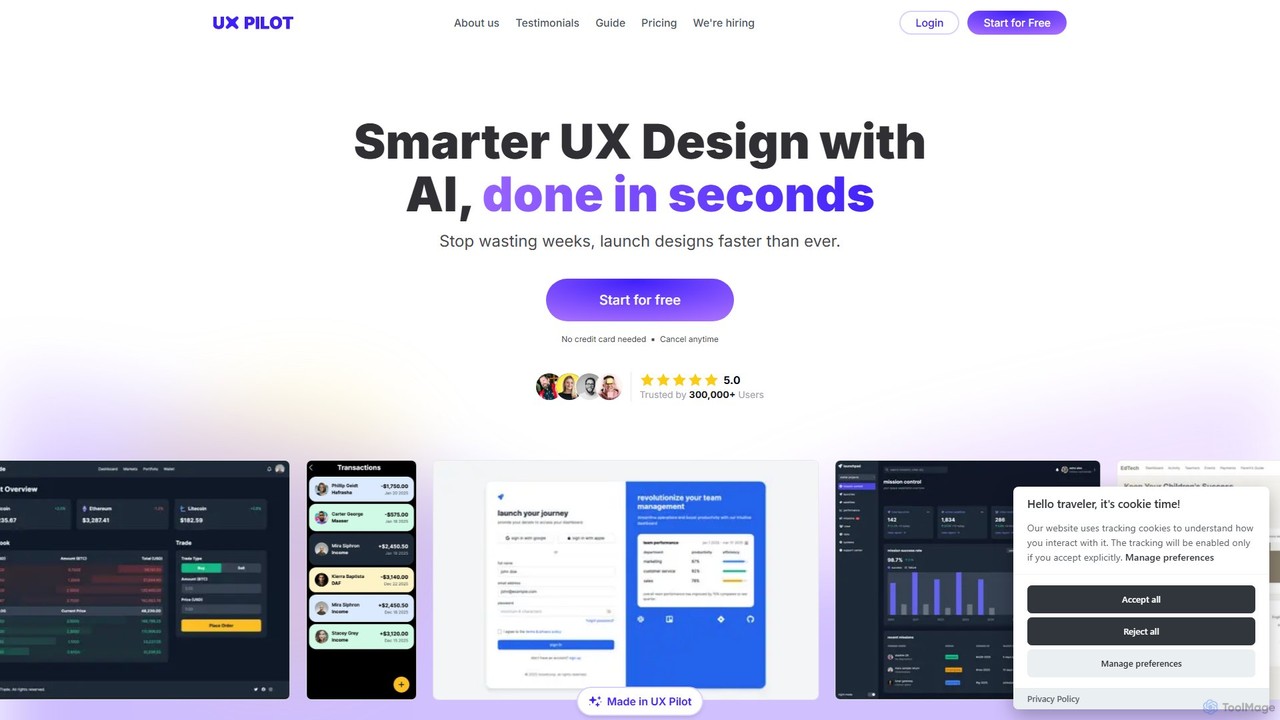
UX Pilot
UX Pilot is an AI-powered design platform that accelerates the UX/UI workflow. It enables designers, product teams, and founders to generate high-fidelity designs, wireframes, screen flows, and prototypes from simple text prompts in seconds. With deep Figma integration, it streamlines the entire process from ideation to handoff.
Ui Ux
Jyek
Jyek is an AI agent platform that understands objectives, creates execution plans, uses tools, and delivers verifiable results for complex, multi-step tasks.
Automation
App Alchemy
App Alchemy is an AI-powered design tool that generates beautiful, professional mobile app mockups in seconds. Simply describe your app idea, use a template, or upload screenshots, and the AI will instantly create UI designs. It's designed for developers, entrepreneurs, and designers to rapidly visualize, iterate, and export app concepts without needing complex design skills or expensive software.
Ui Ux
MasterGo Comments (0)
Sign in to comment.
Sign inNo comments yet.