
Flowmapp Overview
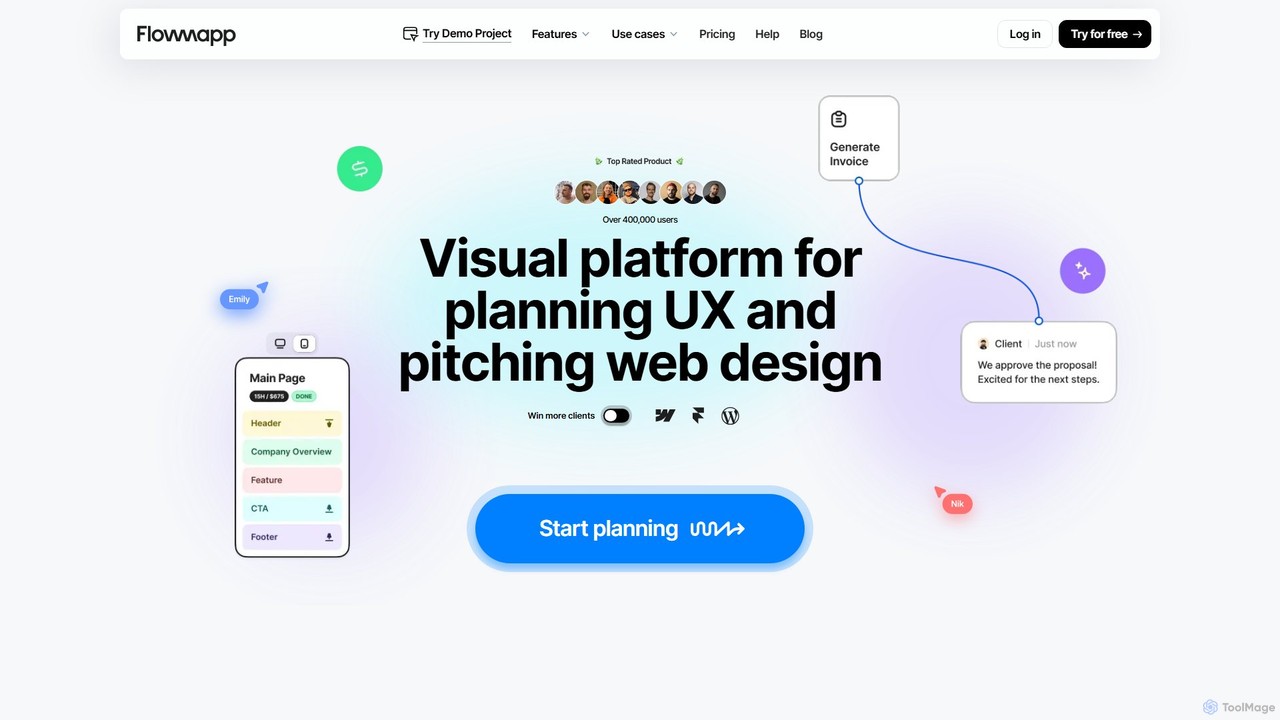
Flowmapp is a comprehensive online platform for user experience (UX) planning, designed to streamline the entire process of creating digital products from initial idea to a full-fledged proposal. It serves as a central hub for web designers, UX specialists, project managers, and agencies, combining essential planning tools into a single, collaborative environment. By integrating AI-powered features, Flowmapp significantly accelerates the early stages of project development, allowing teams to focus on creating exceptional user experiences.
The platform is built around a clear, step-by-step workflow that guides users from project conception to client presentation. It helps organize website structure, visualize user journeys, prototype layouts, and manage content collection efficiently. This holistic approach ensures that all stakeholders are aligned, reducing miscommunication and saving valuable time and resources. The end goal is to produce a detailed, professional, and high-converting project proposal that wins clients and sets projects up for success.
How to use Flowmapp
Flowmapp simplifies project planning into a structured, four-step process:
- Step 1: Define the Structure. Begin by creating a detailed project brief directly within the platform. Then, use the AI-powered generator to instantly create a sitemap from a URL or text description, or build it manually with the intuitive visual sitemap tool. This provides a bird's-eye view of the project's information architecture.
- Step 2: Enhance with UX Details. Upgrade your project by adding crucial UX elements. Design clear user flows to map out customer journeys and validate navigation paths. Create high-fidelity wireframes for both desktop and mobile to visualize the layout and functionality. Use the 'Notion-like' content editor to collect and organize text and visuals for each page.
- Step 3: Estimate and Finalize. Turn your plan into a business proposal by adding project estimates. Quickly calculate costs for design, development, copywriting, and other services. Define project timelines with a detailed breakdown of hours per page. You can even generate an invoice to finalize the transaction details.
- Step 4: Present and Export. Combine all the created assets—sitemaps, user flows, wireframes, and estimates—into a single, interactive proposal. Present it to clients to increase conversion rates. When approved, export your work to various formats, including a direct export to Figma for the final UI design, or as PDF, PNG, XML, and CSV files.
Core Features of Flowmapp
- AI-Powered Generator: Instantly generate sitemaps and wireframes using AI to kickstart your project planning.
- Visual Sitemap Builder: Create interactive, visual sitemaps to organize website structure with a drag-and-drop interface.
- User Flow Tool: Design clear and minimalistic user flow diagrams to map out user journeys and optimize the user experience.
- Wireframing & Prototyping: Build high-fidelity wireframes for desktop and mobile devices to present visual concepts to clients.
- Content Editor: A 'Notion-like' editor for collecting, organizing, and managing text and visual content for every page of the website.
- Team Collaboration: Invite team members and clients to collaborate on projects, leave comments, and manage content in real-time.
- Project Cost & Timing Estimation: Calculate project costs and estimate timelines with detailed breakdowns for each task and page.
- Proposal Generation: Automatically create comprehensive and high-converting project proposals from your planning assets.
- Multiple Export Options: Seamlessly export projects and assets to Figma, PDF, PNG, XML, CSV, or as a live webpage.
- Pre-made Template Library: A collection of visual solutions and templates to accelerate the creation of client proposals.
Use Cases for Flowmapp
Flowmapp is versatile and valuable for various professionals and teams:
- UX/UI Designers: To visualize information architecture, create detailed user flows, and build wireframes for usability testing and client presentations.
- Web Design Agencies & Freelancers: To streamline the entire pre-development workflow, from initial brief to a complete, costed proposal, helping to win more clients.
- Project Managers: To plan website structures, manage content pipelines, estimate budgets and timelines, and keep all stakeholders aligned.
- Product Teams: To collaborate on the information architecture and user experience of new digital products, ensuring a shared vision and efficient workflow.
Advantages of Flowmapp
Using Flowmapp provides several key advantages:
- All-in-One Solution: It eliminates the need for multiple disparate tools by combining sitemaps, user flows, wireframes, and content planning in one place.
- Increased Efficiency: AI-powered tools and pre-made templates dramatically reduce the time spent on initial planning and proposal creation.
- Enhanced Collaboration: A centralized platform for teams and clients to work together improves communication and ensures everyone is on the same page.
- Higher Client Conversion: Generate professional, interactive, and detailed proposals that clearly communicate the project scope and value, leading to higher win rates.
- Streamlined Workflow: The seamless integration with tools like Figma bridges the gap between planning and design, creating a smoother project lifecycle.
Pricing and Plans
Flowmapp operates on a freemium model, offering plans for individuals and teams:
- Free Plan: A forever-free plan that includes 1 active project. It's a great way to start, and no credit card is required.
- Paid Plans (Pro, Team, Agency): Subscription plans that offer an increased number of active projects, more collaborators, and access to advanced features. A free trial is available for these plans.
- Discounts: Flowmapp offers a 50% discount for students and a 60% Purchasing Power Parity (PPP) discount for users in select countries (e.g., India, Brazil, Turkey) to make the tool more accessible globally.
- Payment Methods: Payments can be made via major credit/debit cards (VISA, MasterCard, American Express), PayPal, and Amazon.
Traffic
Latest traffic
Status
Monthly traffic trend
- 2025-9: 73.2K
- 2026-1: 87.5K
- 2026-2: 88.2K
- 2026-3: 86.7K
- 2026-4: 63.5K
- 2026-5: 66.7K
Geography
Top 5 countries / regions
- 🇺🇸United States30.9%
- 🇳🇬Nigeria20.4%
- 🇦🇺Australia17.9%
- 🇬🇧United Kingdom15.6%
- 🇮🇳India15.1%
Traffic sources
| Source type | Percentage |
|---|---|
Direct | 86.8% |
Referral | 11.6% |
Email | 1.6% |
Top keywords
| Keyword | Cost per click |
|---|---|
| flow html visualizer | $0.00 |
| flowmap | $1.01 |
| flow mapp | $0.00 |
| flowmapp | $4.53 |
| most beautiful flow chart | $0.00 |
Flowmapp Alternatives
usersketch
usersketch is an AI-powered platform designed to accelerate the UX/UI design process. It enables users to instantly generate wireframes, user flows, sitemaps, and personas from simple text descriptions. Ideal for product managers, designers, and developers, it streamlines ideation, prototyping, and collaboration, turning concepts into visual designs in minutes.
Ux Design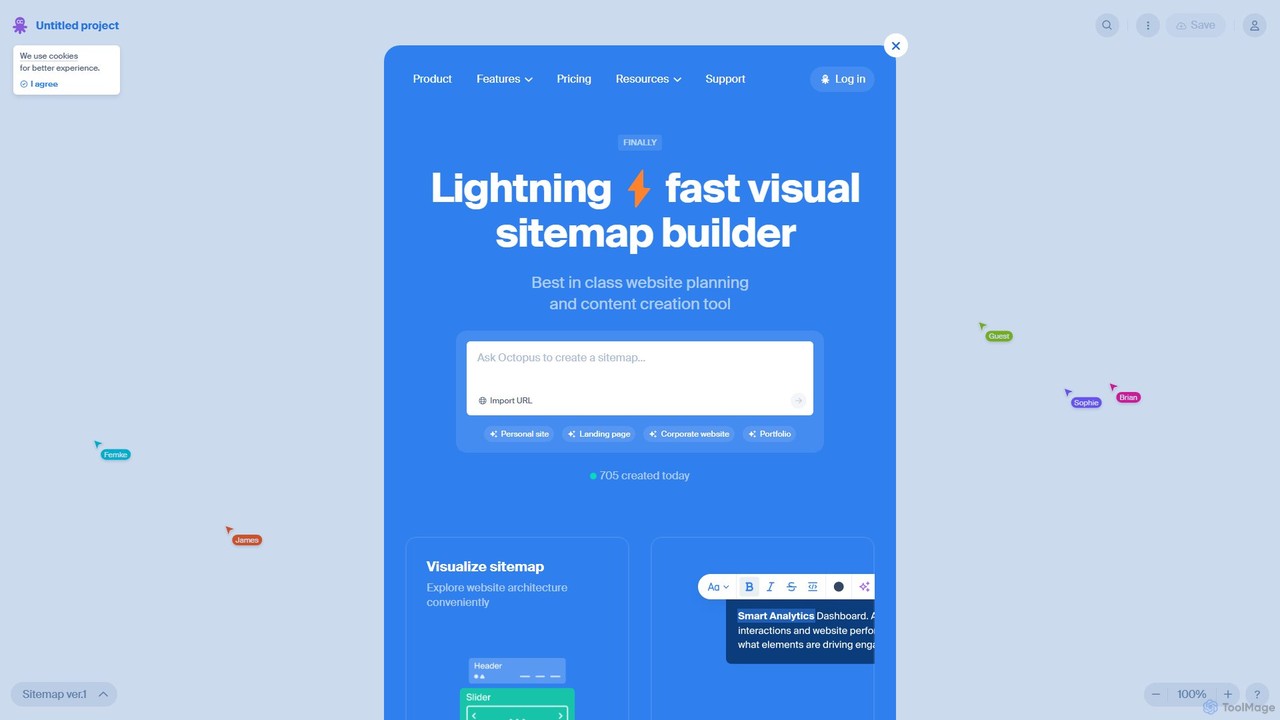
Octopus.do
Octopus.do is a lightning-fast visual sitemap builder and website planning tool. It helps teams visualize website architecture, plan content, create wireframes, and collaborate effectively. With AI-powered generation and seamless integrations, it streamlines the entire web development process from idea to launch.
Prototyping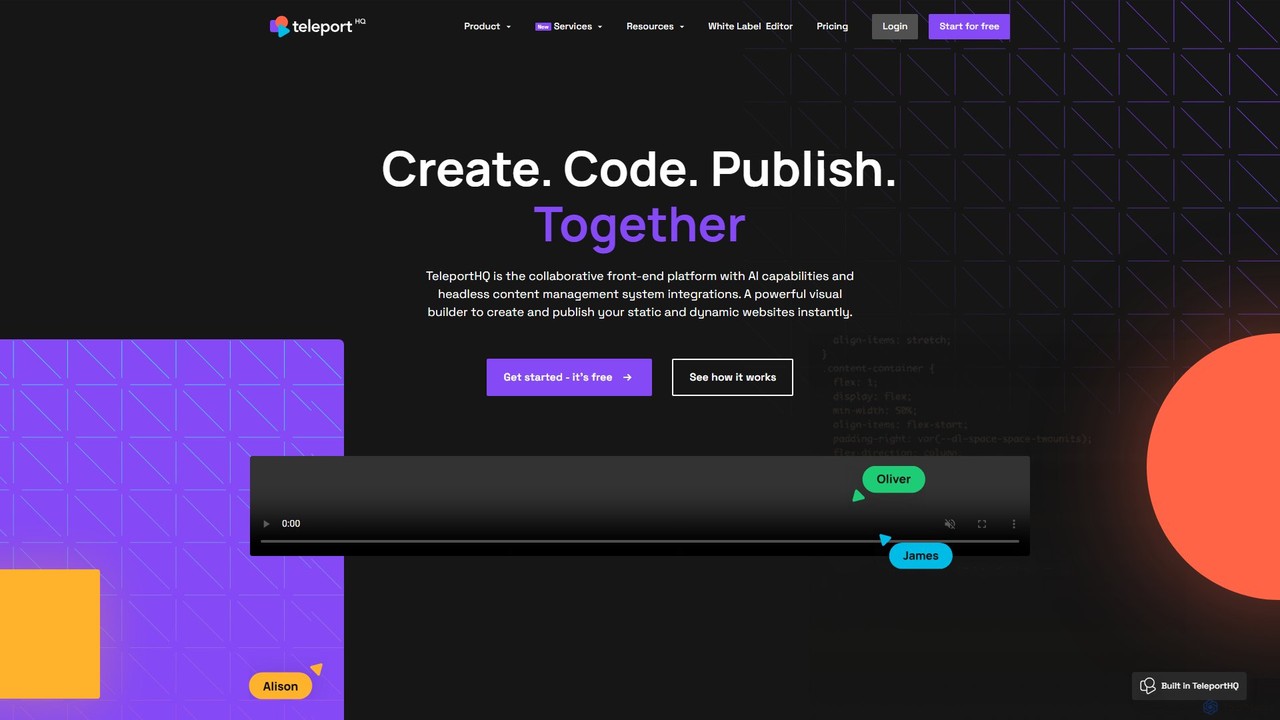
TeleportHQ
TeleportHQ is a collaborative low-code platform that streamlines front-end development. It features an AI website builder, Figma to code conversion, and real-time collaboration tools. Users can visually build responsive websites and UIs, generate clean code for multiple frameworks (React, Vue, etc.), and deploy seamlessly.
Ui Ux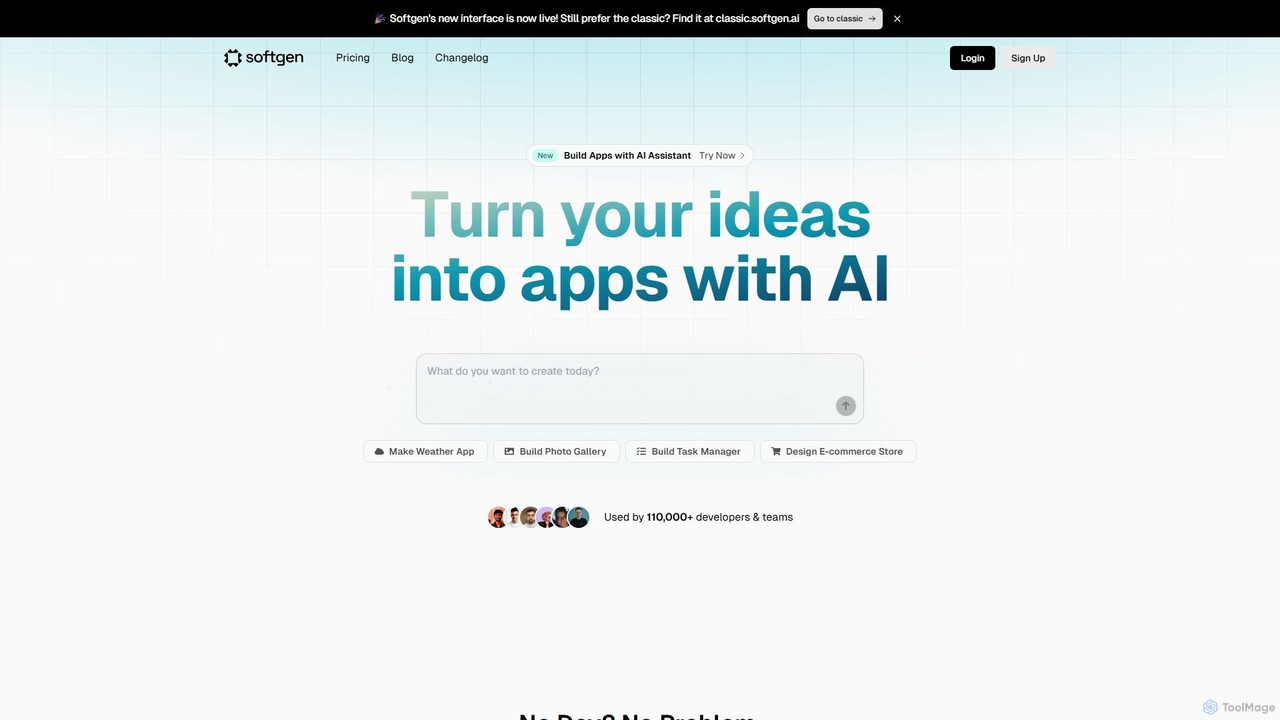
Softgen
Softgen is an AI-powered web app builder that transforms your ideas into production-ready, full-stack applications. Simply describe what you want to build in natural language, and the AI assistant generates the code, database, and integrations, enabling both developers and non-coders to launch complex web apps quickly.
No Code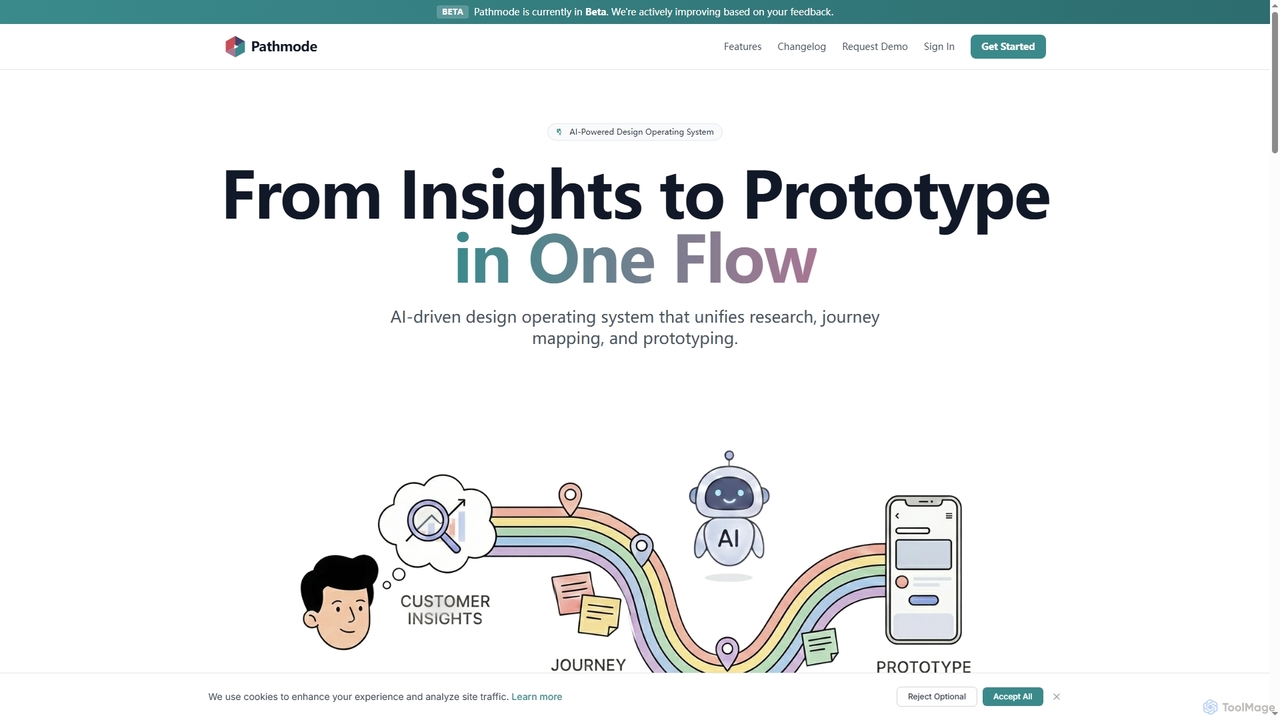
Pathmode
Pathmode is an AI-powered design operating system that unifies user research, automated journey mapping, and prototype specification into a single, seamless workflow. It transforms raw insights into actionable UI design specifications, eliminating manual handoffs and driving efficient product execution.
Design AssistantFlowmapp Categories
Flowmapp Embed Widget
Copy this embed code to place the badge on your blog, article, or product site and send readers directly to this ToolMage detail page.

Related AI tools
usersketch
usersketch is an AI-powered platform designed to accelerate the UX/UI design process. It enables users to instantly generate wireframes, user flows, sitemaps, and personas from simple text descriptions. Ideal for product managers, designers, and developers, it streamlines ideation, prototyping, and collaboration, turning concepts into visual designs in minutes.
Ux Design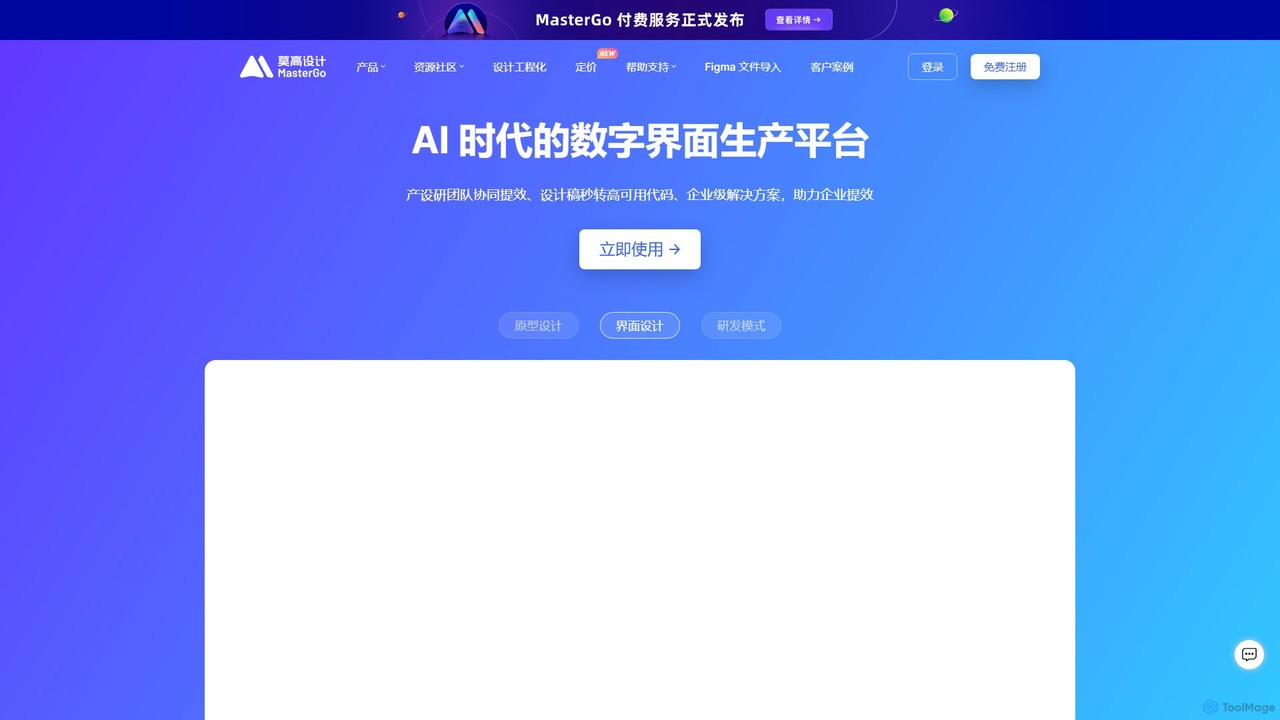
MasterGo
MasterGo is an AI-powered, all-in-one collaborative UI/UX design platform. It streamlines the entire workflow from prototyping and interface design to developer handoff. Built for real-time collaboration, it helps teams create, iterate, and manage digital products efficiently with features like design systems, AI-assisted generation, and enterprise-level security.
Ui Ux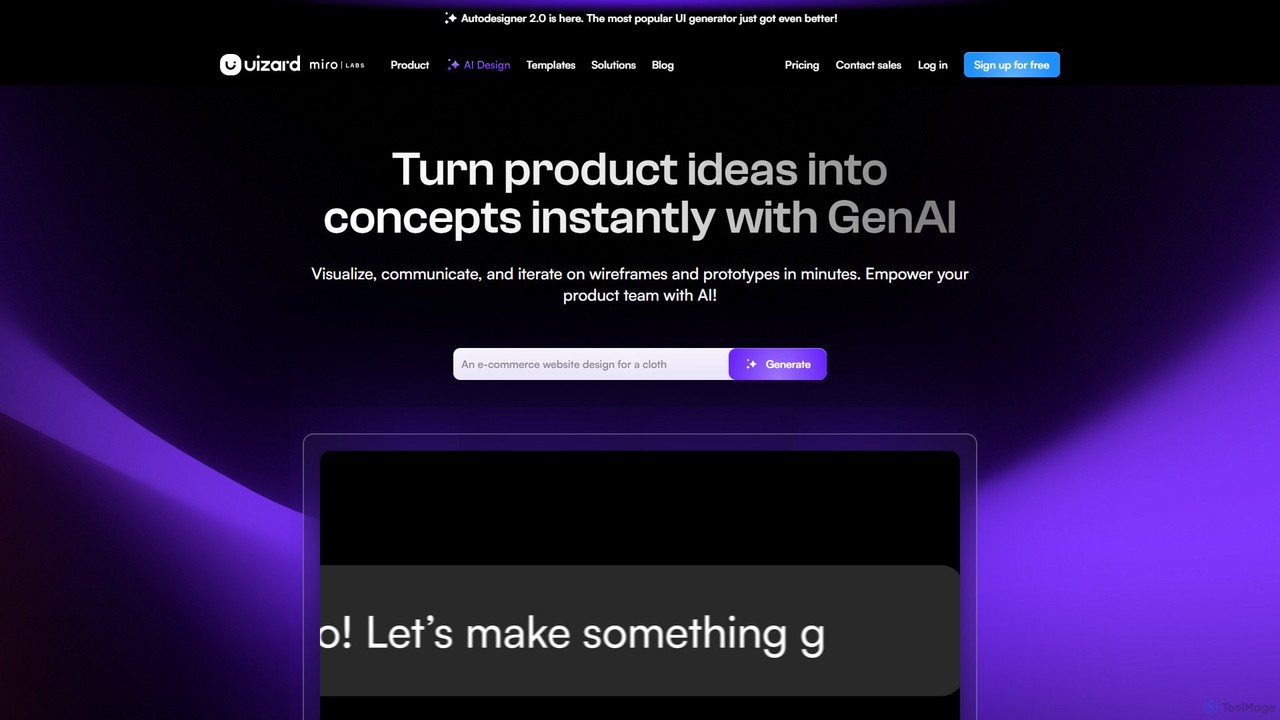
Uizard
Uizard is an AI-powered UI design tool that empowers both designers and non-designers to create stunning websites, web apps, and mobile app mockups in minutes. Transform text prompts, hand-drawn sketches, or screenshots into editable, interactive prototypes. It's designed for rapid ideation, real-time collaboration, and streamlining the entire product design workflow from concept to handoff.
Ui Ux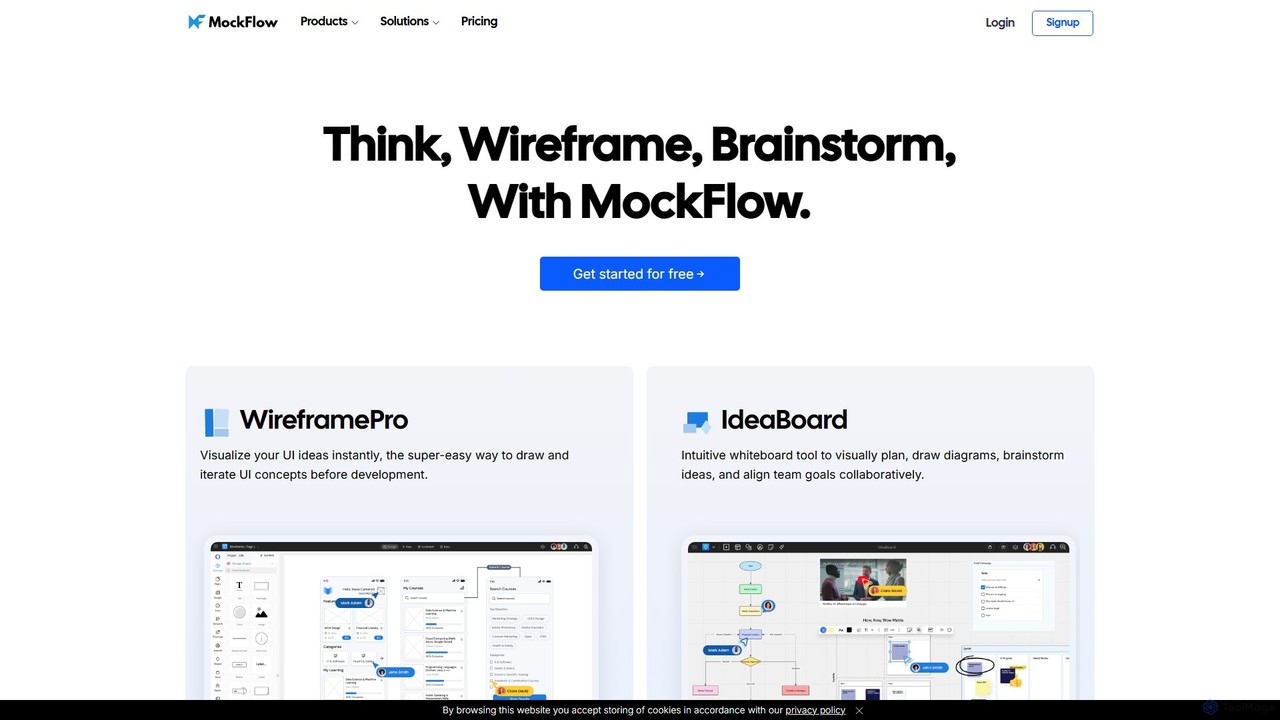
MockFlow
MockFlow is an all-in-one suite for product design, offering tools for wireframing, prototyping, and brainstorming. It leverages AI to accelerate the design process, allowing users to convert text or screenshots into editable wireframes, generate diagrams, and create content automatically. With extensive collaboration features and integrations, it streamlines the entire workflow from initial idea to developer handoff.
Ui Ux
Creatie
Creatie is an intuitive, AI-powered product design and collaboration platform. It enables teams to move from wireframes to high-fidelity mockups, interactive prototypes, and developer handoff seamlessly. Featuring AI tools like a mockup wizard, icon generator, and image enhancer, it's designed to accelerate the UI/UX workflow for designers, product managers, and developers.
Icon GenerationOctopus.do
Octopus.do is a lightning-fast visual sitemap builder and website planning tool. It helps teams visualize website architecture, plan content, create wireframes, and collaborate effectively. With AI-powered generation and seamless integrations, it streamlines the entire web development process from idea to launch.
Prototyping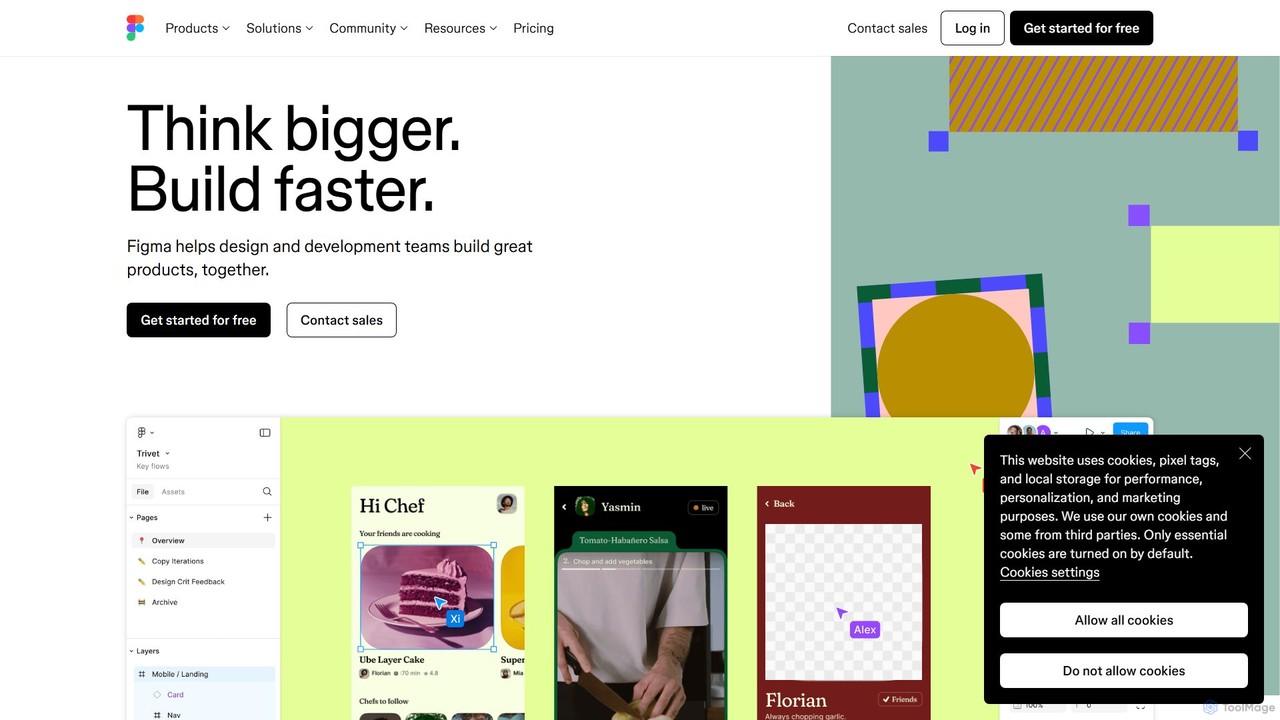
Figma
Figma is a leading collaborative interface design platform that allows teams to design, prototype, and gather feedback in one place. Powered by AI, it accelerates workflows from brainstorming in FigJam to creating high-fidelity designs and handing off to developers with Dev Mode, unifying the entire product development process.
Ui Ux Design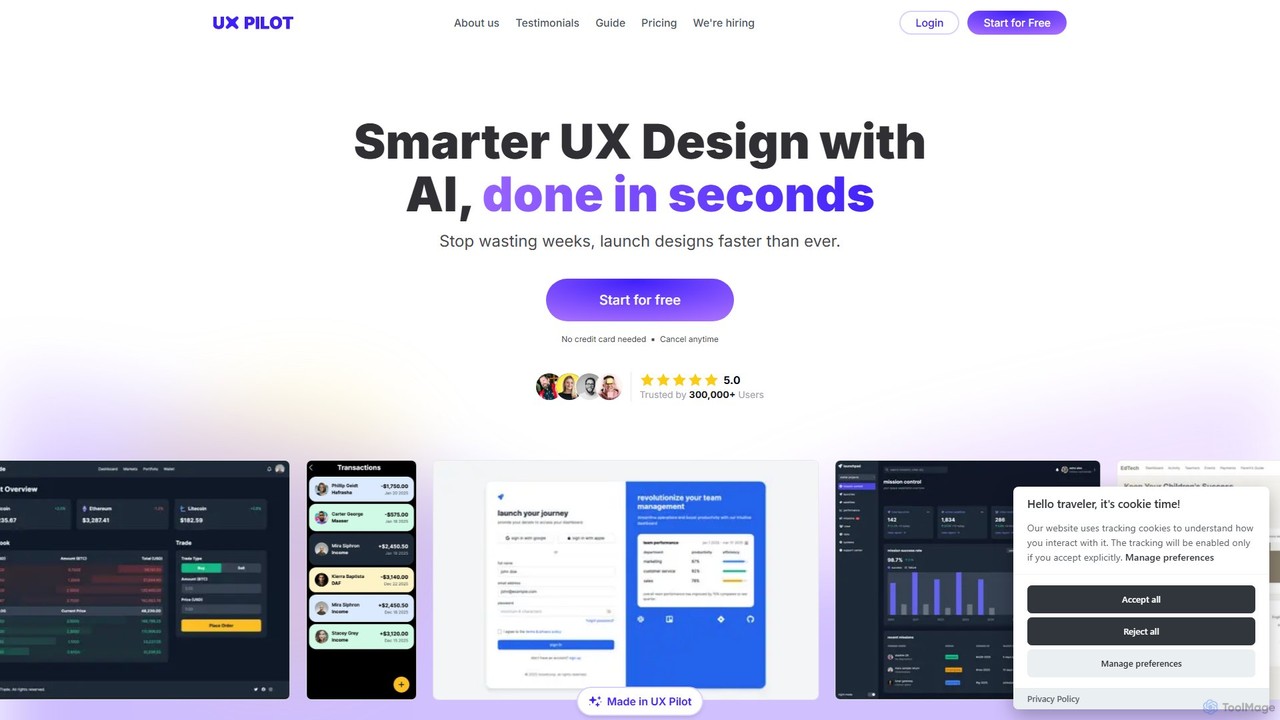
UX Pilot
UX Pilot is an AI-powered design platform that accelerates the UX/UI workflow. It enables designers, product teams, and founders to generate high-fidelity designs, wireframes, screen flows, and prototypes from simple text prompts in seconds. With deep Figma integration, it streamlines the entire process from ideation to handoff.
Ui Ux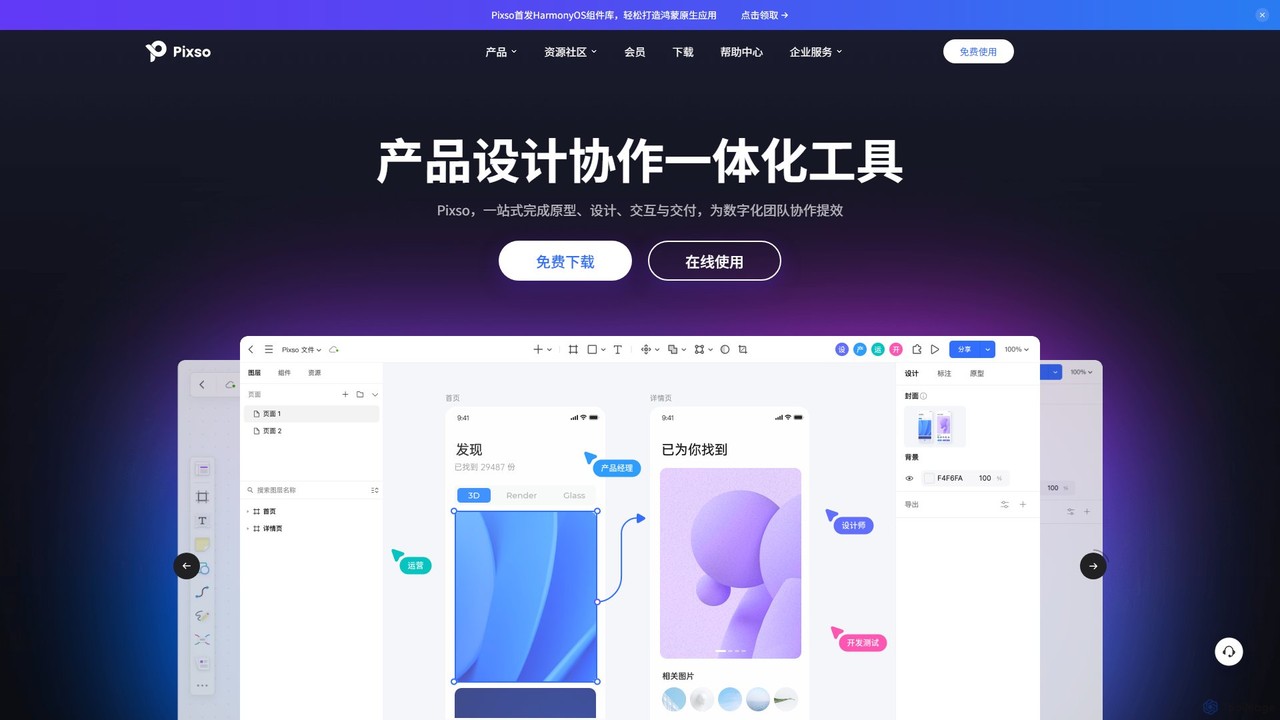
Pixso
Pixso is an all-in-one, cloud-based collaborative product design platform for UI/UX design, prototyping, and developer handoff. It integrates design tools, interactive prototyping, and an online whiteboard, positioning itself as a powerful, real-time alternative to Figma and Sketch, built to enhance team efficiency.
Ui Ux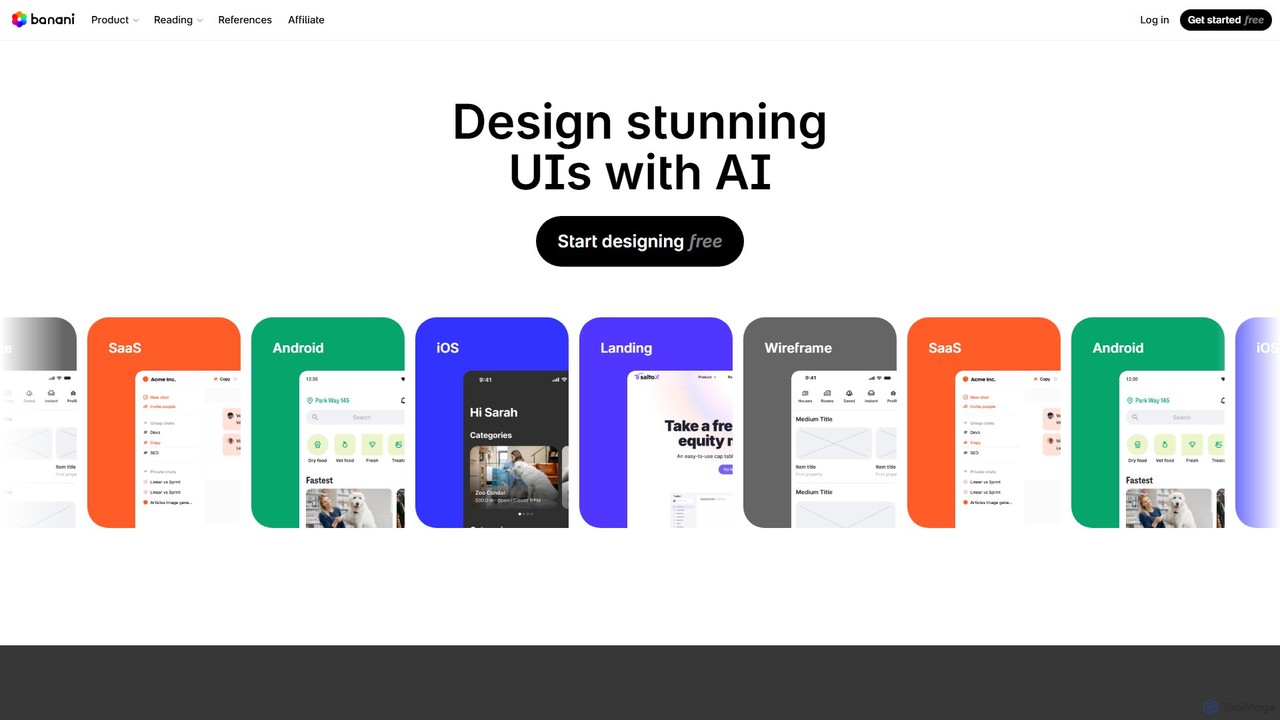
Banani
Banani is an AI-powered UI design copilot that transforms text prompts into stunning, interactive user interfaces and prototypes. It's designed for rapid ideation and visualization, enabling product managers, founders, and designers to create beautiful, user-friendly designs in seconds, even without prior design skills.
Ui Design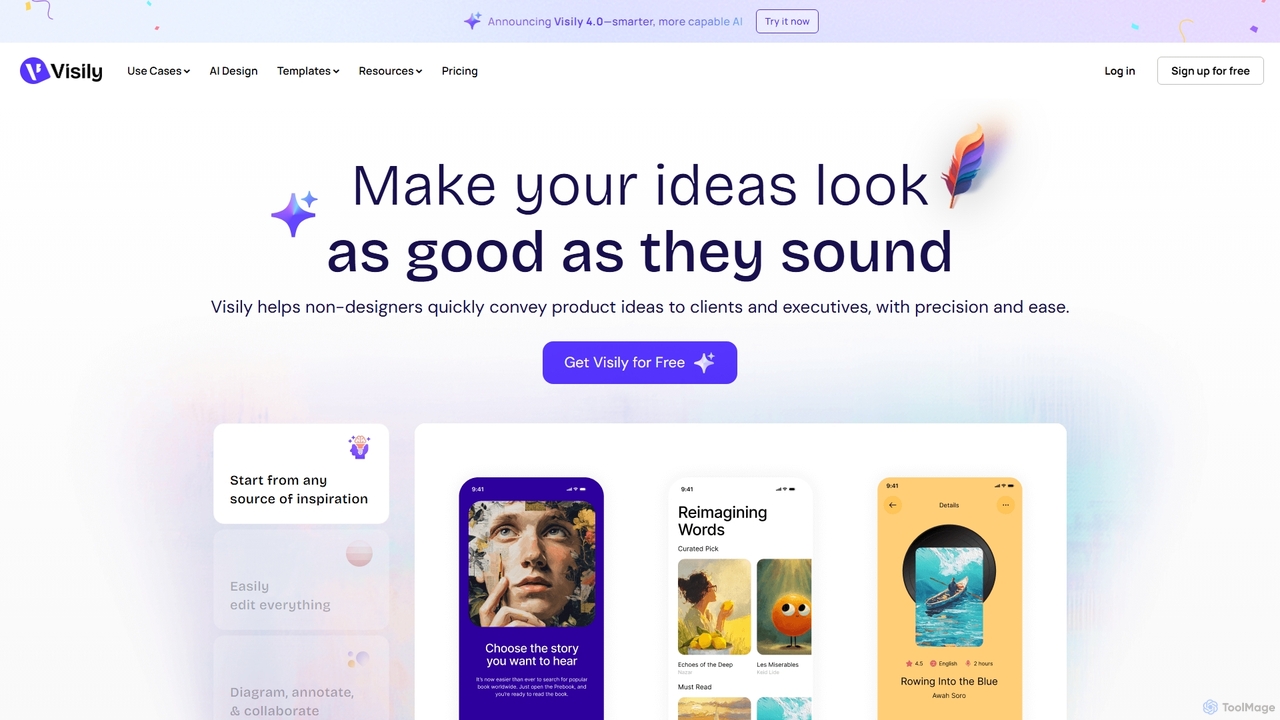
Visily
Visily is an AI-powered UI design and prototyping tool specifically created for non-designers. It enables teams to quickly transform ideas, screenshots, or text prompts into high-fidelity wireframes and mockups. With its intuitive interface and powerful collaboration features, Visily streamlines the process of visualizing product concepts and gathering feedback, bridging the gap between ideas and execution without a steep learning curve.
Ui Ux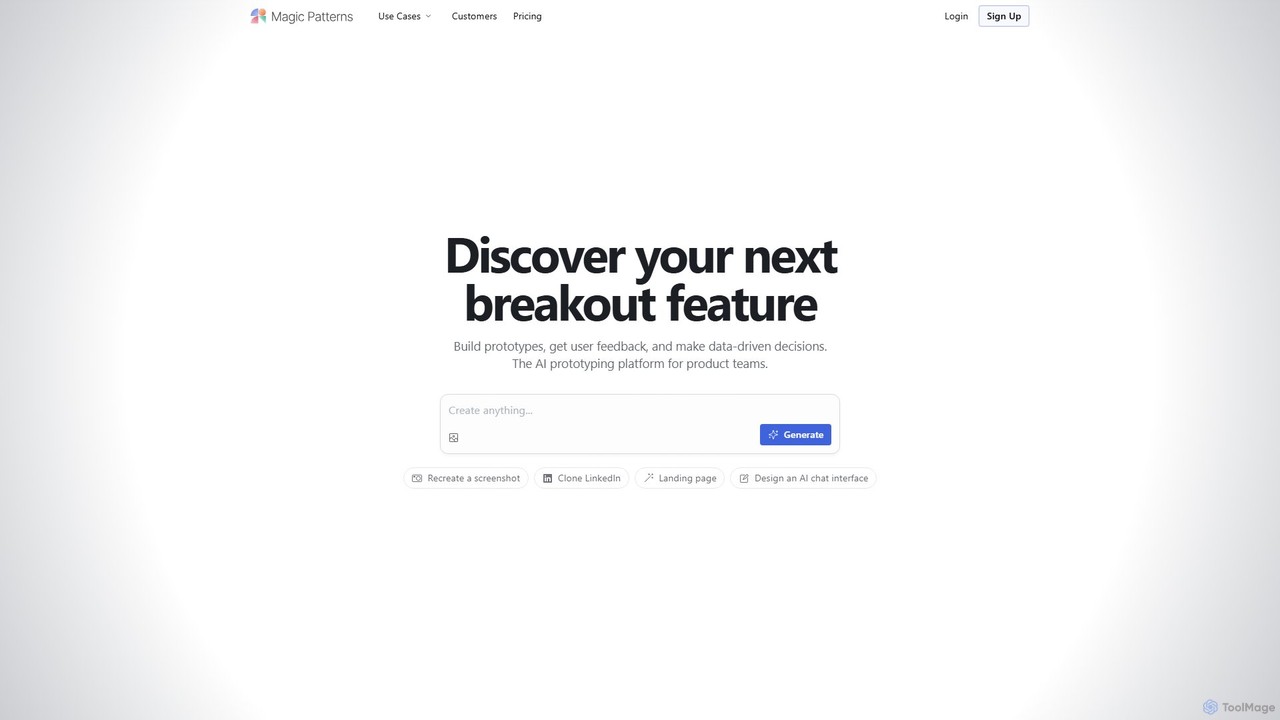
Magic Patterns
Magic Patterns is an AI-powered prototyping platform for product teams, designers, and developers. It accelerates UI creation by generating interactive prototypes and production-ready code (React, Tailwind CSS) from text prompts, screenshots, or existing websites. It helps teams iterate faster, gather user feedback, and make data-driven decisions.
Prototyping
Jyek
Jyek is an AI agent platform that understands objectives, creates execution plans, uses tools, and delivers verifiable results for complex, multi-step tasks.
Automation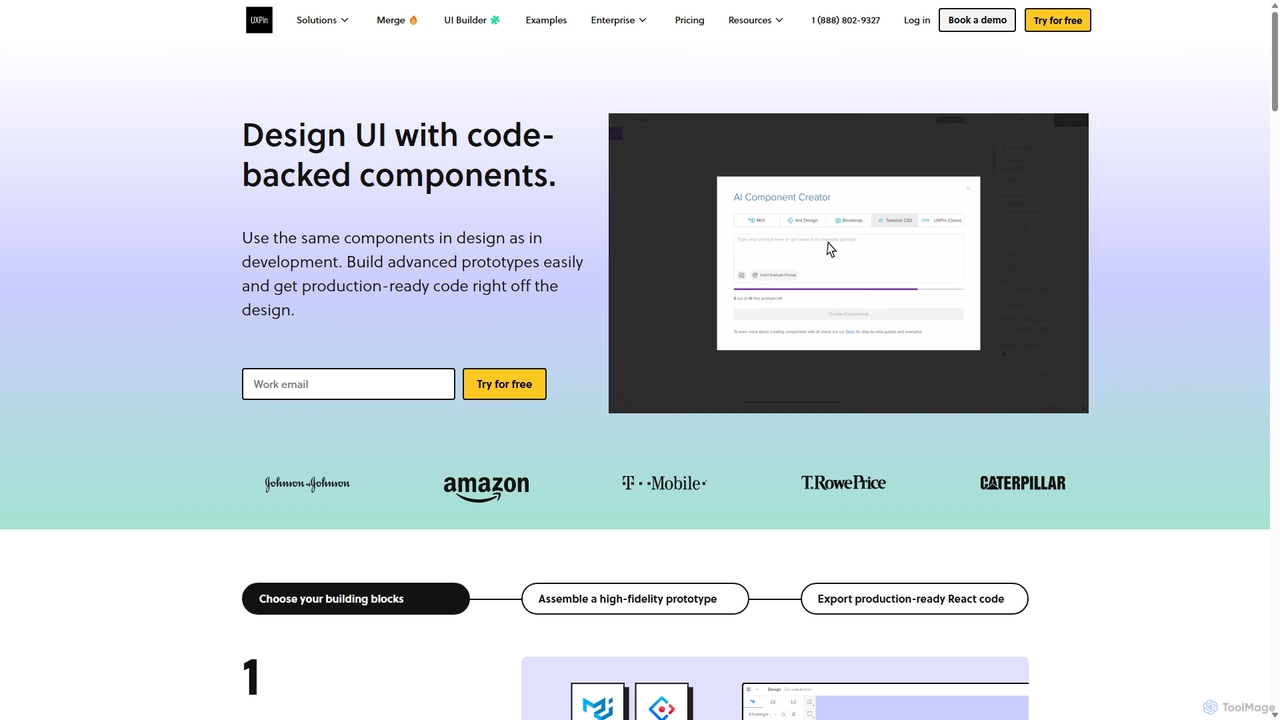
UXPin
UXPin is a code-based design and prototyping tool that bridges the gap between design and engineering. It enables teams to create high-fidelity, interactive prototypes using real code components, ensuring consistency and dramatically speeding up the product development lifecycle from concept to launch.
Prototyping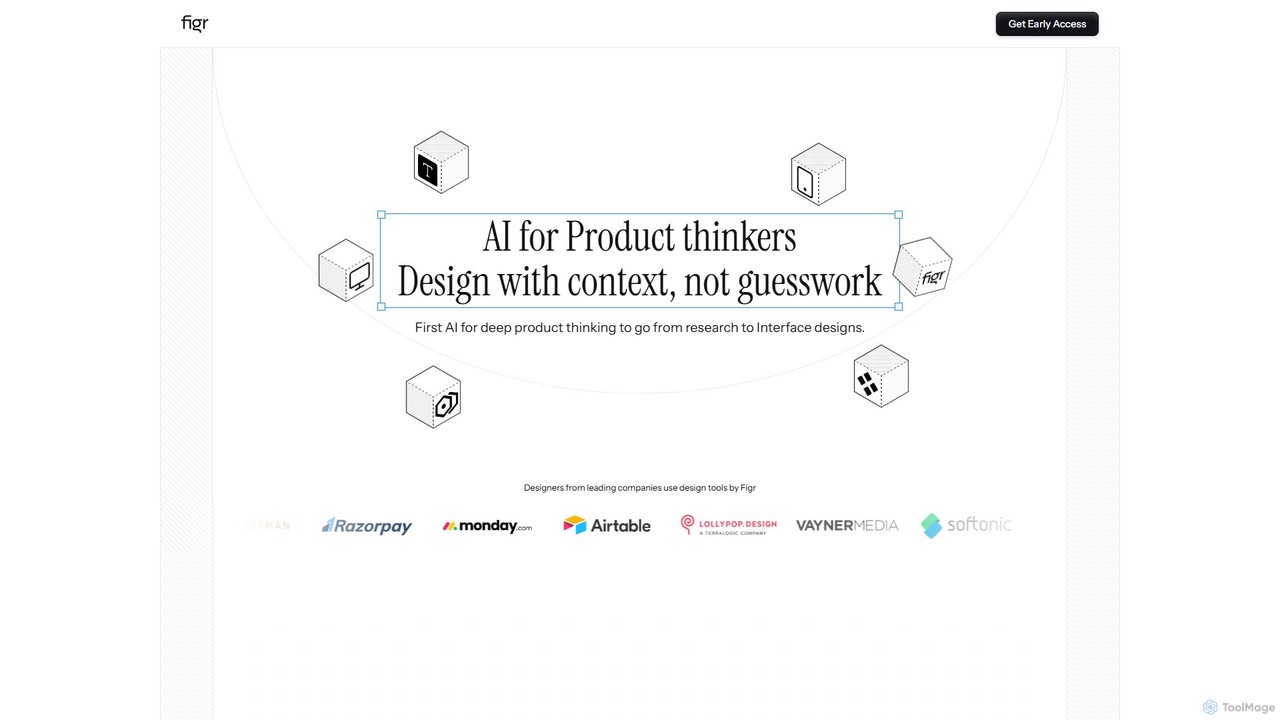
Figr
Figr is an AI-powered design suite that accelerates the product design workflow. It specializes in creating production-grade design systems directly within Figma, automating the generation of design tokens, components, and documentation. It's built for product thinkers, designers, and teams to transform research and context into clear, consistent, and scalable user interfaces with remarkable speed.
Ui Ux
Flowmapp Comments (0)
Sign in to comment.
Sign inNo comments yet.