

usersketch Overview
usersketch is a revolutionary AI-driven design tool built to transform the way product teams approach user experience and interface design. It serves as an intelligent assistant that automates the early stages of the design process, allowing creators to focus on strategy and refinement rather than tedious manual tasks. By simply inputting text prompts, users can generate a wide array of design assets, including detailed wireframes, logical user flows, comprehensive sitemaps, and insightful user personas. This capability dramatically reduces the time from initial idea to a tangible, shareable prototype.
The platform is designed for seamless collaboration, featuring a shared workspace where team members can comment, iterate, and co-create in real-time. Whether you're a product manager looking to quickly visualize a new feature, a UX designer aiming to accelerate the wireframing phase, or a developer needing clear design specifications, usersketch provides the tools to work more efficiently and cohesively.
How to use usersketch
Using usersketch is an intuitive and straightforward process, designed to be accessible even for non-designers:
- Sign Up and Create a Project: Start by creating an account and setting up a new project for your app or website.
- Choose a Generation Tool: From the dashboard, select the asset you want to create, such as 'Generate Wireframe', 'Create User Flow', or 'Build Persona'.
- Provide a Text Prompt: This is where the AI magic happens. For a wireframe, you might type: "Create a user profile screen for a social media app, including a profile picture, username, bio, and a grid of photos." For a user flow, you could describe the steps: "User logs in, lands on the dashboard, clicks on 'new post', writes content, and publishes."
- AI Generation: The AI will process your request and generate the visual asset in seconds. A wireframe will appear with placeholder elements, and a user flow will be mapped out in a diagram.
- Refine and Customize: The generated output is fully editable. You can use the drag-and-drop editor to move elements, change text, add new screens, and refine the design to match your vision.
- Collaborate and Share: Invite team members to your project to leave comments, provide feedback, or co-edit the designs. Once ready, you can export the assets as images (PNG, JPG) or PDFs, or share a public link for review.
Core Features of usersketch
- AI Wireframe Generation: Instantly create low-fidelity and high-fidelity wireframes from simple text descriptions.
- Automated User Flow & Sitemap Creation: Describe the user journey or site structure, and the AI will automatically generate clear, logical diagrams.
- AI Persona Generator: Generate detailed and realistic user personas by providing key characteristics of your target audience.
- Sketch-to-Wireframe Conversion: Upload a photo of a hand-drawn sketch, and the AI will convert it into a clean, digital wireframe.
- Real-Time Collaboration: Work with your team on a shared canvas, with live cursors, comments, and version history.
- Component Library: Access a library of pre-built UI components to speed up the manual editing process.
- Export and Integration: Easily export your designs to various formats and integrate with popular tools like Slack, Jira, and Figma (coming soon).
Use Cases for usersketch
usersketch is versatile and benefits various roles within a product team:
- Product Managers: Quickly mock up new feature ideas for stakeholder presentations and developer handoffs, ensuring everyone is aligned on the vision.
- UX/UI Designers: Bypass the time-consuming initial stages of wireframing and user flow mapping, allowing more time for user research, interaction design, and high-fidelity polishing.
- Startup Founders: Create compelling visual prototypes to validate ideas with potential users and present to investors, without needing a large design budget.
- Developers: Receive clear, interactive user flows and wireframes, reducing ambiguity and enabling them to better understand the product's architecture and user journey before writing code.
- Marketing Teams: Generate sitemaps and user flows to plan website redesigns and optimize conversion funnels.
Advantages of usersketch
The primary advantage of usersketch is its incredible speed and efficiency. It can reduce the time spent on initial design tasks from hours or days to mere minutes. This democratization of design allows non-designers to contribute effectively to the product vision. The collaborative features foster better communication and a more integrated workflow, breaking down silos between design, product, and engineering. Ultimately, usersketch helps teams build better products faster by enabling rapid iteration and feedback loops from the earliest stages of development.
Pricing and Plans
usersketch offers a freemium model to suit different needs:
- Free Plan: Perfect for individuals and small projects. Includes 3 projects, limited AI generations per month, and basic collaboration features.
- Pro Plan ($19/month): Designed for professionals and freelancers. Offers unlimited projects, a high volume of AI generations, advanced export options, and priority support.
- Team Plan ($49/month per user): Built for collaborative teams. Includes all Pro features, plus centralized billing, team management, shared component libraries, and advanced security features.
An enterprise plan with custom pricing is also available for large organizations requiring bespoke solutions and dedicated support.
usersketch Alternatives
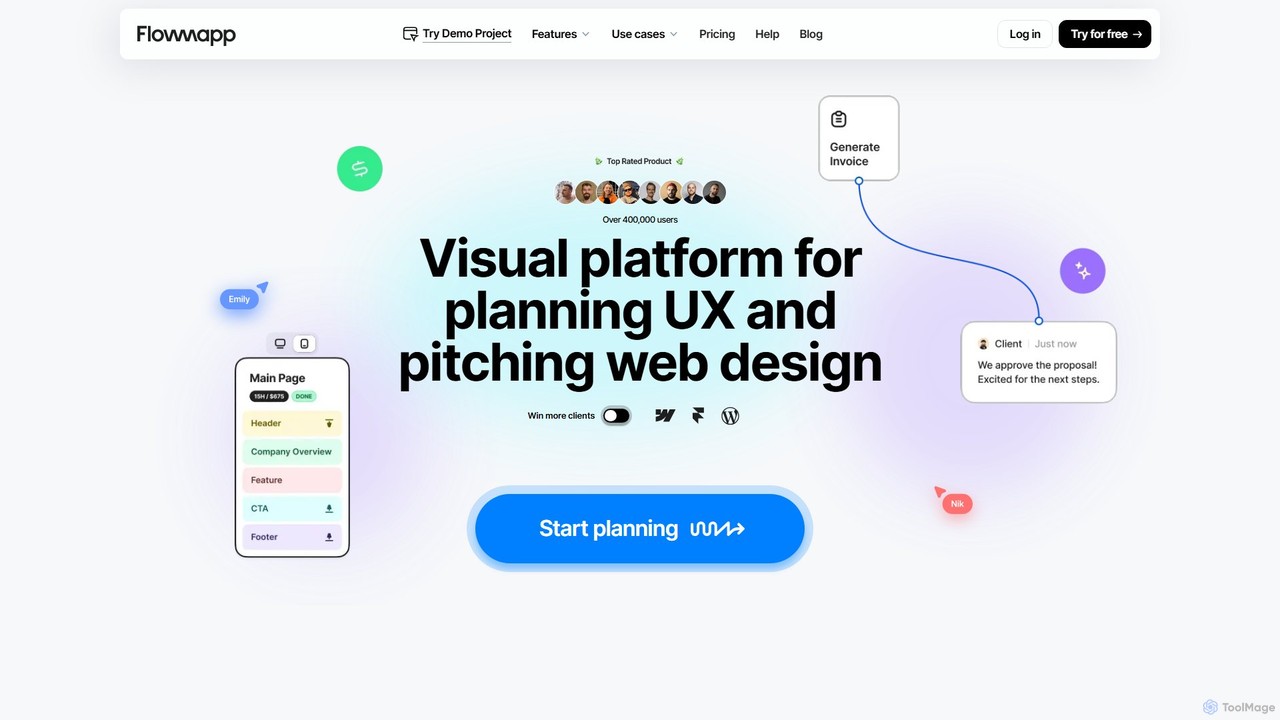
Flowmapp
Flowmapp is an all-in-one UX planning tool designed for freelancers, agencies, and product teams. It streamlines website and app development by integrating AI-powered sitemap and wireframe generation, user flow diagrams, content planning, and collaborative project management into a single platform. Create high-converting project proposals and accelerate your design workflow.
Ux Design
Little Bro
Little Bro is an AI-powered design assistant and user research simulator for Figma. It helps designers think like their users by simulating various user personas and scenarios, providing contextual feedback to catch usability issues, overcome creative blocks, and ship designs with confidence.
User Research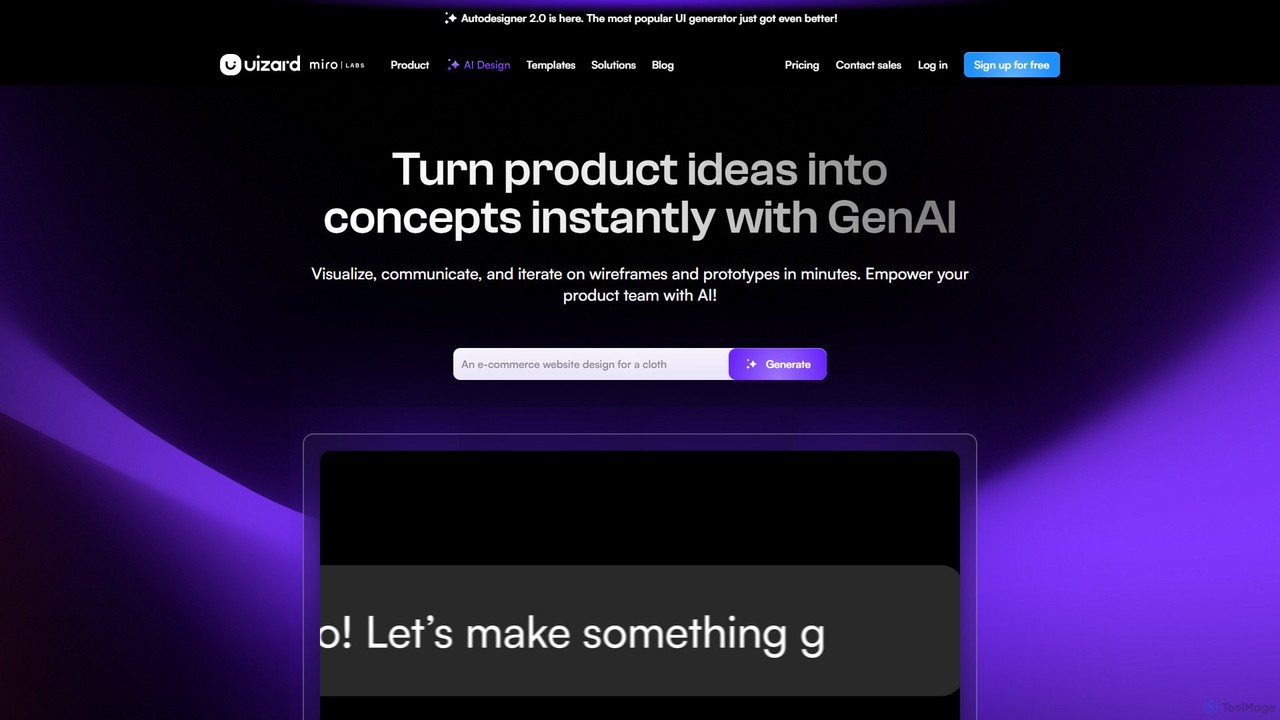
Uizard
Uizard is an AI-powered UI design tool that empowers both designers and non-designers to create stunning websites, web apps, and mobile app mockups in minutes. Transform text prompts, hand-drawn sketches, or screenshots into editable, interactive prototypes. It's designed for rapid ideation, real-time collaboration, and streamlining the entire product design workflow from concept to handoff.
Ui Ux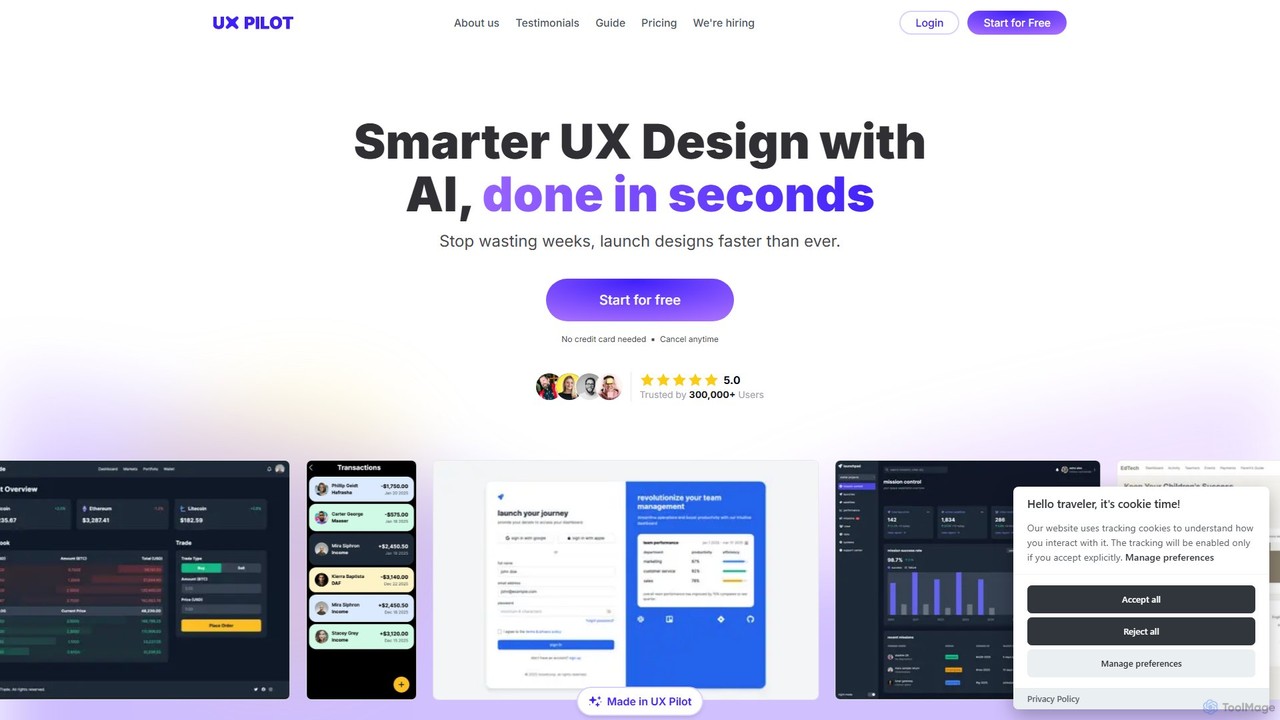
UX Pilot
UX Pilot is an AI-powered design platform that accelerates the UX/UI workflow. It enables designers, product teams, and founders to generate high-fidelity designs, wireframes, screen flows, and prototypes from simple text prompts in seconds. With deep Figma integration, it streamlines the entire process from ideation to handoff.
Ui Ux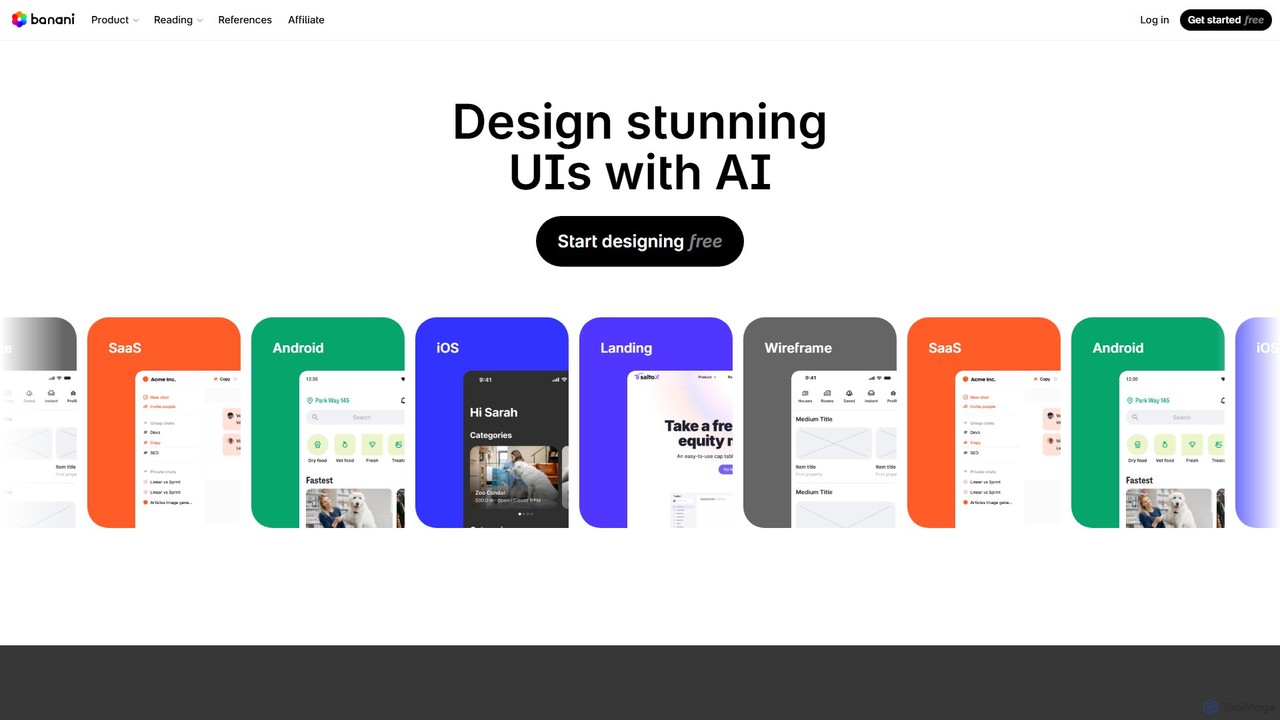
Banani
Banani is an AI-powered UI design copilot that transforms text prompts into stunning, interactive user interfaces and prototypes. It's designed for rapid ideation and visualization, enabling product managers, founders, and designers to create beautiful, user-friendly designs in seconds, even without prior design skills.
Ui Designusersketch Categories
usersketch Embed Widget
Copy this embed code to place the badge on your blog, article, or product site and send readers directly to this ToolMage detail page.

Related AI tools
Flowmapp
Flowmapp is an all-in-one UX planning tool designed for freelancers, agencies, and product teams. It streamlines website and app development by integrating AI-powered sitemap and wireframe generation, user flow diagrams, content planning, and collaborative project management into a single platform. Create high-converting project proposals and accelerate your design workflow.
Ux DesignUizard
Uizard is an AI-powered UI design tool that empowers both designers and non-designers to create stunning websites, web apps, and mobile app mockups in minutes. Transform text prompts, hand-drawn sketches, or screenshots into editable, interactive prototypes. It's designed for rapid ideation, real-time collaboration, and streamlining the entire product design workflow from concept to handoff.
Ui Ux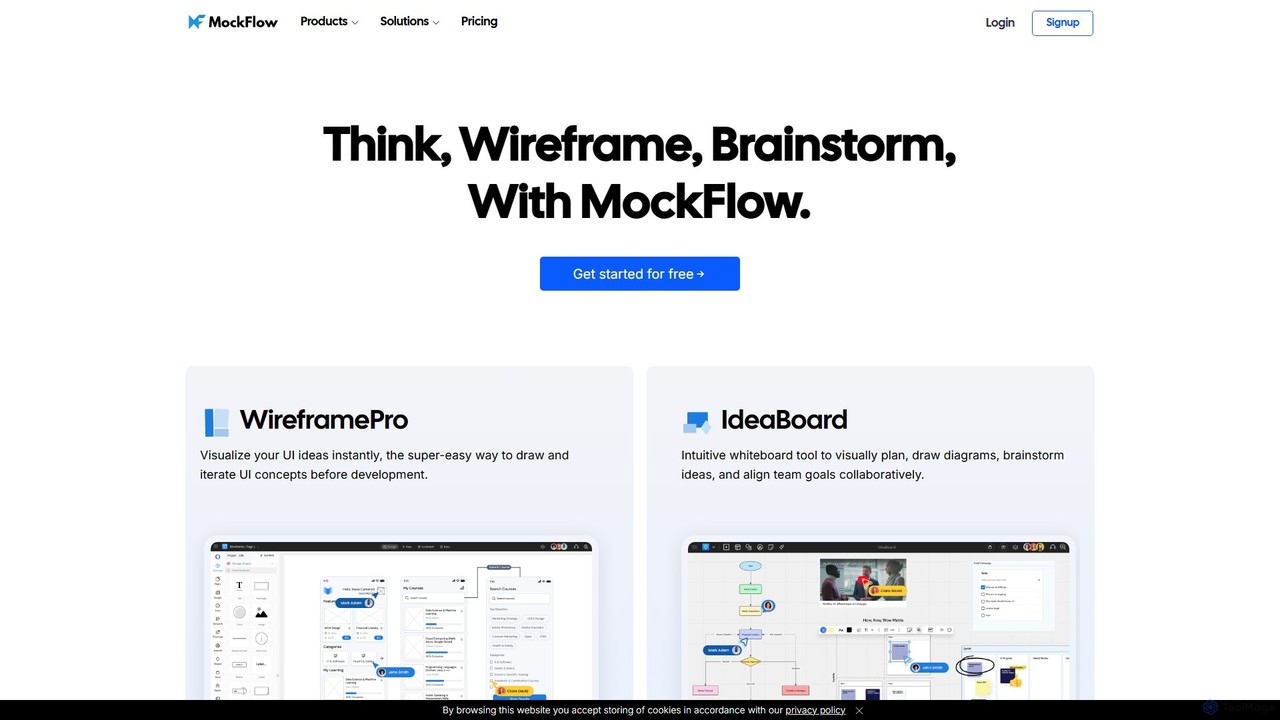
MockFlow
MockFlow is an all-in-one suite for product design, offering tools for wireframing, prototyping, and brainstorming. It leverages AI to accelerate the design process, allowing users to convert text or screenshots into editable wireframes, generate diagrams, and create content automatically. With extensive collaboration features and integrations, it streamlines the entire workflow from initial idea to developer handoff.
Ui Ux
Jyek
Jyek is an AI agent platform that understands objectives, creates execution plans, uses tools, and delivers verifiable results for complex, multi-step tasks.
Automation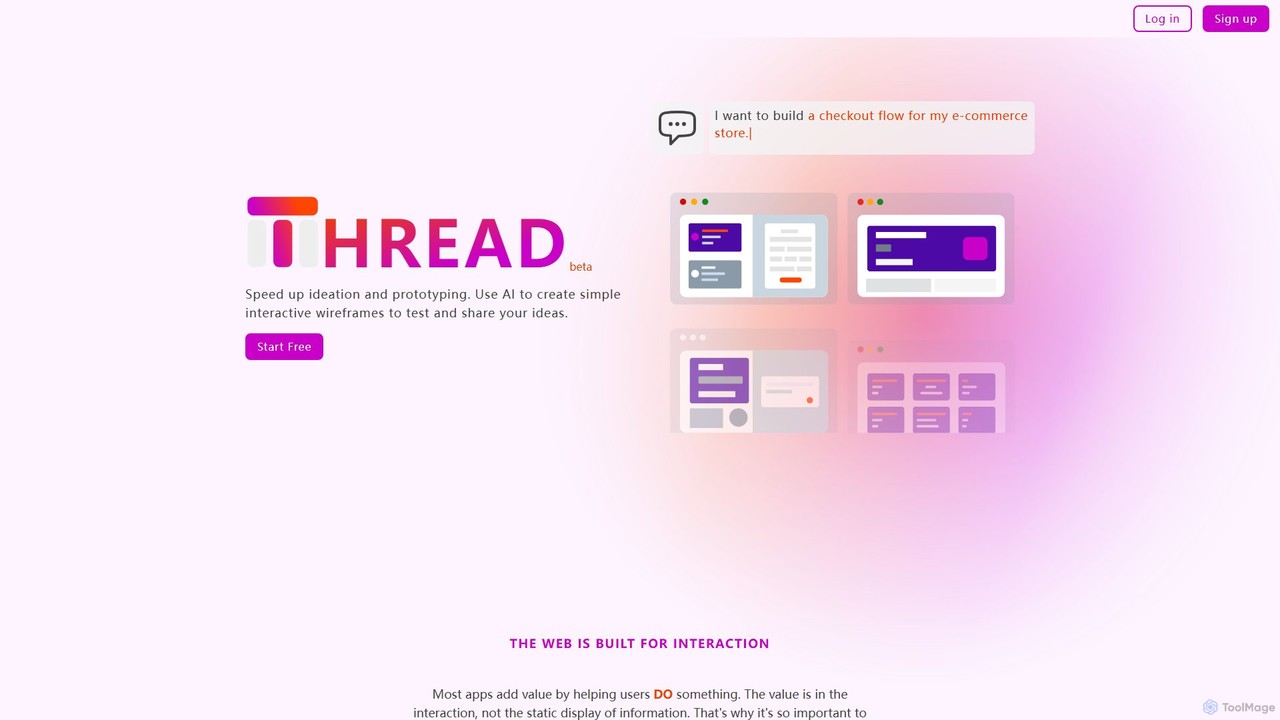
Thread App
Thread App is an AI-powered tool that instantly creates simple, interactive wireframes from text descriptions. It's designed to accelerate ideation and prototyping for designers, developers, and product managers, allowing them to test and share app ideas quickly without complex design software.
PrototypingUX Pilot
UX Pilot is an AI-powered design platform that accelerates the UX/UI workflow. It enables designers, product teams, and founders to generate high-fidelity designs, wireframes, screen flows, and prototypes from simple text prompts in seconds. With deep Figma integration, it streamlines the entire process from ideation to handoff.
Ui UxBanani
Banani is an AI-powered UI design copilot that transforms text prompts into stunning, interactive user interfaces and prototypes. It's designed for rapid ideation and visualization, enabling product managers, founders, and designers to create beautiful, user-friendly designs in seconds, even without prior design skills.
Ui Design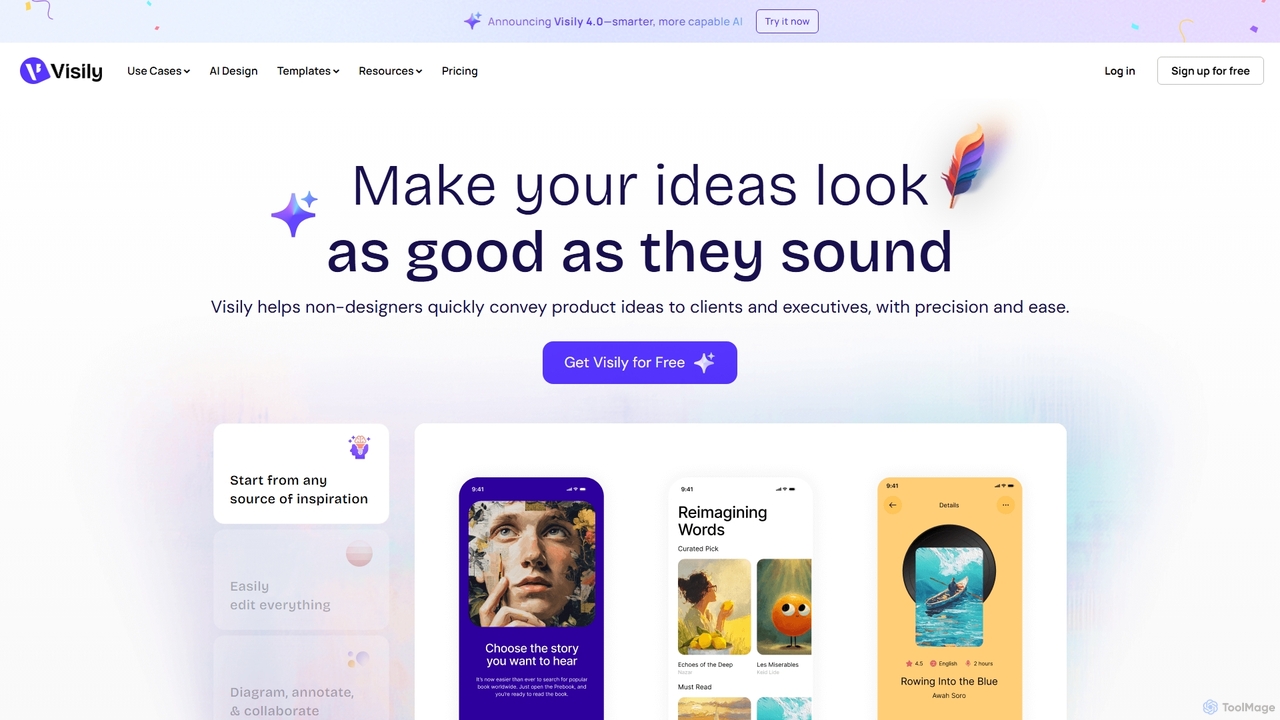
Visily
Visily is an AI-powered UI design and prototyping tool specifically created for non-designers. It enables teams to quickly transform ideas, screenshots, or text prompts into high-fidelity wireframes and mockups. With its intuitive interface and powerful collaboration features, Visily streamlines the process of visualizing product concepts and gathering feedback, bridging the gap between ideas and execution without a steep learning curve.
Ui Ux
Creatie
Creatie is an intuitive, AI-powered product design and collaboration platform. It enables teams to move from wireframes to high-fidelity mockups, interactive prototypes, and developer handoff seamlessly. Featuring AI tools like a mockup wizard, icon generator, and image enhancer, it's designed to accelerate the UI/UX workflow for designers, product managers, and developers.
Icon Generation
sketchgpt.xyz
sketchgpt.xyz is an AI-powered tool that transforms hand-drawn sketches into functional HTML and CSS code in real-time. Simply draw your website or app layout on a digital whiteboard, and watch as the AI instantly generates a live, interactive web prototype. It's designed to accelerate the prototyping and development process for designers, developers, and product teams.
Ui Ux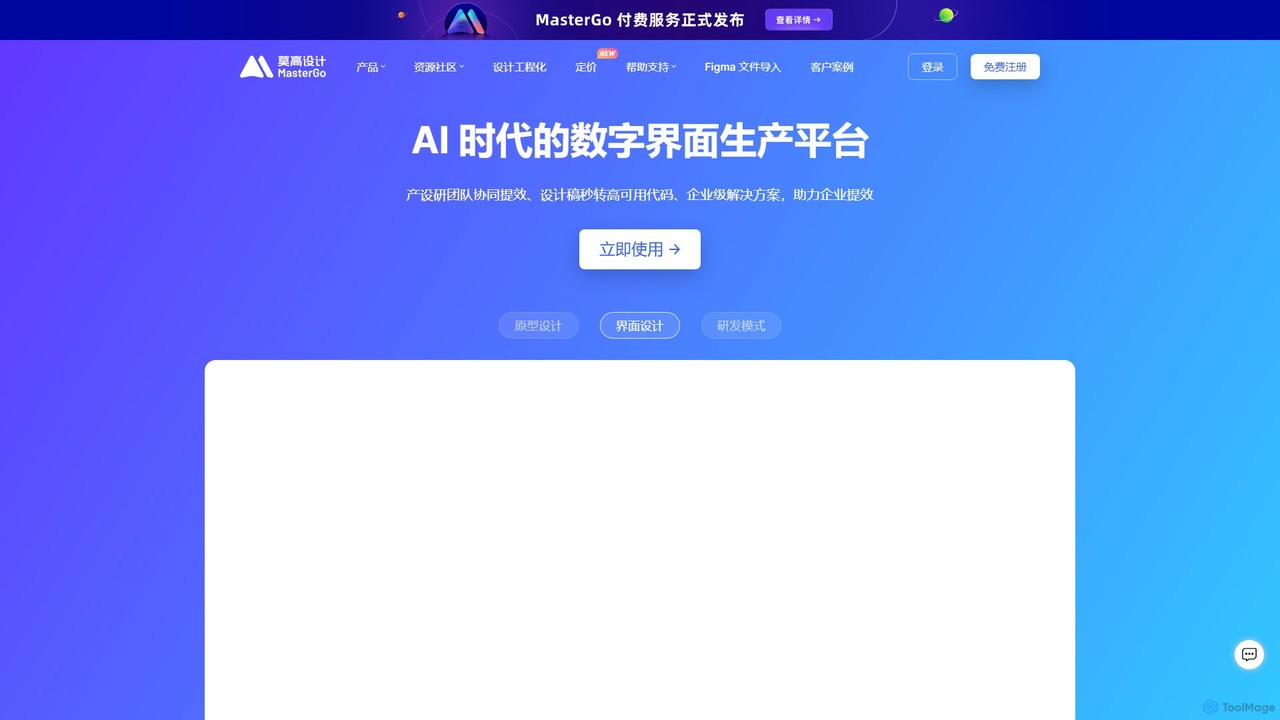
MasterGo
MasterGo is an AI-powered, all-in-one collaborative UI/UX design platform. It streamlines the entire workflow from prototyping and interface design to developer handoff. Built for real-time collaboration, it helps teams create, iterate, and manage digital products efficiently with features like design systems, AI-assisted generation, and enterprise-level security.
Ui Ux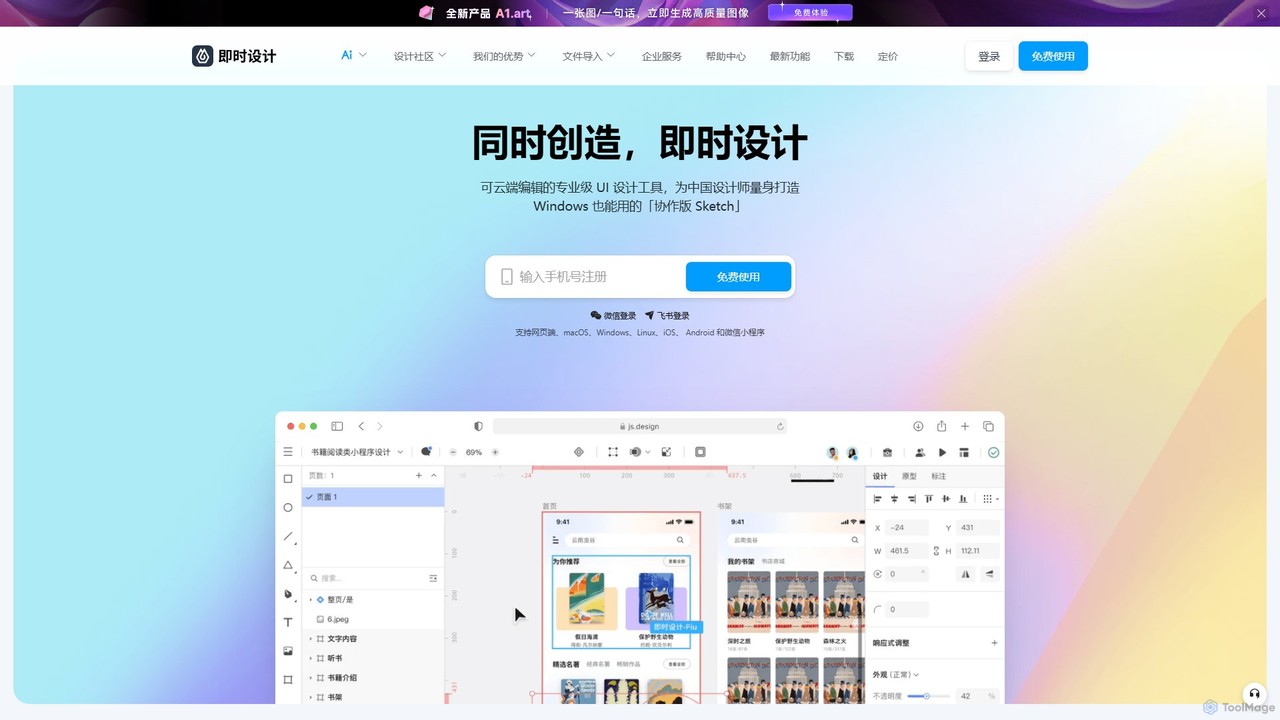
JsDesign
JsDesign is a professional, cloud-based UI/UX design tool that enables real-time collaboration. It offers a cross-platform experience with powerful AI features to accelerate the design workflow, from ideation and prototyping to developer handoff. It's positioned as a strong alternative to Figma and Sketch.
Ai Design Assistant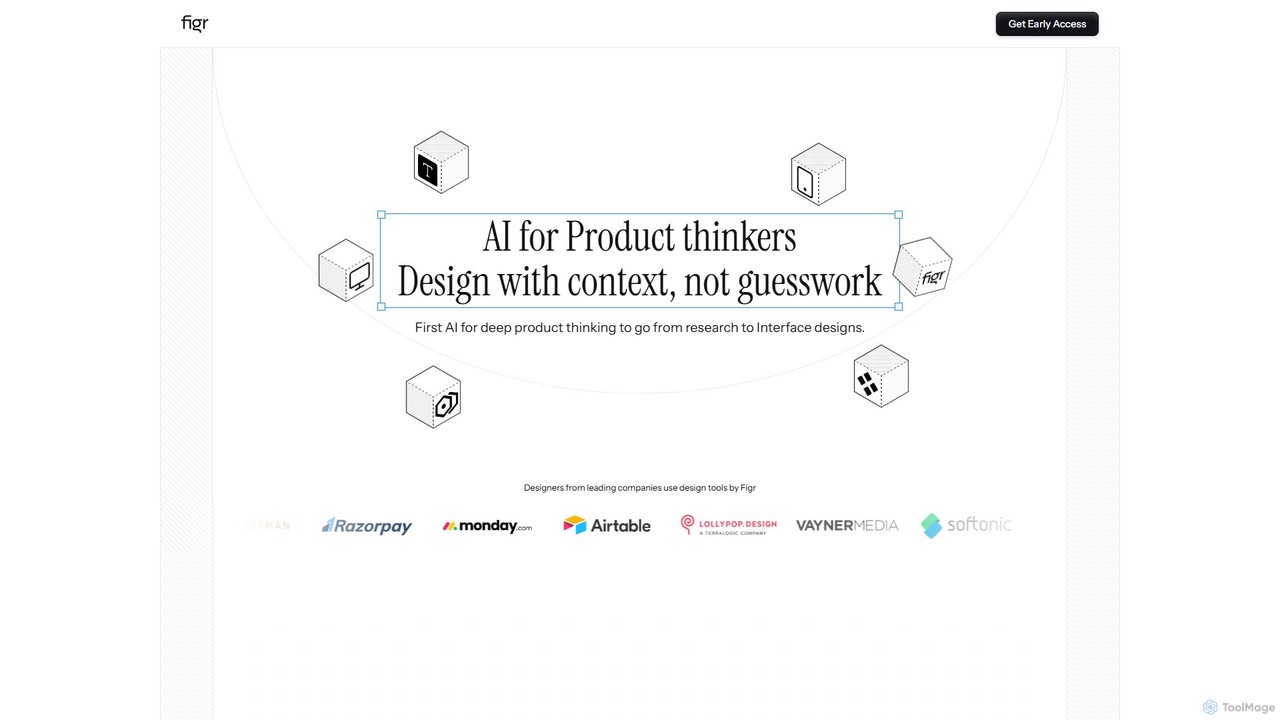
Figr
Figr is an AI-powered design suite that accelerates the product design workflow. It specializes in creating production-grade design systems directly within Figma, automating the generation of design tokens, components, and documentation. It's built for product thinkers, designers, and teams to transform research and context into clear, consistent, and scalable user interfaces with remarkable speed.
Ui Ux
Little Bro
Little Bro is an AI-powered design assistant and user research simulator for Figma. It helps designers think like their users by simulating various user personas and scenarios, providing contextual feedback to catch usability issues, overcome creative blocks, and ship designs with confidence.
User Research
usersketch Comments (0)
Sign in to comment.
Sign inNo comments yet.