

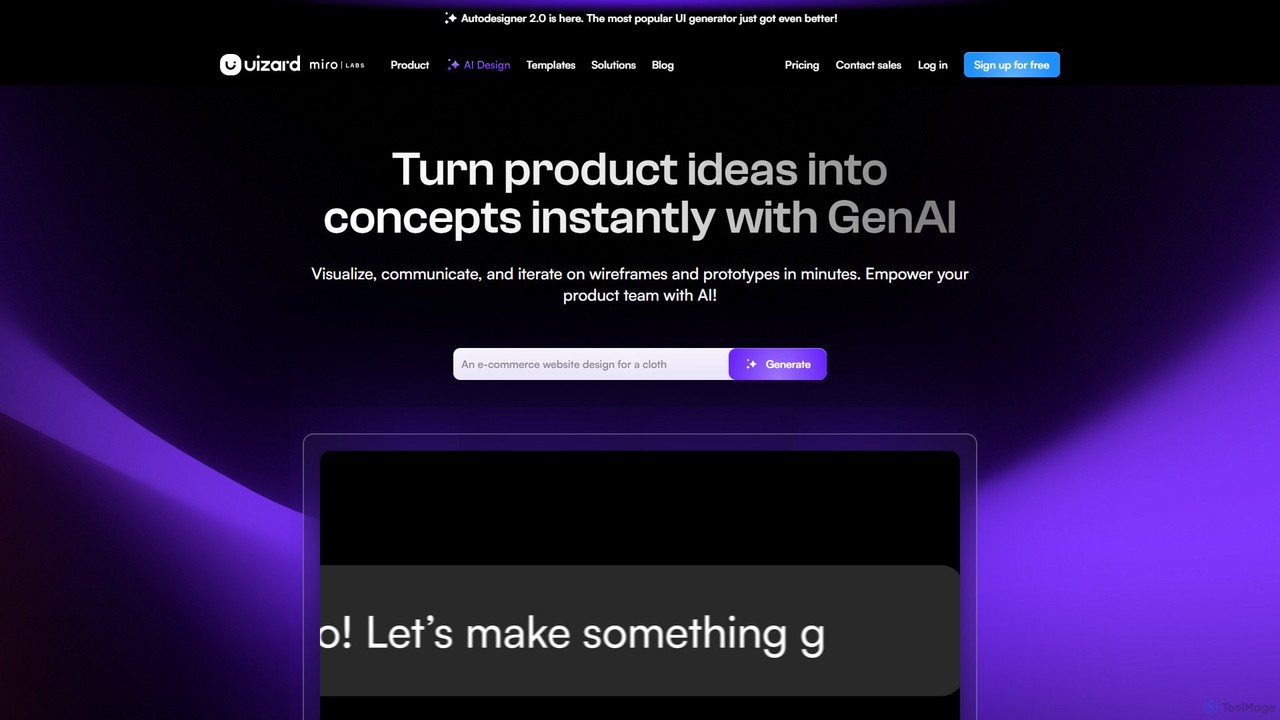
Uizard Overview
Uizard is a revolutionary AI-powered design platform built to democratize UI/UX design. Its mission is to empower everyone—from product managers and startup founders to marketers and developers—to visualize and build digital products, regardless of their design experience. With Uizard, you can transform simple ideas into fully-realized, interactive prototypes for mobile apps, websites, and web applications in a matter of minutes. It bridges the gap between imagination and a tangible design, making the creative process faster, easier, and more collaborative than ever before.
How to use Uizard
The workflow in Uizard is designed for speed and simplicity, allowing users to bring their ideas to life through various methods:
- Start with an Idea: Begin your project in multiple intuitive ways. Use Autodesigner by typing a simple text prompt (e.g., "a mobile app for a pet adoption service") to generate a multi-screen design automatically.
- Use Existing Inspiration: Upload a screenshot of an app or website you like using the Screenshot Scanner. Uizard's AI will analyze it and convert it into a fully editable mockup in your project.
- Digitize Your Sketches: If you prefer to start on paper, take a photo of your hand-drawn wireframes. The Wireframe Scanner will transform them into a clean, digital, and editable design.
- Iterate and Refine: Once you have a base design, you can easily modify any component. Select an element, describe the changes you want in plain English, and let the AI update it for you. You can generate new screens, change color themes, or use the Text Assistant to write compelling copy.
- Collaborate and Prototype: Invite your team members to collaborate in real-time. Add comments, make changes together, and link screens to create a clickable, interactive prototype to test user flows and present to stakeholders.
- Handoff to Developers: When your design is finalized, you can export it as a high-resolution image (PNG, JPG, PDF) or use the developer handoff feature to get CSS and React code snippets, streamlining the transition from design to development.
Core Features of Uizard
- Autodesigner 2.0: A powerful generative AI that creates multi-screen, editable projects, individual screens, and complete design themes from simple text descriptions.
- Screenshot Scanner: Instantly converts any screenshot of a website or app into a fully editable Uizard mockup, allowing you to iterate on existing designs.
- Wireframe Scanner: Digitizes hand-drawn sketches and wireframes from paper or whiteboards into clean, digital designs.
- AI Design Assistant Suite: A collection of AI tools including a Text Assistant for generating UI copy, an Image Assistant for creating visuals, and an Attention Heatmap generator to predict where users will focus their attention.
- Rapid Prototyping and Wireframing: Easily create interactive prototypes by linking screens and components. Switch between high-fidelity mockups and low-fidelity wireframe modes with a single click.
- Real-time Collaboration: Work simultaneously with your team on the same project, with features for multiplayer editing, commenting, and sharing to streamline feedback.
- Extensive Template Library: Access a wide range of pre-made, professionally designed templates for mobile apps, websites, web apps, and tablets to kickstart your projects.
- Developer Handoff: Export designs with automatically generated CSS and React code to accelerate the development process and ensure design-to-code accuracy.
Use Cases for Uizard
- Product Managers & Teams: Quickly create and share mockups to validate ideas, communicate requirements clearly, and align the entire team on a visual direction.
- Startup Founders: Develop a minimum viable product (MVP) design or a clickable prototype to pitch to investors and gather early user feedback without needing a large design budget.
- Designers & UX Professionals: Accelerate the brainstorming and iteration process. Use AI to generate initial concepts and spend more time on user research, strategy, and complex problem-solving.
- Marketers & Agencies: Rapidly produce design concepts and mockups for client presentations, marketing campaigns, and landing pages, delivering results at high speed.
- Developers: Use Uizard as a launchpad for projects. Start with an AI-generated design and get the corresponding code to begin front-end development immediately.
Advantages of Uizard
- Speed and Efficiency: Drastically reduces design time from days or weeks to just minutes, allowing for rapid iteration and faster time-to-market.
- Accessibility for Non-Designers: Its intuitive, AI-driven interface empowers anyone to create professional-quality designs without needing specialized skills or complex software training.
- Seamless Collaboration: Fosters better teamwork by providing a centralized platform where all stakeholders can contribute to the design process in real-time, reducing miscommunication.
- Cost-Effective: Provides a powerful design solution at a fraction of the cost of traditional design software or hiring external designers, making it ideal for startups and small businesses.
- Versatile Ideation: Supports multiple starting points—text, screenshots, and sketches—to fit any creative workflow and turn inspiration into reality effortlessly.
Pricing and Plans
Uizard offers a freemium model with plans tailored to different needs:
- Free: $0. Ideal for students and hobbyists. Includes 3 AI generations per month (using Autodesigner 1.5), up to 2 projects, 10 free templates, and unlimited viewers.
- Pro: $12 per creator/month (billed annually). Designed for startups and small organizations. Includes 500 AI generations per month (using Autodesigner 2.0), up to 100 projects, full template access, and developer handoff for React and CSS.
- Business: $39 per creator/month (billed annually). Suited for larger organizations. Includes everything in Pro, plus 5,000 AI generations per month, unlimited projects, custom brand kits, and priority support.
- Enterprise: Custom pricing. A tailored solution for large businesses needing advanced features. Includes everything in Business, plus unlimited AI generations, design system setup, SSO integration, and dedicated whiteglove onboarding support.
Traffic
Latest traffic
Status
Monthly traffic trend
- 2025-9: 818.9K
- 2026-1: 785.6K
- 2026-2: 676.2K
- 2026-3: 722.3K
- 2026-4: 599.7K
- 2026-5: 543.0K
Geography
Top 5 countries / regions
- 🇮🇳India52.5%
- 🇺🇸United States20.6%
- 🇨🇳China10.0%
- 🇵🇰Pakistan9.9%
- 🇮🇩Indonesia7.0%
Traffic sources
| Source type | Percentage |
|---|---|
Direct | 83.1% |
Referral | 13.7% |
Email | 3.2% |
Top keywords
| Keyword | Cost per click |
|---|---|
| screenshot editor | $0.37 |
| ui design templates | $1.13 |
| uizard | $1.30 |
| uizard ai | $1.06 |
| uizard io | $0.55 |
Uizard Videos on YouTube



How To Fix Pro

Website Learners


Eunice David


Uizard Alternatives
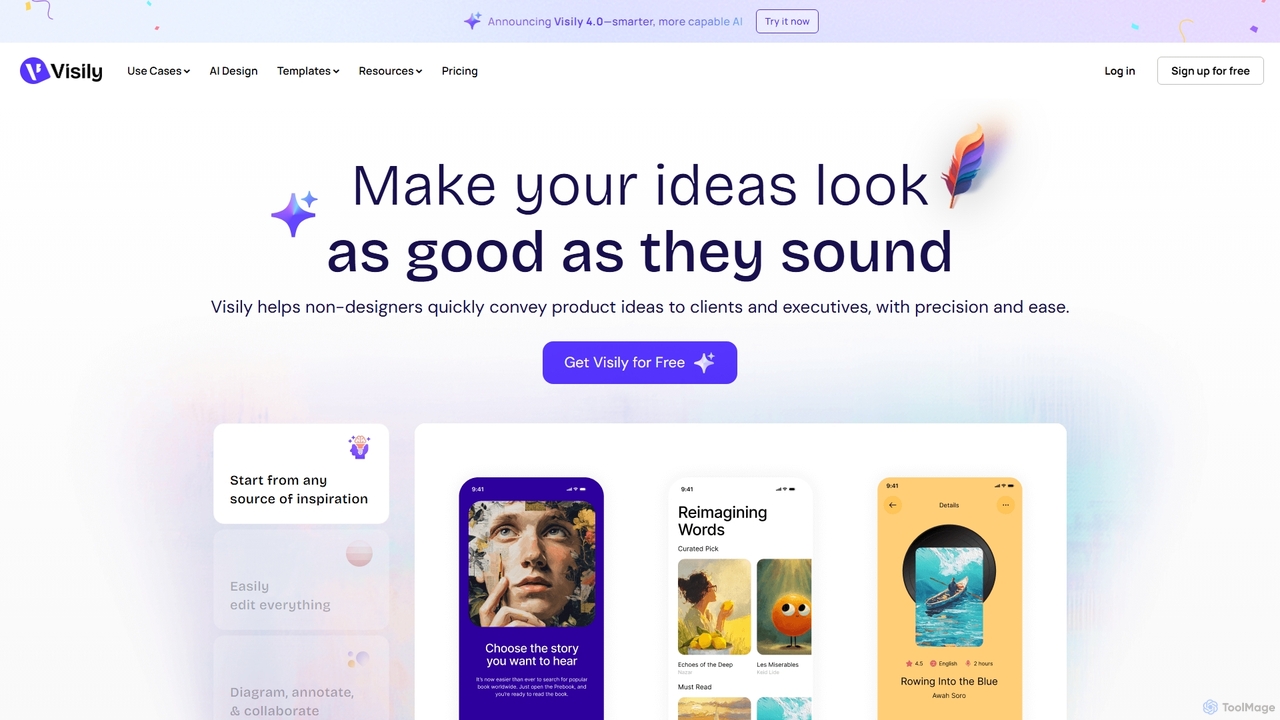
Visily
Visily is an AI-powered UI design and prototyping tool specifically created for non-designers. It enables teams to quickly transform ideas, screenshots, or text prompts into high-fidelity wireframes and mockups. With its intuitive interface and powerful collaboration features, Visily streamlines the process of visualizing product concepts and gathering feedback, bridging the gap between ideas and execution without a steep learning curve.
Ui Ux
GeniusUI
GeniusUI is an AI-powered design tool that transforms text prompts into stunning, high-fidelity UI/UX designs and components. It automates the design and front-end coding process, allowing creators to build beautiful interfaces in minutes, not days, without writing a single line of code.
Ui Ux Design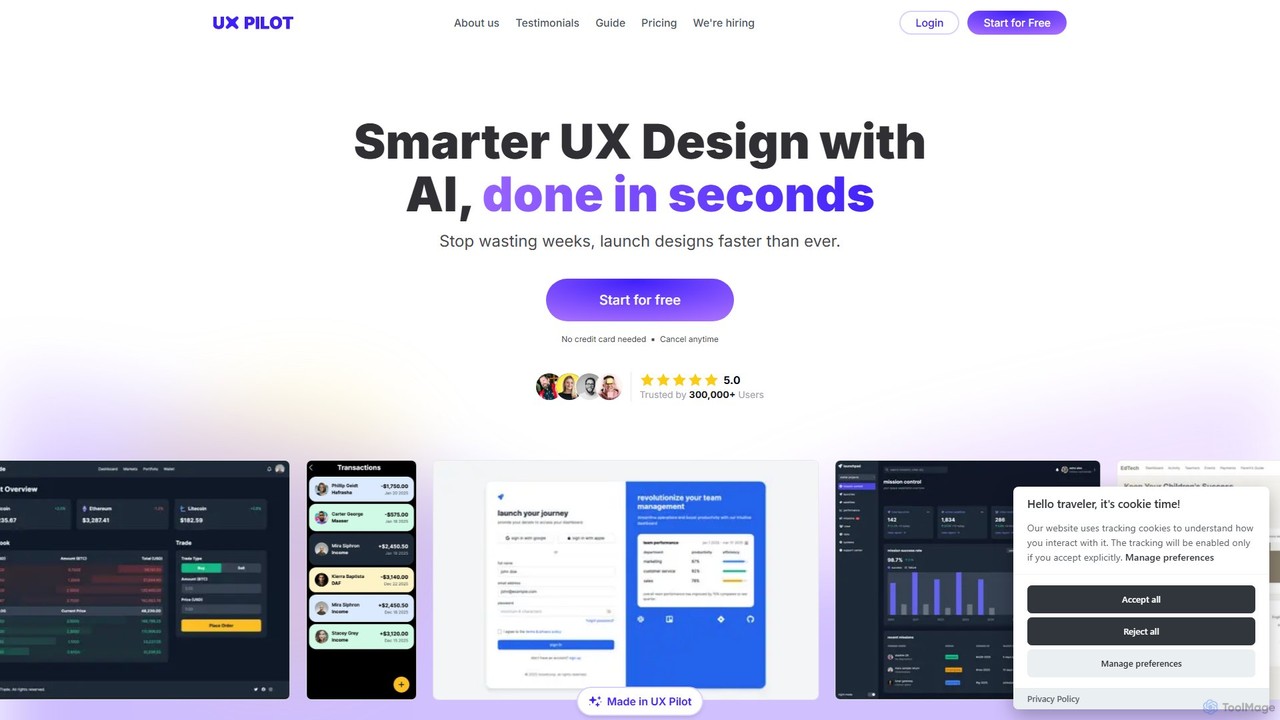
UX Pilot
UX Pilot is an AI-powered design platform that accelerates the UX/UI workflow. It enables designers, product teams, and founders to generate high-fidelity designs, wireframes, screen flows, and prototypes from simple text prompts in seconds. With deep Figma integration, it streamlines the entire process from ideation to handoff.
Ui Ux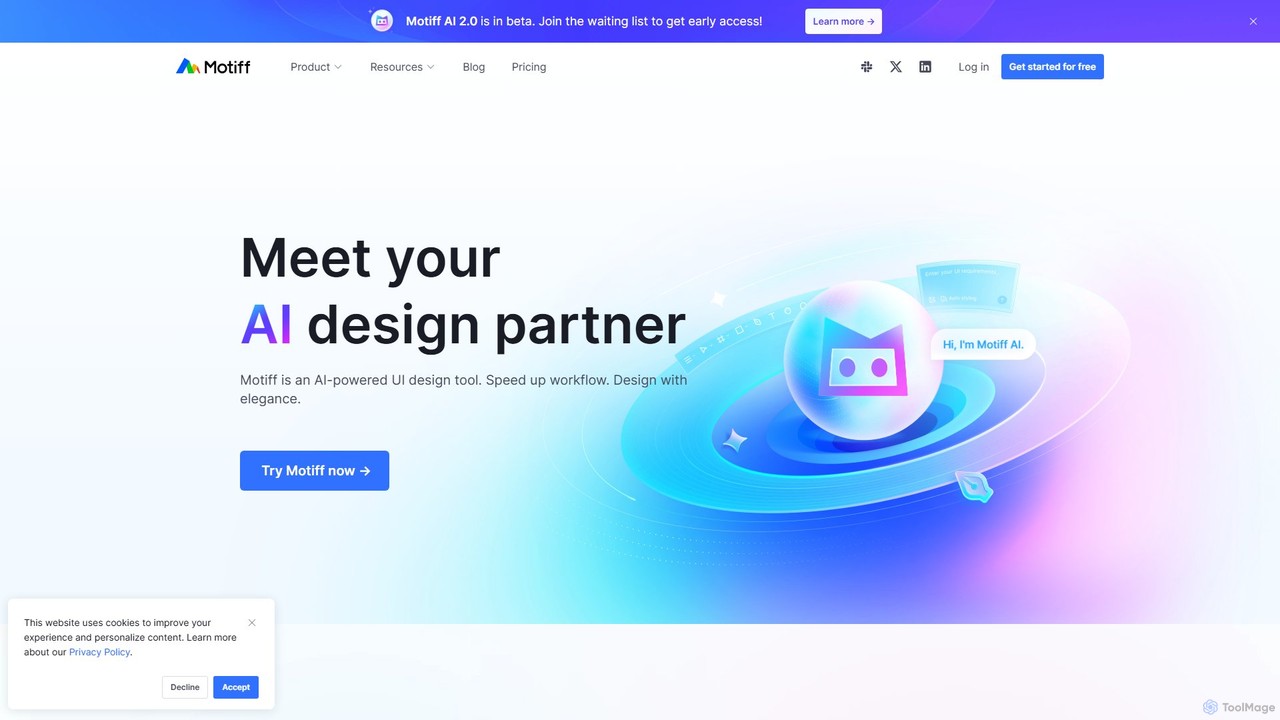
Motiff
Motiff is an AI-powered professional interface design tool that accelerates the entire workflow. It enables users to generate UIs from text and images, iterate on designs with AI assistance, and collaborate in real-time. Combining robust design tools, prototyping, and a developer-friendly handoff mode, Motiff serves as a comprehensive, high-performance platform for modern product teams.
Ui Ux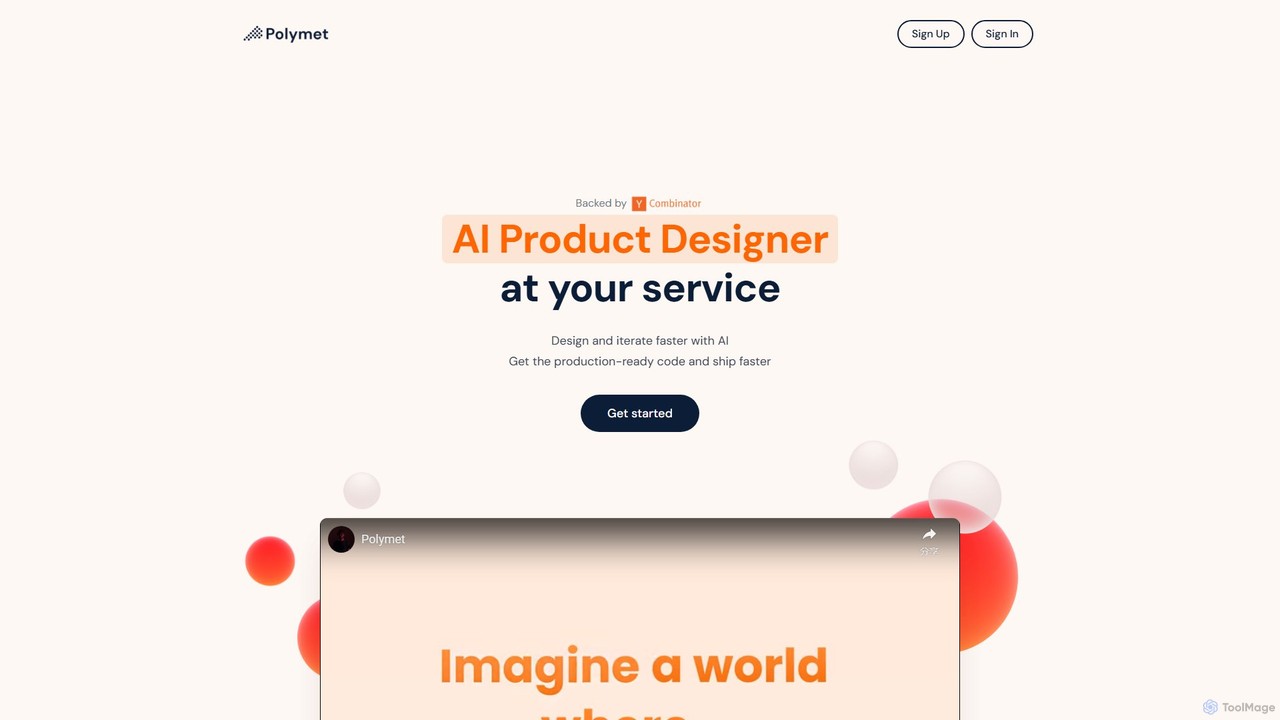
Polymet
Polymet is an AI-powered product designer that transforms ideas, text descriptions, or images into interactive prototypes with production-ready code in seconds. It streamlines the design and development workflow, integrating seamlessly with Figma and existing codebases.
Ui UxUizard Categories
Uizard Embed Widget
Copy this embed code to place the badge on your blog, article, or product site and send readers directly to this ToolMage detail page.

Related AI tools
Visily
Visily is an AI-powered UI design and prototyping tool specifically created for non-designers. It enables teams to quickly transform ideas, screenshots, or text prompts into high-fidelity wireframes and mockups. With its intuitive interface and powerful collaboration features, Visily streamlines the process of visualizing product concepts and gathering feedback, bridging the gap between ideas and execution without a steep learning curve.
Ui Ux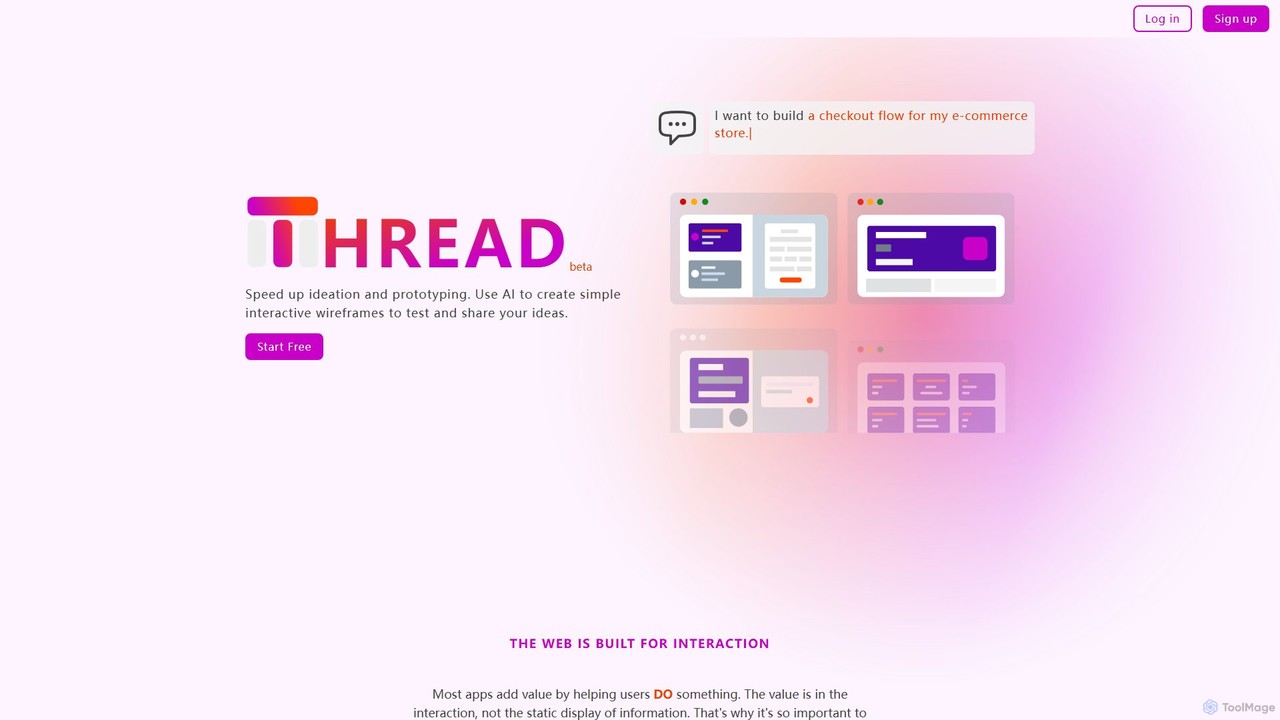
Thread App
Thread App is an AI-powered tool that instantly creates simple, interactive wireframes from text descriptions. It's designed to accelerate ideation and prototyping for designers, developers, and product managers, allowing them to test and share app ideas quickly without complex design software.
PrototypingGeniusUI
GeniusUI is an AI-powered design tool that transforms text prompts into stunning, high-fidelity UI/UX designs and components. It automates the design and front-end coding process, allowing creators to build beautiful interfaces in minutes, not days, without writing a single line of code.
Ui Ux Design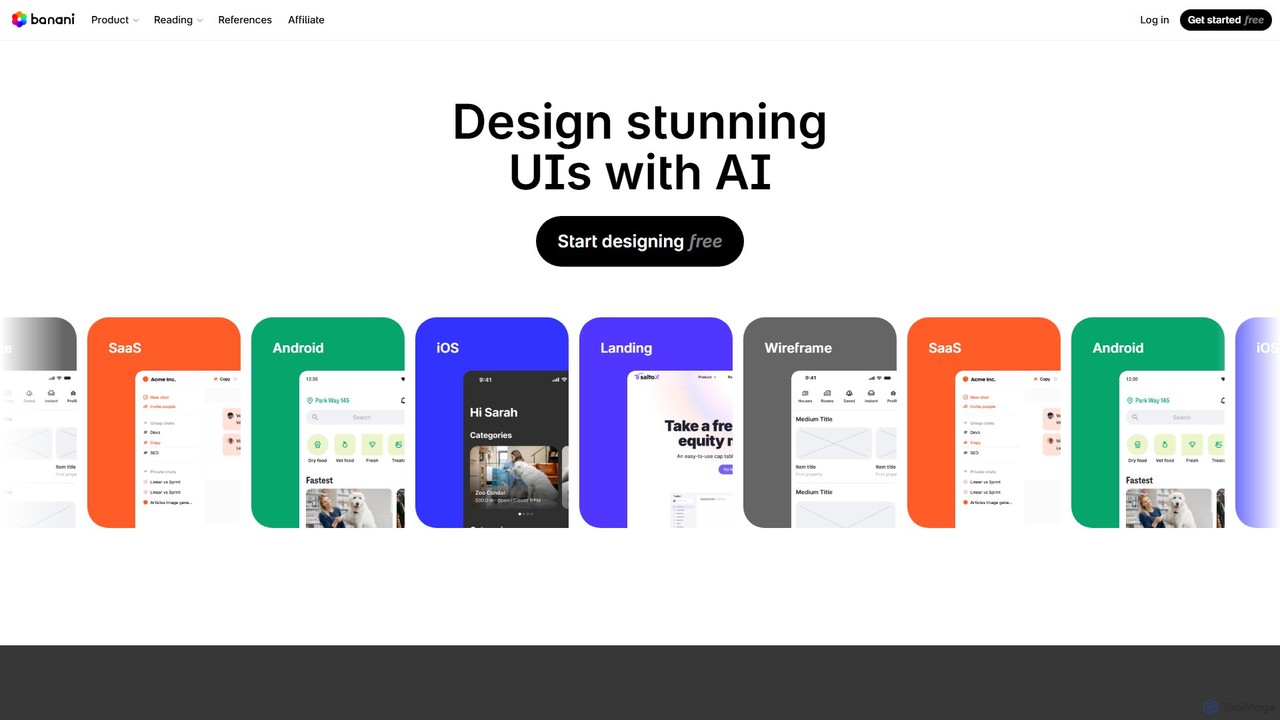
Banani
Banani is an AI-powered UI design copilot that transforms text prompts into stunning, interactive user interfaces and prototypes. It's designed for rapid ideation and visualization, enabling product managers, founders, and designers to create beautiful, user-friendly designs in seconds, even without prior design skills.
Ui Design
Jyek
Jyek is an AI agent platform that understands objectives, creates execution plans, uses tools, and delivers verifiable results for complex, multi-step tasks.
Automation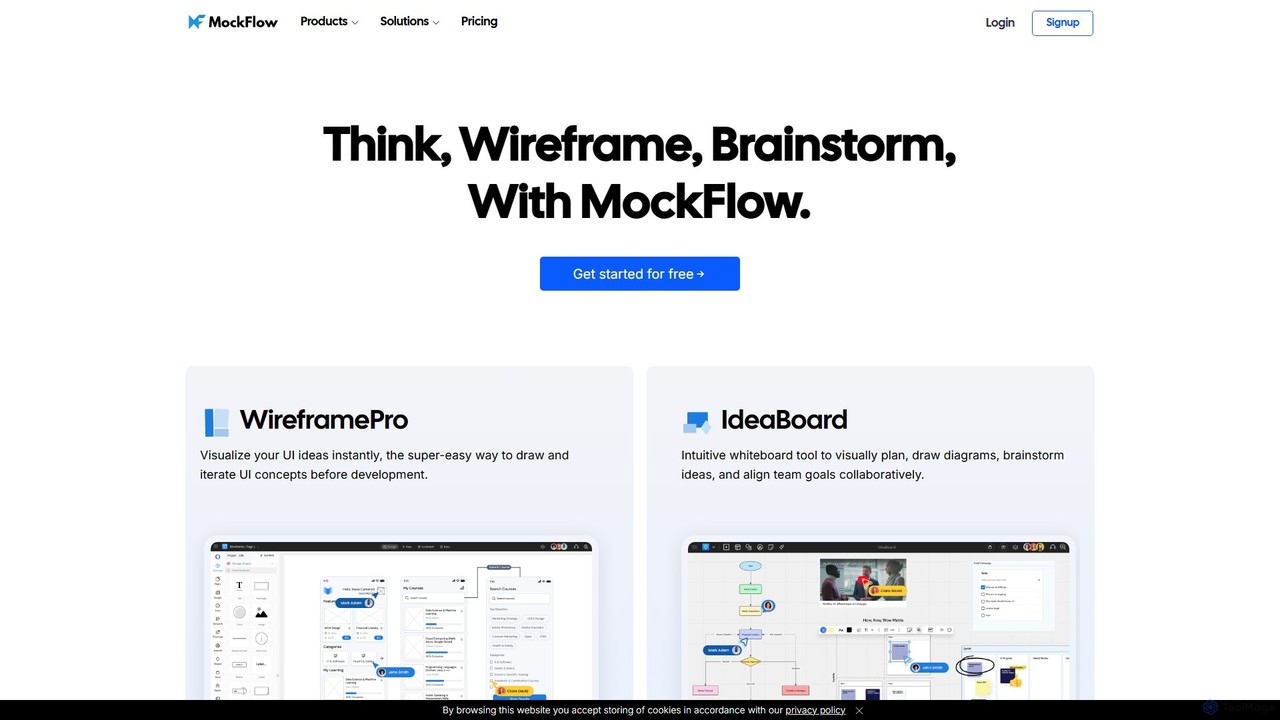
MockFlow
MockFlow is an all-in-one suite for product design, offering tools for wireframing, prototyping, and brainstorming. It leverages AI to accelerate the design process, allowing users to convert text or screenshots into editable wireframes, generate diagrams, and create content automatically. With extensive collaboration features and integrations, it streamlines the entire workflow from initial idea to developer handoff.
Ui Ux
App Alchemy
App Alchemy is an AI-powered design tool that generates beautiful, professional mobile app mockups in seconds. Simply describe your app idea, use a template, or upload screenshots, and the AI will instantly create UI designs. It's designed for developers, entrepreneurs, and designers to rapidly visualize, iterate, and export app concepts without needing complex design skills or expensive software.
Ui UxUX Pilot
UX Pilot is an AI-powered design platform that accelerates the UX/UI workflow. It enables designers, product teams, and founders to generate high-fidelity designs, wireframes, screen flows, and prototypes from simple text prompts in seconds. With deep Figma integration, it streamlines the entire process from ideation to handoff.
Ui UxMotiff
Motiff is an AI-powered professional interface design tool that accelerates the entire workflow. It enables users to generate UIs from text and images, iterate on designs with AI assistance, and collaborate in real-time. Combining robust design tools, prototyping, and a developer-friendly handoff mode, Motiff serves as a comprehensive, high-performance platform for modern product teams.
Ui UxPolymet
Polymet is an AI-powered product designer that transforms ideas, text descriptions, or images into interactive prototypes with production-ready code in seconds. It streamlines the design and development workflow, integrating seamlessly with Figma and existing codebases.
Ui Ux
Creatie
Creatie is an intuitive, AI-powered product design and collaboration platform. It enables teams to move from wireframes to high-fidelity mockups, interactive prototypes, and developer handoff seamlessly. Featuring AI tools like a mockup wizard, icon generator, and image enhancer, it's designed to accelerate the UI/UX workflow for designers, product managers, and developers.
Icon Generation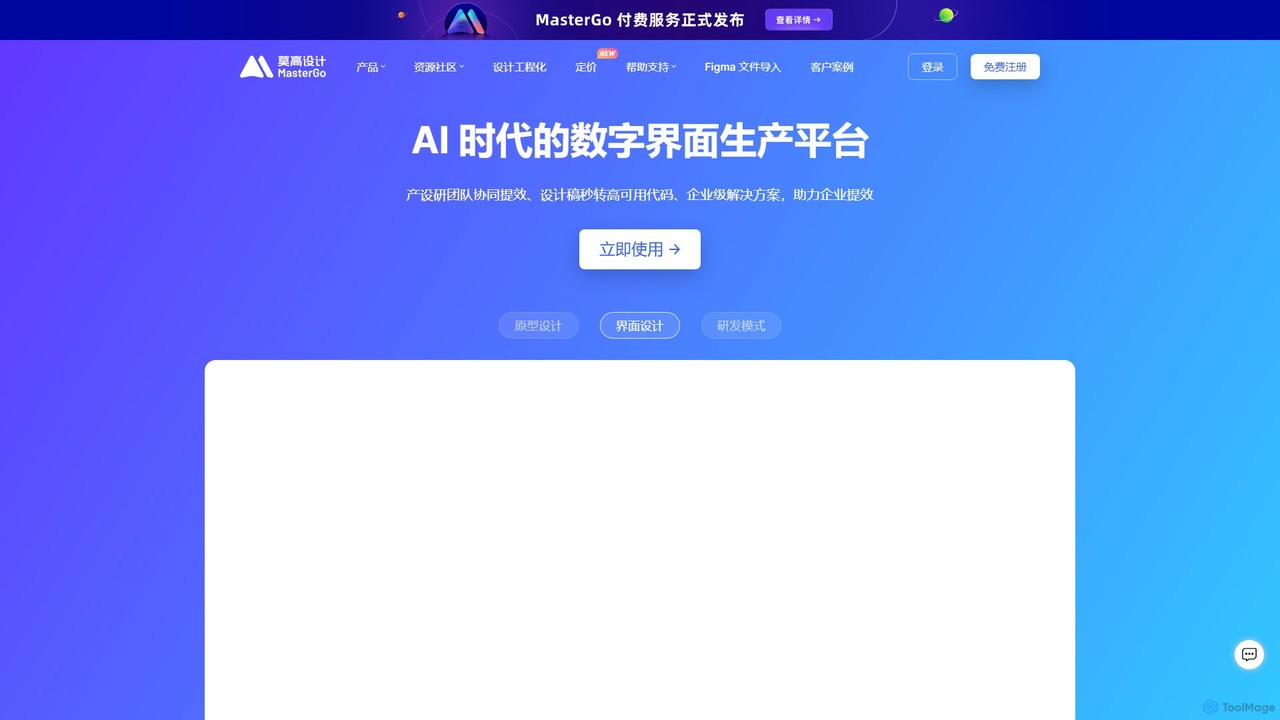
MasterGo
MasterGo is an AI-powered, all-in-one collaborative UI/UX design platform. It streamlines the entire workflow from prototyping and interface design to developer handoff. Built for real-time collaboration, it helps teams create, iterate, and manage digital products efficiently with features like design systems, AI-assisted generation, and enterprise-level security.
Ui Ux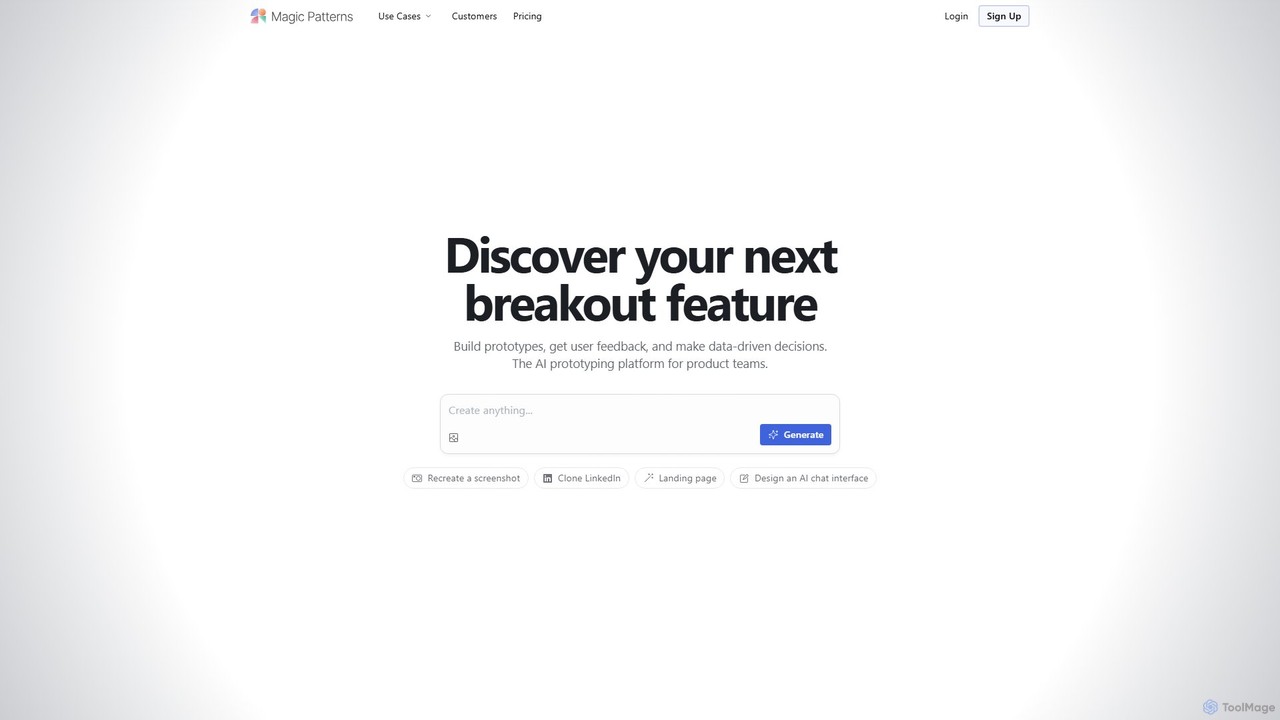
Magic Patterns
Magic Patterns is an AI-powered prototyping platform for product teams, designers, and developers. It accelerates UI creation by generating interactive prototypes and production-ready code (React, Tailwind CSS) from text prompts, screenshots, or existing websites. It helps teams iterate faster, gather user feedback, and make data-driven decisions.
Prototyping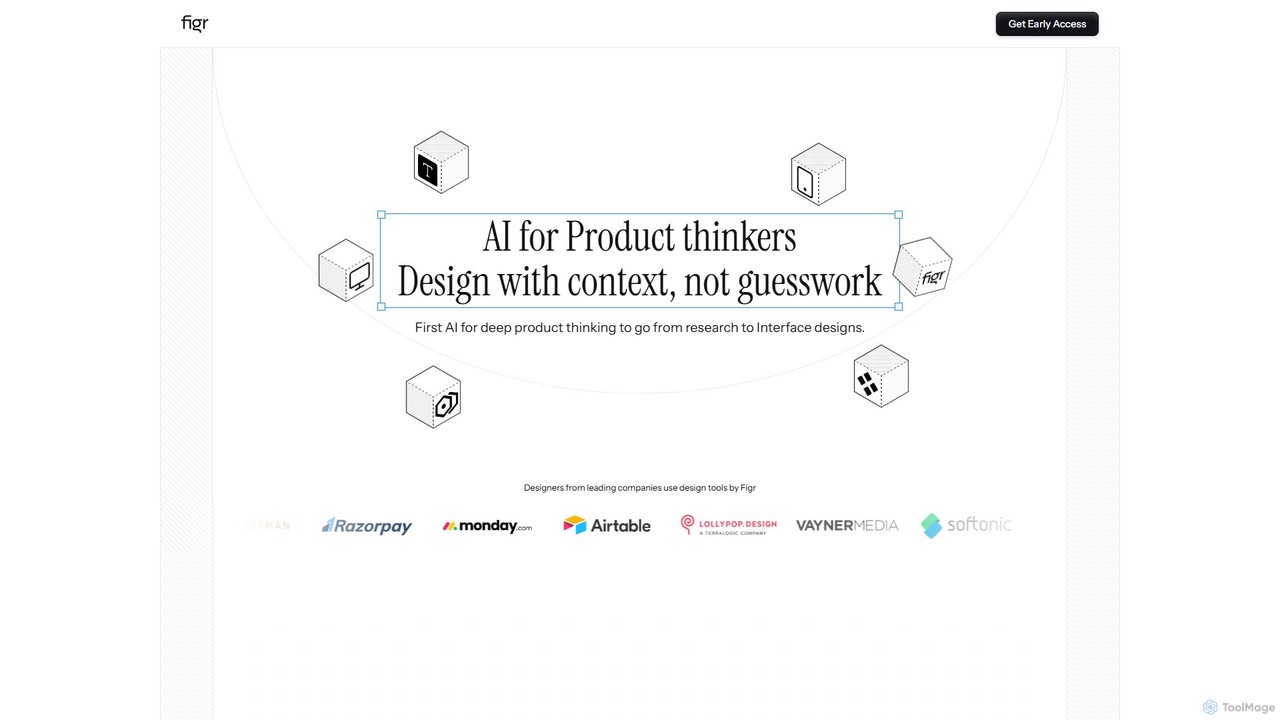
Figr
Figr is an AI-powered design suite that accelerates the product design workflow. It specializes in creating production-grade design systems directly within Figma, automating the generation of design tokens, components, and documentation. It's built for product thinkers, designers, and teams to transform research and context into clear, consistent, and scalable user interfaces with remarkable speed.
Ui Ux
Galileo AI
Galileo AI is a pioneering AI-powered UI design generator that transforms simple text prompts into beautiful, functional interface designs. Acquired by Google, it has now evolved into 'Stitch', a more powerful tool integrated with Google's Gemini models, making advanced design accessible to everyone for free.
Ui Ux Design
Uizard Comments (0)
Sign in to comment.
Sign inNo comments yet.