
Motiff Overview
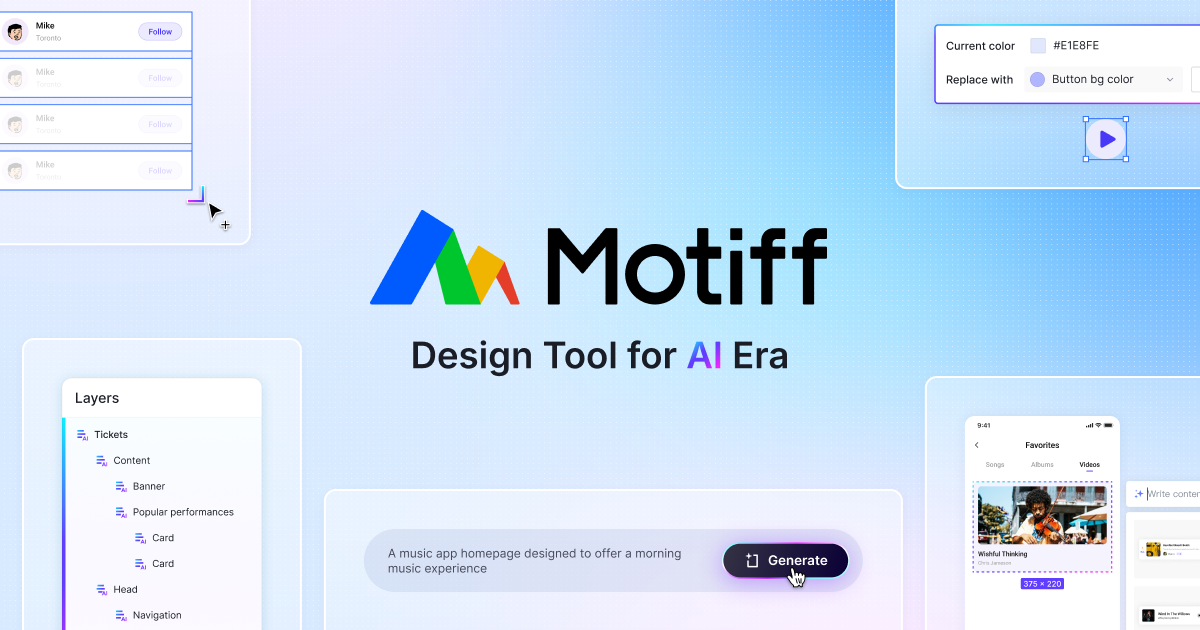
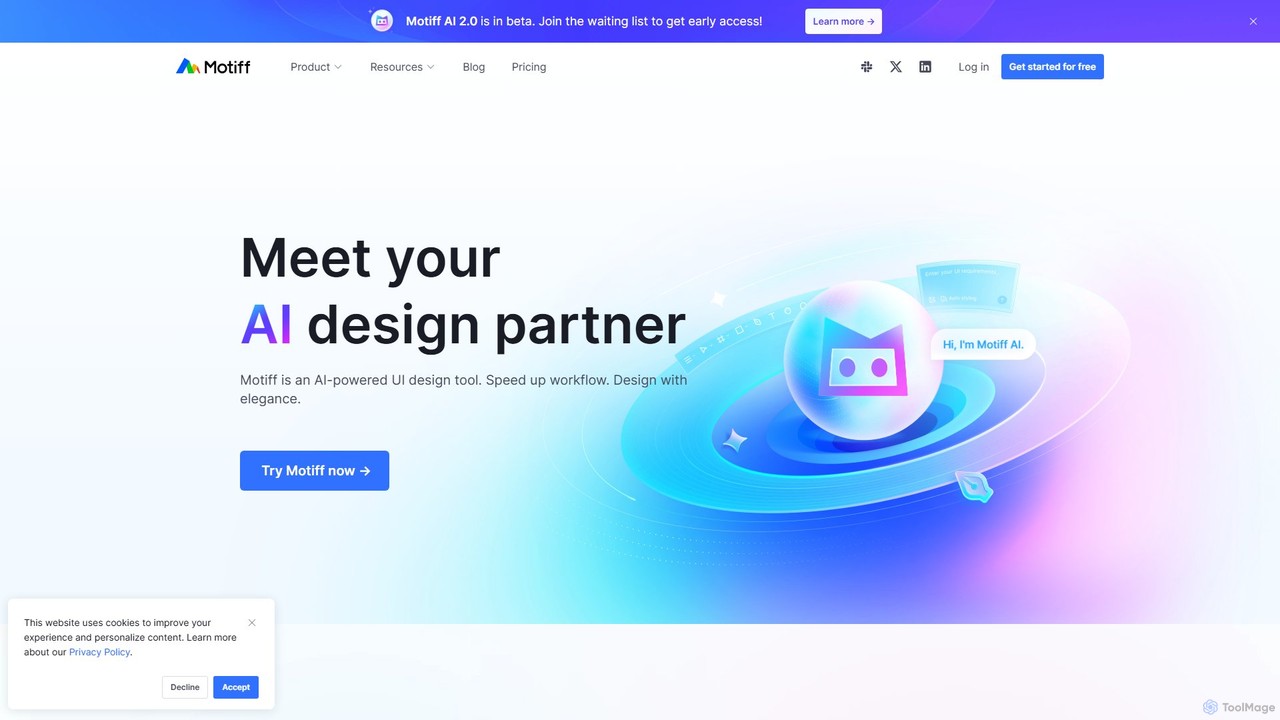
Motiff is a revolutionary AI-powered UI design tool engineered to transform the interface design process. It positions itself as your ultimate design partner, integrating artificial intelligence deeply into every stage of creation, from initial brainstorming to final developer handoff. Built on a self-developed high-performance rendering engine, Motiff handles complex projects with millions of layers seamlessly, ensuring a fluid and responsive user experience. It's designed not just to be a tool, but a creative collaborator that frees designers from repetitive tasks and unlocks new possibilities.
The platform's core is Motiff AI 2.0, a suite of generative features that can produce complete user interfaces from simple text prompts or images, apply consistent styling with presets, and intelligently iterate on existing designs. Beyond generation, Motiff offers a full set of professional design tools, including advanced auto layout, component variables, and comprehensive design system management, making it a powerful alternative to established tools like Figma and Sketch. Collaboration is central to Motiff, with real-time multiplayer editing, on-canvas commenting, and shared libraries that keep teams perfectly in sync.
How to use Motiff
Getting started with Motiff is intuitive. Users can begin a project in several ways: 1. **AI Generation:** Simply type a description of the interface you want to create, such as "a login screen for a music app with a dark theme," and let Motiff AI generate a high-fidelity starting point. You can also use images as inspiration. 2. **Manual Design:** Utilize the comprehensive suite of professional design tools to build interfaces from scratch, just as you would in other leading design software. 3. **Import Existing Work:** Seamlessly import files from Figma or Sketch. Motiff preserves layers, components, and styles, allowing you to continue your work without interruption and start leveraging AI features immediately. Once on the canvas, you can collaborate with teammates in real-time, create interactive prototypes to test user flows, and finally, switch to Develop Mode to provide developers with all the necessary assets, code snippets, and design specifications for a smooth handoff.
Core Features of Motiff
- Motiff AI 2.0: Generate UIs from text/images, iterate designs, generate modules and elements, create and edit images, convert websites to editable designs, and assist with copywriting and translation.
- Professional Design Tools: A full-featured editor with advanced drawing tools, sophisticated auto layout, and vector editing capabilities.
- Real-Time Collaboration: Work together on the same canvas with multiplayer editing, observation mode, and on-canvas commenting.
- Design Systems: Create and manage styles, components, and variables. Build team libraries to ensure brand consistency across all projects.
- Interactive Prototyping: Build realistic, clickable prototypes with transitions, overlays, and advanced animations to simulate the final user experience.
- Develop Mode: A dedicated mode for developers that simplifies handoff. It provides advanced inspection, code generation (codegen), unit and scale settings, and bulk asset export.
- High Performance: A self-developed rendering engine ensures smooth editing and navigation, even on canvases with millions of layers.
- Figma/Sketch Import: Easily migrate your existing projects to Motiff while keeping layers, components, and styles intact.
Use Cases for Motiff
Motiff is versatile and caters to a wide range of users and teams. UI/UX Designers can use it to dramatically speed up their workflow, moving from a blank canvas to a polished prototype in a fraction of the time. Product Managers can quickly visualize ideas and create mockups for stakeholder presentations without deep design knowledge. Startups and Small Businesses can leverage AI to create professional-grade application and website designs on a budget. Large Organizations can use Motiff to build and maintain robust, scalable design systems, ensuring consistency across multiple products and teams. Front-end Developers benefit from the streamlined Develop Mode, which provides clear specifications and exportable assets, bridging the gap between design and implementation.
Advantages of Motiff
Motiff's primary advantage is its deep integration of practical AI, which acts as a genuine productivity multiplier rather than a gimmick. This allows for unprecedented speed in ideation and iteration. Its high-performance engine ensures that this speed is not compromised by complexity. Furthermore, Motiff's pricing philosophy is a key differentiator; it offers core professional features at a highly competitive price, with AI and developer features priced separately based on the value they provide. This flexible, fair model makes it accessible to individuals and scalable for large enterprises. The ability to seamlessly import from Figma and Sketch lowers the barrier to entry, making the switch a low-friction decision for teams looking to innovate.
Pricing and Plans
Motiff offers a freemium model with several tiers designed for different needs. The pricing is structured to be fair and value-driven.
- Starter Plan: Free. Ideal for personal use, it includes the Motiff editor, unlimited personal files, 3 collaborative Motiff files, and 30 days of version history.
- Professional Plan: $4 per seat/month (billed annually) or $5/month (billed monthly). Aimed at professionals and small teams, this plan includes everything in Starter plus unlimited Motiff files, unlimited version history, team component libraries, and shared projects.
- Organization Plan: $15 per seat/month (billed annually). Designed for larger companies, it adds advanced features like unlimited teams, organization-wide design systems, shared fonts, and centralized administration.
- Develop Mode Seat: A more affordable seat for developers who only need to inspect and export designs, priced at $1/month (Pro) or $3/month (Org).
Motiff AI 2.0 is currently in beta and free to use. Future pricing for plans including AI will be $20/seat/month for Professional and $40/seat/month for Organization.
Traffic
Latest traffic
Status
Monthly traffic trend
- 2025-9: 92.8K
- 2026-1: 110.3K
- 2026-2: 88.9K
- 2026-3: 90.8K
- 2026-4: 73.4K
- 2026-5: 68.0K
Geography
Top 5 countries / regions
- 🇮🇳India32.5%
- 🇳🇬Nigeria17.8%
- 🇵🇰Pakistan17.5%
- 🇺🇸United States16.9%
- 🇫🇷France15.3%
Traffic sources
| Source type | Percentage |
|---|---|
Direct | 78.3% |
Referral | 20.1% |
Email | 1.6% |
Motiff Videos on YouTube

Maharani
Motiff Alternatives
Pixso
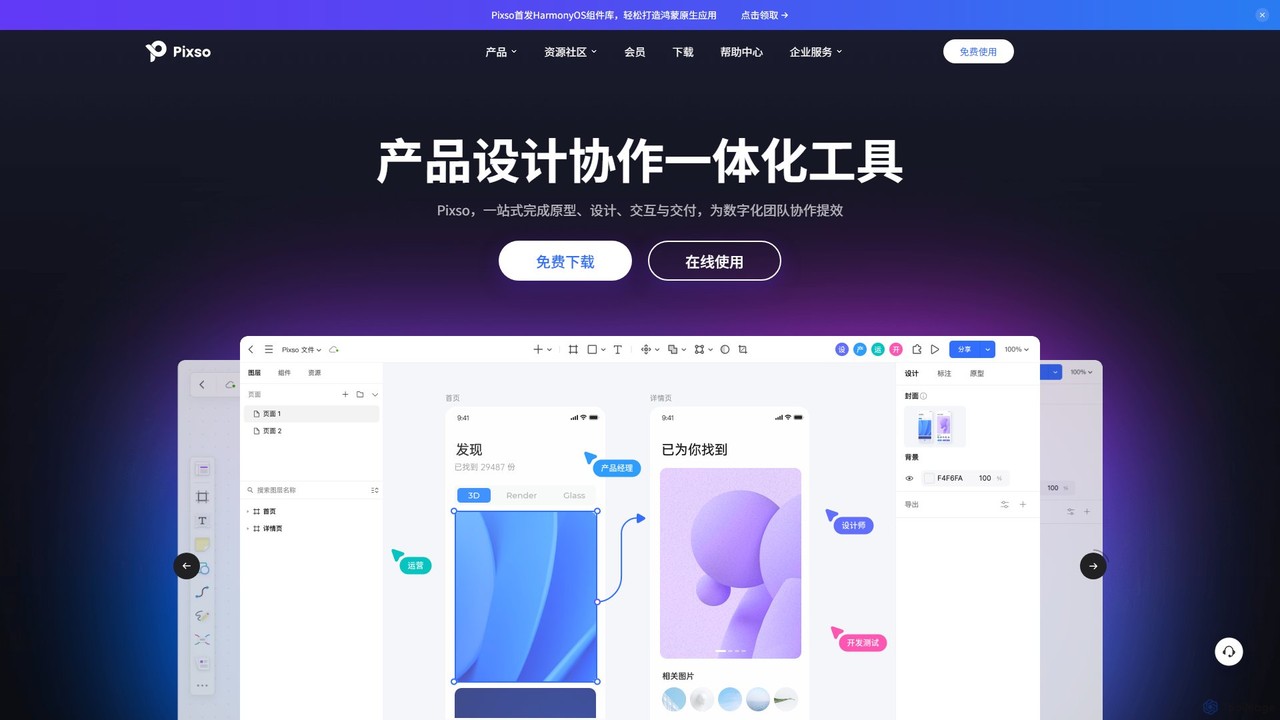
Pixso is an all-in-one, cloud-based collaborative product design platform for UI/UX design, prototyping, and developer handoff. It integrates design tools, interactive prototyping, and an online whiteboard, positioning itself as a powerful, real-time alternative to Figma and Sketch, built to enhance team efficiency.
Ui Ux
Creatie
Creatie is an intuitive, AI-powered product design and collaboration platform. It enables teams to move from wireframes to high-fidelity mockups, interactive prototypes, and developer handoff seamlessly. Featuring AI tools like a mockup wizard, icon generator, and image enhancer, it's designed to accelerate the UI/UX workflow for designers, product managers, and developers.
Icon Generation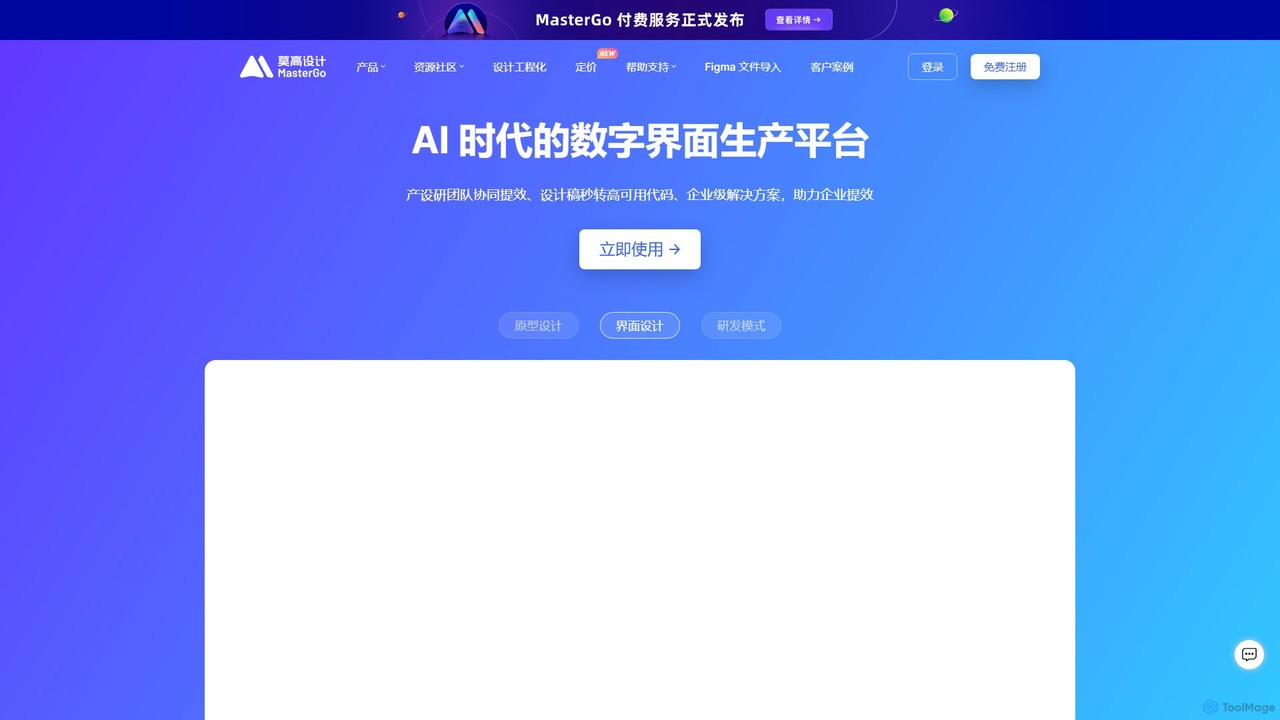
MasterGo
MasterGo is an AI-powered, all-in-one collaborative UI/UX design platform. It streamlines the entire workflow from prototyping and interface design to developer handoff. Built for real-time collaboration, it helps teams create, iterate, and manage digital products efficiently with features like design systems, AI-assisted generation, and enterprise-level security.
Ui Ux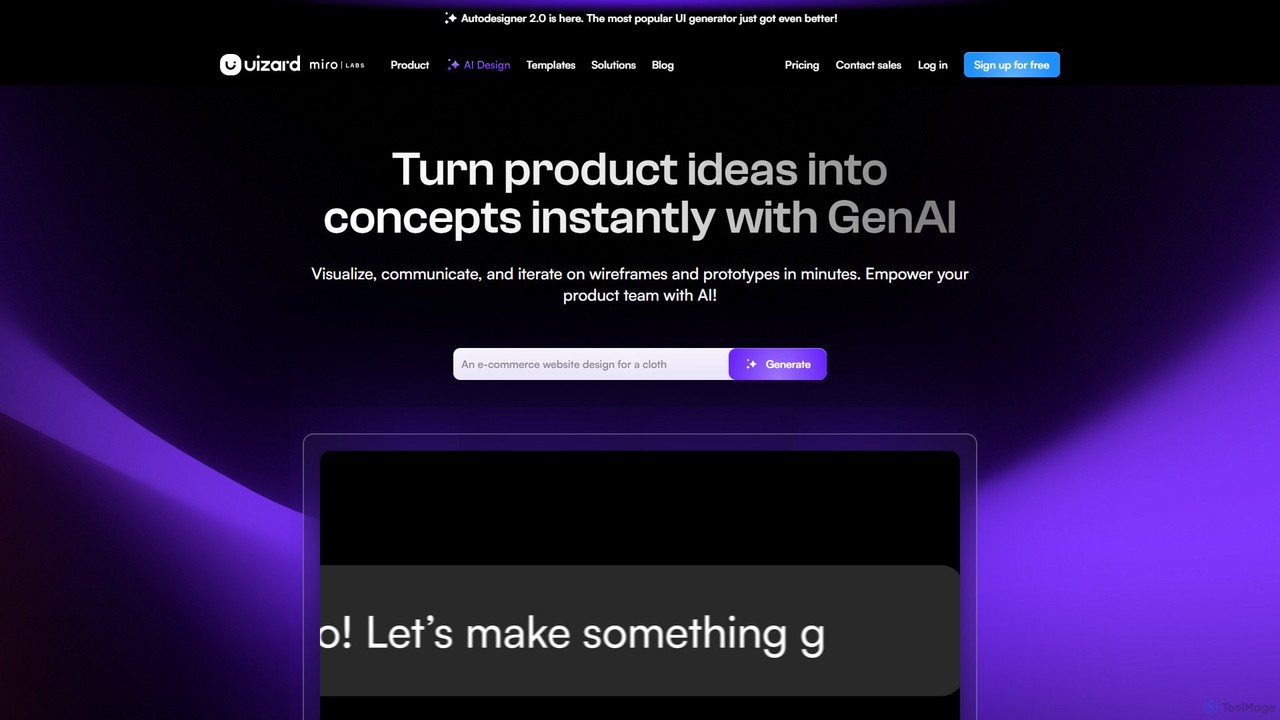
Uizard
Uizard is an AI-powered UI design tool that empowers both designers and non-designers to create stunning websites, web apps, and mobile app mockups in minutes. Transform text prompts, hand-drawn sketches, or screenshots into editable, interactive prototypes. It's designed for rapid ideation, real-time collaboration, and streamlining the entire product design workflow from concept to handoff.
Ui Ux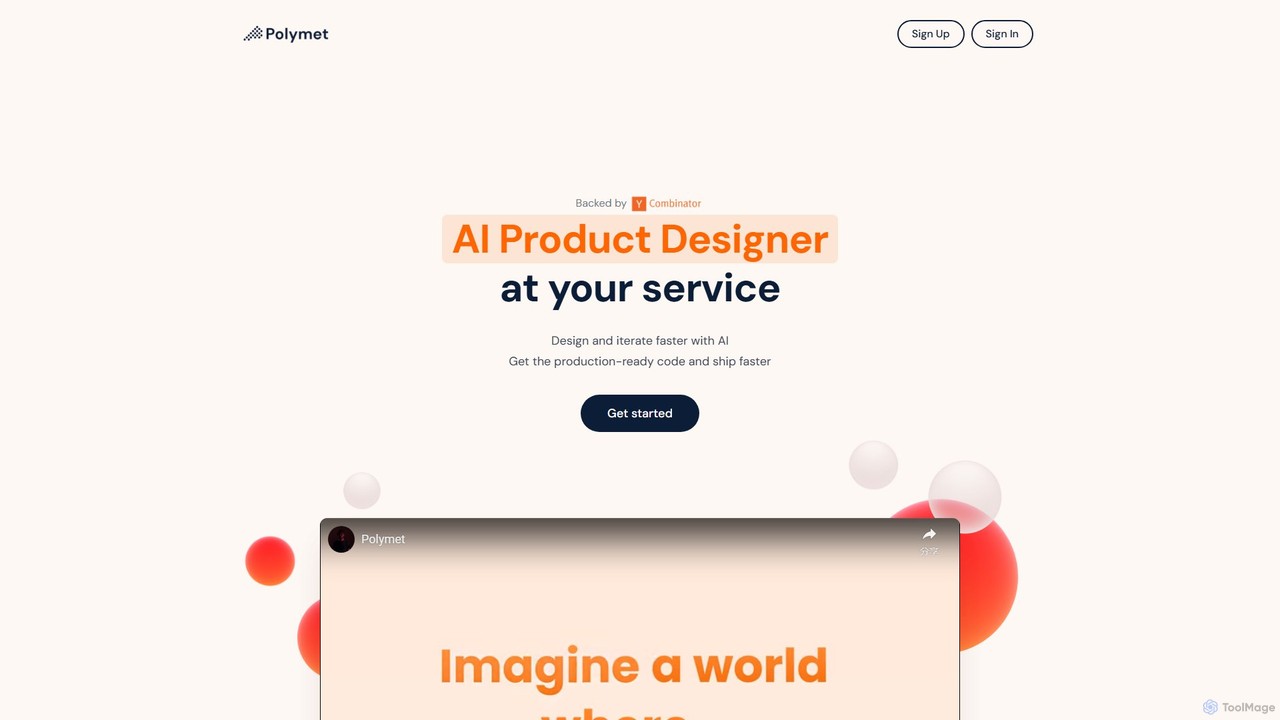
Polymet
Polymet is an AI-powered product designer that transforms ideas, text descriptions, or images into interactive prototypes with production-ready code in seconds. It streamlines the design and development workflow, integrating seamlessly with Figma and existing codebases.
Ui UxMotiff Categories
Motiff Embed Widget
Copy this embed code to place the badge on your blog, article, or product site and send readers directly to this ToolMage detail page.

Related AI tools
Pixso
Pixso is an all-in-one, cloud-based collaborative product design platform for UI/UX design, prototyping, and developer handoff. It integrates design tools, interactive prototyping, and an online whiteboard, positioning itself as a powerful, real-time alternative to Figma and Sketch, built to enhance team efficiency.
Ui UxMasterGo
MasterGo is an AI-powered, all-in-one collaborative UI/UX design platform. It streamlines the entire workflow from prototyping and interface design to developer handoff. Built for real-time collaboration, it helps teams create, iterate, and manage digital products efficiently with features like design systems, AI-assisted generation, and enterprise-level security.
Ui Ux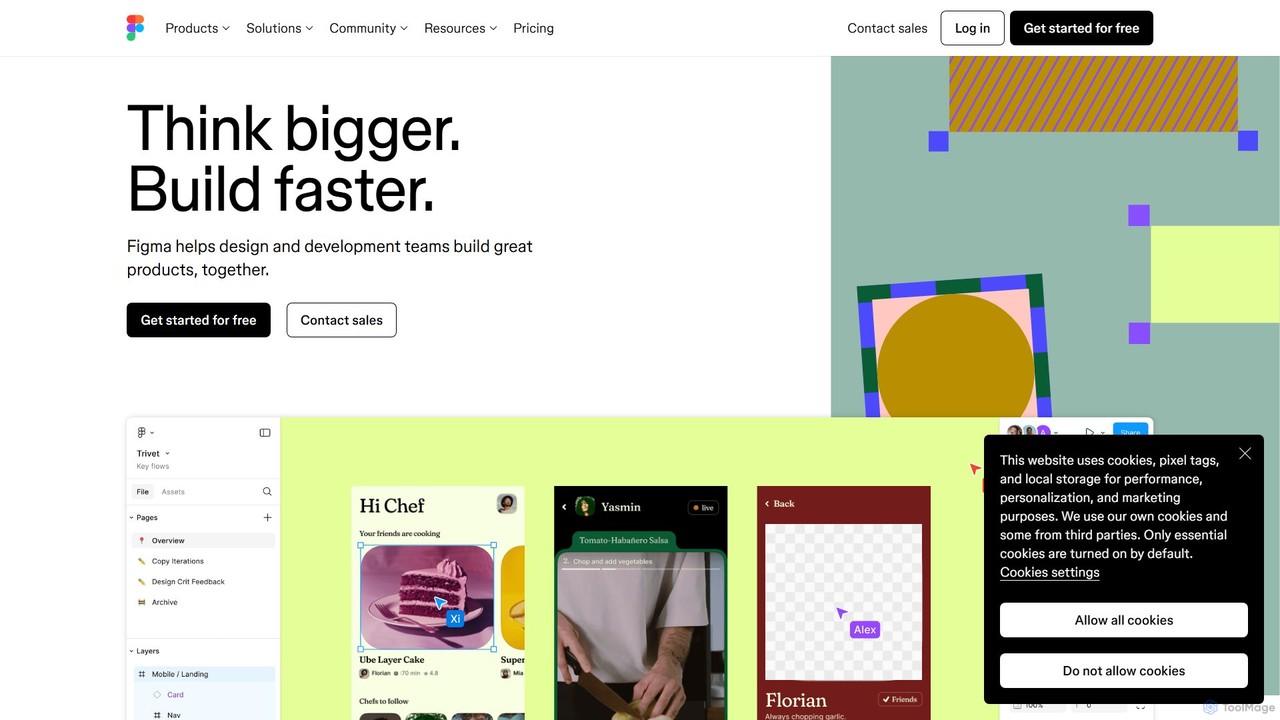
Figma
Figma is a leading collaborative interface design platform that allows teams to design, prototype, and gather feedback in one place. Powered by AI, it accelerates workflows from brainstorming in FigJam to creating high-fidelity designs and handing off to developers with Dev Mode, unifying the entire product development process.
Ui Ux DesignCreatie
Creatie is an intuitive, AI-powered product design and collaboration platform. It enables teams to move from wireframes to high-fidelity mockups, interactive prototypes, and developer handoff seamlessly. Featuring AI tools like a mockup wizard, icon generator, and image enhancer, it's designed to accelerate the UI/UX workflow for designers, product managers, and developers.
Icon Generation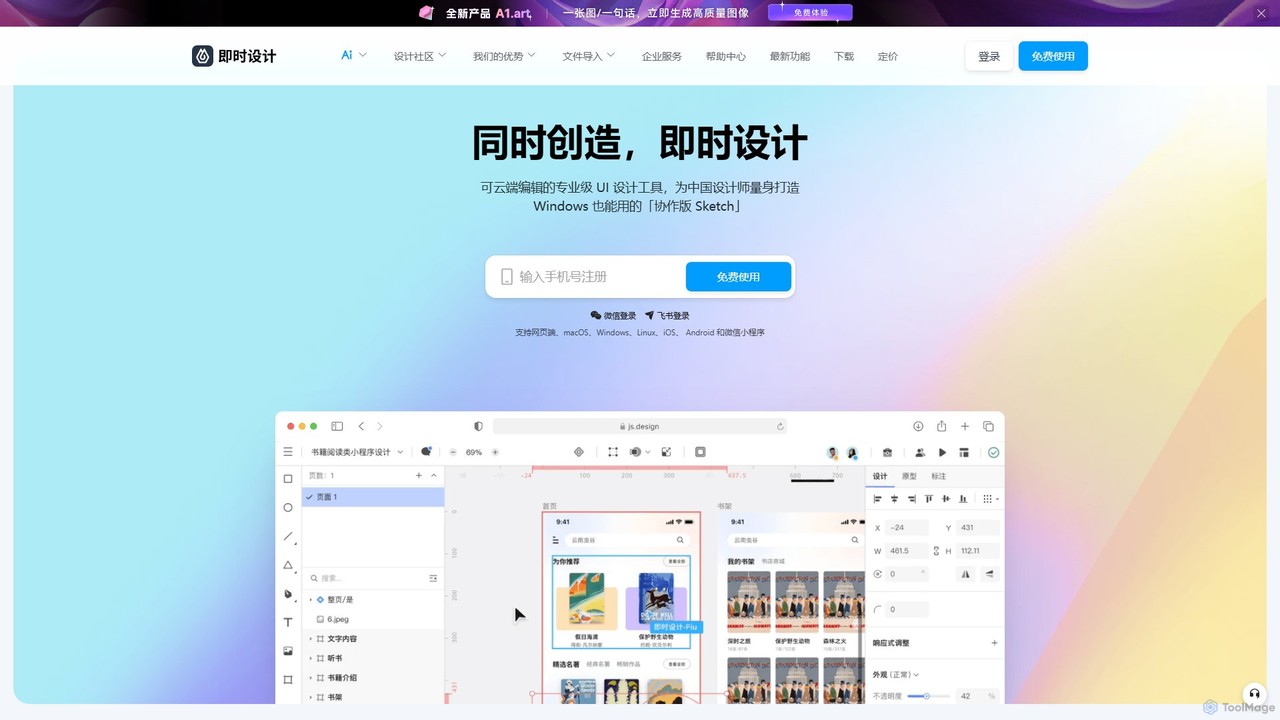
JsDesign
JsDesign is a professional, cloud-based UI/UX design tool that enables real-time collaboration. It offers a cross-platform experience with powerful AI features to accelerate the design workflow, from ideation and prototyping to developer handoff. It's positioned as a strong alternative to Figma and Sketch.
Ai Design Assistant
Galileo AI
Galileo AI is a pioneering AI-powered UI design generator that transforms simple text prompts into beautiful, functional interface designs. Acquired by Google, it has now evolved into 'Stitch', a more powerful tool integrated with Google's Gemini models, making advanced design accessible to everyone for free.
Ui Ux Design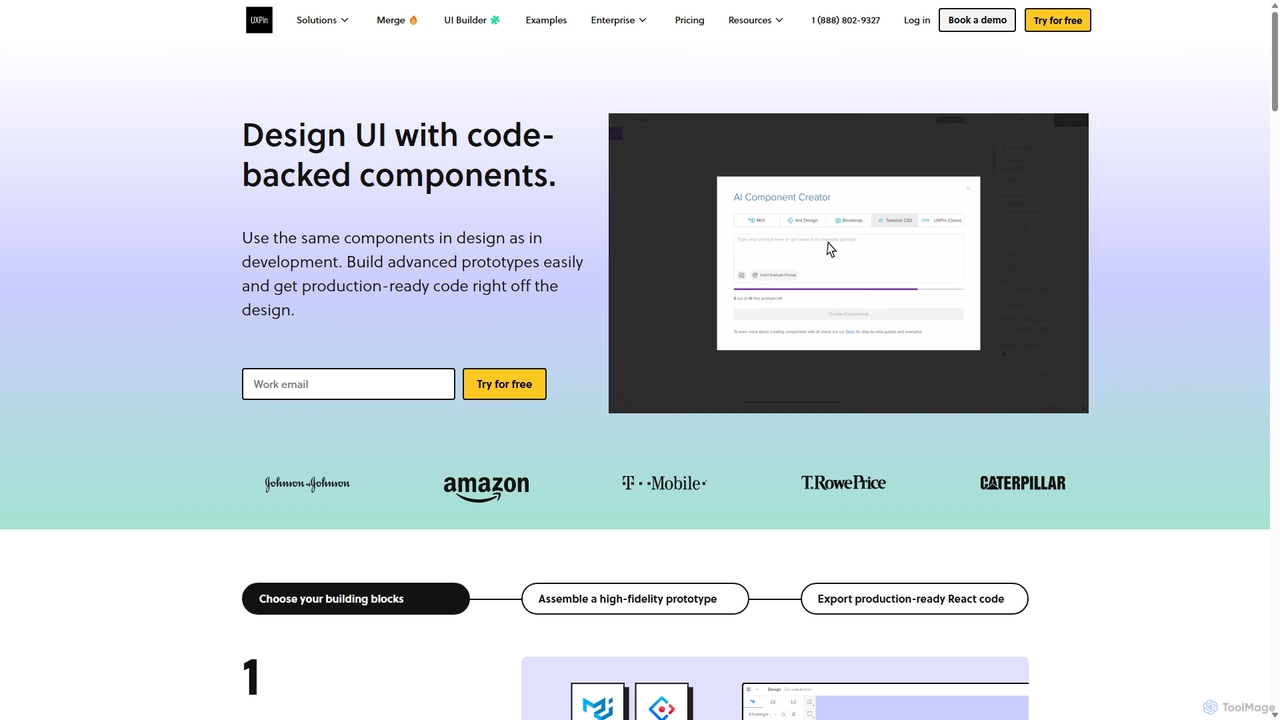
UXPin
UXPin is a code-based design and prototyping tool that bridges the gap between design and engineering. It enables teams to create high-fidelity, interactive prototypes using real code components, ensuring consistency and dramatically speeding up the product development lifecycle from concept to launch.
PrototypingUizard
Uizard is an AI-powered UI design tool that empowers both designers and non-designers to create stunning websites, web apps, and mobile app mockups in minutes. Transform text prompts, hand-drawn sketches, or screenshots into editable, interactive prototypes. It's designed for rapid ideation, real-time collaboration, and streamlining the entire product design workflow from concept to handoff.
Ui UxPolymet
Polymet is an AI-powered product designer that transforms ideas, text descriptions, or images into interactive prototypes with production-ready code in seconds. It streamlines the design and development workflow, integrating seamlessly with Figma and existing codebases.
Ui Ux
App Alchemy
App Alchemy is an AI-powered design tool that generates beautiful, professional mobile app mockups in seconds. Simply describe your app idea, use a template, or upload screenshots, and the AI will instantly create UI designs. It's designed for developers, entrepreneurs, and designers to rapidly visualize, iterate, and export app concepts without needing complex design skills or expensive software.
Ui Ux
GeniusUI
GeniusUI is an AI-powered design tool that transforms text prompts into stunning, high-fidelity UI/UX designs and components. It automates the design and front-end coding process, allowing creators to build beautiful interfaces in minutes, not days, without writing a single line of code.
Ui Ux Design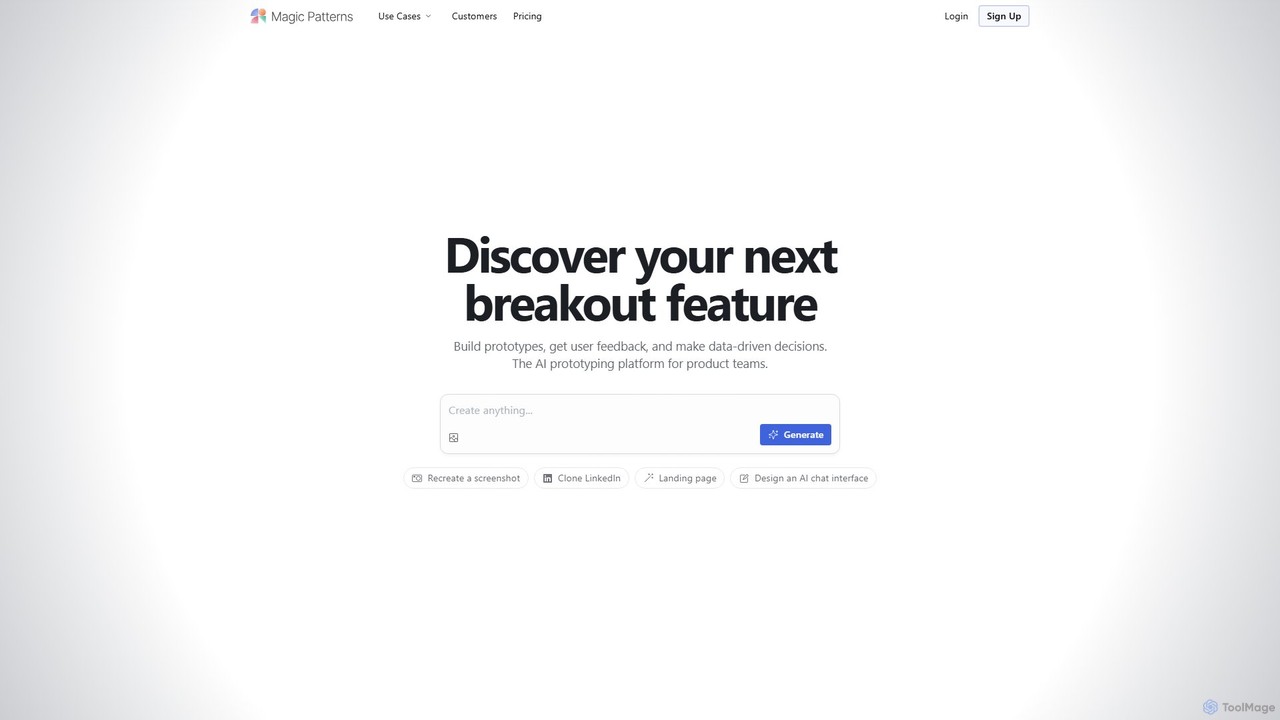
Magic Patterns
Magic Patterns is an AI-powered prototyping platform for product teams, designers, and developers. It accelerates UI creation by generating interactive prototypes and production-ready code (React, Tailwind CSS) from text prompts, screenshots, or existing websites. It helps teams iterate faster, gather user feedback, and make data-driven decisions.
Prototyping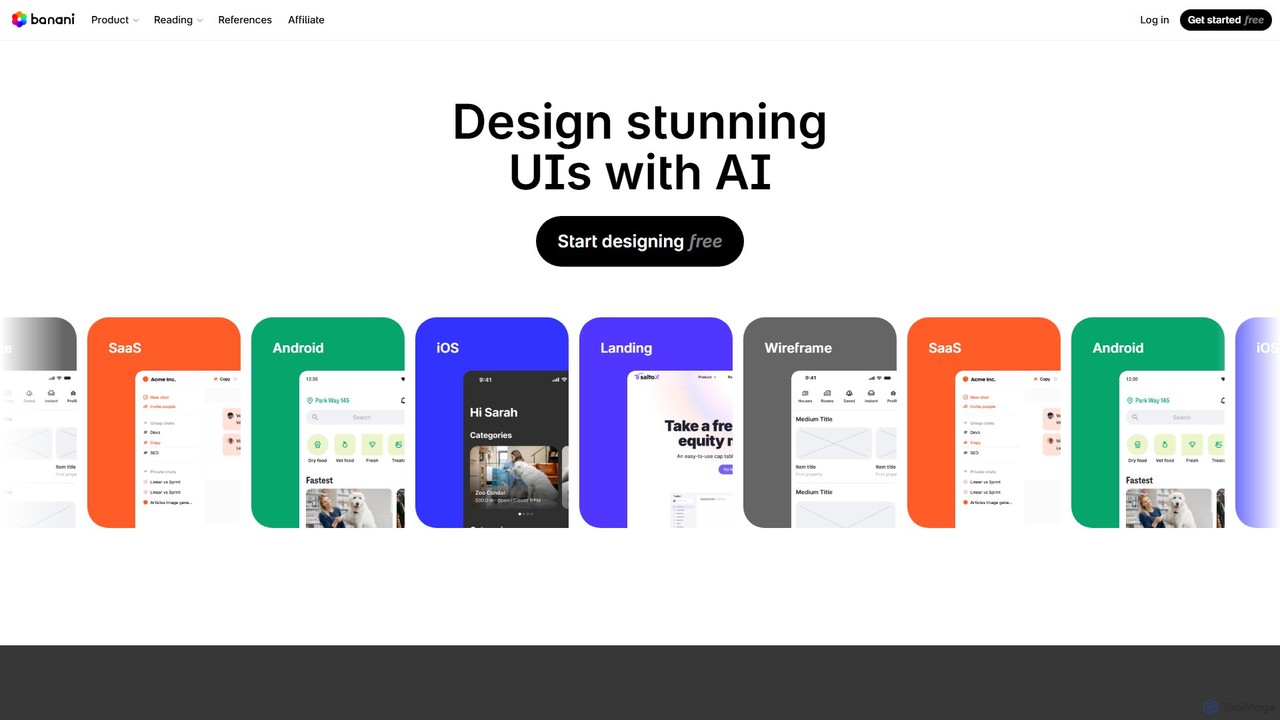
Banani
Banani is an AI-powered UI design copilot that transforms text prompts into stunning, interactive user interfaces and prototypes. It's designed for rapid ideation and visualization, enabling product managers, founders, and designers to create beautiful, user-friendly designs in seconds, even without prior design skills.
Ui Design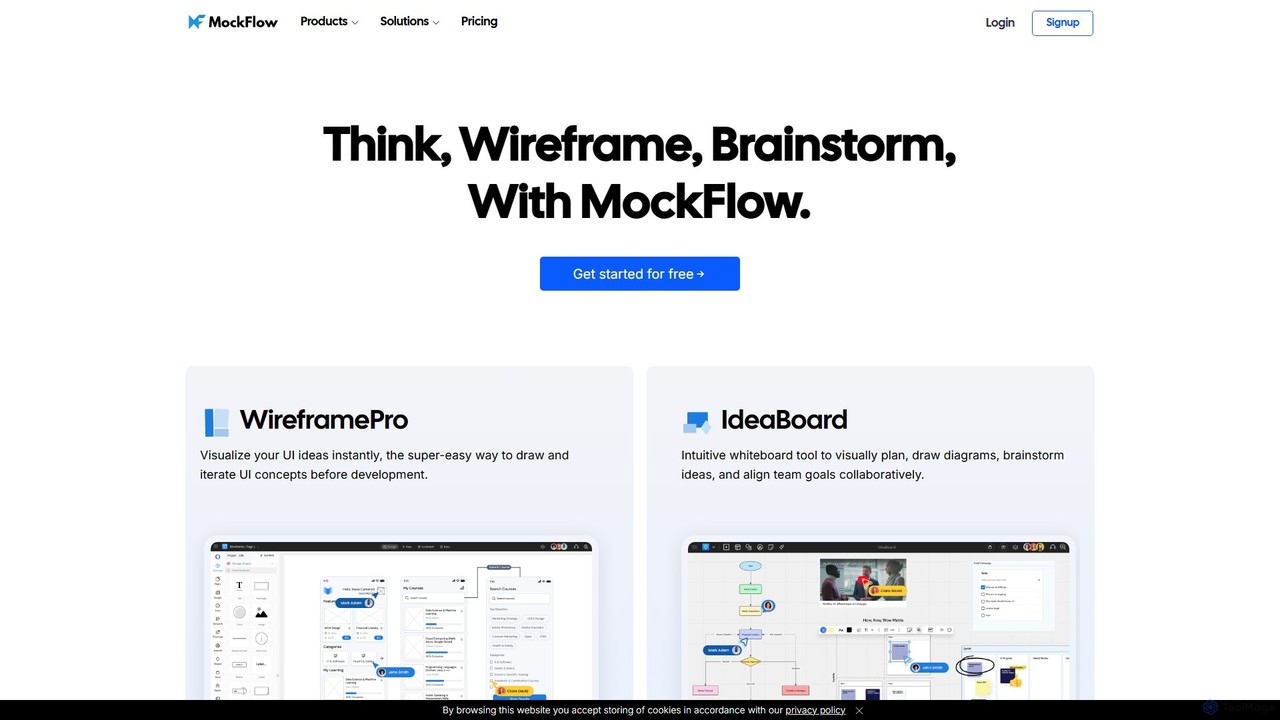
MockFlow
MockFlow is an all-in-one suite for product design, offering tools for wireframing, prototyping, and brainstorming. It leverages AI to accelerate the design process, allowing users to convert text or screenshots into editable wireframes, generate diagrams, and create content automatically. With extensive collaboration features and integrations, it streamlines the entire workflow from initial idea to developer handoff.
Ui Ux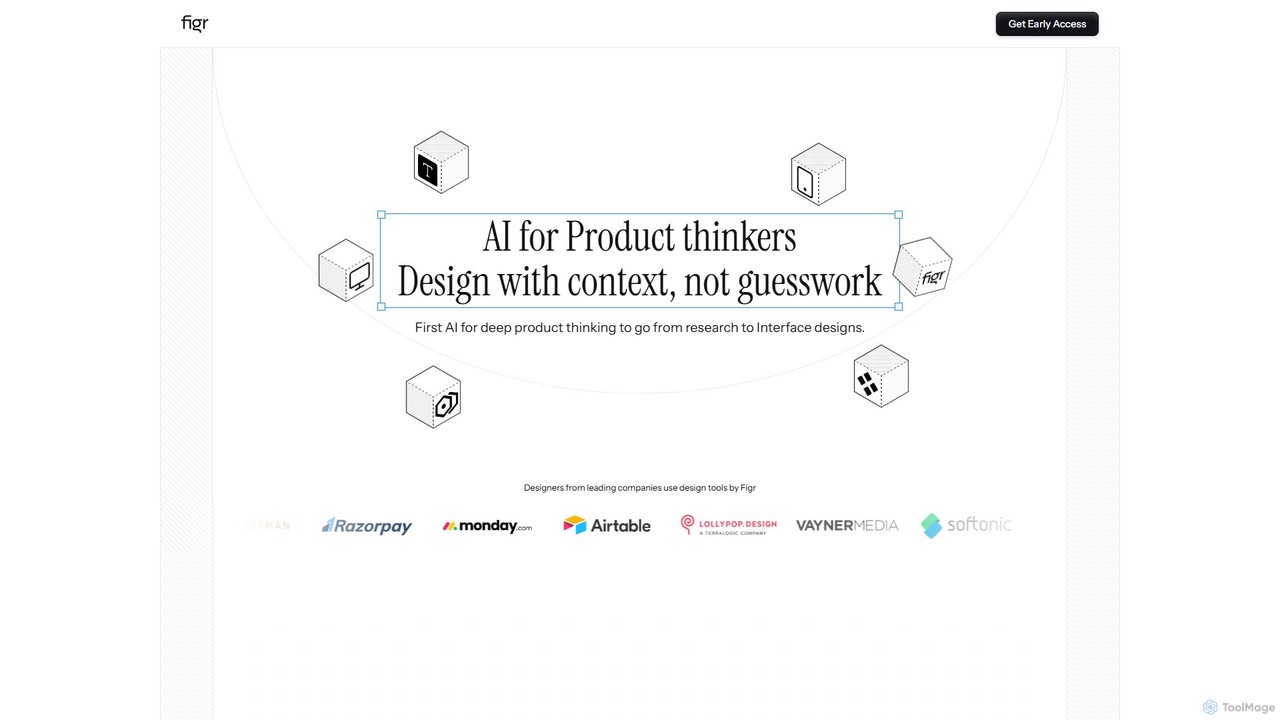
Figr
Figr is an AI-powered design suite that accelerates the product design workflow. It specializes in creating production-grade design systems directly within Figma, automating the generation of design tokens, components, and documentation. It's built for product thinkers, designers, and teams to transform research and context into clear, consistent, and scalable user interfaces with remarkable speed.
Ui Ux
Motiff Comments (0)
Sign in to comment.
Sign inNo comments yet.