
MockFlow Overview
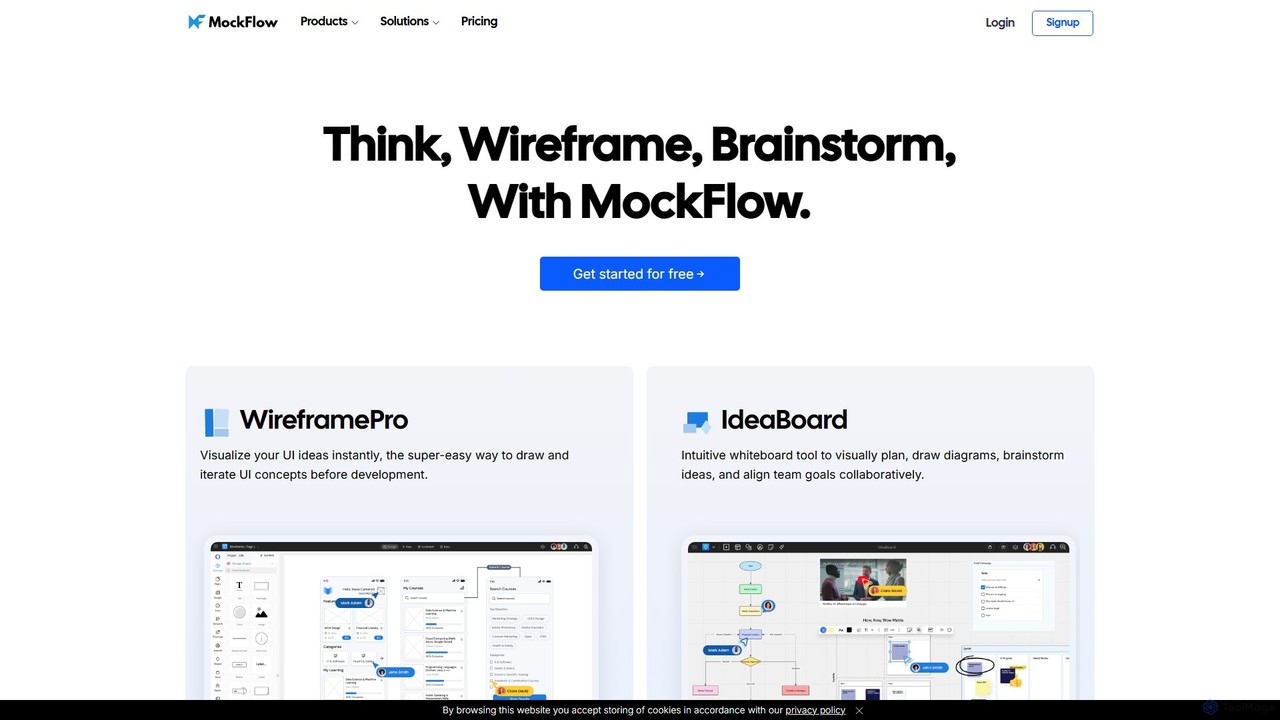
MockFlow is a comprehensive cloud-based suite designed to streamline the entire product design and ideation process. It empowers teams to think, wireframe, and brainstorm collaboratively, transforming abstract ideas into tangible UI concepts with remarkable speed and efficiency. At its core, MockFlow offers two main products: WireframePro for creating detailed UI wireframes and IdeaBoard for visual planning and brainstorming.
The platform is built for speed and ease of use, featuring a minimal learning curve that makes it accessible to everyone from product managers and founders to seasoned UX/UI designers and developers. With a vast library of ready-to-use UI kits and component packs, users can quickly assemble any design, from business dashboards and mobile apps to complex web applications.
A standout feature of MockFlow is its suite of AI-powered tools (currently in beta) that significantly accelerate the design workflow. These AI features enable users to generate high-fidelity or sketchy wireframes from simple text prompts, convert existing website or app screenshots into editable designs, and automatically create complex diagrams like flowcharts or cloud server architectures. The AI can also generate placeholder content, including text, images, data tables, and color palettes, saving valuable time during the initial design phases.
How to use MockFlow
Using MockFlow is an intuitive process designed for rapid ideation and iteration:
- Start a Project: Begin by creating a new project in either WireframePro for UI design or IdeaBoard for brainstorming. You can start from a blank canvas or choose from a wide variety of templates for common layouts like websites, mobile apps, or dashboards.
- Design with Components: Utilize the extensive drag-and-drop component library to build your layout. Add elements like buttons, forms, data grids, charts, and navigation bars in seconds. For custom needs, you can even bring your own components into the editor.
- Leverage AI Power: To speed things up, use the AI features. Type a description like "a login screen for a mobile banking app" and let the AI generate a wireframe. Alternatively, upload a screenshot of an existing app or use the Chrome extension to convert any webpage into an editable wireframe.
- Collaborate in Real-Time: Invite team members to collaborate. MockFlow supports real-time co-designing, in-place comments for feedback, video meetings, and chat, all within the design environment.
- Iterate and Refine: Based on feedback, easily iterate on your designs. The tool is built for rapid changes, allowing you to explore different layouts and user flows efficiently.
- Handoff and Export: Once the design is finalized, use the 'Build mode' to transform it into ready-to-use UI code for frameworks like React, iOS, and Android. You can also export your work as PDF, PNG, or PPT files for presentations and documentation.
Core Features of MockFlow
- AI-Powered Wireframing: Generate wireframes from text prompts, convert screenshots to editable designs, and create diagrams automatically.
- WireframePro: A dedicated tool for creating low, mid, and high-fidelity wireframes with a vast component library.
- IdeaBoard: A digital whiteboard for brainstorming, mind mapping, creating flowcharts, and visual planning.
- Real-Time Collaboration: Features multiplayer editing, video design meetings, team chat, and contextual comments.
- Code Generation: Convert visual designs into UI code for various platforms and frameworks.
- Extensive Integrations: Native plugins for Slack, MS Teams, Trello, Jira, Confluence, Google Drive, and Figma.
- Component Library: Over 100 built-in components, including charts, data grids, forms, and layout builders.
- Design Documentation: Create and link design documentation directly to your wireframes for a complete handoff.
Use Cases for MockFlow
MockFlow is versatile and serves various roles and purposes:
- UX/UI Designers: Rapidly create and iterate on wireframes and prototypes, test user flows, and collaborate with stakeholders.
- Product Managers: Visualize product features, align teams on requirements, and create clear blueprints for development.
- Developers: Understand UI structure, get technical specifications, and use generated code to kickstart development.
- Founders & Startups: Quickly conceptualize and present product ideas to teams and investors without needing extensive design skills.
- Business Analysts: Map out business processes and user journeys using diagrams and flowcharts.
- Marketers: Plan website layouts and landing pages, focusing on content structure and user conversion paths.
Advantages of MockFlow
MockFlow stands out by providing a focused, end-to-end solution for the ideation phase. Unlike general-purpose design tools, it is specifically optimized for wireframing, which makes the process faster and more efficient. Its AI capabilities are a significant advantage, automating repetitive tasks and allowing designers to focus on creativity. The seamless collaboration features and deep integrations with project management tools ensure that UI brainstorming happens right where the team works, improving communication and reducing friction in the workflow.
Pricing and Plans
MockFlow offers a flexible freemium model:
- Basic Plan: Free forever. Includes 1 wireframe project, 1 sitemap project, and access to all UI packs, limited to public sharing.
- Premium Plan: $14/month per editor. Offers unlimited projects, advanced AI features (2000 credits/month), code generation, and collaboration add-ons. Ideal for individuals and solopreneurs.
- Business Plan: $30/month per editor. Includes all Premium features plus multiplayer editing, video meetings, team UI packs, advanced integrations, and enhanced security. Designed for teams and agencies.
- Enterprise Plan: Custom pricing starting at $2000/year for 30 users, with SSO, SCIM, and on-premise options.
- Special plans are also available for Startups and Education.
Traffic
Latest traffic
Status
Monthly traffic trend
- 2025-9: 184.7K
- 2026-1: 211.5K
- 2026-2: 205.9K
- 2026-3: 255.4K
- 2026-4: 216.3K
- 2026-5: 208.9K
Geography
Top 5 countries / regions
- 🇺🇸United States39.5%
- 🇮🇳India31.9%
- 🇵🇭Philippines10.9%
- 🇵🇪Peru9.2%
- 🇪🇹Ethiopia8.5%
Traffic sources
| Source type | Percentage |
|---|---|
Direct | 88.8% |
Referral | 9.8% |
Email | 1.5% |
Top keywords
| Keyword | Cost per click |
|---|---|
| dashboard | $1.72 |
| mockflow | $2.46 |
| mockflow ai | $0.00 |
| ofline whiteboard | $0.00 |
| wireframe | $1.31 |
MockFlow Videos on YouTube

MockFlow



Sachithra Wijesinghe
MockFlow Alternatives

Figr AI
Figr AI is an AI-powered design platform that transforms text prompts into high-fidelity UI/UX designs, diagrams, and prototypes. It streamlines the creative process, enabling designers, developers, and product managers to rapidly visualize ideas, generate components, and build complete user flows. By automating repetitive tasks, Figr AI accelerates product development, enhances collaboration, and makes professional design accessible to everyone on the team.
Ui Ux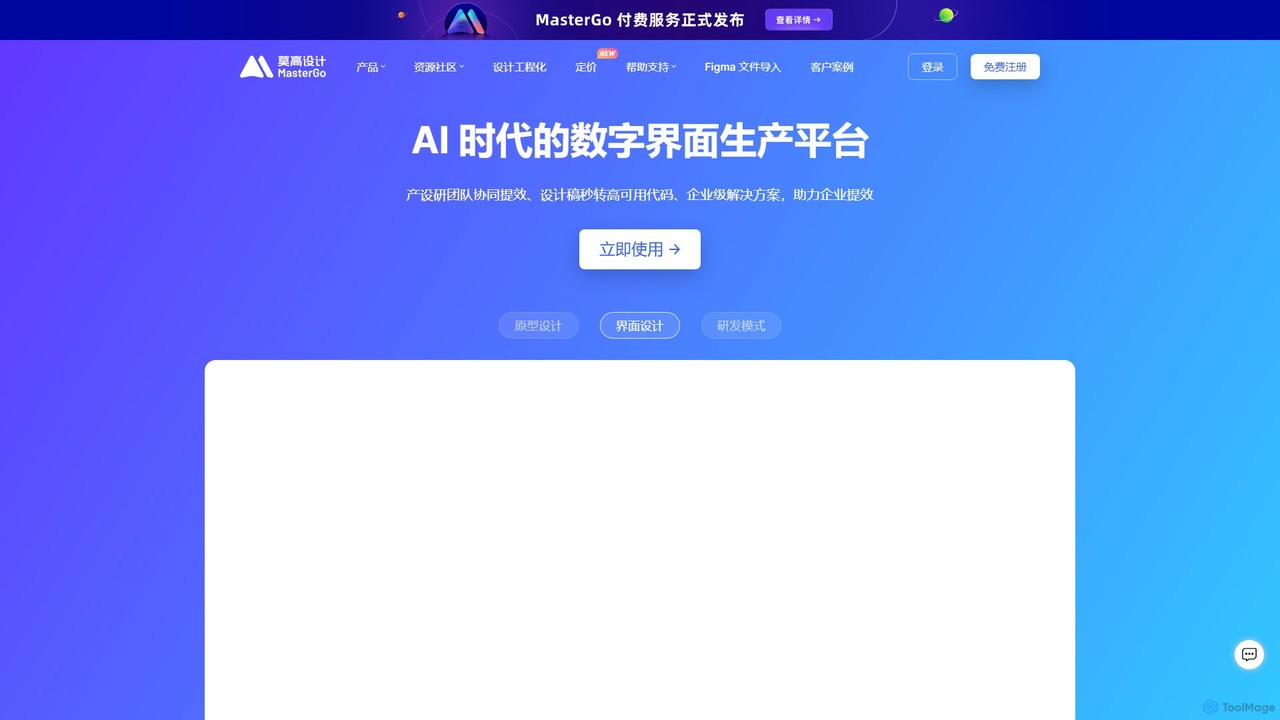
MasterGo
MasterGo is an AI-powered, all-in-one collaborative UI/UX design platform. It streamlines the entire workflow from prototyping and interface design to developer handoff. Built for real-time collaboration, it helps teams create, iterate, and manage digital products efficiently with features like design systems, AI-assisted generation, and enterprise-level security.
Ui Ux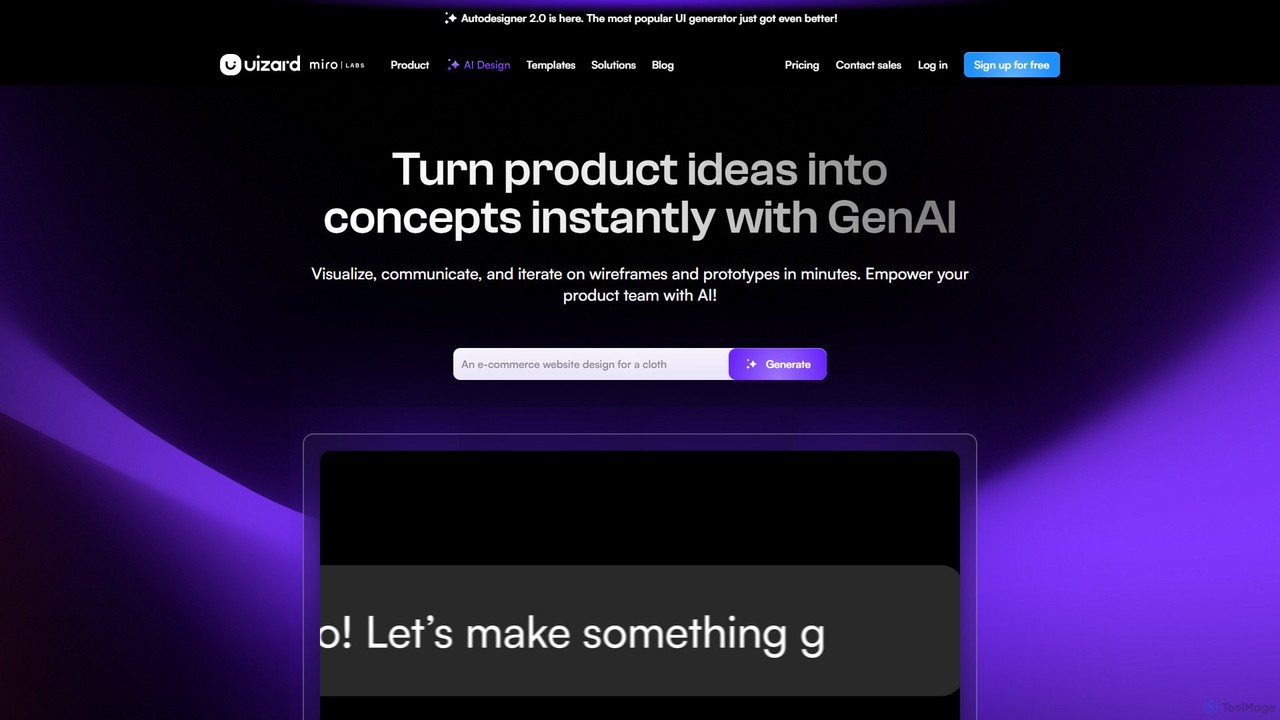
Uizard
Uizard is an AI-powered UI design tool that empowers both designers and non-designers to create stunning websites, web apps, and mobile app mockups in minutes. Transform text prompts, hand-drawn sketches, or screenshots into editable, interactive prototypes. It's designed for rapid ideation, real-time collaboration, and streamlining the entire product design workflow from concept to handoff.
Ui Ux
Creatie
Creatie is an intuitive, AI-powered product design and collaboration platform. It enables teams to move from wireframes to high-fidelity mockups, interactive prototypes, and developer handoff seamlessly. Featuring AI tools like a mockup wizard, icon generator, and image enhancer, it's designed to accelerate the UI/UX workflow for designers, product managers, and developers.
Icon Generation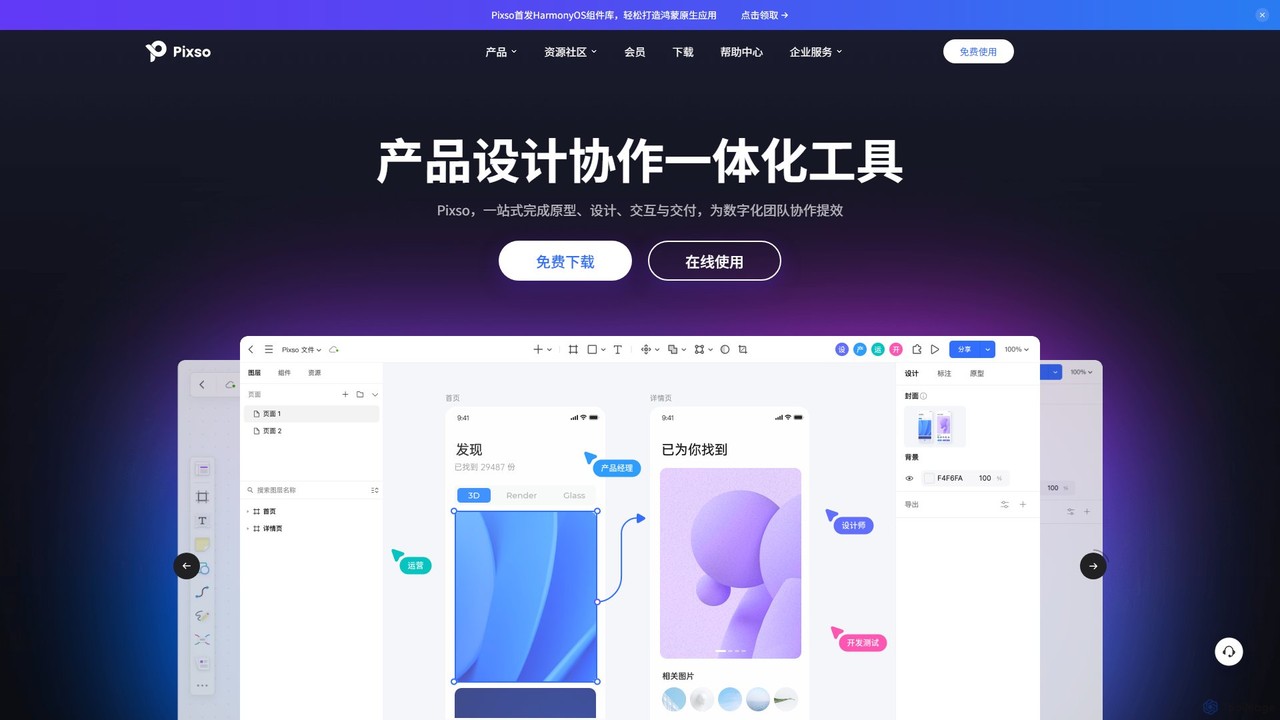
Pixso
Pixso is an all-in-one, cloud-based collaborative product design platform for UI/UX design, prototyping, and developer handoff. It integrates design tools, interactive prototyping, and an online whiteboard, positioning itself as a powerful, real-time alternative to Figma and Sketch, built to enhance team efficiency.
Ui UxMockFlow Categories
MockFlow Embed Widget
Copy this embed code to place the badge on your blog, article, or product site and send readers directly to this ToolMage detail page.

Related AI tools
MasterGo
MasterGo is an AI-powered, all-in-one collaborative UI/UX design platform. It streamlines the entire workflow from prototyping and interface design to developer handoff. Built for real-time collaboration, it helps teams create, iterate, and manage digital products efficiently with features like design systems, AI-assisted generation, and enterprise-level security.
Ui UxUizard
Uizard is an AI-powered UI design tool that empowers both designers and non-designers to create stunning websites, web apps, and mobile app mockups in minutes. Transform text prompts, hand-drawn sketches, or screenshots into editable, interactive prototypes. It's designed for rapid ideation, real-time collaboration, and streamlining the entire product design workflow from concept to handoff.
Ui UxCreatie
Creatie is an intuitive, AI-powered product design and collaboration platform. It enables teams to move from wireframes to high-fidelity mockups, interactive prototypes, and developer handoff seamlessly. Featuring AI tools like a mockup wizard, icon generator, and image enhancer, it's designed to accelerate the UI/UX workflow for designers, product managers, and developers.
Icon GenerationPixso
Pixso is an all-in-one, cloud-based collaborative product design platform for UI/UX design, prototyping, and developer handoff. It integrates design tools, interactive prototyping, and an online whiteboard, positioning itself as a powerful, real-time alternative to Figma and Sketch, built to enhance team efficiency.
Ui Ux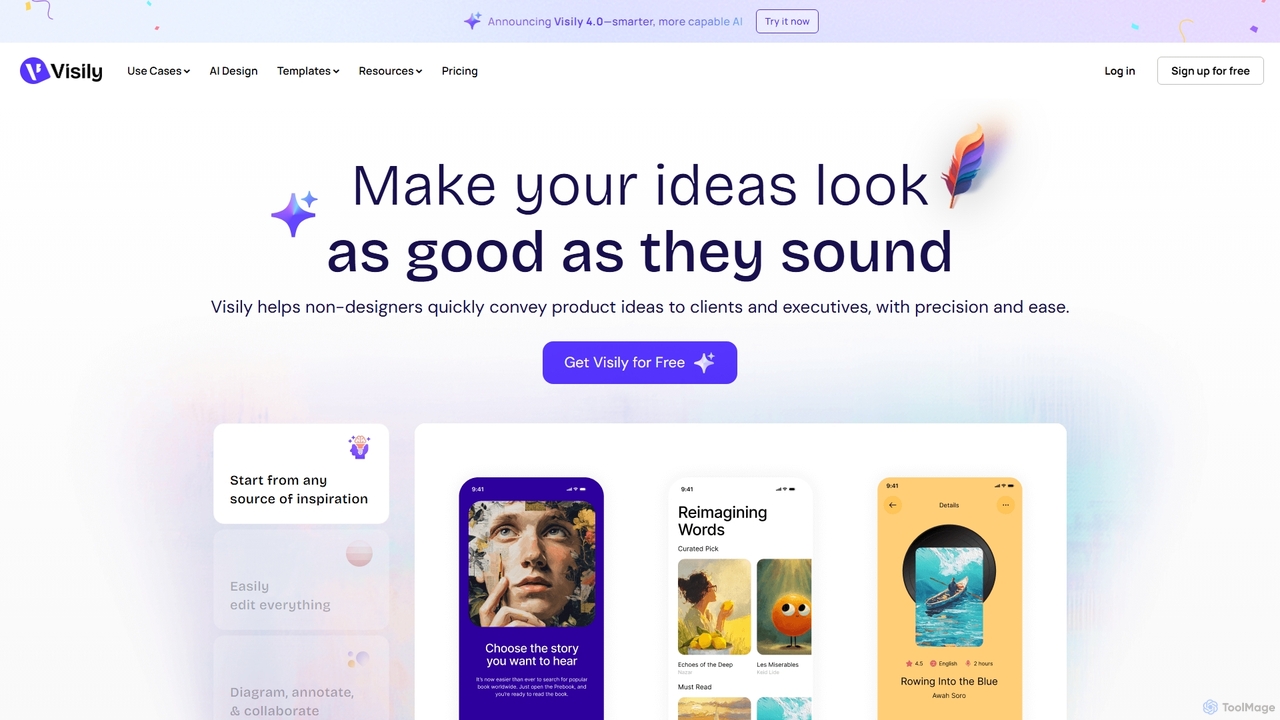
Visily
Visily is an AI-powered UI design and prototyping tool specifically created for non-designers. It enables teams to quickly transform ideas, screenshots, or text prompts into high-fidelity wireframes and mockups. With its intuitive interface and powerful collaboration features, Visily streamlines the process of visualizing product concepts and gathering feedback, bridging the gap between ideas and execution without a steep learning curve.
Ui Ux
Figr
Figr is an AI-powered design suite that accelerates the product design workflow. It specializes in creating production-grade design systems directly within Figma, automating the generation of design tokens, components, and documentation. It's built for product thinkers, designers, and teams to transform research and context into clear, consistent, and scalable user interfaces with remarkable speed.
Ui Ux
Figma
Figma is a leading collaborative interface design platform that allows teams to design, prototype, and gather feedback in one place. Powered by AI, it accelerates workflows from brainstorming in FigJam to creating high-fidelity designs and handing off to developers with Dev Mode, unifying the entire product development process.
Ui Ux Design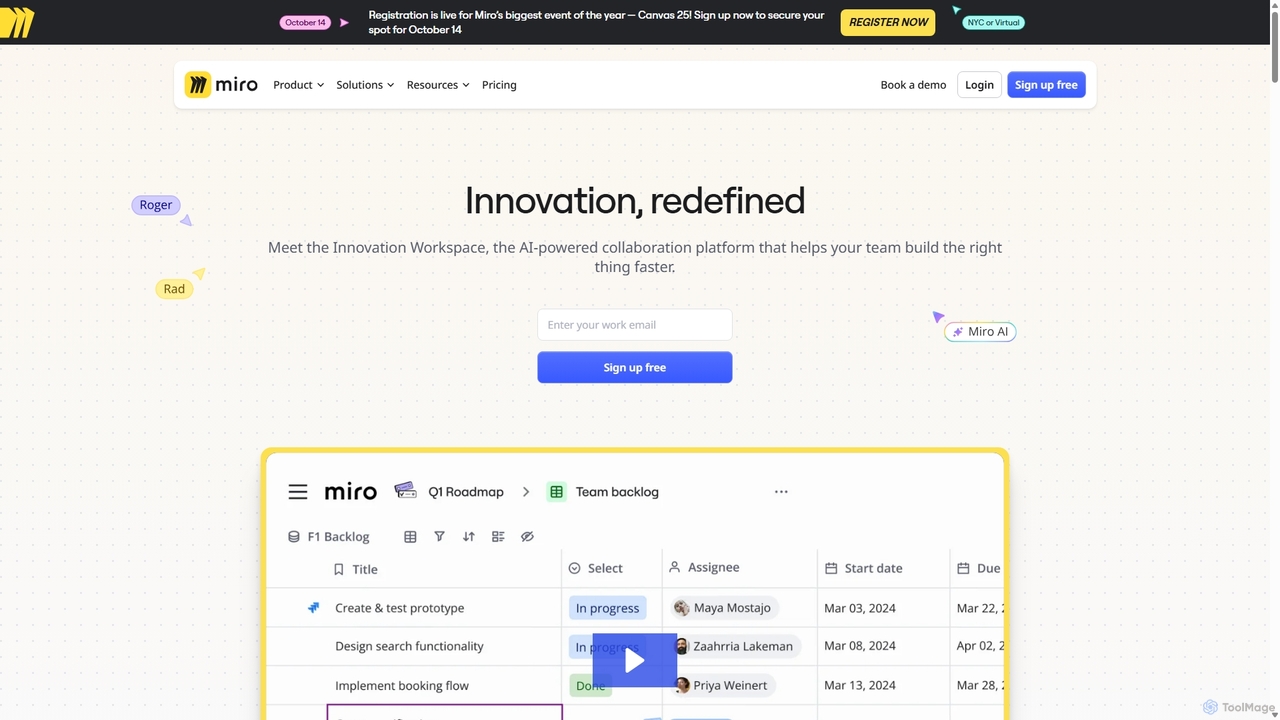
Miro
Miro is an AI-powered online collaborative whiteboard platform designed for modern teams. It provides an infinite canvas for brainstorming, planning, designing, and managing projects in real-time. With a vast template library, powerful integrations, and AI-driven features, Miro helps teams centralize communication and accelerate innovation from idea to execution.
Brainstorming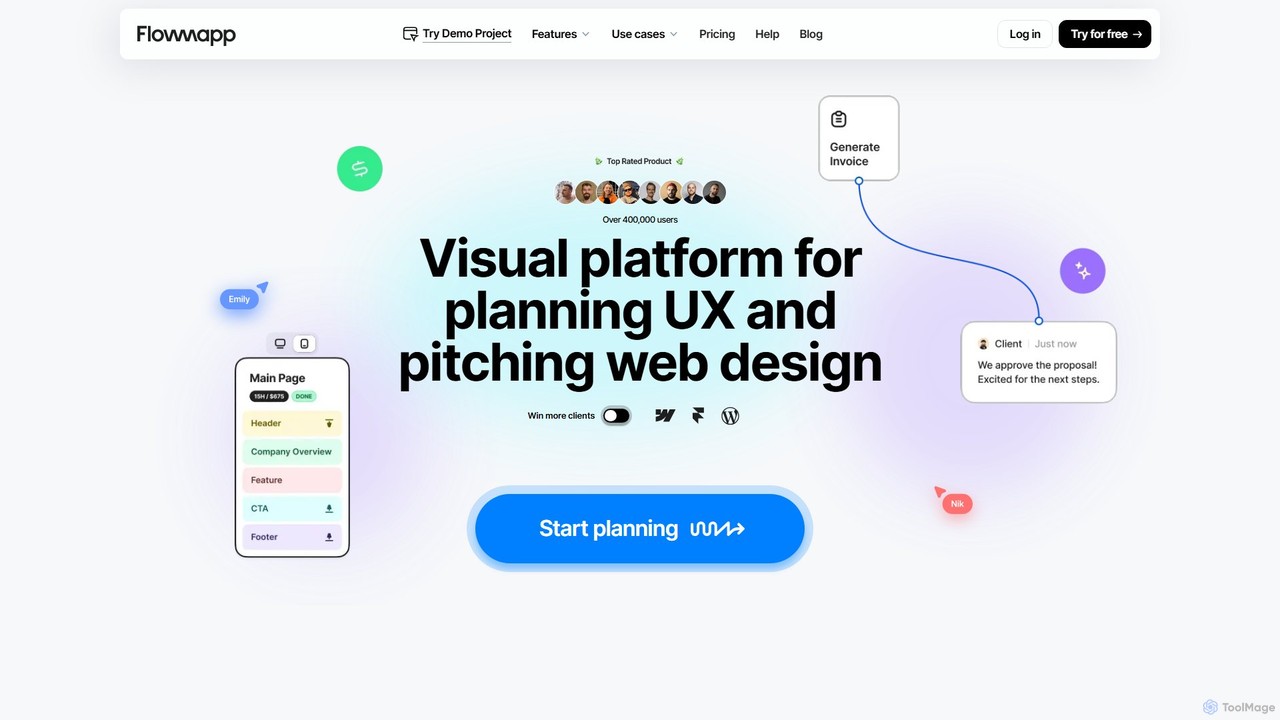
Flowmapp
Flowmapp is an all-in-one UX planning tool designed for freelancers, agencies, and product teams. It streamlines website and app development by integrating AI-powered sitemap and wireframe generation, user flow diagrams, content planning, and collaborative project management into a single platform. Create high-converting project proposals and accelerate your design workflow.
Ux Design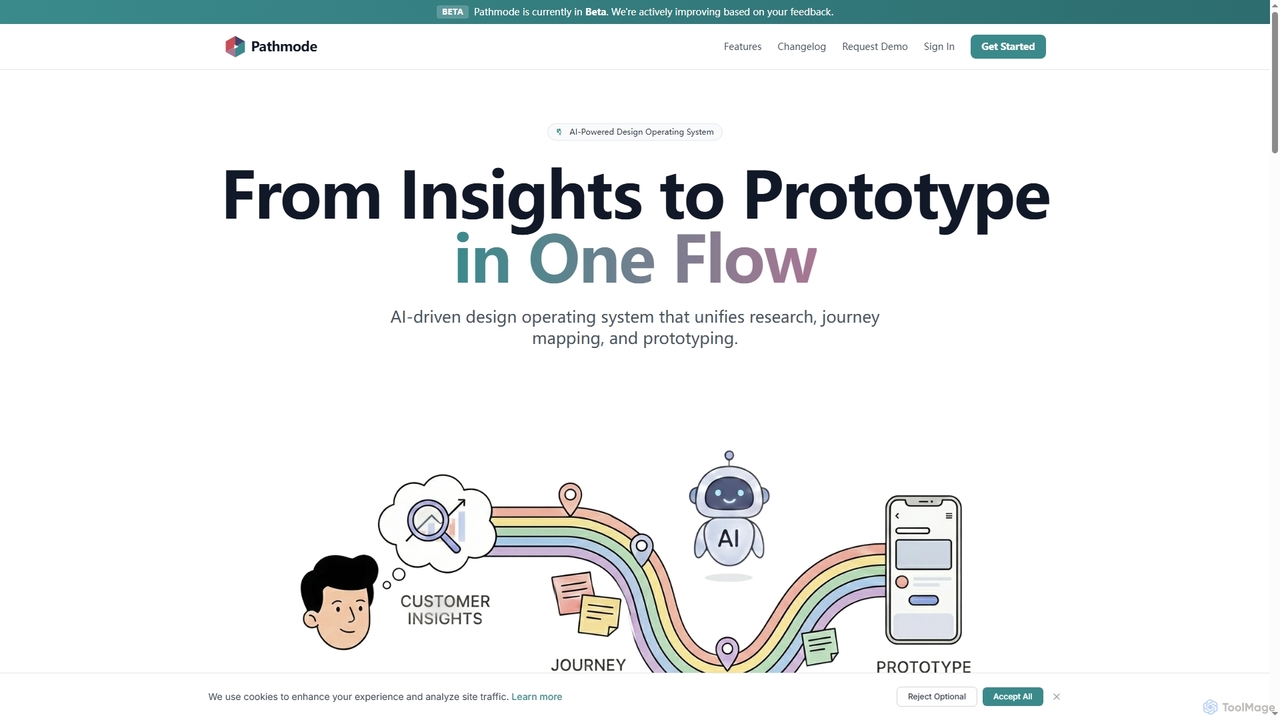
Pathmode
Pathmode is an AI-powered design operating system that unifies user research, automated journey mapping, and prototype specification into a single, seamless workflow. It transforms raw insights into actionable UI design specifications, eliminating manual handoffs and driving efficient product execution.
Design Assistant
usersketch
usersketch is an AI-powered platform designed to accelerate the UX/UI design process. It enables users to instantly generate wireframes, user flows, sitemaps, and personas from simple text descriptions. Ideal for product managers, designers, and developers, it streamlines ideation, prototyping, and collaboration, turning concepts into visual designs in minutes.
Ux DesignFigr AI
Figr AI is an AI-powered design platform that transforms text prompts into high-fidelity UI/UX designs, diagrams, and prototypes. It streamlines the creative process, enabling designers, developers, and product managers to rapidly visualize ideas, generate components, and build complete user flows. By automating repetitive tasks, Figr AI accelerates product development, enhances collaboration, and makes professional design accessible to everyone on the team.
Ui Ux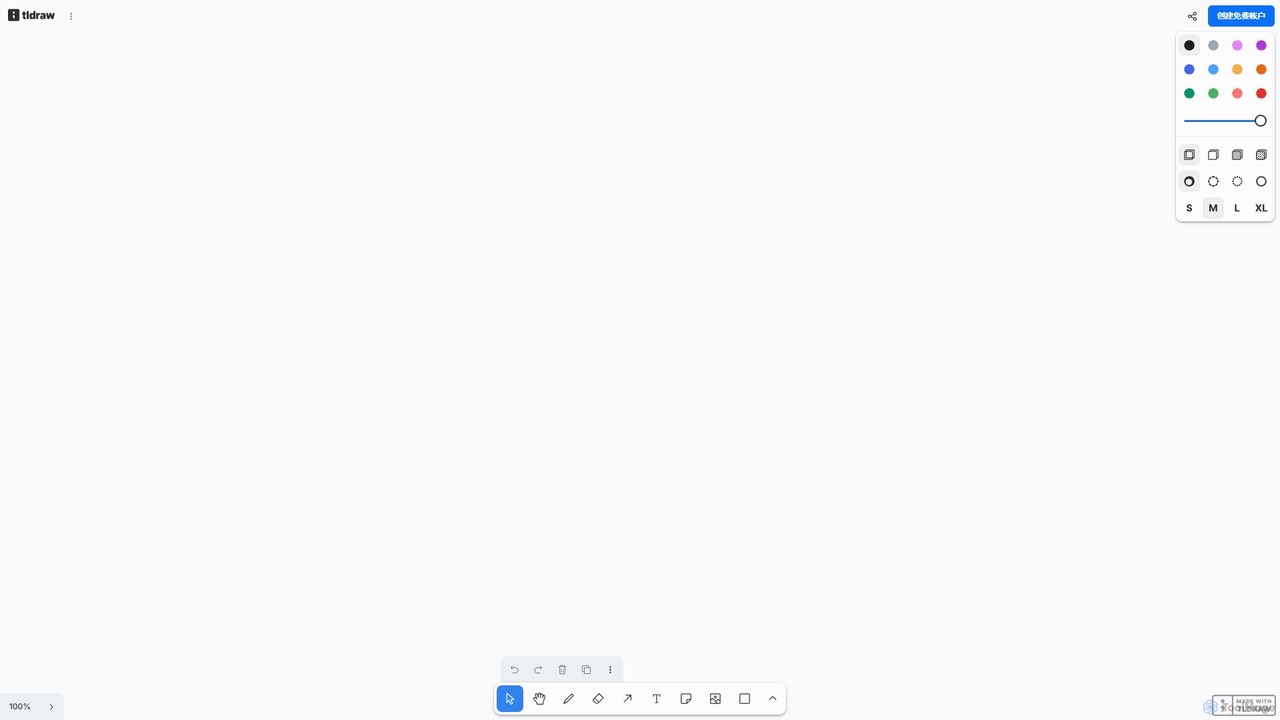
tldraw
tldraw is a free, AI-powered collaborative whiteboard that transforms your rough sketches into functional code and polished diagrams. With its 'Make Real' feature, it's an essential tool for developers, designers, and teams to brainstorm, prototype, and innovate with unprecedented speed.
Brainstorming
Jyek
Jyek is an AI agent platform that understands objectives, creates execution plans, uses tools, and delivers verifiable results for complex, multi-step tasks.
Automation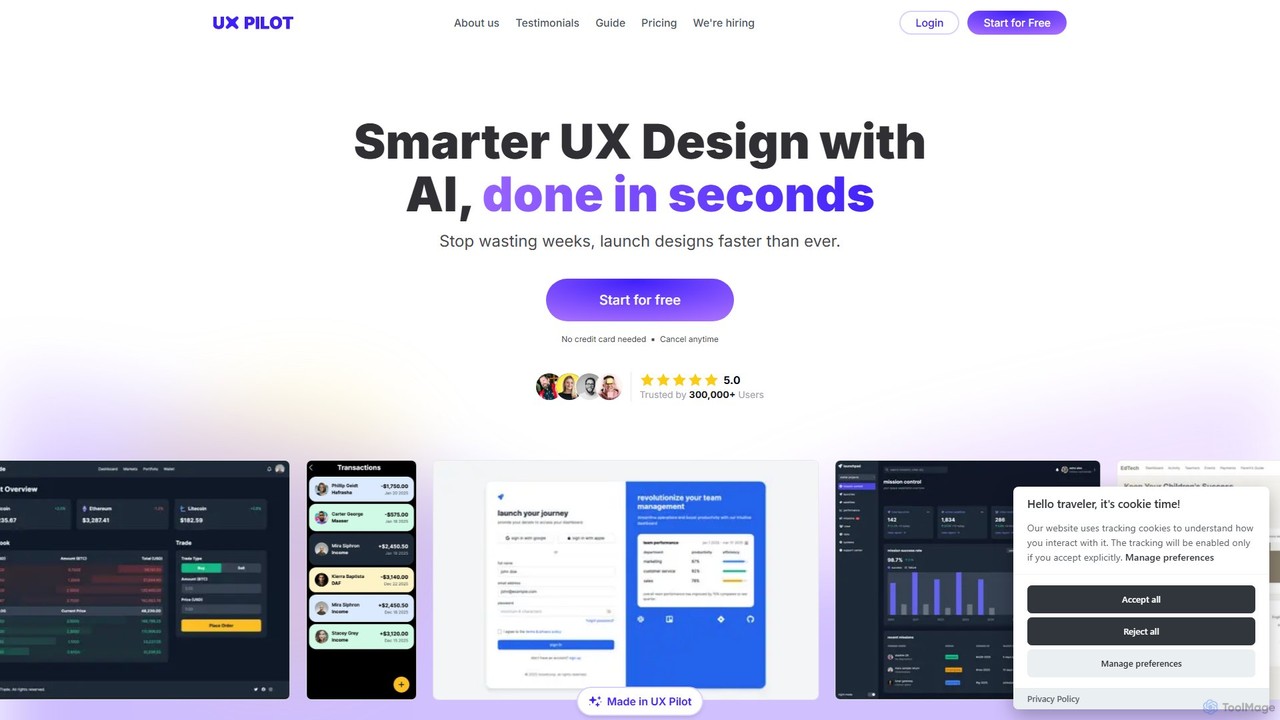
UX Pilot
UX Pilot is an AI-powered design platform that accelerates the UX/UI workflow. It enables designers, product teams, and founders to generate high-fidelity designs, wireframes, screen flows, and prototypes from simple text prompts in seconds. With deep Figma integration, it streamlines the entire process from ideation to handoff.
Ui Ux
MockFlow Comments (0)
Sign in to comment.
Sign inNo comments yet.