Developer Tools Best in category 9 results Prototyping AI Tool

Popular AI tools in the Prototyping field of Developer Tools include tldraw、GuidedTrack、MockFlow、Figr AI、dreamspace.art、gptlab、DreamMVP、usefulloremipsum、Product Prompt, etc., helping you quickly improve efficiency.

Figr AI

Figr AI

Figr AI is an AI-powered design platform that transforms text prompts into high-fidelity UI/UX designs, diagrams, and prototypes. …

10.8K
tldraw

tldraw

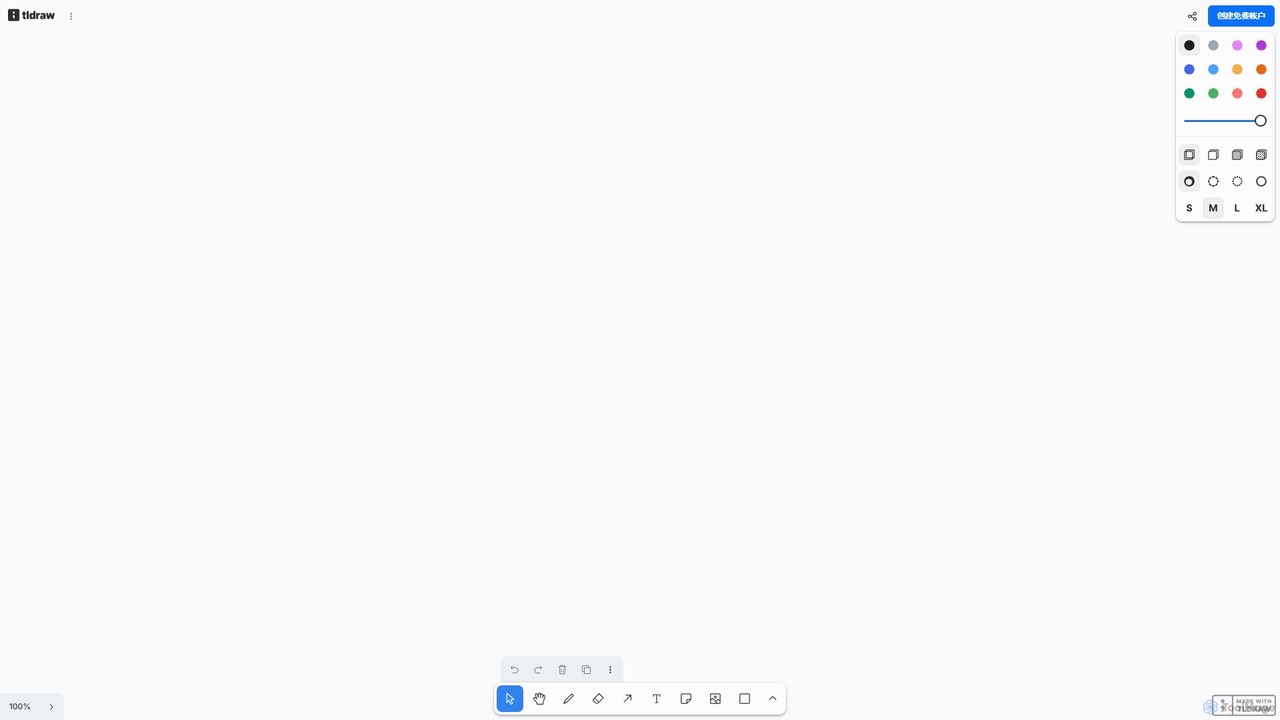
tldraw is a free, AI-powered collaborative whiteboard that transforms your rough sketches into functional code and polished diagrams. …

936.0K
DreamMVP

DreamMVP

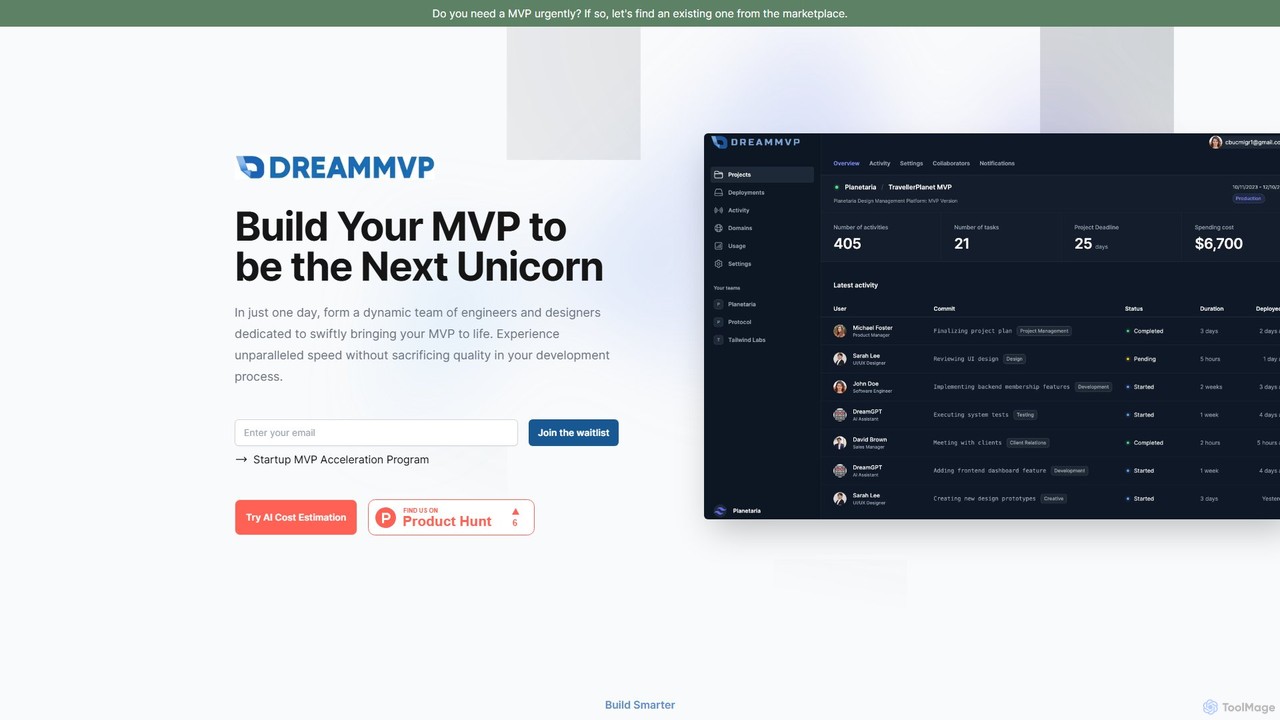
DreamMVP is a platform that accelerates MVP (Minimum Viable Product) development for startups. It connects founders with elite …

3.4K
dreamspace.art

dreamspace.art

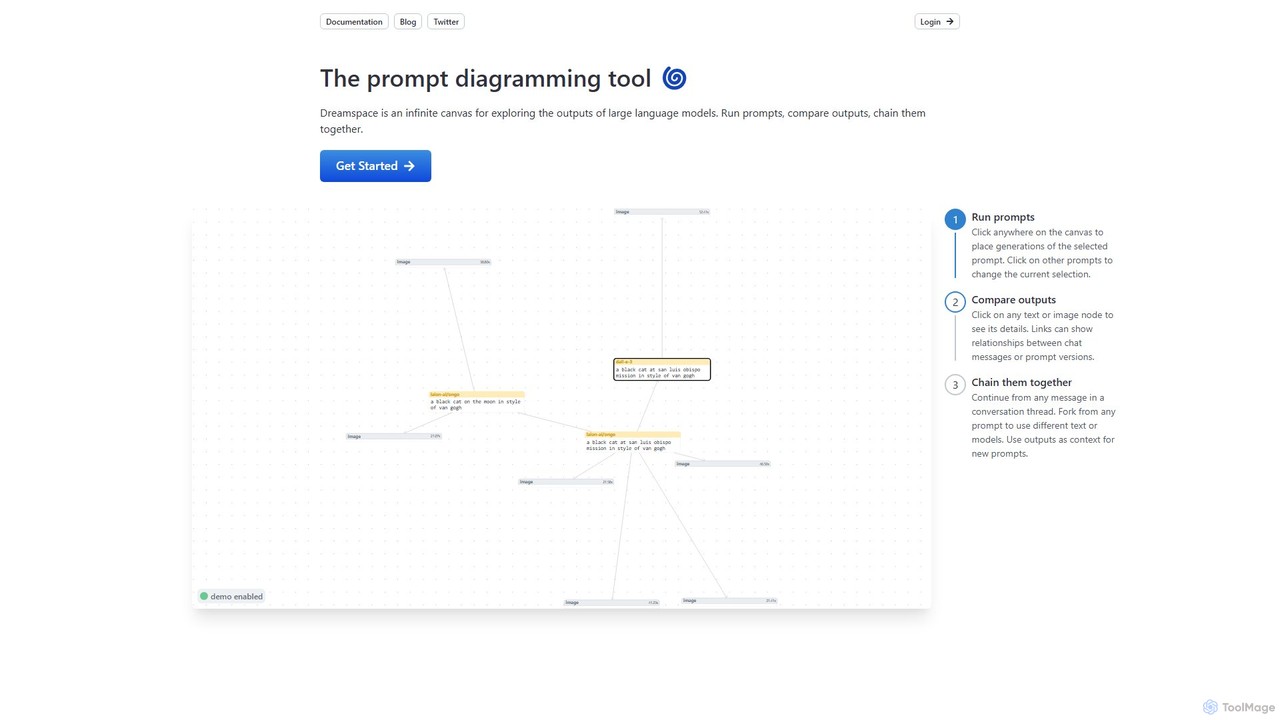
Dreamspace is a visual prompt diagramming tool with an infinite canvas, designed for exploring, comparing, and chaining outputs …

4.2K
usefulloremipsum

usefulloremipsum

An AI-powered UX writer that replaces traditional 'Lorem Ipsum' with meaningful, context-aware content for designers and developers. Leveraging …

3.4K
Free
gptlab

gptlab

An intuitive web-based playground for experimenting with and comparing various large language models. Fine-tune parameters, test prompts, and …

3.4K
MockFlow

MockFlow

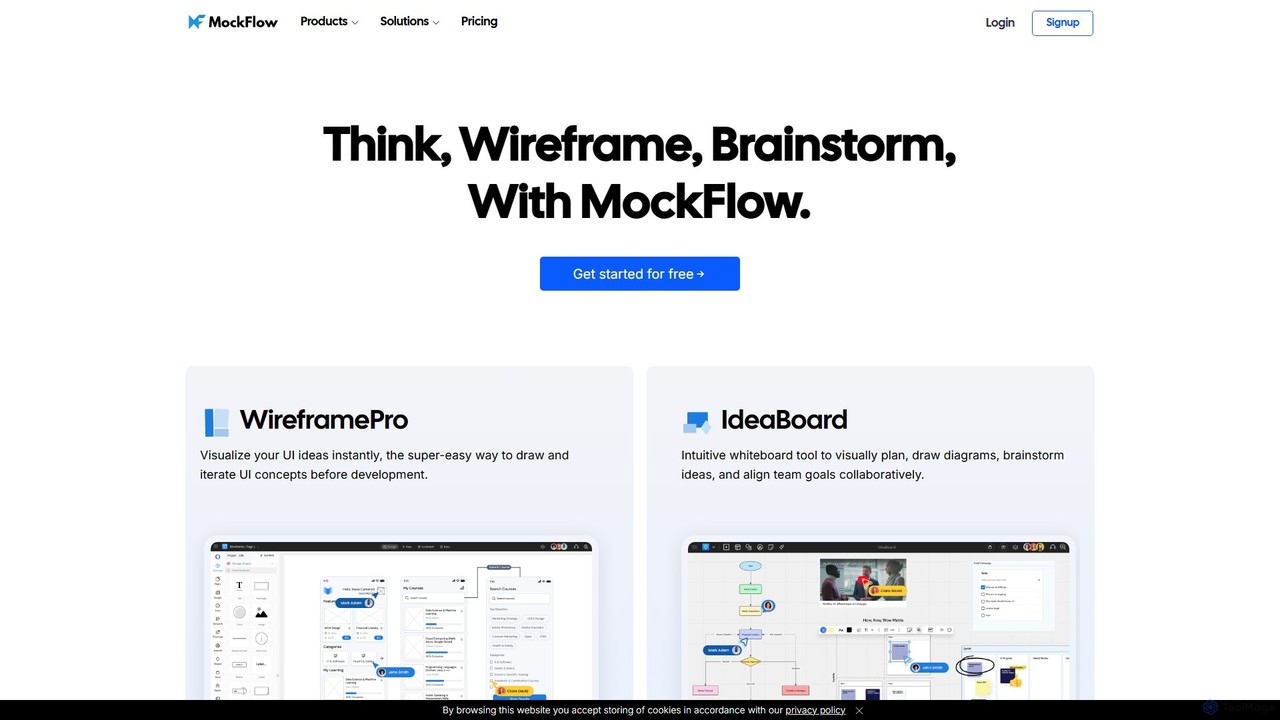
MockFlow is an all-in-one suite for product design, offering tools for wireframing, prototyping, and brainstorming. It leverages AI …

212.3K
GuidedTrack

GuidedTrack

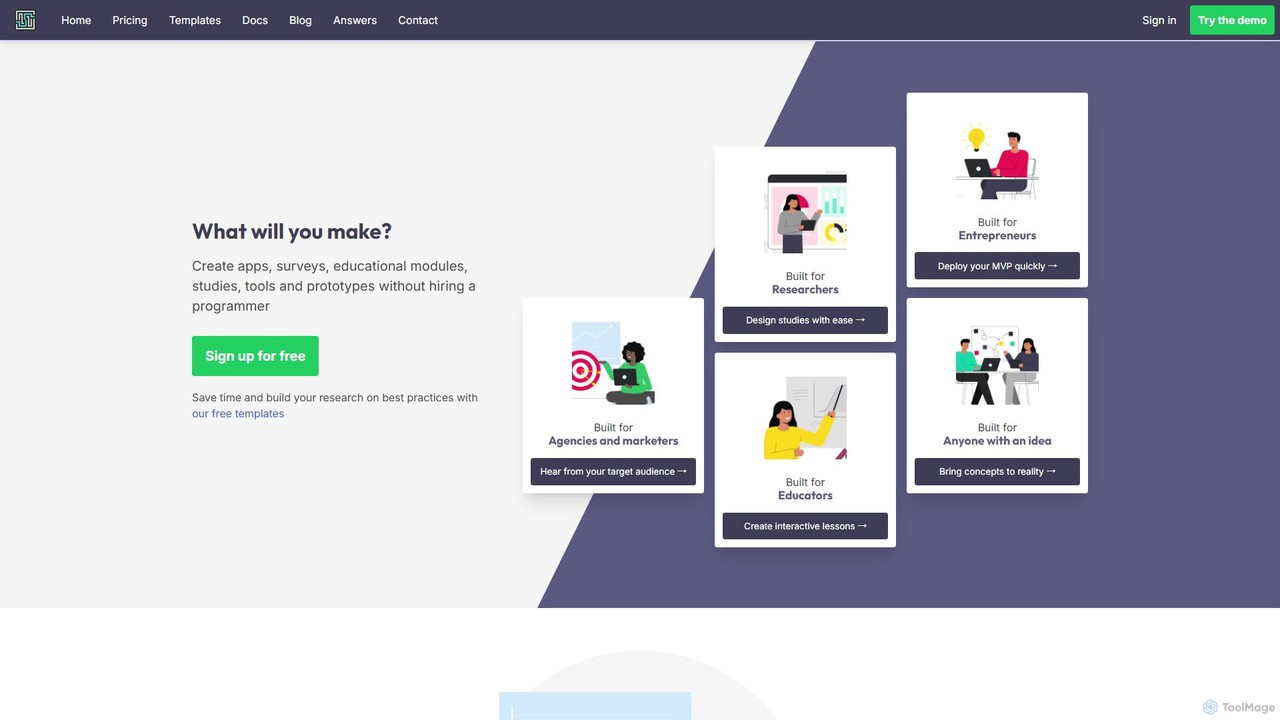
GuidedTrack is a powerful no-code platform for creating interactive web applications, complex surveys, educational modules, and prototypes. It …

355.6K
Product Prompt

Product Prompt

Product Prompt is a collaborative platform designed for teams to easily experiment, test, and iterate on LLM prompts …

3.4K

About Prototyping

AI Prototyping tools are specialized platforms designed to rapidly create interactive models and mockups of software applications, websites, or user interfaces. These tools leverage artificial intelligence to automate repetitive design tasks, generate design variations, and provide intelligent suggestions, significantly accelerating the design and development cycle. They enable designers and developers to visualize and test concepts early, gather feedback efficiently, and iterate on designs with unprecedented speed and precision, bridging the gap between idea and final product.

Core Features

  • AI-Powered UI Generation: Automatically generates UI components, layouts, or even entire screens based on text descriptions, sketches, or existing design patterns.
  • Intelligent Interaction Design: Suggests common user flows, animations, and micro-interactions, helping create more intuitive and engaging user experiences.
  • Automated Data Population: Fills prototypes with realistic dummy data or integrates with real data sources, making mockups more lifelike for testing.
  • User Feedback Analysis: Analyzes user testing data, heatmaps, and click-through rates to provide actionable insights for design improvements.
  • Code Export & Handoff: Generates clean, production-ready code snippets or design specifications for seamless handoff to development teams.

Use Cases

UX/UI designers, product managers, and front-end developers use AI prototyping tools to quickly validate ideas, test user flows, and communicate design concepts before significant development investment. This includes rapid concept validation for new features and automated generation of mobile app screens.

How to Choose

When selecting an AI prototyping tool, consider its integration capabilities with existing design and development workflows, the level of AI automation offered (e.g., UI generation, feedback analysis), the fidelity of prototypes it can produce, and its collaboration features for team-based projects. Evaluate the learning curve and the cost-effectiveness for your specific project needs.

PrototypingUse Cases

1

Rapidly Validate UI/UX Concepts with AI

UX designers can use AI prototyping tools to quickly generate multiple design variations for a new feature or product idea based on simple text prompts or wireframes. This allows for rapid A/B testing with target users, gathering early feedback on usability and preference without extensive manual design work, significantly reducing the time and cost of concept validation.

2

Automate Mobile App Screen Generation

Mobile app developers or designers can leverage AI to automatically create various screens for an application, such as login pages, profile screens, or product listings. By inputting basic requirements or existing design system components, the AI generates functional mockups, enabling faster iteration on layout and flow, and ensuring consistency across the app's interface.

3

Interactive Website Mockup Creation

Web designers and product managers can utilize AI prototyping tools to build interactive website mockups from scratch or by converting low-fidelity sketches. The AI can suggest responsive layouts, populate content, and add basic navigation, allowing stakeholders to experience the website's flow and functionality before any coding begins, streamlining the approval process.

4

Personalized User Journey Prototyping

Product teams aiming to offer personalized experiences can use AI prototyping to simulate different user journeys based on user data or behavioral patterns. The AI can dynamically adjust content and interface elements within the prototype, helping to visualize and test how various user segments interact with a product, leading to more tailored and effective designs.

5

Design System Component Generation

Large organizations or design teams maintaining extensive design systems can use AI prototyping tools to generate new UI components that adhere to existing brand guidelines and component libraries. The AI ensures consistency in styling, spacing, and interaction patterns, accelerating the expansion of design systems and maintaining design integrity across multiple products.

6

Integrate User Feedback for Faster Iteration

After initial user testing, designers can feed qualitative and quantitative feedback into AI prototyping tools. The AI can then analyze this data to suggest specific design modifications or alternative solutions, allowing for rapid, data-driven iterations on prototypes. This significantly shortens the design refinement cycle and ensures the final product is highly user-centric.

PrototypingFrequently Asked Questions