


gptlab Overview
gptlab is a sophisticated yet user-friendly web application designed as an experimental laboratory for interacting with a wide range of Large Language Models (LLMs). Built on the Streamlit framework, it provides a seamless and interactive environment for developers, prompt engineers, writers, and AI enthusiasts to explore the capabilities of models like OpenAI's GPT series, Anthropic's Claude, and Google's Gemini. The platform's primary goal is to demystify the process of prompt engineering and model tuning, making advanced AI accessible to a broader audience without requiring complex coding skills.
With gptlab, users can move beyond simple chat interfaces and delve into the mechanics of AI responses. It serves as a crucial tool for prototyping, testing, and refining AI-driven features before integrating them into larger applications. By offering features like side-by-side model comparison and granular parameter control, gptlab empowers users to make informed decisions about which model and settings are best suited for their specific tasks.
How to use gptlab
Using gptlab is a straightforward process designed for rapid experimentation:
- Provide Your API Key: To get started, you need to input your own API key from a supported LLM provider (e.g., OpenAI). This "Bring Your Own Key" (BYOK) model ensures that you have full control over your usage and costs.
- Select a Model: Choose from a dropdown list of available language models. The platform typically supports various versions, such as GPT-4, GPT-3.5-Turbo, and others.
- Configure Parameters: Before sending your prompt, you can adjust key parameters that influence the AI's output. This includes 'Temperature' (for creativity), 'Max Tokens' (for response length), 'Top P', 'Frequency Penalty', and 'Presence Penalty'.
- Edit the System Prompt: Define the AI's role, context, and rules by editing the system prompt. This is crucial for guiding the model's behavior and tone.
- Enter Your Prompt: Type your query or instruction into the main user prompt area.
- Compare Models (Optional): Utilize the comparison feature to send the same prompt to two different models or the same model with different settings. The results are displayed side-by-side for easy analysis.
- Analyze and Iterate: Review the generated output. Based on the results, you can tweak the parameters, refine your prompt, or switch models and try again. The interface facilitates this iterative process seamlessly.
Core Features of gptlab
- Multi-Model Support: Access and experiment with a diverse range of leading language models from different providers in one centralized interface.
- Advanced Parameter Control: Fine-tune model behavior with sliders and input fields for parameters like temperature, max tokens, top_p, and penalties.
- Side-by-Side Comparison: A powerful feature that allows users to run the same prompt on two different models or configurations simultaneously, making it easy to compare output quality, style, and accuracy.
- System Prompt Editor: Easily customize the system prompt to set the context, define the AI's persona, and enforce specific response formats.
- Interactive and Real-time: Being a Streamlit application, the interface is highly interactive, providing real-time feedback and updates as you adjust settings.
- Session Management: Maintains a history of your conversation within a session, allowing the model to have context for follow-up questions.
Use Cases for gptlab
gptlab is a versatile tool suitable for a variety of professional and educational applications:
- Prompt Engineering and Optimization: The primary use case for developers and prompt engineers to craft, test, and refine prompts to achieve the most reliable and desired outputs for their applications.
- Content Creation and Brainstorming: Writers, marketers, and creators can use it to generate blog posts, marketing copy, scripts, and brainstorm ideas by experimenting with different models and creative settings.
- Educational Tool: An excellent resource for students and newcomers to AI to learn the fundamentals of LLMs, understand the impact of different parameters, and gain hands-on experience.
- Rapid Prototyping: Developers can quickly test and validate ideas for AI-powered features before committing to extensive development and API integration.
- Comparative Model Analysis: Researchers and businesses can conduct qualitative analyses to compare the strengths and weaknesses of various models for specific tasks like summarization, translation, or code generation.
Advantages of gptlab
gptlab offers several key advantages over interacting with LLMs through standard APIs or basic chat clients:
- Accessibility: Its no-code, graphical interface makes advanced LLM features accessible to non-programmers.
- Efficiency: The ability to quickly iterate and compare models in one window significantly speeds up the development and testing workflow.
- Cost Control: The BYOK model means you only pay the API provider for what you use, with no additional subscription fees for the tool itself.
- Informed Decision-Making: Direct comparison helps users choose the most effective and cost-efficient model for their specific needs.
- Practical Learning: It provides a hands-on, intuitive way to build a deep understanding of how LLMs work.
Pricing and Plans
gptlab is a free-to-use tool. It operates on a "Bring Your Own Key" (BYOK) basis. This means users must provide their own API keys from the respective AI model providers (like OpenAI). All costs associated with using the AI models are billed directly by the provider according to their own pricing plans. There are no subscription fees or hidden charges from gptlab itself, making it a highly cost-effective solution for experimentation and development.
gptlab Alternatives
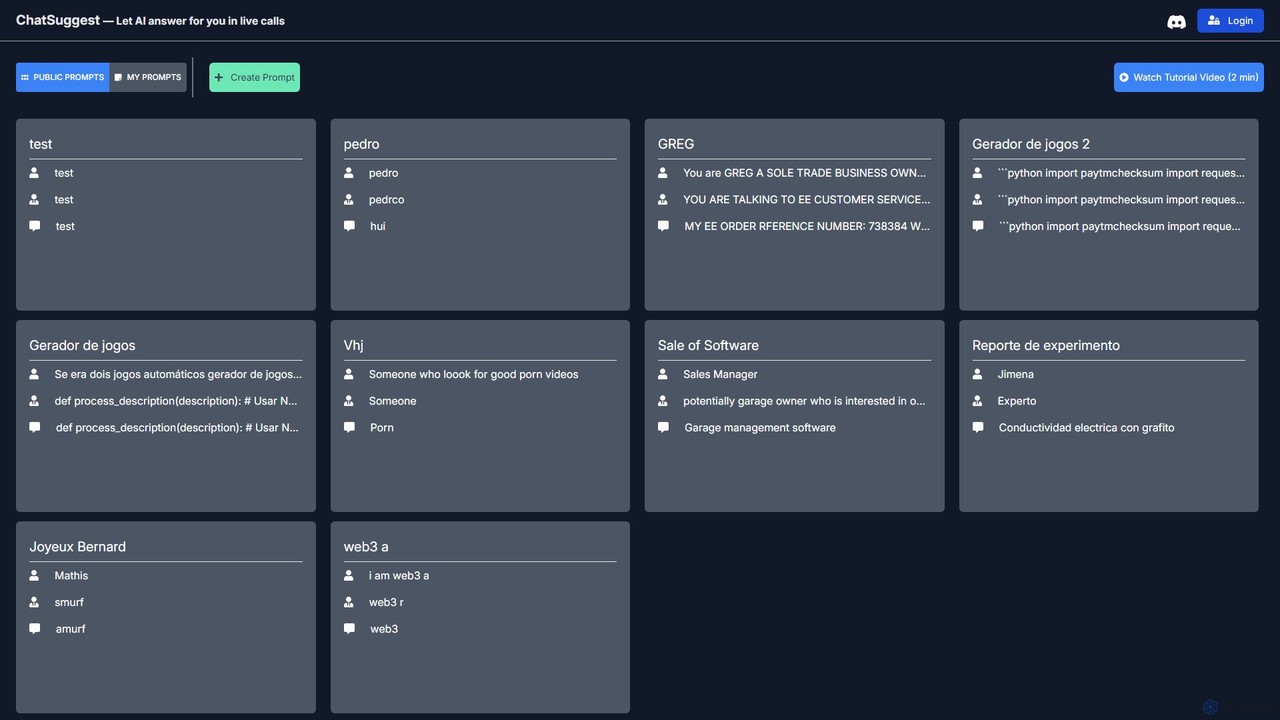
ChatSuggest
ChatSuggest is a community-driven platform for discovering, creating, and sharing high-quality AI prompts. It offers a vast library of public prompts for various tasks, from creative writing to code generation, helping users enhance their interactions with large language models and achieve better results.
Code Assistant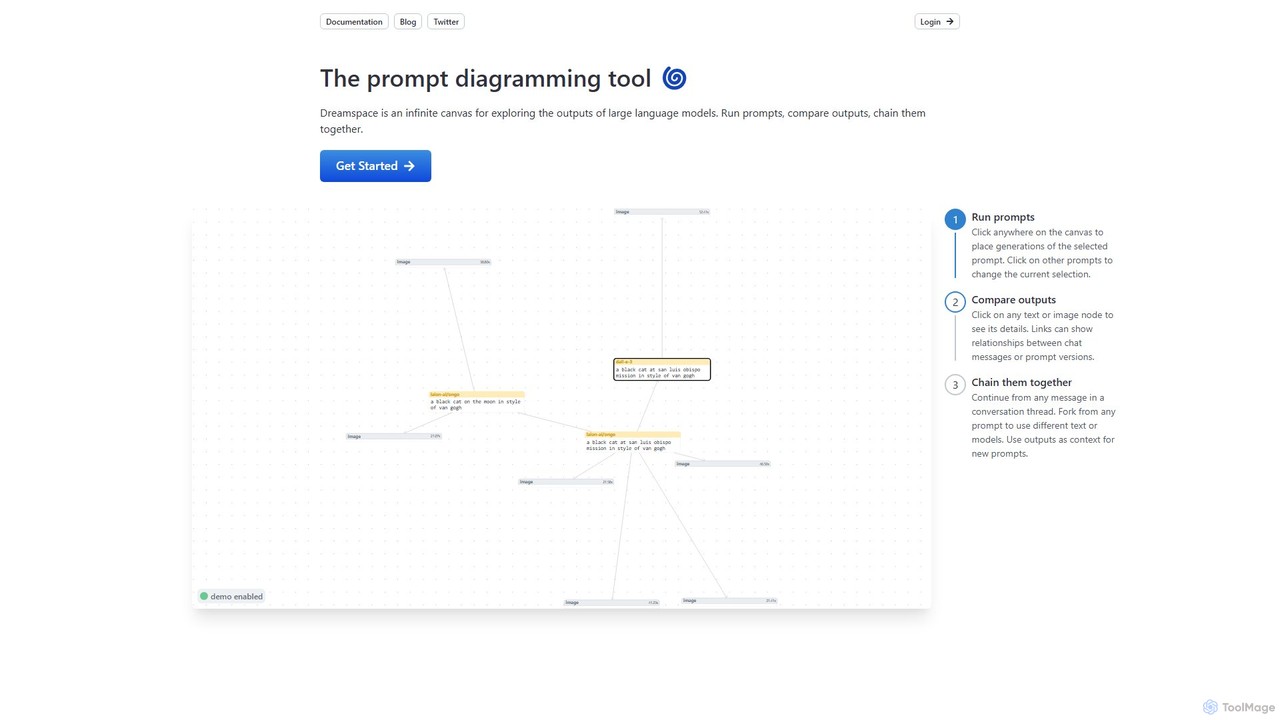
dreamspace.art
Dreamspace is a visual prompt diagramming tool with an infinite canvas, designed for exploring, comparing, and chaining outputs from large language models. It allows users to visually organize prompt experiments, connect to various AI models like OpenAI and Claude, and build complex workflows in a node-based interface.
Experimentation
OpenAI API Playground
An interactive web-based interface for developers and researchers to experiment with OpenAI's powerful AI models like GPT-4 and DALL-E. Test prompts, adjust parameters, and generate code snippets for API integration without writing any initial code.
Personal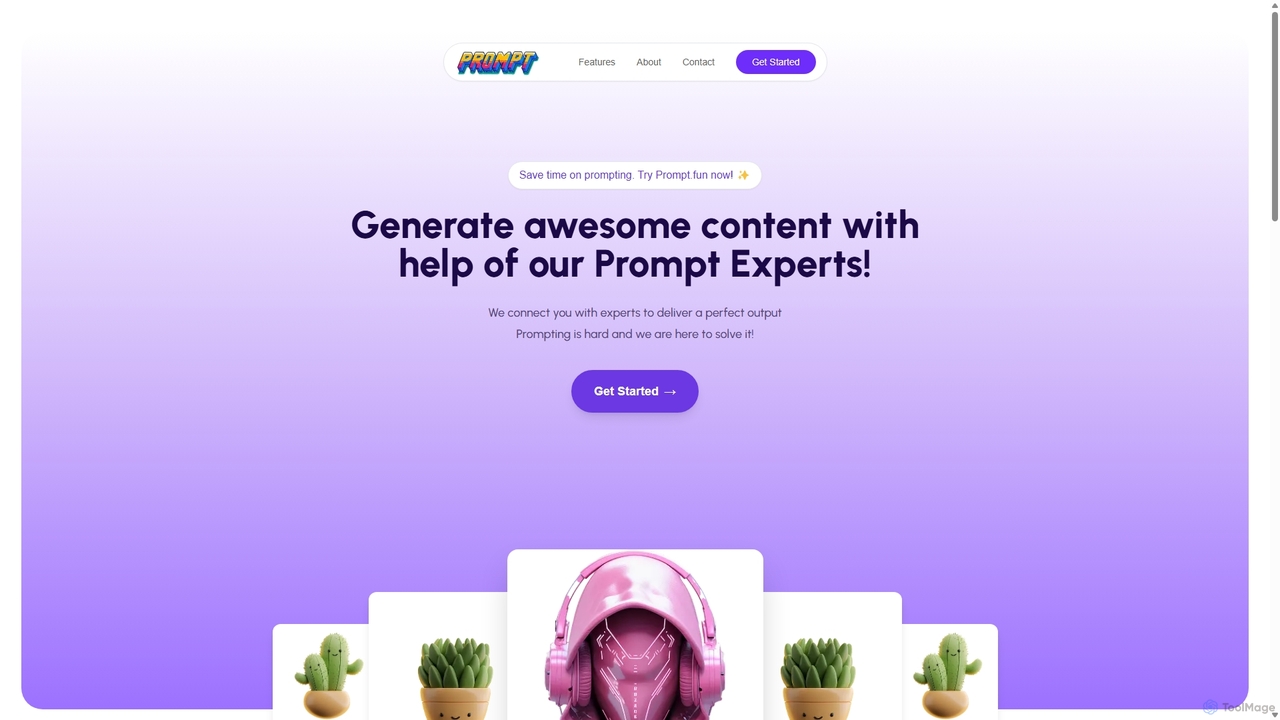
Prompt.fun
Prompt.fun is a unique platform connecting users with professional prompt engineering experts. Save time and achieve superior AI-generated content by collaborating in real-time with specialists. Whether for art, writing, or code, get perfectly crafted prompts tailored to your specific needs and unlock the full potential of any AI tool.
Learning
Prompttokencounter
A free, online tool for developers and prompt engineers to accurately count tokens for various OpenAI models like GPT-4o, GPT-4, and GPT-3.5. It helps manage prompt length to stay within model limits, control API costs, and optimize interactions with LLMs. The tool operates entirely in your browser, ensuring your prompts remain private and are never transmitted over the internet.
Textgptlab Categories
gptlab Embed Widget
Copy this embed code to place the badge on your blog, article, or product site and send readers directly to this ToolMage detail page.

Related AI tools
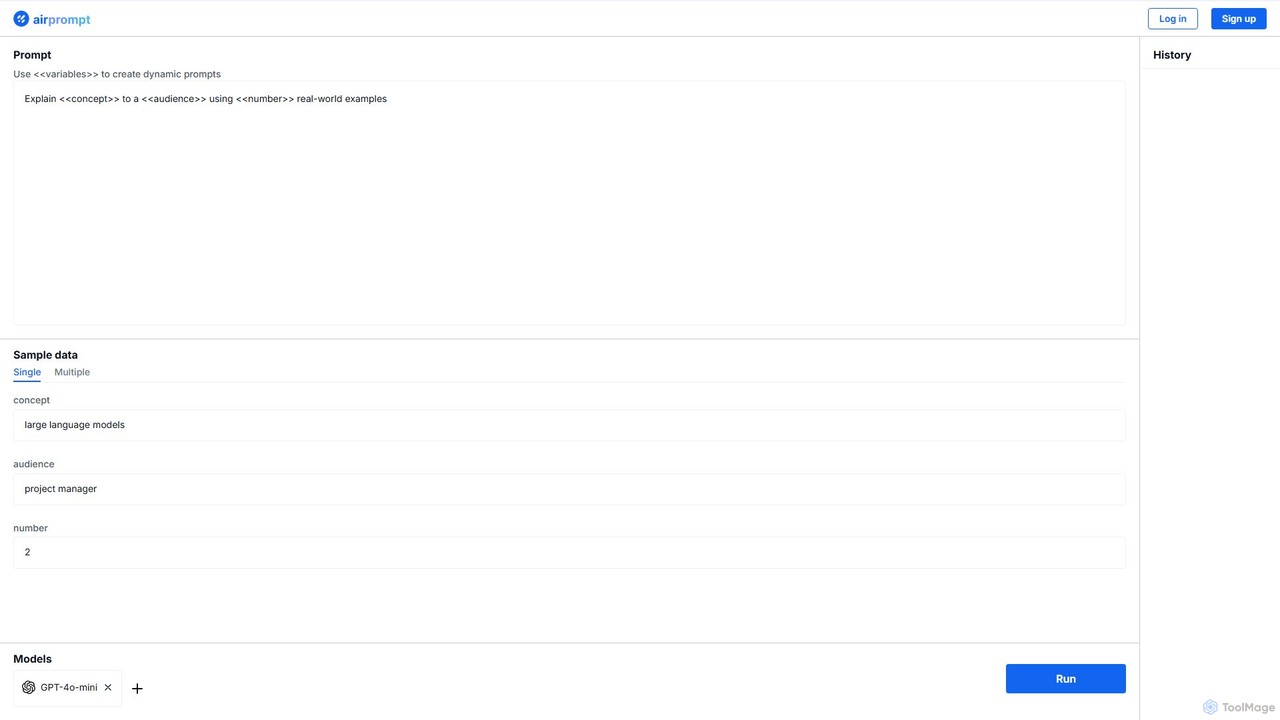
AirPrompt
AirPrompt is a powerful prompt engineering and testing platform. It enables users to simultaneously test, compare, and optimize AI prompts across multiple models like GPT-4, Claude, and open-source alternatives. Featuring dynamic variables, bulk data uploads, and side-by-side result comparison, it streamlines the workflow for developers and content creators to build high-quality, cost-effective AI applications.
Playground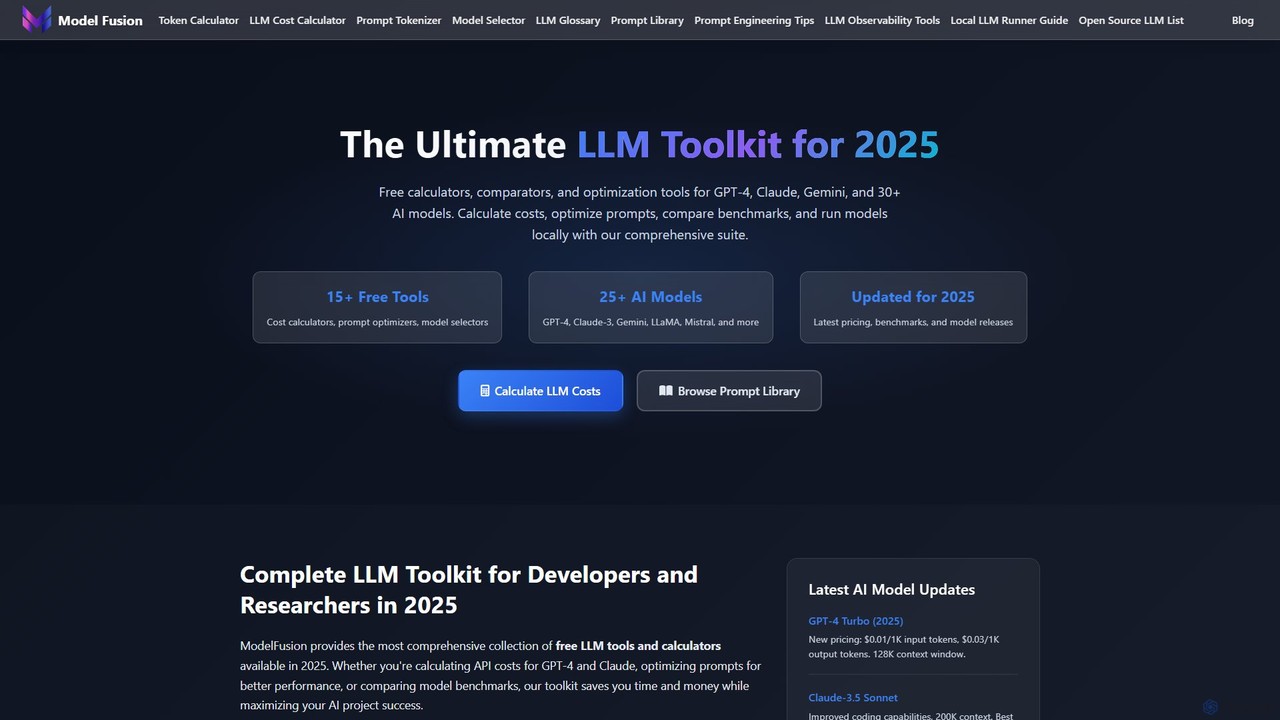
ModelFusion
ModelFusion is an all-in-one LLM toolkit for developers and researchers. It offers a suite of free tools, including a cost calculator, prompt library, and model comparator for over 30 AI models like GPT-4, Claude, and Gemini. It also provides a unified API and local model running guides to streamline AI development and optimize costs.
Api
Everyprompt
Everyprompt is an advanced playground and development environment for large language models like GPT-3. It enables users to test, build, and deploy AI-driven APIs seamlessly, streamlining the entire workflow from experimentation to production with integrated CI/CD.
Api & Integration
PromptPoint
A collaborative, no-code platform for teams to design, test, deploy, and monitor LLM prompts. It offers automated testing, versioning, and multi-LLM support to ensure high-quality, predictable AI outputs.
Llm OpsOpenAI API Playground
An interactive web-based interface for developers and researchers to experiment with OpenAI's powerful AI models like GPT-4 and DALL-E. Test prompts, adjust parameters, and generate code snippets for API integration without writing any initial code.
Personal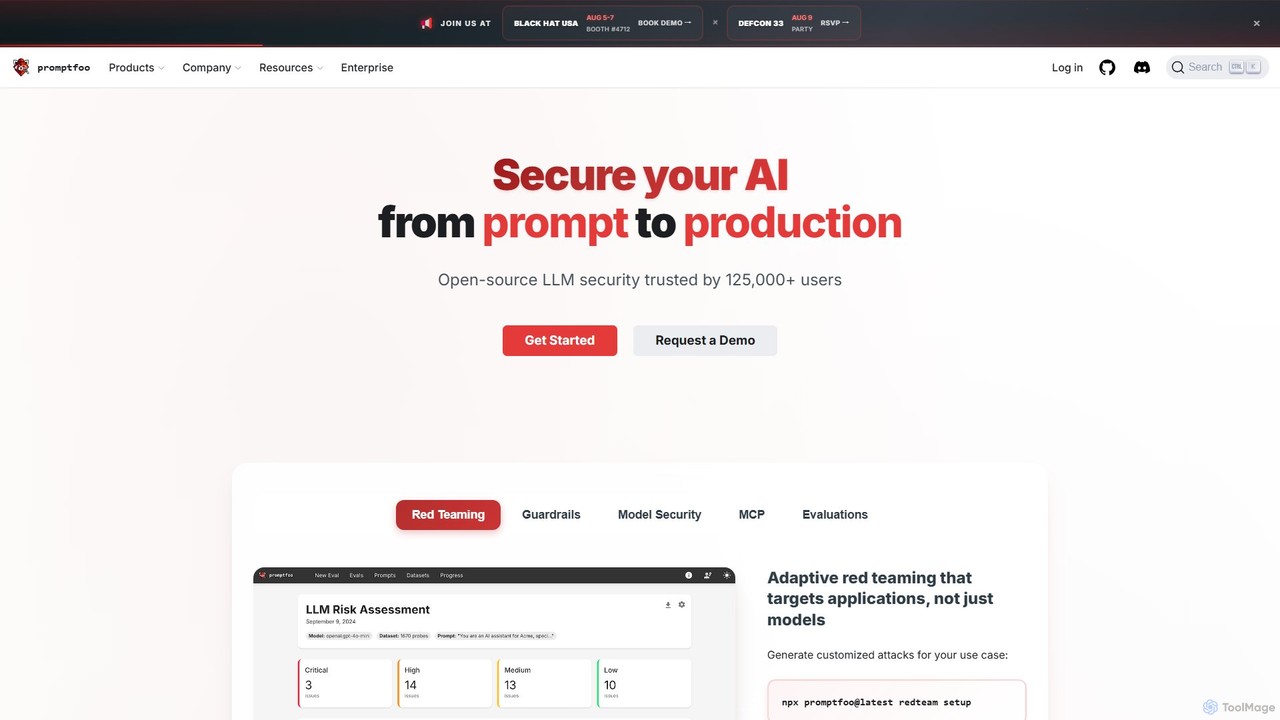
promptfoo
promptfoo is a comprehensive testing and evaluation framework for Large Language Models (LLMs). It helps developers and enterprises compare prompt quality, evaluate model performance, and enhance AI security through systematic testing, benchmarking, and AI-powered red teaming. It supports over 50 LLM providers, including local models, and offers a developer-friendly CLI for seamless integration into development workflows.
Low Code No Code
Promptitude.io
Promptitude.io is a comprehensive prompt management platform designed for teams and developers. It allows you to create, test, manage, and deploy AI prompts into any application or workflow in minutes via a simple REST API. It supports multiple AI providers like OpenAI, Alibaba Qwen, and Sonar, enabling flexible and efficient AI integration without vendor lock-in. The platform centralizes prompt engineering, collaboration, and performance monitoring.
Workflow Automation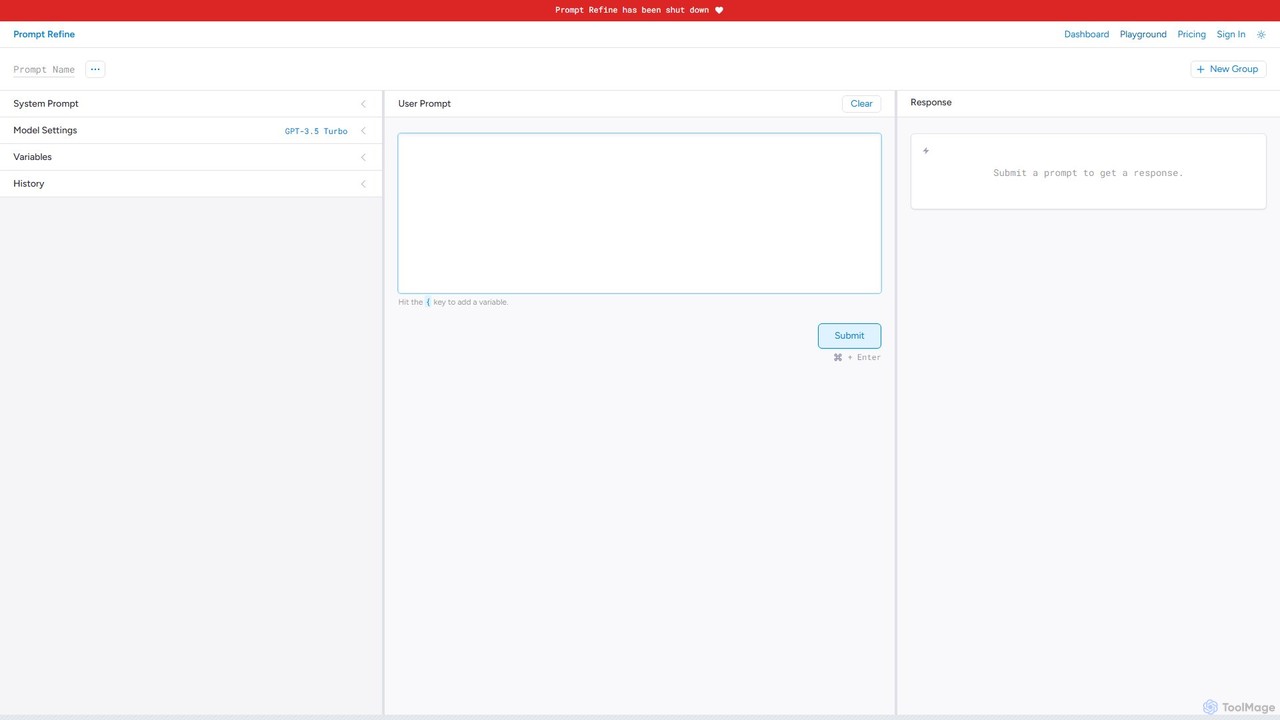
Prompt Refine
Prompt Refine is a powerful platform for prompt engineering, enabling developers and researchers to run systematic experiments. It helps you test, compare, version, and organize prompts for various LLMs like OpenAI and Anthropic, streamlining the optimization process and improving model output quality.
Model Management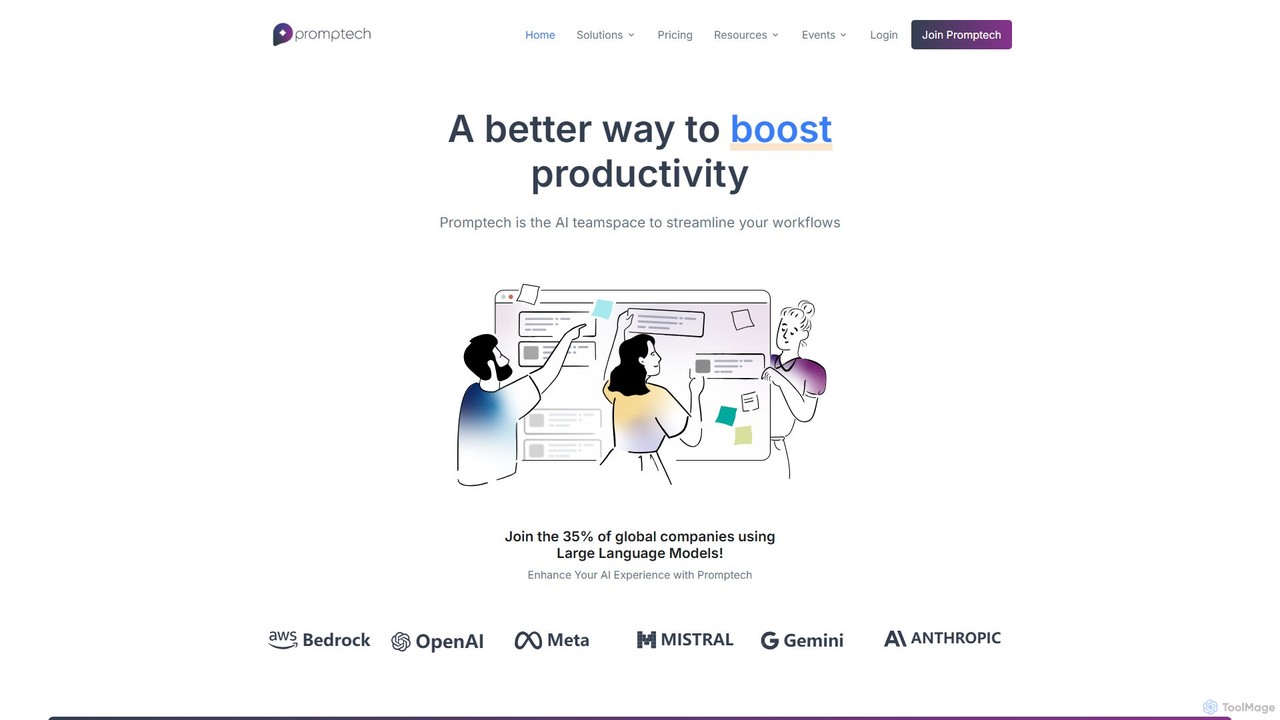
Promptech
Promptech is a collaborative AI teamspace designed for businesses to streamline workflows using multiple large language models. It offers advanced prompt engineering tools, enterprise-grade security, and a unified platform for teams to create, test, and deploy AI-powered solutions, boosting productivity and innovation.
Collaboration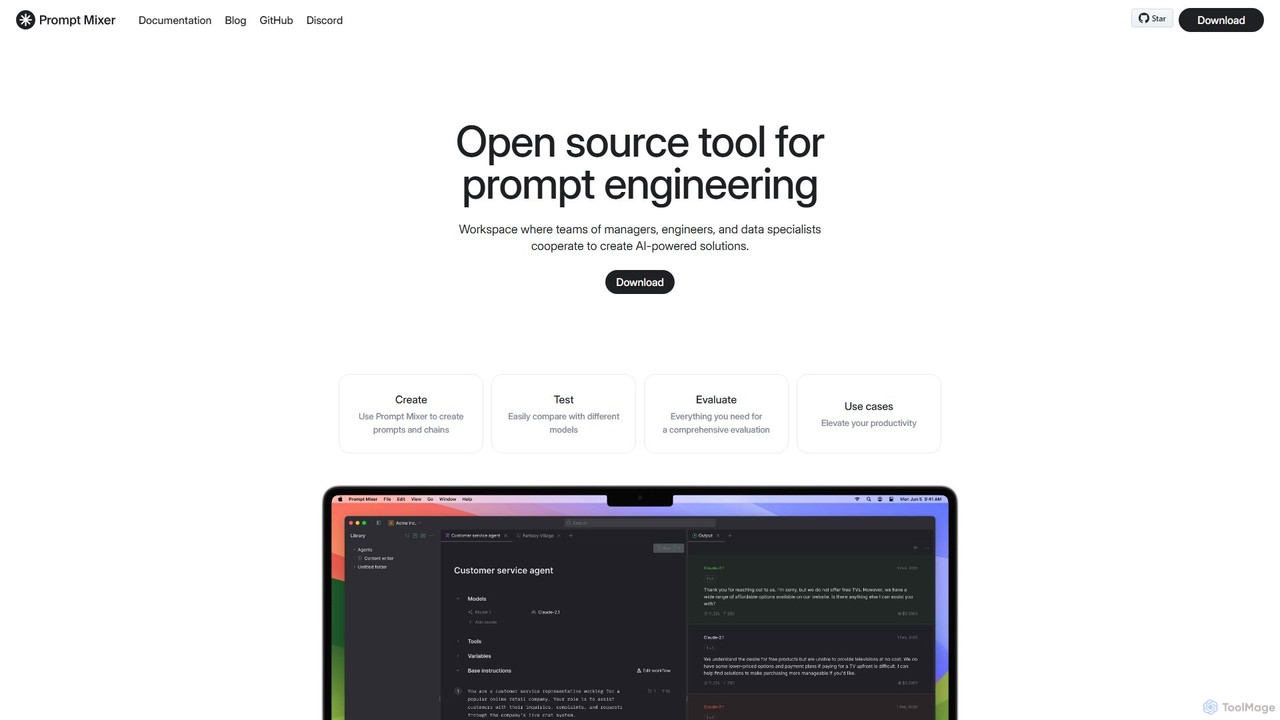
Prompt Mixer
Prompt Mixer is a powerful open-source tool for prompt engineering, providing a collaborative workspace for teams. It enables users to create, test, evaluate, and deploy AI-powered solutions by managing prompt chains, comparing different LLMs, and utilizing advanced evaluation metrics.
Prompt Engineering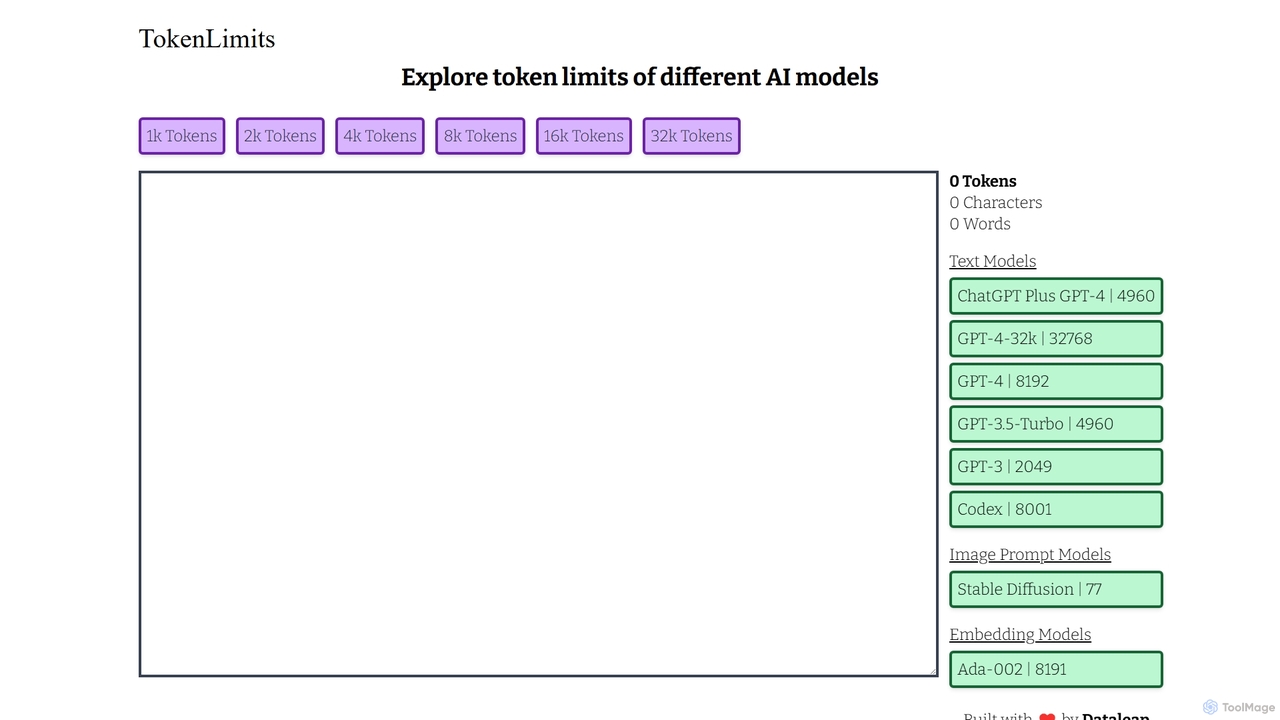
TokenLimits
A free, quick-reference web tool for developers, researchers, and AI enthusiasts to check the token limits of popular AI models. It provides a centralized, up-to-date database for text, image, and embedding models, simplifying workflow and development.
Api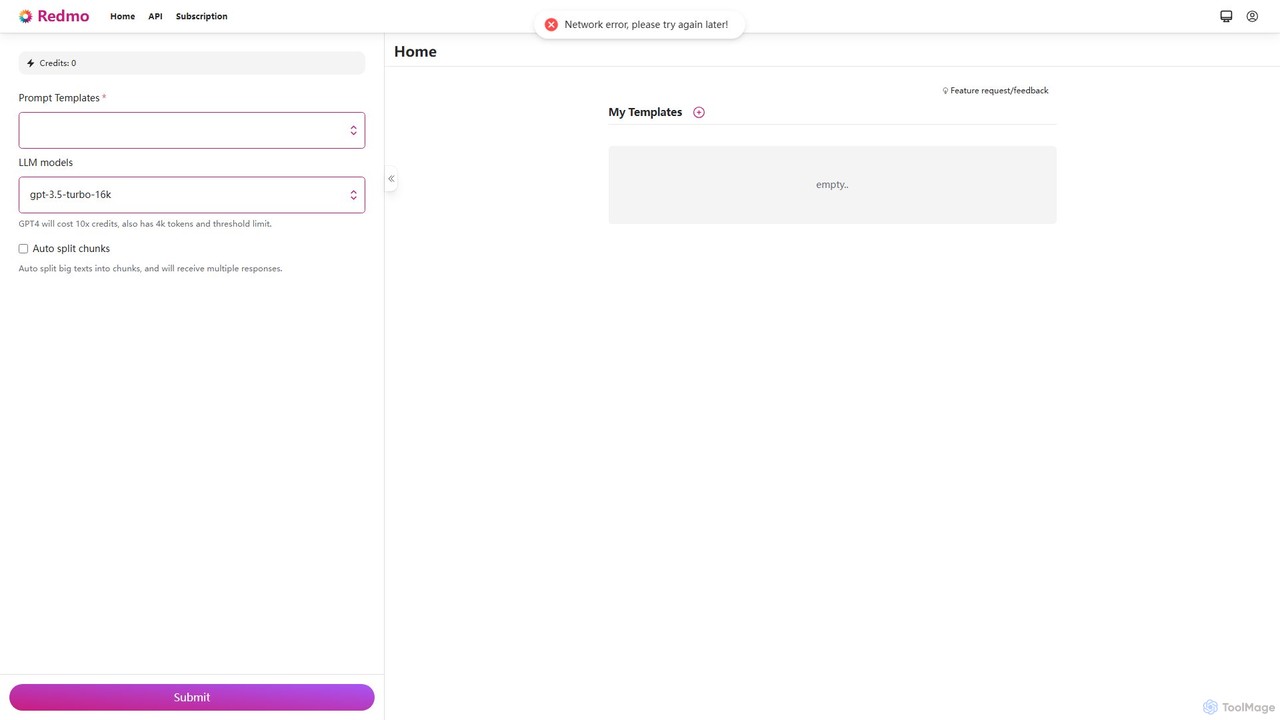
Redmo
Redmo is a powerful prompt engineering platform that enables users to create, manage, and execute dynamic prompt templates with variables. It offers API support for seamless integration and features multi-LLM compatibility, including GPT-4, to streamline and scale automated content generation and workflows.
Api Management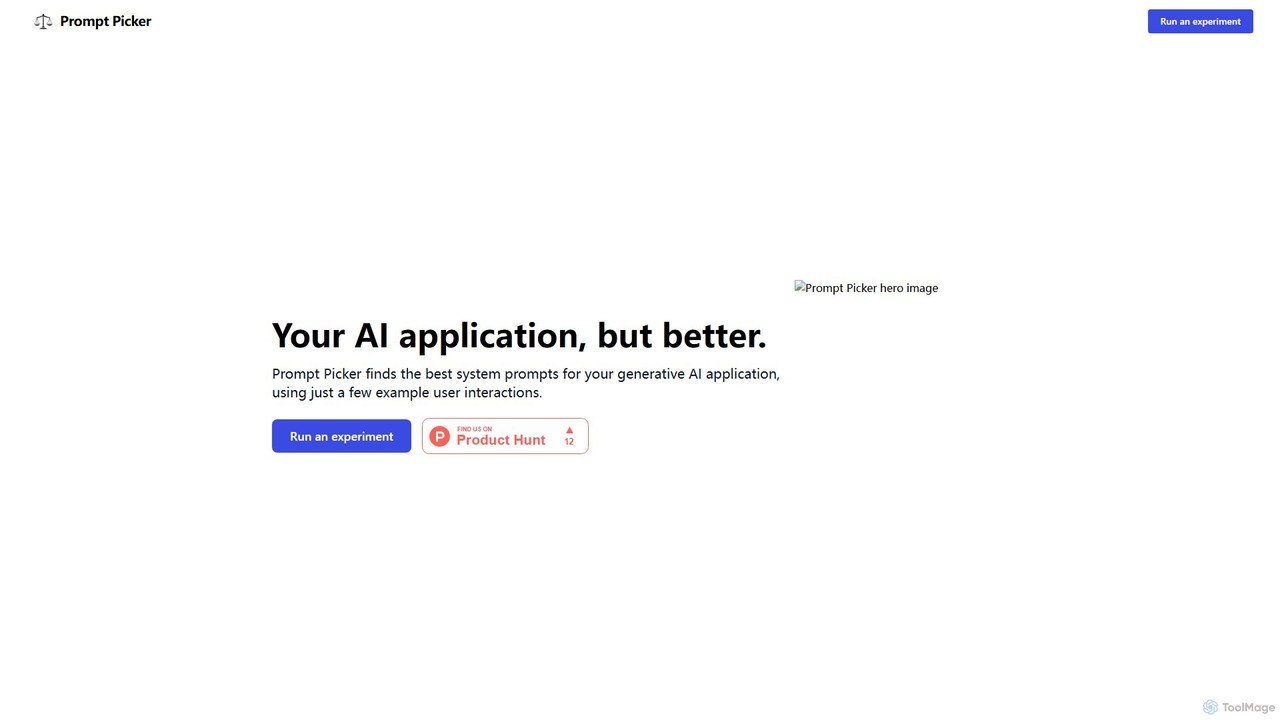
Prompt Picker
Prompt Picker is an AI-powered tool for developers and users to optimize generative AI prompts. It enables A/B testing of multiple system prompts or custom instructions in parallel. Through a double-blind experimental setup and an ELO rating system, it scientifically ranks prompts to find the most effective and cost-efficient options, enhancing user experience and reducing operational costs.
Testing & Evaluation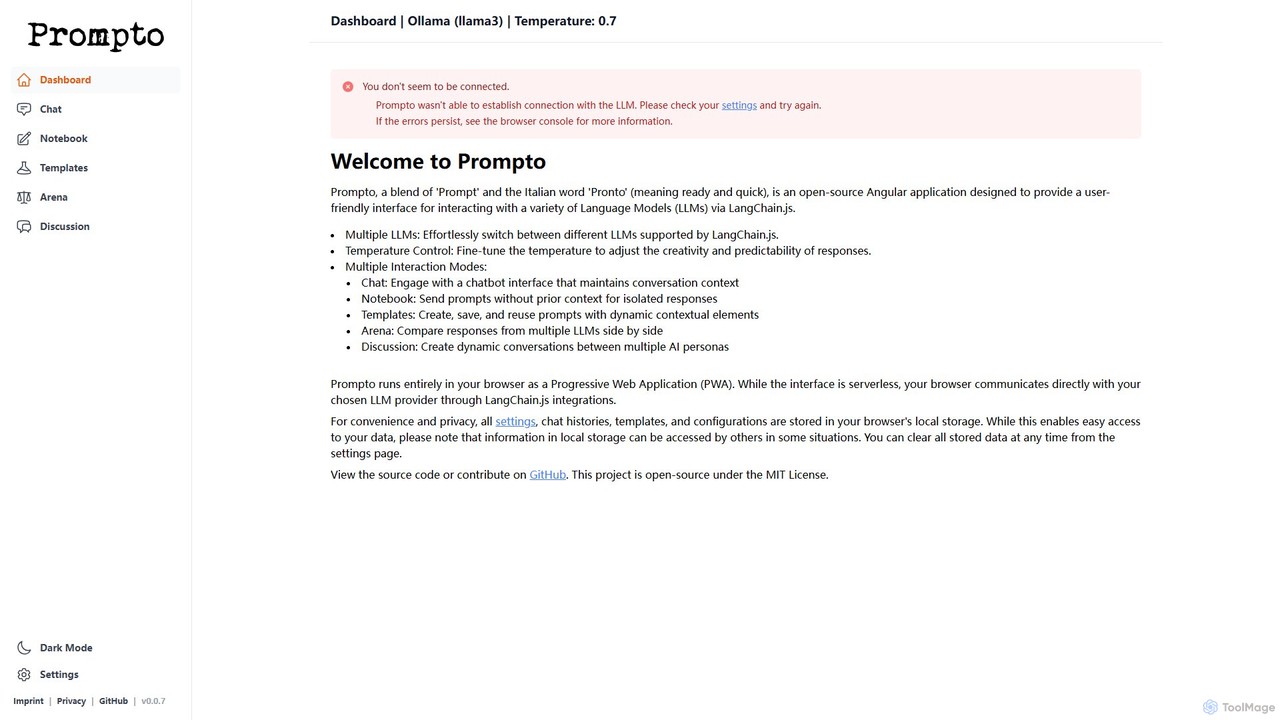
Prompto
Prompto is a free, open-source, browser-based interface for interacting with a wide range of Large Language Models (LLMs). It leverages LangChain.js to connect directly to providers like OpenAI, Anthropic, and local models via Ollama, offering advanced features like a model comparison Arena, prompt templates, and multi-AI discussions, all while prioritizing user privacy by storing data locally.
Model Comparison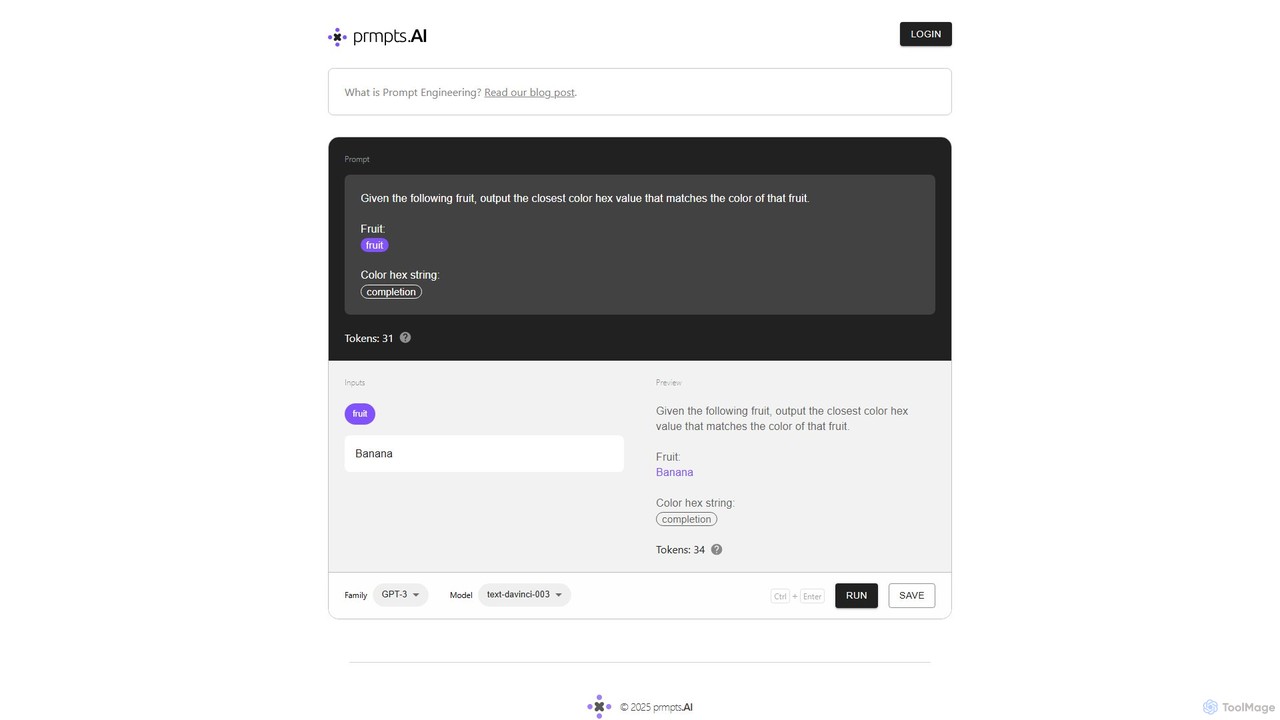
prmpts.AI
prmpts.AI is a powerful and intuitive prompt engineering sandbox designed for developers and AI enthusiasts. It provides a structured environment to create, test, refine, and share robust prompts for large language models like GPT-3, streamlining the development of AI-powered applications.
Prompt Engineering
gptlab Comments (0)
Sign in to comment.
Sign inNo comments yet.