

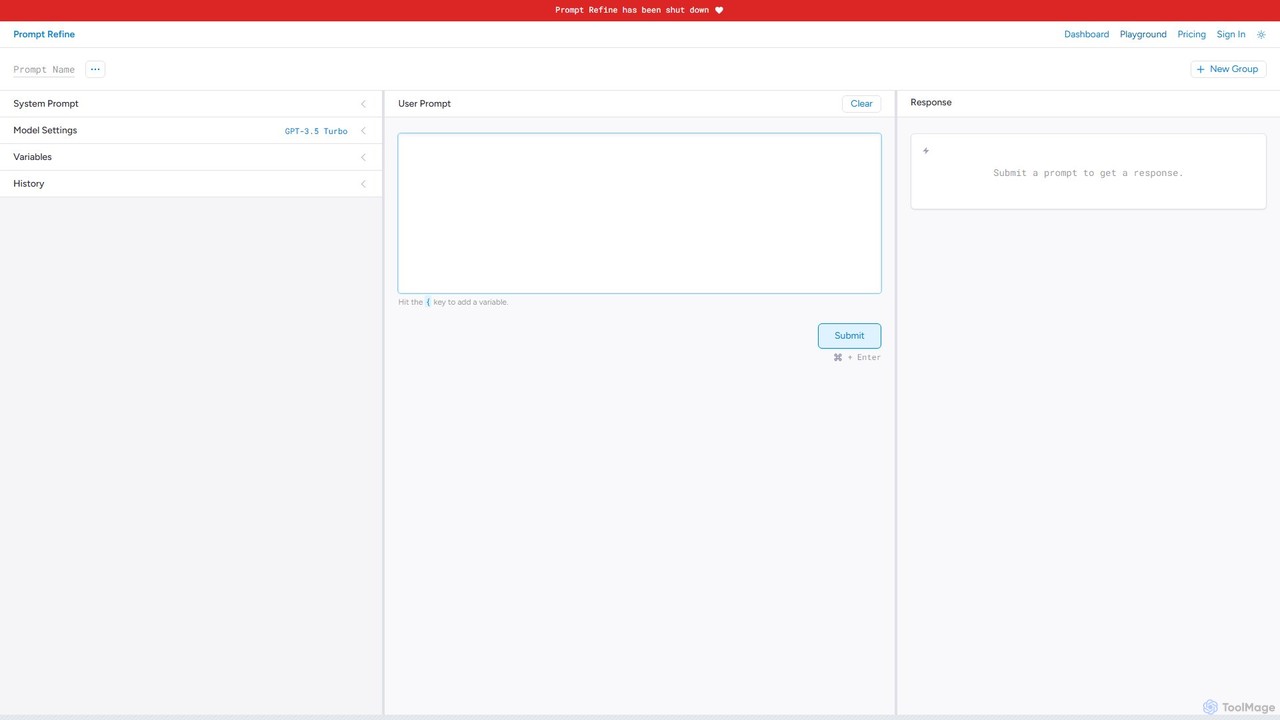
Prompt Refine Overview
Prompt Refine is a specialized tool designed to elevate the practice of prompt engineering from an art to a science. Built on the principle that "small changes to a prompt can lead to very different results," this platform provides a structured environment for developers, researchers, and content creators to systematically test, refine, and manage their prompts for Large Language Models (LLMs). It addresses the critical need for a methodical workflow in developing effective and reliable AI applications.
The platform serves as a comprehensive workbench for prompt experimentation. It allows users to connect to a wide array of popular AI models, including those from OpenAI, Anthropic, Together, and Cohere. For enhanced flexibility and privacy, it also supports local models through integration with window.ai. This multi-model compatibility ensures that users can test their prompts across different architectures to find the optimal performance for their specific use case.
How to use Prompt Refine
Using Prompt Refine involves a straightforward, iterative process designed for maximum efficiency:
- Start an Experiment: Begin by creating a new prompt in the clean and intuitive interface.
- Define Variables: To test multiple variations quickly, you can create variables within your prompt. This allows you to reuse text snippets or change inputs without rewriting the entire prompt for each run.
- Select a Model: Choose from the integrated models or connect your own API keys via window.ai for full control over your token usage and access to a wider range of models from OpenAI, Anthropic, Meta, Google, and more.
- Run and Track: Execute your prompt. Every run is automatically saved to your history, creating a detailed log of the prompt, the model used, and the output generated.
- Compare and Analyze: The history view features a powerful diffing tool that highlights the changes between different prompt versions and their corresponding outputs. This makes it easy to visually identify what changes led to better results.
- Organize and Collaborate: Group your most effective prompts into collections. These prompt groups can be shared with teammates and collaborators, fostering a shared library of best practices and ensuring consistency across projects.
- Export for Deeper Analysis: When you're ready for quantitative analysis, you can export your experiment runs into a CSV file. This data can be used in spreadsheets or other data analysis tools to measure performance metrics and generate reports.
Core Features of Prompt Refine
- Multi-Model Compatibility: Seamlessly switch between models from OpenAI, Anthropic, Together, Cohere, and local models via window.ai.
- Experiment History with Diffs: Automatically logs every prompt run and provides a visual comparison (diff) to easily track the impact of your changes.
- Prompt Variables: Use variables to create dynamic prompt templates, making it easy to run A/B tests and iterate on different inputs.
- Prompt Grouping and Sharing: Organize prompts into logical groups and share them with your team to build a collaborative prompt library.
- CSV Data Export: Export all details from your experiment runs into a CSV file for further, in-depth analysis and reporting.
- Flexible API Key Management: Offers the choice to use the platform's pre-configured models (no API key needed) or to use your own API keys through window.ai for greater control and access to more models.
Use Cases for Prompt Refine
Prompt Refine is valuable for anyone working extensively with LLMs:
- AI Application Developers: To fine-tune prompts for chatbots, content generation tools, and other LLM-powered features, ensuring reliability and quality.
- Prompt Engineers: As a dedicated environment for crafting, testing, and documenting high-performing prompts.
- Marketing and Content Teams: To experiment with prompts for generating consistent, on-brand marketing copy, blog posts, and social media content.
- AI Researchers: To conduct structured experiments on model behavior and the impact of different prompting techniques.
Advantages of Prompt Refine
The primary advantage of Prompt Refine is its ability to introduce rigor and efficiency into the prompt engineering workflow. It saves significant time by automating the tracking and comparison of experiments. The collaborative features promote knowledge sharing within teams, while the multi-model support ensures that prompts are robust and perform well across different systems. By enabling a data-driven approach, it helps users move beyond trial-and-error to make informed decisions based on empirical evidence.
Pricing and Plans
Prompt Refine offers several paid plans to suit different usage levels, with a likely free tier or trial for initial exploration.
- Prompt Refine Pro: Priced at $39 per month, this plan includes 100,000 tokens provided by the platform, usage of up to 10,000,000 of your own tokens via window.ai, access to up to 100 prompt groups, and unlimited CSV exports and group shares.
- Prompt Refine Plus: Priced at $359 per month, this plan increases the offering to 1,000,000 provided tokens, usage of up to 10,000,000 of your own tokens, access to up to 1,000 prompt groups, and unlimited CSV exports and group shares.
- Team Plans: Custom plans for larger teams with greater token needs or more seats are available by contacting their sales team.
Traffic
Latest traffic
Status
Monthly traffic trend
- 2026-1: 1.4K
- 2026-2: 792
- 2026-3: 1.1K
- 2026-4: 726
- 2026-5: 2.8K
Geography
Top 5 countries / regions
- 🇮🇳India55.0%
- 🇺🇸United States36.9%
- 🇹🇷Türkiye8.2%
Top keywords
| Keyword | Cost per click |
|---|---|
| fine-tuning cost calculator | $0.00 |
| prompt refine | $0.00 |
| prompt refiner | $0.37 |
| refine my prompt | $0.00 |
| refine promit | $0.00 |
Prompt Refine Alternatives

PromptPilot
PromptPilot by Volcengine is an enterprise-grade platform for prompt engineering and management. It enables teams to create, test, manage, and deploy LLM prompts with features like version control, A/B testing, performance analytics, and seamless collaboration. Streamline your AI application development by decoupling prompt logic from application code, ensuring consistency, and optimizing performance across various large language models.
Enterprise Solutions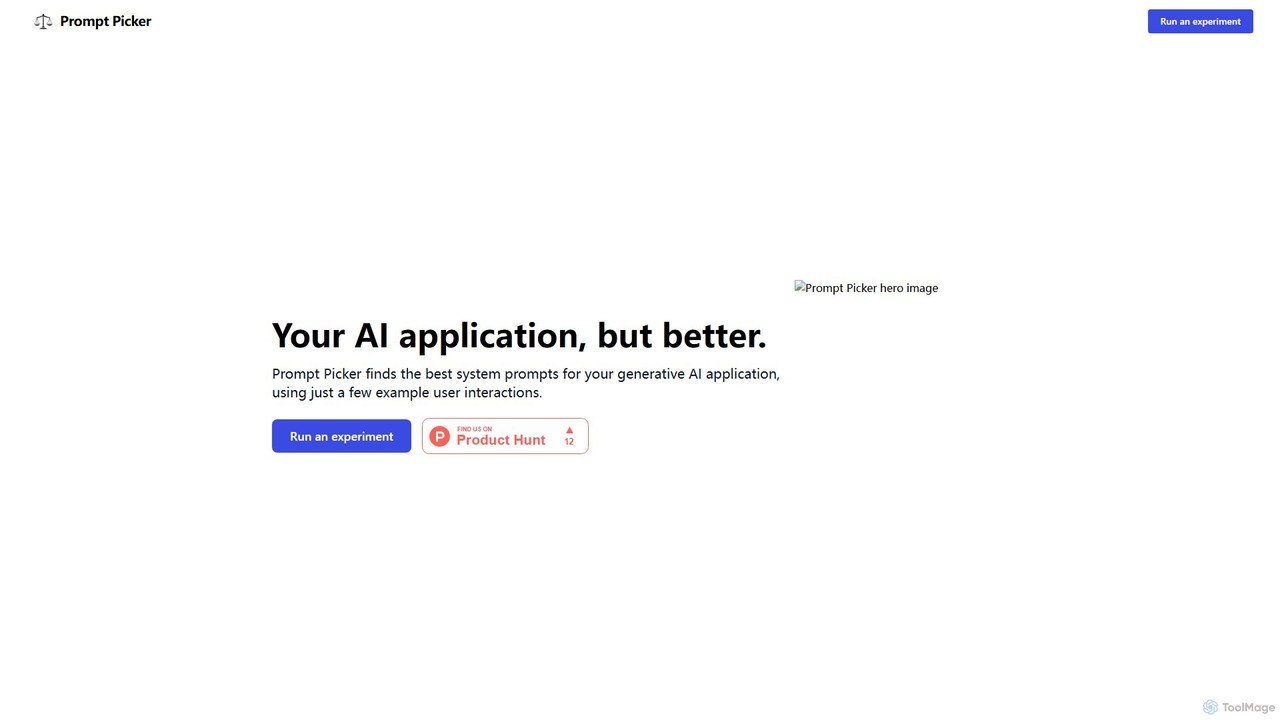
Prompt Picker
Prompt Picker is an AI-powered tool for developers and users to optimize generative AI prompts. It enables A/B testing of multiple system prompts or custom instructions in parallel. Through a double-blind experimental setup and an ELO rating system, it scientifically ranks prompts to find the most effective and cost-efficient options, enhancing user experience and reducing operational costs.
Testing & Evaluation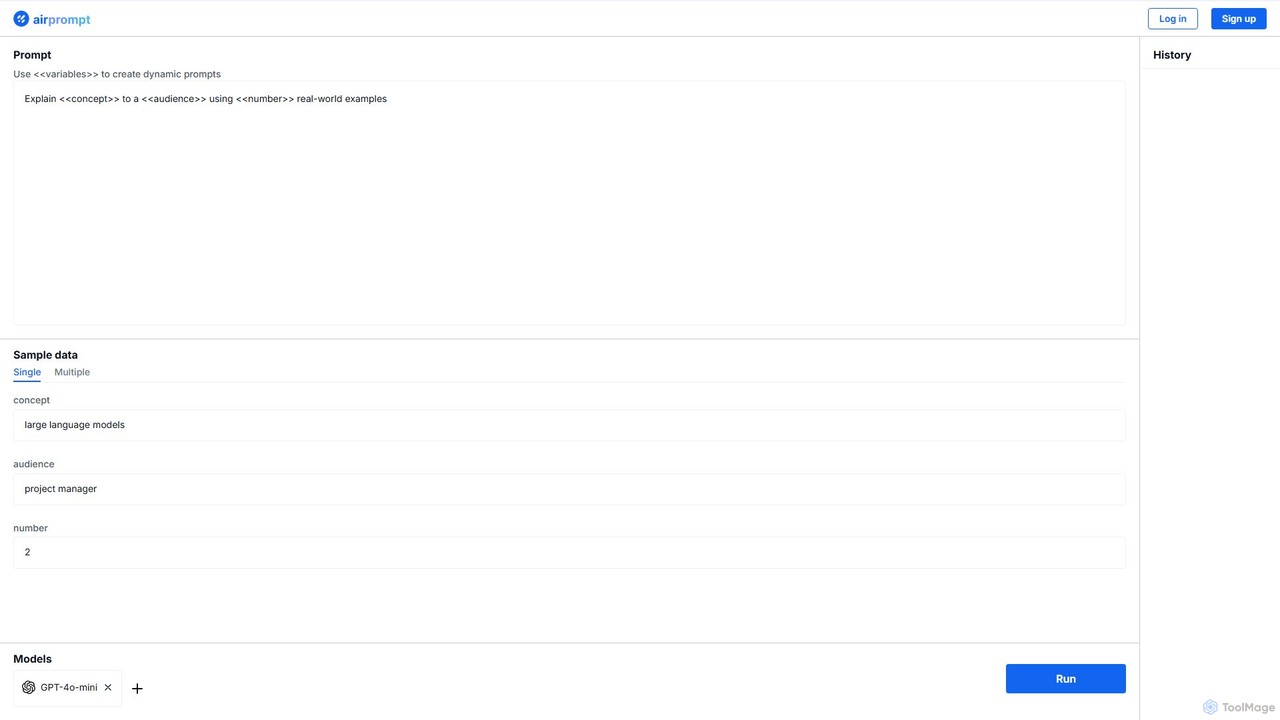
AirPrompt
AirPrompt is a powerful prompt engineering and testing platform. It enables users to simultaneously test, compare, and optimize AI prompts across multiple models like GPT-4, Claude, and open-source alternatives. Featuring dynamic variables, bulk data uploads, and side-by-side result comparison, it streamlines the workflow for developers and content creators to build high-quality, cost-effective AI applications.
Playground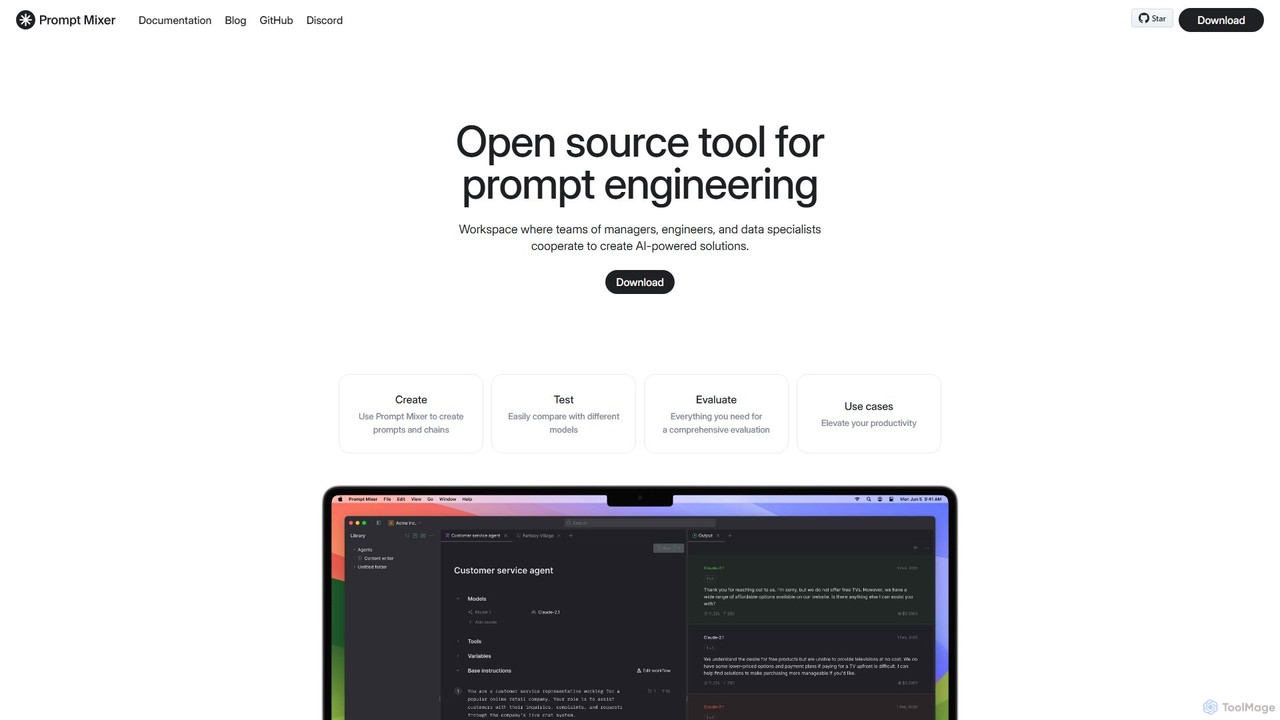
Prompt Mixer
Prompt Mixer is a powerful open-source tool for prompt engineering, providing a collaborative workspace for teams. It enables users to create, test, evaluate, and deploy AI-powered solutions by managing prompt chains, comparing different LLMs, and utilizing advanced evaluation metrics.
Prompt Engineering
PromptPoint
A collaborative, no-code platform for teams to design, test, deploy, and monitor LLM prompts. It offers automated testing, versioning, and multi-LLM support to ensure high-quality, predictable AI outputs.
Llm OpsPrompt Refine Categories
Prompt Refine Embed Widget
Copy this embed code to place the badge on your blog, article, or product site and send readers directly to this ToolMage detail page.

Related AI tools
PromptPilot
PromptPilot by Volcengine is an enterprise-grade platform for prompt engineering and management. It enables teams to create, test, manage, and deploy LLM prompts with features like version control, A/B testing, performance analytics, and seamless collaboration. Streamline your AI application development by decoupling prompt logic from application code, ensuring consistency, and optimizing performance across various large language models.
Enterprise SolutionsPrompt Picker
Prompt Picker is an AI-powered tool for developers and users to optimize generative AI prompts. It enables A/B testing of multiple system prompts or custom instructions in parallel. Through a double-blind experimental setup and an ELO rating system, it scientifically ranks prompts to find the most effective and cost-efficient options, enhancing user experience and reducing operational costs.
Testing & EvaluationAirPrompt
AirPrompt is a powerful prompt engineering and testing platform. It enables users to simultaneously test, compare, and optimize AI prompts across multiple models like GPT-4, Claude, and open-source alternatives. Featuring dynamic variables, bulk data uploads, and side-by-side result comparison, it streamlines the workflow for developers and content creators to build high-quality, cost-effective AI applications.
PlaygroundPrompt Mixer
Prompt Mixer is a powerful open-source tool for prompt engineering, providing a collaborative workspace for teams. It enables users to create, test, evaluate, and deploy AI-powered solutions by managing prompt chains, comparing different LLMs, and utilizing advanced evaluation metrics.
Prompt EngineeringPromptPoint
A collaborative, no-code platform for teams to design, test, deploy, and monitor LLM prompts. It offers automated testing, versioning, and multi-LLM support to ensure high-quality, predictable AI outputs.
Llm Ops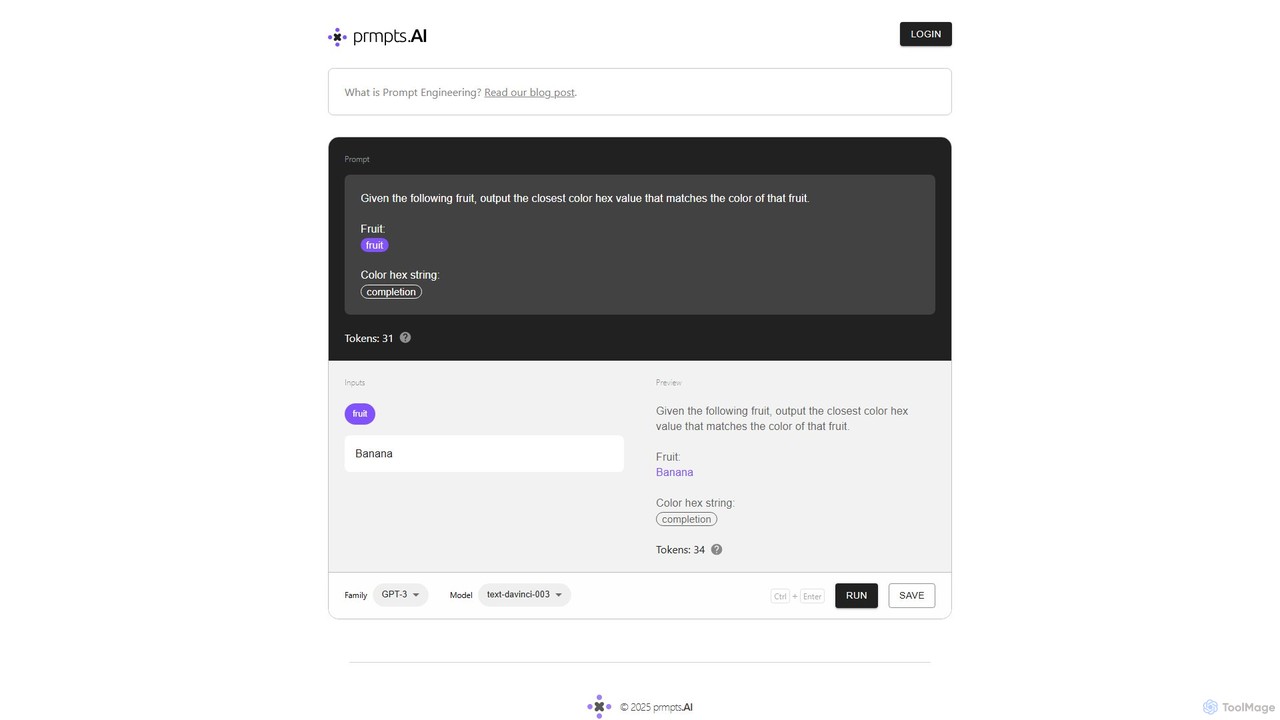
prmpts.AI
prmpts.AI is a powerful and intuitive prompt engineering sandbox designed for developers and AI enthusiasts. It provides a structured environment to create, test, refine, and share robust prompts for large language models like GPT-3, streamlining the development of AI-powered applications.
Prompt Engineering
parseprompt.ai
ParsePrompt is an advanced platform for prompt engineering, designed for developers and AI teams. It allows you to parse, analyze, manage, and optimize your LLM prompts. Transform unstructured text prompts into structured, reusable templates, track versions, and collaborate effectively to build more reliable and cost-efficient AI applications.
Model Management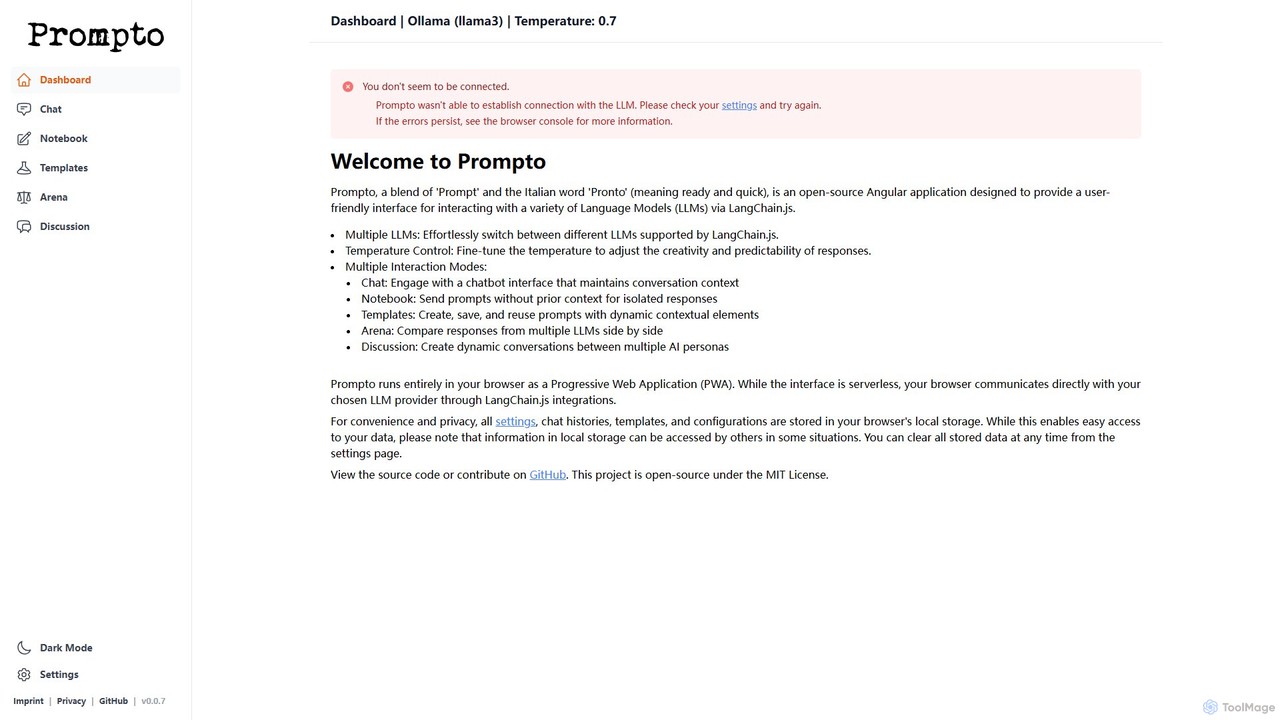
Prompto
Prompto is a free, open-source, browser-based interface for interacting with a wide range of Large Language Models (LLMs). It leverages LangChain.js to connect directly to providers like OpenAI, Anthropic, and local models via Ollama, offering advanced features like a model comparison Arena, prompt templates, and multi-AI discussions, all while prioritizing user privacy by storing data locally.
Model Comparison

Prompt Octopus
A VSCode extension for developers to streamline prompt engineering. It enables side-by-side comparison of responses from over 40 LLMs (like OpenAI, Anthropic, Mistral) directly within the codebase, helping you find the best model for any task efficiently.
Model Management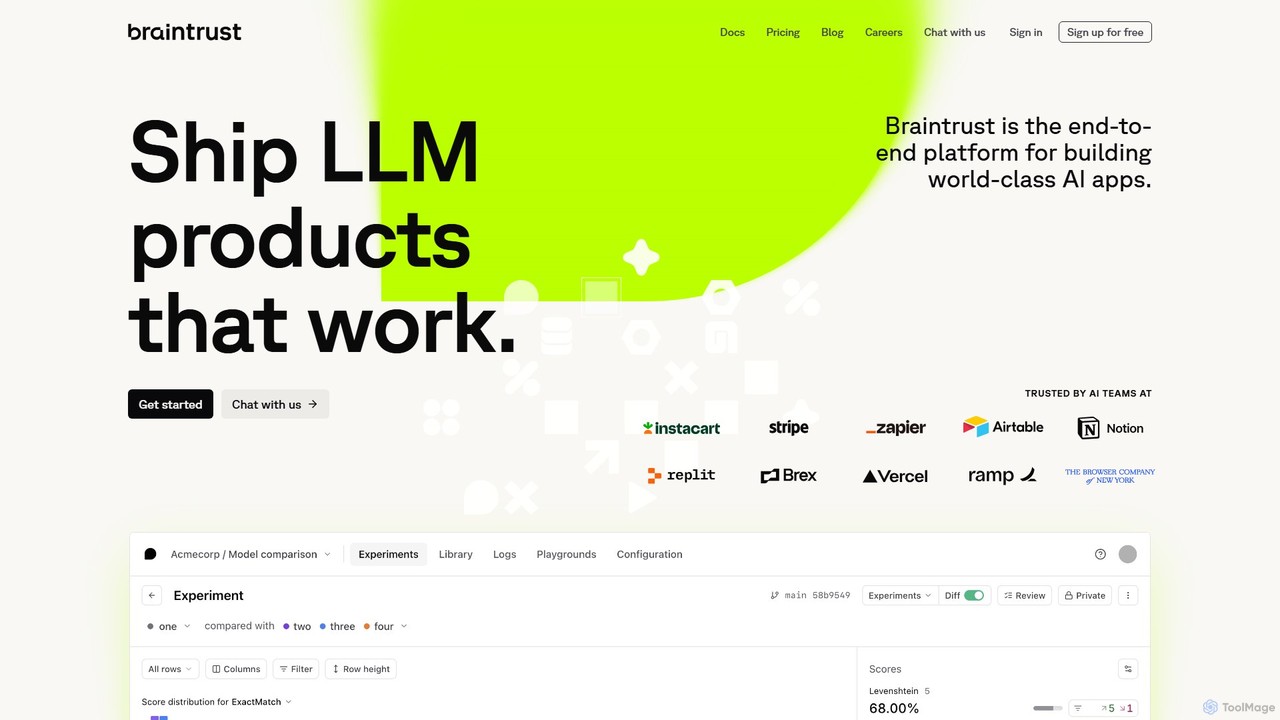
Braintrust
Braintrust is an end-to-end platform for developing, evaluating, and deploying robust LLM applications. It provides a comprehensive suite of tools for prompt engineering, model evaluation, real-time tracing, and production monitoring. Designed for both technical and non-technical team members, Braintrust helps streamline the AI development lifecycle, ensuring that AI products are reliable, effective, and ready for production.
Evaluation & Testing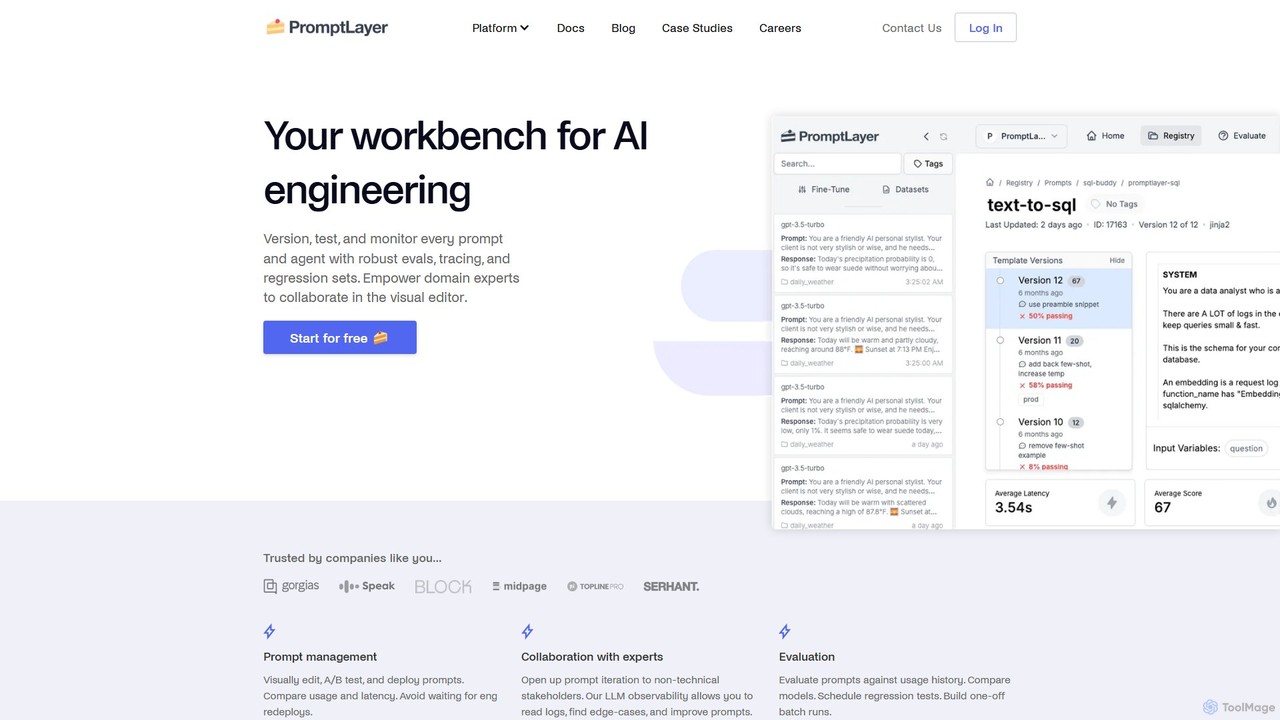
PromptLayer
PromptLayer is your comprehensive workbench for AI engineering, providing a unified platform for prompt management, evaluation, and LLM observability. It empowers teams to version, test, and monitor every prompt and agent, fostering collaboration between technical and non-technical stakeholders to build and scale production-ready AI applications efficiently.
Model Management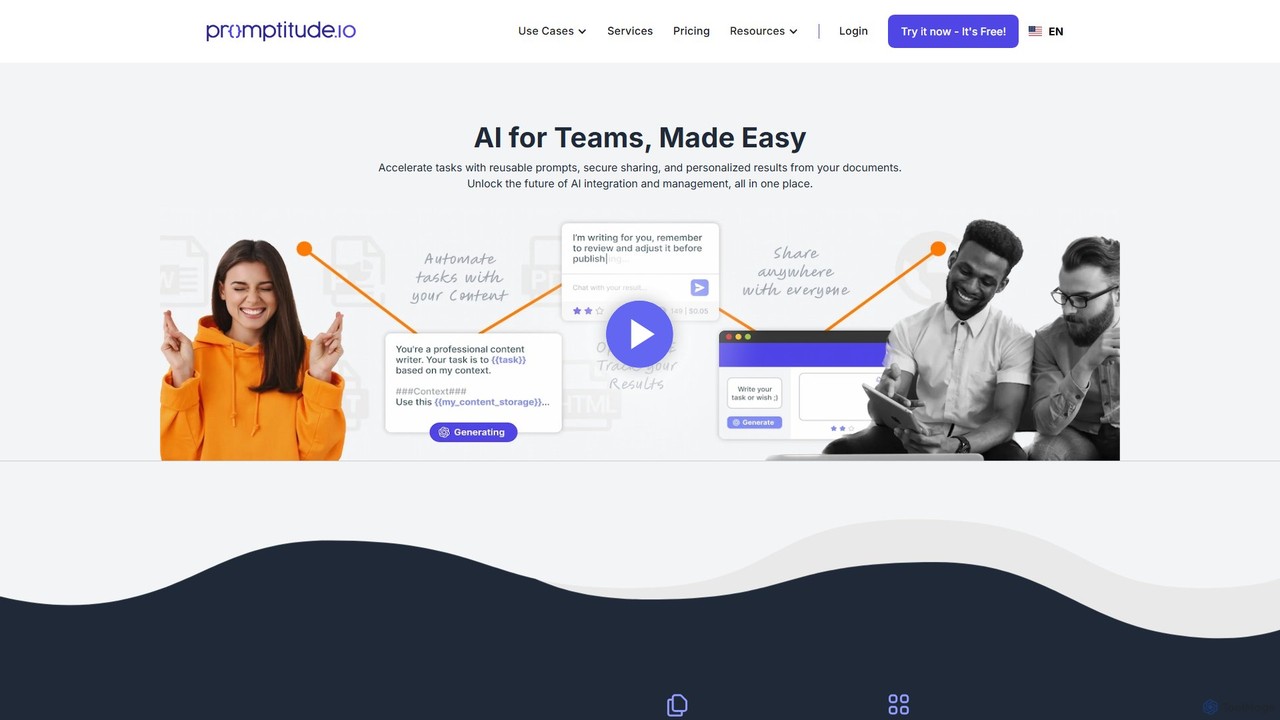
Promptitude.io
Promptitude.io is a comprehensive prompt management platform designed for teams and developers. It allows you to create, test, manage, and deploy AI prompts into any application or workflow in minutes via a simple REST API. It supports multiple AI providers like OpenAI, Alibaba Qwen, and Sonar, enabling flexible and efficient AI integration without vendor lock-in. The platform centralizes prompt engineering, collaboration, and performance monitoring.
Workflow Automation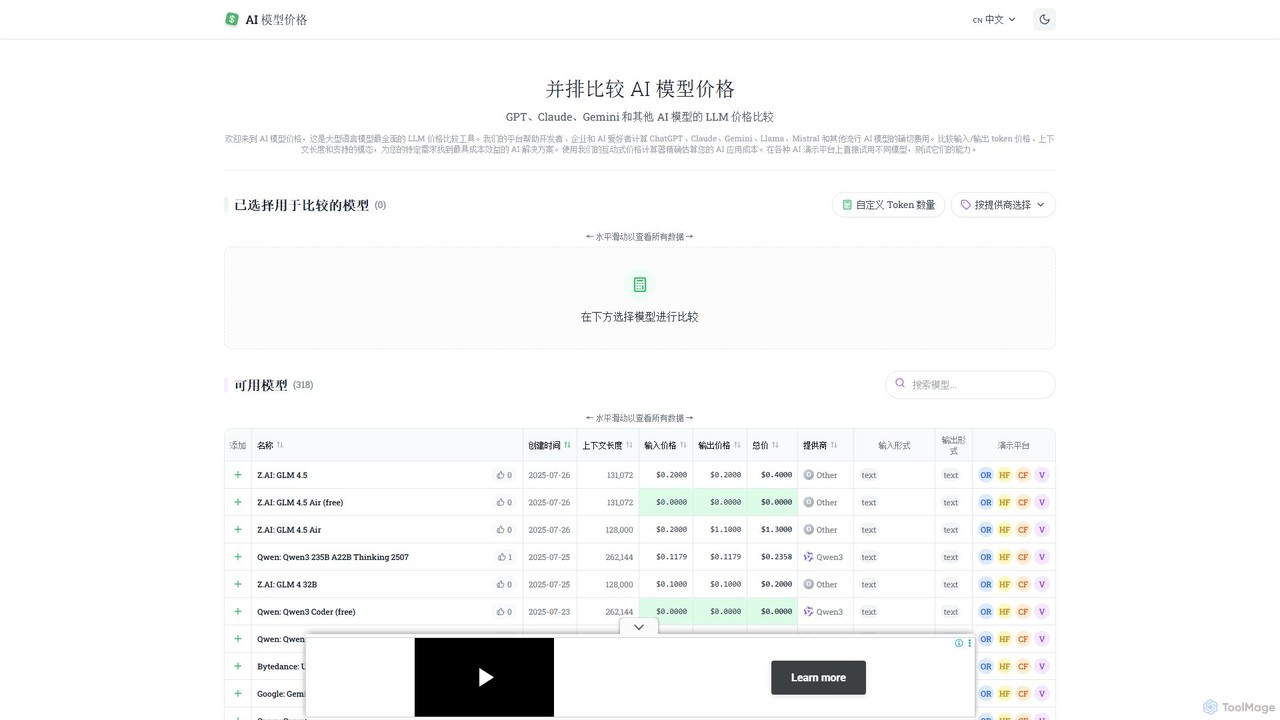
llm_price
llm_price is a comprehensive comparison tool for Large Language Model (LLM) API pricing. It enables developers, businesses, and AI enthusiasts to easily compare the costs of hundreds of models from providers like OpenAI, Google, Anthropic, and Mistral. With an interactive cost calculator and side-by-side analysis of token prices, context lengths, and modalities, it simplifies the process of selecting the most cost-effective AI solution for any project.
Api Management
Parea AI
Parea AI is an end-to-end platform for developing, testing, and monitoring LLM applications. It provides tools for experiment tracking, observability, evaluation, and human annotation to help teams confidently ship AI systems to production.
Model Training
Prompt Refine Comments (0)
Sign in to comment.
Sign inNo comments yet.