


Prompt Octopus Overview
Prompt Octopus is a powerful VSCode extension designed to revolutionize the prompt engineering workflow for developers and AI engineers. It integrates seamlessly into your coding environment, allowing you to test, compare, and evaluate multiple Large Language Models (LLMs) simultaneously. With support for over 40 leading models from providers like OpenAI, Anthropic, DeepSeek, Mistral, and Grok, Prompt Octopus eliminates the need to switch between different platforms and APIs. You can simply highlight a prompt in your code, select the models you want to test, and instantly see their responses side-by-side. This direct comparison is invaluable for finding the most accurate, cost-effective, or contextually appropriate model for any given task, from code generation to text summarization.
How to use Prompt Octopus
Using Prompt Octopus is designed to be intuitive and fit directly into your development process. First, you need to install the extension from the Visual Studio Code Marketplace. Once installed, the workflow is straightforward:
- Write a Prompt: Write your prompt directly in any file within your VSCode editor. This could be a comment, a string in your code, or a separate text file.
- Highlight and Select: Highlight the entire text of your prompt. You can then trigger Prompt Octopus via a right-click context menu or a keyboard shortcut.
- Choose Models: A panel will appear allowing you to select from a list of over 40 supported LLMs. You can choose as many models as you'd like to compare.
- Compare Responses: After a moment, Prompt Octopus will display the responses from all selected models in a clean, side-by-side view. This allows for easy analysis of differences in tone, accuracy, formatting, and overall quality.
- Iterate and Save: Based on the results, you can refine your prompt and run the comparison again. The tool also allows you to save your favorite prompt and model combinations for future use, speeding up repetitive tasks.
Core Features of Prompt Octopus
- Side-by-Side Model Comparison: The core feature allows you to run a single prompt against multiple LLMs and view their outputs simultaneously, making it easy to spot the best performer.
- Extensive Model Support: Access a vast library of over 40 LLMs, including GPT-4, Claude 3, Mistral Large, Llama, Grok, and many others.
- Seamless VSCode Integration: Works as a native extension within VSCode, meaning you never have to leave your editor, preserving your workflow and focus.
- Bring Your Own API Key (BYOK): For unlimited usage, you can securely add your own API keys. These keys are stored locally on your machine and are never sent to Prompt Octopus servers, ensuring privacy and security.
- Save Preferences: Save your most-used prompts and model configurations to accelerate your testing and development cycles.
- Codebase-Native Evaluation: Perform LLM evaluations directly within your codebase, providing real-world context for your tests.
Use Cases for Prompt Octopus
Prompt Octopus is versatile and valuable for a wide range of AI development scenarios:
- Model Selection: A developer building a customer support chatbot can test a user query against models like GPT-3.5, Claude Sonnet, and Mistral 7B to see which one provides the most helpful and empathetic response while balancing cost and speed.
- Prompt Optimization: An engineer working on a text summarization feature can iterate on a prompt (e.g., "Summarize this article in three bullet points" vs. "Provide a concise summary of the key findings in this text") and see how the changes affect output quality across different models.
- Quality Assurance: A QA team can use Prompt Octopus to create a suite of test prompts to regularly check the performance and consistency of the LLM integrated into their application, especially after model updates.
- Content Generation: A marketing team can use it to generate creative copy, blog post ideas, or social media updates, comparing outputs from different models to find the most engaging and brand-aligned content.
Advantages of Prompt Octopus
The primary advantage of Prompt Octopus is its massive boost to efficiency. It consolidates the work of hours into minutes by removing the manual process of testing models individually. This integrated approach not only saves time but also leads to better decision-making by providing a clear, comparative overview. The local storage of API keys is a significant security benefit, giving developers peace of mind. Furthermore, by making it easy to compare models, it empowers developers to choose the most cost-effective solution without sacrificing performance, directly impacting the bottom line of AI-powered projects.
Pricing and Plans
Prompt Octopus operates on a freemium model:
- Free Trial: New users can make their first 10 comparisons for free without needing to provide any API keys or payment information.
- Free Plan (with own keys): After the trial, you can continue to use the extension for free with unlimited comparisons by providing your own API keys from the respective model providers. Your keys are stored locally for security.
- Paid Plan: For $10 per month, you can upgrade to use the Prompt Octopus Servers. This plan is ideal for users who prefer not to manage their own API keys or want a more streamlined, all-in-one experience.
Prompt Octopus Alternatives

parseprompt.ai
ParsePrompt is an advanced platform for prompt engineering, designed for developers and AI teams. It allows you to parse, analyze, manage, and optimize your LLM prompts. Transform unstructured text prompts into structured, reusable templates, track versions, and collaborate effectively to build more reliable and cost-efficient AI applications.
Model Management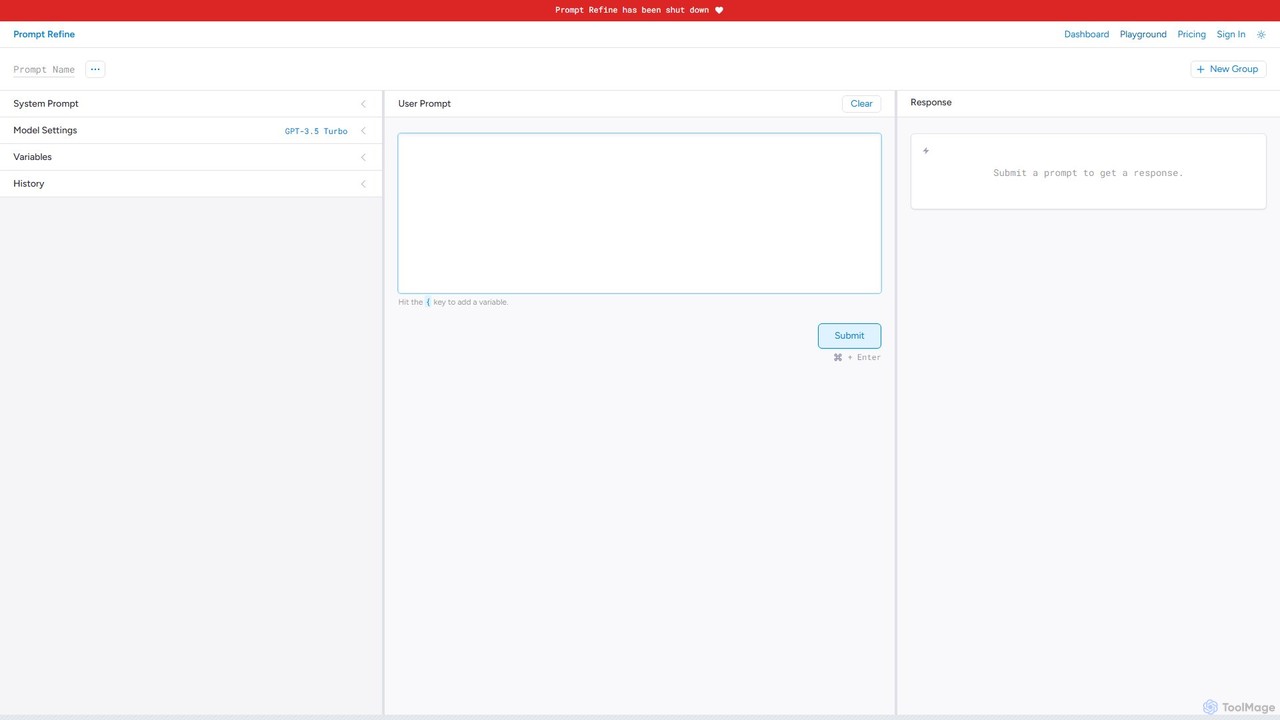
Prompt Refine
Prompt Refine is a powerful platform for prompt engineering, enabling developers and researchers to run systematic experiments. It helps you test, compare, version, and organize prompts for various LLMs like OpenAI and Anthropic, streamlining the optimization process and improving model output quality.
Model Management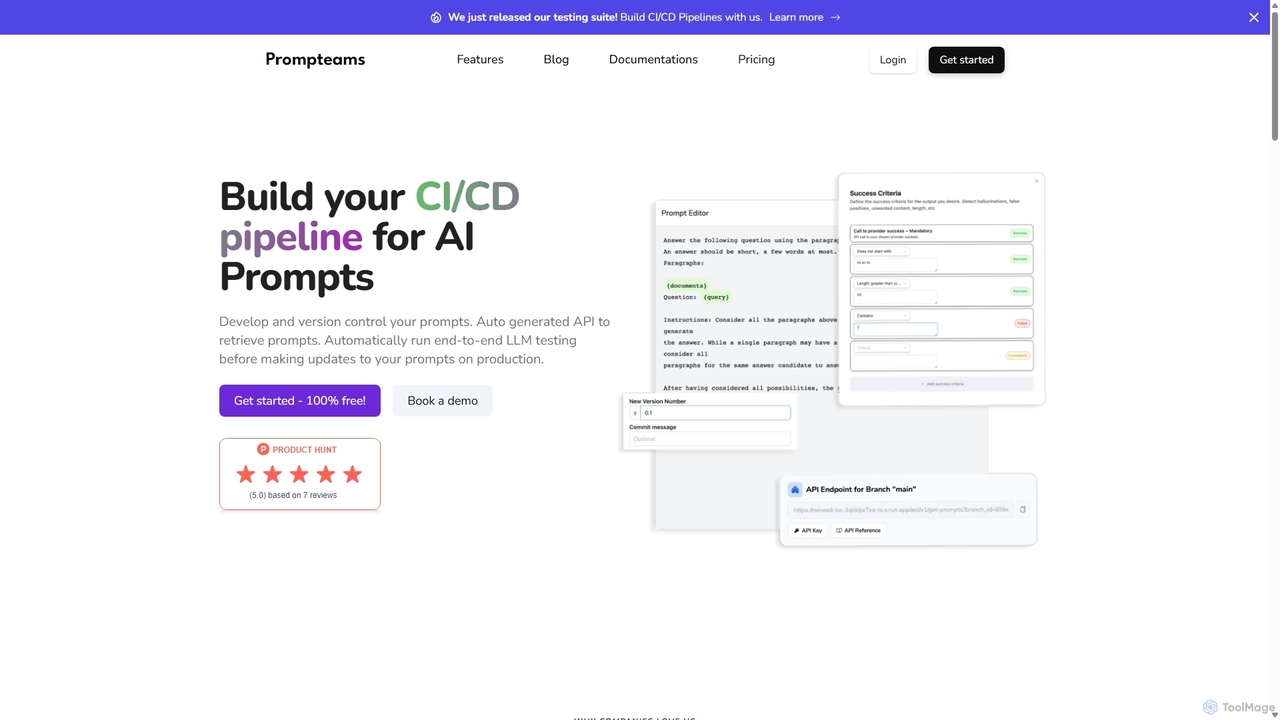
Prompteams
Prompteams is a comprehensive AI prompt management system designed for teams. It provides a Git-like workflow with versioning, branching, and commits to manage and iterate on LLM prompts. The platform features a robust testing suite for quality assurance, real-time APIs for instant deployment, and collaborative tools that bridge the gap between engineers and industry specialists. It's a one-stop solution for building a CI/CD pipeline for AI prompts, ensuring quality, consistency, and rapid development.
Model Management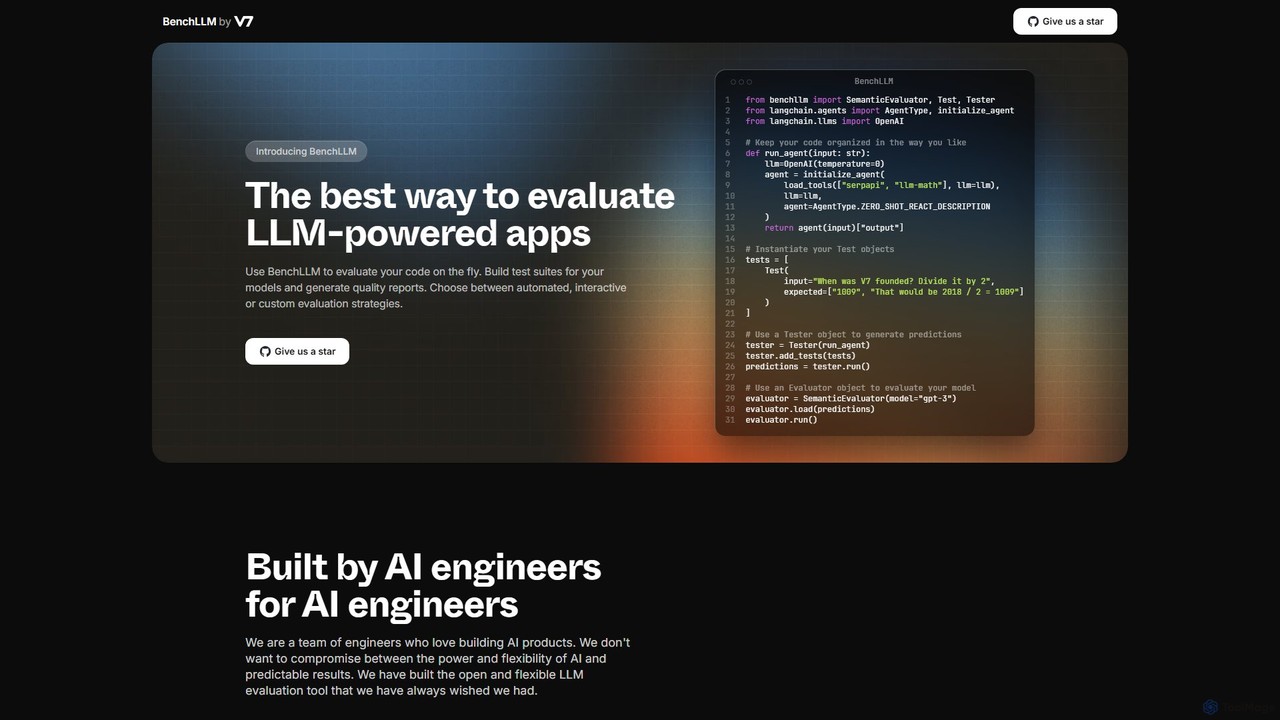
BenchLLM
A powerful open-source framework for AI engineers to evaluate and test Large Language Model (LLM) applications. BenchLLM provides a flexible API and a robust CLI to build test suites, generate quality reports, and integrate model evaluation into CI/CD pipelines, ensuring predictable and high-quality results.
Model Management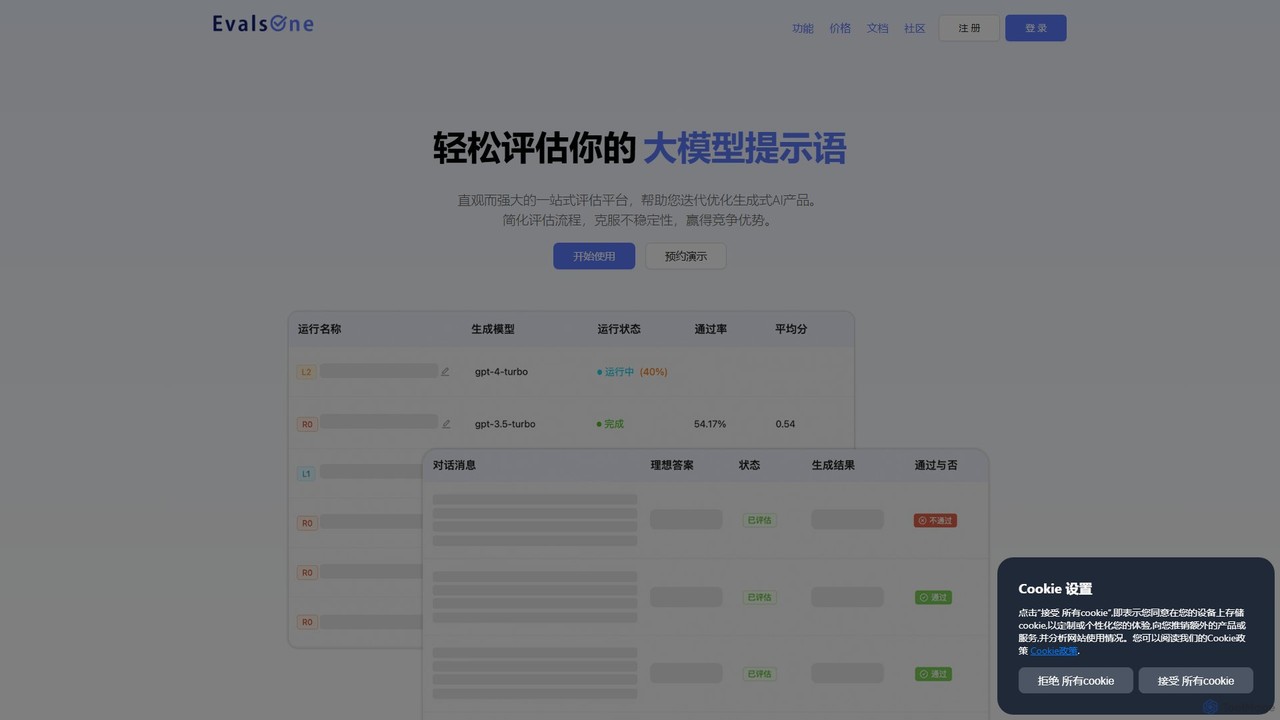
EvalsOne
EvalsOne is an all-in-one evaluation platform designed for generative AI applications. It empowers teams to effortlessly assess, iterate, and optimize LLM prompts, RAG pipelines, and AI agents through a powerful, intuitive interface, ensuring robust and competitive AI products.
Model ManagementPrompt Octopus Categories
Prompt Octopus Embed Widget
Copy this embed code to place the badge on your blog, article, or product site and send readers directly to this ToolMage detail page.

Related AI tools
Prompt Refine
Prompt Refine is a powerful platform for prompt engineering, enabling developers and researchers to run systematic experiments. It helps you test, compare, version, and organize prompts for various LLMs like OpenAI and Anthropic, streamlining the optimization process and improving model output quality.
Model Management
OpenAI API Playground
An interactive web-based interface for developers and researchers to experiment with OpenAI's powerful AI models like GPT-4 and DALL-E. Test prompts, adjust parameters, and generate code snippets for API integration without writing any initial code.
Personal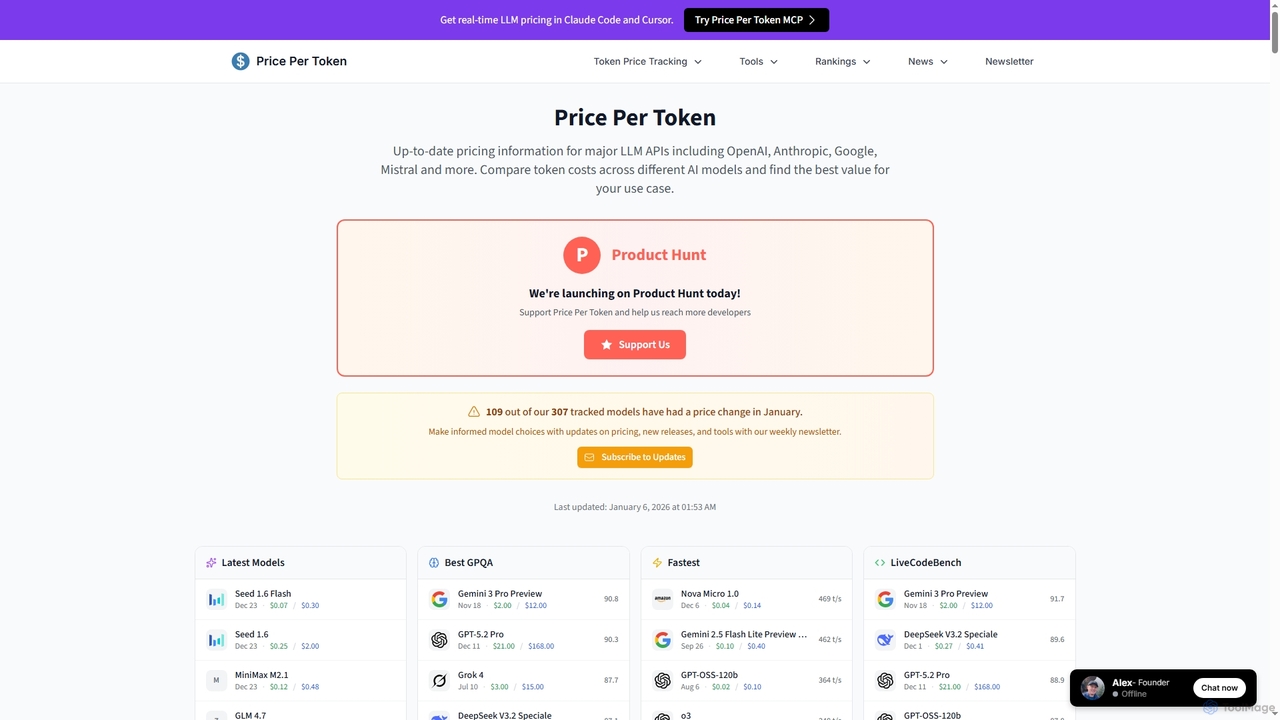
PricePerToken
PricePerToken is an essential AI tool offering real-time LLM API pricing comparisons for over 300 models. It helps developers, researchers, and businesses compare token costs, analyze performance benchmarks, and optimize their AI spending across major providers like OpenAI, Anthropic, Google, and Mistral.
Llm Pricing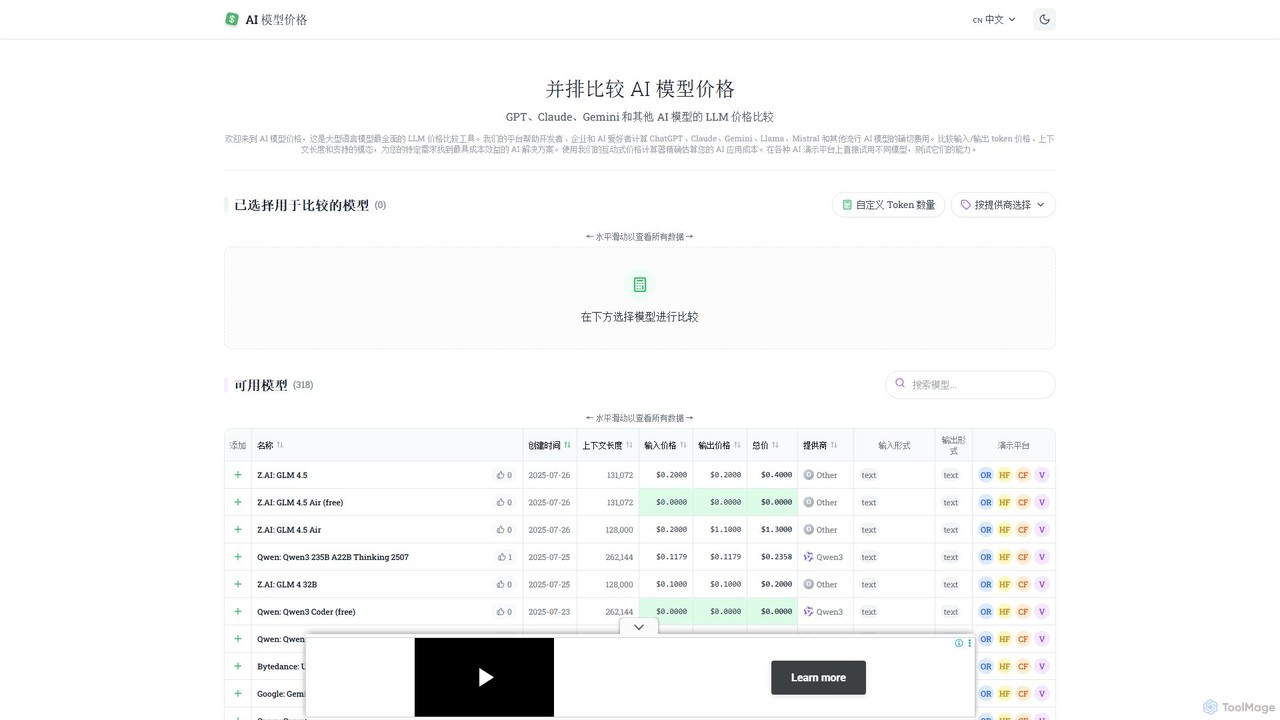
llm_price
llm_price is a comprehensive comparison tool for Large Language Model (LLM) API pricing. It enables developers, businesses, and AI enthusiasts to easily compare the costs of hundreds of models from providers like OpenAI, Google, Anthropic, and Mistral. With an interactive cost calculator and side-by-side analysis of token prices, context lengths, and modalities, it simplifies the process of selecting the most cost-effective AI solution for any project.
Api Management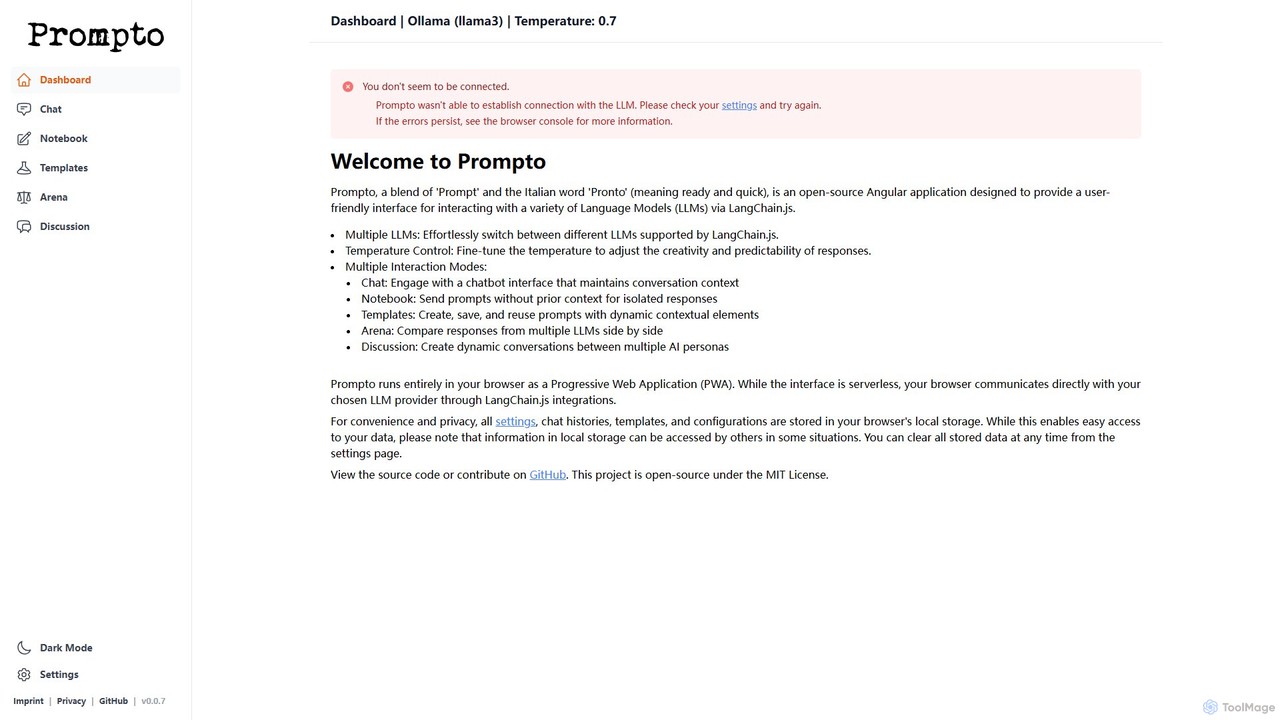
Prompto
Prompto is a free, open-source, browser-based interface for interacting with a wide range of Large Language Models (LLMs). It leverages LangChain.js to connect directly to providers like OpenAI, Anthropic, and local models via Ollama, offering advanced features like a model comparison Arena, prompt templates, and multi-AI discussions, all while prioritizing user privacy by storing data locally.
Model Comparison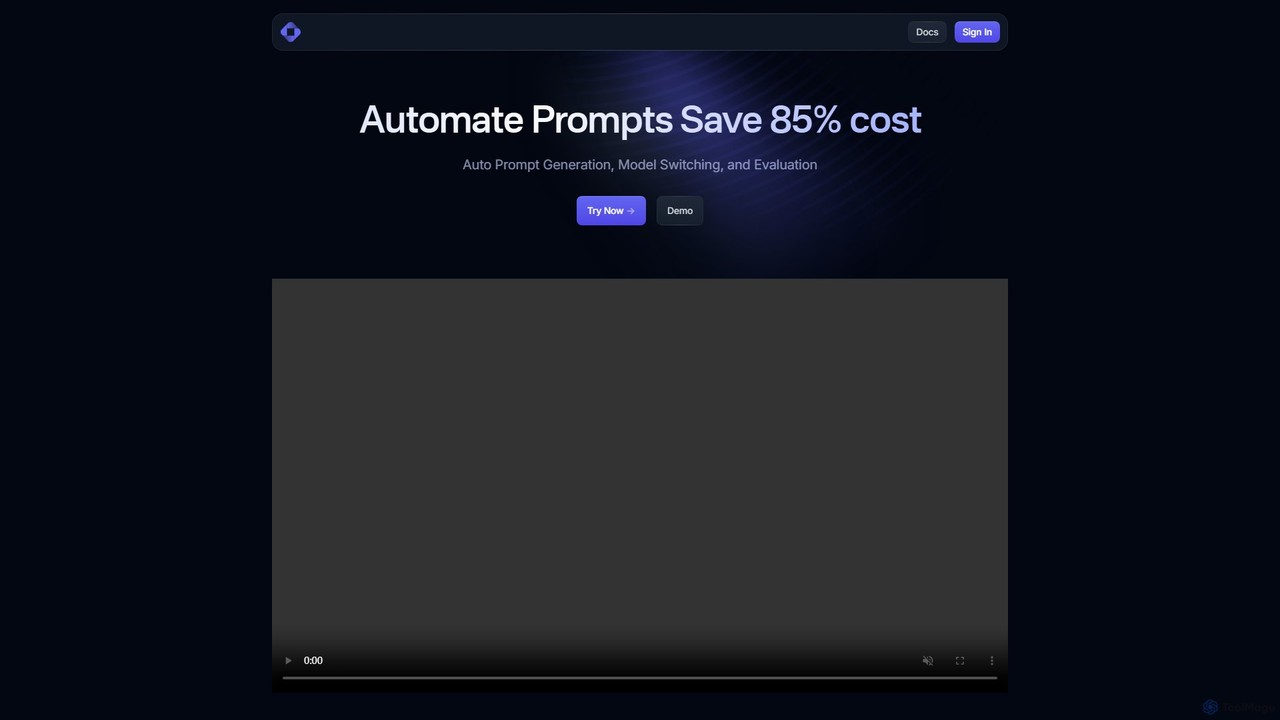
Trainkore
Trainkore is a unified platform for developers to optimize LLM operations. It automates prompt generation, dynamically switches between AI models like GPT-4o and Gemini to reduce costs by up to 85%, and provides a comprehensive observability suite for performance monitoring and debugging. It simplifies integration and enhances AI application development.
Cost Management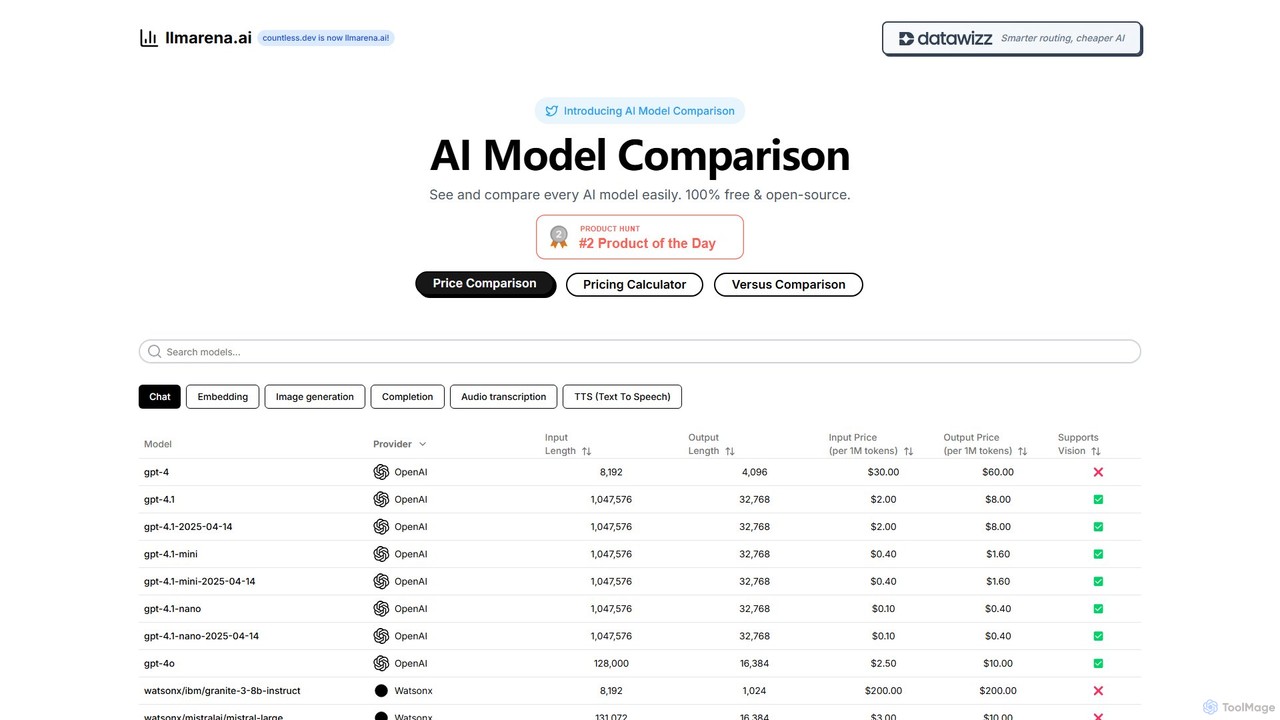
llmarena.ai
llmarena.ai is a free, open-source platform for comparing Large Language Models (LLMs). It provides a comprehensive database of AI models from providers like OpenAI, Google, and Anthropic, allowing users to easily compare pricing, context windows, output lengths, and capabilities such as vision and audio. It's an essential tool for developers and businesses to make informed decisions when selecting the right AI model for their needs.
Api ManagementBenchLLM
A powerful open-source framework for AI engineers to evaluate and test Large Language Model (LLM) applications. BenchLLM provides a flexible API and a robust CLI to build test suites, generate quality reports, and integrate model evaluation into CI/CD pipelines, ensuring predictable and high-quality results.
Model ManagementEvalsOne
EvalsOne is an all-in-one evaluation platform designed for generative AI applications. It empowers teams to effortlessly assess, iterate, and optimize LLM prompts, RAG pipelines, and AI agents through a powerful, intuitive interface, ensuring robust and competitive AI products.
Model Management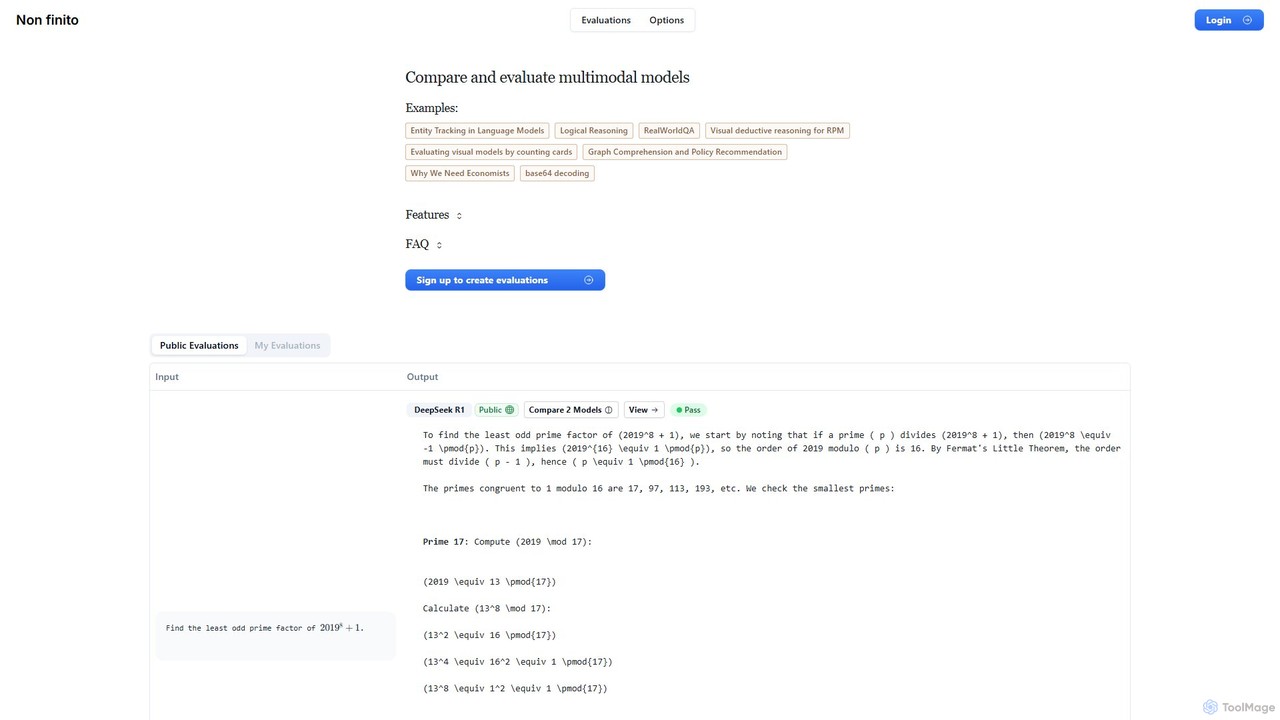
nonfinito
nonfinito is a comprehensive platform for evaluating and comparing multimodal AI models. It enables developers, researchers, and businesses to test various LLMs side-by-side on custom prompts, assess their performance with pass/fail ratings, and analyze raw outputs. Create public or private benchmarks to find the best model for any task.
Model Management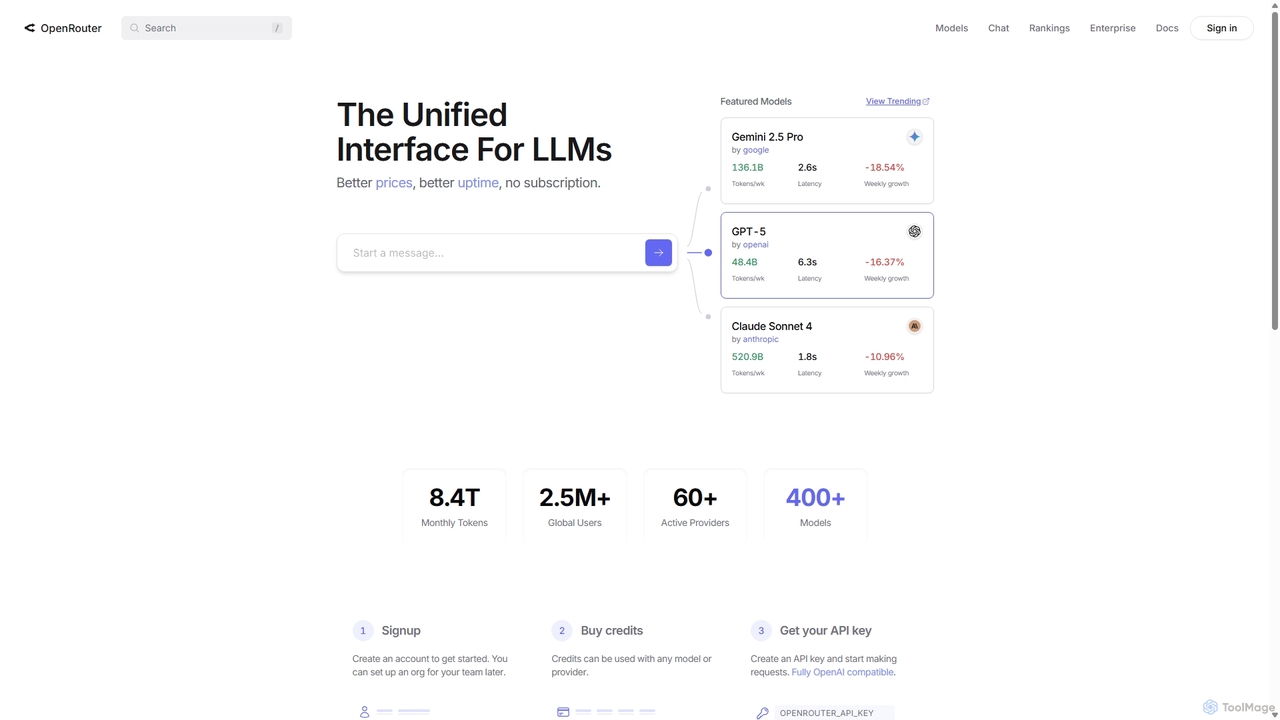
OpenRouter
OpenRouter is a unified API gateway for developers, providing access to over 400 AI models from 60+ providers like OpenAI, Google, and Anthropic. It simplifies development with a single API, offers competitive pay-as-you-go pricing, automatic failovers for high availability, and intelligent model routing to optimize cost and performance.
Model Deployment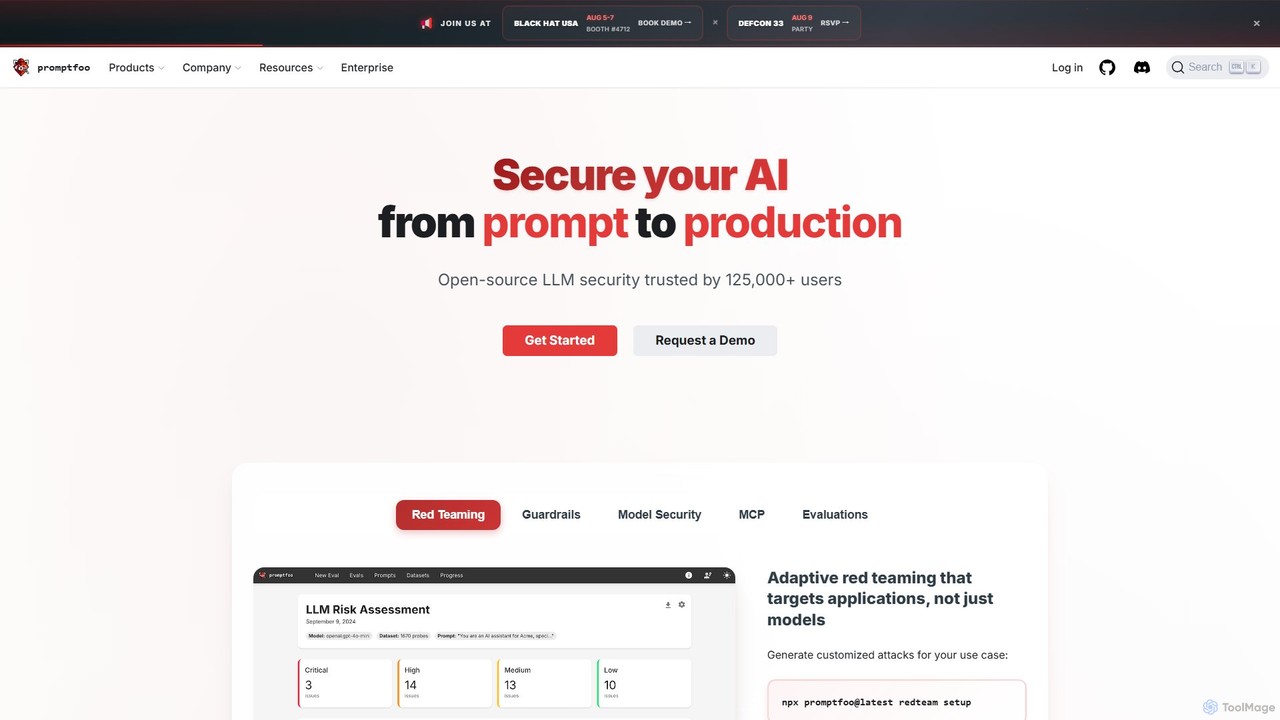
promptfoo
promptfoo is a comprehensive testing and evaluation framework for Large Language Models (LLMs). It helps developers and enterprises compare prompt quality, evaluate model performance, and enhance AI security through systematic testing, benchmarking, and AI-powered red teaming. It supports over 50 LLM providers, including local models, and offers a developer-friendly CLI for seamless integration into development workflows.
Low Code No Code
Ragas
Ragas is an open-source Python framework for evaluating and testing Retrieval-Augmented Generation (RAG) pipelines. It provides a suite of metrics to measure the performance of your LLM applications, from context retrieval to answer generation. Trusted by industry leaders like LangChain and LlamaIndex, Ragas helps developers build more robust, reliable, and accurate AI systems by identifying and mitigating issues like hallucinations and irrelevant responses.
Mlops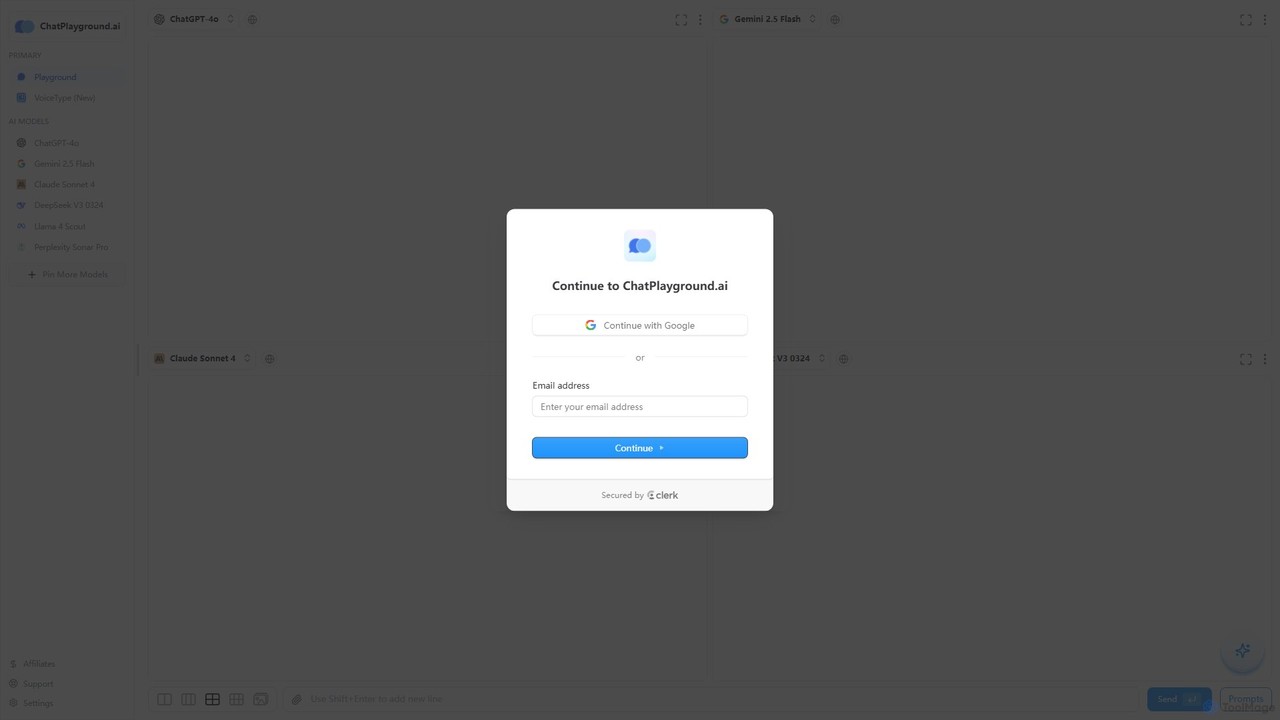
ChatPlayground AI
The ultimate platform for comparing leading AI language models side-by-side. Test prompts on GPT-4o, Gemini, Claude, Llama, and more in a single, intuitive interface to find the best model for your needs.
Api Aggregator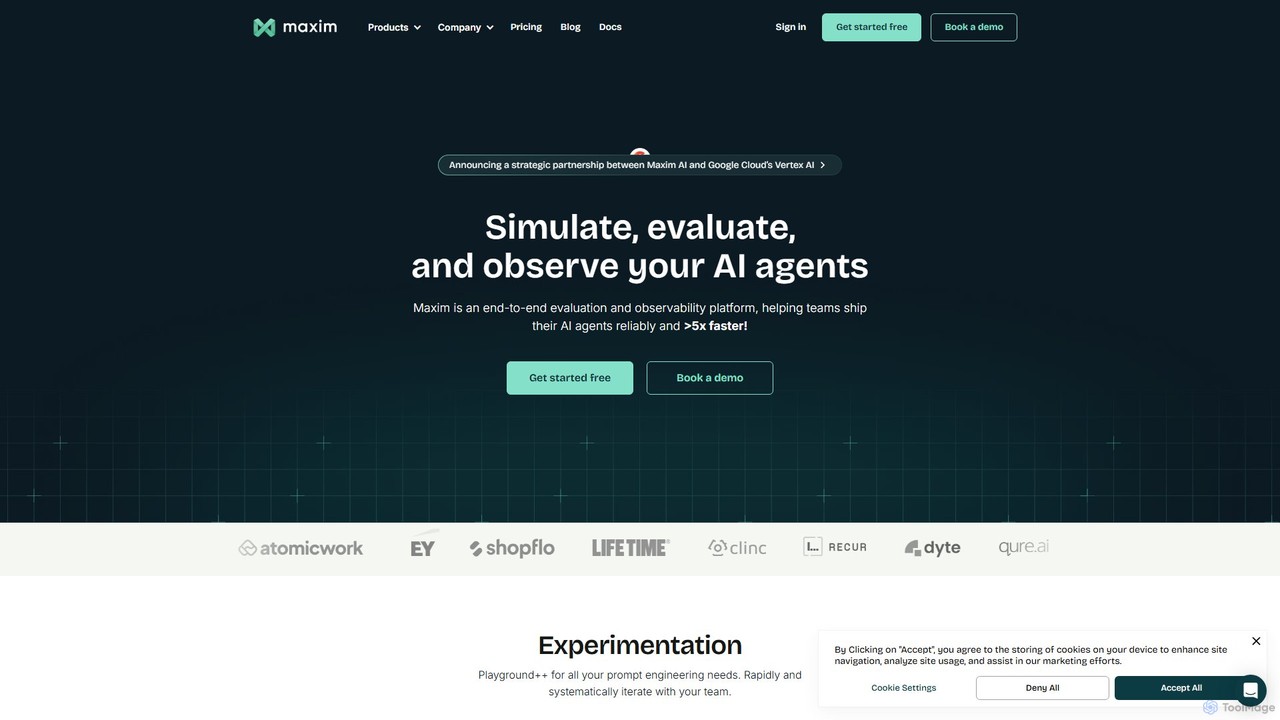
getmaxim
getmaxim is a comprehensive GenAI evaluation and observability platform designed for AI development teams. It enables users to test, monitor, and improve AI applications by running extensive evaluations on LLMs and RAG pipelines, automating testing, and providing real-time production monitoring to ensure high-quality, reliable, and responsible AI.
Llm
Prompt Octopus Comments (0)
Sign in to comment.
Sign inNo comments yet.