ToolMage
Sign in

Best 62 Code Assistant for Productivity

Popular Code Assistant in Productivity include Google AI for Developers, JetBrains, Warp, Unsloth, JetBrains Marketplace, CodeRabbit, GitKraken, JDoodle, Firebase Studio, and Sourcegraph, helping you work more efficiently.

Aivory
Freemium

Aivory

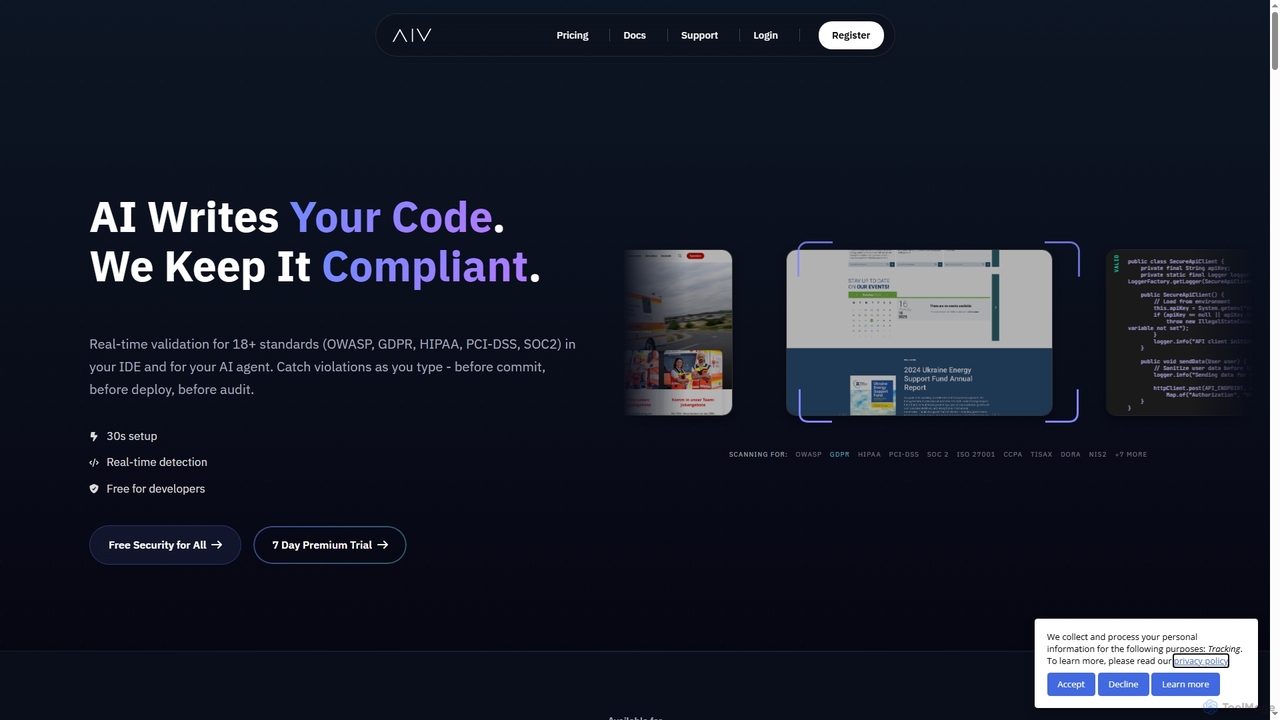
Aivory is a real-time compliance and security validation tool for developers. It integrates into IDEs like VS Code and JetBrains to scan AI-generated and human-written code as you type, catching violations against 18+ standards (GDPR, HIPAA, OWASP) before they are committed, saving significant time and cost.

Code Quality
Visits 6.6KFavorites 128Likes 147
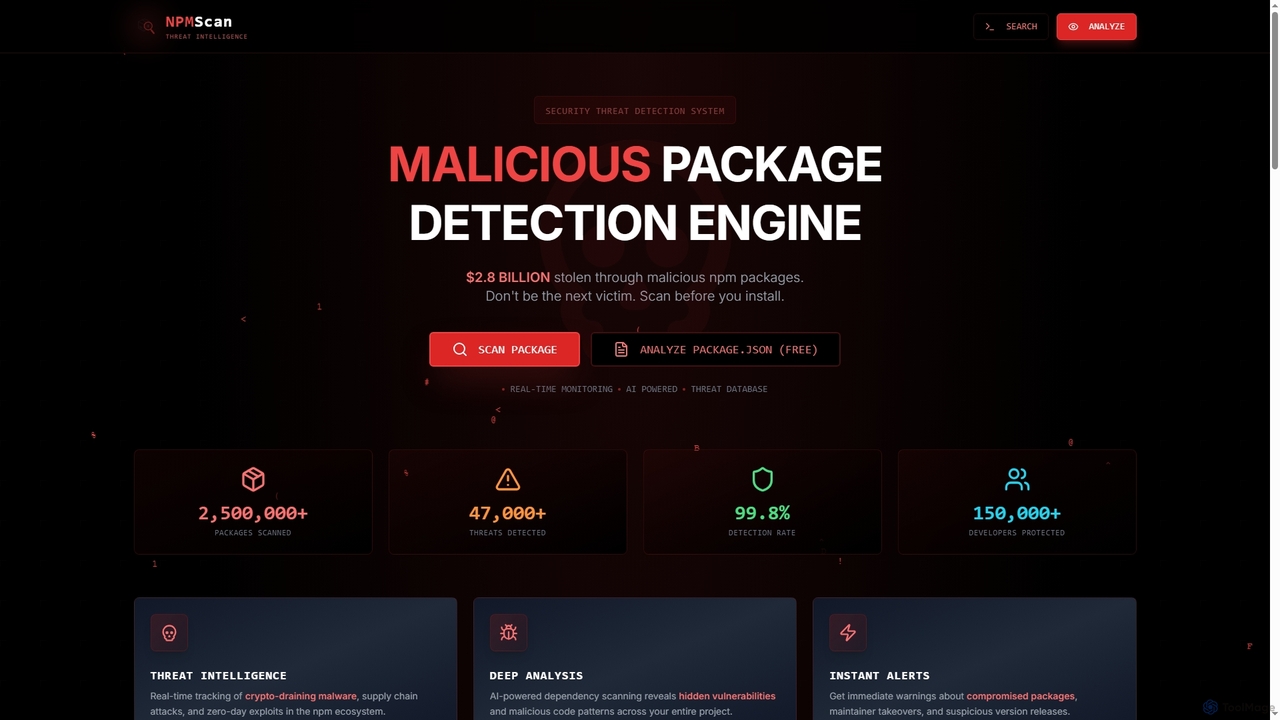
Npmscan
Freemium

Npmscan

Npmscan is an AI-powered security scanner designed to protect developers from malicious npm packages. It provides real-time threat detection, deep dependency analysis, and instant alerts to prevent supply chain attacks, crypto-draining malware, and other vulnerabilities.

Security
Visits 7.9KFavorites 147Likes 128
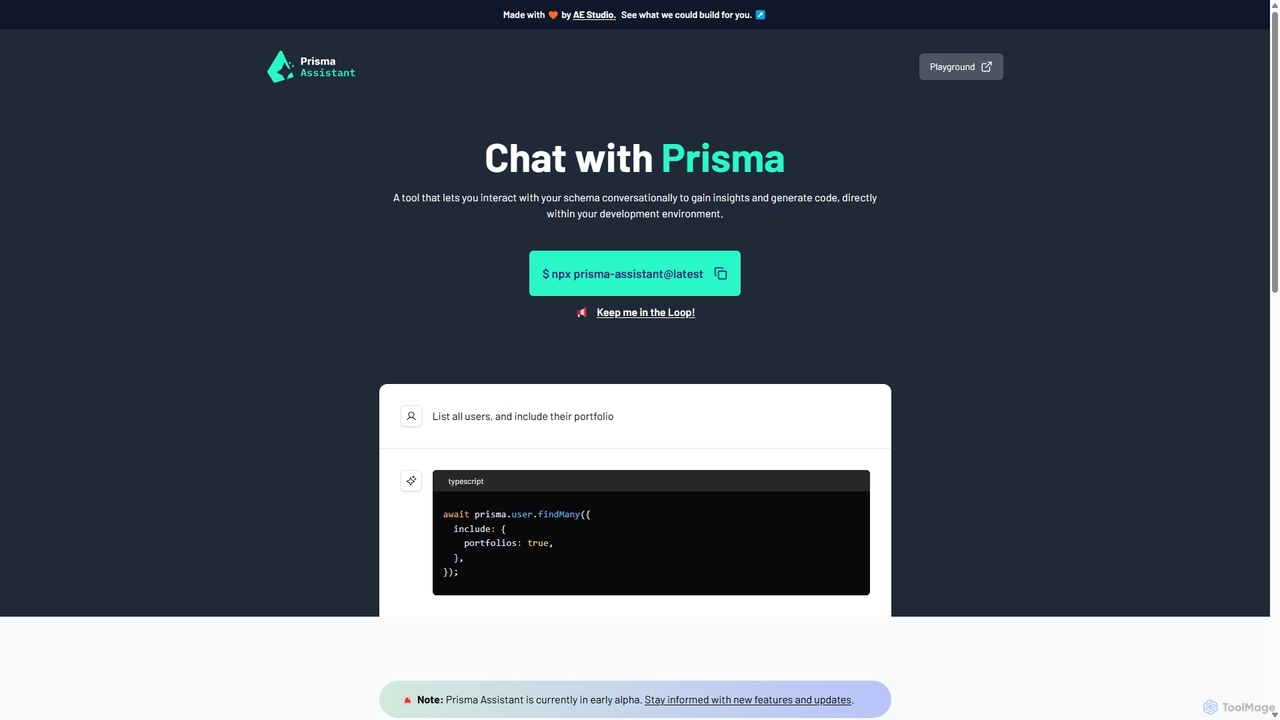
Prisma Assistant
Free

Prisma Assistant

Prisma Assistant is an AI-powered tool for developers that enables conversational interaction with your Prisma schema. Run it locally to gain insights, ask questions in natural language, and automatically generate Prisma queries and mutations, significantly speeding up your backend development workflow.

Ai Coding
Visits 6.6KFavorites 147Likes 121
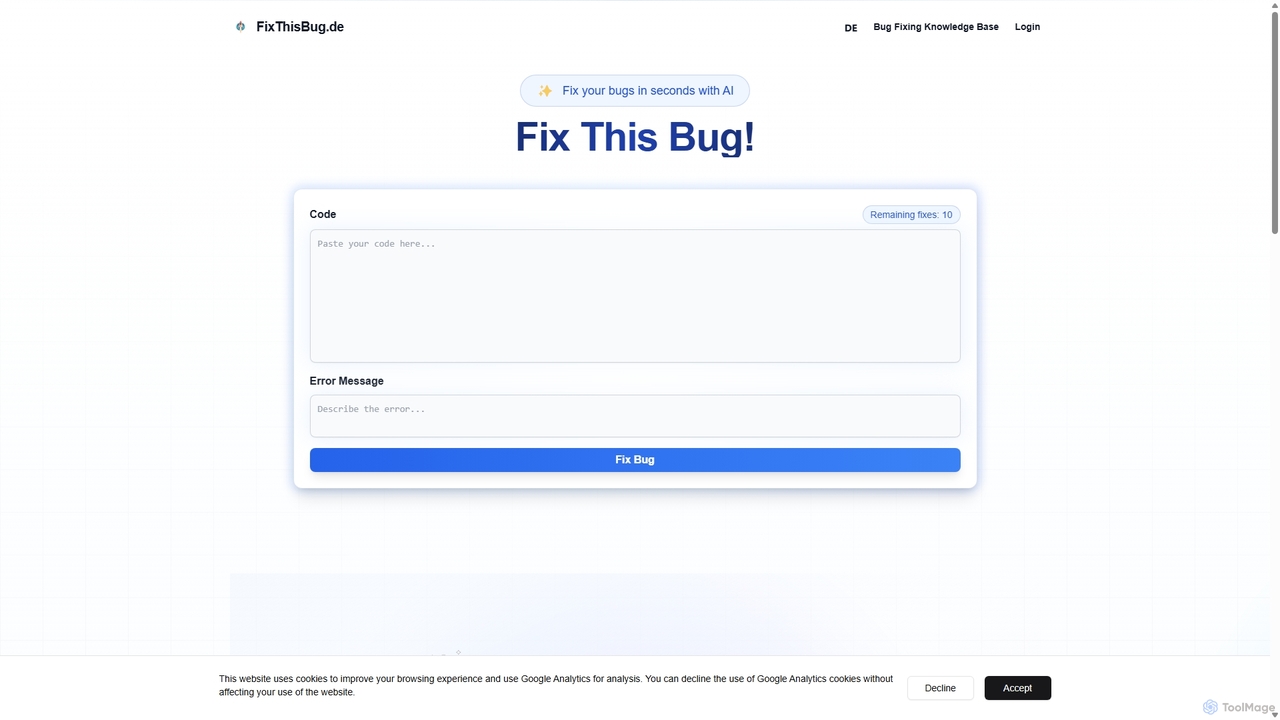
FixThisBug
Freemium

FixThisBug

FixThisBug is an AI-powered debugging assistant for developers. It instantly analyzes your code and error messages to provide accurate fixes and detailed explanations. Supporting all major programming languages, it prioritizes privacy with self-hosted models on German servers, ensuring 100% GDPR compliance. Fix bugs faster and learn as you code.

Code Correction
Visits 6.4KFavorites 138Likes 119
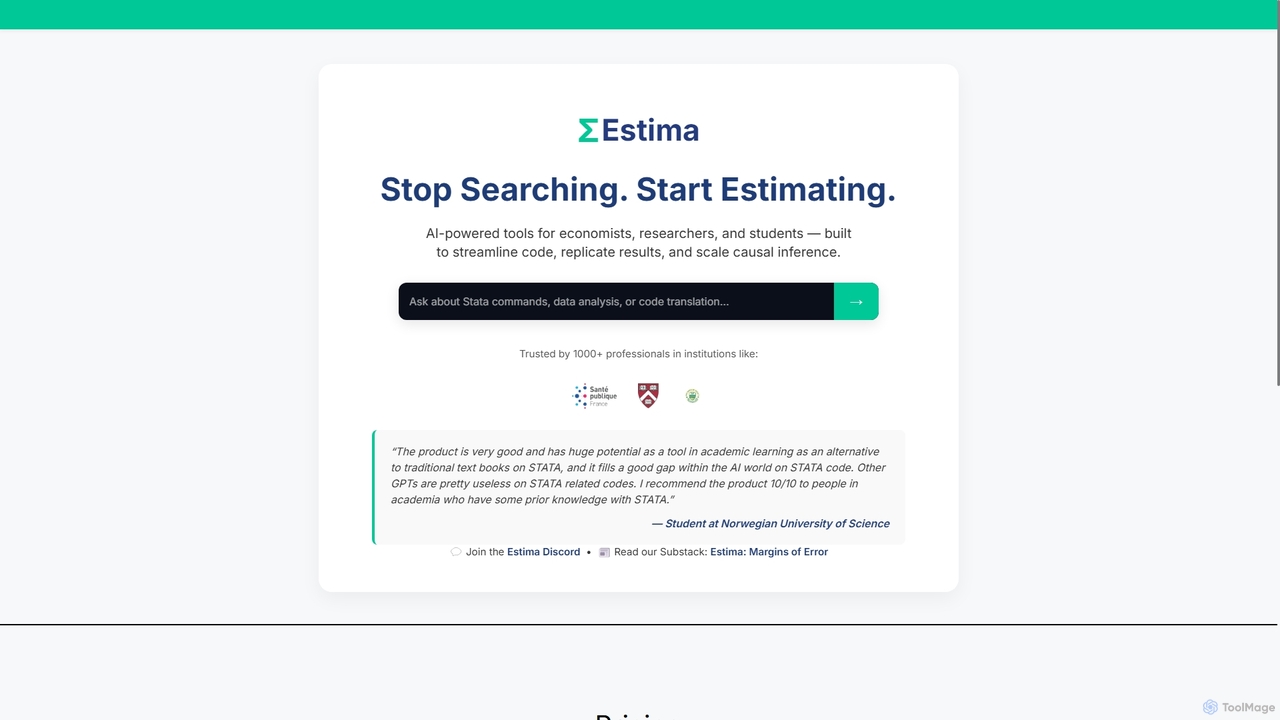
StataGPT
Freemium

StataGPT

StataGPT (Estima) is an AI-powered assistant designed for economists, researchers, and students. It specializes in generating, debugging, and explaining STATA code to streamline data analysis, replicate research results, and scale causal inference, filling a critical gap where general AI models fall short.

Learning
Visits 7.8KFavorites 99Likes 125
Latta
Freemium

Latta

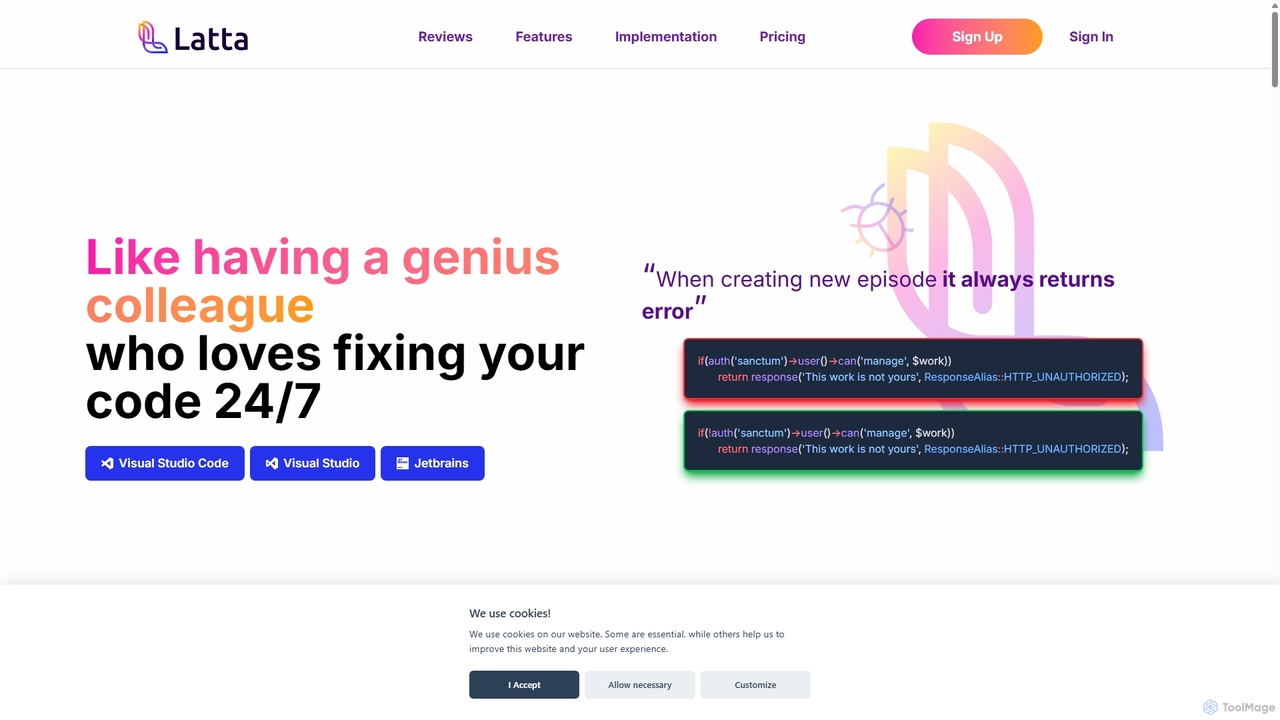
Latta is an AI-powered coding assistant designed to be your 24/7 genius colleague for debugging. It integrates with popular IDEs like VS Code and JetBrains to find and fix bugs across complex projects. With features like user session replay and Git integration, Latta streamlines bug reporting and resolution, saving developers significant time and effort.

Debugging
Visits 7.5KFavorites 136Likes 126
Explain by Whybug
Free

Explain by Whybug

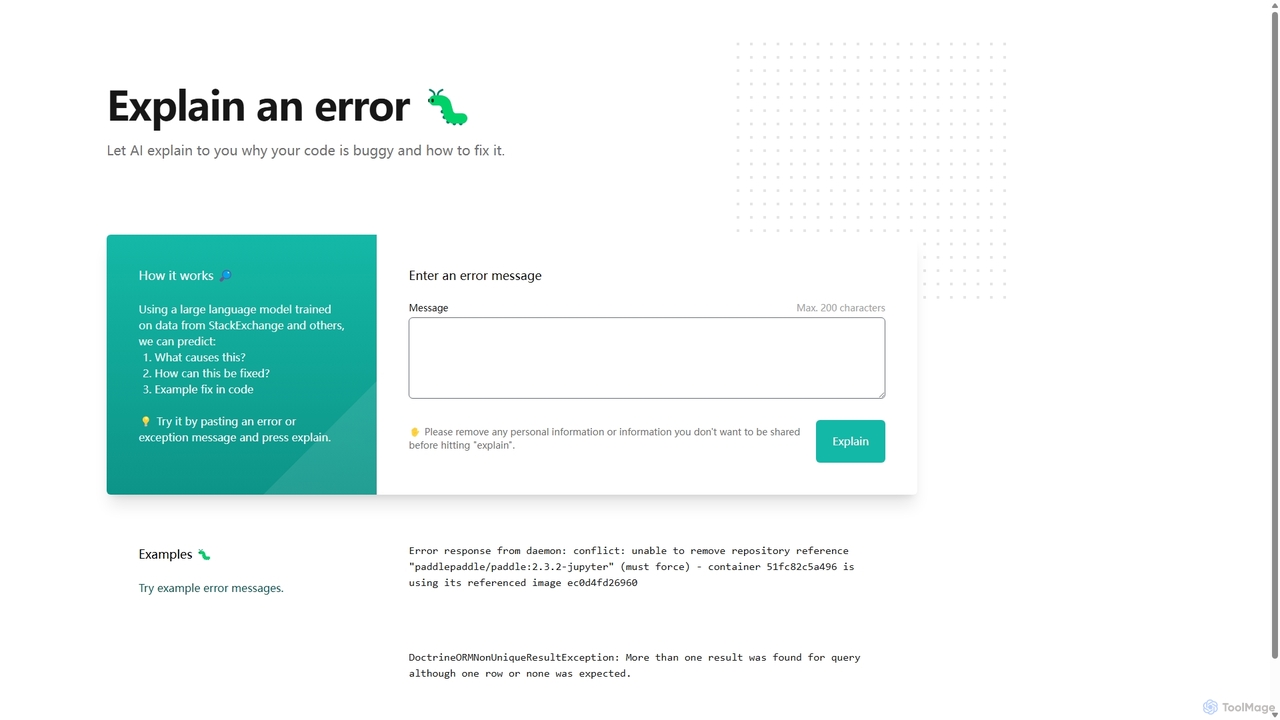
Explain by Whybug is an AI-powered tool for developers that instantly demystifies cryptic code errors. Simply paste your error message, and the AI will provide a clear explanation of the root cause, along with actionable suggestions and code examples to help you fix the bug quickly and efficiently.

Debugging
Visits 6.6KFavorites 163Likes 158
Google AI for Developers
Freemium

Google AI for Developers

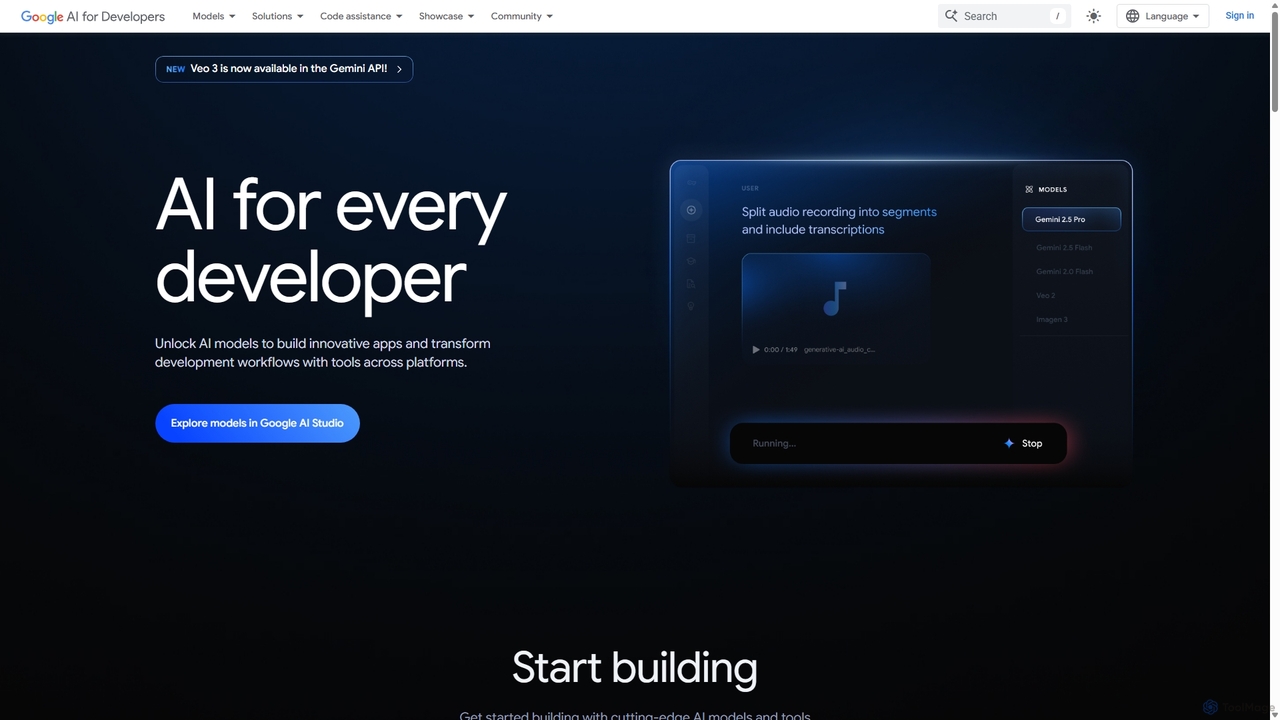
A comprehensive platform by Google providing developers with access to cutting-edge AI models like Gemini, Imagen, and Veo via API, alongside the open-source Gemma models. It includes tools like Google AI Studio for prototyping, AI Edge for on-device deployment, and integrated code assistance to build innovative applications and streamline development workflows responsibly.

Large Language Models
Visits 9.7MFavorites 142Likes 154
Dryrun Security
Freemium

Dryrun Security

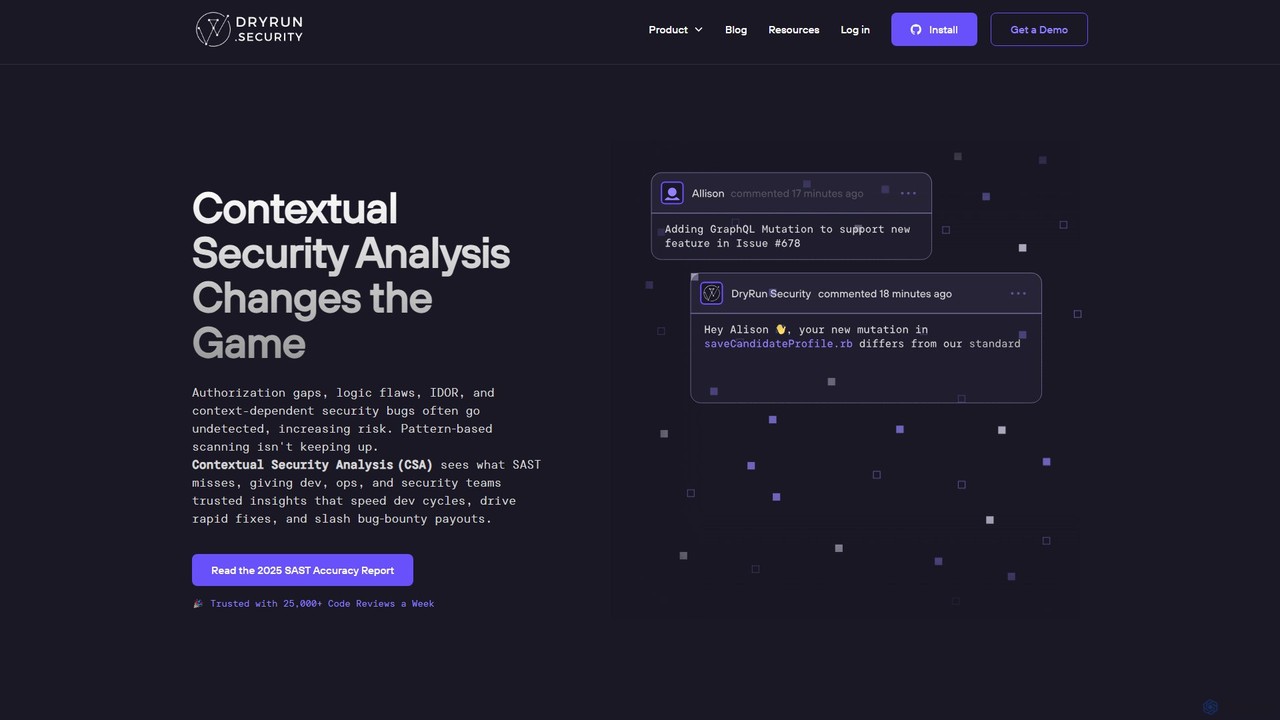
Dryrun Security is an AI-powered application security platform that uses Contextual Security Analysis (CSA) to find and fix complex vulnerabilities traditional scanners miss. It integrates directly into developer workflows like GitHub, providing real-time, low-false-positive feedback within pull requests to enhance collaboration and accelerate secure development.

Code Security
Visits 8.9KFavorites 118Likes 106
WebDB
Free

WebDB

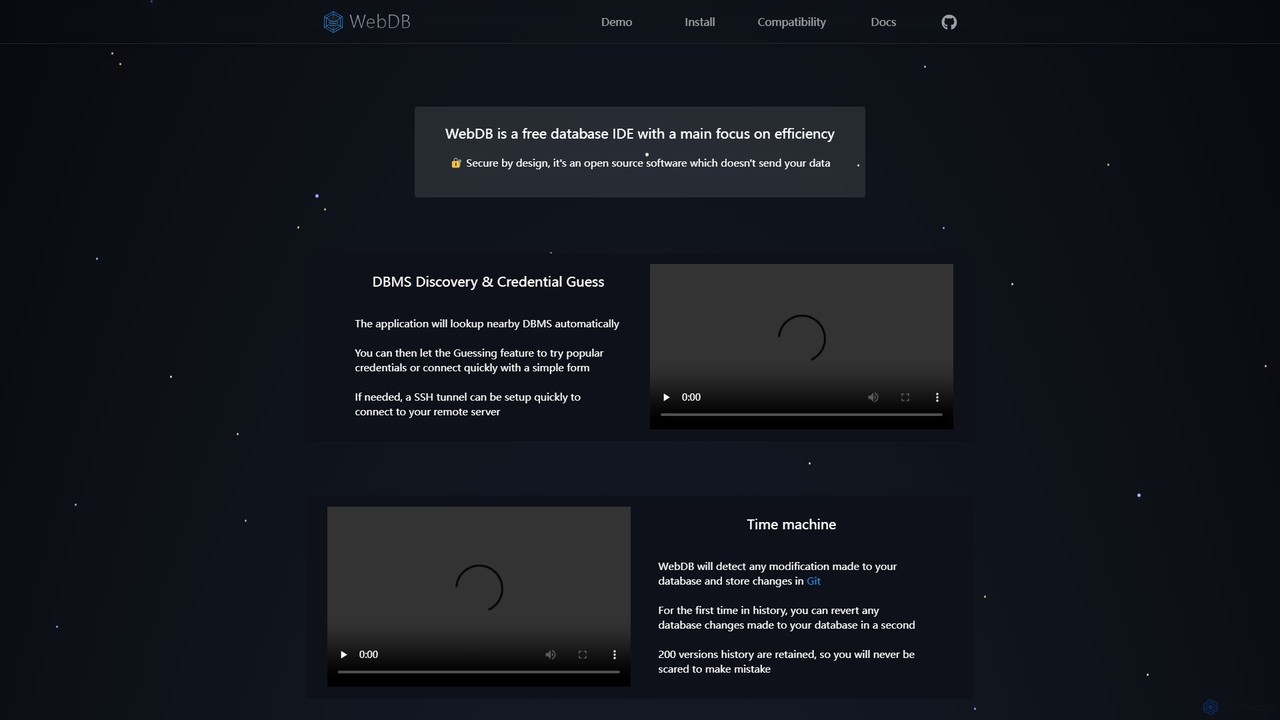
A free, open-source, and efficient database IDE designed for developers. It features an AI assistant (integrating ChatGPT, Gemini, etc.), a unique Git-based "Time Machine" for reverting database changes, powerful query editing, NoSQL structure inference, and robust security. It supports a wide range of databases like MySQL, PostgreSQL, and MongoDB, all within a privacy-focused framework.

Data Management
Visits 7KFavorites 127Likes 125
Warp
Freemium

Warp

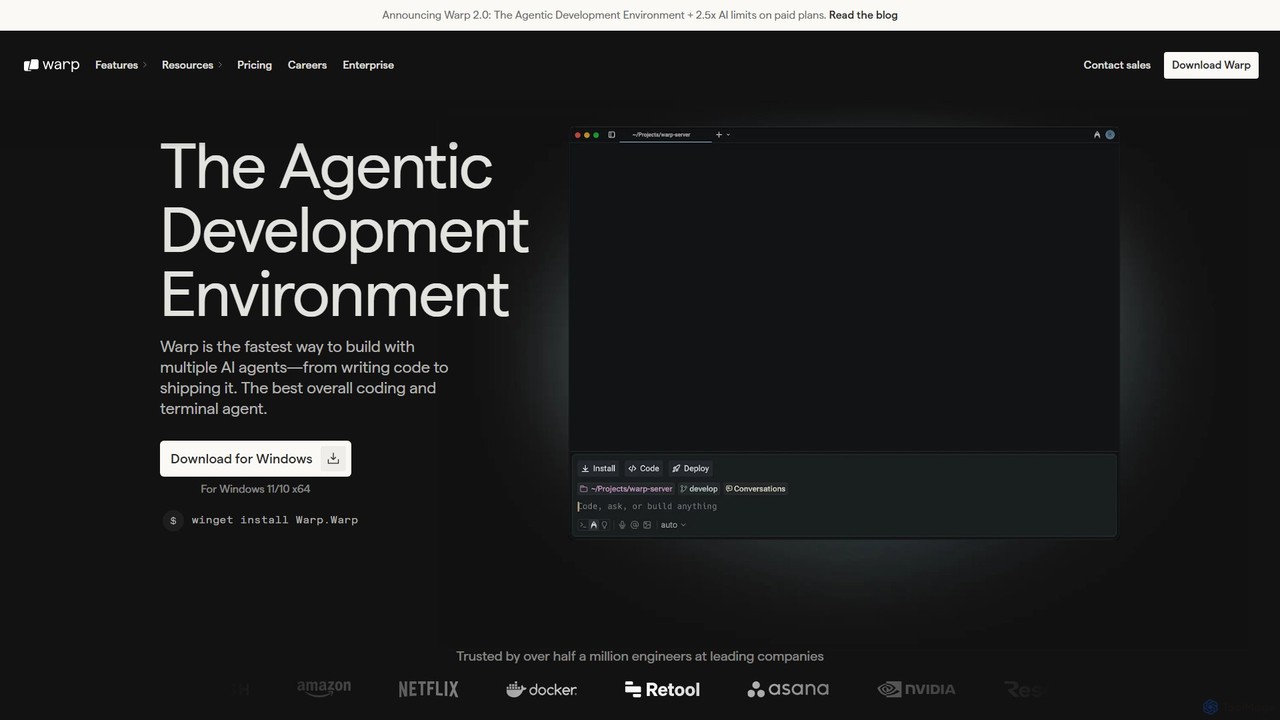
Warp is an AI-powered, Rust-based terminal reimagined as an Agentic Development Environment (ADE). It enables developers to use natural language to command AI agents for coding, debugging, and deployment. Warp combines a blazingly fast terminal with multi-threaded agent management, allowing you to build, test, and ship software faster by running multiple development tasks in parallel.

Development
Visits 1.7MFavorites 136Likes 145
crevcli
Freemium

crevcli

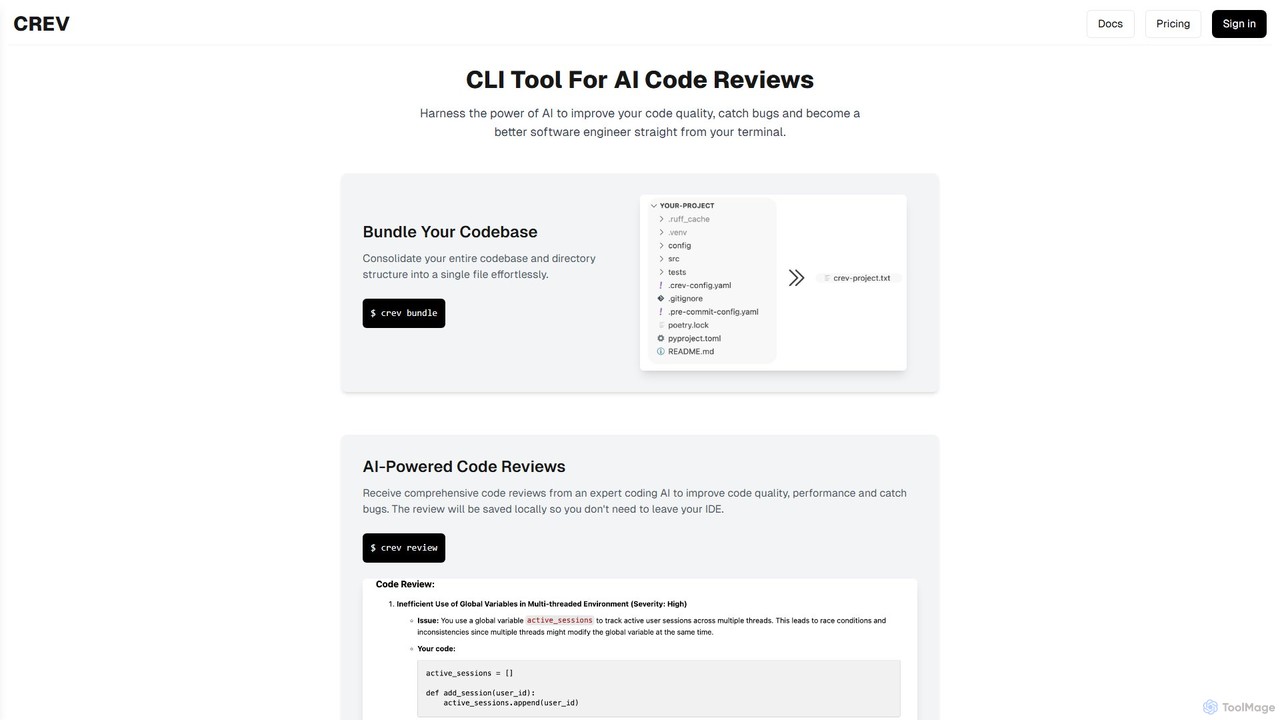
crevcli is a powerful command-line interface (CLI) tool that leverages AI to provide comprehensive code reviews. It helps developers improve code quality, catch bugs early, and enhance their programming skills directly from the terminal. By bundling your entire codebase for analysis, crevcli offers a seamless and efficient workflow, integrating AI feedback into your daily development process without ever leaving your IDE.

Code Quality
Visits 6.5KFavorites 141Likes 165
Quantum Copilot
Freemium

Quantum Copilot

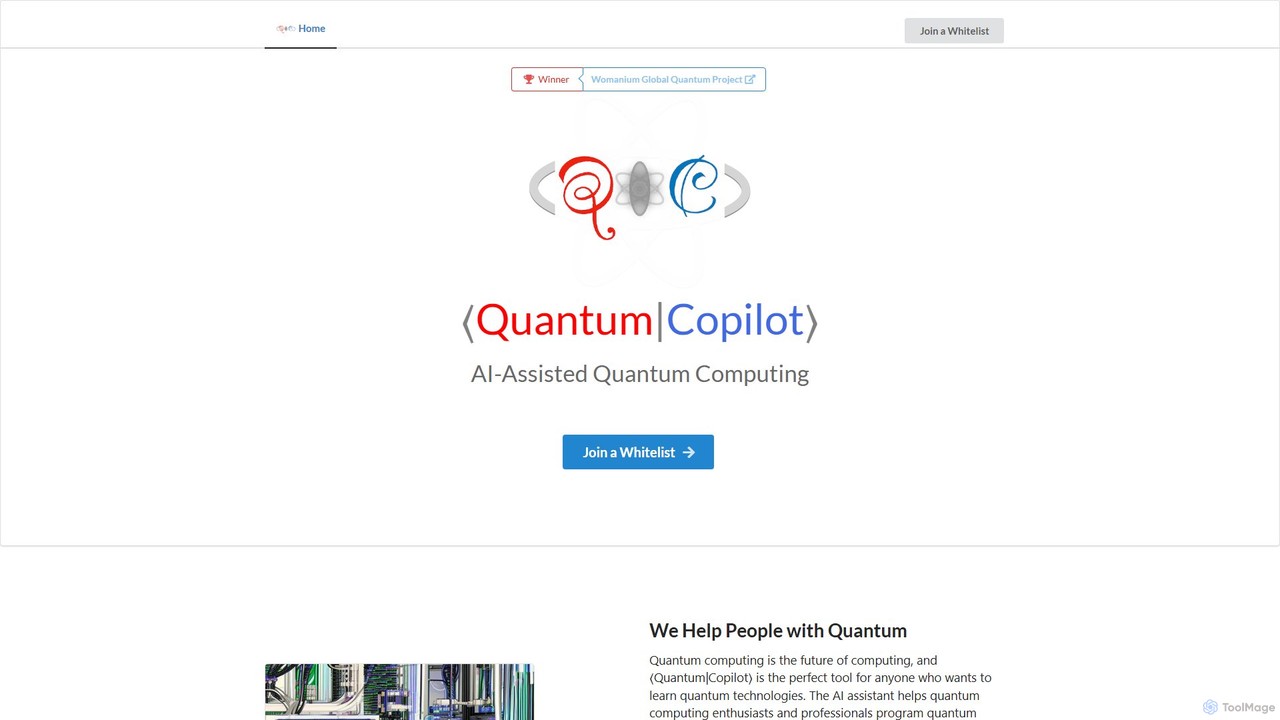
Quantum Copilot is an AI-assisted platform designed to simplify quantum computing. It enables users, from beginners to experts, to program quantum computers, generate algorithms, and run simulations using natural language. It supports various quantum languages and execution on real hardware.

Quantum Computing
Visits 6.6KFavorites 149Likes 141
SQLAI.ai
Freemium

SQLAI.ai

SQLAI.ai is an advanced AI-powered assistant that generates, optimizes, explains, and debugs SQL & NoSQL queries from natural language. Ideal for developers, analysts, and beginners, it supports over 30 databases, handles large schemas, and turns plain English into accurate code in seconds, boosting productivity and simplifying database management.

Database
Visits 32.6KFavorites 150Likes 145
cruderra
Freemium

cruderra

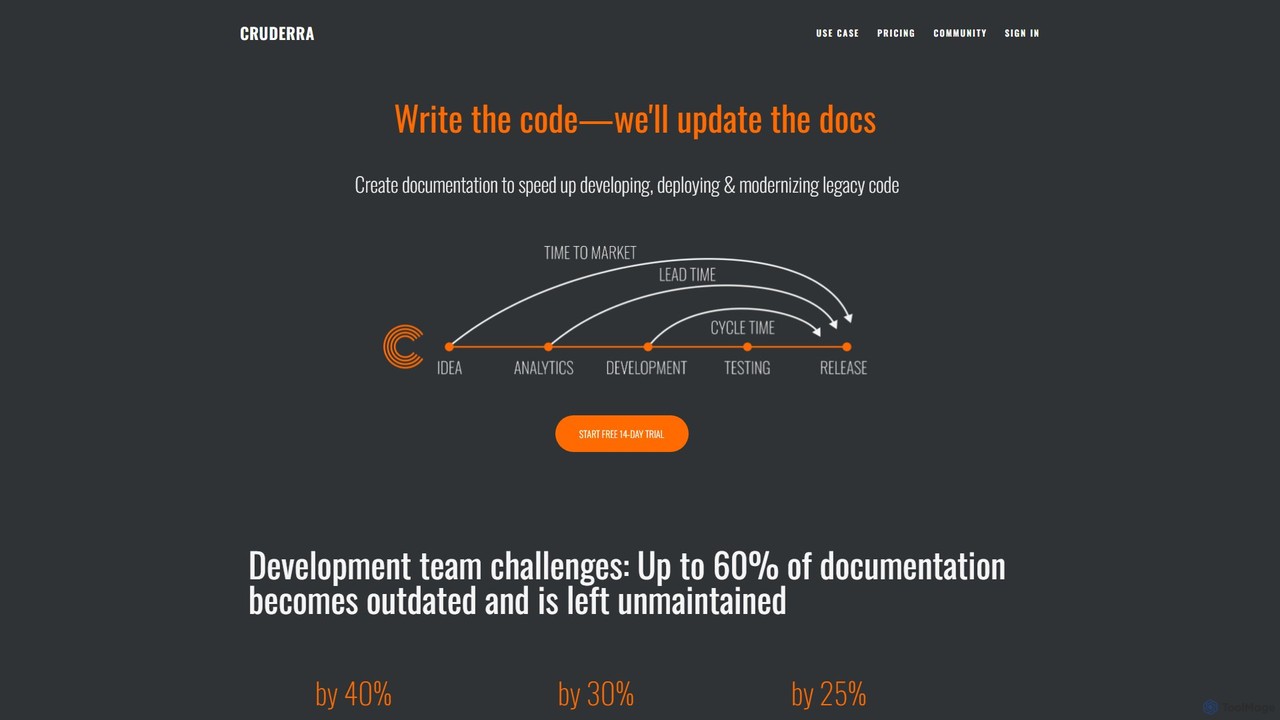
Cruderra is an AI-powered platform that automatically generates and maintains technical documentation for development teams. By scanning codebases in languages like Java, Python, and Go, it creates up-to-date architecture diagrams, OpenAPI specs, and UML diagrams, helping to reduce onboarding time, accelerate development, and align technical and business teams.

Code Analysis
Visits 6.5KFavorites 166Likes 134
ZeroPath
Freemium

ZeroPath

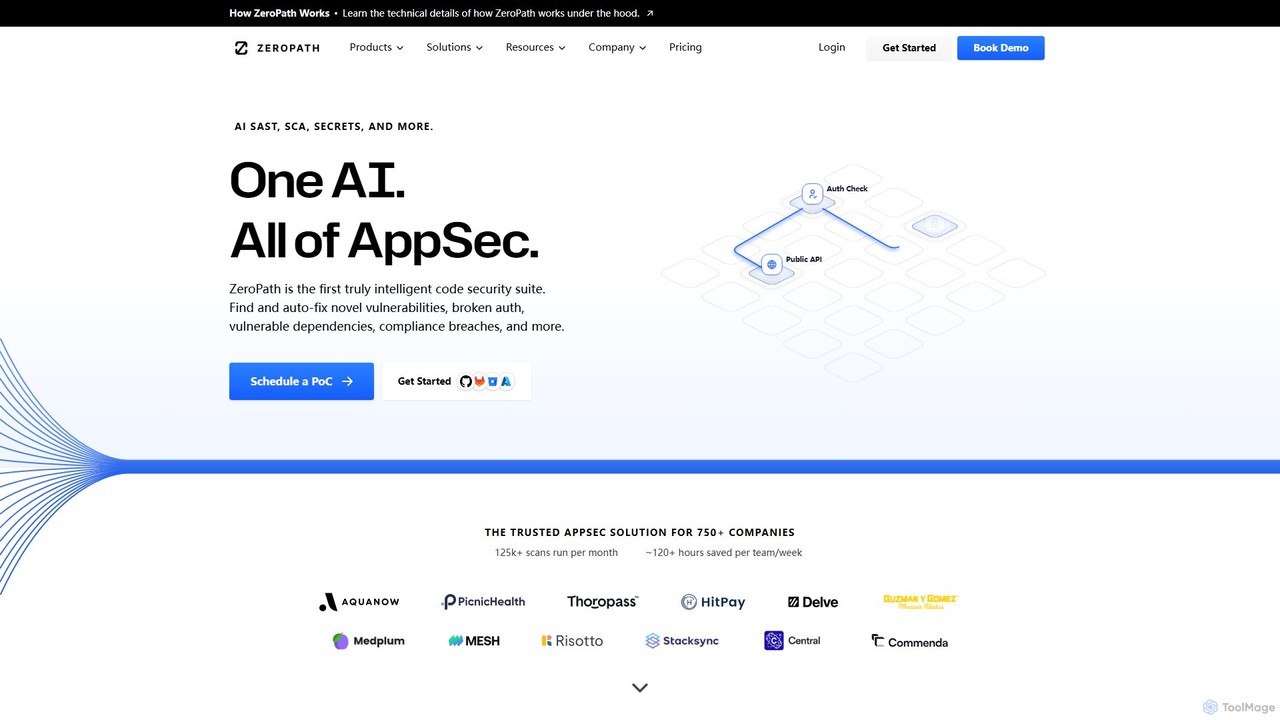
ZeroPath is an AI-native application security (AppSec) platform that unifies SAST, SCA, secrets detection, and more. It intelligently finds and automatically fixes complex vulnerabilities, significantly reduces false positives, and seamlessly integrates into developer workflows to make security a collaborative effort.

Code Security
Visits 47.6KFavorites 144Likes 152
Greptile
Freemium

Greptile

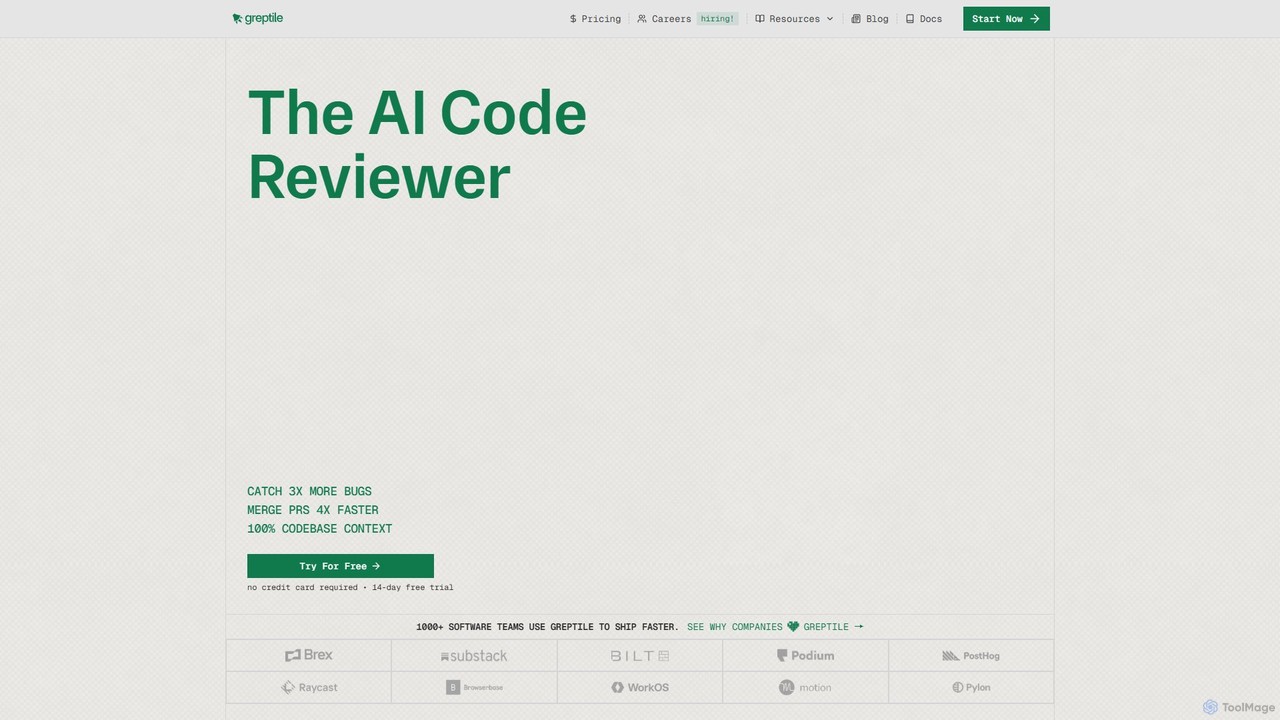
Greptile is an AI-powered code review tool that integrates with GitHub and GitLab to help development teams merge pull requests 4x faster and catch 3x more bugs. By understanding the full context of your codebase, it provides in-line comments, actionable suggestions, and natural-language summaries for every PR. It supports over 30 programming languages and can be customized with specific rules and style guides to enhance code quality and consistency.

Code Review
Visits 232.6KFavorites 127Likes 143
Healthy Package
Freemium

Healthy Package

Healthy Package is an AI-powered tool by DerScanner that assesses the security and health of open-source packages. It analyzes over 100 million packages, providing a comprehensive health score based on popularity, author reliability, security commitment, and community activity to help developers prevent vulnerabilities in their applications.

Code Security
Visits 6.4KFavorites 128Likes 139
CodeRabbit
Freemium

CodeRabbit

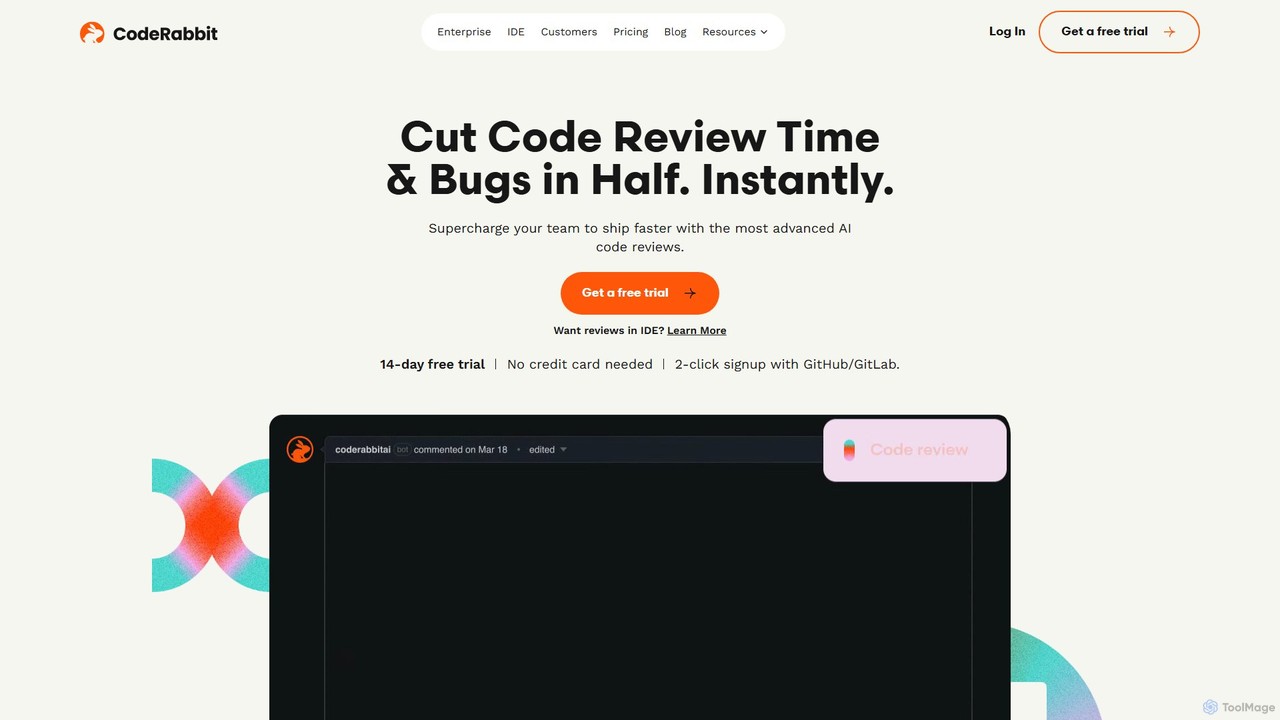
CodeRabbit is an AI-powered code review tool that supercharges development teams to ship faster and reduce bugs. It provides instant, context-aware reviews, pull request summaries, and security analysis directly within GitHub, GitLab, and IDEs like VS Code.

Code Review
Visits 876.4KFavorites 128Likes 135
sherloqdata
Freemium

sherloqdata

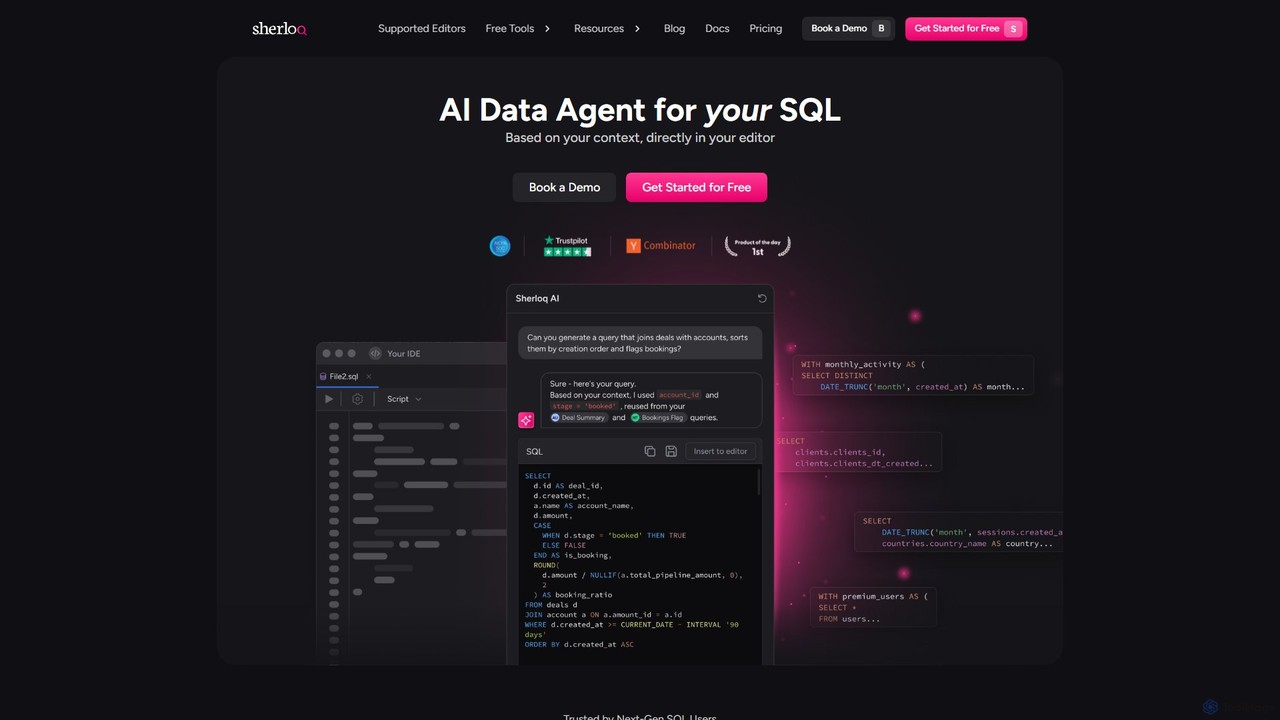
Sherloqdata is an AI-powered data agent for SQL that works directly in your editor. It helps data professionals write, fix, and manage SQL queries faster by using your existing SQL repository for context. Features include an AI SQL Chat, query management, version control, and team collaboration.

Database
Visits 18.1KFavorites 130Likes 133
Project IDX
Freemium

Project IDX

Project IDX, now evolving into Firebase Studio, is a cloud-based, AI-powered workspace for full-stack, multi-platform application development. It offers a pre-configured environment with AI code assistance, integrated multi-platform previews, and seamless Firebase integration. Ideal for developers looking to build, test, and deploy web and mobile apps faster, without local setup complexities.

Paas
Visits 206.9KFavorites 147Likes 147
AIaC by Firefly
Free

AIaC by Firefly

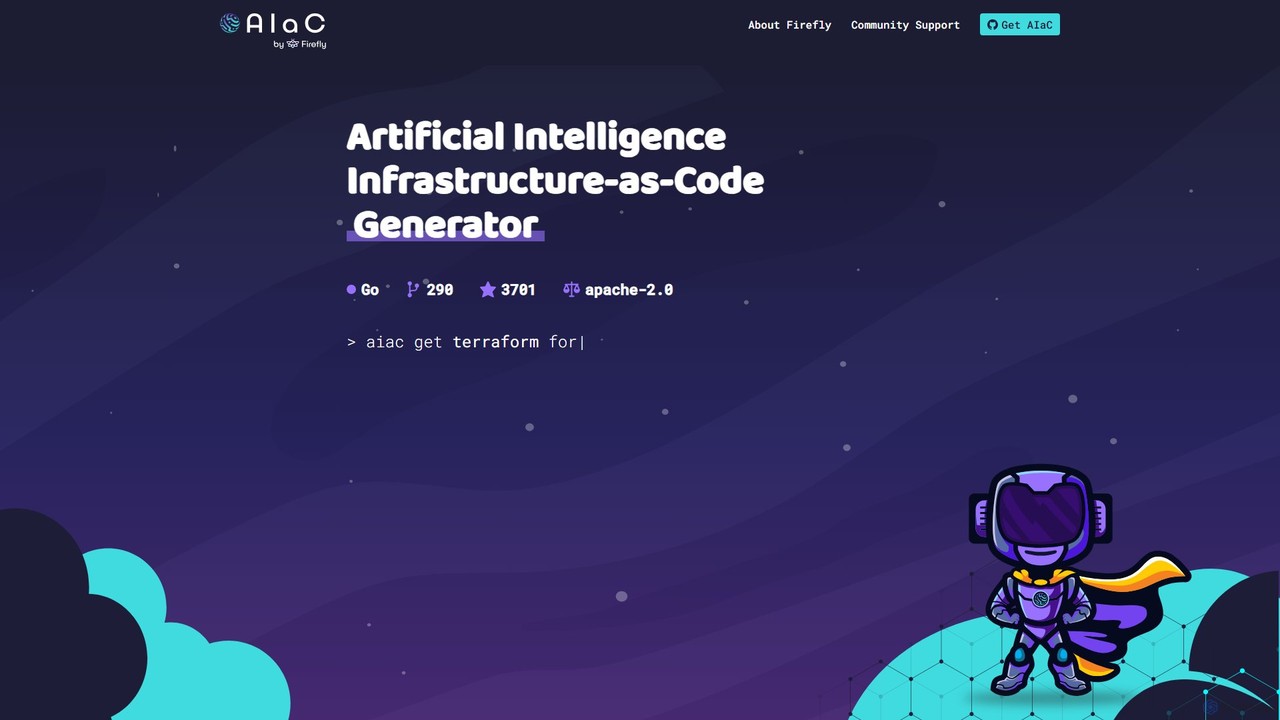
AIaC by Firefly is a free, open-source CLI tool that uses AI to generate Infrastructure-as-Code (IaC) from natural language prompts. It helps developers and DevOps engineers quickly create configuration code for various cloud platforms and IaC frameworks like Terraform, Pulumi, and CloudFormation, significantly speeding up development and reducing syntax errors.

Devops
Visits 6.4KFavorites 135Likes 167
AutoCodeDocs.ai
Free

AutoCodeDocs.ai

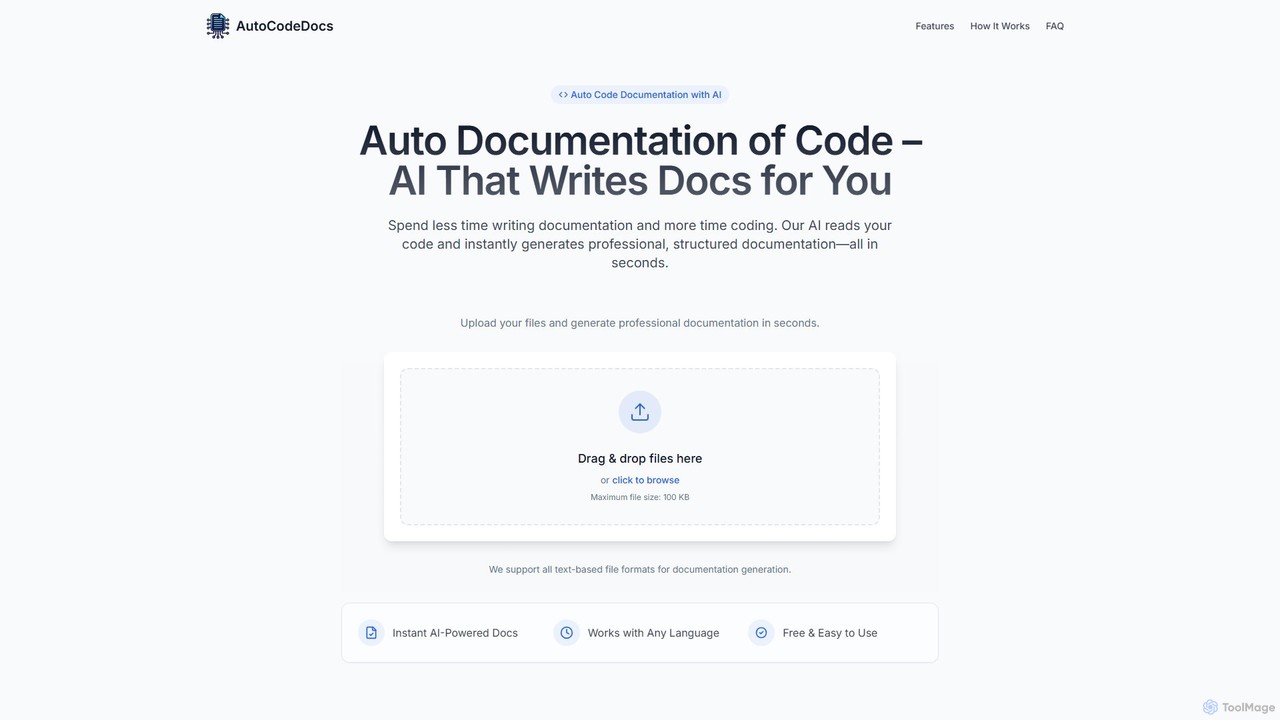
AutoCodeDocs.ai is an AI-powered tool that automatically generates professional, structured documentation for your code. It supports over 20 programming languages, creating README files, API references, and inline comments in seconds. Simply upload your code files, and the AI will analyze them to produce clear, accurate, and ready-to-use documentation in Markdown format, helping developers save time and improve collaboration.

Code
Visits 8.2KFavorites 160Likes 155
Sourcegraph
Freemium

Sourcegraph

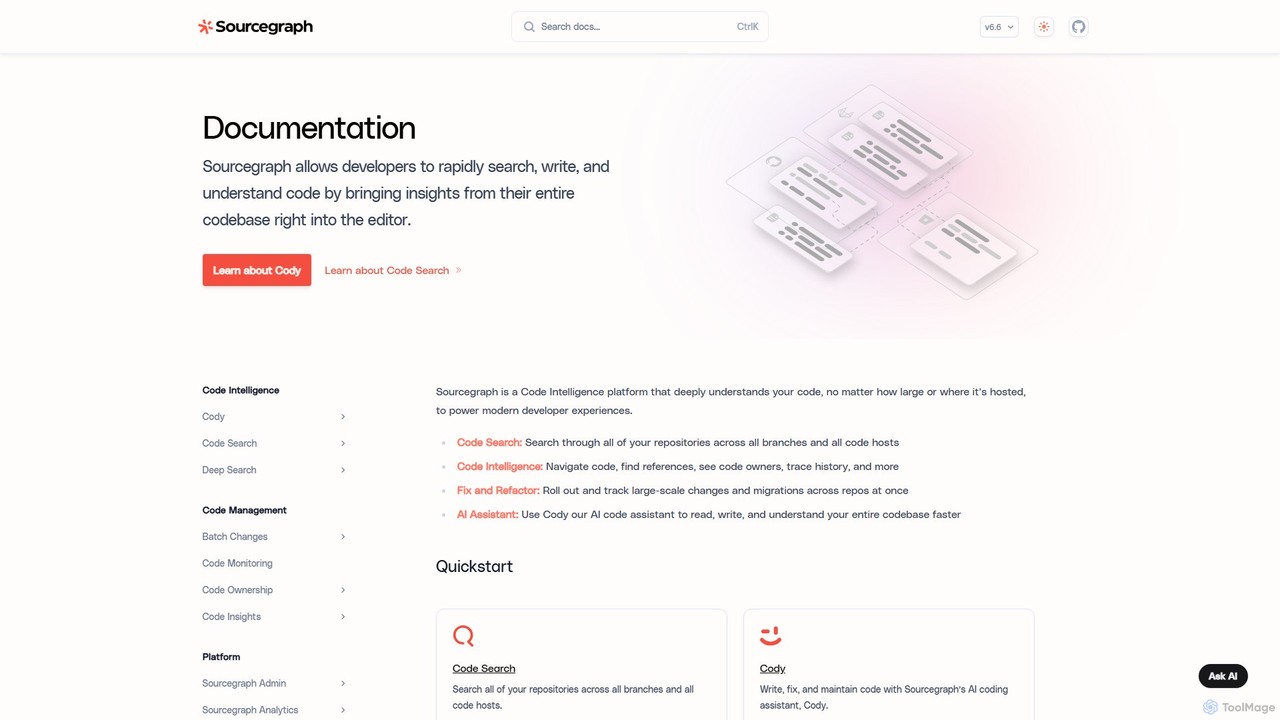
Sourcegraph is a code intelligence platform that creates a universal map of your entire codebase. It features Cody, an AI coding assistant, to help developers search, write, understand, and refactor code across any repository, code host, or language, significantly boosting developer productivity.

Code Refactoring
Visits 251.1KFavorites 132Likes 130

About Code Assistant

Code Assistant tools are AI-powered applications that integrate into a developer's workflow to accelerate software development. They leverage large language models trained on vast code repositories to provide intelligent code completion, bug detection, and real-time suggestions. This helps developers write cleaner, more efficient code faster, reducing manual effort and improving overall productivity. These assistants act as an AI pair programmer, offering contextual help directly within the Integrated Development Environment (IDE).

Core Features

  • Intelligent Code Completion: Suggests entire lines or blocks of code based on the current context and comments.
  • AI-Powered Debugging: Identifies potential bugs, logical errors, and vulnerabilities, then suggests fixes.
  • Code Refactoring & Optimization: Recommends improvements for code structure, readability, and performance.
  • Automated Documentation: Generates comments and docstrings for functions, classes, and modules.
  • Natural Language to Code: Translates plain language descriptions into functional code snippets.

Use Cases

Code Assistants are primarily used by software developers, data scientists, and DevOps engineers across all programming languages. They are highly effective for rapid prototyping, learning new languages or frameworks, generating unit tests, and maintaining large, complex codebases.

How to Choose

When selecting a Code Assistant, consider its language and framework support, the quality of its IDE integration (e.g., VS Code, JetBrains), and its privacy policy regarding your code. Also, evaluate the relevance of its suggestions and the balance between free features and the capabilities offered in premium plans.

Featured tool rankings

Code Assistant use cases

1

Accelerating Feature Development with Boilerplate Code

A backend developer needs to create a new REST API endpoint. Instead of writing all the boilerplate code for server setup, request handling, and database connection from scratch, they use a Code Assistant. By typing a comment like '// create a GET endpoint for /users/:id', the assistant generates the complete function structure, including parameter validation and a database query template. This can reduce initial setup time significantly, allowing the developer to focus on the core business logic.

2

Real-time Debugging and Error Correction

A junior developer is struggling to find a subtle off-by-one error in a complex loop. A Code Assistant integrated into their IDE highlights the problematic line of code in real-time. It not only flags the potential bug but also provides a detailed explanation of why it's an error and suggests the correct code snippet to fix it. This turns a potentially long debugging session into a few minutes of guided correction, serving as a valuable learning tool.

3

Generating Unit Tests Automatically

A developer needs to increase test coverage for a new module. Manually writing unit tests for every function can be tedious. They can select a function and ask the Code Assistant to 'generate unit tests for this function.' The tool analyzes the function's logic, inputs, and outputs, then produces a comprehensive set of test cases, including edge cases and assertions. This automates a significant part of the testing process, helping to ensure higher code quality and reliability.

4

Refactoring Legacy Code for Modern Standards

A software architect is modernizing a legacy codebase. They use a Code Assistant's refactoring capabilities to identify deprecated syntax and suggest more efficient, modern alternatives (like converting promise chains to async/await in JavaScript). The tool can also help restructure complex functions into smaller, more readable units. This process improves code maintainability and performance without requiring a complete rewrite from scratch.

5

Learning a New Programming Language or Framework

A developer experienced in Python is learning Rust. They use a Code Assistant as an interactive learning partner. When unsure about Rust's syntax for ownership or borrowing, they can write a comment in plain English describing their goal. The assistant provides the correct Rust code, along with explanations, helping them grasp new concepts and become productive in the new language much faster than by solely relying on documentation.

6

Creating Code Documentation and Comments

A team lead needs to ensure a project's codebase is well-documented. Instead of manually writing docstrings for hundreds of functions, they use a Code Assistant. The tool can automatically analyze each function's parameters, return values, and logic to generate clear, standardized documentation in formats like JSDoc or Python's docstrings. This ensures consistent and high-quality documentation across the entire project with minimal manual effort.

Code Assistant FAQ

What is an AI Code Assistant?

An AI Code Assistant is a tool that integrates into a developer's IDE to help write, debug, and document code more efficiently. It uses large language models (LLMs) trained on source code to provide intelligent suggestions, complete code blocks, identify errors, and translate natural language into code. It effectively acts as an AI-powered pair programmer to boost developer productivity.

How do I choose the right AI Code Assistant?

To choose the right AI Code Assistant, consider these factors:

  • Language & Framework Support: Ensure it excels in the programming languages you use daily.
  • IDE Integration: Check for seamless integration with your preferred IDE (e.g., VS Code, JetBrains).
  • Suggestion Quality: Evaluate the relevance and accuracy of its code completions and suggestions.
  • Privacy & Security: Review its policy on how it handles your code. Some tools process data locally, while others send it to the cloud.
  • Cost vs. Features: Compare the features offered in free and paid tiers to find the best value.
What's the difference between an AI Code Assistant and traditional autocomplete?

Traditional autocomplete (like IntelliSense) primarily works by analyzing the syntax and libraries within your current project. It suggests variable names and functions based on static analysis. An AI Code Assistant goes much further by understanding the context and intent of your code. It can generate entire multi-line functions, suggest algorithms, and understand natural language comments, providing more complex solutions that traditional tools cannot.

Can AI Code Assistants write complete applications?

While powerful, AI Code Assistants are not yet capable of writing complete, complex applications from a single prompt. They excel at generating smaller, self-contained components like functions, classes, algorithms, and boilerplate code. They are best used as a productivity multiplier that assists a human developer, who remains responsible for the overall architecture, logic integration, and final validation of the application.

Is the code generated by AI Code Assistants secure and reliable?

The code generated by AI assistants is a suggestion and should always be reviewed by a human developer. While often correct, it can sometimes contain subtle bugs, security vulnerabilities, or outdated practices learned from its training data. It is the developer's responsibility to test, validate, and secure any AI-generated code before deploying it to production. Think of it as a helpful first draft, not a final, infallible product.